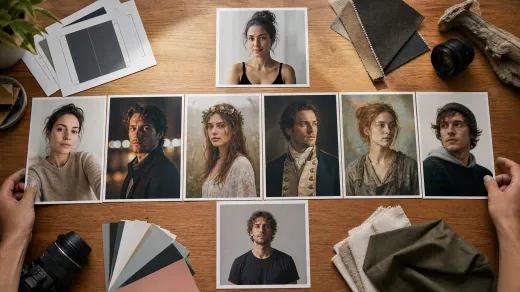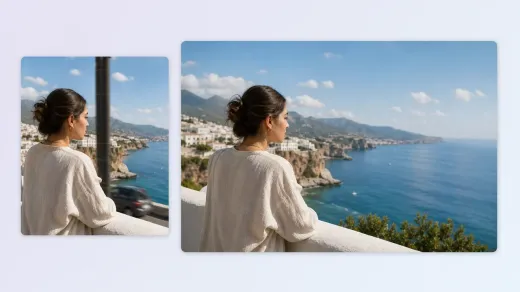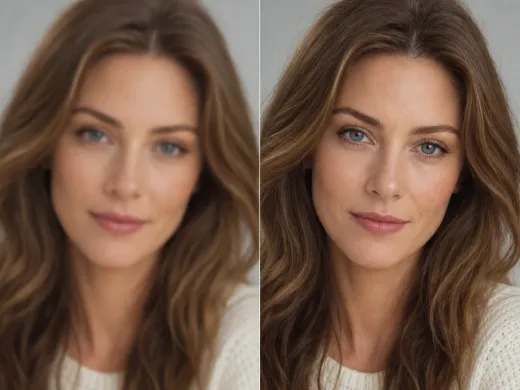

Starting point
Ours
Open a selfie pack and compare poses, scenes and camera angles
Typical avatar maker
Start from a head-and-shoulders avatar style or template
Find a selfie style that suits you
Create selfie photos in themed settings with this AI selfie generator. Choose a pack, add your photo, and turn an everyday picture into a fresh selfie shaped by the pose, outfit and setting you picked.
Go from a source photo to a themed AI selfie in one workflow. Choose the pack first, add the photo requested by the current workbench, and review the quote before generation.
Browse the examples and compare the pose, camera angle, outfit and setting. Open a pack, look through its individual compositions, and select the selfie templates that fit your idea. Start with one or choose a larger set when you want several variations.
Add the selfie or photo requested by the current workbench. A recent, sharp image with visible eyes and even lighting gives the tool more useful information. Check the upload mode and slots before you continue so you add the right source photo.
Review the quote, then generate the selected templates. Preview each finished image and compare the expression, pose, outfit and setting. Download your favorite result on its own or save the images you want from the set. For a new direction, try another source photo or pose.
Pick a pose, outfit and camera angle that fit the moment, then let the themed pack bring the whole look together. From an easygoing social post to a standout travel selfie, these ideas show how quickly you can create an image worth sharing.
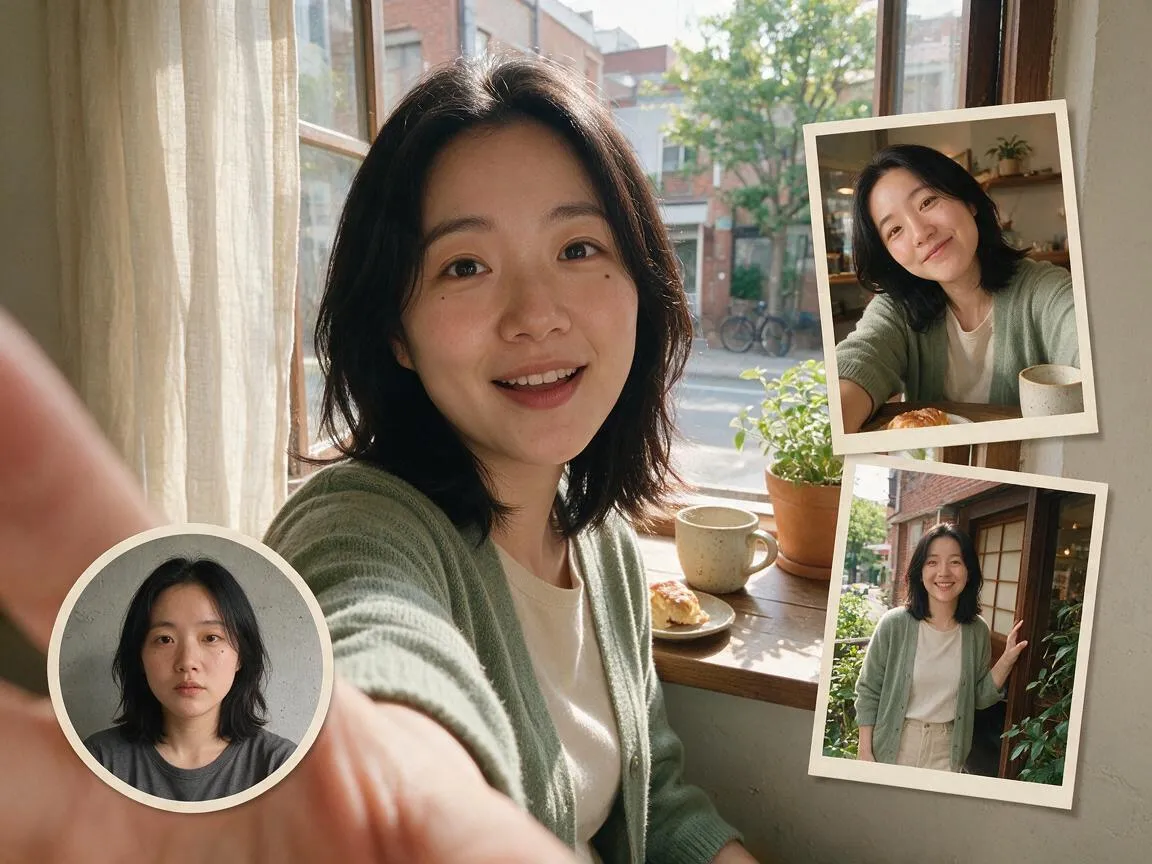
Turn an everyday idea into a fresh selfie for your next post, story or community update. Choose a close angle for a bold portrait or a wider shot when the setting is part of the story.
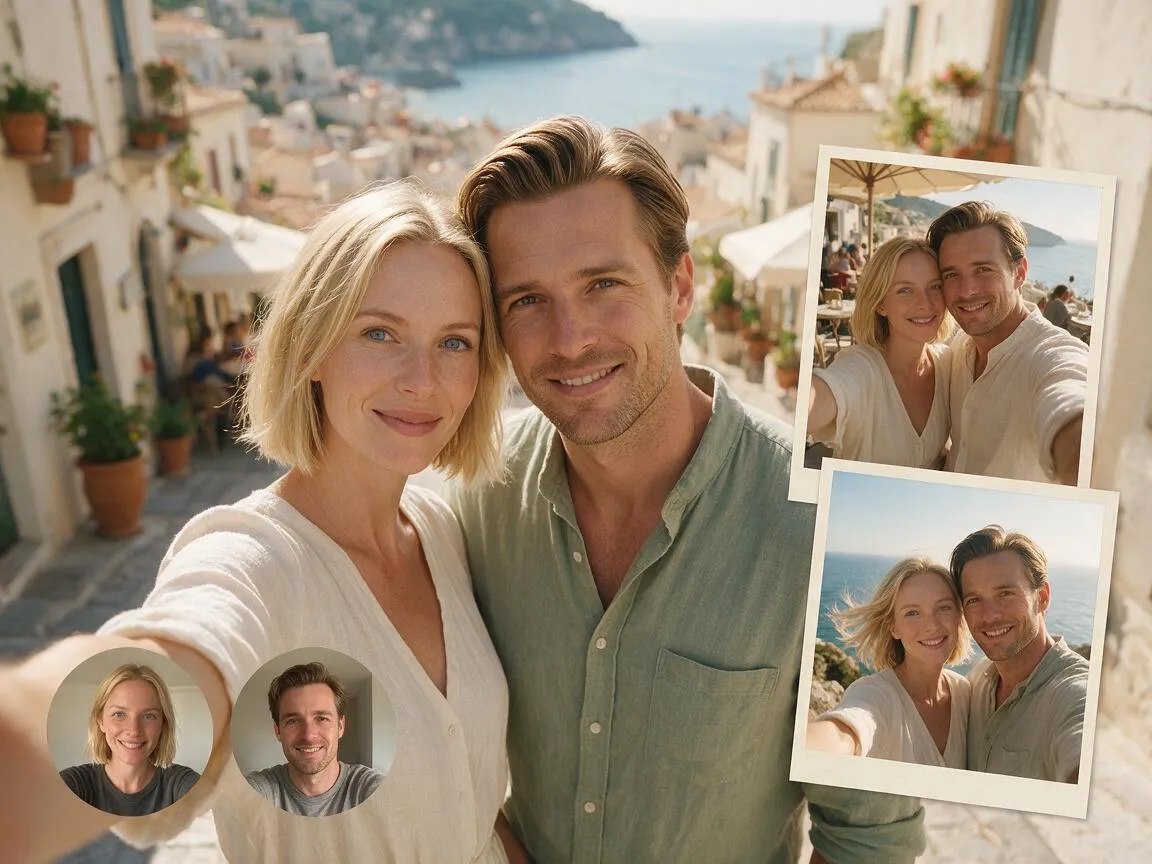
Picture yourself in a sunlit street, a scenic stop or a lively city scene. Pick the pack that matches the mood of your post and get a travel-style selfie with a setting that stands out.
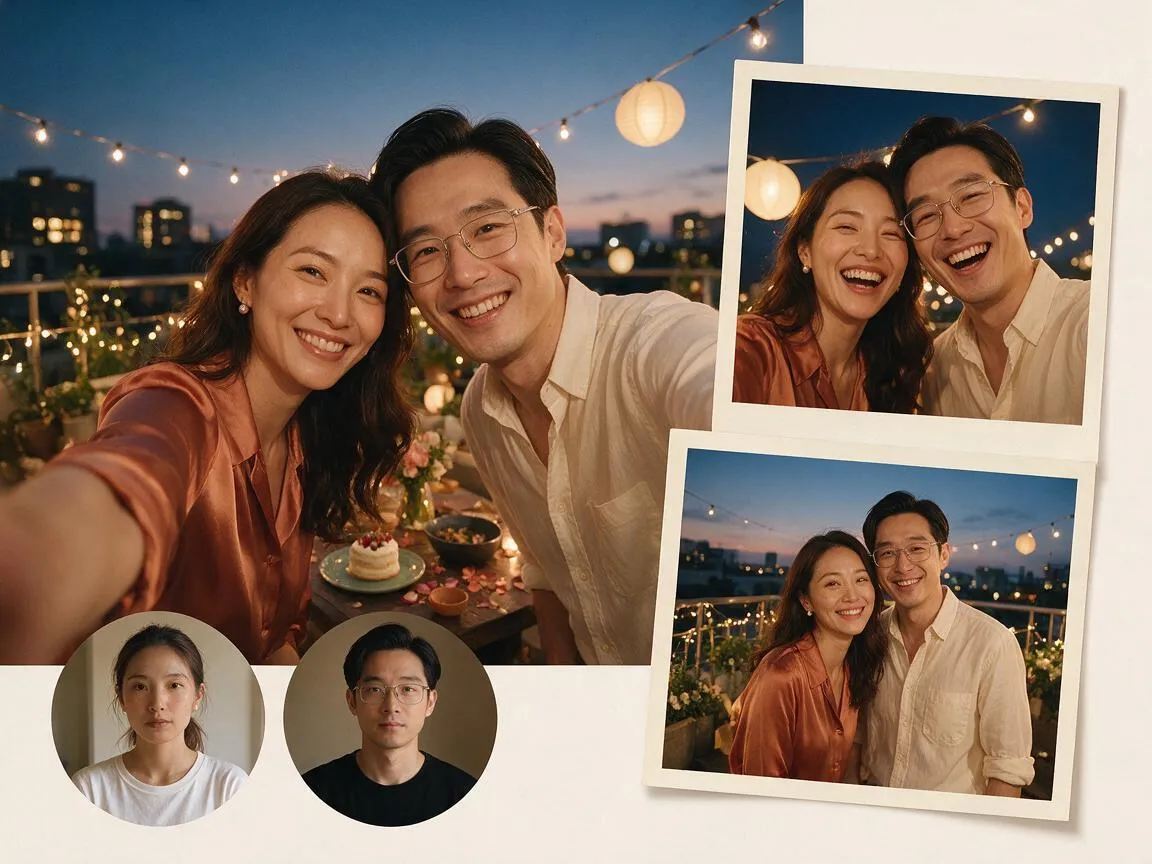
Get the full celebration look with a festive outfit, glowing decorations and a night-out setting. Choose the pose and energy that match the occasion, then share the selfie that captures it best.
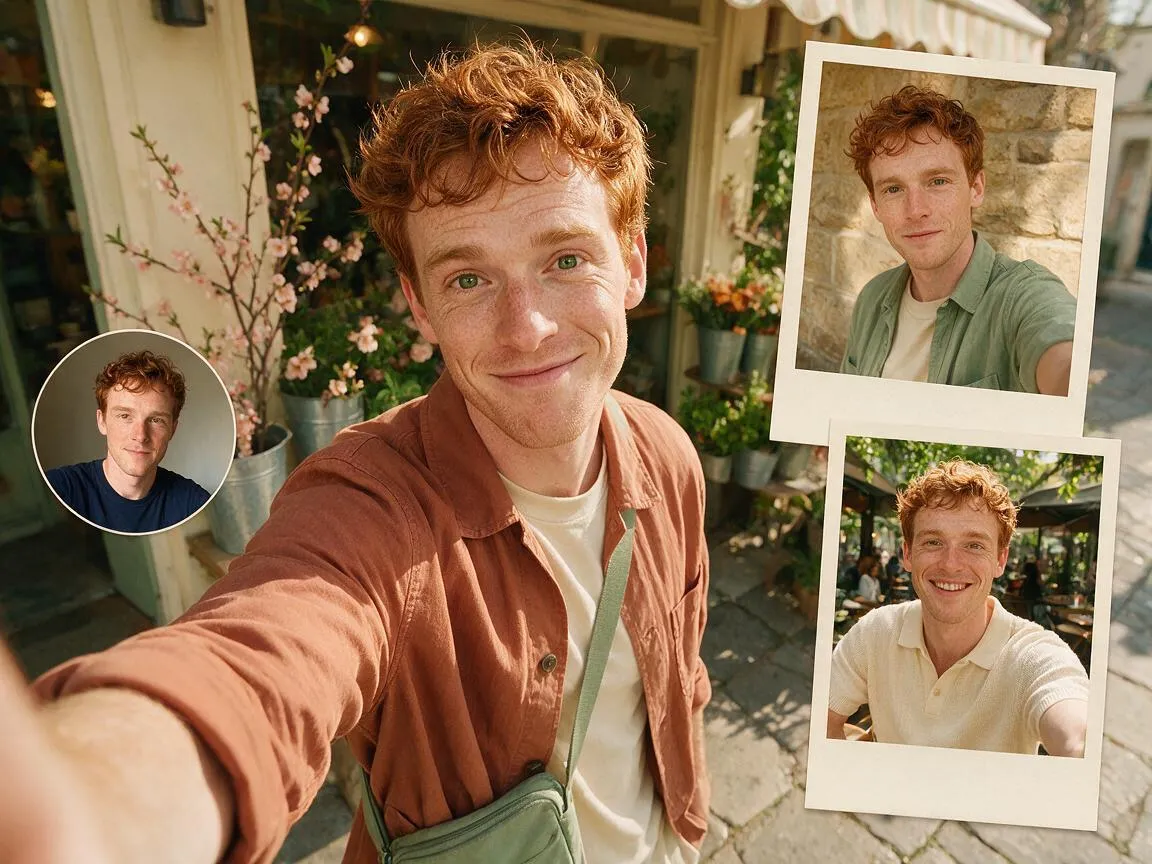
Try a bold outfit, a new camera angle or a side of your style you have not posted yet. Generate a few directions, find the look that feels most like you and take your favorite one further.
An AI selfie generator turns a photo you already have into a new selfie shaped by the pose, outfit, camera angle and setting you choose. On FaceAI, each themed pack makes that direction visible before you generate, while your source photo keeps the face familiar. Pick a look, preview the templates and create a set ready for your next post.
Upload the photo requested by the current workbench. The face in that image guides the generated result, so a sharp photo with visible eyes and natural lighting is a better starting point than a dark, blurry or heavily filtered picture.
A themed pack groups examples around a similar pose, camera angle, setting or outfit. Choose the individual templates that match your idea and start with a clear visual direction. The available themes follow the packs shown on this page.
View each result at full size and compare the expression, pose and setting. Pick the image that captures the look you wanted, then save the crop you are excited to post or share.
FaceAI brings themed pack selection, source upload, quote and finished images into one workbench. You can compare a pose and scene before generating, review the results as a set, and move a favorite image into another tool when it needs more work.
Use the examples to understand the camera angle, outfit, setting and framing before you choose. This is easier to evaluate than a style name on its own, especially when you want a selfie story or post.
Choose a pack, select templates, add your source photo and review the quote in the same place. The workbench keeps the main decision points visible so you can change one part without rebuilding the whole task.
Select individual templates within a pack and compare the generated selfies together. Look at the face, camera angle, light and background in each result, then keep the images that fit your idea.
Polish a favorite result with the related FaceAI tools. The image editor is there for focused creative adjustments, while the upscaler helps prepare a larger file for the way you plan to use it.
A clear source photo and a well-matched themed pack give you a stronger starting point. Follow these tips to create a selfie that looks polished, natural and ready for the moment you have in mind.
Choose a recent selfie with open eyes, a clear view of your face and soft, even light. Leave some space around the head and shoulders so the generator has plenty of detail to work with.
Face a window or use gentle indoor light to bring out natural facial detail. A steady, well-lit shot gives the result a cleaner look from the start. If you wear glasses, a slight turn can help keep your eyes clear.
Choose a close camera angle for a simple social post and a wider composition when the setting is part of the story. Use the example framing to picture how the selfie will look where you plan to share it, then let the colors and details make the look your own.
Zoom in on the expression, hair, hands, clothing edges and background. Compare your favorites and choose the version with the most natural finish and the crop you want to share.
Choose a selfie generator when you want a camera-style photo with a full pose, outfit and setting. Choose an avatar maker when you want a compact profile image or a more stylized character look.
| Criteria | FaceAI: AI Selfie GeneratorOurs Built around a visible selfie photo pack | Typical avatar maker |
|---|---|---|
| Starting point | Open a selfie pack and compare poses, scenes and camera angles | Start from a head-and-shoulders avatar style or template |
| Output direction | Create a selfie-style image with a visible outfit, pose and setting | Often focuses on a profile icon or character representation |
| Style selection | Select the selfie compositions that fit the scene you want | Choose a predefined avatar look or describe a profile image in text |
| Cost check | Review the quote for the selected templates before generation | Check the pricing model that applies to the avatar product |
| Source photos | Use the selfie or source photo requested by the current workbench | Input requirements depend on the avatar style and product |
| Review loop | Compare several selfie angles and refine your favorite result | Review how the avatar reads at profile size or as a character image |
| Best for | A camera-style selfie with a clear outfit, pose and setting | A compact profile image or character-style representation |
Open a selfie pack and compare poses, scenes and camera angles
Start from a head-and-shoulders avatar style or template
Create a selfie-style image with a visible outfit, pose and setting
Often focuses on a profile icon or character representation
Select the selfie compositions that fit the scene you want
Choose a predefined avatar look or describe a profile image in text
Review the quote for the selected templates before generation
Check the pricing model that applies to the avatar product
Use the selfie or source photo requested by the current workbench
Input requirements depend on the avatar style and product
Compare several selfie angles and refine your favorite result
Review how the avatar reads at profile size or as a character image
A camera-style selfie with a clear outfit, pose and setting
A compact profile image or character-style representation
Creators start with a pose they like, add a clear source photo and choose the selfie that feels ready to post.
"I started with a mirror selfie and a casual outfit pack. Seeing the pose and setting first made it much easier to judge whether the AI selfie idea matched what I wanted."
Mei Chen
E-commerce Director
"The pack examples helped me compare a travel look with a softer indoor scene before choosing. That felt more useful than trying to describe every detail in a prompt."
Yuki Tanaka
Head of Marketplace Operations
"The quote appeared before the batch started, so I could test one selfie concept without losing track of the cost."
Soyeon Kim
VP of Online Retail
"For a fun social post, choosing the camera angle and background from visible examples felt more practical than scrolling through a blank style list."
Wenjing Li
Chief Marketing Officer
"The flow was clear: choose a selfie pack, add a clear source photo, then check the result for likeness, hands and background details."
Hana Yamamoto
Customer Experience Director
"I tried a close shot and a wider frame from the same pack. Seeing both together made it easy to pick the framing for a casual social post."
Jieun Park
Growth Marketing Lead
"I started with a mirror selfie and a casual outfit pack. Seeing the pose and setting first made it much easier to judge whether the AI selfie idea matched what I wanted."
Mei Chen
E-commerce Director
"The pack examples helped me compare a travel look with a softer indoor scene before choosing. That felt more useful than trying to describe every detail in a prompt."
Yuki Tanaka
Head of Marketplace Operations
"The quote appeared before the batch started, so I could test one selfie concept without losing track of the cost."
Soyeon Kim
VP of Online Retail
"For a fun social post, choosing the camera angle and background from visible examples felt more practical than scrolling through a blank style list."
Wenjing Li
Chief Marketing Officer
"The flow was clear: choose a selfie pack, add a clear source photo, then check the result for likeness, hands and background details."
Hana Yamamoto
Customer Experience Director
"I tried a close shot and a wider frame from the same pack. Seeing both together made it easy to pick the framing for a casual social post."
Jieun Park
Growth Marketing Lead
"The photo tips helped: a clean shot in even light gave me a bright, natural-looking selfie."
Lingling Zhao
Digital Commerce Manager
"I started with a mirror selfie and a casual outfit pack. Seeing the pose and setting first made it much easier to judge whether the AI selfie idea matched what I wanted."
Mei Chen
E-commerce Director
"The pack examples helped me compare a travel look with a softer indoor scene before choosing. That felt more useful than trying to describe every detail in a prompt."
Yuki Tanaka
Head of Marketplace Operations
"The quote appeared before the batch started, so I could test one selfie concept without losing track of the cost."
Soyeon Kim
VP of Online Retail
"For a fun social post, choosing the camera angle and background from visible examples felt more practical than scrolling through a blank style list."
Wenjing Li
Chief Marketing Officer
"The flow was clear: choose a selfie pack, add a clear source photo, then check the result for likeness, hands and background details."
Hana Yamamoto
Customer Experience Director
"I tried a close shot and a wider frame from the same pack. Seeing both together made it easy to pick the framing for a casual social post."
Jieun Park
Growth Marketing Lead
"The photo tips helped: a clean shot in even light gave me a bright, natural-looking selfie."
Lingling Zhao
Digital Commerce Manager
"The full-size preview made it easy to compare small details and choose the version with the most natural expression."
Mika Suzuki
Performance Marketing Director
"The selfie pack gave me a clear pose and setting to start from. Comparing a few takes helped me pick the one that felt most like me."
Xiaofang Wang
Senior Marketing Strategist
"I used a selfie as the starting point and picked a scene with a clear camera angle. The themed result gave me a stronger visual direction than a generic prompt."
James Whitfield
Creative Director
"A sharp source selfie and one strong pack did more for the final look than adding a long list of style words."
Lars Andersson
Art Director
"Pack selection, the source photo, the quote and the results stayed in one place. That made comparing a few selfie ideas feel like one continuous task."
Marco Rossi
Head of Strategy
"I compared two versions side by side and picked the one where the face and expression felt most natural."
Pierre Dubois
Account Director
"My favorite part was seeing a simple photo become a complete scene. I picked the angle that felt right and had a polished selfie ready to share."
Hans Müller
Chief Creative Officer
"The full-size preview made it easy to compare small details and choose the version with the most natural expression."
Mika Suzuki
Performance Marketing Director
"The selfie pack gave me a clear pose and setting to start from. Comparing a few takes helped me pick the one that felt most like me."
Xiaofang Wang
Senior Marketing Strategist
"I used a selfie as the starting point and picked a scene with a clear camera angle. The themed result gave me a stronger visual direction than a generic prompt."
James Whitfield
Creative Director
"A sharp source selfie and one strong pack did more for the final look than adding a long list of style words."
Lars Andersson
Art Director
"Pack selection, the source photo, the quote and the results stayed in one place. That made comparing a few selfie ideas feel like one continuous task."
Marco Rossi
Head of Strategy
"I compared two versions side by side and picked the one where the face and expression felt most natural."
Pierre Dubois
Account Director
"My favorite part was seeing a simple photo become a complete scene. I picked the angle that felt right and had a polished selfie ready to share."
Hans Müller
Chief Creative Officer
A themed AI selfie can be the first step. Refine the image, try another visual direction or prepare a larger version with the related FaceAI tools.
Explore another selfie-style image from a clear source photo when you want a different pose, crop or creative direction.
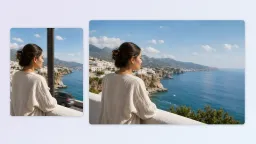
Adjust a small background or selfie detail after you have chosen the result whose likeness and composition already work for you.
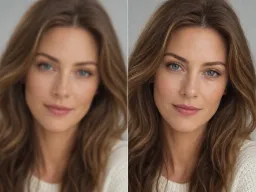
Prepare a larger version when you need to inspect the face and edges at your intended display size before keeping the final file.
Find answers about source photos, themed packs, generation cost and creating a natural-looking AI selfie. Get the details you need to choose a look and create your first image with confidence.
The AI Selfie Generator is a FaceAI workflow for creating new selfie photos from images you upload. Choose a themed pack, select the templates you like, add the source photo requested by the workbench, and review the quote before generating the set.
Choose a recent, sharp selfie with visible eyes, even lighting and a clear view of the face. Leave a little space above the head and around the shoulders. A clean, simple source image gives the generator plenty of detail to work with.
Yes. Start with a photo you own or have permission to use, then choose a pack and the templates that fit your idea. The generator uses the supplied image as a reference while the selected template guides the pose, camera angle and scene.
Open the pack grid, compare a theme and select its templates. Continue to the workbench, add the requested source photo, choose the available settings and review the quote. After generation, preview your results and download your favorites.
You can select more than one template when the pack offers a set that fits your idea. The workbench shows the quote for your current selection before you start. Begin with a small set if you are still comparing a look, then generate more after you review the first results.
The total depends on the model, settings and number of selfie templates you select. The workbench displays the current quote before generation and updates when your selection changes. Review that total together with the available quota choices for your account before creating the task.
A clear source photo helps the generator keep your familiar features while the selected pack shapes the pose, outfit and setting. Preview your results and choose the version whose face, expression and angle feel closest to you.
When generation finishes, download a successful selfie on its own or use the available batch download control for the images you want to keep from the set. Check the file, crop and details at the size you plan to use before posting.
You can browse the selfie packs and examples before starting. Generation uses credits, and the workbench shows the current quote before you create a task. Availability and quota options can change with the selected model, settings and account, so check the displayed details before generating.
Start with a photo you already have, choose a visible pack and select the templates that fit your idea. Review the quote, generate your set and keep the images whose likeness and mood feel right.