
Starting point
Ours
Upload one MP4, MOV, or M4V video and enhance it from the shared FaceAI workbench.
Other approaches
Desktop upscalers often require installation, local GPU power, project setup, and export configuration.
Use FaceAI when a soft clip needs a cleaner, sharper pass before posting. Upload MP4, MOV, or M4V, preview the source, choose an enhancement level, and download an improved video with no login, no sign-up, and no watermark.

Trusted by 12,000,000+ users worldwide.
Keep the first run simple: upload one readable source clip, choose the enhancement level you need, then inspect the result before sharing.
Use MP4, MOV, or M4V under 100MB. Clips with a readable subject, normal motion, and moderate compression give the enhancer more detail to work with.
Pick the quality pass that fits your review path, then let the enhancer create a cleaner version for comparison.
Wait for processing, compare the result, then download the cleaner video or move the clip into another FaceAI workflow.
Use the enhancer for five practical jobs: blurry social clips, FaceAI video polish, product demos, low-light repair, and old video restoration. Each case starts from a clip worth keeping that needs a clearer finish.

Take a soft phone clip, reel draft, short ad, or creator video and make it easier to review before posting. It is useful when the moment is good but compression made the clip look cheap.

After a FaceAI face swap works, run the output through the enhancer when the video feels soft. The goal is not a new face. It is a cleaner version of the clip you already like.

Improve a product demo, ecommerce clip, or launch board video when the product is visible but the file looks compressed. Keep exact logos and text for a later editor, not the enhancement step.
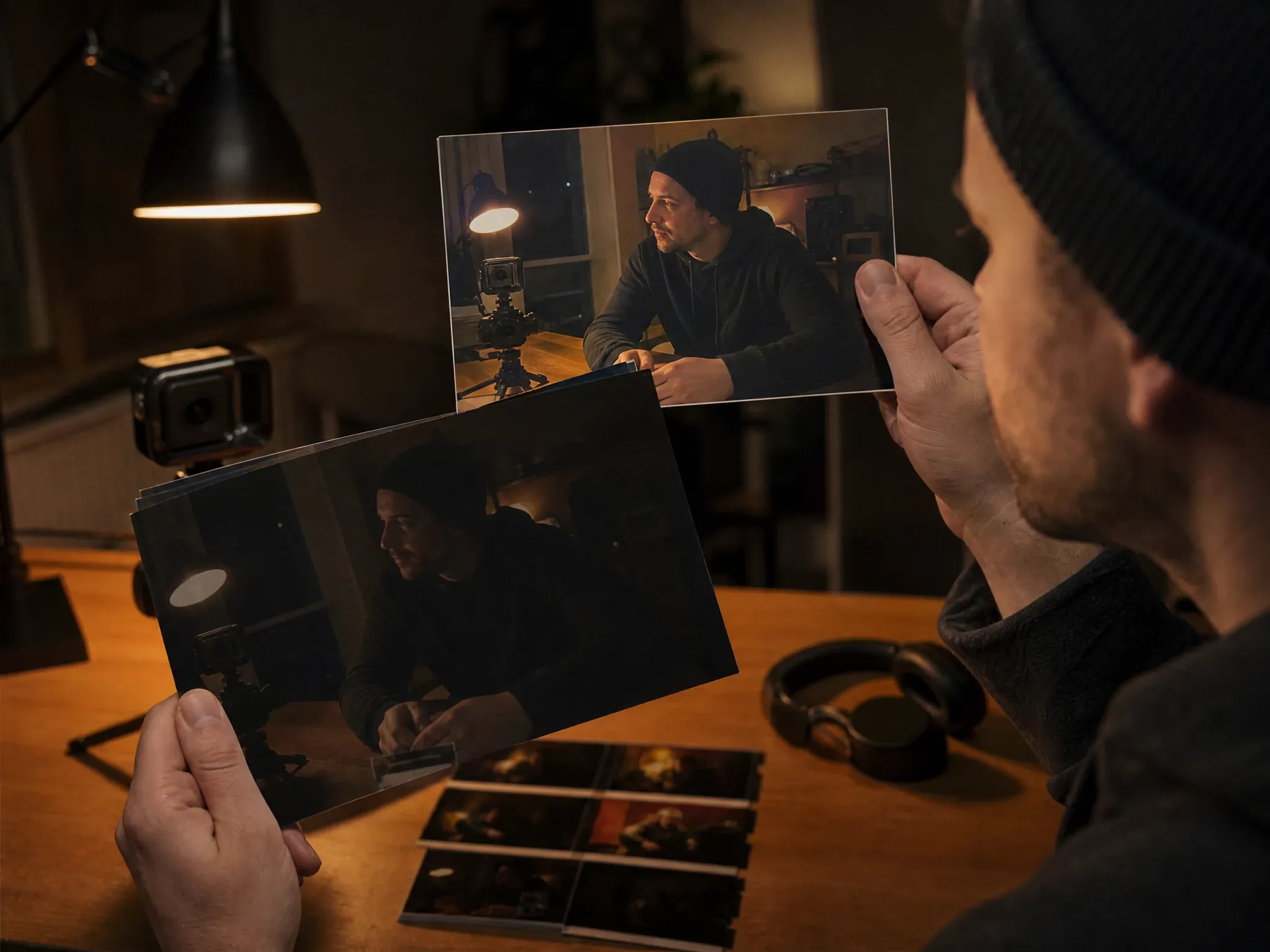
Lift a dim indoor clip so faces, hands, and room detail are easier to see. Very dark footage still has limits, but normal low-light creator clips can become more watchable.
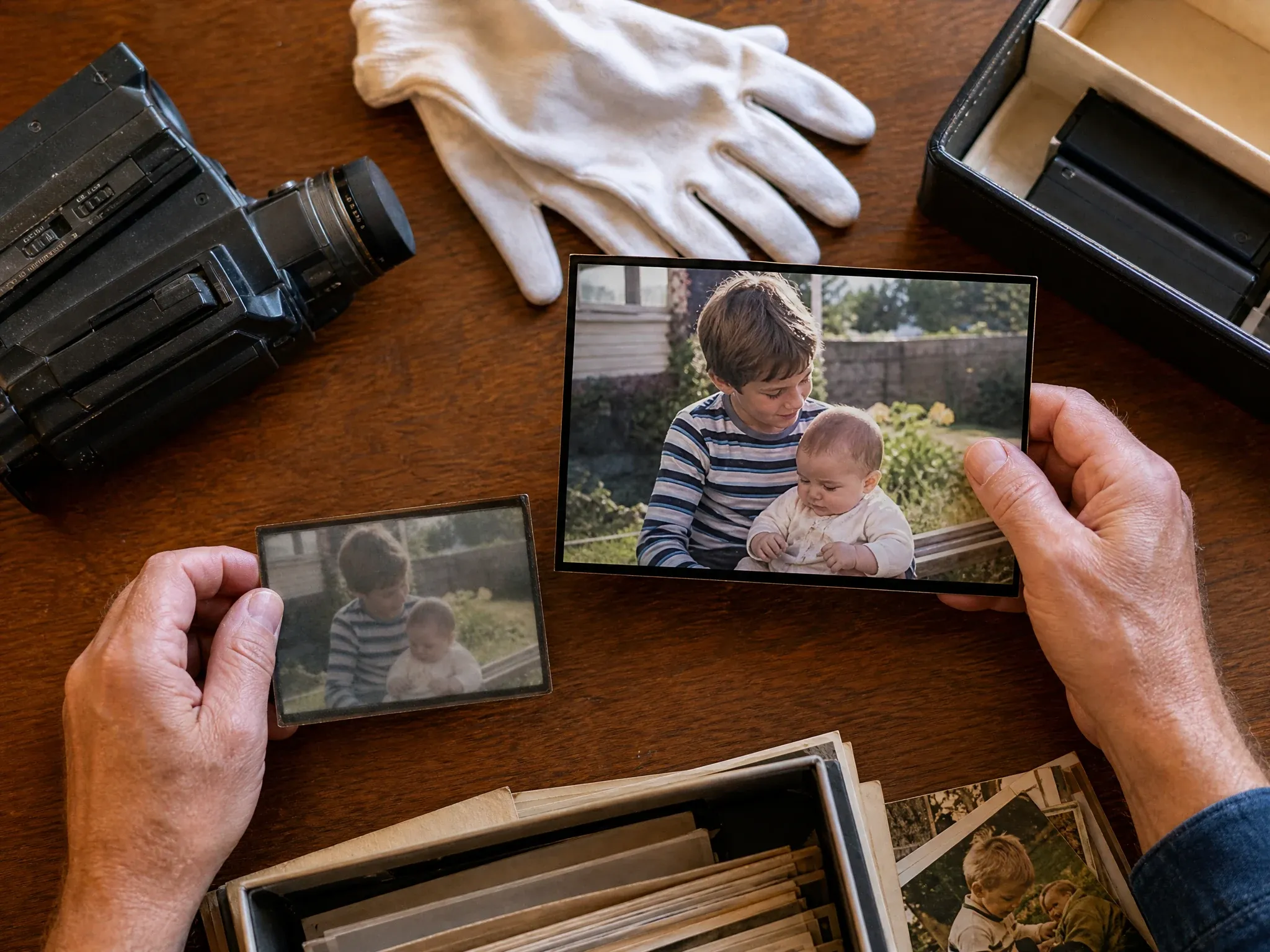
Use AI video enhancement for family clips, archived footage, old camcorder files, or early digital video when the source is meaningful but too soft for modern screens.
An AI video enhancer improves a source clip by sharpening visible detail, reducing the soft look from compression, and making the frame easier to watch on modern screens.
Use it when the clip content is right but the file looks too soft, dark, noisy, or compressed.
The current flow focuses on one uploaded clip so you can inspect the result before running more footage.
Use a sharper quality pass when a soft clip needs to look cleaner on modern screens.
Start with the things that matter during a quick creator pass: free online access, no sign-up, no login, no watermark, and a secure upload workflow.
Open the page and start from the video workspace. No app download, no heavy desktop editor, and no long setup before the first enhancement.
High-intent visitors can upload a test clip without creating an account first. That is important for quick entertainment and creator workflows.
Generate a clean enhanced result for review or sharing, then inspect the export before publishing it anywhere public.
Treat uploads as private working files and only use videos you have rights to process. The workflow is built for direct browser upload and result download.
AI enhancement works best when the source still contains real detail. If the footage is completely crushed, the model has less to recover.
Try the video enhancerFaces, products, and hands should already be visible. Enhancement can improve clarity, but it cannot reliably invent hidden identity detail.
For old footage or low-light clips, run a short representative segment before committing to the full video.
Look at hair, fingers, product edges, fast movement, and background texture before posting the enhanced result.
Do not expect any video enhancer to rebuild small readable text, logos, or labels perfectly. Add precise typography in an editor after enhancement.
Use this table to pick the right workflow. FaceAI is strongest for fast browser cleanup after a useful clip already exists.
| Criteria | Face AIOurs FaceAI video enhancer workflow | Other approaches |
|---|---|---|
| Starting point | Upload one MP4, MOV, or M4V video and enhance it from the shared FaceAI workbench. | Desktop upscalers often require installation, local GPU power, project setup, and export configuration. |
| Friction removers | Free online workflow with no login, no sign-up, no app download, and no watermark path for quick test clips. | Many tools hide limits behind trial walls, account gates, watermarks, or app downloads. |
| 4K Video Enhancer workflow | Built for fast browser cleanup when a soft clip needs a sharper, more watchable result before posting or review. | Some tools push users toward account gates, credits, installs, or export tiers before the final result is clear. |
| Best use | Face swap polish, talking photo cleanup, AI video generator follow-up, blurry social clips, product demos, low-light clips, and old videos. | Generic pages may talk about every video category but miss the FaceAI post-generation workflow. |
| Processing path | Processing depends on file size, clip length, queue state, and the selected enhancement level. | Desktop tools and suite editors can add setup, project export, and local hardware wait time. |
| Known limitation | Extremely damaged footage, hidden faces, tiny text, heavy motion blur, and crushed low-light clips may only improve partly. | Many enhancer pages show perfect before/after demos without saying where recovery can break. |
| Next workflow | Move into AI Video Generator, Talking Photo, Video Face Swap, Image Upscaler, or Image Editor depending on what the clip needs next. | Single-purpose tools often end at download, leaving the next creative step unclear. |
Upload one MP4, MOV, or M4V video and enhance it from the shared FaceAI workbench.
Desktop upscalers often require installation, local GPU power, project setup, and export configuration.
Free online workflow with no login, no sign-up, no app download, and no watermark path for quick test clips.
Many tools hide limits behind trial walls, account gates, watermarks, or app downloads.
Built for fast browser cleanup when a soft clip needs a sharper, more watchable result before posting or review.
Some tools push users toward account gates, credits, installs, or export tiers before the final result is clear.
Face swap polish, talking photo cleanup, AI video generator follow-up, blurry social clips, product demos, low-light clips, and old videos.
Generic pages may talk about every video category but miss the FaceAI post-generation workflow.
Processing depends on file size, clip length, queue state, and the selected enhancement level.
Desktop tools and suite editors can add setup, project export, and local hardware wait time.
Extremely damaged footage, hidden faces, tiny text, heavy motion blur, and crushed low-light clips may only improve partly.
Many enhancer pages show perfect before/after demos without saying where recovery can break.
Move into AI Video Generator, Talking Photo, Video Face Swap, Image Upscaler, or Image Editor depending on what the clip needs next.
Single-purpose tools often end at download, leaving the next creative step unclear.
These comments focus on the practical loop: upload a clip, choose the enhancement, compare the result, and decide whether the video is worth sharing or editing further.
"This free AI video enhancer is the cleanup step I use after a clip already has the right story. Upload, choose the higher output, compare, download."

Rafael Santos
VP of Creative
"I keep it for blurry phone clips. The source does not need to be perfect, but the result is easier to post when the face and background stop looking muddy."

Sebastian Cruz
Viral Content Manager
"Good for checking AI-generated clips before I show them to a client. It does not replace review, but it makes soft frames easier to judge."

Devon Park
Interactive Creative Director
"No login is the reason my team actually tries it. Someone drops a clip in, runs the quality pass, and we know fast whether the footage is worth keeping."

Mei Chen
E-commerce Director
"The best use is not magic restoration. It is taking a useful but soft video and making the next review less painful."

Linh Nguyen
Head of Creator Relations
"We use it after face swap tests. If the swap is funny but the export looks soft, the enhancer is the next tab we open."

James Whitfield
Creative Director
"This free AI video enhancer is the cleanup step I use after a clip already has the right story. Upload, choose the higher output, compare, download."
Rafael Santos
VP of Creative
"I keep it for blurry phone clips. The source does not need to be perfect, but the result is easier to post when the face and background stop looking muddy."
Sebastian Cruz
Viral Content Manager
"Good for checking AI-generated clips before I show them to a client. It does not replace review, but it makes soft frames easier to judge."
Devon Park
Interactive Creative Director
"No login is the reason my team actually tries it. Someone drops a clip in, runs the quality pass, and we know fast whether the footage is worth keeping."
Mei Chen
E-commerce Director
"The best use is not magic restoration. It is taking a useful but soft video and making the next review less painful."
Linh Nguyen
Head of Creator Relations
"We use it after face swap tests. If the swap is funny but the export looks soft, the enhancer is the next tab we open."
James Whitfield
Creative Director
"Low-light clips are where it helps most. The face stays readable and the room stops looking like a dark block."

Aisha Jackson
Client Success Director
"This free AI video enhancer is the cleanup step I use after a clip already has the right story. Upload, choose the higher output, compare, download."
Rafael Santos
VP of Creative
"I keep it for blurry phone clips. The source does not need to be perfect, but the result is easier to post when the face and background stop looking muddy."
Sebastian Cruz
Viral Content Manager
"Good for checking AI-generated clips before I show them to a client. It does not replace review, but it makes soft frames easier to judge."
Devon Park
Interactive Creative Director
"No login is the reason my team actually tries it. Someone drops a clip in, runs the quality pass, and we know fast whether the footage is worth keeping."
Mei Chen
E-commerce Director
"The best use is not magic restoration. It is taking a useful but soft video and making the next review less painful."
Linh Nguyen
Head of Creator Relations
"We use it after face swap tests. If the swap is funny but the export looks soft, the enhancer is the next tab we open."
James Whitfield
Creative Director
"Low-light clips are where it helps most. The face stays readable and the room stops looking like a dark block."
Aisha Jackson
Client Success Director
"Product videos from phones can look cheap even when the idea is good. A cleaner pass makes the demo easier for the team to approve."

Ritu Agarwal
E-commerce Marketing Lead
"I came in for a 4K Video Enhancer and stayed because the workflow is simple. Upload the soft clip, clean it up, and keep the version that is easier to watch."

Marco Rossi
Head of Strategy
"The result is strongest when the source already has a readable subject. Heavy compression still needs judgment, but normal social footage improves enough to keep moving."

Priya Chen
Creative Strategy Lead
"For archive clips, I do a short sample first. If the faces come back clean enough, then I run the rest."

Hiroshi Yamamoto
Chief Operating Officer
"The local history and download flow make it practical for teams. We can compare a few attempts without losing the version that looked best."

Xiaoping Liang
Marketing Ops Manager
"Most enhancer pages promise too much. This one is useful because it fits the real FaceAI chain: generate, swap, animate, then clean up the video before sharing."

Aaliyah Williams
Digital Marketing Director
"I came in searching for a 4K Video Enhancer. What I needed was simpler: make this soft clip clean enough for a social review without installing another app."

Kai Nakamura
Global Creative Director
"Product videos from phones can look cheap even when the idea is good. A cleaner pass makes the demo easier for the team to approve."
Ritu Agarwal
E-commerce Marketing Lead
"I came in for a 4K Video Enhancer and stayed because the workflow is simple. Upload the soft clip, clean it up, and keep the version that is easier to watch."
Marco Rossi
Head of Strategy
"The result is strongest when the source already has a readable subject. Heavy compression still needs judgment, but normal social footage improves enough to keep moving."
Priya Chen
Creative Strategy Lead
"For archive clips, I do a short sample first. If the faces come back clean enough, then I run the rest."
Hiroshi Yamamoto
Chief Operating Officer
"The local history and download flow make it practical for teams. We can compare a few attempts without losing the version that looked best."
Xiaoping Liang
Marketing Ops Manager
"Most enhancer pages promise too much. This one is useful because it fits the real FaceAI chain: generate, swap, animate, then clean up the video before sharing."
Aaliyah Williams
Digital Marketing Director
"I came in searching for a 4K Video Enhancer. What I needed was simpler: make this soft clip clean enough for a social review without installing another app."
Kai Nakamura
Global Creative Director
Choose the next FaceAI tool based on the real problem: create the clip, make it speak, swap a face, sharpen a still, or clean the source image first.

Use it first when the clip idea does not exist yet and you need text-to-video or image-to-video motion before enhancement.
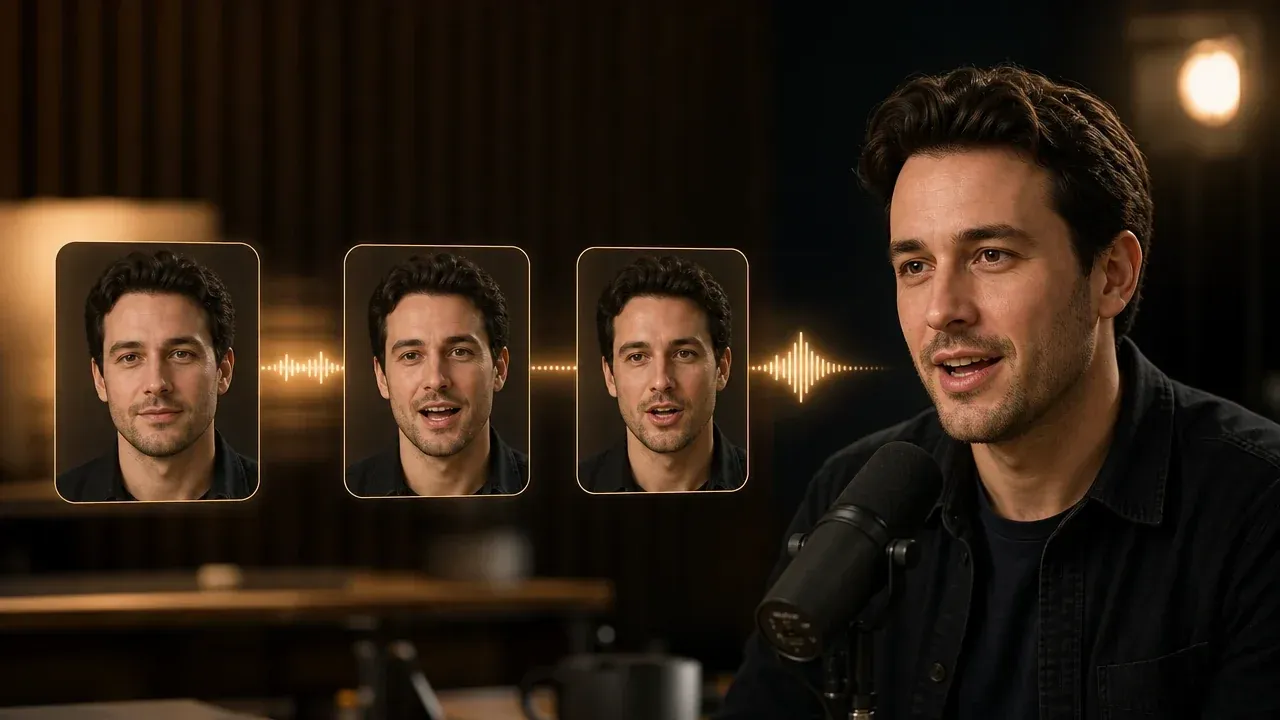
Use it when the job is a speaking portrait. Enhance the talking photo afterward if the final video looks too soft.

Swap the face first when the story depends on identity, then return here if the generated clip needs a clearer finish.

Use it for still images when the approved frame needs a sharper export instead of video enhancement.

Clean the source image or frame before turning it into motion when one visual detail is hurting the result.
Direct answers about free use, 4K Video Enhancer expectations, uploads, formats, privacy, watermarks, quality limits, and the next FaceAI workflow.
An AI video enhancer improves an existing video so it looks clearer, less soft, and easier to watch. It is best used after the clip already has the right content.
Yes. Start from the video enhancer workspace, upload one clip, choose the available output option, and test the result without creating an account first.
Yes. It is built for the 4K Video Enhancer job: make a soft clip sharper, cleaner, and easier to watch on modern screens. Start with the cleanest source file you have for the best final video.
Use MP4, MOV, or M4V. These are the formats accepted by the FaceAI video enhancer workbench.
The workbench is configured for one video up to 100MB. If your file is larger, trim or compress it before uploading.
FaceAI treats video uploads as private working files in the enhancement workflow. Still, only upload videos you have the right to process.
It can improve many soft, compressed, or low-light clips when the subject is still readable. Heavy motion blur, hidden faces, and almost-black footage may only improve partly.
The goal is quality improvement, not changing the story. You should still review faces, hands, product edges, and small details before publishing.
It can help old camcorder clips, archive footage, and early digital video look cleaner, but badly damaged or very low-detail footage needs a sample test first.
The enhancer is designed for a clean download path without adding a watermark to the result. Check the downloaded file before publishing, as you would with any generated media.
Use it after the face swap already looks right but the video appears soft, compressed, or too dark. If the face itself is wrong, fix the swap first.
Use AI Video Generator when you still need a clip idea, Talking Photo for speaking portraits, Video Face Swap for identity edits, and AI Image Upscaler or Editor when the issue is a still frame.
Upload one clip, choose an enhancement option, and make the video cleaner before sharing, editing, or moving to another FaceAI workflow.