
Free Text to Speech Online for AI Voice Drafts
Paste a short script, choose a supported language and voice, generate speech, then preview and download MP3 audio for ads, tutorials, product notes, video voiceover drafts, and accessibility review.
Trusted by 12,000,000+ users worldwide.
How to Use Text to Speech Online
A short script, the right voice, and one preview loop are enough to decide whether the line is worth using.
Write a focused script
Paste one hook, narration line, lesson sentence, or support answer. The current workbench is built for short drafts up to 300 characters.
Choose language and voice
Select a supported language and pick the voice that matches the job: ad read, tutorial, product update, or simple read-aloud review.
Generate, compare, and download
Preview the audio, compare recent attempts in the history rail, then download the MP3 when the voice and pacing work.
What Can You Create with Text to Speech?
Use Face AI for practical short-form voice drafts before committing to studio audio, video editing, or a longer narration workflow.
Ad hook voiceovers
Test paid-social openings, promo lines, and campaign hooks with a few voices before a video editor builds the final creative.
Product update reads
Turn a release note, onboarding tip, or founder update into a short audio draft for internal review or customer education.
Support and tutorial snippets
Convert a help-center answer into audio so support teams can judge clarity before pairing it with a screen recording or article.
E-learning micro-lessons
Draft a single training line, safety reminder, or lesson intro and hear whether it sounds clear enough for learners.
YouTube and podcast intros
Preview a short intro, segment bumper, or sponsor read before sending the wording into a full audio or video production flow.
Accessibility read-aloud checks
Hear a concise announcement, product note, or article summary to catch dense wording before it reaches users.
What Is Text to Speech Online?
Text to Speech Online converts written text into AI-generated speech audio with a selected language and voice.
Text to AI speech
Start from a short script and create a playable audio result you can review immediately.
Language and voice choice
Use the available selectors to match the language and voice direction to the message.
Audio preview and MP3 download
Listen in the workbench, compare recent results, and download the MP3 when the read works.
Short-script focus
The current 300-character limit is designed for hooks, intros, notes, and snippets instead of long documents.
Why Use Face AI Text to Speech?
Face AI is built for quick voiceover decisions: write the line, hear the read, keep recent attempts visible, and move the approved audio into the next creative step.
Start creating immediately
The generator appears first, so you can create and review audio before exploring tips and examples.
Useful voice review
Recent results stay visible, making it easier to compare pacing, tone, and wording across short drafts.
Focused short-form workflow
Create short AI voice drafts and MP3 files here; use a full audio studio for custom voices, advanced pronunciation control, document narration, or long-form production.
How to Get Better AI Voice Results
Short, plain writing gives the voice model a clearer job and makes the result easier to judge.
Try text to speechWrite one message first
Use one complete hook, sentence, or answer instead of pasting a dense paragraph.
Add punctuation for pacing
Commas, periods, and short clauses help the voice read the line with a cleaner rhythm.
Spell tricky words carefully
Brand names, acronyms, and unusual names may need simpler spelling or a rewrite.
Match voice to destination
Use a direct voice for ads, a calm voice for tutorials, and a clear voice for support or accessibility review.
Text to Speech vs Recording, Voice Cloning, and Talking Photo
Choose the workflow by the asset you actually need.
| Criteria | Face AIOurs Face AI Text to Speech | Other voice workflows |
|---|---|---|
| Output | Downloadable MP3 voice audio from a short script. | Talking Photo creates video; recording captures a real speaker; voice-cloning tools need approved voice data. |
| Best use | Ads, intros, product notes, support snippets, short lessons, and read-aloud checks. | Long audiobooks, podcasts, and studio narration need deeper editing and longer-script tooling. |
| Input | Typed text, selected language, and selected voice. | Document readers may import files; recording tools need microphones; automation platforms require separate setup. |
| Review loop | Recent generated audio stays visible for comparison before download. | Some one-off demos lose earlier attempts or focus on one preview only. |
| Limits | Current drafts are capped at 300 characters, with availability shown in the workbench before generation. | Other voice tools may support longer scripts, document input, custom pronunciation, or voice cloning. |
| Next step | Download audio, place it into a storyboard, or move the line into Talking Photo or video planning. | Full voice studios handle multi-speaker editing, additional audio formats, licensing review, and automated production workflows. |
Output
Downloadable MP3 voice audio from a short script.
Talking Photo creates video; recording captures a real speaker; voice-cloning tools need approved voice data.
Best use
Ads, intros, product notes, support snippets, short lessons, and read-aloud checks.
Long audiobooks, podcasts, and studio narration need deeper editing and longer-script tooling.
Input
Typed text, selected language, and selected voice.
Document readers may import files; recording tools need microphones; automation platforms require separate setup.
Review loop
Recent generated audio stays visible for comparison before download.
Some one-off demos lose earlier attempts or focus on one preview only.
Limits
Current drafts are capped at 300 characters, with availability shown in the workbench before generation.
Other voice tools may support longer scripts, document input, custom pronunciation, or voice cloning.
Next step
Download audio, place it into a storyboard, or move the line into Talking Photo or video planning.
Full voice studios handle multi-speaker editing, additional audio formats, licensing review, and automated production workflows.
How Teams Use Short AI Voice Drafts
Marketers, content teams, educators, and support teams use short audio drafts to hear the message before producing the final asset.
"It is a practical way to hear ad hooks before they become video scripts. The voice result catches awkward pacing that looks fine on paper."

Ananya Iyer
Content Marketing Lead
"It works well as a short-script review lane. We do not use it for document uploads or voice cloning, so the team stays inside a realistic scope."

Charlotte Beaumont
Director of Content Operations
"The downloadable audio result is the key step for us. We can review it in a storyboard, not only inside the generator."

Yifan Zheng
Demand Generation Lead
"The page is useful for voiceover drafts because it starts from a script, not a video. We can approve wording first, then decide the final media format."

Sophia Wagner
Editorial Director
"Partner updates often need one concise line. Text to Speech Online lets us hear tone before the message goes into a webinar slide or video brief."

Sakura Ito
Partner Marketing Lead
"Customer education scripts get stronger when we hear them. If a sentence sounds robotic or too dense, we rewrite before recording anything."

Ren Sato
Customer Marketing Director
"It is a practical way to hear ad hooks before they become video scripts. The voice result catches awkward pacing that looks fine on paper."
Ananya Iyer
Content Marketing Lead
"It works well as a short-script review lane. We do not use it for document uploads or voice cloning, so the team stays inside a realistic scope."
Charlotte Beaumont
Director of Content Operations
"The downloadable audio result is the key step for us. We can review it in a storyboard, not only inside the generator."
Yifan Zheng
Demand Generation Lead
"The page is useful for voiceover drafts because it starts from a script, not a video. We can approve wording first, then decide the final media format."
Sophia Wagner
Editorial Director
"Partner updates often need one concise line. Text to Speech Online lets us hear tone before the message goes into a webinar slide or video brief."
Sakura Ito
Partner Marketing Lead
"Customer education scripts get stronger when we hear them. If a sentence sounds robotic or too dense, we rewrite before recording anything."
Ren Sato
Customer Marketing Director
"We test paid-social hooks with two or three voices and keep the one that sounds direct. It saves time before the paid creative team gets involved."

Jordan Kim
Growth Lead
"It is a practical way to hear ad hooks before they become video scripts. The voice result catches awkward pacing that looks fine on paper."
Ananya Iyer
Content Marketing Lead
"It works well as a short-script review lane. We do not use it for document uploads or voice cloning, so the team stays inside a realistic scope."
Charlotte Beaumont
Director of Content Operations
"The downloadable audio result is the key step for us. We can review it in a storyboard, not only inside the generator."
Yifan Zheng
Demand Generation Lead
"The page is useful for voiceover drafts because it starts from a script, not a video. We can approve wording first, then decide the final media format."
Sophia Wagner
Editorial Director
"Partner updates often need one concise line. Text to Speech Online lets us hear tone before the message goes into a webinar slide or video brief."
Sakura Ito
Partner Marketing Lead
"Customer education scripts get stronger when we hear them. If a sentence sounds robotic or too dense, we rewrite before recording anything."
Ren Sato
Customer Marketing Director
"We test paid-social hooks with two or three voices and keep the one that sounds direct. It saves time before the paid creative team gets involved."
Jordan Kim
Growth Lead
"The 300-character limit is helpful for executive notes. It forces one clear message before anyone asks for a full narration pass."

Astrid Nielsen
Head of Thought Leadership
"The language selector and voice picker make the workflow concrete. We can test a short narration direction without pretending it is a full audiobook tool."

Marie Laurent
Storytelling & Brand Lead
"Short social intros are easier to judge when we can preview the voice and drop the downloaded audio into a draft reel."

Priya Chen
Creative Strategy Lead
"Our team uses it as a fast AI voice generator for campaign lines, not as a long-form studio replacement. That boundary makes approvals clearer."

Kai Nakamura
Global Creative Director
"The voice picker gives creative reviews something concrete. A line either lands with the selected voice, or we rewrite before production."

Rafael Santos
VP of Creative
"For tutorial snippets, the audio result is enough to judge whether the sentence needs a screen recording, talking photo, or simpler wording."

Devon Park
Interactive Creative Director
"The workflow covers the full review loop we need: paste text, choose language and voice, generate speech, preview it, and download the audio."

Pooja Mehta
VP of Brand Experience
"The 300-character limit is helpful for executive notes. It forces one clear message before anyone asks for a full narration pass."
Astrid Nielsen
Head of Thought Leadership
"The language selector and voice picker make the workflow concrete. We can test a short narration direction without pretending it is a full audiobook tool."
Marie Laurent
Storytelling & Brand Lead
"Short social intros are easier to judge when we can preview the voice and drop the downloaded audio into a draft reel."
Priya Chen
Creative Strategy Lead
"Our team uses it as a fast AI voice generator for campaign lines, not as a long-form studio replacement. That boundary makes approvals clearer."
Kai Nakamura
Global Creative Director
"The voice picker gives creative reviews something concrete. A line either lands with the selected voice, or we rewrite before production."
Rafael Santos
VP of Creative
"For tutorial snippets, the audio result is enough to judge whether the sentence needs a screen recording, talking photo, or simpler wording."
Devon Park
Interactive Creative Director
"The workflow covers the full review loop we need: paste text, choose language and voice, generate speech, preview it, and download the audio."
Pooja Mehta
VP of Brand Experience
What Should You Try Next?
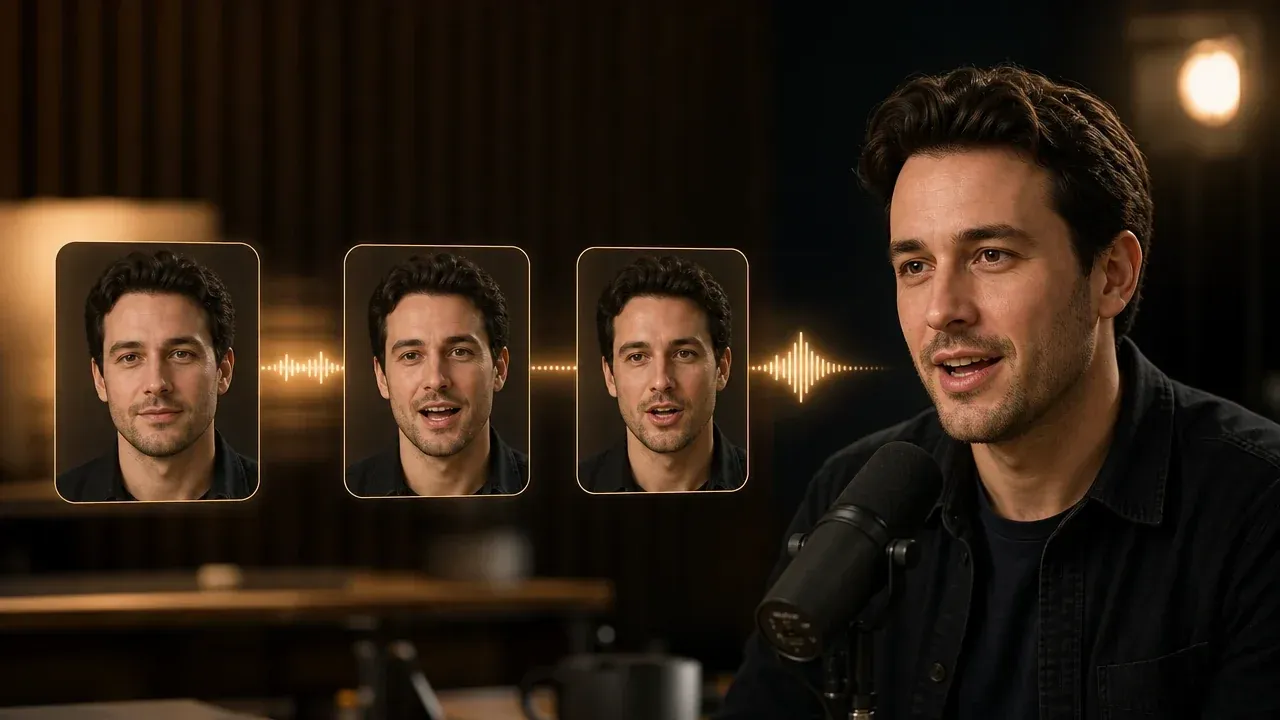
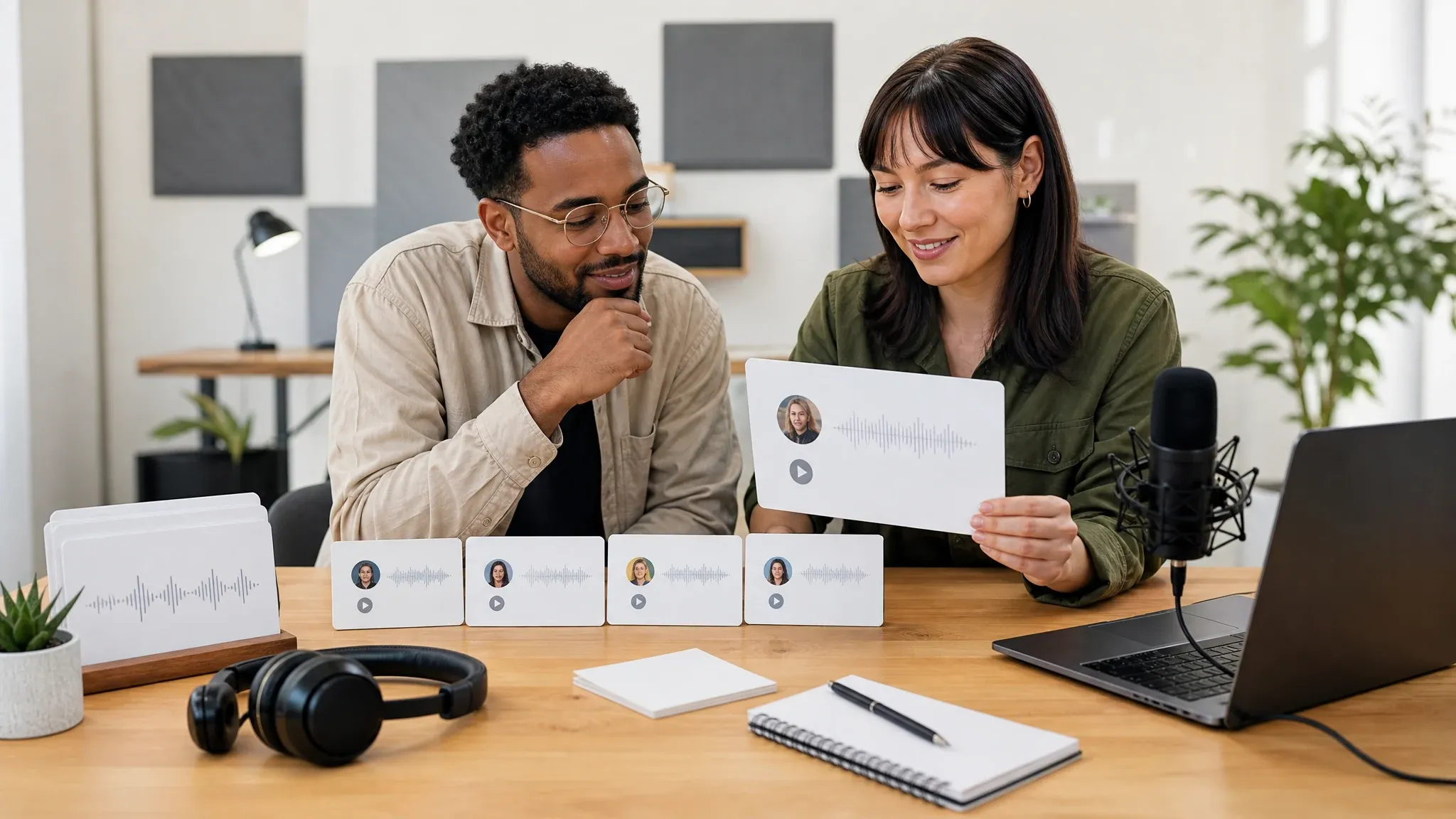
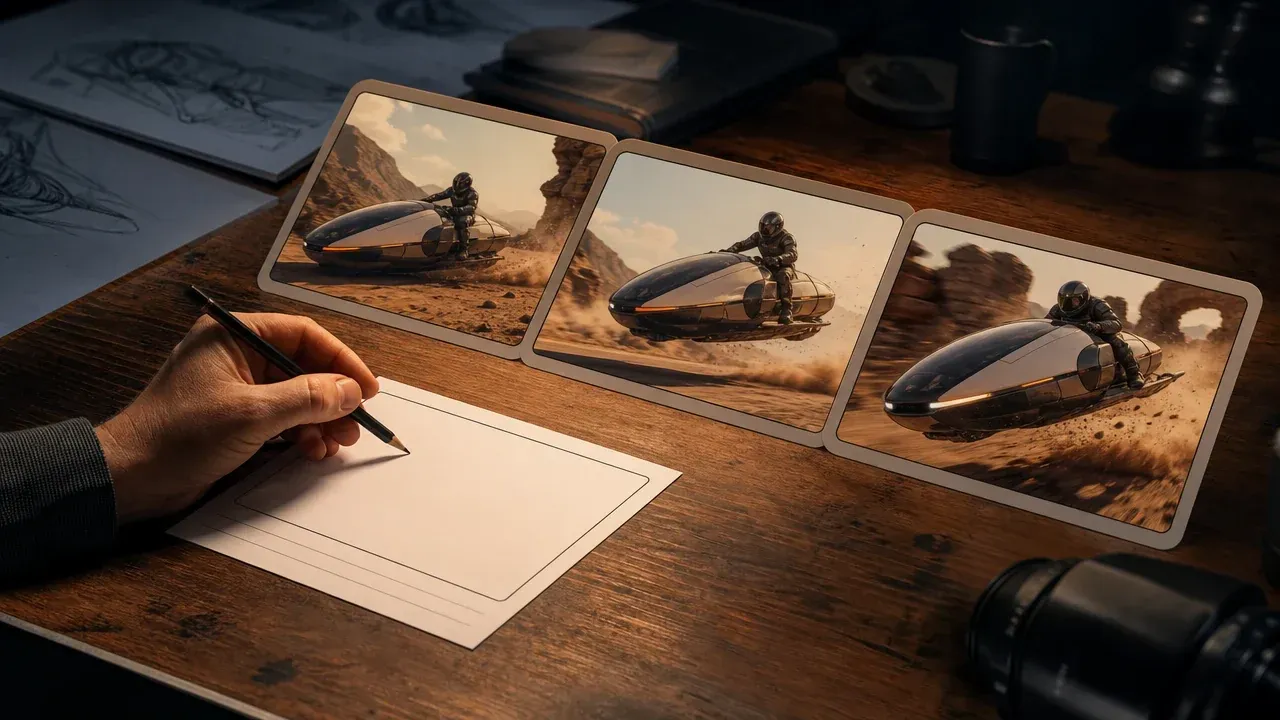
Use these tools when the approved voice line needs a speaking face, an English-only lane, or a video concept.
Text to Speech Questions, Answered
Direct answers about scripts, voices, MP3 output, limits, and when to use a larger voice studio.
It is an online tool that turns typed text into playable AI voice audio. Face AI focuses this page on short scripts you can preview and download as MP3 audio.
Yes. You can start in the online workbench. The page shows current availability and any usage limit before you generate.
The current Text to Speech Online workbench accepts up to 300 characters. Use it for hooks, intros, notes, support snippets, and short lesson lines rather than long documents.
Yes. Use the language selector and voice picker shown in the workbench. Choose from the languages and voices currently shown in the workbench.
No. This page uses the available voice library for text-to-speech drafts. It does not clone your own voice or create a custom speaker identity.
This page keeps the workflow to a short script, language, and voice choice. Use a full voice studio when you need custom pronunciation, expressive direction, or production automation.
Successful results can be previewed in the workbench and downloaded as MP3 audio.
No. This page accepts typed text in the script field. Use a document reader or a longer-form TTS studio if you need PDF, ebook, webpage, or batch conversion.
Use it for short voiceover drafts, intros, lesson lines, and script approval. Long podcasts, audiobooks, and full courses need a longer-form audio workflow outside this page.
Before commercial use, confirm that you own the script and that your intended use follows the current Face AI terms.
No. Text to Speech Online creates audio only. Use AI Talking Photo when the approved line should become a speaking portrait video.
No. The audio is generated online, and recent results remain available in the workbench for comparison and download.
Generate Your First AI Voice Draft
Write a 300-character script, choose a supported language and voice, then create MP3 audio you can preview, compare, and download.