
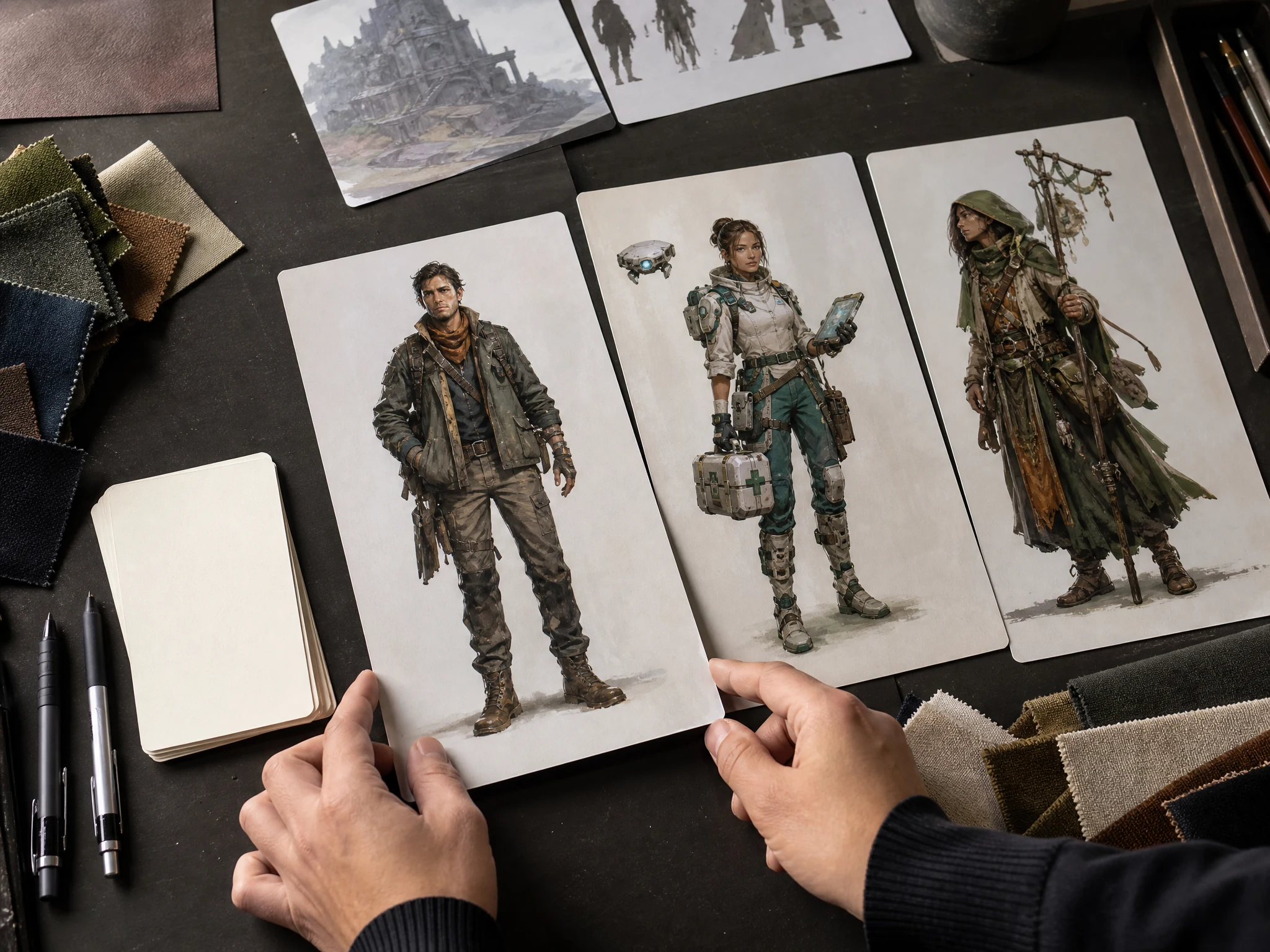
Free AI Character Generator Online for Character Art
Write a character prompt and create portraits, full-body concepts, game NPCs, tabletop heroes, creator personas, and brand mascot ideas in the browser. Start with role, outfit, pose, style, and setting, then download the best result or move it into image-to-image, editing, or upscaling. No login. No watermark. No app download.
Trusted by 12,000,000+ users worldwide.
How to Use the AI Character Generator
Treat the prompt like a short character brief. The clearer the role, body, outfit, pose, setting, and style, the less the model has to guess.
Write the character brief
Describe one character, then add role, outfit, pose, expression, setting, camera distance, and visual style.
Generate and compare
Review the latest result against the prompt and local history before changing too many details.
Download or refine
Download the keeper, or continue with image-to-image, editor, or upscaler when the character is close but not final.
What Can You Create with an AI Character Generator?
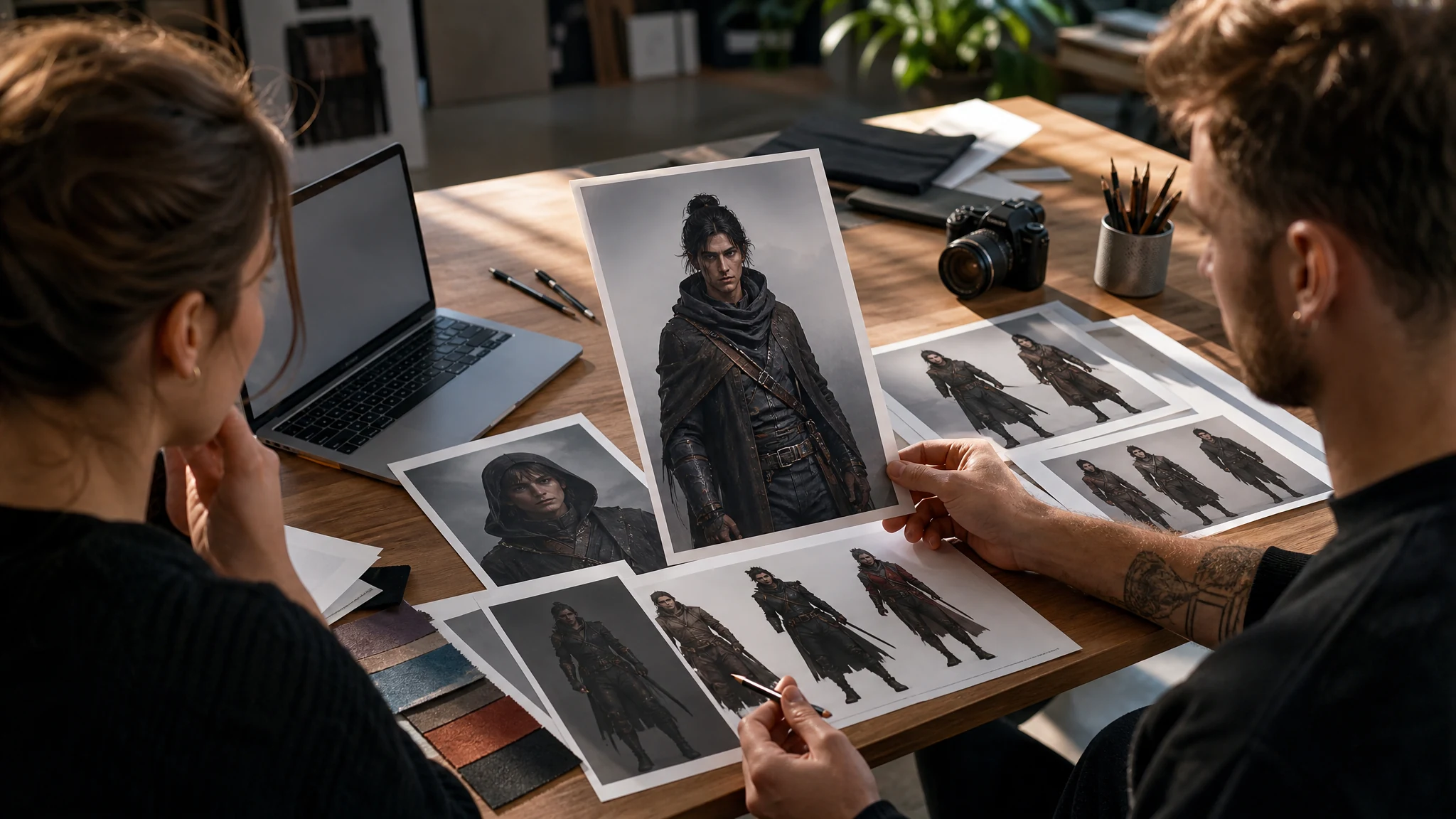
Use the page for five practical jobs: story and game concepts, creator personas, brand mascot ideas, reference-guided portraits, and tabletop or RPG character art.
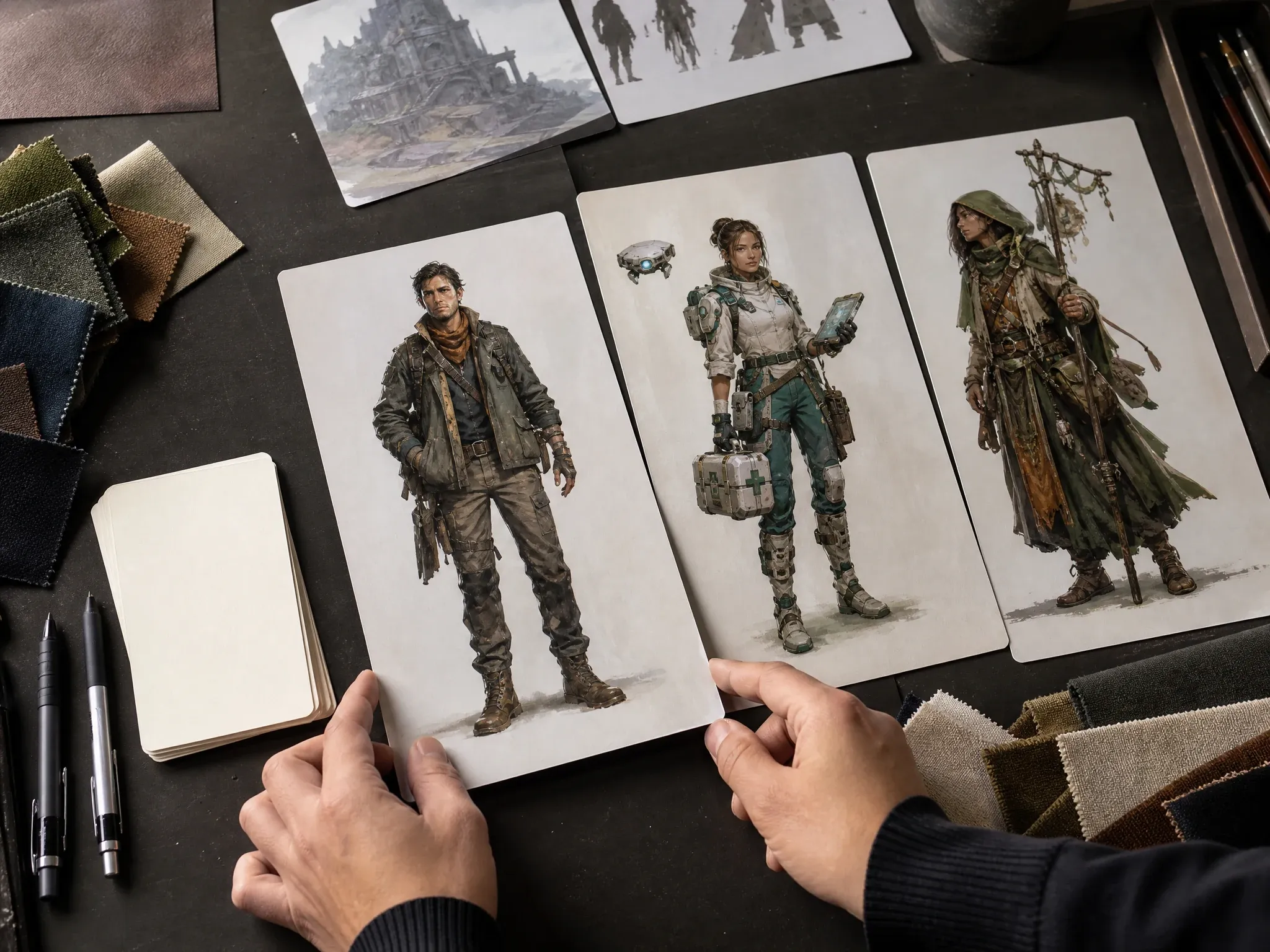
Story and game character concepts
Turn a role, outfit, posture, and world detail into a usable first character image for a pitch, moodboard, novel, comic, or game design review.
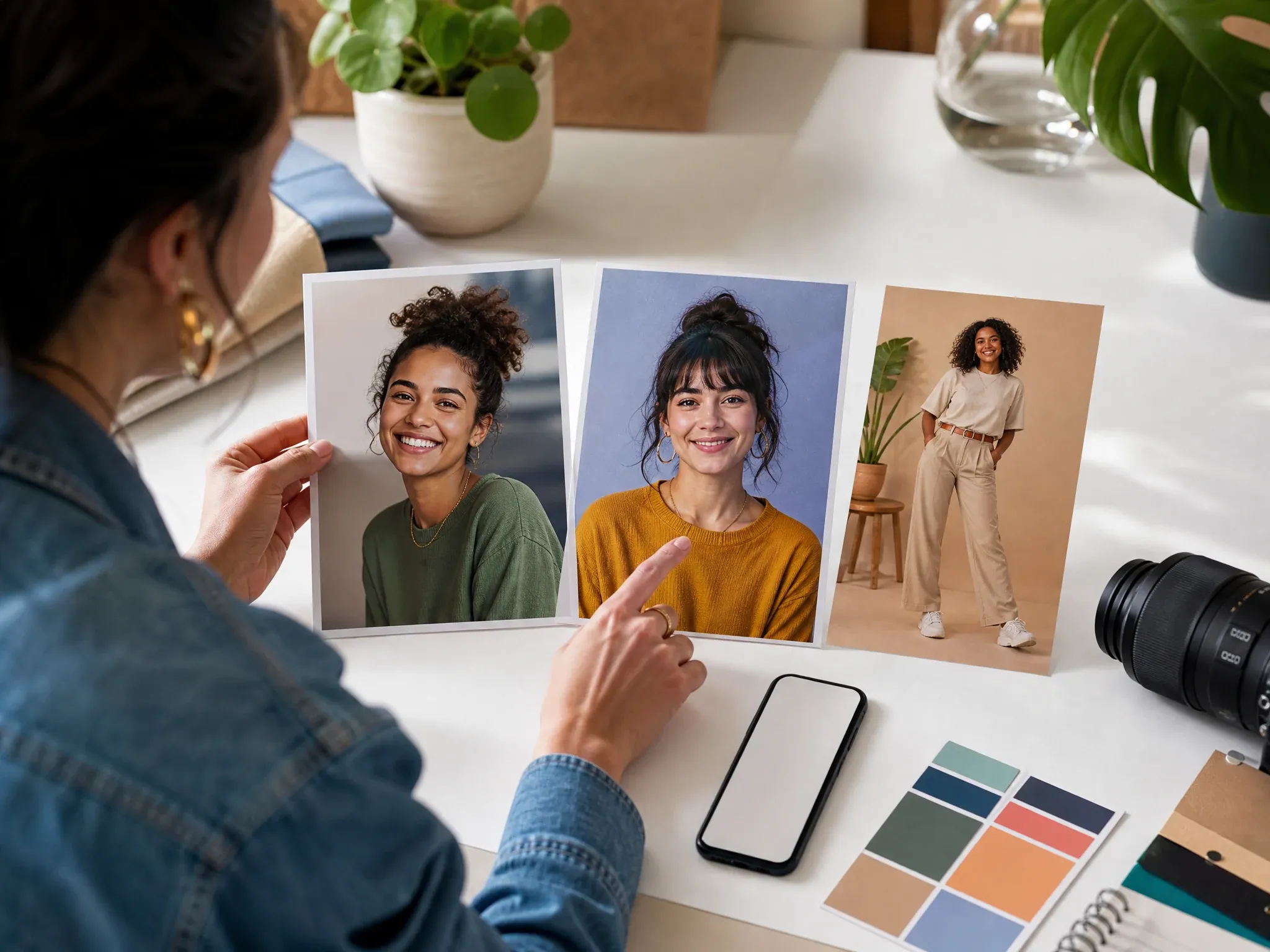
Creator and social personas
Create a character-led portrait for a series host, channel identity, thumbnail idea, or social campaign before committing to a full design pass.
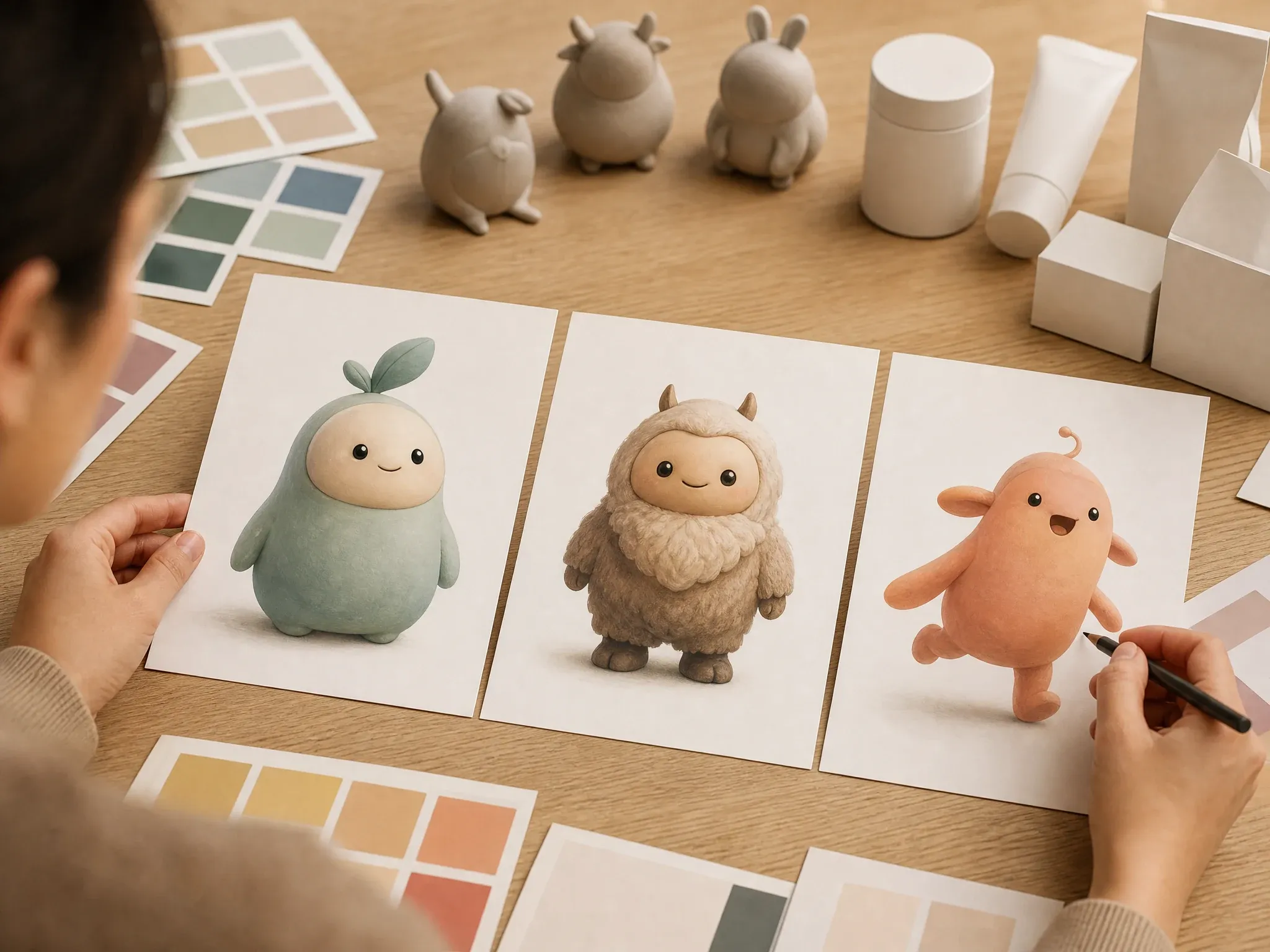
Brand mascot concepts
Explore friendly, premium, playful, or cinematic mascot directions without adding logos or readable text inside the generated image.
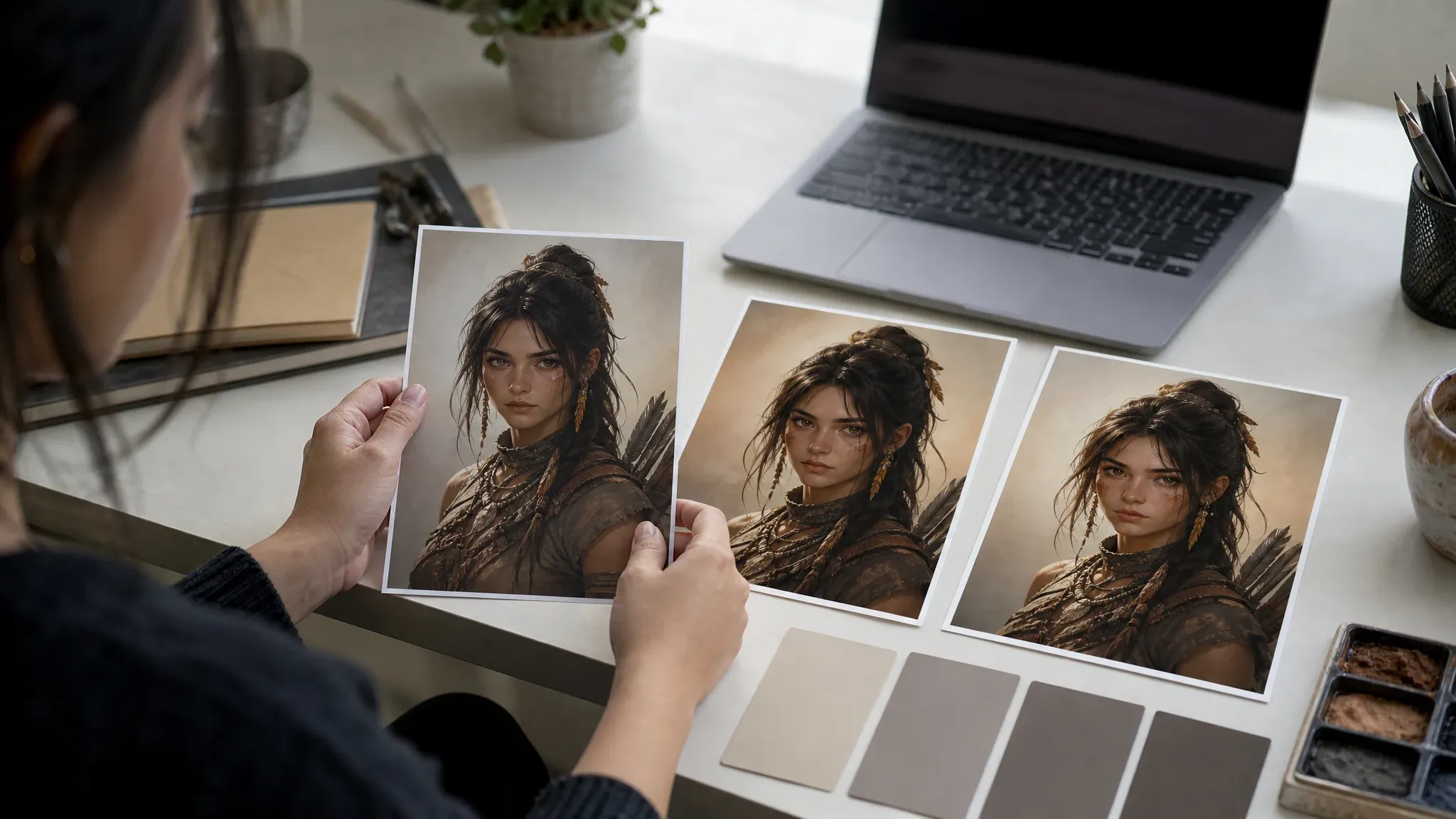
Reference-guided portraits
When the first character image is close, use it as the source for image-to-image so the next version has a stronger visual anchor.
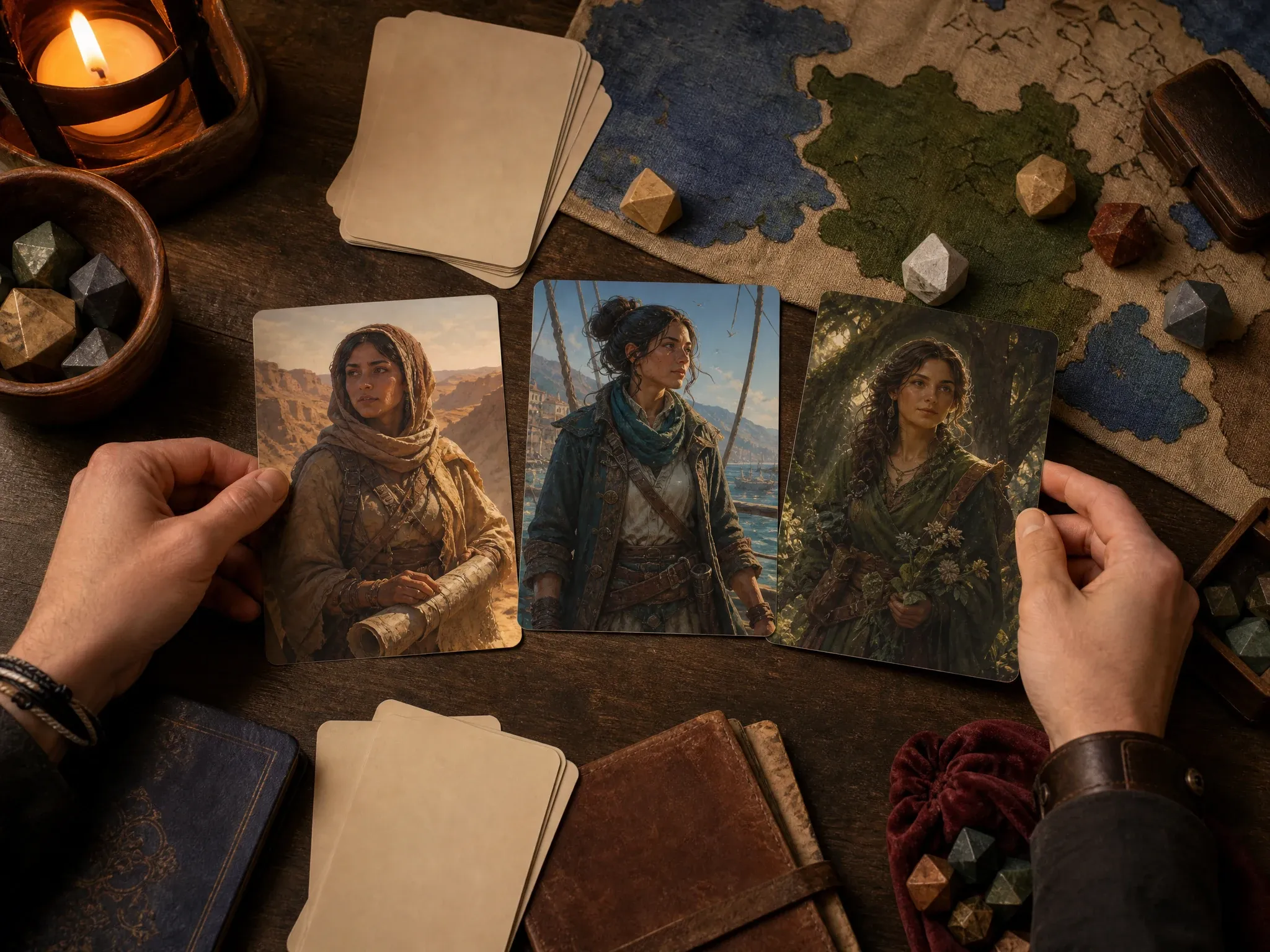
Tabletop and RPG portraits
Generate portraits for tabletop heroes, NPCs, villains, fantasy crews, and campaign handouts. Review details before sharing with a group.
What Is an AI Character Generator?
An AI character generator creates a new character image from a prompt. You describe who the character is, what they wear, how they stand, where they are, and what style the result should use.
Prompt-first character art
Start from text when the character does not exist yet and you need a visual direction for review.
Portrait or full-body framing
Choose a portrait, square, story, or wide frame depending on whether you need a face, outfit, pose, or scene.
Concept pass, not a chat bot
This page creates character images. It does not create character chat, rigging, animation, voice, or a 3D model.
Why Use FaceAI for Character Concepts?
The workspace comes first, so you can test a character prompt immediately. The supporting sections help you write better briefs and pick the right next tool after the first result.
Tool before the article
You can start generating before reading every section. Character searches usually need a working prompt box, not a long landing page first.
Style and ratio control
Use style examples and frame shapes to push the result toward portrait art, full-body concepts, mascots, or wider scene ideas.
Local history for prompt changes
Small prompt edits can change the character a lot. History helps you compare the version that was closest to the brief.
Clear next workflow
Use image-to-image for closer variants, editor for focused cleanup, and upscaler for sharper character exports.
How to Get Better AI Character Generator Results
Strong character prompts are specific but not crowded. One role, one outfit direction, one pose, one setting, and one style are enough for a useful first pass.
Write role before style
Lead with who the character is: mechanic, courier, mapmaker, mascot, founder, rogue, guide, or NPC. Style comes after the identity.
Name visible details
Add hair, clothing, props, expression, pose, camera distance, and background. Those details steer the image more than broad mood words.
Avoid protected characters
Do not ask for exact copyrighted characters, celebrities, logos, or branded costumes unless you have rights to use them.
Use the keeper as a source
If you need a closer second version, move the best image into image-to-image and describe the change instead of rebuilding from memory.
AI Character Generator vs. OC Makers, Avatar Tools, and Generic Image Generators
Use this table to pick the right workflow. This page is strongest for broad character image concepts, not character profiles, chat, rigging, or guaranteed multi-frame sheets.
| Criteria | Face AIOurs FaceAI character image workflow | Other workflows |
|---|---|---|
| Starting point | Write a character prompt and generate a new image in the shared FaceAI workbench. | OC makers often focus on profile fields; avatar tools focus on identity or profile-picture output. |
| Best use | Story characters, game NPCs, tabletop portraits, creator personas, and mascot concept drafts. | Anime-only tools are better when the entire page should stay in one art style. |
| Reference needs | Use the generated keeper as a source in AI Image to Image when the next version needs a visual anchor. | Some tools expose direct reference upload but still cannot guarantee perfect repeatability. |
| Consistency | Repeat detailed prompt traits and use source-guided follow-up tools for closer variants. | Many pages claim consistent characters, but exact series continuity still needs review. |
| Output boundary | Creates still character images and concept art. | Character chat, voice, lip sync, animation, and 3D rigs are different product jobs. |
| Rights boundary | Avoid protected characters, public figures, logos, and brand assets you do not have permission to use. | Broad commercial-use claims still depend on prompt, subject, and uploaded references. |
| Next step | Continue into image-to-image, editor, upscaler, or talking photo only when that next job is actually needed. | One-purpose pages often stop at download or blur too many character workflows together. |
Starting point
Write a character prompt and generate a new image in the shared FaceAI workbench.
OC makers often focus on profile fields; avatar tools focus on identity or profile-picture output.
Best use
Story characters, game NPCs, tabletop portraits, creator personas, and mascot concept drafts.
Anime-only tools are better when the entire page should stay in one art style.
Reference needs
Use the generated keeper as a source in AI Image to Image when the next version needs a visual anchor.
Some tools expose direct reference upload but still cannot guarantee perfect repeatability.
Consistency
Repeat detailed prompt traits and use source-guided follow-up tools for closer variants.
Many pages claim consistent characters, but exact series continuity still needs review.
Output boundary
Creates still character images and concept art.
Character chat, voice, lip sync, animation, and 3D rigs are different product jobs.
Rights boundary
Avoid protected characters, public figures, logos, and brand assets you do not have permission to use.
Broad commercial-use claims still depend on prompt, subject, and uploaded references.
Next step
Continue into image-to-image, editor, upscaler, or talking photo only when that next job is actually needed.
One-purpose pages often stop at download or blur too many character workflows together.
How Creators Use the AI Character Generator
These comments focus on the practical loop: write the character brief, compare results, keep the closest version, then refine only when the direction is worth saving.
"Good for the first character direction. I use it to lock silhouette, clothing, and mood before anyone spends time drawing variants."

Kai Nakamura
Global Creative Director
"The prompt works better when I write role, age range, outfit, pose, and background in that order. Vague fantasy words drift fast."

Nina Volkov
Visual Design Director
"We use it for mascot exploration when the brand idea is clear but the character shape is not. It gives the team something concrete to reject or keep."

Amara Johansson
Head of Visual Identity
"For game pitches, a quick NPC portrait is enough to test whether the art direction has a pulse. I do not need a full model sheet at that stage."

Devon Park
Interactive Creative Director
"Character prompts behave like art briefs. Hair, wardrobe, posture, camera distance, and setting matter more than a long list of adjectives."

Mia Torres
Design Director
"I like the history panel. A small prompt change can make the character worse, so keeping the last good result nearby saves time."

Zeke Williams
Senior Art Director
"Good for the first character direction. I use it to lock silhouette, clothing, and mood before anyone spends time drawing variants."
Kai Nakamura
Global Creative Director
"The prompt works better when I write role, age range, outfit, pose, and background in that order. Vague fantasy words drift fast."
Nina Volkov
Visual Design Director
"We use it for mascot exploration when the brand idea is clear but the character shape is not. It gives the team something concrete to reject or keep."
Amara Johansson
Head of Visual Identity
"For game pitches, a quick NPC portrait is enough to test whether the art direction has a pulse. I do not need a full model sheet at that stage."
Devon Park
Interactive Creative Director
"Character prompts behave like art briefs. Hair, wardrobe, posture, camera distance, and setting matter more than a long list of adjectives."
Mia Torres
Design Director
"I like the history panel. A small prompt change can make the character worse, so keeping the last good result nearby saves time."
Zeke Williams
Senior Art Director
"For story worlds, I start with one portrait and one full-body prompt. If the face is close, I move the keeper into image-to-image instead of asking the prompt to remember everything."

Marie Laurent
Storytelling & Brand Lead
"Good for the first character direction. I use it to lock silhouette, clothing, and mood before anyone spends time drawing variants."
Kai Nakamura
Global Creative Director
"The prompt works better when I write role, age range, outfit, pose, and background in that order. Vague fantasy words drift fast."
Nina Volkov
Visual Design Director
"We use it for mascot exploration when the brand idea is clear but the character shape is not. It gives the team something concrete to reject or keep."
Amara Johansson
Head of Visual Identity
"For game pitches, a quick NPC portrait is enough to test whether the art direction has a pulse. I do not need a full model sheet at that stage."
Devon Park
Interactive Creative Director
"Character prompts behave like art briefs. Hair, wardrobe, posture, camera distance, and setting matter more than a long list of adjectives."
Mia Torres
Design Director
"I like the history panel. A small prompt change can make the character worse, so keeping the last good result nearby saves time."
Zeke Williams
Senior Art Director
"For story worlds, I start with one portrait and one full-body prompt. If the face is close, I move the keeper into image-to-image instead of asking the prompt to remember everything."
Marie Laurent
Storytelling & Brand Lead
"Our content team uses it for article characters and visual metaphors. It is faster than hunting for stock that almost matches the concept."

Astrid Nielsen
Head of Thought Leadership
"The strongest runs name the output: tabletop portrait, mascot sketch, creator persona, or story character. That one phrase changes the composition."

Leo Fitzgerald
Associate Creative Director
"I do not treat the first output as final art. I treat it as a decision point: keep the character idea, refine it, or throw it away quickly."

Rafael Santos
VP of Creative
"Useful for brand character tests. We can compare friendly, premium, playful, and cinematic directions before asking design to polish one."

Priya Chen
Creative Strategy Lead
"For social concepts, a character face with a clear pose gets stakeholders talking faster than a written persona deck."

Aaliyah Williams
Digital Marketing Director
"Reference-style work still needs care. When I want the same character again, I keep the prompt details and use the best result as a source for the next tool. That is more reliable than hoping one sentence carries every detail."

Sakura Ito
Partner Marketing Lead
"It helps us test character-led campaign ideas without overcommitting. The practical flow is simple: generate the concept, inspect the face and hands, then edit or upscale only the version worth keeping."

Ren Sato
Customer Marketing Director
"Our content team uses it for article characters and visual metaphors. It is faster than hunting for stock that almost matches the concept."
Astrid Nielsen
Head of Thought Leadership
"The strongest runs name the output: tabletop portrait, mascot sketch, creator persona, or story character. That one phrase changes the composition."
Leo Fitzgerald
Associate Creative Director
"I do not treat the first output as final art. I treat it as a decision point: keep the character idea, refine it, or throw it away quickly."
Rafael Santos
VP of Creative
"Useful for brand character tests. We can compare friendly, premium, playful, and cinematic directions before asking design to polish one."
Priya Chen
Creative Strategy Lead
"For social concepts, a character face with a clear pose gets stakeholders talking faster than a written persona deck."
Aaliyah Williams
Digital Marketing Director
"Reference-style work still needs care. When I want the same character again, I keep the prompt details and use the best result as a source for the next tool. That is more reliable than hoping one sentence carries every detail."
Sakura Ito
Partner Marketing Lead
"It helps us test character-led campaign ideas without overcommitting. The practical flow is simple: generate the concept, inspect the face and hands, then edit or upscale only the version worth keeping."
Ren Sato
Customer Marketing Director
What Should You Try After Character Generation?
Pick the next FaceAI tool based on the actual blocker: closer variants, cleanup, sharper output, a non-character image, or a speaking portrait.
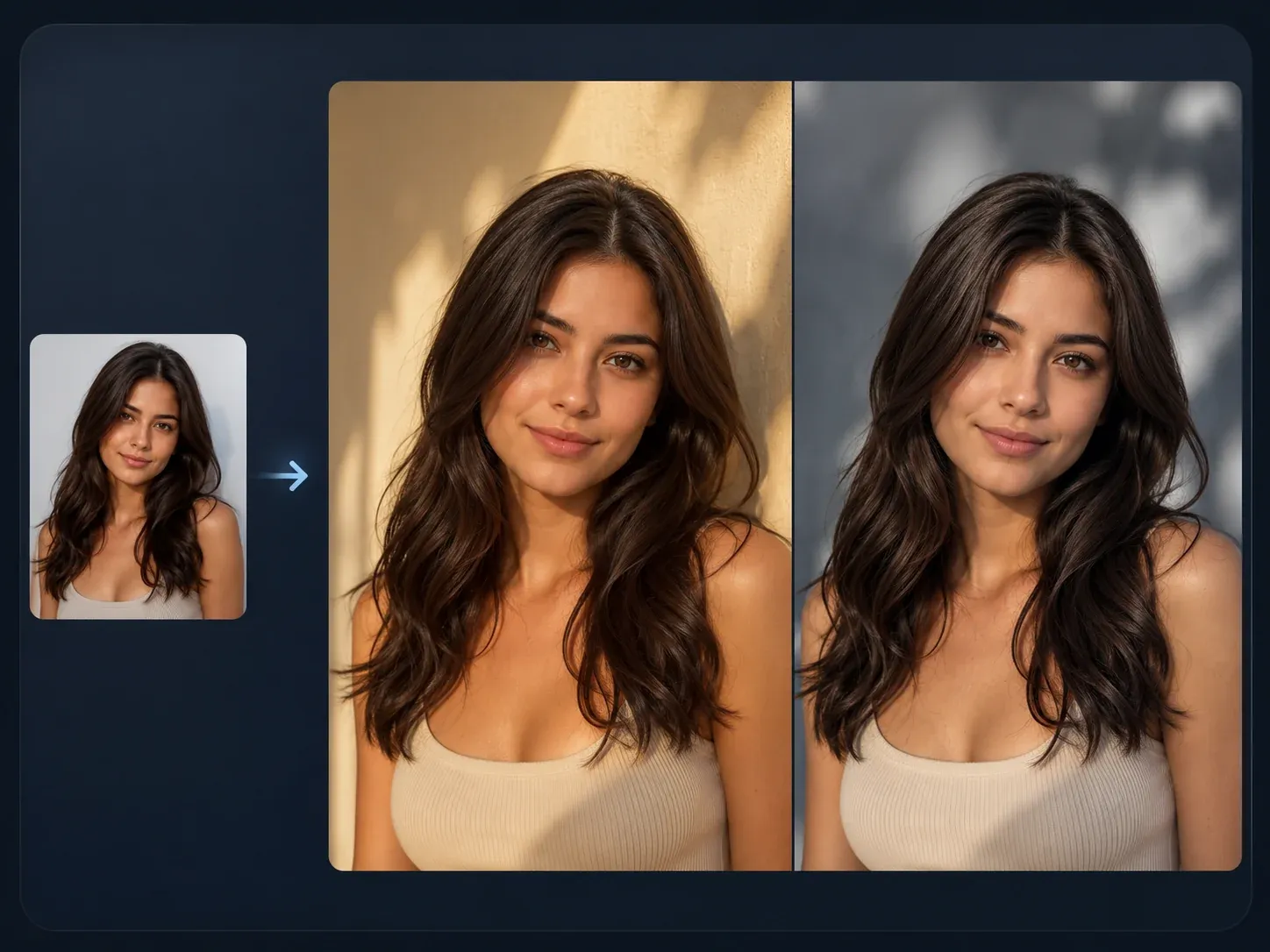
AI Image to Image
Use a generated character as the source when you want a closer variant, new pose, or reference-guided restyle.

AI Image Editor
Fix a distracting detail, background, hand, outfit edge, or prop after the character concept is close.
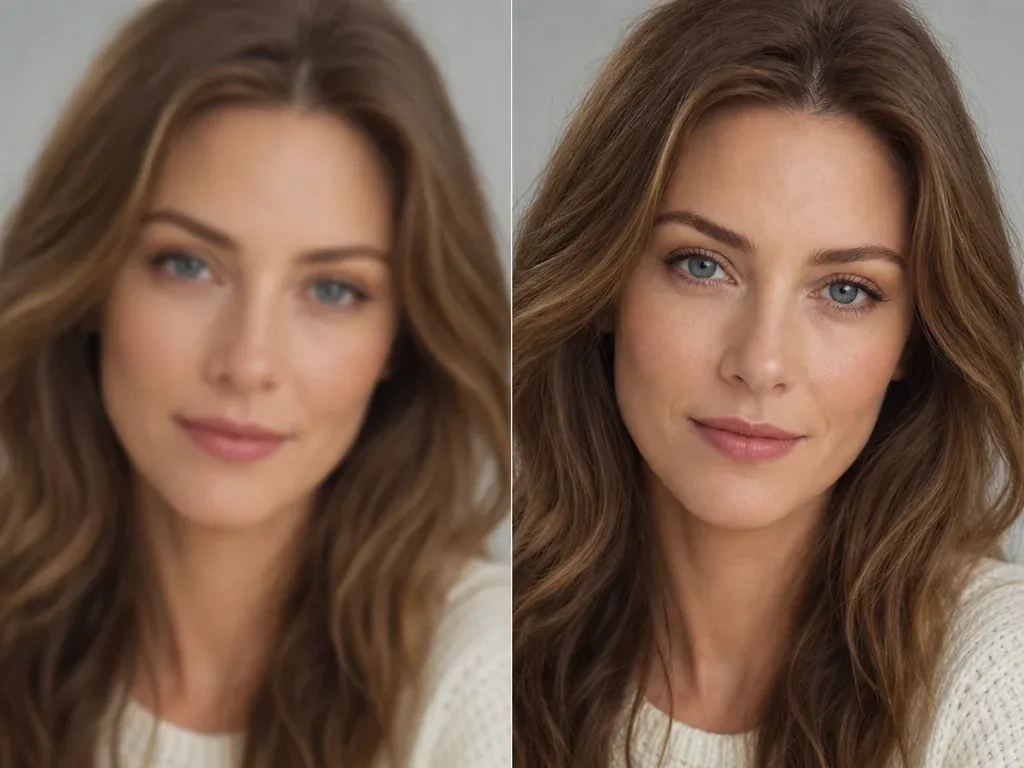
AI Image Upscaler
Sharpen the keeper character image before using it in a deck, profile, tabletop card, or campaign mockup.
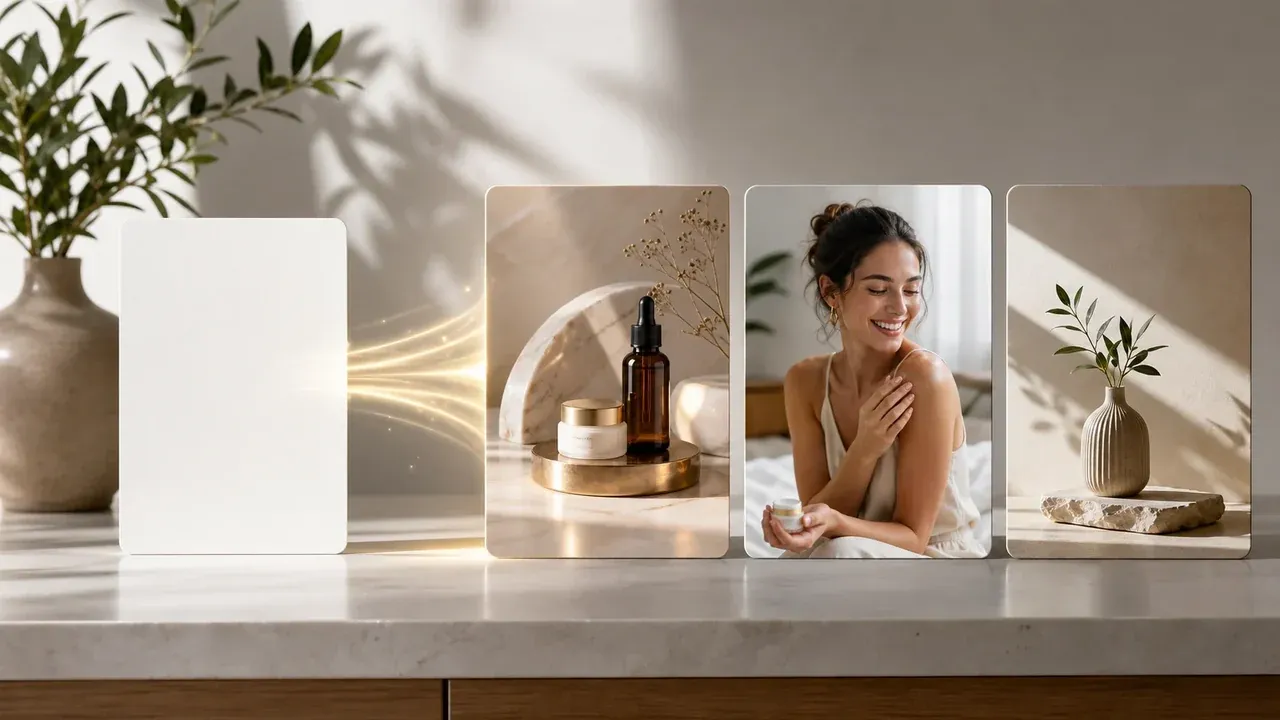
AI Image Generator
Return to the broader generator when the next brief is not a character and needs product, cover, or scene ideas.
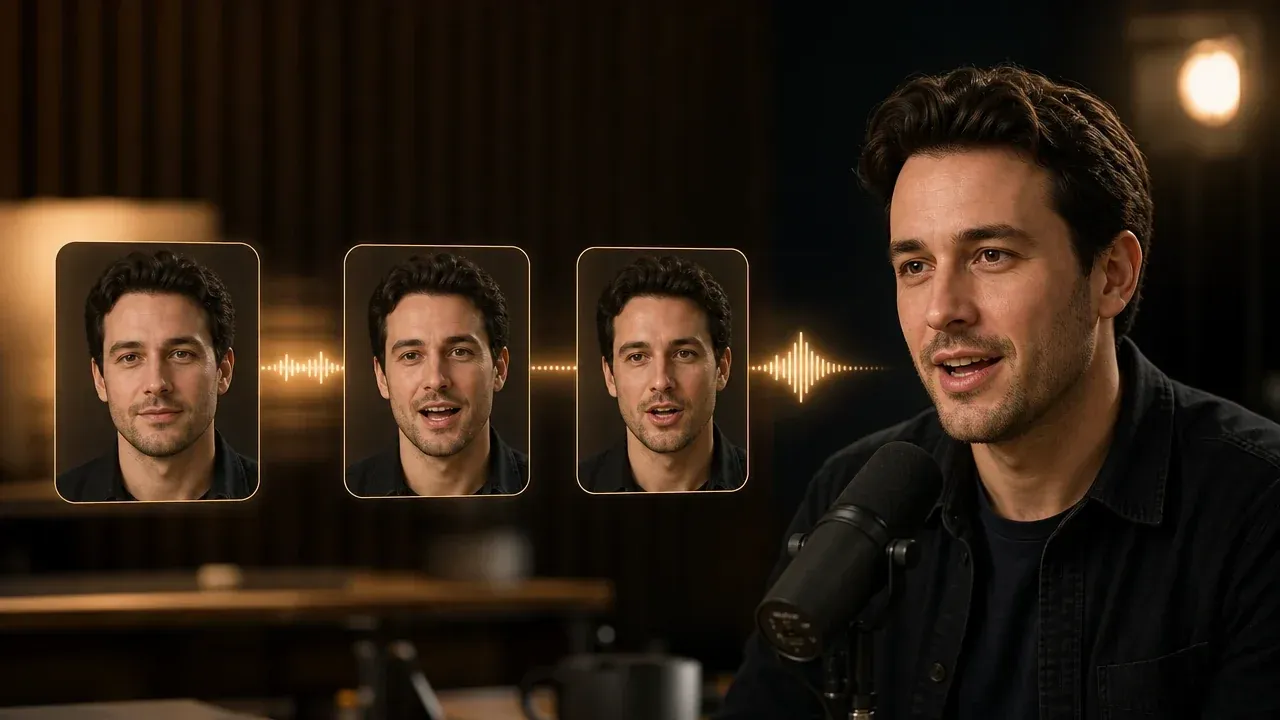
Talking Photo
Use this only after you have a portrait that should become a short speaking clip.
AI Character Generator Questions, Answered
Direct answers about prompts, styles, portraits, consistency, reference images, free use, rights, and when to use a different FaceAI workflow.
An AI character generator creates character images from text prompts. You describe the role, look, pose, setting, and style, then review the generated portrait or concept art.
Yes. You can open the online workspace and start from a prompt for free, with no login, no app download, and no watermark on the standard result flow. If account or quota rules apply during heavier use, the product flow will show the current limit.
No. A clear prompt is enough to start. You will get better results if you describe visible details such as outfit, pose, expression, lighting, and background.
Use a short brief: character role, age range, body type, outfit, prop, pose, expression, setting, and art style. Avoid adding multiple characters or five unrelated styles in one prompt.
Yes. Use portrait ratios when the face matters most, and taller ratios when outfit, pose, or full-body silhouette matters. Mention full-body in the prompt when you need it.
You can prompt realistic portraits, illustration, anime-style art, cinematic concepts, 3D-style characters, mascots, tabletop portraits, and broader concept art directions.
Do not use the tool to recreate protected characters, celebrities, logos, or branded costumes unless you have rights to use them. Create original character ideas instead.
This page starts from prompt-to-image. If you already have a character image and want a closer variant, use AI Image to Image so the next run has a visual source.
Not as a guarantee. Repeat the same traits in the prompt, save the closest result, and use source-guided follow-up tools when you need a more consistent second version.
Use fewer changes per run, keep the same age, facial features, hair, outfit, and camera angle in the prompt, then move the best result into image-to-image for tighter variants.
No. This page is for broad character images and concept art. Use a dedicated OC workflow for detailed original-character profiles, and use avatar tools when the goal is a profile identity image.
No. This page creates still character images. Use a talking or video workflow only after you have a portrait or still image that is ready for that next job.
You are responsible for rights around the prompt, subject, style references, and any uploaded or reused assets. Avoid protected IP, public figures, logos, and characters you do not own.
Yes. After the generated image appears in the result panel, use the download control. Keep the page open until the final preview is ready.
Start with the AI Character Generator
Write one clear character brief, generate the first concept, then refine only the version that is close enough to keep.