
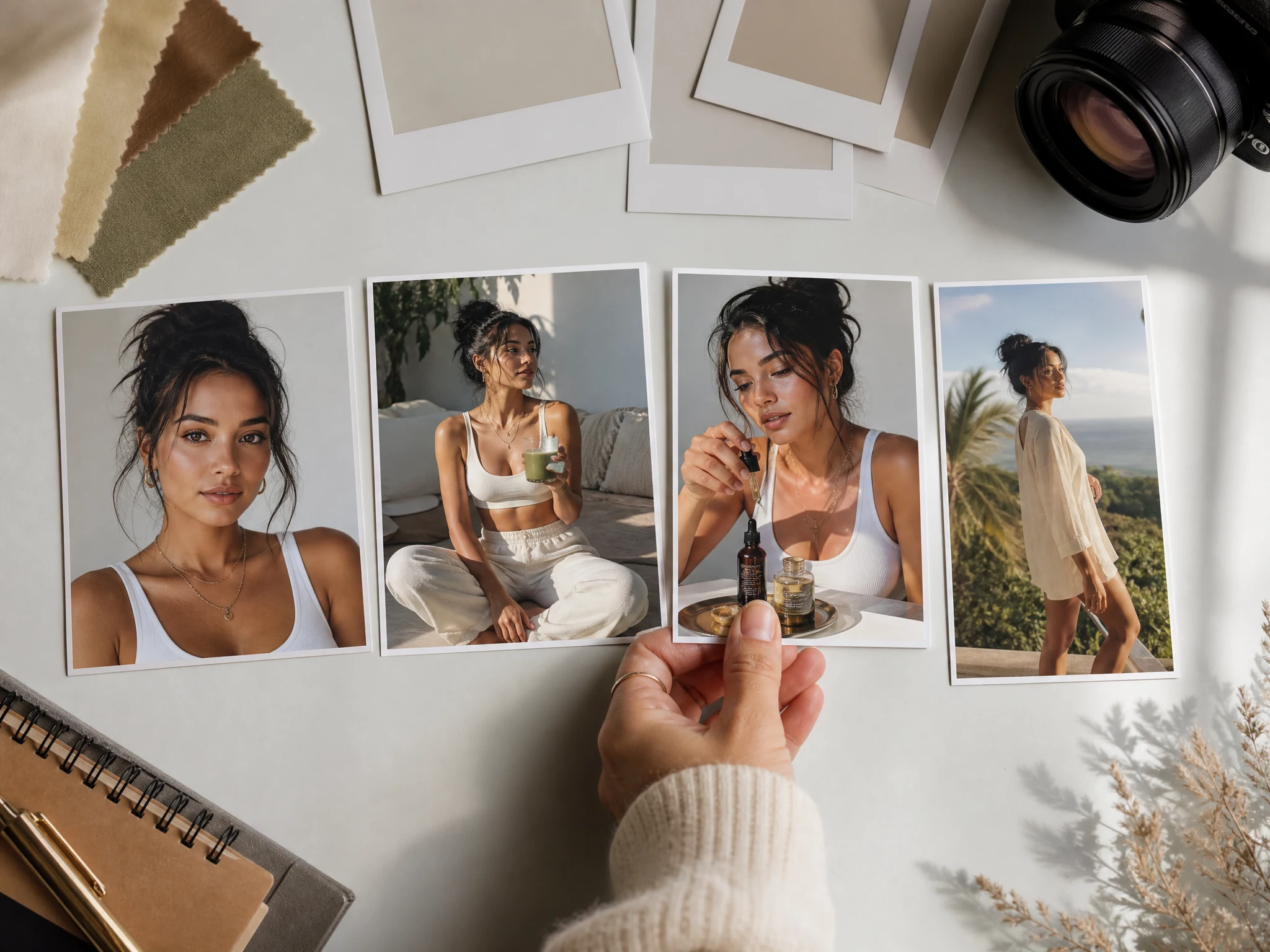
AI Influencer Generator Free Online for Virtual Creator Photos
Most AI influencer ideas die as vague prompts. Build a real-looking virtual creator instead: write a shoot brief, optionally upload reference cues, choose a niche, generate profile photos, UGC ad stills, product shots, thumbnails, and social posts. Free online. No sign-up. No watermark.
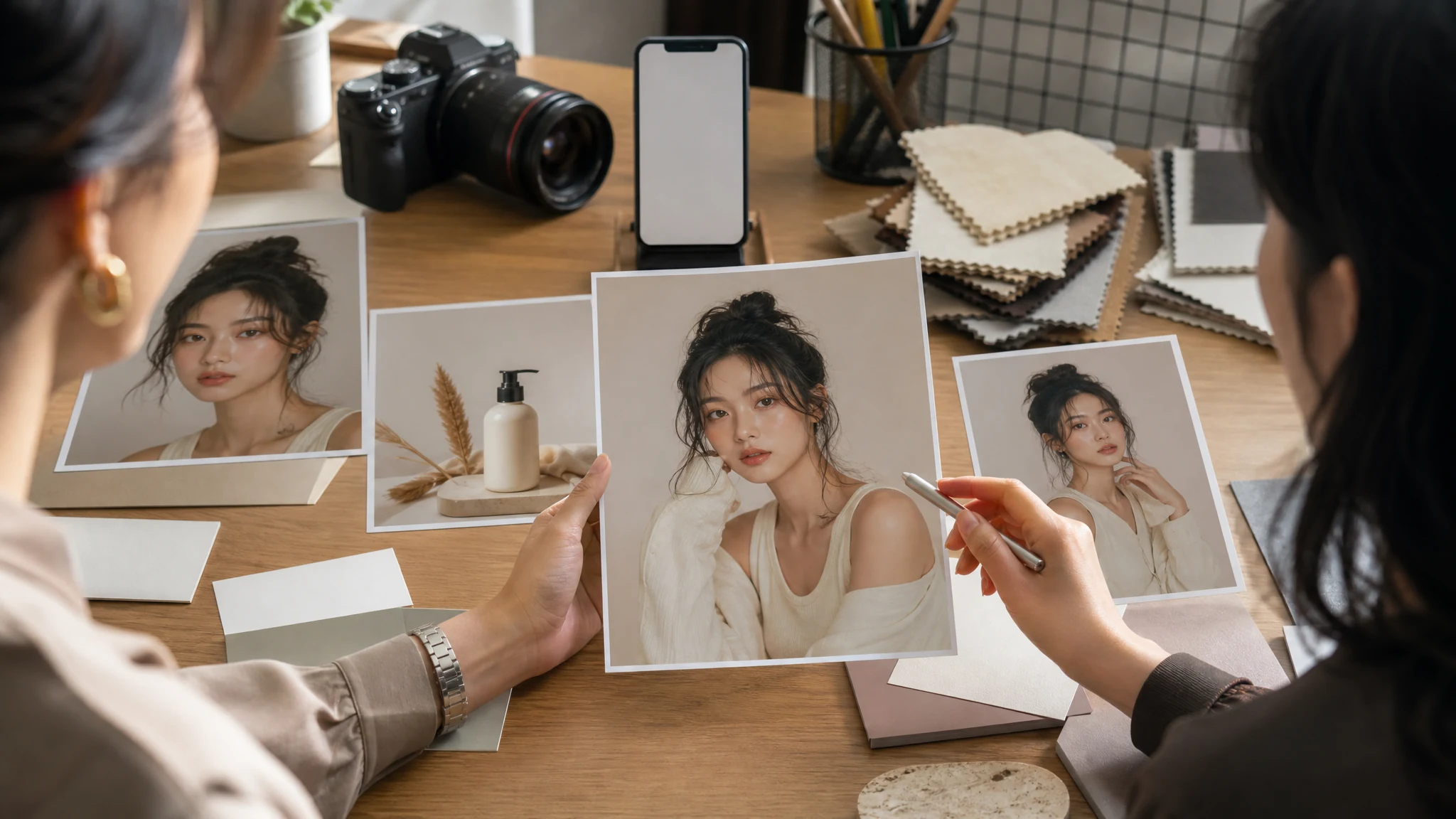
Trusted by 12,000,000+ users worldwide.
How to Create an AI Influencer Photo Online
Skip the empty prompt problem. Start with a prompt or reference, choose the creator niche, write the shoot brief, then generate AI influencer photos for social posts, product visuals, and UGC ads.
Start from a prompt
Write the creator brief first, then add one to six images only if you want the generator to follow face direction, outfit, product context, pose, mood, or a previous creator image more closely.
Pick the creator niche
Choose fashion creator, fitness coach, beauty creator, travel creator, tech reviewer, food creator, gaming streamer, lifestyle creator, or UGC product creator, then write the content angle.
Download or keep testing
Save the best AI influencer photo, compare versions in history, or use the winner for video, speech, cleanup, variants, or sharper export.
AI Influencer Photo Ideas for Social, Ads, and Brands
Create the assets people search for: virtual influencer profiles, UGC ad images, product photos, social thumbnails, lifestyle posts, founder personas, and video-ready source frames.
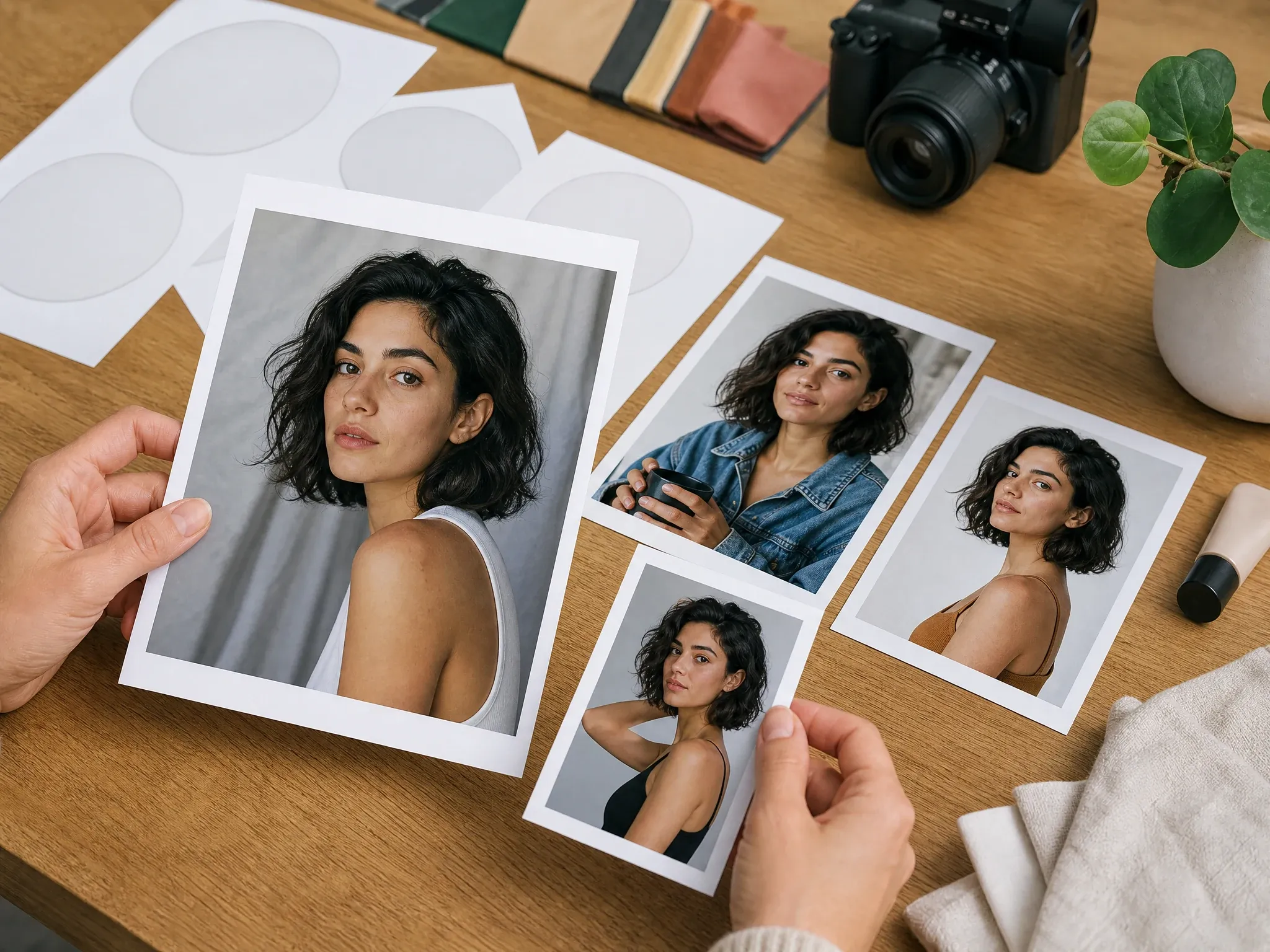
Virtual creator profile packs
Build a believable original persona direction with portrait crops, wardrobe, lighting, and profile-ready compositions for testing a creator identity.
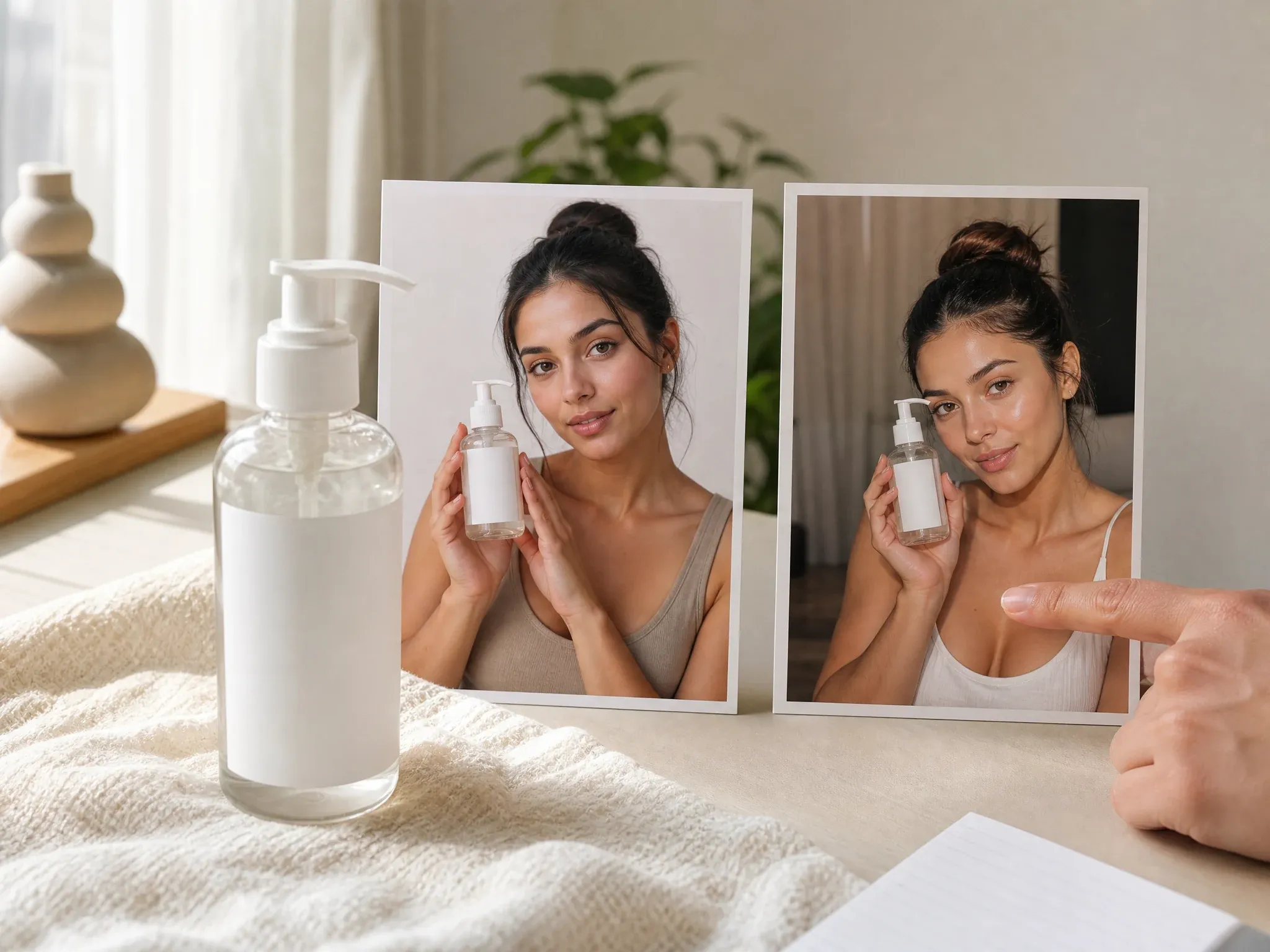
UGC-style product stills
Create relatable product shots with a virtual creator holding, wearing, or presenting a blank-label item before you pay for a real shoot.
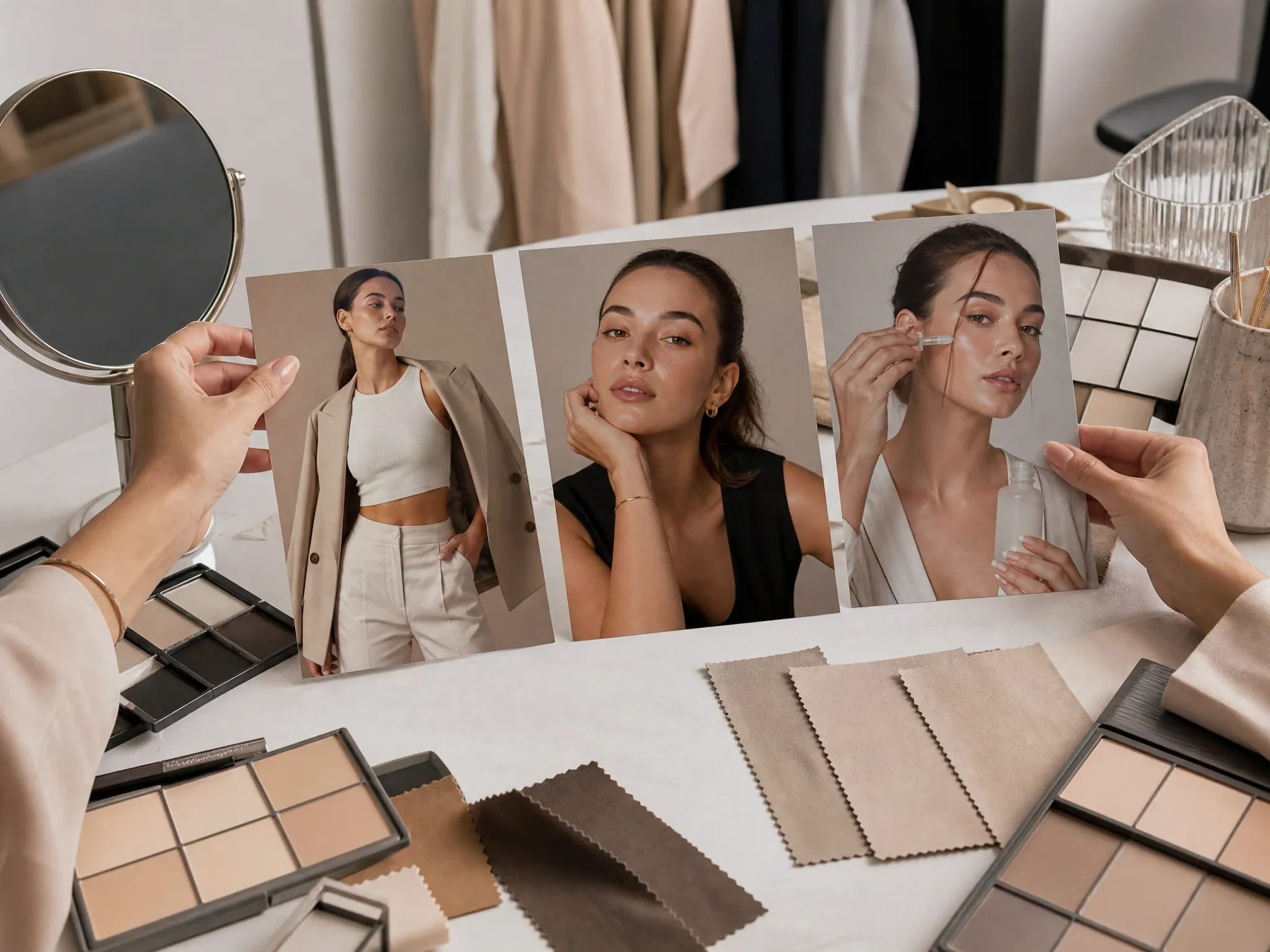
Fashion and beauty concepts
Explore outfit, makeup, skincare, lighting, and editorial tone without copying real creators or brand marks.
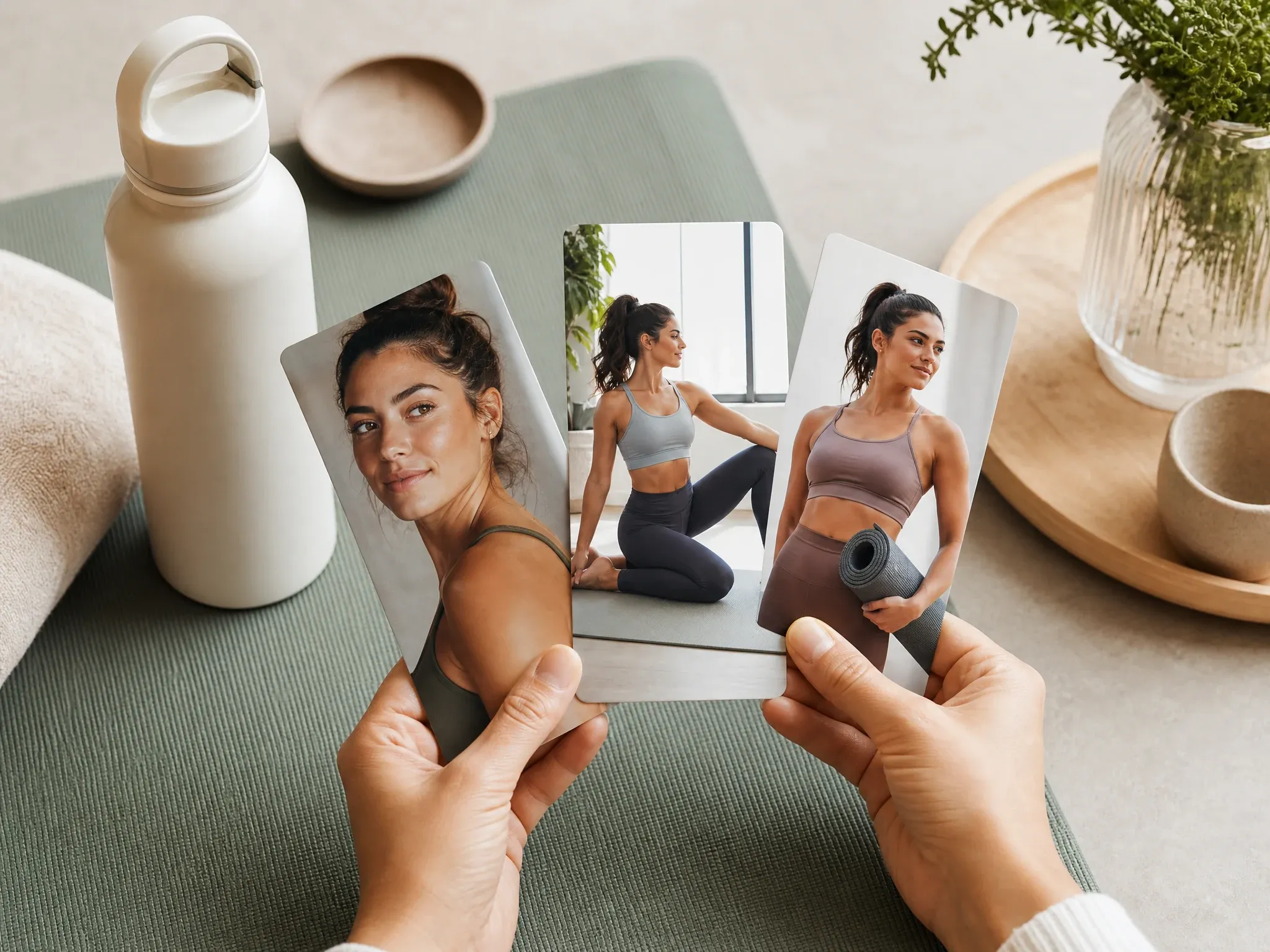
Fitness and wellness personas
Create coach, lifestyle, and wellness directions for vertical posts, profile concepts, and clean product scenes.
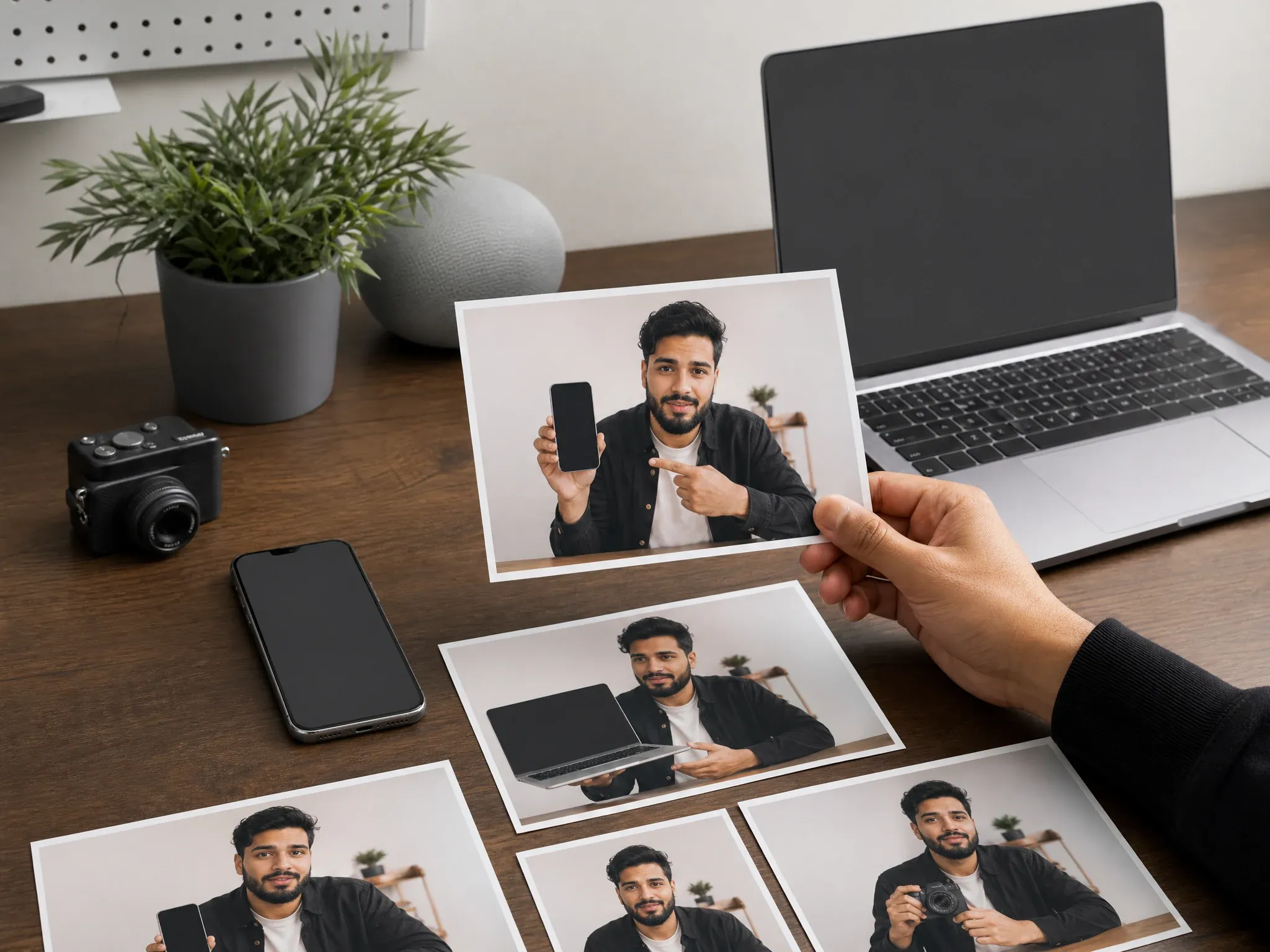
Tech and review creators
Build reviewer-style creator stills with clean desk setups, devices, products, and practical social crops.
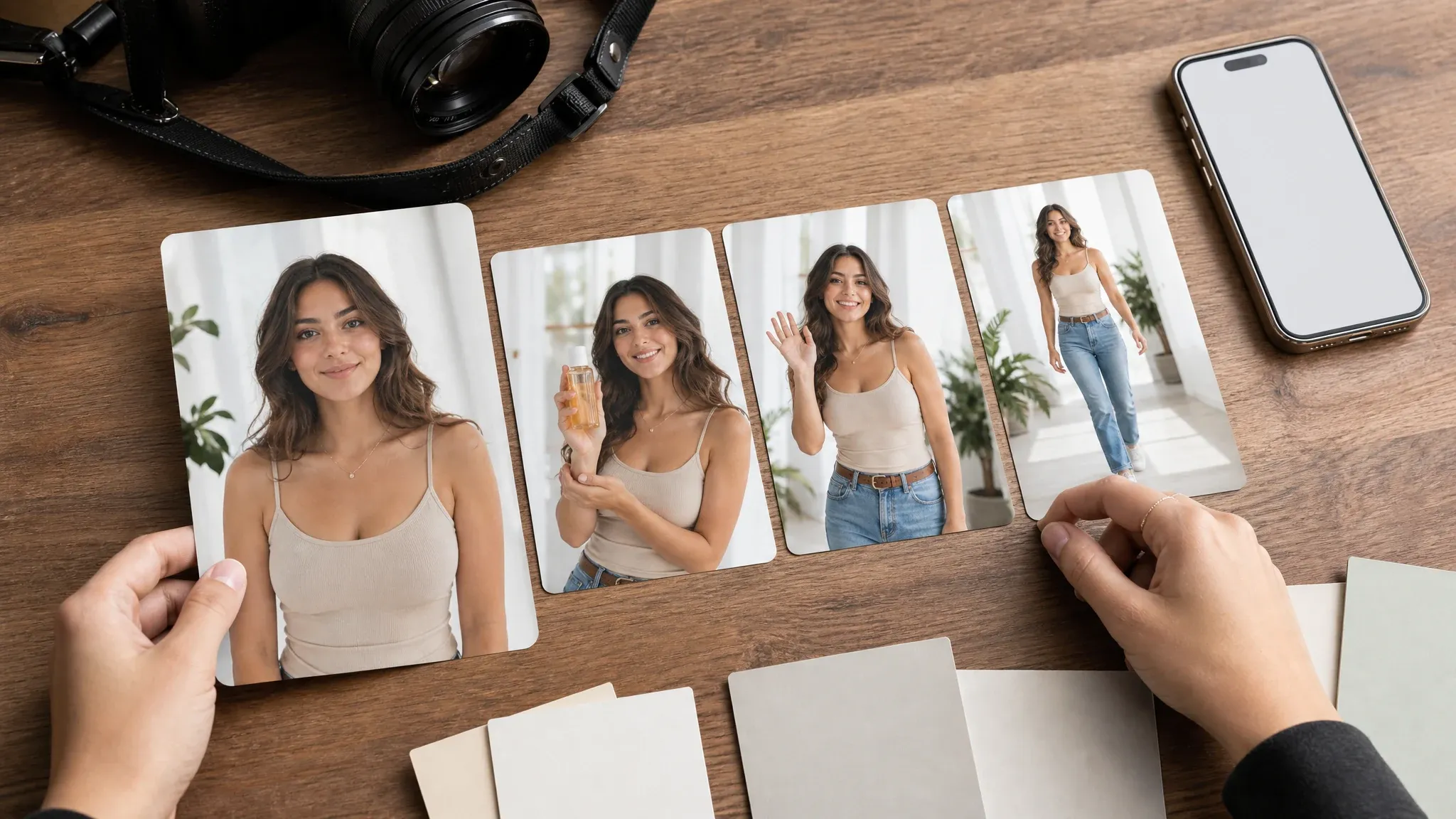
Video-ready source frames
Generate the strongest still first, then turn that keeper into motion, speech, or a short campaign sequence when the creator look works.
What Is an AI Influencer Generator?
An AI influencer generator creates realistic virtual creator photos from a written brief and optional references. Use it when you need profile pictures, lifestyle scenes, product creator shots, UGC-style ad images, or social-ready campaign visuals without booking a shoot first.
Reference-guided creator photos
Upload visual cues when you have them so the output has a clearer face direction, wardrobe, room, product moment, and creator niche than a text-only prompt.
Campaign-ready still images
Create profile portraits, lifestyle posts, UGC product stills, thumbnails, founder personas, and source frames you can test before motion.
Original virtual personas
Build a new creator look instead of copying real influencers, celebrities, logos, or fake endorsements you cannot safely use.
Why Use the FaceAI Free AI Influencer Generator?
You need images that look ready for a profile, ad board, or launch post. FaceAI keeps the tool free online, supports reference uploads when you want them, gives you niche prompts, and lets you download without a watermark.
Reference upload beats guesswork
Give the generator a face direction, outfit, product cue, pose, or mood board when you want the creator photo to start closer to the image in your head.
Creator niches already loaded
Start with fashion, fitness, beauty, travel, tech review, food, gaming, lifestyle, or UGC product content instead of inventing the whole brief from scratch.
Prompts feel like shoot notes
The examples push you to name the niche, wardrobe, scene, crop, product context, lighting, and final social use before you generate.
Easy next steps
When a photo works, move it into video, talking photo, image-to-image, editor, or upscaler instead of rebuilding the idea somewhere else.
How to Get Better AI Influencer Photos
Better AI influencer photos come from specific shoot details: creator niche, audience, product moment, wardrobe, setting, expression, lighting, and final crop.
Give it something visual
Upload a clean portrait direction, wardrobe sample, product photo, mood board, or previous result. Clear cues beat vague creator descriptions.
Name the content job
Say profile pack, UGC ad still, creator thumbnail, founder portrait, vertical story crop, review desk, or lifestyle post.
Control realism and crop
Mention natural skin texture, camera angle, wardrobe, lighting, background, and aspect ratio so the result fits the intended channel.
Keep it usable
Avoid celebrities, public figures, real influencer imitation, logos, readable UI, fake endorsements, and guaranteed follower or revenue claims.
AI Influencer Generator vs. Generic Image Tools
Generic image tools can make a random portrait. A better AI influencer generator helps you brief the creator, product moment, social crop, and next campaign step before you waste generations.
| Criteria | Face AIOurs FaceAI AI influencer generator | Generic tools |
|---|---|---|
| Starting point | Start from a prompt or upload references, then write the scene, outfit, product moment, and social crop. | Generic tools often start with one prompt and leave the creator strategy to you. |
| Best use | Virtual influencer profile packs, product creator photos, UGC ad stills, thumbnails, lifestyle posts, and founder personas. | Video-first suites can help later, but they often add friction before you know whether the creator image is worth using. |
| Controls | Prompt examples, optional reference upload, persona presets, social ratios, history, download, and share. | Simple generators may skip reference cues, social crops, product context, or campaign examples. |
| Output | Realistic virtual influencer photos that can be downloaded, refined, edited, upscaled, or used as source frames. | Video-first tools can make testing slower when the creator look has not been approved yet. |
| Commercial use | Useful for campaign visuals, product scenes, profile concepts, and ad boards when you own the inputs and keep claims honest. | Some tools overpromise monetization, followers, or fake endorsements that can create campaign risk. |
| Next step | Download the best result or continue into motion, speech, cleanup, variants, and sharper export. | One-purpose tools often stop at one output and make the next production step unclear. |
Starting point
Start from a prompt or upload references, then write the scene, outfit, product moment, and social crop.
Generic tools often start with one prompt and leave the creator strategy to you.
Best use
Virtual influencer profile packs, product creator photos, UGC ad stills, thumbnails, lifestyle posts, and founder personas.
Video-first suites can help later, but they often add friction before you know whether the creator image is worth using.
Controls
Prompt examples, optional reference upload, persona presets, social ratios, history, download, and share.
Simple generators may skip reference cues, social crops, product context, or campaign examples.
Output
Realistic virtual influencer photos that can be downloaded, refined, edited, upscaled, or used as source frames.
Video-first tools can make testing slower when the creator look has not been approved yet.
Commercial use
Useful for campaign visuals, product scenes, profile concepts, and ad boards when you own the inputs and keep claims honest.
Some tools overpromise monetization, followers, or fake endorsements that can create campaign risk.
Next step
Download the best result or continue into motion, speech, cleanup, variants, and sharper export.
One-purpose tools often stop at one output and make the next production step unclear.
AI Influencer Generator Reviews from Real Creative Workflows
Creators, marketers, founders, and social teams use virtual influencer photos to test profile looks, UGC hooks, product scenes, and campaign angles before production.
"I needed campaign photos before booking a shoot. Uploading a reference and picking a persona got me profile, product, and story-ready directions in one run."

Nina Volkov
Visual Design Director
"The preset niches are the shortcut. Fashion, fitness, beauty, travel, tech, and UGC prompts start close enough that I can test the hook instead of fixing the brief."

Oliver Bennett
Brand Strategy Lead
"We make the still first, then animate only the winner. That one change keeps our short-video tests from starting with weak creator visuals."

Mia Torres
Design Director
"It is good for original virtual creators, not celebrity copies. That makes the images easier to use in brand boards without messy likeness problems."

James Whitfield
Creative Director
"For product photos, I can describe the creator, outfit, room, and blank-label product moment in one brief. Then I keep the best versions in history."

Aaliyah Williams
Digital Marketing Director
"This does not feel like a blank prompt box. The examples push the brief toward a real social asset: niche, wardrobe, scene, crop, and lighting."

Leo Fitzgerald
Associate Creative Director
"I needed campaign photos before booking a shoot. Uploading a reference and picking a persona got me profile, product, and story-ready directions in one run."
Nina Volkov
Visual Design Director
"The preset niches are the shortcut. Fashion, fitness, beauty, travel, tech, and UGC prompts start close enough that I can test the hook instead of fixing the brief."
Oliver Bennett
Brand Strategy Lead
"We make the still first, then animate only the winner. That one change keeps our short-video tests from starting with weak creator visuals."
Mia Torres
Design Director
"It is good for original virtual creators, not celebrity copies. That makes the images easier to use in brand boards without messy likeness problems."
James Whitfield
Creative Director
"For product photos, I can describe the creator, outfit, room, and blank-label product moment in one brief. Then I keep the best versions in history."
Aaliyah Williams
Digital Marketing Director
"This does not feel like a blank prompt box. The examples push the brief toward a real social asset: niche, wardrobe, scene, crop, and lighting."
Leo Fitzgerald
Associate Creative Director
"The best results happen when I write it like a shoot note: who the creator is, what they are holding, where they stand, and what crop we need."

Sofia Martinez
Head of Brand Social
"I needed campaign photos before booking a shoot. Uploading a reference and picking a persona got me profile, product, and story-ready directions in one run."
Nina Volkov
Visual Design Director
"The preset niches are the shortcut. Fashion, fitness, beauty, travel, tech, and UGC prompts start close enough that I can test the hook instead of fixing the brief."
Oliver Bennett
Brand Strategy Lead
"We make the still first, then animate only the winner. That one change keeps our short-video tests from starting with weak creator visuals."
Mia Torres
Design Director
"It is good for original virtual creators, not celebrity copies. That makes the images easier to use in brand boards without messy likeness problems."
James Whitfield
Creative Director
"For product photos, I can describe the creator, outfit, room, and blank-label product moment in one brief. Then I keep the best versions in history."
Aaliyah Williams
Digital Marketing Director
"This does not feel like a blank prompt box. The examples push the brief toward a real social asset: niche, wardrobe, scene, crop, and lighting."
Leo Fitzgerald
Associate Creative Director
"The best results happen when I write it like a shoot note: who the creator is, what they are holding, where they stand, and what crop we need."
Sofia Martinez
Head of Brand Social
"We use it to create visual directions for UGC-style ads before a full shoot, especially when the team is still choosing the creator look."

Daniela Flores
Brand Marketing Lead
"It helped us define a clean founder-persona look for launch content while keeping logos and fake social UI out of the image."

Amara Okafor
Founder & CEO
"Still image first is the right order. Once the face, styling, and product scene work, turning it into video or a talking photo makes more sense."

Marcus Johnson
Performance Marketing Manager
"The profile-pack examples are specific enough for art direction: headshot, lifestyle post, product scene, and vertical story crop."

Zara Davis
Social Media Director
"History makes the workflow usable because tiny changes in outfit, scene, or ratio can shift the whole persona."

Ananya Iyer
Content Marketing Lead
"I use it as the source-frame step. The image has to sell the creator before motion, voice, or edits are worth spending time on."

Haruka Kimura
Inbound Marketing Manager
"The output is best when we keep the persona original and avoid named people, brands, readable text, and social screenshots."

Emma Johansson
Head of Content Strategy
"We use it to create visual directions for UGC-style ads before a full shoot, especially when the team is still choosing the creator look."
Daniela Flores
Brand Marketing Lead
"It helped us define a clean founder-persona look for launch content while keeping logos and fake social UI out of the image."
Amara Okafor
Founder & CEO
"Still image first is the right order. Once the face, styling, and product scene work, turning it into video or a talking photo makes more sense."
Marcus Johnson
Performance Marketing Manager
"The profile-pack examples are specific enough for art direction: headshot, lifestyle post, product scene, and vertical story crop."
Zara Davis
Social Media Director
"History makes the workflow usable because tiny changes in outfit, scene, or ratio can shift the whole persona."
Ananya Iyer
Content Marketing Lead
"I use it as the source-frame step. The image has to sell the creator before motion, voice, or edits are worth spending time on."
Haruka Kimura
Inbound Marketing Manager
"The output is best when we keep the persona original and avoid named people, brands, readable text, and social screenshots."
Emma Johansson
Head of Content Strategy
Turn Your AI Influencer Photo Into More Content
A good still image is only the start. Turn your best AI influencer photo into motion, speech, closer variants, cleaner edits, sharper exports, or a simpler avatar.
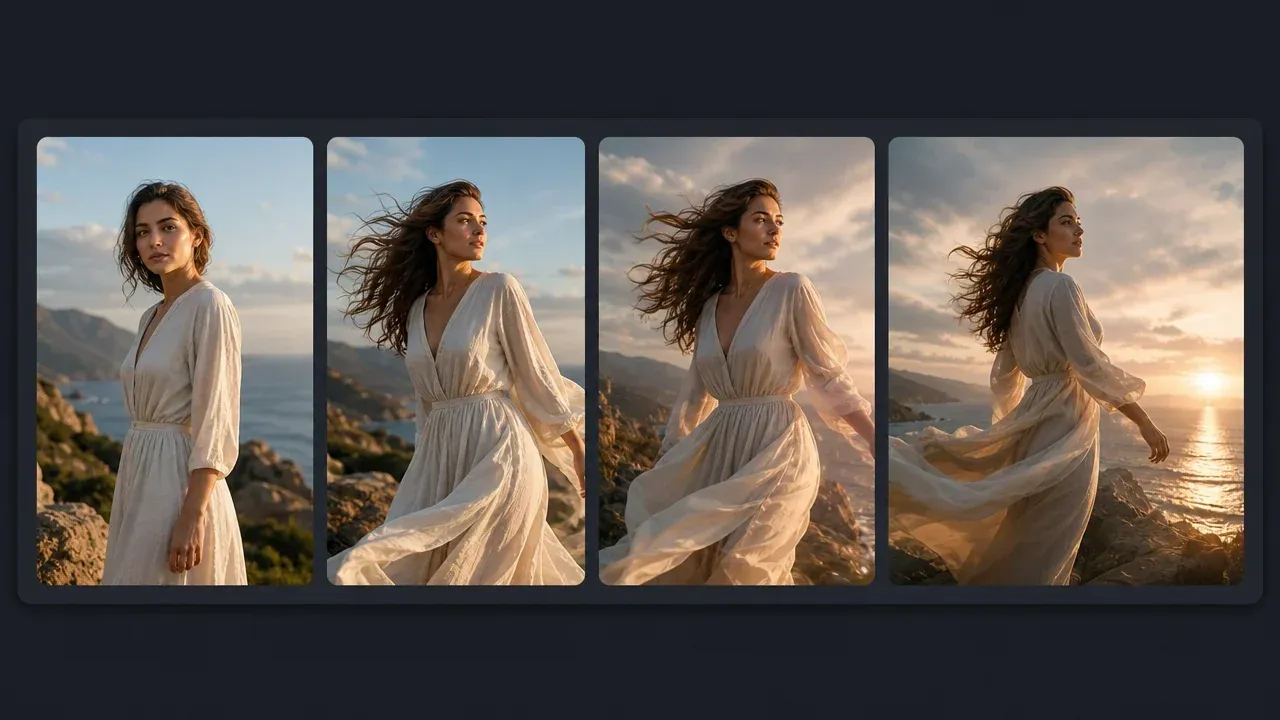
AI Image to Video Generator
Turn the best creator photo into a short motion test for Reels, Shorts, TikTok hooks, launch teasers, or UGC ad boards.
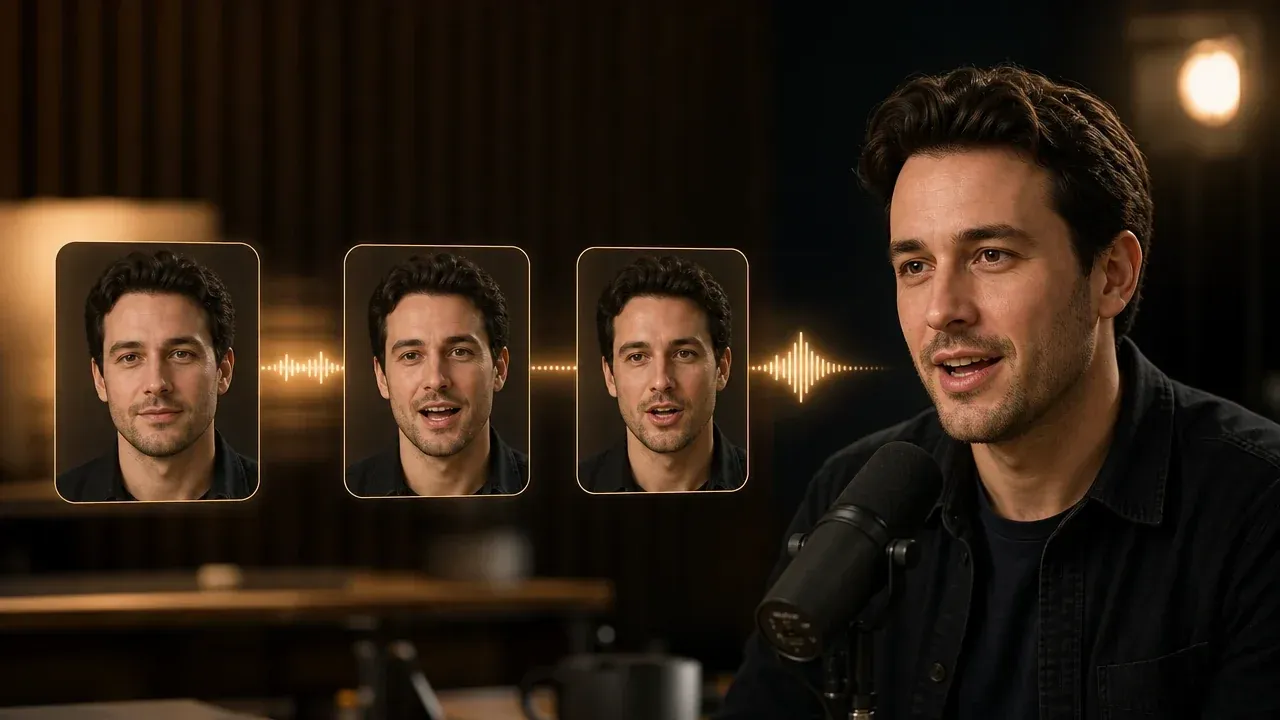
Talking Photo
Use a keeper portrait when the next asset needs a simple speaking clip, product line, founder message, or avatar-style intro.
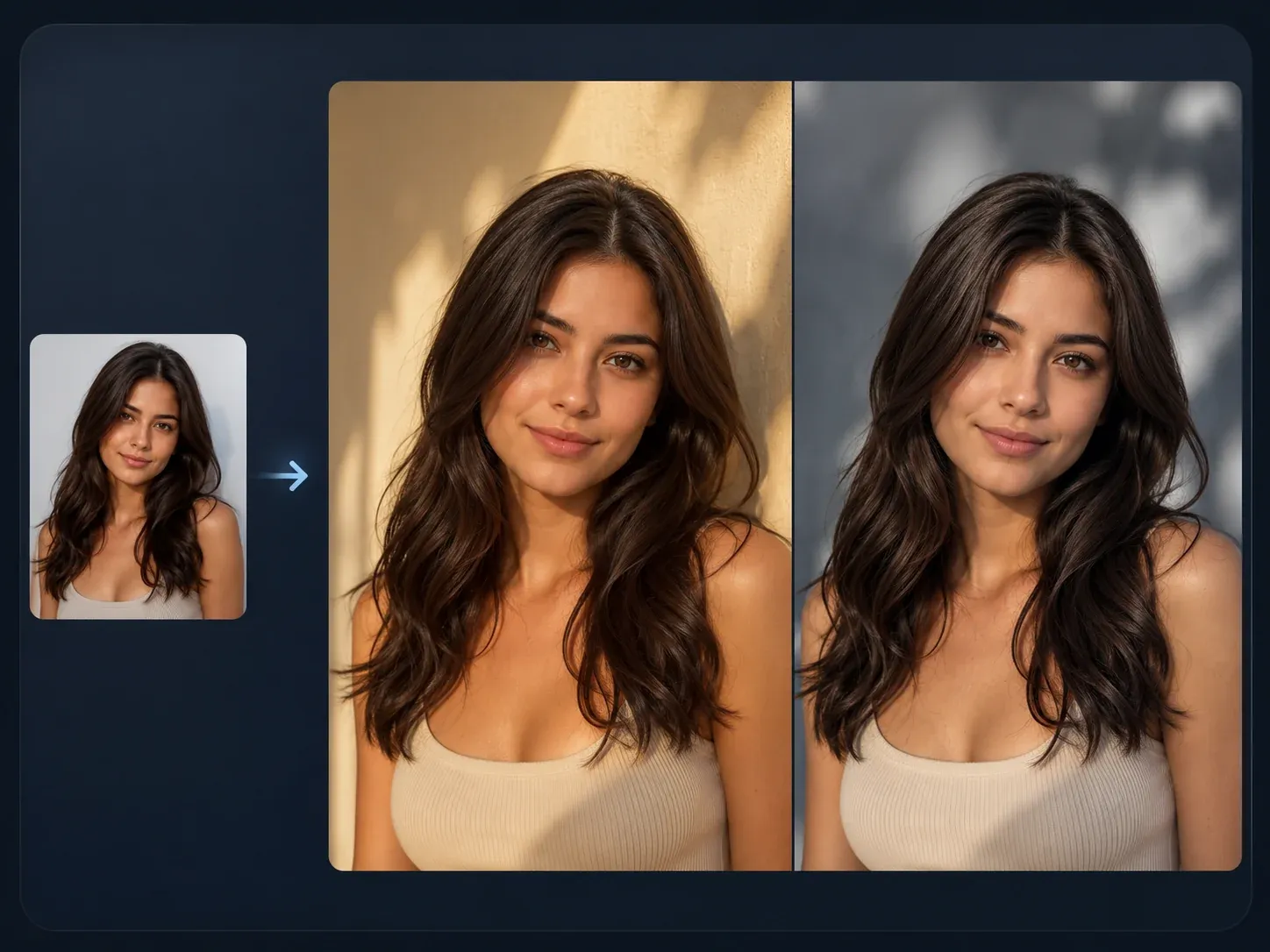
AI Image to Image
Make closer variants from a winning persona when the outfit, room, pose, product angle, or crop needs another pass.

AI Image Editor
Fix the almost-there result: background clutter, odd edges, product placement, wardrobe details, or a distracting prop.
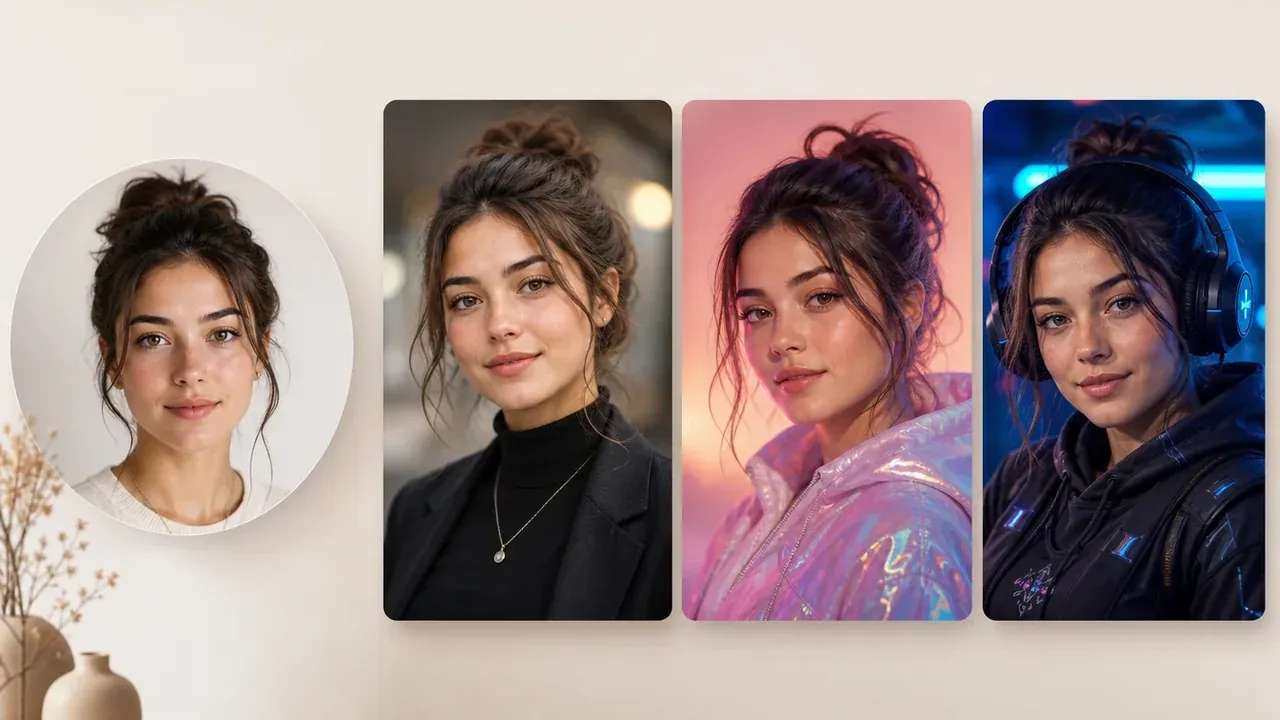
AI Avatar Generator
Create a simpler profile avatar when you do not need the full influencer scene, product context, or campaign-style photo pack.
AI Influencer Generator FAQ
Direct answers about free AI influencer generation, optional reference images, UGC ads, profile packs, videos, downloads, commercial use, consistency, and safe creator prompts.
It is an online tool that creates realistic virtual influencer photos from a written creator brief and optional reference images. Use it for profile packs, UGC ad images, product scenes, thumbnails, lifestyle posts, and campaign concepts.
Yes. You can start generating for free from this page. If account or quota rules apply during heavier use, FaceAI will show the current limit before you continue.
No. Write the creator brief, optionally upload references, generate, download, and share directly in the browser.
No. Prompt-only works too. Add a reference image when you want the generator to follow a face direction, outfit, product context, pose, or mood more closely. Use your own images or material you have rights to use.
Include niche, audience, wardrobe, expression, scene, product moment, crop, lighting, and whether the image should feel like a profile portrait, lifestyle post, product still, or source frame.
Use reference images and previous results to keep a closer visual direction across still images. For campaigns, save the strongest portrait and reuse it as the next source when making variants.
For cleaner results, avoid readable captions, fake social UI, logos, and brand text. Ask for the creator photo, scene, crop, and product moment instead.
You can start from fashion creator, fitness coach, beauty creator, travel creator, tech reviewer, food creator, gaming streamer, lifestyle creator, or UGC product creator presets, then customize the brief.
Yes. Use it for UGC-style product photos, ad concepts, and creator visuals. Keep claims honest and disclose generated content where your campaign or platform requires it.
No. Create original virtual personas. Do not request real people, public figures, celebrities, protected likenesses, logos, or branded endorsement scenes without rights.
This page focuses on creating the source influencer photo. Once the still image works, use AI Image to Video Generator for motion or Talking Photo for a short speaking clip.
Yes. After the result appears, download the finished image from the page. Keep the tab open until the final image is ready.
Use AI Image Editor for focused cleanup, AI Image to Image for closer variants, or AI Image Upscaler when the keeper needs a sharper export.
You are responsible for rights around source images, prompts, products, and campaign claims. Avoid fake endorsements, deceptive identity, real-person imitation, and undisclosed generated content where your platform requires disclosure.
No. FaceAI helps create visual assets. It does not automate accounts, promise followers, guarantee revenue, or replace campaign disclosure and platform compliance.
Create Your AI Influencer Photo Now
Write the shoot brief, optionally add reference cues, choose a creator niche, then generate an original virtual influencer photo for profiles, UGC ads, product scenes, and social posts.