

AI Music Extender: Make Any Song Longer — Free to Start
Upload a song, a loop, or a demo that ends too early, then set the exact point where the music should continue. The extender keeps the sound of your source and writes the next section around it, with vocals or without. Original mode asks for almost nothing; Custom mode adds lyrics, style, a title, a variety control, and a continue point you place yourself. The quote — free quota or credits — appears in the workbench before the run starts, and the version you select downloads as MP3.

Trusted by 12,000,000+ users worldwide.
How Do You Extend a Song with AI?
Upload first — the extension controls appear once the file is ready.
Upload your track
Choose one audio file up to 20 MB and 8 minutes, then wait for the duration to appear above the continue point.
Choose where it continues
Original continues from the end with minimal input. Custom places the continue point yourself and adds title, style, lyrics, or an instrumental direction.
Generate and keep a version
Play each returned continuation against your source, pick the one that fits, then download it as MP3 or share the page.
When Do You Need an AI Music Extender?
Four situations where continuing your own audio beats starting over.

Finish an unfinished demo
A draft that stops after the first chorus does not need re-recording. Continue from where it cuts off and hear where the song could go next.

Stretch a track to fit your video
When the edit runs longer than the music, extend the bed instead of looping it. Place the continue point near the end and set the length you need.
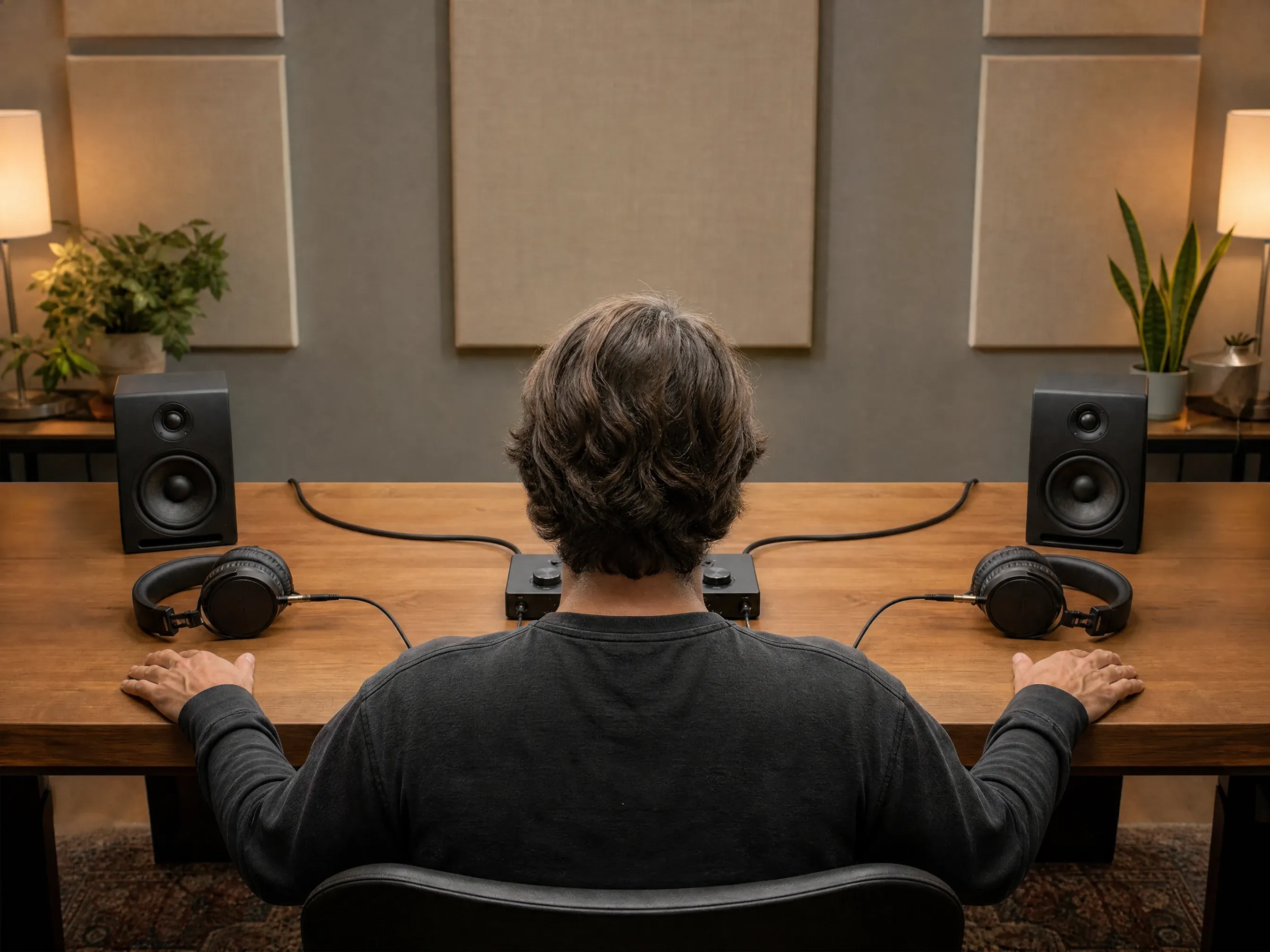
Compare two ways the song could end
Run the same source twice with different styles or lyrics, then A/B the two continuations side by side before you commit.
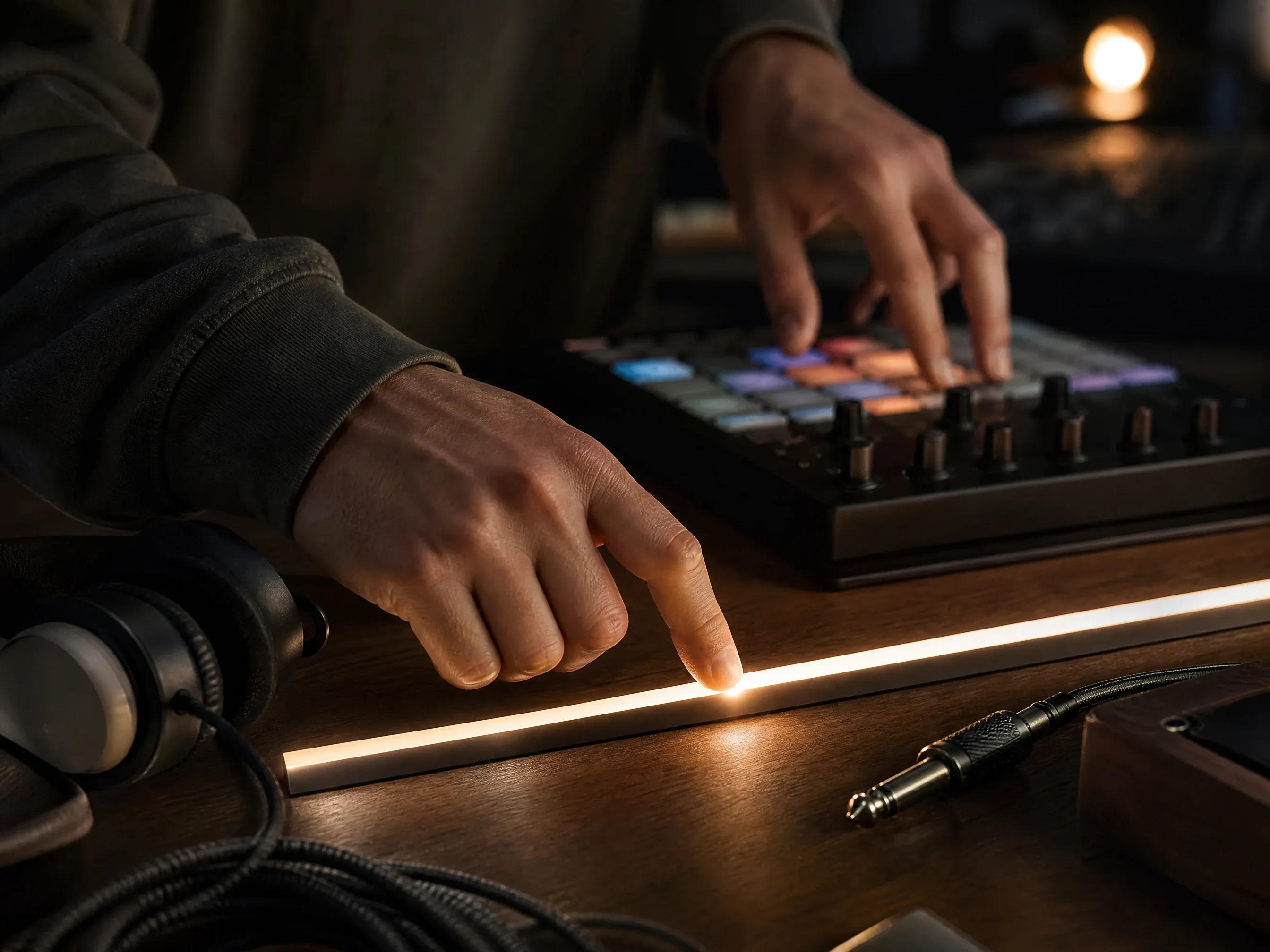
Add a section where you choose
Custom mode drops new material into a specific spot — a bridge, an outro, a transition — using the continue point as the marker.
What Is an AI Music Extender?
It continues audio you already have. Upload a track, pick the point where it should carry on, and the extender writes the next section from the music that is already there. A 40-second idea can become a full track without a studio session.
The song keeps its own sound
Your upload is the reference — not a text prompt. New sections are written from the material that is already in the file.
You choose the exact point
Drag the slider or type the timestamp. Find where the loop ends and let the extension pick up from there.
Keep the style or push it somewhere new
Stay close to the source, or use Custom mode to shift the style, add lyrics, or change the vocal direction.
Several continuations, one decision
A run can return more than one continuation. Play them against the original before you download the one you keep.
How to Get Better AI Music Extensions
Where you cut and how you describe the next section decide most of the result.
Extend musicUse a clean source ending
Cut at a musical boundary if you can. A file that ends mid-cymbal gives the model less to work with than one that ends on a downbeat.
Pick a meaningful continue point
The default sits one second before the end, which suits "keep going". For a new section, move it to the bar where the change should happen.
Say whether the style should hold
Write "same tempo, same instruments, add a soft outro" when it should blend in, or name the new direction when you want contrast.
Compare every version before you commit
Two continuations from one source can head in very different directions. Play each one against your original.
AI Music Extender or AI Music Generator?
Both tools share one workbench. The difference is whether you already have audio.
| Criteria | Face AIOurs AI Music Extender | AI Music Generator |
|---|---|---|
| What you have | An audio file that needs more music. | A description or lyrics, with no file to continue. |
| Best for | Continuing, finishing, or lengthening your own track. | Starting a song from scratch. |
| Input | One audio file: MP3, WAV, M4A, AAC, or OGG, up to 20 MB and 8 minutes. | Text only — no upload required. |
| Controls | Original or Custom, a continue point you place, style, lyrics, and variety 0–4. | Simple or Custom, three models, 10–360 seconds, vocal gender. |
| Free quota | Changes queue priority; the extension length stays the same. | Custom mode returns a fixed 10-second preview. |
| Download | MP3 of the continuation you selected, no watermark. | MP3 of the selected track, no watermark. |
| Limitation | The continue point must sit inside your file, and History restores settings rather than the upload. | Free runs ignore the requested length and return 10 seconds. |
What you have
An audio file that needs more music.
A description or lyrics, with no file to continue.
Best for
Continuing, finishing, or lengthening your own track.
Starting a song from scratch.
Input
One audio file: MP3, WAV, M4A, AAC, or OGG, up to 20 MB and 8 minutes.
Text only — no upload required.
Controls
Original or Custom, a continue point you place, style, lyrics, and variety 0–4.
Simple or Custom, three models, 10–360 seconds, vocal gender.
Free quota
Changes queue priority; the extension length stays the same.
Custom mode returns a fixed 10-second preview.
Download
MP3 of the continuation you selected, no watermark.
MP3 of the selected track, no watermark.
Limitation
The continue point must sit inside your file, and History restores settings rather than the upload.
Free runs ignore the requested length and return 10 seconds.
Creators Using the AI Music Extender
Editors, marketers, and founders on extending tracks they already had.
"Our 30-second cut needed a 90-second bed. The second pass did it."

Marcus Johnson
Performance Marketing Manager
"Phone demos turn into full tracks now. No studio booking."

Daniela Flores
Brand Marketing Lead
"The continue point slider is the whole feature for me."

Ken Watanabe
SEM Specialist
"Two versions from one upload, then I pick per platform."

Adriana Torres
Paid Social Director
"Stretched a 40-second jingle into a three-minute retail bed."

Pablo Reyes
Media Planning Lead
"The new section sits in the same key. No patched-on seam."

Swati Joshi
Brand Manager
"Our 30-second cut needed a 90-second bed. The second pass did it."
Marcus Johnson
Performance Marketing Manager
"Phone demos turn into full tracks now. No studio booking."
Daniela Flores
Brand Marketing Lead
"The continue point slider is the whole feature for me."
Ken Watanabe
SEM Specialist
"Two versions from one upload, then I pick per platform."
Adriana Torres
Paid Social Director
"Stretched a 40-second jingle into a three-minute retail bed."
Pablo Reyes
Media Planning Lead
"The new section sits in the same key. No patched-on seam."
Swati Joshi
Brand Manager
"Upload, choose the point, download. One sitting."

Brendan Murphy
Shopper Marketing Lead
"Our 30-second cut needed a 90-second bed. The second pass did it."
Marcus Johnson
Performance Marketing Manager
"Phone demos turn into full tracks now. No studio booking."
Daniela Flores
Brand Marketing Lead
"The continue point slider is the whole feature for me."
Ken Watanabe
SEM Specialist
"Two versions from one upload, then I pick per platform."
Adriana Torres
Paid Social Director
"Stretched a 40-second jingle into a three-minute retail bed."
Pablo Reyes
Media Planning Lead
"The new section sits in the same key. No patched-on seam."
Swati Joshi
Brand Manager
"Upload, choose the point, download. One sitting."
Brendan Murphy
Shopper Marketing Lead
"A demo that stopped after the second chorus came back with an outro that actually resolves. The editor kept it in the final cut."

Elena Kowalski
Senior Content Strategist
"Two endings on the same spot: same source, different continuations, one clear winner. Cheaper than booking another session."

Junhyuk Choi
Campaign Optimization Lead
"Skeptical about the upload limit at first. 20 MB covers our masters, and eight minutes is far past the beds we use."

Sakura Ito
Partner Marketing Lead
"The free run changes queue position instead of shortening the audio, which is what I want when testing a direction."

Santiago Herrera
Director of Media Investment
"Custom mode let me name the bridge, drop in lyrics, and hold the tempo. The team approved the first pair of versions."

Tendai Moyo
VP of Seller Experience
"Our archive is full of tracks that were cut for 15-second ads. I extend them into longer backgrounds now instead of hunting for new licensed music, and the continue point keeps the transition where our editor expects it. One thing to remember: re-attach the file before another run — the settings come back, the audio does not."

Charlotte Beaumont
Director of Content Operations
"I write and record at night, and my drafts usually stop where the idea runs out. The extender takes that fragment, keeps the feel of the guitar I already tracked, and hands me two ways forward. I listen, pick the one that sounds like the song in my head, and download it. It replaced the loop-and-pray approach I used for years."

Nyla Brooks
Founder & Chief Strategist
"A demo that stopped after the second chorus came back with an outro that actually resolves. The editor kept it in the final cut."
Elena Kowalski
Senior Content Strategist
"Two endings on the same spot: same source, different continuations, one clear winner. Cheaper than booking another session."
Junhyuk Choi
Campaign Optimization Lead
"Skeptical about the upload limit at first. 20 MB covers our masters, and eight minutes is far past the beds we use."
Sakura Ito
Partner Marketing Lead
"The free run changes queue position instead of shortening the audio, which is what I want when testing a direction."
Santiago Herrera
Director of Media Investment
"Custom mode let me name the bridge, drop in lyrics, and hold the tempo. The team approved the first pair of versions."
Tendai Moyo
VP of Seller Experience
"Our archive is full of tracks that were cut for 15-second ads. I extend them into longer backgrounds now instead of hunting for new licensed music, and the continue point keeps the transition where our editor expects it. One thing to remember: re-attach the file before another run — the settings come back, the audio does not."
Charlotte Beaumont
Director of Content Operations
"I write and record at night, and my drafts usually stop where the idea runs out. The extender takes that fragment, keeps the feel of the guitar I already tracked, and hands me two ways forward. I listen, pick the one that sounds like the song in my head, and download it. It replaced the loop-and-pray approach I used for years."
Nyla Brooks
Founder & Chief Strategist
Where to Take the Extended Track
Three next steps, depending on what the project needs.

AI Music Generator
No file to continue? Start from a description, generate a track, then extend that.

Text to Speech Online
Add narration over the extended track when the project needs a voice instead of a vocal.

AI Video Generator
Give the finished version a visual once you have chosen the continuation you keep.
AI Music Extender Questions
Answers about uploads, continue points, modes, length, free quota, and downloads.
It is a tool that continues audio you already have. Upload a track, choose the point where it should carry on, and generate the next section instead of starting again from a prompt.
MP3, WAV, M4A, AAC, and OGG files up to 20 MB and 8 minutes long. The upload area shows the same limits before you start.
No trimming needed. The continue point defaults to one second before the end, and you can move it anywhere inside the file.
Exactly where you place the continue point, counted from the start of the file. For a new section, move it to the bar where the change should happen.
Original continues from the end with almost no input. Custom adds a continue point you choose, plus title, style, lyrics, an instrumental switch, and a variety control.
Yes. In Custom mode, paste lyrics and set a style direction — or switch Instrumental on when the continuation should stay instrumental.
It grows out of your upload, so tempo and instrumentation follow the source. Play every returned continuation against the original before you decide.
Credits runs aim for the length you set, up to 360 seconds of new audio. The uploaded source itself can be up to 8 minutes long.
You can start for free. Free quota runs change your queue position rather than the track length, and the workbench shows the current quote before the run starts.
No app download is needed, and the workflow runs in the browser. If guest usage reaches a product limit, the page shows the next step in the flow.
No. Download the selected continuation from the workbench and it saves as MP3 without a watermark overlay.
You can download the track and keep it in your History. How generated audio may be used commercially follows FaceAI terms of service — this page does not promise royalty-free or commercial licensing.
Ready to Extend Your Song with AI?
Upload your track, choose the continue point, and download the version you keep. Free quota is available, and the quote shows before the run starts.