
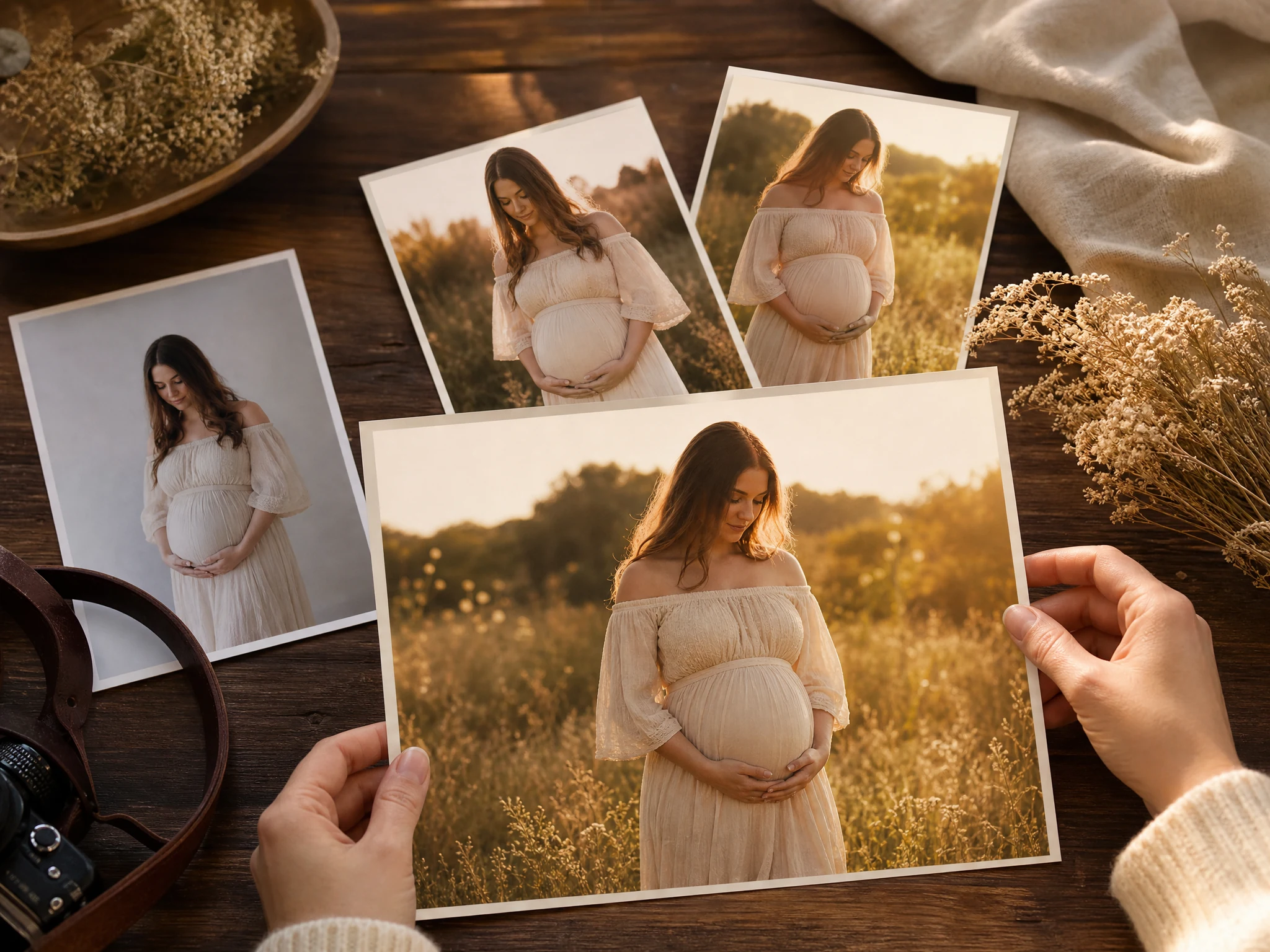
AI Maternity Photography from Your Own Photo
Choose Solo or Couple, upload one adult maternity portrait or two adult partner portraits, then select a Face AI-owned maternity template that defines the wardrobe, lighting, and composition. Set the ratio and resolution, then generate. Free online workflow. No watermark on downloads.
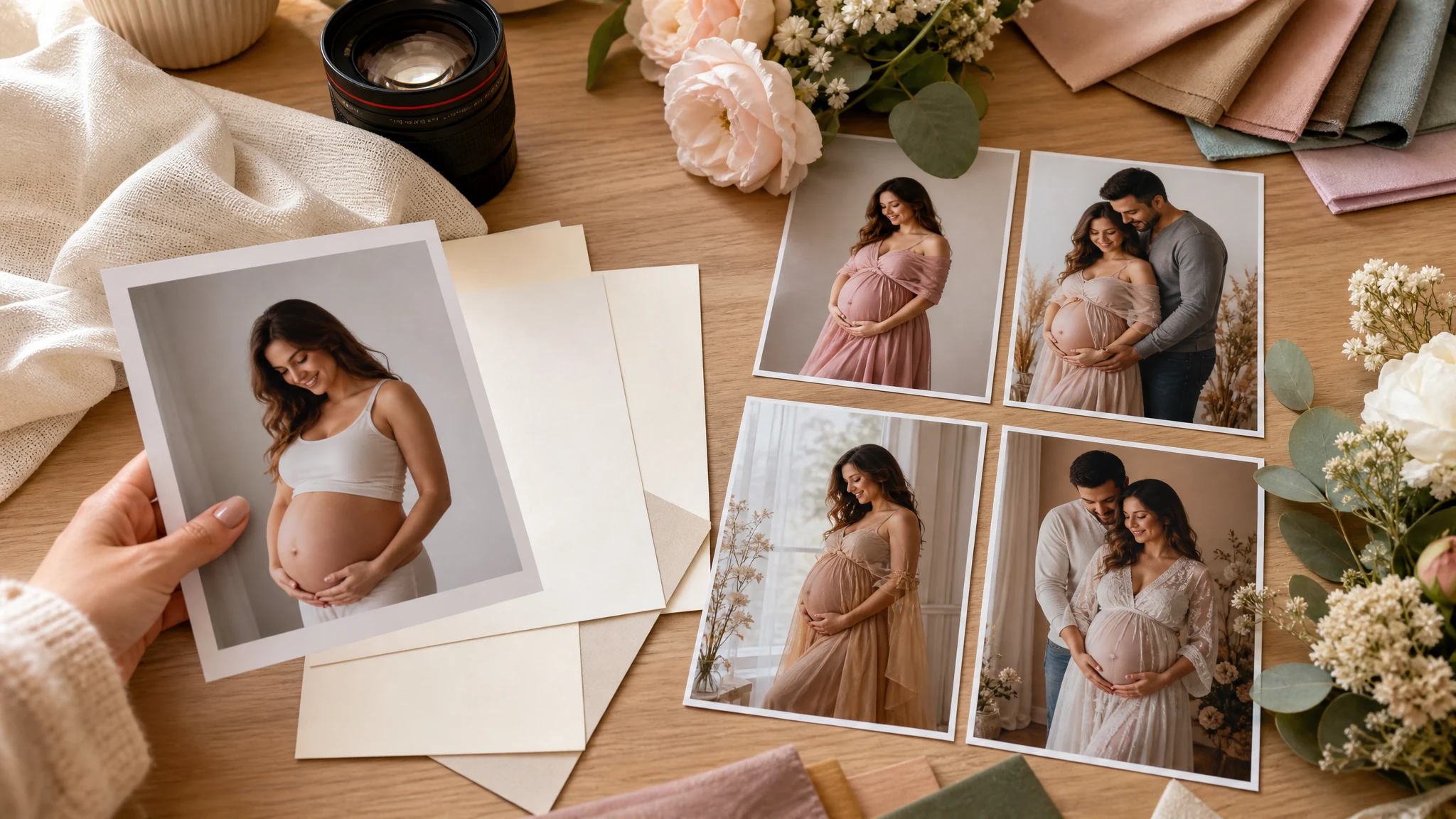
Trusted by 12,000,000+ users worldwide. Built for image-only maternity concepts, announcement photos, keepsake drafts, and family-album review.
How to Create AI Maternity Photos Online
The fastest path is upload a real source photo, choose a maternity scene, generate, then inspect the result before sharing or refining it.
Choose Solo or Couple and upload
Solo uses one adult maternity portrait. Couple uses two permitted adult portraits in maternity-subject then partner order. Clear faces, similar crops, and real maternity context help.
Choose template and output settings
Pick a matching Solo or Couple template that defines the wardrobe, lighting, and composition, then set ratio, resolution, and an optional short refinement.
Review and download
Compare versions in history, download without a watermark, share the concept, or send the keeper to editor or upscaler for final cleanup.
Maternity Photo Concepts You Can Create
Create image-only maternity concepts for announcements, baby-shower mood boards, studio portraits, social posts, family albums, and keepsake review.
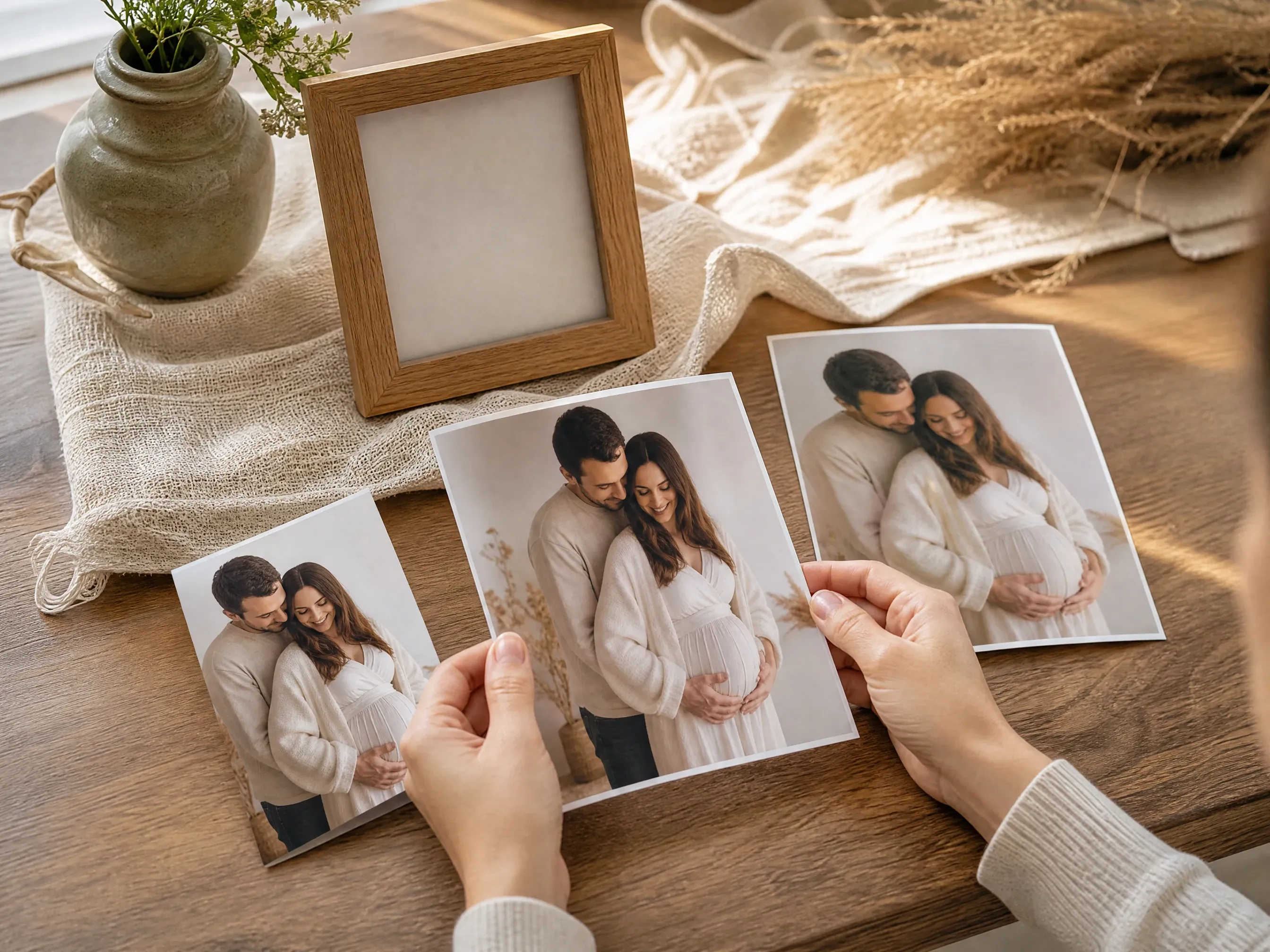
Pregnancy announcement photos
Create a warm image-only announcement concept from a real source photo, without trying to generate invitation text or card layout.
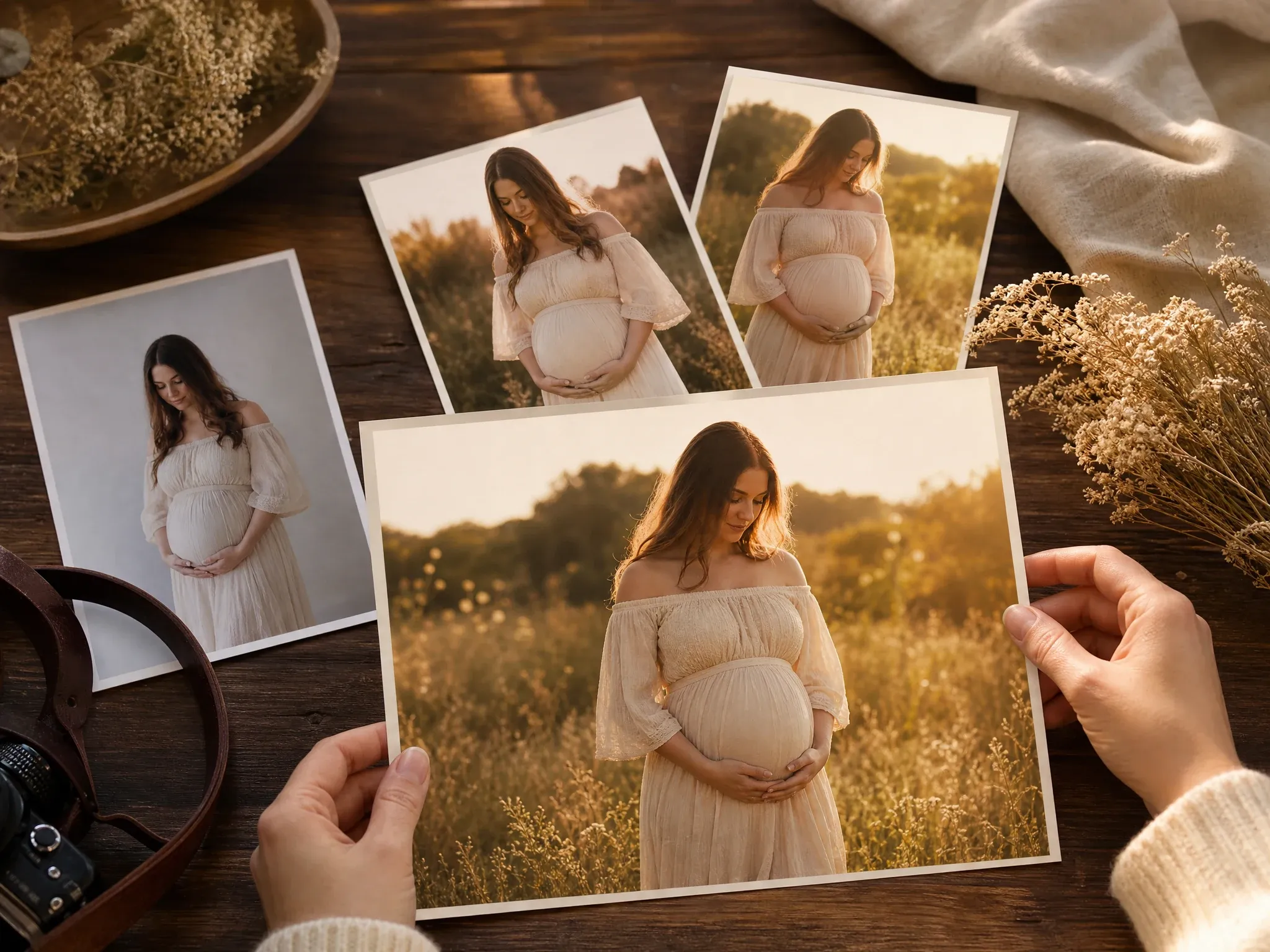
Golden hour keepsakes
Try a soft meadow or outdoor portrait direction for personal keepsakes, family chats, and private album drafts.
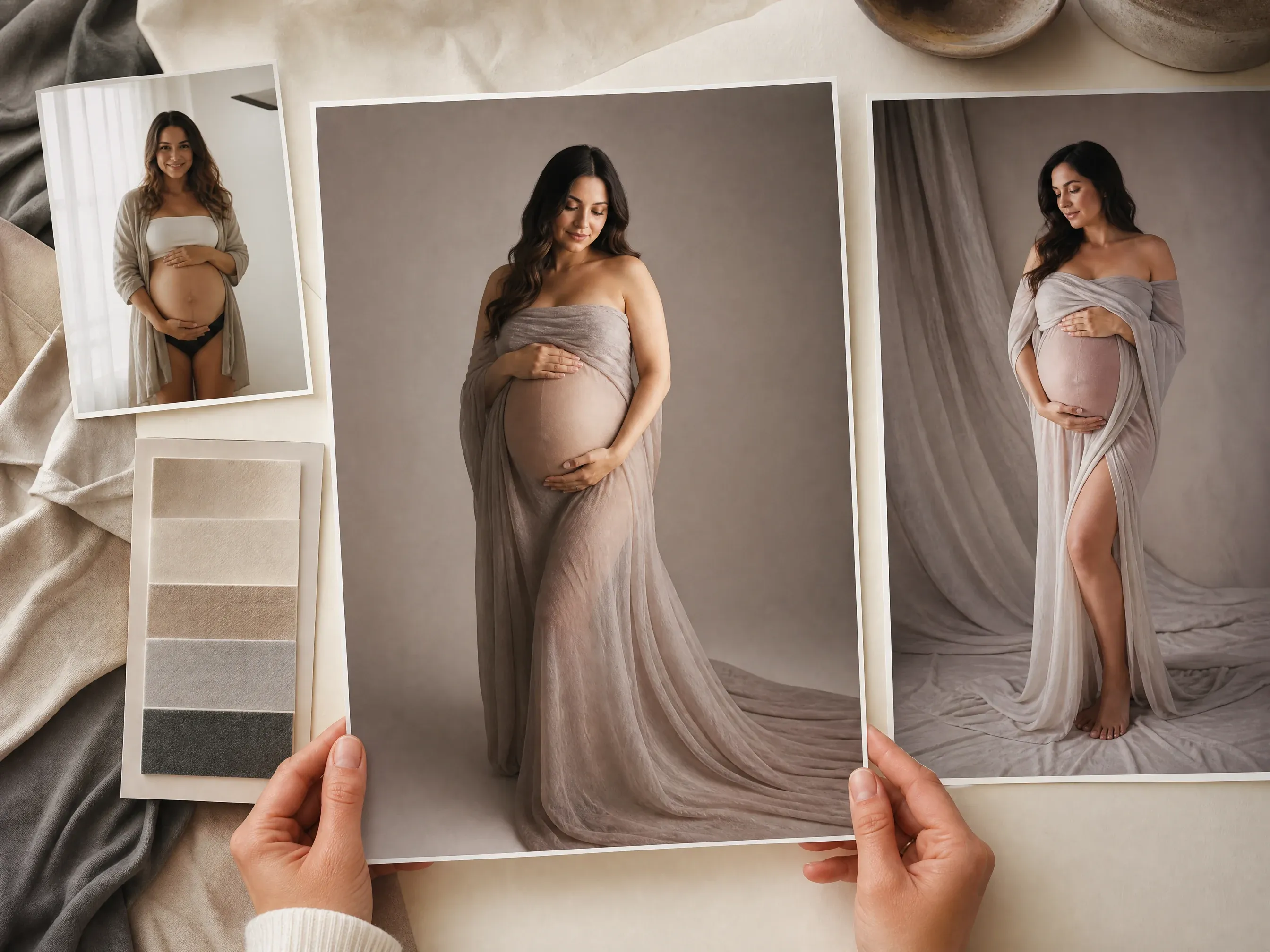
Studio wrap portraits
Preview a clean studio maternity look with gentle lighting, simple styling, and a crop that is easy to inspect.
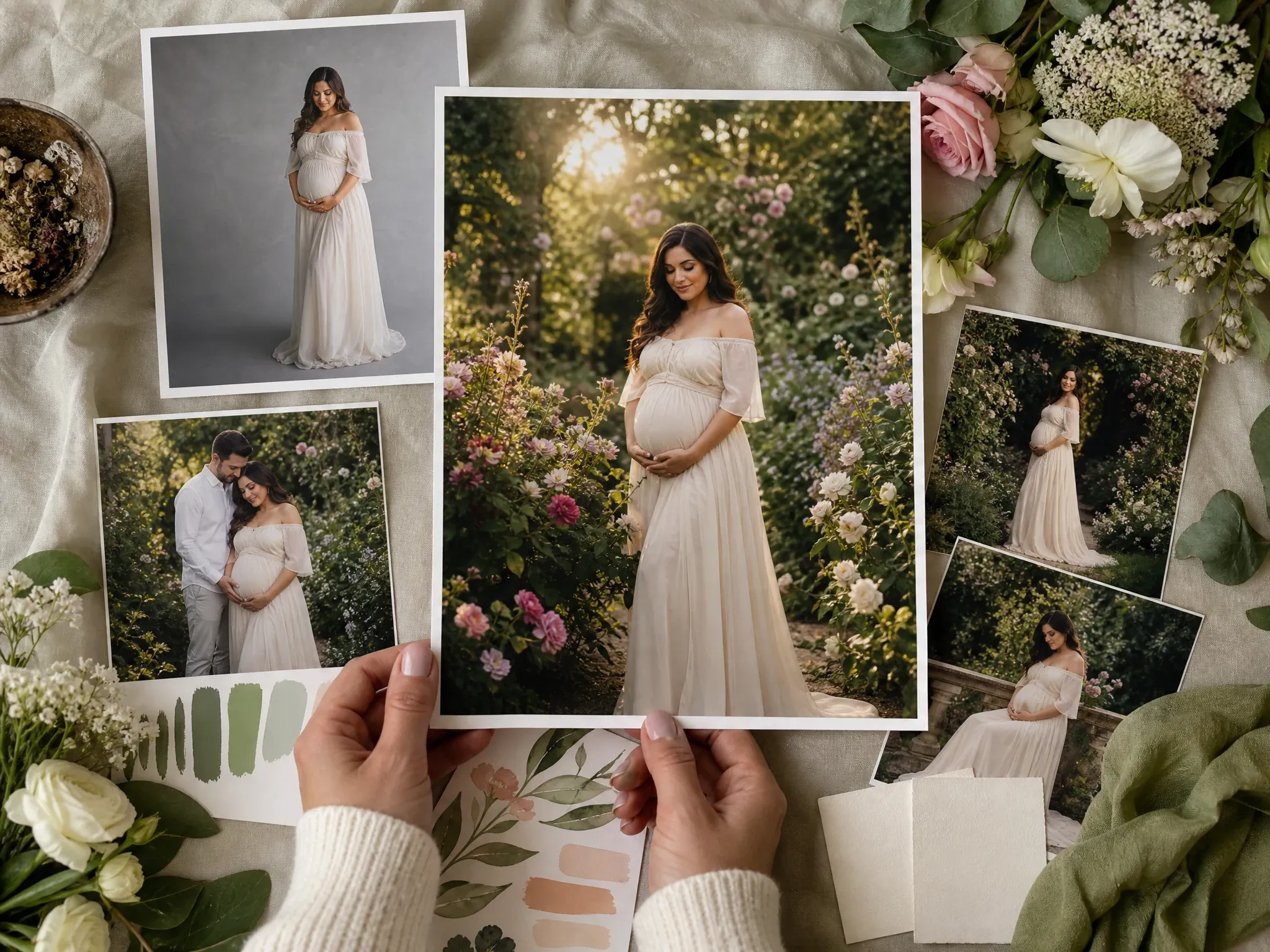
Botanical garden mood boards
Build a floral, garden, or baby-shower visual direction before deciding whether to book a real shoot.
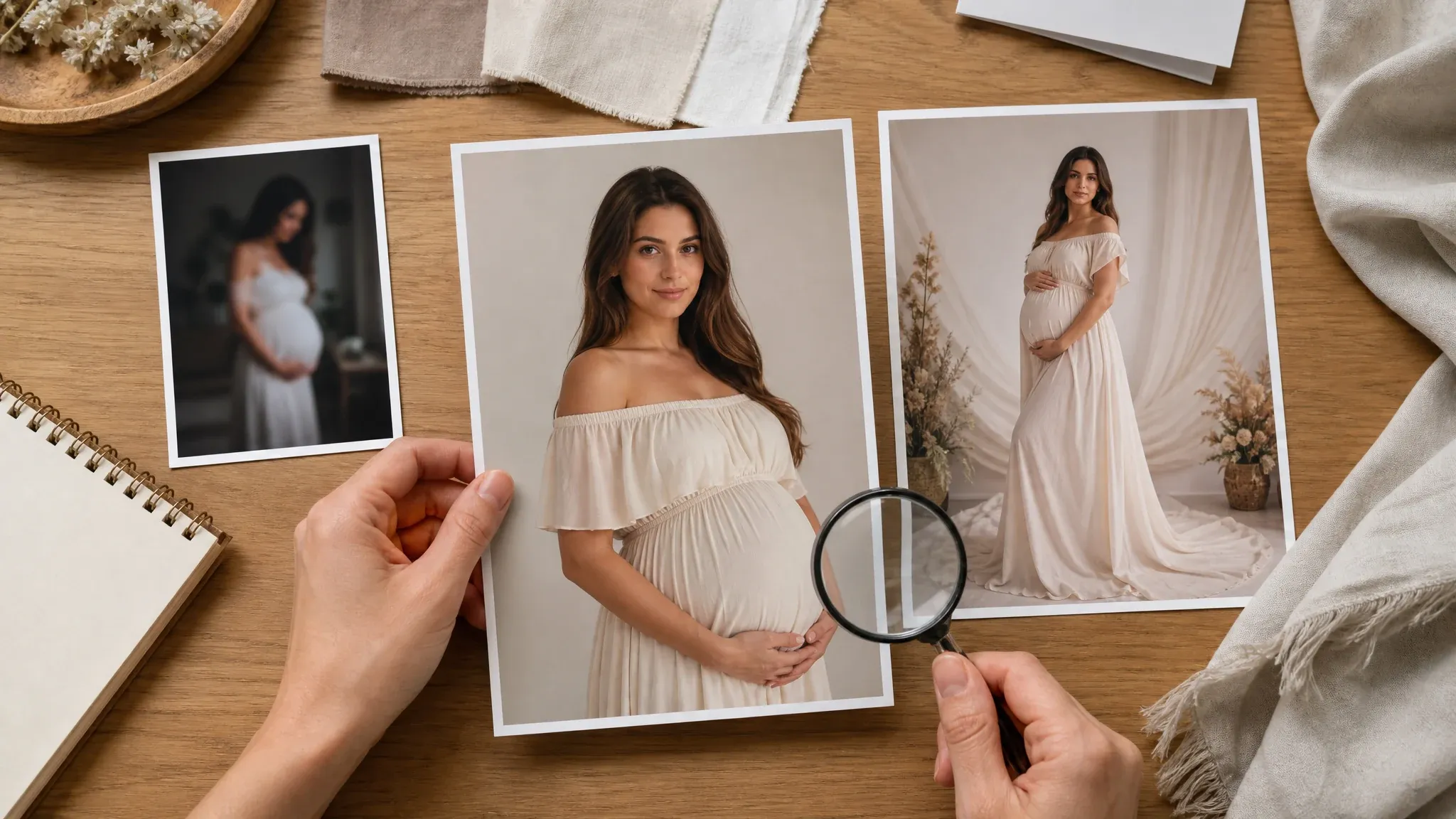
Source-photo quality review
Use the guidance image to choose a clear, permitted source photo and avoid overpromising exact body or identity changes.
What Is an AI Maternity Photography Generator?
An AI maternity photography generator turns a real maternity, couple, family, or portrait reference into a styled maternity photo concept. It helps you test scene, outfit, crop, lighting, and announcement mood before a real shoot or design pass.
Source-photo workflow
The page starts from your uploaded photo instead of inventing a maternity subject from nothing.
Maternity-specific scenes
Choose studio, meadow, garden, beach, cozy home, editorial, family announcement, or baby-shower concept directions.
Still image output
The result is one downloadable image concept for review, sharing, keepsakes, or follow-up editing.
Why Use Face AI for AI Maternity Photography?
Face AI keeps the maternity-photo workflow practical and sensitive: upload, choose a scene, guide one or two details, generate, compare history, download, share, and refine only when the image is close.
Not a blank prompt box
The tool starts with a real source photo and a maternity scene template, so the workflow does not collapse into prompt plus upload.
Built for image-only maternity concepts
Announcement, keepsake, studio, garden, beach, baby-shower, and family-album use cases are built into the page.
Honest sensitive boundaries
No pregnancy-status claims, trimester simulation, fetus prediction, trained photo packs, or medical promises are made.
Clear next steps
Use image editor or upscaler after generation when a keeper needs cleanup, crop adjustment, or sharper export.
How to Get Better AI Maternity Photos
Maternity-photo quality depends on a permitted source photo, visible cues, and a focused scene. Keep prompts short and inspect results carefully before sharing.
Use a real, permitted photo
Use photos you own or have permission to process. Avoid sensitive images, public figures, and photos involving minors without guardian permission.
Choose one scene first
Pick studio, meadow, garden, beach, window light, editorial gown, family announcement, or baby-shower mood before adding extra details.
Keep the note focused
Add only a small expression, partner-placement, family-presence, or mood detail. Long prompts can fight the source photo and selected template.
Review sensitive details
Inspect face, body, hands, partner placement, and mood before posting, printing elsewhere, or using the image in an announcement.
AI Maternity Photography vs. Wedding, Couple, Card, and Photo-Shoot Tools
Use the workflow that matches the real job. This page creates maternity-inspired still photos; card layout, trained photo packs, and real studio sessions are separate workflows.
| Criteria | Face AIOurs Face AI maternity photo workflow | Other workflows |
|---|---|---|
| Starting point | Upload a real maternity, couple, family, or portrait photo, then choose a maternity scene. | Generic image tools may ask for a long prompt and can invent inaccurate body or family details. |
| Best use | Announcement photos, studio concepts, baby-shower mood boards, social posts, keepsakes, and family-album review. | Wedding tools focus on prewedding and ceremony looks; card tools handle text and layout. |
| Controls | Maternity scene, upload mode, optional note, ratio, resolution, history, share, and no-watermark download. | Training-pack services may request many uploads, account packages, delivery windows, or paid galleries. |
| Sensitive limit | No trimester, baby prediction, medical, fertility, or pregnancy-status claims. Review the result before use. | Some pages overpromise exact body transformation, trained identity preservation, or print-ready results. |
Starting point
Upload a real maternity, couple, family, or portrait photo, then choose a maternity scene.
Generic image tools may ask for a long prompt and can invent inaccurate body or family details.
Best use
Announcement photos, studio concepts, baby-shower mood boards, social posts, keepsakes, and family-album review.
Wedding tools focus on prewedding and ceremony looks; card tools handle text and layout.
Controls
Maternity scene, upload mode, optional note, ratio, resolution, history, share, and no-watermark download.
Training-pack services may request many uploads, account packages, delivery windows, or paid galleries.
Sensitive limit
No trimester, baby prediction, medical, fertility, or pregnancy-status claims. Review the result before use.
Some pages overpromise exact body transformation, trained identity preservation, or print-ready results.
How People Use the AI Maternity Photography Generator
These comments focus on the real loop: upload a permitted source photo, choose a maternity scene, generate, inspect, then download or refine.
"The page starts from a real maternity or family photo, then lets us test a meadow, studio, or announcement look without pretending it is a medical simulator."

Mei Chen
E-commerce Director
"I used one clear couple photo and kept the prompt short. The studio wrap and golden-hour scenes were easiest to review for announcement drafts."

Sofia Martinez
Head of Brand Social
"The limits are important. It helps create a keepsake concept from an existing pregnancy photo, not a fake pregnancy-body transformation."

Luna Hernandez
Community Manager
"Scene templates make this feel like a real workflow: upload, choose maternity style, compare history, download, and share."

Maya Patel
Product-Led Growth Manager
"The source-photo guidance saved time: clear light, visible body cues, permission to use the photo, and no expectation of exact trimester changes."

James Whitfield
Creative Director
"I like using it as a mood-board page for baby-shower concepts and family-album images before deciding what needs a real photographer."

Marie Laurent
Storytelling & Brand Lead
"The page starts from a real maternity or family photo, then lets us test a meadow, studio, or announcement look without pretending it is a medical simulator."
Mei Chen
E-commerce Director
"I used one clear couple photo and kept the prompt short. The studio wrap and golden-hour scenes were easiest to review for announcement drafts."
Sofia Martinez
Head of Brand Social
"The limits are important. It helps create a keepsake concept from an existing pregnancy photo, not a fake pregnancy-body transformation."
Luna Hernandez
Community Manager
"Scene templates make this feel like a real workflow: upload, choose maternity style, compare history, download, and share."
Maya Patel
Product-Led Growth Manager
"The source-photo guidance saved time: clear light, visible body cues, permission to use the photo, and no expectation of exact trimester changes."
James Whitfield
Creative Director
"I like using it as a mood-board page for baby-shower concepts and family-album images before deciding what needs a real photographer."
Marie Laurent
Storytelling & Brand Lead
"The page separates image-only maternity portraits from invitation cards. That keeps the result useful without promising text layout or print files."

Priya Sharma
Product Marketing Manager
"The page starts from a real maternity or family photo, then lets us test a meadow, studio, or announcement look without pretending it is a medical simulator."
Mei Chen
E-commerce Director
"I used one clear couple photo and kept the prompt short. The studio wrap and golden-hour scenes were easiest to review for announcement drafts."
Sofia Martinez
Head of Brand Social
"The limits are important. It helps create a keepsake concept from an existing pregnancy photo, not a fake pregnancy-body transformation."
Luna Hernandez
Community Manager
"Scene templates make this feel like a real workflow: upload, choose maternity style, compare history, download, and share."
Maya Patel
Product-Led Growth Manager
"The source-photo guidance saved time: clear light, visible body cues, permission to use the photo, and no expectation of exact trimester changes."
James Whitfield
Creative Director
"I like using it as a mood-board page for baby-shower concepts and family-album images before deciding what needs a real photographer."
Marie Laurent
Storytelling & Brand Lead
"The page separates image-only maternity portraits from invitation cards. That keeps the result useful without promising text layout or print files."
Priya Sharma
Product Marketing Manager
"The family announcement examples are practical. I can make a soft portrait idea, then use other tools for cleanup or upscaling."

Hana Yamamoto
Customer Experience Director
"The scene choices are specific enough to brief a maternity concept without promising a full studio session or physical print package."

Pierre Dubois
Account Director
"I used the botanical option to plan the visual mood before choosing flowers and decor. The image-only boundary keeps expectations clear."

Isabella Rodriguez
Social Media Director
"History and no-watermark download make it easy to compare soft home light, garden, and studio versions before posting anything."

Linh Nguyen
Head of Creator Relations
"The workflow works best when the source photo is already permitted and clear. It gives a respectful draft, not an identity or body guarantee."

Jordan Kim
Growth Lead
"The related tools are useful after generation. I can upscale a keeper or clean small distractions instead of overloading the maternity prompt."

Mika Suzuki
Performance Marketing Director
"The FAQ and prompt examples make the sensitive limits obvious: no medical claims, no baby prediction, and no fake trimester progression."

Mei Lin Tan
Growth Operations Manager
"The family announcement examples are practical. I can make a soft portrait idea, then use other tools for cleanup or upscaling."
Hana Yamamoto
Customer Experience Director
"The scene choices are specific enough to brief a maternity concept without promising a full studio session or physical print package."
Pierre Dubois
Account Director
"I used the botanical option to plan the visual mood before choosing flowers and decor. The image-only boundary keeps expectations clear."
Isabella Rodriguez
Social Media Director
"History and no-watermark download make it easy to compare soft home light, garden, and studio versions before posting anything."
Linh Nguyen
Head of Creator Relations
"The workflow works best when the source photo is already permitted and clear. It gives a respectful draft, not an identity or body guarantee."
Jordan Kim
Growth Lead
"The related tools are useful after generation. I can upscale a keeper or clean small distractions instead of overloading the maternity prompt."
Mika Suzuki
Performance Marketing Director
"The FAQ and prompt examples make the sensitive limits obvious: no medical claims, no baby prediction, and no fake trimester progression."
Mei Lin Tan
Growth Operations Manager
What Should You Try After Making a Maternity Photo?
Choose the next Face AI tool based on the blocker: wedding-photo concepts, broader couple scenes, cleanup, sharper export, or portrait-first work.
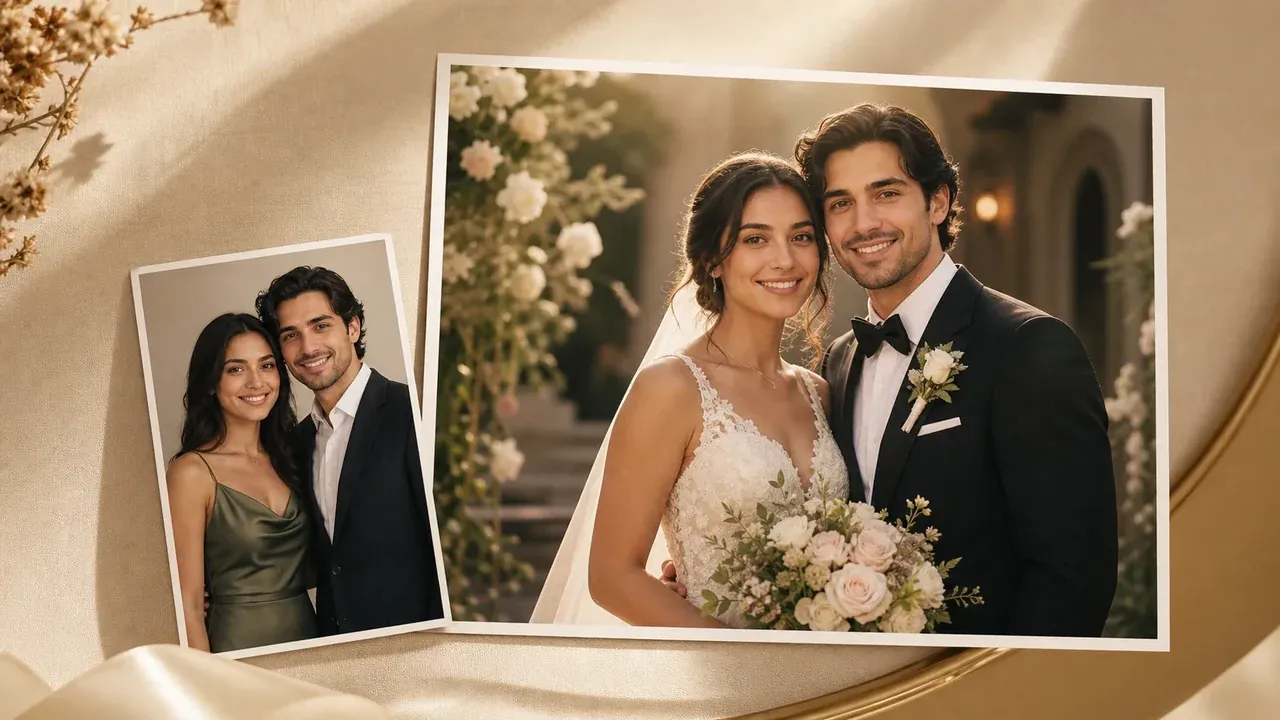
AI Wedding Photo Generator
Use the wedding page for prewedding, save-the-date, and formal couple photos outside maternity-specific scenes.
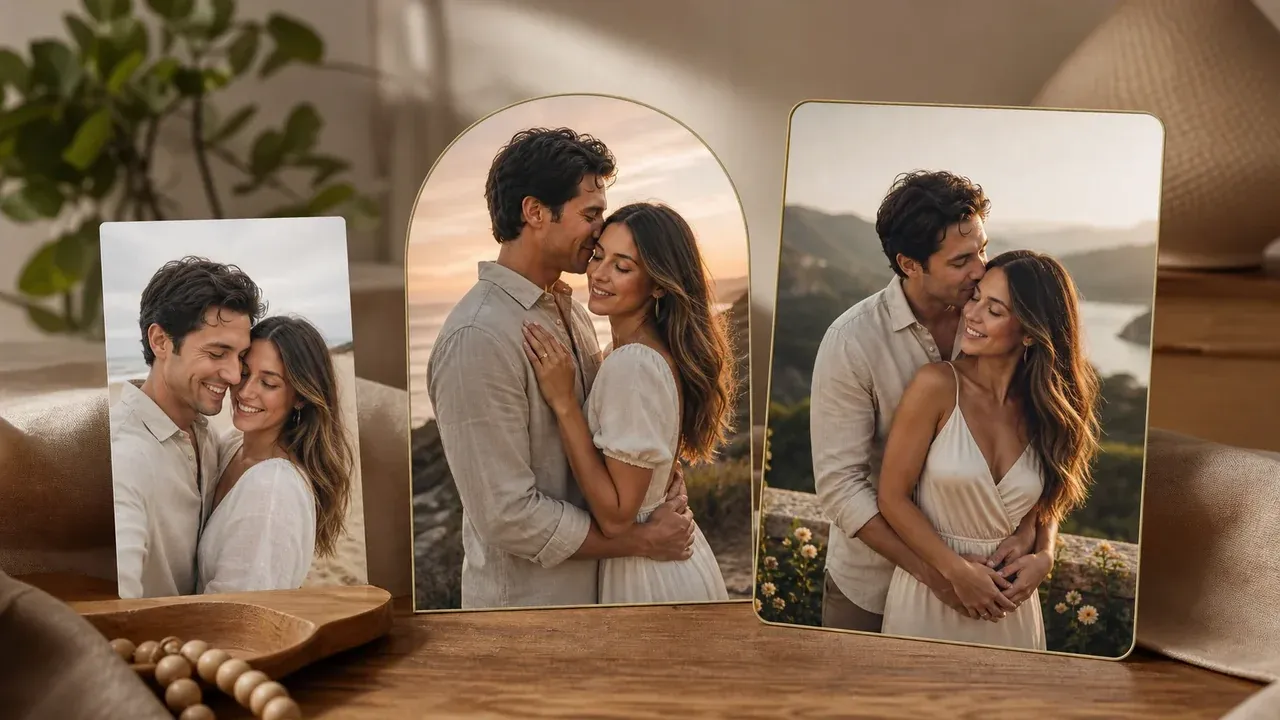
AI Couple Photo Maker
Create broader romantic, anniversary, travel, or social couple photos when maternity styling is not the goal.

AI Image Editor
Clean up a finished maternity portrait concept, crop edge, small distraction, or background detail after generation.
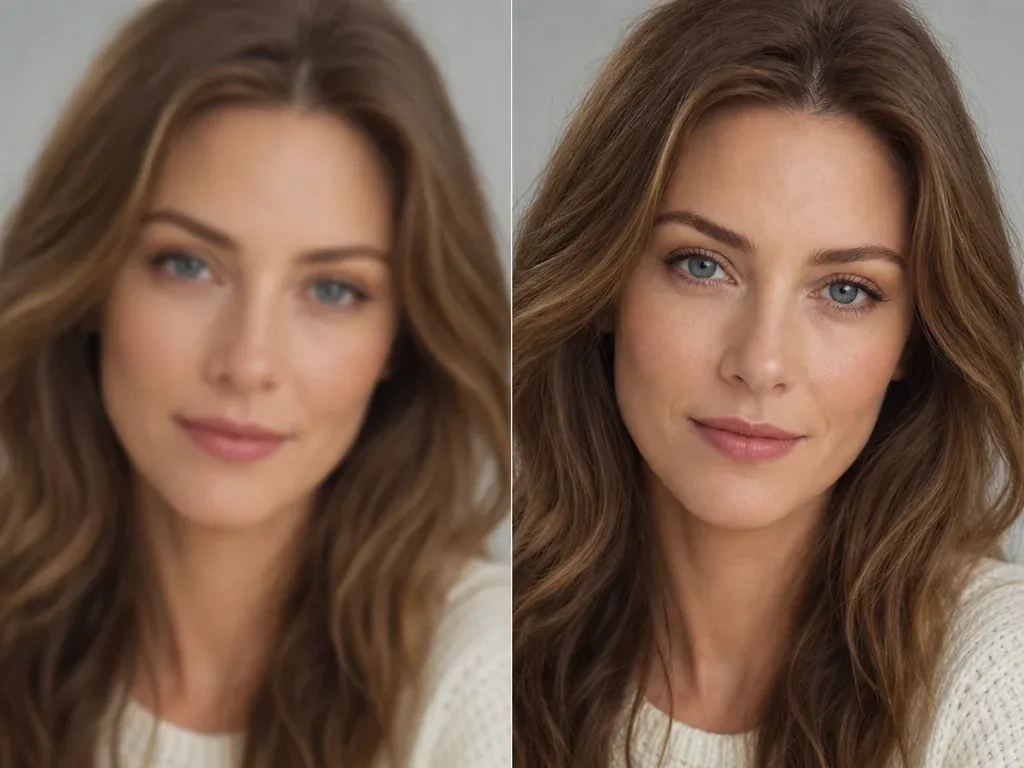
AI Image Upscaler
Sharpen the keeper before sharing, printing elsewhere, or adding it to a private family album.
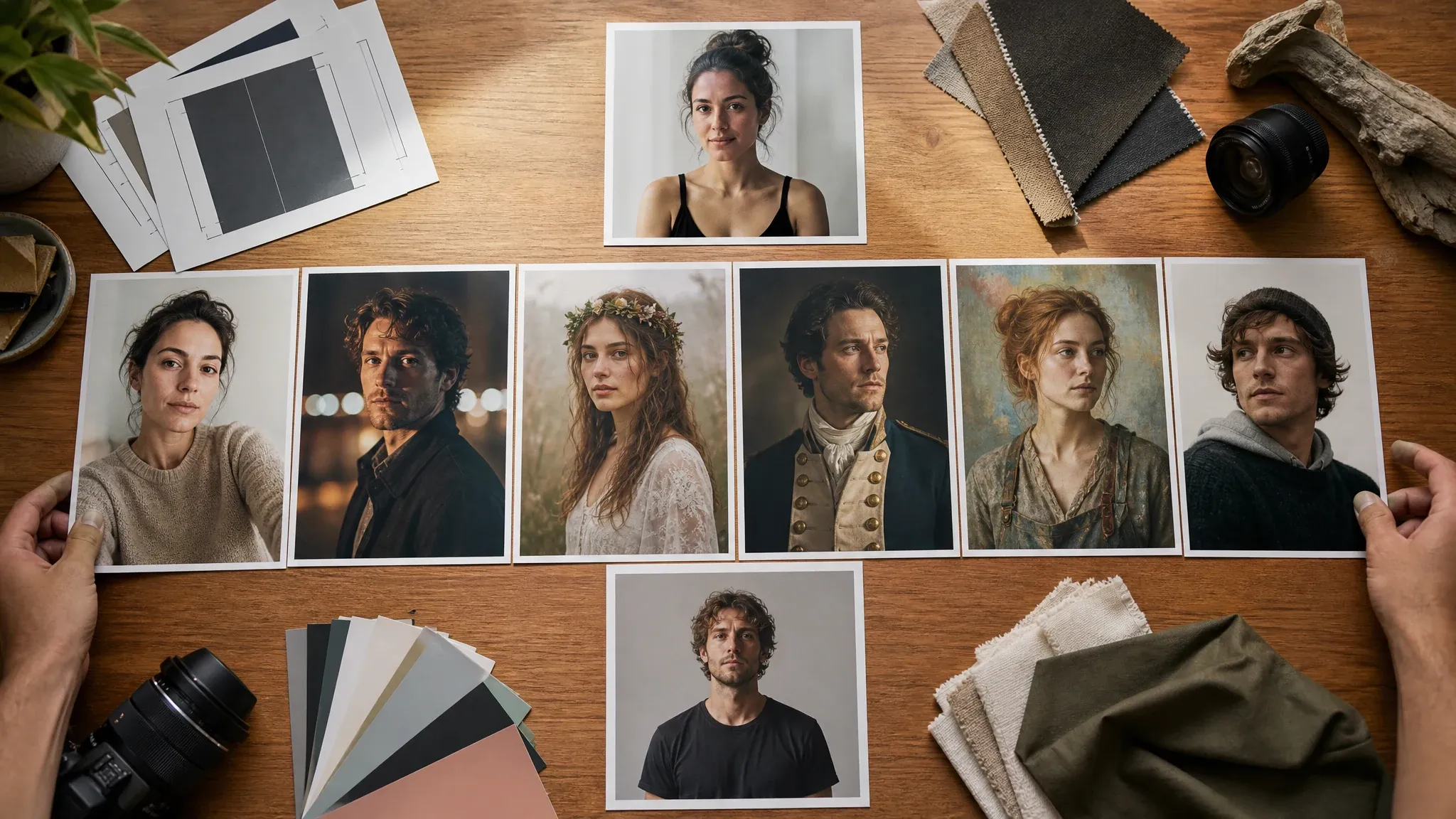
AI Portrait Generator
Use a single-person portrait workflow when you need a cleaner headshot or profile-style image first.
AI Maternity Photography FAQ
Direct answers about source photos, free use, maternity scenes, no-watermark downloads, privacy, limits, announcements, and realistic expectations.
It is an online image tool that turns a real maternity, couple, family, or portrait reference into a styled maternity photo concept for review, sharing, or follow-up editing.
Yes. Open the browser workbench and create maternity photo concepts with the current free 1K output.
No login or app download is needed for the normal browser flow. Upload, scene selection, generation, history, share, and download happen on the page.
Use a clear photo you own or have permission to process. A maternity, couple, family, or portrait photo with visible face and body cues works best.
The page supports golden hour meadow, studio wrap portrait, botanical garden, beach sunset, cozy window light, editorial gown, family announcement, and baby-shower concept directions.
The workbench supports the inherited couple/wedding upload-mode pattern. Use two portraits only when both people are adults and you have permission to process both photos.
Yes. After the result is ready, use the download control in the workbench and keep the tab open until the final image appears.
No. Start with a real maternity source photo. The tool restyles the portrait and is not designed to simulate pregnancy, trimester changes, fetus appearance, or medical outcomes.
This page creates image-only maternity photo concepts. Use a separate card editor, designer, or print workflow for typography, invitations, proofing, DPI, and physical delivery.
Use photos you are comfortable processing through an online tool. Avoid sensitive medical images and use only photos you own or have permission to process.
Use generated concepts when you own or have permission for the source photos. Avoid misleading identity claims, public figures, protected brands, and sensitive pregnancy-status claims.
Yes. Wedding Photo Generator focuses on wedding and prewedding scenes. This page focuses on maternity portraits, announcements, baby-shower concepts, and family keepsakes.
Create Your AI Maternity Photo Now
Upload a real source photo, choose a maternity scene, generate a styled image concept, then download or refine the version that feels right.