
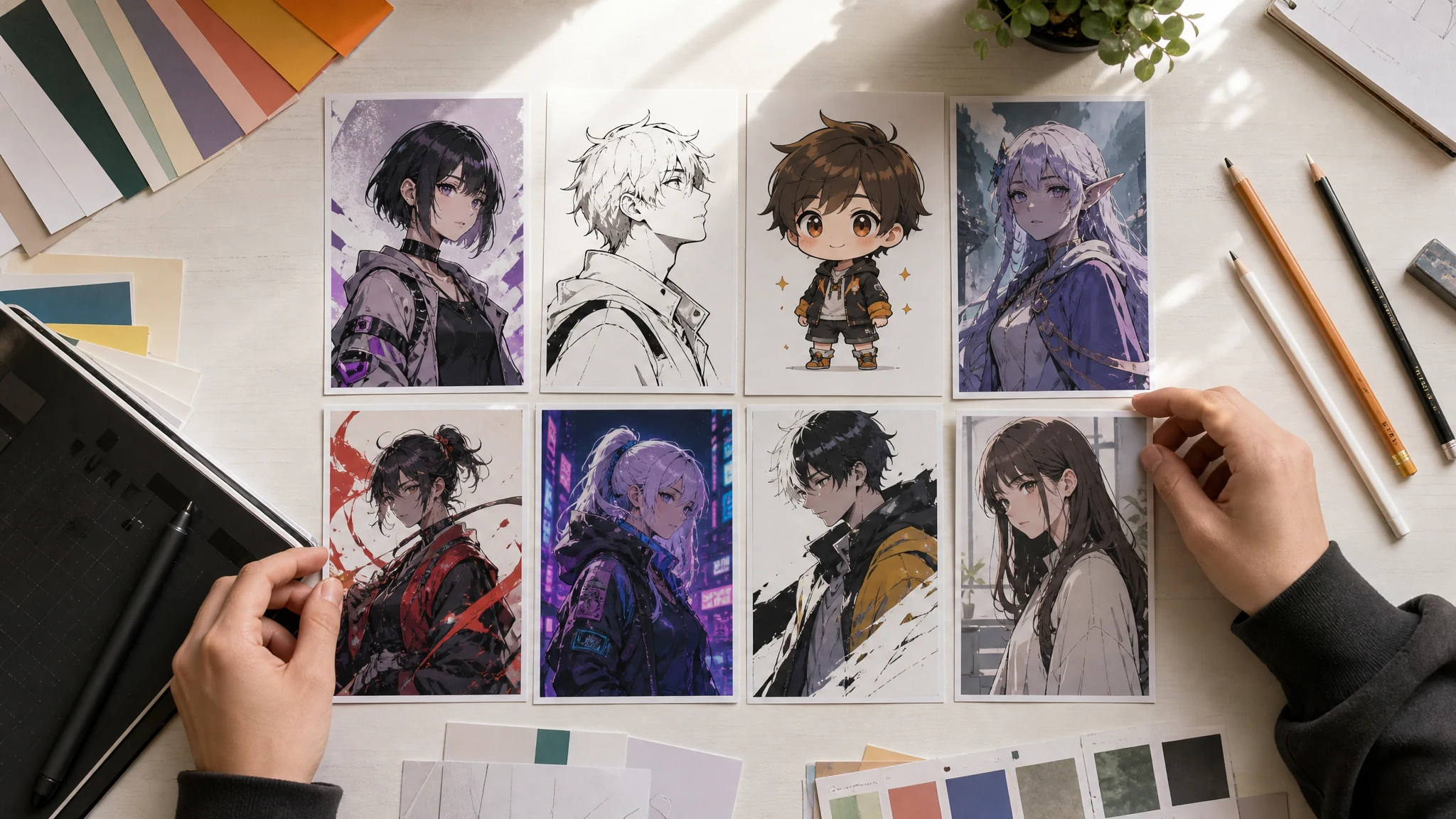
Free AI Anime Character Generator Online for Anime OCs
Create original anime characters from a prompt: anime OCs, avatars, manga-style portraits, game characters, chibi concepts, fantasy heroes, and cyberpunk side characters. Start with hair, eyes, outfit, pose, background, and anime style, then download the result or move the keeper into image-to-image for a closer variant. No login. No watermark. No app download.
Trusted by 12,000,000+ users worldwide.
How to Use the AI Anime Character Generator
Treat the prompt like a short anime character sheet. The clearer the hair, eyes, outfit, pose, background, and substyle, the less the model has to guess.
Write the anime brief
Describe one original character with visible details: hair, eyes, outfit, pose, expression, role, background, and anime substyle.
Choose style and frame
Pick anime OC, manga, chibi, fantasy, cyberpunk, or webtoon style, then choose a portrait, square, story, or wide frame.
Download or refine
Download the keeper, or use image-to-image when you need a closer variant, new pose, or reference-guided second pass.
What Can You Create with an AI Anime Character Generator?
Use this page for anime-first character jobs: original OCs, anime avatars, manga and webtoon concepts, game/story characters, chibi profiles, and source-ready character stills.
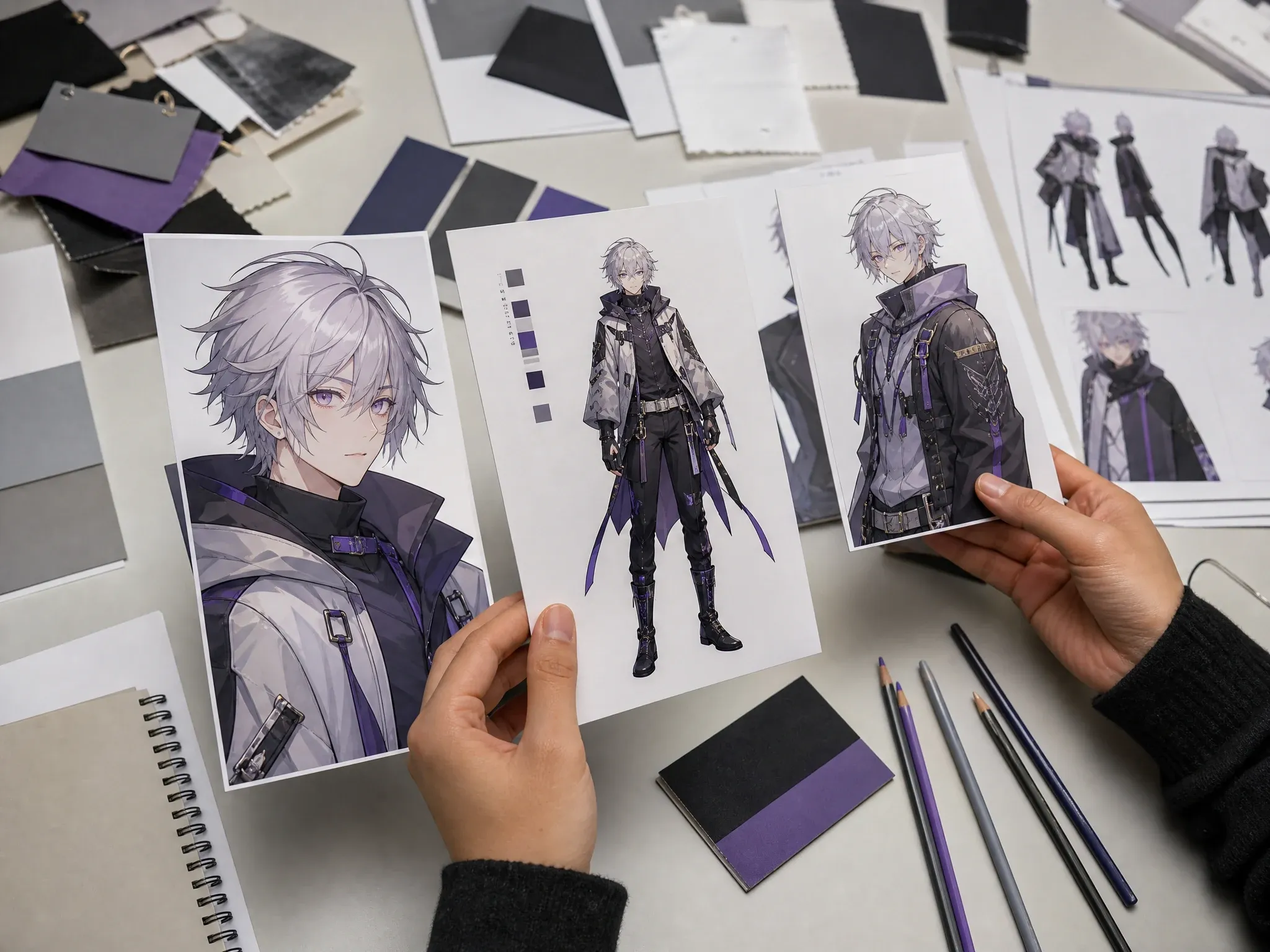
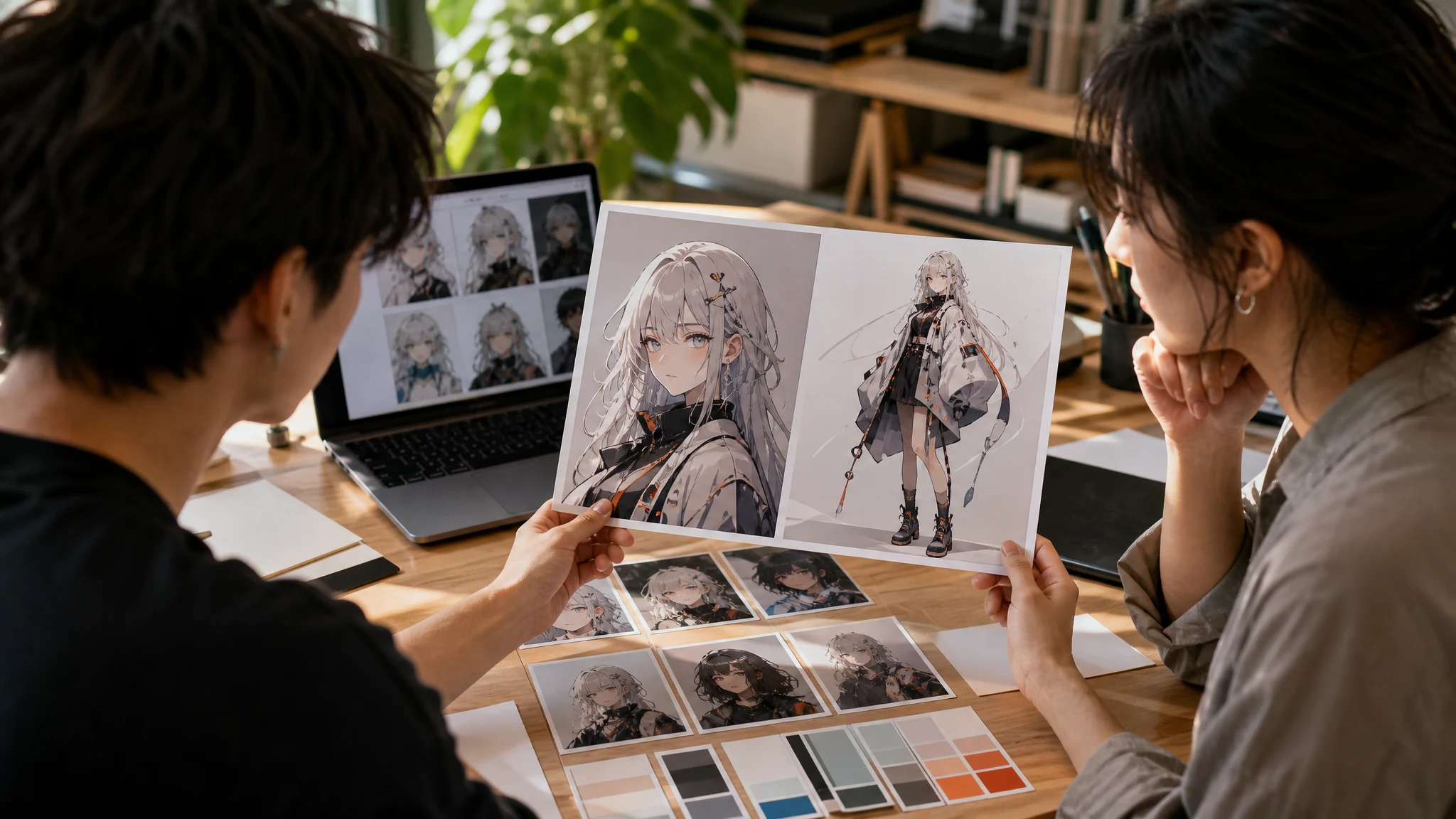
Original anime OCs
Create a first portrait or full-body concept for an original anime character without copying a protected series or famous character.
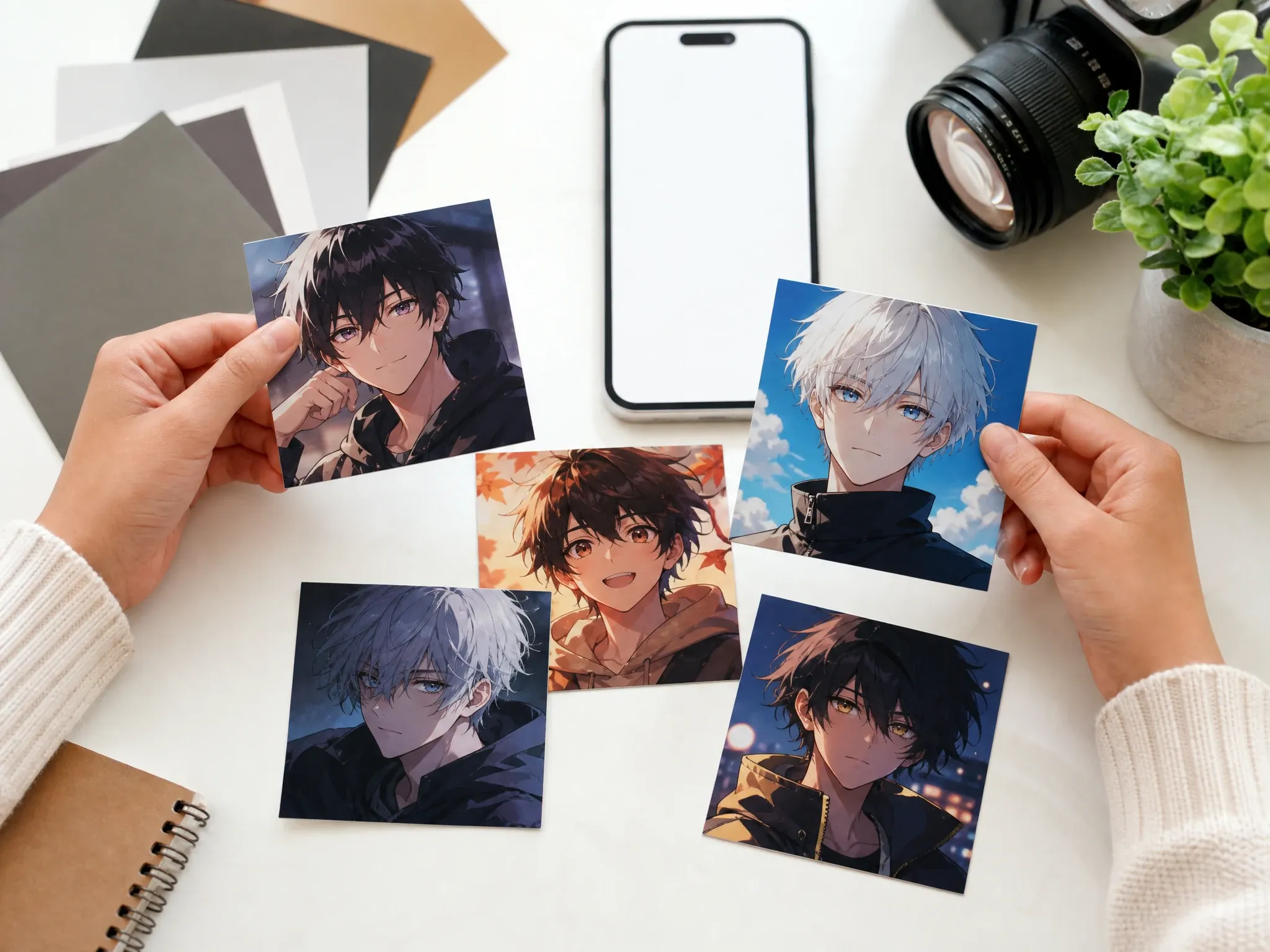
Anime avatars and PFPs
Generate square anime profile pictures with clear hair, eye, expression, and outfit details before sending the best version to upscaling.
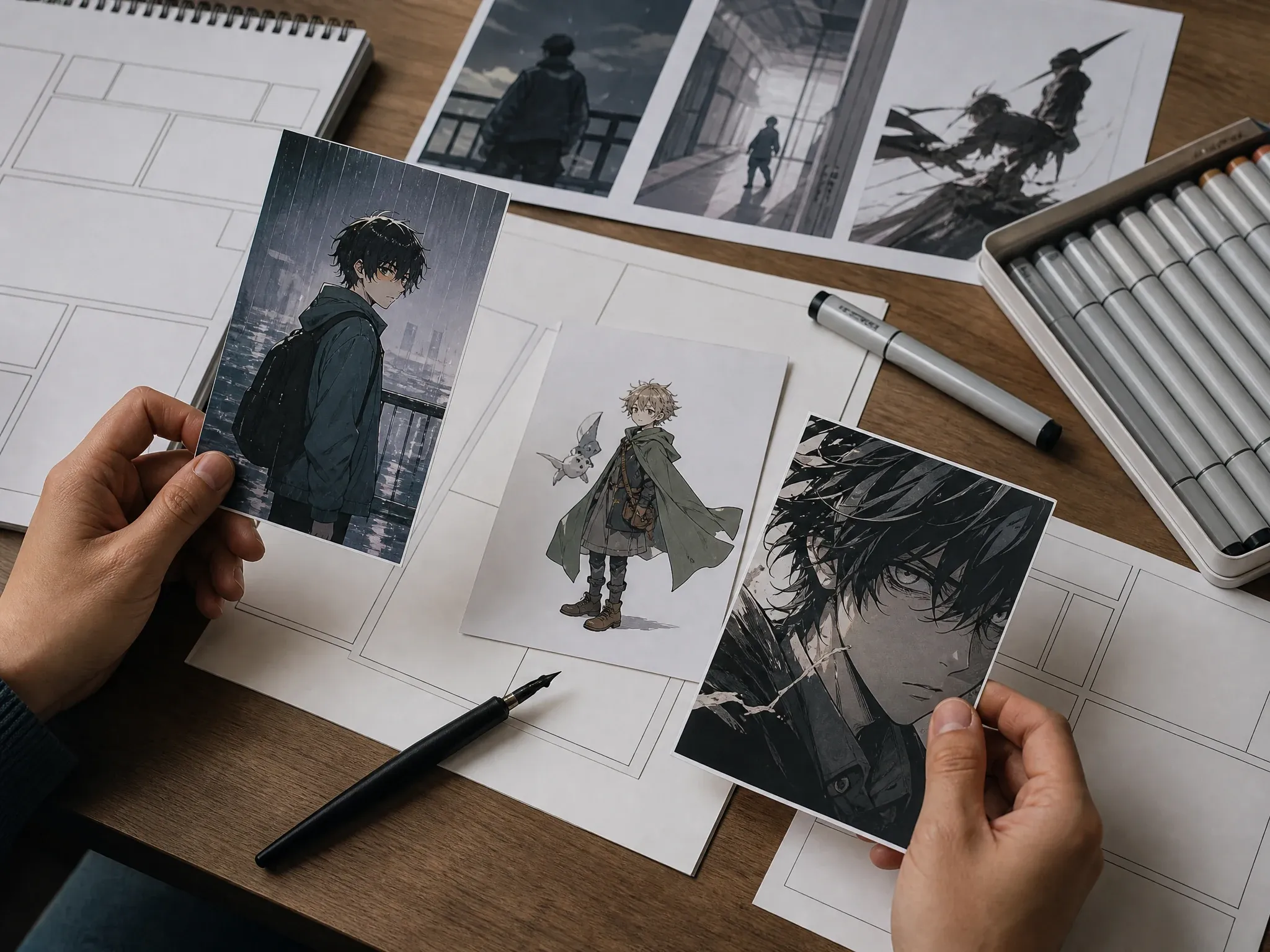
Manga and webtoon concepts
Draft a character face, outfit, mood, or panel-ready still for a manga pitch, vertical story, or creator moodboard.
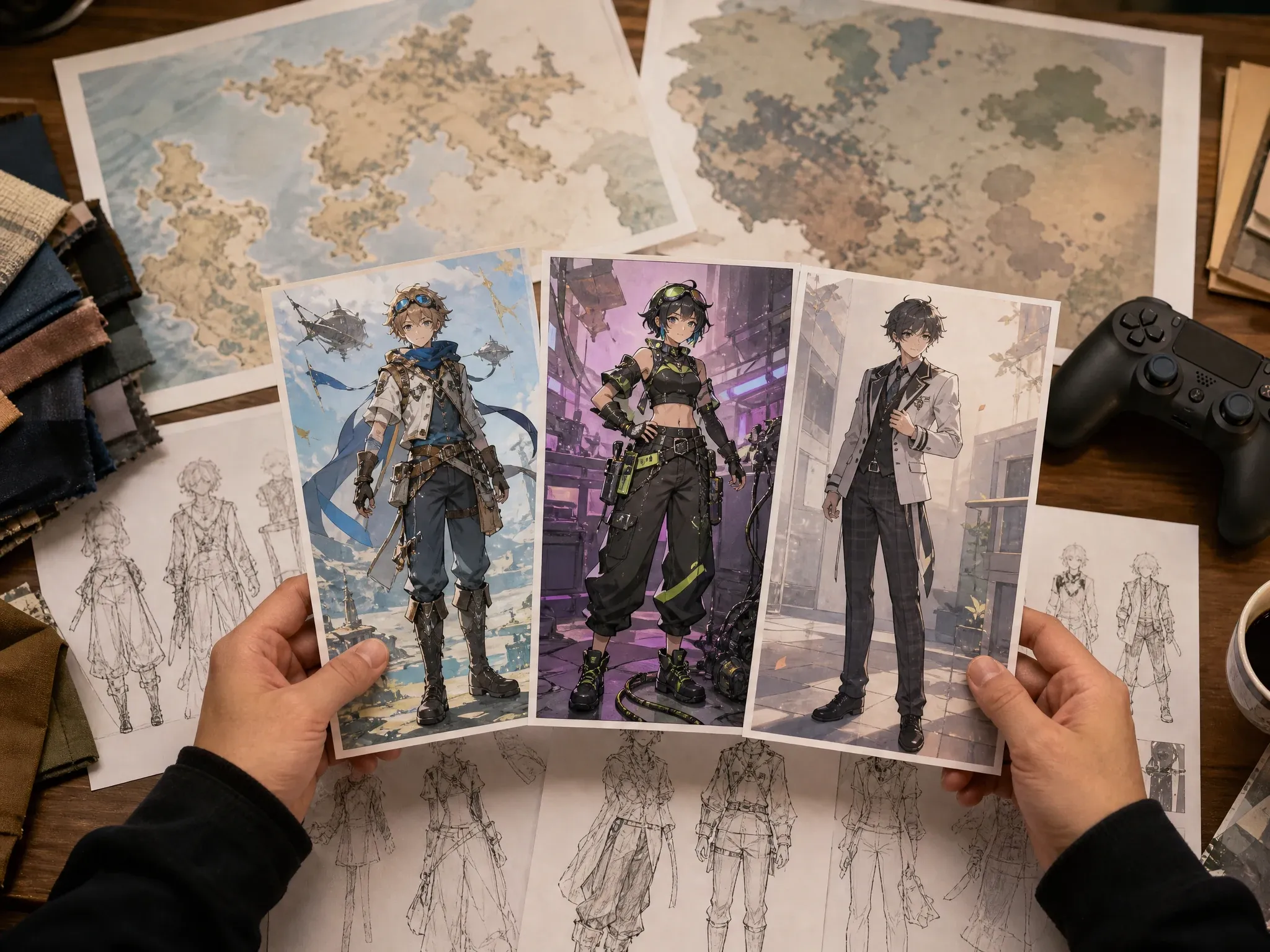
Game and story characters
Turn a role into a visible design: rival, healer, guild scout, student, mechanic, villain, or side character with the right pose and setting.
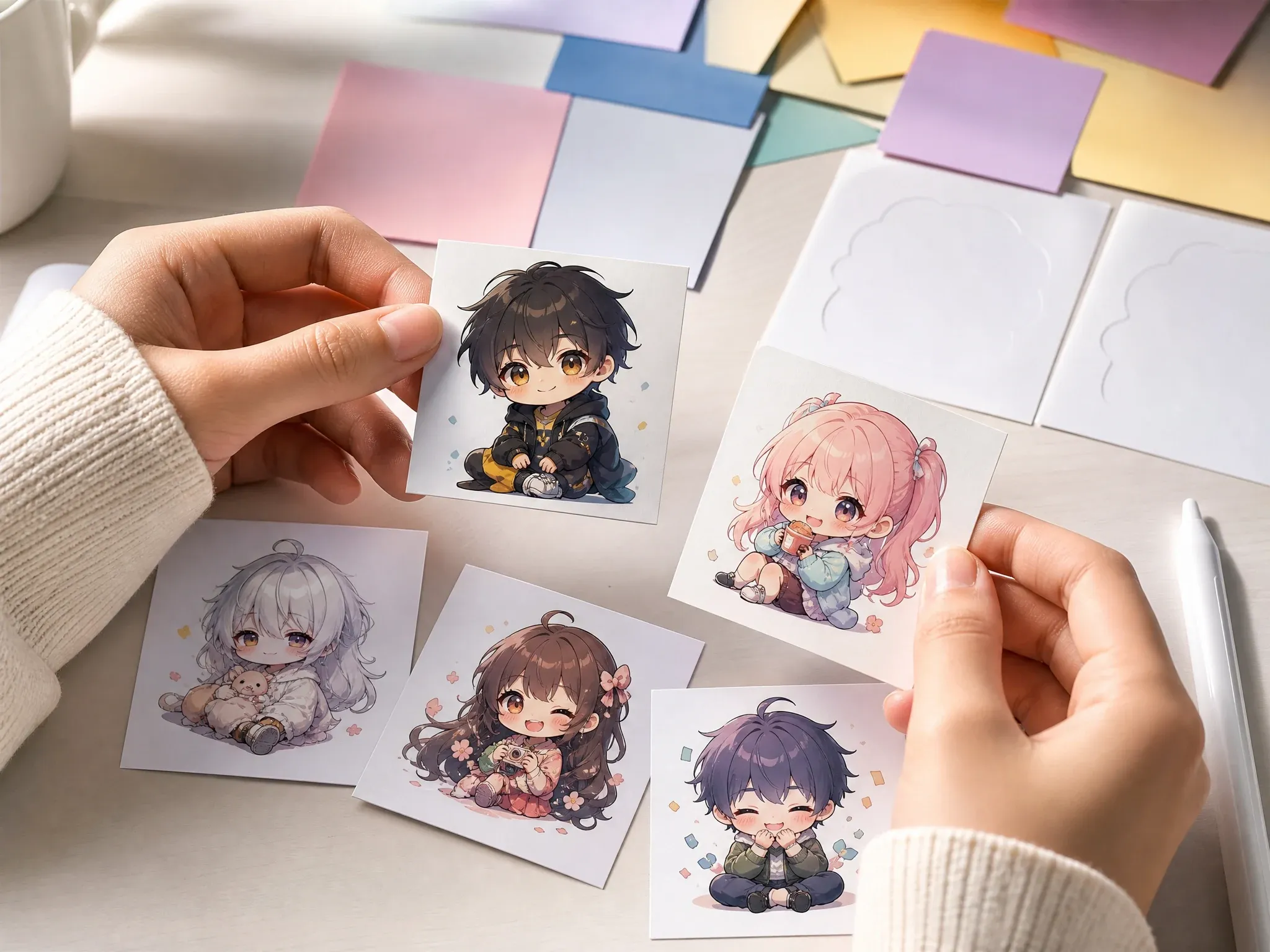
Chibi and sticker-style ideas
Create cute, readable character concepts for social profiles, sticker boards, stream panels, and lightweight campaign visuals.
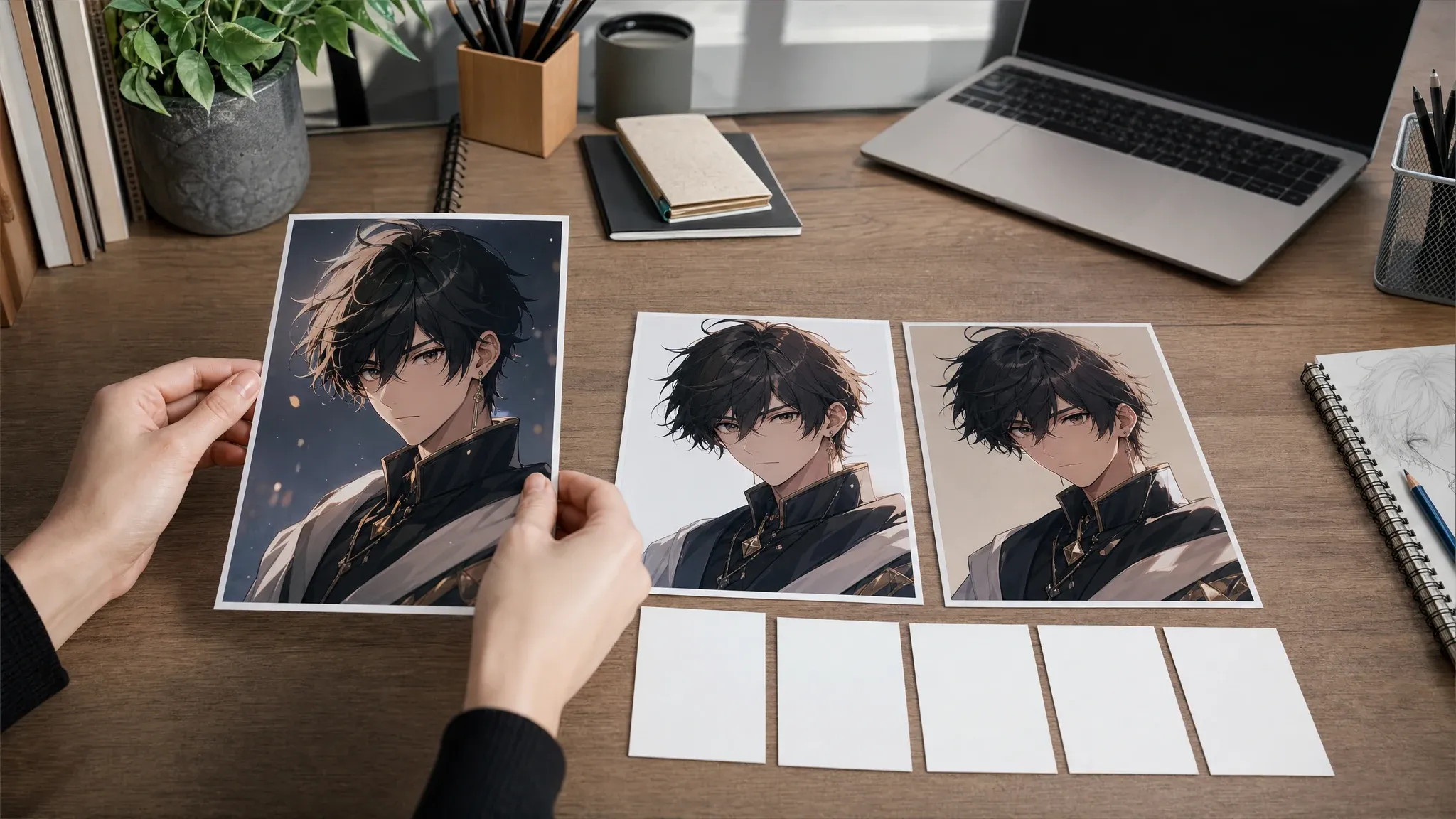
Reference-ready variants
Keep the best still image as a source when the next step needs a similar face, new pose, or controlled restyle in AI Image to Image.
What Is an AI Anime Character Generator?
An AI anime character generator creates original anime-style character images from text prompts. You describe who the character is, what they look like, how they stand, where they are, and what anime substyle should guide the result.
Anime-first image creation
This page focuses on anime-style character images, not realistic portraits, chat bots, voice, or 3D rigs.
Prompt plus style direction
Start with a role and visible traits, then use anime OC, manga, chibi, fantasy, cyberpunk, or webtoon style to steer the image.
Still image workflow
Generate the character still first. Animation, talking, and repeated-series consistency belong in follow-up workflows after you have a keeper image.
Why Use FaceAI for Anime Character Creation?
You get the tool first, then the guidance. The workbench is built for fast anime character direction, not a long article that leaves you hunting for the generate button.
Anime presets before blank-page panic
Use prompt starters for anime OCs, chibi avatars, fantasy heroes, manga panels, and cyberpunk characters instead of staring at an empty box.
Free online flow
Start in the browser with no login, no app download, and no watermark on the standard result flow.
History for tiny prompt changes
Anime character identity can shift after one edit. Local history helps you compare the version that best matched the brief.
Clear next tools
Use AI Image to Image for closer variants, AI Image Editor for cleanup, and AI Image Upscaler when the keeper needs a sharper export.
How to Get Better Anime Character Generator Results
Anime prompts work best when they are specific, original, and visual. A strong brief names the character type, hair, eyes, outfit, pose, setting, and style without stuffing in five unrelated ideas.
Write one character at a time
Single-character prompts make face, outfit, and pose easier to control than group scenes.
Put appearance before mood
Hair color, eye shape, outfit, prop, pose, and background steer the result more than broad words like cool or beautiful.
Choose a real frame purpose
Use 1:1 for anime avatars, 3:4 or 2:3 for portraits and full-body concepts, and 9:16 for story-style layouts.
Keep the character original
Do not request exact copyrighted anime characters, real people, logos, or branded costumes unless you have rights to use them.
AI Anime Character Generator vs. OC Makers, Avatar Tools, and Anime Filters
Pick the right workflow before you generate. This page is strongest for original anime-style character stills, not deeper OC profiles, random names, protected character copying, or animation.
| Criteria | Face AIOurs FaceAI anime character workflow | Other anime workflows |
|---|---|---|
| Starting point | Write an original anime character prompt and generate a still image in the shared FaceAI workbench. | OC makers often focus on profile fields; anime filters usually need an existing photo. |
| Best use | Anime OCs, avatars, manga/webtoon concepts, game characters, chibi designs, and story visuals. | Generic character tools may mix realistic, 3D, cartoon, mascot, and anime intent on one page. |
| Customization | Use anime substyle presets, prompt examples, ratios, and visible appearance details to steer the result. | Heavy builders may expose more controls but can slow down the first generation. |
| Reference images | Generate from text here, then move a keeper image into AI Image to Image for closer source-guided variants. | Some tools accept references on the same page, but consistency still needs manual review. |
| Consistency | Repeat the same traits and reuse the best image as a source when the next version must look closer. | Pages that promise perfect repeatability can still drift across poses, hands, and outfits. |
| Rights boundary | Create original characters and avoid protected anime characters, public figures, logos, and branded costumes. | Fandom generators can create legal and platform-risk issues if used as public campaign assets. |
| Next step | Continue into image-to-image, editor, upscaler, image-to-video, or talking photo only when that next job is needed. | Some pages blur still image, animation, voice, avatar, and OC profile work into one unclear flow. |
Starting point
Write an original anime character prompt and generate a still image in the shared FaceAI workbench.
OC makers often focus on profile fields; anime filters usually need an existing photo.
Best use
Anime OCs, avatars, manga/webtoon concepts, game characters, chibi designs, and story visuals.
Generic character tools may mix realistic, 3D, cartoon, mascot, and anime intent on one page.
Customization
Use anime substyle presets, prompt examples, ratios, and visible appearance details to steer the result.
Heavy builders may expose more controls but can slow down the first generation.
Reference images
Generate from text here, then move a keeper image into AI Image to Image for closer source-guided variants.
Some tools accept references on the same page, but consistency still needs manual review.
Consistency
Repeat the same traits and reuse the best image as a source when the next version must look closer.
Pages that promise perfect repeatability can still drift across poses, hands, and outfits.
Rights boundary
Create original characters and avoid protected anime characters, public figures, logos, and branded costumes.
Fandom generators can create legal and platform-risk issues if used as public campaign assets.
Next step
Continue into image-to-image, editor, upscaler, image-to-video, or talking photo only when that next job is needed.
Some pages blur still image, animation, voice, avatar, and OC profile work into one unclear flow.
How Creators Use the AI Anime Character Generator
These comments focus on the real loop: write the anime brief, generate a few directions, keep the closest result, then refine only the character worth saving.
"The anime presets make the first draft less random. I start with hair, eyes, outfit, pose, and frame shape, then adjust only one detail at a time."

Kai Nakamura
Global Creative Director
"It works best when I write one character, not a whole scene. A single anime OC with a clear pose gives me something useful fast."

Nina Volkov
Visual Design Director
"We use it for manga-style mascot tests. The page keeps the work focused on original characters instead of drifting into protected show references."

Amara Johansson
Head of Visual Identity
"For game concepts, I can test a school-uniform rival, a cyberpunk healer, or a fantasy guild scout before asking an artist to polish anything."

Devon Park
Interactive Creative Director
"The chibi and avatar prompts are handy for social drafts. The result is not a finished brand system, but it gets the character direction on screen."

Mia Torres
Design Director
"History matters here. Tiny changes to hair color or eye shape can change the whole anime character, so I keep the closest version open while refining."

Zeke Williams
Senior Art Director
"The anime presets make the first draft less random. I start with hair, eyes, outfit, pose, and frame shape, then adjust only one detail at a time."
Kai Nakamura
Global Creative Director
"It works best when I write one character, not a whole scene. A single anime OC with a clear pose gives me something useful fast."
Nina Volkov
Visual Design Director
"We use it for manga-style mascot tests. The page keeps the work focused on original characters instead of drifting into protected show references."
Amara Johansson
Head of Visual Identity
"For game concepts, I can test a school-uniform rival, a cyberpunk healer, or a fantasy guild scout before asking an artist to polish anything."
Devon Park
Interactive Creative Director
"The chibi and avatar prompts are handy for social drafts. The result is not a finished brand system, but it gets the character direction on screen."
Mia Torres
Design Director
"History matters here. Tiny changes to hair color or eye shape can change the whole anime character, so I keep the closest version open while refining."
Zeke Williams
Senior Art Director
"I like using it before a writing session. Seeing the character face, outfit, and mood makes the scene easier to describe without commissioning art too early."

Marie Laurent
Storytelling & Brand Lead
"The anime presets make the first draft less random. I start with hair, eyes, outfit, pose, and frame shape, then adjust only one detail at a time."
Kai Nakamura
Global Creative Director
"It works best when I write one character, not a whole scene. A single anime OC with a clear pose gives me something useful fast."
Nina Volkov
Visual Design Director
"We use it for manga-style mascot tests. The page keeps the work focused on original characters instead of drifting into protected show references."
Amara Johansson
Head of Visual Identity
"For game concepts, I can test a school-uniform rival, a cyberpunk healer, or a fantasy guild scout before asking an artist to polish anything."
Devon Park
Interactive Creative Director
"The chibi and avatar prompts are handy for social drafts. The result is not a finished brand system, but it gets the character direction on screen."
Mia Torres
Design Director
"History matters here. Tiny changes to hair color or eye shape can change the whole anime character, so I keep the closest version open while refining."
Zeke Williams
Senior Art Director
"I like using it before a writing session. Seeing the character face, outfit, and mood makes the scene easier to describe without commissioning art too early."
Marie Laurent
Storytelling & Brand Lead
"For articles about games and fandom culture, an original anime-style character is safer and more useful than copying a known character."

Astrid Nielsen
Head of Thought Leadership
"Prompt order matters: character type first, then hair and eyes, then outfit, then pose. When I bury those details, the design gets fuzzy."

Leo Fitzgerald
Associate Creative Director
"The best use is fast exploration. Generate a few directions, keep the strongest silhouette, and move only that image into the next workflow."

Rafael Santos
VP of Creative
"It helps separate anime avatar ideas from general profile pictures. The page stays in anime language, which keeps the brief cleaner."

Priya Chen
Creative Strategy Lead
"For campaign boards, we use it to test cute, dramatic, fantasy, and cyberpunk versions of the same role before choosing the mood."

Aaliyah Williams
Digital Marketing Director
"The practical trick is to avoid famous names. I describe an original character with hairstyle, school, weapon, or prop cues instead. The output feels usable and safer."

Sakura Ito
Partner Marketing Lead
"I start with a square avatar, then try a taller full-body frame if the outfit matters. That small workflow choice saves a lot of weak generations."

Ren Sato
Customer Marketing Director
"For articles about games and fandom culture, an original anime-style character is safer and more useful than copying a known character."
Astrid Nielsen
Head of Thought Leadership
"Prompt order matters: character type first, then hair and eyes, then outfit, then pose. When I bury those details, the design gets fuzzy."
Leo Fitzgerald
Associate Creative Director
"The best use is fast exploration. Generate a few directions, keep the strongest silhouette, and move only that image into the next workflow."
Rafael Santos
VP of Creative
"It helps separate anime avatar ideas from general profile pictures. The page stays in anime language, which keeps the brief cleaner."
Priya Chen
Creative Strategy Lead
"For campaign boards, we use it to test cute, dramatic, fantasy, and cyberpunk versions of the same role before choosing the mood."
Aaliyah Williams
Digital Marketing Director
"The practical trick is to avoid famous names. I describe an original character with hairstyle, school, weapon, or prop cues instead. The output feels usable and safer."
Sakura Ito
Partner Marketing Lead
"I start with a square avatar, then try a taller full-body frame if the outfit matters. That small workflow choice saves a lot of weak generations."
Ren Sato
Customer Marketing Director
What Should You Try After Anime Character Generation?
Choose the next FaceAI tool by the actual problem: broader character concepts, deeper OC profiles, closer variants, cleanup, sharper output, or a future motion workflow.
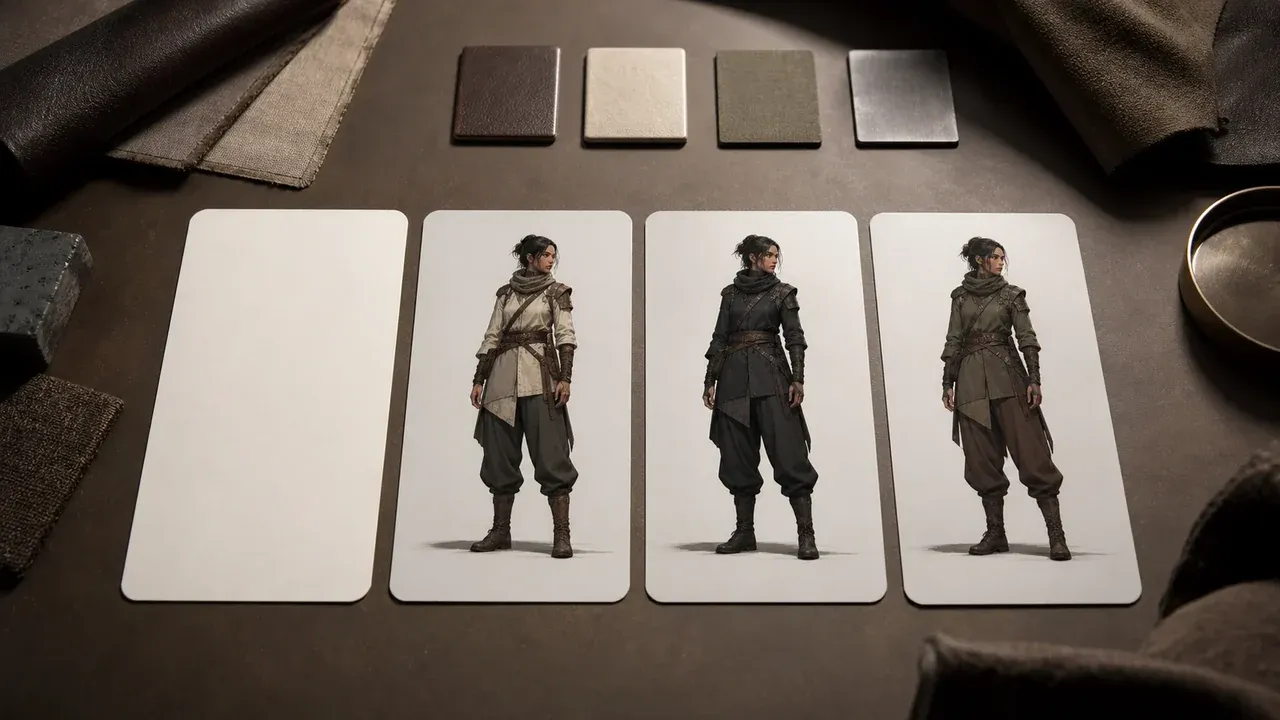
AI Character Generator
Use the broader character page when the next concept is not anime-only and needs realistic, cinematic, mascot, or 3D directions.
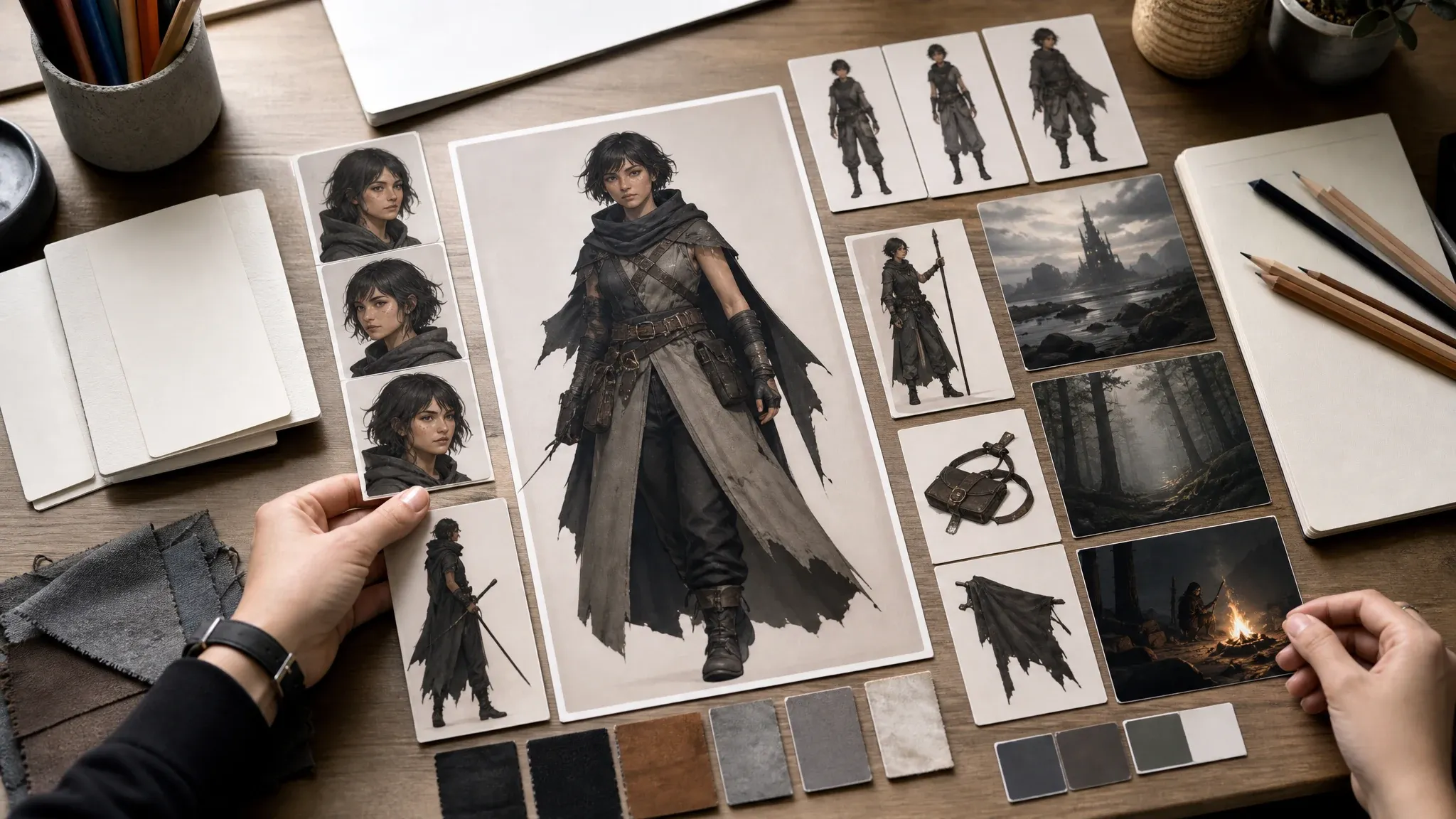
OC Maker
Move into OC Maker when the job is a deeper original-character profile with traits, backstory, personality, and world details.
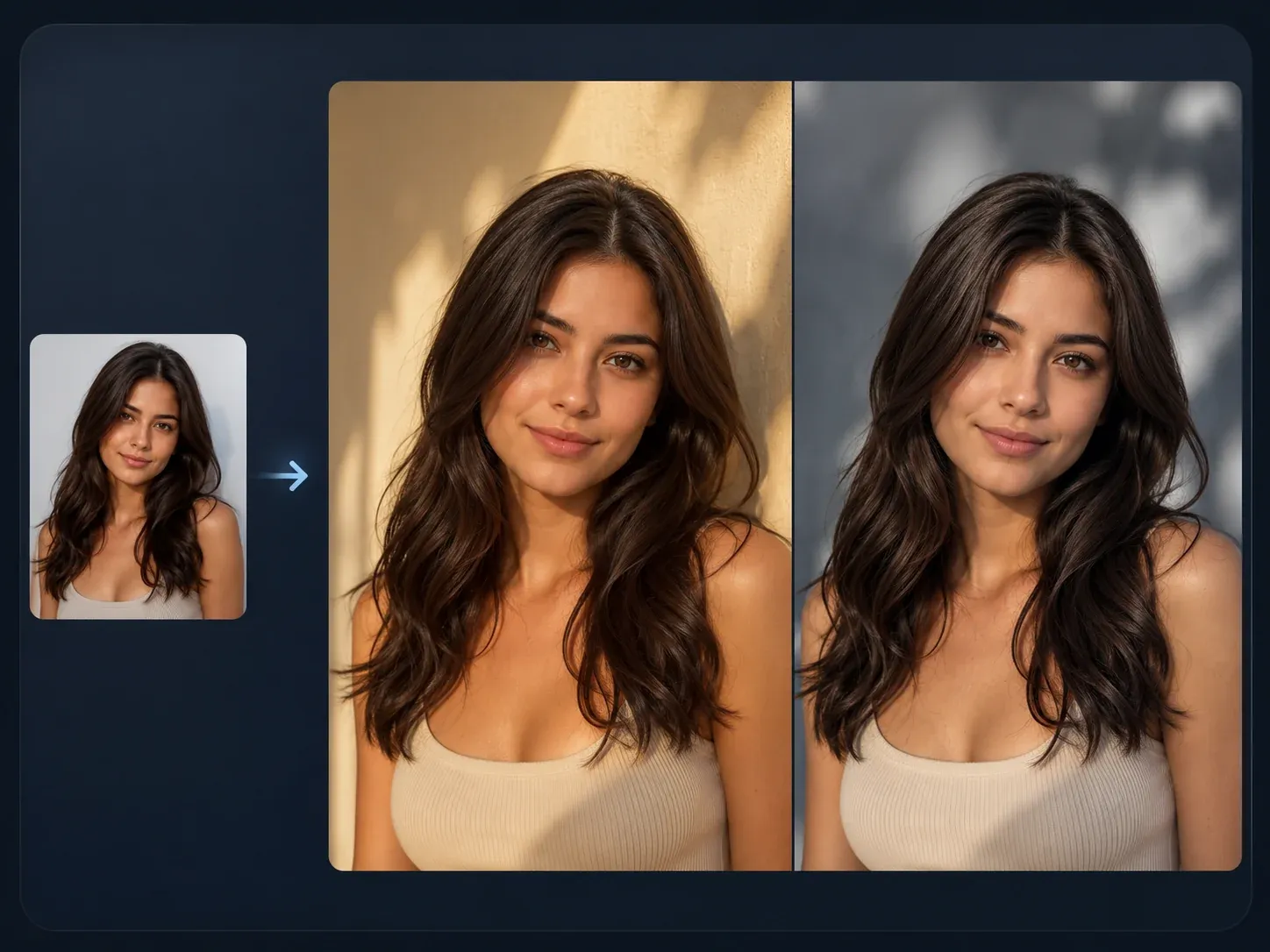
AI Image to Image
Use a keeper anime character as the source when you need a closer variant, new pose, or reference-guided restyle.

AI Image Editor
Fix a distracting hand, prop, background edge, costume detail, or color issue after the anime character direction is close.
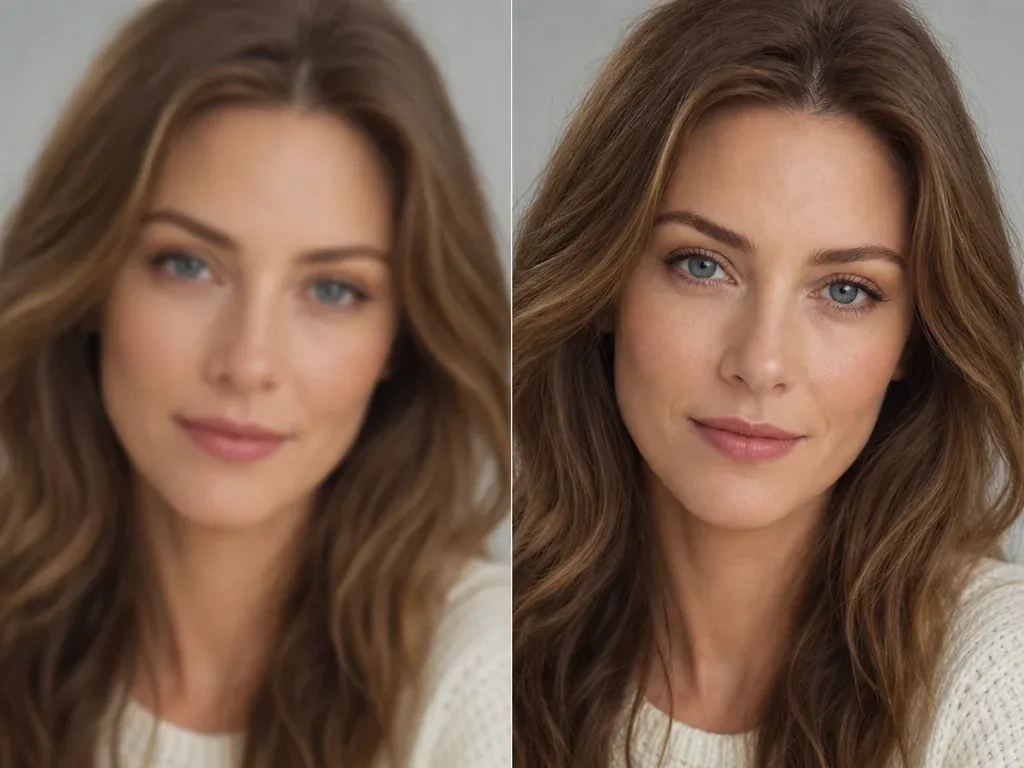
AI Image Upscaler
Sharpen the final anime avatar, character portrait, or full-body concept before using it in a profile, deck, or campaign board.
AI Anime Character Generator Questions, Answered
Direct answers about prompts, free use, anime styles, reference images, consistency, downloads, commercial use, protected IP, and when to use another FaceAI workflow.
An AI anime character generator creates original anime-style character images from prompts. You describe the character, outfit, pose, setting, and style, then review the generated still image.
Yes. You can start from the online workbench for free, with no login, no app download, and no watermark on the standard result flow. If heavier use reaches a current quota, the product flow will show the limit.
No. A clear character brief is enough. You get better results when you name visible details such as hair, eyes, outfit, pose, expression, and background.
Use a compact brief: original character role, hair, eyes, outfit, prop, pose, expression, background, and anime substyle. Keep it to one character per prompt when identity matters.
Yes. Use the prompt examples and style options to start from anime OC, manga, chibi, fantasy, cyberpunk, or webtoon directions, then rewrite the details around your own character.
Yes. Choose a square ratio, describe the face clearly, and keep the background simple. After generation, upscale the best result if you need a sharper profile image.
Do not use the tool to recreate protected anime characters, celebrities, logos, or branded costumes unless you have rights to use them. Create original anime characters instead.
This page is prompt-first. If you already have an anime character image and want a closer variant, use AI Image to Image so the next run has a visual source.
Not as a guarantee. Repeat the same hair, eyes, outfit, face shape, and pose language, keep the closest result, then use source-guided follow-up tools for tighter variants.
Change fewer details per run. Keep the same visible traits and camera angle, then move the best result into image-to-image instead of rebuilding the character from memory.
No. This page creates anime-style character images. Use OC Maker when you need deeper profile fields such as personality, backstory, traits, and world details.
No. This page creates still anime character images. Use image-to-video or talking photo workflows only after you have a still image that is ready for motion or speech.
You are responsible for the prompt, subject, style references, and any uploaded or reused assets. Avoid protected IP, public figures, logos, and characters you do not own.
Yes. When the result appears, use the download control and keep the page open until the final preview is ready.
Start with the AI Anime Character Generator
Write one original anime character brief, generate the first still image, then refine only the version that is close enough to keep.