
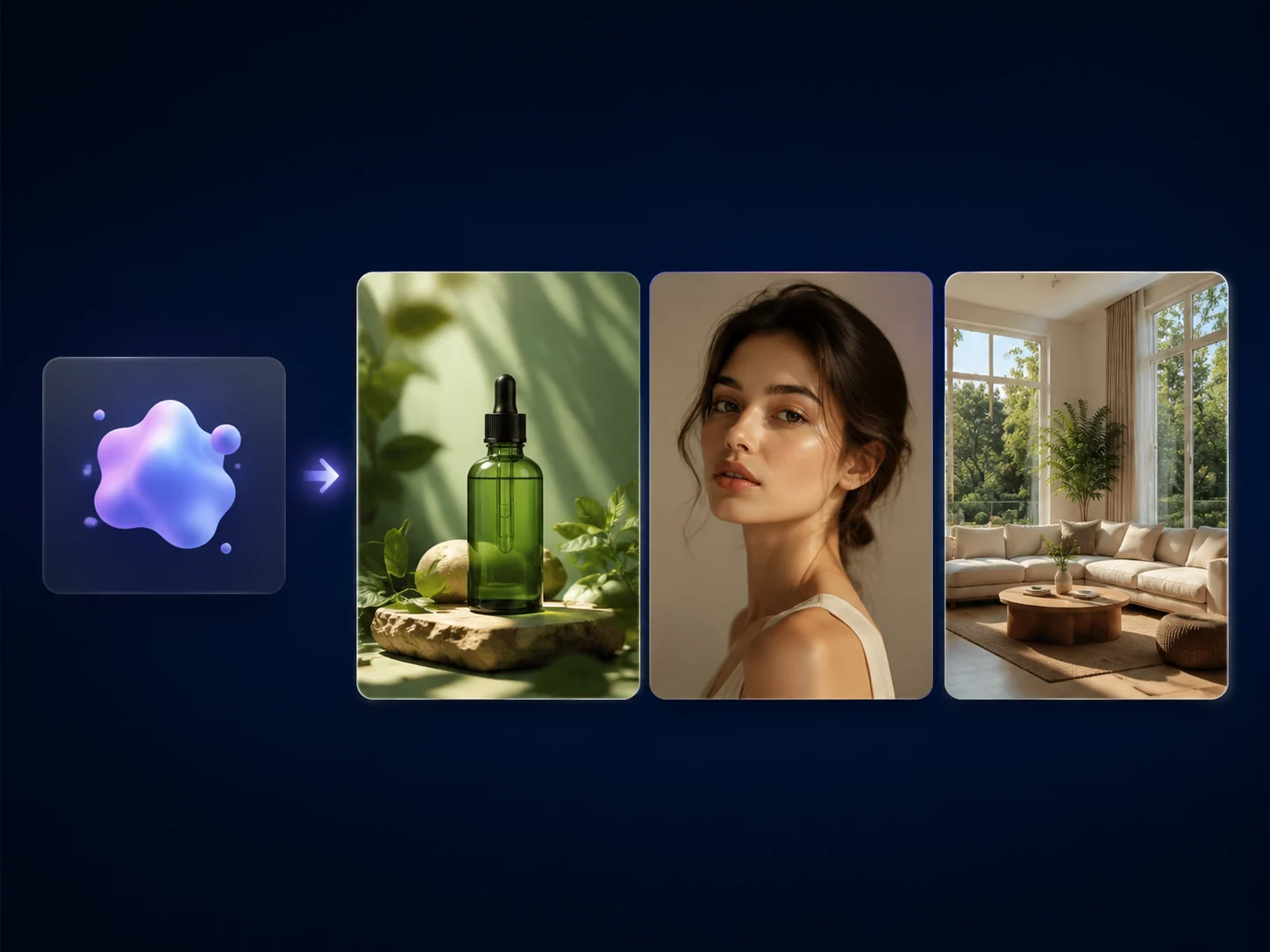
Free AI Image Generator Online for Product and Social Visuals
Use the free AI image generator online when a prompt needs to become a real product scene, social ad, blog cover, thumbnail idea, or campaign draft. Start with text, review the result, then download or move the strongest image into editing, image-to-image, or upscaling. No sign-up. No watermark.

Trusted by 12,000,000+ users worldwide.
How to Generate an AI Image from Text
Keep the first pass direct enough to judge on screen. The best prompts name the subject, setting, camera distance, light, and final use.
Write the prompt
Describe one main subject, the scene around it, the visual style, and where the image will be used.
Generate and compare
Review the latest result against your prompt instead of adding more ideas before you know what worked.
Download or refine
Save a strong result, or send it to editor, image-to-image, or upscaler when the direction is close but not final.
What Can You Create with an AI Image Generator?
Use the generator for four practical jobs: social and ad concepts, product scene mockups, editorial covers, and the next-step workflow after the first image is generated.
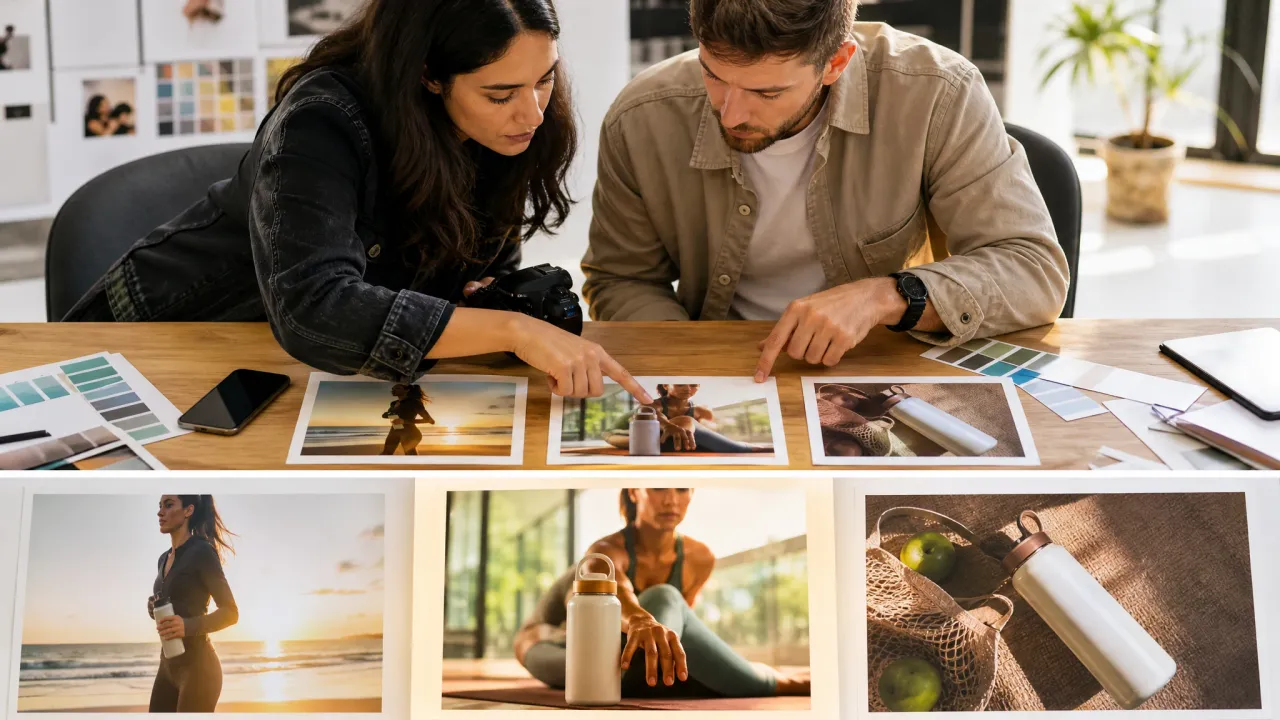
Social and ad concepts
Turn a campaign hook into visual options for paid social, thumbnails, launch posts, or creative review. Use a prompt that names the product, audience, setting, and frame shape.
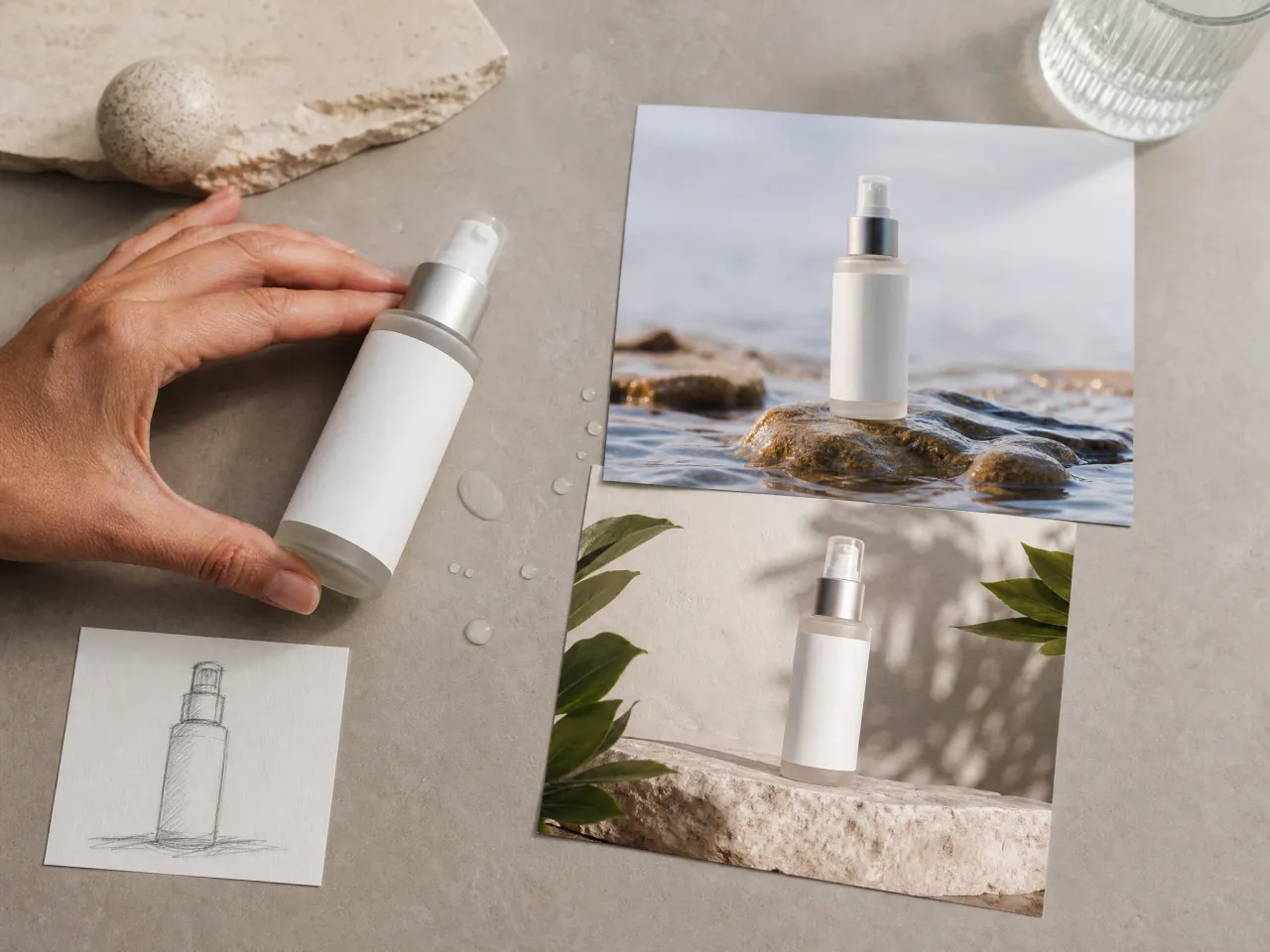
Product scene mockups
Create product concept images before a shoot exists. Blank-label packaging, surface material, lighting, and camera distance matter more than vague brand adjectives.
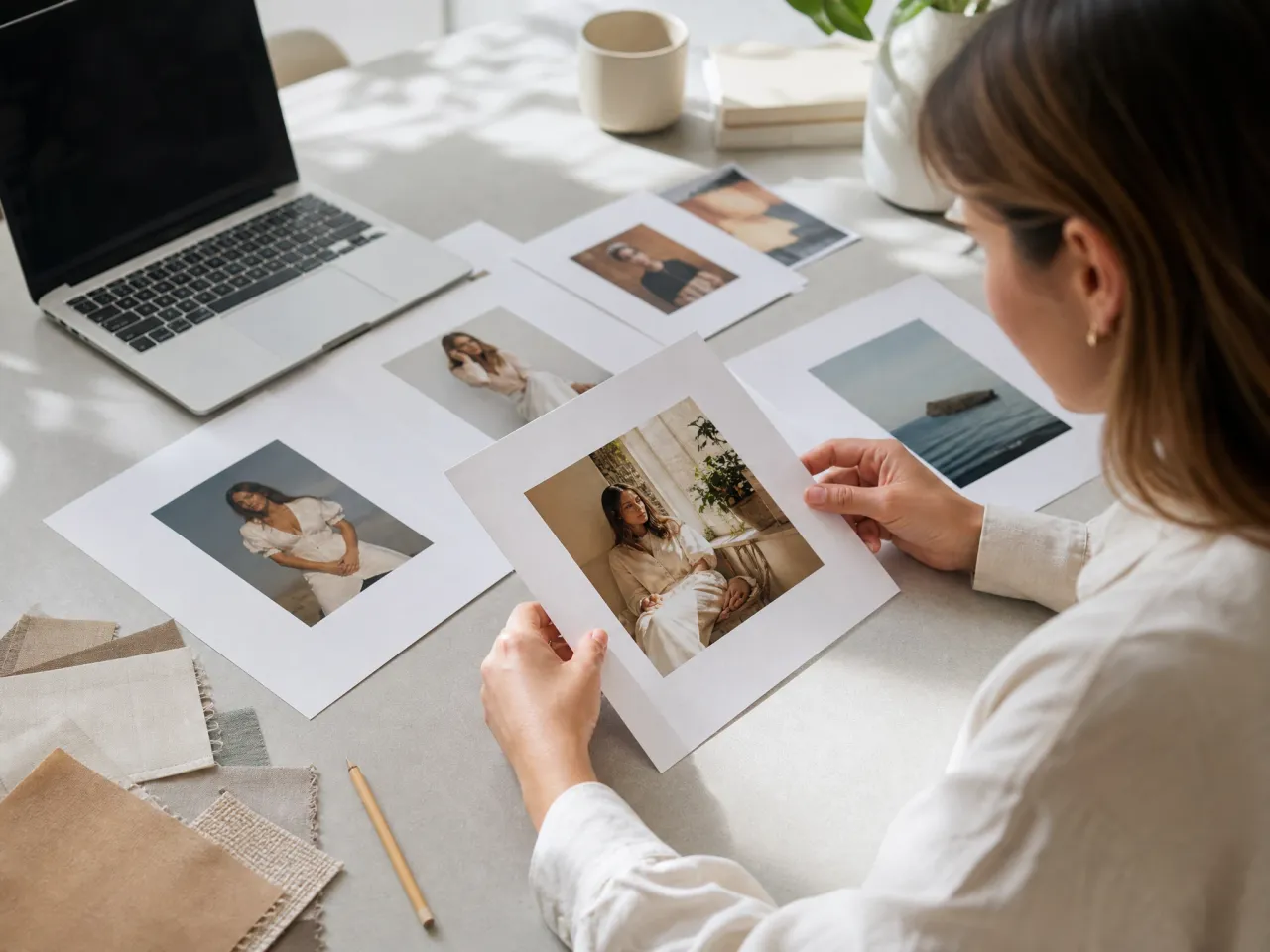
Editorial and blog covers
Build article art when stock images miss the angle. Start with the reader, the setting, and the mood, then pick the frame that supports the story.
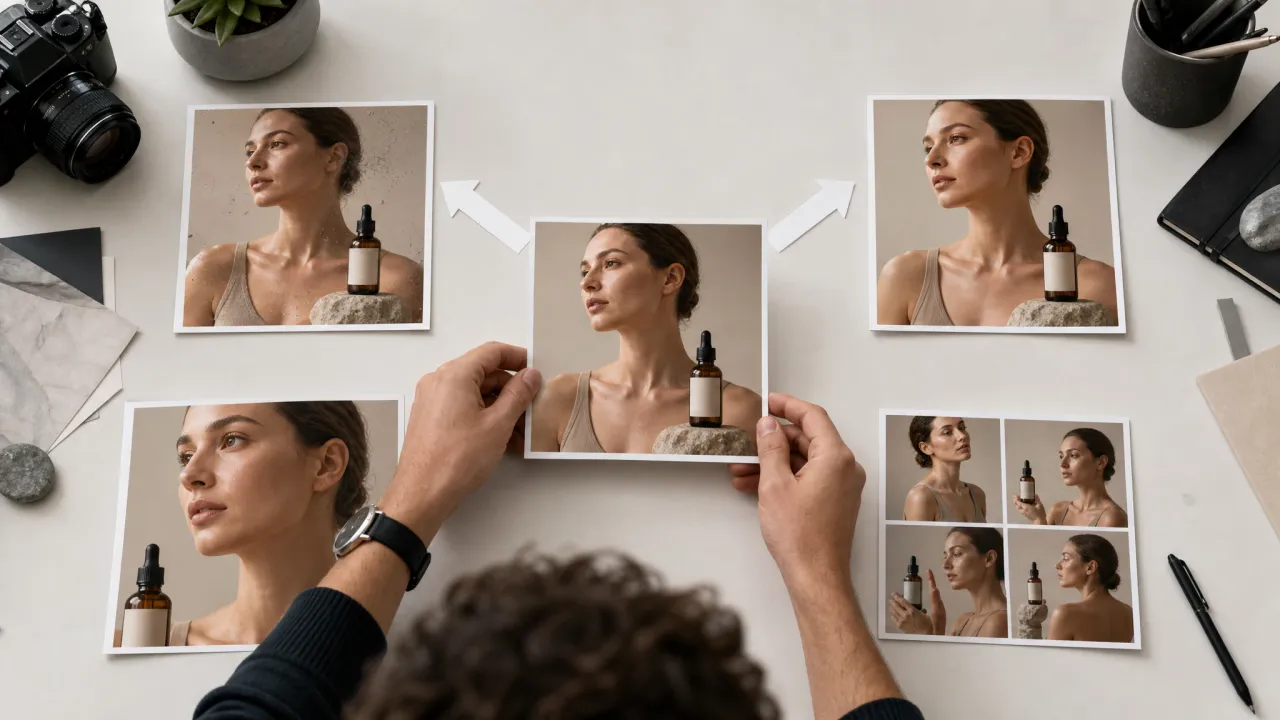
Continue into editing
Stop regenerating when one image is close. Use editor for cleanup, image-to-image for controlled variants, upscaler for sharper output, or video tools for motion tests.
What Is an AI Image Generator?
An AI image generator creates a new image from a text prompt. You describe the subject, scene, style, and output use, then the model returns a visual draft you can judge and refine.
Start without a source image
Use text only when the scene does not exist yet and you need a visual starting point.
Choose the output shape
Pick square, portrait, story, or wide ratios so the result fits the channel you are testing.
Move to the right next tool
Edit, restyle, upscale, or animate after the first result shows a clear direction.
Why Use Face AI for Prompt-to-Image Drafts?
The page is built around the actual workbench first, then the content explains when to generate, when to refine, and when to stop prompting.
Tool before the article
You can write the prompt before reading the full page. People open an AI image generator online to create first, so the workspace comes first.
Prompt library plus manual control
Start from case examples, then change the subject, setting, ratio, and style instead of treating examples as fixed templates.
Designed for follow-up work
The related Face AI tools are part of the page path, so a near-right result can continue into editing, image-to-image, upscaling, or video.
How to Get Better AI Image Generator Results
One subject, one scene, one light direction, one style. That usually beats a long prompt with five competing ideas.
Name the output use
Say product scene, blog cover, thumbnail, portrait cover, or paid social concept. The use case helps the composition.
Use physical details
Materials, surfaces, weather, lens distance, and light direction are easier to follow than broad mood words.
Avoid exact text requests
Generate the image first. Add precise headlines, logos, and brand marks later in a design tool.
Change one variable at a time
If the result is close, alter the setting, angle, or style separately so you can see what actually improved.
AI Image Generator vs. Stock Search, Manual Design, and Generic Tools
Use this table to pick the right workflow. The honest answer is that prompt-to-image is best for fast direction, not exact brand typography or guaranteed final art.
| Criteria | Face AIOurs | Other Tools |
|---|---|---|
| Starting point | Text prompt to a new visual draft inside the Face AI workbench | Stock search starts from existing photos; manual design starts from a blank file |
| Best use | Product scenes, social concepts, blog covers, thumbnails, and early art direction | Stock works for generic scenes; manual design works when the layout is already specified |
| Control style | Prompt, style, ratio, clarity, and image count controls in the tool area | Some tools hide settings behind galleries or force one default output shape |
| Next step | Move near-right results to editor, image-to-image, upscaler, or video tools | Many generators stop at download, so refinement becomes a separate workflow |
| Exact logos and readable text | Not reliable inside generation; add typography and brand marks after export | Most AI image tools have the same limitation, even when the page does not say it clearly |
| Commercial use | Use outputs carefully and avoid protected brands, public figures, and copyrighted characters without rights | Broad rights claims still depend on prompt and subject matter |
| Review speed | Useful for deciding which visual route deserves more design time | Traditional briefs can stay abstract until a designer creates the first mockup |
Starting point
Text prompt to a new visual draft inside the Face AI workbench
Stock search starts from existing photos; manual design starts from a blank file
Best use
Product scenes, social concepts, blog covers, thumbnails, and early art direction
Stock works for generic scenes; manual design works when the layout is already specified
Control style
Prompt, style, ratio, clarity, and image count controls in the tool area
Some tools hide settings behind galleries or force one default output shape
Next step
Move near-right results to editor, image-to-image, upscaler, or video tools
Many generators stop at download, so refinement becomes a separate workflow
Exact logos and readable text
Not reliable inside generation; add typography and brand marks after export
Most AI image tools have the same limitation, even when the page does not say it clearly
Commercial use
Use outputs carefully and avoid protected brands, public figures, and copyrighted characters without rights
Broad rights claims still depend on prompt and subject matter
Review speed
Useful for deciding which visual route deserves more design time
Traditional briefs can stay abstract until a designer creates the first mockup
How Teams Use the AI Image Generator in Real Workflows
These comments focus on the process: prompt, compare, choose a direction, then refine only when the image is close enough to keep.
"Good first-pass tool when a blank page is the real blocker."

Nina Volkov
Visual Design Director
"We use it for article covers when the headline is ready but the visual angle is still loose. One prompt pass gives the content team something concrete to review."

Emma Johansson
Head of Content Strategy
"I do not expect frame one to ship. I use it to narrow the campaign direction, then move the strongest result into editing."

Mia Torres
Design Director
"Useful for moodboards. Prompt, review, discard fast."

Kai Nakamura
Global Creative Director
"The prompts behave better when we name lens, light, and material finish. Broad brand words alone usually do not get us there."

Priya Chen
Creative Strategy Lead
"It is faster than briefing three separate visual routes by hand, especially when the team only needs a direction to react to."

Astrid Nielsen
Head of Thought Leadership
"Good first-pass tool when a blank page is the real blocker."
Nina Volkov
Visual Design Director
"We use it for article covers when the headline is ready but the visual angle is still loose. One prompt pass gives the content team something concrete to review."
Emma Johansson
Head of Content Strategy
"I do not expect frame one to ship. I use it to narrow the campaign direction, then move the strongest result into editing."
Mia Torres
Design Director
"Useful for moodboards. Prompt, review, discard fast."
Kai Nakamura
Global Creative Director
"The prompts behave better when we name lens, light, and material finish. Broad brand words alone usually do not get us there."
Priya Chen
Creative Strategy Lead
"It is faster than briefing three separate visual routes by hand, especially when the team only needs a direction to react to."
Astrid Nielsen
Head of Thought Leadership
"We use it for webinar covers and paid social drafts before design polish starts."

Haruka Kimura
Inbound Marketing Manager
"Good first-pass tool when a blank page is the real blocker."
Nina Volkov
Visual Design Director
"We use it for article covers when the headline is ready but the visual angle is still loose. One prompt pass gives the content team something concrete to review."
Emma Johansson
Head of Content Strategy
"I do not expect frame one to ship. I use it to narrow the campaign direction, then move the strongest result into editing."
Mia Torres
Design Director
"Useful for moodboards. Prompt, review, discard fast."
Kai Nakamura
Global Creative Director
"The prompts behave better when we name lens, light, and material finish. Broad brand words alone usually do not get us there."
Priya Chen
Creative Strategy Lead
"It is faster than briefing three separate visual routes by hand, especially when the team only needs a direction to react to."
Astrid Nielsen
Head of Thought Leadership
"We use it for webinar covers and paid social drafts before design polish starts."
Haruka Kimura
Inbound Marketing Manager
"The generator is strongest when the scene does not exist yet. Once one result feels close, image-to-image is a better next step than forcing ten more prompt rewrites."

Ananya Iyer
Content Marketing Lead
"Most generators give us stock-looking ideas on the first pass. This one still needs a clear prompt, but it is easier to steer toward a usable ad concept."

Aaliyah Williams
Digital Marketing Director
"Our team tested it on campaign concepts that normally start with loose mood references. The good part is not perfection on frame one. It is how fast we can decide which visual route deserves real design time."

Rafael Santos
VP of Creative
"It helps our SEO team stop arguing in abstractions and react to an actual image."

Charlotte Beaumont
Director of Content Operations
"For launch pages, I need fast visual options before the copy stack is locked. This gets me there without pausing the sprint."

Jordan Kim
Growth Lead
"I like it most for story-led concepts where the image tone is hard to explain in a brief. We usually run two or three prompt versions, compare them in review, then keep only one for refinement. That is still faster than starting in a design file with no visual anchor."

Marie Laurent
Storytelling & Brand Lead
"Strong enough for first-draft ads, especially when the prompt names the product, setting, and camera distance."

Yifan Zheng
Demand Generation Lead
"The generator is strongest when the scene does not exist yet. Once one result feels close, image-to-image is a better next step than forcing ten more prompt rewrites."
Ananya Iyer
Content Marketing Lead
"Most generators give us stock-looking ideas on the first pass. This one still needs a clear prompt, but it is easier to steer toward a usable ad concept."
Aaliyah Williams
Digital Marketing Director
"Our team tested it on campaign concepts that normally start with loose mood references. The good part is not perfection on frame one. It is how fast we can decide which visual route deserves real design time."
Rafael Santos
VP of Creative
"It helps our SEO team stop arguing in abstractions and react to an actual image."
Charlotte Beaumont
Director of Content Operations
"For launch pages, I need fast visual options before the copy stack is locked. This gets me there without pausing the sprint."
Jordan Kim
Growth Lead
"I like it most for story-led concepts where the image tone is hard to explain in a brief. We usually run two or three prompt versions, compare them in review, then keep only one for refinement. That is still faster than starting in a design file with no visual anchor."
Marie Laurent
Storytelling & Brand Lead
"Strong enough for first-draft ads, especially when the prompt names the product, setting, and camera distance."
Yifan Zheng
Demand Generation Lead
What Should You Try After AI Image Generation?
The best next tool depends on what is wrong with the first result: a small flaw, a style shift, a soft export, or the need for motion.
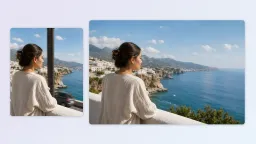
AI Image Editor
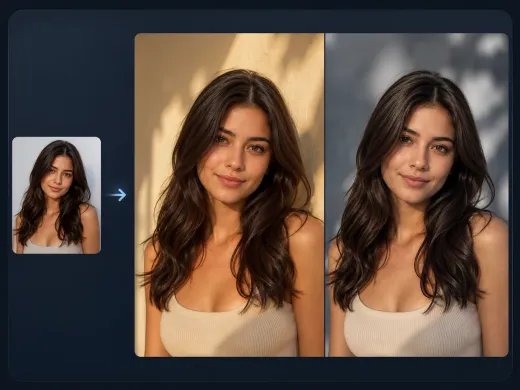
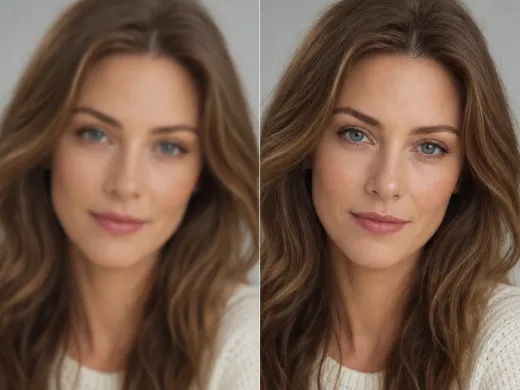
Clean up a generated result, replace the background, or retouch one detail without starting over.
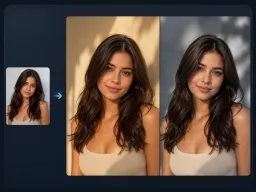
AI Image to Image
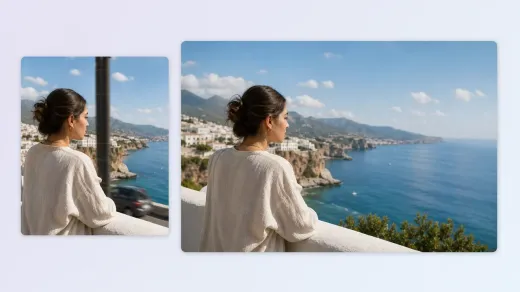
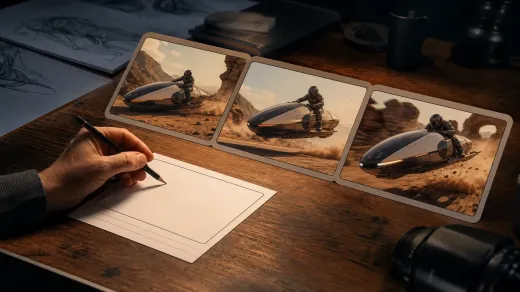
Upload the strongest generated frame and create controlled variations when the composition is already close.
AI Image Upscaler
Use it after generation when the concept works but the image needs a sharper export for review or publishing.
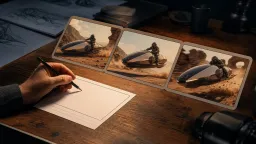
AI Video Generator
Turn an approved still direction into a motion concept when the next brief needs movement.
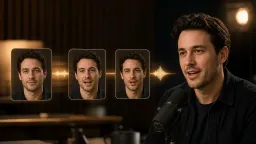
Talking Photo
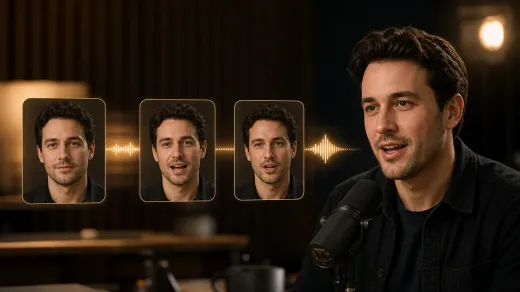
Use this after generating or selecting a portrait that should become a short speaking clip.
AI Image Generator Questions, Answered
Short answers for prompt writing, source images, output quality, download flow, rights, and when to switch tools.
An AI image generator creates a new image from a text prompt. You describe the subject, setting, style, and output use, then review the generated visual draft.
Start with the subject, then add setting, camera distance, light, style, and final use. Keep the first prompt specific, not crowded.
No. This page is prompt-to-image. If you already have a source image and want to keep its layout, use AI Image to Image instead.
Use 1:1 for square posts, 9:16 for stories, 3:4 for cover-style portraits, and 16:9 for wide hero images or thumbnails.
Generic prompts usually lack physical detail. Add material, location, camera distance, light, and the intended channel so the model has a clearer target.
Not reliably. Generate the visual first, then add exact typography, labels, and brand marks in a design tool where you control every letter.
Switch when the image direction is close but one part still needs control. Use editor for cleanup, image-to-image for variants, and upscaler for a sharper export.
Yes. After the result appears in the workbench, use the download control near the image. Keep the page open until the final preview is visible.
Yes. The prompt field, style choices, ratio controls, result preview, history, download, and share actions are built for touch screens.
You can use your outputs in your own projects, but rights clearance still depends on the prompt and subject. Avoid trademarked logos, copyrighted characters, public figures, and brand assets you do not have rights to use.
Start with the AI Image Generator Online
Write one clear prompt, generate the first visual draft, then refine the result only after you know which direction is worth keeping.