
Starting point
Ours
Structured wedding fields plus a generated text reference screenshot.
Other workflows
Prompt-only image tools may generate attractive cards but often miss exact names, dates, and RSVP text.
Make a wedding invitation image online from names, date, venue, wording, and RSVP text. Face AI first renders your details as a clean text reference screenshot, then uses AI to preserve the wording while improving background, border, layout split, and wedding-card style for digital review.
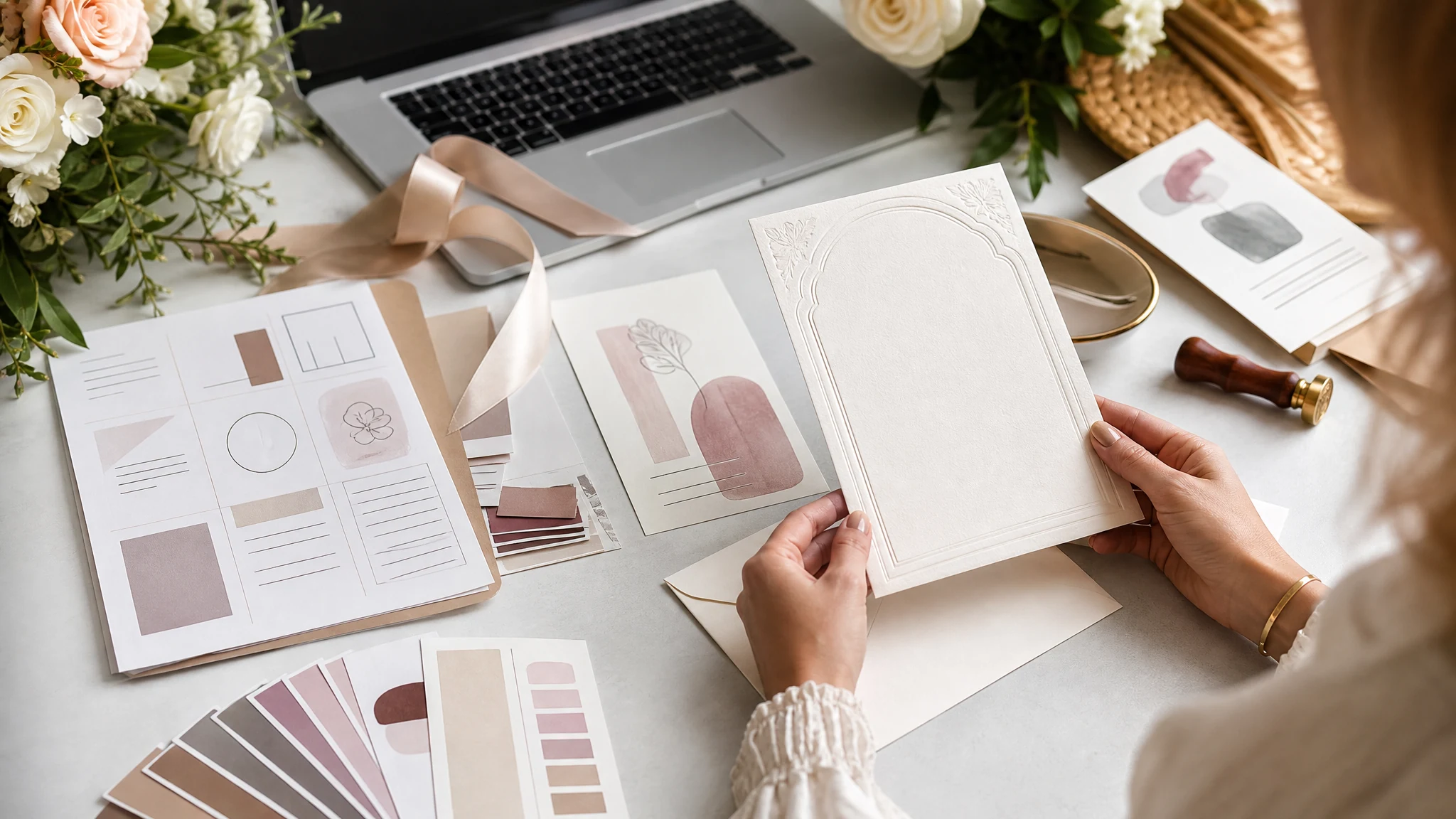
Trusted by 12,000,000+ users worldwide. Built for free online AI invitation drafts and review loops, not PDF proofing, font licensing, RSVP hosting, or print-shop production.
The useful loop is short: write the wedding invitation details, preview the text reference, choose an AI style, generate the card image, then download or compare recent results.
Add the couple names, date, time, venue, short invitation message, and RSVP line in structured fields.
Pick modern elegant, romantic floral, coastal light, starry night, or luxury gold, then adjust background/layout split and text scale.
Face AI uses the text screenshot as a reference and returns a polished invitation image. Download the result after checking the wording.
Create practical AI invitation drafts for ceremony details, save-the-date messages, planner or family review, digital announcements, reception signage, and follow-up design handoff.
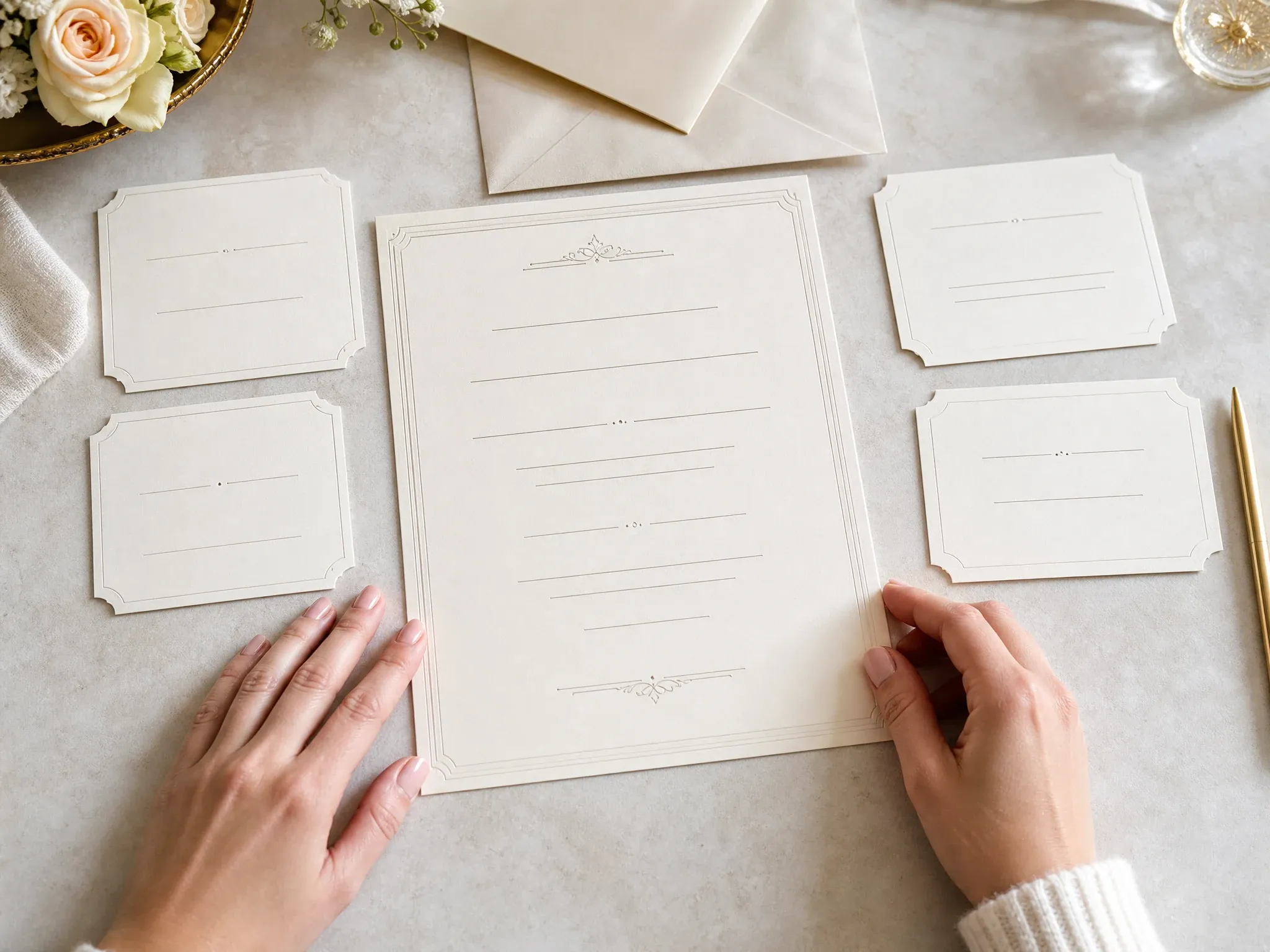
Render names, date, venue, message, and RSVP text into the reference image so couples can review wording before the AI style pass.
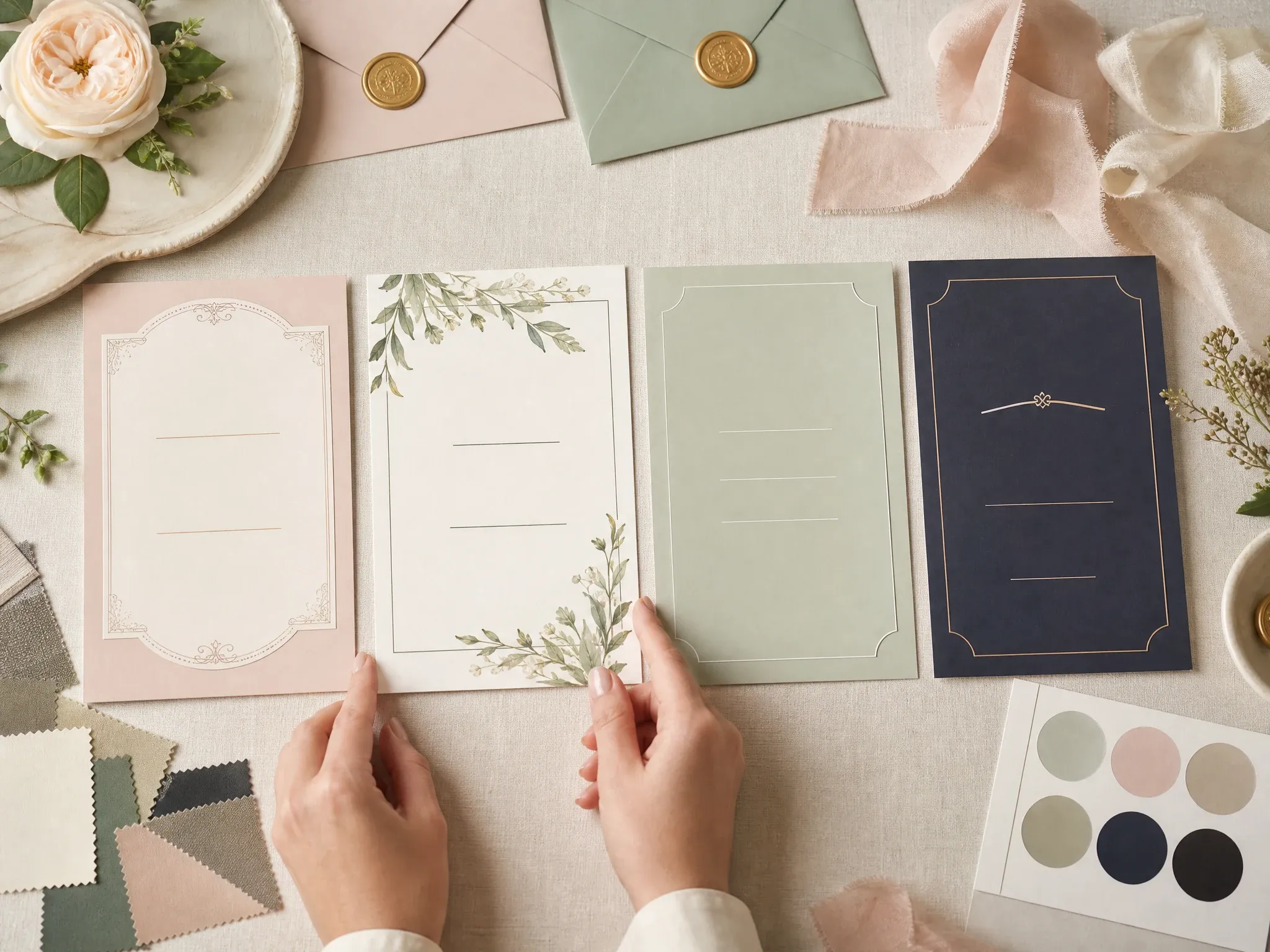
Compare modern, floral, coastal, night, and luxury gold card directions from the same invitation text reference.
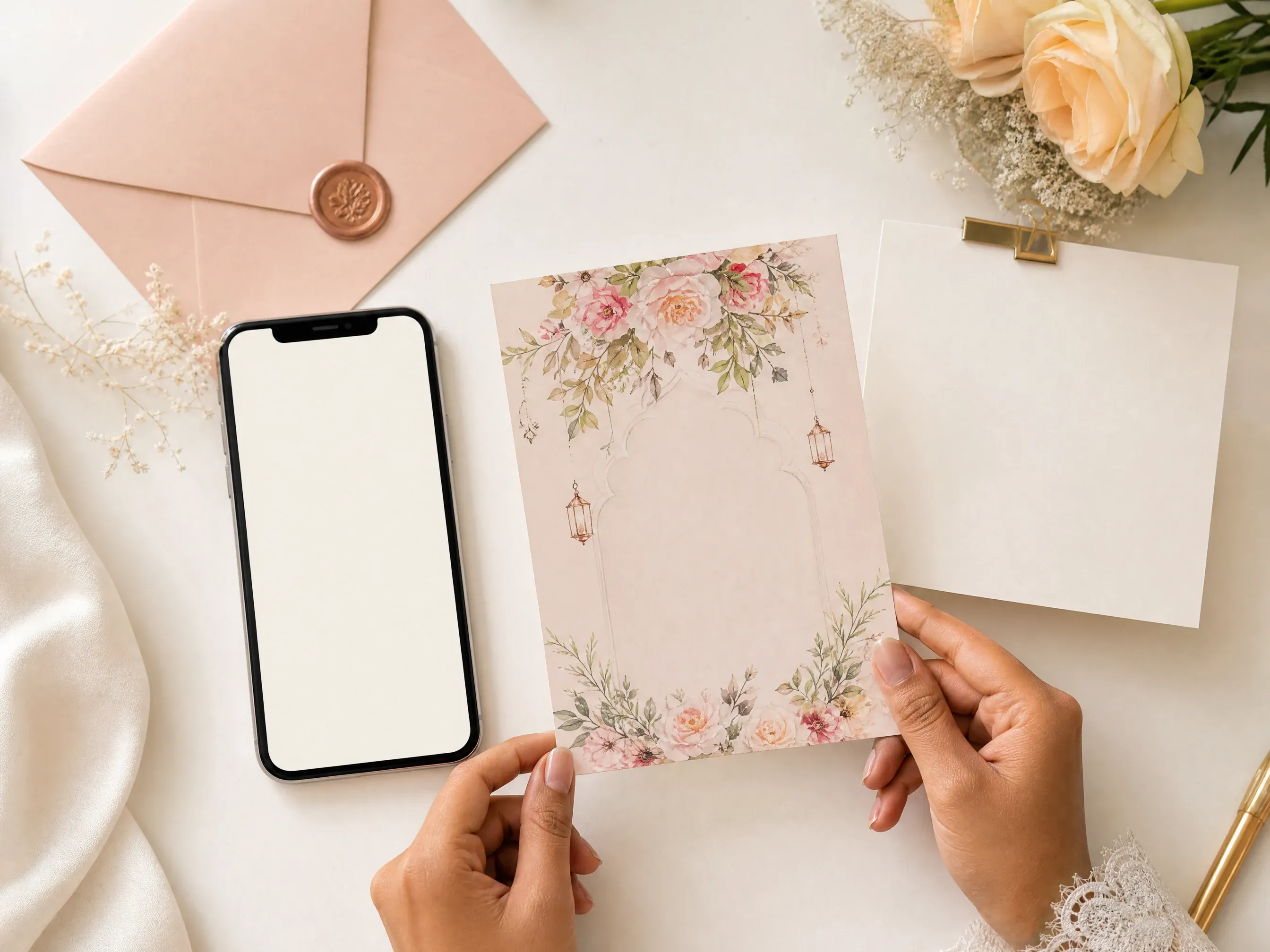
Generate a polished image for a private draft, message preview, or digital announcement before full stationery work.
Check whether long venue names, dinner notes, and ceremony times still feel readable after AI improves the card design.
Send a generated card image to planners, families, or co-hosts so wording feedback happens before final design work.
Use the approved card wording and mood as a starting point for welcome signs, reception posters, or announcement graphics.
In this Face AI version, an AI wedding card generator turns structured invitation text into a reference screenshot, then generates one polished card image per selected style while keeping the visible wording as the main reference.
Names, date, venue, message, and RSVP are arranged before generation so the AI has a clear text target.
Choose style, ratio, text scale, and background/layout split, then let AI improve background, border, decoration, and spacing.
Download the generated wedding card image and keep recent results in local browser history for comparison.
The workbench appears first and keeps the promise narrow: a free AI card image based on your text reference, not a full stationery suite hidden behind a blank prompt box.
The invitation text starts in fields and a reference screenshot, reducing the blank-prompt failure where names and dates are lost.
Text fields, AI style directions, background/layout split, text scale, ratio, result download, share, and history are part of the function area.
Face AI creates a finished card image. For professional printing, add bleed, verify fonts, prepare editable vector or PDF files, and arrange envelopes or fulfillment in a dedicated design or print workflow.
Use the generated draft for wording and mood review, then finish print-ready files in a dedicated design or stationery workflow.
Choose the workflow that matches the job. Face AI is strongest for quick AI invitation images from a text reference; full suites are better for print production.
| Criteria | Face AIOurs Face AI wedding card maker | Other workflows |
|---|---|---|
| Starting point | Structured wedding fields plus a generated text reference screenshot. | Prompt-only image tools may generate attractive cards but often miss exact names, dates, and RSVP text. |
| AI control | AI improves background, borders, ornaments, spacing, and wedding style from the reference. | Large editors may require manual design work or paid template libraries. |
| Output | One downloadable AI wedding card image for digital review and proofreading. | Stationery suites may export PDF, bleed, envelopes, RSVP inserts, print specs, and editable source files. |
| Best use | Digital draft, wording review, style direction, save-the-date preview, and handoff to final design. | Use full design tools for professional typography, print files, font licensing, and production checks. |
| Limit | No PDF, no RSVP hosting, no print guarantee, no physical fulfillment, no legal font/license clearance. | Print workflows should verify trim, bleed, DPI, color profile, paper, and delivery constraints. |
Structured wedding fields plus a generated text reference screenshot.
Prompt-only image tools may generate attractive cards but often miss exact names, dates, and RSVP text.
AI improves background, borders, ornaments, spacing, and wedding style from the reference.
Large editors may require manual design work or paid template libraries.
One downloadable AI wedding card image for digital review and proofreading.
Stationery suites may export PDF, bleed, envelopes, RSVP inserts, print specs, and editable source files.
Digital draft, wording review, style direction, save-the-date preview, and handoff to final design.
Use full design tools for professional typography, print files, font licensing, and production checks.
No PDF, no RSVP hosting, no print guarantee, no physical fulfillment, no legal font/license clearance.
Print workflows should verify trim, bleed, DPI, color profile, paper, and delivery constraints.
These comments focus on the practical card loop: enter details, create the text reference, choose an AI style, generate, proofread, download, and compare results.
"I used the card maker to turn ceremony details into a text reference first, then let AI improve the background and border without starting from a blank prompt."
Sophia Wagner
Editorial Director
"The useful part is the handoff: names, date, venue, and RSVP are visible before generation, while the AI pass focuses on mood, layout split, and stationery polish."
Nina Volkov
Visual Design Director
"I can compare a floral card, a modern card, and an evening version from the same wording screenshot. It is much clearer than asking an image model to invent the card from scratch."
Amara Johansson
Head of Visual Identity
"For first-pass save-the-date concepts, the text reference keeps the wording organized and the AI output gives the family a polished visual direction to review."
Mia Torres
Design Director
"The workflow feels like a real AI card pass: enter details, generate a text screenshot reference, pick a style, then download the AI-rendered invitation image."
Devon Park
Interactive Creative Director
"I like that the page separates visual direction from production truth. It helps couples review invitation mood without promising RSVP hosting, PDF proofing, or print fulfillment."
Marie Laurent
Storytelling & Brand Lead
"I used the card maker to turn ceremony details into a text reference first, then let AI improve the background and border without starting from a blank prompt."
Sophia Wagner
Editorial Director
"The useful part is the handoff: names, date, venue, and RSVP are visible before generation, while the AI pass focuses on mood, layout split, and stationery polish."
Nina Volkov
Visual Design Director
"I can compare a floral card, a modern card, and an evening version from the same wording screenshot. It is much clearer than asking an image model to invent the card from scratch."
Amara Johansson
Head of Visual Identity
"For first-pass save-the-date concepts, the text reference keeps the wording organized and the AI output gives the family a polished visual direction to review."
Mia Torres
Design Director
"The workflow feels like a real AI card pass: enter details, generate a text screenshot reference, pick a style, then download the AI-rendered invitation image."
Devon Park
Interactive Creative Director
"I like that the page separates visual direction from production truth. It helps couples review invitation mood without promising RSVP hosting, PDF proofing, or print fulfillment."
Marie Laurent
Storytelling & Brand Lead
"The comparison section is useful because it says where Face AI stops. The AI card is good for digital review, not for bleed, font licensing, or press checks."
Astrid Nielsen
Head of Thought Leadership
"I used the card maker to turn ceremony details into a text reference first, then let AI improve the background and border without starting from a blank prompt."
Sophia Wagner
Editorial Director
"The useful part is the handoff: names, date, venue, and RSVP are visible before generation, while the AI pass focuses on mood, layout split, and stationery polish."
Nina Volkov
Visual Design Director
"I can compare a floral card, a modern card, and an evening version from the same wording screenshot. It is much clearer than asking an image model to invent the card from scratch."
Amara Johansson
Head of Visual Identity
"For first-pass save-the-date concepts, the text reference keeps the wording organized and the AI output gives the family a polished visual direction to review."
Mia Torres
Design Director
"The workflow feels like a real AI card pass: enter details, generate a text screenshot reference, pick a style, then download the AI-rendered invitation image."
Devon Park
Interactive Creative Director
"I like that the page separates visual direction from production truth. It helps couples review invitation mood without promising RSVP hosting, PDF proofing, or print fulfillment."
Marie Laurent
Storytelling & Brand Lead
"The comparison section is useful because it says where Face AI stops. The AI card is good for digital review, not for bleed, font licensing, or press checks."
Astrid Nielsen
Head of Thought Leadership
"Our content team can test invitation copy, venue lines, and RSVP wording in a polished AI card result before handing the final text to a stationery designer."
Charlotte Beaumont
Director of Content Operations
"The free online card angle is clear. It gives planners a quick visual for email previews, social messages, or a client call without a full design login flow."
Yifan Zheng
Demand Generation Lead
"I used it for a co-hosted wedding event mockup. The AI style choices made it easy to try modern, floral, coastal, night, and gold directions from the same text."
Sakura Ito
Partner Marketing Lead
"The local result history helps during review. When someone asks for a softer style, the previous AI card is still there and the next version is easy to compare."
Ren Sato
Customer Marketing Director
"It is not a giant editor, and that is the point. The fields keep the wedding details structured while AI improves the background and decorative treatment."
Anisha Patel
Brand Director
"For wedding-adjacent brand activations, I can draft a card-style invitation image and then move to signage or poster tools once the wording is approved."
Pooja Mehta
VP of Brand Experience
"The no-watermark result download is useful for drafts. We still do final print proofing elsewhere, but the first invitation direction comes together quickly."
Nkechi Obi
Marketing & Brand Manager
"Our content team can test invitation copy, venue lines, and RSVP wording in a polished AI card result before handing the final text to a stationery designer."
Charlotte Beaumont
Director of Content Operations
"The free online card angle is clear. It gives planners a quick visual for email previews, social messages, or a client call without a full design login flow."
Yifan Zheng
Demand Generation Lead
"I used it for a co-hosted wedding event mockup. The AI style choices made it easy to try modern, floral, coastal, night, and gold directions from the same text."
Sakura Ito
Partner Marketing Lead
"The local result history helps during review. When someone asks for a softer style, the previous AI card is still there and the next version is easy to compare."
Ren Sato
Customer Marketing Director
"It is not a giant editor, and that is the point. The fields keep the wedding details structured while AI improves the background and decorative treatment."
Anisha Patel
Brand Director
"For wedding-adjacent brand activations, I can draft a card-style invitation image and then move to signage or poster tools once the wording is approved."
Pooja Mehta
VP of Brand Experience
"The no-watermark result download is useful for drafts. We still do final print proofing elsewhere, but the first invitation direction comes together quickly."
Nkechi Obi
Marketing & Brand Manager
Choose the next Face AI tool based on what comes next: wedding imagery, memory boards, event signage, or supporting cutouts.
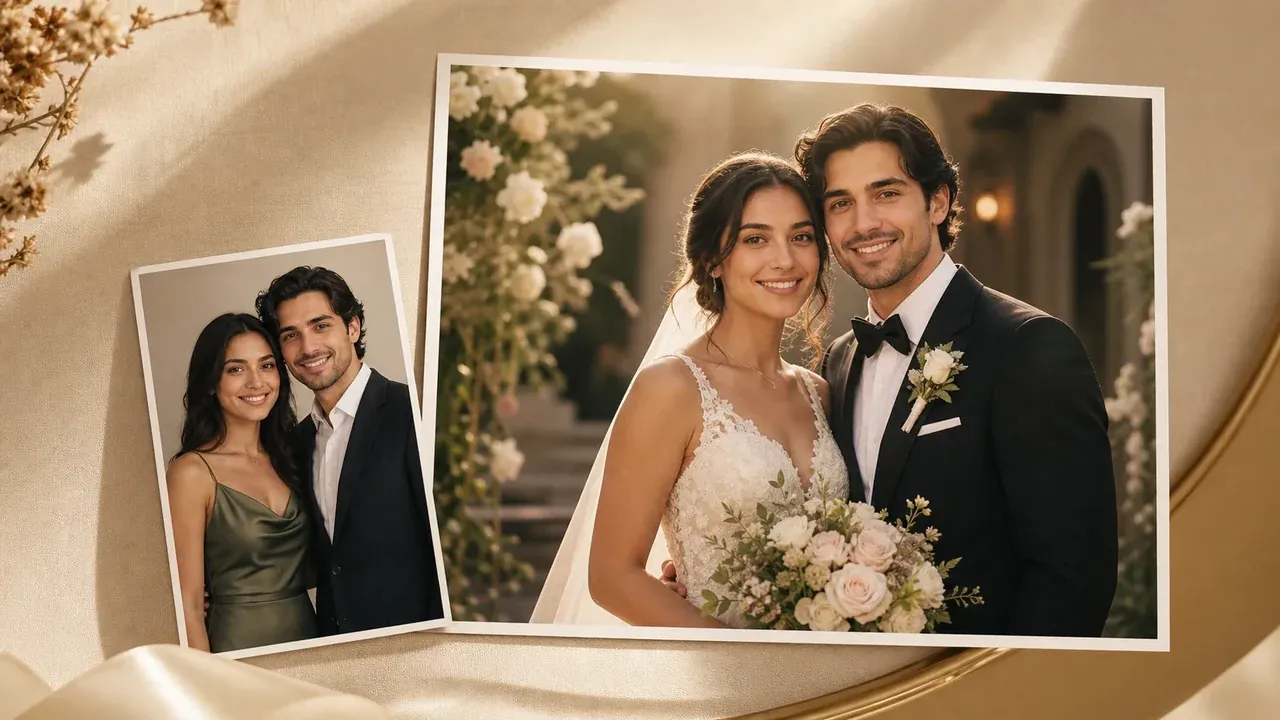
Create romantic wedding-photo visuals when you need imagery around the invitation rather than a text-first card.
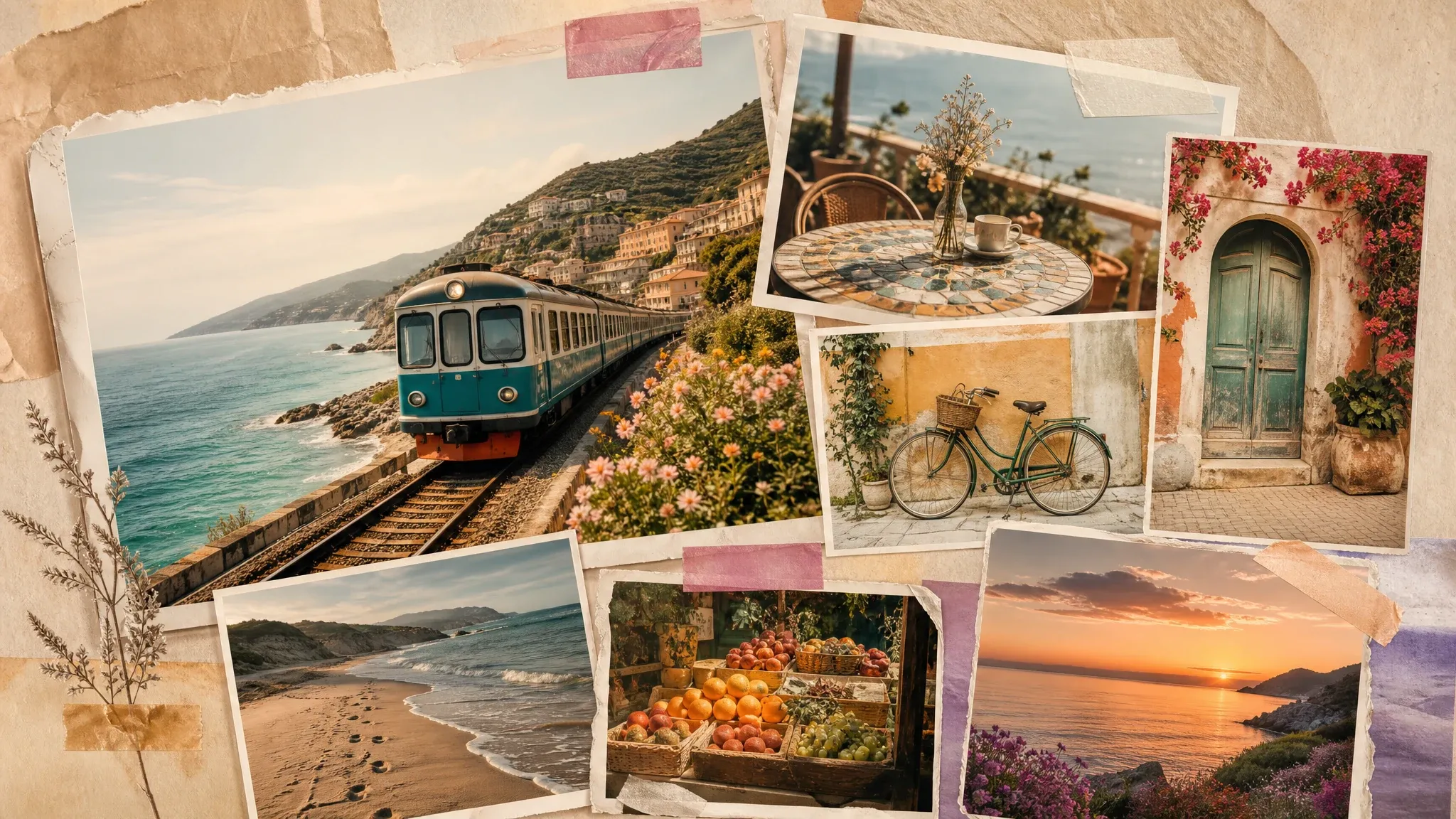
Build a memory-board collage from engagement, ceremony, or reception photos after the card wording is approved.

Use poster generation for event signage, welcome boards, or announcement visuals that need a bigger campaign feel.
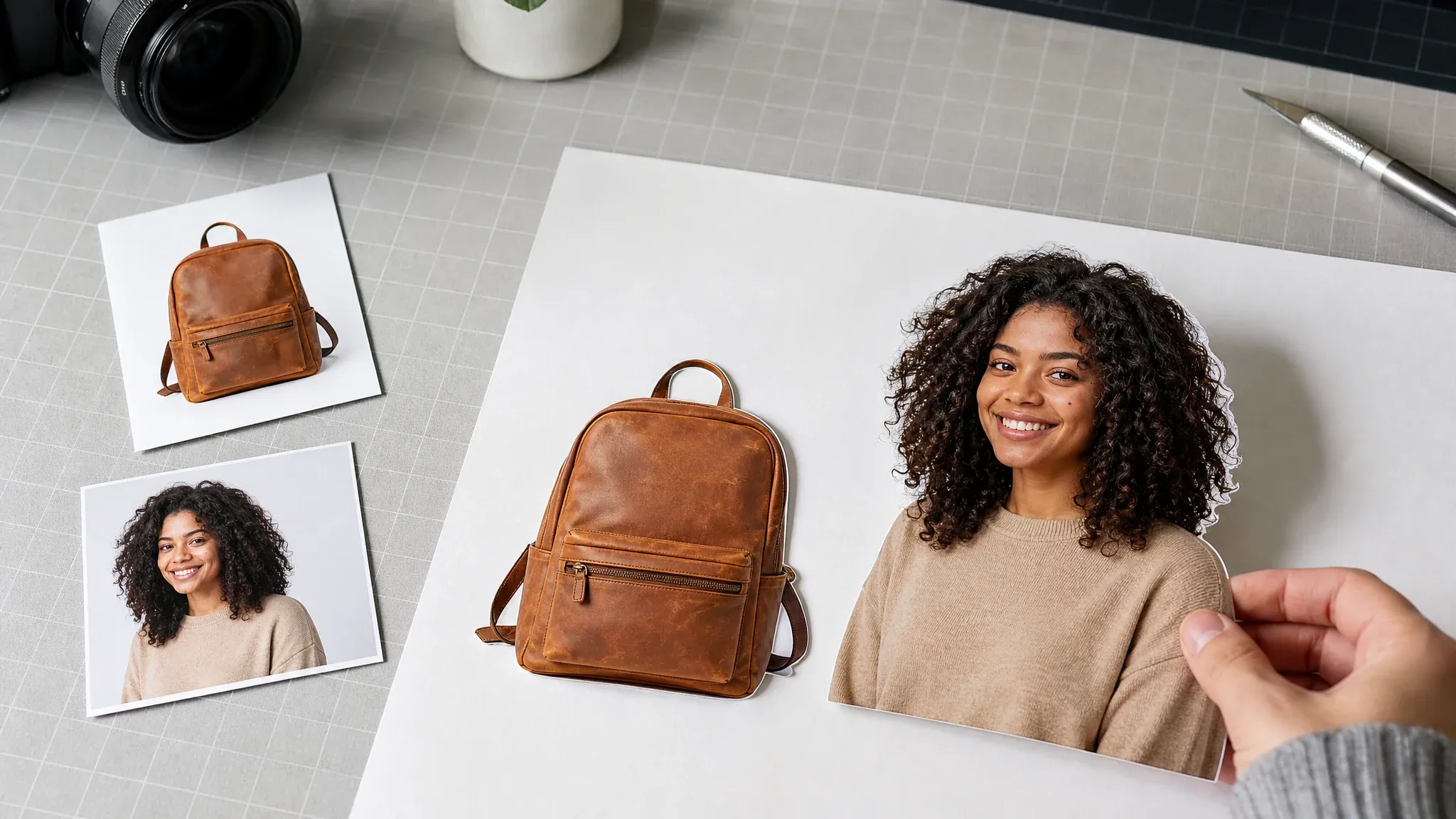
Prepare clean couple or floral cutouts before building follow-up wedding graphics.
Direct answers about free online AI card drafts, text references, downloads, watermark boundaries, RSVP limits, print limits, PDF, fonts, and professional design handoff.
It creates one AI wedding card image per selected style from structured text fields, a reference screenshot, background/layout split, ratio, and prompt guidance.
Yes. You can draft the invitation text, create a reference screenshot, generate an AI-styled card result, and download the image online.
The screenshot gives AI a concrete text and layout reference before the background, borders, and ornaments are improved.
Face AI asks the model to preserve the reference text unchanged, but generated image text must still be proofread before sharing or printing.
No. It is a simple AI card image workflow, not a full stationery, envelope, RSVP, seating-chart, or print-order workflow.
Choose PNG, JPG, or WEBP before downloading. Face AI converts the completed AI card locally for the chosen file format; the text screenshot remains the generation reference, not the primary output.
No watermark is added by the Face AI result download path. The output is still a draft image, not a press-ready production file.
No. PDF export, bleed marks, print profiles, and press-ready files need a separate reviewed workflow.
Yes. Recent AI card results are stored in local browser history so you can download previous versions from the same browser.
No. The RSVP field is printed into the card image only. Live RSVP collection, guest lists, email reminders, and wedding websites need another workflow.
This card workflow focuses on text reference to AI invitation design. Use a photo or collage tool separately if the invitation needs a photo layout.
Use the result as a draft unless your printer confirms size, DPI, bleed, color profile, paper, and file requirements.
You are responsible for final font licensing, wording review, venue details, and any commercial or print use.
Yes. AI card generation processes the rendered card reference online. Do not enter private details you are not comfortable processing.
Enter wedding details, preview the text reference, choose an AI style direction, then generate one digital invitation image for review.


