
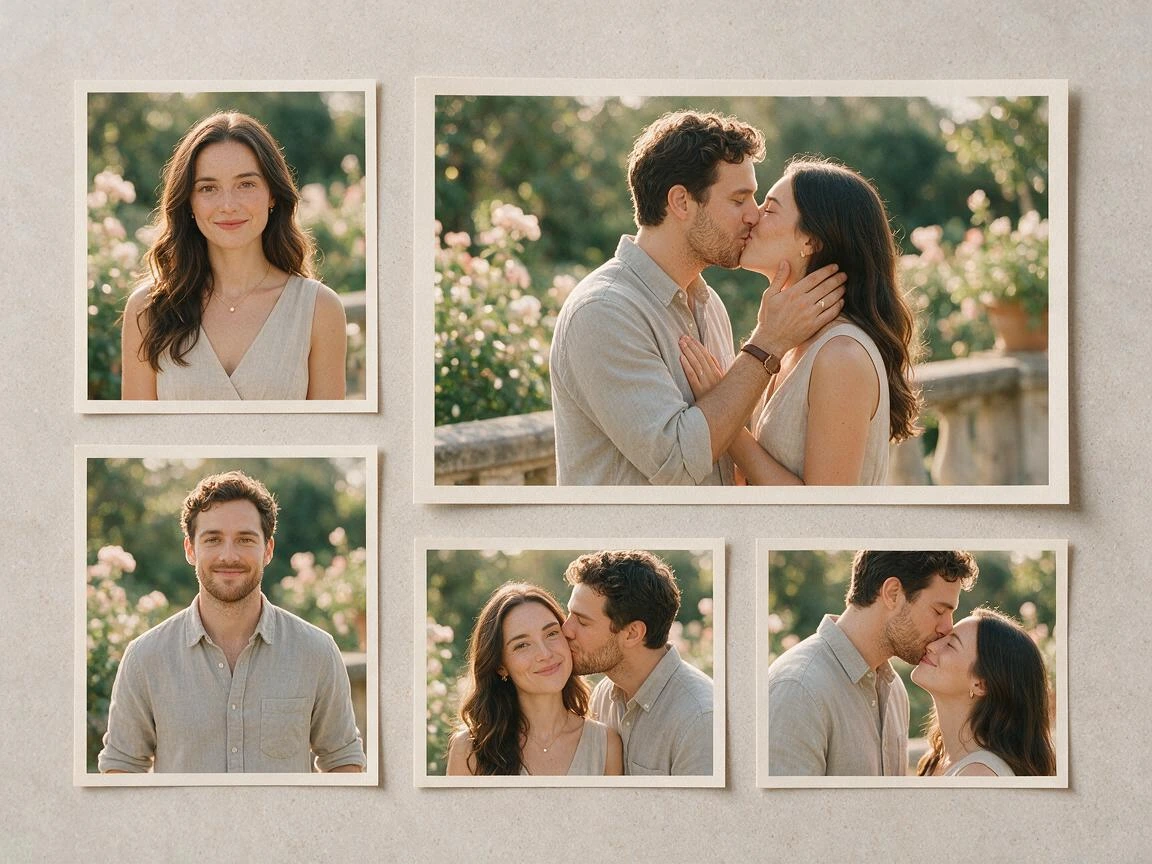
AI Kiss Generator for Kissing Videos from One Photo or Two
Upload one couple photo or two solo portraits, choose a kissing motion prompt, and generate a short AI kissing video. Review the contact frame, then download the AI kiss video or try another motion.
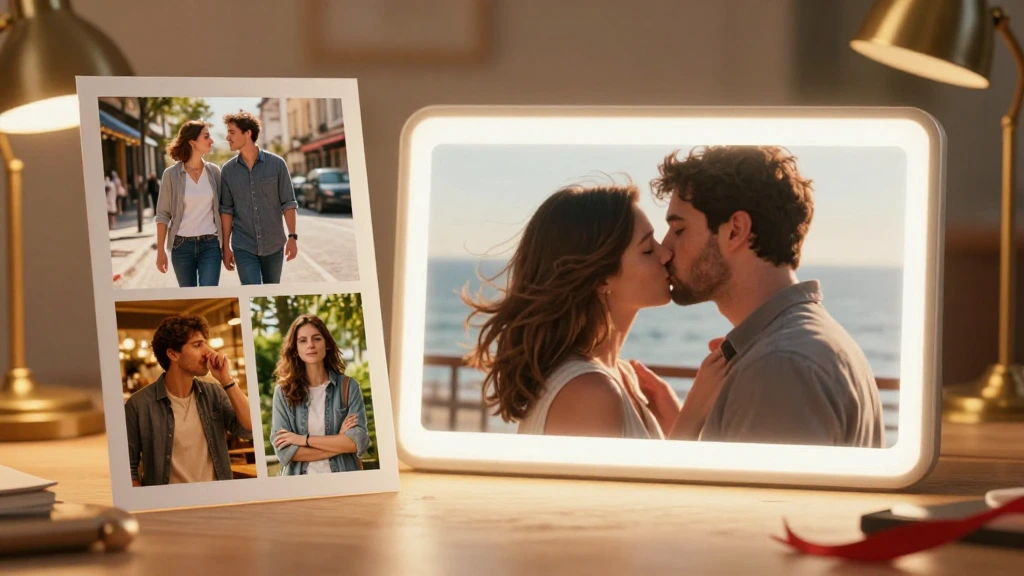
Trusted by 12,000,000+ users worldwide.
How to Make an AI Kissing Video from Photos
Choose an input mode, describe the AI kiss motion, then review the generated kissing video before downloading or sharing it.
Upload one or two photos for your AI kissing video
Choose one couple photo or two solo portraits. Use clear adult photos that you have permission to animate.
Choose an AI kissing video prompt
Pick a prompt from the kissing video library or describe one action, one camera move, and the details to keep.
Generate and review the AI kiss video
Watch the clip for face, hand, and contact changes, then download the result or try a simpler prompt.
What Can You Create with an AI Kiss Generator?
Use this AI kissing generator with one couple photo or two solo portraits to create a romantic message, a wedding keepsake, a cinematic concept, or a long-distance couple clip.
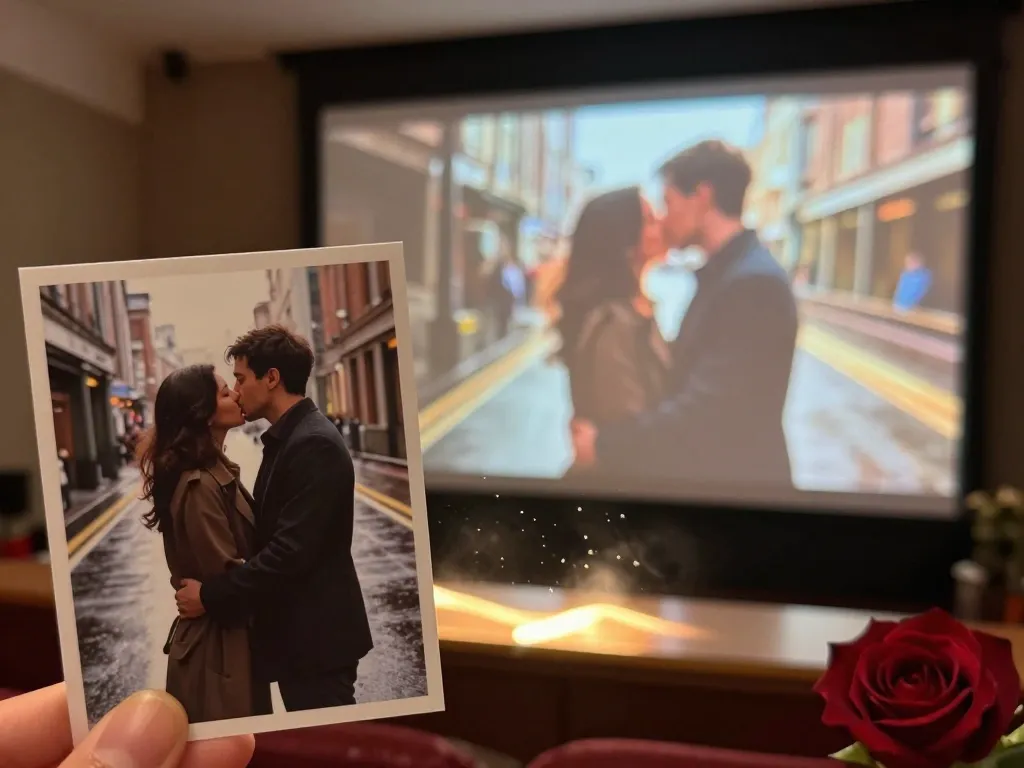
Turn one couple photo into a kissing video
Start with one photo where both adults already appear together, choose a simple kiss motion, and review the short result before using it in a private message or anniversary idea.
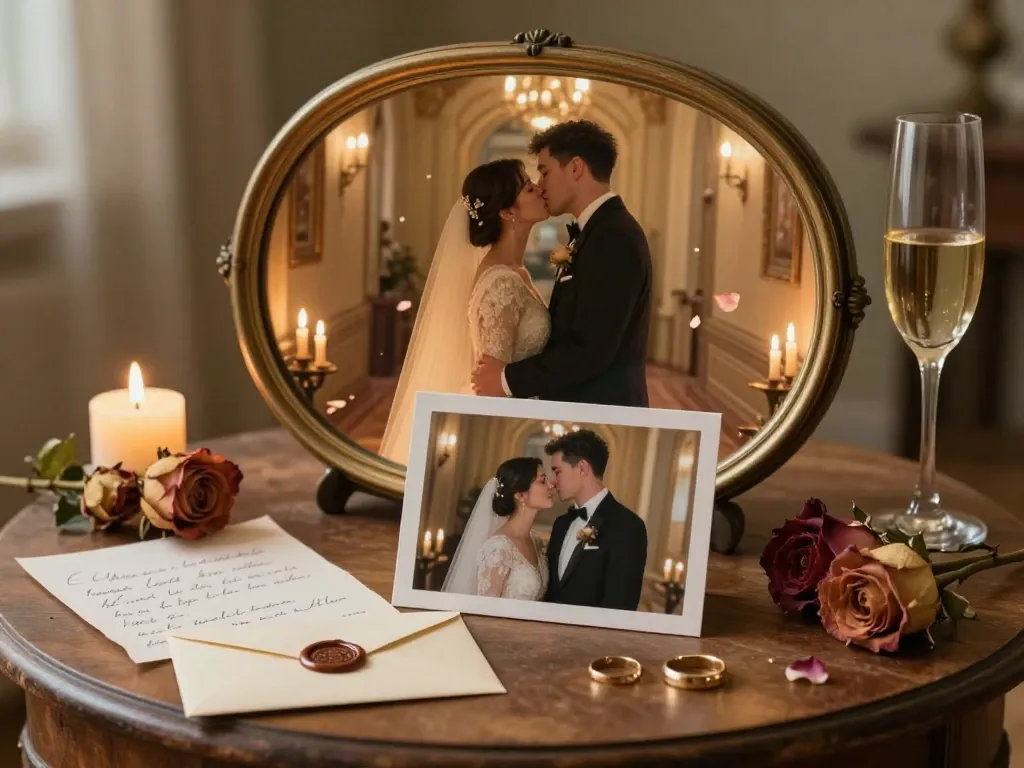
Create a romantic message or keepsake
Use a clear couple photo to make a short AI kissing video for an anniversary, engagement, or wedding-related message. Review faces, hands, and contact before sharing it.
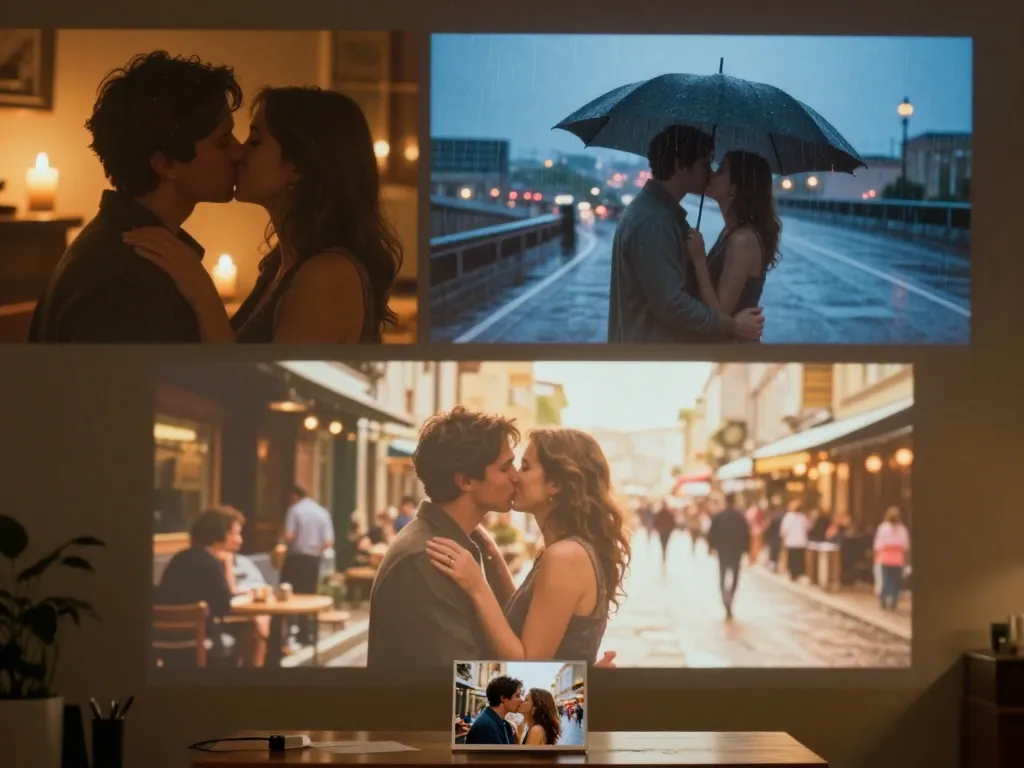
Test a cinematic kiss idea
Describe one approach, one camera move, and the mood you want. The kissing prompt directs the action and visual style without forcing several ideas into one clip.
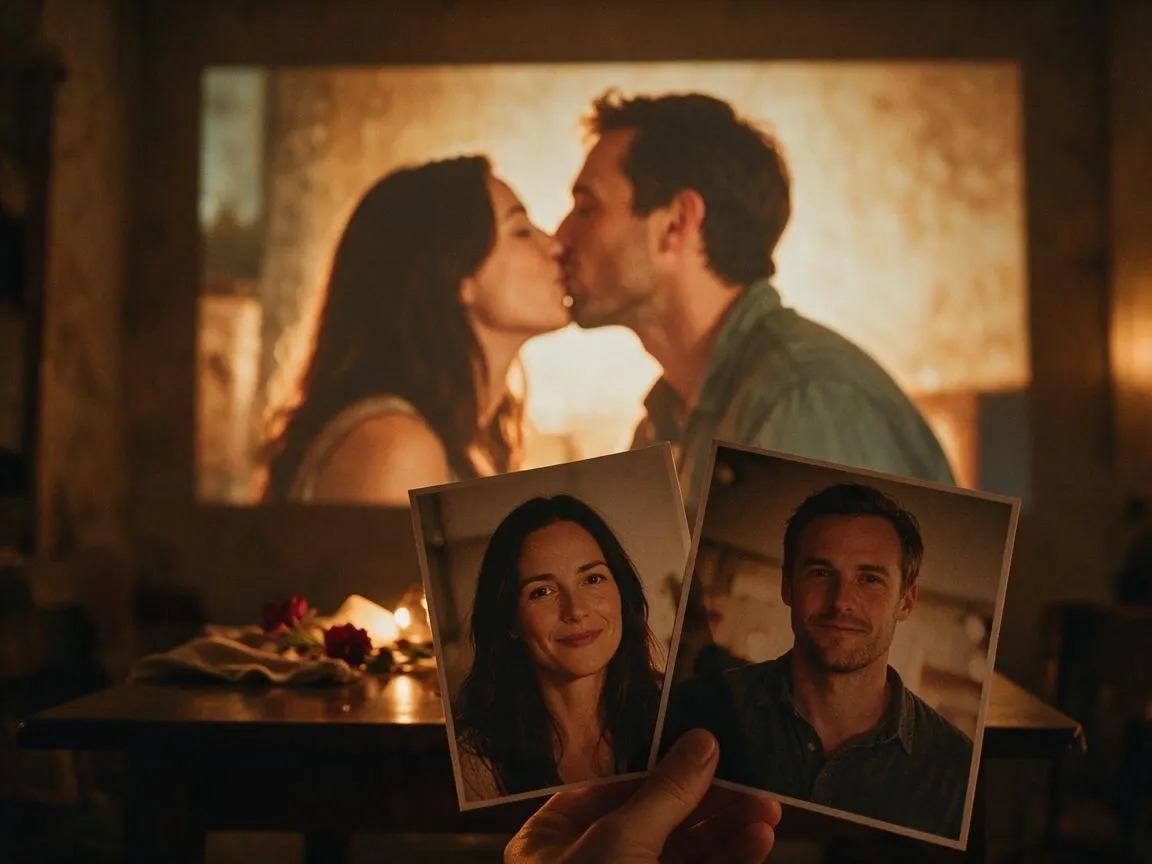
Bring two solo portraits together
Upload one portrait per adult when no shared photo exists, choose a simple motion, and review how the pair comes together in the AI kissing video before downloading the result.
What Is an AI Kiss Generator?
An AI kiss generator, also called a kissing AI generator, turns one couple photo or two solo portraits into a short kissing video. You control the action with a kissing prompt, then review the result before using it.
Start with one or two photos
Use one photo when the couple already appears together, or two separate portraits when you only have individual images for your AI kissing video.
Direct the kiss with a prompt
Choose a kissing motion from the library or write your own kissing prompt with the action, camera move, and visual direction.
Get a short video to review
Preview the AI kiss video in the workbench, check the contact frame, and download it when it is ready to use.
Why Use FaceAI for an AI Kissing Video?
This AI kissing generator keeps the two upload modes, AI kiss video prompt library, model settings, history, and result preview in one workbench.
One-photo and two-portrait modes
Choose the input that matches what you have for an AI kissing video instead of forcing every couple into the same photo workflow.
A prompt built around a kiss
Start from a kissing motion idea, then edit the AI kiss video prompt to match the source photos and the moment you want.
Compare results in one place
Generate another version after changing the source or prompt, and revisit earlier clips from the Kissing Video History view.
How to Get a Better AI Kissing Video
Clear source photos and a focused AI kiss prompt do more for the result than a long list of style words.
Use clear adult portraits
Choose photos for your AI kissing video with visible faces, good light, and enough space around both people. Use only images you have permission to animate.
Ask for one kiss motion
A gentle lean-in, cheek kiss, or single kiss in an AI kiss video is easier to judge than several actions in the same clip.
Say what should stay stable
Mention the faces, outfits, setting, or camera angle you want to preserve, and keep the rest of the prompt short.
Inspect the contact frame
Pause where the faces meet and check lips, hands, eyes, hair, clothing, and background before sharing.
AI Kiss Generator vs. General Image-to-Video
Both turn photos into short videos. Use this AI kiss generator when a kiss is the motion; use the general image-to-video tool for other actions.
| Criteria | AI Kiss GeneratorOurs | General Image-to-Video |
|---|---|---|
| Starting photo | One couple photo or two solo portraits | A source image for a wider range of video ideas |
| Input modes | One-photo and two-portrait workflows | A general image-to-video workflow |
| Motion prompt | AI kiss video prompt library or a custom kiss direction | Open-ended motion prompt |
| Best use | AI kissing video concepts | Other photo-to-motion concepts |
| Result check | Inspect lip contact, faces and hands before sharing | Inspect motion and visual continuity before sharing |
| Limit | No exact kiss or face match is guaranteed | A general prompt does not guarantee precise motion either |
Starting photo
One couple photo or two solo portraits
A source image for a wider range of video ideas
Input modes
One-photo and two-portrait workflows
A general image-to-video workflow
Motion prompt
AI kiss video prompt library or a custom kiss direction
Open-ended motion prompt
Best use
AI kissing video concepts
Other photo-to-motion concepts
Result check
Inspect lip contact, faces and hands before sharing
Inspect motion and visual continuity before sharing
Limit
No exact kiss or face match is guaranteed
A general prompt does not guarantee precise motion either
How Creators Use an AI Kissing Video Generator
These comments focus on the image-to-video loop: choose one or two photos, write the kissing prompt, inspect contact frames, and decide whether to revise or share.
"I started with one couple photo and kept the prompt to a slow lean-in. That gave me a cleaner first clip than adding five actions at once."

Nina Volkov
Visual Design Director
"The contact frame is the part I always pause on. If the lips or hands look wrong, I change the source photo before I share the result."

Mia Torres
Design Director
"The kissing prompt library gets me to a useful direction faster. I still edit the wording, but I do not have to start from an empty prompt box."

Kai Nakamura
Global Creative Director
"A wedding photo works well because the outfits and setting are already there. I keep those details in the prompt and let the motion stay simple."

Priya Chen
Creative Strategy Lead
"Two solo portraits are useful when a couple does not have a good photo together. Uploading one portrait for each adult still gives the workbench a clear starting point."

Haruka Kimura
Inbound Marketing Manager
"I check faces and hands first, then watch the whole clip. The riskiest moment is usually where the faces meet."

Rafael Santos
VP of Creative
"I started with one couple photo and kept the prompt to a slow lean-in. That gave me a cleaner first clip than adding five actions at once."
Nina Volkov
Visual Design Director
"The contact frame is the part I always pause on. If the lips or hands look wrong, I change the source photo before I share the result."
Mia Torres
Design Director
"The kissing prompt library gets me to a useful direction faster. I still edit the wording, but I do not have to start from an empty prompt box."
Kai Nakamura
Global Creative Director
"A wedding photo works well because the outfits and setting are already there. I keep those details in the prompt and let the motion stay simple."
Priya Chen
Creative Strategy Lead
"Two solo portraits are useful when a couple does not have a good photo together. Uploading one portrait for each adult still gives the workbench a clear starting point."
Haruka Kimura
Inbound Marketing Manager
"I check faces and hands first, then watch the whole clip. The riskiest moment is usually where the faces meet."
Rafael Santos
VP of Creative
"A short clip can make an anniversary message feel more personal when the source photo is clear."

Jordan Kim
Growth Lead
"I started with one couple photo and kept the prompt to a slow lean-in. That gave me a cleaner first clip than adding five actions at once."
Nina Volkov
Visual Design Director
"The contact frame is the part I always pause on. If the lips or hands look wrong, I change the source photo before I share the result."
Mia Torres
Design Director
"The kissing prompt library gets me to a useful direction faster. I still edit the wording, but I do not have to start from an empty prompt box."
Kai Nakamura
Global Creative Director
"A wedding photo works well because the outfits and setting are already there. I keep those details in the prompt and let the motion stay simple."
Priya Chen
Creative Strategy Lead
"Two solo portraits are useful when a couple does not have a good photo together. Uploading one portrait for each adult still gives the workbench a clear starting point."
Haruka Kimura
Inbound Marketing Manager
"I check faces and hands first, then watch the whole clip. The riskiest moment is usually where the faces meet."
Rafael Santos
VP of Creative
"A short clip can make an anniversary message feel more personal when the source photo is clear."
Jordan Kim
Growth Lead
"I keep the outfits and setting in the prompt and ask for a slow approach. Then I watch for changes around the eyes and mouth."

Amara Johansson
Head of Visual Identity
"A general image-to-video prompt leaves too much open for a kiss. Starting with a kissing motion and editing the wording gave me more control."

Devon Park
Interactive Creative Director
"I was unsure whether separate portraits would make sense for a couple video. The two-portrait mode gave me a clear way to test the idea and review the result."

Alice Cooper
Retail Marketing Director
"Before I share a romantic edit, I check that the adults pictured agreed to it. After that, I pause the contact frame and look for face or hand drift."

Anya Ramos
Influencer Partnerships Director
"If the first clip looks crowded, I shorten the prompt. One kiss and one camera move are easier to judge than several competing actions."

Rina Watanabe
Startup Marketing Lead
"I used to think I needed to stitch two photos together by hand before making a couple video. With this workflow, I start from one couple photo, choose a kissing motion, and edit the prompt around the source. If the faces change at contact, I generate another version with a simpler request instead of treating the first result as final."

Sebastian Cruz
Viral Content Manager
"The part that surprised me was how much the source photo mattered. A front-facing photo with both faces clear gave me a better result than a busy group shot. I asked for a gentle lean-in, paused the moment where they meet, and checked faces, hands, and clothing before sending the clip privately. It still looked like AI in a few frames, so I kept it as a draft rather than a final keepsake."

Talia Hassan
Community-Led Growth Manager
"I keep the outfits and setting in the prompt and ask for a slow approach. Then I watch for changes around the eyes and mouth."
Amara Johansson
Head of Visual Identity
"A general image-to-video prompt leaves too much open for a kiss. Starting with a kissing motion and editing the wording gave me more control."
Devon Park
Interactive Creative Director
"I was unsure whether separate portraits would make sense for a couple video. The two-portrait mode gave me a clear way to test the idea and review the result."
Alice Cooper
Retail Marketing Director
"Before I share a romantic edit, I check that the adults pictured agreed to it. After that, I pause the contact frame and look for face or hand drift."
Anya Ramos
Influencer Partnerships Director
"If the first clip looks crowded, I shorten the prompt. One kiss and one camera move are easier to judge than several competing actions."
Rina Watanabe
Startup Marketing Lead
"I used to think I needed to stitch two photos together by hand before making a couple video. With this workflow, I start from one couple photo, choose a kissing motion, and edit the prompt around the source. If the faces change at contact, I generate another version with a simpler request instead of treating the first result as final."
Sebastian Cruz
Viral Content Manager
"The part that surprised me was how much the source photo mattered. A front-facing photo with both faces clear gave me a better result than a busy group shot. I asked for a gentle lean-in, paused the moment where they meet, and checked faces, hands, and clothing before sending the clip privately. It still looked like AI in a few frames, so I kept it as a draft rather than a final keepsake."
Talia Hassan
Community-Led Growth Manager
What Should You Try After an AI Kissing Video?
Use another FaceAI tool when you want a broader romantic scene, a different AI kiss video prompt, or a cleaner source photo.

AI Kiss Generator Questions
Answers about AI kissing videos, photo inputs, kiss prompts, results, and sharing.
An AI kiss generator, also called a kissing AI generator, turns one couple photo or two solo portraits into a short kissing video. The photo sets the starting scene, and the prompt describes the motion.
Yes. Choose One couple photo when both adults are already in the same image. A clear view of both faces makes the AI kissing video easier to review.
Yes. Choose Two solo portraits and upload one image for each adult. The workbench prepares both photos for the selected model before generation.
Yes. Open the page in a mobile browser, choose an upload mode, add your photos and kissing prompt, then review the result. Use clear source images so you can inspect the faces on a smaller screen.
Yes. Choose a library idea or write your own motion request. Name one movement, a camera direction, and the details you want to keep stable.
No. Selecting a library idea fills the prompt; it does not replace your uploaded photos or start generation. You can edit the wording before you generate.
Choose clear photos of adults with visible faces and uncluttered space around their heads. If using two portraits, make sure each person is easy to recognize before generating.
The available duration and resolution depend on the selected model. Check the workbench settings and review the output instead of assuming every model produces the same clip.
Yes. Once generation finishes and a result appears, review the full clip and use the download control.
The workbench has a Kissing Video History view for past results. Open it to revisit a clip, then check the result before downloading or sharing it.
Yes. Change the source photos or prompt and generate again. The Kissing Video History view keeps earlier results for comparison.
This workspace starts with one couple photo or two solo portraits and adds a kissing prompt library. A general image-to-video tool leaves the action open for any kind of motion.
An exact kiss or perfect identity match is not guaranteed. Check the contact frames, then try a clearer photo or a shorter prompt with one main movement if you want another result.
Watch the whole clip, especially the moment the faces meet. Check lips, hands, identity, clothing and background, and share only with the permission of the adults pictured.
Use photos you own or have permission to animate, with consent from the adults pictured. Do not make romantic edits of minors or non-consenting people.
You are responsible for rights to the photos, people, and protected material in the clip. Use images you own or have permission to use, with consent from the adults pictured.
Create an AI Kissing Video from Your Photos
Start with one couple photo or two solo portraits, choose an AI kiss video prompt, and review the kissing video before downloading.