


Starting point
Ours
Open a themed pack and choose from the examples inside
Blank image prompt
Write a prompt and hope the model invents a suitable scene
New scenes. Still you two.
Create AI couple photos from one shared photo or two separate portraits. Select your favorite templates, generate a set of couple portraits, and download the results for social posts, profile pictures, or gifts.
Loved by 10,000+ couples
Choose a scene, add your source photos and review the result before you keep it. The whole flow stays on this page.
Open a pack such as Cafe Date, Island Holiday or Wedding Moments. The examples inside show the setting, styling and framing for that theme.
Use one photo where both of you already appear together, or upload one clear portrait for each partner. Front-facing photos with visible eyes give the strongest starting point.
Check both faces, hands, lighting and body position in the result. If something looks off, swap the source photos or try another pack and generate again.
The scenes suit different couples and different reasons to make a photo. Pick the direction that matches the picture you have in mind.
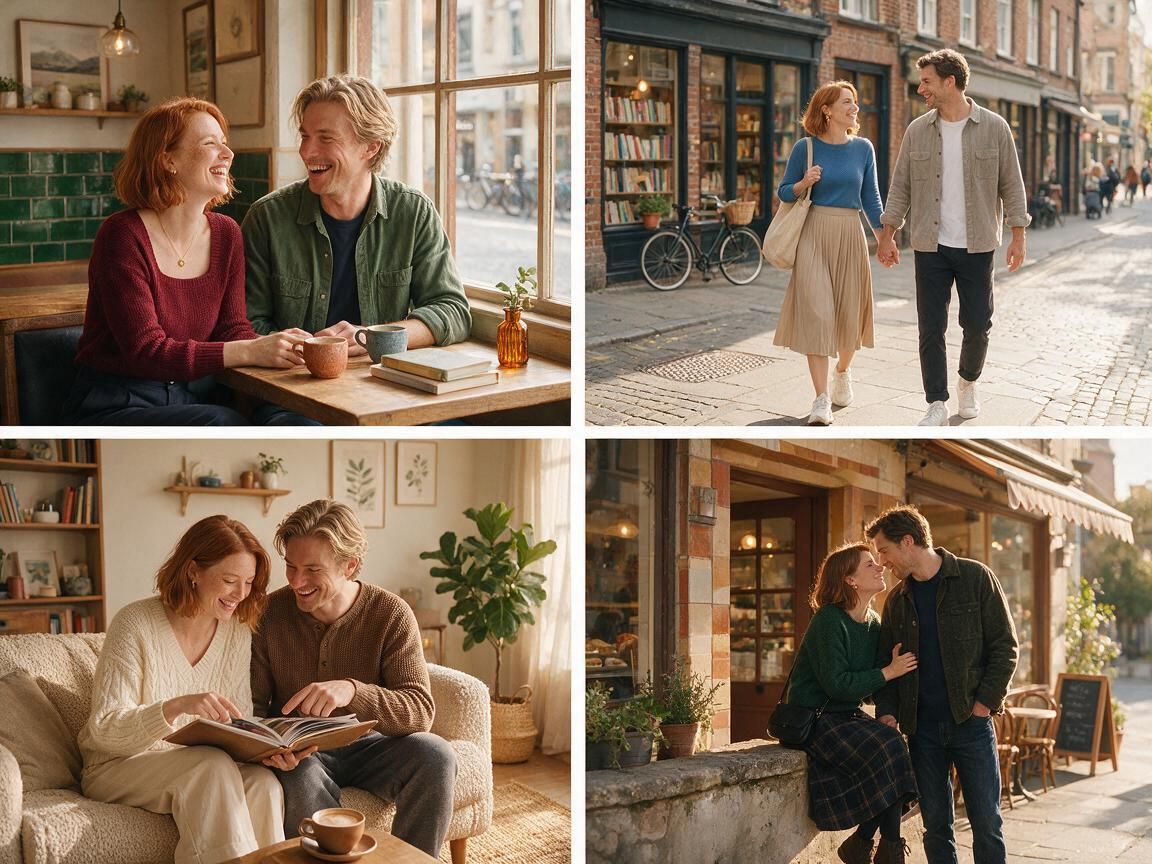
For couples who like the small moments: a cafe table, a walk through town or a slow Sunday at home. Upload one shared photo or two portraits and choose a relaxed pack.
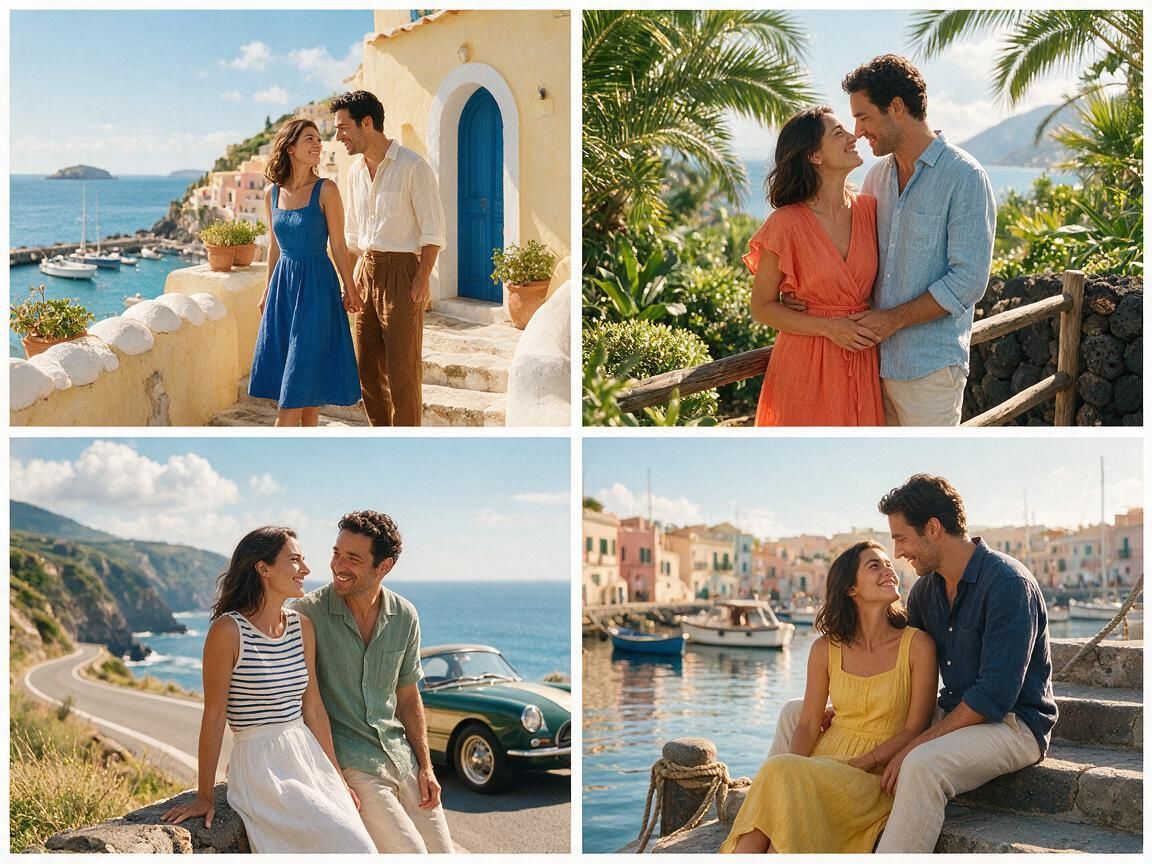
For couples planning a trip or remembering one. Island Holiday, Get Away Together and Retro Road Trip put the two of you into a wide, sunlit scene instead of a studio backdrop.
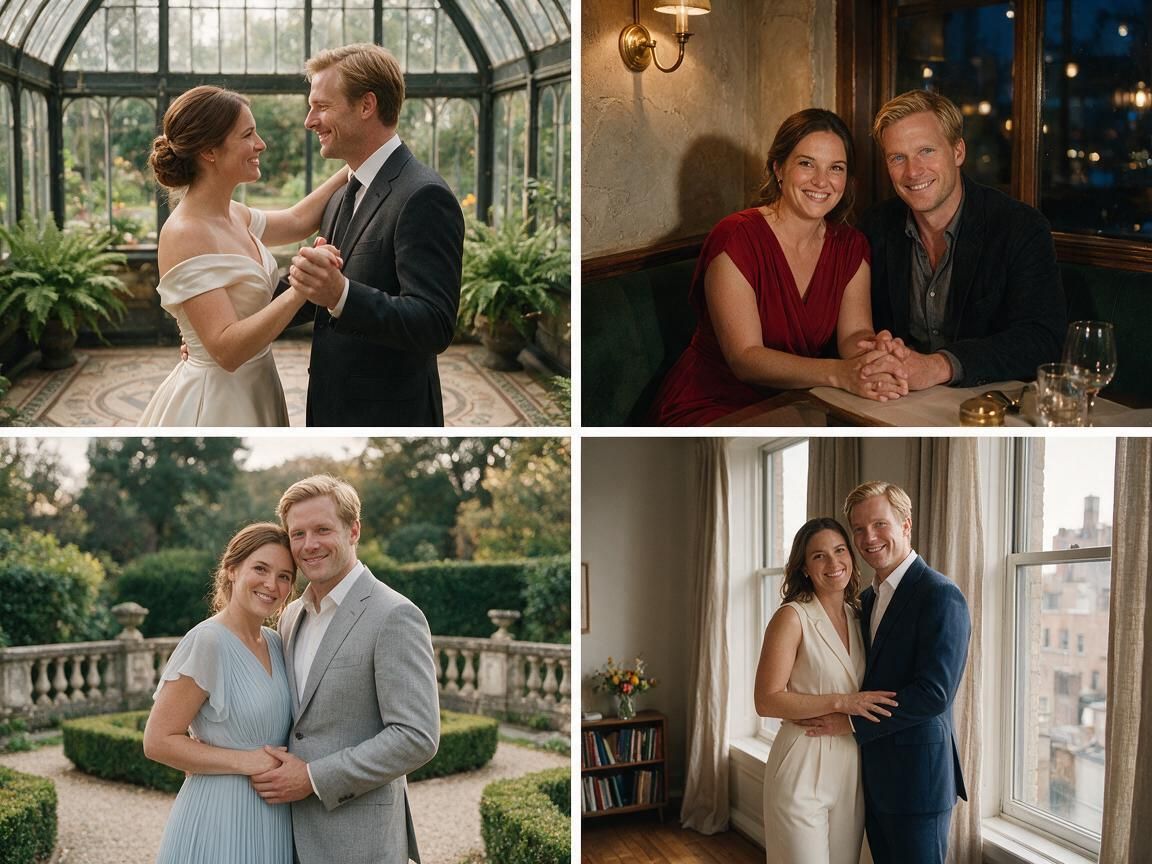
For couples marking a date: an anniversary portrait, a save-the-date idea or a wedding-inspired frame. These packs lean formal, so the outfits and lighting matter more.
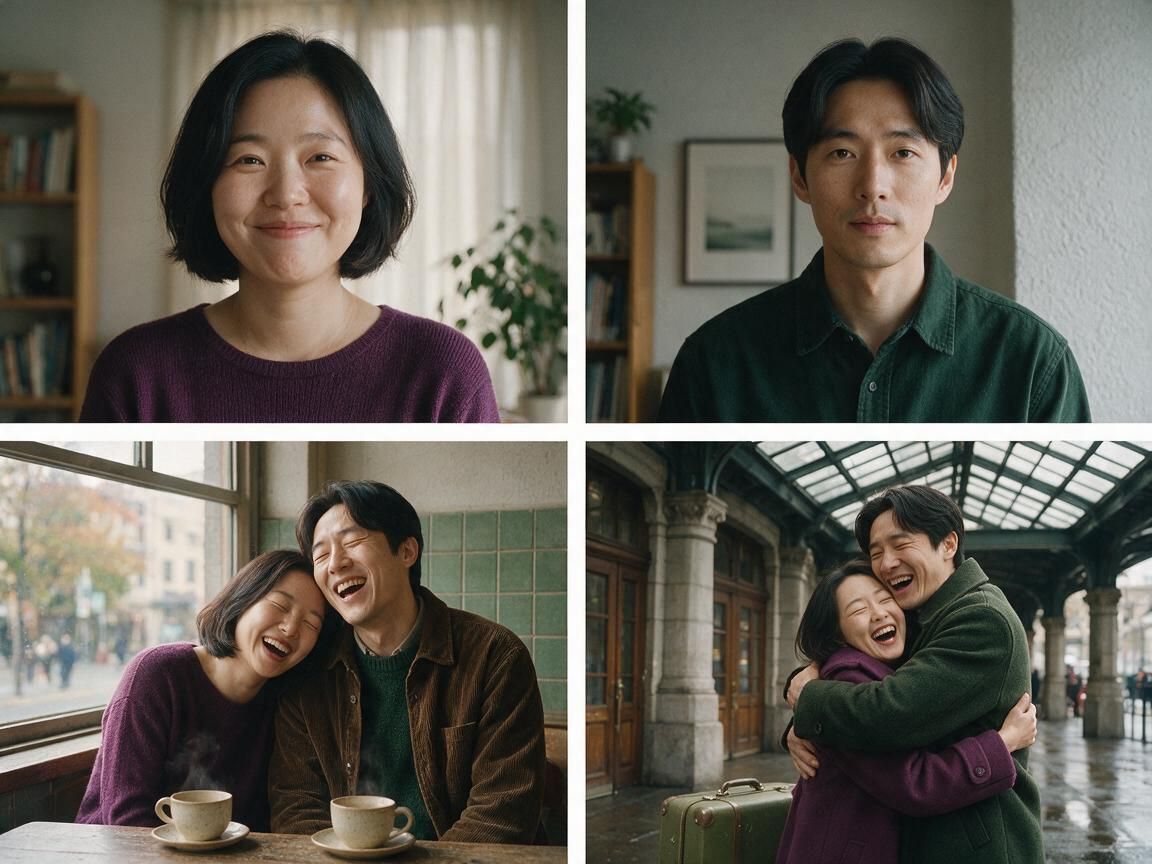
For couples who never took a good photo together. Two solo portraits feed the same workbench, so you can build one shared scene from pictures taken in different places.
An AI couple photo starts from a themed pack: a set of photo examples of two people in one setting. You pick a pack, choose the examples you like, and generate a shared photo from one couple image or two solo portraits.
Each pack groups examples around one direction, such as Cafe Date, Sunset Lovers or Cover Stars Together. Choosing the scene decides the setting and styling before you adjust anything else.
Use one photo when both partners already appear together, or upload one portrait for each partner when no shared photo exists. Two-photo mode is the route long-distance couples reach for.
The result is a downloadable still image for a profile, wallpaper, card, gift or post. If you want motion instead, the kissing and image-to-video tools handle that separately.
The page keeps the scenes, the source photos, the estimated cost and the results in one workbench, so you can compare directions instead of starting over.
Open a pack and look at the examples before you write anything. You choose the mood first and then adjust the source photos, which is easier than describing a whole photoshoot from scratch.
Both input modes sit in the same workbench. You are not stuck with one upload rule when a partner is far away or when you simply never took a good photo together.
Generate, look closely, then change the pack or the photos and generate again. The result worth keeping is the one where both faces and hands still look natural.
When the photo is close, send it to the image editor for cleanup or to the upscaler for a sharper file. The packs feed the rest of the FaceAI image tools.
Two clear portraits and a scene that matches the occasion do more for the result than a long prompt does.
Pick photos where both faces are visible, evenly lit and not hidden by sunglasses, hats or heavy filters. Two portraits taken in similar light blend into one scene more easily.
A formal pack needs formal source photos to look believable. If your photos are casual, start with Our Everyday, Cafe Date or A Weekend at Home instead of a wedding scene.
A portrait with room beside the head and shoulders gives the scene more to work with when it places two people in one frame. Tight crops limit what the pack can do.
A strong pack can change small details, so treat the output as a close likeness rather than a copy of your source photo. Zoom in on both faces, the hands and the space between them before you download or share.
Both routes can put two people into one photo. The difference is how much of the scene you have to describe yourself.
| Criteria | FaceAI: AI Couple PhotoOurs Started from a themed scene | Blank image prompt |
|---|---|---|
| Starting point | Open a themed pack and choose from the examples inside | Write a prompt and hope the model invents a suitable scene |
| Input photos | One couple photo or two solo portraits | Whatever the prompt asks for, with no couple-specific upload rule |
| Cost and limits | The workbench shows the estimated total cost before a task is created | Cost and limits depend on the tool you happen to open |
| Checking the result | Compare both faces, hands and lighting, then generate another version | Compare the image against the prompt and retry from scratch |
| After the photo | Continue into image editing, image-to-image or upscaling | Export the file and start a separate editing workflow |
| Honest limit | A pack sets the mood, not an exact copy of either face | A detailed prompt still cannot lock two real faces exactly |
Open a themed pack and choose from the examples inside
Write a prompt and hope the model invents a suitable scene
One couple photo or two solo portraits
Whatever the prompt asks for, with no couple-specific upload rule
The workbench shows the estimated total cost before a task is created
Cost and limits depend on the tool you happen to open
Compare both faces, hands and lighting, then generate another version
Compare the image against the prompt and retry from scratch
Continue into image editing, image-to-image or upscaling
Export the file and start a separate editing workflow
A pack sets the mood, not an exact copy of either face
A detailed prompt still cannot lock two real faces exactly
These comments follow the real loop: open a scene, add one couple photo or two portraits, check both faces, then keep or redo the result.
"I opened the Cafe Date pack first and got a shared portrait I could actually use without writing a long prompt."
Mei Chen
E-commerce Director
"The pack list is the part I like. Picking a scene beats staring at an empty prompt box and guessing."
Oliver Bennett
Brand Strategy Lead
"Two solo portraits came together better than I expected for a long-distance idea."
Aaliyah Williams
Digital Marketing Director
"Zooming in on both faces is the first thing I do now, before I save anything."
Ama Asante
Digital Advertising Lead
"Wedding Moments asked for more formal source photos, and the quality tips say that up front."
Priya Sharma
Product Marketing Manager
"I compared a few packs before generating instead of guessing, and that saved a couple of retries."
Mai Nguyen
Growth Marketing Lead
"I opened the Cafe Date pack first and got a shared portrait I could actually use without writing a long prompt."
Mei Chen
E-commerce Director
"The pack list is the part I like. Picking a scene beats staring at an empty prompt box and guessing."
Oliver Bennett
Brand Strategy Lead
"Two solo portraits came together better than I expected for a long-distance idea."
Aaliyah Williams
Digital Marketing Director
"Zooming in on both faces is the first thing I do now, before I save anything."
Ama Asante
Digital Advertising Lead
"Wedding Moments asked for more formal source photos, and the quality tips say that up front."
Priya Sharma
Product Marketing Manager
"I compared a few packs before generating instead of guessing, and that saved a couple of retries."
Mai Nguyen
Growth Marketing Lead
"The estimated cost appears before the task runs, so there is no surprise at the end."
Ahmed Al-Rashid
Chief Brand Officer
"I opened the Cafe Date pack first and got a shared portrait I could actually use without writing a long prompt."
Mei Chen
E-commerce Director
"The pack list is the part I like. Picking a scene beats staring at an empty prompt box and guessing."
Oliver Bennett
Brand Strategy Lead
"Two solo portraits came together better than I expected for a long-distance idea."
Aaliyah Williams
Digital Marketing Director
"Zooming in on both faces is the first thing I do now, before I save anything."
Ama Asante
Digital Advertising Lead
"Wedding Moments asked for more formal source photos, and the quality tips say that up front."
Priya Sharma
Product Marketing Manager
"I compared a few packs before generating instead of guessing, and that saved a couple of retries."
Mai Nguyen
Growth Marketing Lead
"The estimated cost appears before the task runs, so there is no surprise at the end."
Ahmed Al-Rashid
Chief Brand Officer
"I used to drop the same two portraits into a generic generator and hope for the best. Here the pack sets the mood and I only adjust the photos."
Emma Johansson
Head of Content Strategy
"The everyday and home packs feel calmer than the usual wedding-heavy tools. I kept one result for a card and fixed the crop afterwards."
Amara Okafor
Founder & CEO
"I was worried two separate portraits would read as pasted together. The result looked like one scene, though I still checked the space between the shoulders before saving."
Anisha Patel
Brand Director
"Anniversary and sunset packs gave me two different directions from the same two portraits. I generated both and kept the one where the light matched the room."
Carlos Mendoza
Senior Media Buyer
"The workbench keeps the pack, the photos and the cost in one place, so I did not have to juggle tabs to compare a theme against my pictures."
Layla Al-Farsi
AdTech Product Manager
"Before this I built couple photos by hand in an editor, cutting two portraits out of their backgrounds and matching the light myself. That took an afternoon and still looked off. Here I chose the Cinematic Date pack, uploaded one portrait each, looked at the first result, and switched to a calmer pack when the hands looked wrong. The second version was the one I kept."
Jasmine Harris
Founder & CEO
"I was not sure the two-portrait mode would hold up, because my boyfriend and I took our photos months apart in different rooms. The first generation looked flat, so I swapped in two newer photos with similar window light instead of changing the pack. That version kept both faces and the cafe background in the same scene. I still checked the hands and the space between us before posting it."
Zuri Campbell
Gen-Z Marketing Specialist
"I used to drop the same two portraits into a generic generator and hope for the best. Here the pack sets the mood and I only adjust the photos."
Emma Johansson
Head of Content Strategy
"The everyday and home packs feel calmer than the usual wedding-heavy tools. I kept one result for a card and fixed the crop afterwards."
Amara Okafor
Founder & CEO
"I was worried two separate portraits would read as pasted together. The result looked like one scene, though I still checked the space between the shoulders before saving."
Anisha Patel
Brand Director
"Anniversary and sunset packs gave me two different directions from the same two portraits. I generated both and kept the one where the light matched the room."
Carlos Mendoza
Senior Media Buyer
"The workbench keeps the pack, the photos and the cost in one place, so I did not have to juggle tabs to compare a theme against my pictures."
Layla Al-Farsi
AdTech Product Manager
"Before this I built couple photos by hand in an editor, cutting two portraits out of their backgrounds and matching the light myself. That took an afternoon and still looked off. Here I chose the Cinematic Date pack, uploaded one portrait each, looked at the first result, and switched to a calmer pack when the hands looked wrong. The second version was the one I kept."
Jasmine Harris
Founder & CEO
"I was not sure the two-portrait mode would hold up, because my boyfriend and I took our photos months apart in different rooms. The first generation looked flat, so I swapped in two newer photos with similar window light instead of changing the pack. That version kept both faces and the cafe background in the same scene. I still checked the hands and the space between us before posting it."
Zuri Campbell
Gen-Z Marketing Specialist
The scene gives you a shared photo. These tools handle the next problem: cleanup, more variants, a sharper file or a short video.

AI photo editing for couples who want a cleaner crop, a small object removed or softer color before the result is shared.
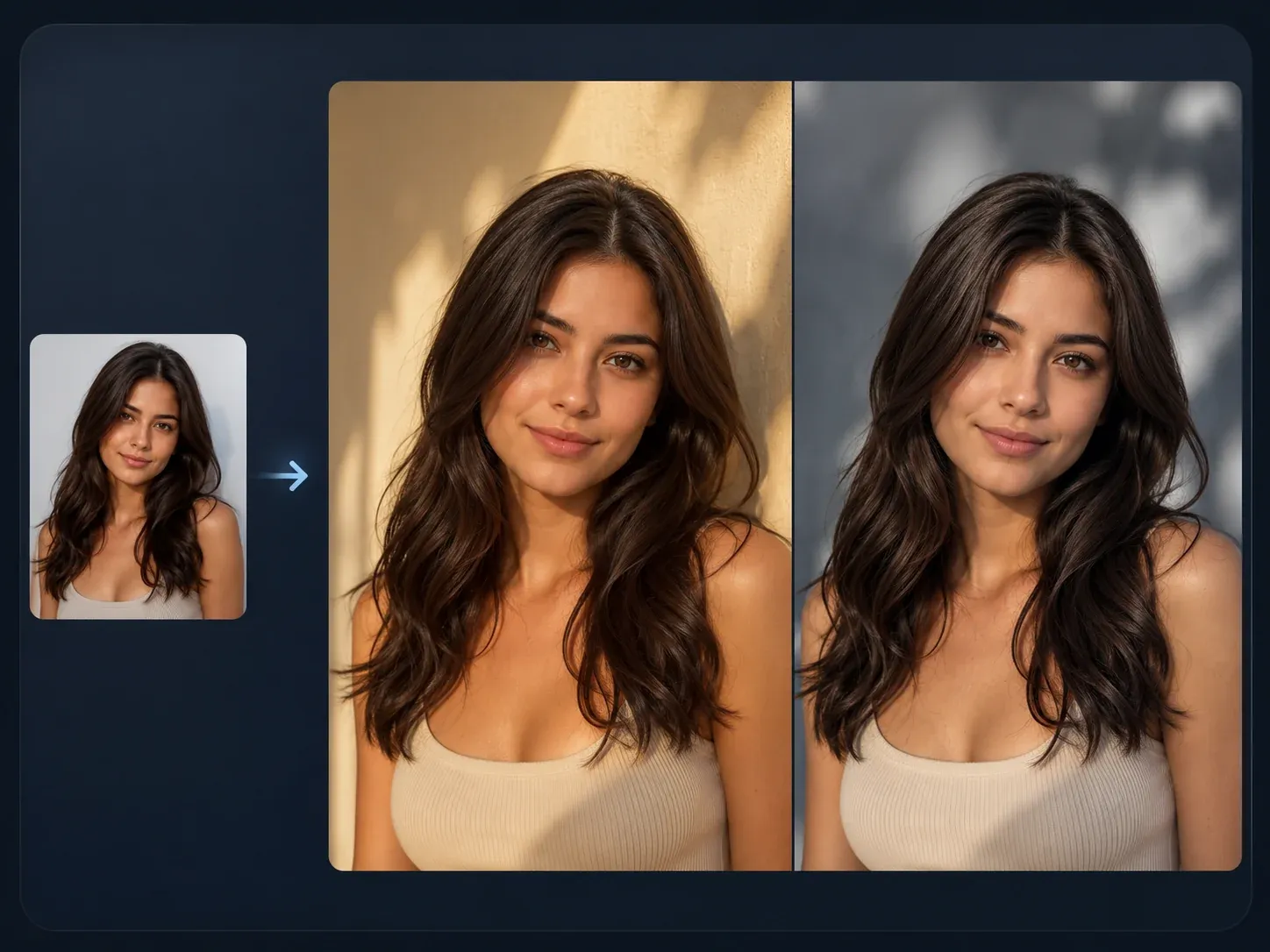
Try another outfit, season or setting while keeping the two of you in the frame.
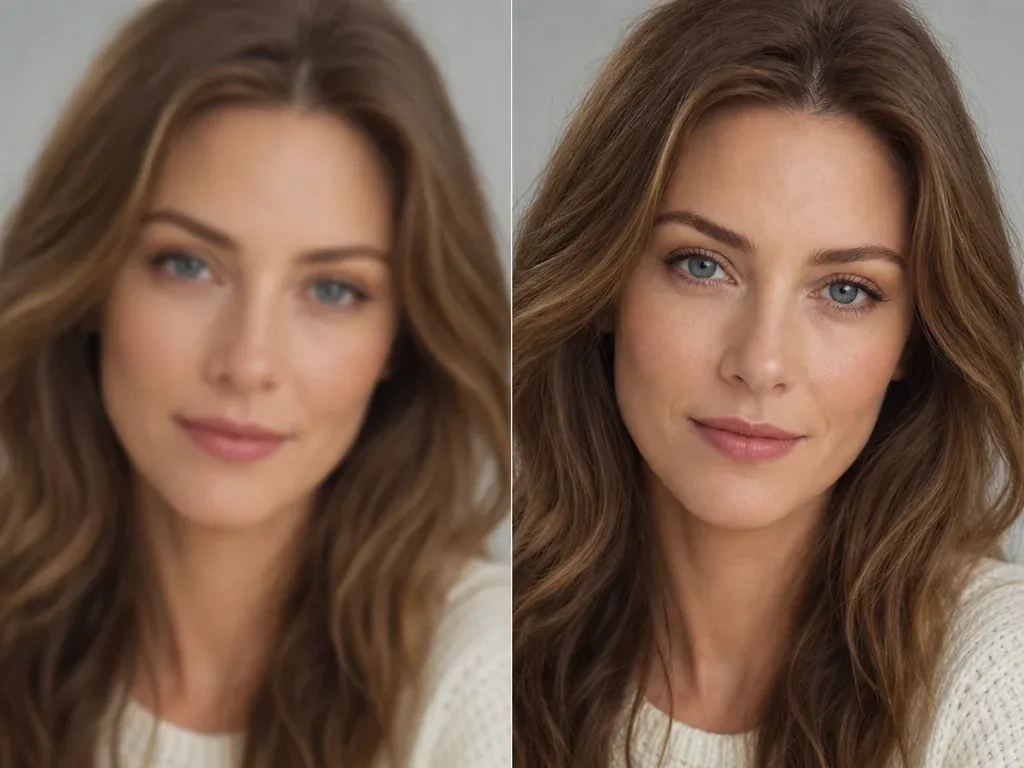
Sharpen the keeper before you print it, frame it or use it as a wallpaper.
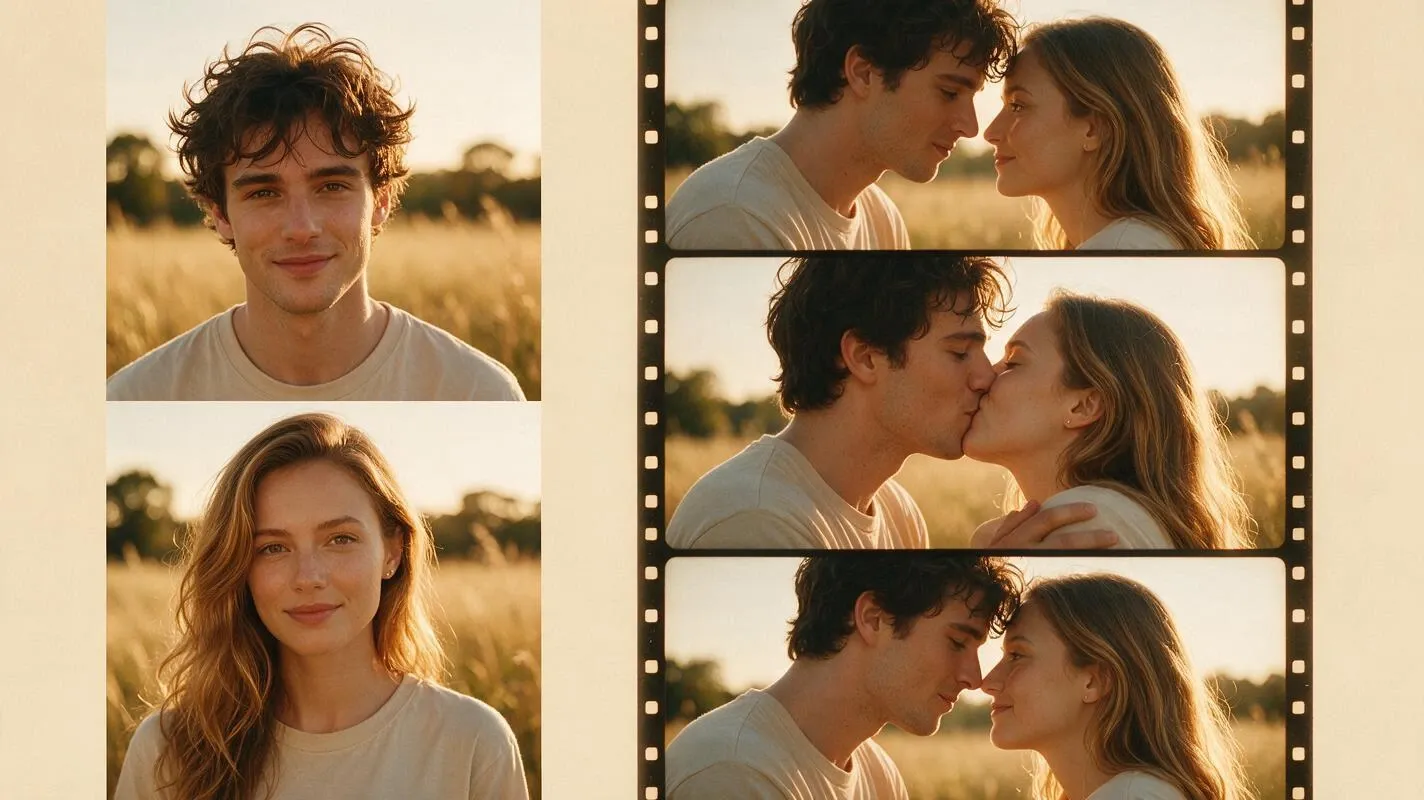
When a still photo is not enough, turn a couple picture into a short kissing video.
Answers about the scenes, the two input modes, photo quality, cost, downloads and how to use the results.
It is a shared photo of two people built from a themed set of photo examples. You open a pack, choose the examples you like, and generate a shared photo from one couple image or two solo portraits.
The current packs are Get Away Together, Wedding Moments, A Date in the Movies, Our Everyday, Sunset Lovers, Cafe Date, Retro Road Trip, City Wandering, Romantic Anniversary, Island Holiday, A Weekend at Home and Cover Stars Together.
No. The pack supplies the scene, so you can generate from the examples without writing anything. If you want a specific detail, adjust the source photos or choose another pack instead of stacking prompt instructions.
Yes. Choose the two-portrait mode and upload one clear photo per partner. Front-facing portraits taken in similar light blend into one scene more easily than photos shot in very different conditions.
Use recent, clear photos where both faces are visible and evenly lit. Heavy filters, dark rooms, sunglasses and tight crops all make it harder for the result to keep a close likeness.
The source photos guide the result, but a pack can shift small details. Treat the output as a close likeness rather than an exact copy, and check both faces before you download or share it.
Change one thing at a time: swap the source photos, then try another pack. Hands, the space between the two people and the direction of the light are the details worth checking first.
You can browse the packs and examples without paying. Generation uses credits per photo, and the workbench shows the estimated total cost before a task is created, so you see the price before you spend.
Yes. When generation finishes, use the download control in the workbench. Batch download is available when you keep more than one result from the same pack.
No. The count shows how many photos sit in a pack. It is not a promise of a matching number of results, and the examples are references rather than a preview of your own photo.
Use photos you own or have permission to use, and get consent from the other person before you generate a couple photo. Do not use photos of minors or of people who have not agreed.
You are responsible for the rights to the photos and to the people in them. Use images you own or have permission to use, and avoid brand marks, public figures and misleading identity claims.
Zoom in on both faces, the hands and the join between the two people. Check that the clothing, shadows and background belong to the same scene before you post or print it.
Choose a scene, add one couple photo or two solo portraits, and generate the shared photo you want to keep.


