
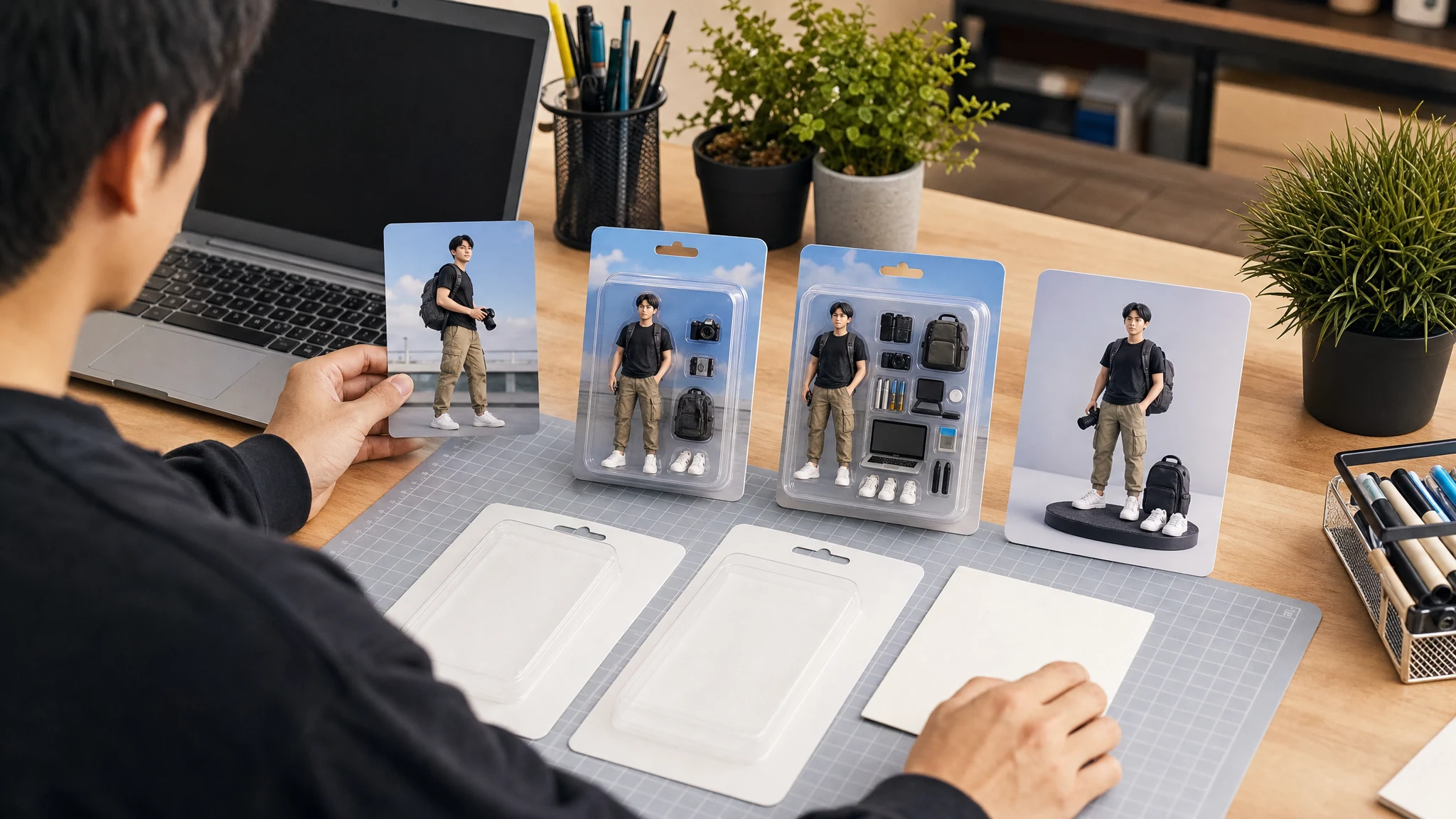
AI Action Figure Generator for Custom Toy Photos, Free Online
Upload reference images and create an original collectible-style action figure image with blank packaging, accessory tray, pose, outfit, and display setup. Use it for social trends, gifts, creator personas, pets, mascots, and original characters. No sign-up. No watermark. No app download.
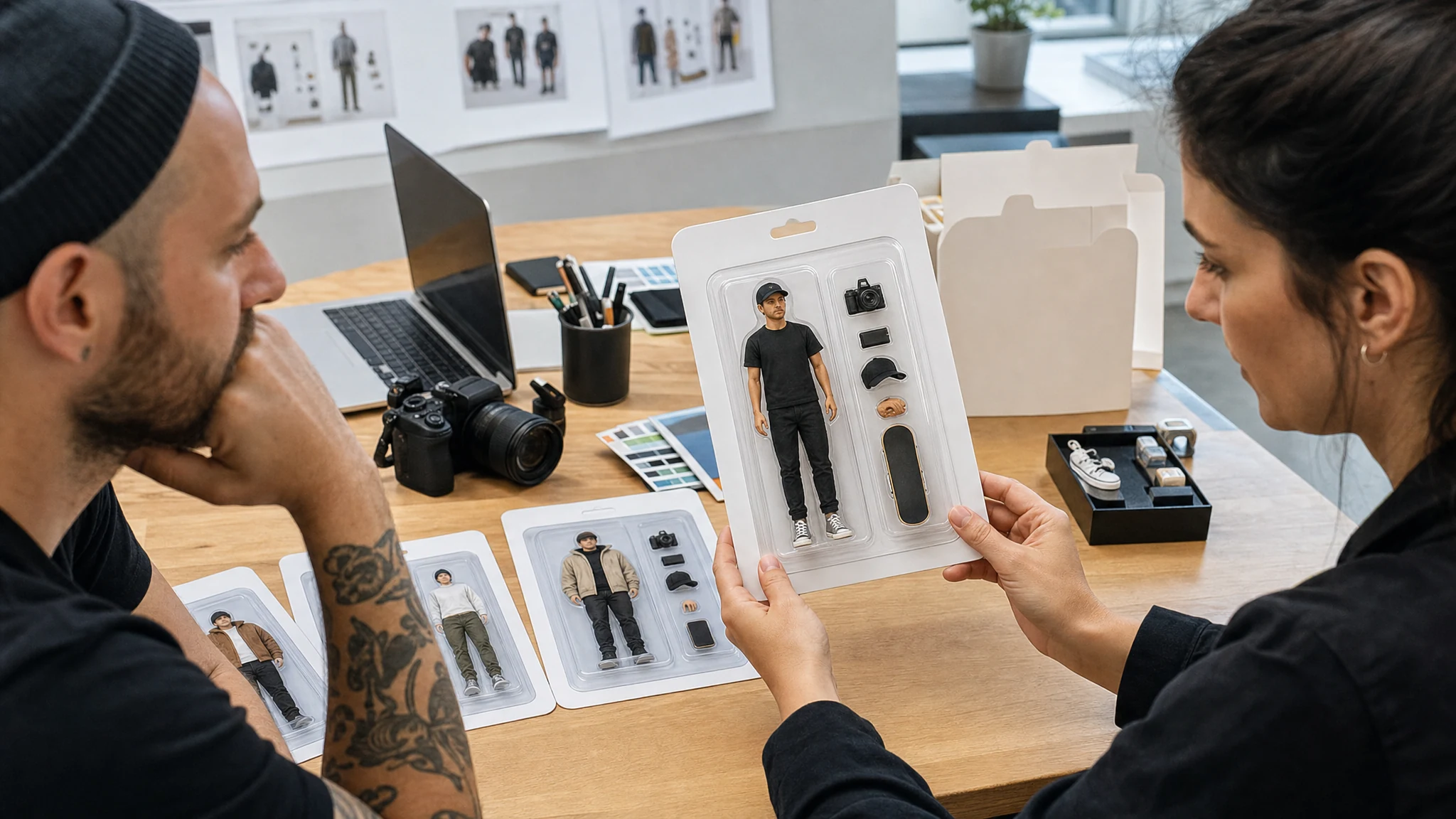
Trusted by 12,000,000+ users worldwide.
How to Use the AI Action Figure Generator
The strongest results start with a clear reference and a product-style brief. Think like a toy package designer, not like a one-line prompt writer.
Upload reference images
Use a clear portrait, outfit photo, pet image, mascot sketch, or object photo. Add more images when accessories or clothing matter.
Choose packaging and details
Pick a boxed figure, starter kit, creator figure, gift keepsake, pet mascot, or display scene, then describe pose, outfit, accessories, and lighting.
Generate, compare, and refine
Review the result in history, download the keeper, or send it to image-to-image, editor, upscaler, or image-to-video for the next step.
What Can You Create with an AI Action Figure Generator?
Use it for collectible images people actually search for: photo-to-toy concepts, social trend posts, gifts, creator personas, original characters, pets, and mascots.
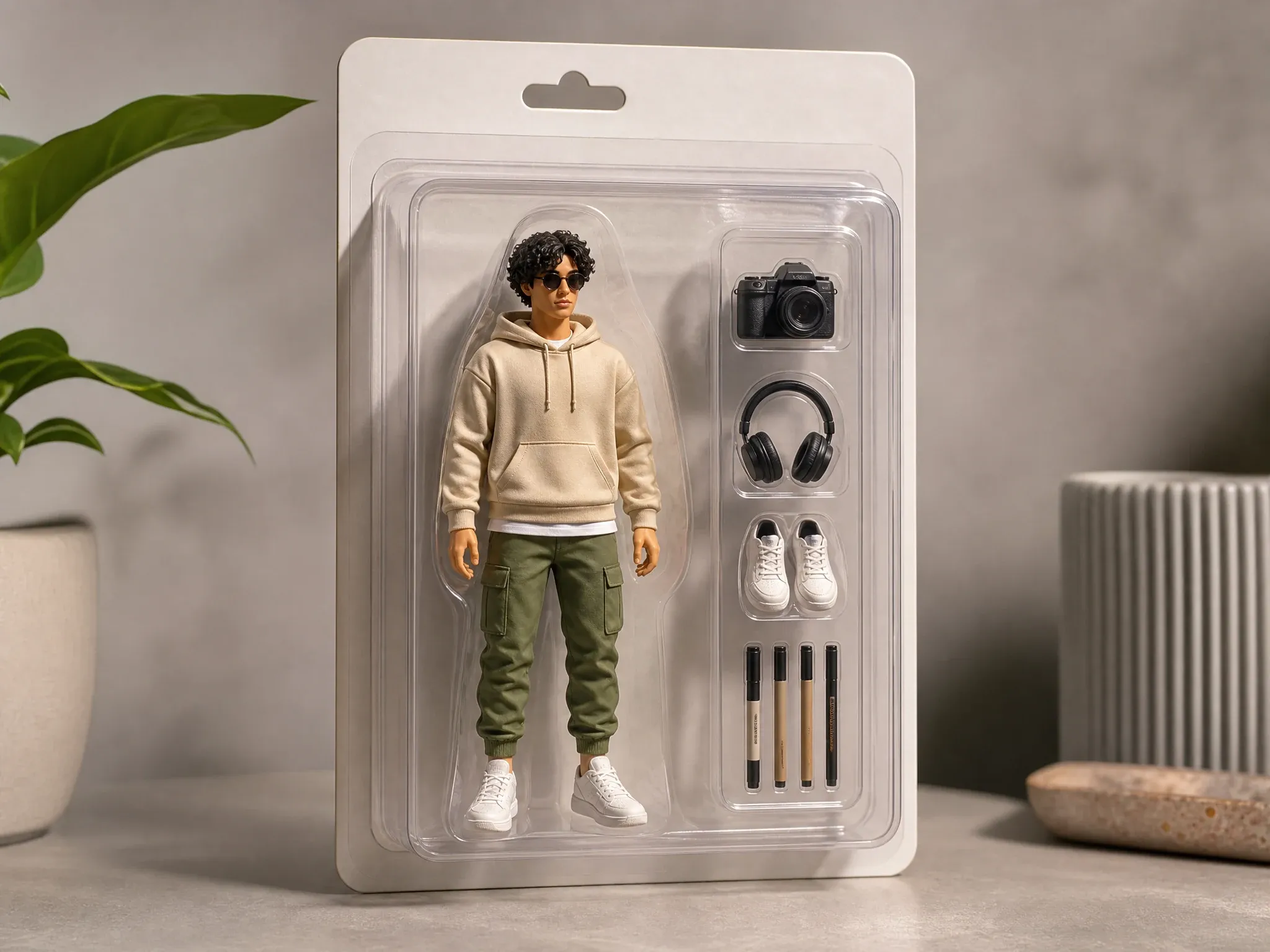
Packaged collectible concepts
Turn a reference image into a shelf-ready figure visual with blank packaging, accessory tray, product lighting, and a clear collectible composition.
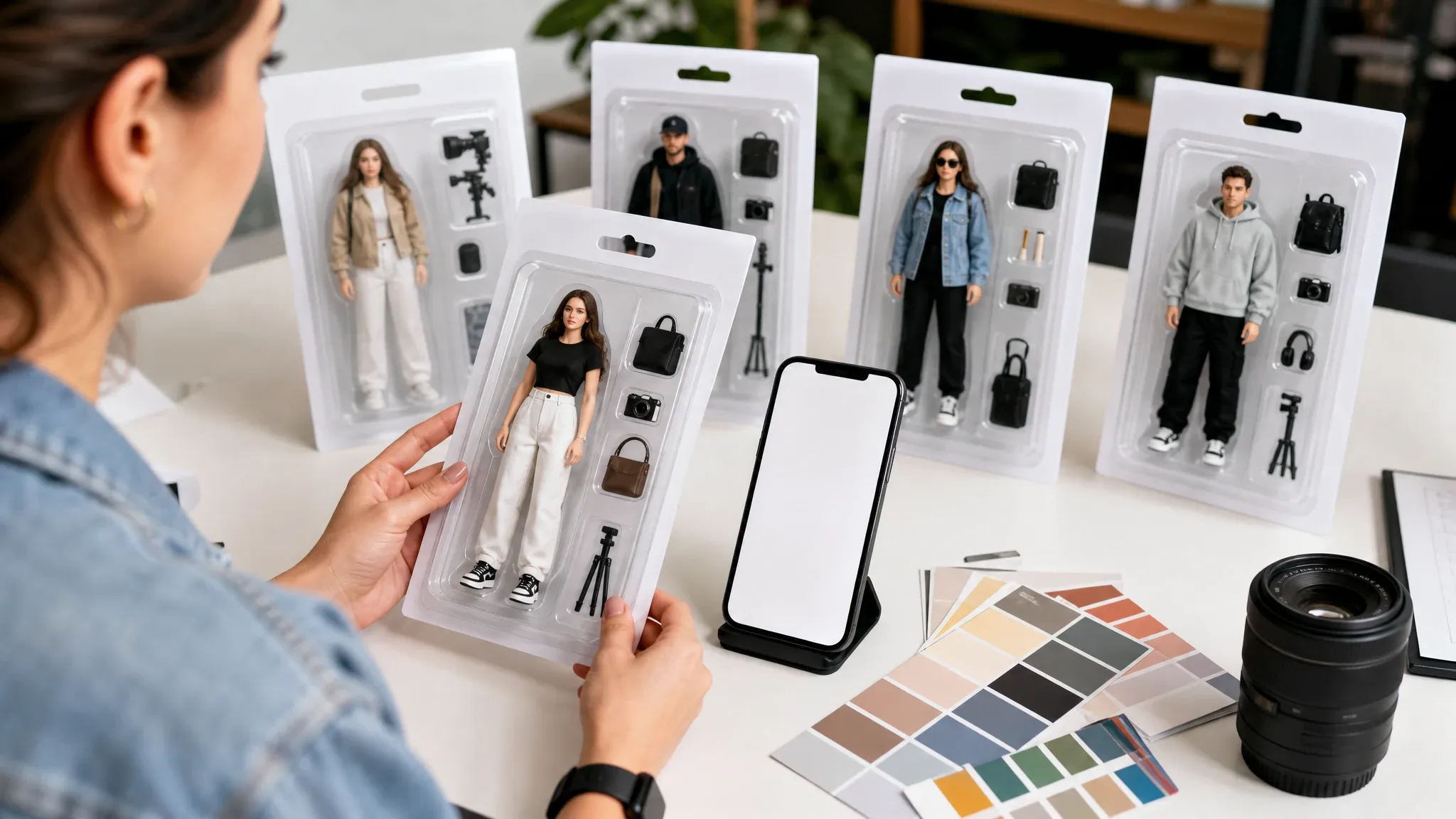
Social trend figures
Create an original action figure image for social posts, profile moments, launch teasers, and visual jokes without copying a protected toy brand.
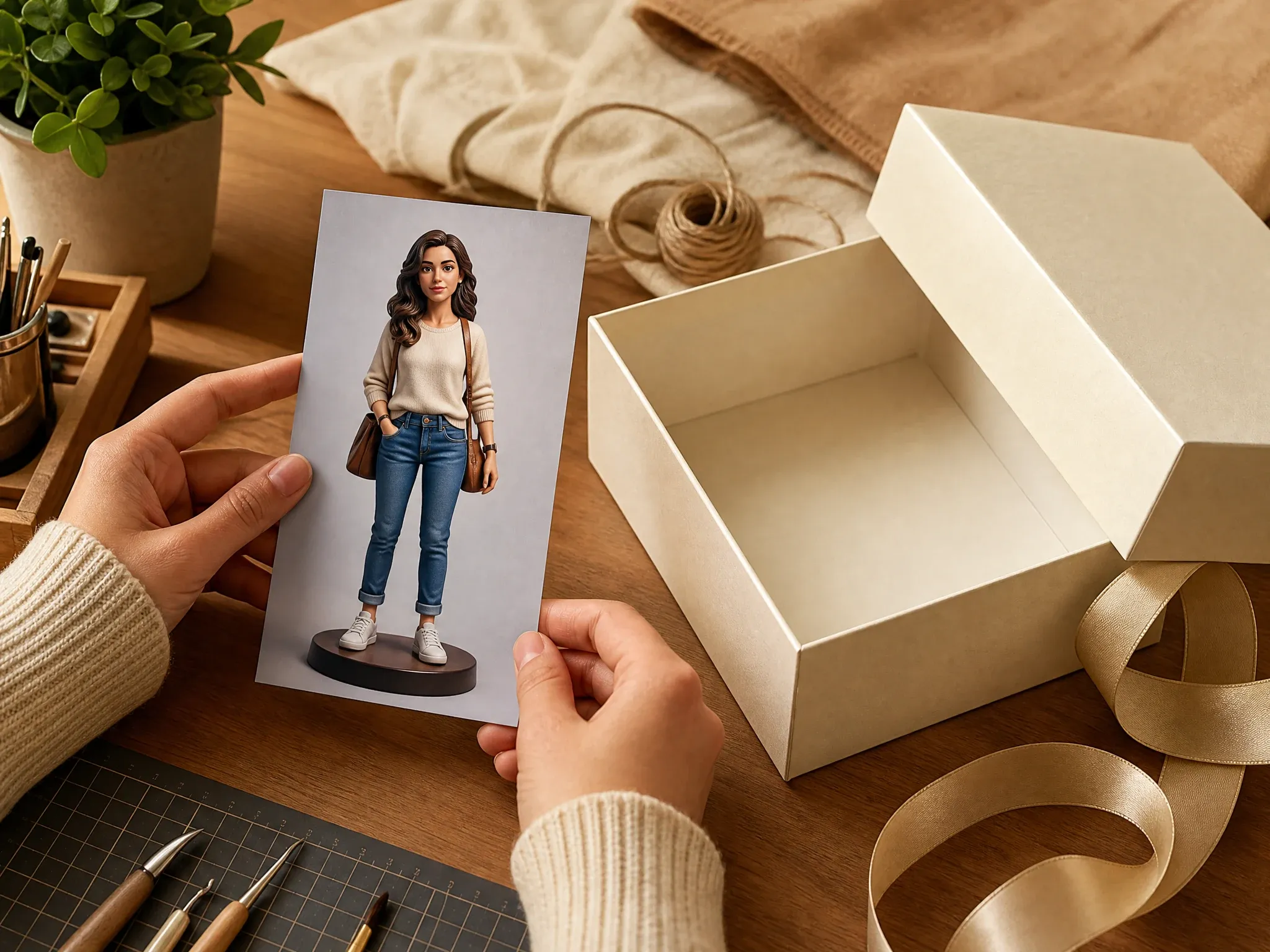
Gift and keepsake visuals
Make a personal collectible concept for friends, family, hobbies, pets, and milestones before deciding whether to polish the image further.
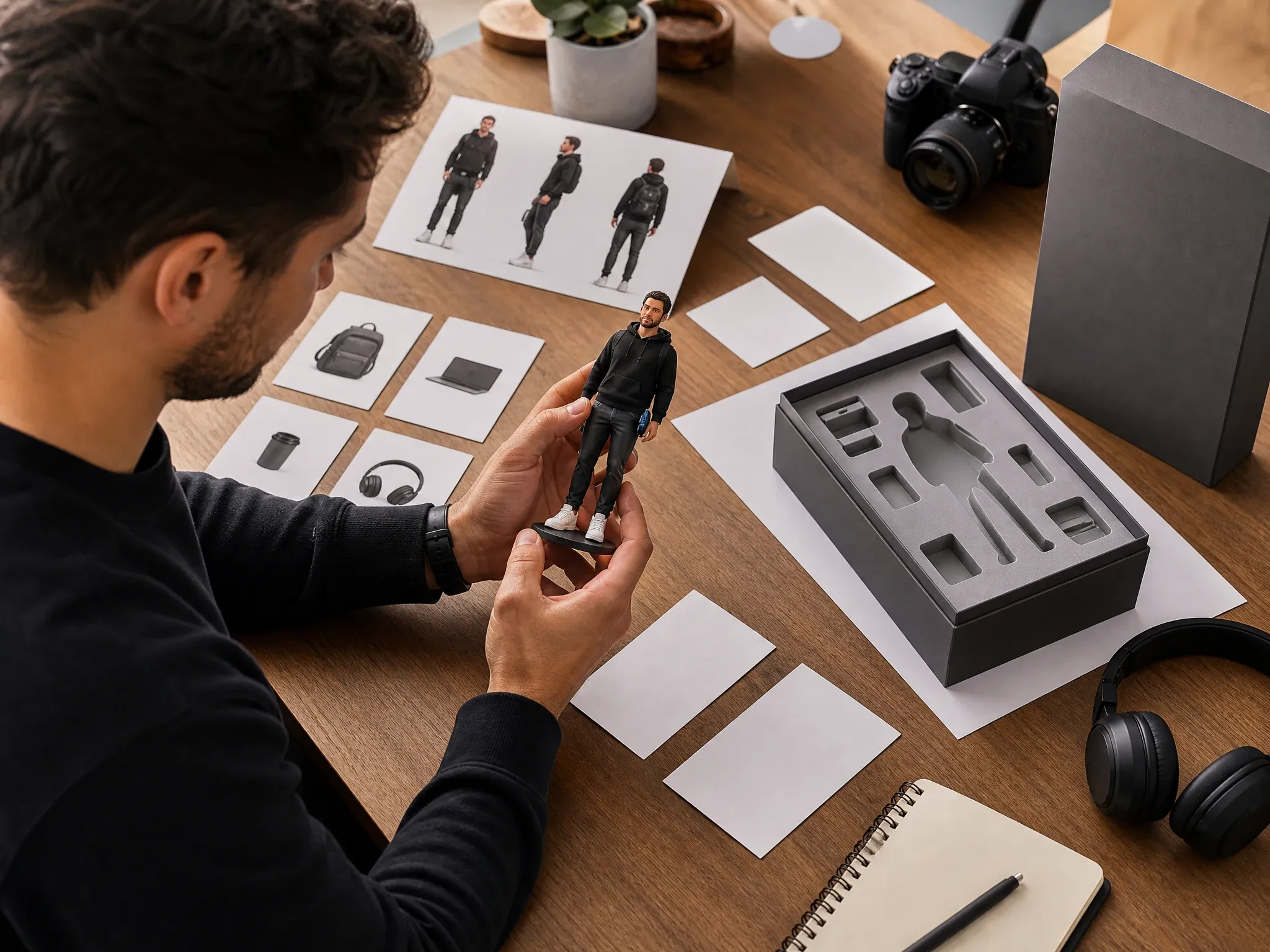
Creator and founder personas
Design a founder, creator, team member, or channel persona as an action figure for decks, thumbnails, bios, and campaign boards.
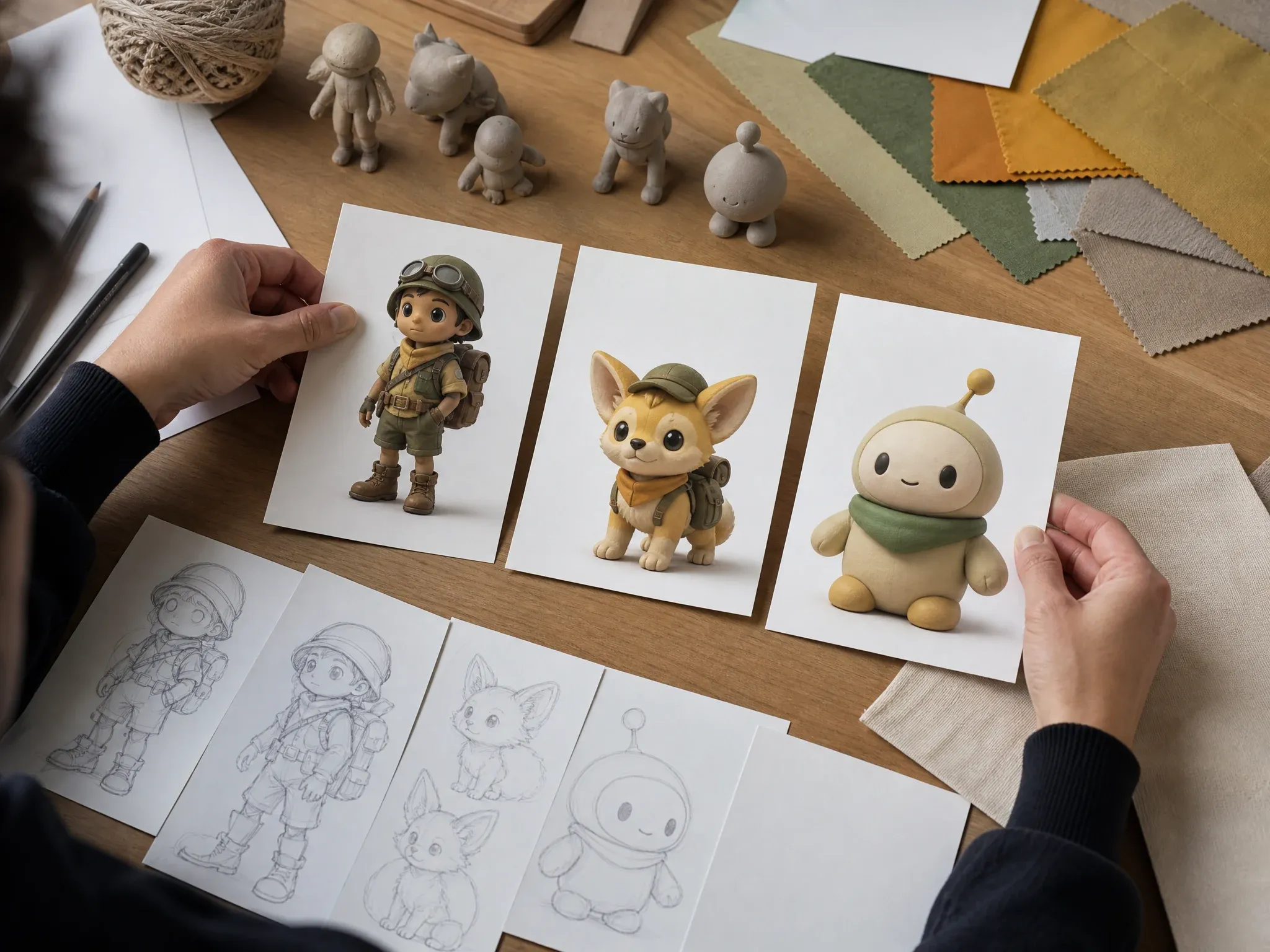
Original characters, pets, and mascots
Turn an OC, pet, mascot, or original story character into a toy-style figure while avoiding protected characters, logos, and branded costumes.
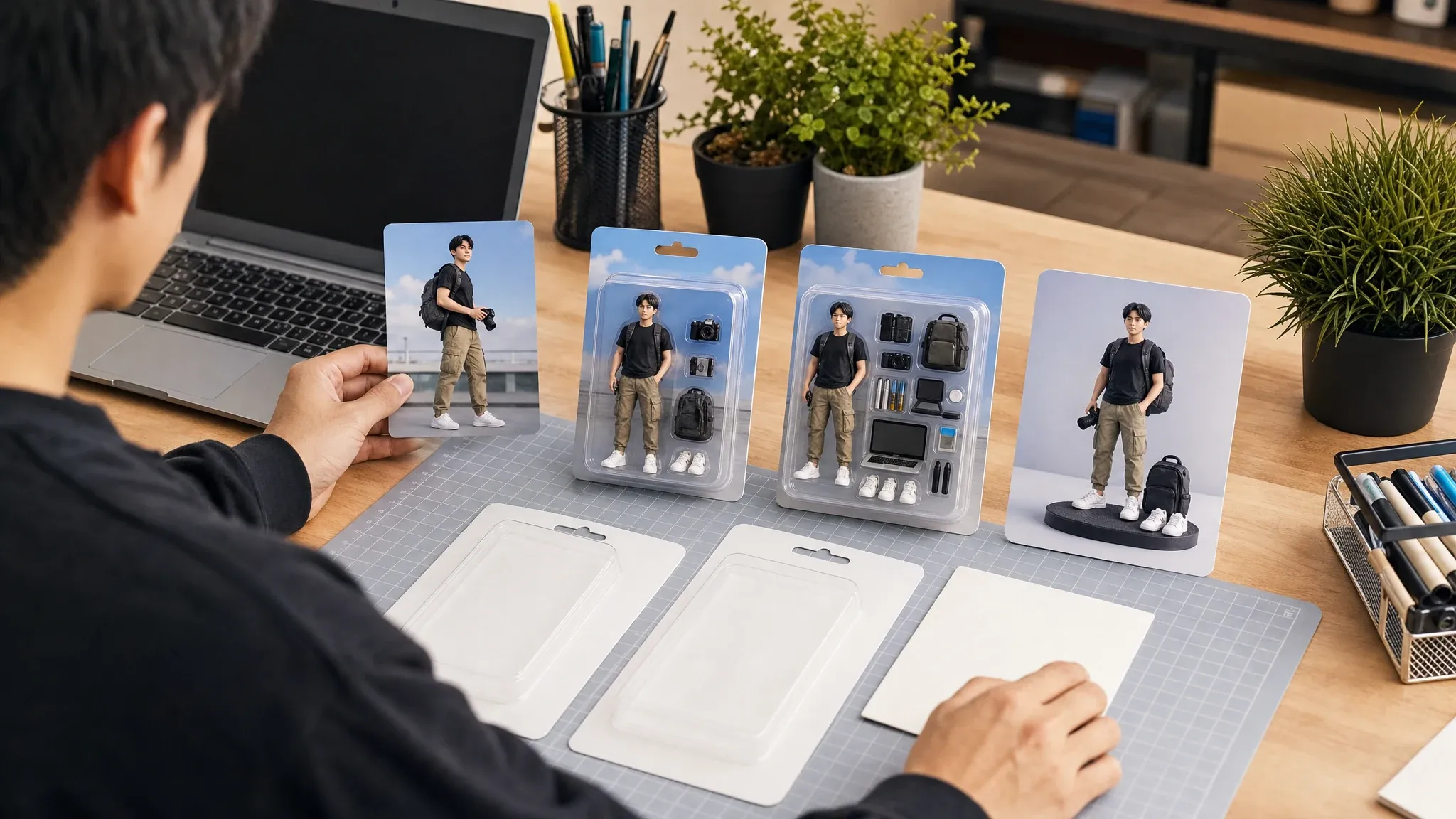
Reference-guided variants
Use the best result as a new source for closer packaging, cleaner accessories, a different pose, or an unboxed display scene.
What Is an AI Action Figure Generator?
An AI action figure generator creates a toy-style image from reference photos and text instructions. It is best for collectible visuals, custom packaging concepts, and character product mockups, not real toy manufacturing.
Photo to action figure
Upload a face, outfit, pet, mascot, or object reference so the image can carry recognizable visual cues into a collectible figure concept.
Custom blank packaging
Describe blister packs, starter kits, display boxes, accessory trays, desk bases, and lighting without asking the model to draw exact readable text.
Original collectible image
Create a shareable image or mockup direction. It does not create a 3D rig, printable manufacturing file, physical toy, or guaranteed package typography.
Why Use FaceAI for Custom Action Figure Images?
FaceAI keeps the tool at the top of the page and gives the workflow the controls action figure users expect: reference images, packaging presets, detail prompts, history, download, and share.
Reference image first
The page is not reduced to one text box. Upload the subject before writing the figure and package details.
Packaging presets built in
Start from boxed collectible, starter kit, creator figure, gift keepsake, pet mascot, or desk display directions.
History for concept comparison
Packaging and accessory choices can change the whole image. Local history helps compare versions before you overwrite a good direction.
Next tools are clear
Move the keeper into image-to-image, editor, upscaler, or image-to-video only after the still figure concept is strong.
How to Get Better AI Action Figure Results
Action figure prompts work best when the subject, package, pose, accessories, and display setup are all visible decisions. Keep exact text and protected identity requests out of the image.
Use clean reference images
Upload a clear front-facing portrait, full outfit, pet, mascot, or object reference. Avoid blurry photos, heavy filters, and cropped-off key details.
Describe the toy package
Say blank blister pack, starter kit, display box, accessory tray, unboxed desk base, or shelf-ready product photo so the layout has a target.
Add pose and accessories
Mention standing pose, heroic stance, casual desk pose, camera, headphones, tiny tools, pet props, hobby gear, or other accessories that belong with the subject.
Avoid risky requests
Do not ask for exact celebrities, public figures, protected characters, toy brands, logos, branded costumes, or readable package slogans unless you own the rights.
AI Action Figure Generator vs. Generic Image Tools and Real Custom Toys
Use this comparison to choose the right workflow. FaceAI creates collectible-style images and packaging concepts for visual planning, concept art, and social posts.
| Criteria | Face AIOurs FaceAI action figure workflow | Other workflows |
|---|---|---|
| Starting point | Upload one to five reference images and write package, pose, outfit, and accessory details. | Generic text-to-image tools often start with only a prompt and lose subject-specific cues. |
| Best use | Custom toy photos, boxed figure concepts, social trend visuals, creator personas, pets, mascots, and OC collectibles. | Real custom-toy services focus on physical production, pricing, shipping, and manufacturing constraints. |
| Packaging control | Choose a package direction and describe blank boxes, trays, display bases, and props. | Simple filters may add a toy look but give less control over package composition and accessories. |
| Output | Creates still image results that can be downloaded, shared, refined, or animated in a separate tool. | 3D modeling tools create meshes or printable files but require a different production workflow. |
| Text and logos | Best with blank/no-text packaging and original visual details. | Exact package typography, slogans, logos, and protected brands remain unreliable or rights-sensitive. |
| Next step | Use image-to-image for variants, editor for cleanup, upscaler for sharper export, and image-to-video for motion. | One-purpose toy generators often stop at one image or route every follow-up into a broad editor. |
Starting point
Upload one to five reference images and write package, pose, outfit, and accessory details.
Generic text-to-image tools often start with only a prompt and lose subject-specific cues.
Best use
Custom toy photos, boxed figure concepts, social trend visuals, creator personas, pets, mascots, and OC collectibles.
Real custom-toy services focus on physical production, pricing, shipping, and manufacturing constraints.
Packaging control
Choose a package direction and describe blank boxes, trays, display bases, and props.
Simple filters may add a toy look but give less control over package composition and accessories.
Output
Creates still image results that can be downloaded, shared, refined, or animated in a separate tool.
3D modeling tools create meshes or printable files but require a different production workflow.
Text and logos
Best with blank/no-text packaging and original visual details.
Exact package typography, slogans, logos, and protected brands remain unreliable or rights-sensitive.
Next step
Use image-to-image for variants, editor for cleanup, upscaler for sharper export, and image-to-video for motion.
One-purpose toy generators often stop at one image or route every follow-up into a broad editor.
How Creators Use the AI Action Figure Generator
These comments focus on the practical loop: upload a reference, choose packaging, write visible details, compare results, then refine only the strongest concept.
"The upload plus packaging preset flow is the difference. I can turn a real creator or mascot photo into a toy-style concept instead of guessing from text alone."

James Whitfield
Creative Director
"We use it for collectible campaign mockups. Pose, outfit, accessories, and blank packaging all stay in one brief, which makes review much faster."

Oliver Bennett
Brand Strategy Lead
"The best results come from treating the prompt like a product design note: reference image, figure pose, accessory tray, box style, and lighting."

Erik Lindqvist
Executive Creative Director
"For social trend concepts, it gives us a figure image we can judge immediately. Then we can upscale or move the keeper into video tools later."

Lars Andersson
Art Director
"I like that it does not force a toy brand. We can keep packaging blank and focus on the subject, display setup, and accessories."

Marco Rossi
Head of Strategy
"A single reference image is enough for a quick figure direction. Multiple images help when the outfit, character identity, or packaging style matters."

Luca Moretti
VP of Creative Services
"The upload plus packaging preset flow is the difference. I can turn a real creator or mascot photo into a toy-style concept instead of guessing from text alone."
James Whitfield
Creative Director
"We use it for collectible campaign mockups. Pose, outfit, accessories, and blank packaging all stay in one brief, which makes review much faster."
Oliver Bennett
Brand Strategy Lead
"The best results come from treating the prompt like a product design note: reference image, figure pose, accessory tray, box style, and lighting."
Erik Lindqvist
Executive Creative Director
"For social trend concepts, it gives us a figure image we can judge immediately. Then we can upscale or move the keeper into video tools later."
Lars Andersson
Art Director
"I like that it does not force a toy brand. We can keep packaging blank and focus on the subject, display setup, and accessories."
Marco Rossi
Head of Strategy
"A single reference image is enough for a quick figure direction. Multiple images help when the outfit, character identity, or packaging style matters."
Luca Moretti
VP of Creative Services
"The history panel is useful because packaging concepts drift. I can compare the boxed figure, starter kit, and desk-display versions side by side."

Amara Johansson
Head of Visual Identity
"The upload plus packaging preset flow is the difference. I can turn a real creator or mascot photo into a toy-style concept instead of guessing from text alone."
James Whitfield
Creative Director
"We use it for collectible campaign mockups. Pose, outfit, accessories, and blank packaging all stay in one brief, which makes review much faster."
Oliver Bennett
Brand Strategy Lead
"The best results come from treating the prompt like a product design note: reference image, figure pose, accessory tray, box style, and lighting."
Erik Lindqvist
Executive Creative Director
"For social trend concepts, it gives us a figure image we can judge immediately. Then we can upscale or move the keeper into video tools later."
Lars Andersson
Art Director
"I like that it does not force a toy brand. We can keep packaging blank and focus on the subject, display setup, and accessories."
Marco Rossi
Head of Strategy
"A single reference image is enough for a quick figure direction. Multiple images help when the outfit, character identity, or packaging style matters."
Luca Moretti
VP of Creative Services
"The history panel is useful because packaging concepts drift. I can compare the boxed figure, starter kit, and desk-display versions side by side."
Amara Johansson
Head of Visual Identity
"We test gift and creator-persona concepts before asking design to polish a campaign visual. That saves the expensive review round for stronger ideas."

Thomas Berg
Director of Innovation
"The no-text packaging advice matters. Clean blank boxes look better than asking the model to spell slogans inside the image."

Kai Nakamura
Global Creative Director
"Reference-guided action figures are more practical than prompt-only toy prompts when the subject has a specific outfit, pet, or prop."

Devon Park
Interactive Creative Director
"For original characters and mascots, I can make a collectible-style image without copying protected characters or brand marks."

Leo Fitzgerald
Associate Creative Director
"It helped us make a founder-persona figure concept for a launch deck. The output was not a manufactured product, but it was a strong visual direction."

Zeke Williams
Senior Art Director
"The comparison section is honest: this is for collectible images and toy-style visuals, not real toy manufacturing or exact text on packaging."

Rafael Santos
VP of Creative
"The prompt examples are concrete. They include accessory tray, display base, pose, outfit, and packaging, so the first generation is not empty."

Pierre Dubois
Account Director
"We test gift and creator-persona concepts before asking design to polish a campaign visual. That saves the expensive review round for stronger ideas."
Thomas Berg
Director of Innovation
"The no-text packaging advice matters. Clean blank boxes look better than asking the model to spell slogans inside the image."
Kai Nakamura
Global Creative Director
"Reference-guided action figures are more practical than prompt-only toy prompts when the subject has a specific outfit, pet, or prop."
Devon Park
Interactive Creative Director
"For original characters and mascots, I can make a collectible-style image without copying protected characters or brand marks."
Leo Fitzgerald
Associate Creative Director
"It helped us make a founder-persona figure concept for a launch deck. The output was not a manufactured product, but it was a strong visual direction."
Zeke Williams
Senior Art Director
"The comparison section is honest: this is for collectible images and toy-style visuals, not real toy manufacturing or exact text on packaging."
Rafael Santos
VP of Creative
"The prompt examples are concrete. They include accessory tray, display base, pose, outfit, and packaging, so the first generation is not empty."
Pierre Dubois
Account Director
What Should You Try After Creating an Action Figure?
Choose the next FaceAI workflow based on the actual blocker: closer variants, cleanup, sharper export, animation, or broader character concept work.
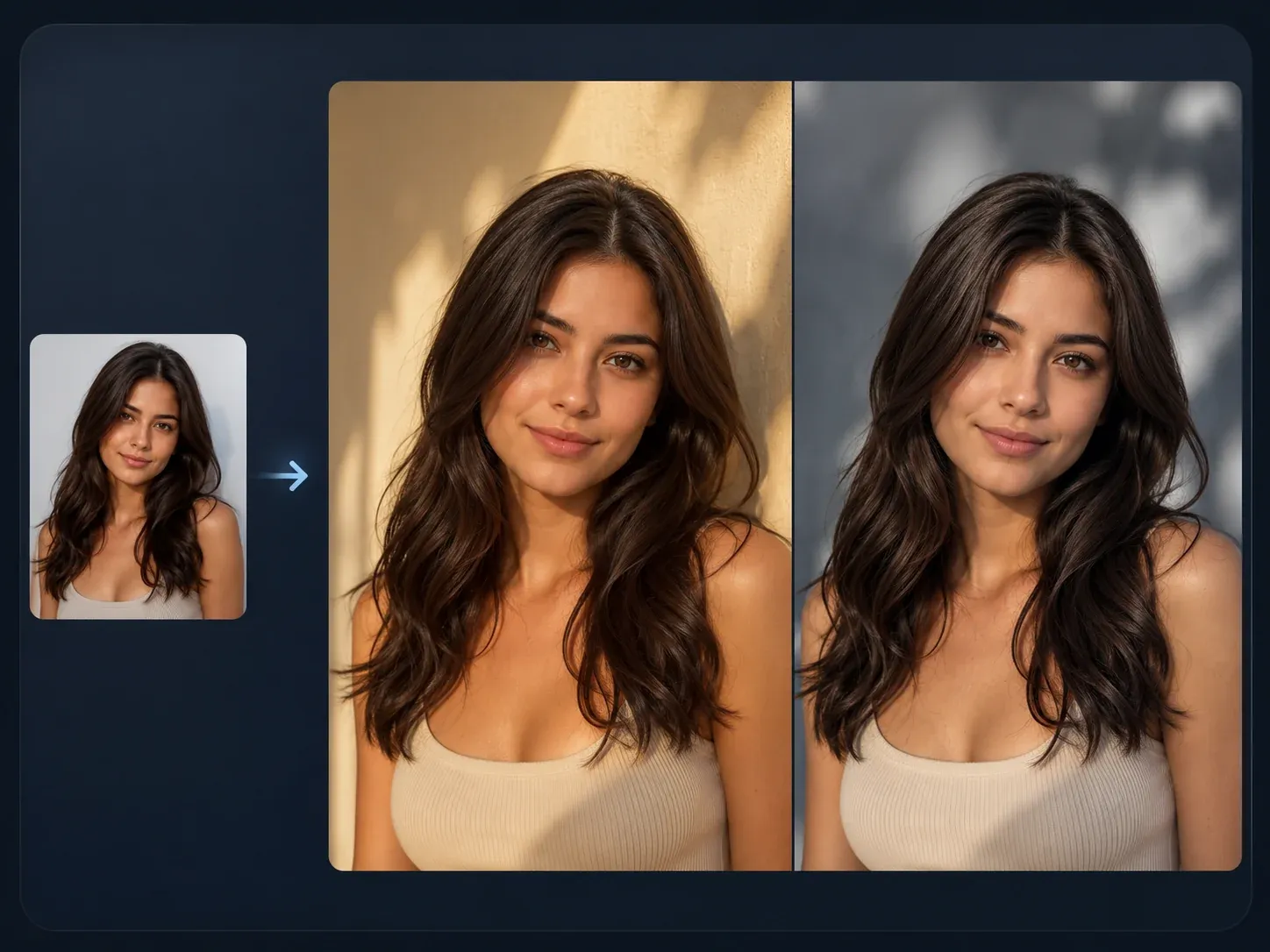
AI Image to Image
Use a finished action figure result as a source when the next version needs a closer variant, cleaner pose, or tighter package composition.

AI Image Editor
Clean up edges, background clutter, packaging artifacts, or one distracting accessory after the collectible direction is close.
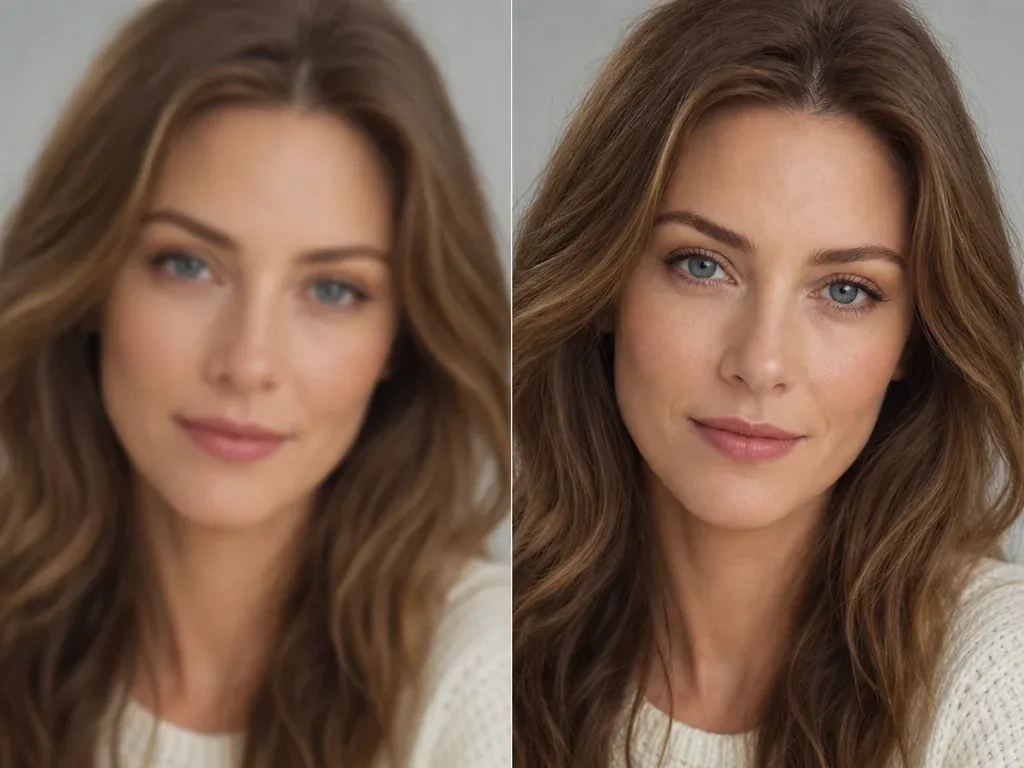
AI Image Upscaler
Sharpen the keeper figure image before using it in a post, pitch deck, product mockup board, or creator kit.
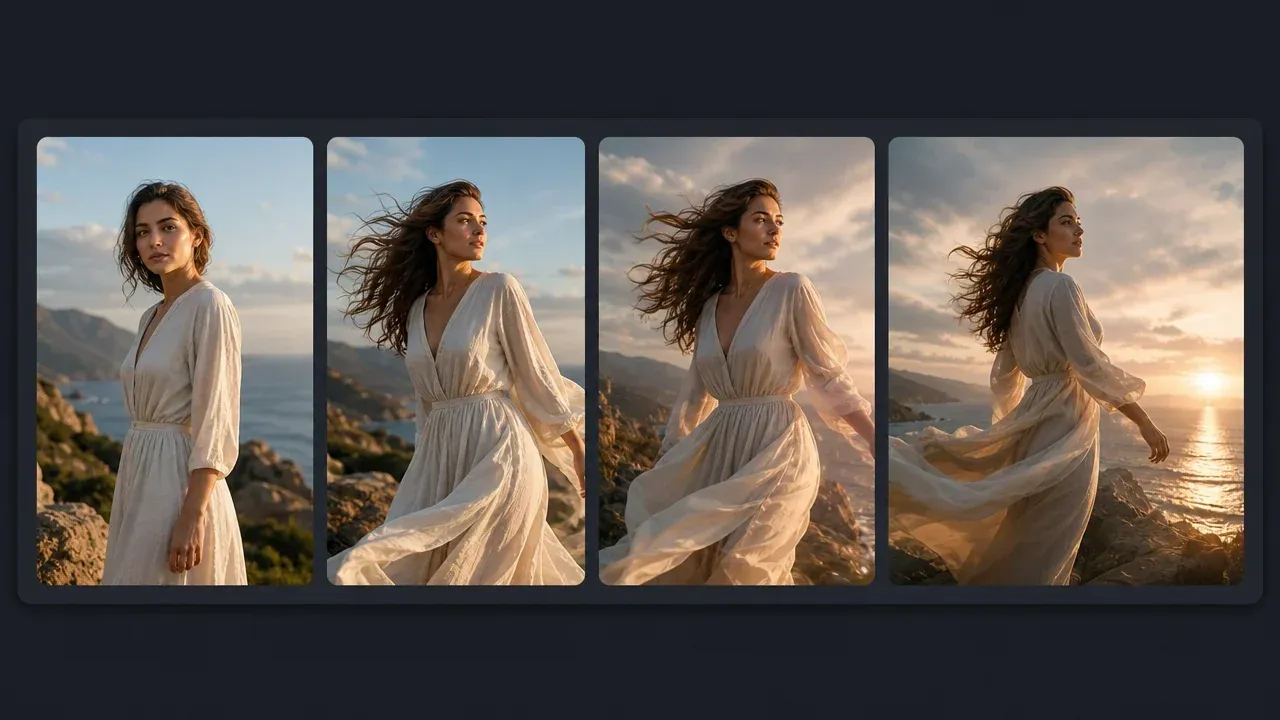
AI Image to Video Generator
Animate the still figure concept only after the packaged image is good enough to keep as the source frame.
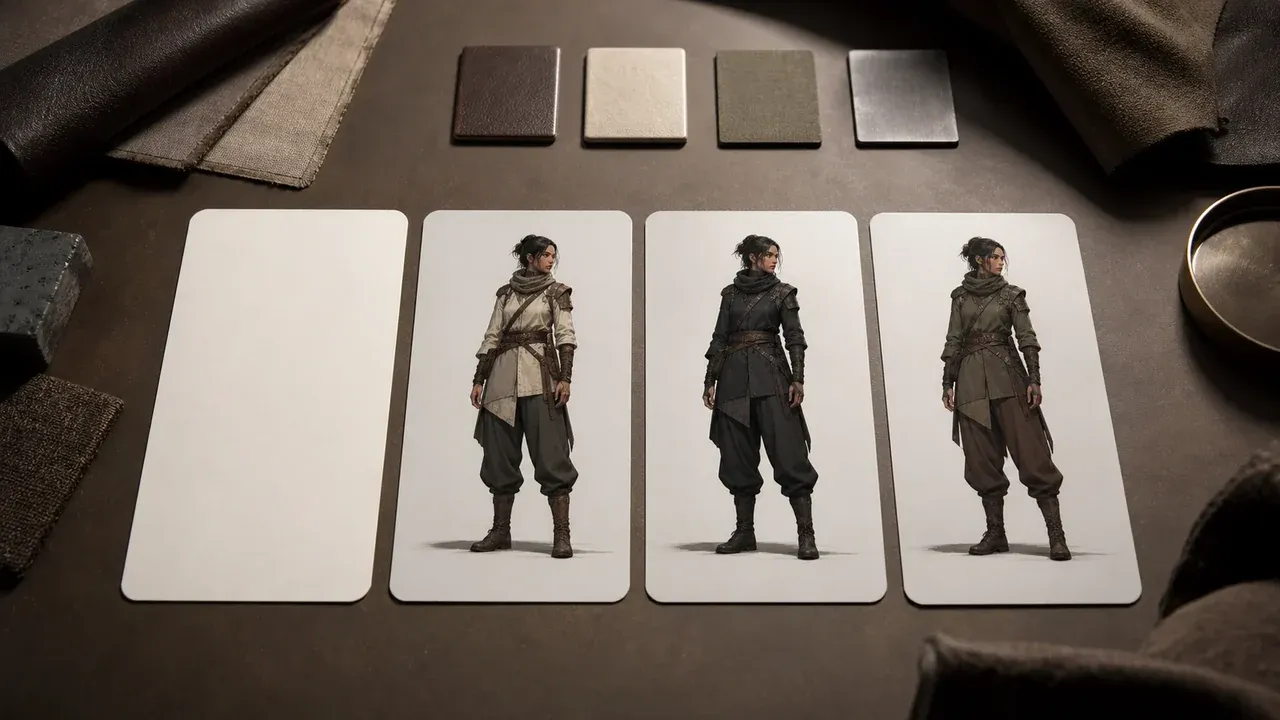
AI Character Generator
Switch to character generation when you need a broader original character sheet before turning the best design into a collectible figure.
AI Action Figure Generator Questions, Answered
Direct answers about reference images, packaging prompts, free use, downloads, rights, exact text limits, pets, original characters, and animation follow-up.
It is an online tool that turns reference images and written details into a collectible-style action figure image with toy packaging, pose, outfit, accessories, and display setup.
Yes. You can open the workbench and start generating for free. If account or quota rules apply during heavier use, FaceAI will show the current limit in the product flow.
No. Upload reference images, write the figure brief, generate, then download or refine the result directly in the browser.
Use clear images where the face, outfit, pet, mascot, or object is visible. Avoid blur, heavy filters, covered faces, and images where the important subject is tiny.
Describe the package type, figure pose, outfit, accessory tray, display base, lighting, and whether the figure should be boxed or unboxed. Keep one subject per brief.
Yes. The workbench accepts multiple reference images so you can provide a face, outfit, prop, pet, or mascot cue before writing the figure details.
Generated images may not render exact readable text reliably. For cleaner results, ask for blank packaging, visual icons, color panels, and accessory layout instead of exact slogans.
You can create packaged collectibles, starter kits, creator persona figures, gift keepsakes, pet or mascot figures, and unboxed desk-display scenes.
Yes. Upload a pet, mascot, or original character reference and describe the pose, accessories, package style, and display scene.
Do not use the tool to recreate protected characters, celebrities, public figures, logos, toy brands, or branded costumes unless you have rights. Create original figure ideas instead.
This page creates still image concepts and visual mockups. It does not produce a physical toy, manufacturing quote, 3D model, rig, or printable production file.
Yes. After the result appears, use the download control in the workbench. Keep the page open until the final image is ready.
This page creates still action figure images. After you have a keeper image, use AI Image to Video Generator if you want to test motion.
Use AI Image Editor for focused cleanup, AI Image to Image for a closer variant, or AI Image Upscaler when the result needs a sharper export.
You are responsible for rights around the subject, prompt, source images, and style references. Avoid protected IP, public figures, logos, and brands you do not own.
Start with the AI Action Figure Generator
Upload a reference, choose a packaging direction, describe the figure details, then generate a custom collectible image worth refining.