
Free AI Video Generator Online for Text to Video - No Login
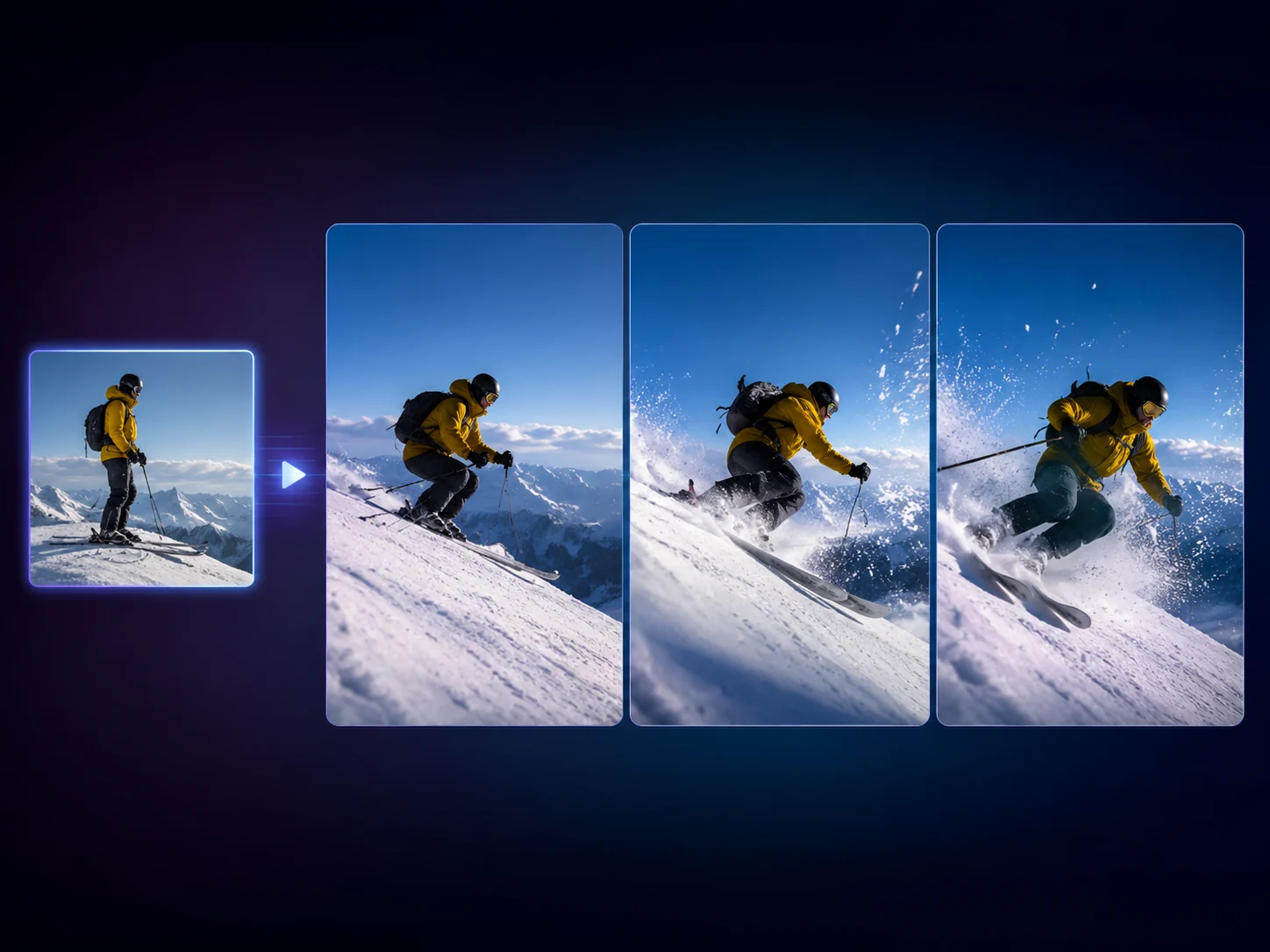
Create a short motion clip from a written prompt or animate one approved still image. Use the free AI video generator online for social hooks, product launch boards, storyboard tests, and B-roll ideas when a static image is not enough to sell the scene. No login required.
Trusted by 12,000,000+ users worldwide.
How to Use the AI Video Generator in 3 Steps
Keep the first run practical: choose the starting point, write one motion prompt, then compare the result before asking for more.
Choose text or image input
Start from text for a blank scene, or upload one source image when the frame is already approved and only motion needs testing.
Write the shot prompt
Name the subject, camera move, action, lighting, and mood. Text-to-video can also choose the aspect ratio.
Generate, compare, continue
Review the newest clip against local history, then download it or move the idea into enhancer, editor, image-to-image, or talking photo.
What Can You Create with an AI Video Generator?
Use the video generator for five practical jobs: prompt-first concept clips, image-to-video motion, product launch clips, vertical social hooks, and storyboard or B-roll tests.

Prompt-first concept clips
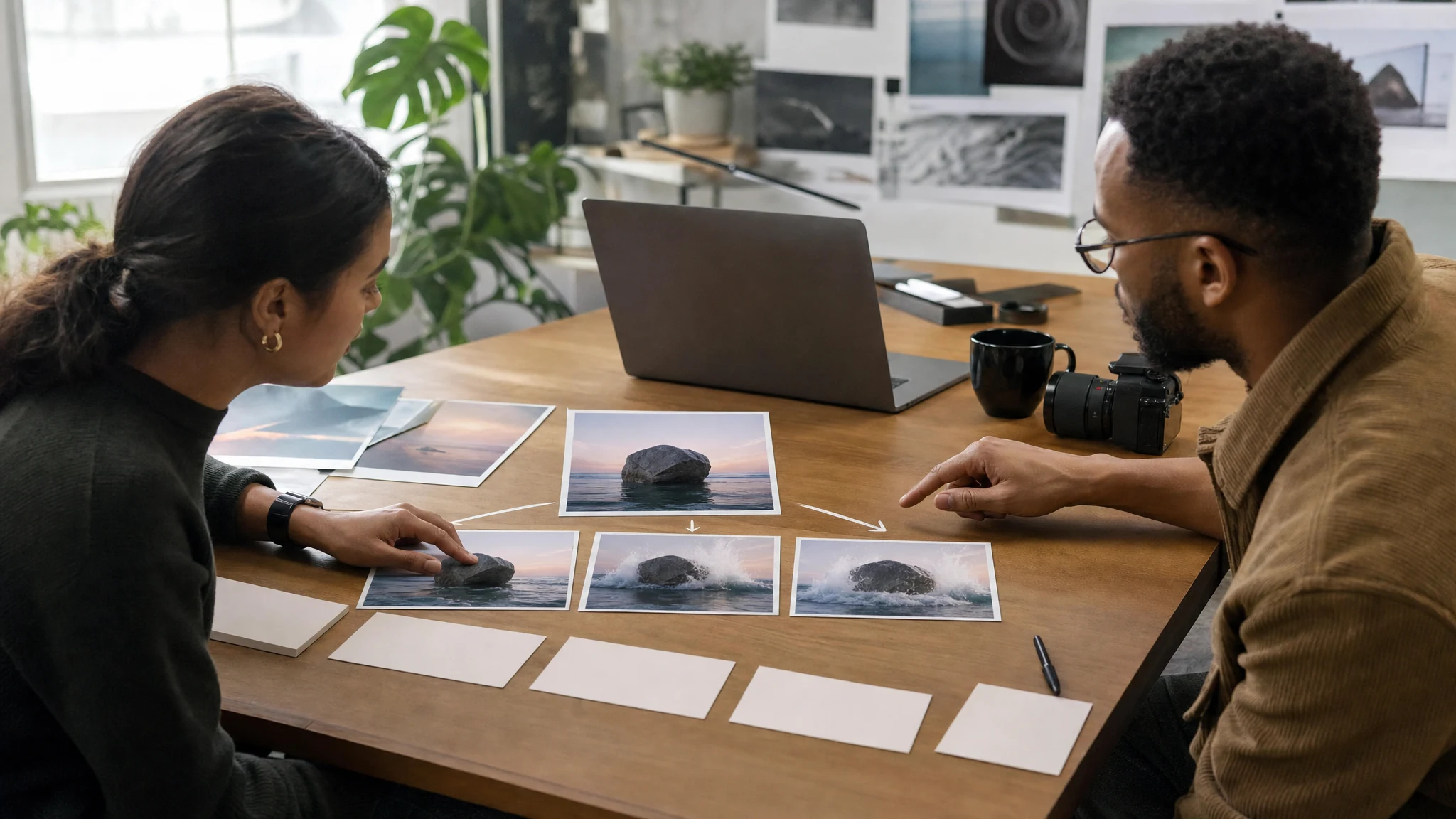
Turn a rough campaign thought into a short moving scene before production or editing begins. Use text-to-video when the subject, camera, and setting are still flexible.
Animate one approved still
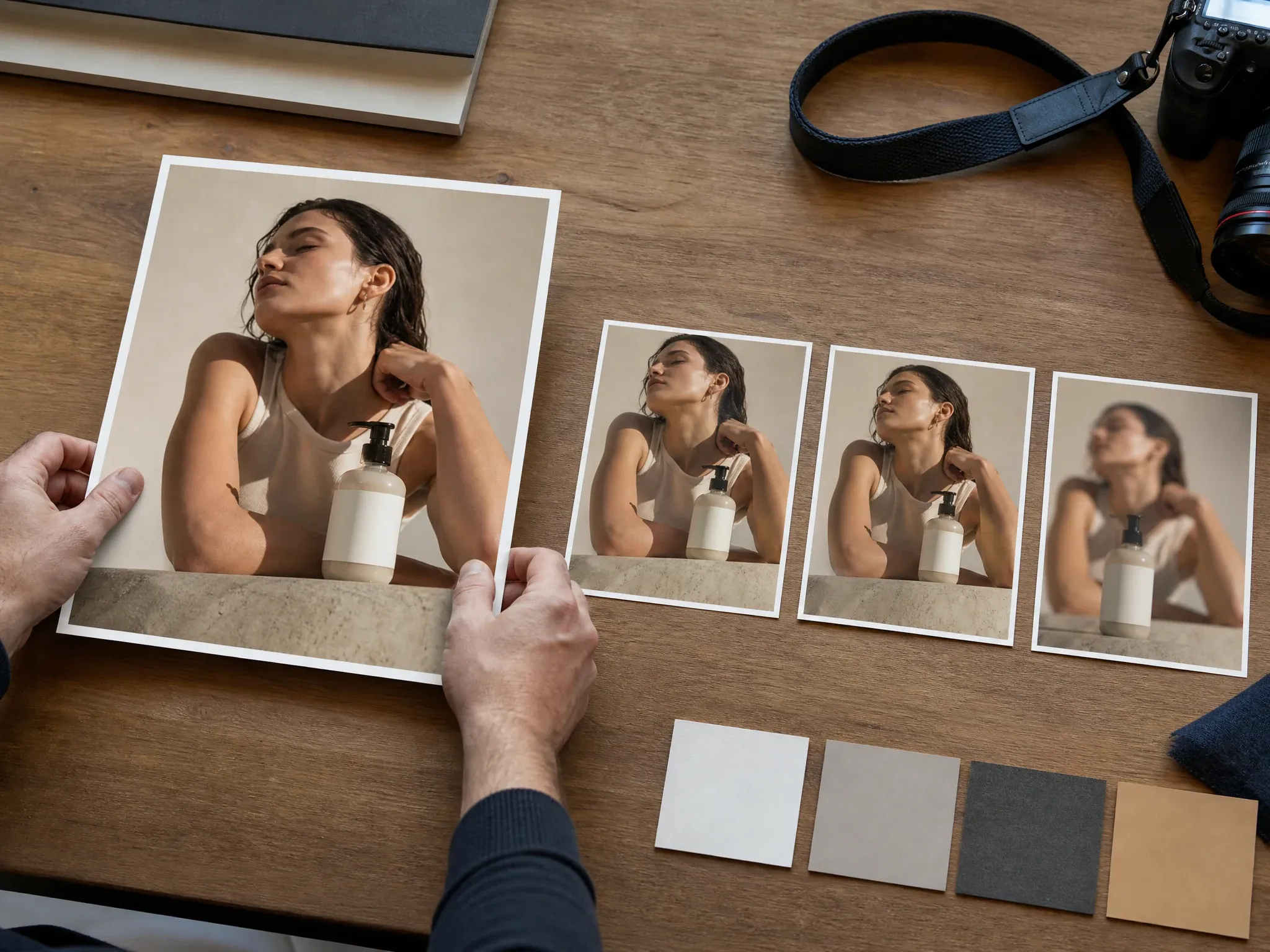
Use image-to-video when the source frame already works. Upload the still, describe the motion, and test whether the scene holds up once it moves.
Product launch motion
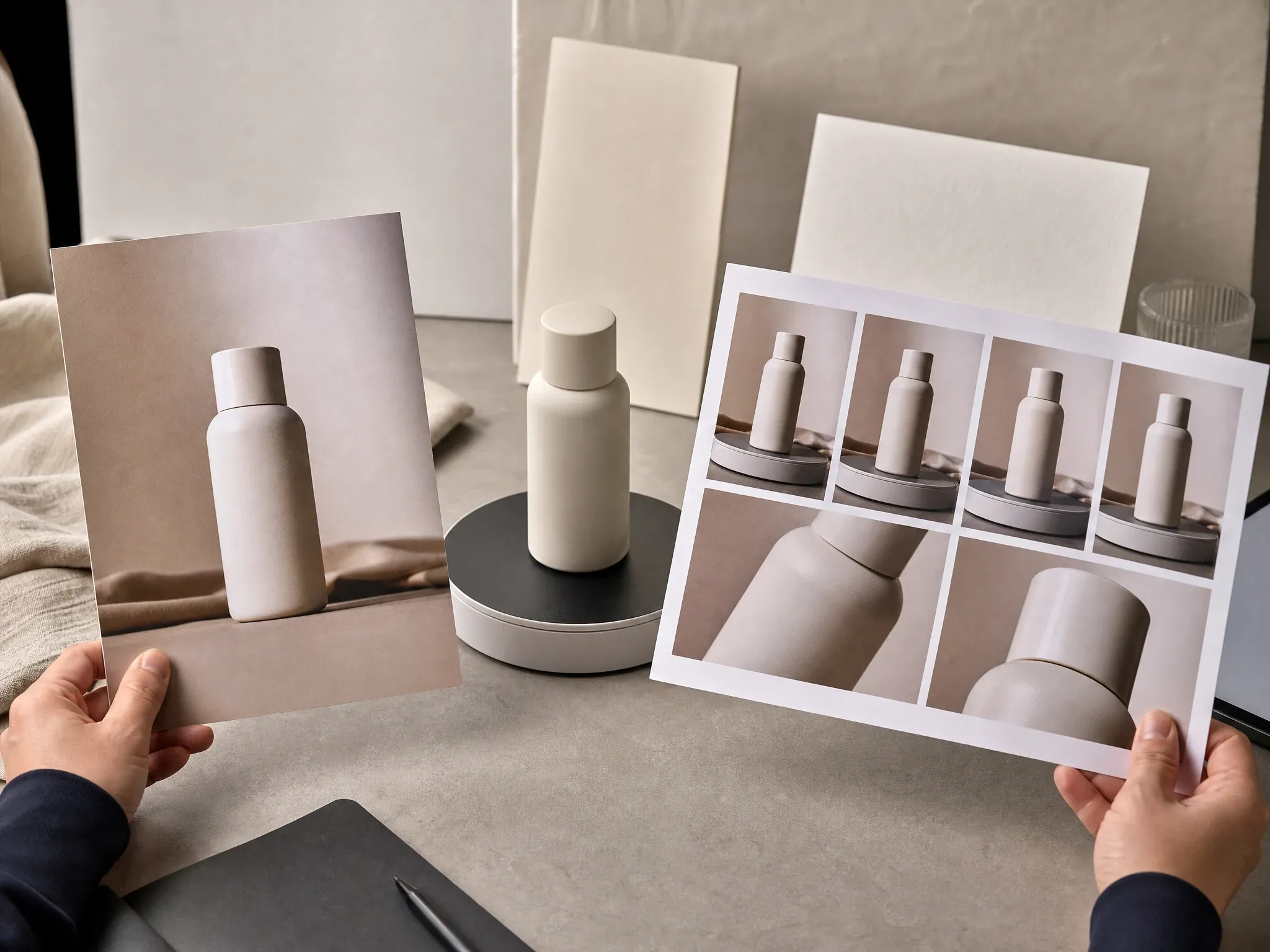
Create a product hero movement for a launch board, pitch deck, or ecommerce test. Keep packaging blank and add exact brand text later in a design or editing tool.
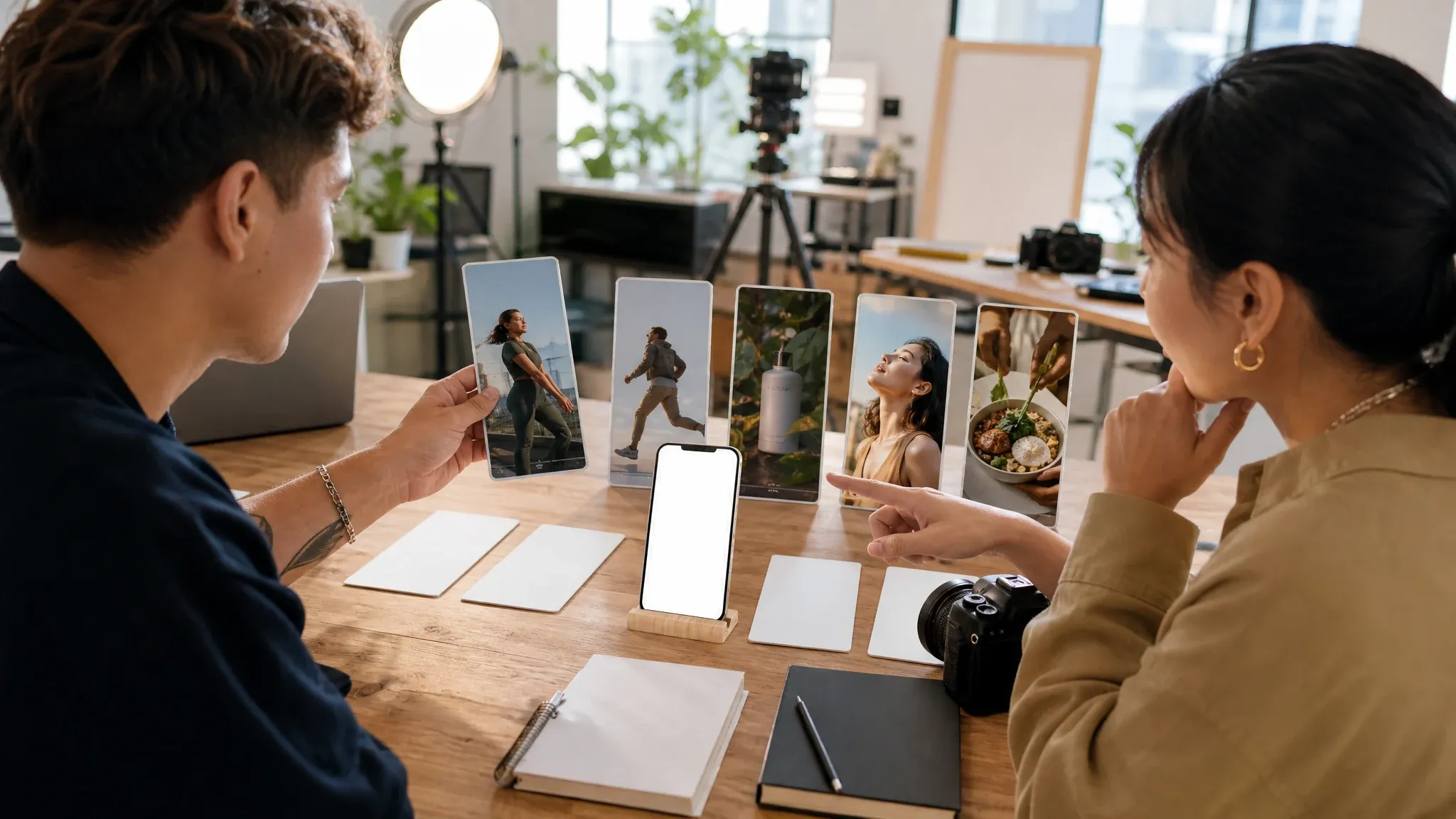
Vertical social hooks
Test a short visual hook for reels, stories, ads, or creator briefs. Pick the text-to-video ratio first so the frame matches the channel you are judging.
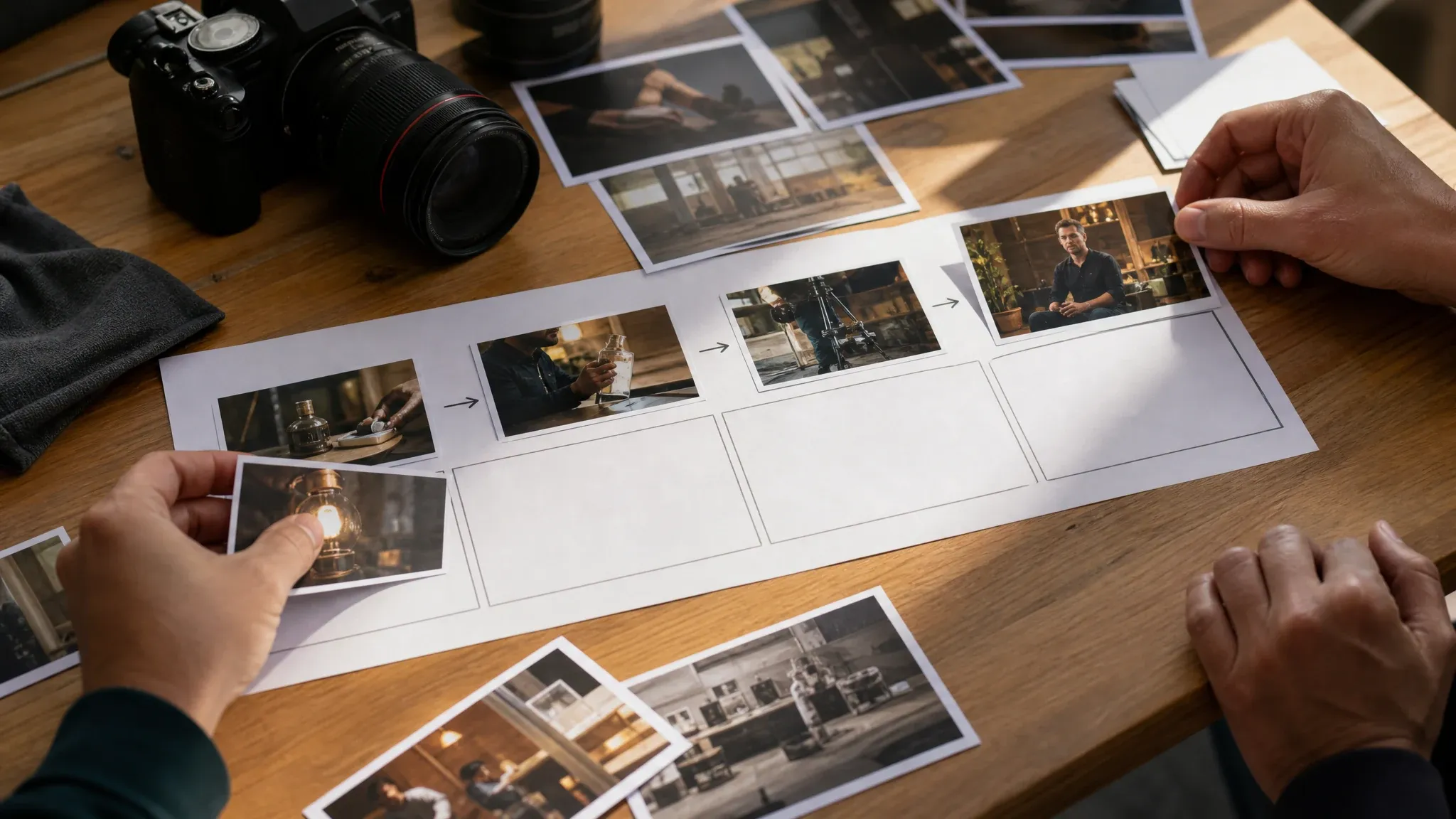
Storyboard and B-roll tests
Build a moving reference before a shoot, interview, product spot, or pitch. The goal is not final editing; it is seeing whether the motion direction feels right.
What Is an AI Video Generator?
An AI video generator creates a short moving clip from a written prompt or animates one uploaded still image from your motion instruction.
Text to video from zero
Describe the scene, action, camera, and light when you need the model to invent the first moving idea.
Image to video from one still
Upload a clean source frame when composition matters more than total invention.
Short clip for review
Use the result to judge motion direction before deeper editing, enhancement, audio, captions, or production work.
Why Use FaceAI for Short AI Video Concepts?
The page is built around the working generator first, then the supporting content explains how to choose the mode, write the prompt, and continue the creative chain.
The workbench comes first
You can create before reading the whole page. People come here to make a clip, not study a brochure.
Focused first pass
The workspace keeps early review centered on the prompt, mode, source image, and frame shape so the team can judge the motion idea quickly.
Built for next steps
A clip that works can move toward enhancement. A source still that needs work can go back to editor, image-to-image, or upscaler.
Made for visible momentum
A moving concept can make a brief feel alive. That is emotional proof, and it is useful even before the asset is final.
How to Get Better AI Video Generator Results
Write like a producer, not a tag list. Clear shot notes give the model a stronger path to follow.
Try the video generatorStart with the subject
Name the person, product, object, or scene first so the clip has one clear focus.
Describe motion plainly
Use direct verbs: rotates, walks, camera pushes in, light flickers, hand lifts, product glides.
Protect the source frame
For image-to-video, use one clean still with a readable subject and enough room for motion.
Inspect before publishing
Hands, faces, product edges, logos, tiny text, and fast action still need human review after generation.
AI Video Generator vs. Full Editors, Text-Only Tools, and Image Animation Apps
Use this table to choose the right workflow. FaceAI is strongest for the first short motion concept, not for replacing a full video editor.
| Criteria | Face AIOurs FaceAI short motion workflow | Other approaches |
|---|---|---|
| Starting point | Use text-to-video or image-to-video inside one shared workbench. | Some tools split text input, image animation, and history across separate flows. |
| Best use | Social hooks, product motion tests, pitch clips, storyboard ideas, and B-roll direction. | Full editors are better once you need a timeline, captions, music, script assembly, or manual cuts. |
| First-run controls | Prompt, generation mode, source image, and text-to-video aspect ratio are the main decisions. | Larger platforms may expose many settings before the user sees one useful result. |
| First-pass focus | The workbench keeps clip creation centered on prompt, mode, source image, and frame shape before the team decides what deserves deeper editing. | Full editing suites can add too many setup choices before the first motion idea is visible. |
| Audio, captions, and timeline | Generate the visual motion first, then add exact audio, captions, voiceover, and timeline edits in the next production step. | Video suites are useful once the brief moves from first motion idea to full edit assembly. |
| Source frame control | Image-to-video helps keep one approved still as the visual anchor. | Text-only tools can drift when the composition or product angle is already fixed. |
| Rights boundary | You are responsible for source images, products, people, logos, and protected material used in prompts or uploads. | Broad commercial-use copy still depends on the actual input and subject matter. |
Starting point
Use text-to-video or image-to-video inside one shared workbench.
Some tools split text input, image animation, and history across separate flows.
Best use
Social hooks, product motion tests, pitch clips, storyboard ideas, and B-roll direction.
Full editors are better once you need a timeline, captions, music, script assembly, or manual cuts.
First-run controls
Prompt, generation mode, source image, and text-to-video aspect ratio are the main decisions.
Larger platforms may expose many settings before the user sees one useful result.
First-pass focus
The workbench keeps clip creation centered on prompt, mode, source image, and frame shape before the team decides what deserves deeper editing.
Full editing suites can add too many setup choices before the first motion idea is visible.
Audio, captions, and timeline
Generate the visual motion first, then add exact audio, captions, voiceover, and timeline edits in the next production step.
Video suites are useful once the brief moves from first motion idea to full edit assembly.
Source frame control
Image-to-video helps keep one approved still as the visual anchor.
Text-only tools can drift when the composition or product angle is already fixed.
Rights boundary
You are responsible for source images, products, people, logos, and protected material used in prompts or uploads.
Broad commercial-use copy still depends on the actual input and subject matter.
How Teams Use the AI Video Generator in Real Workflows
These comments focus on the actual loop: write shot notes, generate a short clip, compare the motion, and decide whether the idea deserves more work.
"This is the page I open when a video idea is still too early for a real edit. The first clip gives the team something to react to."

Kai Nakamura
Global Creative Director
"Text-to-video is where we test the rough hook. Image-to-video is where we keep one approved frame and add motion without reopening the whole brief."

Seungwoo Park
Growth Marketing Manager
"The workflow feels less cold than the big studio tools. Prompt, generate, look at the clip, decide if the idea has life."

Zara Davis
Social Media Director
"We use it for launch boards. A still image is fine for alignment, but a short moving version gets people to say yes or no much faster."

Pooja Mehta
VP of Brand Experience
"The simplified first-run workflow is a relief. My team only has to decide the prompt, mode, and ratio instead of fighting a giant control panel."

Rafael Santos
VP of Creative
"Good for that awkward moment before production, when the idea sounds fun but nobody can picture it yet."

Anya Ramos
Influencer Partnerships Director
"This is the page I open when a video idea is still too early for a real edit. The first clip gives the team something to react to."
Kai Nakamura
Global Creative Director
"Text-to-video is where we test the rough hook. Image-to-video is where we keep one approved frame and add motion without reopening the whole brief."
Seungwoo Park
Growth Marketing Manager
"The workflow feels less cold than the big studio tools. Prompt, generate, look at the clip, decide if the idea has life."
Zara Davis
Social Media Director
"We use it for launch boards. A still image is fine for alignment, but a short moving version gets people to say yes or no much faster."
Pooja Mehta
VP of Brand Experience
"The simplified first-run workflow is a relief. My team only has to decide the prompt, mode, and ratio instead of fighting a giant control panel."
Rafael Santos
VP of Creative
"Good for that awkward moment before production, when the idea sounds fun but nobody can picture it yet."
Anya Ramos
Influencer Partnerships Director
"Product motion tests are the sweet spot for us. A blank-label bottle, one camera move, a few lighting notes, and suddenly the launch deck feels real."

Tariq Al-Qahtani
E-commerce Brand Director
"This is the page I open when a video idea is still too early for a real edit. The first clip gives the team something to react to."
Kai Nakamura
Global Creative Director
"Text-to-video is where we test the rough hook. Image-to-video is where we keep one approved frame and add motion without reopening the whole brief."
Seungwoo Park
Growth Marketing Manager
"The workflow feels less cold than the big studio tools. Prompt, generate, look at the clip, decide if the idea has life."
Zara Davis
Social Media Director
"We use it for launch boards. A still image is fine for alignment, but a short moving version gets people to say yes or no much faster."
Pooja Mehta
VP of Brand Experience
"The simplified first-run workflow is a relief. My team only has to decide the prompt, mode, and ratio instead of fighting a giant control panel."
Rafael Santos
VP of Creative
"Good for that awkward moment before production, when the idea sounds fun but nobody can picture it yet."
Anya Ramos
Influencer Partnerships Director
"Product motion tests are the sweet spot for us. A blank-label bottle, one camera move, a few lighting notes, and suddenly the launch deck feels real."
Tariq Al-Qahtani
E-commerce Brand Director
"I was worried it would look like a toy loop. It still needs a clear prompt, but the results are useful enough for creator brief review."

Marco Rossi
Head of Strategy
"The best results came when I wrote it like shot notes: subject, motion, camera, light. Big mood words alone did not help much."

Priya Chen
Creative Strategy Lead
"For pitches, I need a moving concept before I need a full edit. This gives me that middle step."

Leo Fitzgerald
Associate Creative Director
"The local history matters. We can compare a few clip attempts and keep the one that feels closest to the campaign instead of losing track."

Xiaoping Liang
Marketing Ops Manager
"B-roll planning is easier when the page shows the chain: one source idea, a few motion options, then the next tool if the clip deserves polish."

Sophia Wagner
Editorial Director
"I like that the page does not pretend to be a full video editor. It is for making the first short clip feel real enough to judge, and that is exactly the gap we needed."

Aaliyah Williams
Digital Marketing Director
"Some tools sell a whole video universe before you get one usable frame. Here the promise is simpler: write the scene, test the motion, then decide whether it is worth more work."

Thomas Berg
Director of Innovation
"I was worried it would look like a toy loop. It still needs a clear prompt, but the results are useful enough for creator brief review."
Marco Rossi
Head of Strategy
"The best results came when I wrote it like shot notes: subject, motion, camera, light. Big mood words alone did not help much."
Priya Chen
Creative Strategy Lead
"For pitches, I need a moving concept before I need a full edit. This gives me that middle step."
Leo Fitzgerald
Associate Creative Director
"The local history matters. We can compare a few clip attempts and keep the one that feels closest to the campaign instead of losing track."
Xiaoping Liang
Marketing Ops Manager
"B-roll planning is easier when the page shows the chain: one source idea, a few motion options, then the next tool if the clip deserves polish."
Sophia Wagner
Editorial Director
"I like that the page does not pretend to be a full video editor. It is for making the first short clip feel real enough to judge, and that is exactly the gap we needed."
Aaliyah Williams
Digital Marketing Director
"Some tools sell a whole video universe before you get one usable frame. Here the promise is simpler: write the scene, test the motion, then decide whether it is worth more work."
Thomas Berg
Director of Innovation
What Should You Try After the AI Video Generator?
Choose the next FaceAI tool based on what the generated clip or source still needs: cleaner video, a speaking portrait, a better source frame, a focused edit, or a sharper still.
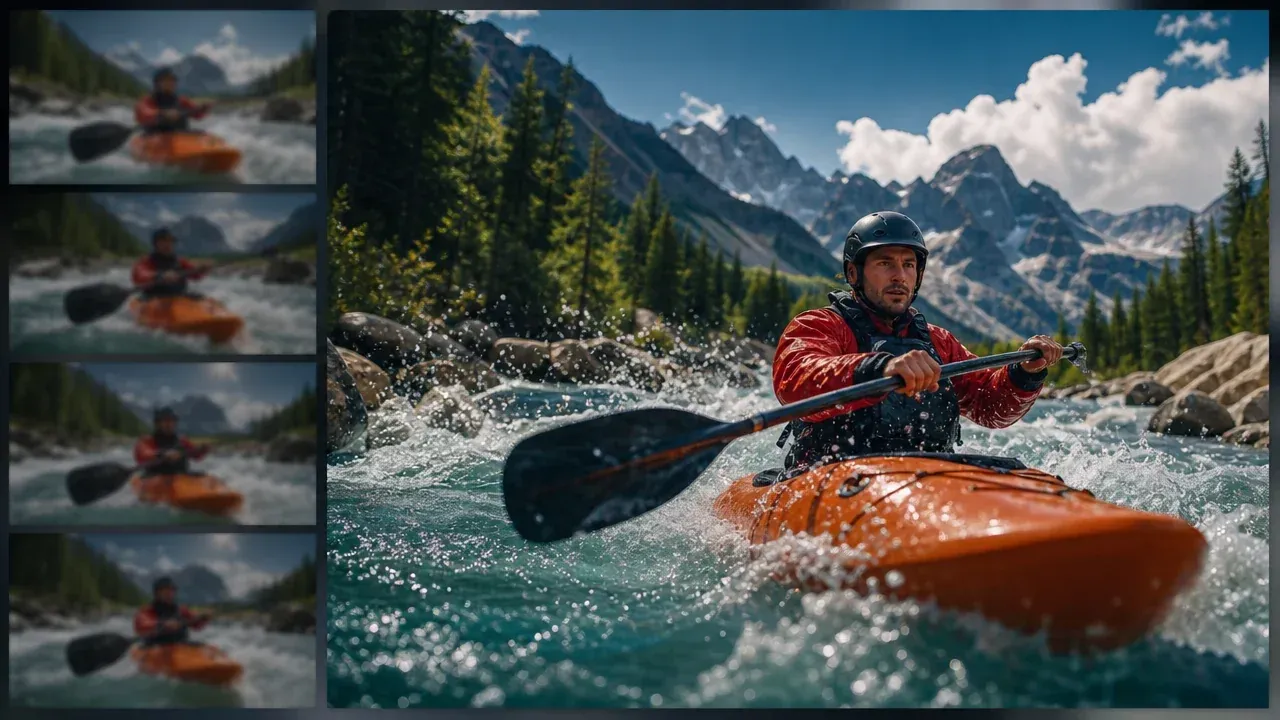
AI Video Enhancer
Use it after a generated clip has the right concept but needs a cleaner video pass before sharing or review.
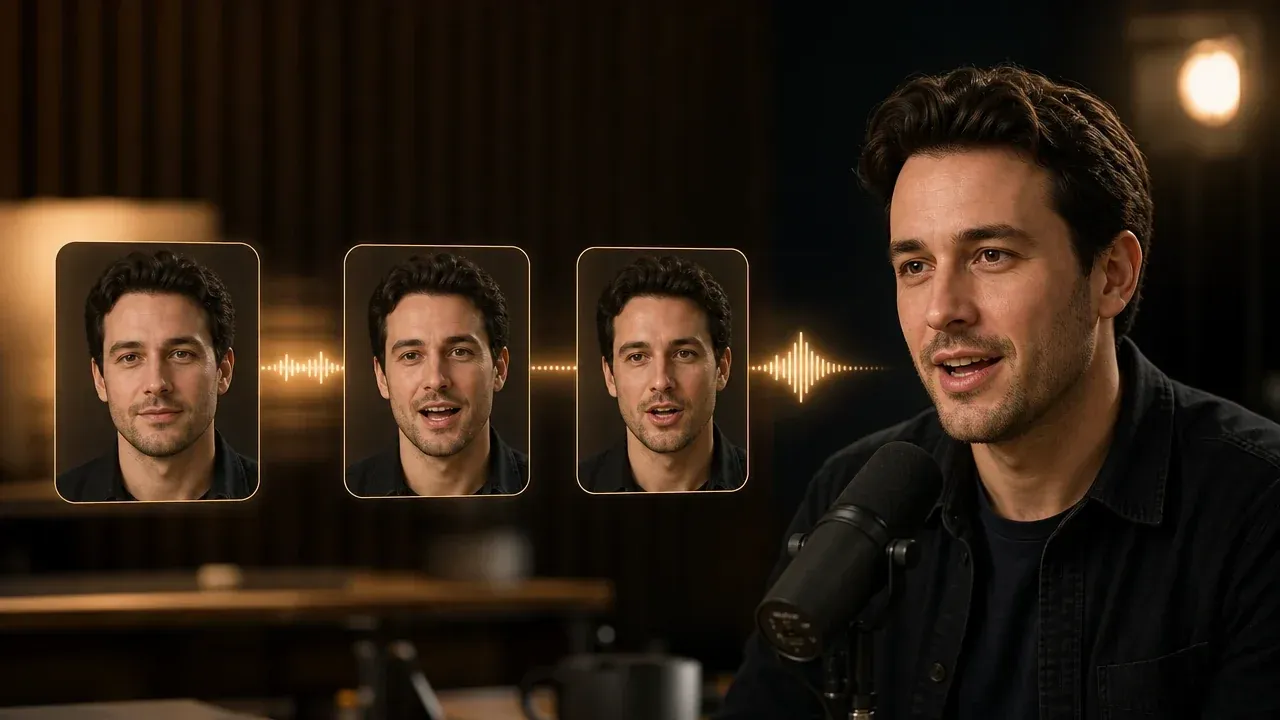
Talking Photo
Use this when the job is a speaking portrait, product host, or avatar-style message instead of a general motion scene.
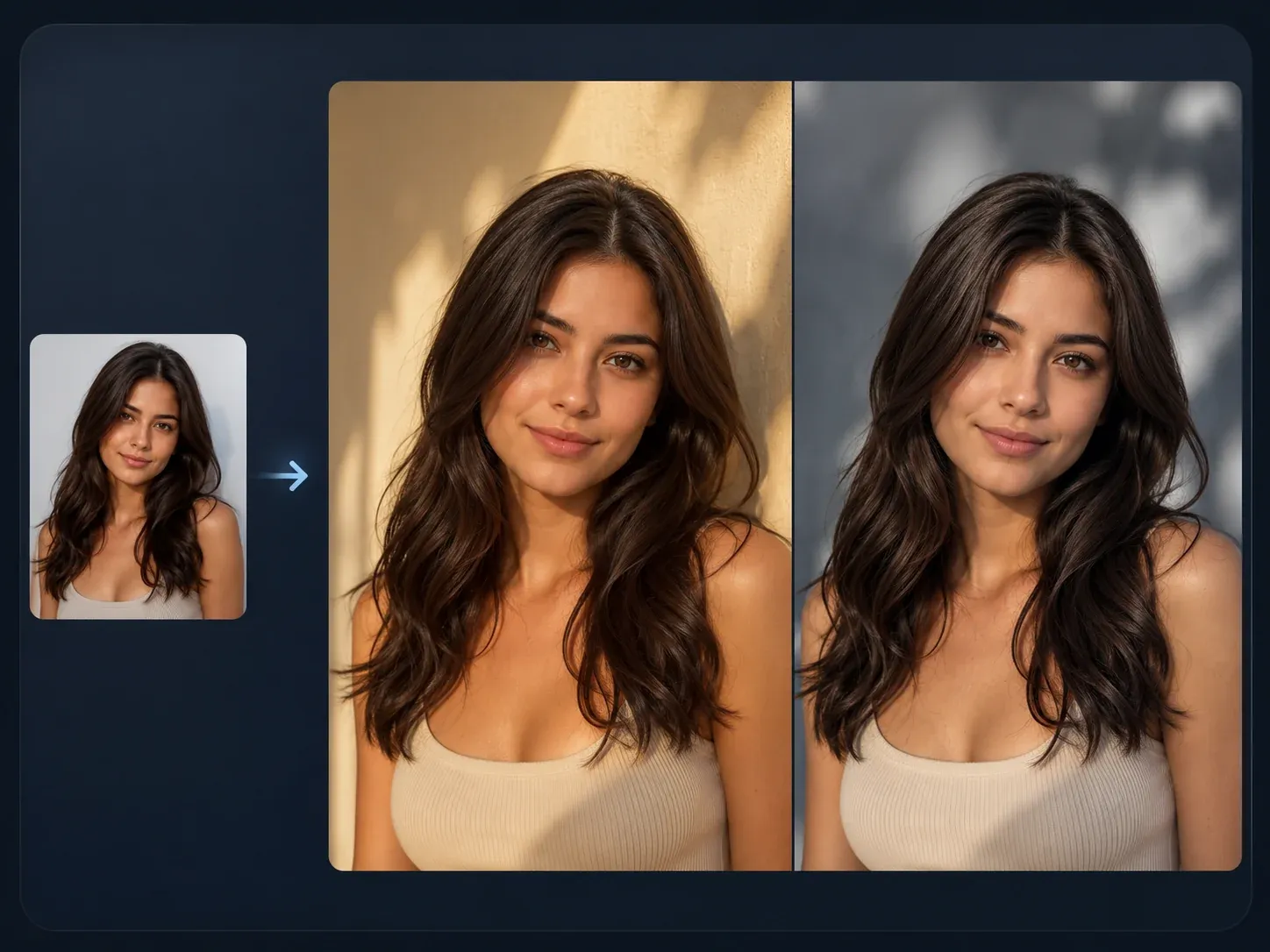
AI Image to Image
Refine the source still before animation when the composition is close but the visual direction needs a controlled restyle.

AI Image Editor
Clean one distracting object, weak background, or portrait detail before turning the still into motion.
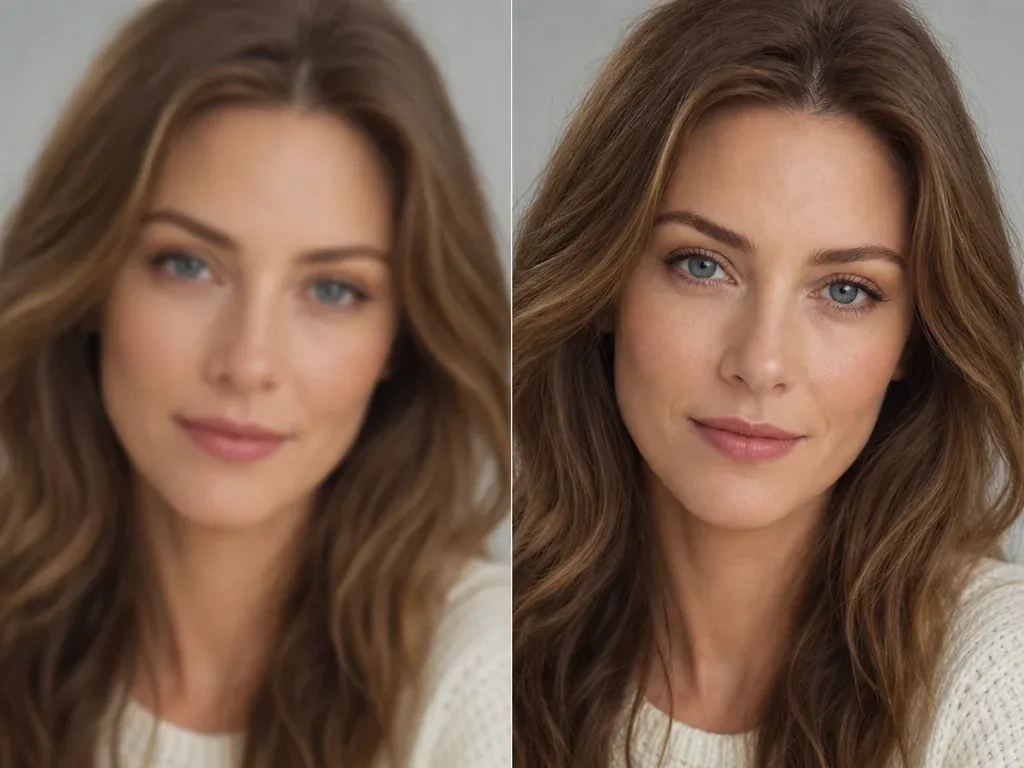
AI Image Upscaler
Sharpen the still frame or exported visual when the concept is right but the source looks too soft.
AI Video Generator Questions, Answered
Direct answers about text-to-video, image-to-video, prompts, source images, rights, workflow choices, and when to continue in another FaceAI tool.
An AI video generator creates a short moving clip from a written prompt or from an uploaded source image plus motion instructions.
Text-to-video starts from your prompt only. Image-to-video starts from one uploaded still image, so it is better when you already have a frame you want the motion to follow.
No. Use text-to-video when you only have a written idea. Upload one image only when you switch to image-to-video.
Text-to-video supports a fixed list of common ratios: 16:9, 9:16, 4:3, 3:4, and 1:1. Image-to-video follows the uploaded source frame more closely.
Write shot notes: one subject, one action, one camera move, lighting, and mood. A direct prompt is easier to judge than a long pile of style words.
Use one clear still frame with a readable subject, stable composition, and enough space for motion. Busy collages, tiny subjects, and low-detail uploads are harder to animate cleanly.
This page is for short first-pass clips. Use it to test motion direction, then move to a video editor or another FaceAI tool when the brief needs a longer production workflow.
Video generation has to infer movement between frames. Clear subject, simple action, and fewer competing ideas reduce drift, but faces, hands, product edges, and tiny details still need inspection.
You are responsible for rights to the prompt, source image, products, people, logos, and protected material inside the clip. Do not upload or describe material you are not allowed to use.
Yes, if you have the right to use them. Product frames and portraits work best when the image is clear and the motion request is narrow.
Do not rely on generation for exact typography, logos, or captions. Generate the visual motion first, then add precise text and brand marks later in an editor.
Use the first clip to judge the motion idea. If the clip is worth keeping, continue with enhancement, editing, captions, audio, or brand polish in the right next tool.
Use AI Video Enhancer after you already have a clip worth keeping and the problem is video quality, not the original idea or source frame.
Use Talking Photo when the main job is a speaking portrait, avatar-style message, or lip-sync style clip. Use this video generator for broader scene motion.
The workspace creates the task, waits for processing, then prepares the final media before showing the result actions. Keep the page open until the preview and download controls appear.
Start with the AI Video Generator Online
Write one clear shot prompt, choose text-to-video or image-to-video, and make the first short clip real enough to judge.