
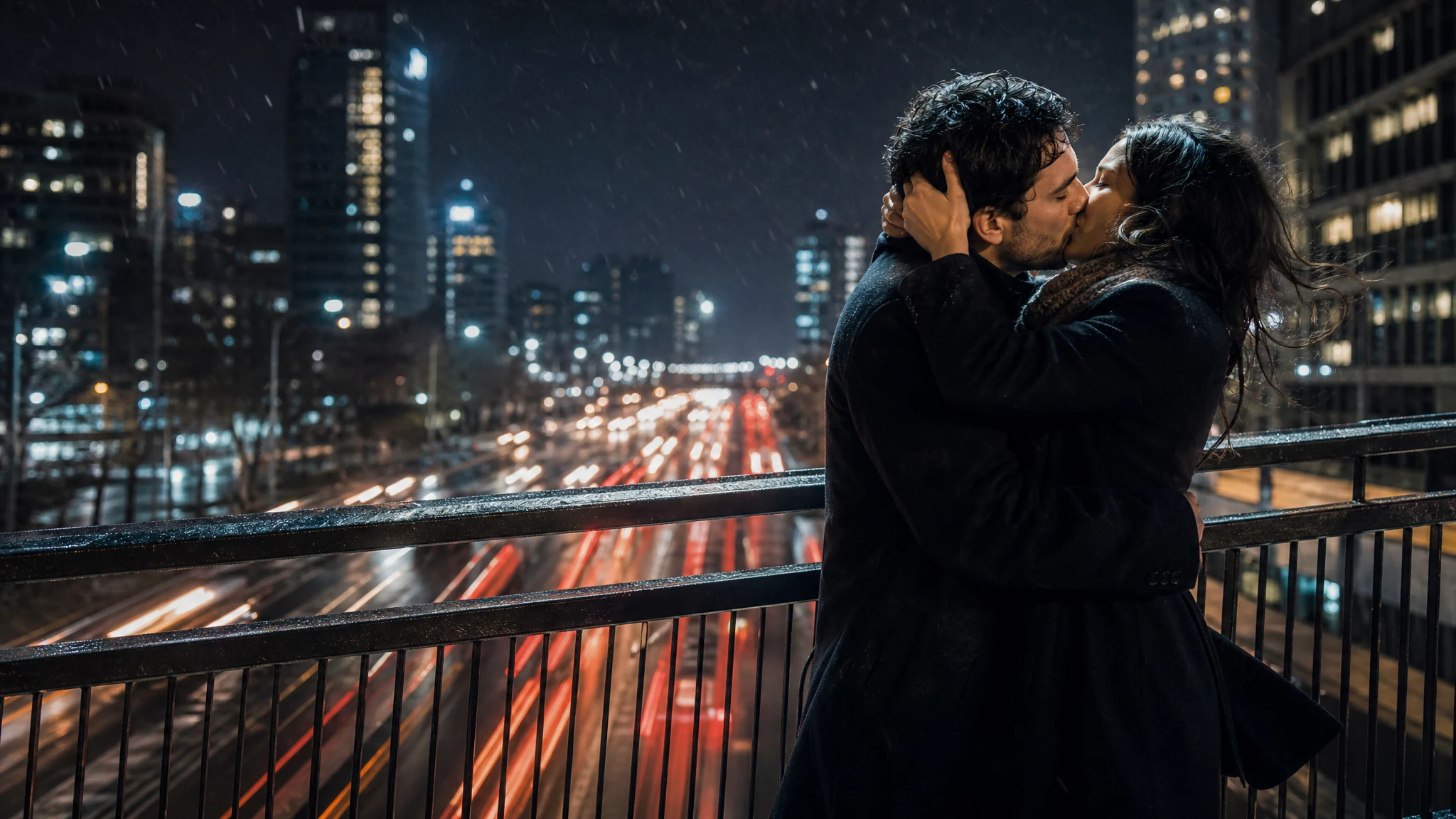
Passionate Kiss Generator for a Bold, Cinematic Kiss Video
Upload one couple photo or two solo portraits, choose a high-mood kissing prompt, and generate a short passionate kiss video. Review the moment they meet, then download the clip or try a different light.
Trusted by 12,000,000+ users worldwide.
How to Make a Passionate Kiss Video from Photos
Pick an input mode, describe one embrace, then review the frame where they meet.
Upload one or two photos for your passionate kiss video
Choose one couple photo, or two solo portraits when the two of you have never been in the same picture. Use clear photos you have permission to animate.
Describe the mood, not the whole scene
Write one embrace, the closeness, and the light you want. A short mood line keeps the heat on the faces and the hands instead of the background.
Generate and review the moment they meet
Pause where the kiss lands and check the eyes, lips, jaw, hands, and identity, then download the clip or calm the prompt down.
What Can You Make with a Passionate Kiss Generator?
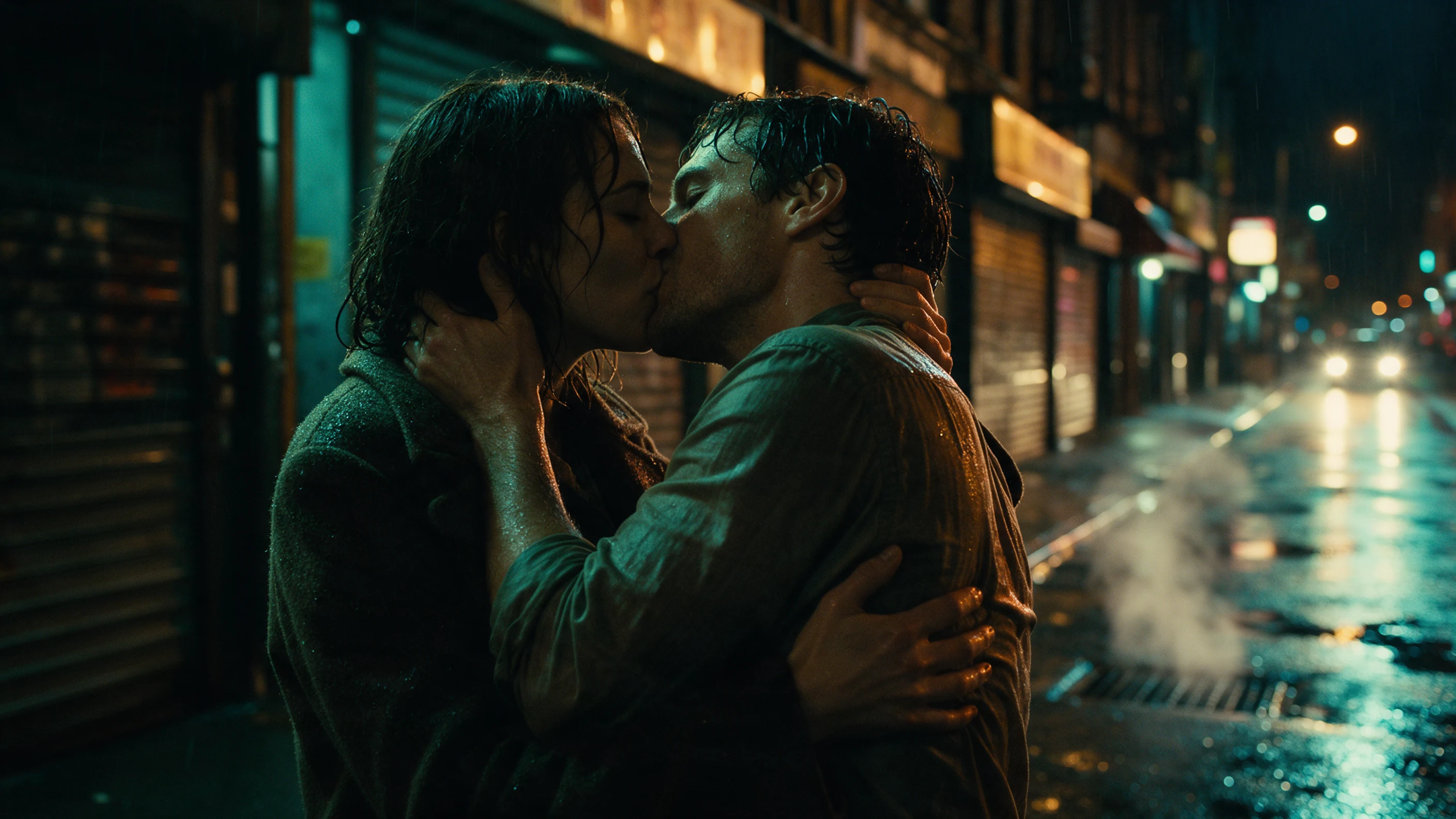
Start from one strongly lit couple photo or two solo portraits, then shape a high-mood kiss for a rainy night out, a windy shore, or a spotlight moment.
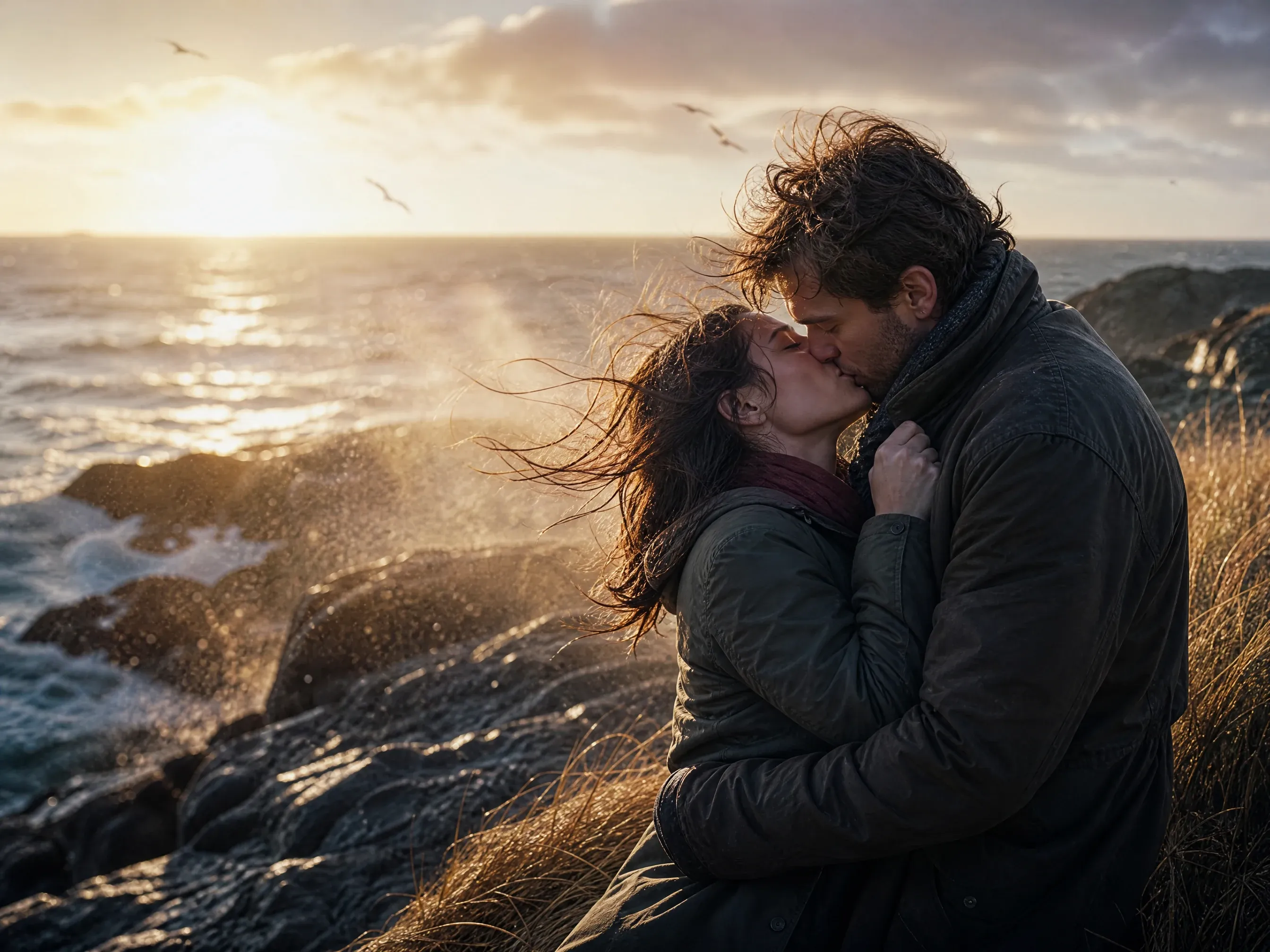
Turn a windy evening into a passionate kiss clip
Pick a photo with strong side light where both faces are clear. Describe one tight embrace and let the light and the wind carry the mood.
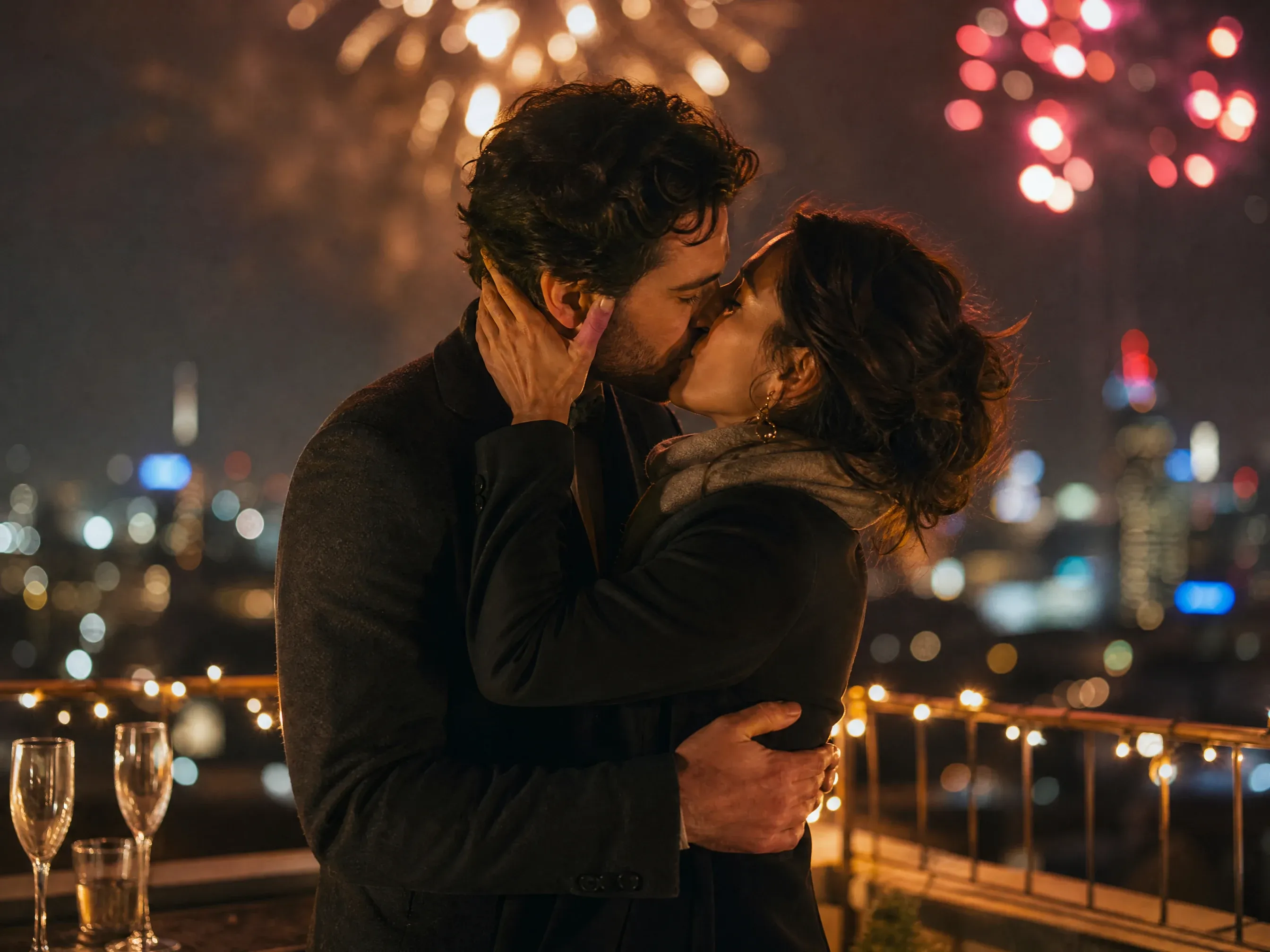
Pair two solo portraits for a long-distance passionate kiss
When the two of you have never been photographed together, upload one portrait each. The workbench pairs both faces so a long-distance couple can still share a high-mood kiss clip.
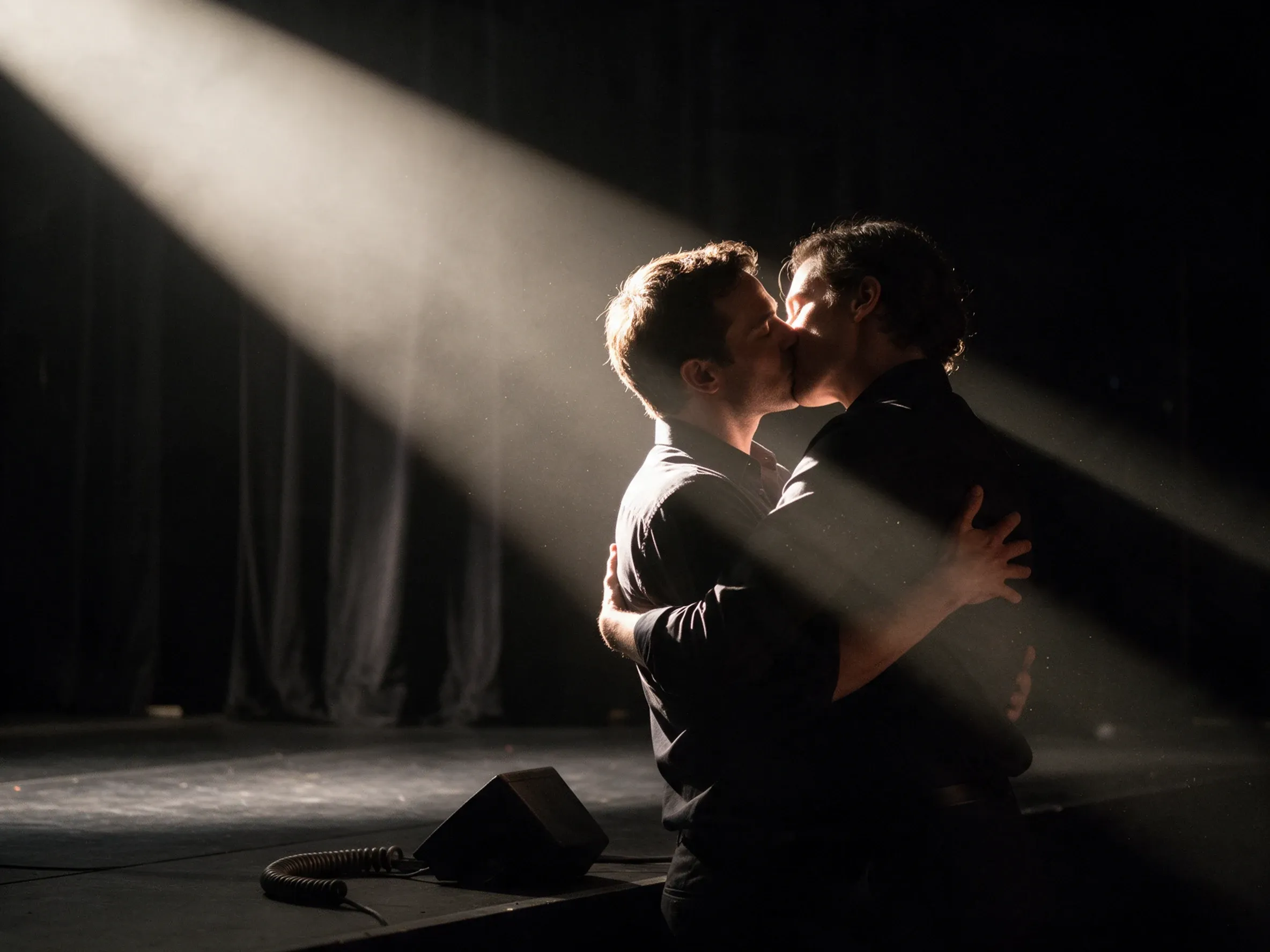
Keep a spotlight moment
Turn a photo into a short clip for an anniversary, a reunion, or a dramatic keepsake. Check the frame where the kiss lands before you keep it.
What Is a Passionate Kiss Generator?
A passionate kiss generator turns one couple photo or two solo portraits into a short video of a close, high-mood kiss. A passionate kiss is the kind where the two people come together in an embrace and the moment carries real momentum, and your prompt sets the light, the closeness, and how long the kiss holds.
Start with one or two photos
Use one photo when the couple already appears together, or two separate portraits when you only have individual images to work from.
Set the mood with a prompt
Choose a high-mood kissing idea from the library or write your own. Name the embrace, the light, and one camera move, and keep the action to a single kiss.
Get a short video to review
Preview the clip in the workbench, inspect the frame where the kiss lands, and download it when the mood and the faces both hold up.
Why Use FaceAI for a Passionate Kiss Video?
This passionate kiss generator keeps the upload modes, a high-mood kissing prompt library, lighting-first quality tips, history, and result preview in one workbench.
One photo or two portraits
Upload one couple photo, or two separate portraits when the pair has never been photographed together. Both modes feed the same passionate kiss video.
Prompt for light and momentum
Start from a high-mood kissing idea and describe the light, the embrace, and the pace. The heat reads from the lighting and the composition, not from pushing the motion to an extreme.
Compare two takes
Generate another pass after changing the source or the prompt, then reopen earlier clips from the Passionate Kiss Video History view and compare the moment the kiss lands.
How to Get a More Believable Passionate Kiss Video
A high-mood kiss usually fails at the hands and the mouths, not the scene. These four checks keep the faces steady while the light carries the heat.
Start with strong directional light
Side light, neon, or a bright rim gives the model contrast to work with. A flat, evenly lit photo reads like a snapshot no matter how the prompt is written.
Keep some environment in frame
A street, a shore, or a lit room gives a passionate kiss somewhere to happen. A cropped close-up removes the mood the scene was carrying.
Ask for one embrace, not more
One tight embrace with a single camera move reads as intense. Stacking gestures or asking for force is what makes the hands and mouths fall apart.
Inspect the frame where they meet
Pause where the kiss lands and check the eyes, lips, jaw, hands, identity, and background before you download or share.
AI Passionate Kiss Generator vs. a General Kiss Generator
A general kiss generator covers many kiss styles. This workspace is built around one mood: a high-energy embrace, from the first pull-together to the moment the kiss lands.
| Criteria | AI Passionate Kiss GeneratorOurs | General Kiss Generator |
|---|---|---|
| Input modes | One couple photo, or two separate portraits | Often one photo only |
| Motion focus | One tight embrace, with the heat carried by light and momentum | A menu of kiss styles to switch between |
| Prompt | A high-mood kissing prompt library plus your own lighting direction | Either a single preset or a blank prompt |
| Quality check | Pause the frame where the kiss lands | Scan the whole clip, start to finish |
| Best use | A dramatic keepsake clip built from your own photos | Fast one-tap clips with less control over the mood |
| Limit | No exact kiss motion or face match is guaranteed | A preset still does not lock in precise motion |
Input modes
One couple photo, or two separate portraits
Often one photo only
Motion focus
One tight embrace, with the heat carried by light and momentum
A menu of kiss styles to switch between
Prompt
A high-mood kissing prompt library plus your own lighting direction
Either a single preset or a blank prompt
Quality check
Pause the frame where the kiss lands
Scan the whole clip, start to finish
Best use
A dramatic keepsake clip built from your own photos
Fast one-tap clips with less control over the mood
Limit
No exact kiss motion or face match is guaranteed
A preset still does not lock in precise motion
How Couples Use a Passionate Kiss Video Generator
These comments focus on the image-to-video loop: choose one or two photos, write a lighting-first kissing prompt, inspect the contact frame, and decide whether to revise or keep it.
"The heat is in the light and the embrace. Push the motion further and the two faces stop reading as the same people."

Nina Volkov
Visual Design Director
"I always stop on the frame where they meet. If the hands read right there, the whole clip works."

Mia Torres
Design Director
"One camera move, one embrace, one contact. Add a third action and the faces start to melt."

Kai Nakamura
Global Creative Director
"A short mood prompt beats describing every movement. I name the light and the pace, then let the embrace happen."

Priya Chen
Creative Strategy Lead
"Strong side light did more for our clip than any adjective. I fix the source photo before I touch the prompt."

Haruka Kimura
Inbound Marketing Manager
"A passionate kiss is about momentum, not force. The clips where I asked for force are the ones I threw away."

Rafael Santos
VP of Creative
"The heat is in the light and the embrace. Push the motion further and the two faces stop reading as the same people."
Nina Volkov
Visual Design Director
"I always stop on the frame where they meet. If the hands read right there, the whole clip works."
Mia Torres
Design Director
"One camera move, one embrace, one contact. Add a third action and the faces start to melt."
Kai Nakamura
Global Creative Director
"A short mood prompt beats describing every movement. I name the light and the pace, then let the embrace happen."
Priya Chen
Creative Strategy Lead
"Strong side light did more for our clip than any adjective. I fix the source photo before I touch the prompt."
Haruka Kimura
Inbound Marketing Manager
"A passionate kiss is about momentum, not force. The clips where I asked for force are the ones I threw away."
Rafael Santos
VP of Creative
"We used two portraits from different cities. The workbench put us in one frame and the clip still read as a real moment."

Jordan Kim
Growth Lead
"The heat is in the light and the embrace. Push the motion further and the two faces stop reading as the same people."
Nina Volkov
Visual Design Director
"I always stop on the frame where they meet. If the hands read right there, the whole clip works."
Mia Torres
Design Director
"One camera move, one embrace, one contact. Add a third action and the faces start to melt."
Kai Nakamura
Global Creative Director
"A short mood prompt beats describing every movement. I name the light and the pace, then let the embrace happen."
Priya Chen
Creative Strategy Lead
"Strong side light did more for our clip than any adjective. I fix the source photo before I touch the prompt."
Haruka Kimura
Inbound Marketing Manager
"A passionate kiss is about momentum, not force. The clips where I asked for force are the ones I threw away."
Rafael Santos
VP of Creative
"We used two portraits from different cities. The workbench put us in one frame and the clip still read as a real moment."
Jordan Kim
Growth Lead
"I keep the environment in frame. A neon street or a windy shore gives a passionate kiss somewhere to happen, instead of a floating close-up."

Amara Johansson
Head of Visual Identity
"Two solo portraits solved the "we have no photo together" problem. I kept both faces front-facing and the embrace still landed."

Devon Park
Interactive Creative Director
"I honestly expected two separate portraits to look glued together. They did not, and I could compare a second pass before I picked one."

Alice Cooper
Retail Marketing Director
"I keep written consent from both people before I touch a photo for a romantic edit. Then I slow the contact frame, because that is where a warped lip or an extra finger shows up."

Anya Ramos
Influencer Partnerships Director
"A plain image-to-video prompt moved the scene but flattened the faces. A passionate kiss prompt keeps the intensity on the eyes and the embrace."

Rina Watanabe
Startup Marketing Lead
"I assumed a passionate kiss needed a big dramatic motion to feel intense. It does not. On a strong side-lit photo, one firm embrace with steady eye contact read hotter than any of the fast versions I tried first. I write one line of mood, keep one camera move, and let the light carry the heat. My first pass is usually usable, and I only regenerate when the contact frame shows a warped mouth or a hand that does not belong."

Sebastian Cruz
Viral Content Manager
"Two things cracked it for me. First the source photo: strong directional light, both faces clear, already close together. Second, restraint. When I asked for an intense cinematic kiss with a lot of movement, the mouths warped on the contact frame nearly every time. When I asked for one tight embrace and let the light carry the heat, both people stayed recognizable. I pause the contact frame, check the hands, and only then decide whether to keep the clip."

Talia Hassan
Community-Led Growth Manager
"I keep the environment in frame. A neon street or a windy shore gives a passionate kiss somewhere to happen, instead of a floating close-up."
Amara Johansson
Head of Visual Identity
"Two solo portraits solved the "we have no photo together" problem. I kept both faces front-facing and the embrace still landed."
Devon Park
Interactive Creative Director
"I honestly expected two separate portraits to look glued together. They did not, and I could compare a second pass before I picked one."
Alice Cooper
Retail Marketing Director
"I keep written consent from both people before I touch a photo for a romantic edit. Then I slow the contact frame, because that is where a warped lip or an extra finger shows up."
Anya Ramos
Influencer Partnerships Director
"A plain image-to-video prompt moved the scene but flattened the faces. A passionate kiss prompt keeps the intensity on the eyes and the embrace."
Rina Watanabe
Startup Marketing Lead
"I assumed a passionate kiss needed a big dramatic motion to feel intense. It does not. On a strong side-lit photo, one firm embrace with steady eye contact read hotter than any of the fast versions I tried first. I write one line of mood, keep one camera move, and let the light carry the heat. My first pass is usually usable, and I only regenerate when the contact frame shows a warped mouth or a hand that does not belong."
Sebastian Cruz
Viral Content Manager
"Two things cracked it for me. First the source photo: strong directional light, both faces clear, already close together. Second, restraint. When I asked for an intense cinematic kiss with a lot of movement, the mouths warped on the contact frame nearly every time. When I asked for one tight embrace and let the light carry the heat, both people stayed recognizable. I pause the contact frame, check the hands, and only then decide whether to keep the clip."
Talia Hassan
Community-Led Growth Manager
What Should You Try After a Passionate Kiss Video?
Reach for another FaceAI tool when you want a softer kissing motion, a different photo-to-video prompt, or a cleaner source photo.
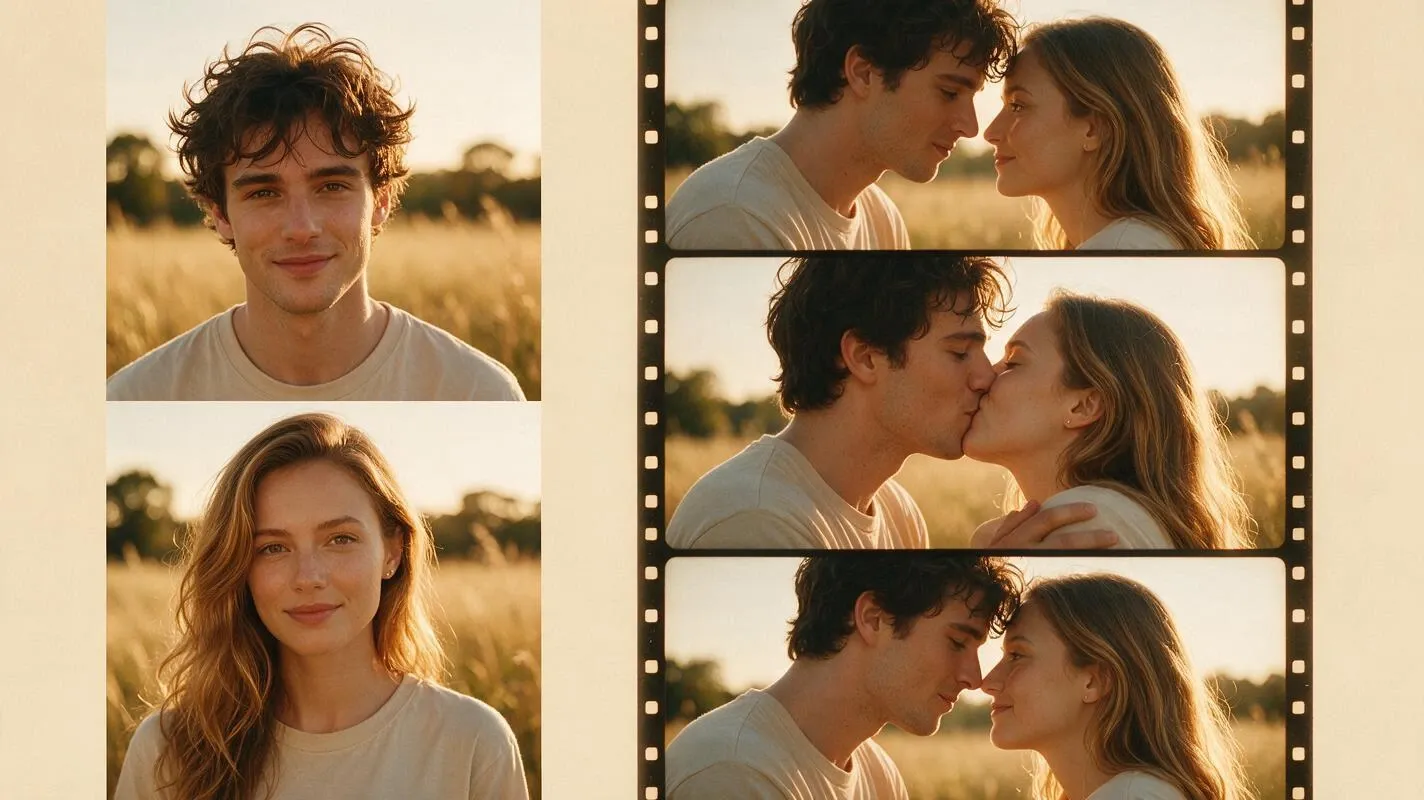
AI Kissing Generator
Use the broader kissing workspace when you want to compare several kiss styles side by side.
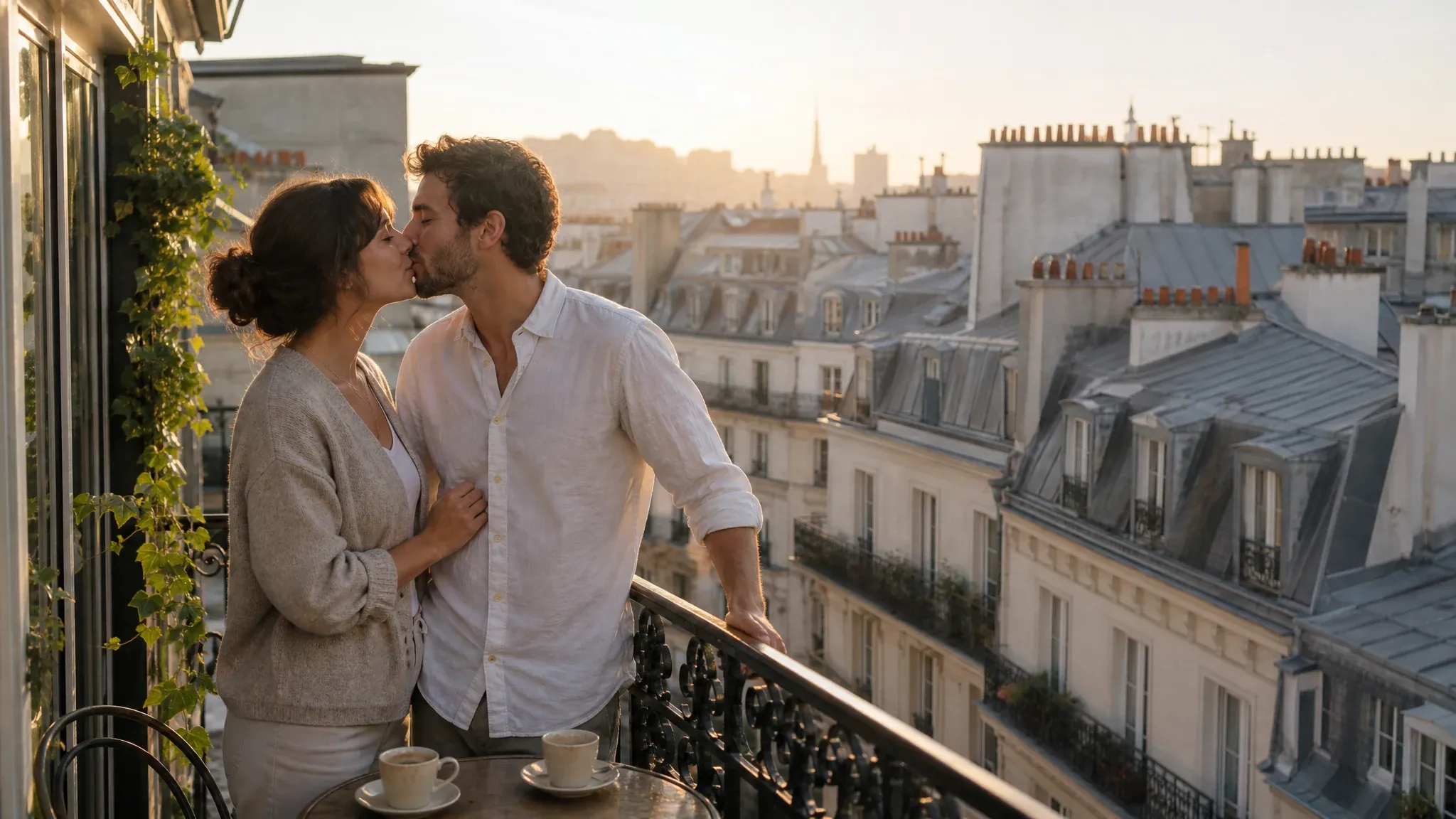
French Kiss Generator
Switch to the gentler workspace when the moment calls for something quieter than an embrace.

AI Image Editor
Clean up a source photo before you bring it back into the kiss workbench.
Passionate Kiss Generator Questions
Answers about the passionate kiss generator, photo inputs, prompts, results, and sharing.
A passionate kiss generator turns one couple photo or two solo portraits into a short video of a close, high-mood kiss. The photo sets the scene and the two people, and the prompt sets the light, the closeness, and how long the kiss holds.
A passionate kiss is the kind where two consenting people come together in an embrace and the moment carries real momentum. The intensity comes from the light, the closeness, and the body language rather than explicit content, and the generator animates that moment from your own photo.
Yes. Choose One couple photo when both people are already in the same image. Strong directional light and a clear view of both faces make the contact frame easier to review.
Yes. Choose Two solo portraits when the two of you were never photographed together, then upload one clear photo of each. The workbench combines the pair so you can still direct a high-mood kiss video.
Yes. Choose a library idea or write your own. Name the embrace, the light, one camera move, and the pace you want, and keep the request to a single kiss.
Photos with clear, visible faces and strong, directional light work best, and a scene you can still see helps the mood read. If you upload two portraits, make sure each person is easy to recognize before generating.
Duration and resolution follow the model you pick, so open the settings panel before you generate. Preview the finished clip instead of assuming every model returns the same size.
Yes. Once the clip finishes, watch it end to end and pause at the contact frame first, then use the download control in the result panel.
The workbench keeps a history view for past results. Open it to revisit a clip, then check the hands and the mouths again before downloading or sharing it.
Yes. Change the source photos or the prompt and generate again. The history view keeps earlier results so you can compare the mood and the moment the kiss lands.
An exact kiss motion or a perfect face match is not guaranteed. Check the frame where the kiss lands, then try a clearer photo or a shorter, calmer prompt with a single embrace if you want another result.
The workbench keeps each person recognizable where the model allows, but some frames can still drift, especially at the lips, jaw, and hands. Review the whole clip before you use it.
Watch the whole clip, especially the moment the kiss lands. Check the eyes, lips, jaw, hands, identity, clothing, and background, and share only with the permission of the people pictured.
Only animate photos you own or are allowed to use, and get consent from the people in the picture. Never create romantic edits of anyone who has not agreed.
Create a Passionate Kiss Video from Your Photos
Start with one couple photo or two solo portraits, describe one embrace, and review the moment they meet before you download.