
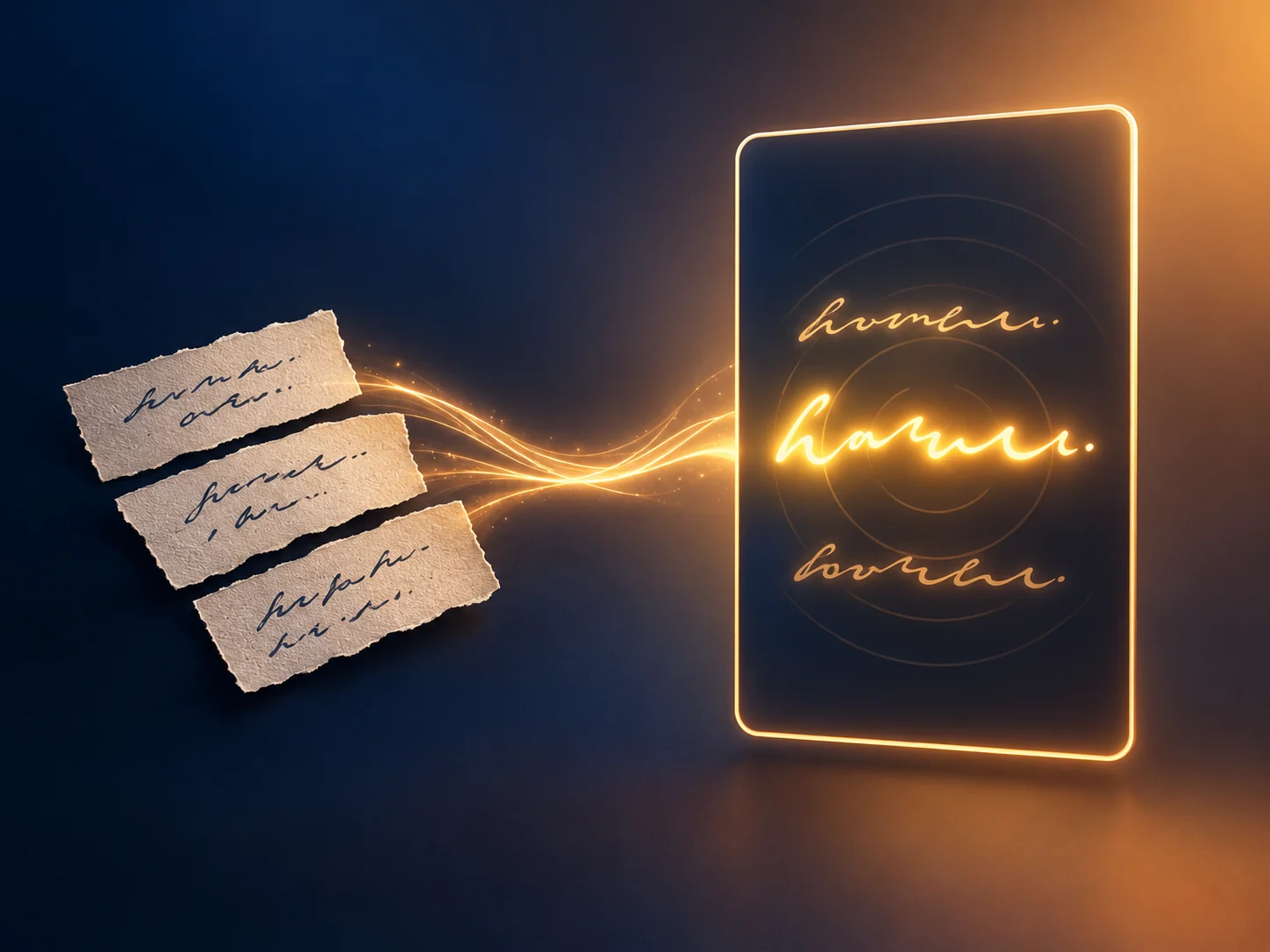
AI Music Video Generator: Turn Lyrics into an Animated Lyric Video
Paste your lyrics or load an LRC file, pick a theme, and watch an animated lyric video build in your browser. Add music and a character image if you want them, or keep it silent and type-only. Generate creates a version you can reopen and edit, and the preview is ready before you export. Take the result out as MP4, an After Effects plan, or a PNG sequence — free, with no sign-up and no watermark.
Trusted by 12,000,000+ users worldwide.
How to Make a Lyric Video in Three Steps
The whole workflow stays in the current browser, from the first line of lyrics to the exported file.
Add lyrics and optional music
Paste plain lyrics or load LRC timing. Music is optional, so you can also generate and export a silent lyric video.
Choose the look and the frame
Pick a theme, seed, aspect ratio, resolution, and background mode, then add a character image if the video needs one.
Generate, preview, and export
Generate a version, check it on the stage, fix the lines that land early, then export MP4, After Effects JSON, or PNG frames.
What Can You Make with an AI Music Video Generator?
Four jobs the browser workspace handles end to end — each one finishes as a file you can publish or hand to an editor.
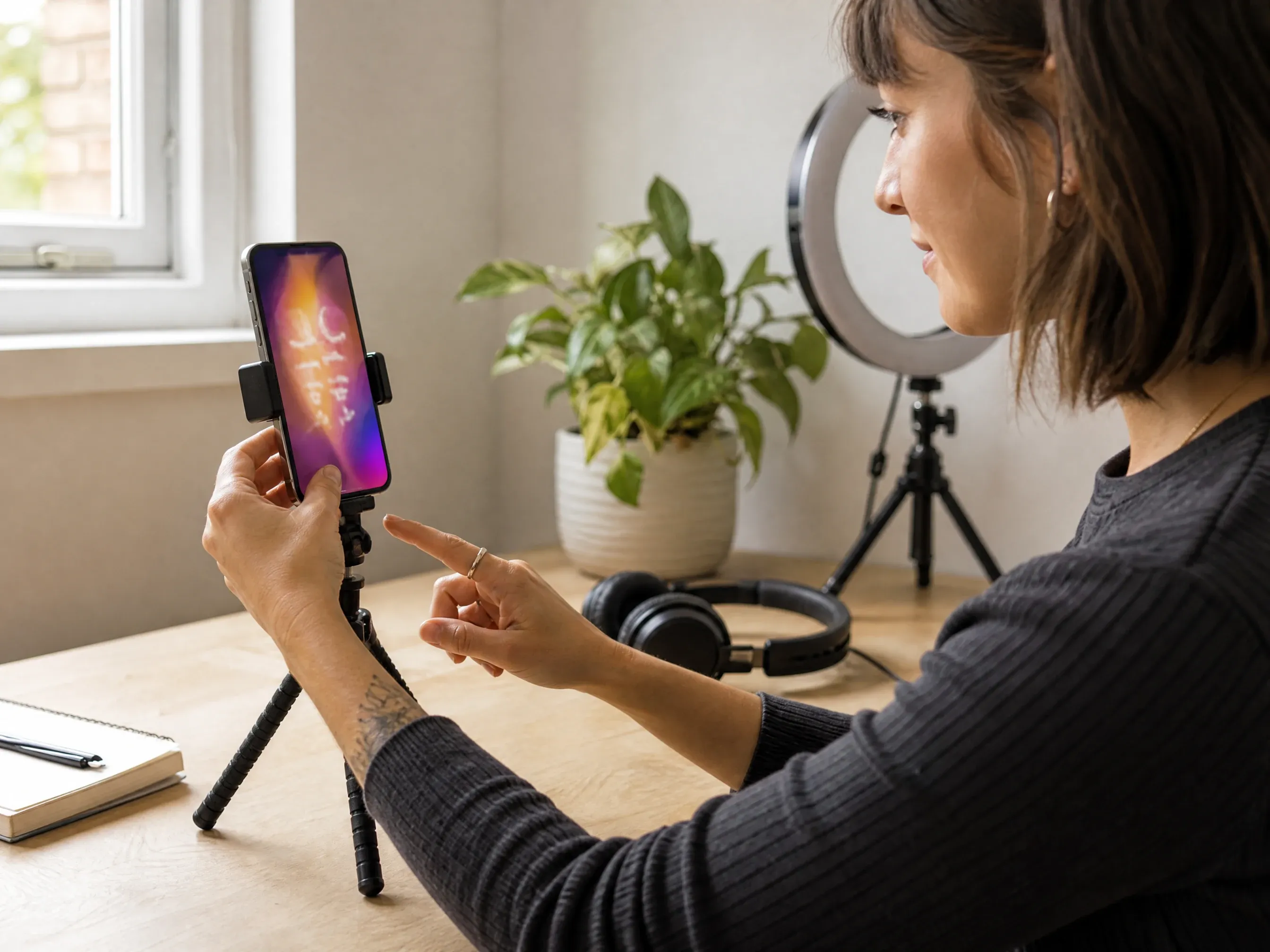
Vertical lyric clips for social
Switch the frame to 9:16, keep one line on screen at a time, and export a clip sized for TikTok, Reels, and Shorts. No editor, no re-export loop.
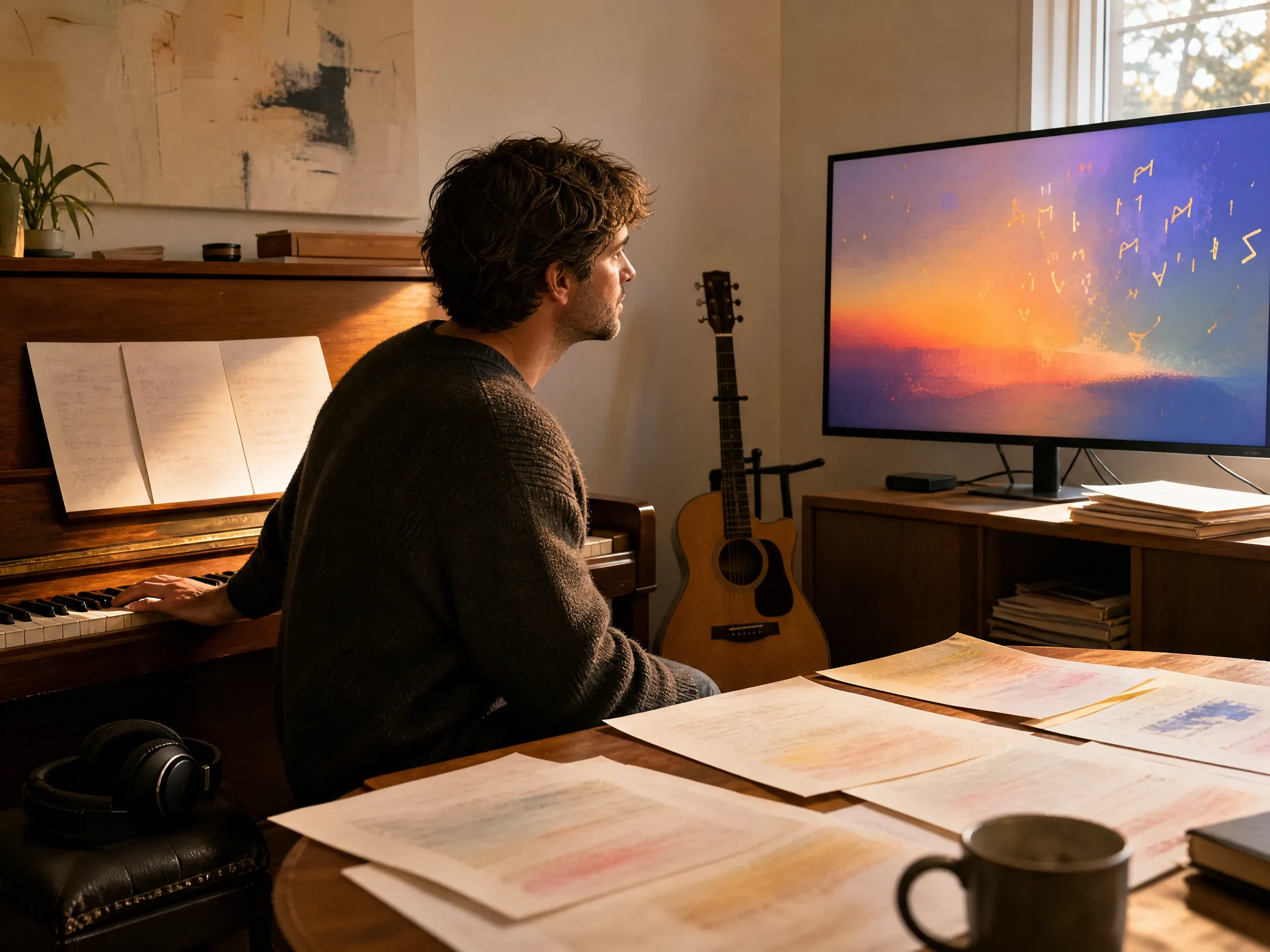
A full-song lyric video for a release
Load the whole track and the full lyric sheet, let the theme carry the mood, and export one video that runs the length of the song instead of a 15-second teaser.
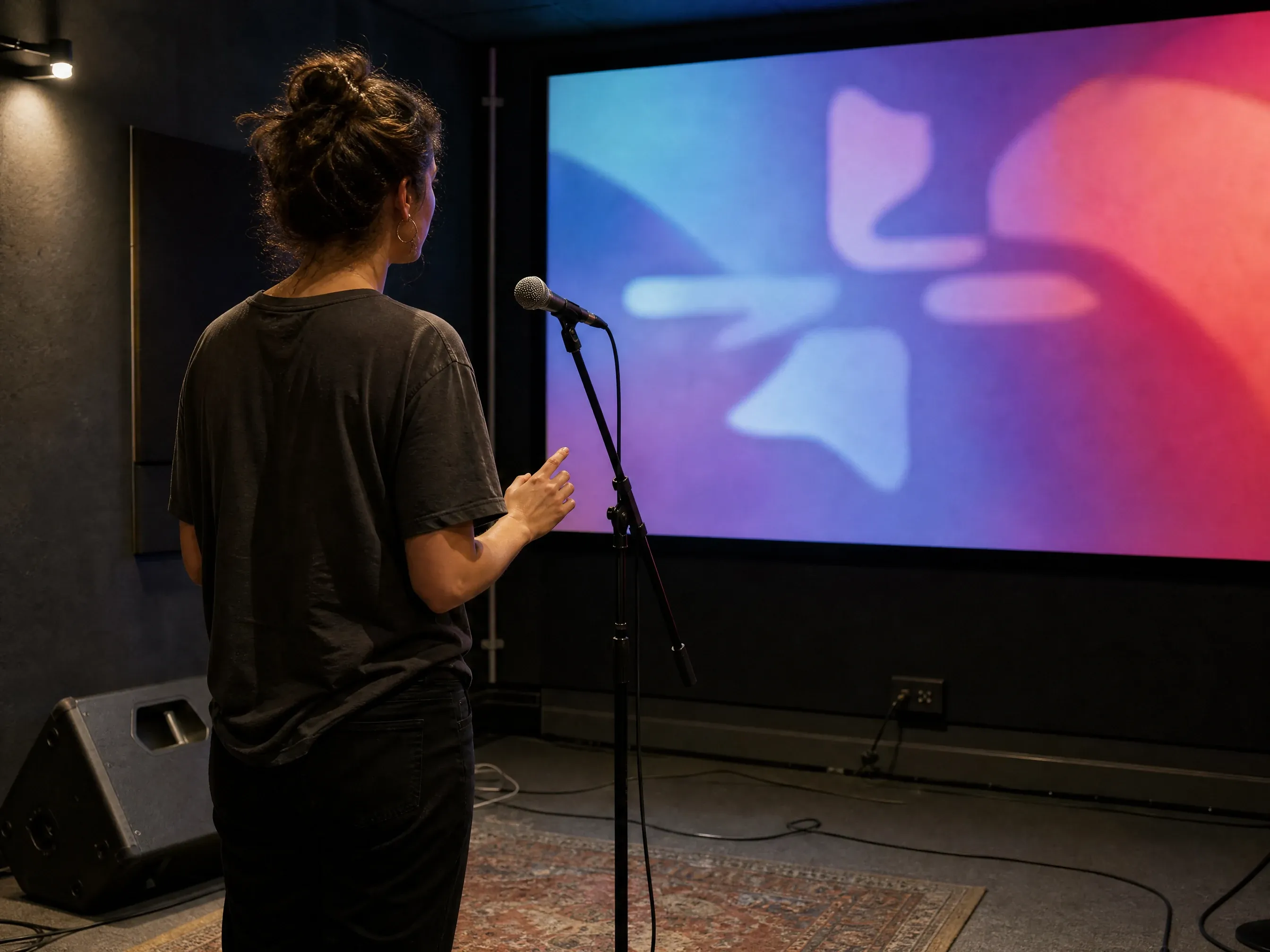
Karaoke-style sing-along videos
Import LRC timing and mark the emphasis and impact lines by hand, so the words land on the beat and the crowd can follow the next line before it arrives.
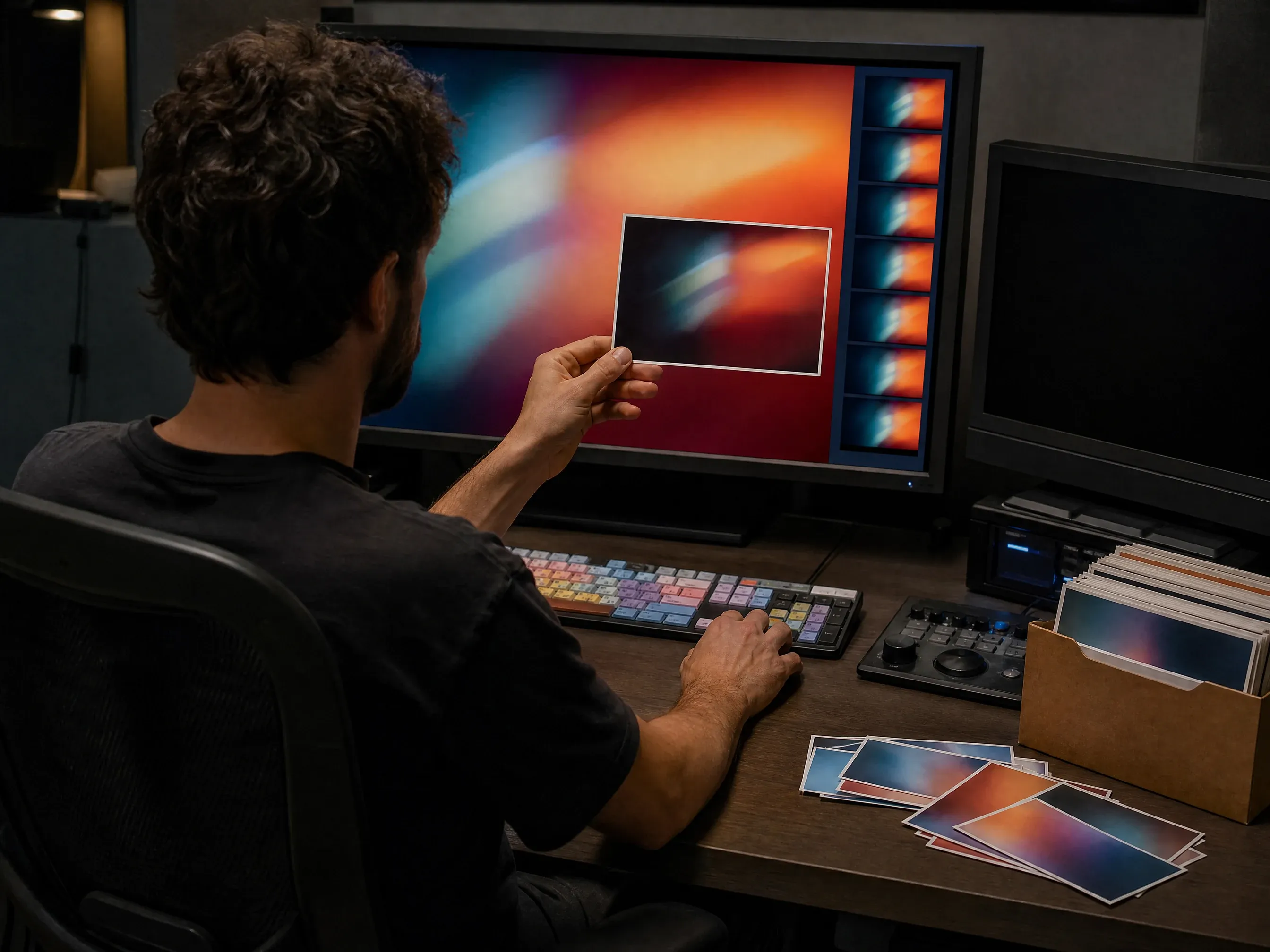
Frames and plans for a real edit
Export a transparent PNG sequence, a layered back/front PNG, or an After Effects plan JSON when the release needs motion design instead of type on a background.
What Is an AI Music Video Generator?
An AI music video generator turns a song and its words into a finished video. This one does it locally: you bring the lyrics, the tool builds the timing, the theme, and the frames, and the rendering happens on your own machine instead of on a server.
Start from lyrics, not a storyboard
Paste the words or load an LRC file. The plan follows your lines — no shot list, no scene-by-scene direction.
Six themes, one click apart
Lyric PV, Kinetic, Japanese and Wa, Horror, Pop, and Ballad set the whole look. Randomize steers within the theme you picked.
Music and character images are optional
Add an audio file to drive the beat grid and the MP4 soundtrack, or leave it out. Add up to four character images as a layer, or skip them entirely.
Local history you can reopen
Every successful Generate becomes a version. Open one, change it, and Generate again to keep the original alongside the new take.
How to Get a Cleaner Lyric Video
The input decides most of the output. These are the settings that change the result the most.
Create a lyric videoOne line per lyric, no stray blank rows
Blank rows between lines become empty beats. Keep the sheet tight so the timing stays even. Example: "We drove all night\nPast the last exit sign".
Use LRC when the timing must be exact
Plain lyrics spread the lines across the track. If a chorus has to hit a specific moment, import LRC timestamps and adjust from there.
Mark the impact lines
The syntax supports emphasis, impact, notes, and explicit interludes. Tagging the two or three biggest lines is enough to make the drop land.
Match the frame to where it will play
9:16 for short-form, 16:9 for a release or a lyric video on a screen behind the stage. Decide this before you generate, not after the export.
Browser Lyric Video Maker or a Cloud Music Video Generator?
Most AI music video tools upload your song and render scenes on their servers. This workspace renders lyric videos on your own machine. Pick by what you need the output to be.
| Criteria | Face AIOurs AI Music Video Generator | Cloud AI music video tools |
|---|---|---|
| Where it runs | In your browser, on your device. | On the provider servers, after you upload the song. |
| What you start with | Lyrics or an LRC file — audio is optional. | An audio track you upload or link. |
| What it creates | An animated lyric video: type, timing, theme, and an optional character layer. | AI-generated scenes, performers, or a singing avatar. |
| Cost | Free. Local rendering does not consume Credits or open a paid provider task. | Free trial credits, then a subscription for length, resolution, and watermark removal. |
| Watermark | No watermark is added to the export. | Often watermarked on the free tier. |
| Exports | MP4, large direct-write video, After Effects plan JSON, PNG sequence, transparent PNG, layered PNG, plus the project JSON and LRC. | Typically a single video file, sometimes up to 4K. |
| Limitation | It builds lyric videos, not filmed scenes, and Standard MP4 is capped at 1080p, 30 FPS, and 10 minutes. | Longer or higher-resolution renders usually need a paid plan. |
Where it runs
In your browser, on your device.
On the provider servers, after you upload the song.
What you start with
Lyrics or an LRC file — audio is optional.
An audio track you upload or link.
What it creates
An animated lyric video: type, timing, theme, and an optional character layer.
AI-generated scenes, performers, or a singing avatar.
Cost
Free. Local rendering does not consume Credits or open a paid provider task.
Free trial credits, then a subscription for length, resolution, and watermark removal.
Watermark
No watermark is added to the export.
Often watermarked on the free tier.
Exports
MP4, large direct-write video, After Effects plan JSON, PNG sequence, transparent PNG, layered PNG, plus the project JSON and LRC.
Typically a single video file, sometimes up to 4K.
Limitation
It builds lyric videos, not filmed scenes, and Standard MP4 is capped at 1080p, 30 FPS, and 10 minutes.
Longer or higher-resolution renders usually need a paid plan.
Creators Using the Lyric Video Workspace
Artists, brand teams, and editors describing what they actually made.
"Vertical lyric clips in an afternoon. I did not open a video editor once."

Zara Davis
Social Media Director
"Our LRC files just load. Timing that used to be a manual job is now the starting point."

Ananya Iyer
Content Marketing Lead
"Nothing left the browser. That is the whole reason legal signed off on it."

Sofia Martinez
Head of Brand Social
"The AE export drops straight into our comp. No re-timing on the edit floor."

Leo Fitzgerald
Associate Creative Director
"Six themes, and the Kinetic one matched the campaign look on the first pass."

Mia Torres
Design Director
"It exports a transparent PNG sequence. That one line saved our motion designer a day."

Phuong Le
Retention Marketing Lead
"Vertical lyric clips in an afternoon. I did not open a video editor once."
Zara Davis
Social Media Director
"Our LRC files just load. Timing that used to be a manual job is now the starting point."
Ananya Iyer
Content Marketing Lead
"Nothing left the browser. That is the whole reason legal signed off on it."
Sofia Martinez
Head of Brand Social
"The AE export drops straight into our comp. No re-timing on the edit floor."
Leo Fitzgerald
Associate Creative Director
"Six themes, and the Kinetic one matched the campaign look on the first pass."
Mia Torres
Design Director
"It exports a transparent PNG sequence. That one line saved our motion designer a day."
Phuong Le
Retention Marketing Lead
"No credits, no queue, no upload. I keep forgetting it is free."

Nkechi Obi
Marketing & Brand Manager
"Vertical lyric clips in an afternoon. I did not open a video editor once."
Zara Davis
Social Media Director
"Our LRC files just load. Timing that used to be a manual job is now the starting point."
Ananya Iyer
Content Marketing Lead
"Nothing left the browser. That is the whole reason legal signed off on it."
Sofia Martinez
Head of Brand Social
"The AE export drops straight into our comp. No re-timing on the edit floor."
Leo Fitzgerald
Associate Creative Director
"Six themes, and the Kinetic one matched the campaign look on the first pass."
Mia Torres
Design Director
"It exports a transparent PNG sequence. That one line saved our motion designer a day."
Phuong Le
Retention Marketing Lead
"No credits, no queue, no upload. I keep forgetting it is free."
Nkechi Obi
Marketing & Brand Manager
"We used to book a motion designer for every single release. Now the lyrics go in, the preview comes up, and we only bring in an editor when the track really needs scenes instead of type."

Emma Johansson
Head of Content Strategy
"I expected a toy that spits out a template. What I got was timing I could actually correct — I set the impact lines by hand for the drop, exported a 9:16 cut for the paid social flight, and the client approved it on the first review."

Mateo Gutierrez
Advertising Operations Manager
"Same lyrics, six themes, side by side. We stopped arguing about the look and picked one."

Chiara Bianchi
Content Marketing VP
"I opened a history version, changed the theme, and generated again. The original stayed intact."

Devon Park
Interactive Creative Director
"No studio, no editor, no invoice. Two lines of lyrics and a background became the release video."

Amara Okafor
Founder & CEO
"What sold me was the honesty about the audio: it is optional, and the tool says so. I built a silent lyric video first to check the timing, then added the music and re-ran it, and the second version is the one that shipped."

Marie Laurent
Storytelling & Brand Lead
"I write lyrics long before anyone else hears them. Before this, a lyric video meant a favor from a friend with editing software. Now I paste the words, pick a theme and a vertical frame, watch the preview, fix the two lines that land early, and export. The draft is in my hands the same evening I finish the song."

Kendra Clark
Founder & Creative Director
"We used to book a motion designer for every single release. Now the lyrics go in, the preview comes up, and we only bring in an editor when the track really needs scenes instead of type."
Emma Johansson
Head of Content Strategy
"I expected a toy that spits out a template. What I got was timing I could actually correct — I set the impact lines by hand for the drop, exported a 9:16 cut for the paid social flight, and the client approved it on the first review."
Mateo Gutierrez
Advertising Operations Manager
"Same lyrics, six themes, side by side. We stopped arguing about the look and picked one."
Chiara Bianchi
Content Marketing VP
"I opened a history version, changed the theme, and generated again. The original stayed intact."
Devon Park
Interactive Creative Director
"No studio, no editor, no invoice. Two lines of lyrics and a background became the release video."
Amara Okafor
Founder & CEO
"What sold me was the honesty about the audio: it is optional, and the tool says so. I built a silent lyric video first to check the timing, then added the music and re-ran it, and the second version is the one that shipped."
Marie Laurent
Storytelling & Brand Lead
"I write lyrics long before anyone else hears them. Before this, a lyric video meant a favor from a friend with editing software. Now I paste the words, pick a theme and a vertical frame, watch the preview, fix the two lines that land early, and export. The draft is in my hands the same evening I finish the song."
Kendra Clark
Founder & Creative Director
Take the Music Video Further
Three places to go next, depending on what you already have in hand.
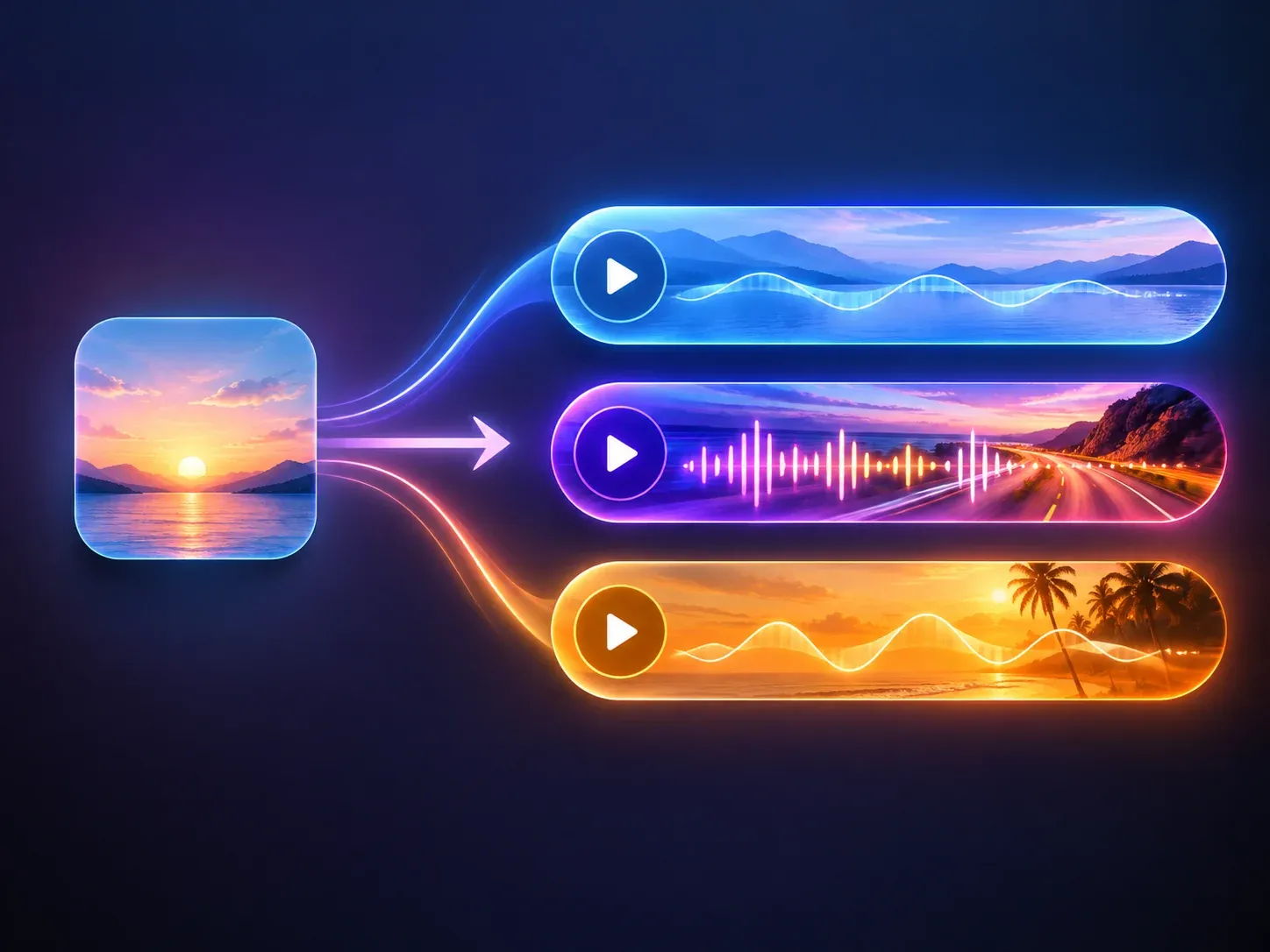
AI Music Generator
No track yet? Describe the mood and genre, generate a song, then bring it back here for the lyric video.

AI Music Extender
When the song is shorter than the video you have in mind, extend it first so the lyrics have room to breathe.
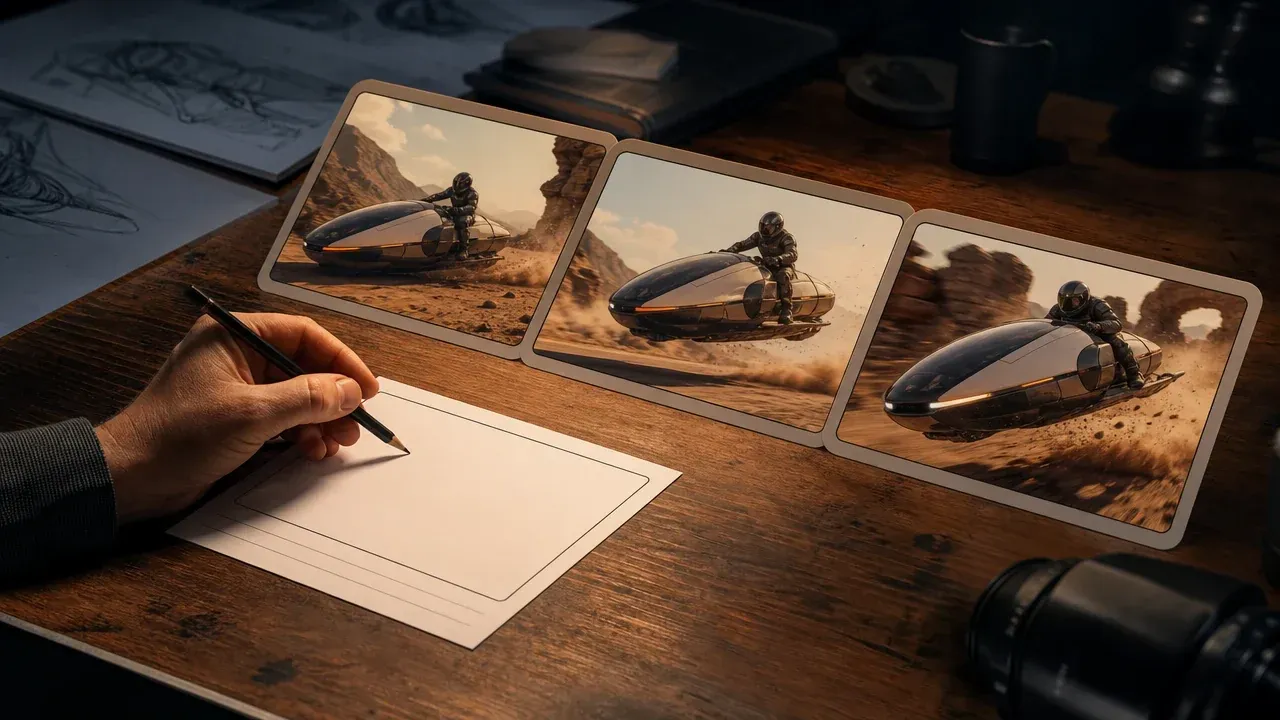
AI Video Generator
Take the exported frames into a visual edit when the release needs more than lyrics on a background.
AI Music Video Generator Questions
Answers about lyrics, audio, themes, exports, After Effects, and local browser history.
Yes. Planning, preview, local history, and every supported export run in your browser, so there are no Credits to spend and no paid provider task behind the Generate button.
No install is needed — it is a browser workspace. You can paste lyrics and generate the first video without downloading anything.
You can paste plain lyrics or load an LRC or text file. The lyric syntax also supports manual cuts, emphasis, impact lines, notes, comments, timestamps, and explicit interludes.
No. Music is optional. You can generate, preview, and export a silent lyric video when no audio file is loaded, and add the track later if you want the beat grid and the MP4 soundtrack.
Standard MP4 builds the result in browser memory and is limited to 1080p, 30 FPS, and 10 minutes. Large video uses direct file writing, supports higher resolution or 60 FPS, is limited to 5 minutes, and requires browser support for WebCodecs and File System Access.
The AE option downloads a version 2 plan JSON for an existing offline After Effects workflow. It does not install CEP, run ScriptUI, or build an After Effects composition inside the browser.
Yes. Set the aspect ratio to 9:16 before you generate and export the MP4 in that frame. The same project can be re-generated at 16:9 or 1:1 when the same lyrics are needed for a different channel.
Six themes set the overall look: Lyric PV, Kinetic, Japanese and Wa, Horror, Pop, and Ballad. Within a theme you can change the seed, the resolution, and the background mode, and Randomize steers the look while staying inside the theme.
Creation History stays only in the current browser for 72 hours, using localStorage for a lightweight index and IndexedDB for recoverable media and larger project data. It is not uploaded to the cloud. Clearing browser data or changing browsers or devices makes it unrecoverable, and expired records are removed together with their associated IndexedDB assets.
The generation runs locally, so the plan and the preview are built on your device rather than rendered by a remote video service. Anything you save to Creation History stays in the current browser and expires on its own.
You can download the export and keep it in your History. How a video may be used commercially depends on the rights you hold for the song, the lyrics, and any character image you add — this page does not grant or promise a commercial licence.
Make a Free Lyric Music Video Now
Add your lyrics, choose the theme and the frame, generate the preview, and export from your browser. Free, no sign-up, no watermark.