

AI Poster Generator for Campaign Visuals, Free Online
Create poster-style visual drafts for product promotions, events, launches, seasonal sales, social ads, and cinematic campaign concepts. Start from a prompt or upload a source image for visual guidance, then download the keeper and add exact typography, dates, prices, QR codes, and brand marks in your design tool.
Trusted by 12,000,000+ users worldwide.
How to Use the AI Poster Generator
Treat the prompt like a campaign brief: purpose, subject, channel, style, ratio, and what space should stay clean for manual typography.
Choose the poster job
Select product promo, seasonal sale, event, launch, social ad, cinematic key art, or local business direction before writing the brief.
Add prompt or source image
Write the visual direction from scratch, or upload a product, portrait, venue, or reference image when the poster should keep a real visual cue.
Generate and finish layout manually
Download the strongest visual base, then add exact headline, date, price, QR code, logo, print bleed, and legal copy in your design workflow.
What Can You Make with an AI Poster Generator?
Use it for real poster jobs where a visual route matters before final typography: product promos, events, launches, social ad variants, and text-safe production handoff.

Product promo posters
Create ecommerce poster visuals with product mood, lighting, background, and clean space for copy. Keep labels blank and add exact offer text later.
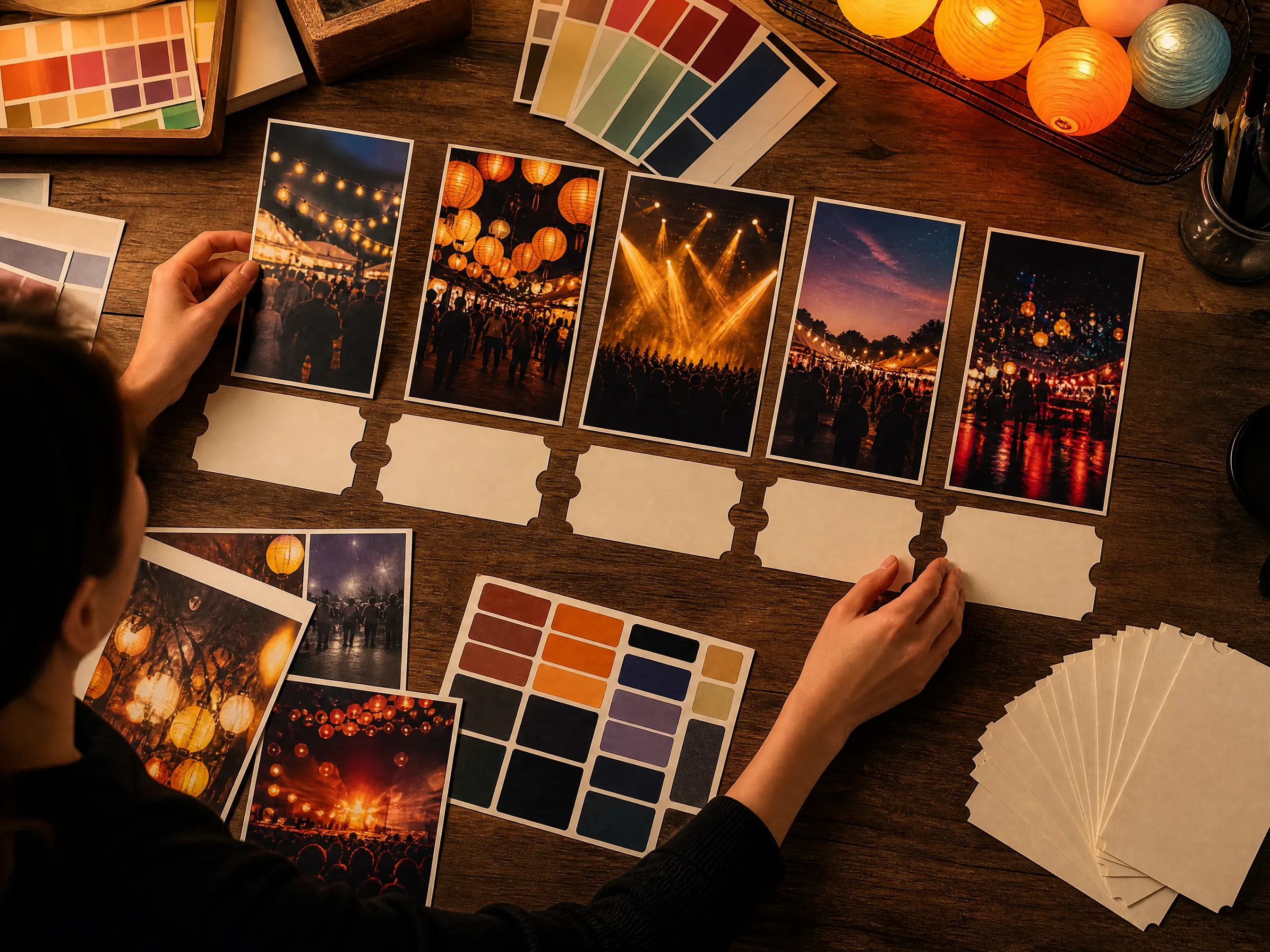
Event campaign visuals
Explore atmosphere for concerts, local events, launch nights, webinars, or pop-up campaigns without relying on generated event dates or venue text.
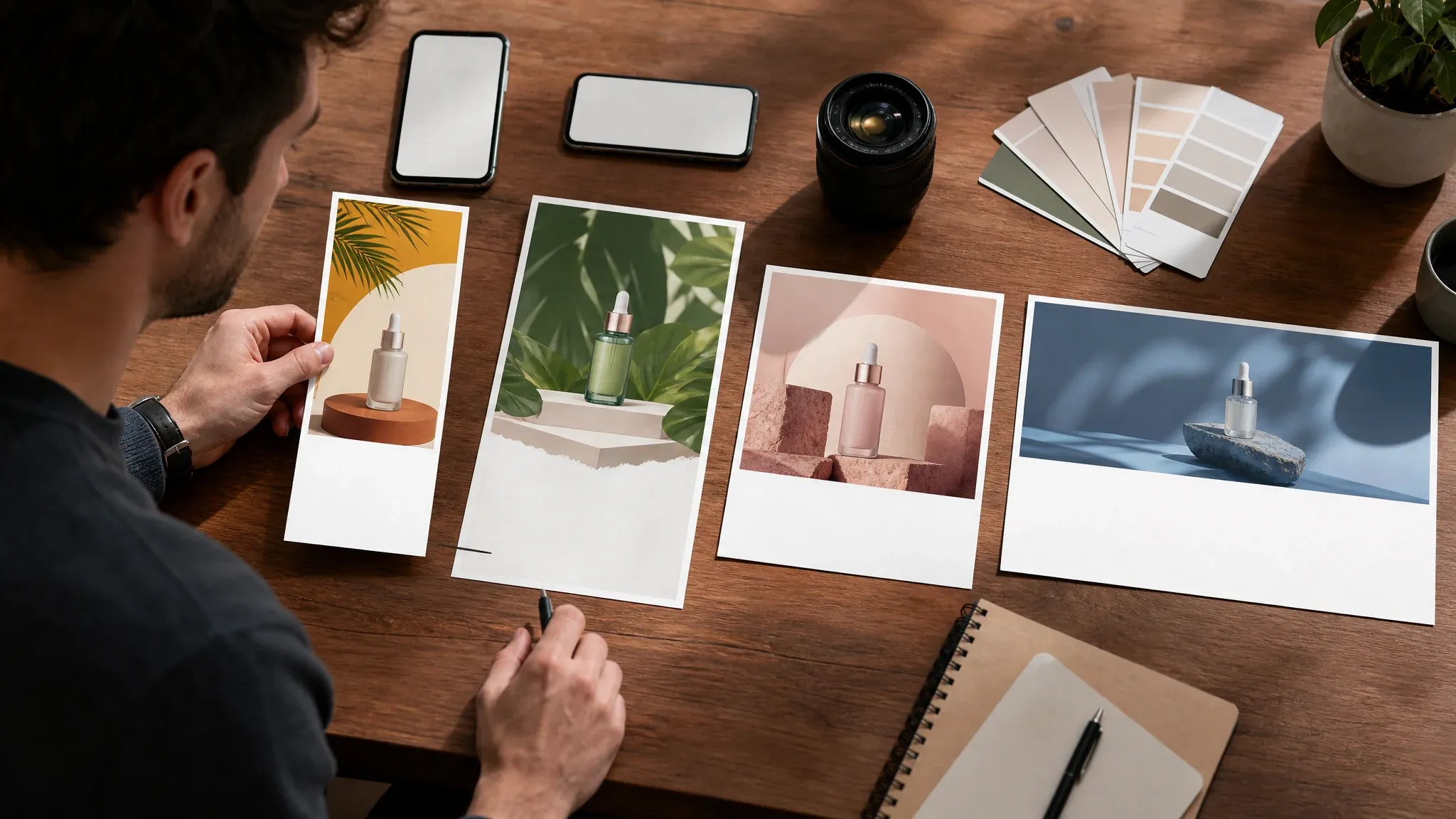
Social ad variants
Generate square, story, portrait, and wide poster-style crops for creative testing before a designer locks the final copy stack.
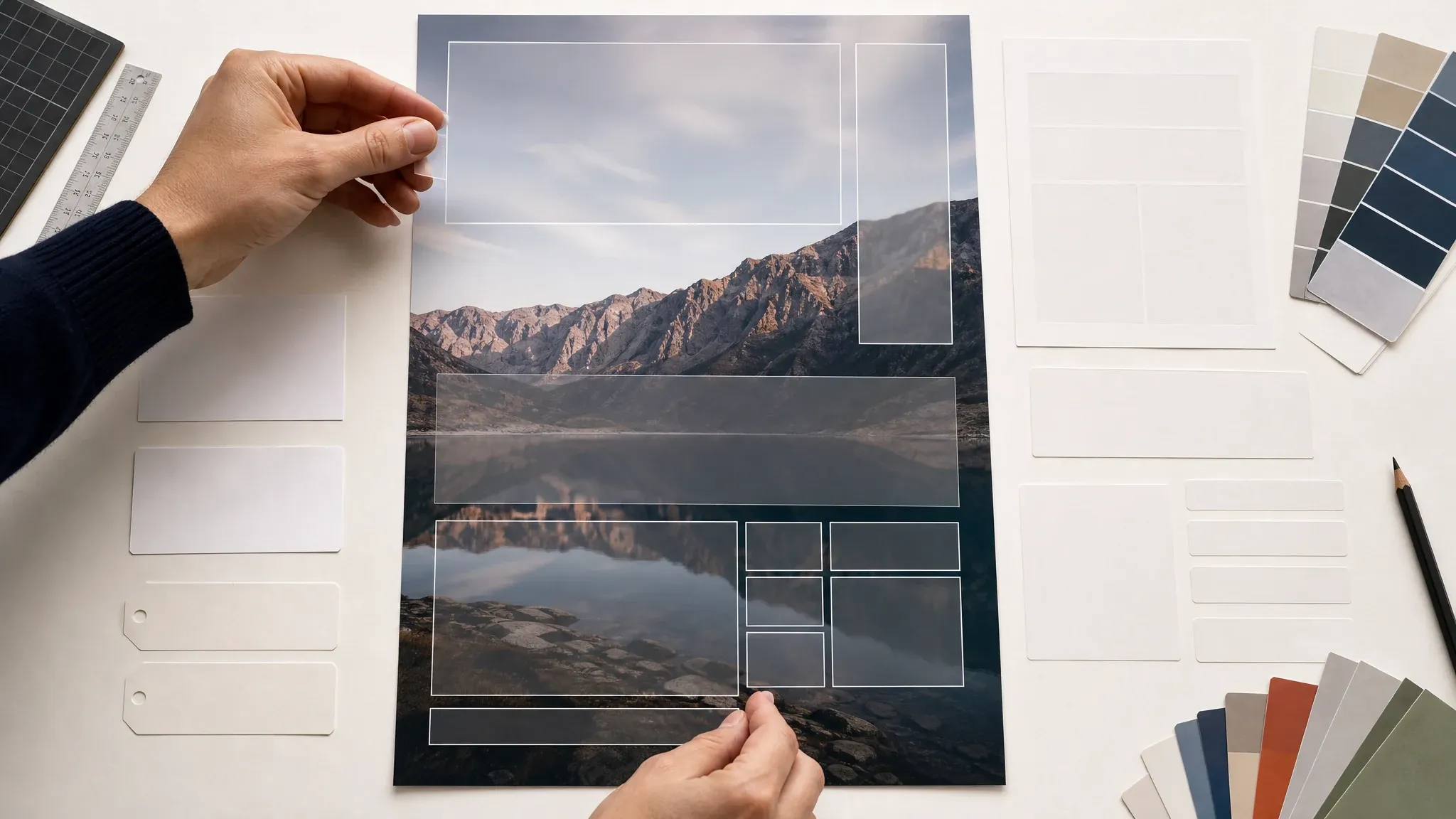
Text-safe workflow
Use the generated image as the visual base, then place headline, price, date, QR code, logo, disclaimers, and print specs in a deterministic editor.
What Is an AI Poster Generator?
An AI poster generator creates poster-style image drafts from a written brief and optional source image. It is best for campaign direction, visual concepts, and ratio exploration, not final editable design files.
Prompt-to-poster visual
Describe a poster concept with subject, purpose, style, ratio, light, scene, and copy-safe space to generate a new visual base.
Reference-guided poster drafts
Upload a source image when the visual should borrow product shape, portrait mood, venue cues, or campaign materials.
Export for real layout work
Download a strong visual direction and finish exact typography, logos, QR codes, legal copy, bleed, margins, and DPI outside generation.
Why Use FaceAI for Poster Visual Drafts?
The page keeps the actual workbench first, then explains the honest poster workflow: generate the visual base, compare versions, and finish deterministic layout elsewhere.
More than a prompt box
The function area includes optional source upload, poster purpose, style direction, ratio, examples, history, download, and next-step tools.
Campaign presets match real jobs
Product promo, seasonal sale, event, launch, social ad, key art, and local business prompts are different paths instead of one generic generator.
Clear production limits
FaceAI does not pretend generation can guarantee exact text, QR codes, brand marks, print bleed, DPI, or commercial clearance.
Built for iteration
Use history to compare versions, then continue into image-to-image, editing, upscaling, or motion only when a poster base is worth keeping.
How to Get Better AI Poster Results
A good poster prompt describes one job and one composition. It leaves the exact words to a tool that controls letters.
Name the poster purpose
Say product promo, event poster, sale ad, launch key art, store banner, social story, or restaurant promo so the composition has a clear job.
Reserve clean copy space
Ask for empty headline or detail space, blank panels, or clean negative space instead of asking the model to render exact slogans.
Use physical direction
Lighting, surface, product material, lens distance, background, crowd mood, and color palette are easier to follow than vague brand adjectives.
Do not outsource exact text
Add headlines, dates, prices, addresses, QR codes, logos, and legal disclaimers after export where every character can be checked.
AI Poster Generator vs. Design Templates, Stock Images, and Manual Layout
Use this table to pick the right workflow. FaceAI is for fast poster visual direction, not exact editable typography or print production guarantees.
| Criteria | Face AIOurs FaceAI poster workflow | Other workflows |
|---|---|---|
| Starting point | Prompt or optional source image plus poster purpose, style, ratio, and visual brief. | Template tools start from fixed layouts; stock search starts from existing images; manual design starts from a blank file. |
| Best use | Campaign art direction, product promo visuals, event mood, social ad variants, launch key art, and review decks. | Templates are better for final text placement; manual tools are better when the layout is already locked. |
| Text control | Best with blank/no-text poster bases and manual typography after export. | Design tools control every letter, date, QR code, price, logo, and disclaimer. |
| Source guidance | Optional reference image can guide product shape, portrait mood, venue, or campaign visual cues. | Stock images may not match your subject; templates may require manually replacing every visual. |
| Print readiness | Creates visual drafts; does not guarantee bleed, trim, margins, 300 DPI, or production proofing. | Print design tools and print shops remain the right place for final specs. |
| Next step | Download, refine with image-to-image or editor, upscale, then add exact layout in a deterministic design tool. | Many one-shot poster generators stop at a single download or overclaim final design control. |
Starting point
Prompt or optional source image plus poster purpose, style, ratio, and visual brief.
Template tools start from fixed layouts; stock search starts from existing images; manual design starts from a blank file.
Best use
Campaign art direction, product promo visuals, event mood, social ad variants, launch key art, and review decks.
Templates are better for final text placement; manual tools are better when the layout is already locked.
Text control
Best with blank/no-text poster bases and manual typography after export.
Design tools control every letter, date, QR code, price, logo, and disclaimer.
Source guidance
Optional reference image can guide product shape, portrait mood, venue, or campaign visual cues.
Stock images may not match your subject; templates may require manually replacing every visual.
Print readiness
Creates visual drafts; does not guarantee bleed, trim, margins, 300 DPI, or production proofing.
Print design tools and print shops remain the right place for final specs.
Next step
Download, refine with image-to-image or editor, upscale, then add exact layout in a deterministic design tool.
Many one-shot poster generators stop at a single download or overclaim final design control.
Check the Poster Before You Publish
Generated poster visuals still need a human production pass. Review the image as art direction, then finish the exact communication layer yourself.
Composition
Confirm the subject, focal point, crop, and negative space match the channel before you add text.
Copy safety
Remove fake letters or symbols. Add exact copy, dates, prices, and QR codes only in the final layout file.
Rights and brand fit
Avoid protected brands, public figures, copyrighted characters, and assets you do not have rights to use.
How Teams Use the AI Poster Generator
These comments focus on the practical loop: brief the poster job, generate text-safe visual bases, compare, then finish exact layout outside generation.
"The useful part is the poster brief structure. I can test event, sale, and launch directions without pretending the generated text is final typography."

Kai Nakamura
Global Creative Director
"We use it for early paid-social poster routes. The first pass gives the team composition and mood to react to before layout polish starts."

Nina Volkov
Visual Design Director
"The text-safe warning saves time. I generate the visual base here, then add the exact headline and date in a design file."

Rafael Santos
VP of Creative
"The presets help non-design teammates brief a real poster direction instead of uploading a file and hoping the model guesses the campaign."

Priya Chen
Creative Strategy Lead
"For product launches, I can compare cinematic, clean ecommerce, and bold sale routes in one place before choosing what goes to design."

Devon Park
Interactive Creative Director
"We use it for cover-style campaign art and event visuals. It is not a print production tool, but it is useful for deciding the visual route."

Mia Torres
Design Director
"The useful part is the poster brief structure. I can test event, sale, and launch directions without pretending the generated text is final typography."
Kai Nakamura
Global Creative Director
"We use it for early paid-social poster routes. The first pass gives the team composition and mood to react to before layout polish starts."
Nina Volkov
Visual Design Director
"The text-safe warning saves time. I generate the visual base here, then add the exact headline and date in a design file."
Rafael Santos
VP of Creative
"The presets help non-design teammates brief a real poster direction instead of uploading a file and hoping the model guesses the campaign."
Priya Chen
Creative Strategy Lead
"For product launches, I can compare cinematic, clean ecommerce, and bold sale routes in one place before choosing what goes to design."
Devon Park
Interactive Creative Director
"We use it for cover-style campaign art and event visuals. It is not a print production tool, but it is useful for deciding the visual route."
Mia Torres
Design Director
"The page is honest about exact copy, QR codes, and production specs. That makes it easier to use the result at the right stage of the workflow."

Zeke Williams
Senior Art Director
"The useful part is the poster brief structure. I can test event, sale, and launch directions without pretending the generated text is final typography."
Kai Nakamura
Global Creative Director
"We use it for early paid-social poster routes. The first pass gives the team composition and mood to react to before layout polish starts."
Nina Volkov
Visual Design Director
"The text-safe warning saves time. I generate the visual base here, then add the exact headline and date in a design file."
Rafael Santos
VP of Creative
"The presets help non-design teammates brief a real poster direction instead of uploading a file and hoping the model guesses the campaign."
Priya Chen
Creative Strategy Lead
"For product launches, I can compare cinematic, clean ecommerce, and bold sale routes in one place before choosing what goes to design."
Devon Park
Interactive Creative Director
"We use it for cover-style campaign art and event visuals. It is not a print production tool, but it is useful for deciding the visual route."
Mia Torres
Design Director
"The page is honest about exact copy, QR codes, and production specs. That makes it easier to use the result at the right stage of the workflow."
Zeke Williams
Senior Art Director
"The history panel matters because a small ratio or style change can make the poster feel like a different campaign."

Marie Laurent
Storytelling & Brand Lead
"It helps our team move from a campaign idea to a reviewable poster concept without starting in a blank design file."

Astrid Nielsen
Head of Thought Leadership
"The best outputs came from prompts that named the offer type, audience, scene, and text-free poster space."

Charlotte Beaumont
Director of Content Operations
"I like using a source product image for a visual cue, then asking for a poster-style scene around it. It is faster than pure prompt guessing."

Yifan Zheng
Demand Generation Lead
"For cinematic key art, I use it to explore mood and composition. Exact titles come later, but the image direction is enough for the first review."

Jordan Kim
Growth Lead
"The use-case presets keep the workflow practical: store banner, social ad, event, launch, and campaign poster drafts are all different jobs."

Aaliyah Williams
Digital Marketing Director
"The safest loop is to generate the art direction here, compare variants, and then add final campaign text where every character can be checked."

Jieun Park
Growth Marketing Lead
"The history panel matters because a small ratio or style change can make the poster feel like a different campaign."
Marie Laurent
Storytelling & Brand Lead
"It helps our team move from a campaign idea to a reviewable poster concept without starting in a blank design file."
Astrid Nielsen
Head of Thought Leadership
"The best outputs came from prompts that named the offer type, audience, scene, and text-free poster space."
Charlotte Beaumont
Director of Content Operations
"I like using a source product image for a visual cue, then asking for a poster-style scene around it. It is faster than pure prompt guessing."
Yifan Zheng
Demand Generation Lead
"For cinematic key art, I use it to explore mood and composition. Exact titles come later, but the image direction is enough for the first review."
Jordan Kim
Growth Lead
"The use-case presets keep the workflow practical: store banner, social ad, event, launch, and campaign poster drafts are all different jobs."
Aaliyah Williams
Digital Marketing Director
"The safest loop is to generate the art direction here, compare variants, and then add final campaign text where every character can be checked."
Jieun Park
Growth Marketing Lead
What Should You Try After a Poster Visual?
Choose the next FaceAI tool based on the real blocker: broader prompt exploration, source-guided variants, cleanup, sharper export, or motion follow-up.

AI Image Generator
Start here when the poster concept does not need a source image and you want a broader prompt-to-image exploration.
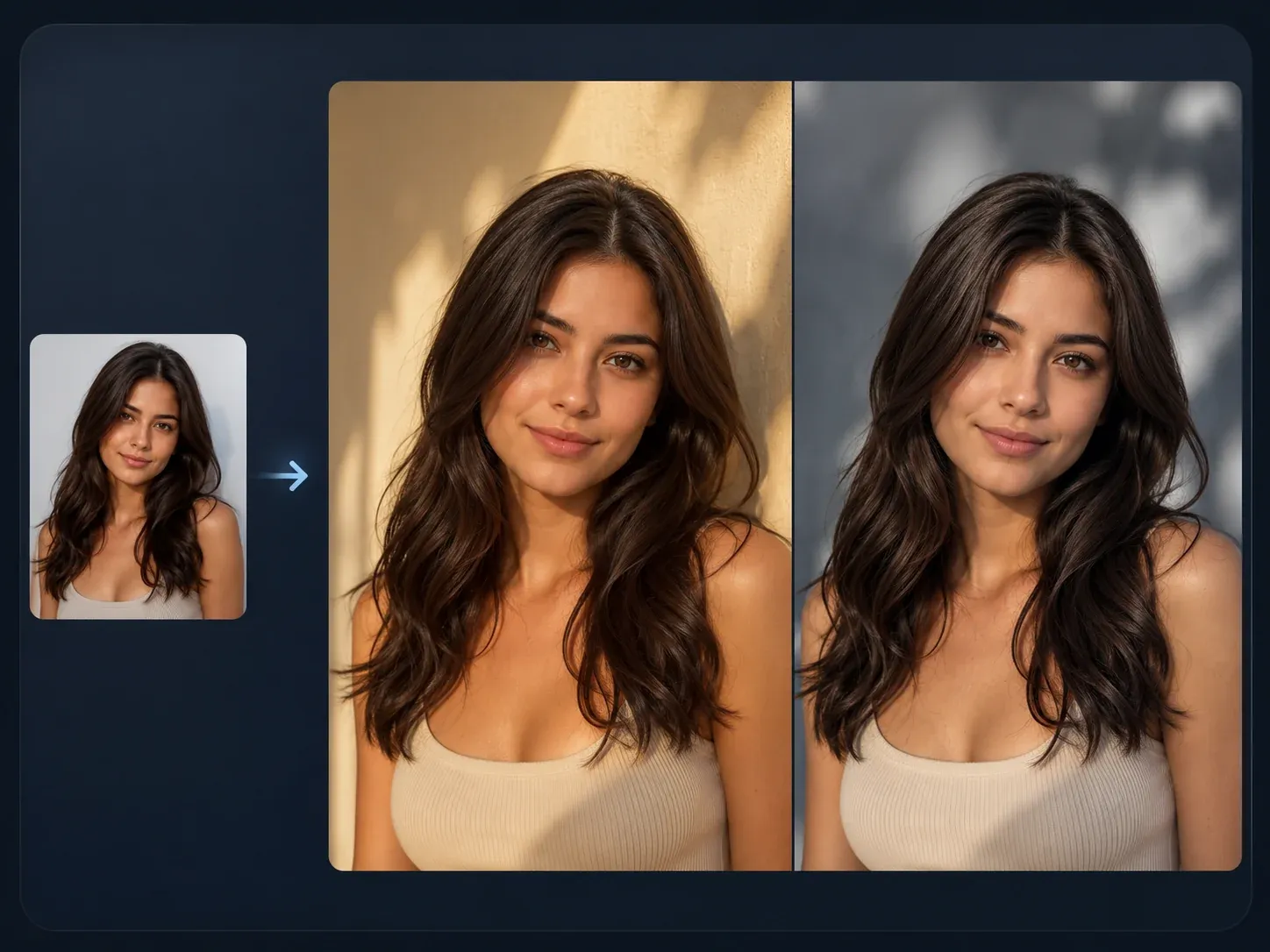
AI Image to Image
Use a source product, portrait, or campaign image when the poster should keep a visual reference while changing style or layout.

AI Image Editor
Clean up a keeper poster base, remove small artifacts, or prepare the visual before adding exact typography in a design tool.
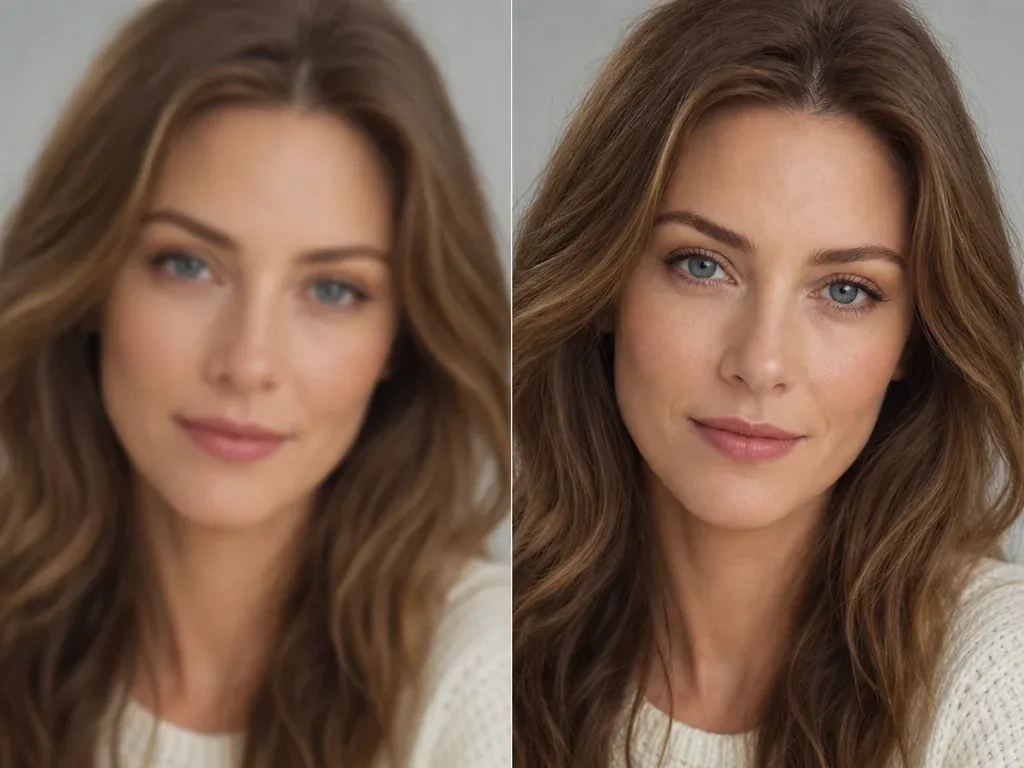
AI Image Upscaler
Sharpen the selected poster concept before using it in a deck, content calendar, or design handoff.
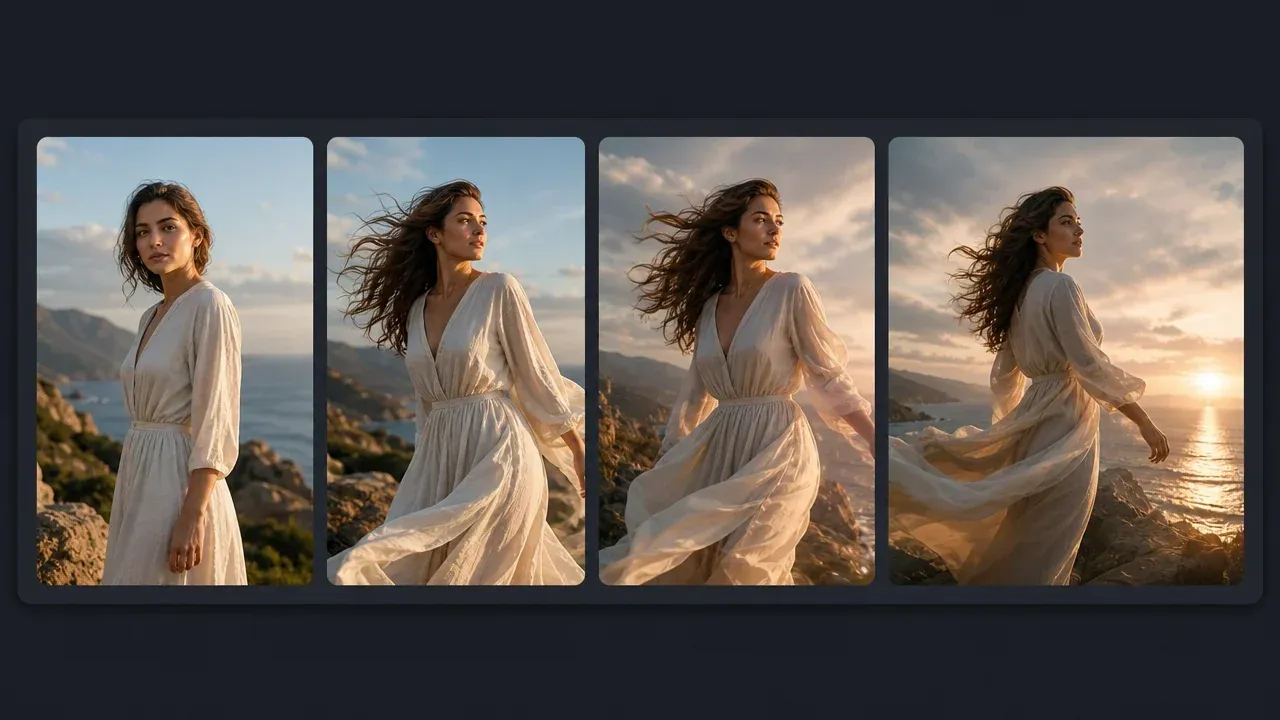
AI Image to Video Generator
Turn an approved poster still into a short motion test when the campaign also needs reels or launch teasers.
AI Poster Generator Questions, Answered
Direct answers about source images, poster presets, exact text, QR codes, print readiness, downloads, rights, and next-step editing.
It is an online tool that turns a written poster brief, and optionally a source image, into a poster-style visual draft for campaigns, events, products, launches, and social ads.
Yes. Open the workbench and create poster concepts with the current free 1K output.
No. You can generate from a prompt alone. Upload a source image only when the poster should keep a product, portrait, venue, or visual cue.
Not reliably. Use the generator for the visual base, then add exact headlines, dates, prices, addresses, QR codes, logos, and legal copy in a design tool.
Use square for feed posts, 4:5 or 3:4 for poster-style portraits, 9:16 for stories, 16:9 for launch heroes, and 4:3 for presentation or campaign boards.
Yes. Use blank-label products, lighting, surface, background, campaign mood, and clean copy space in the brief. Add final offer text and labels after export.
No. Treat it as a visual concept. Final print work still needs controlled dimensions, bleed, margins, color handling, DPI, proofing, and manual typography.
After the result appears, use the download control in the workbench. Keep the page open until the final image is ready, then check the file before adding final typography or print details.
You are responsible for rights around the prompt, source images, subject matter, and final layout. Avoid protected brands, public figures, copyrighted characters, and assets you do not own.
Use image-to-image for closer variants, editor for cleanup, upscaler for a sharper export, then finish exact layout in a design tool.
Start with the AI Poster Generator
Brief the campaign job, generate a text-safe poster visual base, then finish the exact typography and production details with full control.