
Starting point
Ours
Upload multiple photos and choose a fixed collage template.
Other collage workflows
Prompt-first collage tools may ask for text instructions and infer a layout automatically.
Drop in several photos, pick a collage template, choose square, story, landscape, or portrait ratio, then tune spacing, borders, corners, background color, and fit mode before exporting one finished image. Use it for travel recaps, family boards, product highlights, moodboards, and social posts without opening a heavy design suite.

Trusted by 12,000,000+ users worldwide. Built for guided template collage export with clear limits: no prompt-only layout promises, cloud workspace claims, or print-production guarantees.
The useful loop is short: choose photos, pick a template, tune the visual frame, then export a single image for posting, review, or sharing.
Add multiple JPG, PNG, or WEBP files and keep the set under the visible 12-photo cap.
Start from square, story, hero-left, scrapbook, magazine, moodboard, polaroid, or contact sheet templates.
Adjust ratio, spacing, borders, corners, background, fit mode, and format, then download the collage and keep recent exports in local history.
Build practical collages for social posts, product details, family memories, moodboards, story recaps, and creative review.
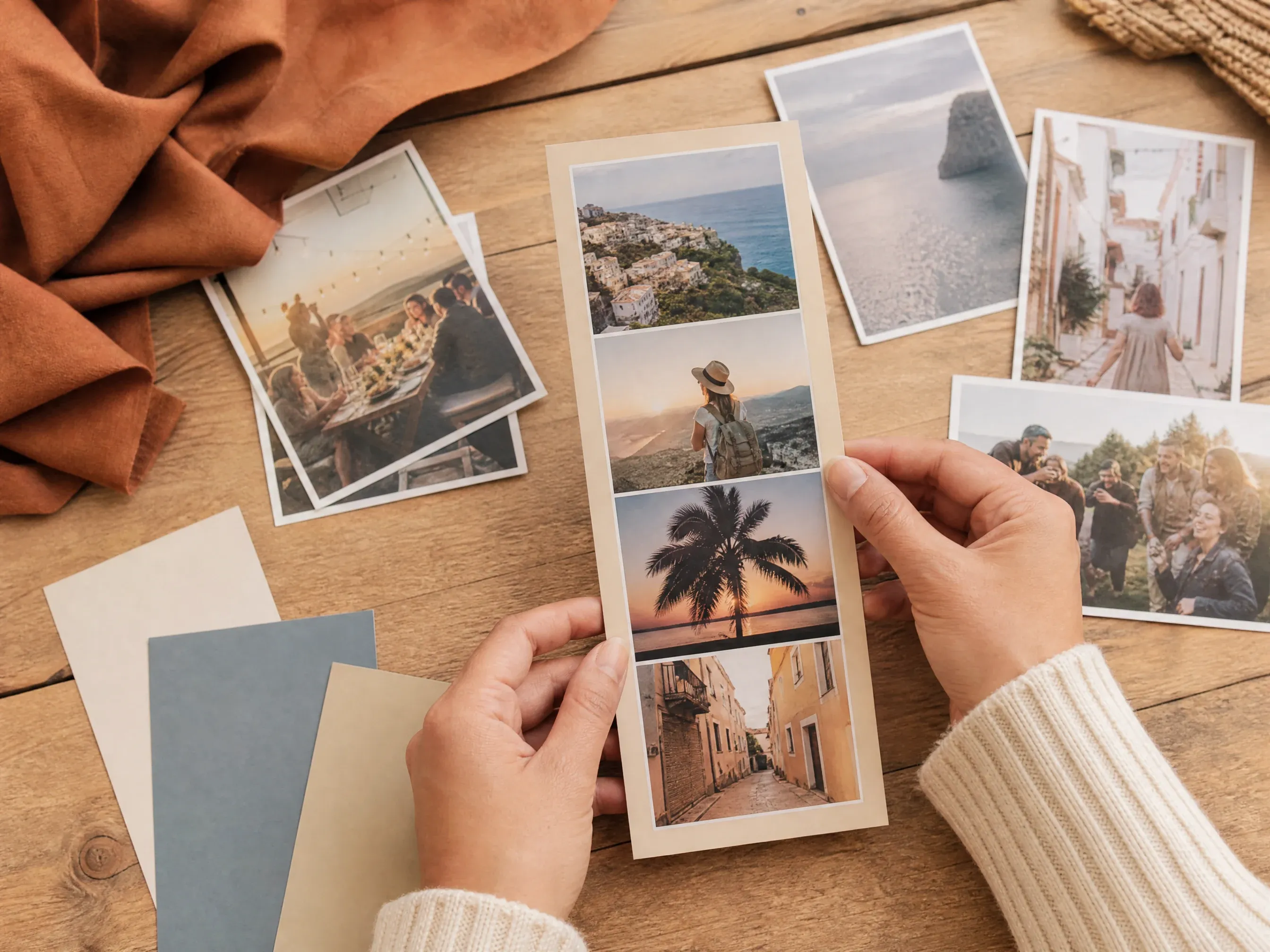
Turn trip, event, or creator photos into a vertical collage that feels ready for mobile-first sharing.
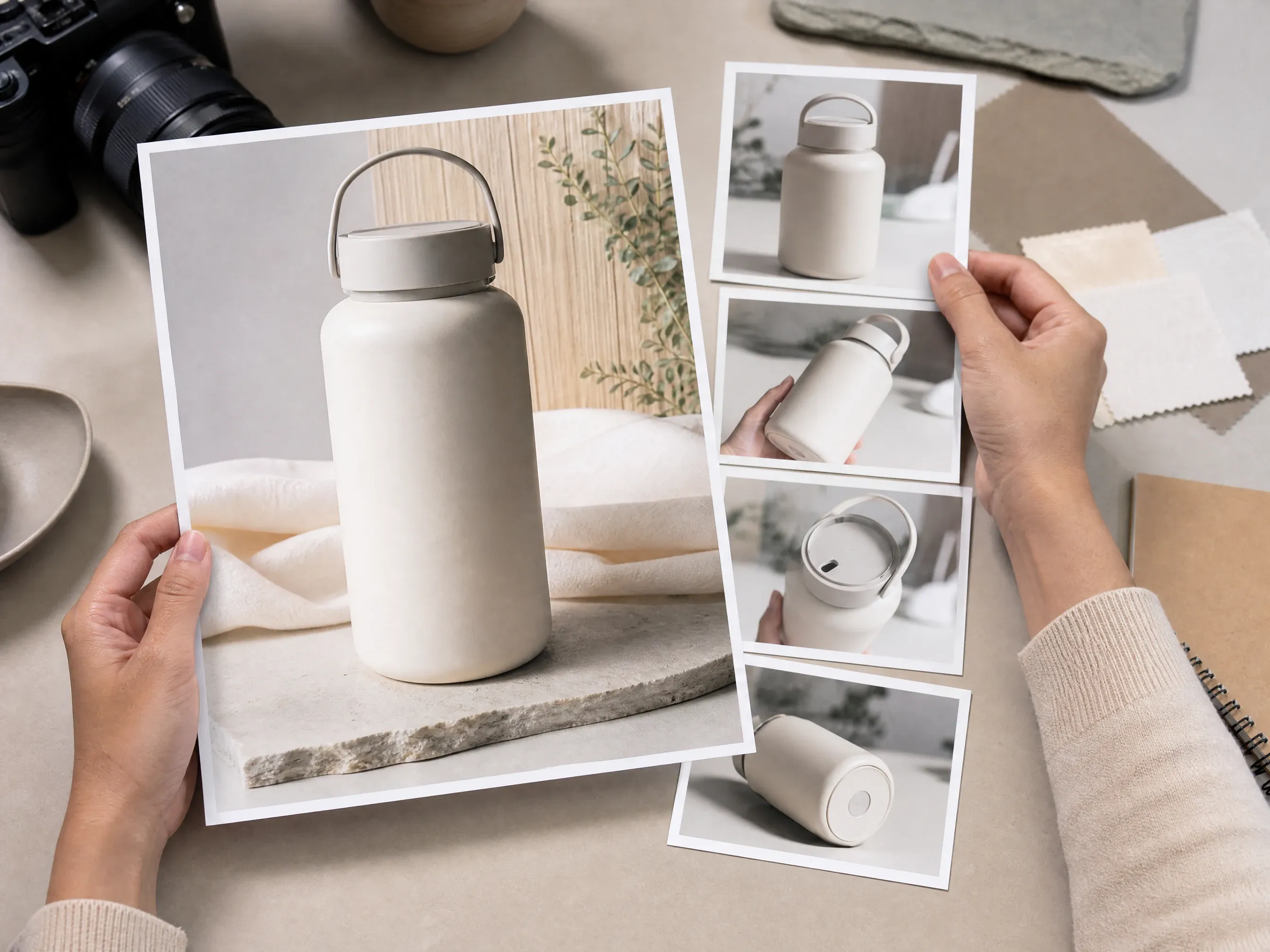
Place one hero product shot beside supporting detail images for ecommerce review, storefront pages, or ads.

Combine birthday, wedding, graduation, class, or family photos into a warm scrapbook-style board.

Collect visual references, product angles, lifestyle shots, and color cues into one image for review.
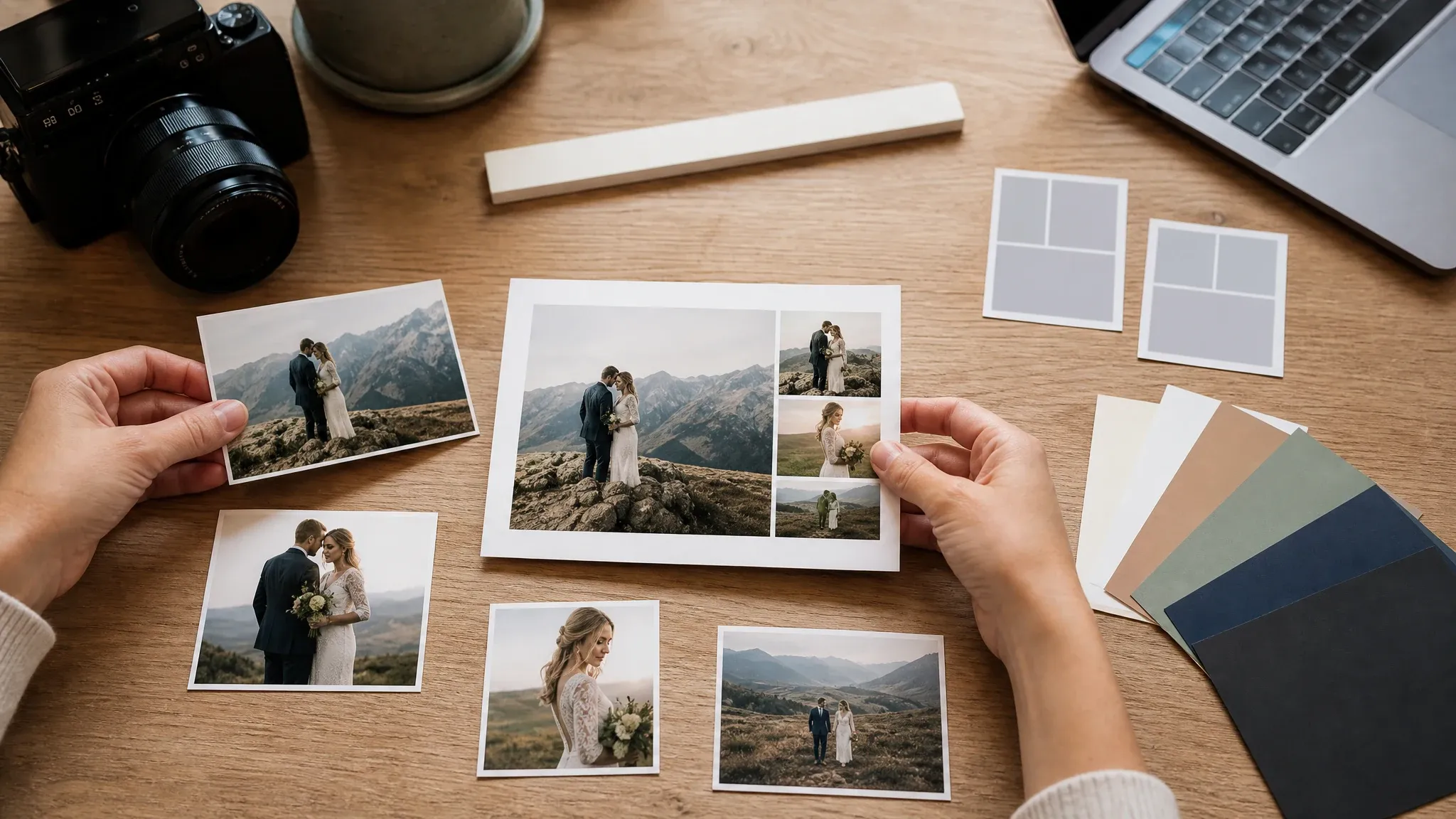
Check source crop, ratio, photo count, spacing, background, and fit mode before exporting the keeper.
A photo collage maker arranges several images into one visual board. This Face AI page focuses on guided template composition: upload photos, choose a collage layout, tune the frame, and export the finished image.
Add several local photos and see the exact count before the collage is exported.
Choose collage forms such as hero-left, scrapbook, moodboard, story, magazine, polaroid, and contact sheet.
Download one finished PNG, JPG, or WEBP image and keep recent exports in browser history.
Face AI focuses on the everyday collage job with practical template, spacing, background, ratio, and image export controls.
The collage workspace appears at the top of the page so visitors can upload photos and start arranging immediately.
Template, ratio, photo order and replacement, per-frame crop positioning, spacing, border, corner radius, background, fit mode, format, preview, export, local history, and file share are part of the function area.
Choose a visible template, arrange the shared appearance, and export one image. Editable layers, PDF projects, asset marketplaces, and team collaboration belong in a full design editor.
Use grid maker, editor, enhancer, remover, or poster tools when a source photo or follow-up creative needs a different workflow.
A clean collage depends on source quality, photo count, and restraint. Start with the final channel, then tune the template around that use.
Use 1:1 for square posts, 9:16 for stories, 16:9 for banners, and 4:5 for portrait-friendly social images.
Hero-left works for products, scrapbook works for memories, moodboard works for planning, and contact sheet works for review.
Fill creates stronger frames. Fit protects the full photo when crop loss would cut out a face, product edge, or key detail.
Try different background and spacing values, then compare recent local exports before sending or posting.
Choose the workflow that matches the job. This page is best for fast template collages; heavier design suites are better for layered editing and team projects.
| Criteria | Face AIOurs Face AI photo collage maker | Other collage workflows |
|---|---|---|
| Starting point | Upload multiple photos and choose a fixed collage template. | Prompt-first collage tools may ask for text instructions and infer a layout automatically. |
| Controls | Template, ratio, photo order and replacement, per-frame crop positioning, spacing, border, corner radius, background color, fit/fill, format, preview, export, local history, and file share. | Full editors may include drag reorder, layers, per-cell filters, text, stickers, stock assets, and collaboration. |
| Output | One downloaded image in PNG, JPG, or WEBP from the export flow. | Some tools offer PDF, carousel slicing, cloud projects, print workflows, or huge template libraries. |
| Best use | Quick family boards, social collages, product hero layouts, moodboards, and creative review images. | Use a design suite when typography, brand kits, layered graphics, or team review are required. |
Upload multiple photos and choose a fixed collage template.
Prompt-first collage tools may ask for text instructions and infer a layout automatically.
Template, ratio, photo order and replacement, per-frame crop positioning, spacing, border, corner radius, background color, fit/fill, format, preview, export, local history, and file share.
Full editors may include drag reorder, layers, per-cell filters, text, stickers, stock assets, and collaboration.
One downloaded image in PNG, JPG, or WEBP from the export flow.
Some tools offer PDF, carousel slicing, cloud projects, print workflows, or huge template libraries.
Quick family boards, social collages, product hero layouts, moodboards, and creative review images.
Use a design suite when typography, brand kits, layered graphics, or team review are required.
These comments focus on the practical collage loop: upload, choose template, adjust controls, export, download, and compare recent local versions.
"The collage maker feels focused: upload the photos, choose a template, adjust the ratio and spacing, then export the version we can actually use."

Mei Chen
E-commerce Director
"Hero-left is useful for product work. One large image carries the story while the smaller frames show angles and details."

Yuki Tanaka
Head of Marketplace Operations
"I like that the page keeps the promise clear. It gives me template collages instead of pretending every layout is generated from a prompt."

Priya Sharma
Product Marketing Manager
"The scrapbook and moodboard templates are quick enough for campaign planning before we move into heavier design tools."

Sofia Martinez
Head of Brand Social
"For ads and social drafts, the ratio switch is the difference between a rough idea and something ready for review."

Marco Rossi
Head of Strategy
"I can turn event photos into a clean recap collage without opening a full design suite or hunting through templates."

Luna Hernandez
Community Manager
"The collage maker feels focused: upload the photos, choose a template, adjust the ratio and spacing, then export the version we can actually use."
Mei Chen
E-commerce Director
"Hero-left is useful for product work. One large image carries the story while the smaller frames show angles and details."
Yuki Tanaka
Head of Marketplace Operations
"I like that the page keeps the promise clear. It gives me template collages instead of pretending every layout is generated from a prompt."
Priya Sharma
Product Marketing Manager
"The scrapbook and moodboard templates are quick enough for campaign planning before we move into heavier design tools."
Sofia Martinez
Head of Brand Social
"For ads and social drafts, the ratio switch is the difference between a rough idea and something ready for review."
Marco Rossi
Head of Strategy
"I can turn event photos into a clean recap collage without opening a full design suite or hunting through templates."
Luna Hernandez
Community Manager
"Local history helps when I export a few backgrounds and formats, then compare which collage works best in email."

Jieun Park
Growth Marketing Lead
"The collage maker feels focused: upload the photos, choose a template, adjust the ratio and spacing, then export the version we can actually use."
Mei Chen
E-commerce Director
"Hero-left is useful for product work. One large image carries the story while the smaller frames show angles and details."
Yuki Tanaka
Head of Marketplace Operations
"I like that the page keeps the promise clear. It gives me template collages instead of pretending every layout is generated from a prompt."
Priya Sharma
Product Marketing Manager
"The scrapbook and moodboard templates are quick enough for campaign planning before we move into heavier design tools."
Sofia Martinez
Head of Brand Social
"For ads and social drafts, the ratio switch is the difference between a rough idea and something ready for review."
Marco Rossi
Head of Strategy
"I can turn event photos into a clean recap collage without opening a full design suite or hunting through templates."
Luna Hernandez
Community Manager
"Local history helps when I export a few backgrounds and formats, then compare which collage works best in email."
Jieun Park
Growth Marketing Lead
"It is a practical first-pass collage builder. If we need layered text or stickers, we know to move into another editor."

Oliver Bennett
Brand Strategy Lead
"The template names match real jobs: product hero, contact sheet, moodboard, story collage, and scrapbook board."

Ritu Agarwal
E-commerce Marketing Lead
"The controls are simple enough for non-design teammates but still cover the decisions that matter: crop, spacing, border, corners, and format."

Mei Lin Tan
Growth Operations Manager
"Exporting one flattened image is exactly what I need for fast testing. I do not need cloud projects for every tiny collage."

Lucas Andrade
Mobile Growth Manager
"The FAQ is honest about scope, which saves support questions about PDF, 4K, drag reorder, and collaboration."

Charlotte Beaumont
Director of Content Operations
"The preview is predictable. What I see in the collage frame is the image I download."

Rafael Santos
VP of Creative
"The page share button makes it easy to send the tool to a teammate, while the exported image stays simple to download."

Valentina Garcia
Content Strategy Manager
"It is a practical first-pass collage builder. If we need layered text or stickers, we know to move into another editor."
Oliver Bennett
Brand Strategy Lead
"The template names match real jobs: product hero, contact sheet, moodboard, story collage, and scrapbook board."
Ritu Agarwal
E-commerce Marketing Lead
"The controls are simple enough for non-design teammates but still cover the decisions that matter: crop, spacing, border, corners, and format."
Mei Lin Tan
Growth Operations Manager
"Exporting one flattened image is exactly what I need for fast testing. I do not need cloud projects for every tiny collage."
Lucas Andrade
Mobile Growth Manager
"The FAQ is honest about scope, which saves support questions about PDF, 4K, drag reorder, and collaboration."
Charlotte Beaumont
Director of Content Operations
"The preview is predictable. What I see in the collage frame is the image I download."
Rafael Santos
VP of Creative
"The page share button makes it easy to send the tool to a teammate, while the exported image stays simple to download."
Valentina Garcia
Content Strategy Manager
Choose the next Face AI tool based on what blocks the collage: strict grids, source cleanup, sharper photos, background removal, or a designed poster.
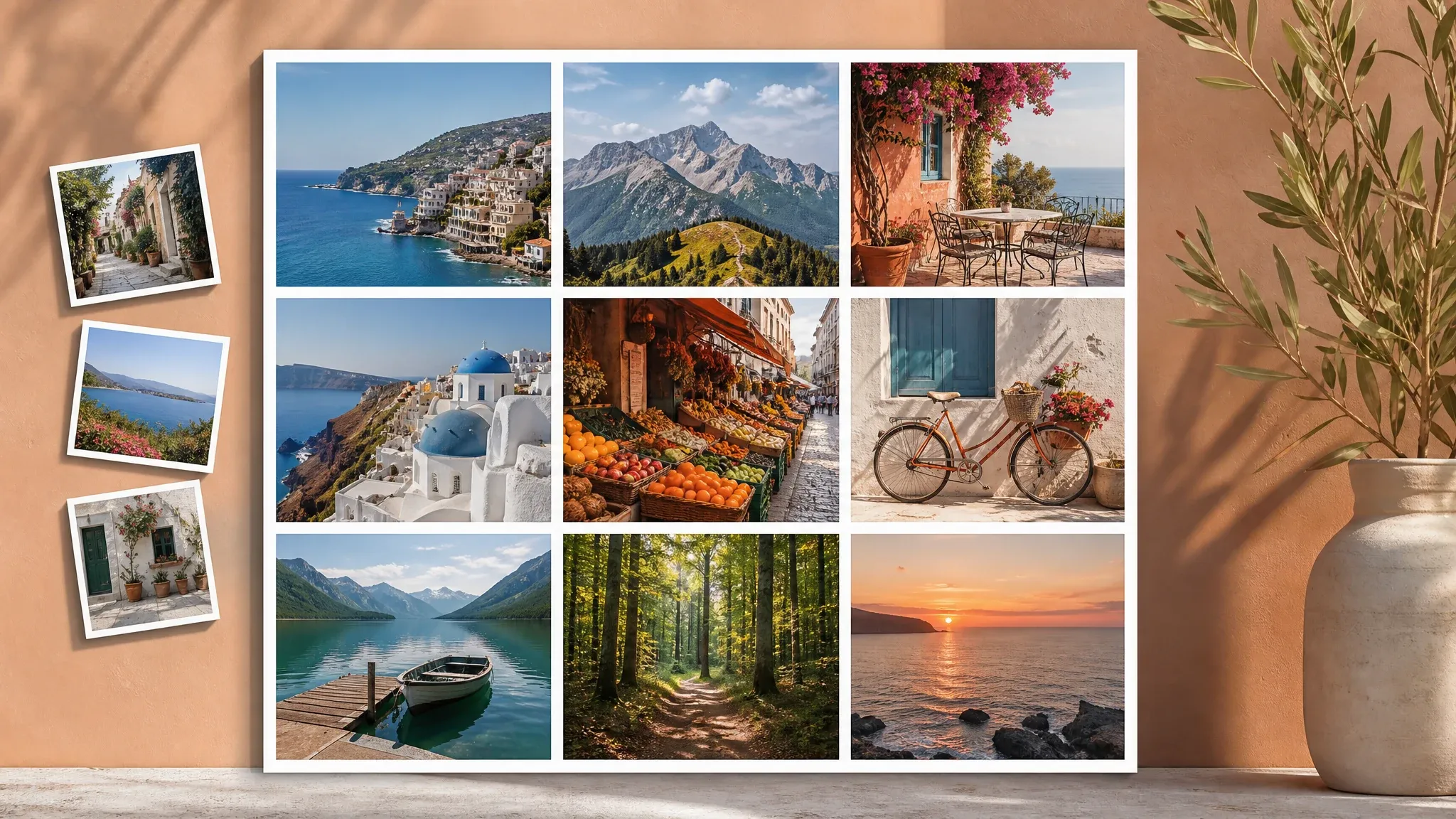
Use the grid maker when the job needs strict rows, columns, strips, or a contact sheet instead of a template collage.

Clean one source photo before placing it into a collage when an object, background, or portrait detail needs attention.
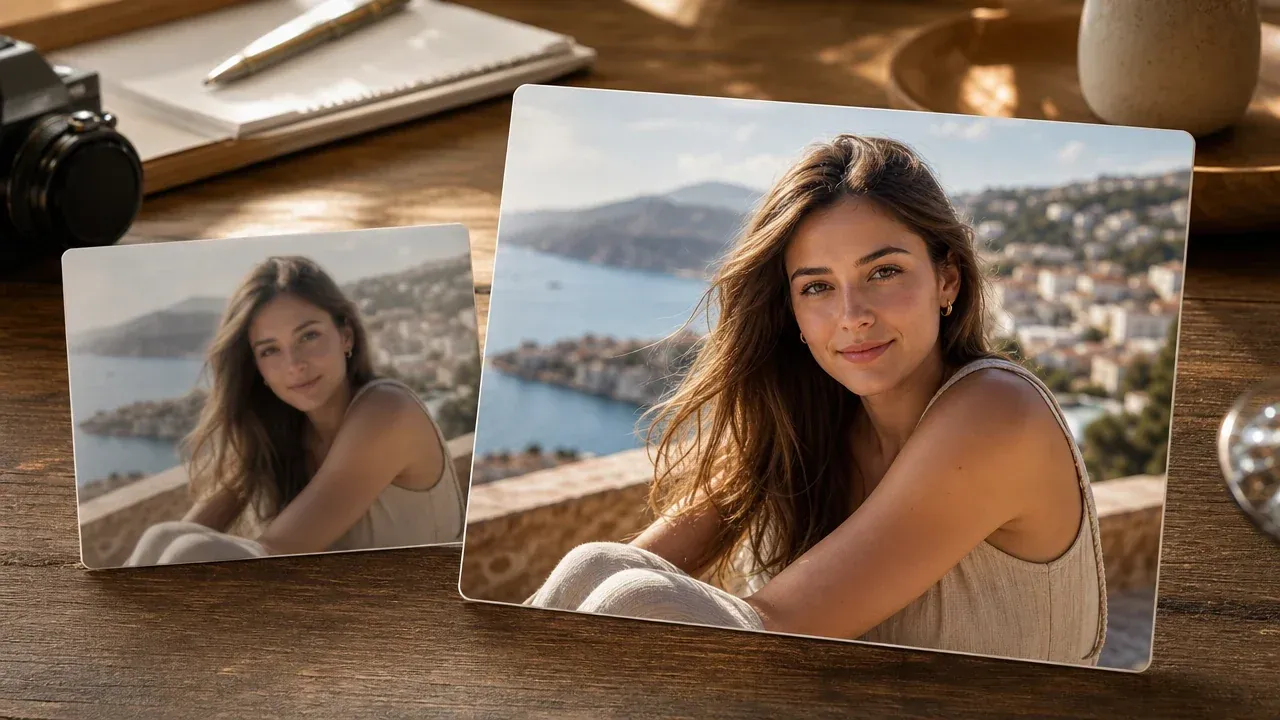
Sharpen blurry or dim photos before arranging them into a family, travel, or product collage.

Create a poster-style campaign visual when the final piece needs a designed headline concept rather than a photo-only collage.
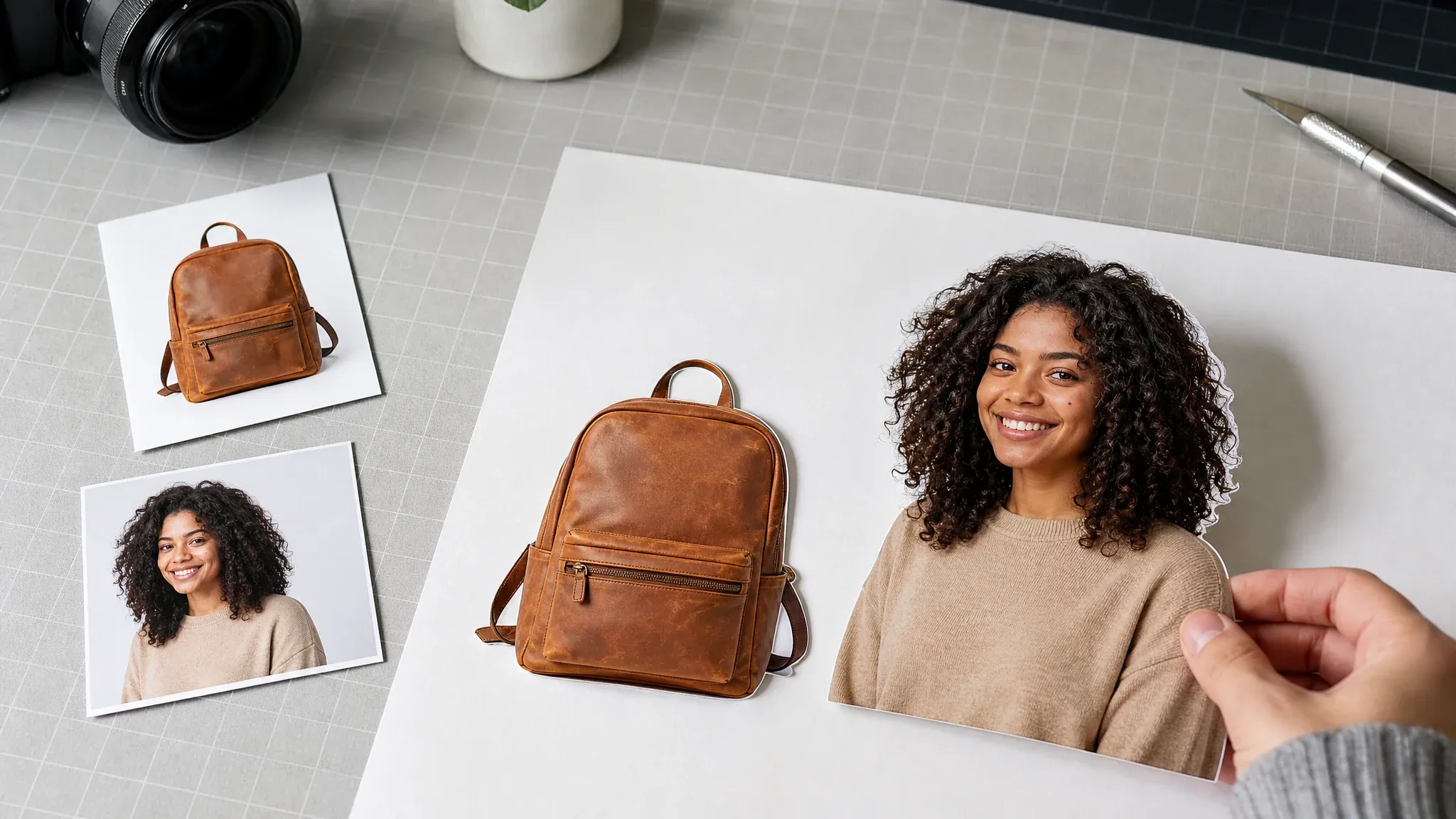
Prepare cleaner product or profile cutouts before building a hero-left collage or visual board.
Direct answers about uploads, templates, ratio controls, export formats, local history, privacy wording, and the difference between guided templates and AI auto-layout.
A photo collage maker arranges several images into one visual board, such as a story collage, scrapbook, hero-left product layout, moodboard, or contact sheet.
No. This collage workspace is a guided template builder. You choose the template and controls instead of asking AI to infer the layout from a prompt.
The workspace accepts up to 12 JPG, PNG, or WEBP images for one collage export.
You can start with square board, story collage, hero-left, scrapbook, magazine stack, moodboard, polaroid board, and contact sheet templates.
Yes. The function area includes ratio, spacing, border width, corner radius, background color, and fit/fill controls.
Yes. Select a populated collage frame to adjust crop scale and horizontal or vertical position. Use the photo order controls or Replace action when a frame needs a different source image.
The export control supports PNG, JPG, and WEBP image downloads from the browser canvas.
Yes. Recent exported collages are stored in local browser history so you can download previous versions from the same browser.
No. This page exports one image. PDF export, print-DPI proofing, 4K guarantees, and physical print workflows need a separate reviewed workflow.
This collage workflow creates a local preview and canvas export from the selected template. It does not send the photos to an AI layout generator.
Download the image and confirm you have rights to every source photo. For brand kits, stock licensing, or professional printing, finish the project in the appropriate design or print workflow.
Use the grid maker for strict rows and columns, editor for cleanup, enhancer for sharper source photos, background remover for cutouts, or poster generator when the job needs a designed campaign visual.
Upload several photos, choose a collage template, tune the ratio and frame controls, then export one finished image for social, product, memory, or review workflows.