
Starting point
Ours
Upload multiple photos and choose a fixed grid preset.
Other collage workflows
Prompt layout tools may ask for text instructions and infer a collage automatically.
Upload multiple photos, pick a fixed grid preset, tune spacing, borders, corners, background color, and fit mode, then export one finished image for social posts, product contact sheets, event recaps, story stacks, or creative review.

Trusted by 12,000,000+ users worldwide. Built for predictable local photo grid export, not prompt-designed layouts or cloud project storage.
The useful loop is short: choose source photos, select a layout, tune the grid, then export a single image for review or sharing.
Add multiple JPG, PNG, or WEBP files and keep the set under the visible 12-photo cap.
Use square grids, a portrait 2x3 layout, a story stack, a horizontal strip, or a contact sheet based on the final use.
Adjust spacing, borders, corner radius, background, fit mode, and format, then download the grid and keep recent exports in local history.
Create practical collages for social posts, product review, event recaps, story images, contact sheets, and campaign drafts.

Build 2x2 or 3x3 square collages with even spacing, clean borders, and controlled background color.
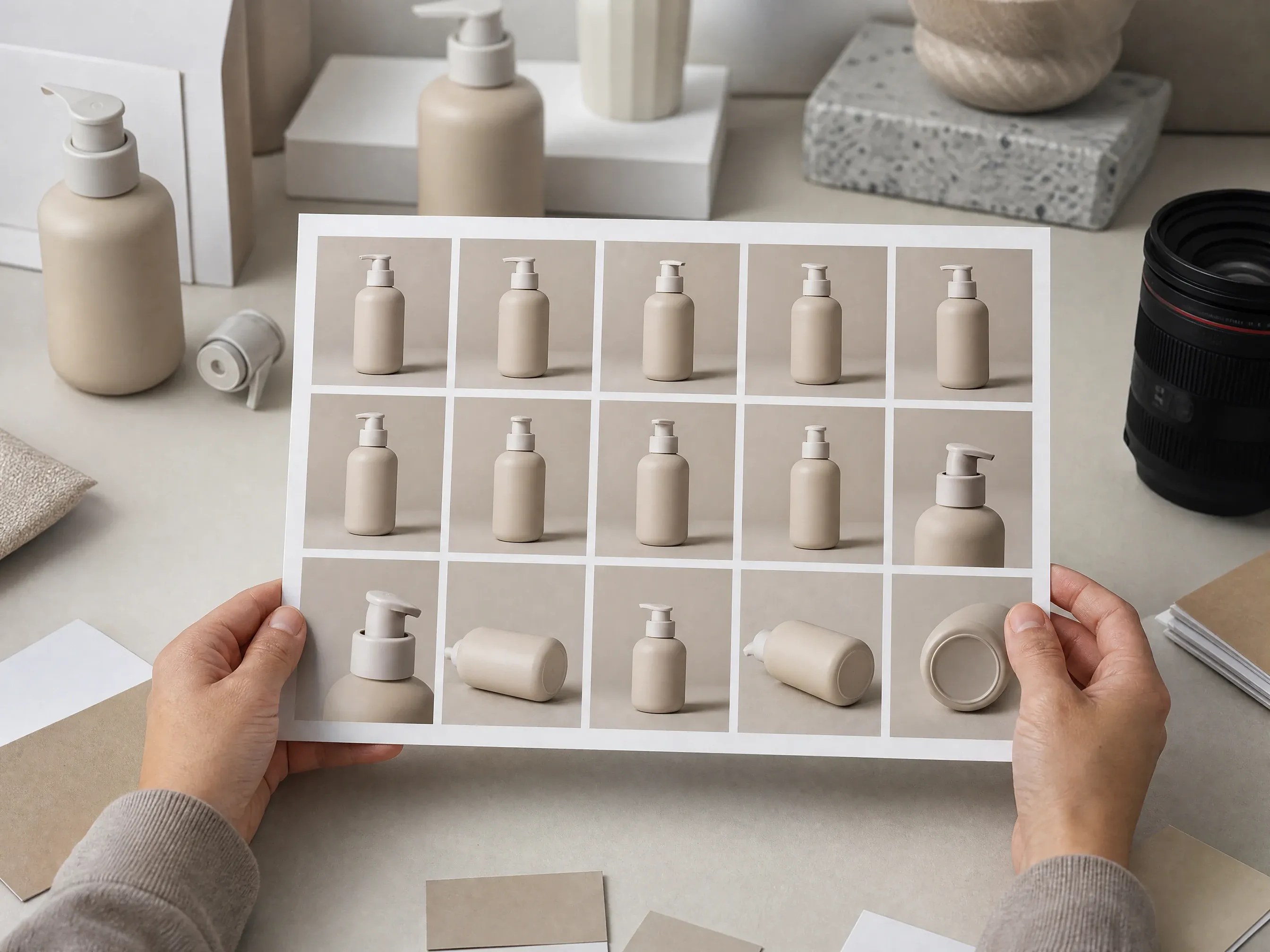
Arrange product angles, variants, and detail shots into one review image before choosing the final campaign assets.

Use a tall stack when a sequence needs to fit story, pin, or mobile-first creative review.

Combine birthday, trip, wedding, class, or community photos into one balanced recap image.
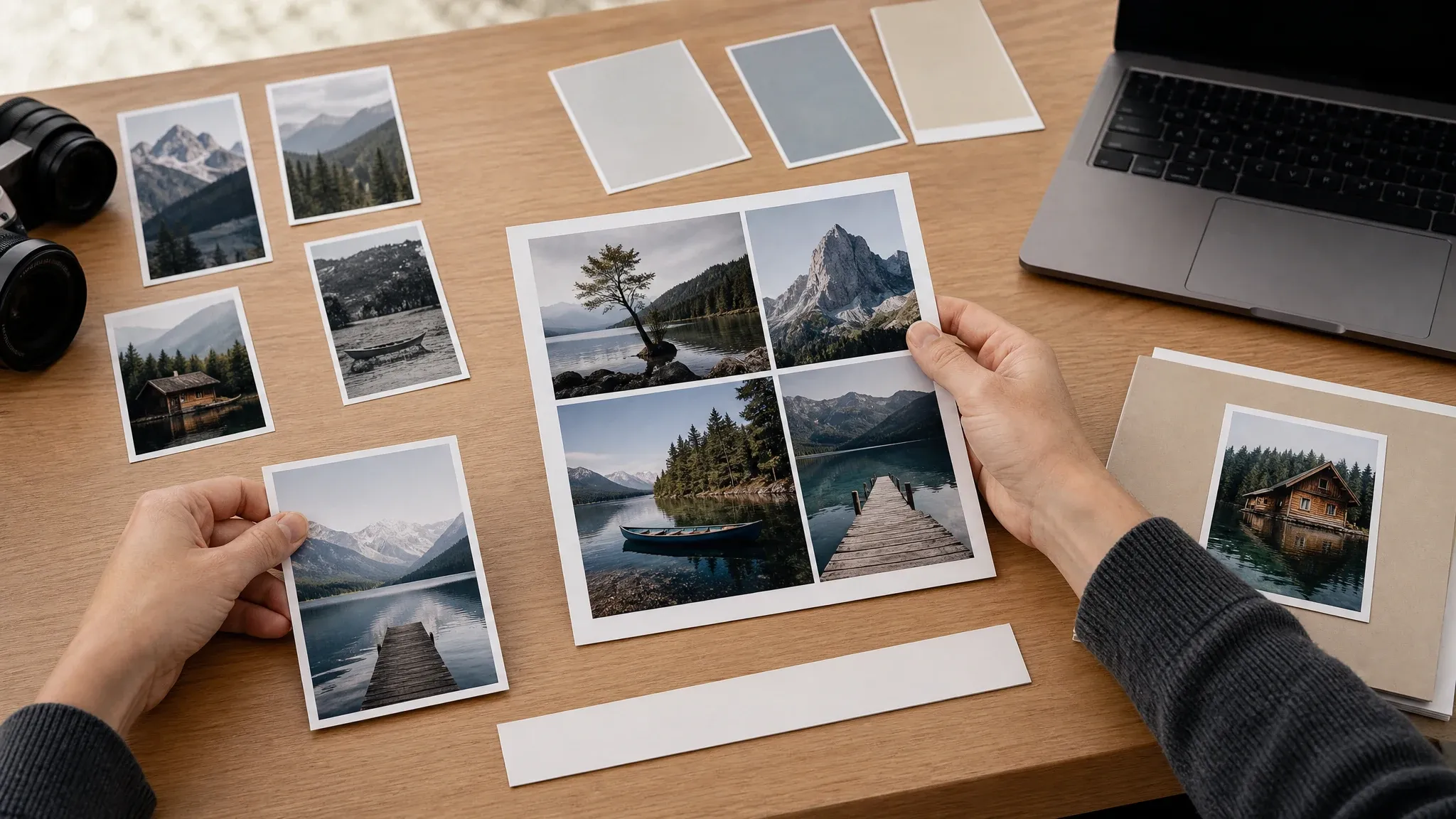
Check photo crop, aspect ratio, spacing, and background choices before exporting the keeper.
A photo grid maker arranges several images into one clean collage. This Face AI page focuses on predictable local grid composition: upload photos, choose a preset, tune the layout, and export the result.
Add several local photos and see the exact count before the grid is exported.
Choose common grid forms such as square, portrait, horizontal strip, story stack, and contact sheet.
Download one finished PNG, JPG, or WEBP image and keep recent exports in browser history.
Face AI focuses on the everyday grid job with practical controls for layout, spacing, background, ratio, and image export.
The grid maker appears at the top of the page so visitors can upload photos and start arranging immediately.
Photo order, replacement, per-cell framing, spacing, border, corner radius, background, fit mode, format, preview, export, local history, and file share are part of the function area.
Choose a visible grid layout, adjust the shared appearance, and export one image. Advanced layer editing, PDF projects, and cloud collaboration belong in a full design editor.
Use editor, enhancer, remover, poster, or Polaroid tools when a source photo or follow-up creative needs a different workflow.
A clean collage depends on consistent source photos and restrained layout choices. Start with the final use, then tune the grid around that format.
Use 3x3 for square social grids, story stack for vertical posts, horizontal strip for sequences, and contact sheet for review.
Small gaps feel like a single collage. Wider gaps help separate product angles, event moments, or mood-board images.
Fill creates strong equal cells. Fit protects full image content when crop loss would change the meaning.
Try different background and spacing values, then compare recent local exports before sending or posting.
Choose the workflow that matches the job. This page is best for preset-based photo grids; heavier design suites are better for layered editing and team projects.
| Criteria | Face AIOurs Face AI photo grid maker | Other collage workflows |
|---|---|---|
| Starting point | Upload multiple photos and choose a fixed grid preset. | Prompt layout tools may ask for text instructions and infer a collage automatically. |
| Controls | Layout preset, photo order and replacement, per-cell framing, spacing, border, corner radius, background color, fit/fill, format, preview, export, local history, and file share. | Full editors may include drag reorder, layers, per-cell filters, text, stickers, templates, and collaboration. |
| Output | One downloaded image in PNG, JPG, or WEBP from the local export flow. | Some tools offer PDF, carousel slicing, cloud projects, print workflows, or template libraries. |
| Best use | Quick social grids, contact sheets, event recaps, family collages, and product review boards. | Use a design suite when typography, brand kits, layered graphics, or team review are required. |
Upload multiple photos and choose a fixed grid preset.
Prompt layout tools may ask for text instructions and infer a collage automatically.
Layout preset, photo order and replacement, per-cell framing, spacing, border, corner radius, background color, fit/fill, format, preview, export, local history, and file share.
Full editors may include drag reorder, layers, per-cell filters, text, stickers, templates, and collaboration.
One downloaded image in PNG, JPG, or WEBP from the local export flow.
Some tools offer PDF, carousel slicing, cloud projects, print workflows, or template libraries.
Quick social grids, contact sheets, event recaps, family collages, and product review boards.
Use a design suite when typography, brand kits, layered graphics, or team review are required.
These comments focus on the practical grid loop: upload, choose layout, adjust controls, export, download, and compare recent local versions.
"The grid maker keeps fast social layout work simple: upload a set, pick a preset, tune the spacing, and export a clean image for review."
Kai Nakamura
Global Creative Director
"The contact sheet preset is useful when our team needs to compare product angles before choosing which photos deserve a heavier edit."
Nina Volkov
Visual Design Director
"The page is clear about the promise. It makes predictable grids instead of pretending every collage needs a prompt-generated design."
Rafael Santos
VP of Creative
"Spacing, corners, background color, and fill mode cover the small choices that usually slow down a simple collage request."
Priya Chen
Creative Strategy Lead
"For campaign tests, the square grid and horizontal strip exports are enough to compare product shots, event moments, and mood-board options quickly."
Devon Park
Interactive Creative Director
"I can turn event photos into a clean recap image without opening a full design editor or building a template from scratch."
Mia Torres
Design Director
"The grid maker keeps fast social layout work simple: upload a set, pick a preset, tune the spacing, and export a clean image for review."
Kai Nakamura
Global Creative Director
"The contact sheet preset is useful when our team needs to compare product angles before choosing which photos deserve a heavier edit."
Nina Volkov
Visual Design Director
"The page is clear about the promise. It makes predictable grids instead of pretending every collage needs a prompt-generated design."
Rafael Santos
VP of Creative
"Spacing, corners, background color, and fill mode cover the small choices that usually slow down a simple collage request."
Priya Chen
Creative Strategy Lead
"For campaign tests, the square grid and horizontal strip exports are enough to compare product shots, event moments, and mood-board options quickly."
Devon Park
Interactive Creative Director
"I can turn event photos into a clean recap image without opening a full design editor or building a template from scratch."
Mia Torres
Design Director
"Recent local exports make it easy to compare spacing and background variations before sending the best version to a social team."
Sofia Martinez
Head of Brand Social
"The grid maker keeps fast social layout work simple: upload a set, pick a preset, tune the spacing, and export a clean image for review."
Kai Nakamura
Global Creative Director
"The contact sheet preset is useful when our team needs to compare product angles before choosing which photos deserve a heavier edit."
Nina Volkov
Visual Design Director
"The page is clear about the promise. It makes predictable grids instead of pretending every collage needs a prompt-generated design."
Rafael Santos
VP of Creative
"Spacing, corners, background color, and fill mode cover the small choices that usually slow down a simple collage request."
Priya Chen
Creative Strategy Lead
"For campaign tests, the square grid and horizontal strip exports are enough to compare product shots, event moments, and mood-board options quickly."
Devon Park
Interactive Creative Director
"I can turn event photos into a clean recap image without opening a full design editor or building a template from scratch."
Mia Torres
Design Director
"Recent local exports make it easy to compare spacing and background variations before sending the best version to a social team."
Sofia Martinez
Head of Brand Social
"It is a good first-pass grid tool. When a post needs text overlays, stickers, or carousel slicing, we move that job into a dedicated editor."
Camila Lopez
Influencer Partnerships Lead
"The contact sheet layout helps us review creator poses, product variants, and detail shots before making a campaign image."
Anya Ramos
Influencer Partnerships Director
"Fixed presets make the tool predictable. I can explain the 2x2, 3x3, story stack, and strip options to non-design teammates in a minute."
Putri Handayani
KOL Marketing Manager
"The export loop is short for creator recaps: upload photos, adjust the grid, download the result, and keep the page handy for another version."
Linh Nguyen
Head of Creator Relations
"I like that the page stays focused on quick local layouts, clear spacing controls, and image export."
Nhi Pham
Influencer Marketing Manager
"The controls match common social jobs: square grids, story stacks, strips, and contact sheets. It feels like a real utility, not a blank upload shell."
Sebastian Cruz
Viral Content Manager
"The result actions fit a quick collage workflow: export, download, share the page, and compare recent local versions."
Talia Hassan
Community-Led Growth Manager
"It is a good first-pass grid tool. When a post needs text overlays, stickers, or carousel slicing, we move that job into a dedicated editor."
Camila Lopez
Influencer Partnerships Lead
"The contact sheet layout helps us review creator poses, product variants, and detail shots before making a campaign image."
Anya Ramos
Influencer Partnerships Director
"Fixed presets make the tool predictable. I can explain the 2x2, 3x3, story stack, and strip options to non-design teammates in a minute."
Putri Handayani
KOL Marketing Manager
"The export loop is short for creator recaps: upload photos, adjust the grid, download the result, and keep the page handy for another version."
Linh Nguyen
Head of Creator Relations
"I like that the page stays focused on quick local layouts, clear spacing controls, and image export."
Nhi Pham
Influencer Marketing Manager
"The controls match common social jobs: square grids, story stacks, strips, and contact sheets. It feels like a real utility, not a blank upload shell."
Sebastian Cruz
Viral Content Manager
"The result actions fit a quick collage workflow: export, download, share the page, and compare recent local versions."
Talia Hassan
Community-Led Growth Manager
Choose the next Face AI tool based on what blocks the grid: source cleanup, sharper photos, background removal, poster design, or single-photo styling.

Clean a source photo before placing it in a grid when a background, object, or portrait detail needs a small edit.
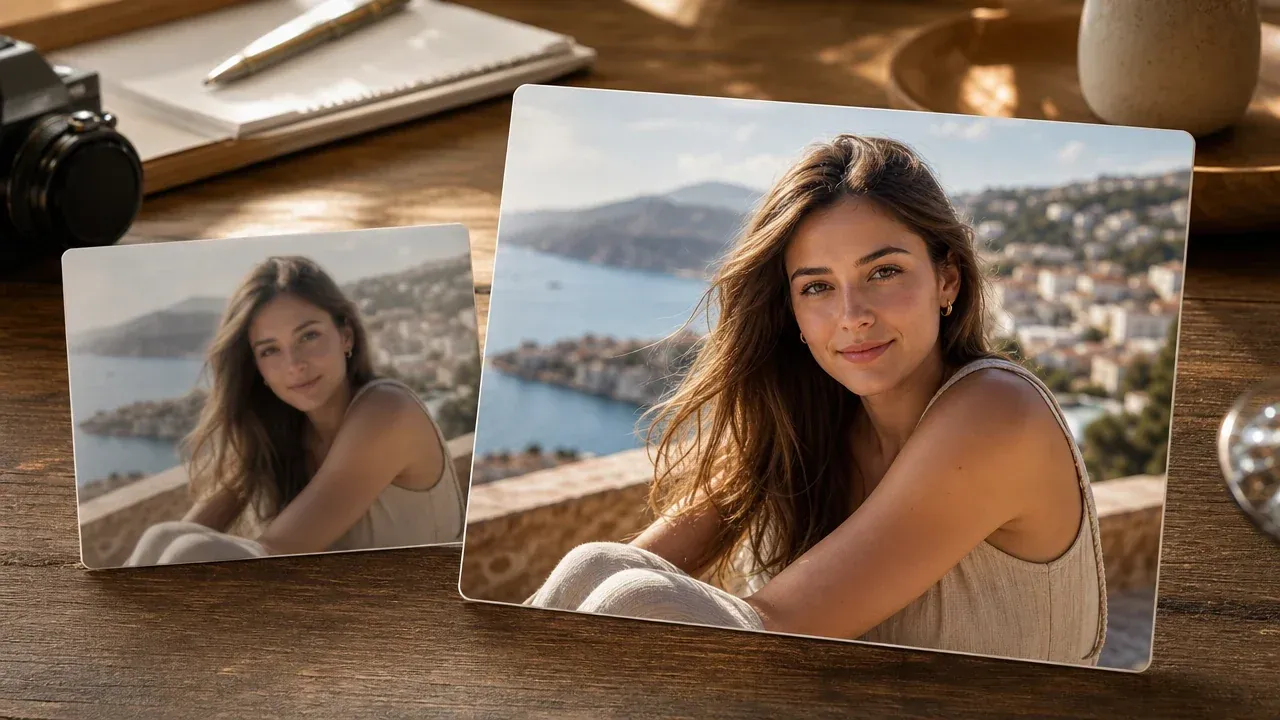
Sharpen the strongest grid source photos before exporting a final collage.
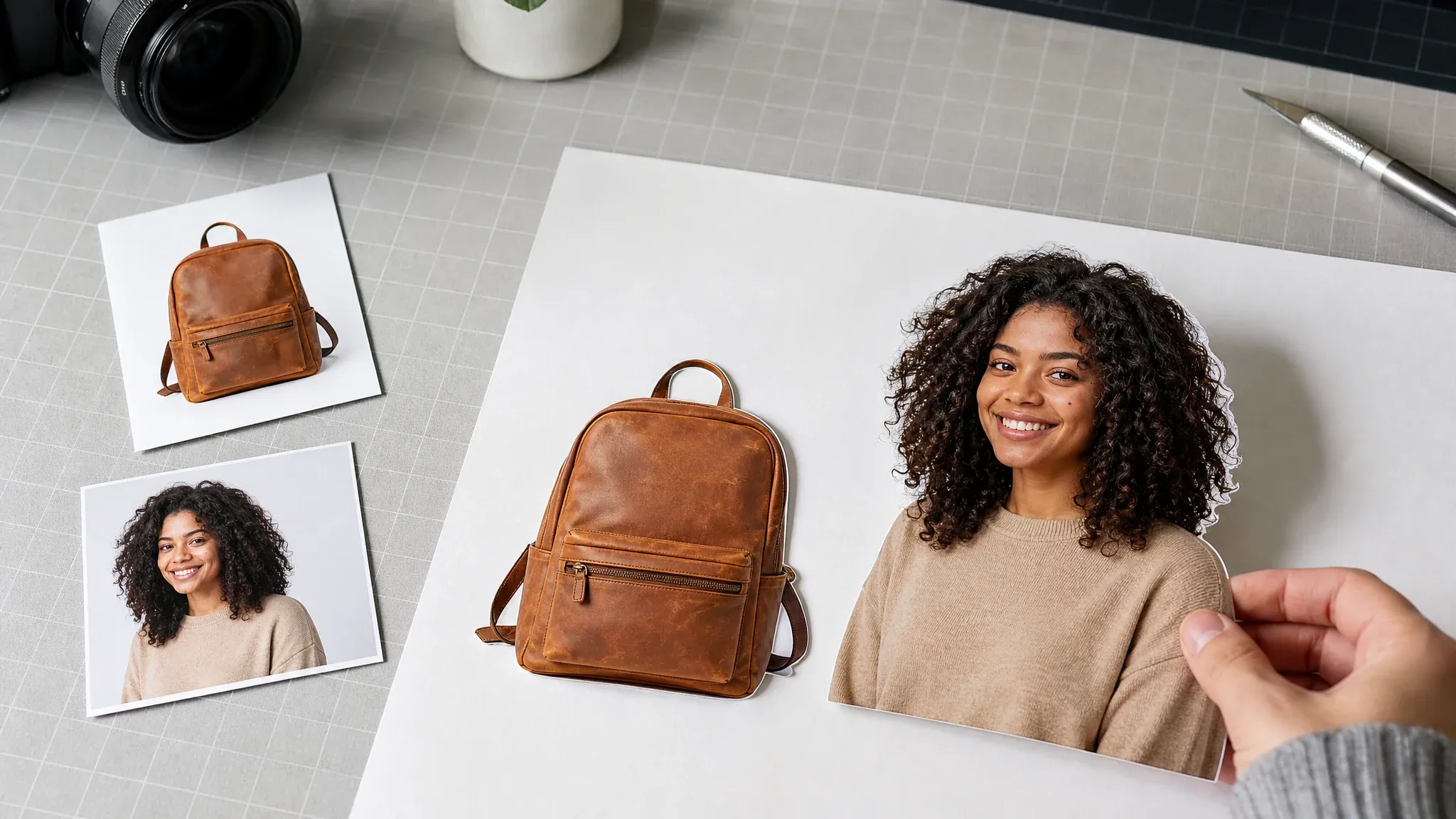
Prepare cleaner product or profile cutouts before arranging them into a contact sheet or social grid.

Create a poster-style campaign visual when the job needs a designed image rather than a simple photo grid.

Use the Polaroid page when one photo needs a framed instant-photo look instead of a multi-photo grid.
Direct answers about uploads, layout presets, export formats, local history, privacy wording, and the difference between preset-based grids and prompt layout tools.
A photo grid maker arranges several images into one collage layout, such as a square grid, vertical stack, horizontal strip, or contact sheet.
No. This first version is a preset-based local grid builder. You choose the preset and controls instead of asking a prompt tool to infer the layout.
The workspace accepts up to 12 JPG, PNG, or WEBP images for one grid export.
You can start with 2x2, 3x3, 2x3, story stack, horizontal strip, and contact sheet presets.
Yes. The function area includes spacing, border width, corner radius, background color, and fit/fill controls.
Yes. Select a populated preview cell to adjust its crop scale and horizontal or vertical framing. Use the photo order controls or Replace action when the slot needs a different source image.
The export control supports PNG, JPG, and WEBP image downloads from the browser canvas.
Yes. Recent exported grids are stored in local browser history so you can download previous versions from the same browser.
No. This page exports one image. PDF export and carousel slicing need a separate reviewed workflow.
No. The grid is created for local preview and image export, so download the result before leaving the page.
Download the image and choose the export size for your intended use. For professional printing, confirm dimensions and DPI with the printer before ordering.
Use an editor for cleanup, enhancer for sharper source photos, background remover for cutouts, or poster generator when the job needs a designed campaign visual.
Upload several photos, choose a fixed layout, tune the grid controls, then export one finished image for social, product, event, or review workflows.


