
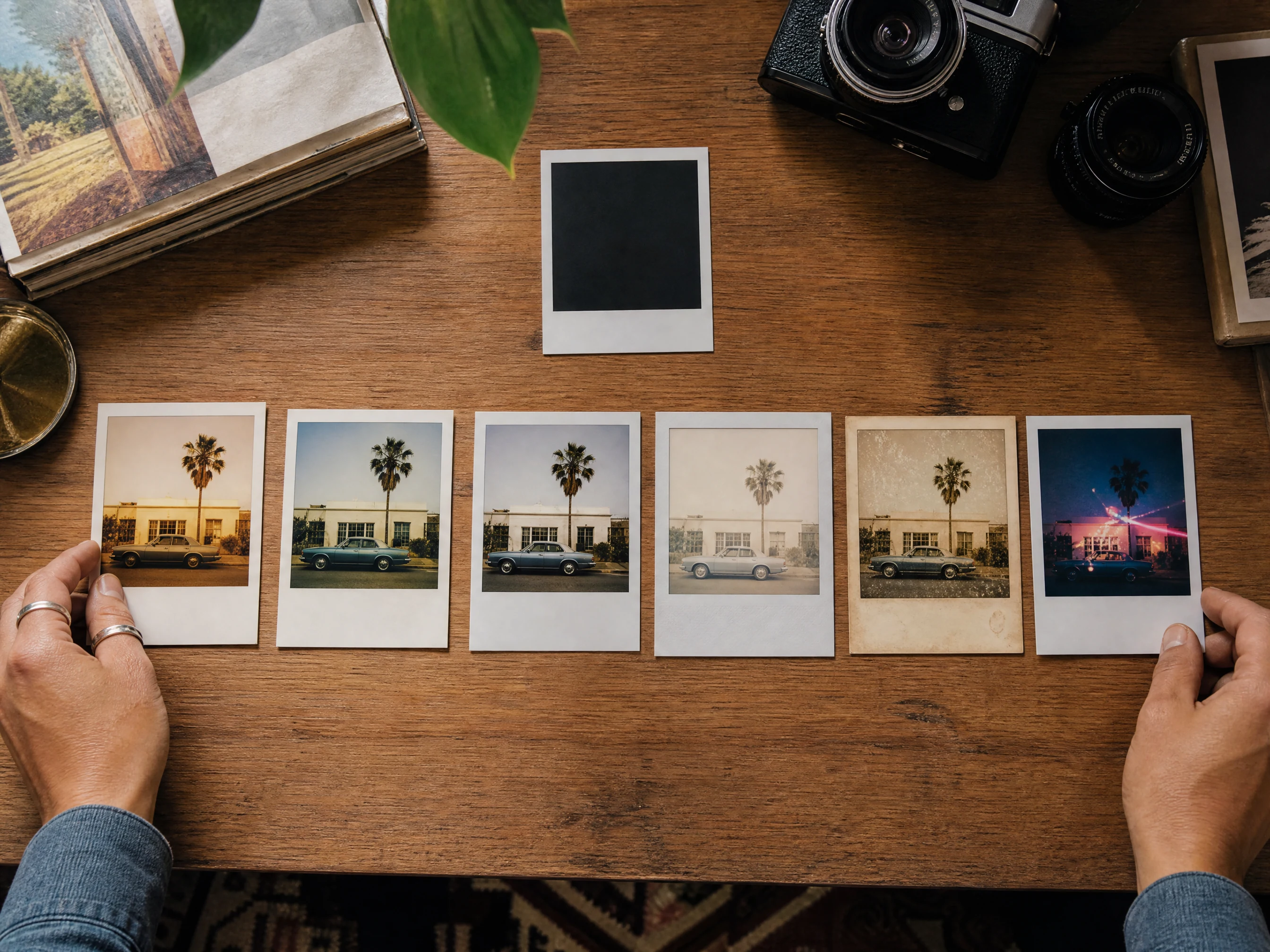
AI Polaroid Photo Generator for Vintage Instant Photos
Upload one portrait, selfie, couple photo, group image, product scene, or travel shot, choose an instant-camera film look, then generate a Polaroid-style photo for social posts, keepsakes, profile refreshes, mood boards, and gift ideas. Use the result as the image base, then add exact handwriting, dates, stickers, or captions manually if you need readable text. Free online. No watermark.
Trusted by 12,000,000+ users worldwide.
How to Make a Polaroid-Style Photo with AI
The best workflow is photo first, film preset second, short mood note third, then inspect the image before adding manual text or captions elsewhere.
Upload one clear source photo
Use a selfie, portrait, couple photo, group shot, pet image, product scene, or travel photo where the main subject is visible.
Choose the instant-camera look
Pick Classic Instant, SX-70 Warm, 600 Film, Spectra Wide, Aged Film, or Party Flash before adding an optional mood note.
Download or refine
Save the best version, compare history, then use editor or upscaler if the vintage result needs cleanup or sharper export.
Polaroid-Style Photos You Can Create Online
Use the AI Polaroid photo generator for instant-camera portraits, social photo dumps, gift keepsakes, travel memories, party flash images, and film preset comparisons.
Single photo to instant-camera portrait
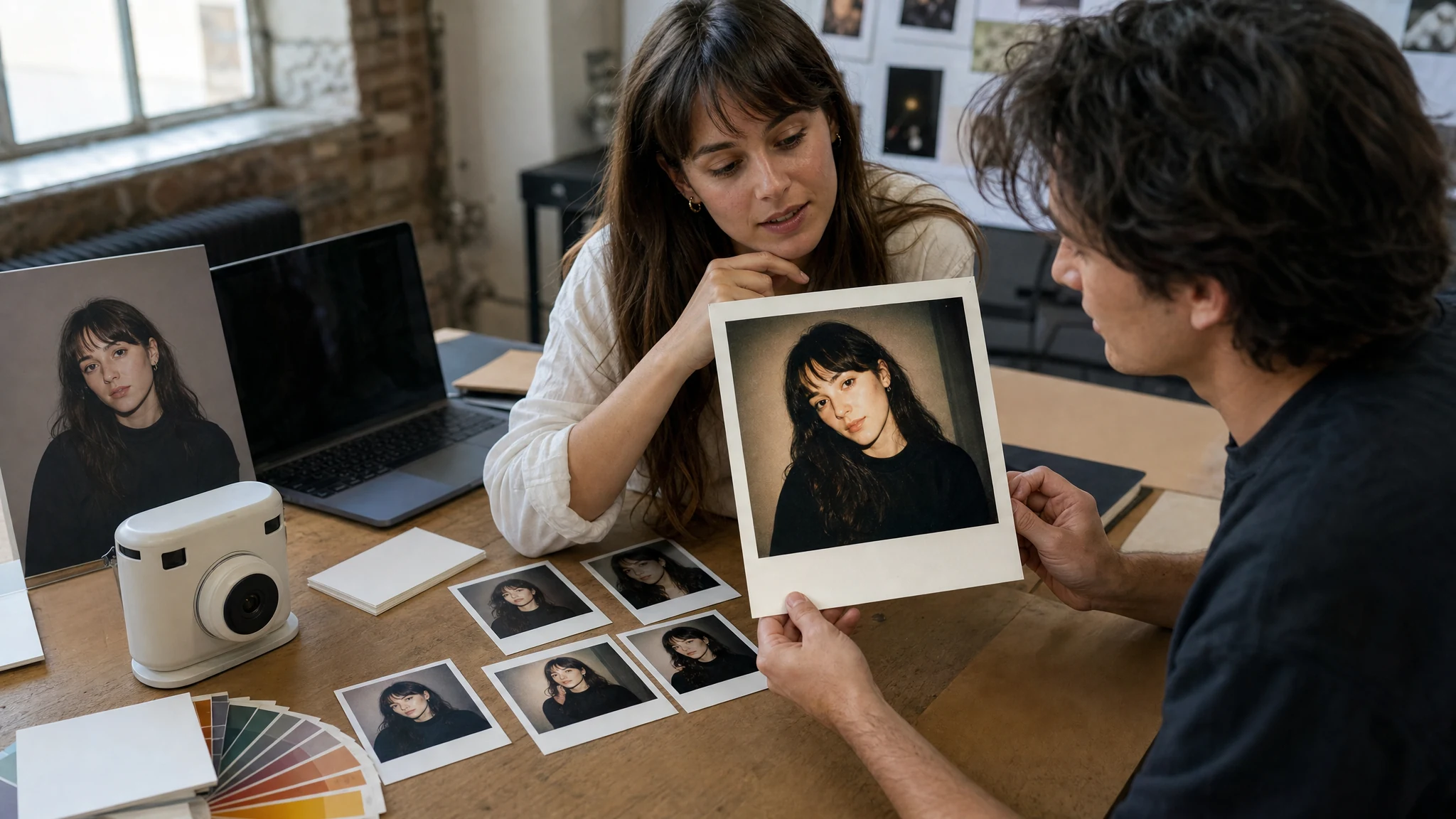
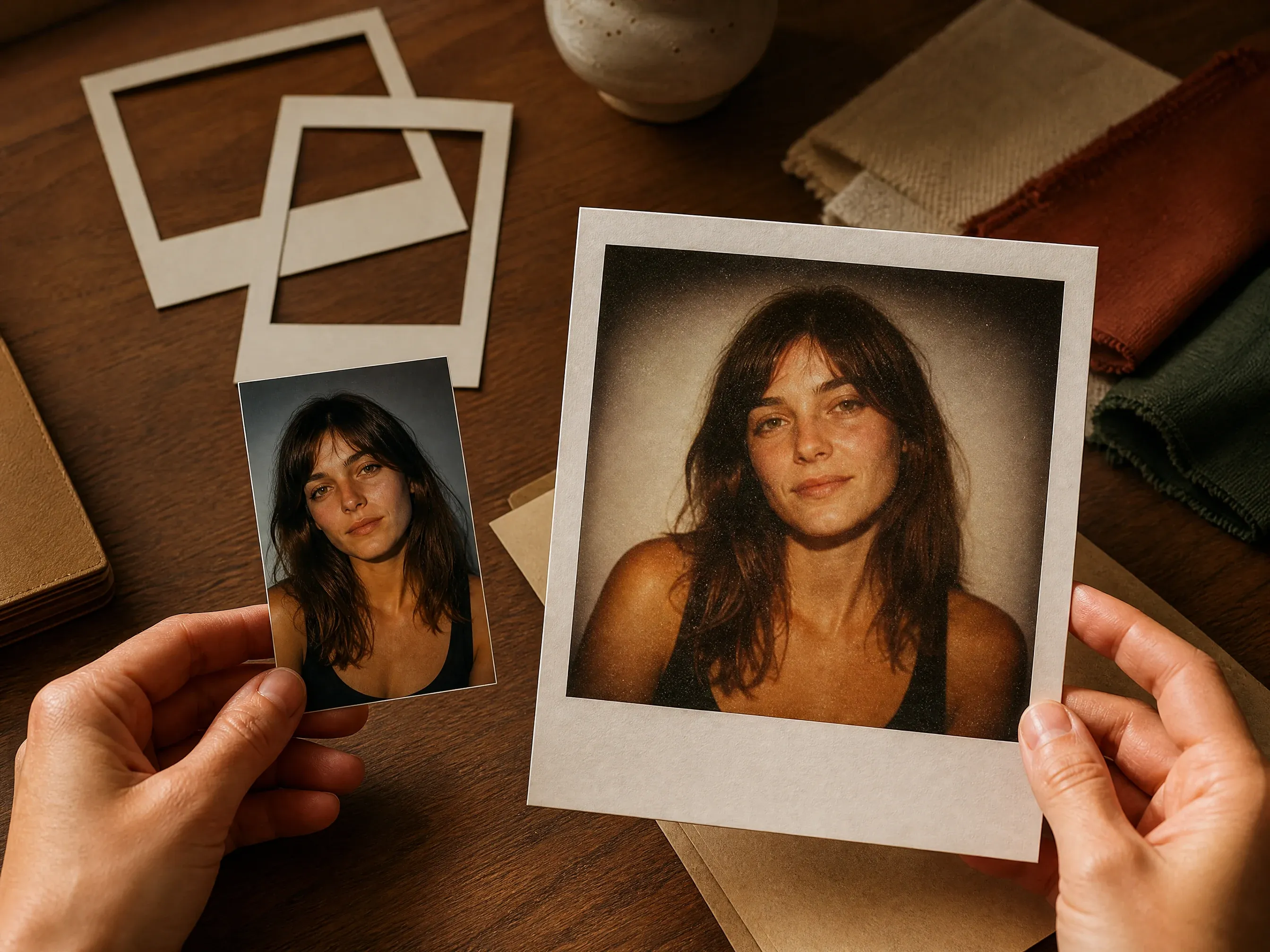
Turn one selfie, headshot, pet photo, or travel image into a vintage instant-photo result with a soft border and believable film tone.
Compare classic film presets
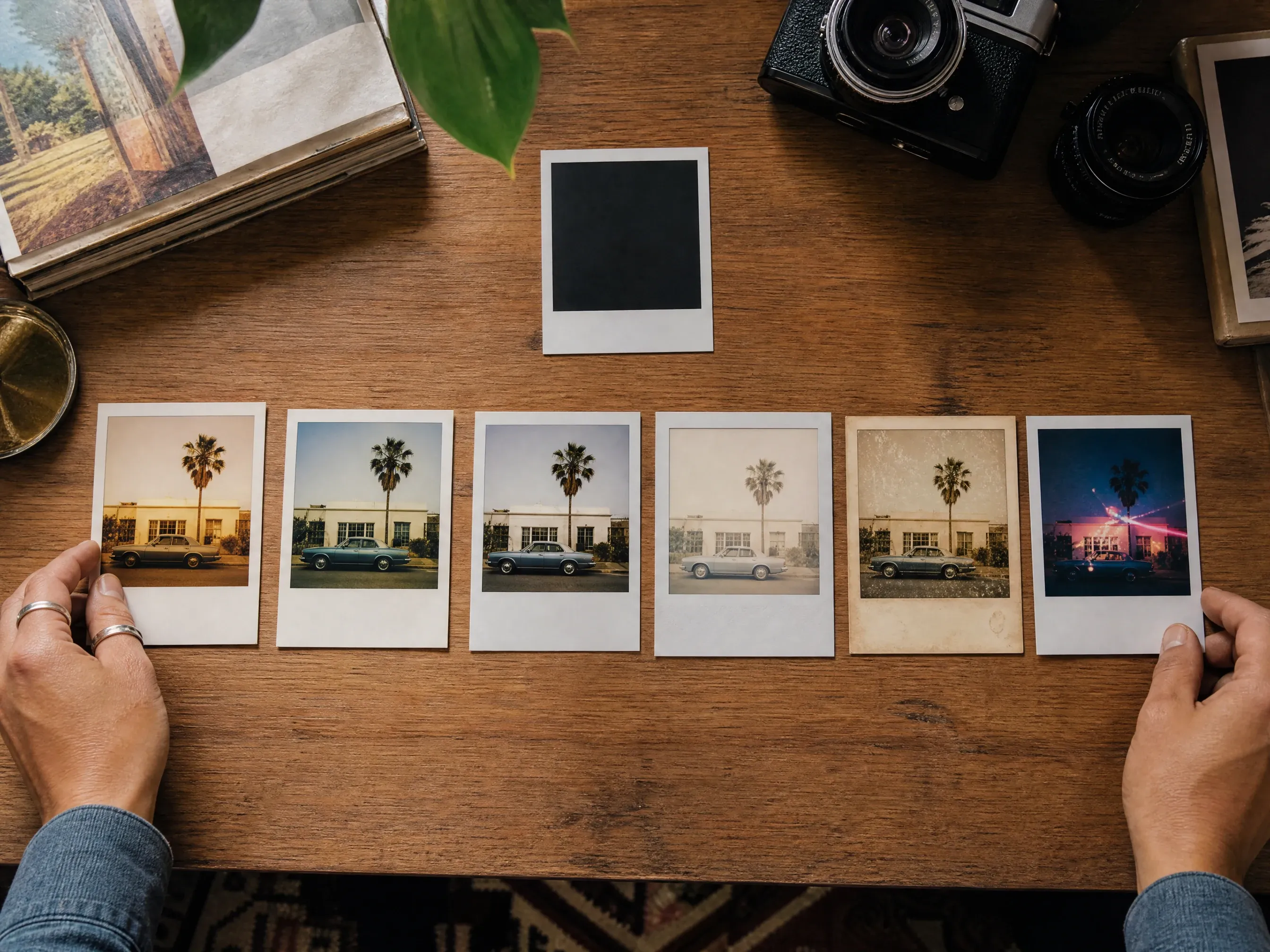
Switch between Classic Instant, SX-70 Warm, 600 Film, Spectra Wide, Aged Film, and Party Flash without writing a long prompt.
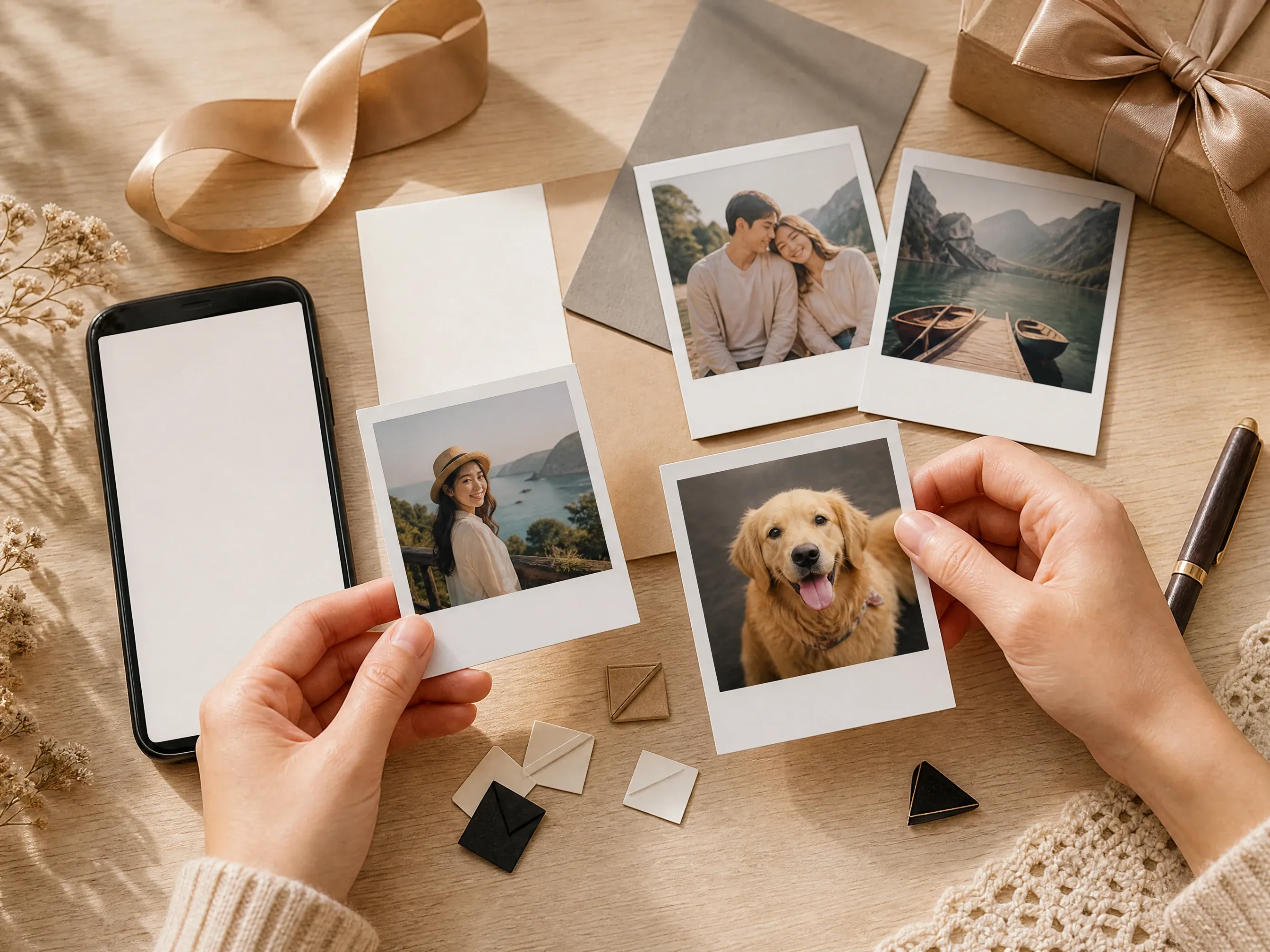
Social posts and gift ideas
Create warm image bases for photo dumps, profile refreshes, birthday posts, travel albums, room decor, and keepsake cards.
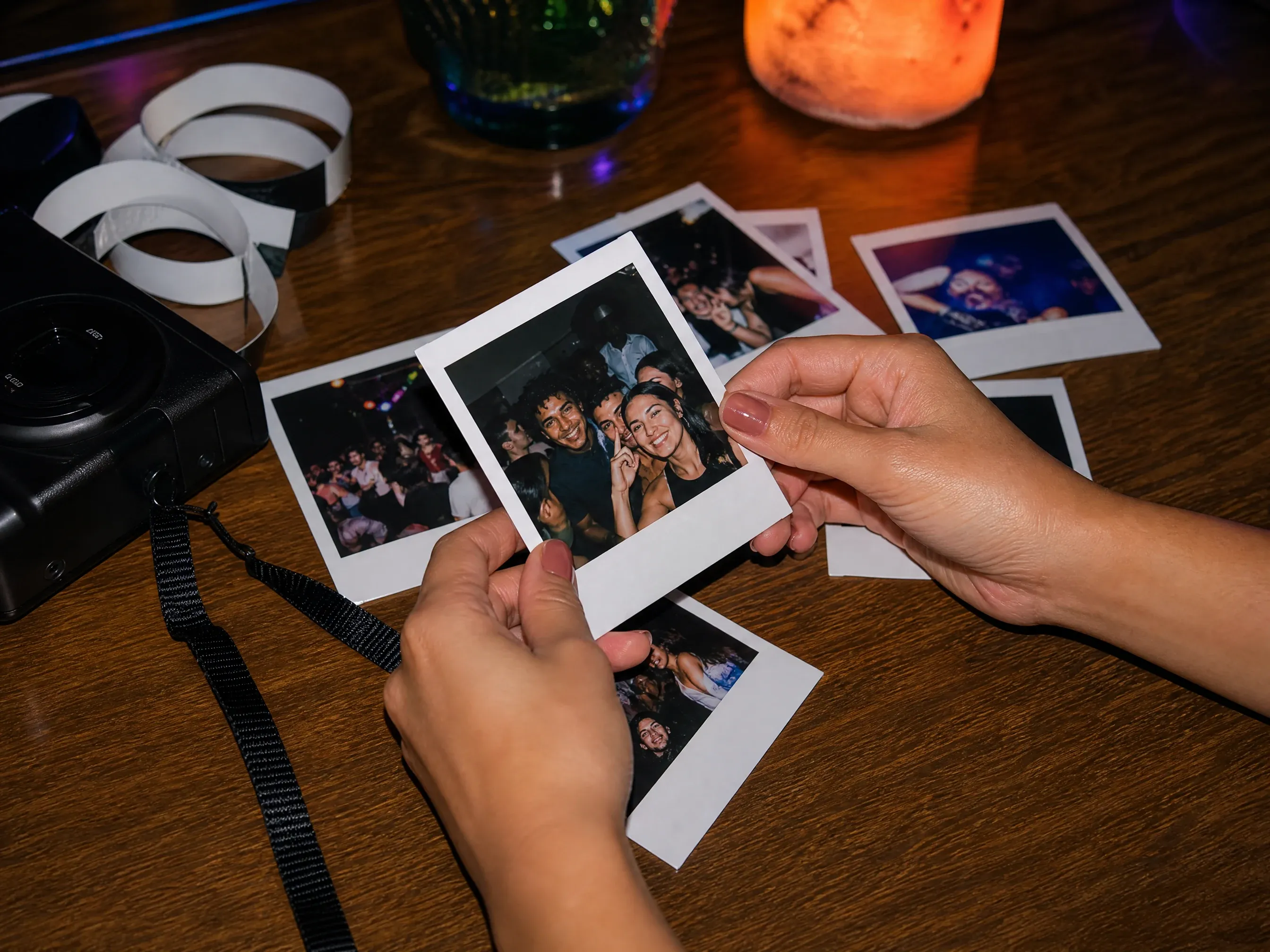
Party flash and candid moments
Use direct-flash and aged-film looks for night scenes, creator snapshots, friend groups, and nostalgic memory-board concepts.
What Is an AI Polaroid Photo Generator?
An AI Polaroid photo generator transforms one uploaded image into a Polaroid-style instant-camera photo. It focuses on film tone, flash, grain, crop, and border mood rather than exact handwritten captions.
Photo-to-instant workflow
Start from one real photo so the result can keep the subject, crop, expression, product, pet, or scene cues.
Film-look controls
Choose Classic Instant, SX-70 Warm, 600 Film, Spectra Wide, Aged Film, or Party Flash instead of relying on one generic vintage prompt.
Image base for manual finishing
Download the generated instant-photo image and add exact date, caption, handwriting, stickers, or frame design in a deterministic editor.
Why Use Face AI for Polaroid-Style Photos?
Face AI keeps the working tool first: upload the source photo, choose the film preset, generate, compare history, download, share, and continue into cleanup or upscaling when the result is close.
Not just prompt plus upload
The function area includes one-photo upload, film preset, instant-photo goal, ratio, examples, prompt refinement, history, download, and next-step tools.
Distinct instant-camera looks
Classic Instant, SX-70 Warm, 600 Film, Spectra Wide, Aged Film, and Party Flash make each visual direction easy to recognize before generation.
Add exact text after generation
Generate the instant-photo image here, then add exact handwriting, dates, captions, or logos in a design editor where every detail can be checked.
Built for iteration
Small changes in film tone, flash, ratio, and source crop can change the whole memory feeling, so history and retry controls matter.
How to Get Better Instant-Camera Results
A good source image matters more than clever prompt writing. Give the model a readable subject, then use the controls for film mood and crop.
Use a readable source photo
Faces, pets, products, and room scenes should be visible. Avoid tiny screenshots, heavy blur, dark rooms, and images with important details cut off.
Pick one film mood
Warm SX-70, everyday 600 film, aged keepsake, wide travel frame, or party flash are different looks. Choose one before generating.
Do not ask for exact text
If you need a date, caption, handwritten note, sticker label, or signature, add it manually after export where every character can be checked.
Review before posting
Check likeness, hands, background edges, border shape, and unwanted symbols before sharing, gifting, or printing.
AI Polaroid Photo Generator vs. Filters, Camera Apps, and Manual Editing
Use the workflow that matches the job. Face AI is for fast vintage instant-photo transformation with controls and history, not official camera simulation or exact text layout.
| Criteria | Face AIOurs Face AI instant-photo workflow | Other workflows |
|---|---|---|
| Starting point | Upload one photo, choose an instant-camera preset, ratio, and optional mood note. | Filter apps often apply a fixed overlay; manual editors require texture, border, color, and grain work by hand. |
| Best use | Portraits, selfies, social posts, photo dumps, gift ideas, travel scenes, party flash, and keepsake images. | Camera apps are better when you need a live capture workflow or a real device-specific shooting experience. |
| Control | Classic, SX-70 warm, 600 film, Spectra wide, aged film, party flash, ratio, source photo, prompt note, history, and download. | Generic filters may have less subject-aware transformation; prompt-only generators can ignore source-photo cues. |
| Text and captions | Best with no readable text; add dates, handwriting, stickers, or captions manually after export. | Design tools are better for exact typography, captions, stamps, dates, and print layouts. |
| Brand boundary | Uses Polaroid-style and instant-camera language without claiming official brand affiliation. | Some pages overuse trademark-like claims or imply exact official film/camera reproduction. |
| Next step | Download, refine with editor, upscale, or continue into image-to-image after choosing the keeper. | Single-purpose filters often stop at one export with little result history or follow-up path. |
Starting point
Upload one photo, choose an instant-camera preset, ratio, and optional mood note.
Filter apps often apply a fixed overlay; manual editors require texture, border, color, and grain work by hand.
Best use
Portraits, selfies, social posts, photo dumps, gift ideas, travel scenes, party flash, and keepsake images.
Camera apps are better when you need a live capture workflow or a real device-specific shooting experience.
Control
Classic, SX-70 warm, 600 film, Spectra wide, aged film, party flash, ratio, source photo, prompt note, history, and download.
Generic filters may have less subject-aware transformation; prompt-only generators can ignore source-photo cues.
Text and captions
Best with no readable text; add dates, handwriting, stickers, or captions manually after export.
Design tools are better for exact typography, captions, stamps, dates, and print layouts.
Brand boundary
Uses Polaroid-style and instant-camera language without claiming official brand affiliation.
Some pages overuse trademark-like claims or imply exact official film/camera reproduction.
Next step
Download, refine with editor, upscale, or continue into image-to-image after choosing the keeper.
Single-purpose filters often stop at one export with little result history or follow-up path.
Check the Instant Photo Before You Use It
Generated instant-photo images still need a quick human review, especially when the source includes faces, brands, hands, pets, products, or important memories.
Subject and likeness
Confirm faces, pets, products, and main objects still feel like the source and are not distorted by the film effect.
Frame and artifacts
Check the border, flash, grain, background, and hands for odd shapes or unwanted symbols before sharing.
Rights and text
Avoid protected brands, public figures, copyrighted characters, fake endorsements, and generated text you cannot verify.
How People Use the AI Polaroid Photo Generator
These comments focus on the practical loop: upload one photo, choose the film preset, generate, compare, then download or refine the version that feels right.
"The useful part is choosing the film look before generating. Classic instant, SX-70 warm, and party flash give very different memory-board directions from the same photo."

Amara Johansson
Head of Visual Identity
"I use it for profile refreshes and photo-dump covers. It is fast when I start with one clear portrait and keep the prompt about mood instead of exact text."

Jordan Kim
Growth Lead
"The page is honest about text. I get the vintage instant-photo image here, then add dates, handwriting, stickers, or captions in a real editor."

Nina Volkov
Visual Design Director
"Aged film and 600 film are useful for different briefs. The result feels like a believable instant-camera snapshot instead of a generic vintage filter."

Kai Nakamura
Global Creative Director
"For gift ideas, the social and keepsake presets help teammates make a warm image without needing to write a long prompt."

Priya Chen
Creative Strategy Lead
"The ratio selector matters. I use 1:1 for profile crops, 3:4 for classic instant-photo frames, and 9:16 for story-style posts."

Leo Fitzgerald
Associate Creative Director
"The useful part is choosing the film look before generating. Classic instant, SX-70 warm, and party flash give very different memory-board directions from the same photo."
Amara Johansson
Head of Visual Identity
"I use it for profile refreshes and photo-dump covers. It is fast when I start with one clear portrait and keep the prompt about mood instead of exact text."
Jordan Kim
Growth Lead
"The page is honest about text. I get the vintage instant-photo image here, then add dates, handwriting, stickers, or captions in a real editor."
Nina Volkov
Visual Design Director
"Aged film and 600 film are useful for different briefs. The result feels like a believable instant-camera snapshot instead of a generic vintage filter."
Kai Nakamura
Global Creative Director
"For gift ideas, the social and keepsake presets help teammates make a warm image without needing to write a long prompt."
Priya Chen
Creative Strategy Lead
"The ratio selector matters. I use 1:1 for profile crops, 3:4 for classic instant-photo frames, and 9:16 for story-style posts."
Leo Fitzgerald
Associate Creative Director
"It is strongest when the source image has a readable face or subject. Dark screenshots and tiny faces make the vintage effect less convincing."

Astrid Nielsen
Head of Thought Leadership
"The useful part is choosing the film look before generating. Classic instant, SX-70 warm, and party flash give very different memory-board directions from the same photo."
Amara Johansson
Head of Visual Identity
"I use it for profile refreshes and photo-dump covers. It is fast when I start with one clear portrait and keep the prompt about mood instead of exact text."
Jordan Kim
Growth Lead
"The page is honest about text. I get the vintage instant-photo image here, then add dates, handwriting, stickers, or captions in a real editor."
Nina Volkov
Visual Design Director
"Aged film and 600 film are useful for different briefs. The result feels like a believable instant-camera snapshot instead of a generic vintage filter."
Kai Nakamura
Global Creative Director
"For gift ideas, the social and keepsake presets help teammates make a warm image without needing to write a long prompt."
Priya Chen
Creative Strategy Lead
"The ratio selector matters. I use 1:1 for profile crops, 3:4 for classic instant-photo frames, and 9:16 for story-style posts."
Leo Fitzgerald
Associate Creative Director
"It is strongest when the source image has a readable face or subject. Dark screenshots and tiny faces make the vintage effect less convincing."
Astrid Nielsen
Head of Thought Leadership
"We avoid real brand names and use Polaroid-style wording only. The workflow gives the look without pretending to be an official camera or film product."

Rafael Santos
VP of Creative
"History is helpful because small changes in flash, crop, and warmth can make the image feel like a different memory."

Ananya Iyer
Content Marketing Lead
"For creator campaigns, I can make a retro instant-photo concept, download it without watermark, and then decide whether it needs cleanup or upscaling."

Charlotte Beaumont
Director of Content Operations
"The best prompts name the subject, mood, and use case: profile, party, travel, keepsake, or social post. The preset handles the film language."

Yifan Zheng
Demand Generation Lead
"The output is strongest when the team treats it as an instant-photo base. We review the border, face quality, and grain before using it in campaigns."

Mia Torres
Design Director
"The preset picker keeps briefs consistent across creators. We can ask for party flash, aged film, or classic instant without rewriting the whole prompt."

Zeke Williams
Senior Art Director
"It is more useful than a one-prompt box because the workbench asks for the photo, film preset, ratio, examples, history, download, and follow-up tools."

Devon Park
Interactive Creative Director
"We avoid real brand names and use Polaroid-style wording only. The workflow gives the look without pretending to be an official camera or film product."
Rafael Santos
VP of Creative
"History is helpful because small changes in flash, crop, and warmth can make the image feel like a different memory."
Ananya Iyer
Content Marketing Lead
"For creator campaigns, I can make a retro instant-photo concept, download it without watermark, and then decide whether it needs cleanup or upscaling."
Charlotte Beaumont
Director of Content Operations
"The best prompts name the subject, mood, and use case: profile, party, travel, keepsake, or social post. The preset handles the film language."
Yifan Zheng
Demand Generation Lead
"The output is strongest when the team treats it as an instant-photo base. We review the border, face quality, and grain before using it in campaigns."
Mia Torres
Design Director
"The preset picker keeps briefs consistent across creators. We can ask for party flash, aged film, or classic instant without rewriting the whole prompt."
Zeke Williams
Senior Art Director
"It is more useful than a one-prompt box because the workbench asks for the photo, film preset, ratio, examples, history, download, and follow-up tools."
Devon Park
Interactive Creative Director
What Should You Try After an Instant Photo?
Choose the next Face AI tool based on the blocker: broader source-guided editing, couple scenes, cleanup, sharper export, or campaign poster work.
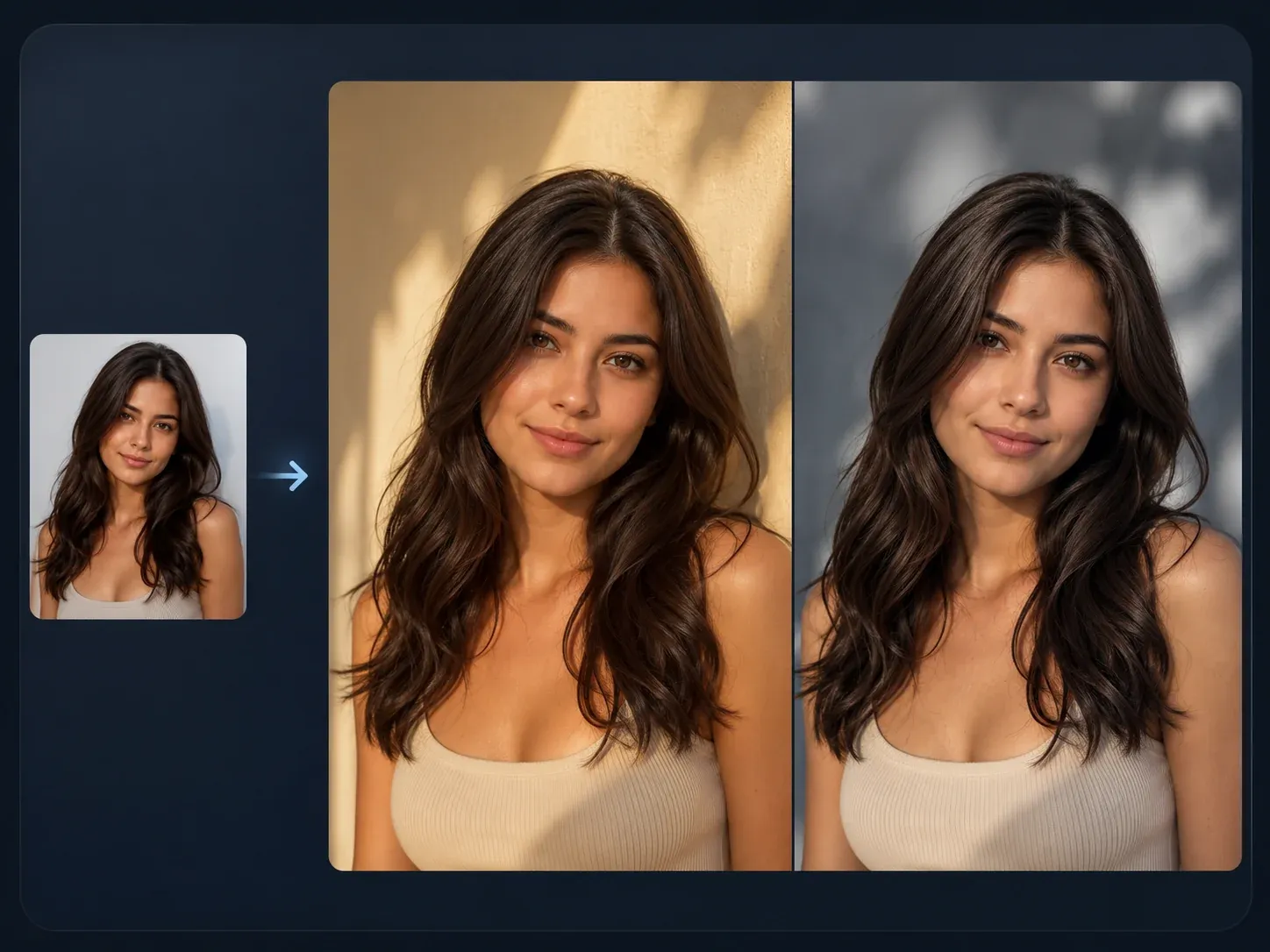
AI Image to Image
Use broader source-guided editing when you want a different art direction after the instant-camera version.
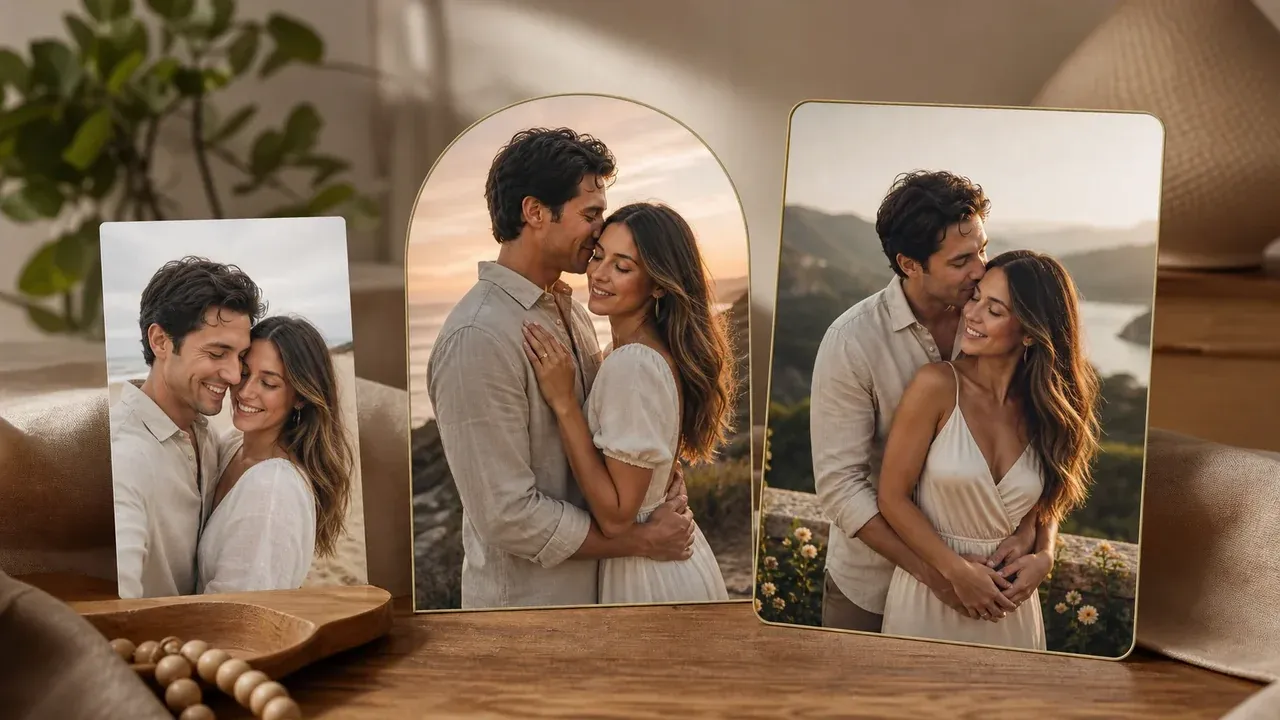
AI Couple Photo Maker
Create a shared couple scene first, then return here when the keeper should have a retro instant-photo finish.

AI Image Editor
Clean up a nearly finished vintage result before adding manual captions, stickers, or dates in your design workflow.
AI Image Upscaler
Sharpen the selected instant-photo result before using it in a card, profile, post, or print-style mockup.
AI Poster Generator
Use poster generation when the goal is a campaign visual with blank copy space instead of a personal instant-photo memory.
AI Polaroid Photo Generator FAQ
Direct answers about free use, uploads, film presets, exact text, official brand boundaries, downloads, privacy, quality, and next-step editing.
It is an online tool that turns one uploaded photo into a Polaroid-style instant-camera image with vintage film tone, grain, flash, crop, and border mood.
Yes. You can open the workbench and start generating for free. Any current usage limit is shown in the workbench before generation.
No. Face AI is an independent service. Polaroid-style and instant-camera language describes the visual effect, not an official partnership or exact camera and film reproduction.
Use one clear image with a readable subject: selfie, portrait, couple photo, group shot, pet image, product scene, travel photo, or party moment. Avoid tiny screenshots, very dark images, and photos you do not have permission to use.
Start with Classic Instant, SX-70 Warm, 600 Film, Spectra Wide, Aged Film, or Party Flash. Each preset changes the mood, crop, color, flash, and grain direction.
Yes. Use the prompt for one mood, scene, crop, flash, warmth, or texture detail. Keep exact handwriting, dates, captions, and stickers for manual editing after export.
Not reliably. AI image generation can create fake or distorted text. Generate the instant-photo image base here, then add exact writing, dates, labels, stickers, and captions in a design editor.
Yes. After the generated image appears, use the download control in the workbench. Keep the tab open until the final image is ready.
Use 1:1 for profile crops, 3:4 or 4:5 for classic instant-photo framing, 9:16 for stories, and 16:9 for wide travel, room, or group scenes.
Use photos you are comfortable processing through an online tool. Face AI uses secure upload handling for the generation flow, and you should avoid uploading sensitive images or photos you do not have permission to use.
You are responsible for rights around the source photo, subjects, brands, and final use. Avoid protected logos, public figures, copyrighted characters, fake endorsements, and misleading identity claims.
Generate another version with a different film preset, or move the keeper into AI Image Editor for cleanup, AI Image to Image for variants, or AI Image Upscaler for sharper export.
Create Your Polaroid-Style Photo Now
Upload one source photo, choose the instant-camera film look, generate a vintage result, then download or refine the keeper.