
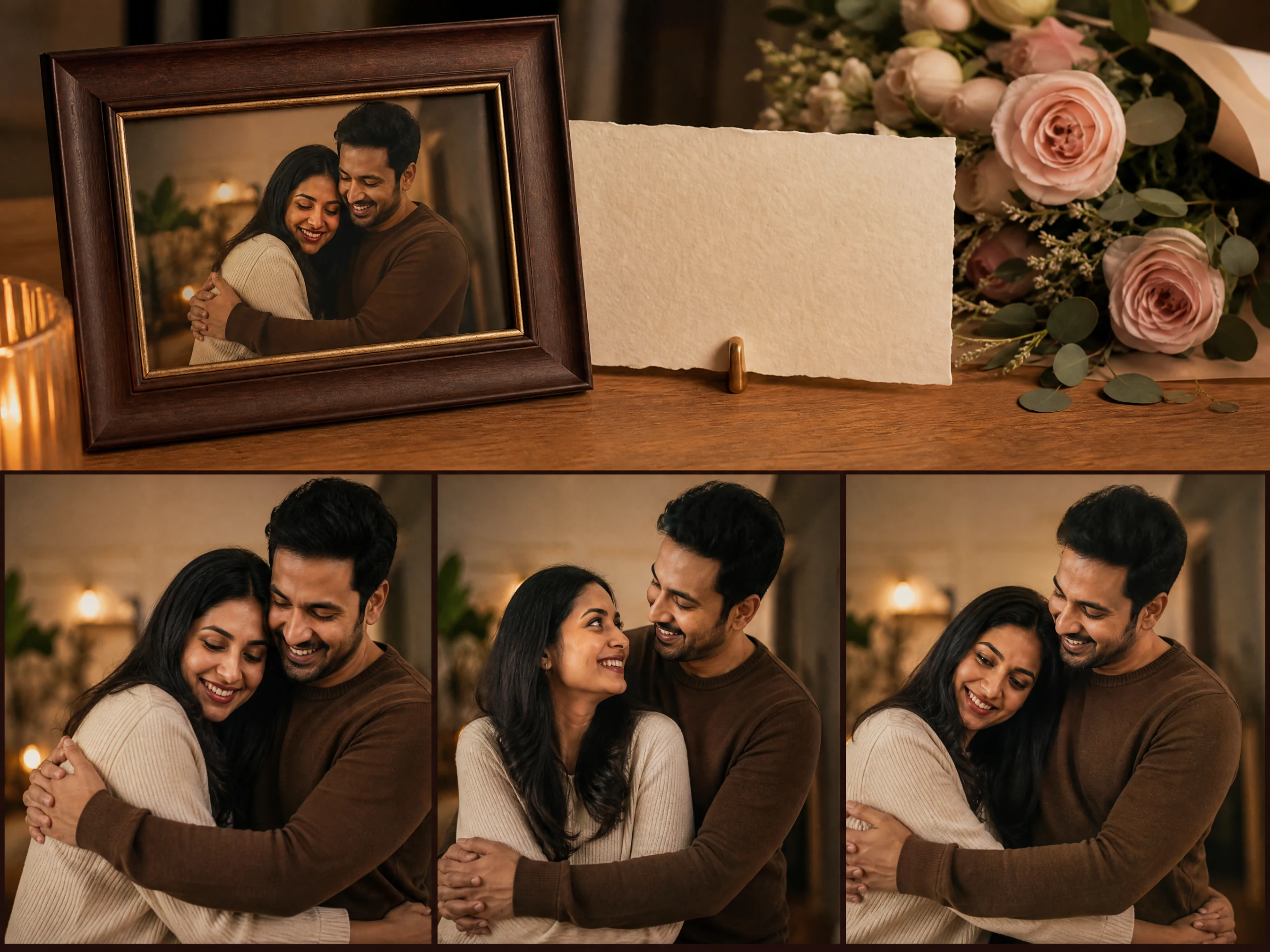
AI Romantic Video Generator for Couple Photo Clips
Upload one clear couple photo and turn it into a short romantic video concept with soft hug, gentle walk, wedding-style glance, date-night, or anniversary motion. Choose the action, mood, lighting, and location, then review the result before downloading or sharing.
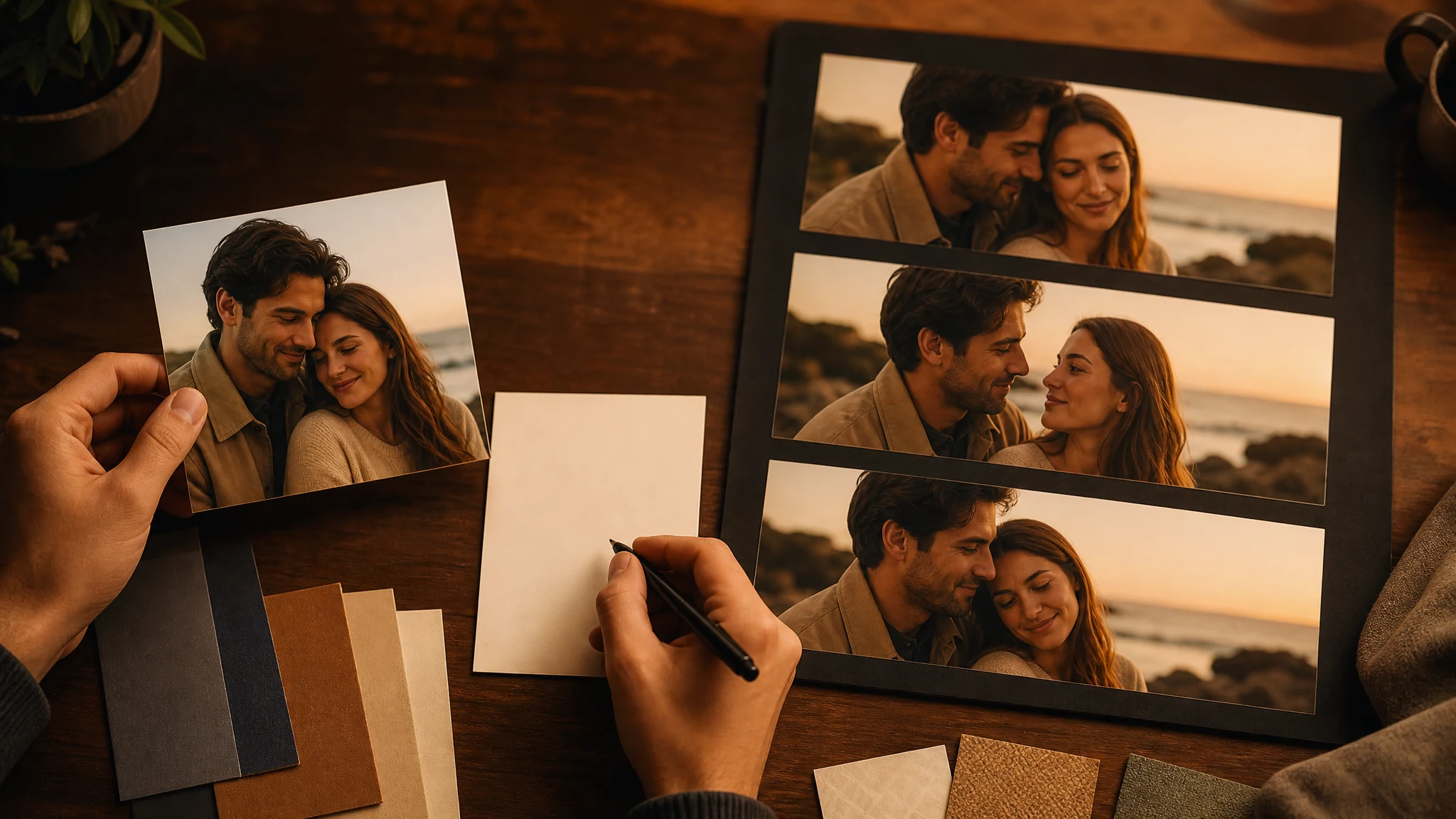
Trusted by 12,000,000+ users worldwide.
How to Create an AI Romantic Video in 3 Steps
Keep the first run focused: one clear couple photo, one romantic action, one short motion note, then a human review before sharing.
Upload one couple photo
Use a clear image where both people are visible in the same frame. Avoid minors, deceptive use, explicit content, and photos you do not have permission to animate.
Choose action and mood
Pick soft hug, gentle walk, wedding glance, date night, or anniversary motion, then set mood, lighting, and location.
Generate and inspect
Review faces, hands, contact, clothing, and background motion before downloading, regenerating, or enhancing the clip.
What Can You Create with an AI Romantic Video Generator?
Use the romantic video generator for short, tasteful clips built from one existing couple photo: anniversary reels, wedding-style moments, date-night edits, and social story concepts.
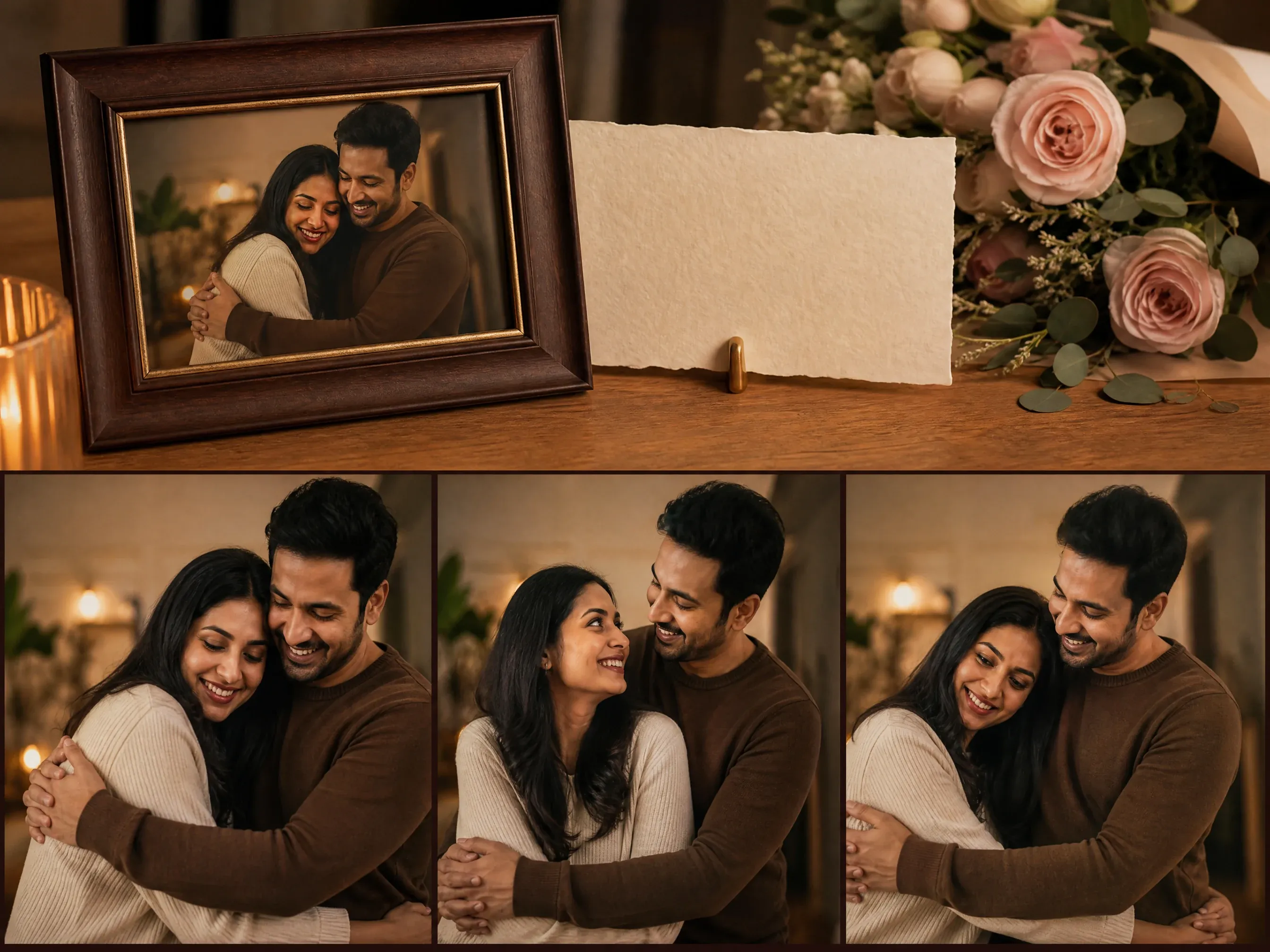
Anniversary reels
Animate a favorite couple photo into a warm short clip for a private message, slideshow draft, or social post idea.
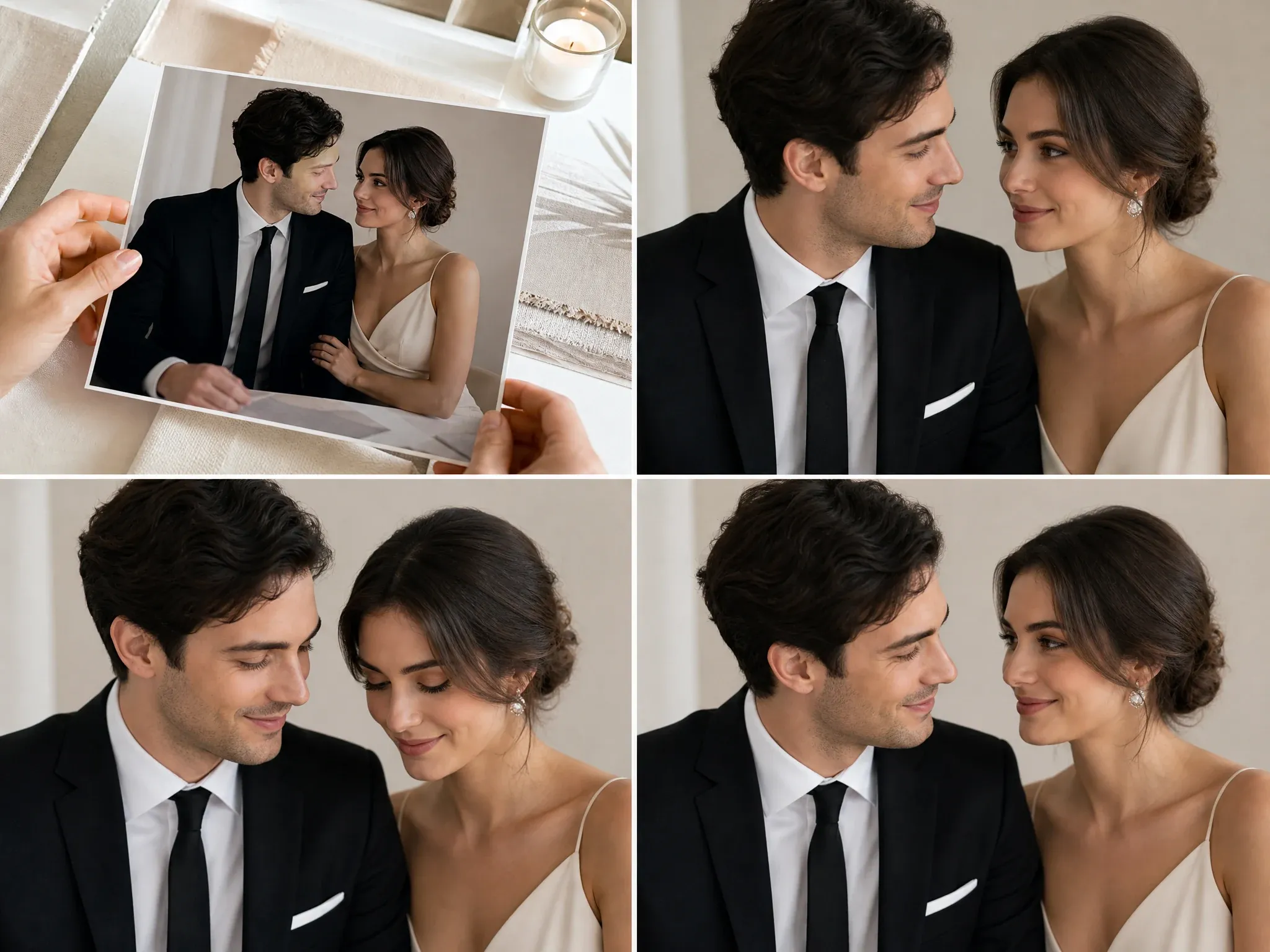
Wedding-style glances
Use an engagement or wedding-style image and ask for subtle camera motion, soft eye contact, and elegant light.
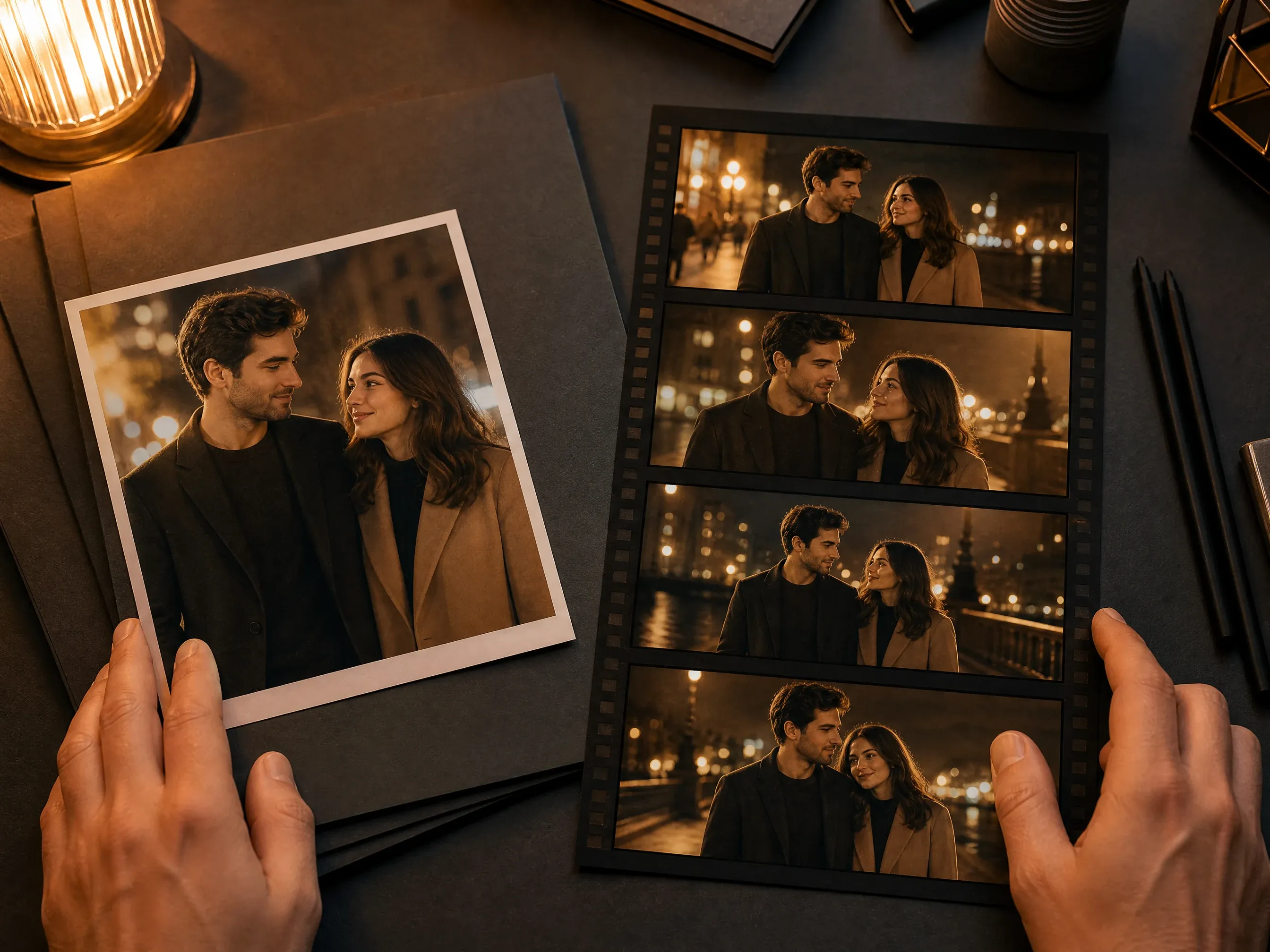
Date-night clips
Turn a city, cafe, or evening couple photo into a cinematic date-night motion concept with restrained movement.
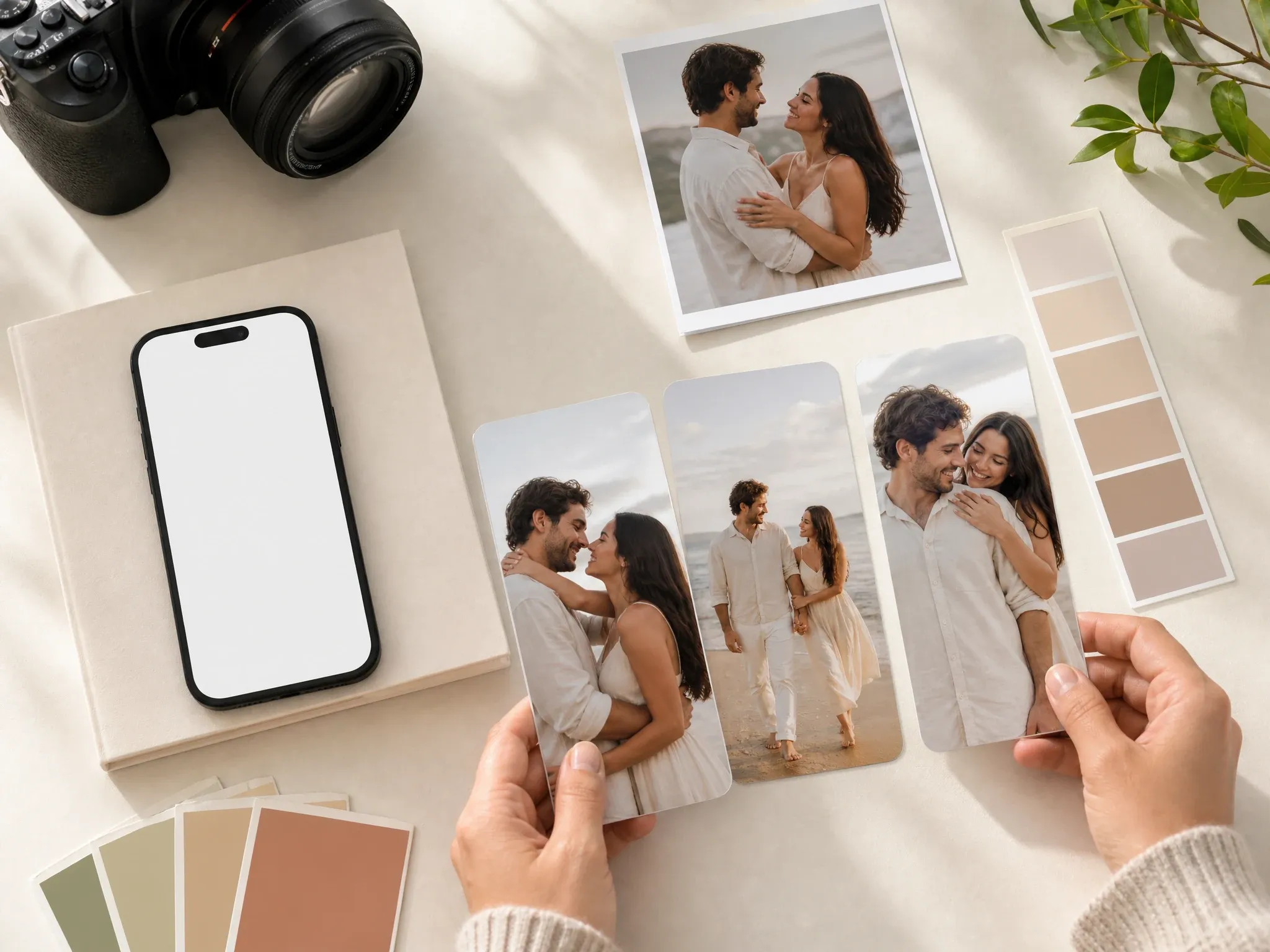
Social story ideas
Create a short-form romantic clip for Reels, Shorts, or storyboards, then inspect the result before posting.
What Is an AI Romantic Video Generator?
An AI romantic video generator uses one couple photo as the visual anchor and creates a short video from your romantic motion prompt. The page is built for tasteful couple-photo animation, not for merging two unrelated portraits or producing a full edited love-story package.
One photo anchors the clip
The source photo should already show the couple together. The AI then adds short video motion around that frame.
Presets guide the scene
Action, mood, lighting, and location controls help the prompt stay focused instead of becoming a vague romance paragraph.
Review stays part of the workflow
Generated romance clips can drift around faces, hands, contact, or tiny details, so human review is required before sharing.
Why Use Face AI for Romantic Couple Videos?
Face AI keeps the romantic-video workspace first and gives you focused controls for mood, lighting, motion, duration, and output intent.
Built around couple-photo motion
The workspace starts from one shared couple image, then asks for the romantic action, mood, lighting, and location.
Useful presets, not fake guarantees
Choose soft hug, walk, wedding glance, date night, or anniversary direction without pretending contact realism is deterministic.
Safe romantic boundary
The page is for tasteful, consent-based romantic media. It blocks minors, explicit sexualized content, harassment, and deceptive impersonation.
Fits the Face AI video chain
Use image editing or couple-photo tools before generation, then send the keeper to video enhancement when the motion works.
How to Get Better Romantic Video Results
A simple source photo and one main romantic motion usually beat a long prompt full of competing scene ideas.
Try romantic videoUse a photo where the couple is already close
The model performs better when both people are in the same frame, well lit, and not hidden by props, blur, or heavy shadows.
Ask for one romantic action
Soft hug, gentle walk, wedding glance, or slow date-night camera movement is easier to judge than several actions at once.
Keep contact expectations realistic
Review hands, faces, hair, and contact frames. Regenerate or change the source photo if the interaction looks off.
Do not upload unsafe media
Use only consented adult photos you have the right to animate. Do not create explicit, harassing, deceptive, or non-consensual romantic content.
AI Romantic Video vs. Generic Image-to-Video and Love-Story Apps
Use this page when you have one strong couple photo and want a short romantic clip. Use a larger editor or story product when you need multi-scene scripting, music, or two-person identity merging.
| Criteria | Face AIOurs Face AI romantic-video workflow | Other workflows |
|---|---|---|
| Starting point | One clear couple photo where both people already appear together. | Some love-story apps ask for two separate portraits, story text, music, or multiple scenes. |
| Control focus | Romantic action, mood, lighting, location, and a short prompt note. | Generic image-to-video pages often leave users with only upload plus a blank prompt. |
| Best use | Anniversary clips, wedding-style glances, date-night ideas, and tasteful social reels. | Full story products are better for long arcs, captions, BGM, scene sequencing, and editing. |
| Realism boundary | Preserves the source as a guide but still requires review of faces, hands, contact, and background motion. | Pages that promise exact kissing or perfect identity preservation can overstate what the current model reliably proves. |
| Safety boundary | Consent-based, adult, tasteful romantic media only. | Trend pages can blur the line between playful romance and non-consensual or deceptive edits. |
| Next step | Enhance the video, edit the source image, or create a better couple photo before regenerating. | Single-purpose pages often stop at download without guiding the next repair step. |
Starting point
One clear couple photo where both people already appear together.
Some love-story apps ask for two separate portraits, story text, music, or multiple scenes.
Control focus
Romantic action, mood, lighting, location, and a short prompt note.
Generic image-to-video pages often leave users with only upload plus a blank prompt.
Best use
Anniversary clips, wedding-style glances, date-night ideas, and tasteful social reels.
Full story products are better for long arcs, captions, BGM, scene sequencing, and editing.
Realism boundary
Preserves the source as a guide but still requires review of faces, hands, contact, and background motion.
Pages that promise exact kissing or perfect identity preservation can overstate what the current model reliably proves.
Safety boundary
Consent-based, adult, tasteful romantic media only.
Trend pages can blur the line between playful romance and non-consensual or deceptive edits.
Next step
Enhance the video, edit the source image, or create a better couple photo before regenerating.
Single-purpose pages often stop at download without guiding the next repair step.
How Creators Use Romantic Video in Real Workflows
These comments focus on the real loop: choose a source photo, pick the romantic direction, inspect the clip, and decide whether to regenerate or enhance.
"The page is honest about the input: start from one clear couple photo, pick a romantic motion direction, then review the short clip before sharing."

Marie Laurent
Storytelling & Brand Lead
"The action, mood, lighting, and location controls make it feel like a real romantic-video workspace instead of a blank upload box."

Astrid Nielsen
Head of Thought Leadership
"I used it for an anniversary reel concept. The best results came from a well-lit photo where both people were already close in the frame."

Charlotte Beaumont
Director of Content Operations
"The limits are useful. It does not pretend to merge two separate portraits or guarantee perfect kissing physics, so review expectations stay realistic."

Kai Nakamura
Global Creative Director
"For social ideas, I can test date-night, wedding glance, soft hug, and golden-hour motion without opening a full editing suite first."

Priya Chen
Creative Strategy Lead
"The history panel makes quick comparison easy. I usually regenerate when the source photo has hands near faces or too much background clutter."

Devon Park
Interactive Creative Director
"The page is honest about the input: start from one clear couple photo, pick a romantic motion direction, then review the short clip before sharing."
Marie Laurent
Storytelling & Brand Lead
"The action, mood, lighting, and location controls make it feel like a real romantic-video workspace instead of a blank upload box."
Astrid Nielsen
Head of Thought Leadership
"I used it for an anniversary reel concept. The best results came from a well-lit photo where both people were already close in the frame."
Charlotte Beaumont
Director of Content Operations
"The limits are useful. It does not pretend to merge two separate portraits or guarantee perfect kissing physics, so review expectations stay realistic."
Kai Nakamura
Global Creative Director
"For social ideas, I can test date-night, wedding glance, soft hug, and golden-hour motion without opening a full editing suite first."
Priya Chen
Creative Strategy Lead
"The history panel makes quick comparison easy. I usually regenerate when the source photo has hands near faces or too much background clutter."
Devon Park
Interactive Creative Director
"The consent and tasteful-use copy matters for this category. It keeps the page romantic without drifting into unsafe or misleading media."

Aaliyah Williams
Digital Marketing Director
"The page is honest about the input: start from one clear couple photo, pick a romantic motion direction, then review the short clip before sharing."
Marie Laurent
Storytelling & Brand Lead
"The action, mood, lighting, and location controls make it feel like a real romantic-video workspace instead of a blank upload box."
Astrid Nielsen
Head of Thought Leadership
"I used it for an anniversary reel concept. The best results came from a well-lit photo where both people were already close in the frame."
Charlotte Beaumont
Director of Content Operations
"The limits are useful. It does not pretend to merge two separate portraits or guarantee perfect kissing physics, so review expectations stay realistic."
Kai Nakamura
Global Creative Director
"For social ideas, I can test date-night, wedding glance, soft hug, and golden-hour motion without opening a full editing suite first."
Priya Chen
Creative Strategy Lead
"The history panel makes quick comparison easy. I usually regenerate when the source photo has hands near faces or too much background clutter."
Devon Park
Interactive Creative Director
"The consent and tasteful-use copy matters for this category. It keeps the page romantic without drifting into unsafe or misleading media."
Aaliyah Williams
Digital Marketing Director
"This is stronger than a generic image-to-video page because every control points toward couple-photo motion: action, scene, lighting, location, and share use."

Rafael Santos
VP of Creative
"The related tools are practical: clean the photo first, create a couple photo, animate the keeper, then enhance the clip if the motion works."

Ananya Iyer
Content Marketing Lead
"The page gives enough direction for Valentine, anniversary, wedding teaser, and short-form social drafts while keeping the workflow focused on one short romantic clip."

Emma Johansson
Head of Content Strategy
"I like the one-photo boundary. If the couple is already visible in the source, the AI has a better anchor and the result is easier to judge."

Yifan Zheng
Demand Generation Lead
"The source-photo guidance is specific: clear faces, natural light, no minors, no deceptive use, and no expectation that tiny details stay exact."

Zara Davis
Social Media Director
"For a wedding slideshow concept, the page creates motion direction fast. Final publishing still needs a human pass on faces, hands, and contact."

Luca Moretti
VP of Creative Services
"It is built for romantic clips people actually make: soft hugs, walks, anniversary moments, date-night reels, and gentle wedding-style glances."

Luna Hernandez
Community Manager
"This is stronger than a generic image-to-video page because every control points toward couple-photo motion: action, scene, lighting, location, and share use."
Rafael Santos
VP of Creative
"The related tools are practical: clean the photo first, create a couple photo, animate the keeper, then enhance the clip if the motion works."
Ananya Iyer
Content Marketing Lead
"The page gives enough direction for Valentine, anniversary, wedding teaser, and short-form social drafts while keeping the workflow focused on one short romantic clip."
Emma Johansson
Head of Content Strategy
"I like the one-photo boundary. If the couple is already visible in the source, the AI has a better anchor and the result is easier to judge."
Yifan Zheng
Demand Generation Lead
"The source-photo guidance is specific: clear faces, natural light, no minors, no deceptive use, and no expectation that tiny details stay exact."
Zara Davis
Social Media Director
"For a wedding slideshow concept, the page creates motion direction fast. Final publishing still needs a human pass on faces, hands, and contact."
Luca Moretti
VP of Creative Services
"It is built for romantic clips people actually make: soft hugs, walks, anniversary moments, date-night reels, and gentle wedding-style glances."
Luna Hernandez
Community Manager
What Should You Try Before or After a Romantic Video?
Choose the next Face AI tool based on the blocker: better source photo, broader image-to-video, wedding-style stills, video enhancement, or source cleanup.
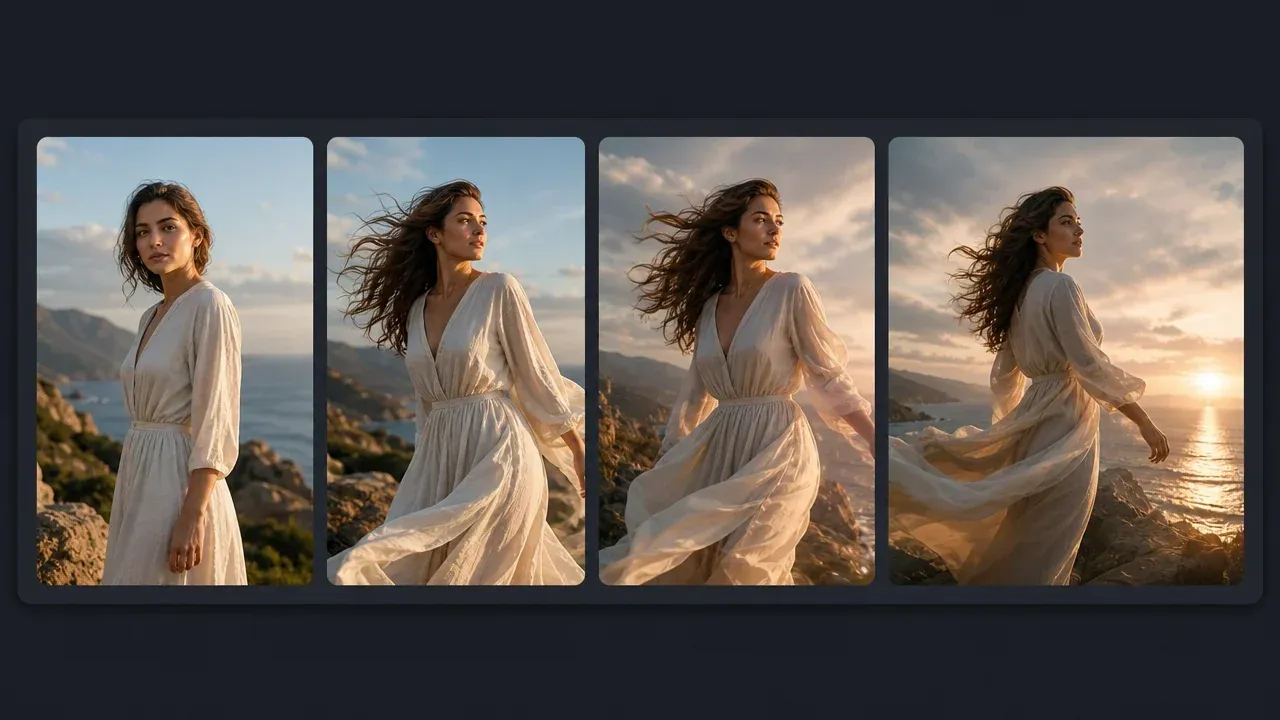
AI Image to Video
Use the broader image-to-video page when the clip is not specifically romantic or couple-focused.
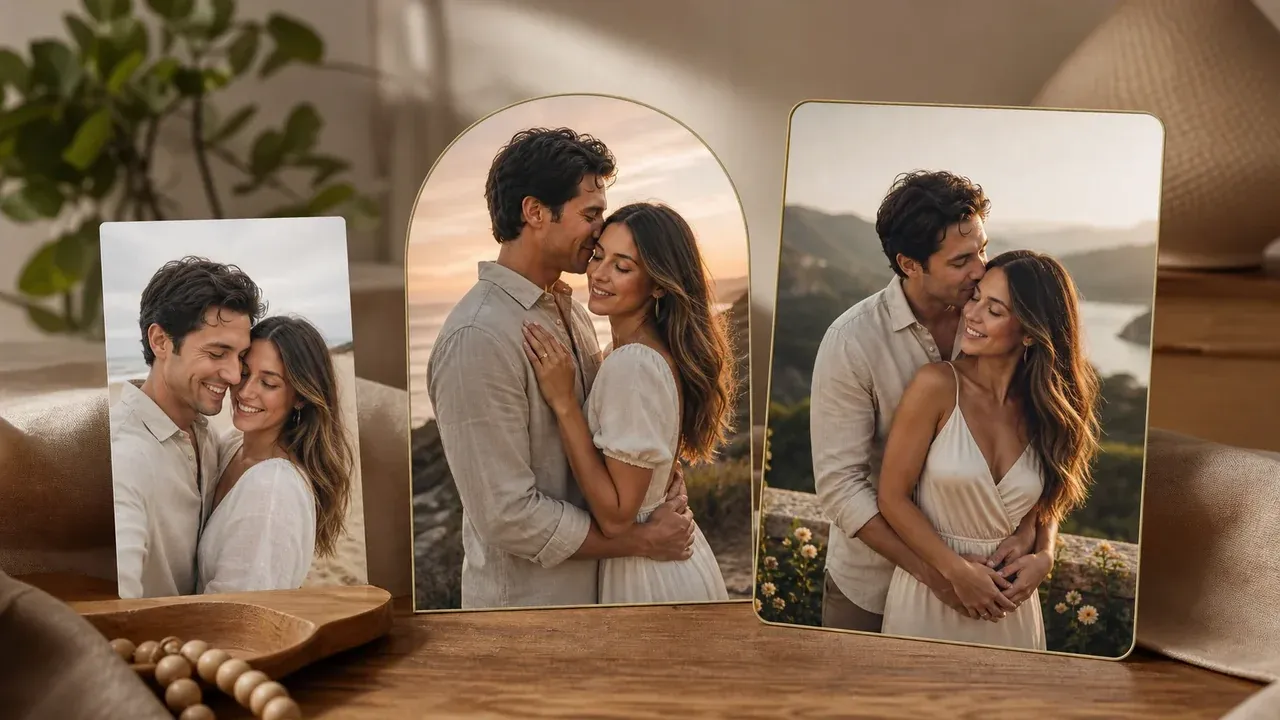
AI Couple Photo Maker
Create a stronger source couple image first when the photo needs a cleaner pose or a better romantic setup.
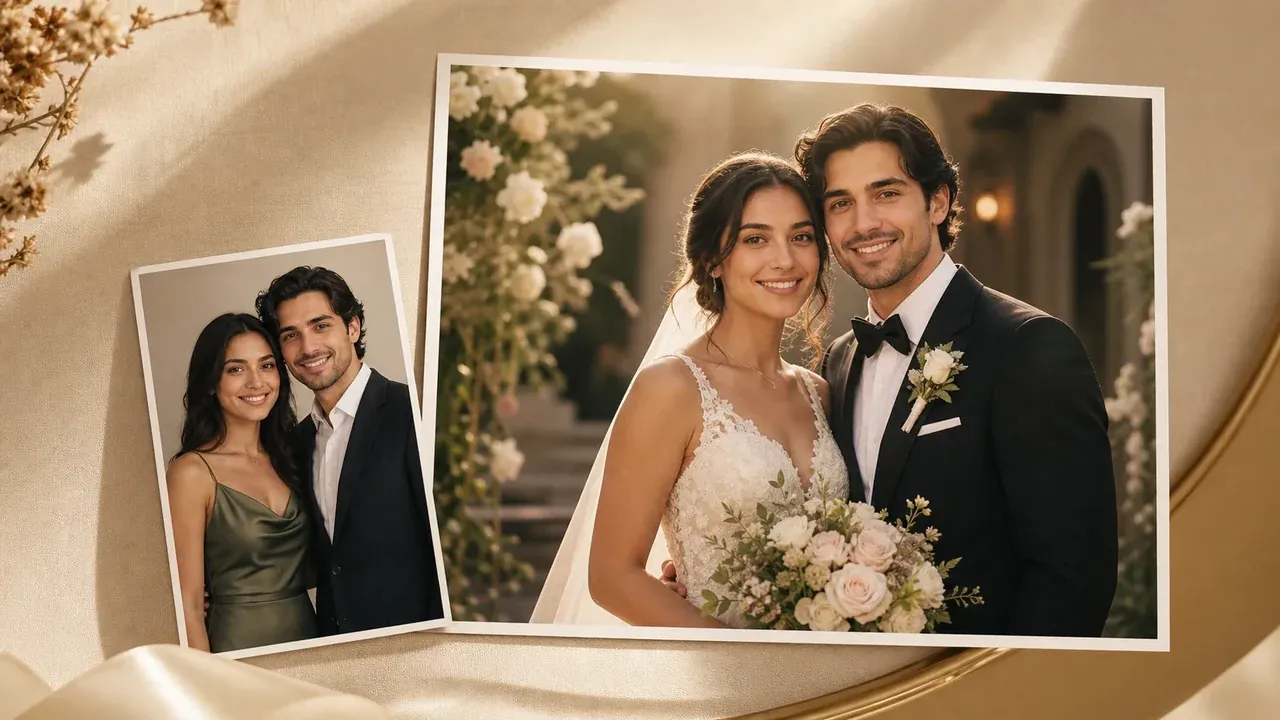
AI Wedding Photo Generator
Build a wedding-style still image before animating it into a short romantic clip.
AI Video Enhancer
Use it after generation when the motion direction works but the video needs a cleaner export for sharing.

AI Image Editor
Remove a distracting object or soften the background before turning the couple photo into motion.
AI Romantic Video Generator Questions, Answered
Direct answers about source photos, romantic prompts, output quality, safety, rights, and when to use a different Face AI workflow.
It turns one uploaded couple photo into a short romantic video clip. The photo anchors the scene, and the action, mood, lighting, location, and prompt note guide the motion.
Use one clear photo where both people already appear together. This page does not merge two separate portraits into one guaranteed romantic interaction.
Yes. Use AI Image to Video for any source image. Use this page when the source is a couple photo and you want romantic action, mood, lighting, location, safety, and sharing guidance built into the workflow.
You can request tasteful romantic motion, but do not treat exact kissing contact as guaranteed. Review face and contact frames carefully before sharing.
Use a well-lit couple photo with both faces visible, a clear pose, and not too much clutter around hands or faces. A photo where the couple is already close usually gives the cleanest first result.
Write short shot notes: romantic action, camera movement, setting, lighting, outfit mood, and what should stay tasteful. One clear motion request is better than several competing actions.
No exact preservation guarantee should be assumed. Check faces, hands, jewelry, hair, contact points, and background motion before publishing or sending the clip to someone else.
The model has to infer movement between frames. Close contact, hands near faces, low light, and crowded backgrounds are harder, so source-photo choice matters.
Upload only photos you own or have permission to animate. Do not use minors, explicit sexualized content, non-consensual romantic edits, harassment, or deceptive impersonation.
Yes, when you have the rights and consent for the source photo and the result passes your review. You are responsible for how the clip is used and shared.
No. This page creates one short image-to-video clip from a couple photo. Use a full video editor or a future story workflow when you need scenes, music, captions, or timelines.
If the motion works but looks soft, try AI Video Enhancer. If the source photo is weak, clean or restyle the still first, then generate again.
Create an AI Romantic Video from One Couple Photo
Upload a clear couple photo, choose the romantic motion, and generate the first short clip before you enhance, edit, or share it.