Starting point
Ours
A written action, plus a photo if the subject must be yours.
Animation software
A project, timeline, layers, and keyframes.
Describe the action or upload a photo, and GPT Image 2.6 turns it into a short looping GIF. Pick a style, preview the loop, and download it in seconds. Free to try, no design skills needed.

Trusted by 12,000,000+ users worldwide. Built for short looping GIFs on GPT Image 2.6, not full animation editing, rigging, or timeline work.
Keep the action short and readable: one subject, one camera angle, one loop.
Write what should happen, or upload a photo when the character, pet, or product has to be yours.
Choose the look you want. If the motion should be slower or faster, say it in the description.
Watch the loop play, then download the GIF and use it in chat, slides, social posts, or a landing page.
Use it when a short loop says more than a still image.

Describe an expression change instead of searching reaction libraries. A small nod, sigh, or double take is enough.
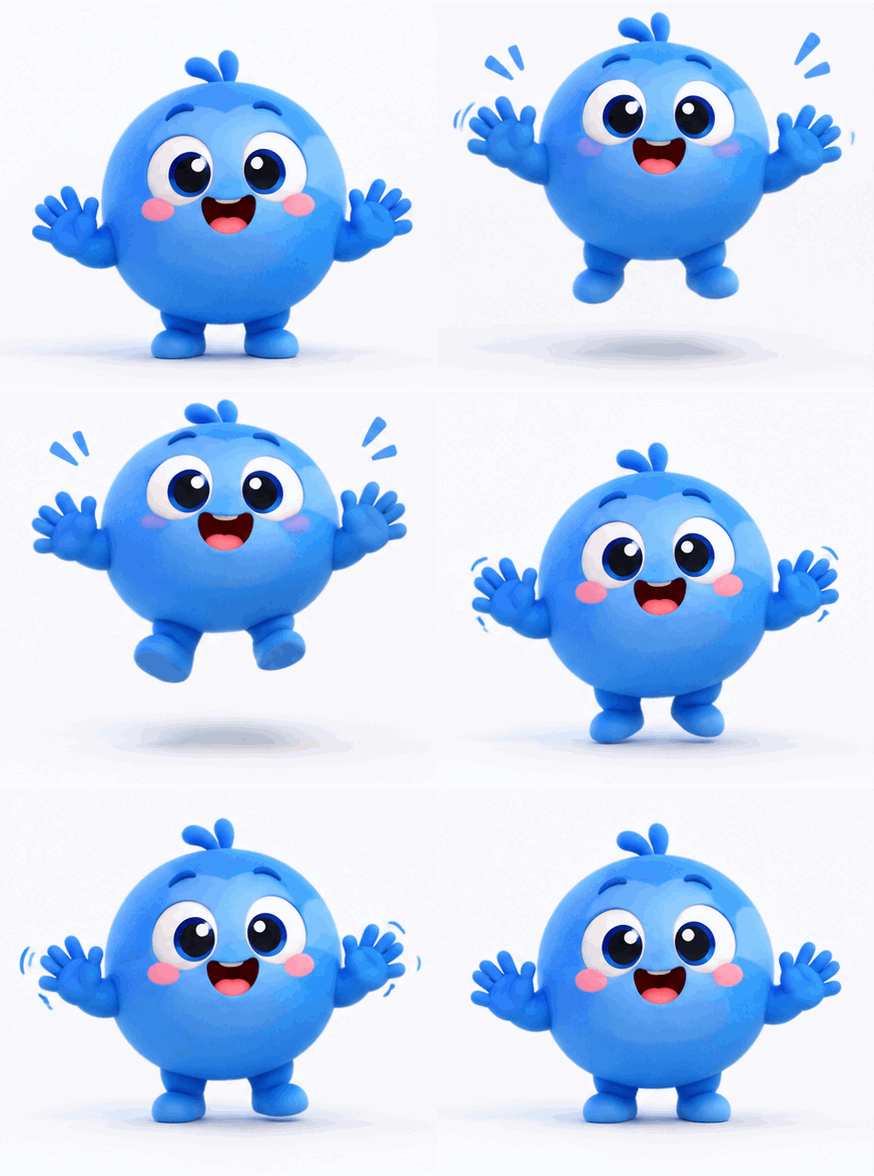
Give a mascot a wave, a bounce, or a blink. Keep the character and background steady so the loop reads cleanly.
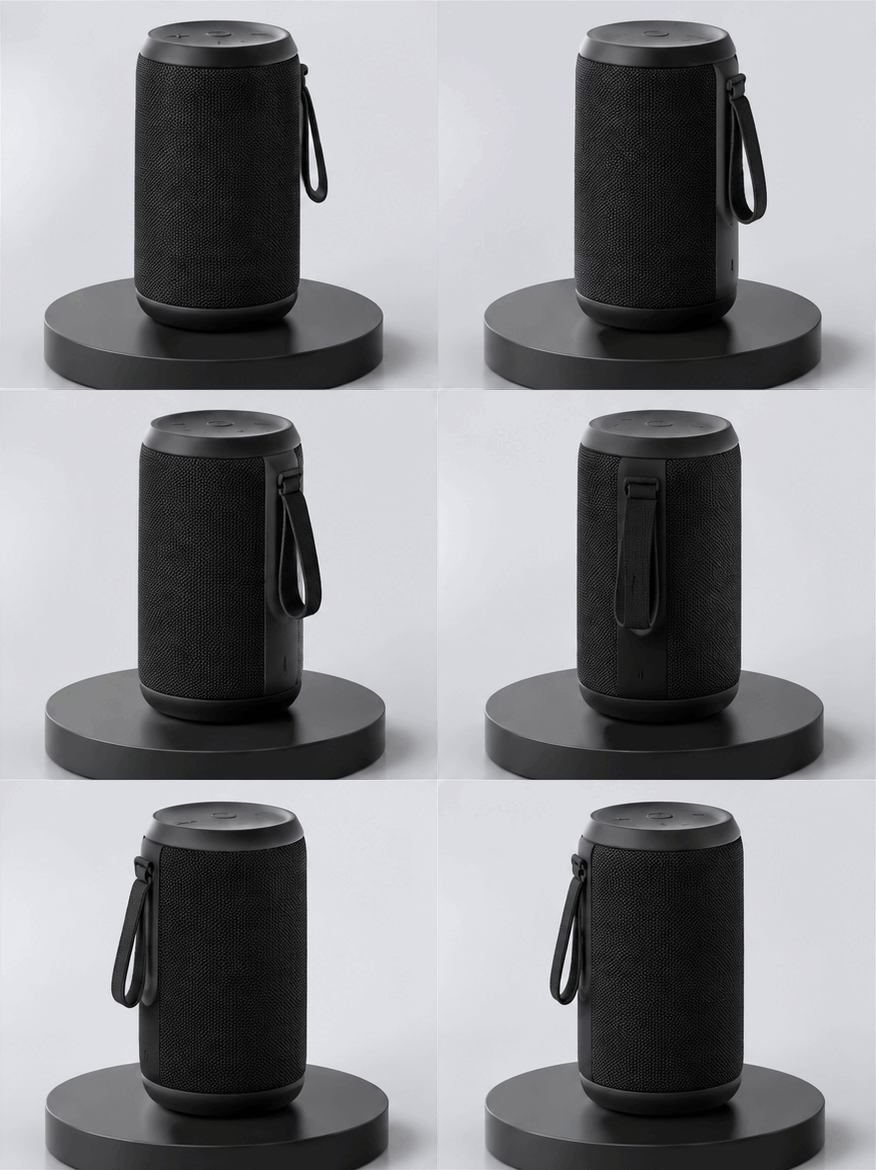
A small rotation, pulse, or reveal makes a lightweight motion asset for release notes and landing pages.

A loop grabs attention without the weight of a video file. Ideal for quick updates and campaign posts.
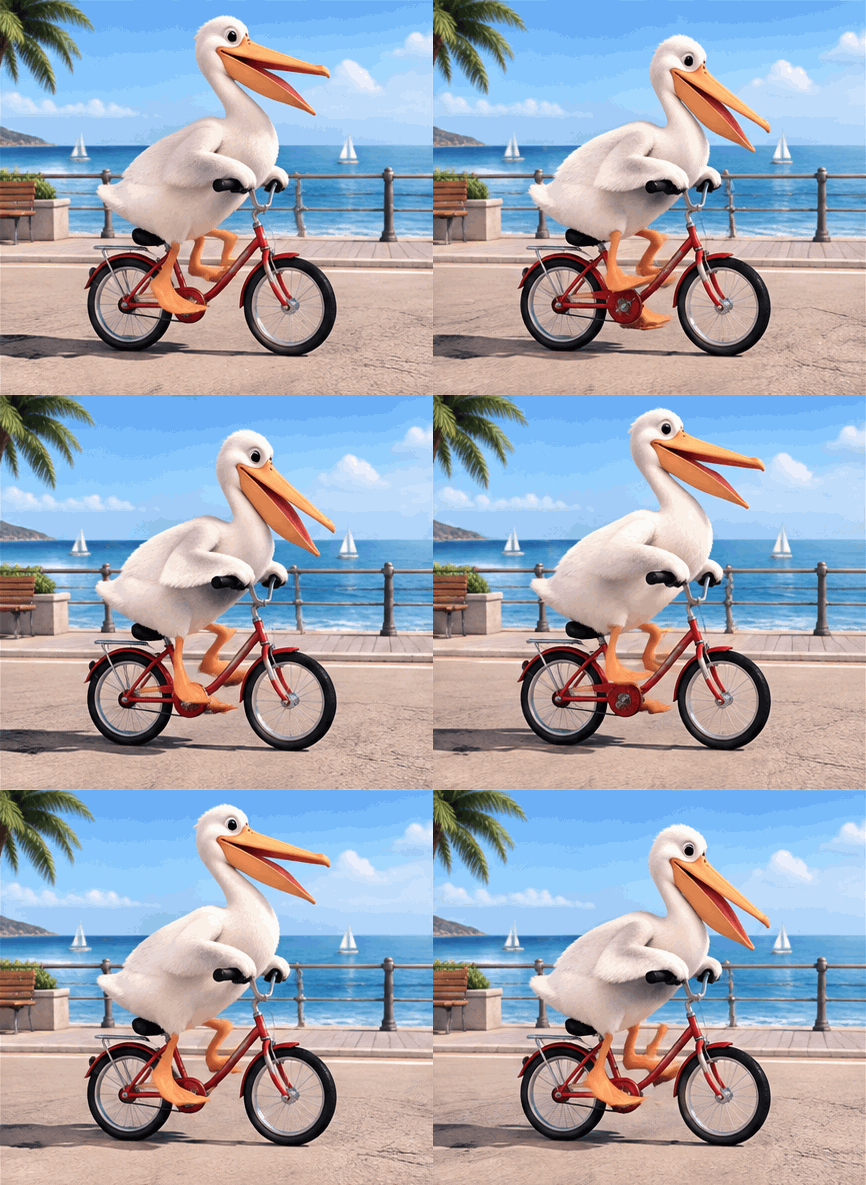
The classic AI test prompt: one bird, one bike, one loop. Type it and see how the model handles a funny, very specific scene.
It turns a written idea or a photo into a short animated GIF, ready to preview and download.
Write what should happen and the generator builds the subject. The fastest path for reaction GIFs and mascot loops.
Upload one photo and the same character, pet, or product stays in the loop instead of being invented.
Preview the loop, download the file, and share it in chat, slides, or social posts.
The page does one job well: turn your idea into a shareable loop.
If you can describe the action, you can make the GIF. No keyframes, layers, or timeline.
Upload a photo and the same character or product keeps its look across the loop.
Start with the free daily allowance and only use credits when you need more.
Use a dedicated animation tool for long sequences, precise timing, sound, or character rigging.
Use this page for a fast, short loop. Use animation software for production work.
| Criteria | Face AIOurs Face AI GIF workflow | Animation software |
|---|---|---|
| Starting point | A written action, plus a photo if the subject must be yours. | A project, timeline, layers, and keyframes. |
| Skill needed | Describe the action and pick a style. | Animation, timing, and rigging skills. |
| Time to first result | Seconds to a preview you can download. | Minutes to hours before the first render. |
| Output | A short looping GIF. | MP4, WebM, GIF, image sequences, and project files. |
| Best use | Reactions, mascots, product teasers, and social posts. | Commercial animation, precise timing, and long sequences. |
| Limits | Short loops only, rendered at 1K. | Full control, but more time and skill required. |
A written action, plus a photo if the subject must be yours.
A project, timeline, layers, and keyframes.
Describe the action and pick a style.
Animation, timing, and rigging skills.
Seconds to a preview you can download.
Minutes to hours before the first render.
A short looping GIF.
MP4, WebM, GIF, image sequences, and project files.
Reactions, mascots, product teasers, and social posts.
Commercial animation, precise timing, and long sequences.
Short loops only, rendered at 1K.
Full control, but more time and skill required.
These comments focus on the practical loop: describe or upload, generate, preview, download.
"I describe a small action and get a looping GIF I can drop into a prototype. It is much faster than hand-drawing a short animation."
Mara Ellison
Indie Game Artist
"I use it for quick moodboards. A short loop shows the idea better than a still frame, and I can show three directions in the time it used to take for one."
Tobias Lang
Motion Designer
"A looping GIF travels better than a video in some feeds. Making one from a description without opening an editor saves a whole afternoon."
Priya Raman
Social Media Manager
"I make a short product loop for release notes. Same idea, one prompt, download, done."
Daniel Cho
Product Marketer
"I upload a sketch and get a small loop of my own character. That is the part I actually need for client previews."
Sofia Marchetti
Illustrator
"The result downloads right away. No extra software, no second export step."
Kenji Watanabe
Creative Technologist
"I describe a small action and get a looping GIF I can drop into a prototype. It is much faster than hand-drawing a short animation."
Mara Ellison
Indie Game Artist
"I use it for quick moodboards. A short loop shows the idea better than a still frame, and I can show three directions in the time it used to take for one."
Tobias Lang
Motion Designer
"A looping GIF travels better than a video in some feeds. Making one from a description without opening an editor saves a whole afternoon."
Priya Raman
Social Media Manager
"I make a short product loop for release notes. Same idea, one prompt, download, done."
Daniel Cho
Product Marketer
"I upload a sketch and get a small loop of my own character. That is the part I actually need for client previews."
Sofia Marchetti
Illustrator
"The result downloads right away. No extra software, no second export step."
Kenji Watanabe
Creative Technologist
"Reaction GIFs are a normal part of community posts. This lets me describe the reaction instead of searching for an existing clip."
Hannah Brooks
Community Manager
"I describe a small action and get a looping GIF I can drop into a prototype. It is much faster than hand-drawing a short animation."
Mara Ellison
Indie Game Artist
"I use it for quick moodboards. A short loop shows the idea better than a still frame, and I can show three directions in the time it used to take for one."
Tobias Lang
Motion Designer
"A looping GIF travels better than a video in some feeds. Making one from a description without opening an editor saves a whole afternoon."
Priya Raman
Social Media Manager
"I make a short product loop for release notes. Same idea, one prompt, download, done."
Daniel Cho
Product Marketer
"I upload a sketch and get a small loop of my own character. That is the part I actually need for client previews."
Sofia Marchetti
Illustrator
"The result downloads right away. No extra software, no second export step."
Kenji Watanabe
Creative Technologist
"Reaction GIFs are a normal part of community posts. This lets me describe the reaction instead of searching for an existing clip."
Hannah Brooks
Community Manager
"I make short loops for slides. Small files, clear motion, no editing skills needed."
Luis Ortega
Teacher
"It makes a short loop and says so. I know exactly when to open a real animation tool instead."
Amelia Frost
Brand Designer
"For landing pages and demo decks, a tiny looping visual beats a static screenshot. One prompt is faster than briefing a designer."
Ravi Menon
Startup Founder
"A wink, a bounce, a small hand wave: short actions look great as a loop, and the download is instant."
Elise Dupont
Content Creator
"During a jam, placeholder animation matters more than polish. Teams get something moving to test with in minutes."
Noah Williams
Game Jam Organizer
"I use the GIF as a lightweight prototype of an interaction, not as final art."
Yuna Park
UI Designer
"A talking-head clip is overkill for a newsletter. A short generated loop teases the episode without a heavy video file."
Owen Clarke
Podcast Producer
"I make short loops for slides. Small files, clear motion, no editing skills needed."
Luis Ortega
Teacher
"It makes a short loop and says so. I know exactly when to open a real animation tool instead."
Amelia Frost
Brand Designer
"For landing pages and demo decks, a tiny looping visual beats a static screenshot. One prompt is faster than briefing a designer."
Ravi Menon
Startup Founder
"A wink, a bounce, a small hand wave: short actions look great as a loop, and the download is instant."
Elise Dupont
Content Creator
"During a jam, placeholder animation matters more than polish. Teams get something moving to test with in minutes."
Noah Williams
Game Jam Organizer
"I use the GIF as a lightweight prototype of an interaction, not as final art."
Yuna Park
UI Designer
"A talking-head clip is overkill for a newsletter. A short generated loop teases the episode without a heavy video file."
Owen Clarke
Podcast Producer
Pick the next tool based on the real blocker: design the character, make the still image, or convert an existing clip.

Create the still version of the same idea, then animate it as a loop here.
Design a consistent character first, then give it a small action and a loop.
Explore mark directions as still concepts when motion is not the goal.
Already have a clip? Trim it and export a GIF without generating new frames.
Answers about text and photo input, GPT Image 2.6, loop length, quality, free use, and when to use animation software.
Describe the action or upload a photo, pick a style, then generate. The loop preview appears in the workspace and you can download the GIF right away.
Yes. Write the action in the prompt box and skip the upload. Text only is the faster path and works well for reaction GIFs and mascot loops.
Yes. Upload one photo of your character, pet, or product, describe the action, and the GIF keeps that subject. Without a photo, the generator creates the subject from your description.
Name the subject, the setting, and one clear action such as a wave, a bounce, or a smile. Short, readable motion loops better than a complex scene.
The download is a standard looping GIF, so it repeats in chat apps, slides, and pages that support GIF playback. Some apps compress or convert it, so check the preview after you upload.
GIFs render at 1K. That keeps the file small enough to share while staying sharp on screens.
Describe the pacing in the prompt, for example a slow wave or a quick bounce. The GIF is generated as a short loop, so keeping the action small gives the cleanest result.
The animation is generated, so small variations in expression, light, or pose can appear. Simpler actions and a steady camera angle give cleaner loops.
No. GIF is an image format without audio.
Yes. The page uses the same free daily image allowance as our other image tools, and extra generations use credits at a flat rate.
GPT Image 2.6 is the newer version and the one this page uses for every new GIF. GPT Image 2.5 is the previous release, so images you made earlier elsewhere on Face AI may have come from it. Here, text and photo input work the same way.
Your photo and prompt are used to generate the GIF and are handled by the same Face AI generation service as our other image tools.
Use only content you own or have permission to use. Avoid logos, real brand marks, celebrity likeness, and copyrighted characters.
Use an editor for long sequences, precise timing, layers, sound, character rigging, or frame-perfect production work.
Describe a short action or upload a photo, generate the loop, and download the GIF. Free to try.