


Free AI Multiple Face Swap Online
AI multiple face swap for group photos, online and free to try. Upload one group photo and swap up to 10 faces in a single pass, with consistent lighting, angles and expressions across everyone in the frame. Free Quota previews carry a small watermark; Credits remove it and unlock clean, full-resolution downloads.
How to Swap Faces in a Group Photo
Three steps for the whole group. The group photo stays the same; only the faces you map are replaced.
Upload the group photo
Use the sharpest version you have. Faces should be big enough to see clearly.
Add the faces
Match each face to the person you want to replace. You can also reuse one face across several photos.
Swap and check
Look at the group as a whole. If one face looks off, try a clearer portrait for that person.
The Group Photo You Actually Want
A group photo is a compromise: someone blinked, someone looked away, or someone was not there. These are the fixes people ask for most.
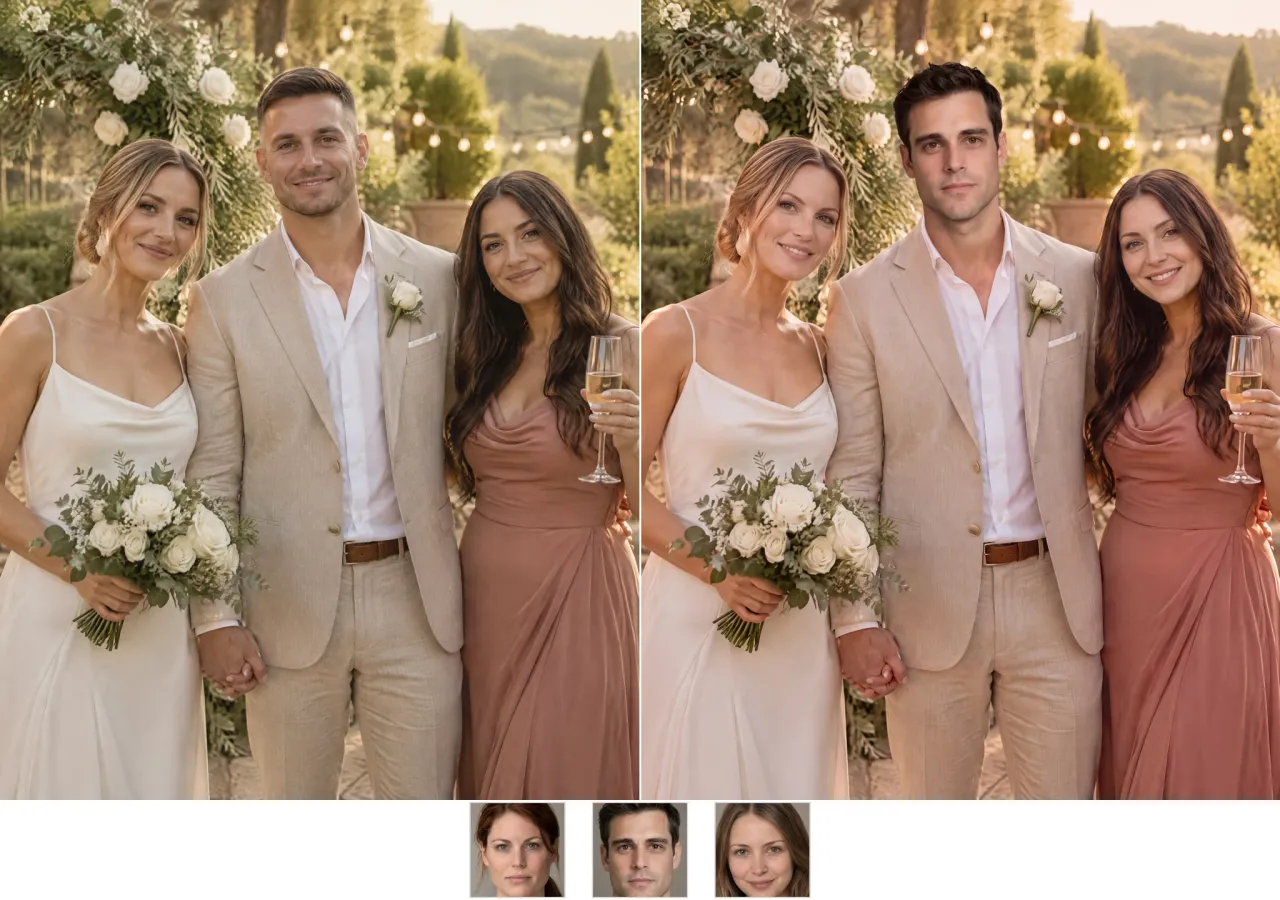
Uncle Rob blinked. Of course he did.
You have a photo from the reception where he is actually smiling, and it is a much better face than the one he made in the family shot. Swap that face in, and leave the dress, the cake, and the cousin photobombing in the back exactly as they were; the photo gets fixed without changing the guest list.
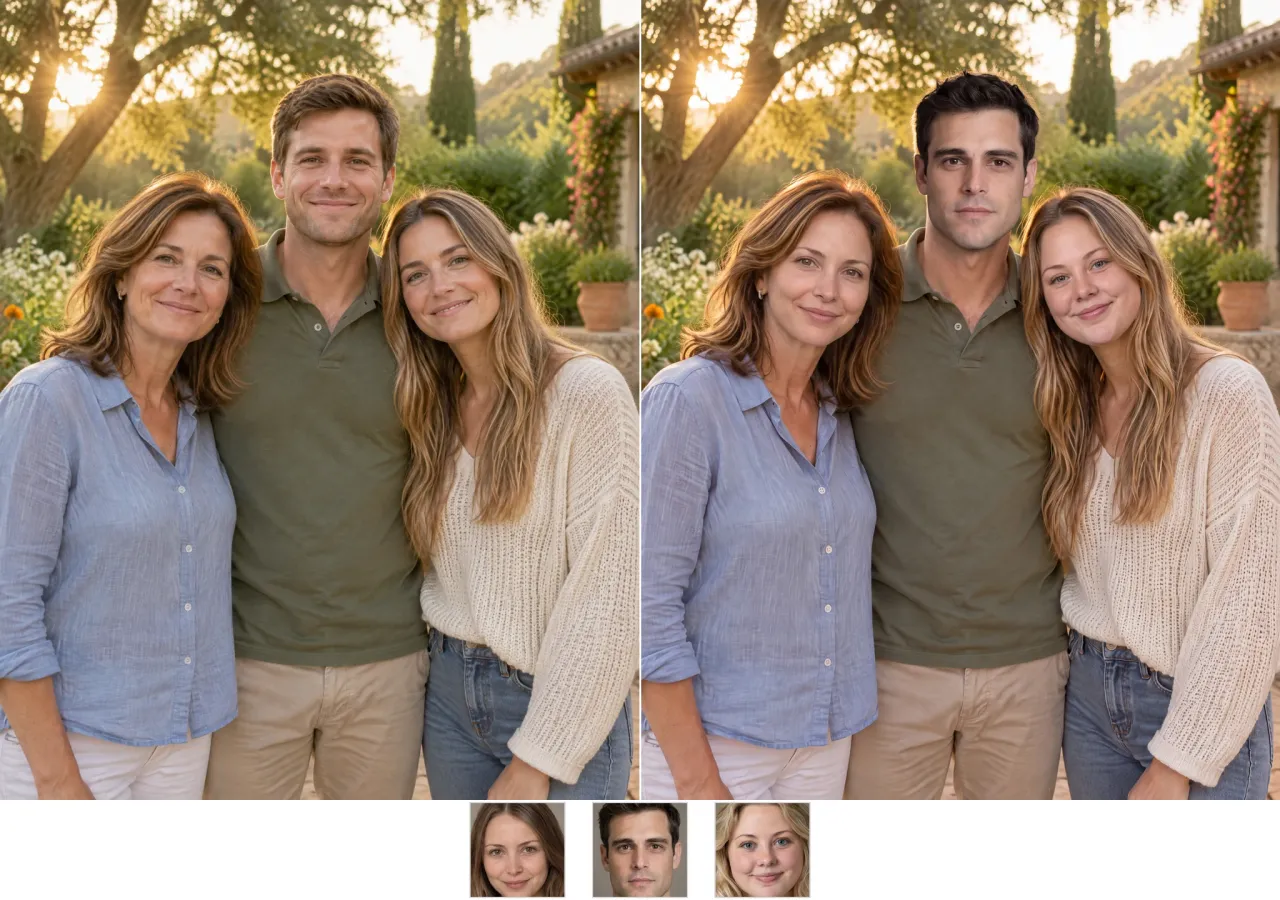
There is always one person looking away
Fix that one face, or put the whole family into the same scene, including the relatives who could not make it. Once everyone is looking in roughly the same direction, the photo stops feeling like a compromise and becomes the version everyone asks for a copy of. The lighting and the background stay the same, so the additions do not look pasted in.
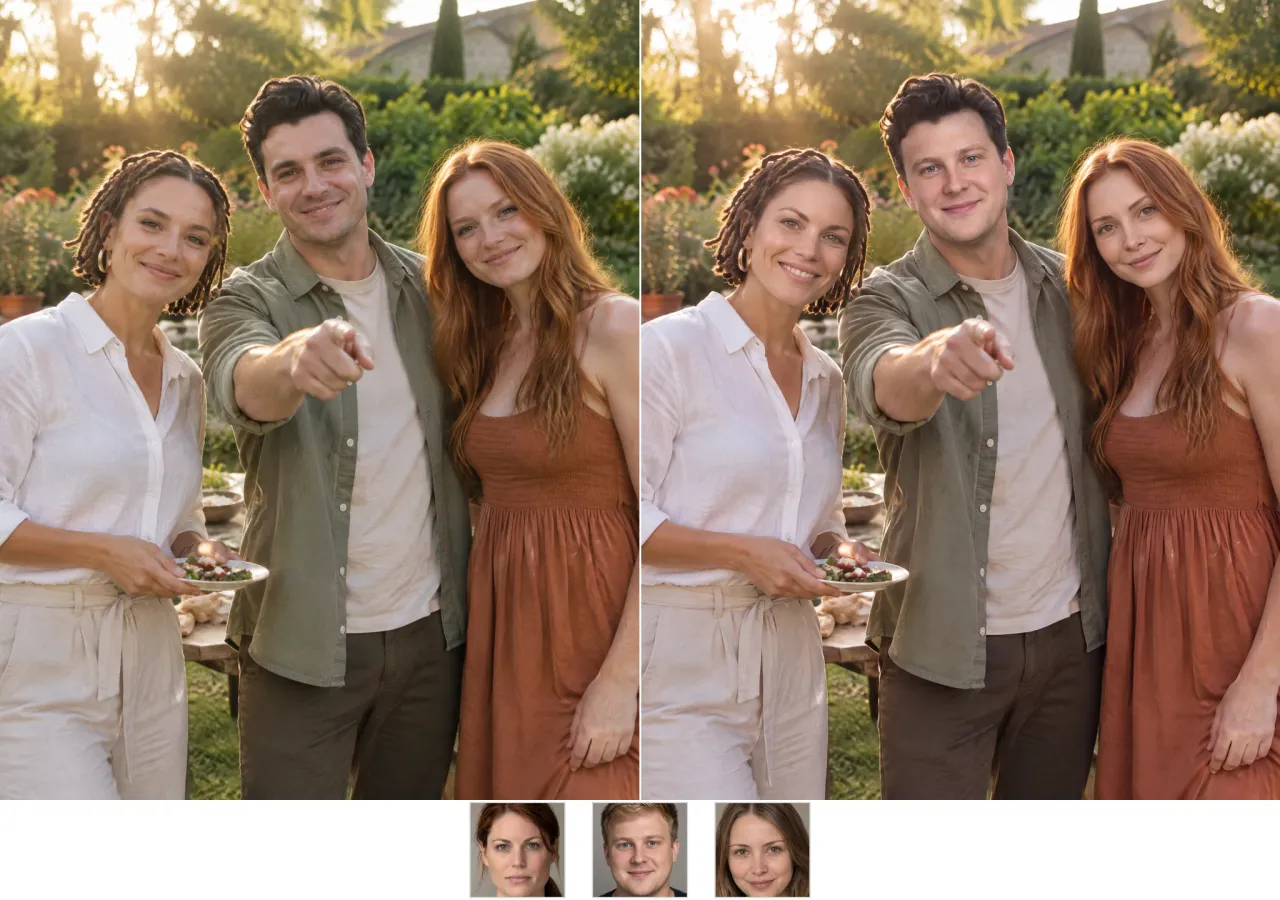
Movie poster. Album cover. Inside joke.
Put all of them in one frame, including the loud one, the quiet one, and the one who will complain about their spot. Then let the group chat argue about who got the best position; that argument is usually more entertaining than the poster itself. The point is not a flawless poster; it is the moment everyone opens it and immediately starts negotiating their placement.
Three More Group Photo Problems
The same one-pass workflow fixes the timeline problem, the missing person, and the joke that needs everyone in the frame.
Picture day was Tuesday
The intern started on Wednesday, which means every team photo has an empty spot where they should be standing. Add them to the photo instead of explaining the timeline in every meeting. Use a clear headshot with lighting that matches the room, and the result will look like they were there for the whole thing; the timeline stays in the chat.
The trip photo you are not in
It was someone else's camera and someone else's framing, and one person had to leave before the group shot. Swap yourself into their spot, using a photo with similar light and angle, and the trip finally looks like you were there for the whole thing instead of hearing about it afterward.
The face swap chain
Everyone takes the next person's face: you get your brother's, he gets your mother's, and she gets the dog's if you can talk her into it. The group photo turns into a puzzle where everyone knows something is wrong and nobody can say exactly what, which is why it keeps getting forwarded.
Why Use a Multiple Face Swap
Editing five faces one at a time is what makes a group photo look like five separate retouches. The tool is built around a single consistent pass.
Up to 10 faces in one pass
Upload the group photo once, assign each replacement face and generate a single result instead of repeating the same edit for every person.
Consistent group lighting
Every swapped face inherits the scene's lighting and angle, so the group still reads as one photograph rather than a set of cutouts.
Fix one face or all of them
Replace the person who blinked, or swap every face in the frame. Partial and full group swaps use the same workflow.
No account, clean files with Credits
Start without registering. Free Quota previews include a small watermark; Credits remove it for a clean, full-resolution group photo.
How Face AI Compares
A practical comparison for group photos, where face count, consistency and resolution matter more than a single-face demo.
| Criteria | Face AIOurs | Other Tools |
|---|---|---|
| Faces per photo | Up to 10 | 1 to 2 |
| Price | Free to try; Credits for clean files | Subscription or credits |
| Sign-up | No account to try | Account required |
| Watermark | Free Quota adds a small mark; Credits remove it | Logo on the free result |
| Output | 1080p | 720p or lower |
| Batch | One photo, many faces | One face at a time |
Faces per photo
Up to 10
1 to 2
Price
Free to try; Credits for clean files
Subscription or credits
Sign-up
No account to try
Account required
Watermark
Free Quota adds a small mark; Credits remove it
Logo on the free result
Output
1080p
720p or lower
Batch
One photo, many faces
One face at a time
What People Say About Group Swaps
Feedback from teams and families using multiple face swaps in group photos and campaign visuals.
"We used it for a campaign mockup where the creator could not fly in. The face held up in the final still, and the client approved it without asking for a reshoot."

Camila Lopez
Influencer Partnerships Lead
"The useful part is the boring part: upload, map the faces, download. No timeline, no plugins, no explanations for the rest of the team."

Sofia Martinez
Head of Brand Social
"I tested it on an old group photo where one person had their eyes closed. The fix looked natural enough that nobody in the family noticed it was edited."

Gabriela Diaz
Digital Content Director
"For reaction content, speed matters more than perfection. A short clip with one clear face gives us something postable while the idea is still fresh."

Isabella Rodriguez
Social Media Director
"We localize ad creatives for different markets. Swapping a face in an existing shot is faster than booking another shoot day, and the lighting stays consistent."

Marcus Johnson
Performance Marketing Manager
"I like that the limits are stated up front. Five free seconds, a file size cap, and a clear watermark rule are easier to work with than vague promises."

Aisha Jackson
Client Success Director
"We used it for a campaign mockup where the creator could not fly in. The face held up in the final still, and the client approved it without asking for a reshoot."
Camila Lopez
Influencer Partnerships Lead
"The useful part is the boring part: upload, map the faces, download. No timeline, no plugins, no explanations for the rest of the team."
Sofia Martinez
Head of Brand Social
"I tested it on an old group photo where one person had their eyes closed. The fix looked natural enough that nobody in the family noticed it was edited."
Gabriela Diaz
Digital Content Director
"For reaction content, speed matters more than perfection. A short clip with one clear face gives us something postable while the idea is still fresh."
Isabella Rodriguez
Social Media Director
"We localize ad creatives for different markets. Swapping a face in an existing shot is faster than booking another shoot day, and the lighting stays consistent."
Marcus Johnson
Performance Marketing Manager
"I like that the limits are stated up front. Five free seconds, a file size cap, and a clear watermark rule are easier to work with than vague promises."
Aisha Jackson
Client Success Director
"Our team keeps a folder of approved portraits. When a launch needs a quick visual, we can put a real face into a scene without opening Photoshop."

Priya Sharma
Product Marketing Manager
"We used it for a campaign mockup where the creator could not fly in. The face held up in the final still, and the client approved it without asking for a reshoot."
Camila Lopez
Influencer Partnerships Lead
"The useful part is the boring part: upload, map the faces, download. No timeline, no plugins, no explanations for the rest of the team."
Sofia Martinez
Head of Brand Social
"I tested it on an old group photo where one person had their eyes closed. The fix looked natural enough that nobody in the family noticed it was edited."
Gabriela Diaz
Digital Content Director
"For reaction content, speed matters more than perfection. A short clip with one clear face gives us something postable while the idea is still fresh."
Isabella Rodriguez
Social Media Director
"We localize ad creatives for different markets. Swapping a face in an existing shot is faster than booking another shoot day, and the lighting stays consistent."
Marcus Johnson
Performance Marketing Manager
"I like that the limits are stated up front. Five free seconds, a file size cap, and a clear watermark rule are easier to work with than vague promises."
Aisha Jackson
Client Success Director
"Our team keeps a folder of approved portraits. When a launch needs a quick visual, we can put a real face into a scene without opening Photoshop."
Priya Sharma
Product Marketing Manager
"The free preview is enough to judge whether the idea works. We only move to Credits when the clip is ready for a paid channel."

Arjun Patel
Head of Growth
"Most tools give you one hard-edged result and call it a day. Here the better workflow is to try a clearer portrait, then keep the version that still looks like the person."

James Whitfield
Creative Director
"A group shot with one fixed face and five untouched ones looks like a mistake. Mapping every person in the same pass is what makes the final image believable."

Marco Rossi
Head of Strategy
"We use face swaps for internal concept boards, not for final product claims. As a fast visual reference, it saves a surprising amount of back-and-forth."

Mei Chen
E-commerce Director
"The mobile browser workflow is the reason I kept using it. I can test an idea on my phone and send the result to the team before I get back to my desk."

Yuki Tanaka
Head of Marketplace Operations
"Short GIF loops are the hardest format to keep clean. Slower loops and a larger face give the most consistent frames in my experience."

Aaliyah Williams
Digital Marketing Director
"I treat it as a sketch tool. It gets me a believable face in the right scene, and then I decide whether the concept deserves a full production."

Lars Andersson
Art Director
"The free preview is enough to judge whether the idea works. We only move to Credits when the clip is ready for a paid channel."
Arjun Patel
Head of Growth
"Most tools give you one hard-edged result and call it a day. Here the better workflow is to try a clearer portrait, then keep the version that still looks like the person."
James Whitfield
Creative Director
"A group shot with one fixed face and five untouched ones looks like a mistake. Mapping every person in the same pass is what makes the final image believable."
Marco Rossi
Head of Strategy
"We use face swaps for internal concept boards, not for final product claims. As a fast visual reference, it saves a surprising amount of back-and-forth."
Mei Chen
E-commerce Director
"The mobile browser workflow is the reason I kept using it. I can test an idea on my phone and send the result to the team before I get back to my desk."
Yuki Tanaka
Head of Marketplace Operations
"Short GIF loops are the hardest format to keep clean. Slower loops and a larger face give the most consistent frames in my experience."
Aaliyah Williams
Digital Marketing Director
"I treat it as a sketch tool. It gets me a believable face in the right scene, and then I decide whether the concept deserves a full production."
Lars Andersson
Art Director
More Face Swapping Tools
Continue into video, GIF, and single-photo workflows.
Free Photo Face Swapping
Swap Faces in Video Online
Free AI GIF Face Swap Tool
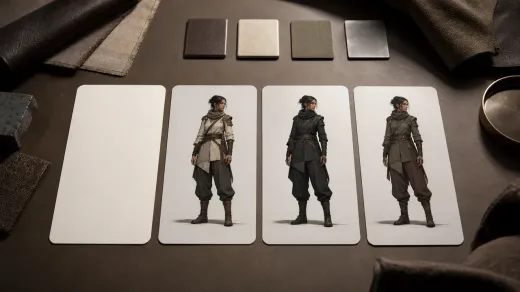
AI Character Generator
Create consistent characters from a text prompt or reference portrait.

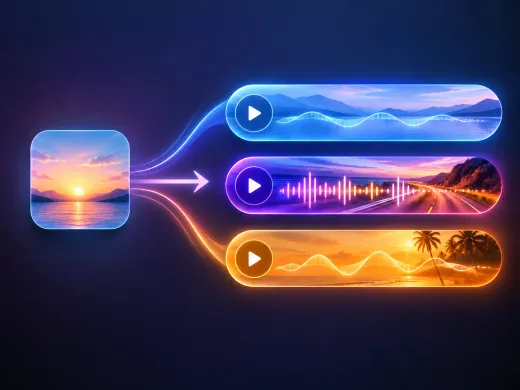
AI Music Generator
Generate an original track from a text prompt for videos and social posts.
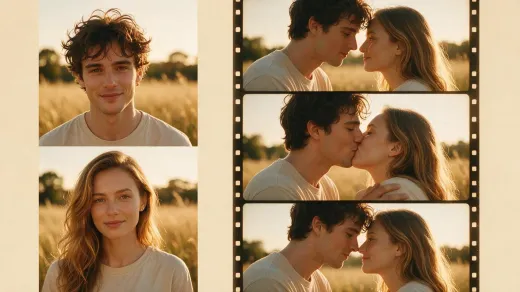
AI Kissing Generator
Turn two portraits or a couple photo into a short kissing video.
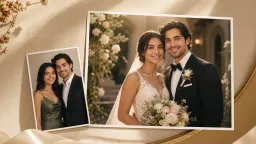
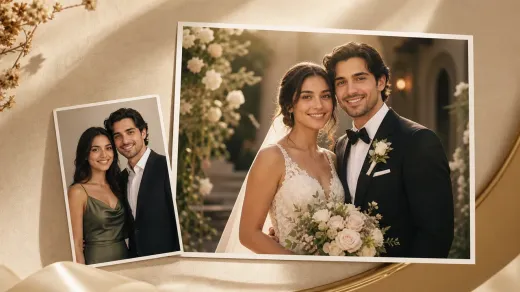
AI Wedding Photo Generator
Create romantic wedding-photo visuals when the card needs couple imagery instead of a text-first invitation.

AI Wedding Card Generator
Turn invitation wording into a polished AI wedding card image for digital review.
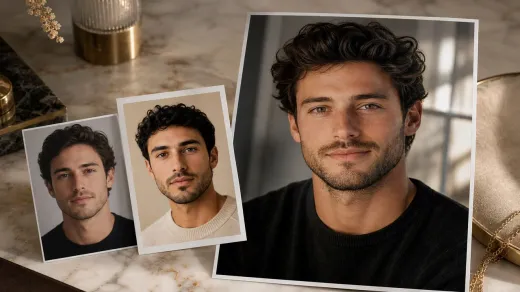
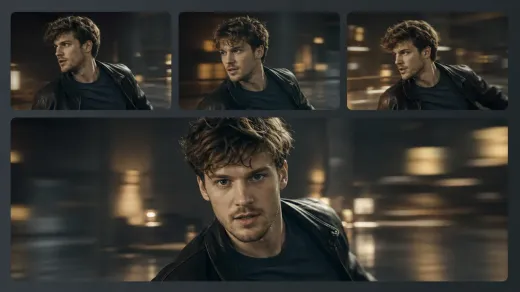
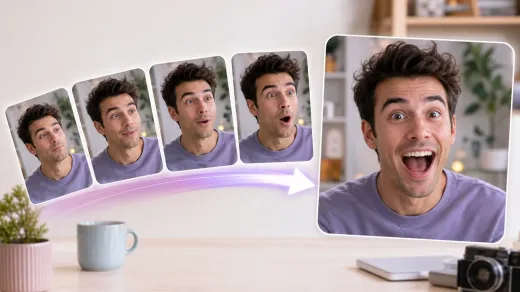

Multiple Face Swap Questions
Answers on face count, matching, overlapping faces, file formats and limits.
Multiple face swap (also written multiple faceswap, multifaceswap, multiface swap, or multi face swap) replaces several faces in one photo instead of one face at a time. Face AI does it in a single pass of up to 10 faces.
Up to 10 faces in one multiple face swap photo. That covers the whole group when you need to face swap multiple faces at once.
JPG, PNG, and WebP up to 20 MB.
Yes. You can do a multiple face swap online free, including group photos.
No account is needed to try the free quota. Credits require an account because they are tied to your balance.
Free Quota results include a small watermark. Use Credits for a clean download.
Upload the group photo, then add the replacement face for each person. The tool keeps the pairings in the same session.
Overlapping faces are harder. Try a photo where the faces are separated, or crop the group into smaller sections.
Sharp faces, even light, and enough resolution to see each person. Avoid heavy motion blur and sunglasses.
Uploads are used only for the swap. Download the result when it is ready.
Only if you own the photo and have permission from the people in it. Otherwise, keep it for personal fun.
Swap every face in the group
Upload a group photo, add the faces, and download the result. No sign-up to try; Credits remove the watermark.