
 Studio
 attitude
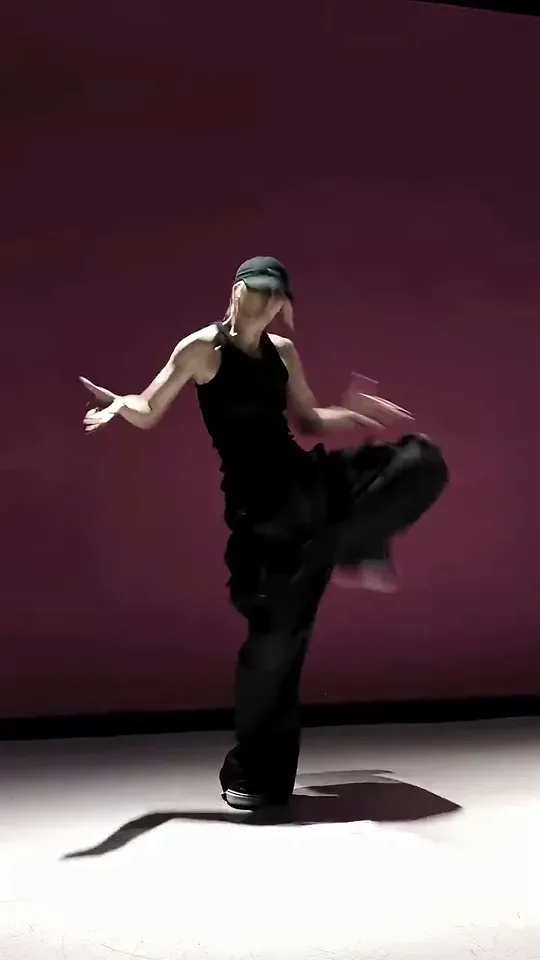
A solo dancer works a dark studio floor.
Upload a clip or photo, pick the characters to swap, and keep the original motion and audio. No timeline, no reshoot.
Trusted by 12,000,000+ users worldwide.
Source Clips
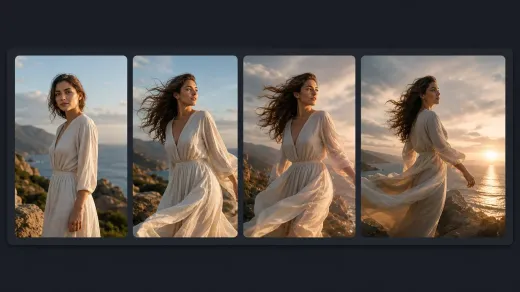
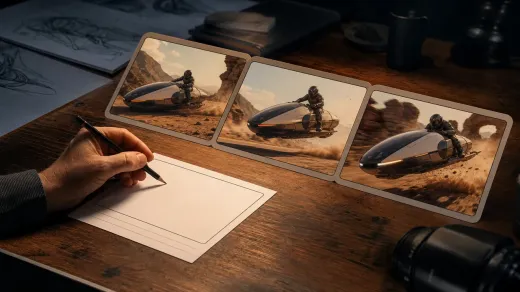
Short clips with clear roles. Pick one, swap the cast, and keep the camera move.
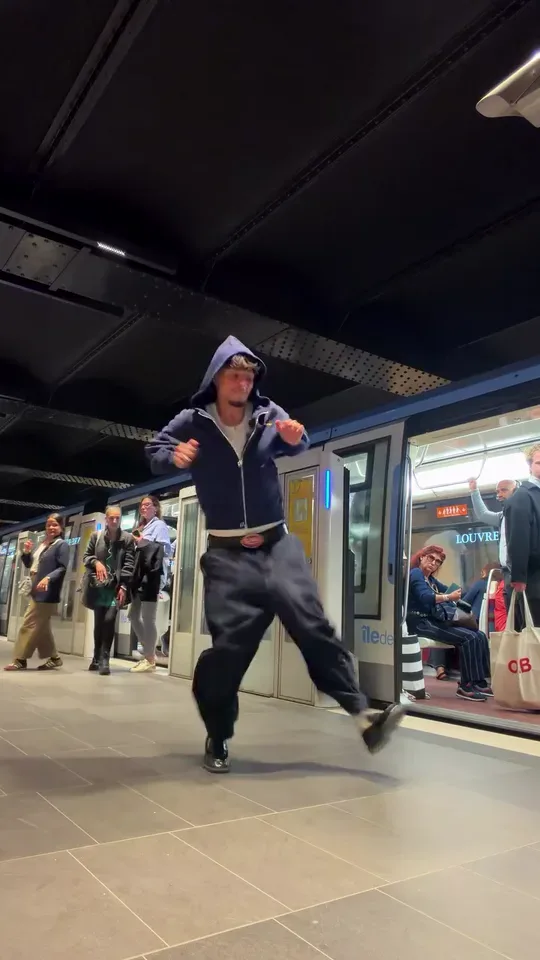
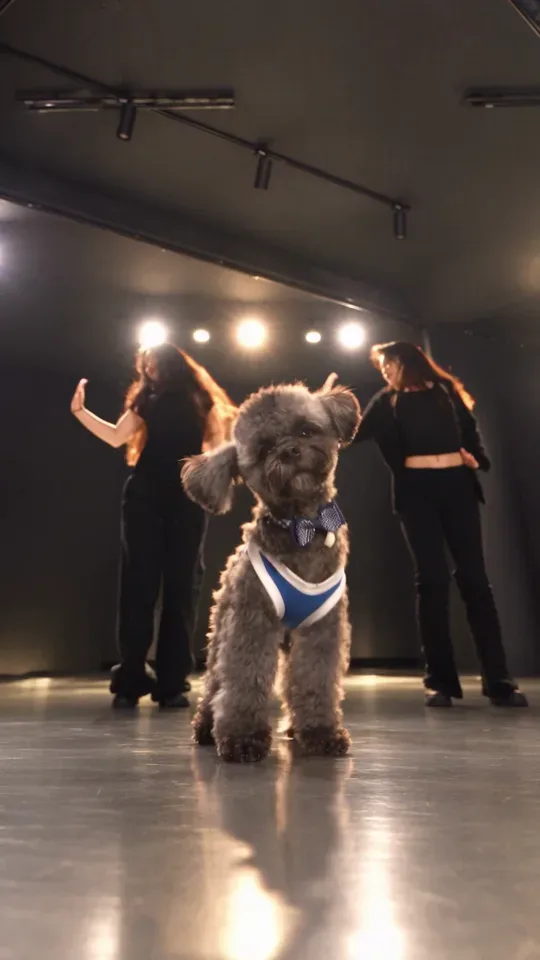
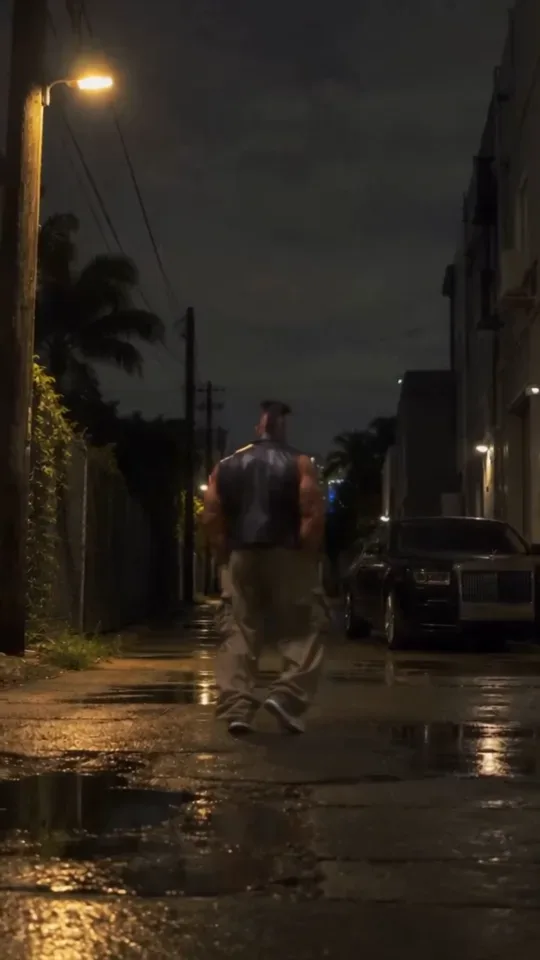
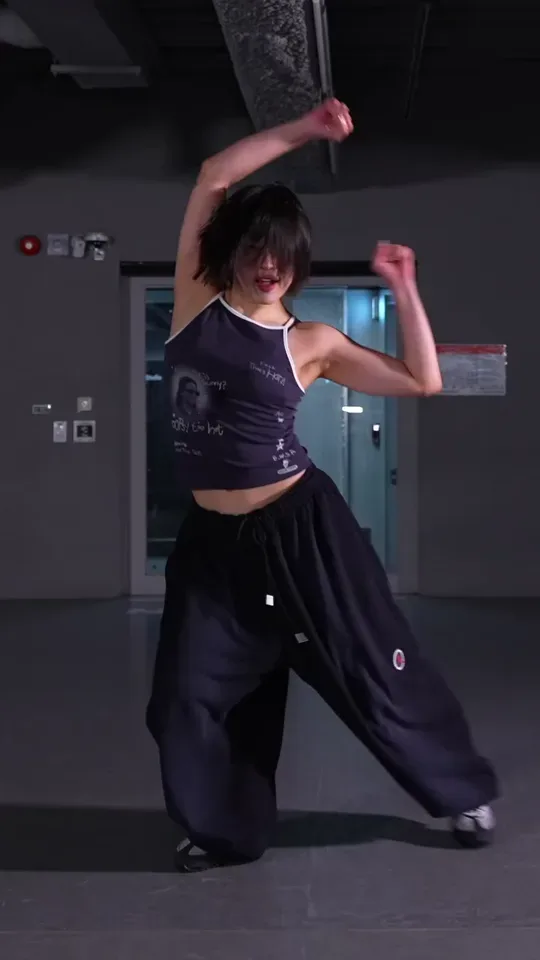
Upload an MP4, MOV or WebM clip up to 500 MB, or a JPG, PNG or WebP photo up to 20 MB. No sign-up to try an image recast.
Before and After
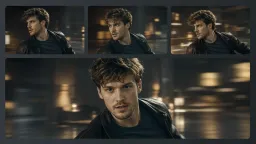
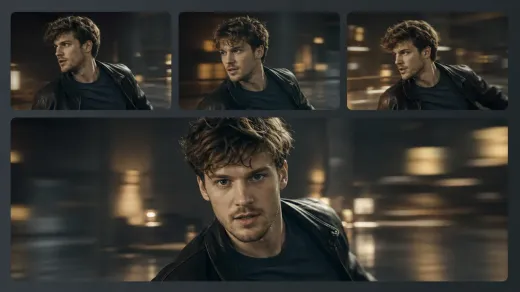
The same shot, two generated casts. The scene and motion match; the identities change.
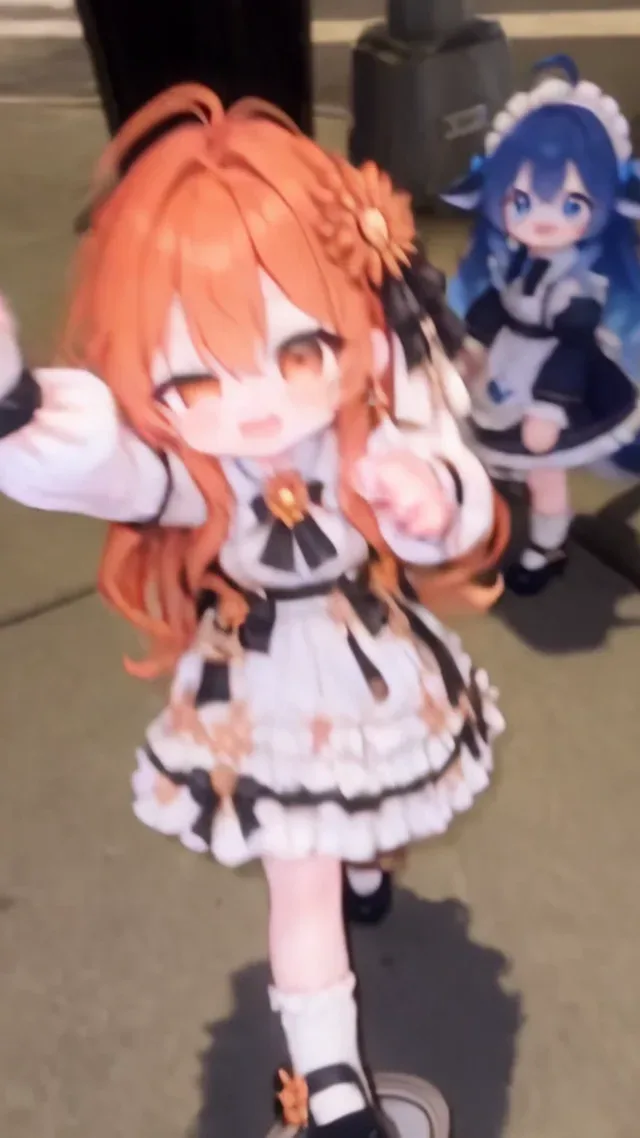
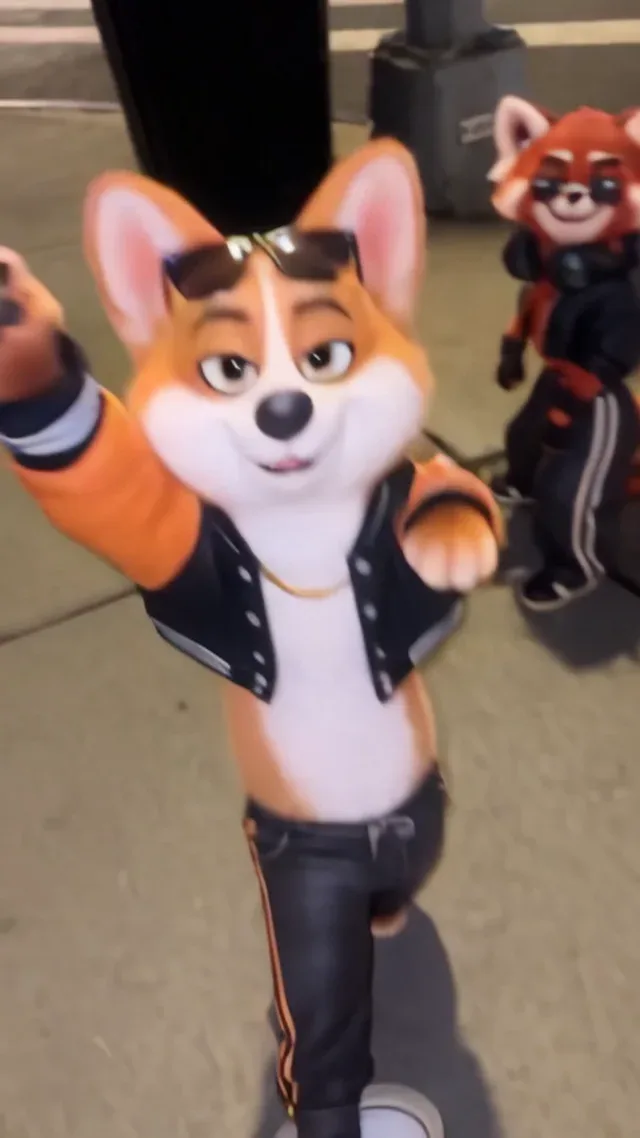
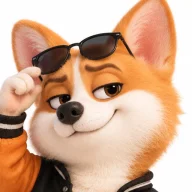

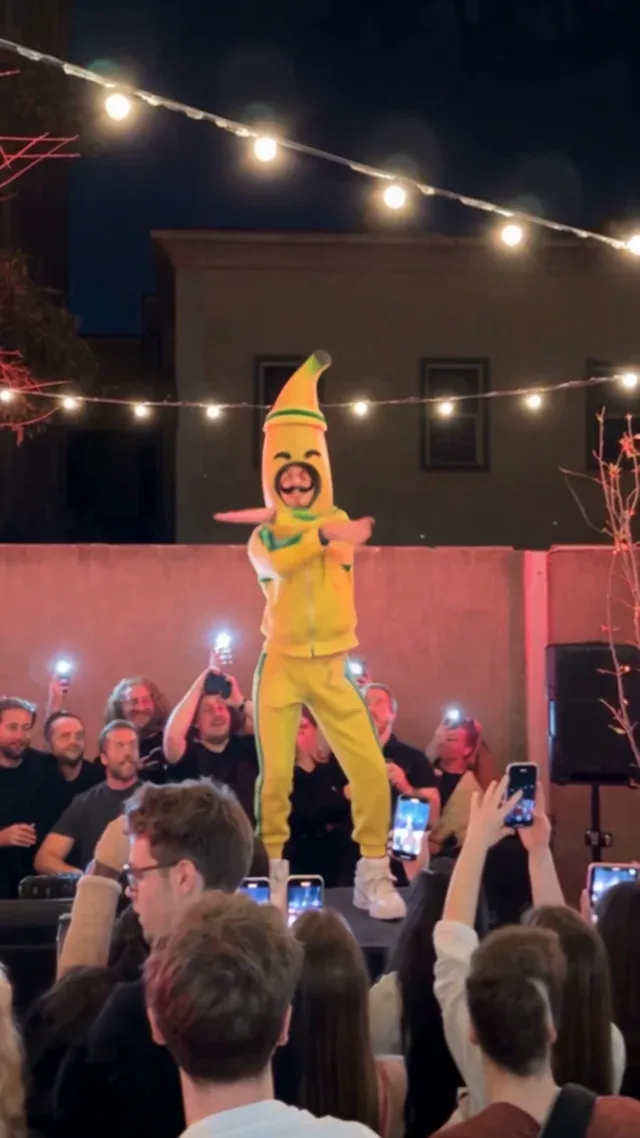
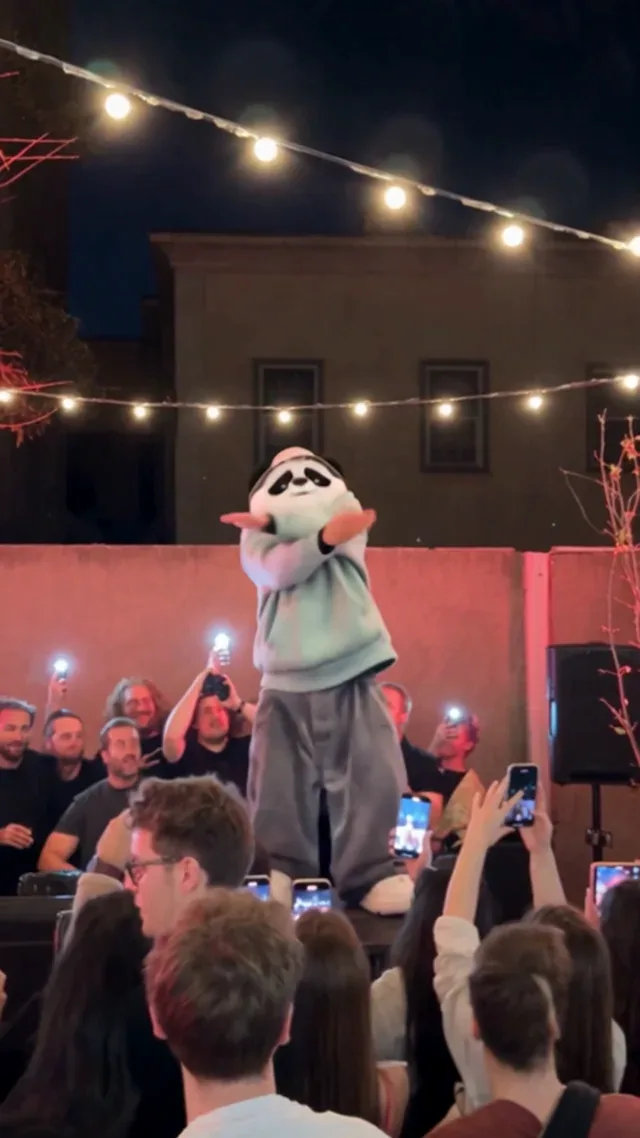

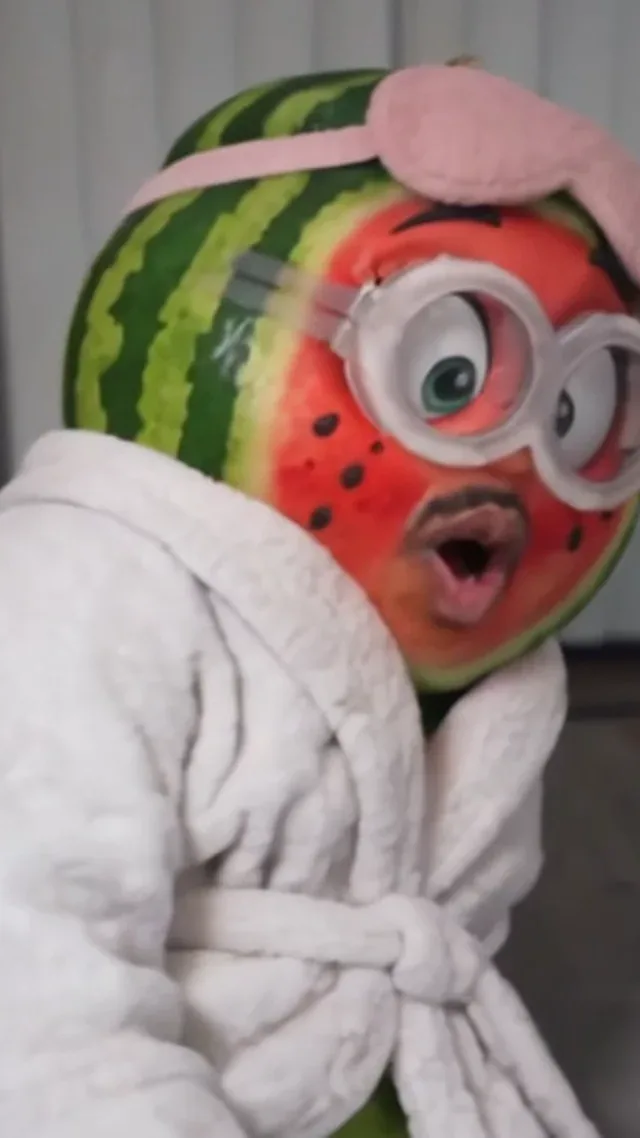
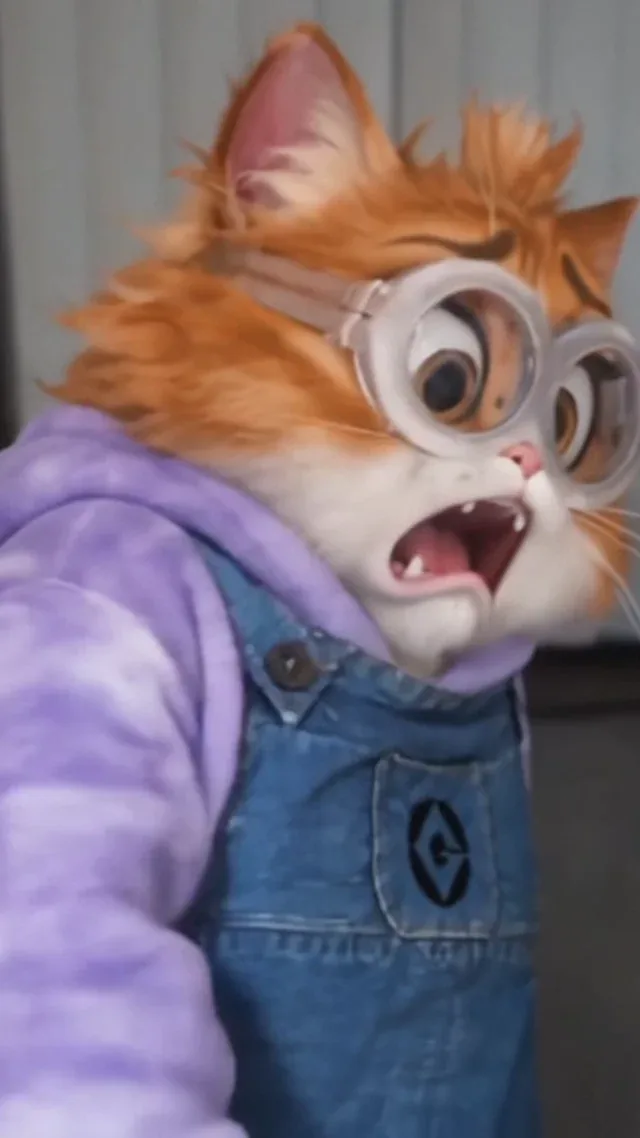

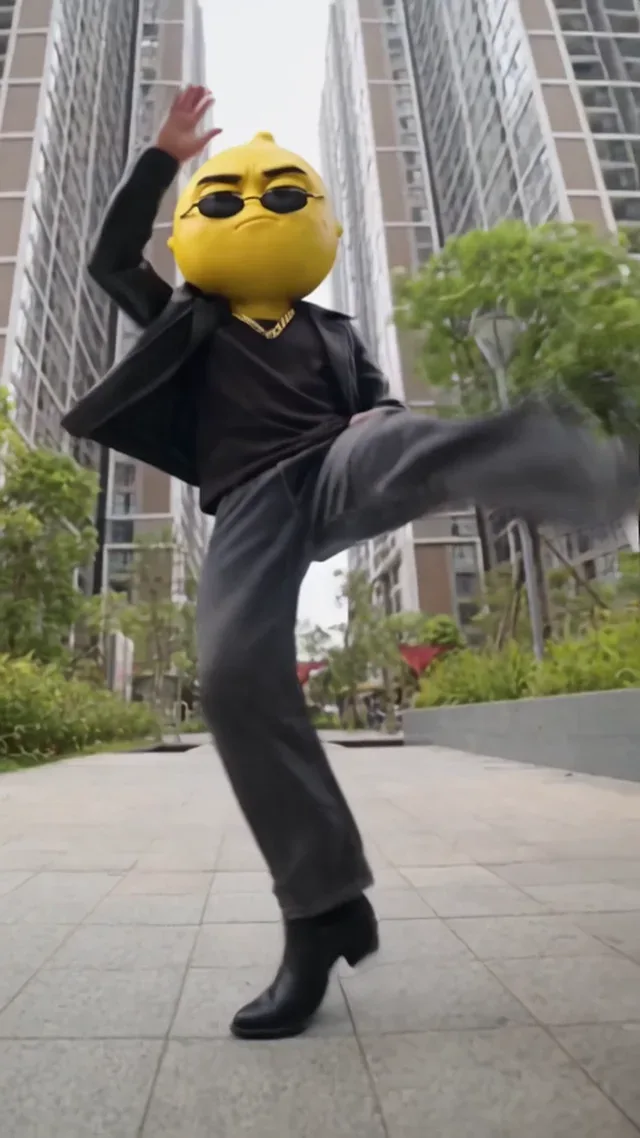
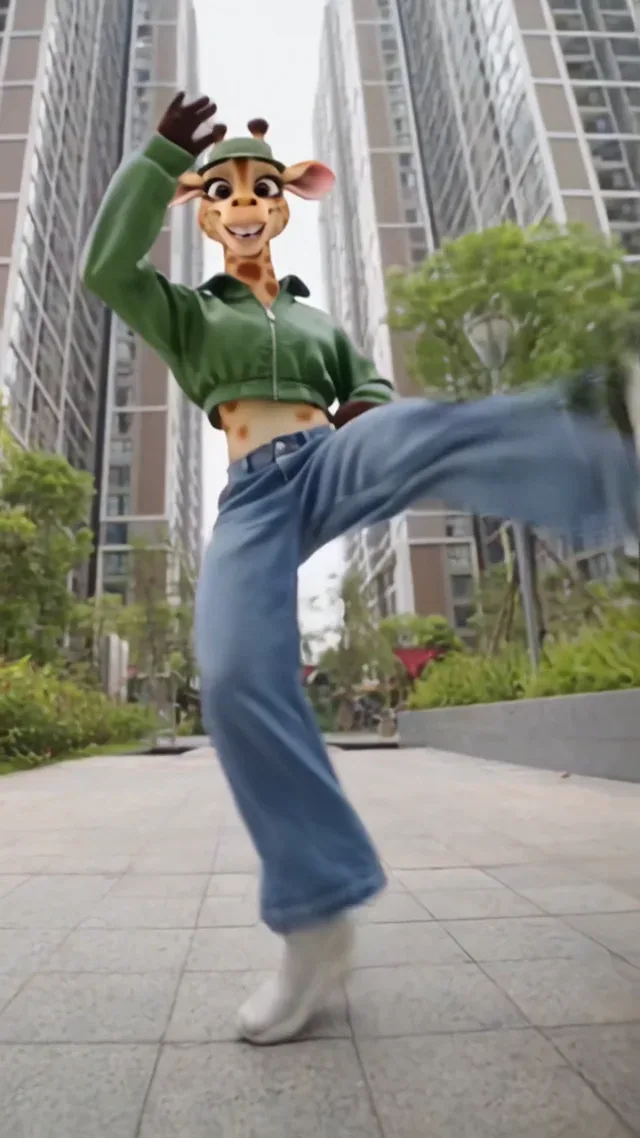
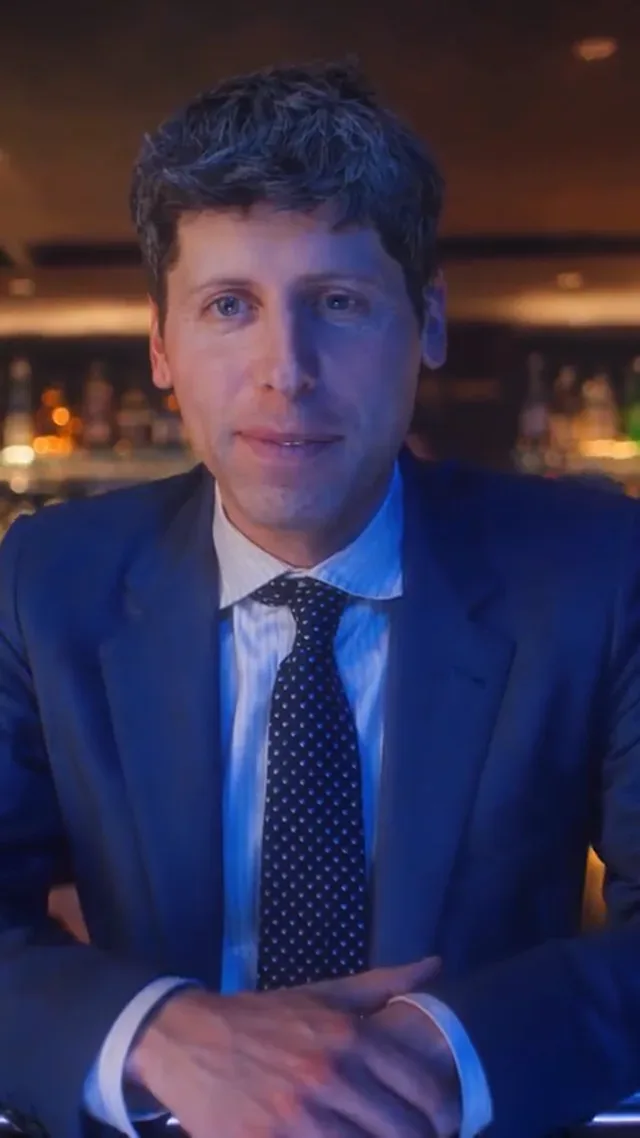
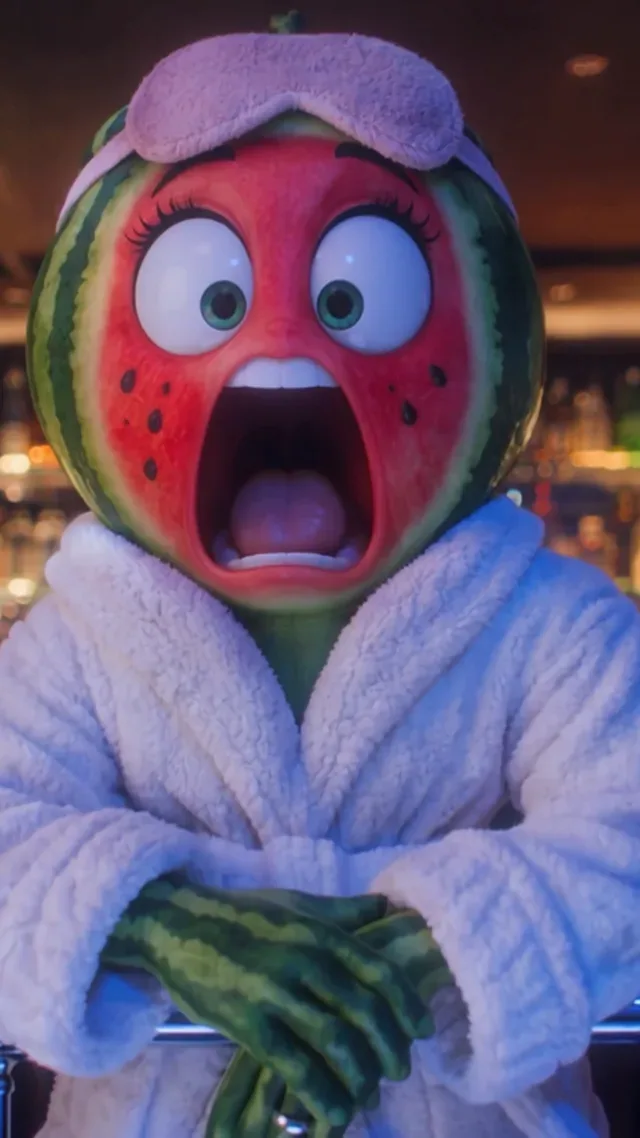
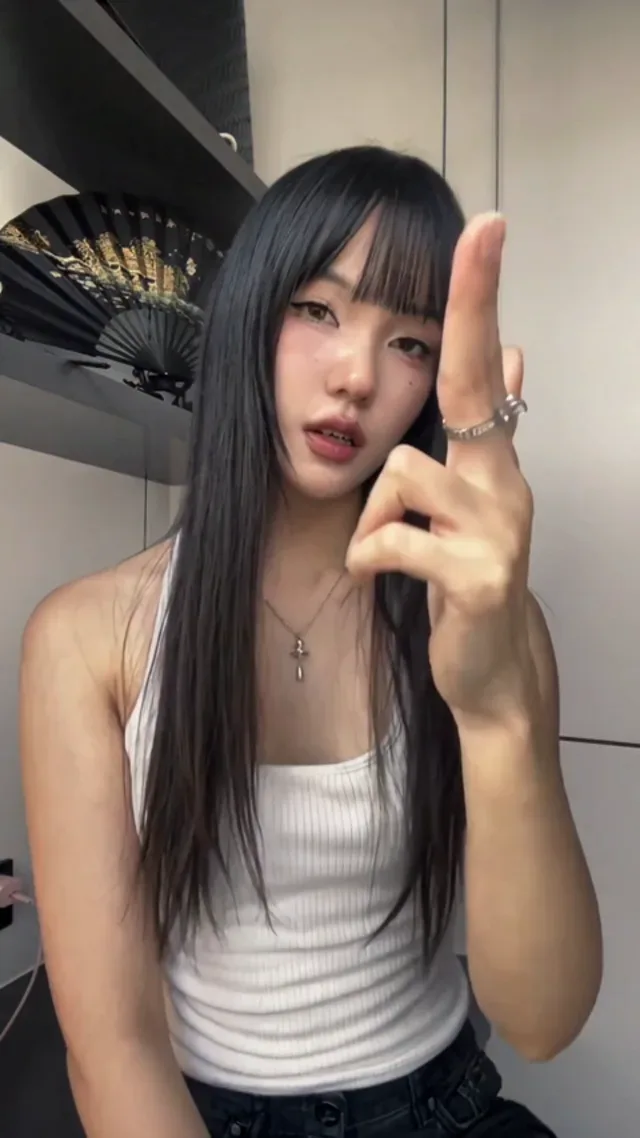
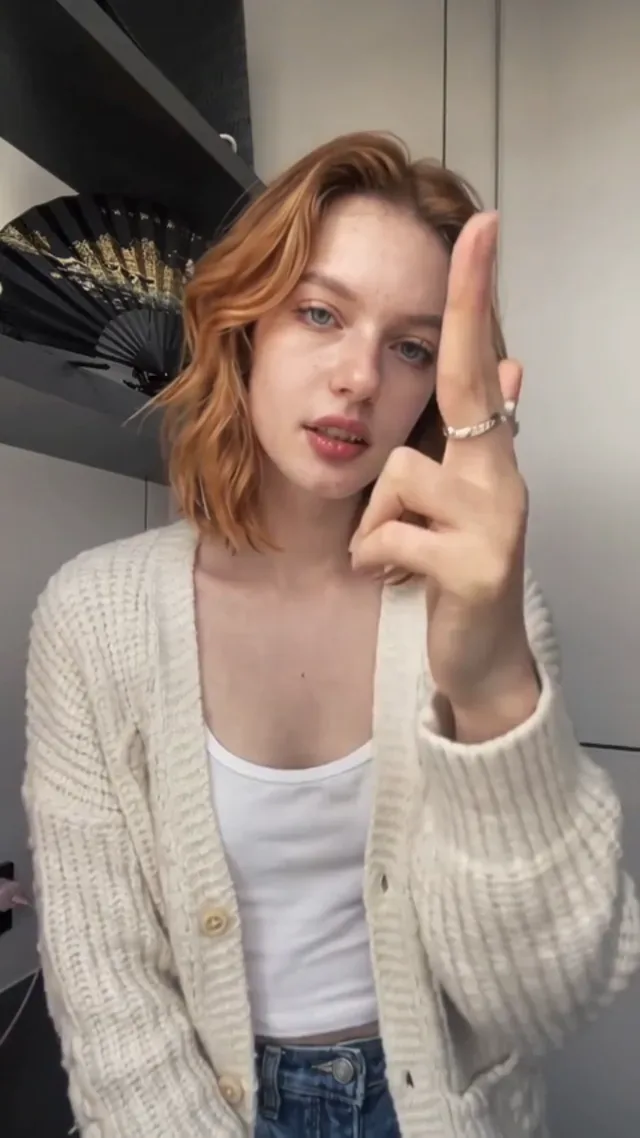


A character swap replaces a role instead of re-shooting a scene: a missing actor, a presenter for a new market, a group photo, casting tests or evergreen footage.

Upload the take, swap the missing actor with a reference photo, and keep the location, lighting and other performances.
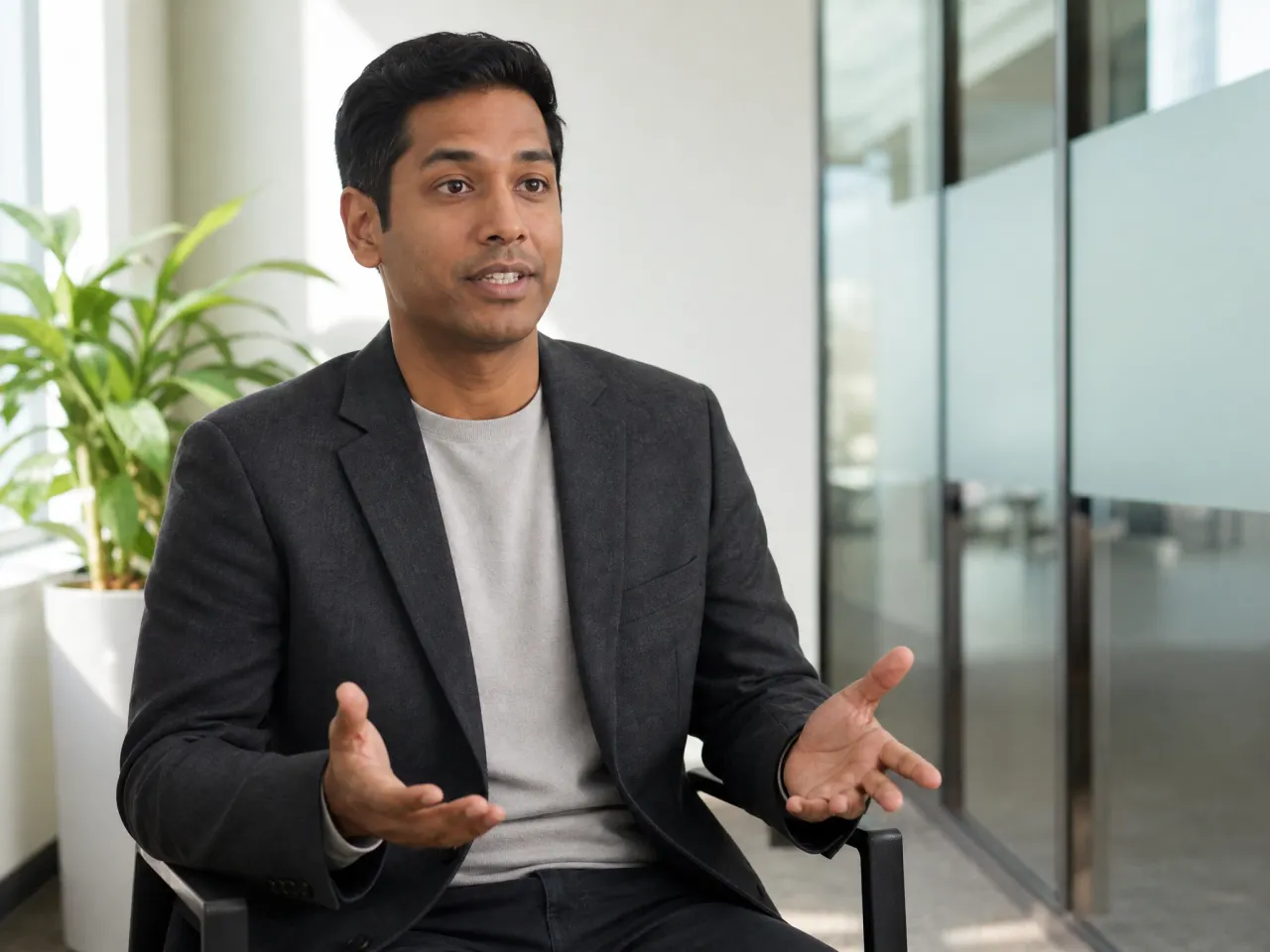
Same script, new presenter. Gestures, background and pacing come from the original take.
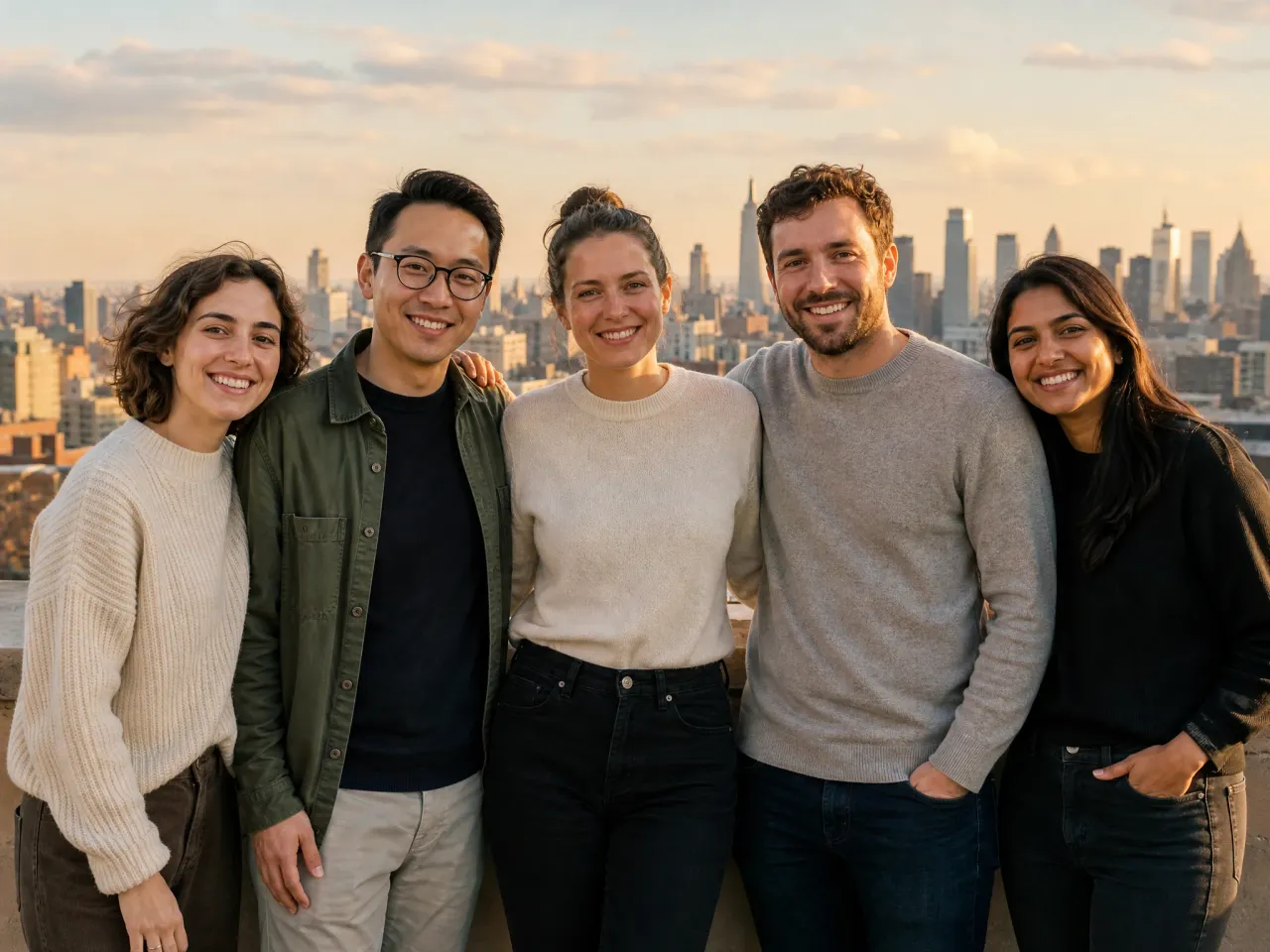
Swap one person in a group shot while every other face and the background stay as photographed.
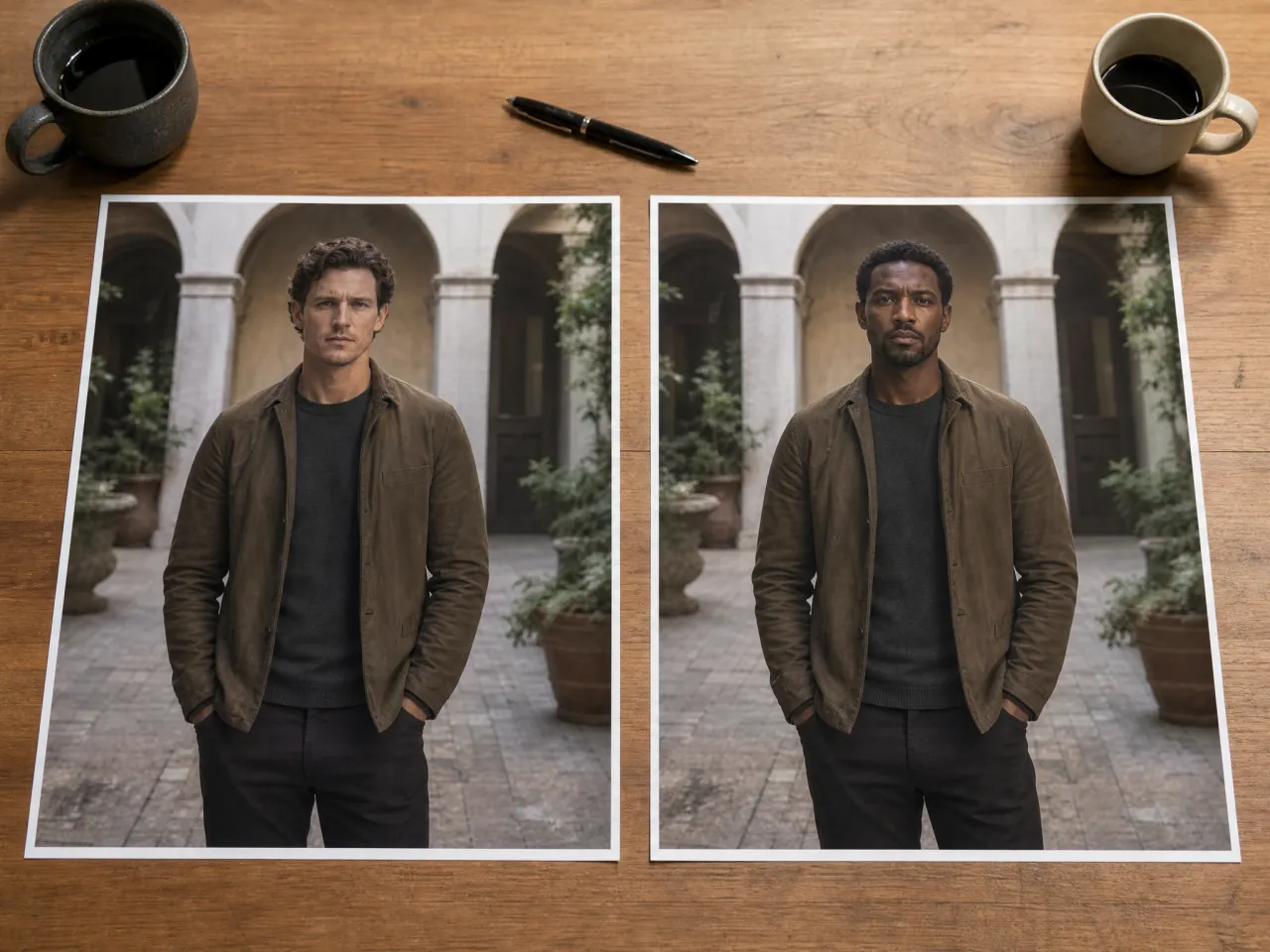
Recast a role with candidate headshots and compare versions before you commit.
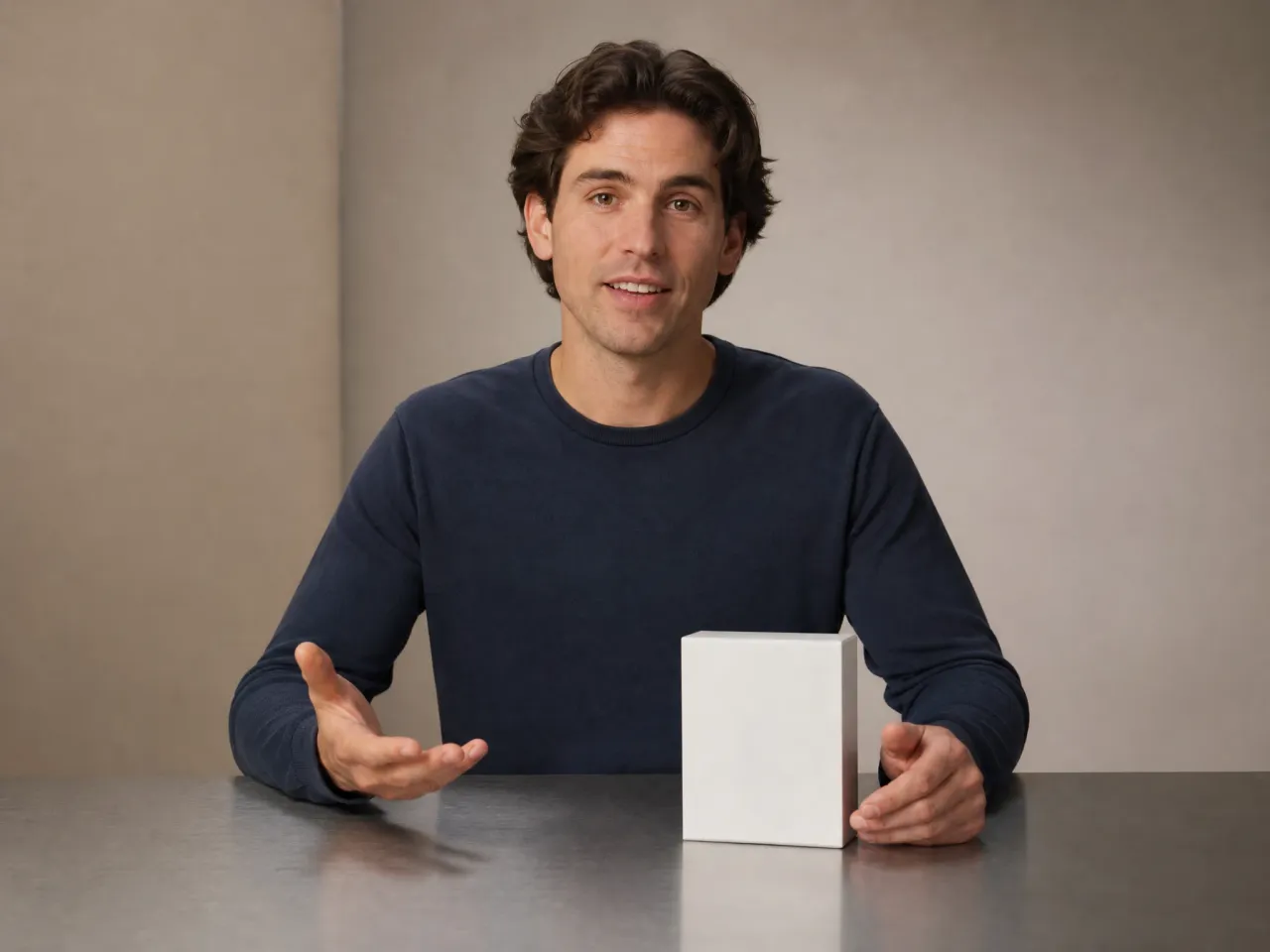
Recast the host and turn old footage into a fresh shoot, with no studio booking and no reshoot.
Upload the source, review the detected characters, add a replacement photo per role, and generate.
Drop in a clip or photo. The analyzer reads the whole clip or image.
Each character comes back with a confidence score. Lower the slider to see borderline picks; skip anyone you want to keep.
Upload one clear reference photo for each role you want to swap.
Pick a model, generate, and download. Motion, scene and audio stay.
Role control, motion, model choice and cost, side by side.
| Criteria | Face AIOurs | Other Tools |
|---|---|---|
| Role control | Every character is listed with a confidence score; you replace only the roles you pick | Many tools swap every face they detect |
| What gets replaced | The whole character takes the new identity | Face swap keeps the body and changes only the face |
| Workbench and limits | Video and photo share one analyzer and an open model selector; up to 10 roles per run | Separate tools, often locked to one pipeline |
| Controls | Confidence slider, skip per role, scene edits and a per-run quote stay visible | Controls are often hidden or automatic |
| Motion | Original motion, framing, timing and audio are kept | Regeneration often changes the scene |
| Template effects (reReel-style) | Your own clip or photo; no preset scene required | One photo into a fixed effect template |
| Honest limit | Very fast motion and heavy occlusion can still drift; review before use | Seldom explained before you upload |
| Pricing | Free daily analysis, then Credits with a per-run quote before generation | Subscription plans or paid exports |
Every character is listed with a confidence score; you replace only the roles you pick
Many tools swap every face they detect
The whole character takes the new identity
Face swap keeps the body and changes only the face
Video and photo share one analyzer and an open model selector; up to 10 roles per run
Separate tools, often locked to one pipeline
Confidence slider, skip per role, scene edits and a per-run quote stay visible
Controls are often hidden or automatic
Original motion, framing, timing and audio are kept
Regeneration often changes the scene
Your own clip or photo; no preset scene required
One photo into a fixed effect template
Very fast motion and heavy occlusion can still drift; review before use
Seldom explained before you upload
Free daily analysis, then Credits with a per-run quote before generation
Subscription plans or paid exports
Feedback from marketing, creative and post teams using AI Recast instead of re-shooting scenes.
"One creator could not fly in for the shoot, so we recast her role in the existing clip. The other two actors stayed untouched, and the client approved the cut the same day."
Camila Lopez
Influencer Partnerships Lead
"For social, the boring workflow is the good one: upload the clip, pick the presenter, keep the rest of the take, download. No timeline, no plugins, no retakes."
Sofia Martinez
Head of Brand Social
"Our team photo still had a colleague who had left the company months before. Image recast replaced that one person without booking a new photo day, and the lighting stayed identical."
Gabriela Diaz
Digital Content Director
"We localize talking-head posts per market. Same video, new presenter, and the gestures still come from the original take."
Isabella Rodriguez
Social Media Director
"Recasting the actor in an existing ad is faster than booking another shoot day. The camera move and product shots stay as filmed, so legal did not need a new review."
Marcus Johnson
Performance Marketing Manager
"The role list appears before anything generates. We can show a client exactly who gets replaced and skip the bystanders in a group scene."
Aisha Jackson
Client Success Director
"One creator could not fly in for the shoot, so we recast her role in the existing clip. The other two actors stayed untouched, and the client approved the cut the same day."
Camila Lopez
Influencer Partnerships Lead
"For social, the boring workflow is the good one: upload the clip, pick the presenter, keep the rest of the take, download. No timeline, no plugins, no retakes."
Sofia Martinez
Head of Brand Social
"Our team photo still had a colleague who had left the company months before. Image recast replaced that one person without booking a new photo day, and the lighting stayed identical."
Gabriela Diaz
Digital Content Director
"We localize talking-head posts per market. Same video, new presenter, and the gestures still come from the original take."
Isabella Rodriguez
Social Media Director
"Recasting the actor in an existing ad is faster than booking another shoot day. The camera move and product shots stay as filmed, so legal did not need a new review."
Marcus Johnson
Performance Marketing Manager
"The role list appears before anything generates. We can show a client exactly who gets replaced and skip the bystanders in a group scene."
Aisha Jackson
Client Success Director
"We keep approved host clips on file. When a host changes, recasting the old clip beats re-recording the same script."
Priya Sharma
Product Marketing Manager
"The free image analysis is enough to judge whether a recast works. We only spend Credits once the clip is ready for a paid channel."
Arjun Patel
Head of Growth
"Most tools give you one hard-edged result. Here we try a cleaner reference, compare versions, and keep the one that still feels like the same performance."
James Whitfield
Creative Director
Next steps when recast is not the right fit.
Character swap vs face swap, role selection, replacements, pricing and how the original motion stays intact.
AI Recast is an AI character swap tool for video and photos. It finds the characters in your media and replaces only the roles you pick, while the scene, motion and audio stay as shot.
Video recast swaps roles in a clip and keeps motion and audio. Image recast does the same in a still. Both use the same analyzer and role cards. Video analysis needs a free account; image analysis includes one free run per day without signing up.
A face swap changes only the face and keeps the original body. A character swap gives the whole role a new identity from your reference, while the performance, camera move and audio stay. Use face swap for a new face; use recast for a new character.
They do different jobs. reReel-style tools drop a photo into a preset template. AI Recast works on your own clip or photo and swaps the characters inside it, so the original performance and camera work survive.
Yes. Skip any role you want to keep. Only roles with a replacement image are swapped.
The analyzer lists up to 10 roles per run. The exact number you can replace depends on the selected model; the workbench shows the limit and suggests a model with more capacity.
Use a clear, front-facing photo with the face unobstructed. Lighting close to the source scene and a neutral expression help the identity hold.
Use clips or photos where the characters are clearly visible and well lit. Heavy blur, tiny faces in a crowd and profiles turning away are the hardest cases.
Video: MP4, MOV or WebM up to 500 MB and 30 seconds; Wan tiers cap clips at 15 seconds. Photos: JPG, PNG or WebP up to 20 MB. Clips over 50 MB must be trimmed or compressed before analysis, and the converted clip becomes the new source.
Yes. The result keeps the original action, framing, timing and audio. Only the selected roles change.
Yes. The model selector is fully open. The workspace may suggest a tier after analysis, but the choice is yours.
Sometimes. When the analyzer finds editable scene elements such as background or lighting, they appear as optional controls. Anything you leave alone stays original.
Fast motion, occlusion and faces crossing each other are the usual causes. Use a clearer source, match the reference lighting, swap fewer roles, and watch the full clip before downloading. Re-run only the failed role.
No sign-up for one free image analysis per day. Logged-in accounts get free daily image and video analyses; after that, an image analysis costs 1 Credit and a video analysis costs 1.5 Credits. Generation needs a free account and is quoted in Credits before you run it, and unused Credits stay in your balance while your account is active.
See pricing and credit packsYes, in your own projects. Make sure you have permission for the source media and every replacement face, and never use it to impersonate someone or create non-consensual content.
Uploads are used only to create your result and are not published. You can delete your history at any time.
Upload a clip or photo, pick the roles, and generate.