
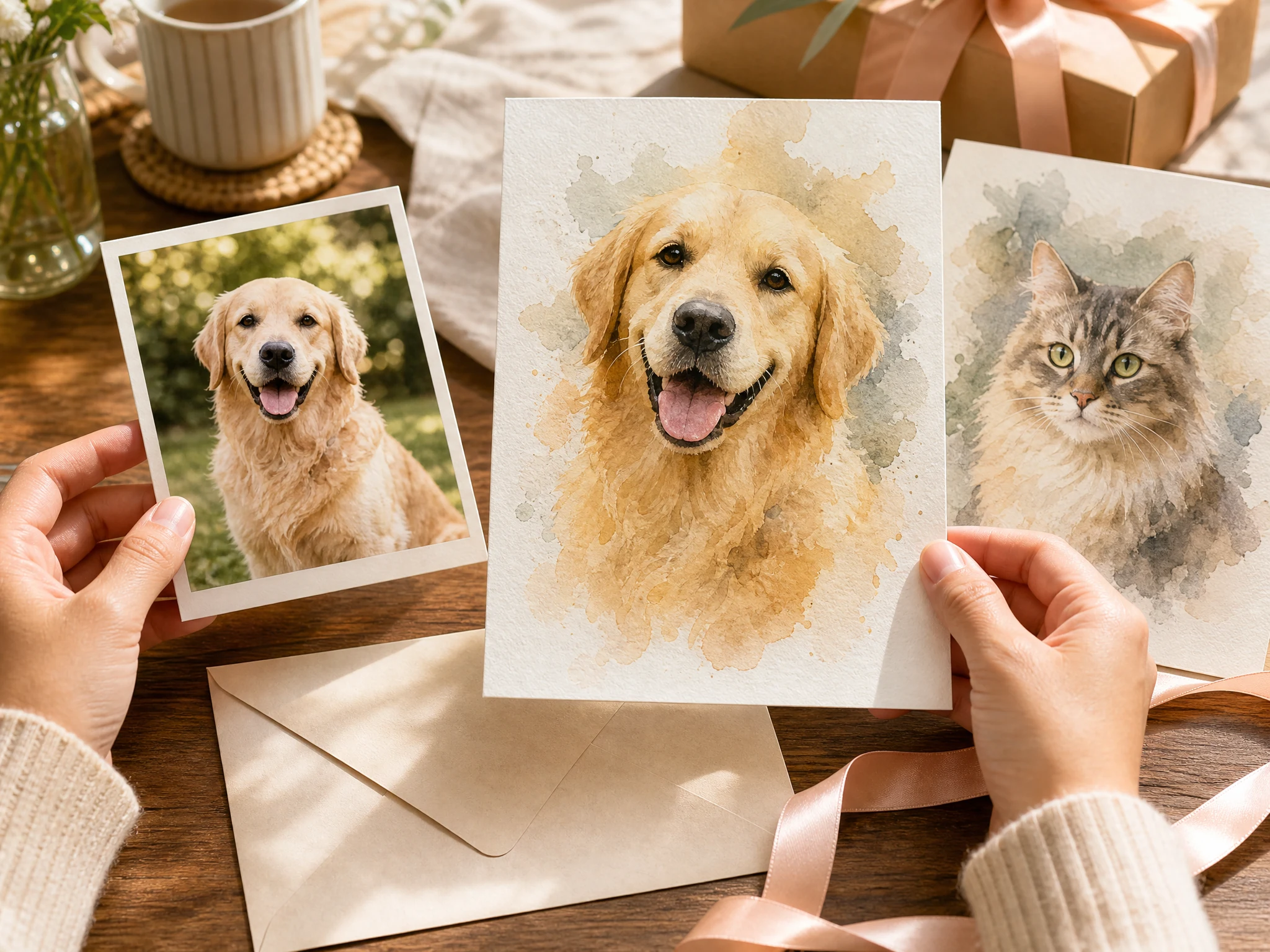
AI Pet Portrait Generator for Custom Pet Art from Photos
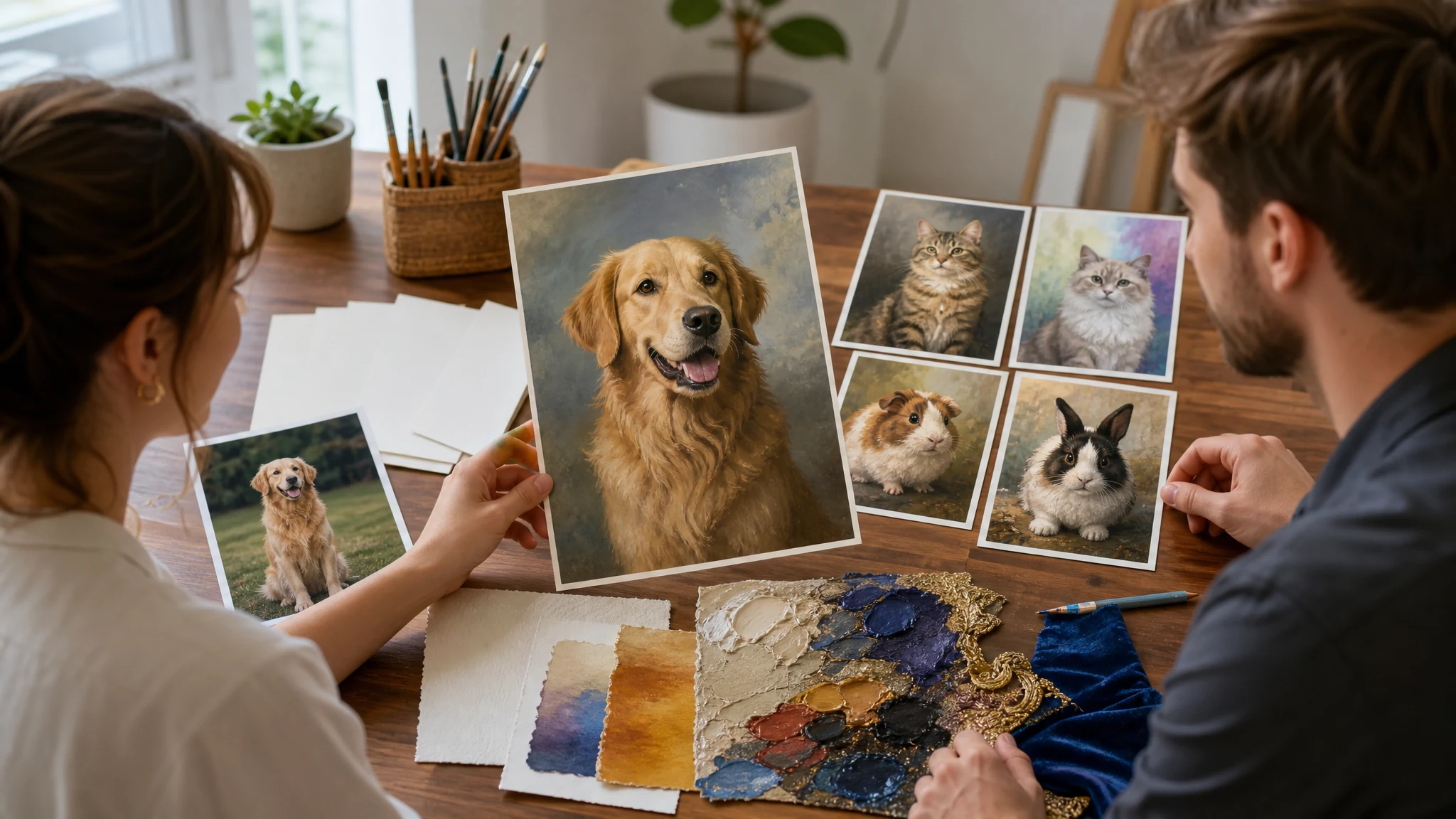
Upload a clear photo of a dog, cat, bird, or other pet and create a custom pet portrait in watercolor, oil painting, royal classic, cartoon 3D, sketch, fantasy storybook, or gentle keepsake style. Choose the scene, use case, ratio, and prompt note, then download the best result for social posts, gifts, albums, or creative review.
Trusted by 12,000,000+ users worldwide.
How to Create an AI Pet Portrait in 3 Steps
Keep the first run focused: upload one clear pet photo, choose the portrait direction, then review the result before sharing or trying another style.
Upload one pet photo
Use a clear image where the pet is visible, in focus, and not hidden behind heavy blur, props, or busy backgrounds.
Choose style and use case
Pick watercolor, oil painting, royal classic, cartoon 3D, sketch, fantasy, or keepsake style, then choose gift, social, framed-art concept, storybook, or keepsake intent.
Generate and compare
Download the strongest portrait, compare results in history, or regenerate with a clearer note when a visible cue matters.
What Can You Create with an AI Pet Portrait Generator?
Use the pet portrait generator for gift ideas, social profiles, playful character art, framed-art concepts, family albums, and gentle keepsake images.
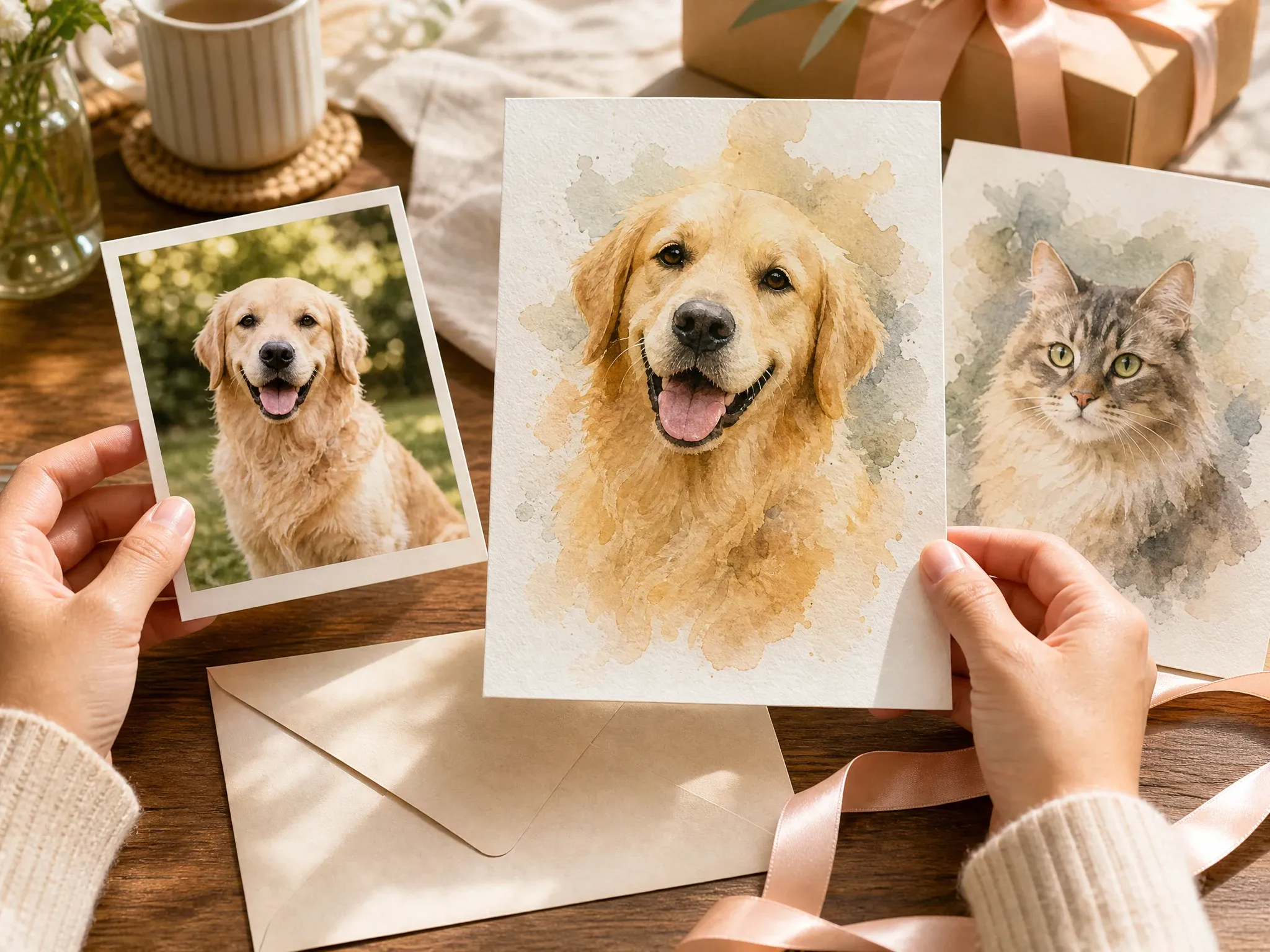
Watercolor gift portraits
Create a soft digital pet-art image for birthdays, adoption days, family albums, and thoughtful gift concepts.
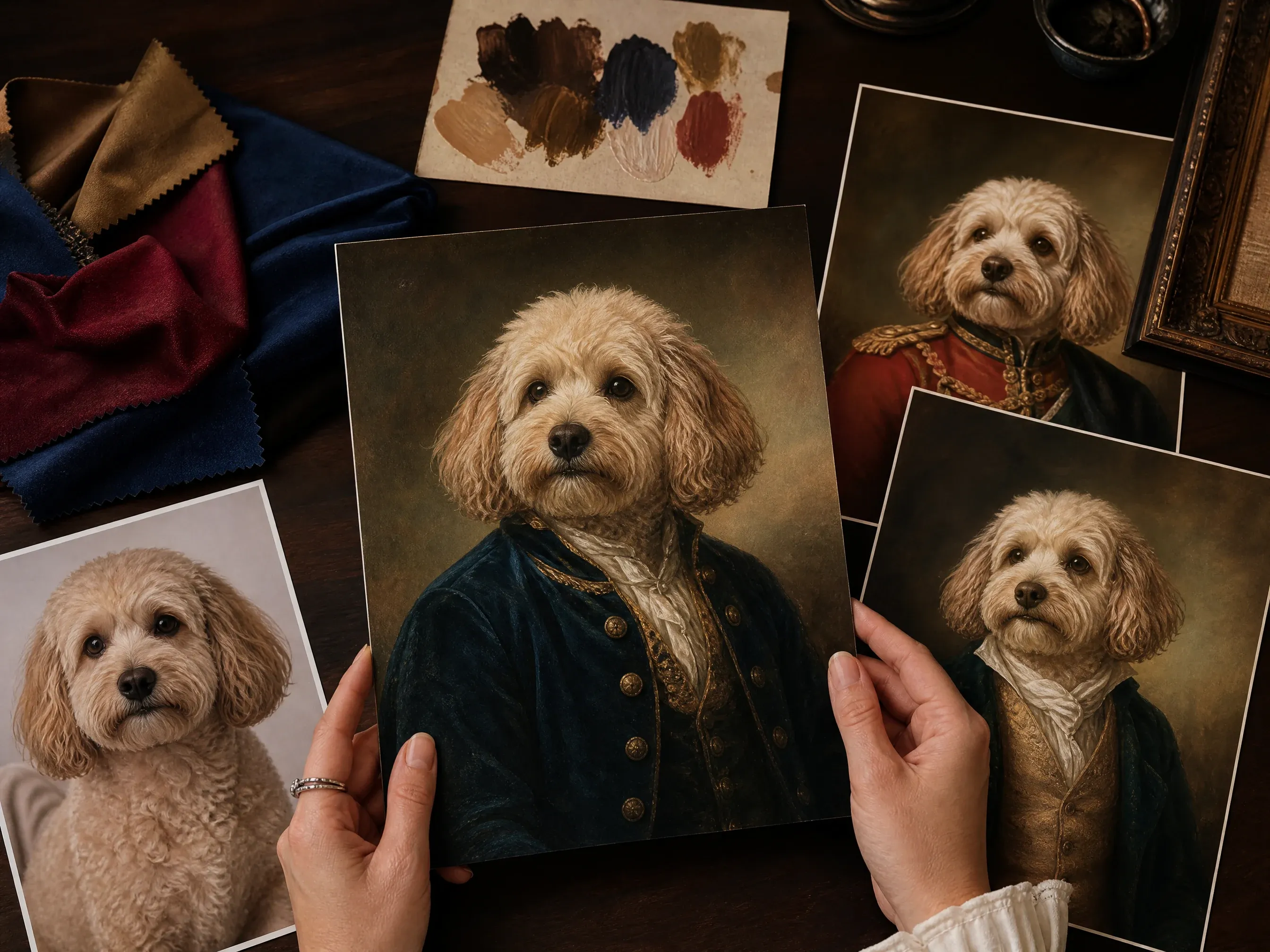
Royal classic pet art
Try a regal or classic portrait direction for dogs, cats, birds, and other pets while keeping costume claims playful.
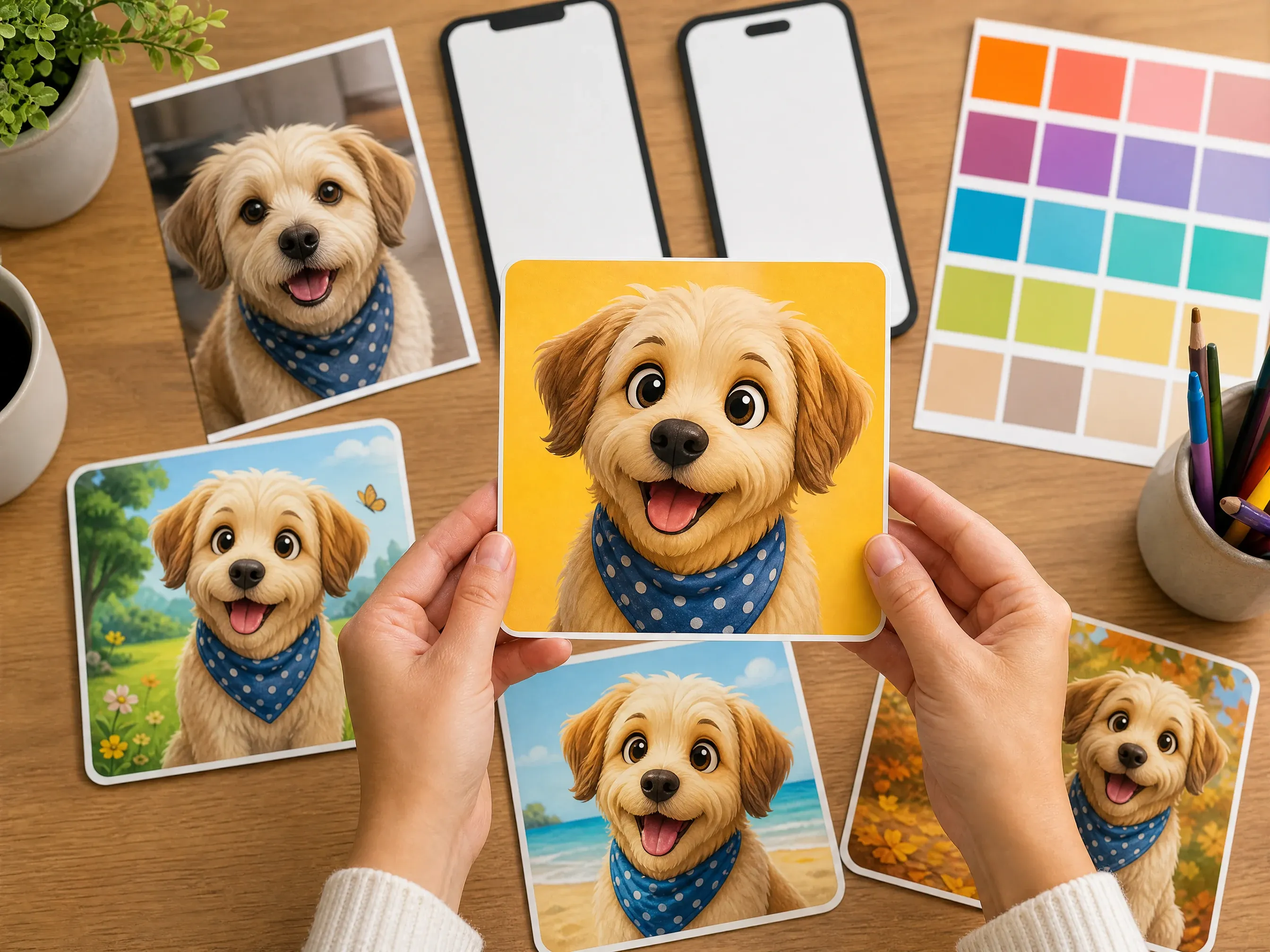
Cartoon social portraits
Create playful cartoon or 3D pet portraits for profiles, posts, creator pages, thumbnails, and lighthearted social sharing.
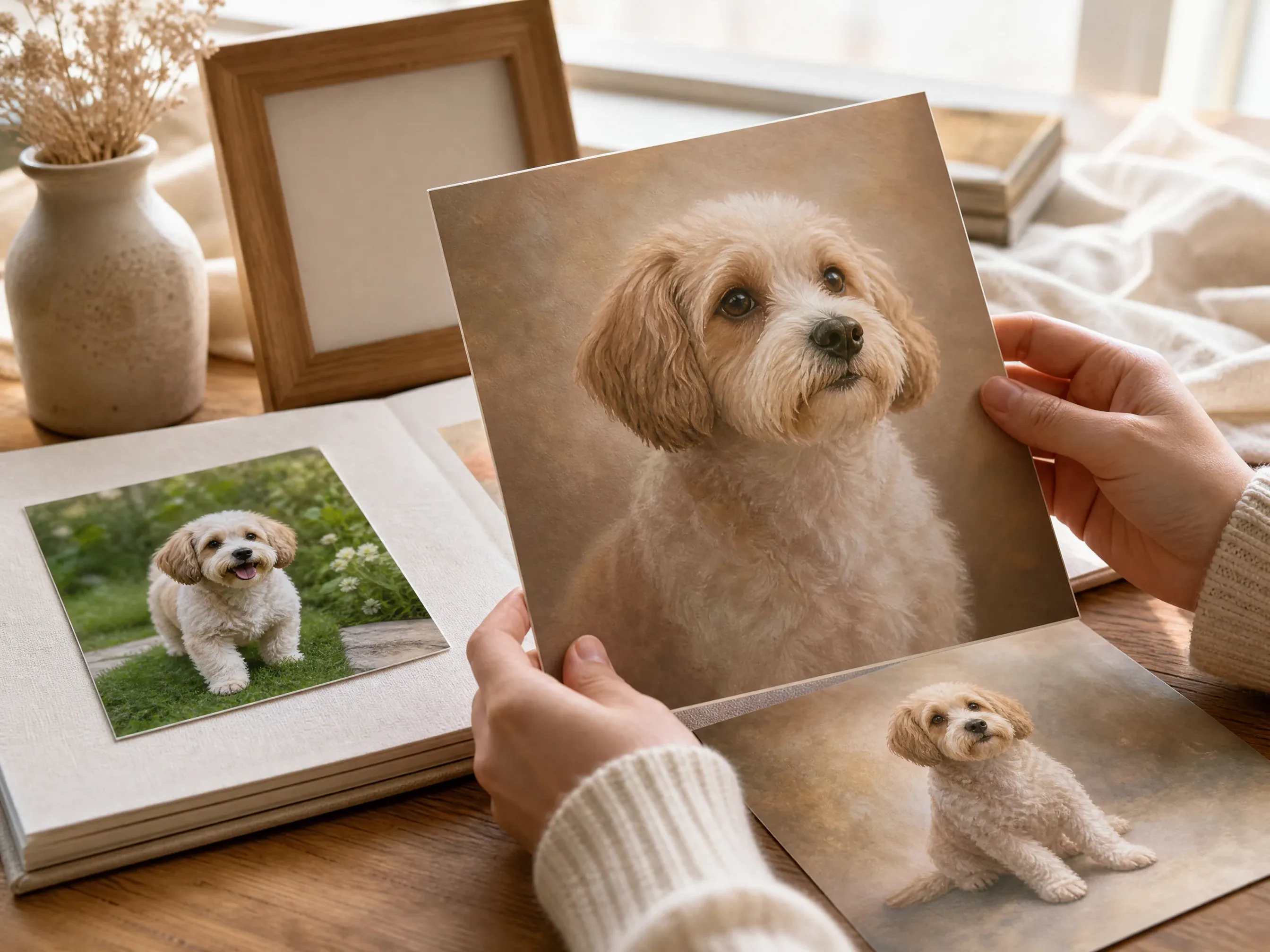
Gentle keepsake styles
Use warm light, simple backgrounds, and respectful styling for quiet album or keepsake concepts without overpromising likeness.
What Is an AI Pet Portrait Generator?
An AI pet portrait generator uses a pet photo as the source and creates a stylized digital portrait in an art direction you choose.
Photo-guided pet art
Start from a real dog, cat, bird, or small-pet photo so the output can follow visible face, fur, pose, and expression cues.
Style presets
Choose watercolor, oil painting, royal classic, cartoon 3D, sketch, fantasy storybook, or gentle keepsake direction.
Downloadable image result
Generate, compare, download, and share the image result from the browser, then use companion tools for cleanup or enhancement.
Why Use Face AI for Custom Pet Portraits?
The page starts with a live pet portrait workspace and keeps the controls aligned to real pet-art decisions: photo quality, animal type, art style, scene, use case, ratio, history, download, and next edit.
Pet-specific controls
Animal type, portrait style, background mood, use case, ratio, and examples keep the workflow focused on pet art.
Tool-first page
The creation workspace appears first, so visitors can upload a pet photo and start before reading the full guide.
Honest result boundaries
The copy avoids trained-pet-model, exact marking, print fulfillment, refund, commercial-rights, and memorial-guarantee claims.
Clear next steps
Move to enhancer, background remover, sticker generator, image-to-image, or image generator based on what the portrait needs next.
Tips for Better AI Pet Portrait Results
Pet portraits work best when the source photo is clear, the style is specific, and important visible traits are reviewed after generation.
Use a clear face
Eyes, muzzle or beak, ears, fur pattern, and expression should be visible. Avoid heavy blur, screenshots, and tiny group photos.
Name the art style
Watercolor, oil painting, royal classic, cartoon 3D, sketch, fantasy storybook, or gentle keepsake works better than vague style words.
Keep one pet central
Single-pet images are easier to review. For multi-pet scenes, compare the markings of each animal carefully because consistency can vary.
Review visible cues
Check coat color, eye direction, markings, body shape, and mood manually before using the image in a gift, profile, or keepsake context.
Face AI Pet Portrait Generator vs. Commissioned Pet Art and Generic Image Prompts
Use Face AI when you want a fast digital pet-art workflow from one photo. Use a commissioned artist, print shop, or specialist service when exact likeness, revision policies, materials, shipping, or commercial licensing are essential.
| Criteria | Face AIOurs Face AI pet portrait workflow | Other workflows |
|---|---|---|
| Starting point | One pet photo plus animal type, art style, background mood, use case, ratio, and prompt note. | Commissioned artists and print shops often require briefs, proofing, payment, and fulfillment steps. |
| Controls | Watercolor, oil, royal, cartoon, sketch, fantasy, keepsake, gift, social, framed-art concept, and profile controls. | Generic image prompts rely more on prompt wording and may not expose pet-specific controls. |
| Best use | Fast digital pet-art concepts, social images, family albums, gift ideas, and style exploration. | Specialized pet services may be better for guaranteed revisions, print materials, shipping, or exact commissioned likeness. |
| Likeness boundary | Uses visible cues where possible but does not guarantee breed-accurate anatomy, exact markings, or deterministic identity lock. | A trained-pet or human artist workflow may offer stronger likeness review when explicitly contracted. |
| Output | Downloadable generated image with local history and companion tools. | Print-commerce services may provide canvas, poster, framed, or digital packages when that fulfillment is part of their product. |
| Sensitive use | Gentle keepsake styling is available, but memorial meaning and likeness review stay in the user review step. | Specialized memorial services may include proofing, revisions, and care policies. |
Starting point
One pet photo plus animal type, art style, background mood, use case, ratio, and prompt note.
Commissioned artists and print shops often require briefs, proofing, payment, and fulfillment steps.
Controls
Watercolor, oil, royal, cartoon, sketch, fantasy, keepsake, gift, social, framed-art concept, and profile controls.
Generic image prompts rely more on prompt wording and may not expose pet-specific controls.
Best use
Fast digital pet-art concepts, social images, family albums, gift ideas, and style exploration.
Specialized pet services may be better for guaranteed revisions, print materials, shipping, or exact commissioned likeness.
Likeness boundary
Uses visible cues where possible but does not guarantee breed-accurate anatomy, exact markings, or deterministic identity lock.
A trained-pet or human artist workflow may offer stronger likeness review when explicitly contracted.
Output
Downloadable generated image with local history and companion tools.
Print-commerce services may provide canvas, poster, framed, or digital packages when that fulfillment is part of their product.
Sensitive use
Gentle keepsake styling is available, but memorial meaning and likeness review stay in the user review step.
Specialized memorial services may include proofing, revisions, and care policies.
How Creators Use the AI Pet Portrait Generator
These comments focus on the practical loop: upload one pet photo, choose style and use case, generate, compare history, then download or refine.
"The page feels built for pet portraits because it starts with the animal photo, art style, scene, use case, and likeness boundaries instead of a blank prompt."

Kai Nakamura
Global Creative Director
"I can brief a watercolor, royal, sketch, or playful social portrait quickly, then compare results in history before sharing the best one."

Nina Volkov
Visual Design Director
"The controls are useful for pet-content ideas and gift concepts, and I can review breed markings before printing or gifting the final portrait."

Rafael Santos
VP of Creative
"The source-photo tips are practical: clear face, visible fur pattern, good light, and one pet at a time give the best first result."

Priya Chen
Creative Strategy Lead
"The gift, profile, framed-art concept, and keepsake presets help non-design teammates choose a direction without overloading the prompt."

Leo Fitzgerald
Associate Creative Director
"For social posts and adoption stories, I can create several pet-art directions fast and keep the output honest as a creative image, not a guaranteed portrait commission."

Amara Johansson
Head of Visual Identity
"The page feels built for pet portraits because it starts with the animal photo, art style, scene, use case, and likeness boundaries instead of a blank prompt."
Kai Nakamura
Global Creative Director
"I can brief a watercolor, royal, sketch, or playful social portrait quickly, then compare results in history before sharing the best one."
Nina Volkov
Visual Design Director
"The controls are useful for pet-content ideas and gift concepts, and I can review breed markings before printing or gifting the final portrait."
Rafael Santos
VP of Creative
"The source-photo tips are practical: clear face, visible fur pattern, good light, and one pet at a time give the best first result."
Priya Chen
Creative Strategy Lead
"The gift, profile, framed-art concept, and keepsake presets help non-design teammates choose a direction without overloading the prompt."
Leo Fitzgerald
Associate Creative Director
"For social posts and adoption stories, I can create several pet-art directions fast and keep the output honest as a creative image, not a guaranteed portrait commission."
Amara Johansson
Head of Visual Identity
"The memorial-safe wording is restrained. It treats gentle keepsake styling as an option without making emotional or likeness guarantees."

Astrid Nielsen
Head of Thought Leadership
"The page feels built for pet portraits because it starts with the animal photo, art style, scene, use case, and likeness boundaries instead of a blank prompt."
Kai Nakamura
Global Creative Director
"I can brief a watercolor, royal, sketch, or playful social portrait quickly, then compare results in history before sharing the best one."
Nina Volkov
Visual Design Director
"The controls are useful for pet-content ideas and gift concepts, and I can review breed markings before printing or gifting the final portrait."
Rafael Santos
VP of Creative
"The source-photo tips are practical: clear face, visible fur pattern, good light, and one pet at a time give the best first result."
Priya Chen
Creative Strategy Lead
"The gift, profile, framed-art concept, and keepsake presets help non-design teammates choose a direction without overloading the prompt."
Leo Fitzgerald
Associate Creative Director
"For social posts and adoption stories, I can create several pet-art directions fast and keep the output honest as a creative image, not a guaranteed portrait commission."
Amara Johansson
Head of Visual Identity
"The memorial-safe wording is restrained. It treats gentle keepsake styling as an option without making emotional or likeness guarantees."
Astrid Nielsen
Head of Thought Leadership
"It is better than a generic image-to-image page because pet type, art style, scene, purpose, prompt examples, and limits all match pet portrait work."

Devon Park
Interactive Creative Director
"The related tools make sense after generation: enhance the keeper, remove a background, create a sticker, or explore a broader image prompt."

Mia Torres
Design Director
"The workflow keeps image rights and sensitive-use guidance visible while staying focused on creating polished pet portraits."

Charlotte Beaumont
Director of Content Operations
"History and download are enough for our first pass. If a pet mark or fur detail matters, we regenerate and review manually."

Yifan Zheng
Demand Generation Lead
"The strongest results came from simple source photos and specific style names like watercolor, oil portrait, royal classic, or 3D cartoon."

Marie Laurent
Storytelling & Brand Lead
"The page gives enough structure for gift visuals and framed-art concepts while staying clear that Face AI is generating digital images, not shipping physical products."

Luca Moretti
VP of Creative Services
"I like that the pet type and scene controls sit beside prompt examples, so a teammate can create a useful first portrait without inventing a full art brief."

Zeke Williams
Senior Art Director
"It is better than a generic image-to-image page because pet type, art style, scene, purpose, prompt examples, and limits all match pet portrait work."
Devon Park
Interactive Creative Director
"The related tools make sense after generation: enhance the keeper, remove a background, create a sticker, or explore a broader image prompt."
Mia Torres
Design Director
"The workflow keeps image rights and sensitive-use guidance visible while staying focused on creating polished pet portraits."
Charlotte Beaumont
Director of Content Operations
"History and download are enough for our first pass. If a pet mark or fur detail matters, we regenerate and review manually."
Yifan Zheng
Demand Generation Lead
"The strongest results came from simple source photos and specific style names like watercolor, oil portrait, royal classic, or 3D cartoon."
Marie Laurent
Storytelling & Brand Lead
"The page gives enough structure for gift visuals and framed-art concepts while staying clear that Face AI is generating digital images, not shipping physical products."
Luca Moretti
VP of Creative Services
"I like that the pet type and scene controls sit beside prompt examples, so a teammate can create a useful first portrait without inventing a full art brief."
Zeke Williams
Senior Art Director
What Should You Try After a Pet Portrait?
Choose the next Face AI tool based on the blocker: another source-guided variation, sticker styling, sharper detail, cleaner background, or prompt-only animal art.
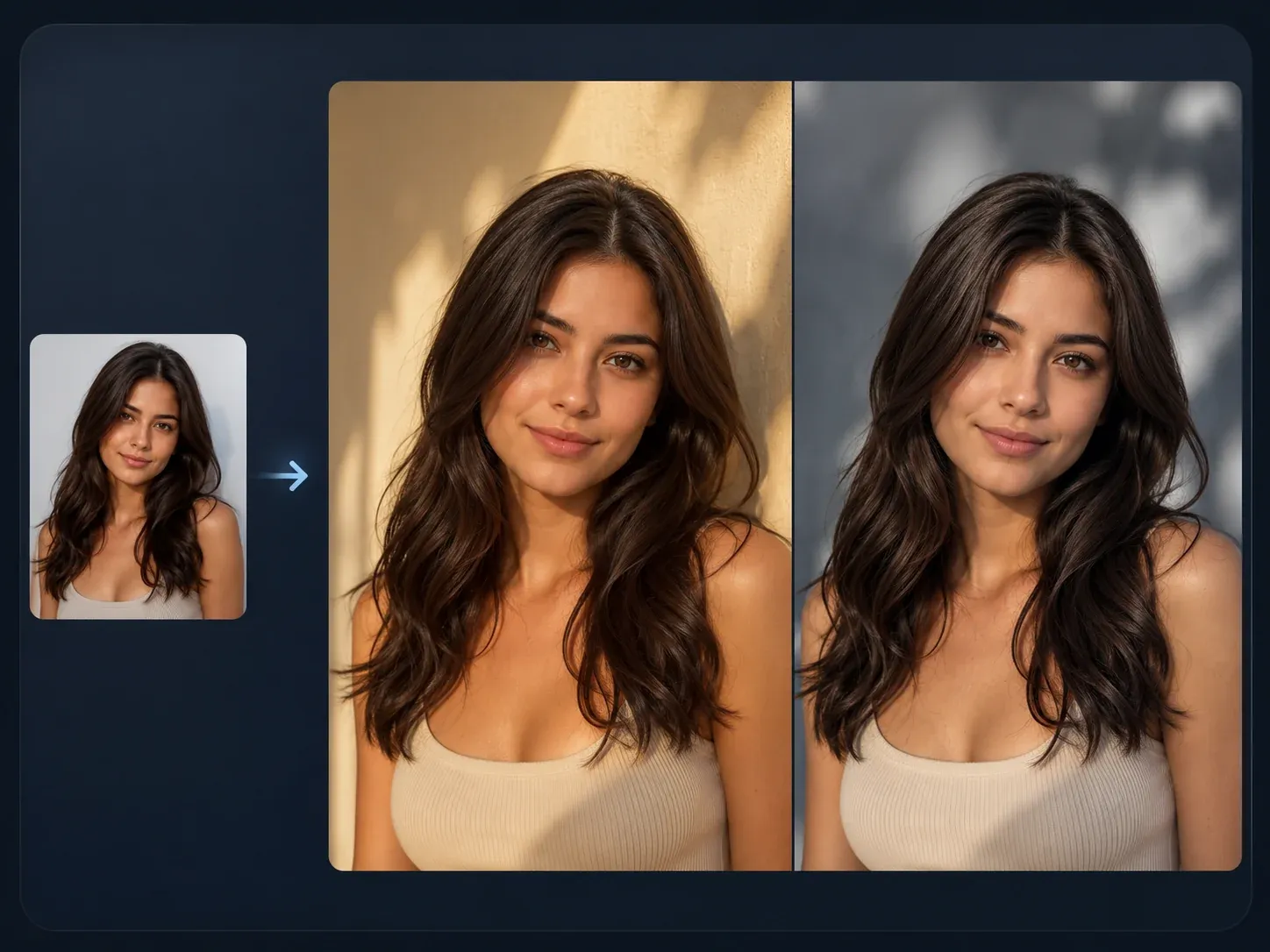
AI Image to Image
Use source-guided image generation when you want another pet-art variation from the same photo.
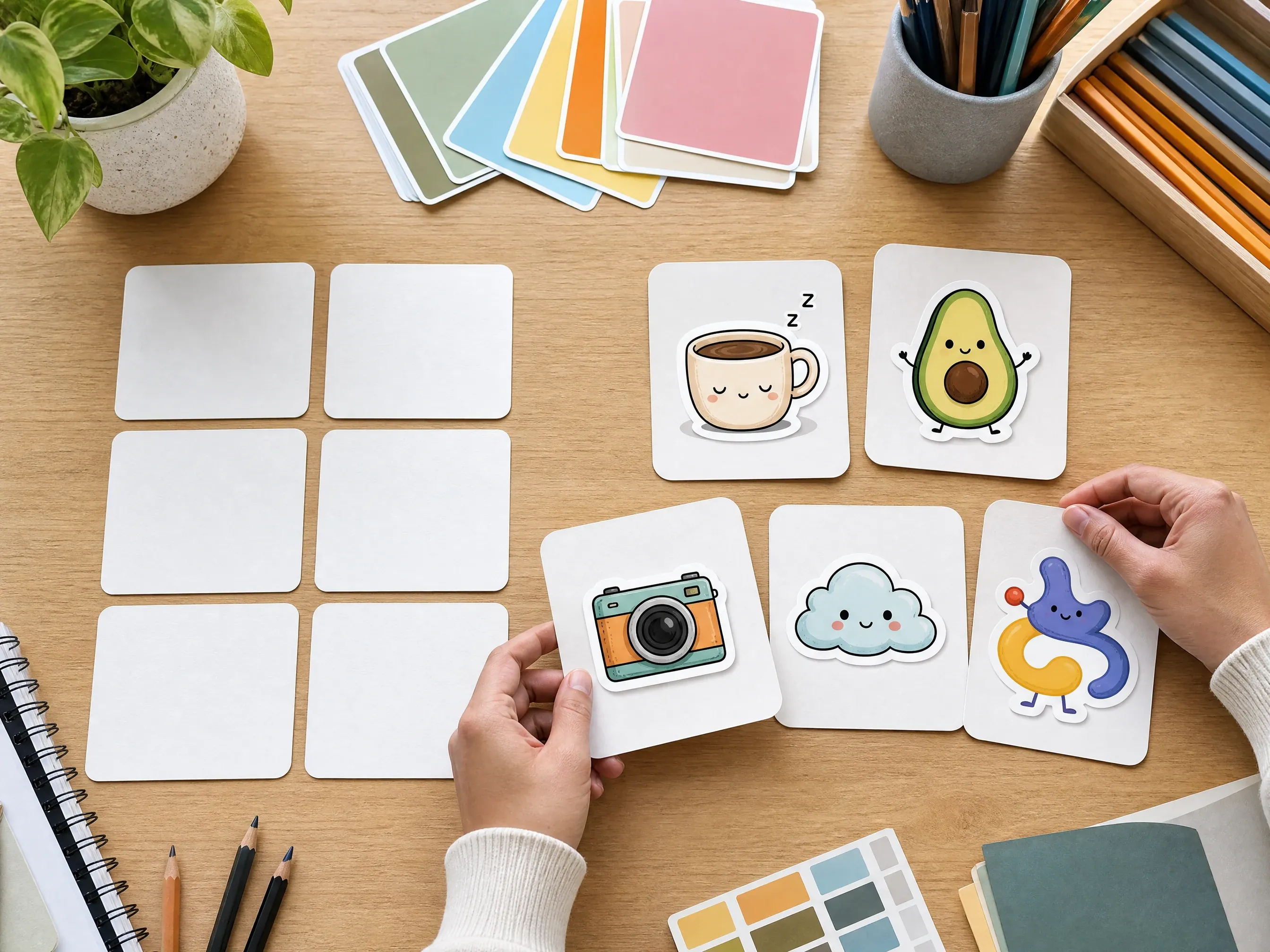
AI Sticker Generator
Turn a pet portrait result into a playful sticker-style image for profiles and social posts.
AI Photo Enhancer
Enhance a favorite generated portrait before sharing it or saving it to an album.
Background Remover
Clean up a source pet photo before generating if the background is busy or distracting.

AI Image Generator
Create prompt-only animal art when you do not need to follow a specific pet photo.
AI Pet Portrait Generator FAQ
Direct answers about source photos, pet types, art styles, likeness limits, printing, keepsake use, rights, and better results.
It is an online tool that uses a pet photo as the source and creates a stylized digital pet portrait in the art direction you choose.
Use one clear pet photo with the face, eyes, fur or feather pattern, pose, and expression visible. Avoid blurry images, tiny crops, and busy group scenes.
Yes. The workspace includes dog, cat, bird, small-pet, and custom-pet directions so the prompt can describe the right visible cues.
You can start with watercolor, oil painting, royal classic, cartoon 3D, sketch, fantasy storybook, or gentle keepsake direction.
Yes. Add notes about color, mood, background, or visible traits that should be considered, while keeping expectations realistic.
Yes. Choose the royal classic direction for a playful regal portrait. Treat the result as a creative style concept rather than a historically verified costume, official emblem, or physical product.
No exact preservation is guaranteed. Review coat color, markings, eye direction, face shape, body cues, and mood manually before sharing or printing elsewhere.
You can download the generated image and decide how to use it. Face AI does not provide physical print fulfillment, shipping, canvas materials, or print-quality guarantees on this page.
You can choose a gentle keepsake style for a respectful digital image. Because this can be sensitive, review the result carefully and do not treat it as a guaranteed likeness service.
Use photos you own or have permission to edit. Avoid protected logos, private documents, sensitive images, or photos you do not have rights to process.
Yes. Open the online workbench and create pet portraits with the current free 1K output.
Create a Custom Pet Portrait from One Photo
Upload a pet photo, choose the portrait style and use case, then generate a custom digital pet portrait for gifts, profiles, family albums, social posts, or creative review.