
Starting point
Ours
Upload one portrait and choose the eye color mode and shade before generating.
Other workflows
Prompt-only tools can work, but they make you describe the full recolor from scratch.
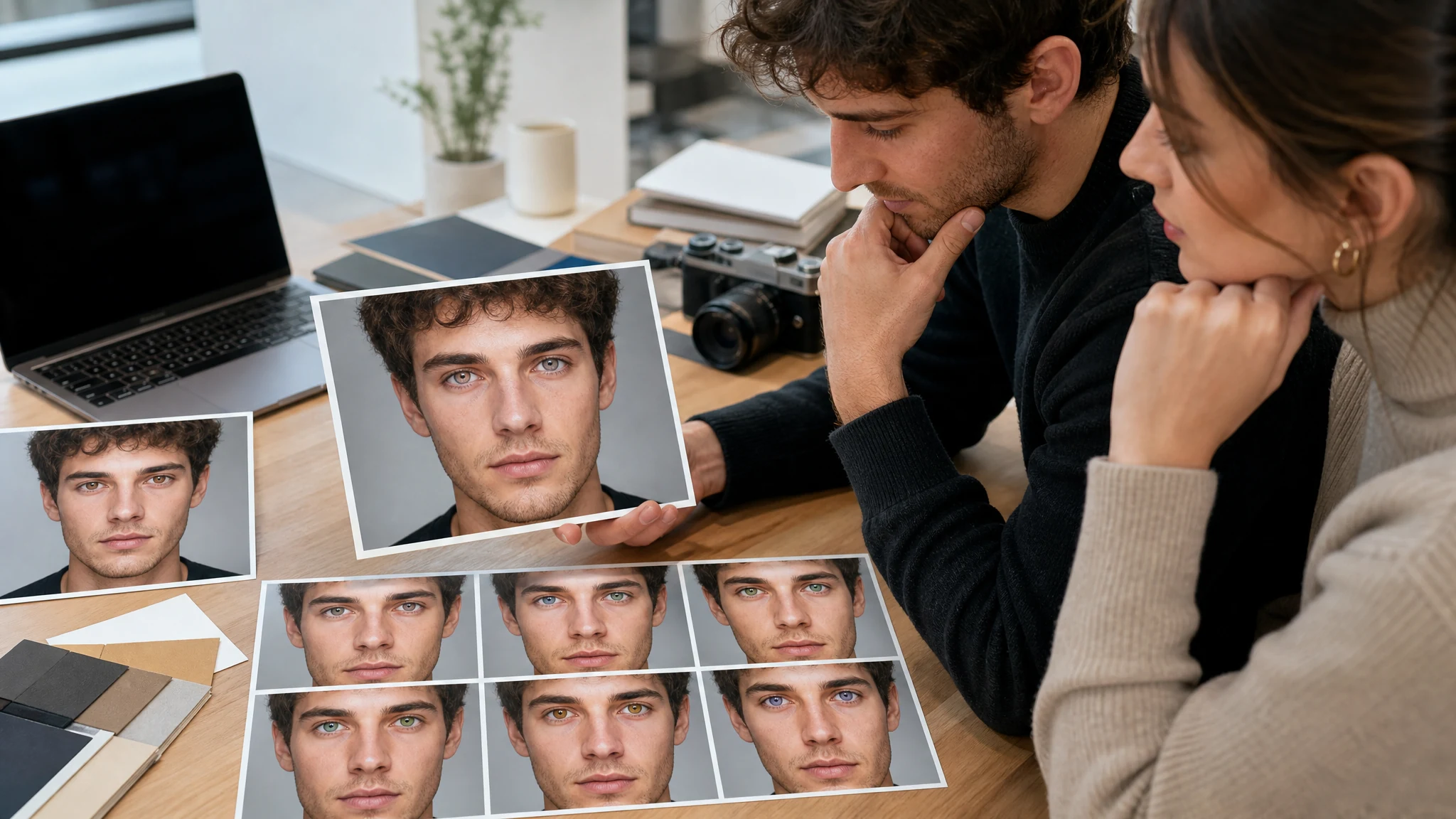
Upload one portrait and preview blue, green, hazel, gray, amber, brown, violet, or custom eye colors before buying contacts, refreshing a profile photo, or planning a cosplay look. Choose natural, fantasy, contact-lens, or custom mode, then review iris texture, pupils, reflections, and face identity before downloading. Free online.
Trusted by 12,000,000+ users worldwide.
Keep the request focused: upload one clear portrait, choose the eye color direction, then inspect the result before publishing or buying contacts.
Use a front-facing selfie, headshot, profile photo, or cosplay portrait where both eyes are visible and sharp enough to review.
Choose blue, green, hazel, gray, amber, brown, violet, ice crystal, or jade teal, then add a short optional color note only when needed.
Check both eyes, pupils, iris texture, catchlights, eyelids, face identity, and skin tone before downloading or refining.
Use the AI eye color changer for colored contact inspiration, natural shade comparison, fantasy looks, cosplay planning, profile refreshes, and social portraits.
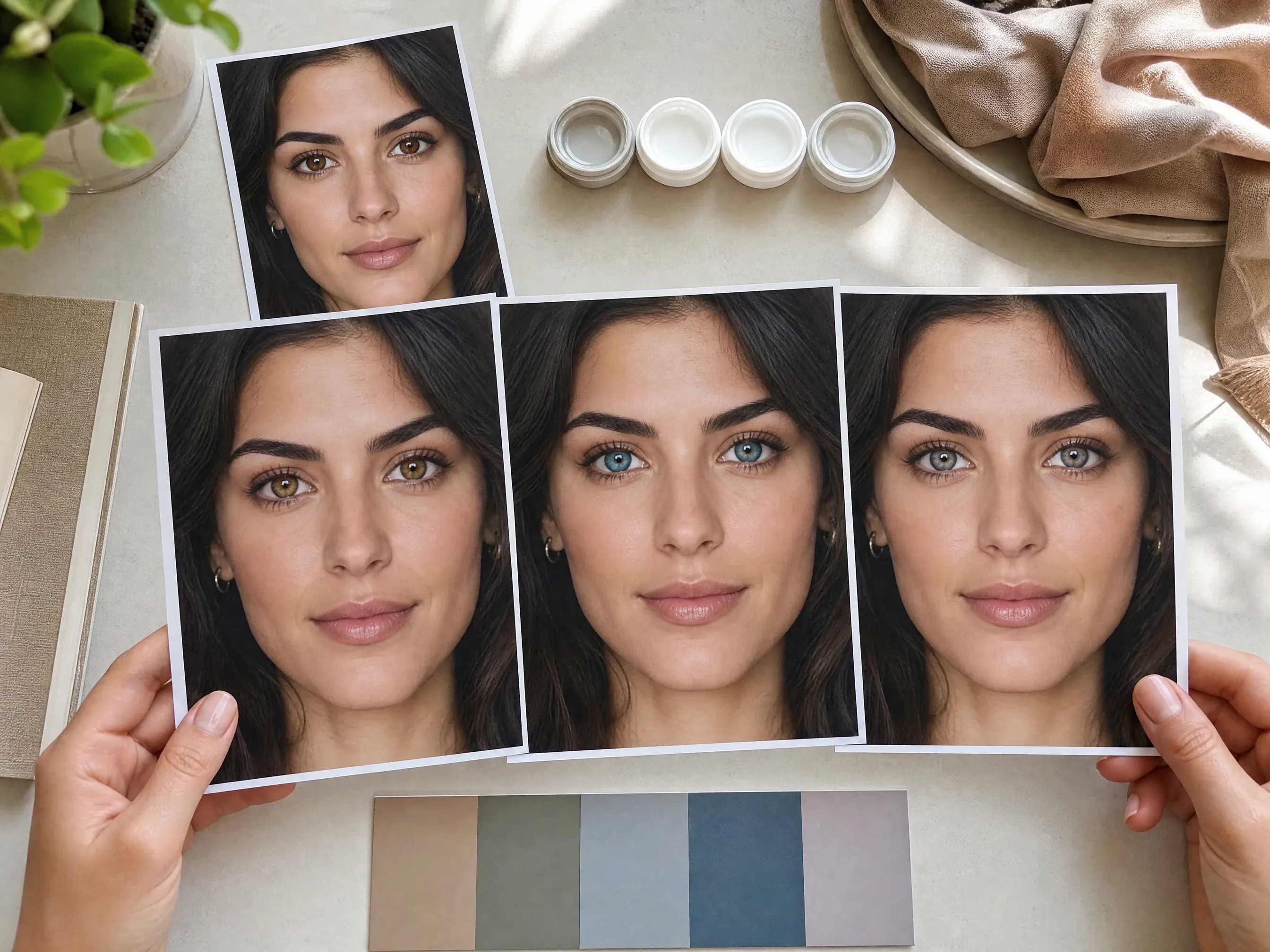
Try hazel, blue, gray, green, amber, violet, or teal before deciding which colored contacts are worth buying.
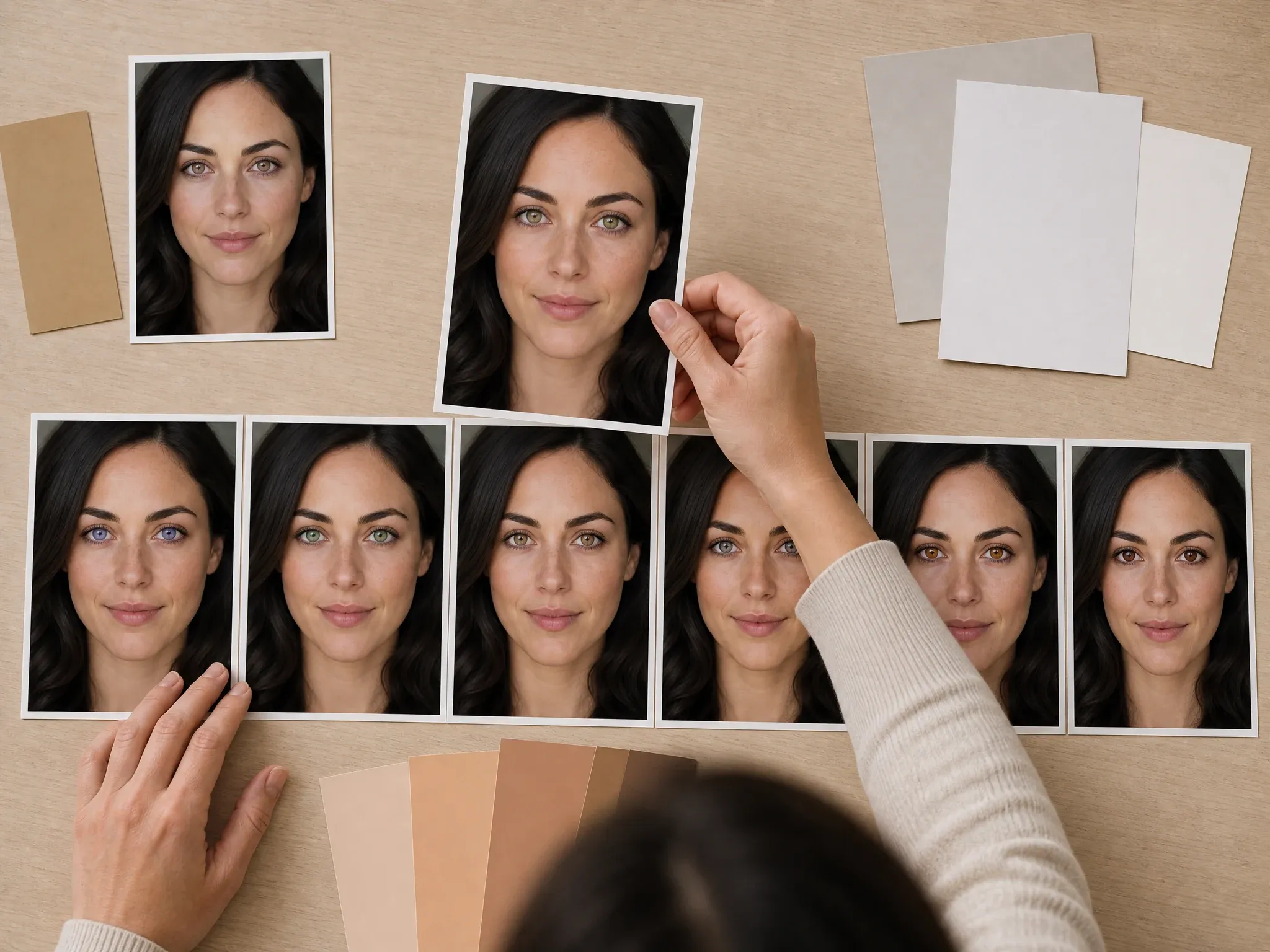
See whether blue, green, hazel, gray, amber, brown, or softer mixed tones fit your face and skin tone.

Use violet, ice crystal, jade teal, or a custom dramatic note for creator portraits, profile updates, or editorial concepts.
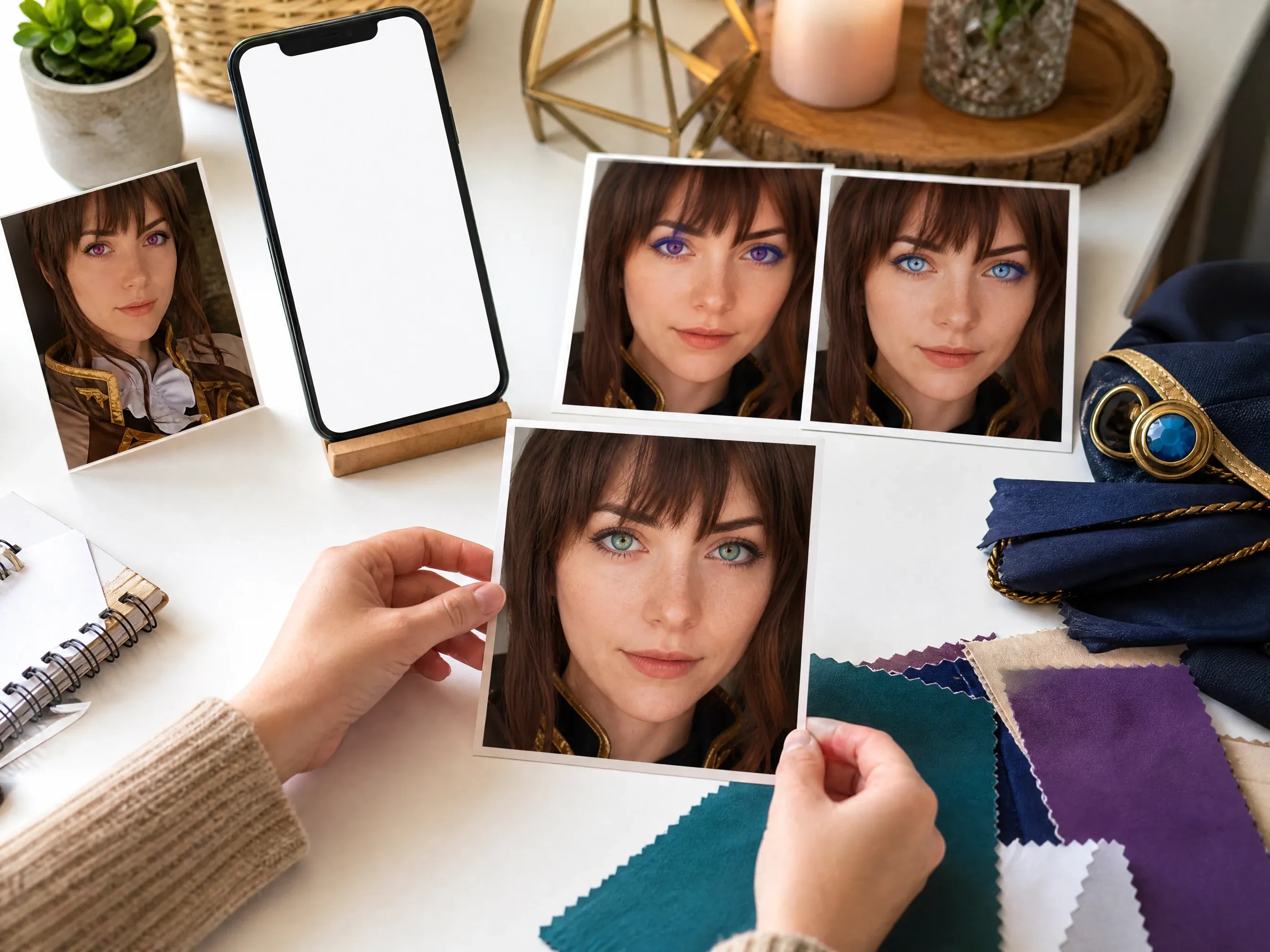
Match a costume or character mood without buying lenses first, then review whether the color still feels believable in your photo.
An AI eye color changer starts from your uploaded portrait and generates a source-guided eye color variation so you can preview a new iris color before using it in a profile, social post, cosplay look, or contact-lens mood board.
The source photo anchors the face, crop, pose, skin tone, lighting, and background so the output stays tied to your real image.
Start from blue, green, hazel, gray, amber, brown, violet, teal, or crystal tones, then add a note for warmth, depth, or iris ring.
The final step is human review: inspect pupils, eyelids, reflections, both-eye consistency, and whether the person still looks like themselves.
Face AI keeps the workflow practical: upload one portrait, choose the color intent, add a short note, generate, compare history, download, share, and continue into broader editing only when needed.
The function area includes portrait upload, color modes, named swatches, optional note, ratio, examples, history, download, share, and related tools.
Use the same workspace for subtle hazel or gray, bright blue or green, bold violet or teal, and contact-lens inspiration.
Use this as a creative eye-color preview. Both eyes are processed together, fine iris edges can vary, and the result is not a medical or optical simulation.
Eye color decisions are visual. History lets you keep multiple shades from the same portrait and choose the version that feels most natural.
A clear source portrait and a narrow color request usually matter more than a long prompt.
Use a sharp, front-facing portrait. Avoid sunglasses, hair covering eyes, tiny screenshots, extreme side angles, and heavy blur.
Start with one color family such as ocean blue, forest green, warm hazel, steel gray, amber gold, deep brown, or violet.
Use the note to preserve pupils, iris detail, reflections, eyelids, face shape, expression, skin tone, lighting, clothing, and background.
Zoom in and check iris edges, pupil shape, catchlights, eyelids, eye whites, and symmetry before saving or sharing the result.
Choose the workflow that matches the decision. Face AI is for fast creative portrait previews, not exact optical fitting or deterministic manual masking.
| Criteria | Face AIOurs Face AI eye color preview workflow | Other workflows |
|---|---|---|
| Starting point | Upload one portrait and choose the eye color mode and shade before generating. | Prompt-only tools can work, but they make you describe the full recolor from scratch. |
| Best use | Colored contact inspiration, profile refreshes, cosplay planning, creator portraits, and natural shade comparison. | Retail contact tools are stronger for product shopping when exact lens catalog matching is required. |
| Control | Natural, fantasy, contact-lens, or custom mode, named color presets, optional note, ratio, history, download, and share. | Brush tools can target exact iris edges but require more manual editing time and precision review. |
| Output boundary | Creative still-image preview that should be reviewed by the user before publishing. | Professional retouch tools can support masks, sliders, hue controls, and per-eye edits when those are required. |
| Safety boundary | No medical, vision, surgery, or eye-safety claims. Use it for visual planning and entertainment. | Some beauty or contact pages imply stronger try-on accuracy than a single portrait can prove. |
| Next step | Move the keeper into hair color changer, blemish remover, wrinkle remover, image-to-image, or upscaler when another issue remains. | Single-purpose pages often stop at one download with fewer follow-up options. |
Upload one portrait and choose the eye color mode and shade before generating.
Prompt-only tools can work, but they make you describe the full recolor from scratch.
Colored contact inspiration, profile refreshes, cosplay planning, creator portraits, and natural shade comparison.
Retail contact tools are stronger for product shopping when exact lens catalog matching is required.
Natural, fantasy, contact-lens, or custom mode, named color presets, optional note, ratio, history, download, and share.
Brush tools can target exact iris edges but require more manual editing time and precision review.
Creative still-image preview that should be reviewed by the user before publishing.
Professional retouch tools can support masks, sliders, hue controls, and per-eye edits when those are required.
No medical, vision, surgery, or eye-safety claims. Use it for visual planning and entertainment.
Some beauty or contact pages imply stronger try-on accuracy than a single portrait can prove.
Move the keeper into hair color changer, blemish remover, wrinkle remover, image-to-image, or upscaler when another issue remains.
Single-purpose pages often stop at one download with fewer follow-up options.
Eye color changes are convincing only when the face still feels real. Review the final image before posting, buying contacts, pitching, or publishing.
Look for natural iris texture, pupil shape, edge transitions, and no flat paint over the eye.
Check catchlights, eye whites, eyelids, lashes, makeup, and shadows for unwanted drift.
Confirm the person, expression, skin tone, pose, and background still match the source portrait.
These comments focus on the practical loop: pick a shade, keep the portrait natural, compare history, then download or refine.
"The preset structure makes eye color testing clearer than a blank prompt. Natural, fantasy, contact lens, and custom modes each answer a different portrait question."

Kai Nakamura
Global Creative Director
"For headshots, I start with subtle hazel, gray, or blue and review iris texture before download. It keeps the edit useful without turning the face into a beauty filter."

Nina Volkov
Visual Design Director
"The page is honest about the boundary. It is a creative portrait preview, not a medical, optical, or exact contact-lens fitting claim."

Rafael Santos
VP of Creative
"The custom note is helpful when the shade needs warmth, depth, or an iris ring. We still ask the output to preserve pupils, reflections, skin tone, and face identity."

Priya Chen
Creative Strategy Lead
"History makes the workflow practical. Our team can compare green, hazel, blue, and violet versions from one portrait instead of losing the source image."

Devon Park
Interactive Creative Director
"The contact-lens mode is useful for mood boards before buying lenses. I treat it as visual inspiration, then check real products separately."

Mia Torres
Design Director
"The preset structure makes eye color testing clearer than a blank prompt. Natural, fantasy, contact lens, and custom modes each answer a different portrait question."
Kai Nakamura
Global Creative Director
"For headshots, I start with subtle hazel, gray, or blue and review iris texture before download. It keeps the edit useful without turning the face into a beauty filter."
Nina Volkov
Visual Design Director
"The page is honest about the boundary. It is a creative portrait preview, not a medical, optical, or exact contact-lens fitting claim."
Rafael Santos
VP of Creative
"The custom note is helpful when the shade needs warmth, depth, or an iris ring. We still ask the output to preserve pupils, reflections, skin tone, and face identity."
Priya Chen
Creative Strategy Lead
"History makes the workflow practical. Our team can compare green, hazel, blue, and violet versions from one portrait instead of losing the source image."
Devon Park
Interactive Creative Director
"The contact-lens mode is useful for mood boards before buying lenses. I treat it as visual inspiration, then check real products separately."
Mia Torres
Design Director
"Good source photos matter. Clear front-facing eyes, readable pupils, and natural light gave our best results, while sunglasses and side angles needed another upload."

Zeke Williams
Senior Art Director
"The preset structure makes eye color testing clearer than a blank prompt. Natural, fantasy, contact lens, and custom modes each answer a different portrait question."
Kai Nakamura
Global Creative Director
"For headshots, I start with subtle hazel, gray, or blue and review iris texture before download. It keeps the edit useful without turning the face into a beauty filter."
Nina Volkov
Visual Design Director
"The page is honest about the boundary. It is a creative portrait preview, not a medical, optical, or exact contact-lens fitting claim."
Rafael Santos
VP of Creative
"The custom note is helpful when the shade needs warmth, depth, or an iris ring. We still ask the output to preserve pupils, reflections, skin tone, and face identity."
Priya Chen
Creative Strategy Lead
"History makes the workflow practical. Our team can compare green, hazel, blue, and violet versions from one portrait instead of losing the source image."
Devon Park
Interactive Creative Director
"The contact-lens mode is useful for mood boards before buying lenses. I treat it as visual inspiration, then check real products separately."
Mia Torres
Design Director
"Good source photos matter. Clear front-facing eyes, readable pupils, and natural light gave our best results, while sunglasses and side angles needed another upload."
Zeke Williams
Senior Art Director
"For creator portraits, fantasy colors are useful only when the face still feels real. The review checklist keeps the output from looking flat or painted over."

Marie Laurent
Storytelling & Brand Lead
"The copy teaches non-design teammates what to inspect: both eyes, iris edges, catchlights, eyelids, skin tone, and whether the person still looks like themselves."

Astrid Nielsen
Head of Thought Leadership
"For profile refreshes, a subtle gray or warm hazel pass is often enough. If the portrait is soft afterward, the next step into upscaler is obvious."

Charlotte Beaumont
Director of Content Operations
"The related tools are useful because eye color is rarely the only decision. Hair color, blemish cleanup, wrinkle softening, and upscaling are natural next steps."

Yifan Zheng
Demand Generation Lead
"Influencer briefs often need a quick cosplay or contact-lens preview. This page keeps that request focused on the eyes instead of rebuilding the whole portrait."

Anya Ramos
Influencer Partnerships Director
"I like that the page covers blue, green, hazel, gray, amber, brown, violet, teal, and custom notes without promising per-eye control or optical accuracy."

Linh Nguyen
Head of Creator Relations
"The best results came from choosing one shade direction first, then using the note only for details that should stay unchanged."

Rose de Guzman
Creator Marketing Lead
"For creator portraits, fantasy colors are useful only when the face still feels real. The review checklist keeps the output from looking flat or painted over."
Marie Laurent
Storytelling & Brand Lead
"The copy teaches non-design teammates what to inspect: both eyes, iris edges, catchlights, eyelids, skin tone, and whether the person still looks like themselves."
Astrid Nielsen
Head of Thought Leadership
"For profile refreshes, a subtle gray or warm hazel pass is often enough. If the portrait is soft afterward, the next step into upscaler is obvious."
Charlotte Beaumont
Director of Content Operations
"The related tools are useful because eye color is rarely the only decision. Hair color, blemish cleanup, wrinkle softening, and upscaling are natural next steps."
Yifan Zheng
Demand Generation Lead
"Influencer briefs often need a quick cosplay or contact-lens preview. This page keeps that request focused on the eyes instead of rebuilding the whole portrait."
Anya Ramos
Influencer Partnerships Director
"I like that the page covers blue, green, hazel, gray, amber, brown, violet, teal, and custom notes without promising per-eye control or optical accuracy."
Linh Nguyen
Head of Creator Relations
"The best results came from choosing one shade direction first, then using the note only for details that should stay unchanged."
Rose de Guzman
Creator Marketing Lead
Pick the next Face AI tool based on what still blocks the portrait: hair color, skin cleanup, wrinkle softening, broader source-guided editing, or sharper export.
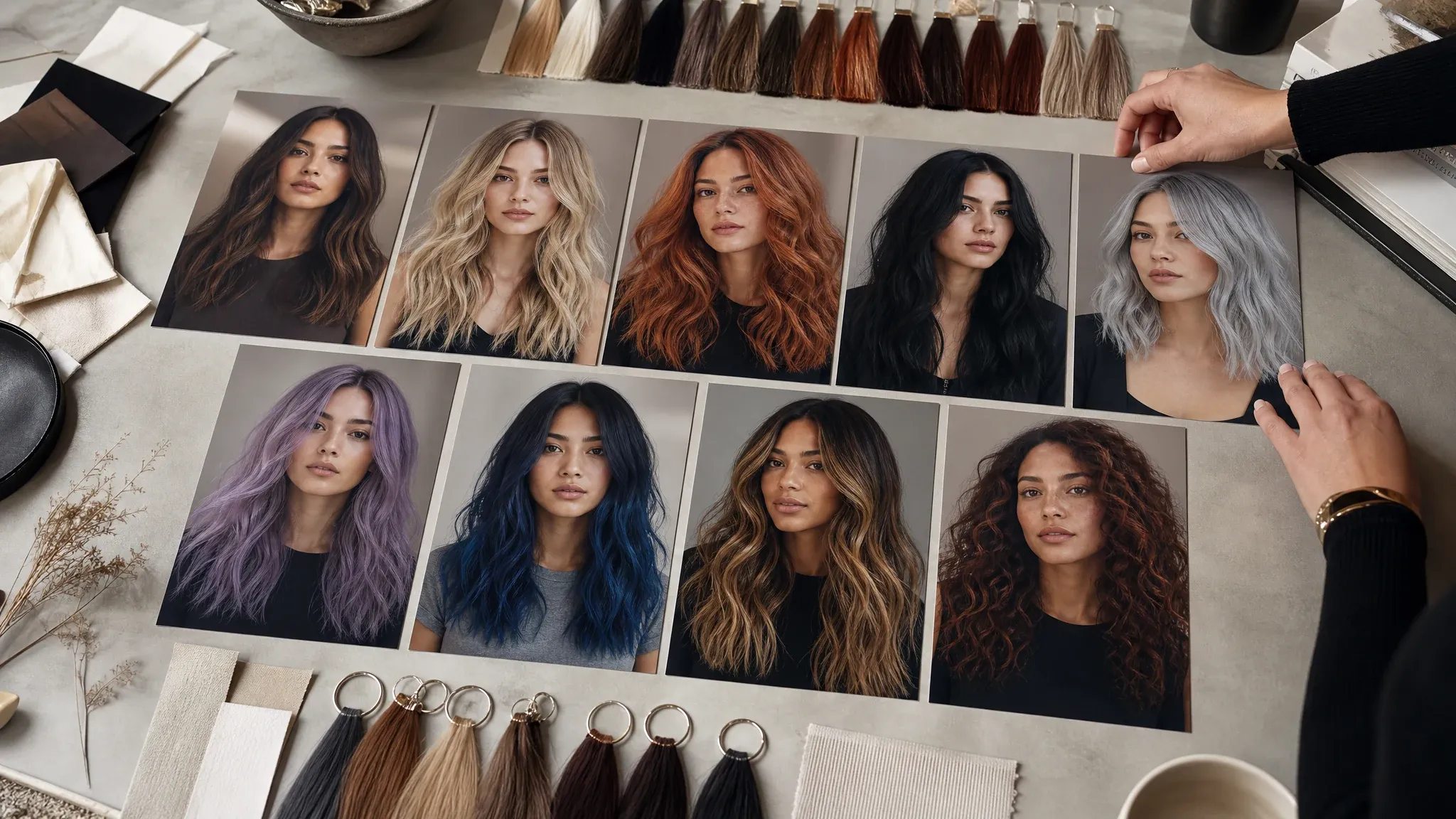
Try a matching hair shade after choosing the eye color direction for a full appearance preview.
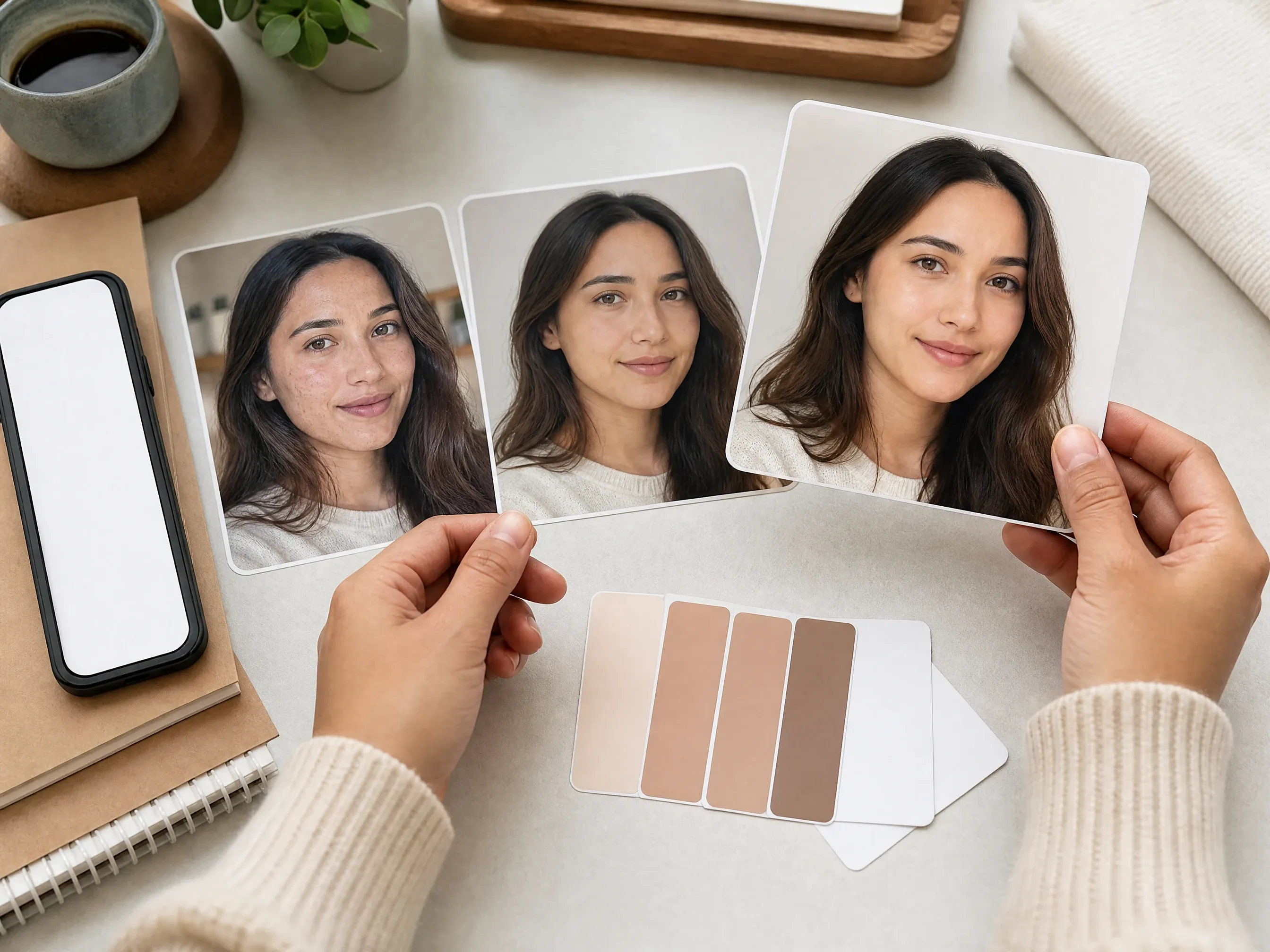
Clean temporary skin distractions when the eye color result is close but the portrait needs a natural retouch.
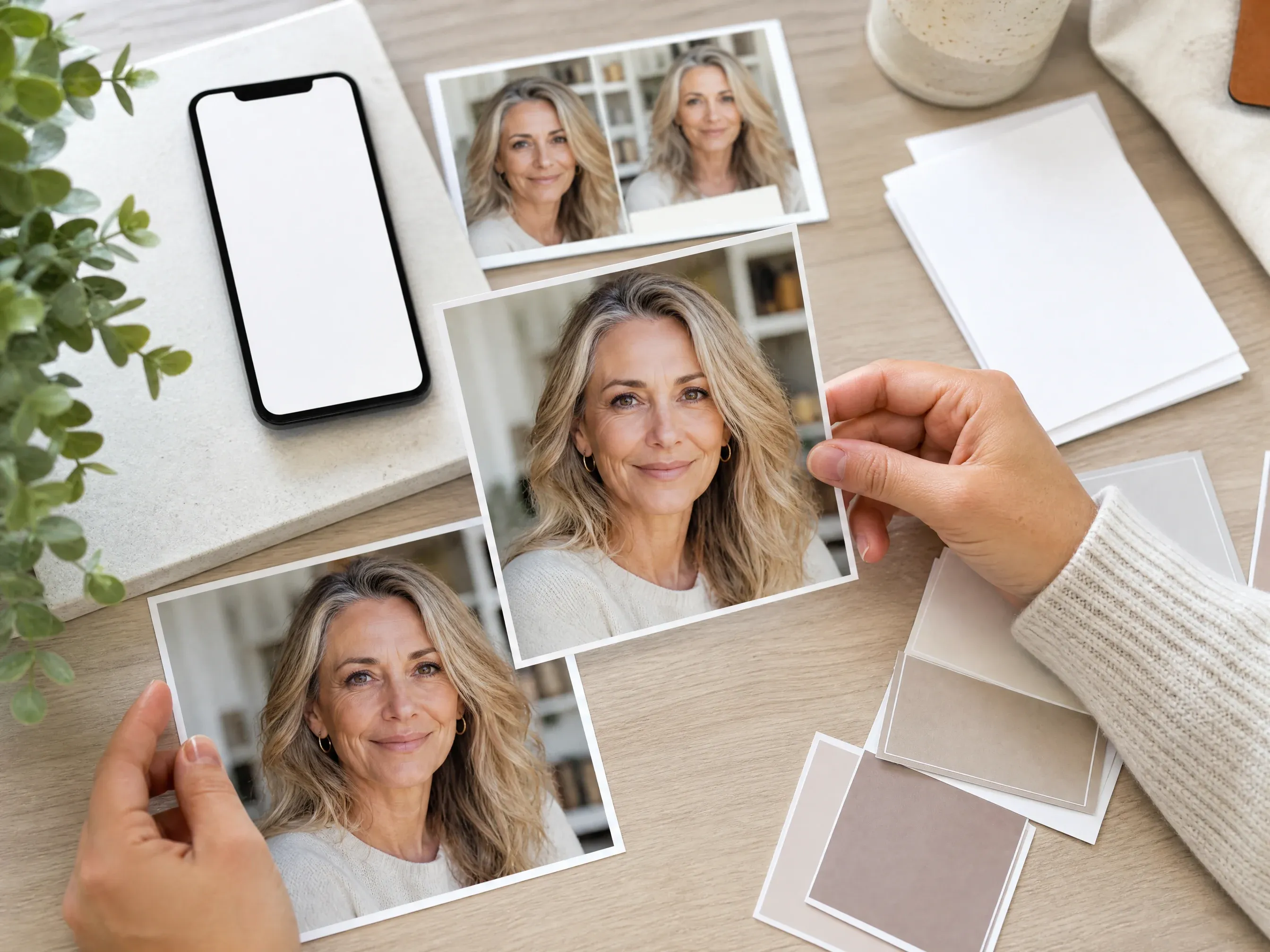
Soften fine lines around the eye area only when the portrait needs a conservative refresh.
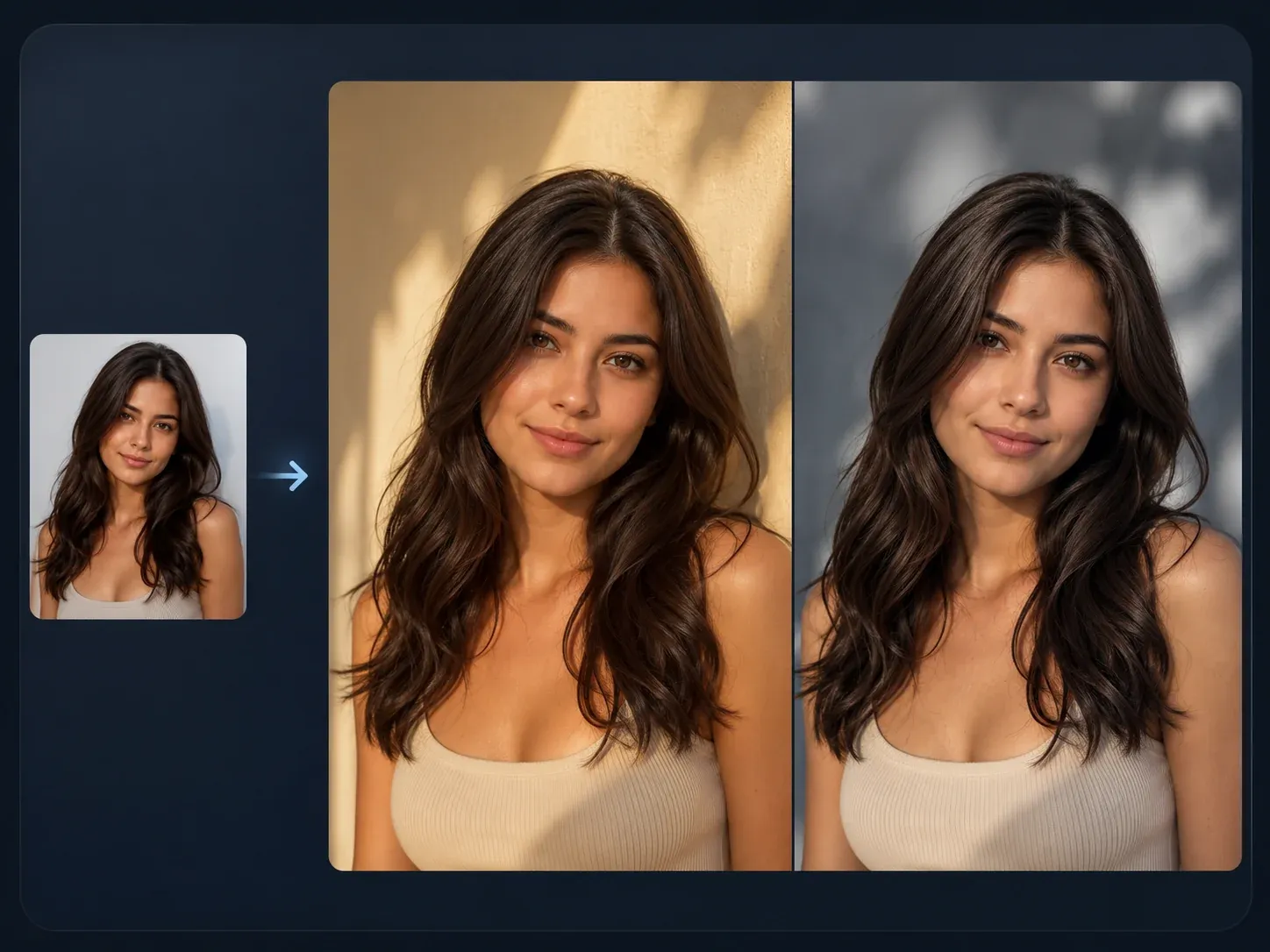
Use broader source-guided editing when the final idea needs more than an eye-color preview.
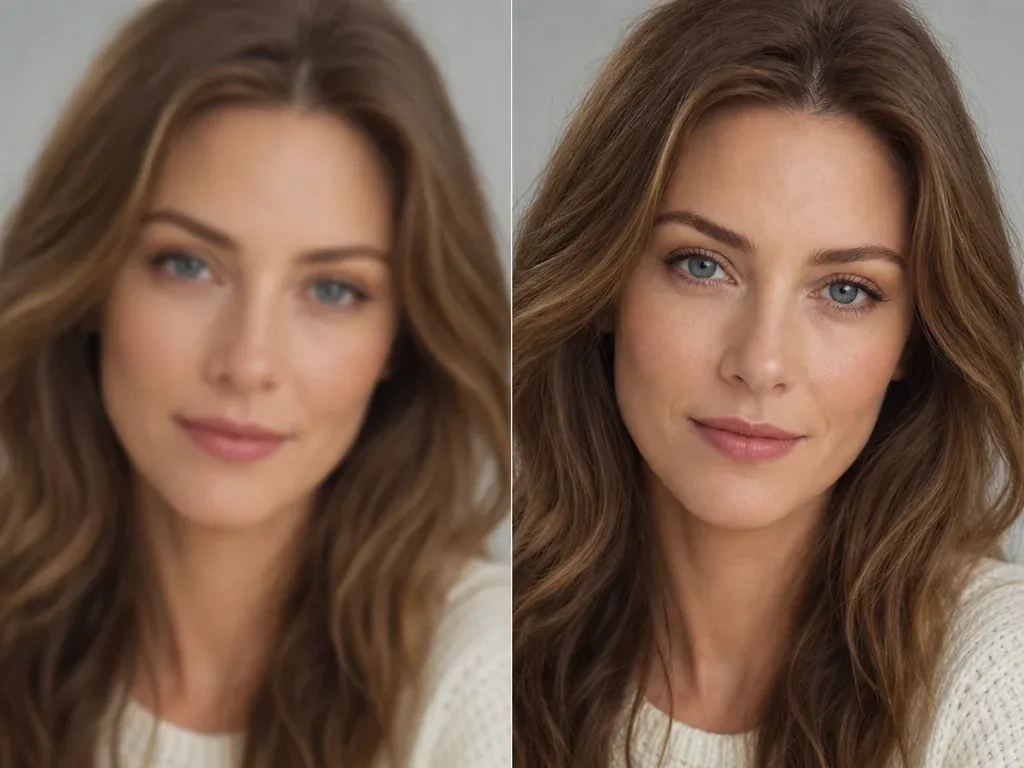
Sharpen the selected portrait after the eye color looks right and the details need a clearer export.
Direct answers about realistic eye color changes, colored contacts, source photos, custom shades, exact iris control, heterochromia limits, downloads, rights, and next-step editing.
It is an online portrait tool that lets you preview a different eye color from one uploaded photo. Choose a color preset or custom note, generate, then review whether the eyes still look natural.
Yes. Open the workbench and create eye-color previews with the current free 1K output.
Use a clear portrait with both eyes visible, good light, sharp pupils, and no sunglasses. Tiny screenshots, heavy filters, side angles, or covered eyes are less predictable.
You can start with ocean blue, forest green, warm hazel, steel gray, amber gold, deep brown, violet, ice crystal, jade teal, or a custom eye color note.
Yes, use contact-lens mode to create visual inspiration before buying contacts. This is not an exact optical fitting or brand catalog simulation, so still check real lens options separately.
Yes. Fantasy mode is made for violet, ice crystal, jade teal, and stronger creator looks while still asking the edit to preserve pupils, reflections, and face identity.
That is the intended direction of the prompt and review workflow. Source quality still matters, so zoom in and check iris detail, pupil edges, catchlights, and eyelids before using the result.
No. The workflow changes both eyes together. For heterochromia or separate per-eye control, use an editor with dedicated eye masks.
No. This page uses mode, preset, custom note, ratio, and resolution controls. For deterministic brush or slider work, use a dedicated manual editor.
No. It is a creative portrait preview and entertainment workflow. It does not provide medical, optical, eye-safety, surgery, or real-world contact-lens fit advice.
Yes. When the edited image is ready, use the download control in the workbench and keep the tab open until processing finishes.
You are responsible for the rights to the source portrait, the person in the image, and the final use. Avoid public figures, fake endorsements, protected brands, readable logos, and misleading identity claims.
Try a more natural color, shorten the note, compare history, then move the keeper into AI Image Editor for cleanup or AI Image Upscaler for sharper export.
Upload one clear portrait, choose the eye color mode, preserve iris detail, and review the final image before download.