
TURN THE IDEA INTOA VISUAL
Start with a prompt, a photo, or a spark of an idea.

Create AI Images, Videos, Characters, and Face Swaps in One Place
FaceAI brings AI image, video, character, avatar, and face swap tools together in one creative workspace. Start with a prompt or upload an image, choose a workflow, and create visuals for campaigns, stories, social posts, and everyday ideas.
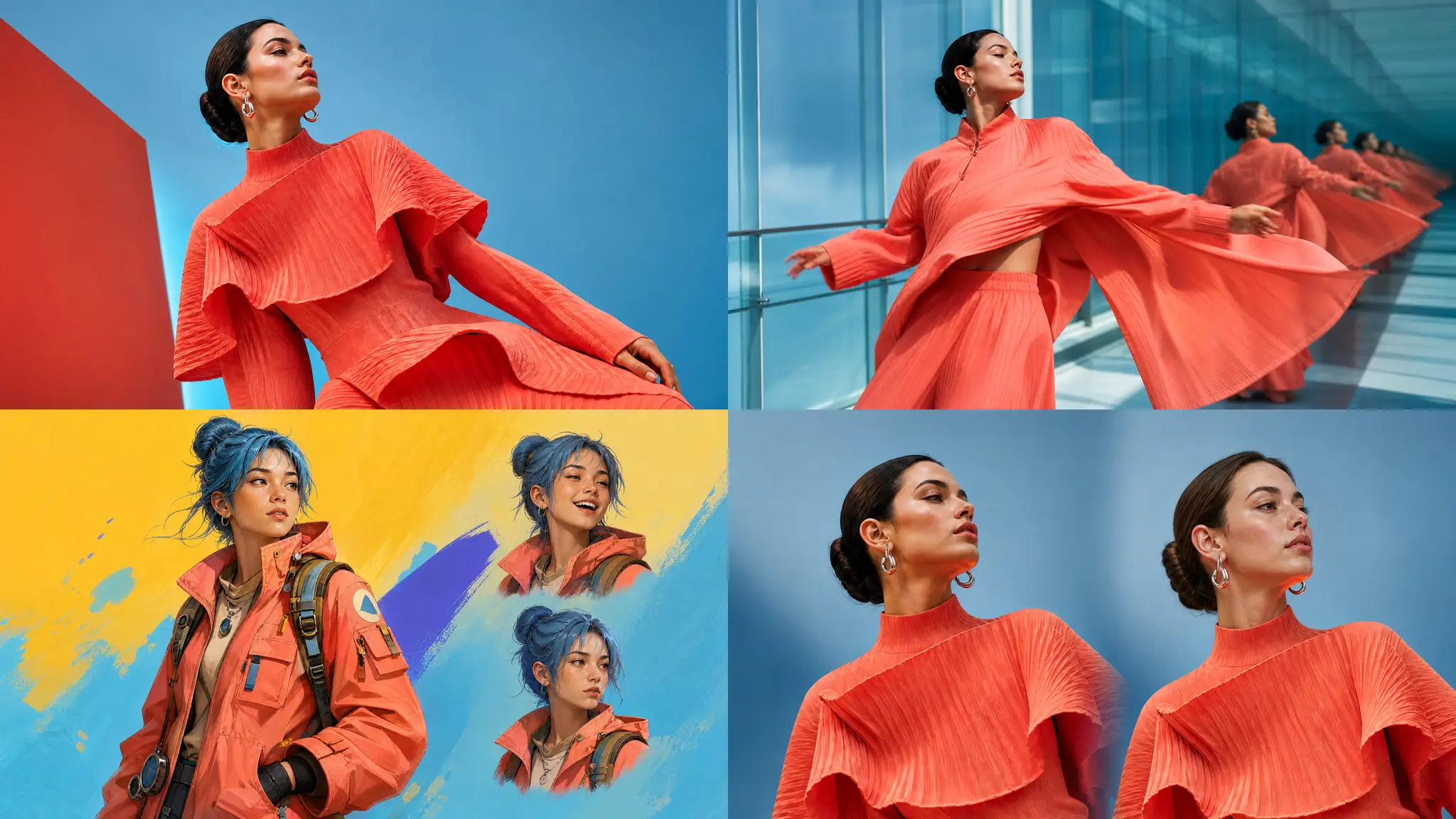
Choose the Right AI Tool for Your Idea
Start with AI Photo, Character, Avatar, or Video, then open a focused tool when the next step needs a different kind of creative control.
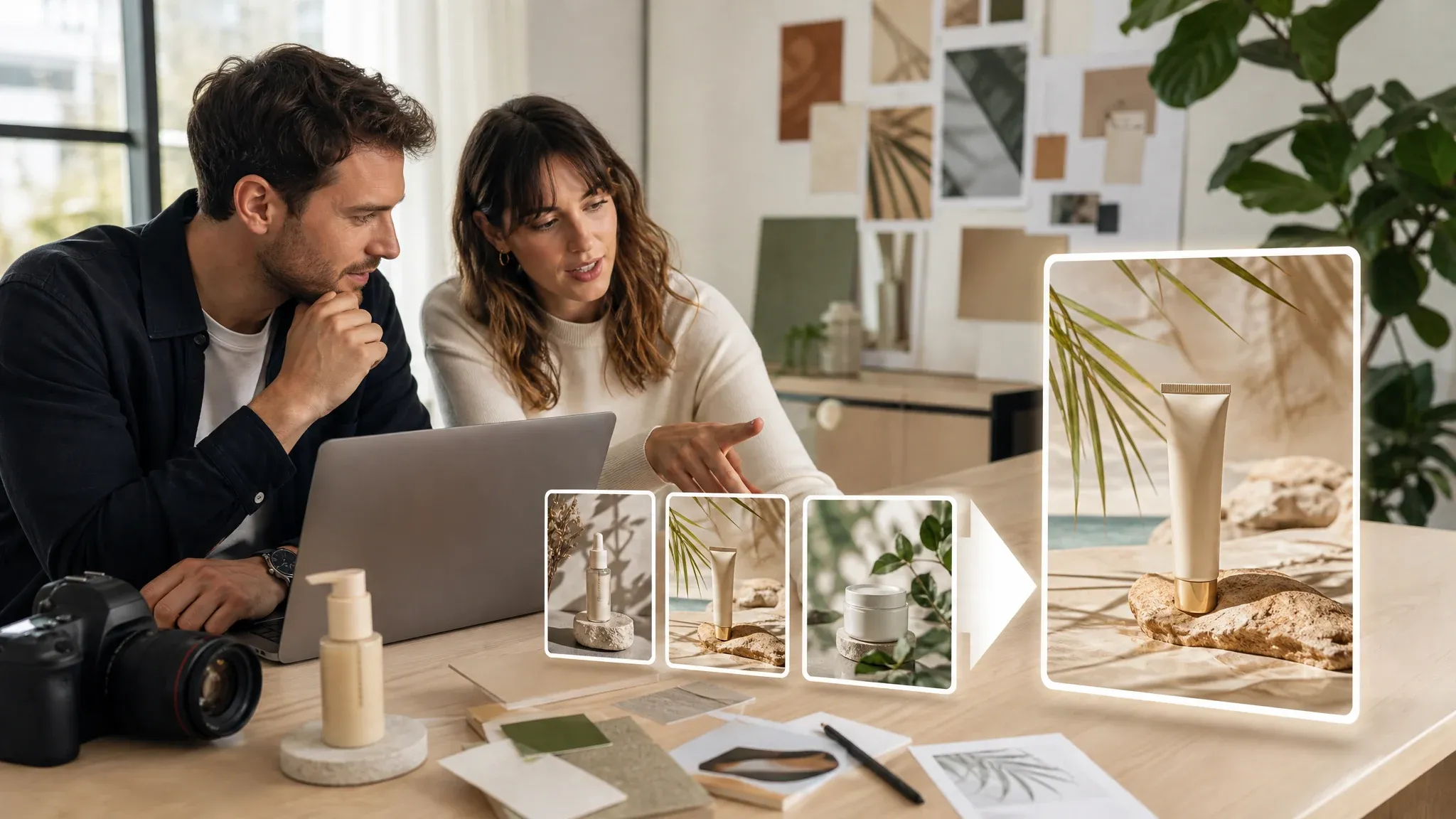
AI PHOTO
Need a product shot before the shoot, a portrait for an article, or a lifestyle image for a post? Describe the scene, generate the photo, then use the editor or enhancer if one detail needs work. Keep the crop simple, review the result, and move the image into a listing, page, or post when it is ready.
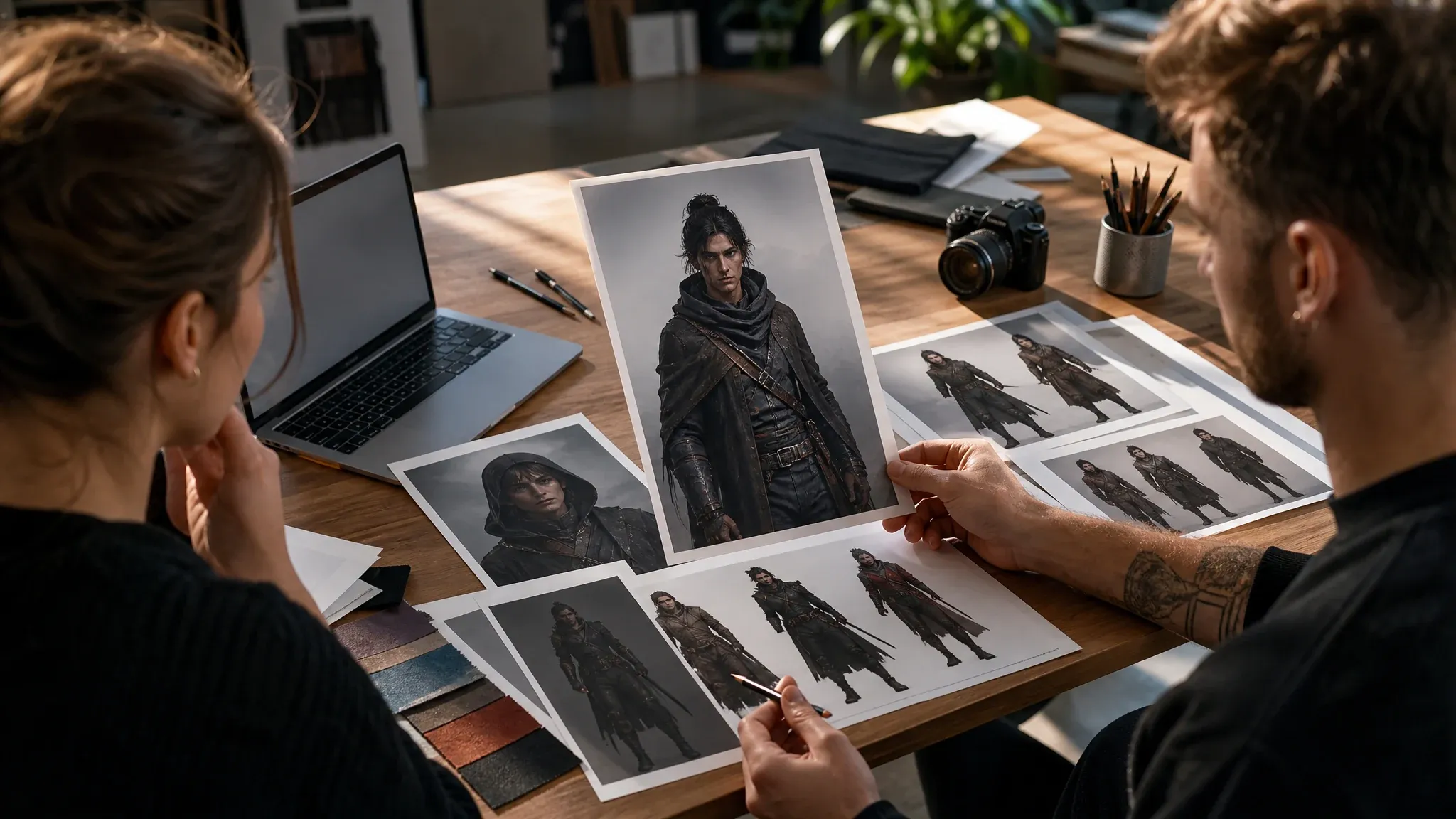
AI CHARACTER
Make a story hero, a game NPC, an anime character, an OC, or a collectible figure. Set the role, outfit, pose, and mood, then see the character on screen instead of explaining it in a document. Adjust the concept until it fits the story or the pitch, then export it for the project.
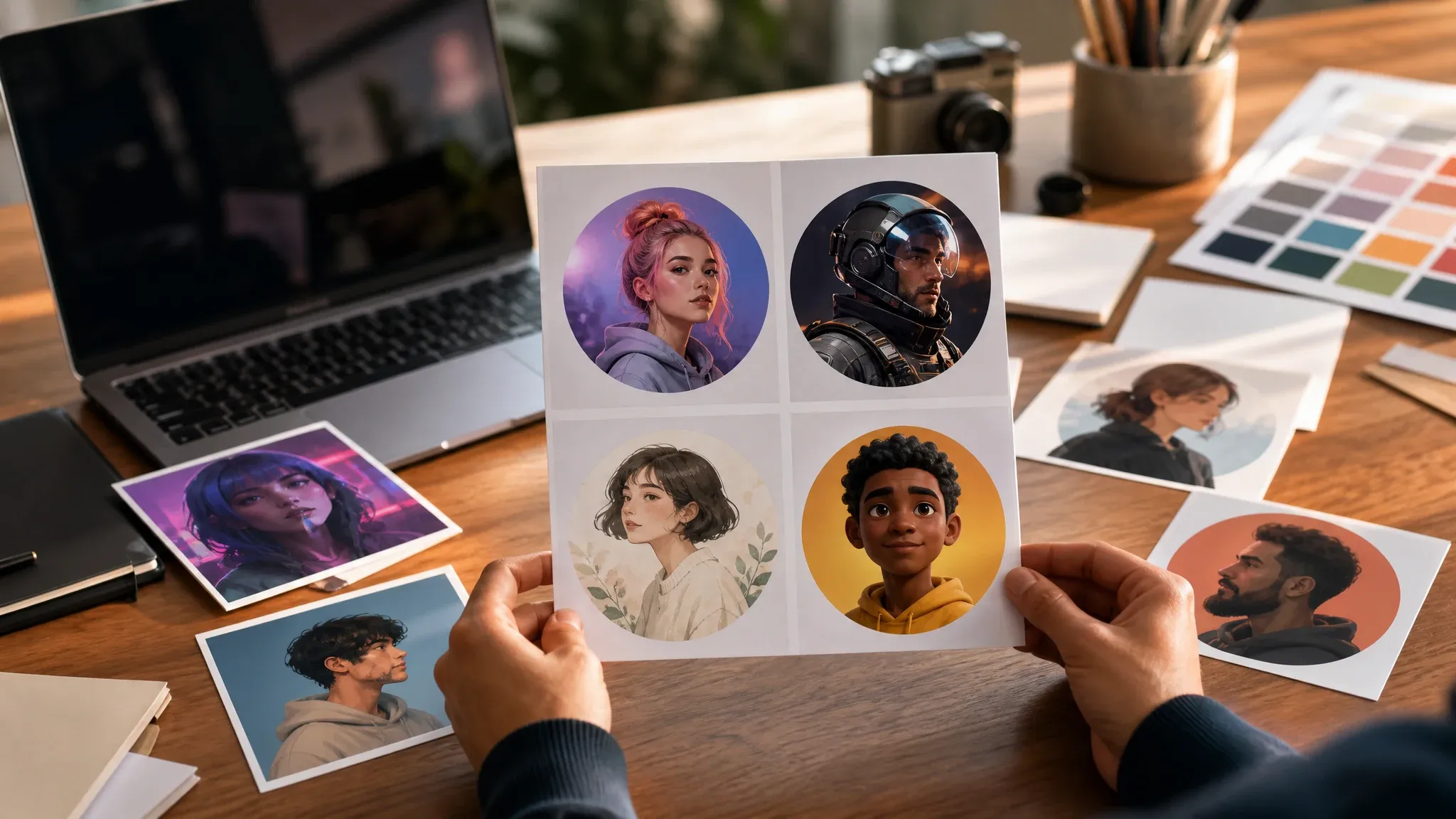
AI AVATAR
Turn a selfie into a creator avatar, a professional headshot, a gaming icon, or a social profile picture. Choose where the image will appear, keep the crop simple, and pick the take that feels right. The same start can also produce a talking announcement or a playful face swap later.
AI VIDEO
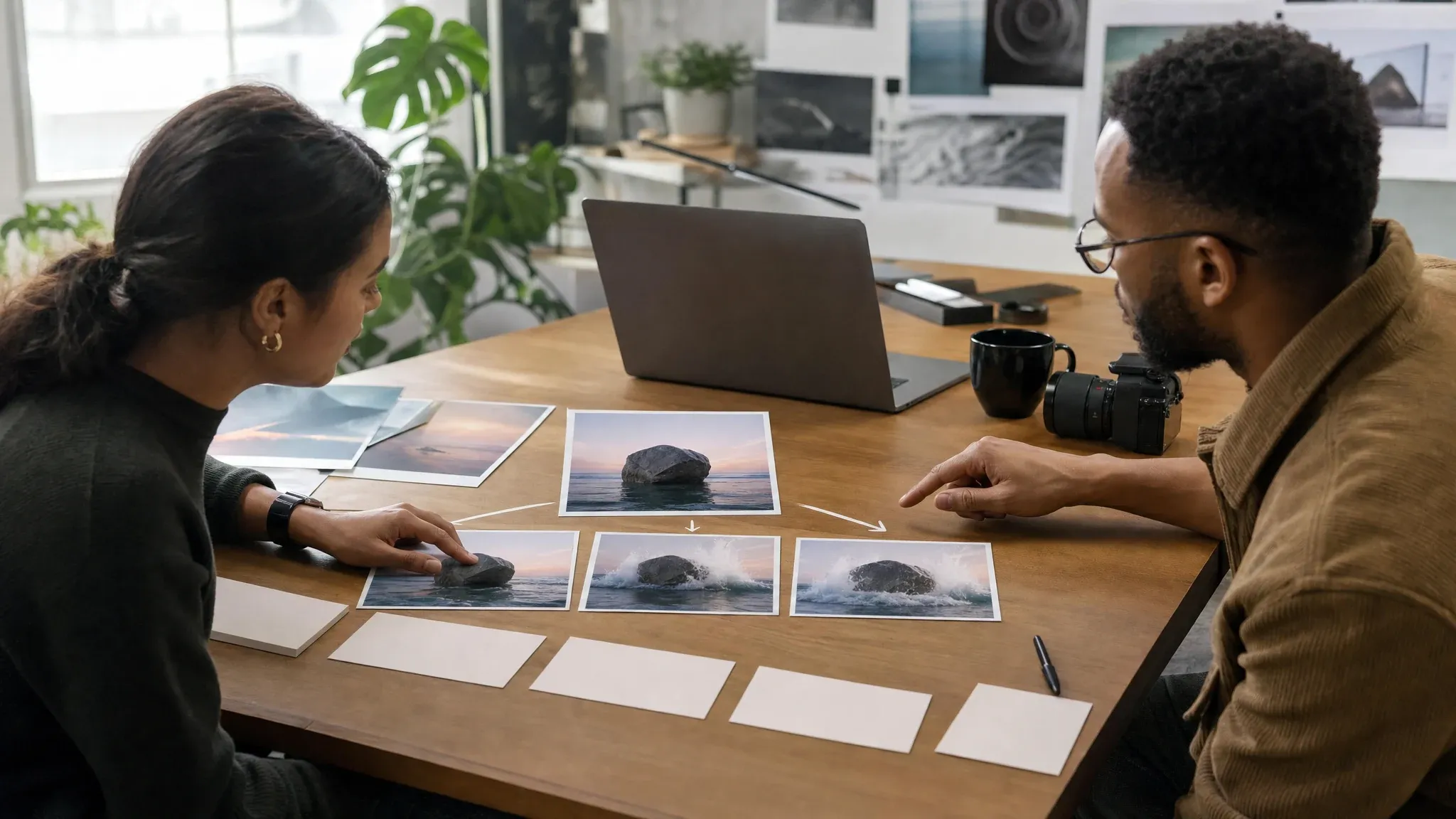
Have a hook but no footage? Turn a prompt or a source image into a product teaser, a social clip, a storyboard test, or a speaking portrait. Watch the motion and the key frames, then decide whether the clip needs editing or enhancement before you publish it. When a still frame is not enough, this is the family that gives your idea the first seconds of movement.
Face Swap Tools for Photos, Videos, and GIFs
Swap one face or several, in a still image, a moving clip, or an animated GIF, with the dedicated workflow for each kind of content.
AI Face Swap
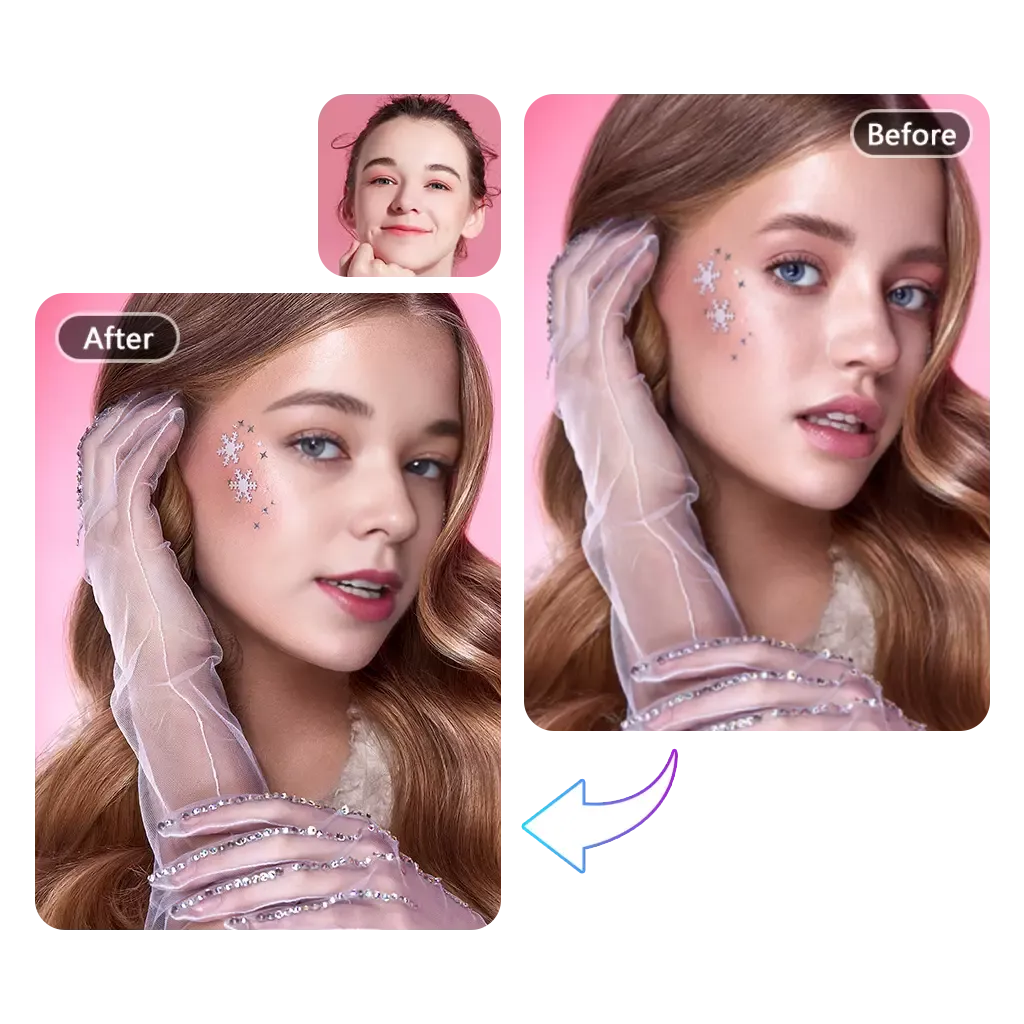
With Face AI, you can transform any photo in just one click. Upload a selfie, portrait, or group shot and let our AI deliver natural, high-quality face swaps instantly. The tool is designed to be simple enough for beginners yet powerful enough for creative projects. Whether you want fun edits or professional-looking transformations, Face AI makes photo face swapping effortless.
Seamless AI Face Swapper for Videos
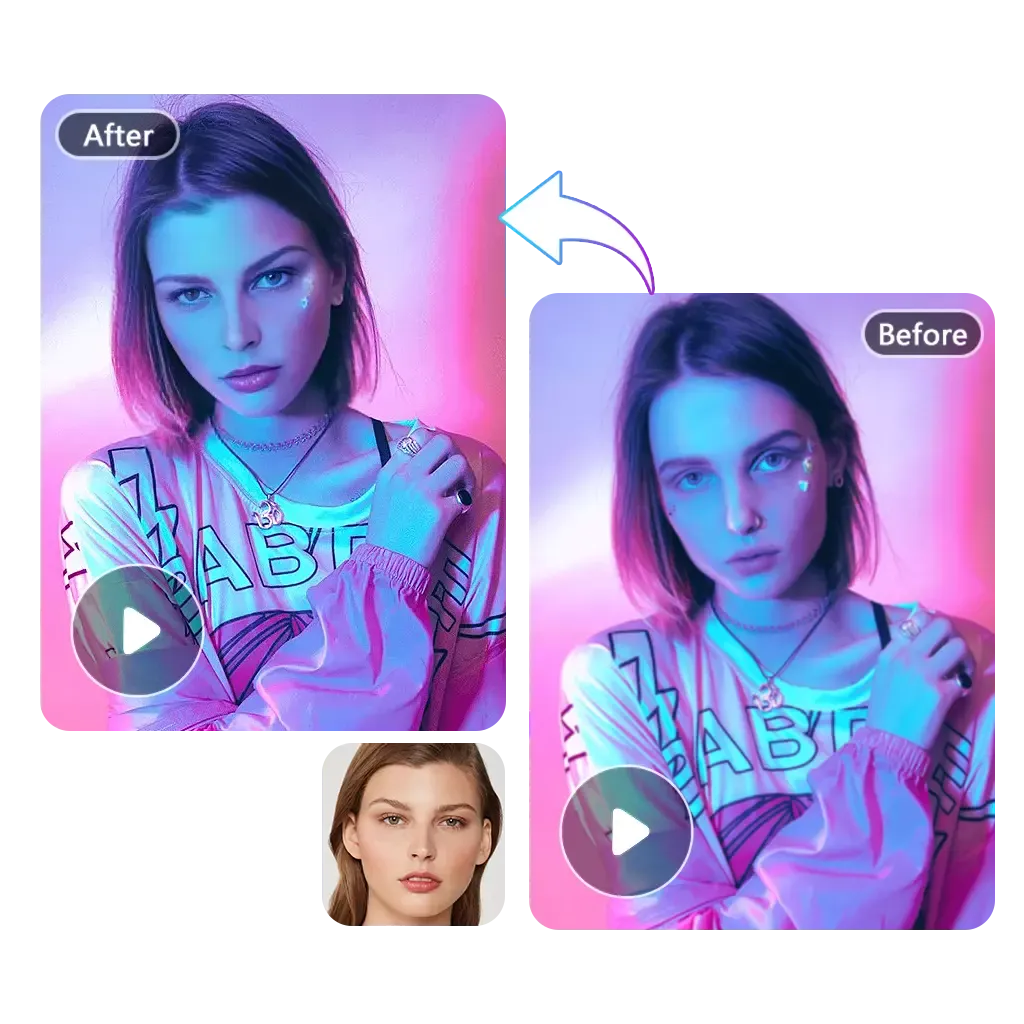
Face AI brings advanced face swapping to video with smooth, frame-by-frame precision. Simply upload your clip and watch the AI generate seamless replacements that look realistic and consistent. The process is fast, easy to use, and requires no editing skills. From short reels to creative skits, Face AI gives you professional-level video results in minutes.
Make Memes and GIFs Come Alive with Face Swaps
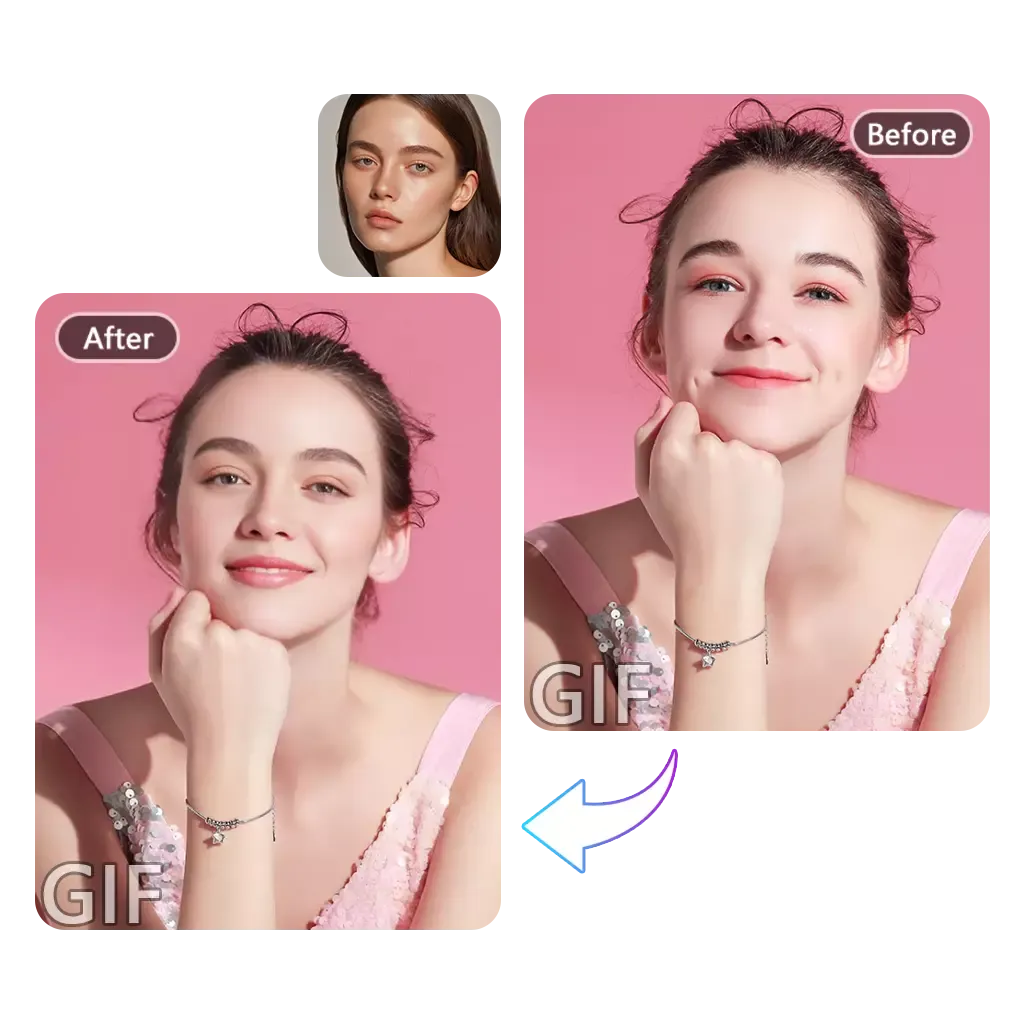
Take your memes and GIFs to the next level with Face AI. Our AI can quickly replace faces in animated images, giving you endless possibilities for fun and creativity. It's perfect for creating reaction GIFs, funny social posts, or playful edits to share with friends. With Face AI, your memes will stand out and bring more laughs online.
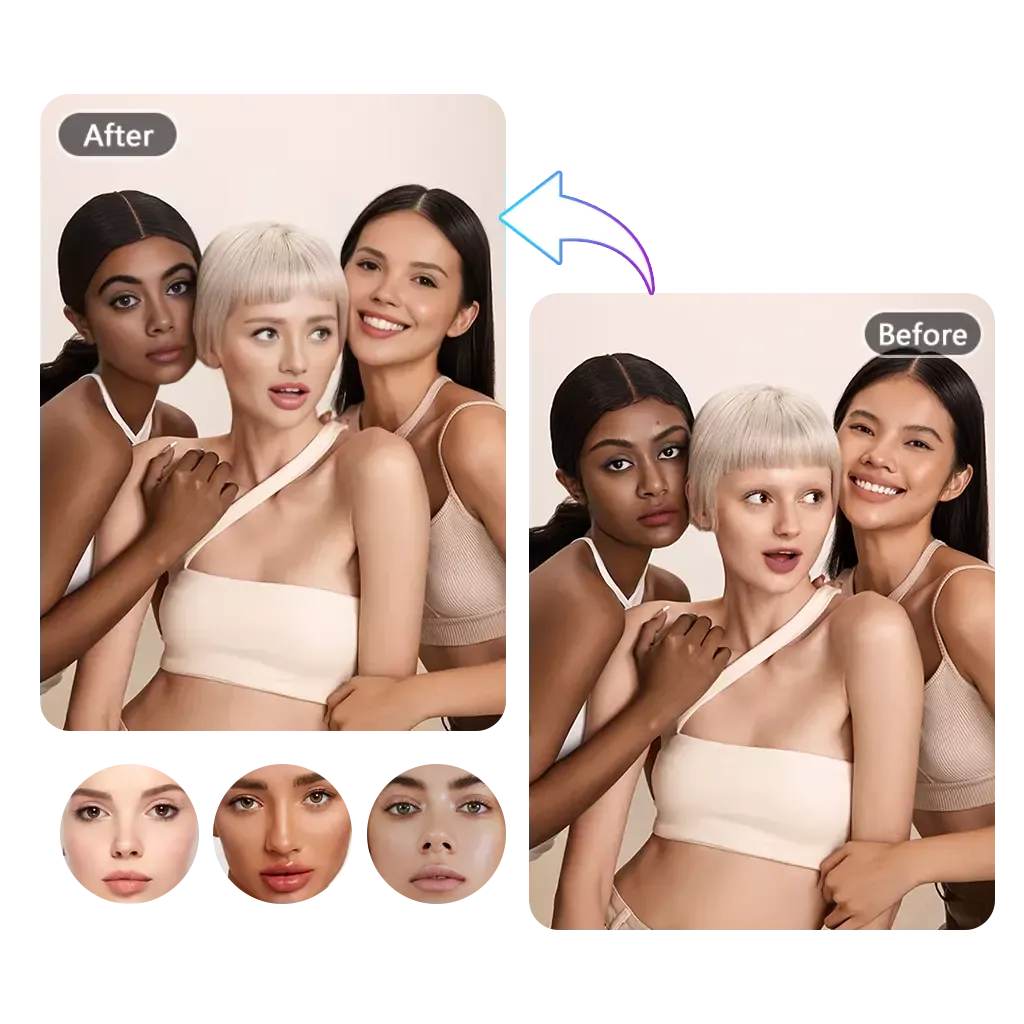
Change Multiple Faces in One Photo Effortlessly
Face AI makes group edits easier than ever by allowing you to swap several faces in one picture at the same time. Whether it's a family portrait, a party selfie, or a team shot, the AI ensures every swap looks consistent and natural. This feature is ideal for playful experiments as well as polished edits. With Face AI, editing group photos becomes quick, accurate, and fun.
Trusted by Millions of Face AI Users Worldwide
Face AI is the all-in-one toolkit for photo, video, and GIF face swaps. Join a global community of creators who rely on Face AI for fast, realistic, and fun results every day.
2.5 M+
Active Users
99 %
Users Love Face AI
1,000 +
Photo & Video Templates
5 s
To Get Your Swap
Show the Idea Instead of Explaining It
Make the product image, profile photo, character, short clip, or face swap that helps someone understand what you mean.
"Face AI makes face swapping so easy! I swapped faces in my photos in seconds, and the results looked natural. It's the best free tool I've tried."

Sophia Wagner
Editorial Director
"I used Face AI to edit a short video, and the quality blew me away. Smooth, realistic, and super fast—perfect for my social media posts."

Sebastian Cruz
Viral Content Manager
"The GIF face swap feature is hilarious! I made memes for my friends, and they loved them. Face AI is fun and really easy to use."

Zuri Campbell
Gen-Z Marketing Specialist
"We needed a skincare image before the samples arrived. The product scene helped the buyer choose a background before the shoot."

Mei Chen
E-commerce Director
"A blank-label image is easier to discuss than a mood board. We can settle the crop and the surface before the listing team starts."

Yuki Tanaka
Head of Marketplace Operations
"For a game pitch, I can show the character and a short motion test without waiting for three teams to make rough work."

James Whitfield
Creative Director
"Face AI makes face swapping so easy! I swapped faces in my photos in seconds, and the results looked natural. It's the best free tool I've tried."
Sophia Wagner
Editorial Director
"I used Face AI to edit a short video, and the quality blew me away. Smooth, realistic, and super fast—perfect for my social media posts."
Sebastian Cruz
Viral Content Manager
"The GIF face swap feature is hilarious! I made memes for my friends, and they loved them. Face AI is fun and really easy to use."
Zuri Campbell
Gen-Z Marketing Specialist
"We needed a skincare image before the samples arrived. The product scene helped the buyer choose a background before the shoot."
Mei Chen
E-commerce Director
"A blank-label image is easier to discuss than a mood board. We can settle the crop and the surface before the listing team starts."
Yuki Tanaka
Head of Marketplace Operations
"For a game pitch, I can show the character and a short motion test without waiting for three teams to make rough work."
James Whitfield
Creative Director
"The moving teaser gave the room something to react to. We got a yes or no much sooner."

Lars Andersson
Art Director
"When social needs options by tomorrow, we can make a product photo, a short clip, and a profile image in one place."

Aaliyah Williams
Digital Marketing Director
"For an ad test, I need to see the hook. Once the image is working, we spend time on the details."

Marcus Johnson
Performance Marketing Manager
"Face AI makes face swapping so easy! I swapped faces in my photos in seconds, and the results looked natural. It's the best free tool I've tried."
Sophia Wagner
Editorial Director
"I used Face AI to edit a short video, and the quality blew me away. Smooth, realistic, and super fast—perfect for my social media posts."
Sebastian Cruz
Viral Content Manager
"The GIF face swap feature is hilarious! I made memes for my friends, and they loved them. Face AI is fun and really easy to use."
Zuri Campbell
Gen-Z Marketing Specialist
"We needed a skincare image before the samples arrived. The product scene helped the buyer choose a background before the shoot."
Mei Chen
E-commerce Director
"A blank-label image is easier to discuss than a mood board. We can settle the crop and the surface before the listing team starts."
Yuki Tanaka
Head of Marketplace Operations
"For a game pitch, I can show the character and a short motion test without waiting for three teams to make rough work."
James Whitfield
Creative Director
"The moving teaser gave the room something to react to. We got a yes or no much sooner."
Lars Andersson
Art Director
"When social needs options by tomorrow, we can make a product photo, a short clip, and a profile image in one place."
Aaliyah Williams
Digital Marketing Director
"For an ad test, I need to see the hook. Once the image is working, we spend time on the details."
Marcus Johnson
Performance Marketing Manager
"The smaller tools handle the jobs that interrupt a launch: a cutout, a demo voice track, or a GIF for the team chat."

Priya Sharma
Product Marketing Manager
"I use character tools for story pitches and AI photos for article covers. They solve different problems, so I do not want them mixed together."

Ananya Iyer
Content Marketing Lead
"One portrait can become a profile image, a talking announcement, or a playful face swap. We get more use from the same starting point."

Isabella Rodriguez
Social Media Director
"We check the scene and the crop, then fix only what needs fixing. That saves a lot of back and forth."

Sofia Martinez
Head of Brand Social
"Face Morph and Video to GIF are useful for the smaller campaign ideas that are easy to drop when the right tool is buried."

Mai Nguyen
Growth Marketing Lead
"People start faster when the page shows the thing they came to make. A product image, profile picture, or short clip is easy to spot."

Maria Santos
Conversion Optimization Manager
"A realistic photo, an original character, and a professional avatar need different treatment. Keeping the tools separate makes review easier."

Ahmed Al-Rashid
Chief Brand Officer
"People looking for Face Swap can open it right away. Everyone else can choose the tool that fits the post or campaign they are working on."

Omar Khalil
Brand Strategy Director
"The smaller tools handle the jobs that interrupt a launch: a cutout, a demo voice track, or a GIF for the team chat."
Priya Sharma
Product Marketing Manager
"I use character tools for story pitches and AI photos for article covers. They solve different problems, so I do not want them mixed together."
Ananya Iyer
Content Marketing Lead
"One portrait can become a profile image, a talking announcement, or a playful face swap. We get more use from the same starting point."
Isabella Rodriguez
Social Media Director
"We check the scene and the crop, then fix only what needs fixing. That saves a lot of back and forth."
Sofia Martinez
Head of Brand Social
"Face Morph and Video to GIF are useful for the smaller campaign ideas that are easy to drop when the right tool is buried."
Mai Nguyen
Growth Marketing Lead
"People start faster when the page shows the thing they came to make. A product image, profile picture, or short clip is easy to spot."
Maria Santos
Conversion Optimization Manager
"A realistic photo, an original character, and a professional avatar need different treatment. Keeping the tools separate makes review easier."
Ahmed Al-Rashid
Chief Brand Officer
"People looking for Face Swap can open it right away. Everyone else can choose the tool that fits the post or campaign they are working on."
Omar Khalil
Brand Strategy Director
FaceAI Questions, Answered
Short answers about the FaceAI tool families, when to use each one, and what to check before you publish an AI result.
Face AI is an all-in-one online face swap toolkit. It allows you to swap faces in photos, videos, and GIFs using advanced AI technology. With free, fast, and realistic results, Face AI makes face swapping easy and accessible for everyone.
Yes! Face AI offers free face swap tools with no daily limits for photos, videos, and GIFs. You can try all main features instantly without registration.
Your privacy and security are our top priority. All uploaded images and generated results are automatically deleted within 24 hours. Nothing is stored on our servers, there are no backups, and your data will never be used for third-party AI training.
With Face AI, you can swap faces in photos, videos, and GIFs. Our AI handles everything automatically, so you don't need editing skills to create realistic results.
FaceAI is a set of online AI tools for photos, videos, characters, avatars, voice tracks, and face swaps.
Choose the result you need. Use AI Photo for realistic scenes, AI Video for motion, AI Character for stories and games, AI Avatar for profile images, and Face Swap when you want to change a face.
AI Photo is for images that should look like photos or portraits. AI Image Generator is the broader tool for illustrations, styles, product concepts, and general image prompts.
Yes. Use AI Image to Video Generator when you want a still image to set the first frame and composition.
Use only source files you have permission to edit, review the generated result, and confirm that the final content meets the rights and policy requirements of your project and publishing platform.
Check faces, hands, text, logos, product details, background edges, motion frames, voice, and crop. Make sure the result still fits the person, product, or story.
More AI Tools for Your Next Edit
Finish the last step with voice, cutouts, background removal, or GIF creation.
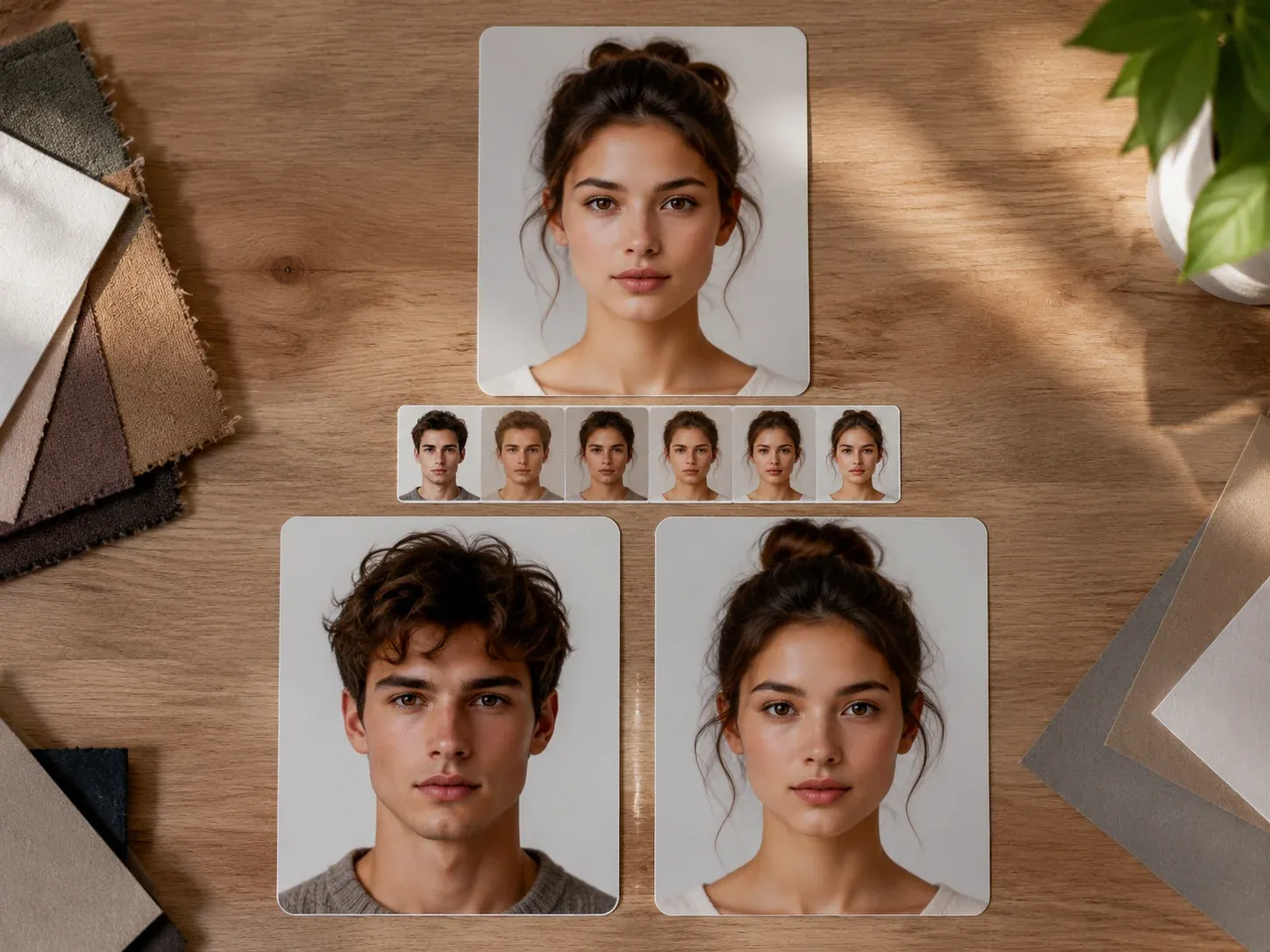
AI Face Morph
Blend two faces for a portrait experiment, character idea, or playful edit.
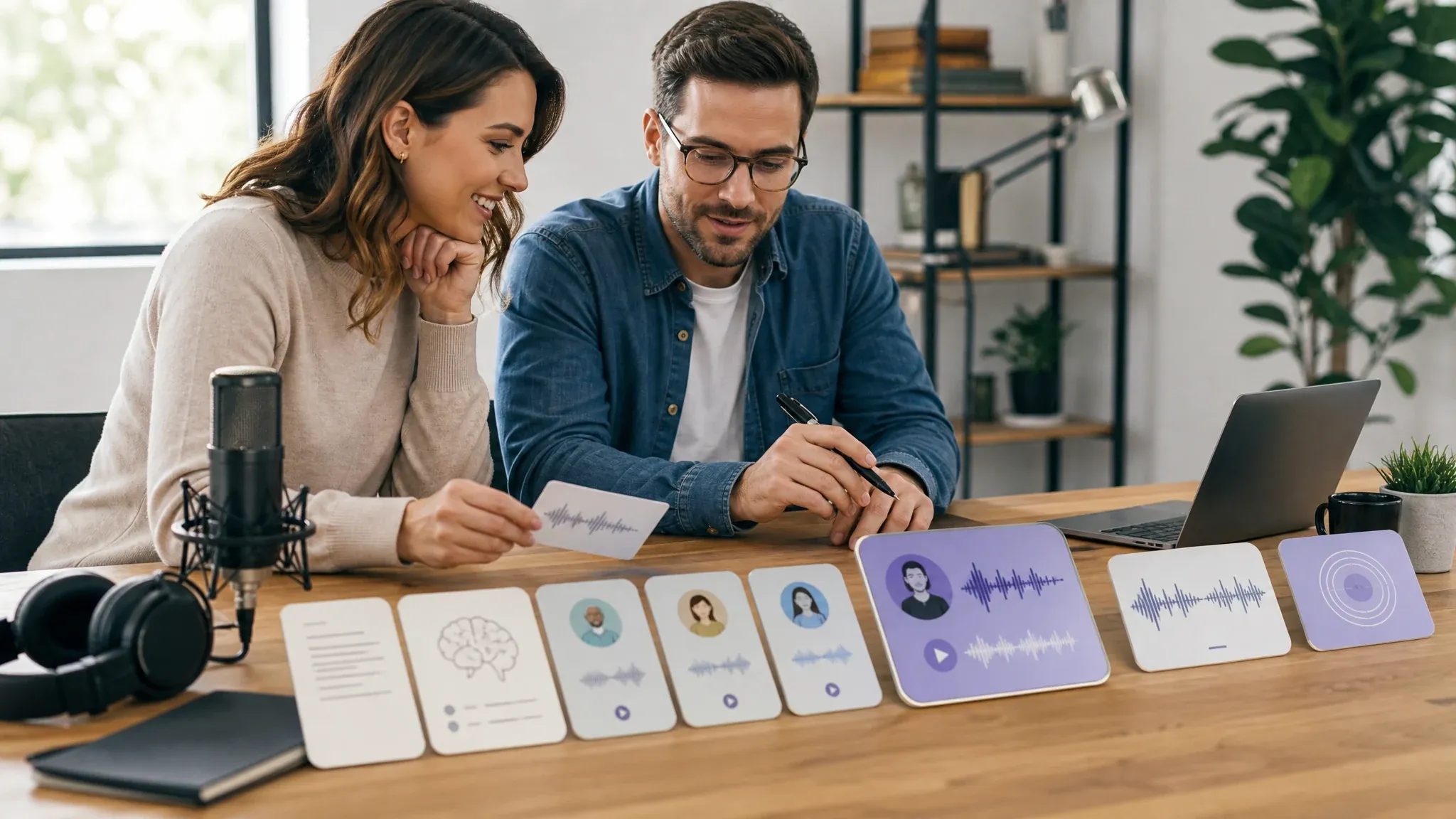
Text to Speech
Turn a script into a voice track for a demo, narration, or short video.
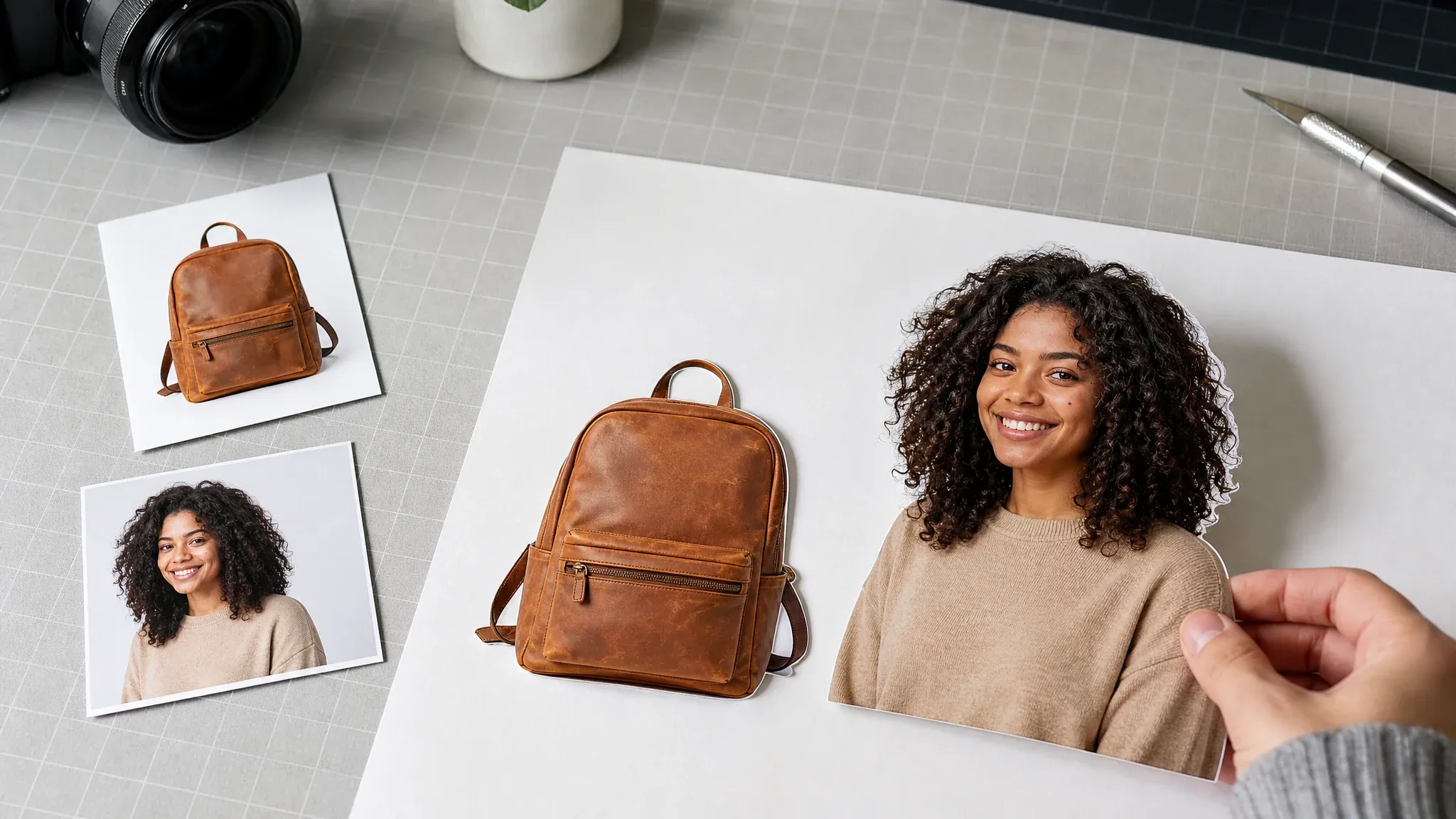
Background Remover
Cut out a person or product for a listing, portrait, or design.
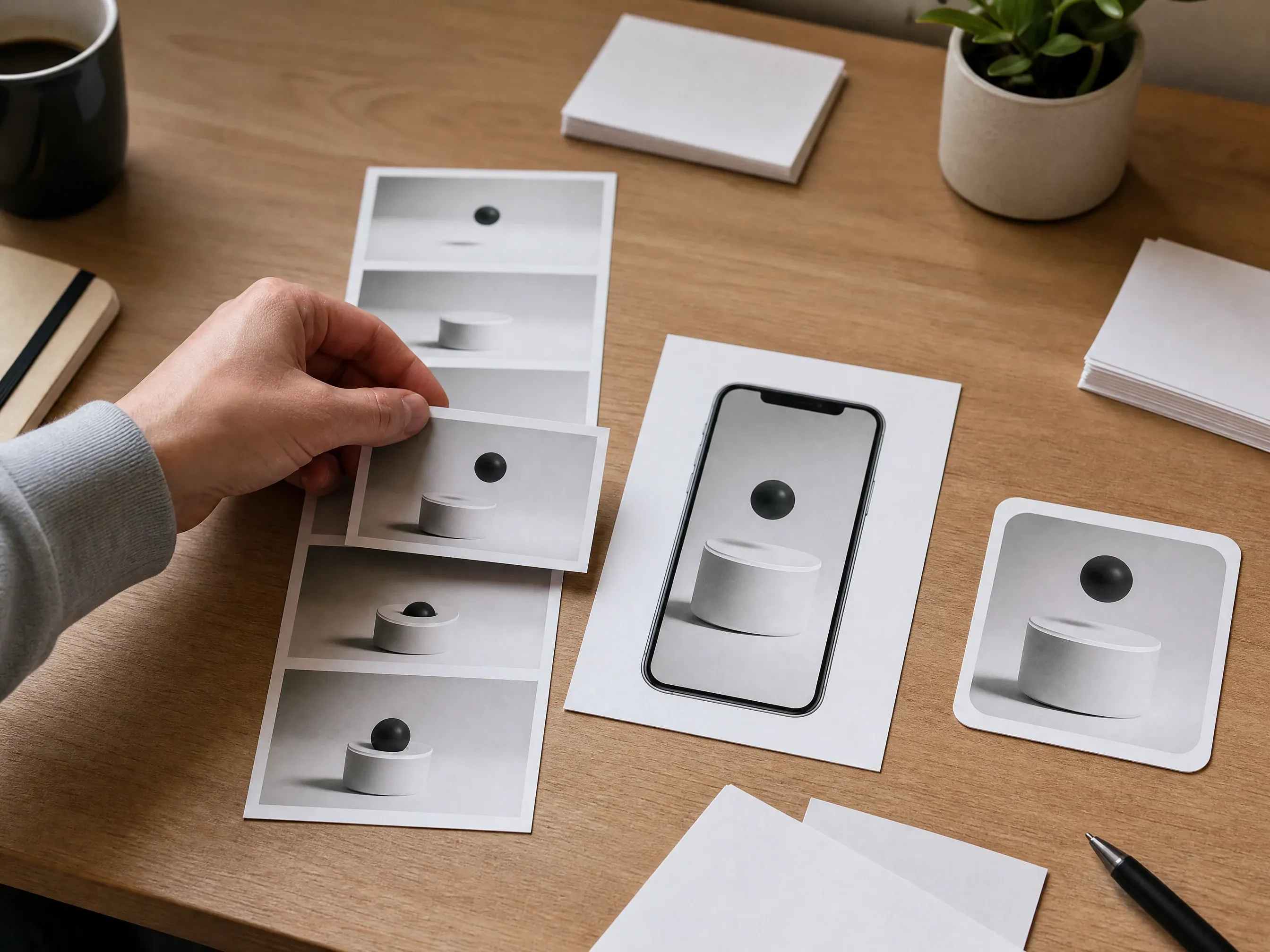
Video to GIF
Turn a short clip into a GIF for a post, reaction, or team chat.
Choose a Face Swap Workflow
Open the photo, video, GIF, group, head, or animal tool that matches your source.
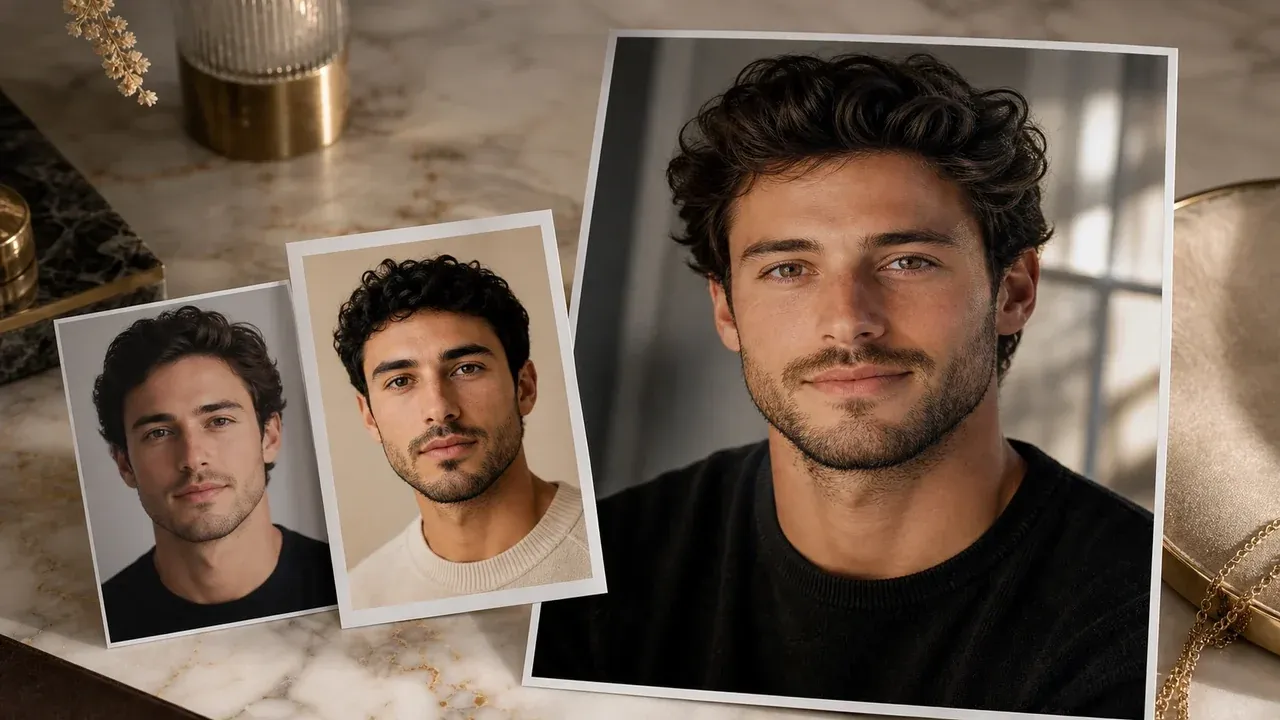
Photo Face Swap
Replace one face in a photo with the main online Face Swap workspace.
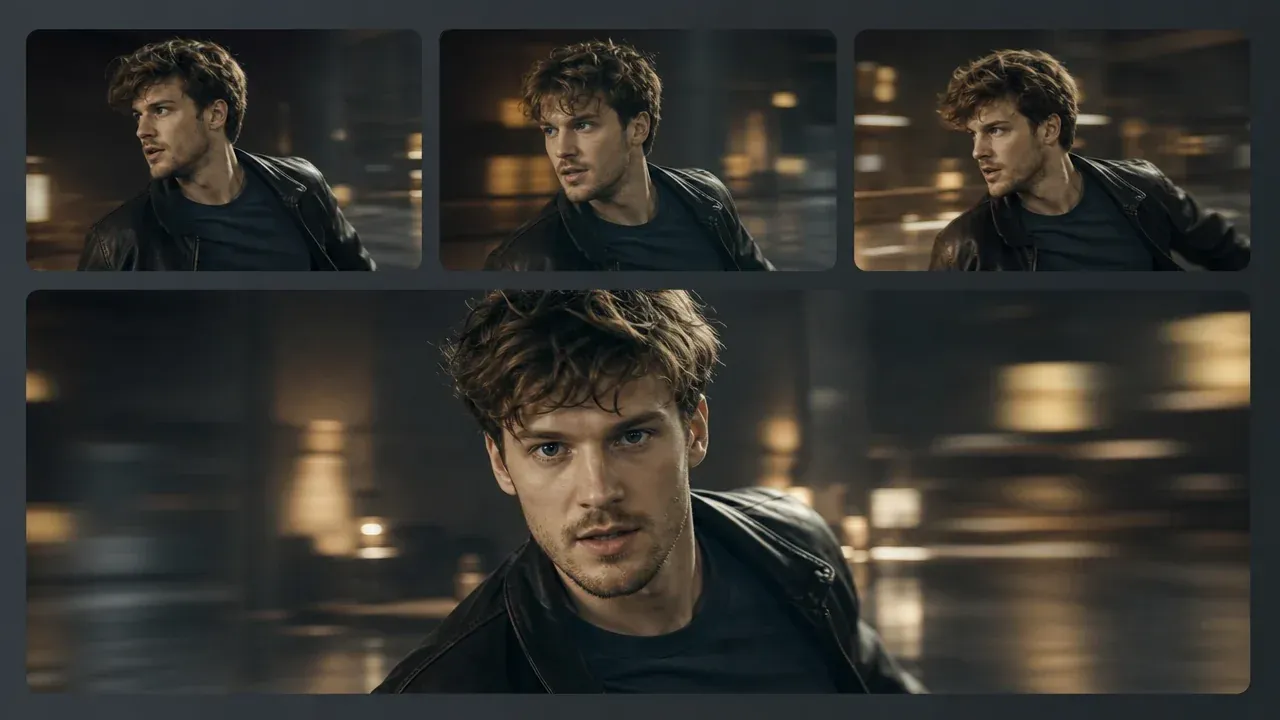
Video Face Swap
Swap one face in a video with a workflow designed for moving frames.
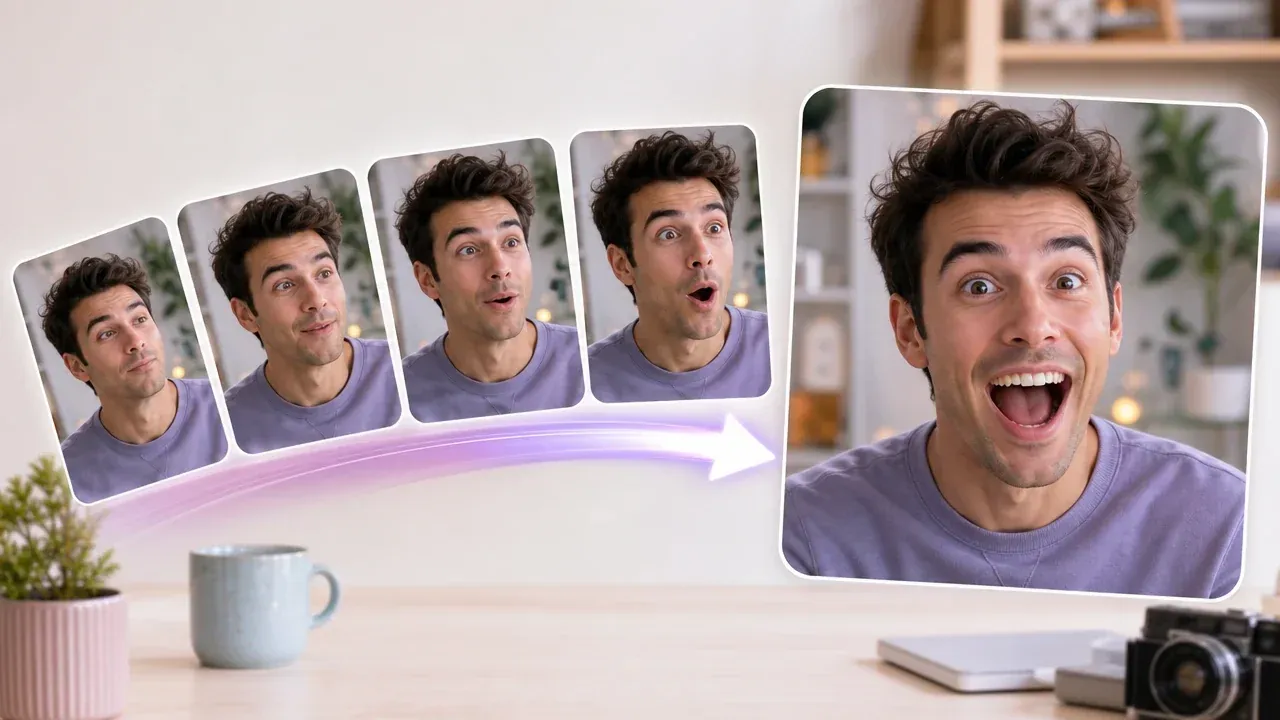
GIF Face Swap
Create an animated face swap for reactions, loops, and shareable edits.
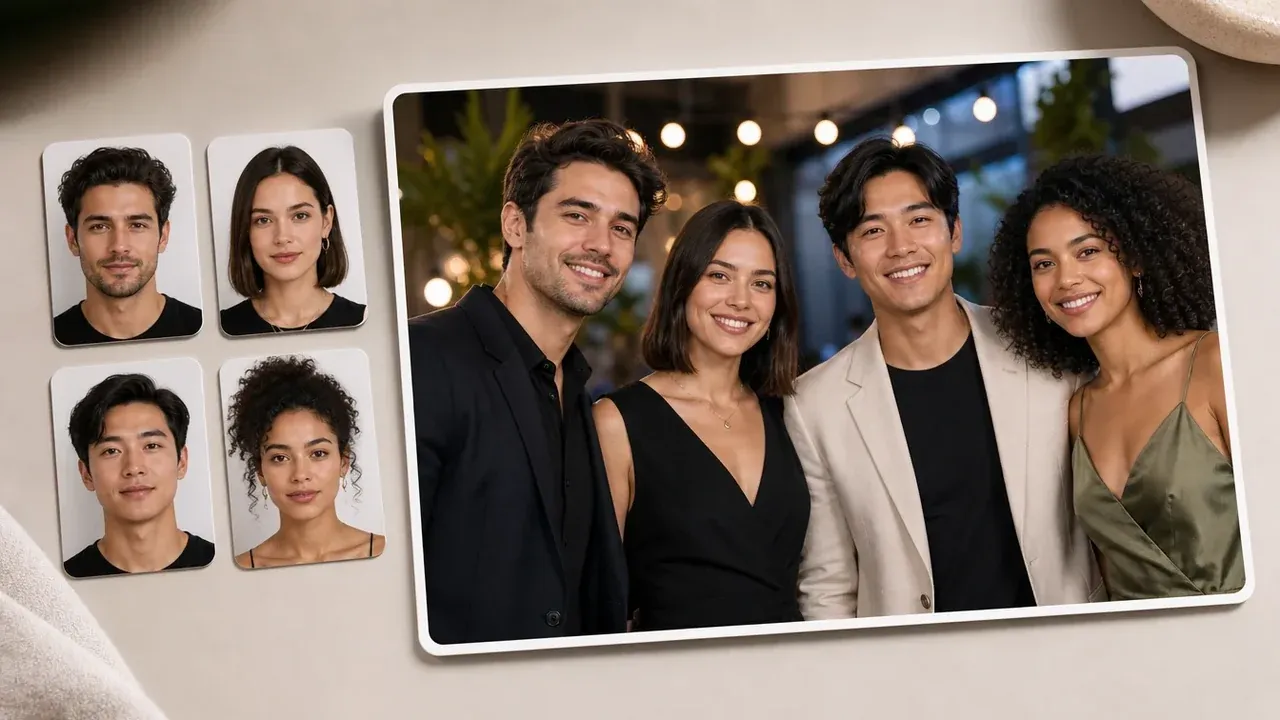
Multiple Face Swap
Replace more than one face in a group photo.
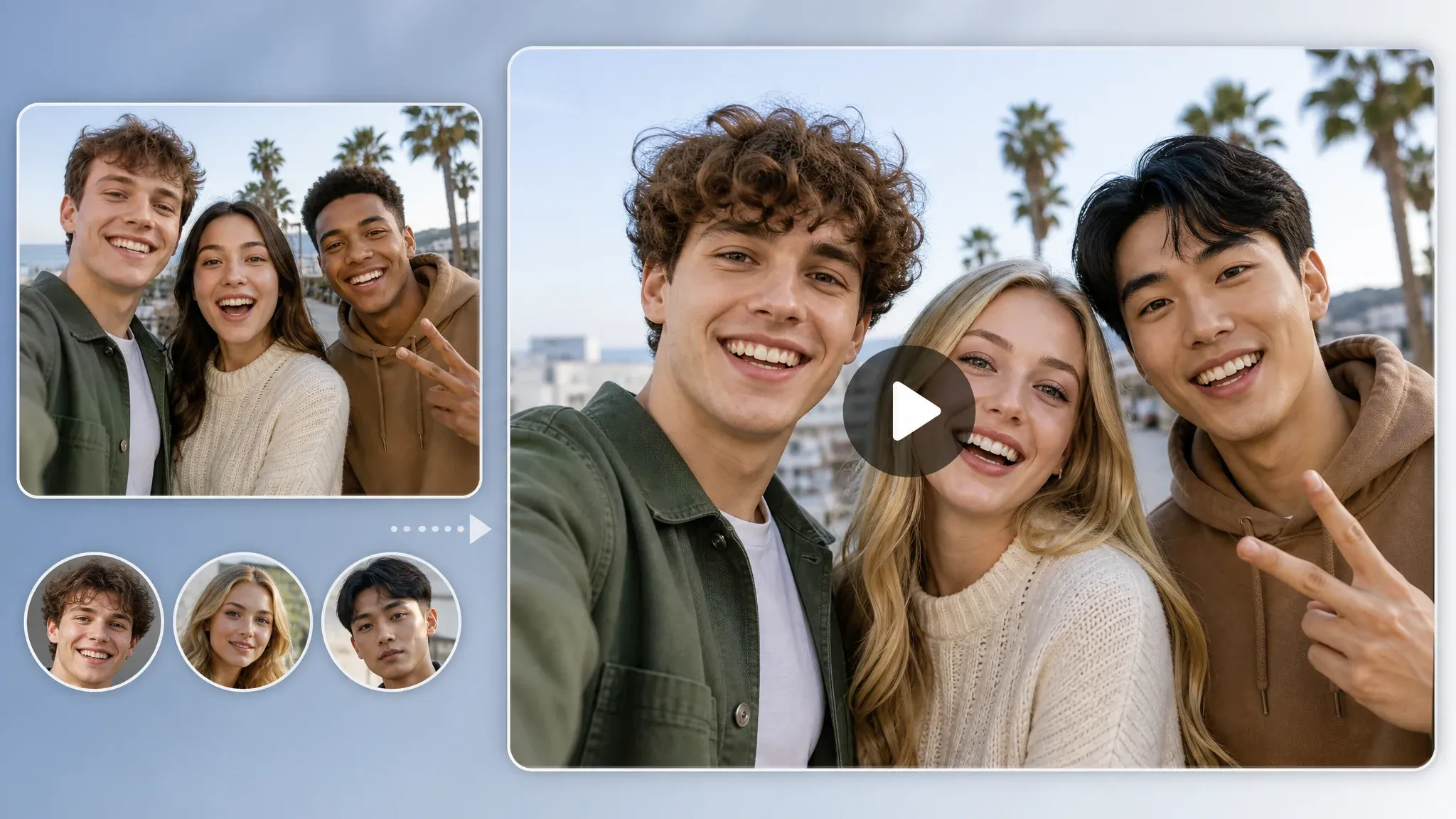
Multiple Video Face Swap
Use the dedicated workflow for videos containing multiple faces.
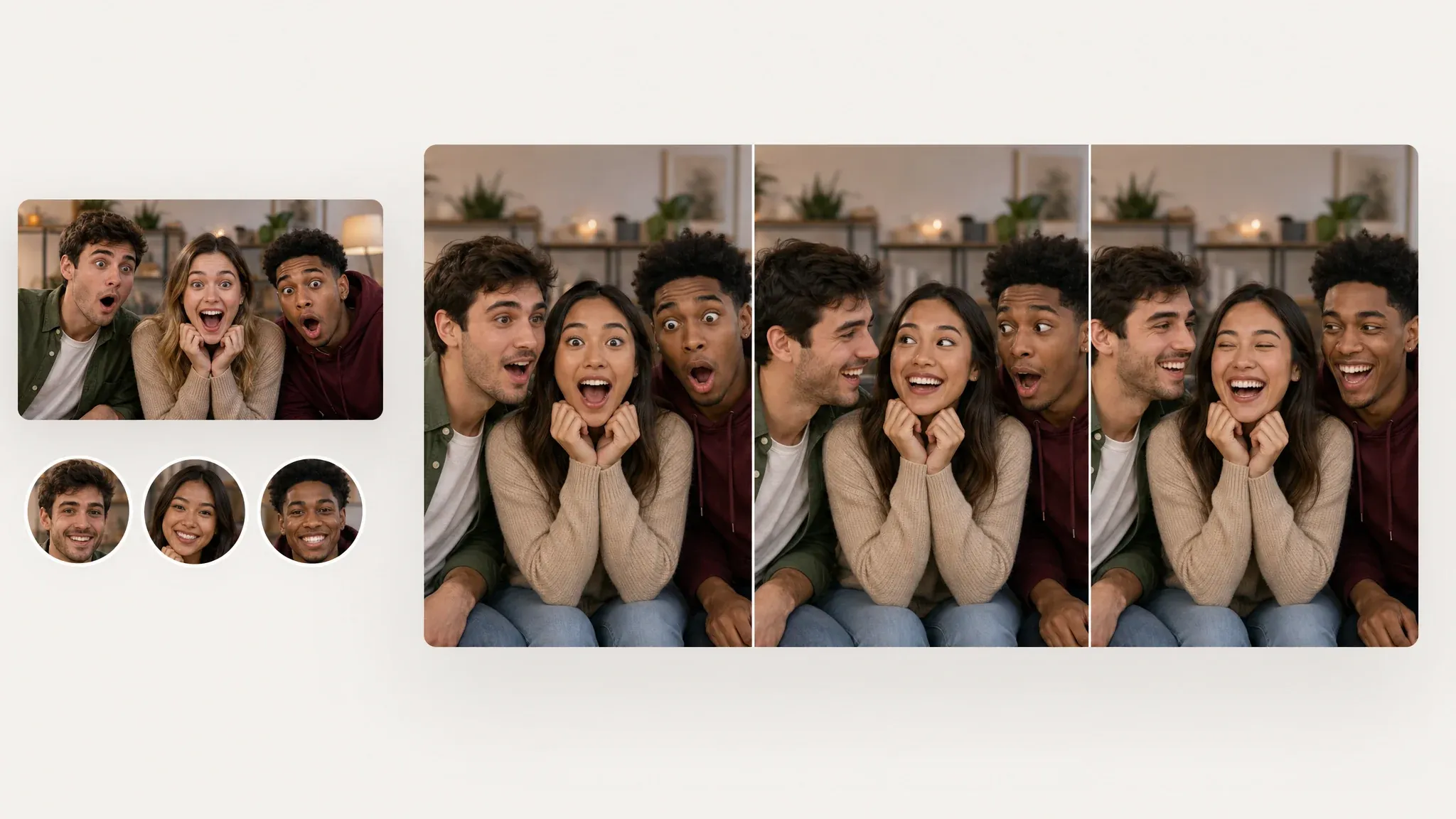
Multiple GIF Face Swap
Use the dedicated workflow for GIFs containing multiple faces.
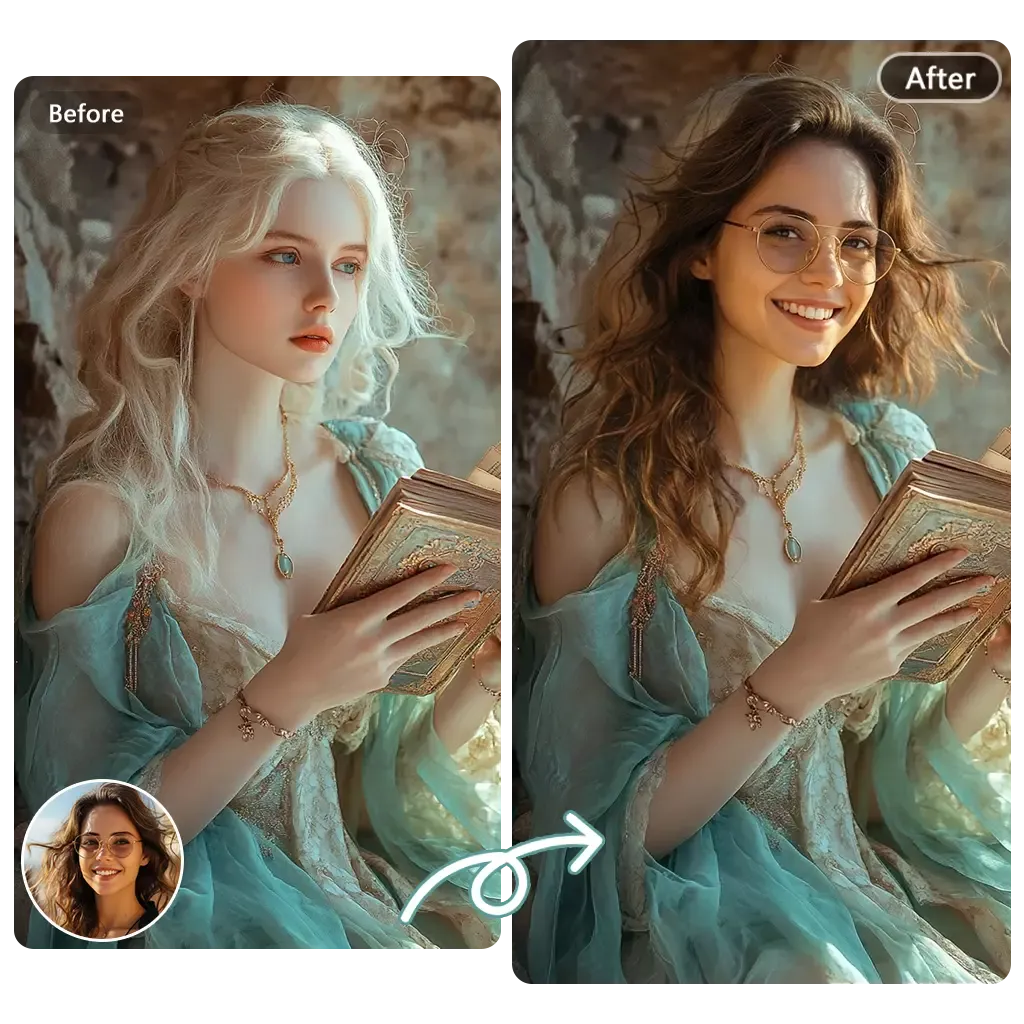
AI Head Swap
Replace a full head when the edit needs more than a face change.
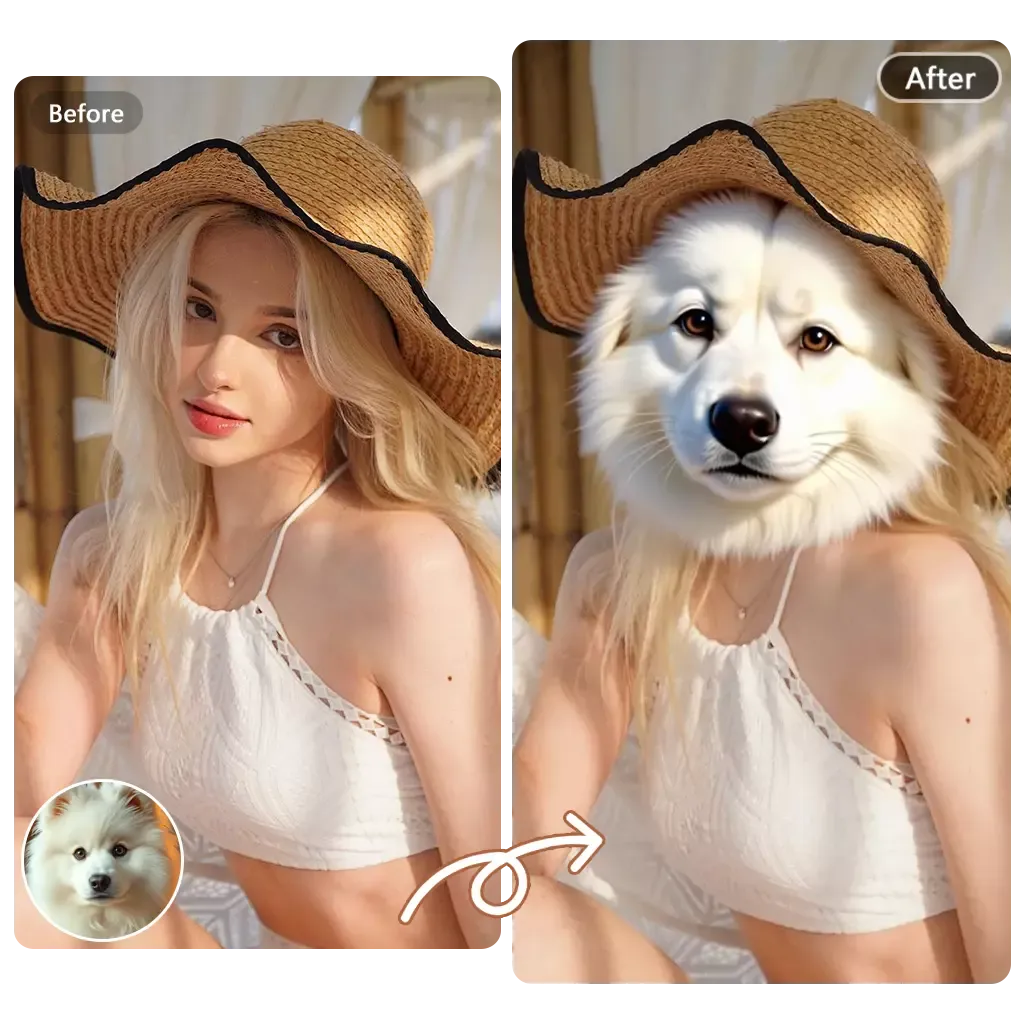
Animal Face Swap
Create a playful animal or pet face swap with its focused tool.
Find the Tool You Need
Make a sharper photo, a short video, a character, a profile avatar, a voice track, or a face swap with FaceAI. The Face Swap workspace stays one click away, and every other family is listed under All AI Tools.