
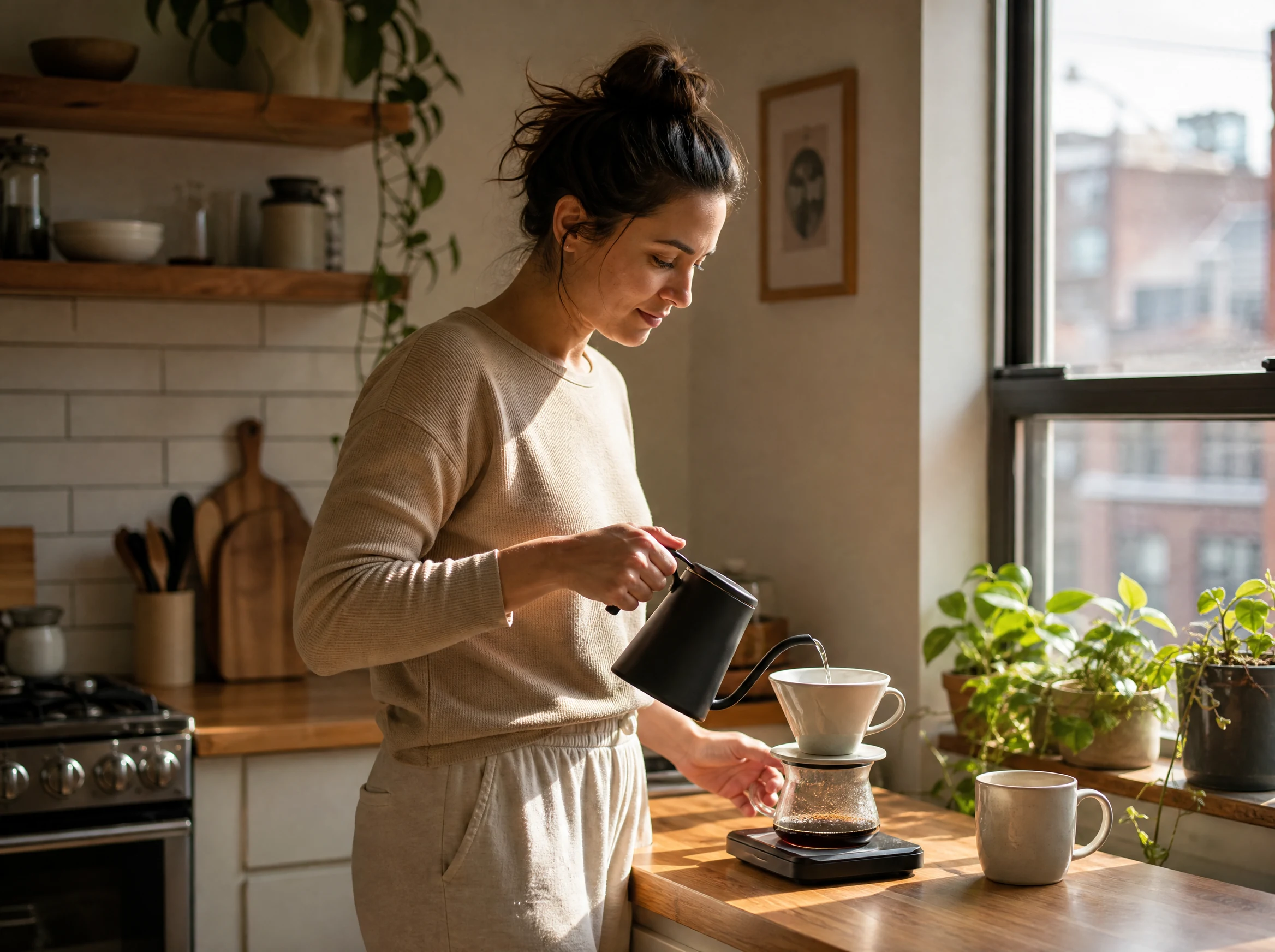
Free AI Photo Generator Online for Realistic Photos
Need a product image before the shoot? A new profile photo? A scene for tomorrow's post? Describe it, generate a photo, and keep the version worth using. Start free. No login. No watermark.
Trusted by 12,000,000+ users worldwide.
How to Make a Realistic AI Photo
A useful prompt tells the generator what should be in the frame and why you need the image.
Choose the job
Decide whether you need a portrait, product photo, lifestyle scene, travel image, food photo, or interior.
Describe the frame
Name the subject, setting, camera distance, light, materials, and crop. Leave out ideas that do not belong in the same shot.
Check the image
Look at faces, hands, text, product details, lighting, and edges before you download it or open another tool.
What People Use an AI Photo Generator For
Start with the image you need, then describe the scene around it.
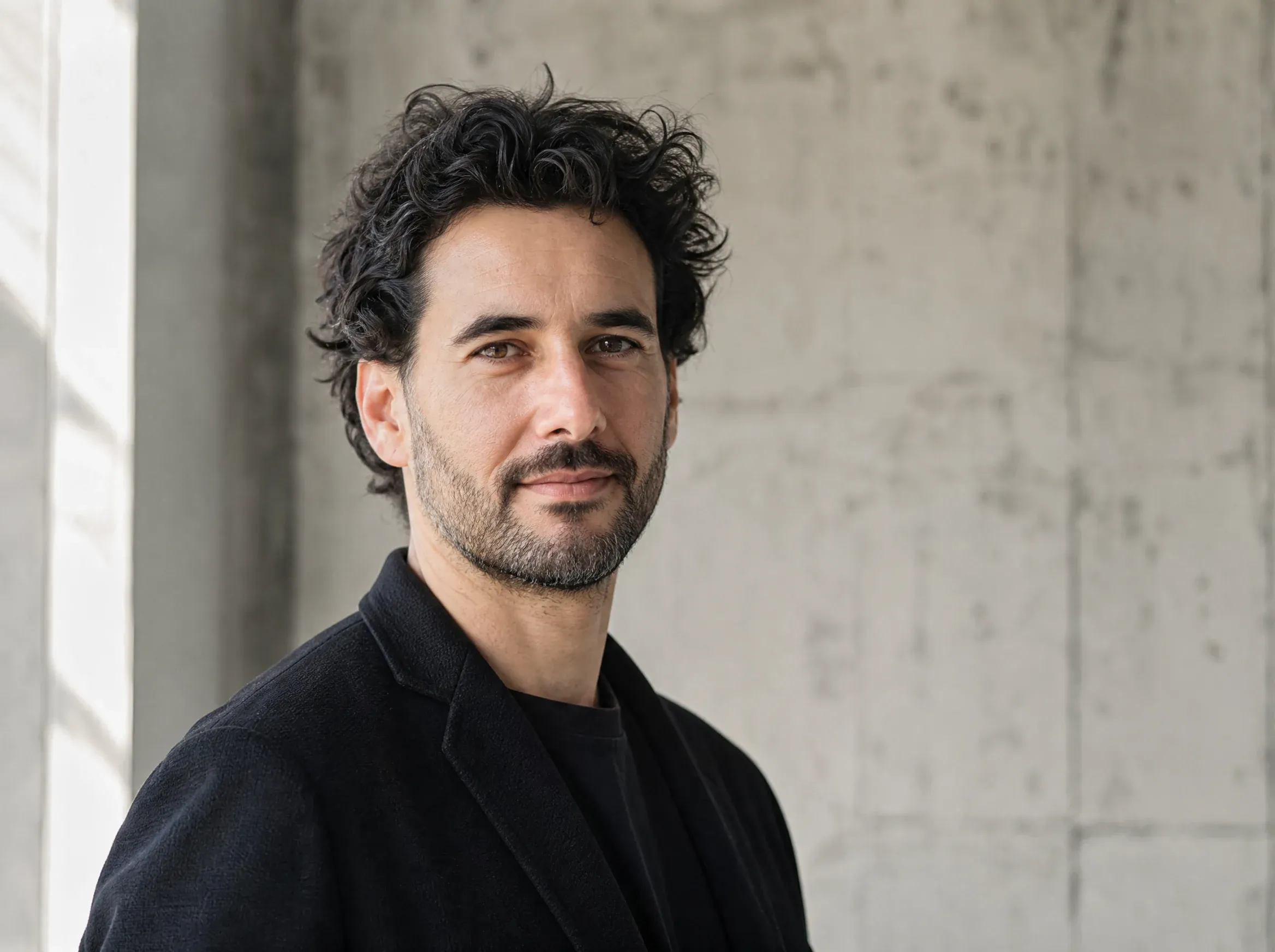
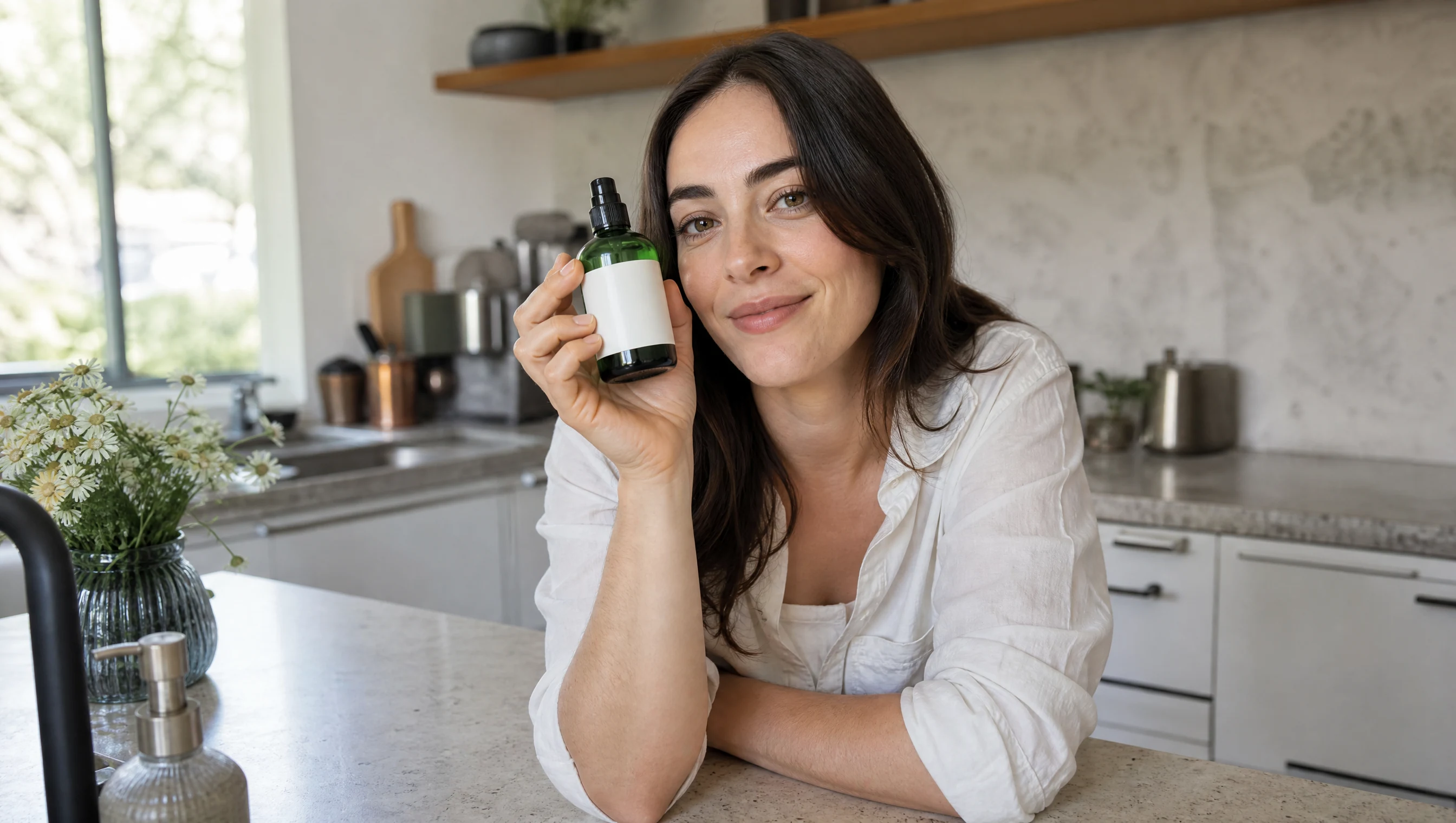
Portraits for Profiles and Stories
Create a polished portrait for a creator bio, speaker page, article cover, or personal brand without scheduling a shoot.
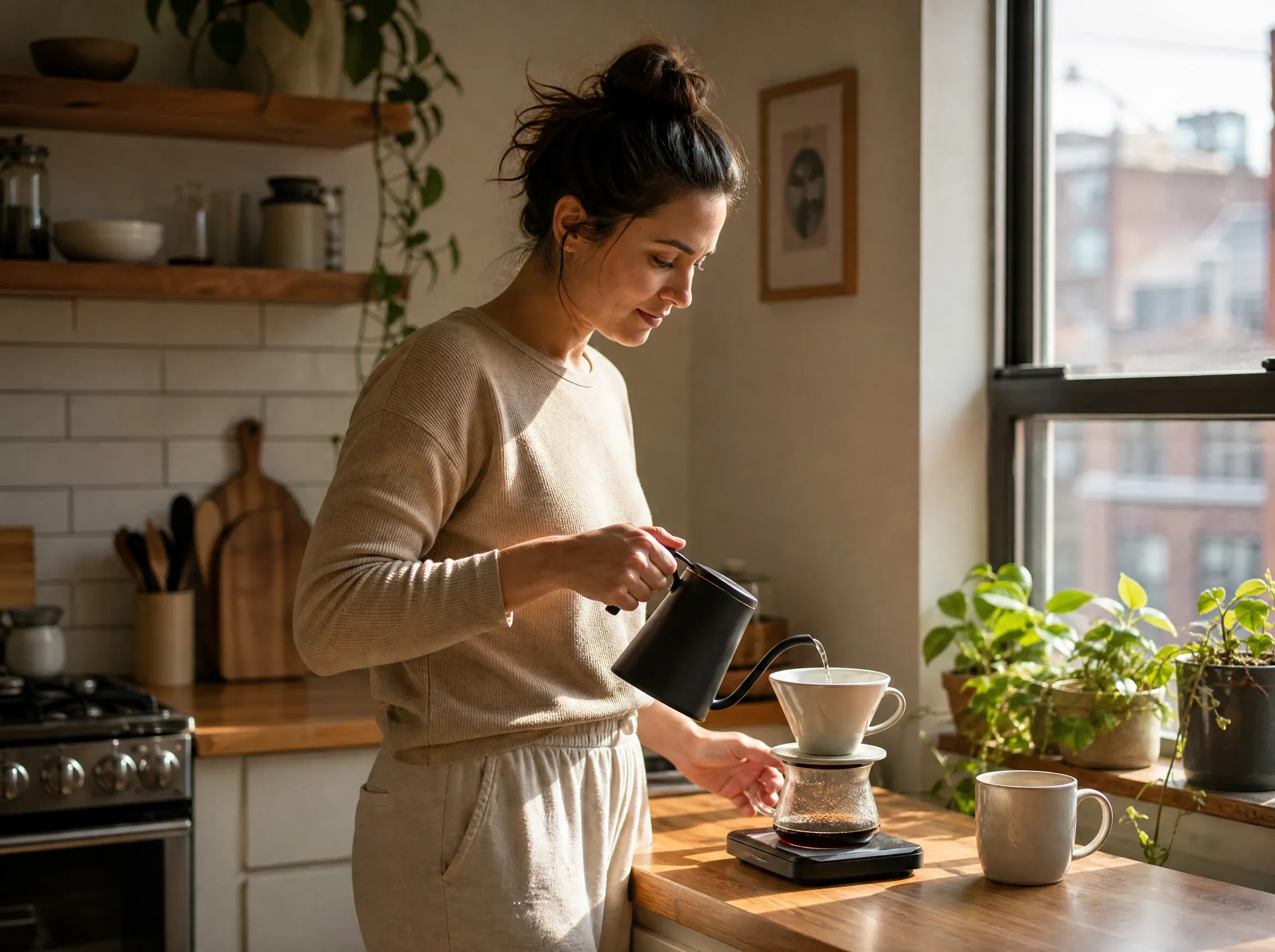
Lifestyle Photos for Social Posts
Put a person or product into a natural everyday scene for Instagram posts, launch ideas, and campaign mood boards.
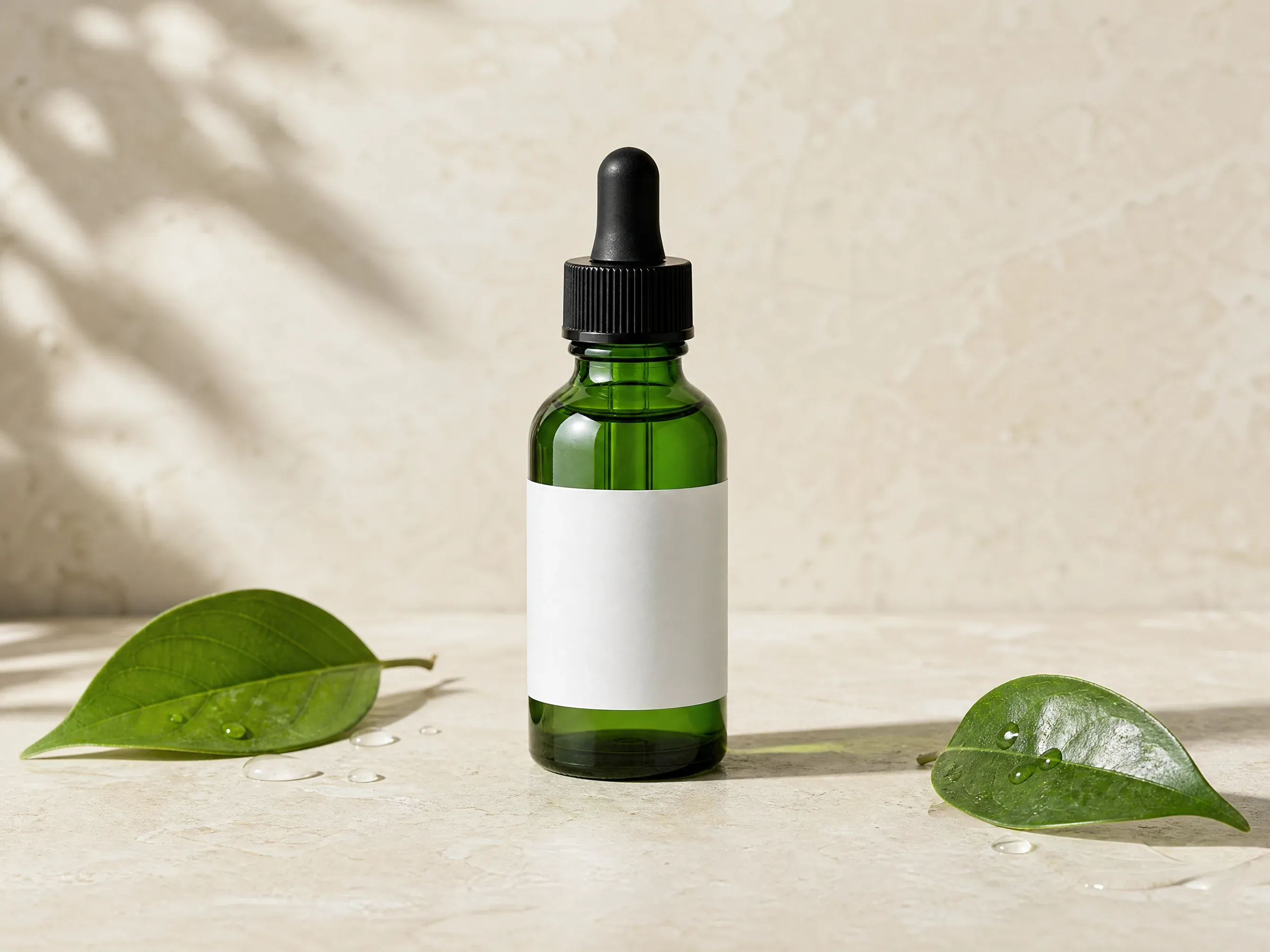
Product Photos Before Launch
Create a clean product scene for a listing, landing page, ad concept, or launch deck before the final shoot is ready.
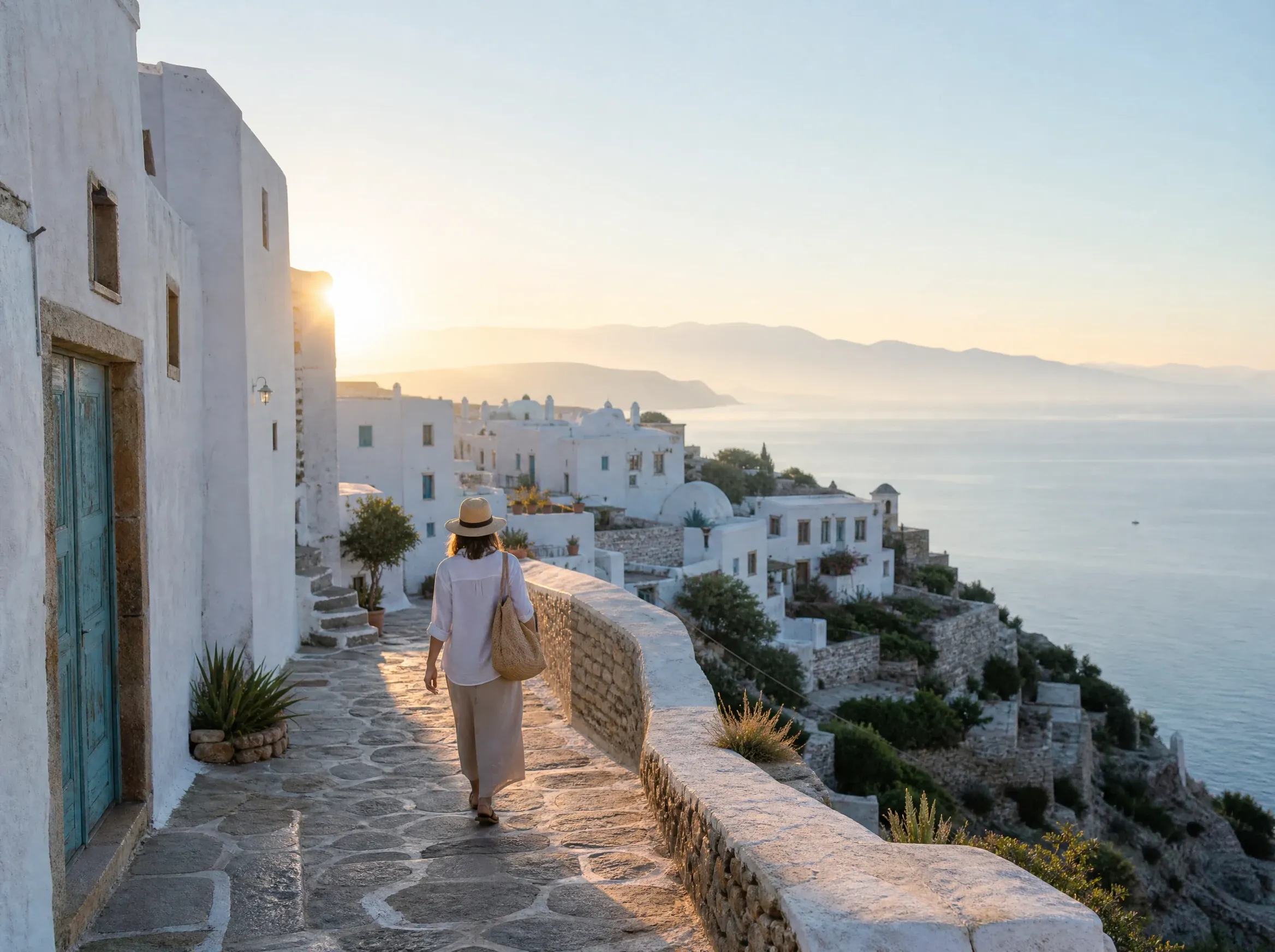
Travel Photos for Articles and Campaigns
Create a wide destination scene for a travel article, itinerary, hotel concept, or campaign mood board.
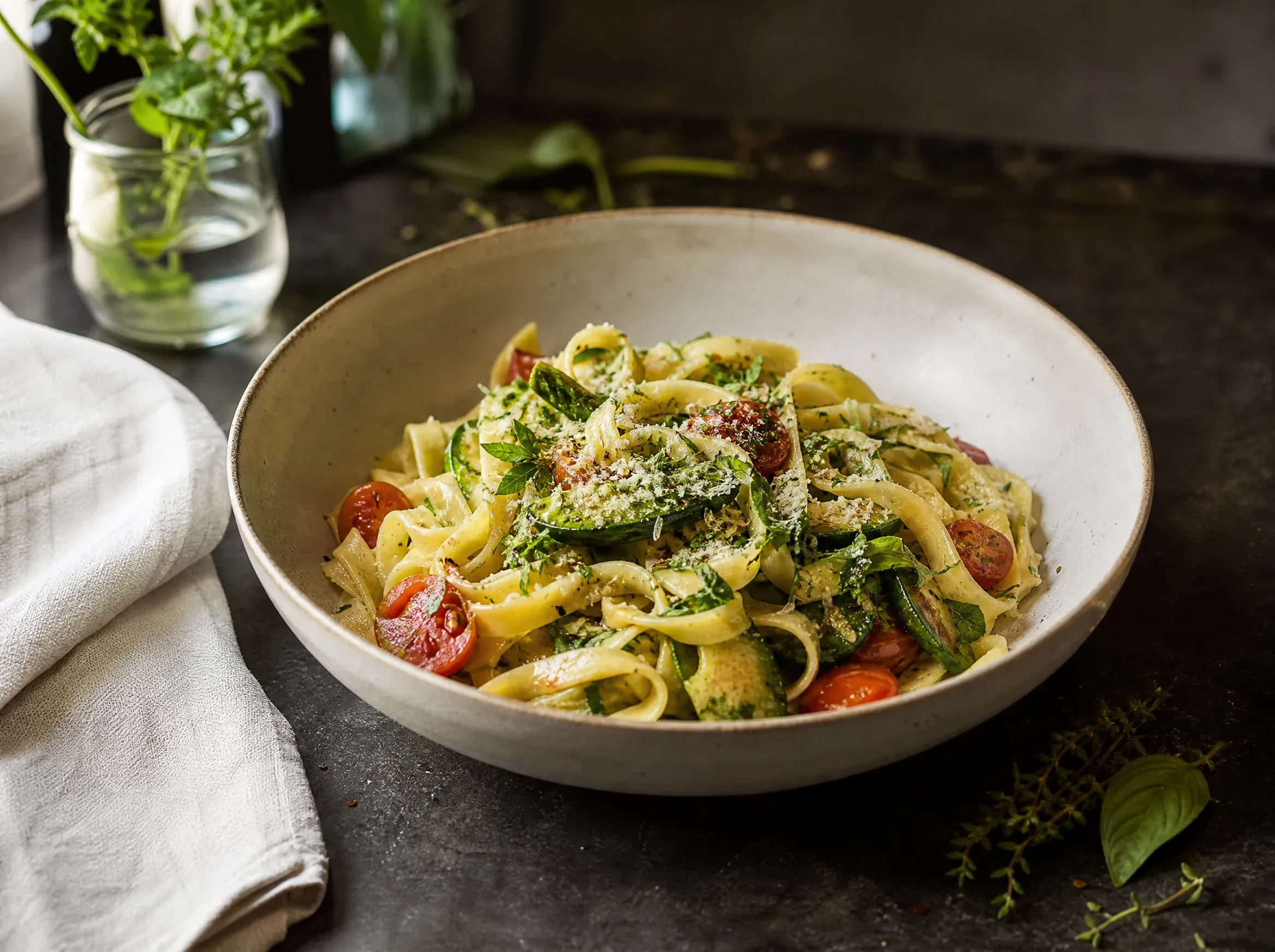
Food Photos for Menus and Posts
Set the dish, table, light, and camera angle for a restaurant post, menu idea, or hospitality campaign.
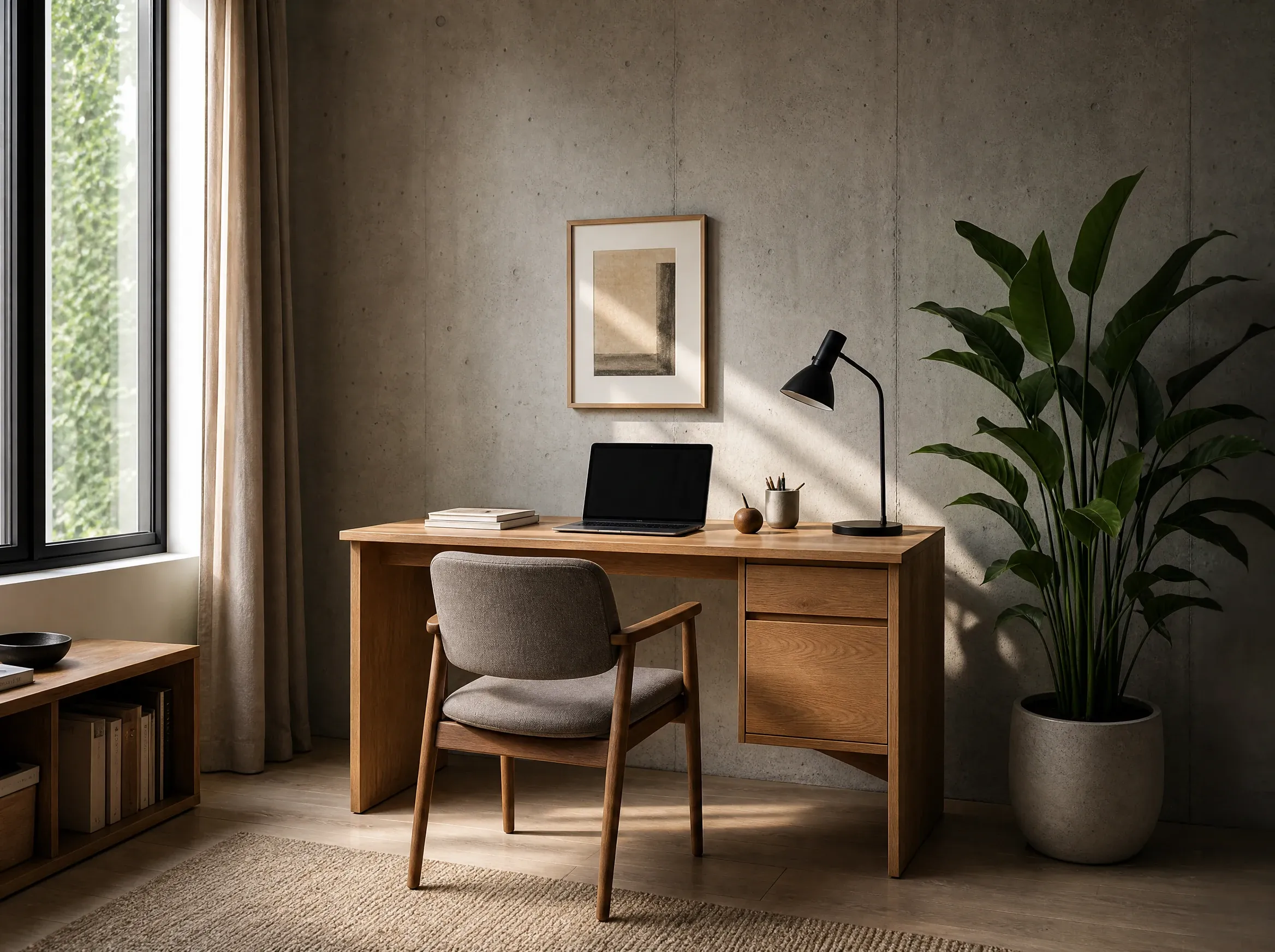
Interior Scenes for Editorial Ideas
Create a room, workspace, or styled setting when the place matters as much as the subject.
Photos for the Job You Have
Use a short description to make a portrait, product image, lifestyle scene, travel frame, food photo, or editorial visual when the exact photo is not available. If you already have the image, use an editor instead.
Product and campaign scenes
Make the image a launch page, listing, ad, or social post is missing.
Portraits for real profiles
Create a creator, speaker, or editorial portrait from a clear description.
Places and everyday scenes
Build the travel, food, interior, or lifestyle image before a shoot is available.
Make a Photo Without Booking a Shoot
FaceAI gives you a place to try the scene before you spend time on a shoot, a retouch, or a full campaign draft.
Start with the use case
Product launch, social post, profile portrait, travel story, food feature, and more.
Prompts that describe the frame
See how to write about the subject, setting, light, and crop without writing a novel.
Free to try
Open the generator and see whether the scene works before you spend more time on it.
Tools for the next job
Edit, enhance, upscale, or switch to a headshot or avatar when the image calls for it.
AI Photo Generator vs. Broad Image or Manual Workflows
Use this table to pick the right workflow for a photo-style image: prompt to realistic photo inside the workbench, or a general generator and a slower manual path.
| Criteria | Face AIOurs | Other Tools |
|---|---|---|
| Starting point | Describe the photo you need for a listing, post, profile, or story. | Write a broad image prompt, or plan a shoot and edit it later. |
| Best use | Realistic portraits, lifestyle scenes, product photos, travel images, food photos, and editorial concepts. | Illustrations, unrestricted styles, or production photography. |
| When you have a source image | Use Image Editor, Image to Image, Photo Enhancer, Headshot, or Avatar when the source file matters. | A general editor can blur the line between making a new image and fixing an existing one. |
| Before you publish | Check faces, hands, text, materials, lighting, crop, and rights. | The review step may sit outside the creation tool. |
| Limit | The result is an AI-generated photo-style image, not documentary evidence, identity verification, or a guaranteed exact product record. | A real shoot remains necessary when exact factual representation is required. |
Starting point
Describe the photo you need for a listing, post, profile, or story.
Write a broad image prompt, or plan a shoot and edit it later.
Best use
Realistic portraits, lifestyle scenes, product photos, travel images, food photos, and editorial concepts.
Illustrations, unrestricted styles, or production photography.
When you have a source image
Use Image Editor, Image to Image, Photo Enhancer, Headshot, or Avatar when the source file matters.
A general editor can blur the line between making a new image and fixing an existing one.
Before you publish
Check faces, hands, text, materials, lighting, crop, and rights.
The review step may sit outside the creation tool.
Limit
The result is an AI-generated photo-style image, not documentary evidence, identity verification, or a guaranteed exact product record.
A real shoot remains necessary when exact factual representation is required.
How Teams Use the AI Photo Generator in Real Workflows
These comments focus on the process: describe the frame, generate a photo direction, then move to the right next tool.
"The examples get the conversation moving. We can look at a portrait, a product scene, or a travel image instead of arguing over a mood board."

James Whitfield
Creative Director
"For an early listing, I want to see the bottle, the surface, and the crop. That is enough to decide whether the idea is worth a proper shoot."

Mei Chen
E-commerce Director
"We use portrait and lifestyle prompts when a social post needs a direction before the campaign team is ready to produce it."

Aaliyah Williams
Digital Marketing Director
"I like that it points to the editor when the composition works but one small detail does not."

Priya Sharma
Product Marketing Manager
"Writing down the light and camera distance gives us a better photo than a page full of mood words."

Lars Andersson
Art Director
"A square product image and a vertical portrait cover a lot of the work we need for social."

Isabella Rodriguez
Social Media Director
"The examples get the conversation moving. We can look at a portrait, a product scene, or a travel image instead of arguing over a mood board."
James Whitfield
Creative Director
"For an early listing, I want to see the bottle, the surface, and the crop. That is enough to decide whether the idea is worth a proper shoot."
Mei Chen
E-commerce Director
"We use portrait and lifestyle prompts when a social post needs a direction before the campaign team is ready to produce it."
Aaliyah Williams
Digital Marketing Director
"I like that it points to the editor when the composition works but one small detail does not."
Priya Sharma
Product Marketing Manager
"Writing down the light and camera distance gives us a better photo than a page full of mood words."
Lars Andersson
Art Director
"A square product image and a vertical portrait cover a lot of the work we need for social."
Isabella Rodriguez
Social Media Director
"A travel image, a portrait, and a product shot need different prompts. The page makes that obvious."

Mai Nguyen
Growth Marketing Lead
"The examples get the conversation moving. We can look at a portrait, a product scene, or a travel image instead of arguing over a mood board."
James Whitfield
Creative Director
"For an early listing, I want to see the bottle, the surface, and the crop. That is enough to decide whether the idea is worth a proper shoot."
Mei Chen
E-commerce Director
"We use portrait and lifestyle prompts when a social post needs a direction before the campaign team is ready to produce it."
Aaliyah Williams
Digital Marketing Director
"I like that it points to the editor when the composition works but one small detail does not."
Priya Sharma
Product Marketing Manager
"Writing down the light and camera distance gives us a better photo than a page full of mood words."
Lars Andersson
Art Director
"A square product image and a vertical portrait cover a lot of the work we need for social."
Isabella Rodriguez
Social Media Director
"A travel image, a portrait, and a product shot need different prompts. The page makes that obvious."
Mai Nguyen
Growth Marketing Lead
"It is useful for testing a visual idea quickly. We still check the details before anything goes live."

Marcus Johnson
Performance Marketing Manager
"The travel examples help when stock photography has the right place but the wrong story."

Ananya Iyer
Content Marketing Lead
"We generate a few directions, pick the one with the right crop, and only then spend time cleaning it up."

Sofia Martinez
Head of Brand Social
"Blank-label product prompts work well for us because no one is trying to fake packaging copy in the image."

Yuki Tanaka
Head of Marketplace Operations
"The related tools help when the image is nearly there. I would rather fix one edge than start again."

Maria Santos
Conversion Optimization Manager
"It is good for showing a visual direction. It is not a substitute for a photo that has to document the real product."

Ahmed Al-Rashid
Chief Brand Officer
"The split between making a new image and editing an existing one keeps the team from using the wrong tool."

Omar Khalil
Brand Strategy Director
"It is useful for testing a visual idea quickly. We still check the details before anything goes live."
Marcus Johnson
Performance Marketing Manager
"The travel examples help when stock photography has the right place but the wrong story."
Ananya Iyer
Content Marketing Lead
"We generate a few directions, pick the one with the right crop, and only then spend time cleaning it up."
Sofia Martinez
Head of Brand Social
"Blank-label product prompts work well for us because no one is trying to fake packaging copy in the image."
Yuki Tanaka
Head of Marketplace Operations
"The related tools help when the image is nearly there. I would rather fix one edge than start again."
Maria Santos
Conversion Optimization Manager
"It is good for showing a visual direction. It is not a substitute for a photo that has to document the real product."
Ahmed Al-Rashid
Chief Brand Officer
"The split between making a new image and editing an existing one keeps the team from using the wrong tool."
Omar Khalil
Brand Strategy Director
Need to Fix or Change the Photo?
Use another tool when the image is close but the job has changed.
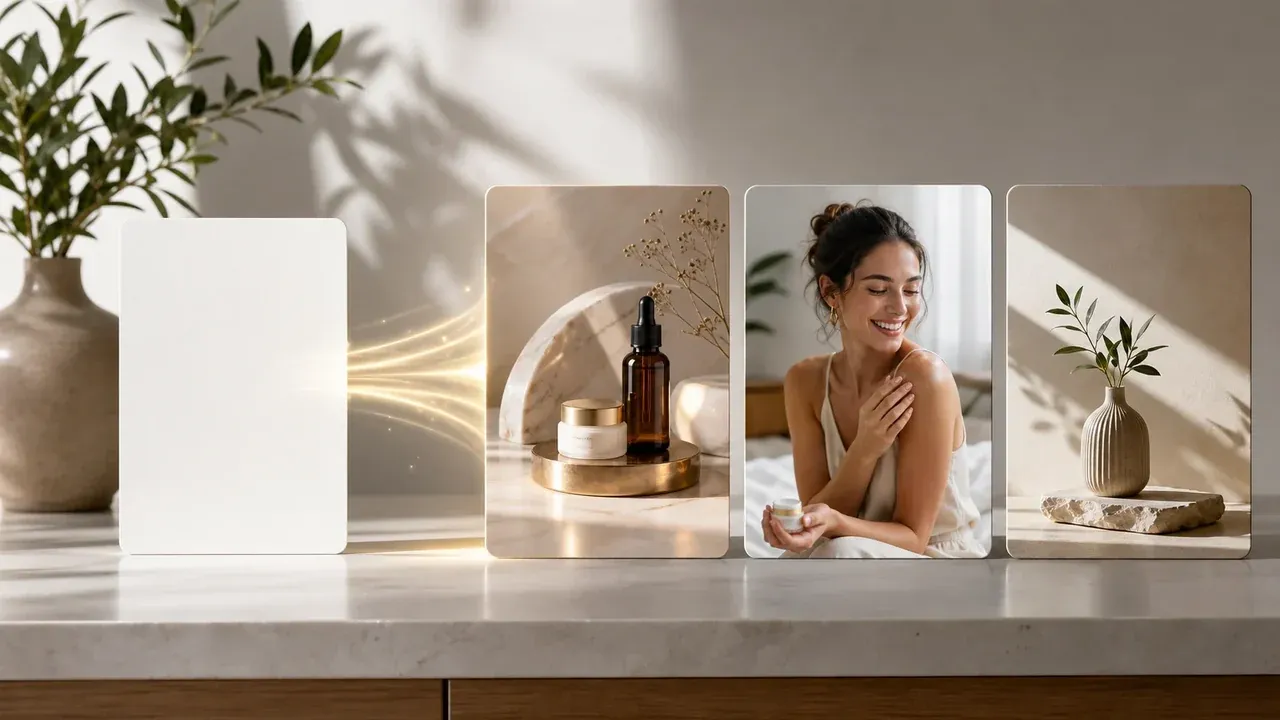
AI Image Generator
Use it when you want an illustration, a stylized image, or a visual that does not need to look like a photo.

AI Image Editor
Remove a distraction, replace one area, or fix a detail in an image you already have.
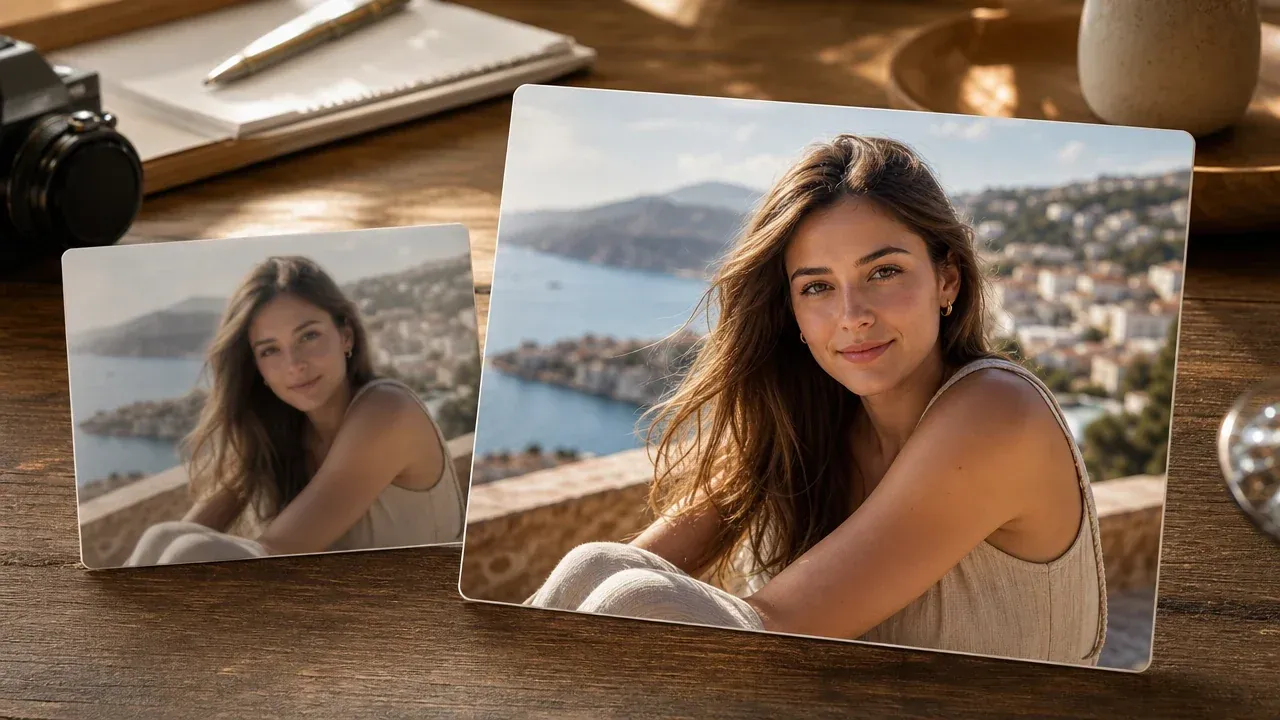
AI Photo Enhancer
Use it when the scene works but the photo looks soft, dark, or low on detail.
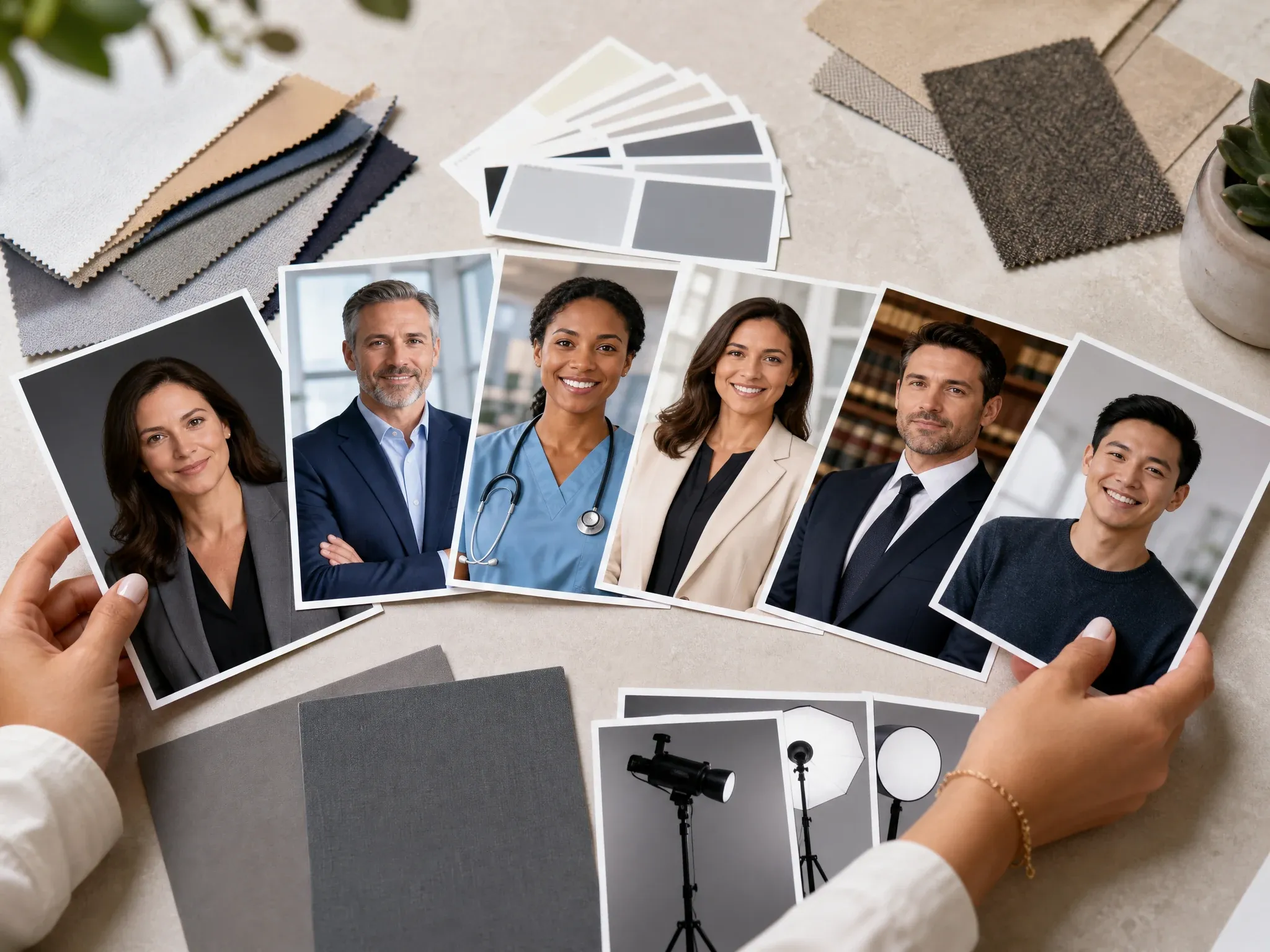
AI Headshot Generator
Make a professional portrait for a resume, company bio, hiring page, or speaker profile.
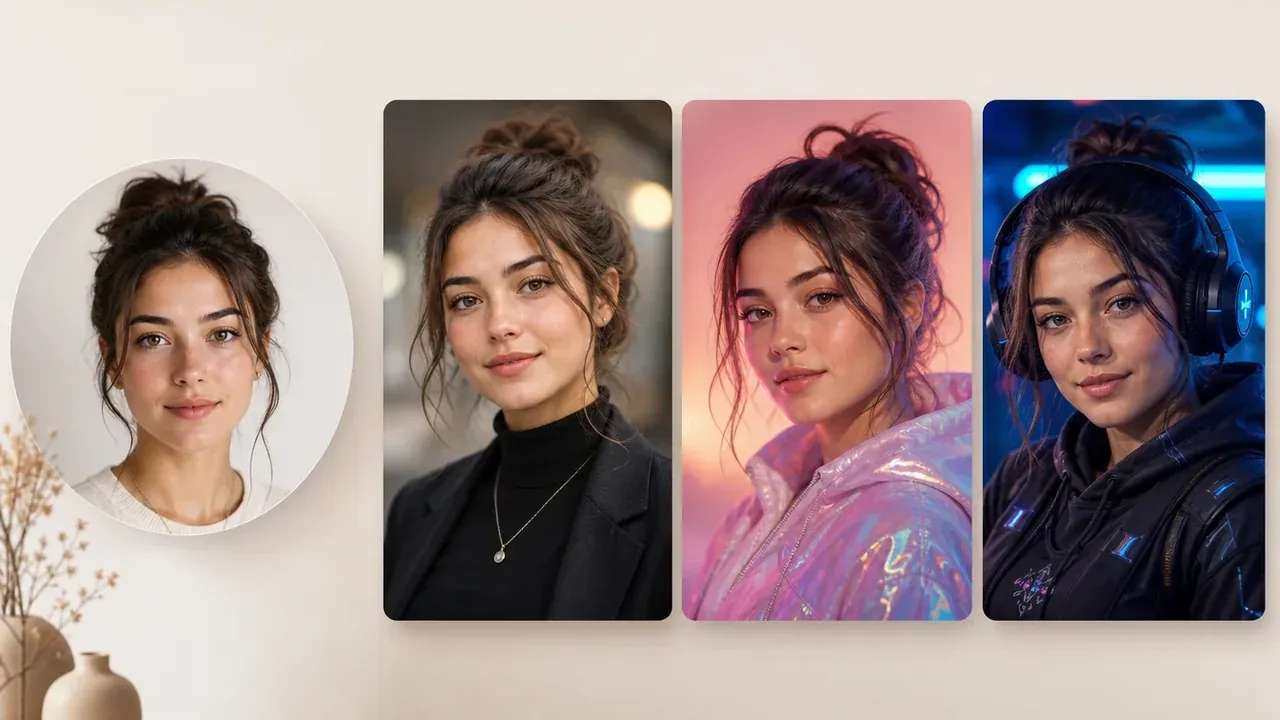
AI Avatar Generator
Make an avatar or profile image when you want a stronger personal style than a realistic photo.
AI Photo Generator Questions, Answered
Short answers for prompts, portraits, source images, headshots, watermark, rights, and when to use a real photographer.
It makes a new photo-style image from a written description. Use it for portraits, products, social posts, travel scenes, food, interiors, and editorial ideas.
AI Photo Generator is for images that should look like photographs. AI Image Generator is the broader tool for illustrations, styles, and general image concepts.
Yes. You can start in the online workbench without installing an app. Any account or quota limits appear when you create.
Yes. Describe the person, expression, setting, light, and where the portrait will be used. Check the face, hands, crop, and small details before you publish it.
Name the subject, setting, light, framing, wardrobe or materials, and the use for the image. One clear scene works better than several unrelated ideas.
This page starts with a text description. Use AI Image to Image, AI Image Editor, AI Photo Enhancer, AI Headshot Generator, or Create Avatar from Photo when an existing image should guide the result.
Use this page for a general portrait. Use AI Headshot Generator when you need a resume photo, company bio, hiring profile, or formal headshot.
The page is built for no-watermark generation. Check the downloaded image before you publish it or send it to a client.
Review the final image, avoid protected brands or people you do not have permission to depict, and check the requirements for your project and publishing platform.
Use a real shoot when the image must accurately document a person, place, event, product, property, or condition. AI photos are creative images, not factual records.
Make the Photo You Need
Describe the scene for your post, product, profile, or story, then generate a realistic photo online.