Silhouette
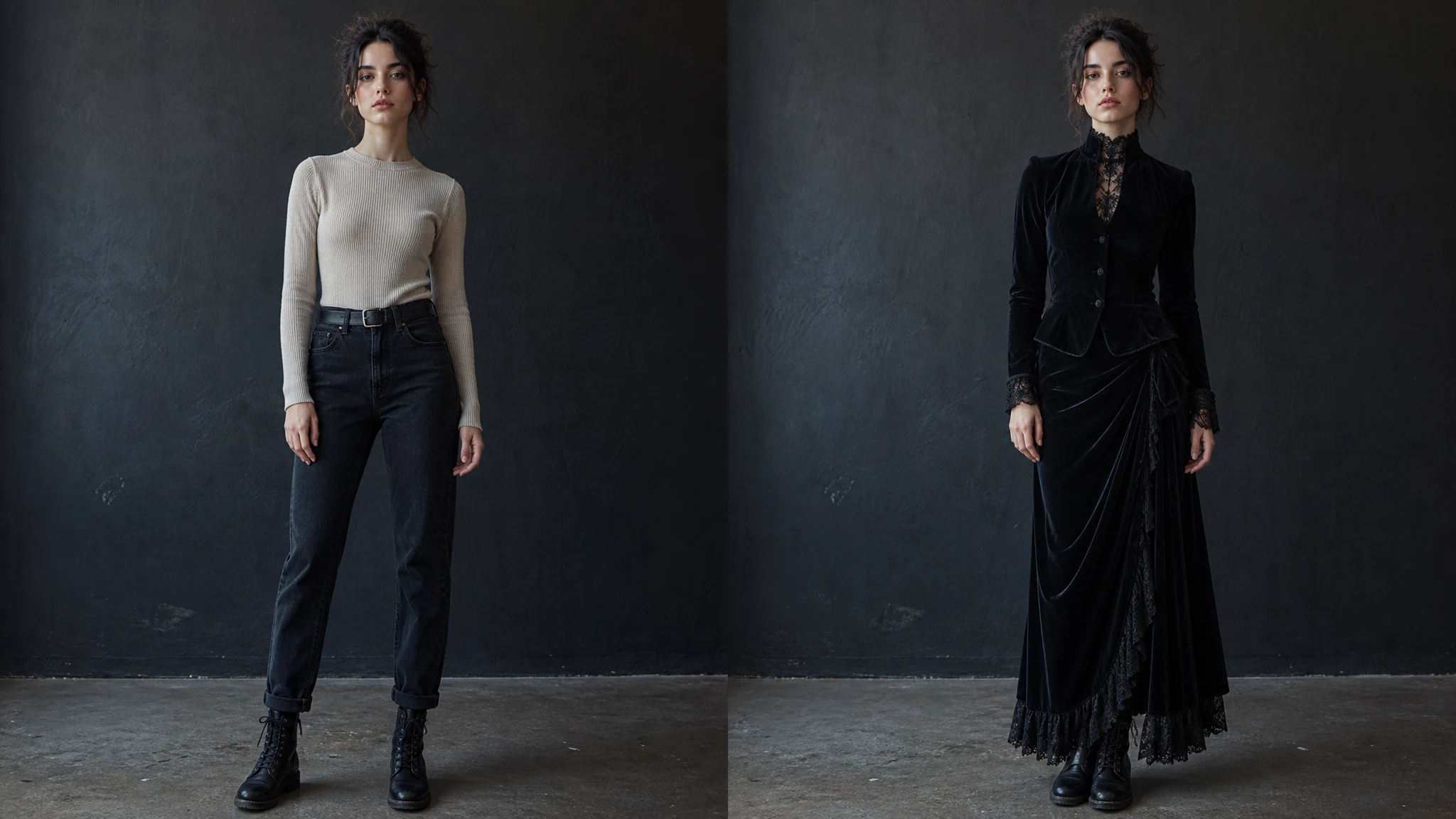
Ours
Combines intentional Gothic structure with relaxed or distressed grunge layers.
Single-direction styling
Often focuses on only formal Gothic or only casual grunge cues.
Upload a photo, choose a complete Gothic fashion look or individual layers, and explore Victorian velvet, romantic lace, 90s grunge, post-punk, menswear, and gender-neutral styling without changing who you are.
Trusted by 12,000,000+ users worldwide.
Begin with a complete look, then refine it with individual pieces from the same Gothic Grunge wardrobe.
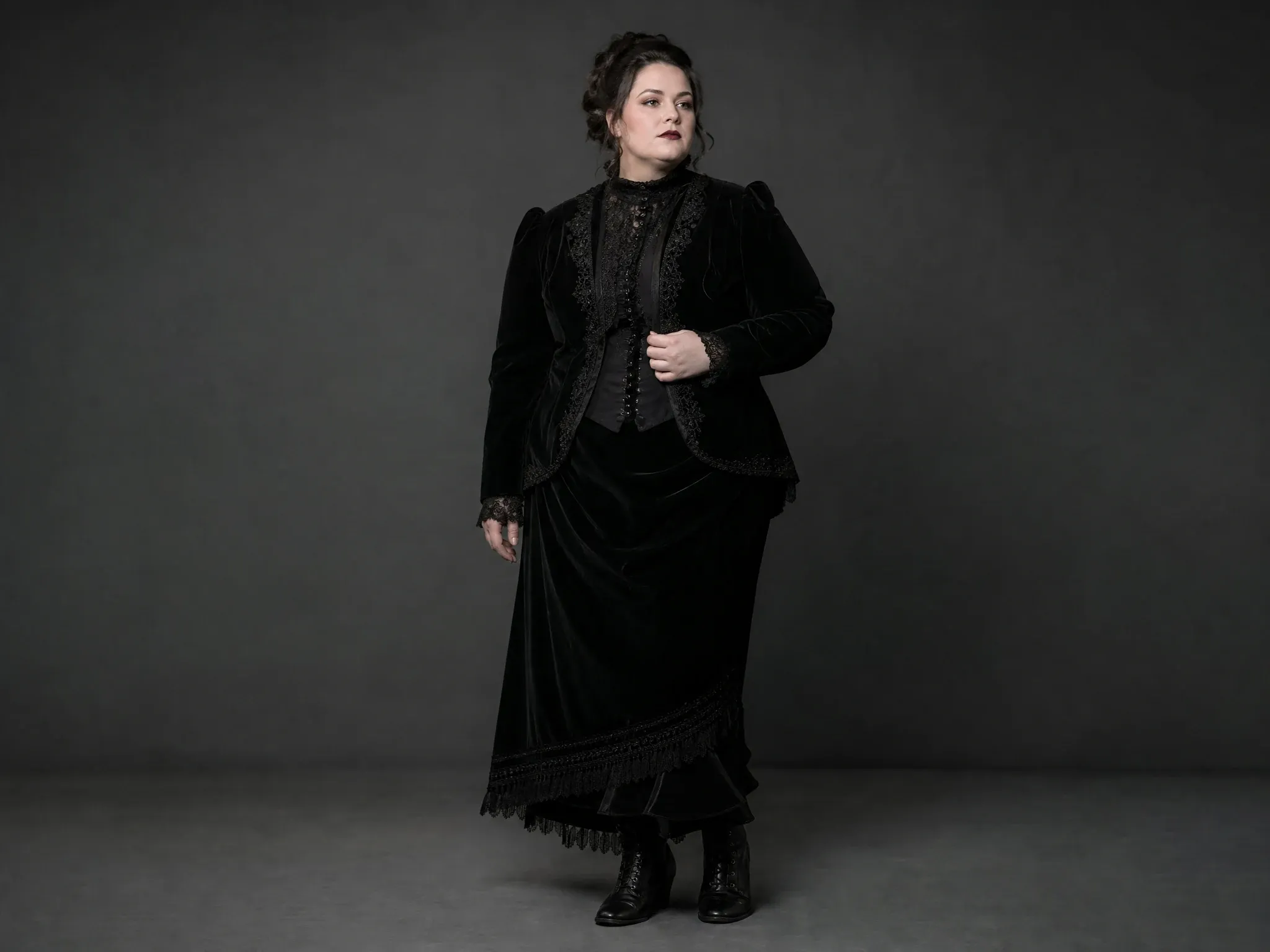
Velvet, lace, high necklines, brocade, controlled skirts, and pointed boots.
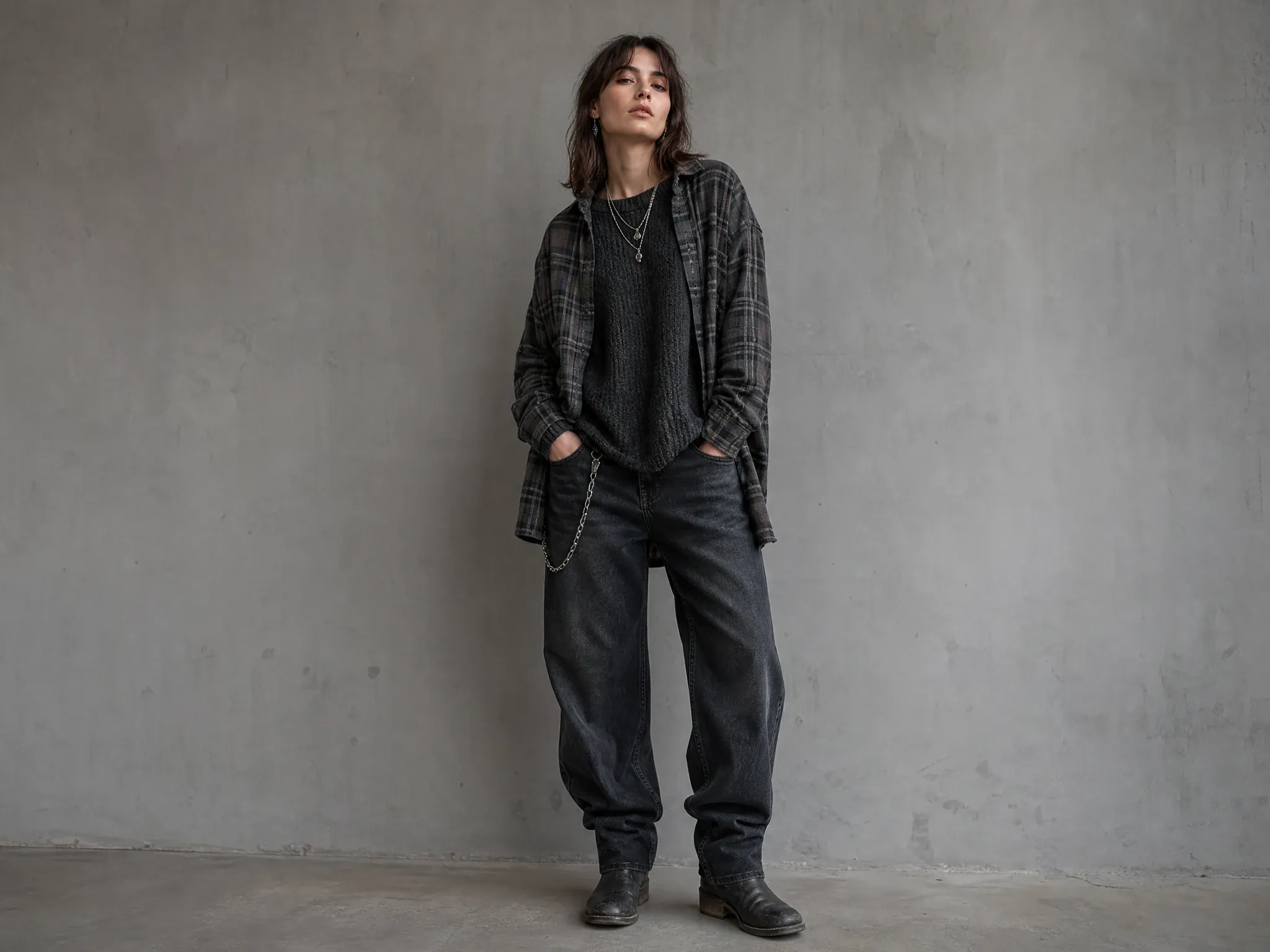
Flannel, faded denim, mesh, sharp tailoring, and worn combat footwear.
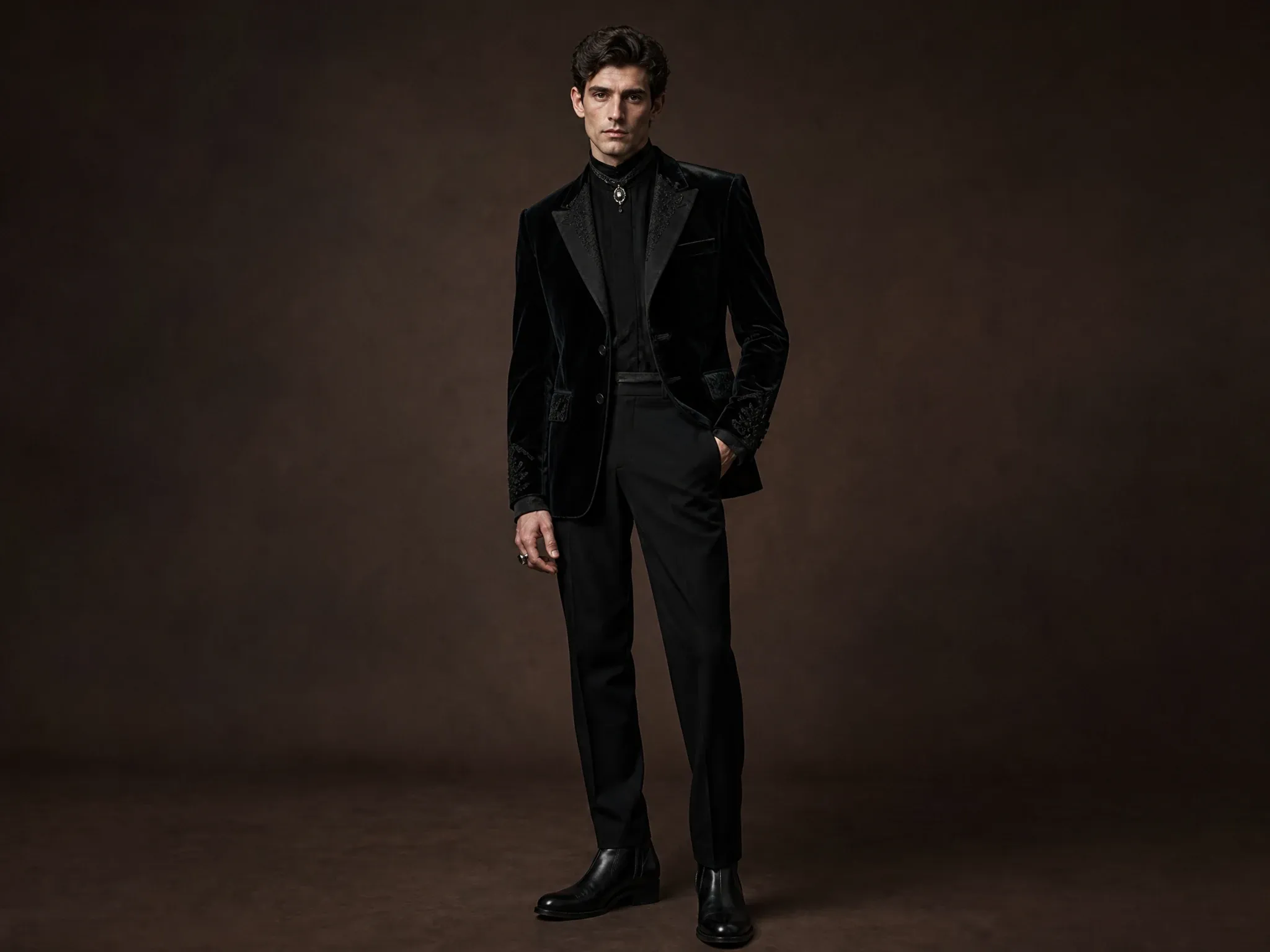
Velvet tailoring, dark academia layers, androgynous club silhouettes, and monochrome details.
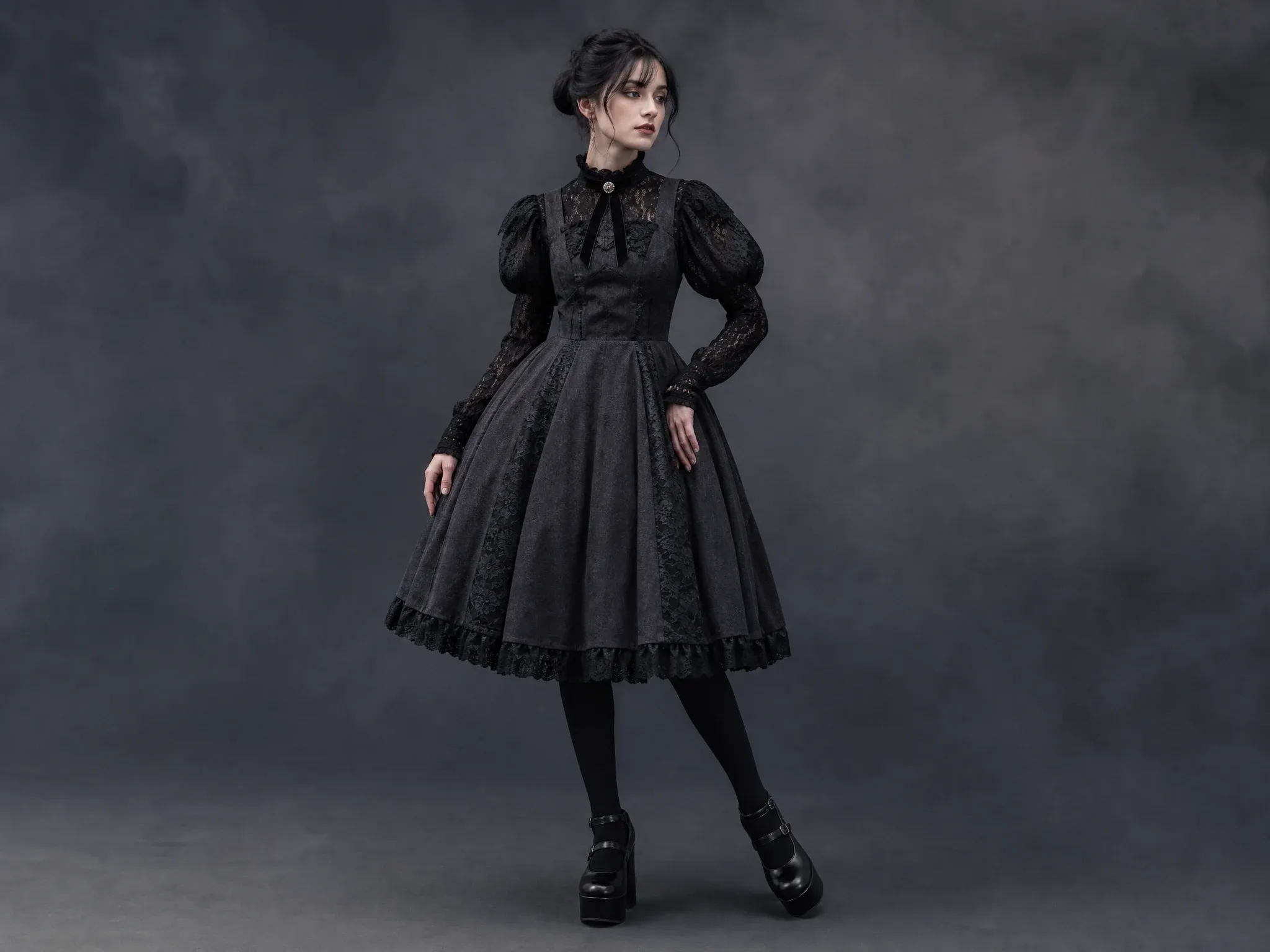
Ruffles, bows, satin, platform footwear, and intentional accessories without brand marks.
A clear photo and a focused clothing direction make the result easier to inspect.
Use a single-person photo with the clothing area visible.
Select Outfit, Sets, Outerwear, Tops, Bottoms, Socks, Shoes, or Accessories.
Check fabric, neckline, waist, hands, shoes, and layered edges before downloading.
The clothing direction changes while the source photo remains the visual anchor.
Your face, skin tone, hair, body shape, pose, and composition remain the starting point.
Build a look from eight clothing categories instead of relying on one vague style prompt.
Compare outfit mood, silhouette, color, and layering; it is not a size or fit guarantee.
Use original or permitted images and avoid requests that copy protected branding or characters.
Choose references where cut, fabric, sleeves, waistline, and footwear are readable.
Try the outfit first, then make one follow-up change for color or accessory detail.
Do not use brand logos, band merch, character costumes, or protected artwork as the target.
The two directions overlap in dark palettes but use different clothing grammar.
| Criteria | Face AIOurs Gothic Grunge styling | Single-direction styling |
|---|---|---|
| Silhouette | Combines intentional Gothic structure with relaxed or distressed grunge layers. | Often focuses on only formal Gothic or only casual grunge cues. |
| Materials | Velvet, lace, mesh, worn denim, knit, leather-look layers, and matte hardware. | Can flatten the look into all-black clothing without material contrast. |
| Accessories | Uses selective chokers, chains, rings, belts, and footwear as finishing details. | Can overuse generic symbols instead of readable outfit construction. |
Combines intentional Gothic structure with relaxed or distressed grunge layers.
Often focuses on only formal Gothic or only casual grunge cues.
Velvet, lace, mesh, worn denim, knit, leather-look layers, and matte hardware.
Can flatten the look into all-black clothing without material contrast.
Uses selective chokers, chains, rings, belts, and footwear as finishing details.
Can overuse generic symbols instead of readable outfit construction.
Create a visual direction for personal styling, events, character styling, or social content.
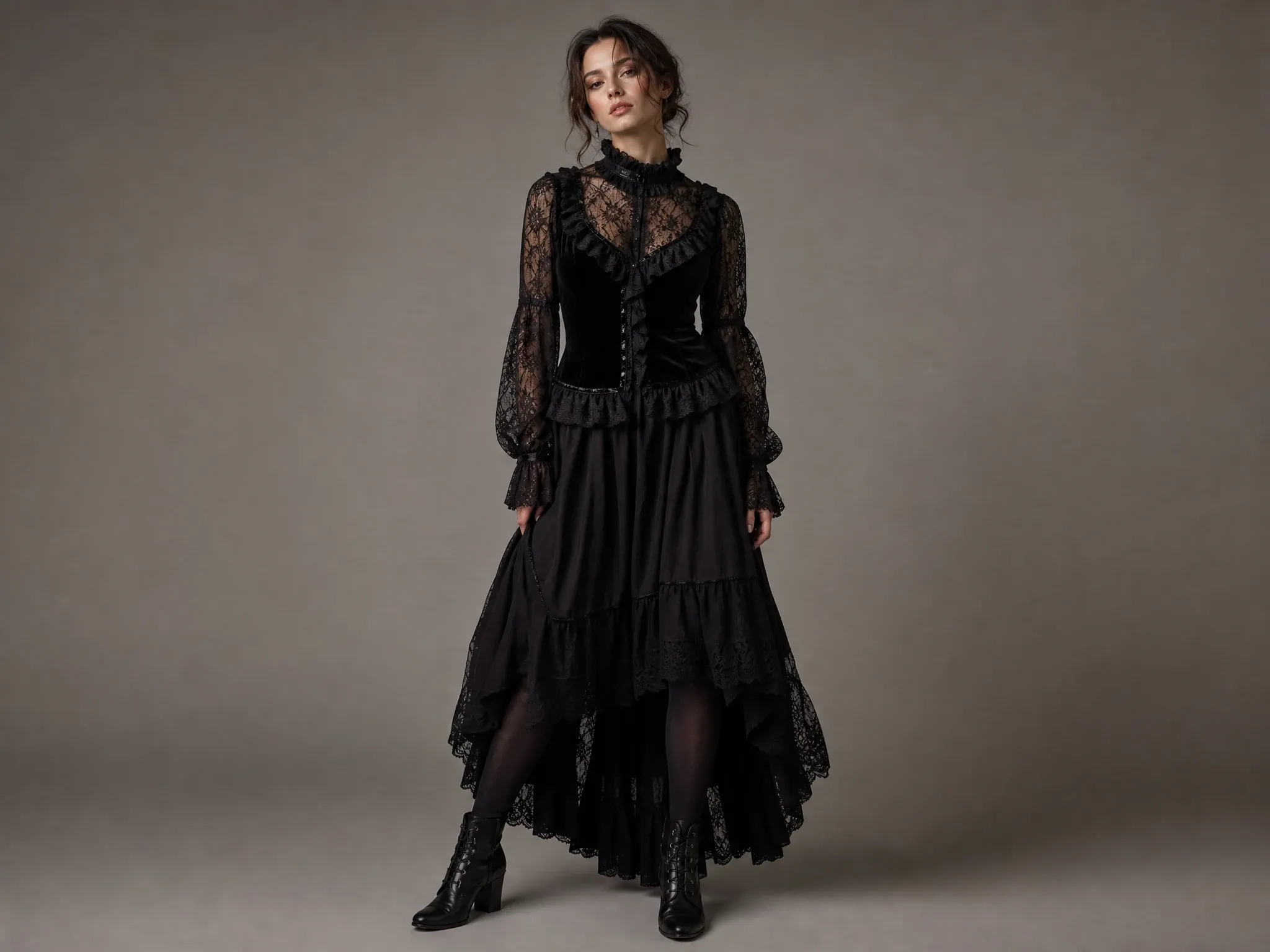
Compare Gothic fashion directions on your own photo before planning a look.
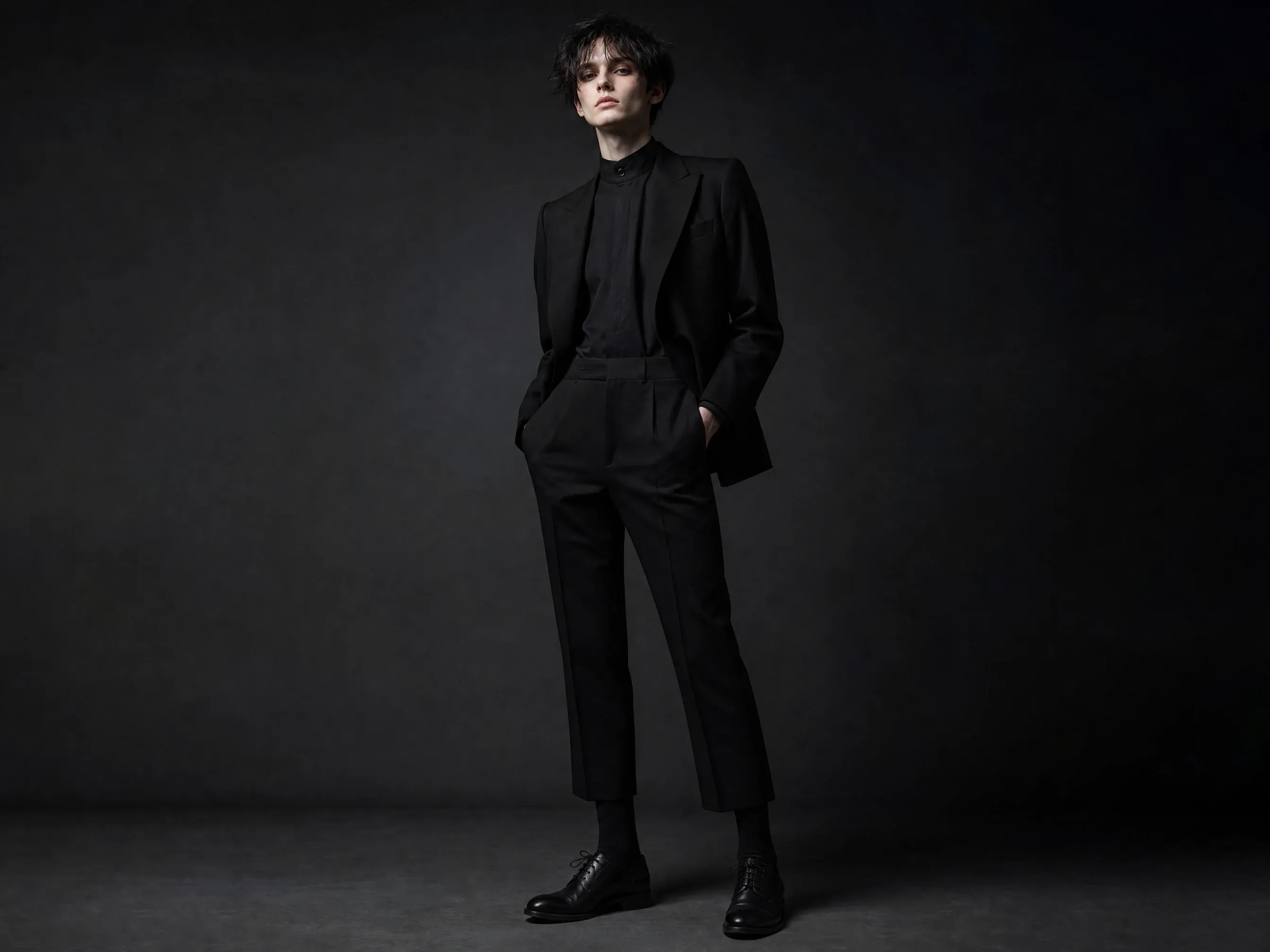
Explore velvet, lace, post-punk, glam goth, or industrial layers for a specific mood.
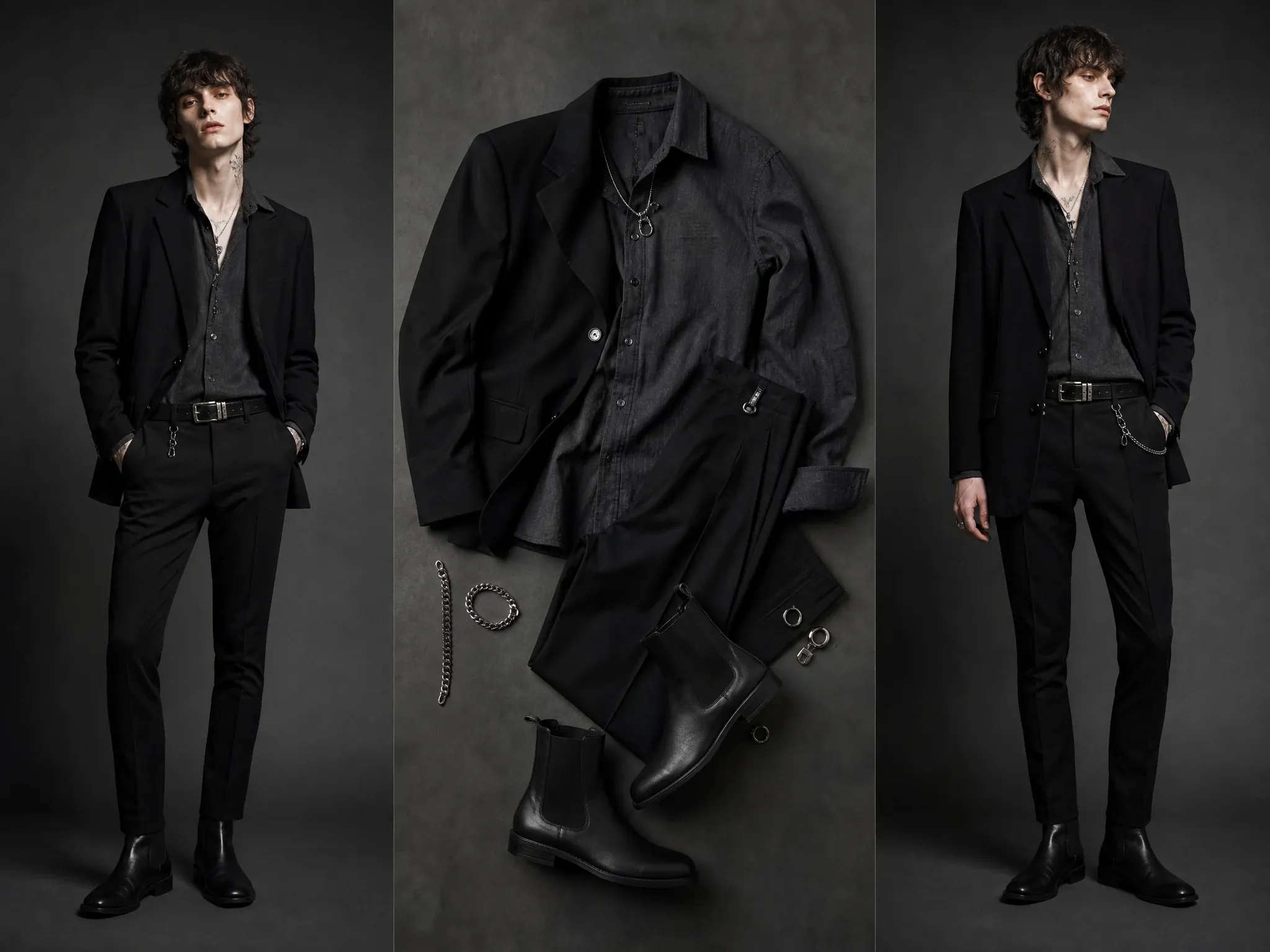
Use the result as a mood-board direction, then continue in an image editor or character workflow.
Teams use the generator to compare a wardrobe direction, then make the final clothes and fit decisions in the real world.
"The outfit families give us a clearer way to discuss silhouette and texture before we plan a shoot or a styling board."
Emma Johansson
Head of Content Strategy
"Comparing velvet, lace, denim, and tailoring on one photo helps the team settle the direction without reducing every option to black clothing."
Marco Rossi
Head of Strategy
"The layered choices are useful for an event brief because we can agree on the overall mood before picking individual pieces."
Pierre Dubois
Account Director
"A focused outfit preview makes it easier to see whether the neckline, footwear, and accessories support the same idea."
Luca Moretti
Chief Creative Officer
"We use the result to decide whether a look reads as romantic goth, post-punk, or something more relaxed before developing the final treatment."
Oliver Bennett
Brand Strategy Lead
"The category controls are better than a vague style prompt because the visual choices stay specific to the clothes we are reviewing."
Erik Lindqvist
Executive Creative Director
"The outfit families give us a clearer way to discuss silhouette and texture before we plan a shoot or a styling board."
Emma Johansson
Head of Content Strategy
"Comparing velvet, lace, denim, and tailoring on one photo helps the team settle the direction without reducing every option to black clothing."
Marco Rossi
Head of Strategy
"The layered choices are useful for an event brief because we can agree on the overall mood before picking individual pieces."
Pierre Dubois
Account Director
"A focused outfit preview makes it easier to see whether the neckline, footwear, and accessories support the same idea."
Luca Moretti
Chief Creative Officer
"We use the result to decide whether a look reads as romantic goth, post-punk, or something more relaxed before developing the final treatment."
Oliver Bennett
Brand Strategy Lead
"The category controls are better than a vague style prompt because the visual choices stay specific to the clothes we are reviewing."
Erik Lindqvist
Executive Creative Director
"It is a practical way to test a wardrobe direction on a clear portrait while keeping the conversation about styling rather than a generic trend label."
Thomas Berg
Director of Innovation
"The outfit families give us a clearer way to discuss silhouette and texture before we plan a shoot or a styling board."
Emma Johansson
Head of Content Strategy
"Comparing velvet, lace, denim, and tailoring on one photo helps the team settle the direction without reducing every option to black clothing."
Marco Rossi
Head of Strategy
"The layered choices are useful for an event brief because we can agree on the overall mood before picking individual pieces."
Pierre Dubois
Account Director
"A focused outfit preview makes it easier to see whether the neckline, footwear, and accessories support the same idea."
Luca Moretti
Chief Creative Officer
"We use the result to decide whether a look reads as romantic goth, post-punk, or something more relaxed before developing the final treatment."
Oliver Bennett
Brand Strategy Lead
"The category controls are better than a vague style prompt because the visual choices stay specific to the clothes we are reviewing."
Erik Lindqvist
Executive Creative Director
"It is a practical way to test a wardrobe direction on a clear portrait while keeping the conversation about styling rather than a generic trend label."
Thomas Berg
Director of Innovation
"For social concepts, I can compare a complete look with one changed layer and decide which version gives the post a stronger point of view."
Zara Davis
Social Media Director
"The preview helps us choose a styling direction for a campaign board before we spend time producing a full set of assets."
Deepika Reddy
Marketing Director
"A clear reference photo and one focused clothing request produce a much more useful starting point for a creative review."
Rahul Gupta
VP of Demand Generation
"The result is useful for discussing fabric and silhouette with a creator while leaving the final wardrobe choices to the real shoot."
Camila Lopez
Influencer Partnerships Lead
"I like being able to compare tailored goth and worn grunge layers without borrowing a branded costume or celebrity look."
Valentina Garcia
Content Strategy Manager
"The page makes the difference between a visual styling draft and an accurate fit decision clear, which keeps our approvals realistic."
Kai Nakamura
Global Creative Director
"We can use one generated direction to align the palette, materials, and accessory level before the next design pass."
Nina Volkov
Visual Design Director
"For social concepts, I can compare a complete look with one changed layer and decide which version gives the post a stronger point of view."
Zara Davis
Social Media Director
"The preview helps us choose a styling direction for a campaign board before we spend time producing a full set of assets."
Deepika Reddy
Marketing Director
"A clear reference photo and one focused clothing request produce a much more useful starting point for a creative review."
Rahul Gupta
VP of Demand Generation
"The result is useful for discussing fabric and silhouette with a creator while leaving the final wardrobe choices to the real shoot."
Camila Lopez
Influencer Partnerships Lead
"I like being able to compare tailored goth and worn grunge layers without borrowing a branded costume or celebrity look."
Valentina Garcia
Content Strategy Manager
"The page makes the difference between a visual styling draft and an accurate fit decision clear, which keeps our approvals realistic."
Kai Nakamura
Global Creative Director
"We can use one generated direction to align the palette, materials, and accessory level before the next design pass."
Nina Volkov
Visual Design Director
Answers about presets, photos, identity preservation, and visual-preview limits.
It is an AI clothes-changing workspace for exploring Gothic fashion, grunge layers, and adjacent alt-fashion looks on your photo.
Yes. Use references you have permission to use, and keep the garment or accessory visible.
The source photo is the visual anchor. Review every result carefully, especially clothing edges and proportions.
Yes. The library includes menswear, androgynous, tailored, casual, and gender-neutral Gothic fashion directions.
Gothic fashion often emphasizes intentional structure, velvet, lace, and dramatic accessories; grunge adds worn denim, knit, flannel, and relaxed layers.
No. Use it for visual outfit exploration, not measurements, real garment availability, or sizing decisions.
Avoid protected brands, band merch, logos, and character costumes. Use original or permitted clothing references instead.
Use it to compare a visual direction, then confirm comfort, sizing, availability, and dress requirements with the actual clothing you plan to wear.
Review the neckline, sleeves, hems, hands, footwear, accessories, and edges where the generated clothing meets the original photo.
Keep the source photo and outfit direction clear, then make one focused request for a color, fabric, layer, or accessory change.
Use a related tool after you have chosen a direction.
Upload a clear photo, choose an outfit family or individual layers, then create a visual styling preview.