
Starting point
Ours
Multiple product refs plus product-photo goal, channel, shot direction, ratio, and prompt.
Other workflows
Studio shoots start from physical production; generic prompts often start without a product reference.
Upload product reference images and create ecommerce-style image drafts for white backgrounds, studio scenes, tabletop shots, lifestyle galleries, landing pages, and social ads. Choose the image goal, channel, and shot direction, then download the best result for review before publishing.

Trusted by 12,000,000+ users worldwide.
Keep the first run practical: upload a clear product photo, choose the commercial use case, then review the result before publishing it on a store or marketplace.
Use 1-4 clear product or detail references with the item fully visible. Remove the background first if the source scene is busy or distracting.
Choose the image goal, marketplace/store/ad channel, and shot direction that match the draft you need.
Preview the product-photo draft, check labels and geometry manually, then download the strongest result or try another direction.
Turn product references into ecommerce drafts for store galleries, marketplace listings, launch campaigns, social creatives, and product content tests.
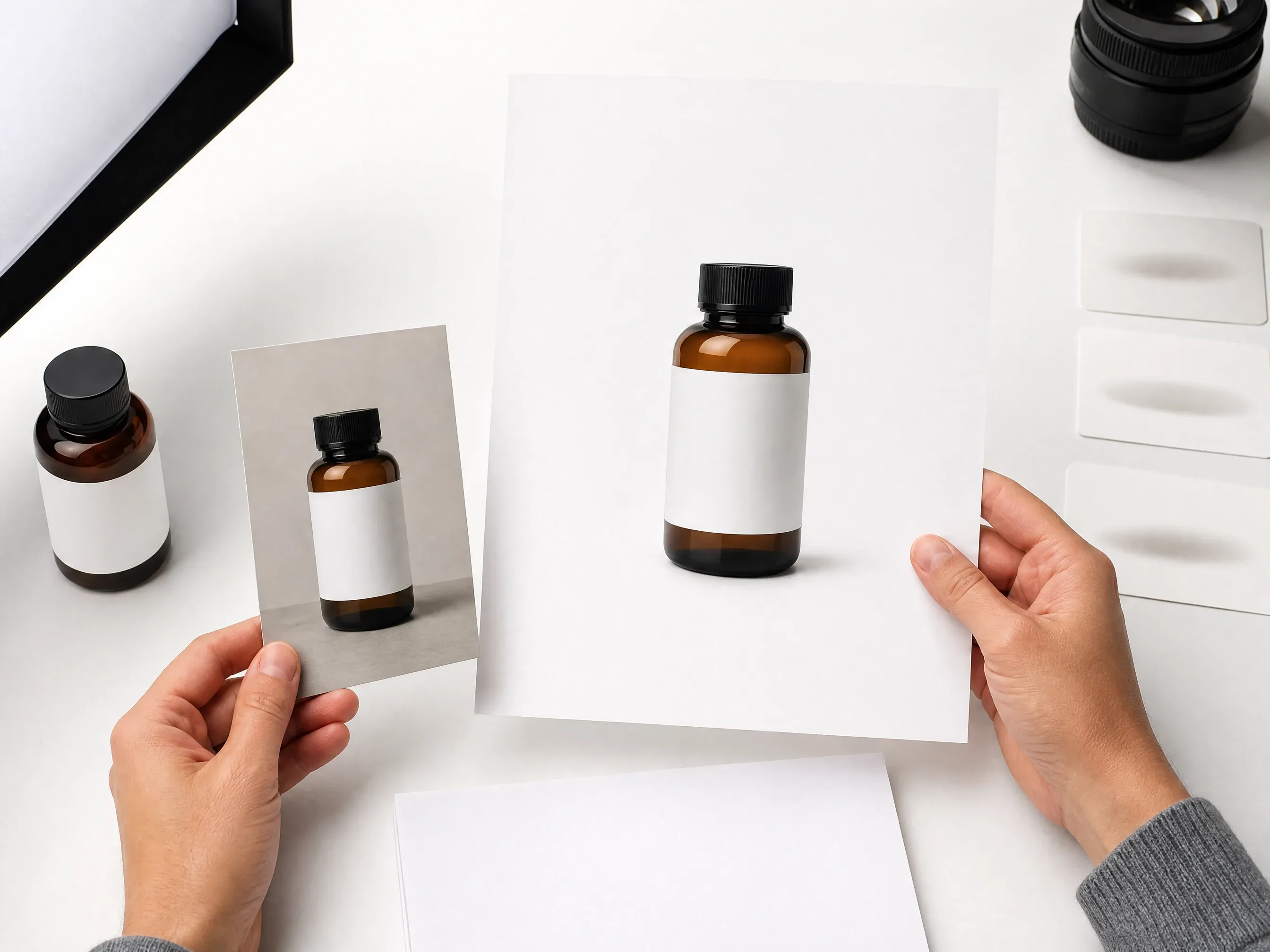
Create clean, centered product images for catalog review, product pages, and marketplace-style main-image concepts.
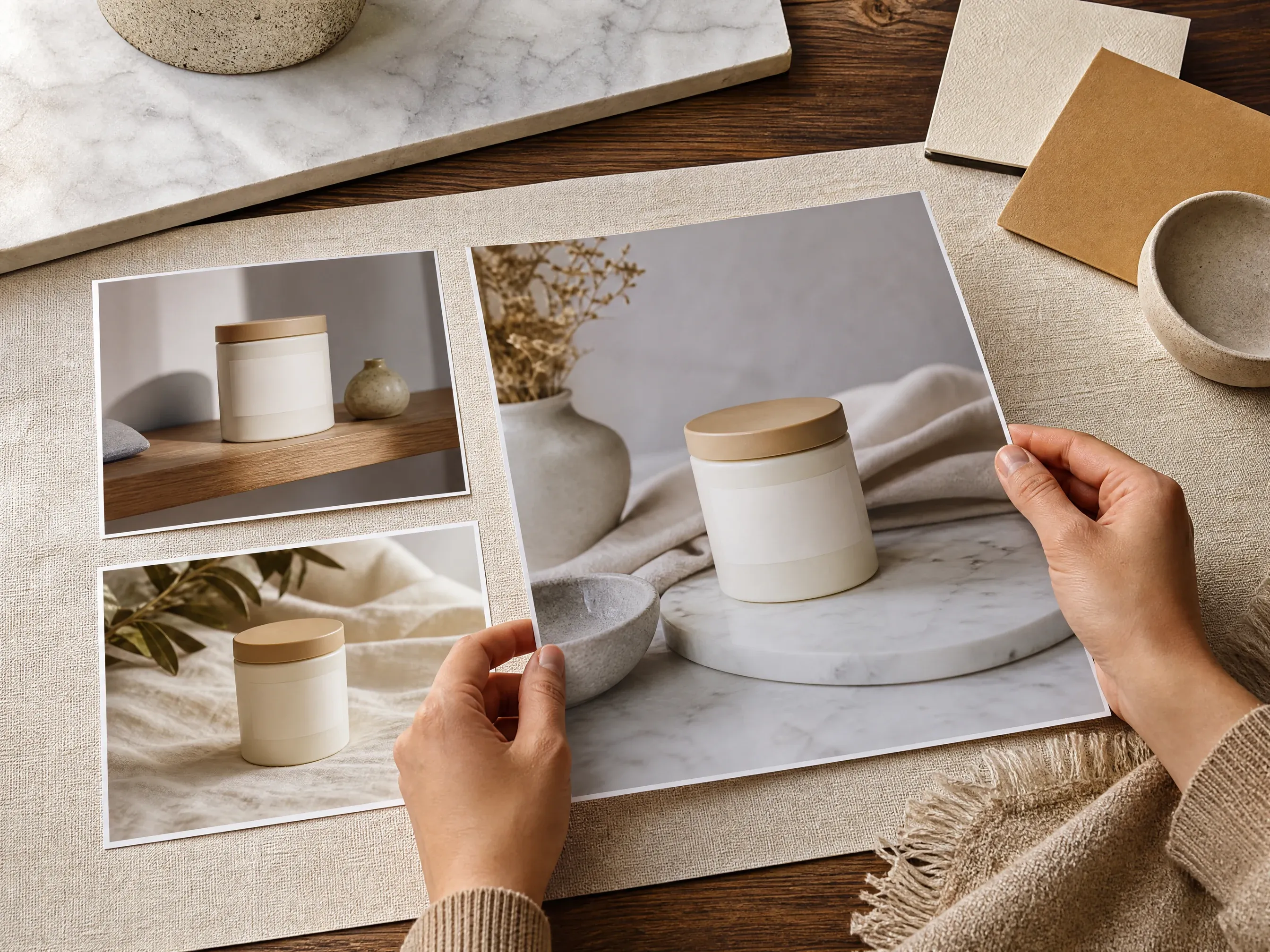
Place products on simple surfaces such as marble, wood, fabric, stone, or pastel color blocks with realistic light and shadow direction.

Generate product-led campaign visuals for Instagram, paid social, launch teasers, email banners, and creator posts without booking a new shoot for every idea.

When the source background is distracting, remove it first, create the scene second, then enhance the keeper before store review.
An AI product photo generator uses product reference images as the source and creates new ecommerce-style photo drafts around it.
Start with source photos where the product shape, material, and edges are easy to read.
Choose white studio, tabletop, lifestyle, outdoor, luxury, seasonal, minimal, or social ad direction.
Use the result as a creative draft, then manually review labels, logos, geometry, and platform rules before publishing.
The page starts with a live product-photo workbench, then adds ecommerce-specific controls so sellers do not have to write the whole scene from scratch.
The upload, image goal, channel, shot direction, ratio, examples, history, and download path all match product-photo work.
White studio, tabletop, lifestyle, luxury, social ad, and gallery variants create useful first drafts.
Move to background remover, background changer, photo enhancer, image editor, or image generator when the next blocker is clear.
Use the result as a product-scene draft. Verify packaging, label text, geometry, and marketplace requirements before publishing. Batch catalog and store-sync work needs a dedicated commerce tool.
Product photos work best when the source product is clean, the desired scene is specific, and fidelity-sensitive details are reviewed before use.
Avoid blurry supplier images, clipped edges, heavy shadows, and products hidden behind props.
If the source background competes with the product, create a clean cutout before generating new scenes.
Say marble surface, warm wood, bathroom shelf, studio shadow, outdoor daylight, or email banner instead of vague style words.
Check packaging text, logos, ingredient lists, reflections, transparent materials, and product geometry manually before publishing.
Use Face AI when you need fast ecommerce product-photo drafts from product references. Use traditional photography or specialized commerce platforms when exact product fidelity, batch workflow, or store sync is the core requirement.
| Criteria | Face AIOurs Face AI product-photo workflow | Other workflows |
|---|---|---|
| Starting point | Multiple product refs plus product-photo goal, channel, shot direction, ratio, and prompt. | Studio shoots start from physical production; generic prompts often start without a product reference. |
| Control surface | Image goals, channel goals, shot direction, ratio, history, download, and companion tools. | Plain image generators leave most ecommerce structure inside the prompt alone. |
| Best use | White-background ideas, tabletop scenes, lifestyle drafts, social creatives, landing visuals, and gallery experiments. | Specialized commerce tools may be better for strict product locking, batch catalogs, automated publishing, or store synchronization. |
| Fidelity boundary | Creates product-photo drafts, not guaranteed Product Lock, readable packaging text, exact geometry, or compliance-ready files. | Traditional shoots and manual design review remain better for final product fidelity. |
| Scale boundary | Single-product interactive generation with shared history and download. | Bulk SKU generation and store automation are outside this single-product workspace. |
| Friction | Browser-based creation with no studio booking and no design app setup for the first draft. | Full production gives more control but takes more coordination before the first visual exists. |
Multiple product refs plus product-photo goal, channel, shot direction, ratio, and prompt.
Studio shoots start from physical production; generic prompts often start without a product reference.
Image goals, channel goals, shot direction, ratio, history, download, and companion tools.
Plain image generators leave most ecommerce structure inside the prompt alone.
White-background ideas, tabletop scenes, lifestyle drafts, social creatives, landing visuals, and gallery experiments.
Specialized commerce tools may be better for strict product locking, batch catalogs, automated publishing, or store synchronization.
Creates product-photo drafts, not guaranteed Product Lock, readable packaging text, exact geometry, or compliance-ready files.
Traditional shoots and manual design review remain better for final product fidelity.
Single-product interactive generation with shared history and download.
Bulk SKU generation and store automation are outside this single-product workspace.
Browser-based creation with no studio booking and no design app setup for the first draft.
Full production gives more control but takes more coordination before the first visual exists.
These comments focus on the practical loop: upload product references, choose image goal and channel controls, generate, compare history, then review before publishing.
"The page starts with product-photo choices instead of a blank prompt. Upload, image goal, channel, shot direction, ratio, and review limits are all visible before the first run."
Mei Chen
E-commerce Director
"I use the white studio and tabletop presets for listing drafts, then compare the strongest versions in history before the team reviews labels and edges."
Yuki Tanaka
Head of Marketplace Operations
"The premium launch and social ad directions are useful mood-board starters. It does not pretend a generated label is final packaging art."
Soyeon Kim
VP of Online Retail
"The marketplace preset is framed as a draft, which is exactly right. We still check Amazon, Shopify, and Etsy rules before publishing."
Wenjing Li
Chief Marketing Officer
"The background-first companion step helps when supplier photos are messy. Remove clutter first, generate the scene second, enhance the keeper third."
Priya Chen
Creative Strategy Lead
"For a product launch, I can move from a single pack shot to white, tabletop, lifestyle, and email-banner concepts without booking a new shoot."
Jieun Park
Growth Marketing Lead
"The page starts with product-photo choices instead of a blank prompt. Upload, image goal, channel, shot direction, ratio, and review limits are all visible before the first run."
Mei Chen
E-commerce Director
"I use the white studio and tabletop presets for listing drafts, then compare the strongest versions in history before the team reviews labels and edges."
Yuki Tanaka
Head of Marketplace Operations
"The premium launch and social ad directions are useful mood-board starters. It does not pretend a generated label is final packaging art."
Soyeon Kim
VP of Online Retail
"The marketplace preset is framed as a draft, which is exactly right. We still check Amazon, Shopify, and Etsy rules before publishing."
Wenjing Li
Chief Marketing Officer
"The background-first companion step helps when supplier photos are messy. Remove clutter first, generate the scene second, enhance the keeper third."
Priya Chen
Creative Strategy Lead
"For a product launch, I can move from a single pack shot to white, tabletop, lifestyle, and email-banner concepts without booking a new shoot."
Jieun Park
Growth Marketing Lead
"The best results came from naming the shot direction: warm marble, clean white studio, lifestyle shelf, or color block beats vague premium language."
Lingling Zhao
Digital Commerce Manager
"The page starts with product-photo choices instead of a blank prompt. Upload, image goal, channel, shot direction, ratio, and review limits are all visible before the first run."
Mei Chen
E-commerce Director
"I use the white studio and tabletop presets for listing drafts, then compare the strongest versions in history before the team reviews labels and edges."
Yuki Tanaka
Head of Marketplace Operations
"The premium launch and social ad directions are useful mood-board starters. It does not pretend a generated label is final packaging art."
Soyeon Kim
VP of Online Retail
"The marketplace preset is framed as a draft, which is exactly right. We still check Amazon, Shopify, and Etsy rules before publishing."
Wenjing Li
Chief Marketing Officer
"The background-first companion step helps when supplier photos are messy. Remove clutter first, generate the scene second, enhance the keeper third."
Priya Chen
Creative Strategy Lead
"For a product launch, I can move from a single pack shot to white, tabletop, lifestyle, and email-banner concepts without booking a new shoot."
Jieun Park
Growth Marketing Lead
"The best results came from naming the shot direction: warm marble, clean white studio, lifestyle shelf, or color block beats vague premium language."
Lingling Zhao
Digital Commerce Manager
"The page is honest about Product Lock and exact logo fidelity. That makes it easier to use the result as a creative draft without confusing the production team."
Rafael Santos
VP of Creative
"The Instagram ad and email banner goals help non-design teammates brief a product visual with the right crop and whitespace."
Charlotte Beaumont
Director of Content Operations
"One product at a time is a good boundary. Batch SKU automation would need a different workflow and cost model."
Mika Suzuki
Performance Marketing Director
"History is useful for comparing scene routes: clean ecommerce, lifestyle room, outdoor context, and seasonal campaign all feel different."
Yifan Zheng
Demand Generation Lead
"The review checklist around small labels, reflective materials, and transparent packaging is practical for real stores."
Xiaofang Wang
Senior Marketing Strategist
"It is better than a generic image generator because the controls match ecommerce jobs: marketplace, store page, social ad, launch hero, and product gallery."
Margherita Conti
Visual Merchandising Lead
"I use it for quick product-led social concepts, then add exact copy and platform-specific layout outside the generator."
Alice Cooper
Retail Marketing Director
"The page is honest about Product Lock and exact logo fidelity. That makes it easier to use the result as a creative draft without confusing the production team."
Rafael Santos
VP of Creative
"The Instagram ad and email banner goals help non-design teammates brief a product visual with the right crop and whitespace."
Charlotte Beaumont
Director of Content Operations
"One product at a time is a good boundary. Batch SKU automation would need a different workflow and cost model."
Mika Suzuki
Performance Marketing Director
"History is useful for comparing scene routes: clean ecommerce, lifestyle room, outdoor context, and seasonal campaign all feel different."
Yifan Zheng
Demand Generation Lead
"The review checklist around small labels, reflective materials, and transparent packaging is practical for real stores."
Xiaofang Wang
Senior Marketing Strategist
"It is better than a generic image generator because the controls match ecommerce jobs: marketplace, store page, social ad, launch hero, and product gallery."
Margherita Conti
Visual Merchandising Lead
"I use it for quick product-led social concepts, then add exact copy and platform-specific layout outside the generator."
Alice Cooper
Retail Marketing Director
Choose the next Face AI tool based on the blocker: cleaner cutout, different background, sharper detail, prompt-only campaign idea, or focused cleanup.

Remove a busy source background before generating a cleaner product scene.

Create new backgrounds and scene directions around an uploaded product image.

Polish a promising generated result before final product-gallery review.

Explore prompt-only campaign backgrounds or product-ad visual ideas.

Clean distracting details or refine a product-photo draft after generation.
Direct answers about source photos, white backgrounds, lifestyle scenes, label review, marketplace use, batch limits, and publishing checks.
It is an online tool that uses product reference images as references and creates ecommerce-style product photo drafts around it.
Yes. Upload clear product references, choose an image goal and channel goal, then generate a draft for review.
Use a sharp image with the full product visible, good lighting, simple edges, and no distracting clutter covering the item.
Yes. Choose the clean marketplace or white studio direction to create a white-background draft, then review shadows, edges, labels, and platform rules manually.
Yes. Choose lifestyle room, tabletop, outdoor, seasonal, luxury, or social ad direction when the product should appear in a richer scene.
If the source background is busy, removing it first can make the product easier to stage in a clean white, tabletop, or lifestyle scene.
Use them as ecommerce drafts and check each platform, store, and marketplace rule before publishing. Approval and integration requirements vary by marketplace.
No. This is a single-product interactive workspace. Use a dedicated commerce workflow for batch SKU automation or store synchronization.
Yes. Open the online workbench and create product-scene drafts with the current free 1K output.
No exact preservation is guaranteed. Review every label, logo, tiny text, ingredient list, serial number, and brand mark before using a result publicly.
Use this page for product-scene drafts. For dependable on-model, worn, or held-in-hand placement, use a workflow designed specifically for people and apparel fitting.
Review product shape, edge quality, label readability, logos, reflections, transparent packaging, product claims, rights, and marketplace or ad policy requirements.
Upload product references, choose an image goal or channel preset, and generate product-photo drafts for store galleries, marketplaces, social ads, and launch visuals. Review the result, download your favorite, then refine the next version.


