
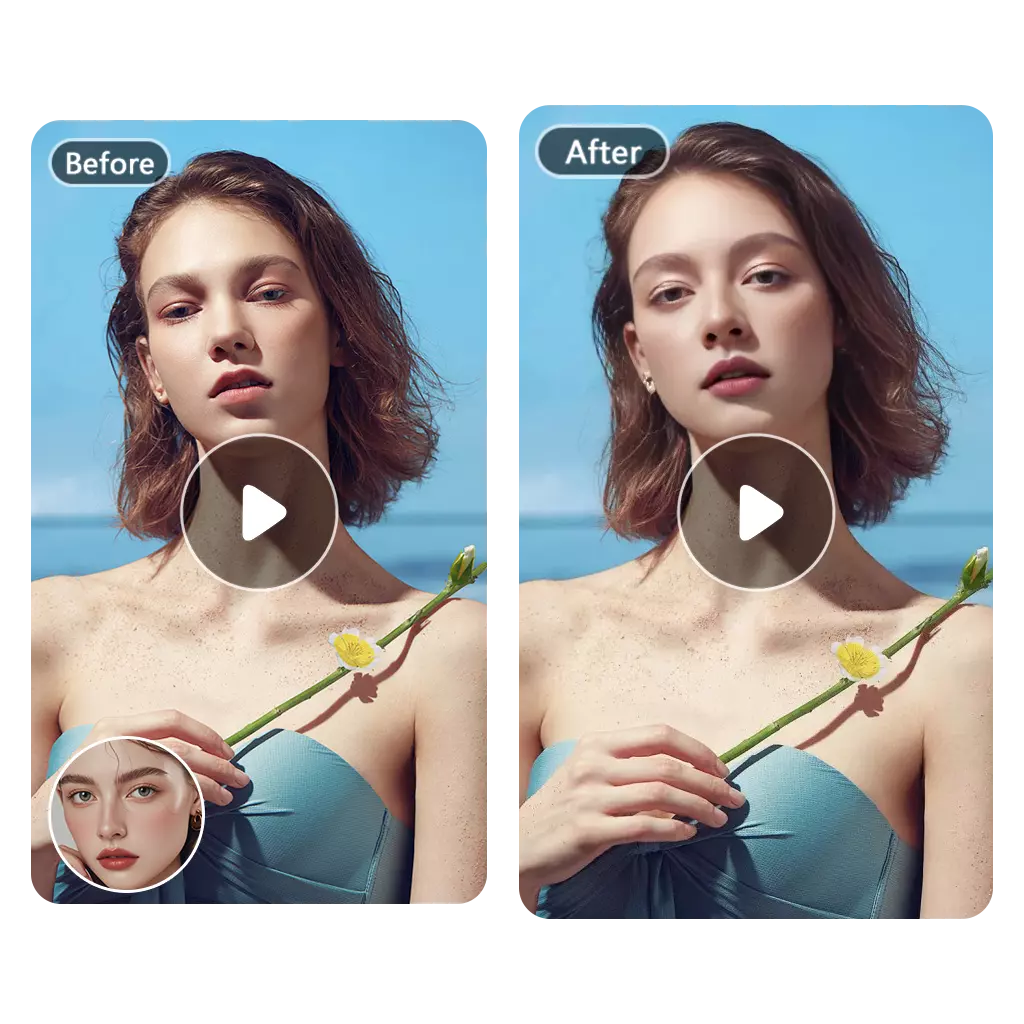
Free AI Video Face Swap Online
AI video face swap online, free to try and without an account. Upload an MP4, MOV or WebM clip up to 500 MB, select the face to replace and add the new face; Face AI tracks the head through turns, blinks and camera movement so the swap stays consistent for the full clip. Free Quota covers clips up to 5 seconds; Credits unlock 30-second, 60-second and longer videos up to 30 minutes, 1080p or 4K output and watermark-free downloads.
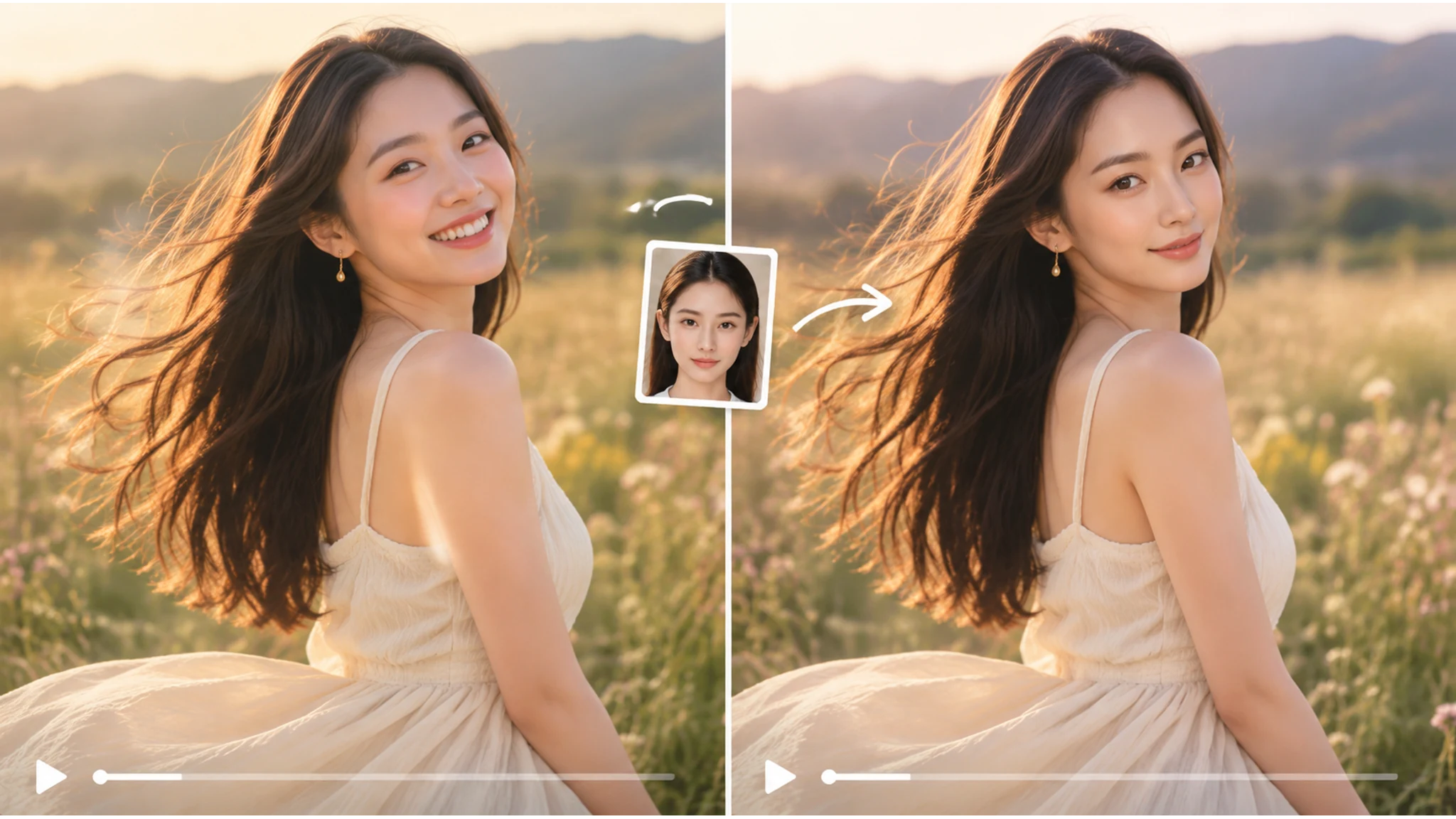
How to Swap a Face in a Video
Three steps, one face at a time. The first test is intentionally short so you can see how the tracker handles the angle before committing to a longer clip.
Upload your clip
Upload an MP4, MOV, or WebM clip. Short clips with one clear face are easiest.
Pick the face
Use a sharp portrait with even light. Avoid sunglasses and heavy shadows.
Swap and download
Check the result frame by frame. If the face drifts, try a shorter clip or a clearer source.
What You Can Do with Video Face Swap
The clip does not have to be perfect to be funny. A close take, one visible face, and a few seconds are enough to test the idea before you spend Credits on a longer version.
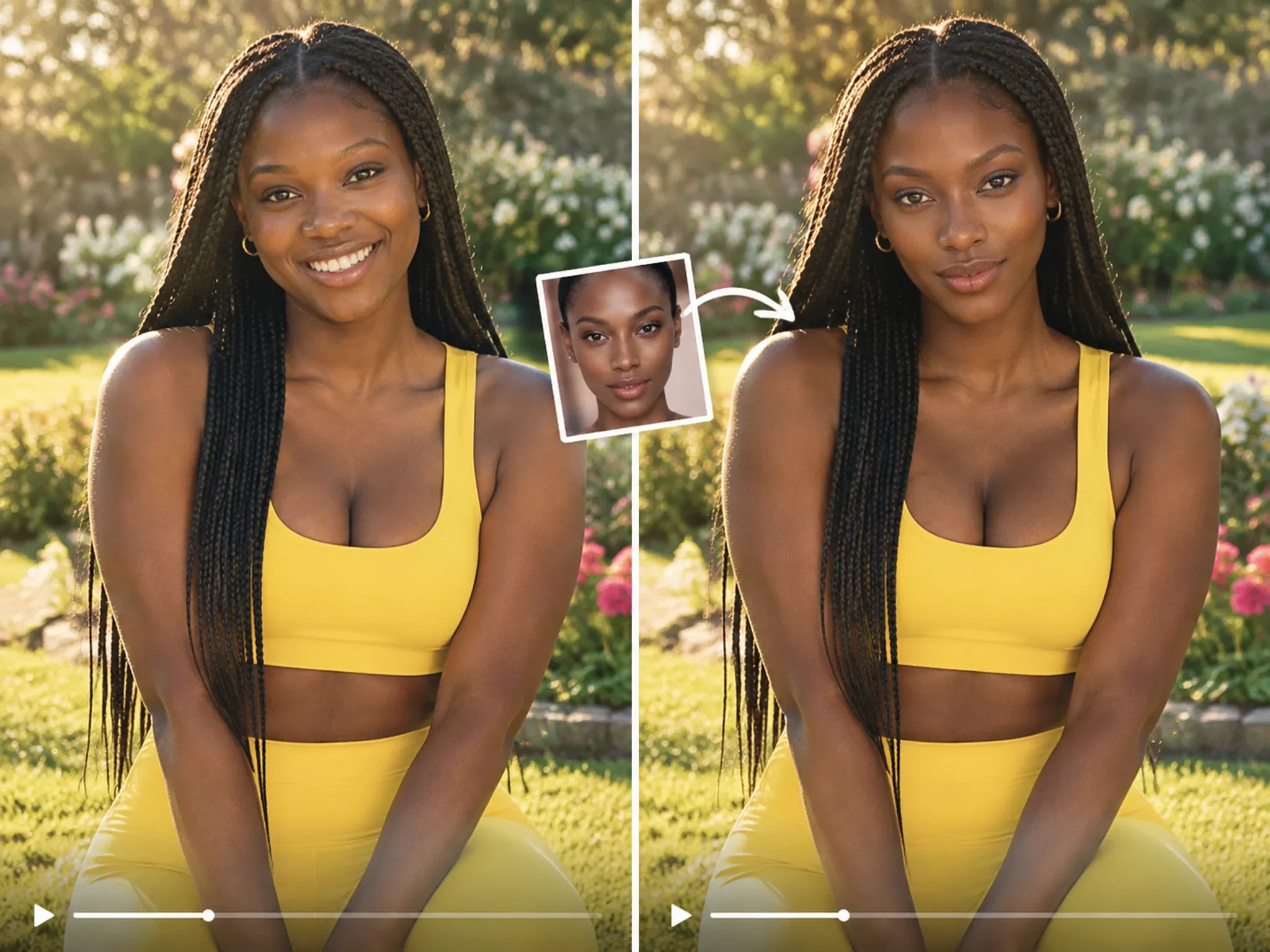
The move is easy. The face is the hard part.
Learning the steps takes ten minutes, but keeping a face locked through a spin is where most dance clips fall apart. Shoot the closer take, keep the head inside the frame, and accept that the wide shot is going to be soft; a short, clear clip will always look better than a long one where the face is barely visible.
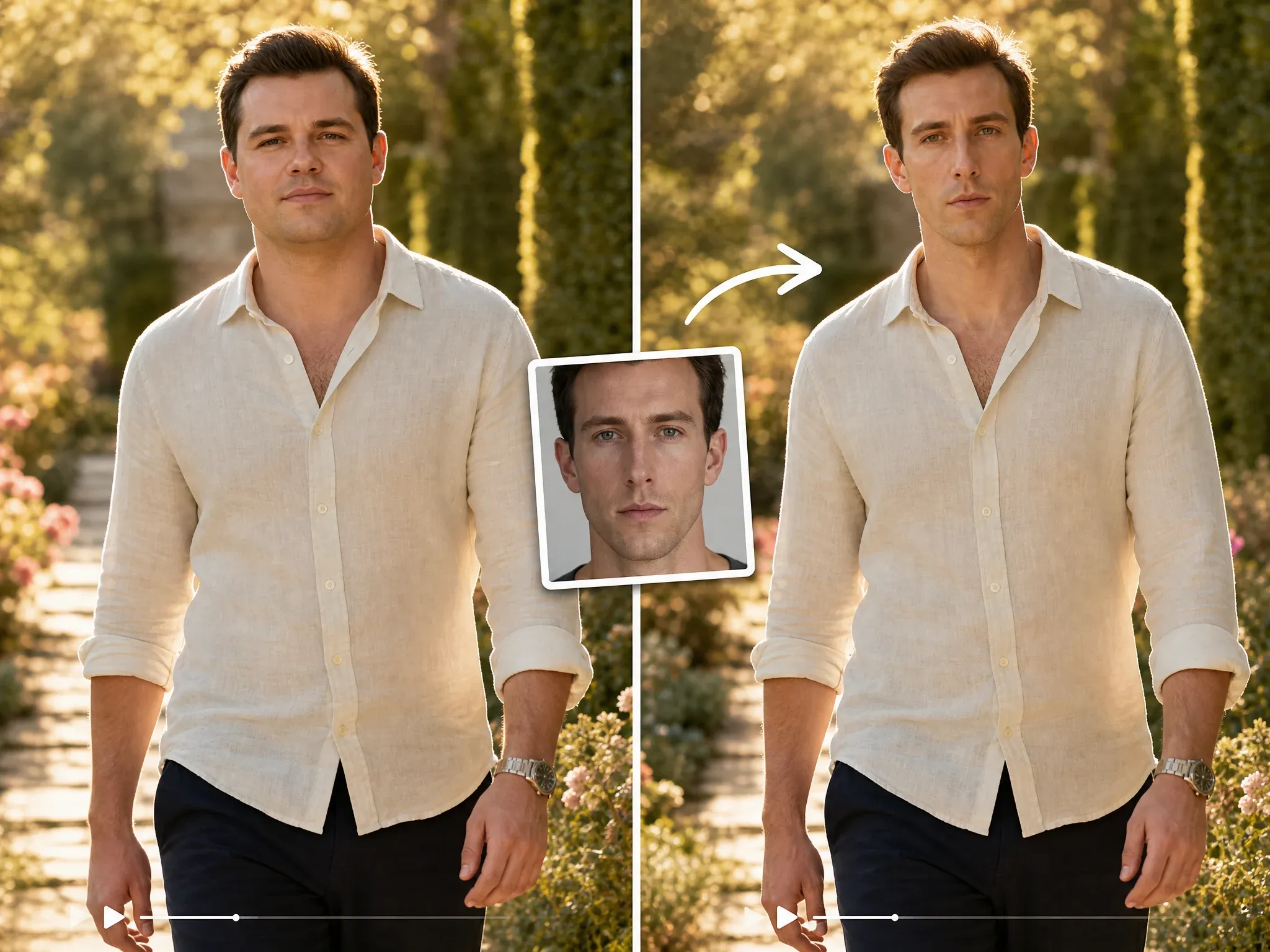
You have done the impression for years
Your De Niro impression is solid, and the group chat has heard it enough times to know the timing. Put it into the actual scene, but keep the clip under five seconds, because the joke lands best before anyone gets tired of it, and a shorter clip also gives the face tracker less time to drift.
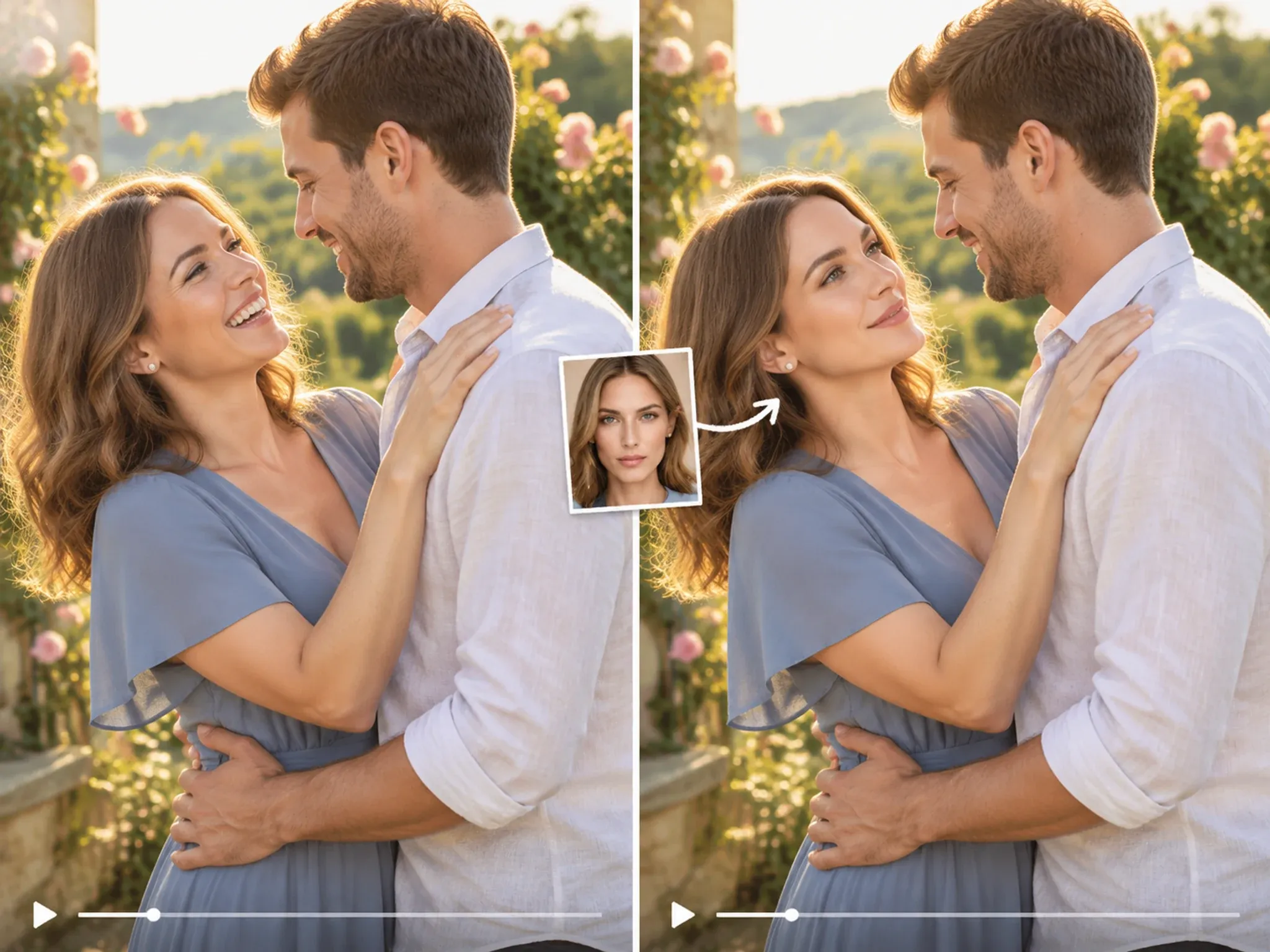
The first dance, minus the blink
The first dance was the shot everyone wanted, and one face was caught mid-blink when the camera found them. Swap in the face from the take where they are actually looking at each other, keep the music and the guests in the background, and the clip finally matches the memory. The audio does not change; only the face does.
Why People Use This Video Face Swap
Video face swap quality is decided frame by frame. These are the capabilities that keep the result stable when the camera, the subject or the lighting changes.
Head tracking across every frame
The swap follows head turns, blinks and camera movement instead of locking to a single position, which prevents the drifting, sticker-like result common in one-frame tools.
5 seconds free, 30 minutes with Credits
Test the full workflow on a free clip up to 5 seconds. Credits extend videos to 30 minutes and 500 MB when the concept is ready for production.
1080p and 4K export
Paid exports render at 1080p or 4K, ready to publish without cropping or a second encoding pass.
Browser-based, no timeline
Everything runs online. There is no editor to install, no plugin and no export preset to configure.
Three More Ways People Use It
The same workflow works for ads, team clips, and reaction videos. The source clip changes; the steps do not.
Same script, different market
Swap the model’s face in an existing ad and you have a localized version without booking another shoot day. It will not rescue a bad script, but it will save the reshoot, and the lighting stays consistent across both versions.
You were never on the team
Swap your face into the celebration clip, send it to the group, and let them decide how long to play along before someone points out that you were at home watching. The joke works because everyone knows it is fake.
The two-second reaction
Find the reaction clip everyone uses, swap in the friend who deserves it, and send it with no caption. The clip is short enough to loop without wearing out, and specific enough that the chat knows exactly who it is for.
How Face AI Compares
A practical comparison between a browser-based video face swap tool and a paid video editor, measured on clip length, resolution, watermarking and setup time.
| Criteria | Face AIOurs | Other Tools |
|---|---|---|
| Price | Free 5-second clips; Credits for longer videos | Subscription or pay-per-second |
| Sign-up | No account to try | Account required |
| Watermark | Free Quota adds a small mark; Credits remove it | Logo on the free result |
| Max length | 30 minutes with Credits | 5 to 60 seconds |
| Output | 1080p or 4K | 720p or lower |
| Formats | MP4, MOV, WebM | MP4 only |
Price
Free 5-second clips; Credits for longer videos
Subscription or pay-per-second
Sign-up
No account to try
Account required
Watermark
Free Quota adds a small mark; Credits remove it
Logo on the free result
Max length
30 minutes with Credits
5 to 60 seconds
Output
1080p or 4K
720p or lower
Formats
MP4, MOV, WebM
MP4 only
What People Say After the First Clip
Feedback from social, performance and creative teams using video face swaps in short-form content and client deliverables.
"We used it for a campaign mockup where the creator could not fly in. The face held up in the final still, and the client approved it without asking for a reshoot."

Camila Lopez
Influencer Partnerships Lead
"The useful part is the boring part: upload, map the faces, download. No timeline, no plugins, no explanations for the rest of the team."

Sofia Martinez
Head of Brand Social
"I tested it on an old group photo where one person had their eyes closed. The fix looked natural enough that nobody in the family noticed it was edited."

Gabriela Diaz
Digital Content Director
"For reaction content, speed matters more than perfection. A short clip with one clear face gives us something postable while the idea is still fresh."

Isabella Rodriguez
Social Media Director
"We localize ad creatives for different markets. Swapping a face in an existing shot is faster than booking another shoot day, and the lighting stays consistent."

Marcus Johnson
Performance Marketing Manager
"I like that the limits are stated up front. Five free seconds, a file size cap, and a clear watermark rule are easier to work with than vague promises."

Aisha Jackson
Client Success Director
"We used it for a campaign mockup where the creator could not fly in. The face held up in the final still, and the client approved it without asking for a reshoot."
Camila Lopez
Influencer Partnerships Lead
"The useful part is the boring part: upload, map the faces, download. No timeline, no plugins, no explanations for the rest of the team."
Sofia Martinez
Head of Brand Social
"I tested it on an old group photo where one person had their eyes closed. The fix looked natural enough that nobody in the family noticed it was edited."
Gabriela Diaz
Digital Content Director
"For reaction content, speed matters more than perfection. A short clip with one clear face gives us something postable while the idea is still fresh."
Isabella Rodriguez
Social Media Director
"We localize ad creatives for different markets. Swapping a face in an existing shot is faster than booking another shoot day, and the lighting stays consistent."
Marcus Johnson
Performance Marketing Manager
"I like that the limits are stated up front. Five free seconds, a file size cap, and a clear watermark rule are easier to work with than vague promises."
Aisha Jackson
Client Success Director
"Our team keeps a folder of approved portraits. When a launch needs a quick visual, we can put a real face into a scene without opening Photoshop."

Priya Sharma
Product Marketing Manager
"We used it for a campaign mockup where the creator could not fly in. The face held up in the final still, and the client approved it without asking for a reshoot."
Camila Lopez
Influencer Partnerships Lead
"The useful part is the boring part: upload, map the faces, download. No timeline, no plugins, no explanations for the rest of the team."
Sofia Martinez
Head of Brand Social
"I tested it on an old group photo where one person had their eyes closed. The fix looked natural enough that nobody in the family noticed it was edited."
Gabriela Diaz
Digital Content Director
"For reaction content, speed matters more than perfection. A short clip with one clear face gives us something postable while the idea is still fresh."
Isabella Rodriguez
Social Media Director
"We localize ad creatives for different markets. Swapping a face in an existing shot is faster than booking another shoot day, and the lighting stays consistent."
Marcus Johnson
Performance Marketing Manager
"I like that the limits are stated up front. Five free seconds, a file size cap, and a clear watermark rule are easier to work with than vague promises."
Aisha Jackson
Client Success Director
"Our team keeps a folder of approved portraits. When a launch needs a quick visual, we can put a real face into a scene without opening Photoshop."
Priya Sharma
Product Marketing Manager
"The free preview is enough to judge whether the idea works. We only move to Credits when the clip is ready for a paid channel."

Arjun Patel
Head of Growth
"Most tools give you one hard-edged result and call it a day. Here the better workflow is to try a clearer portrait, then keep the version that still looks like the person."

James Whitfield
Creative Director
"A group shot with one fixed face and five untouched ones looks like a mistake. Mapping every person in the same pass is what makes the final image believable."

Marco Rossi
Head of Strategy
"We use face swaps for internal concept boards, not for final product claims. As a fast visual reference, it saves a surprising amount of back-and-forth."

Mei Chen
E-commerce Director
"The mobile browser workflow is the reason I kept using it. I can test an idea on my phone and send the result to the team before I get back to my desk."

Yuki Tanaka
Head of Marketplace Operations
"Short GIF loops are the hardest format to keep clean. Slower loops and a larger face give the most consistent frames in my experience."

Aaliyah Williams
Digital Marketing Director
"I treat it as a sketch tool. It gets me a believable face in the right scene, and then I decide whether the concept deserves a full production."

Lars Andersson
Art Director
"The free preview is enough to judge whether the idea works. We only move to Credits when the clip is ready for a paid channel."
Arjun Patel
Head of Growth
"Most tools give you one hard-edged result and call it a day. Here the better workflow is to try a clearer portrait, then keep the version that still looks like the person."
James Whitfield
Creative Director
"A group shot with one fixed face and five untouched ones looks like a mistake. Mapping every person in the same pass is what makes the final image believable."
Marco Rossi
Head of Strategy
"We use face swaps for internal concept boards, not for final product claims. As a fast visual reference, it saves a surprising amount of back-and-forth."
Mei Chen
E-commerce Director
"The mobile browser workflow is the reason I kept using it. I can test an idea on my phone and send the result to the team before I get back to my desk."
Yuki Tanaka
Head of Marketplace Operations
"Short GIF loops are the hardest format to keep clean. Slower loops and a larger face give the most consistent frames in my experience."
Aaliyah Williams
Digital Marketing Director
"I treat it as a sketch tool. It gets me a believable face in the right scene, and then I decide whether the concept deserves a full production."
Lars Andersson
Art Director
Explore More Face AI Tools
Continue from video face swap into photo, GIF, and multi-face workflows.
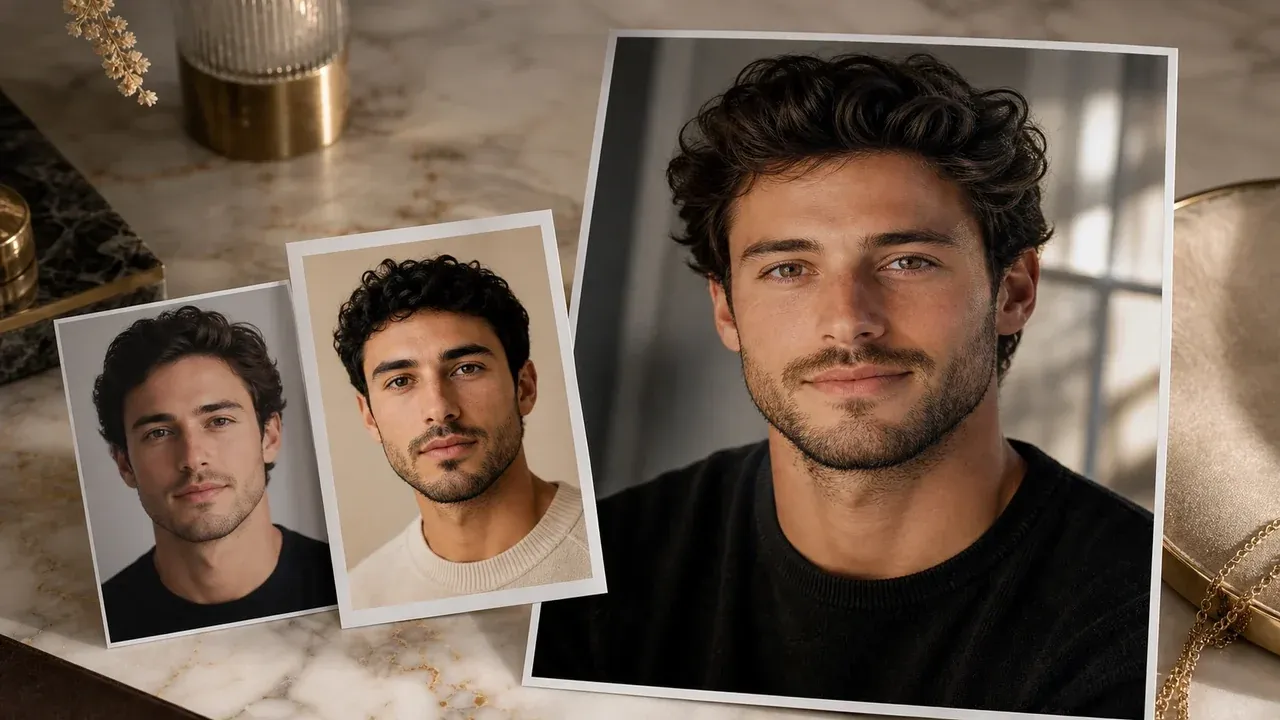
Photo Face Swap
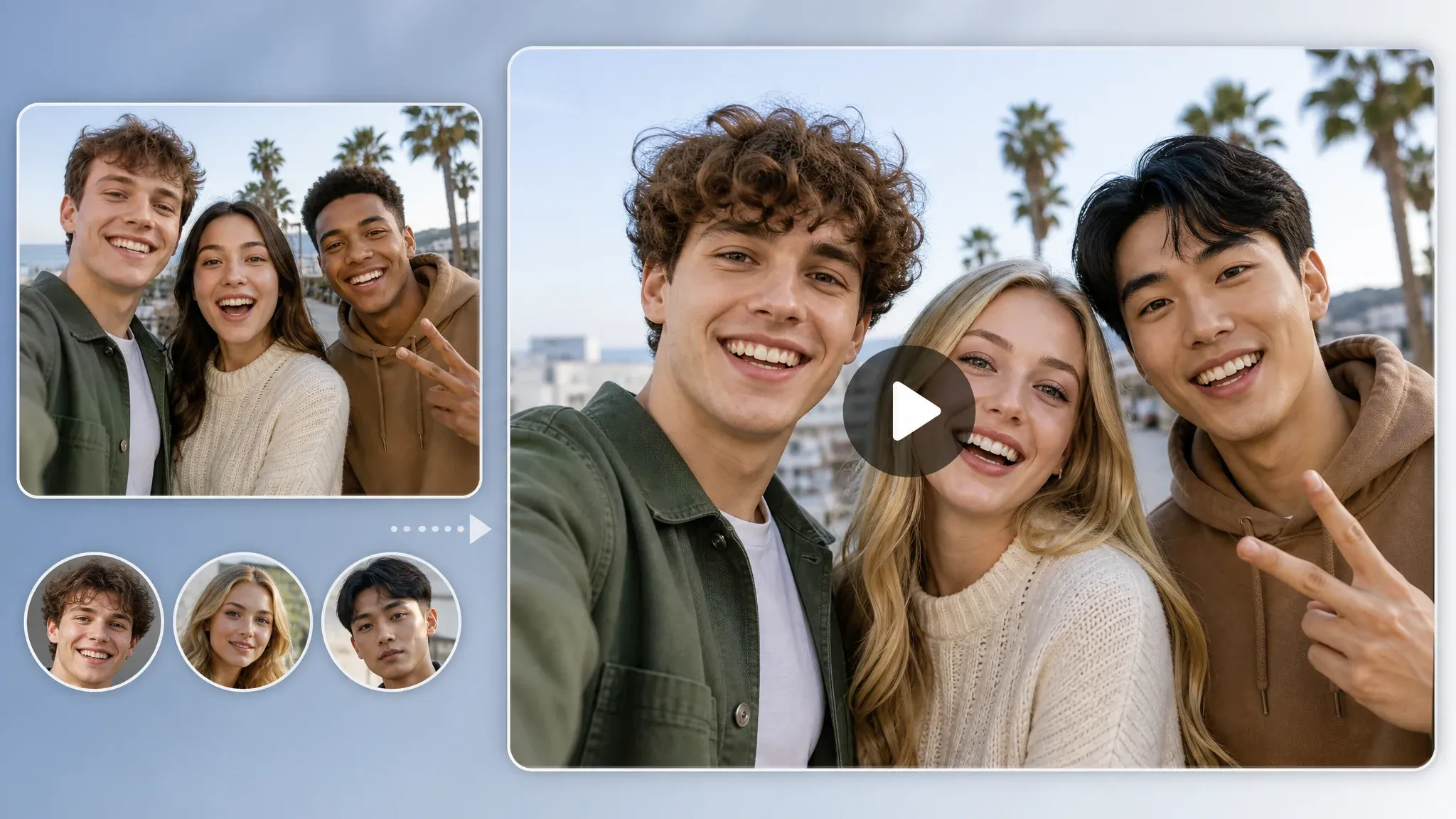
Multiple Face Swap Video
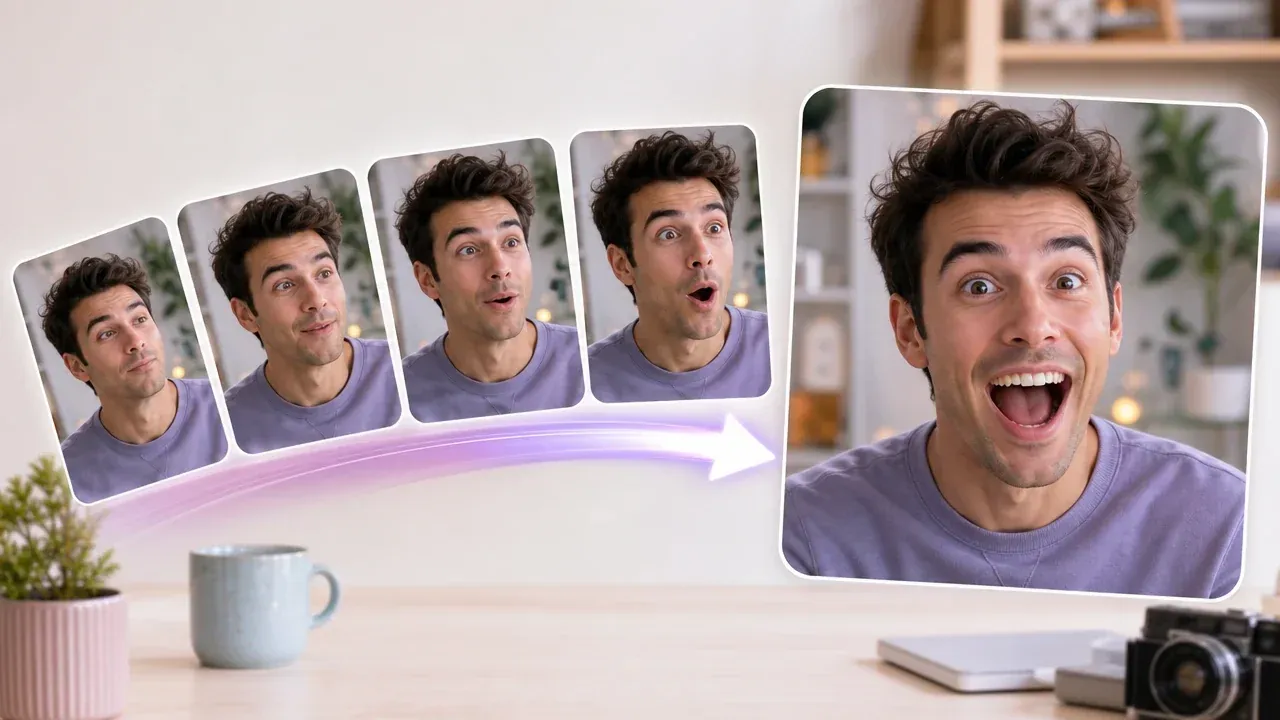
GIF Face Swap
AI Character Generator
Create consistent characters from a text prompt or reference portrait.
AI Music Generator
Generate an original track from a text prompt for videos and social posts.
AI Kissing Generator
Turn two portraits or a couple photo into a short kissing video.
Video Face Swap Questions
Answers on supported formats, clip length, processing, watermarks and Free Quota limits.
An AI face swap video is a clip where one face is replaced with another. Face AI tracks the head across frames, so the result holds up through turns and blinks. Some people write it as video faceswap.
No. Face AI is a video face swapper that runs in the browser, so there is no app to install.
A face swap is an edit. A deepfake usually means a realistic fake made to deceive. Use face swaps for fun and creative work, not impersonation.
MP4, MOV, and WebM. MP4 is the safest choice.
Up to 30 minutes and 500 MB with Credits. Free clips are capped at 5 seconds.
Yes. Use the multiple face swap video tool for up to 10 faces in the same clip.
Yes. It runs in the browser on iPhone and Android. A shorter clip is easier on older phones.
Yes. You can try a free face swap video with a clip up to five seconds. Longer videos use Credits.
Free Quota results include a small watermark. Credits give you a video without a watermark.
Short clips are usually ready in a few minutes. Longer videos take more time, especially with several faces.
A clear face, even lighting, and a clip where the head does not turn away for too long. Avoid fast motion blur and hands covering the face.
Use your own footage or get permission from everyone in the clip. Do not use it to impersonate someone or make deceptive content.
Uploads are used only for the swap and are not kept as a public gallery. Download the result when it is ready.
Swap a face in your video
Upload a clip up to 500 MB, pick the face, and download a clean 1080p or 4K result.