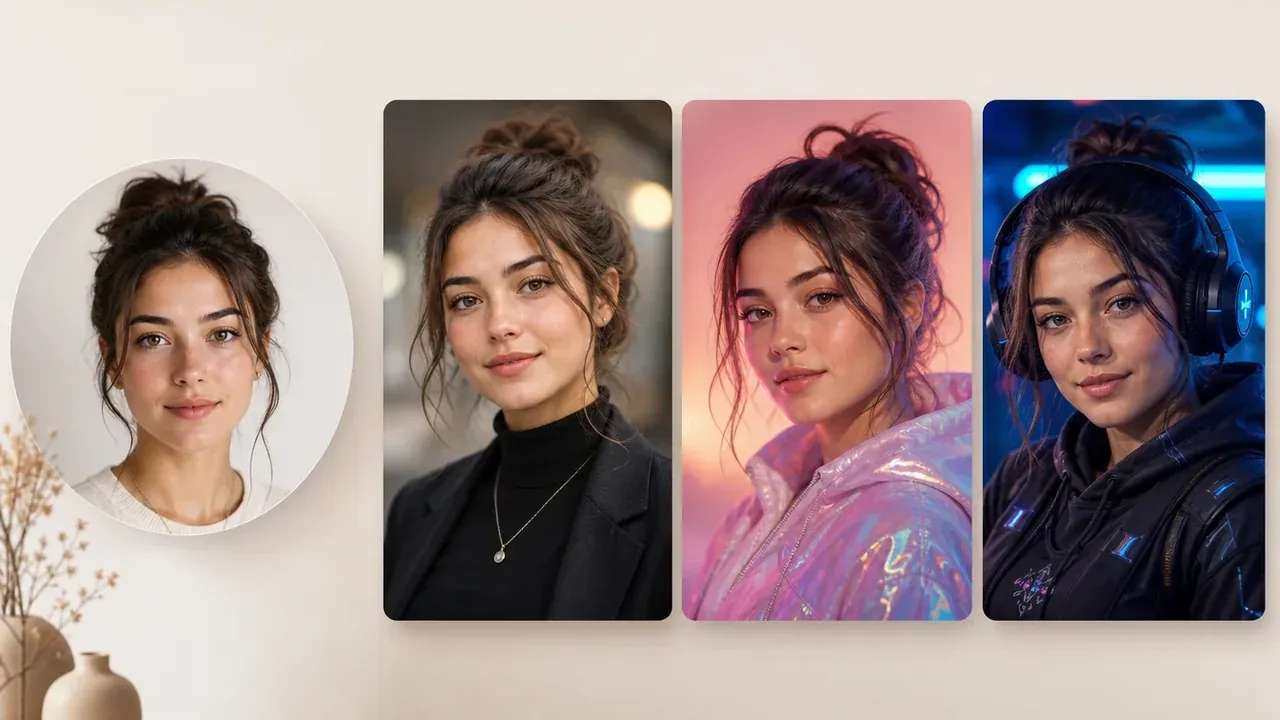
Starting point
Ours
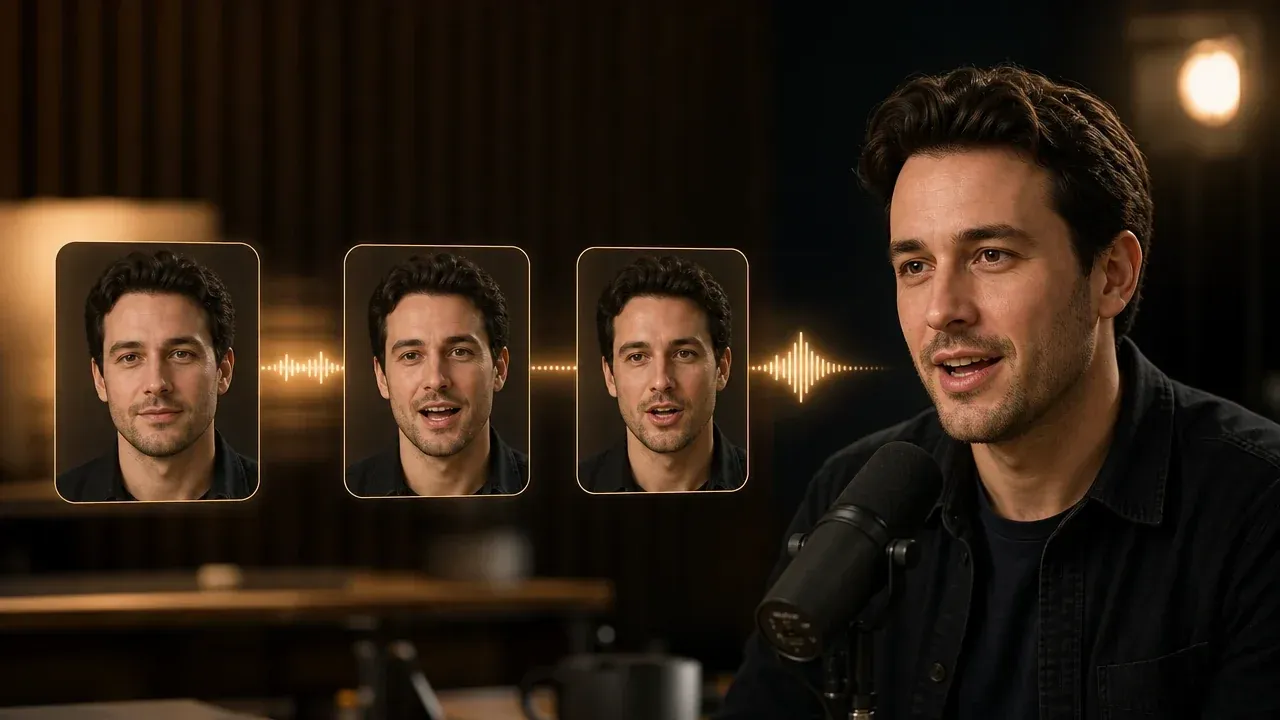
One clear portrait plus text or audio.
Other workflows
Avatar studios may require reusable identity setup, avatar libraries, or multiple reference images.
Upload portrait
Add speech
Write the text the portrait should say.
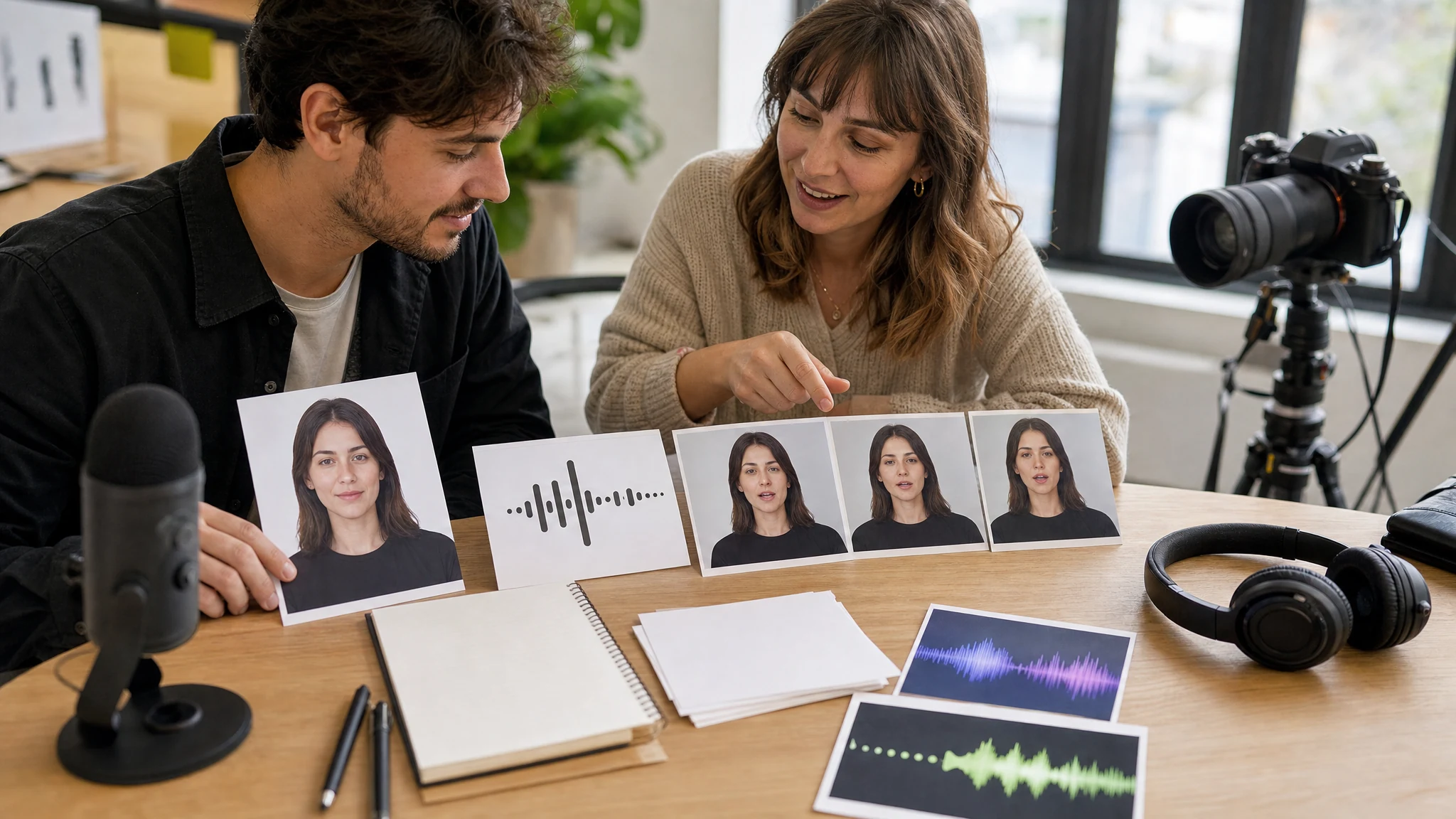
Turn one clear portrait into a short talking avatar draft. Upload the face photo, add a short script or audio, choose a voice, and generate a speaking video you can review before a larger shoot or avatar workflow.
Trusted by 12,000,000+ users worldwide.
Keep the first pass short so the face, voice, and mouth movement are easy to judge.
Choose a front-facing image with open eyes, visible mouth, and permission to use the person or character.
Type a compact script, upload audio, or record a short line when the exact delivery matters.
Compare the result in local history, then download the clip or move it into a broader video workflow.
Use the workflow for short presenter-style drafts from a single approved portrait.
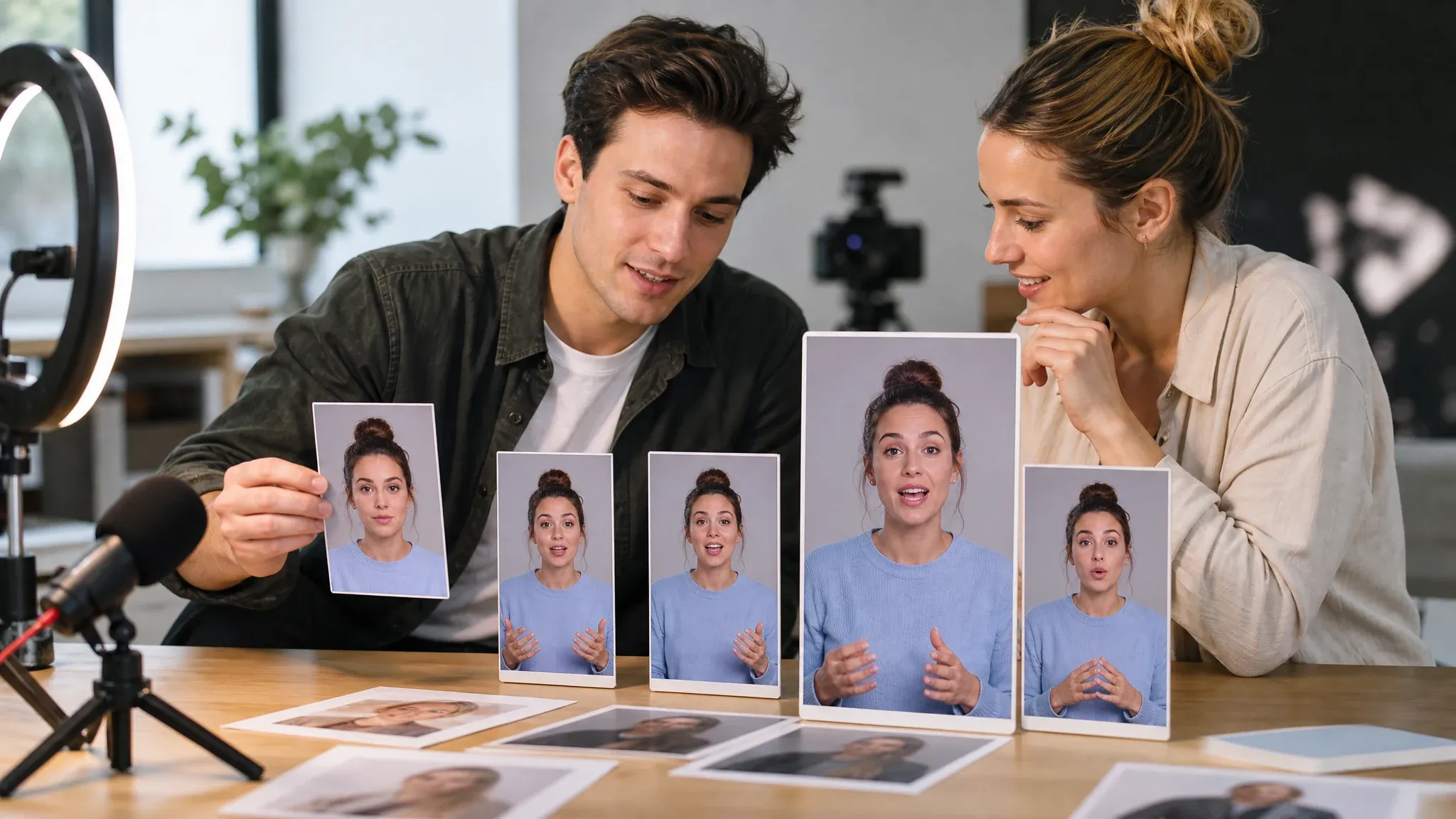
Test a creator or ambassador line before booking a full recording session.
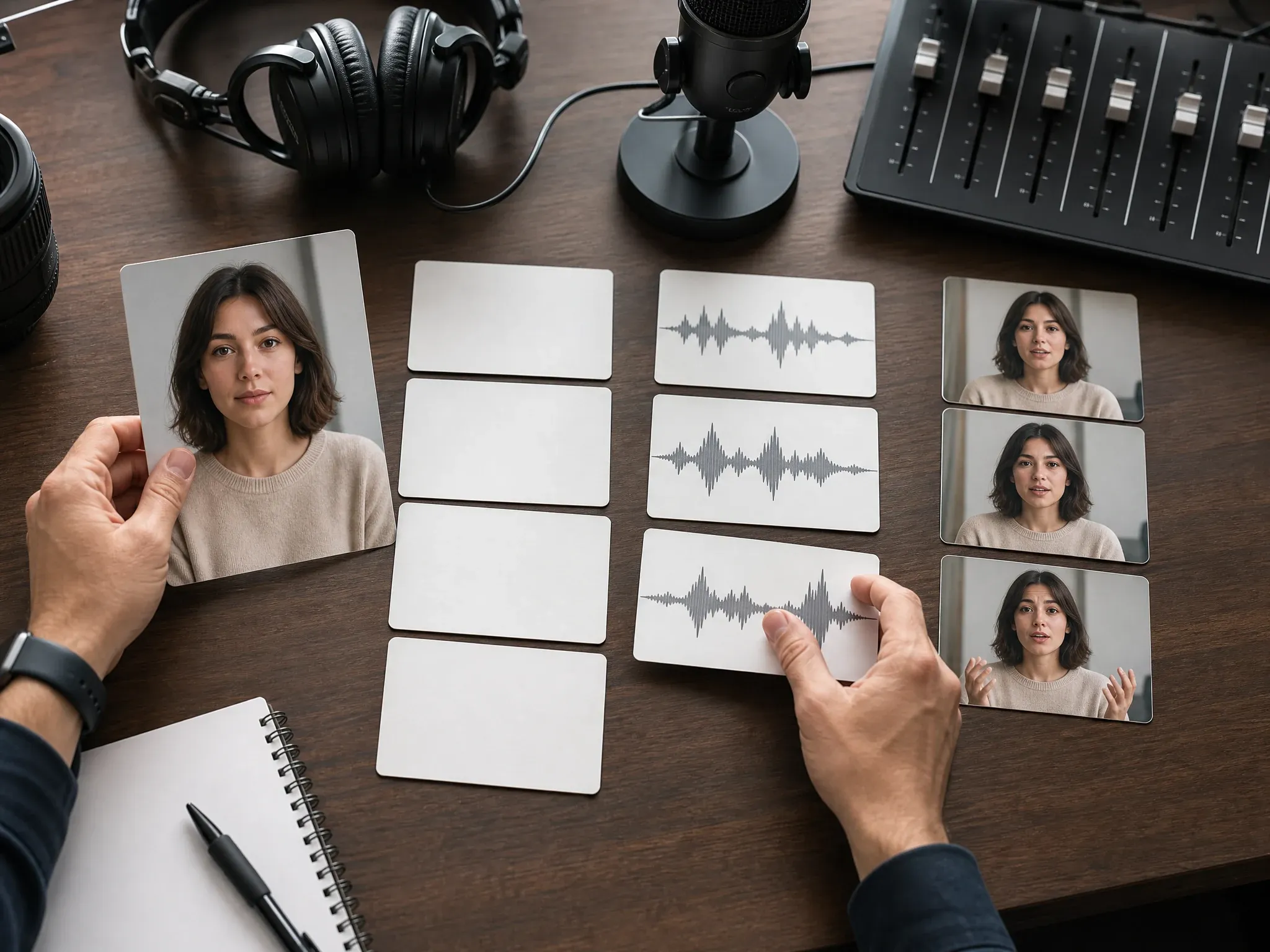
Try a spoken hook on a still portrait before choosing a narrator, pacing, or final delivery.
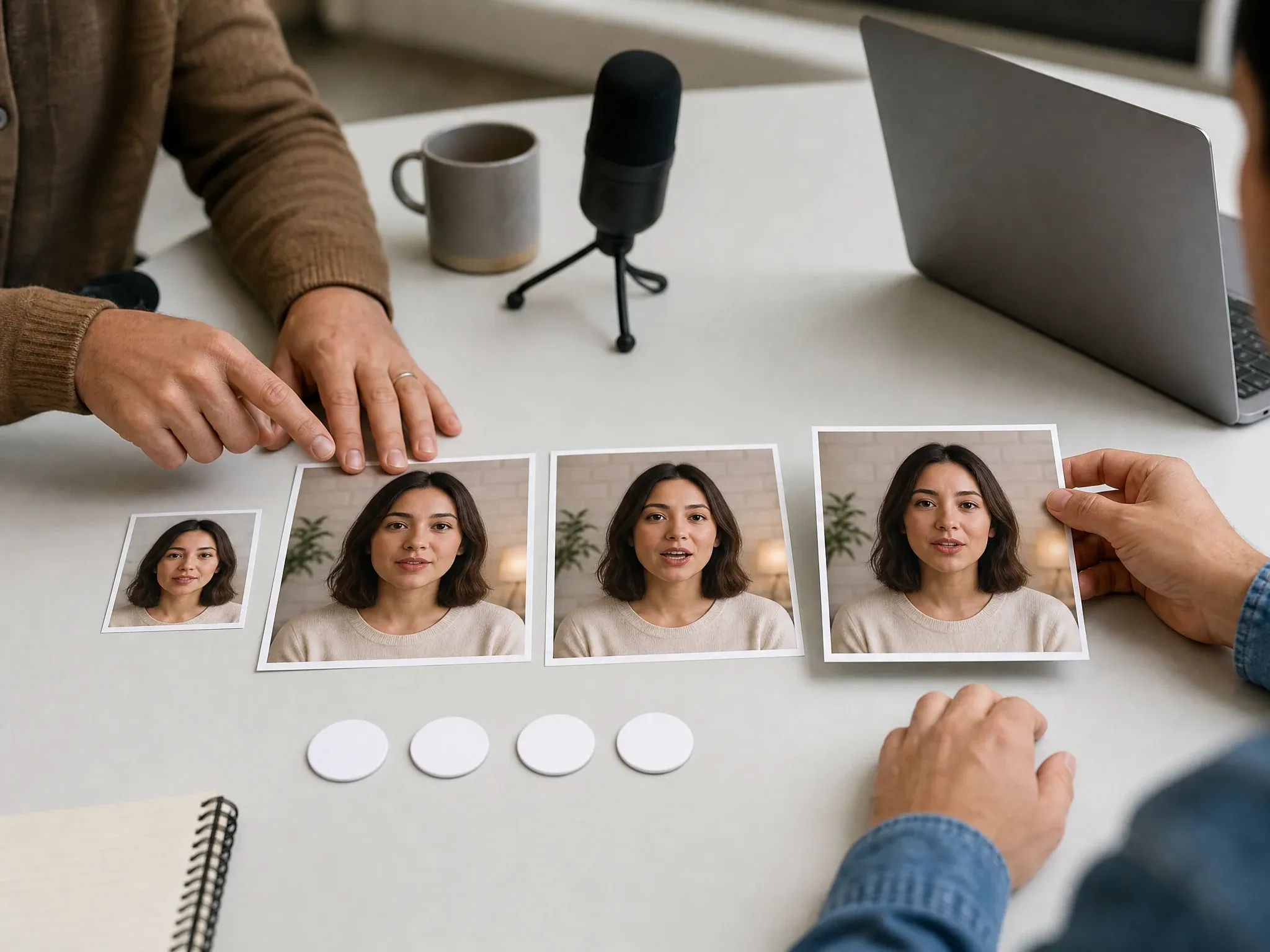
Compare the mouth movement, expression, and timing before downloading the clip or improving the video.
It turns one still portrait into a short talking avatar video using script or audio input.
Start from one image instead of filming a person on camera.
Use typed text for fast copy review or audio when timing already matters.
Create a talking draft without claiming reusable avatar identities or studio editing.
Start with the live workbench, test the spoken hook, and keep the first result easy to judge before moving into a bigger avatar workflow.
Start with one approved face and a short message instead of setting up a full avatar studio first.
Preview, history, download, and result actions help teams compare short attempts quickly.
The page separates quick talking-photo drafts from persistent avatar libraries, style packs, and multi-scene presenter tools.
A clean portrait and short script matter more than adding more settings.
Try the photo avatar generatorAvoid covered lips, side angles, cropped chins, heavy shadows, and group photos.
A short first line reveals whether the portrait and voice fit before you spend more time.
Use portraits, voices, scripts, and audio you have permission to animate and share.
Choose the workflow based on how much avatar control you need.
| Criteria | Face AIOurs Face AI one-photo avatar draft | Other workflows |
|---|---|---|
| Starting point | One clear portrait plus text or audio. | Avatar studios may require reusable identity setup, avatar libraries, or multiple reference images. |
| Output | A short talking video draft from one portrait plus text or audio. | Full avatar suites may add scenes, captions, brand kits, or persistent personas. |
| Best use | Quick presenter intros, script tests, founder notes, and UGC mockups. | Long campaigns and multi-scene edits still need a richer editor or a real shoot. |
| Known limit | No persistent avatar library, template marketplace, or reusable digital twin claim. | Dedicated avatar platforms may support those features through additional setup and specialized workflows. |
One clear portrait plus text or audio.
Avatar studios may require reusable identity setup, avatar libraries, or multiple reference images.
A short talking video draft from one portrait plus text or audio.
Full avatar suites may add scenes, captions, brand kits, or persistent personas.
Quick presenter intros, script tests, founder notes, and UGC mockups.
Long campaigns and multi-scene edits still need a richer editor or a real shoot.
No persistent avatar library, template marketplace, or reusable digital twin claim.
Dedicated avatar platforms may support those features through additional setup and specialized workflows.
Teams use the page to test face-led scripts before larger production decisions.
"A clear portrait and one short line make the first review simple. We can tell quickly whether the idea deserves a full video."

Camila Lopez
Influencer Partnerships Lead
"The page is useful when the team already has the face photo but the spoken hook is still changing."

Sofia Martinez
Head of Brand Social
"Keeping the first script compact helps. Long lines make it harder to judge the mouth movement and pacing."

Anya Ramos
Influencer Partnerships Director
"We treat the result as a talking-avatar proof, then decide whether the concept needs a richer creator workflow."

Putri Handayani
KOL Marketing Manager
"Portrait in, short line out. That is the draft loop we need before asking a creator to record."

Linh Nguyen
Head of Creator Relations
"Text-to-speech is enough for early copy checks. Uploaded audio comes later when the timing is approved."

Nhi Pham
Influencer Marketing Manager
"A clear portrait and one short line make the first review simple. We can tell quickly whether the idea deserves a full video."
Camila Lopez
Influencer Partnerships Lead
"The page is useful when the team already has the face photo but the spoken hook is still changing."
Sofia Martinez
Head of Brand Social
"Keeping the first script compact helps. Long lines make it harder to judge the mouth movement and pacing."
Anya Ramos
Influencer Partnerships Director
"We treat the result as a talking-avatar proof, then decide whether the concept needs a richer creator workflow."
Putri Handayani
KOL Marketing Manager
"Portrait in, short line out. That is the draft loop we need before asking a creator to record."
Linh Nguyen
Head of Creator Relations
"Text-to-speech is enough for early copy checks. Uploaded audio comes later when the timing is approved."
Nhi Pham
Influencer Marketing Manager
"Most avatar pages overpromise studio control. This one stays useful because it focuses on one portrait, one message, and one reviewable clip."

Sebastian Cruz
Viral Content Manager
"A clear portrait and one short line make the first review simple. We can tell quickly whether the idea deserves a full video."
Camila Lopez
Influencer Partnerships Lead
"The page is useful when the team already has the face photo but the spoken hook is still changing."
Sofia Martinez
Head of Brand Social
"Keeping the first script compact helps. Long lines make it harder to judge the mouth movement and pacing."
Anya Ramos
Influencer Partnerships Director
"We treat the result as a talking-avatar proof, then decide whether the concept needs a richer creator workflow."
Putri Handayani
KOL Marketing Manager
"Portrait in, short line out. That is the draft loop we need before asking a creator to record."
Linh Nguyen
Head of Creator Relations
"Text-to-speech is enough for early copy checks. Uploaded audio comes later when the timing is approved."
Nhi Pham
Influencer Marketing Manager
"Most avatar pages overpromise studio control. This one stays useful because it focuses on one portrait, one message, and one reviewable clip."
Sebastian Cruz
Viral Content Manager
"Helpful when a community post needs a face and a voice on the same day, without pretending every avatar workflow is already solved."

Talia Hassan
Community-Led Growth Manager
"For creative review, I need to see the face, hear the line, and download the result. The page keeps that loop direct."

Kai Nakamura
Global Creative Director
"The source-photo tips are practical. A centered face and readable mouth matter more than adding another style control."

Nina Volkov
Visual Design Director
"It works best as a presenter draft for ads, intros, and explainers. If the campaign needs scenes or brand kits, we move to a bigger video workflow."

Rafael Santos
VP of Creative
"I like the consent reminder. Face and voice content needs a clear rights check before a team shares anything publicly."

Priya Chen
Creative Strategy Lead
"The related tools make sense: make a still avatar first, animate the portrait here, then enhance the clip if it is worth keeping."

Devon Park
Interactive Creative Director
"The strongest use case is fast validation. A team can test a talking face without booking talent or building a full avatar library first."

Mia Torres
Design Director
"Helpful when a community post needs a face and a voice on the same day, without pretending every avatar workflow is already solved."
Talia Hassan
Community-Led Growth Manager
"For creative review, I need to see the face, hear the line, and download the result. The page keeps that loop direct."
Kai Nakamura
Global Creative Director
"The source-photo tips are practical. A centered face and readable mouth matter more than adding another style control."
Nina Volkov
Visual Design Director
"It works best as a presenter draft for ads, intros, and explainers. If the campaign needs scenes or brand kits, we move to a bigger video workflow."
Rafael Santos
VP of Creative
"I like the consent reminder. Face and voice content needs a clear rights check before a team shares anything publicly."
Priya Chen
Creative Strategy Lead
"The related tools make sense: make a still avatar first, animate the portrait here, then enhance the clip if it is worth keeping."
Devon Park
Interactive Creative Director
"The strongest use case is fast validation. A team can test a talking face without booking talent or building a full avatar library first."
Mia Torres
Design Director
Move to a related Face AI tool when the talking-avatar draft needs a still avatar, broader scene, or cleanup pass.
Direct answers about input portraits, voices, downloads, consent, and avatar limits.
On this Face AI page, an AI photo avatar is a short talking video created from one still portrait and a script or audio input.
No. This page creates a quick talking video from one portrait. It does not create persistent avatar identities, reusable style packs, or a full presenter editor.
Use one clear front-facing portrait with the mouth visible and enough detail around the face.
Yes. Use text-to-speech for a fast draft, or upload or record audio when pacing and delivery are already decided.
Upload one clear portrait, add text or audio, choose a voice, and generate a speaking clip you can preview, compare, and download from the workbench.
Yes. Successful talking-avatar results can be previewed and downloaded from the workbench.
Use only portraits, scripts, and audio you have rights to use. Do not animate a person or voice without consent.
Use a dedicated avatar product when persistent identity, multiple reference images, styles, or brand-avatar studio controls are required.
Upload one readable portrait, add a short line or audio, and generate a talking avatar draft you can actually review.