
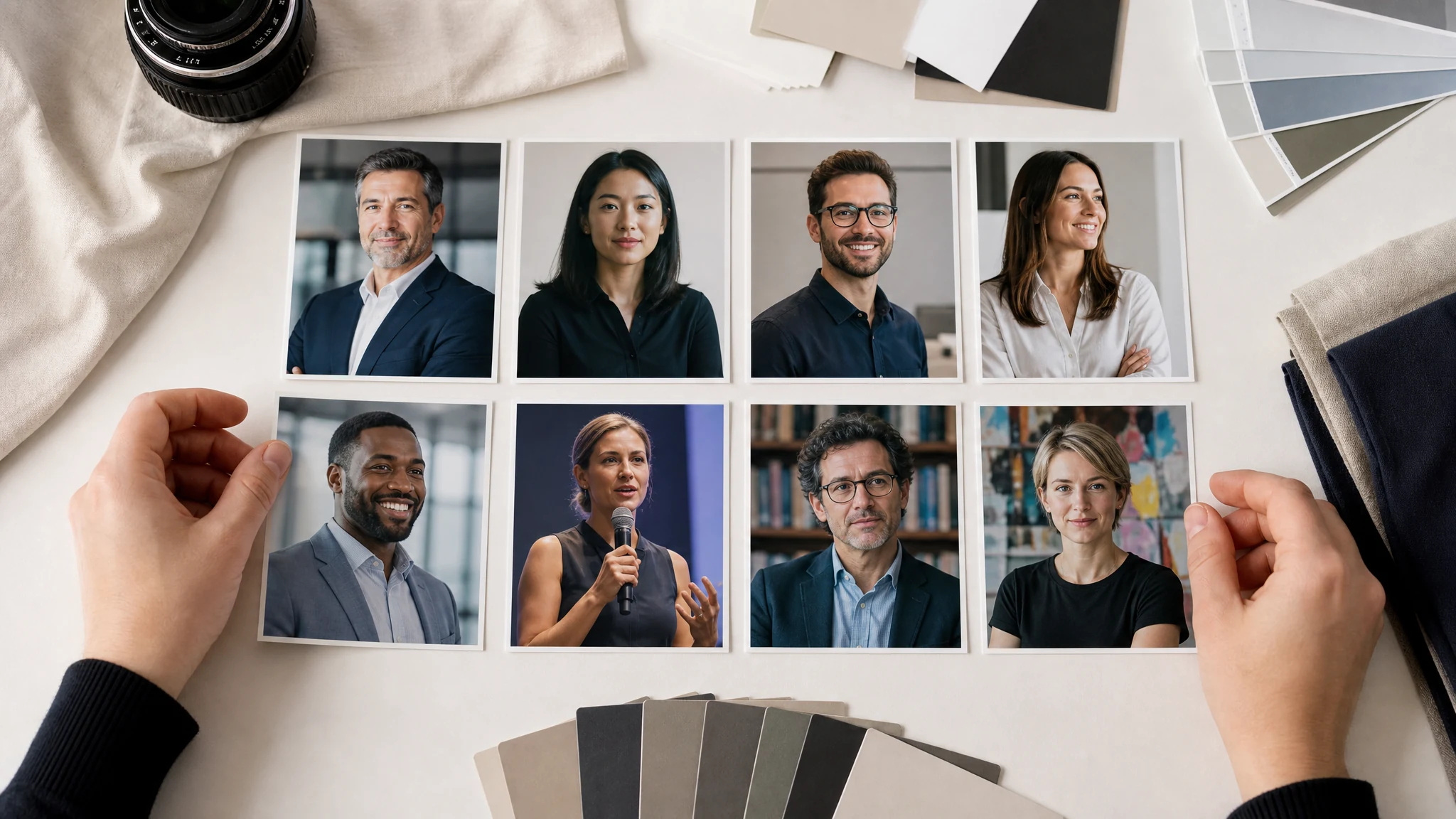
AI Business Photo Generator for LinkedIn, Resumes, and Team Profiles
Upload a clear portrait and turn it into a professional business photo for LinkedIn, resumes, CVs, company bios, founder pages, sales profiles, speaker decks, proposals, and email signatures. Choose the business use case, add a short note, generate, then download without a watermark.
Trusted by 12,000,000+ users worldwide.
How to Make an AI Business Photo Online
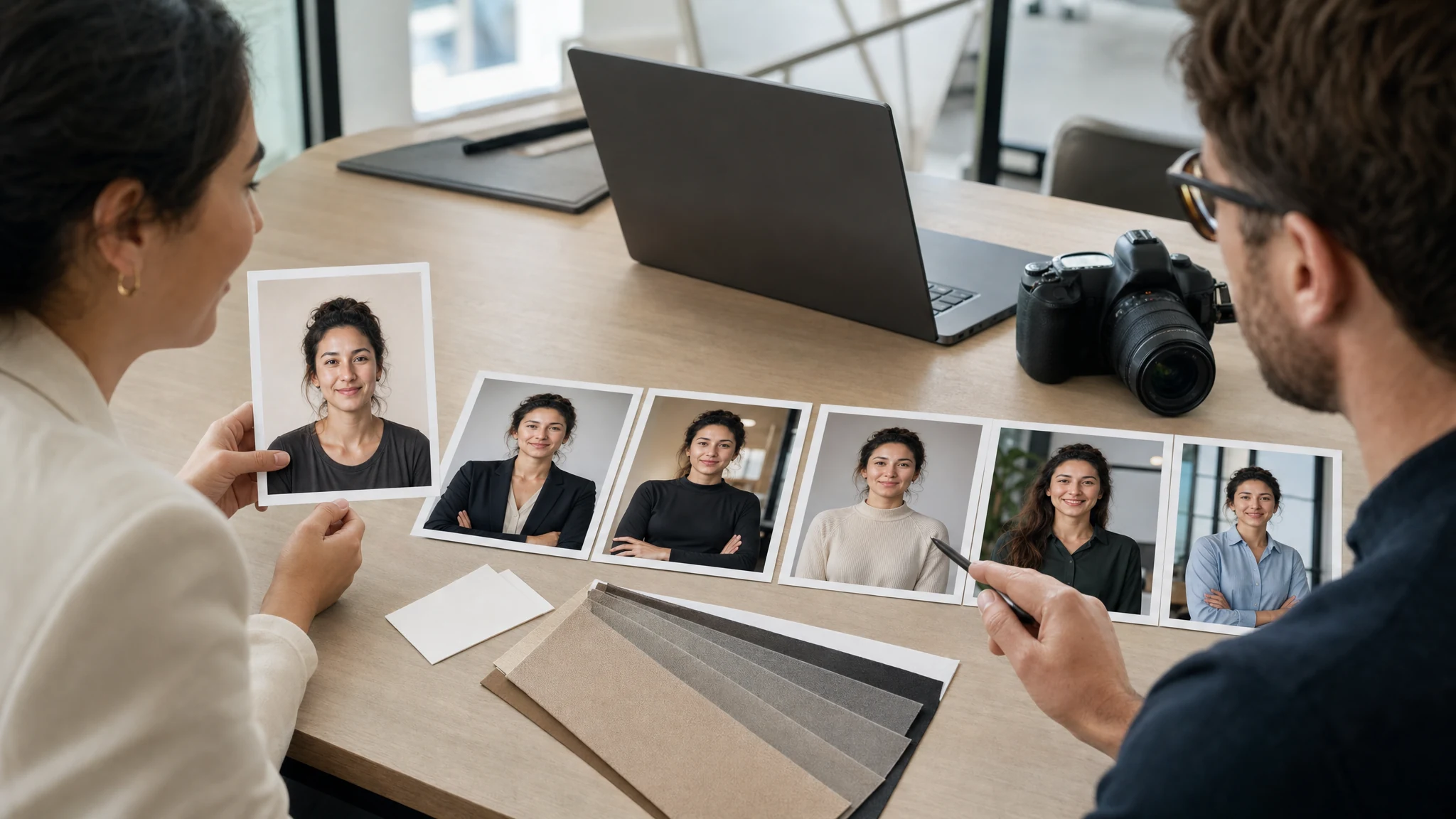
The fastest path is upload, choose the business destination, generate, then download the version that fits the profile or document.
Upload a clear portrait
Use one front-facing photo with a visible face, normal lighting, and enough room around the head and shoulders.
Choose the business style
Pick executive, LinkedIn, resume, founder, sales, speaker, academic, or creative professional before adding a short note.
Download or refine
Save the best result, compare versions in history, or send the keeper to editor, image-to-image, or upscaler for a final pass.
Business Photos You Can Create from One Portrait
Create professional business photos for LinkedIn, resumes, company bios, team pages, founder pages, sales profiles, speaker decks, proposals, and email signatures.
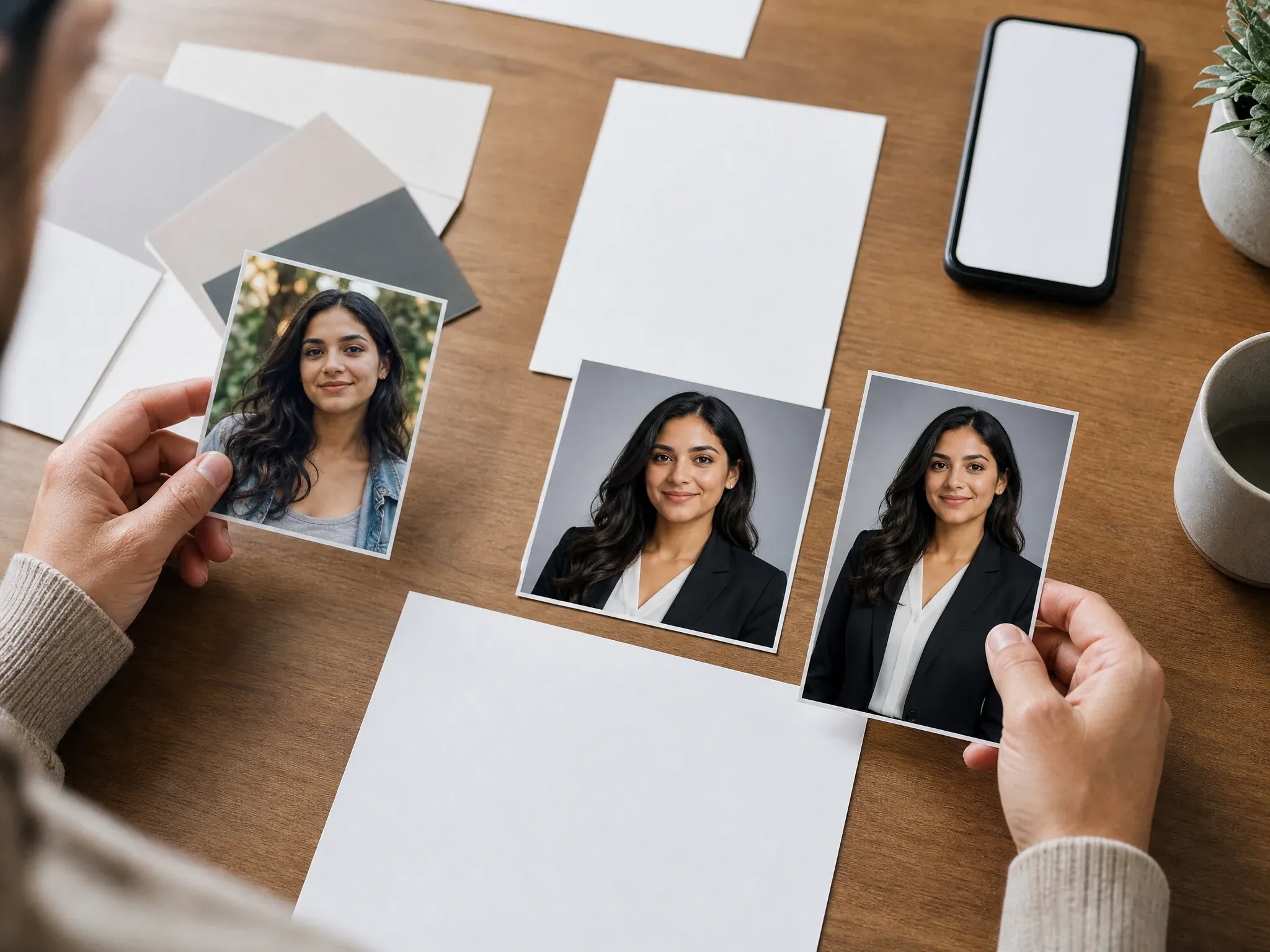
LinkedIn and resume photos
Turn a casual portrait into a clean, credible business photo for LinkedIn, resumes, CVs, recruiter pages, and work apps.
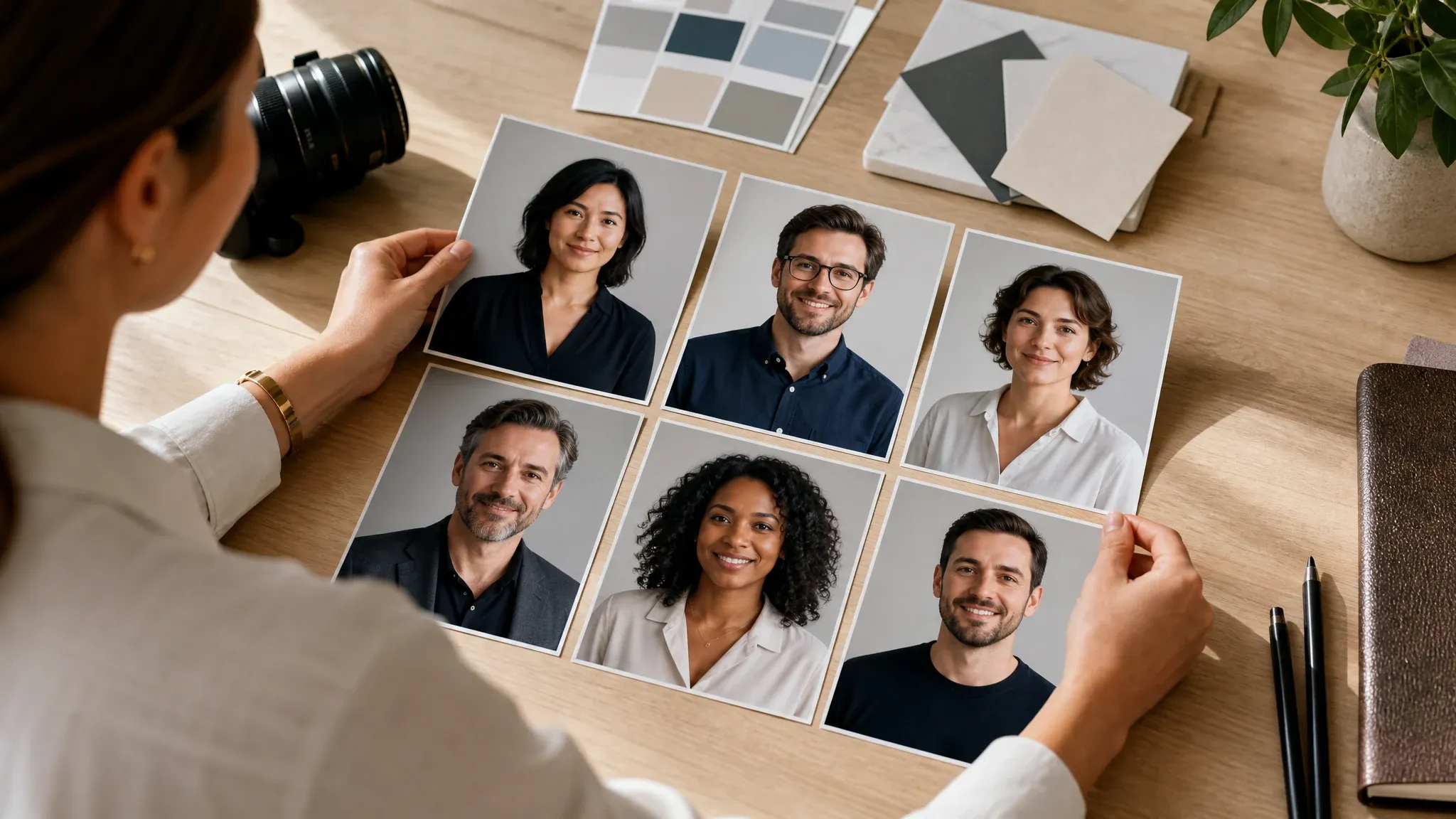
Company bio and team pages
Create consistent-looking business portraits for team cards, about pages, partner directories, and employee profiles.
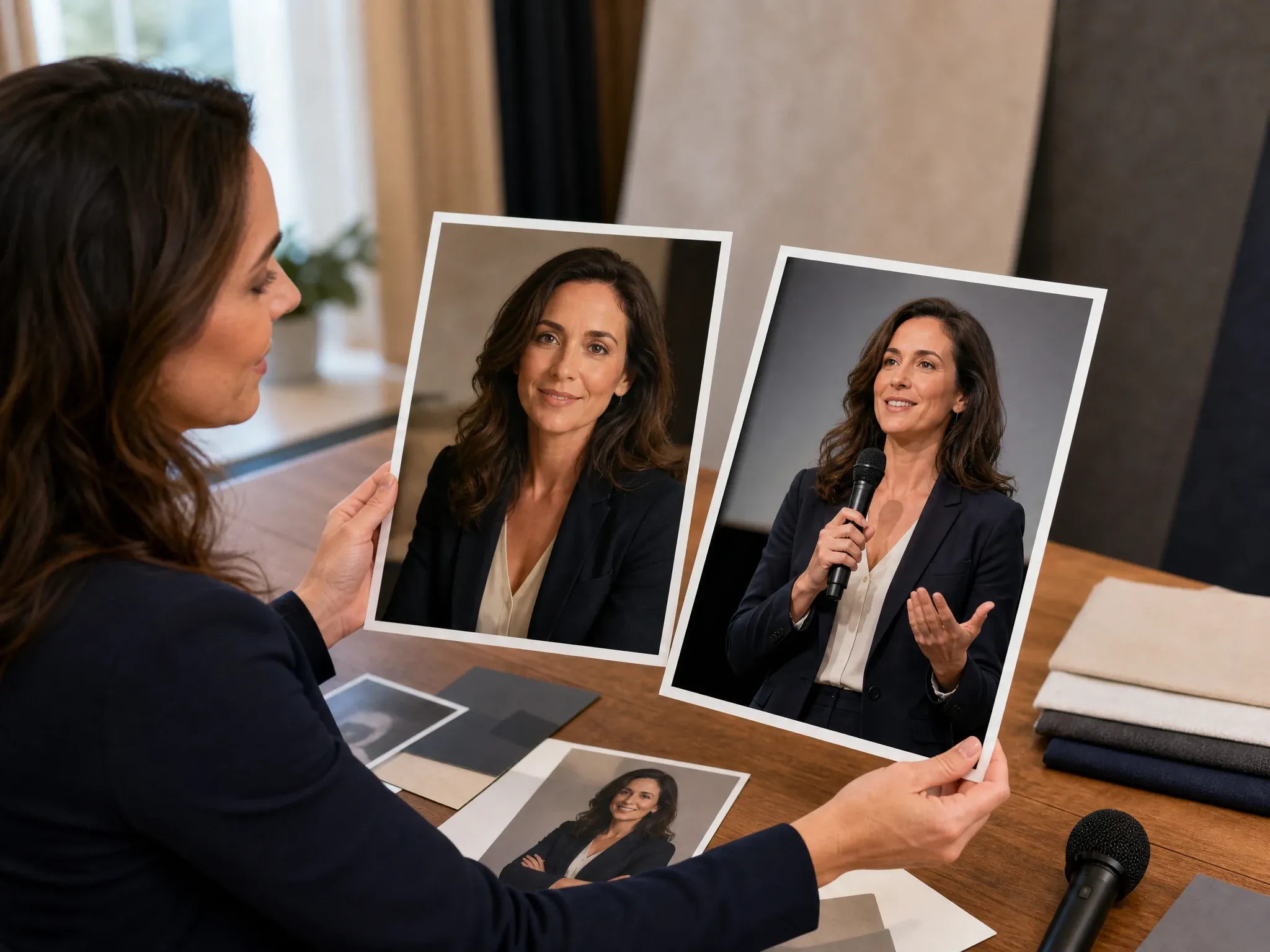
Founder and executive pages
Generate a polished portrait for founder stories, leadership pages, investor updates, pitch decks, and press kits.
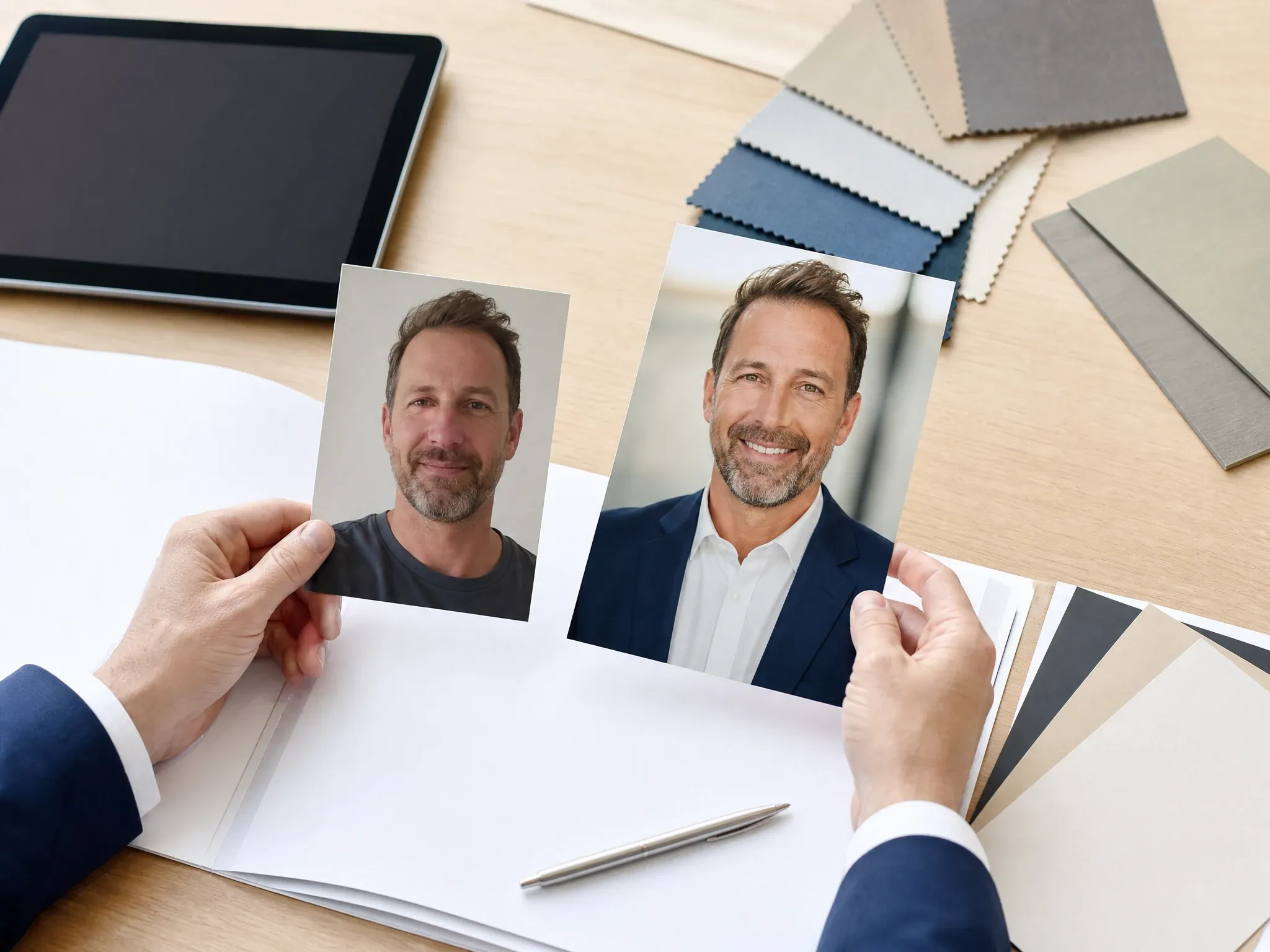
Sales profiles and proposals
Make a warm, approachable photo for sales pages, CRM profiles, client proposals, and email outreach.
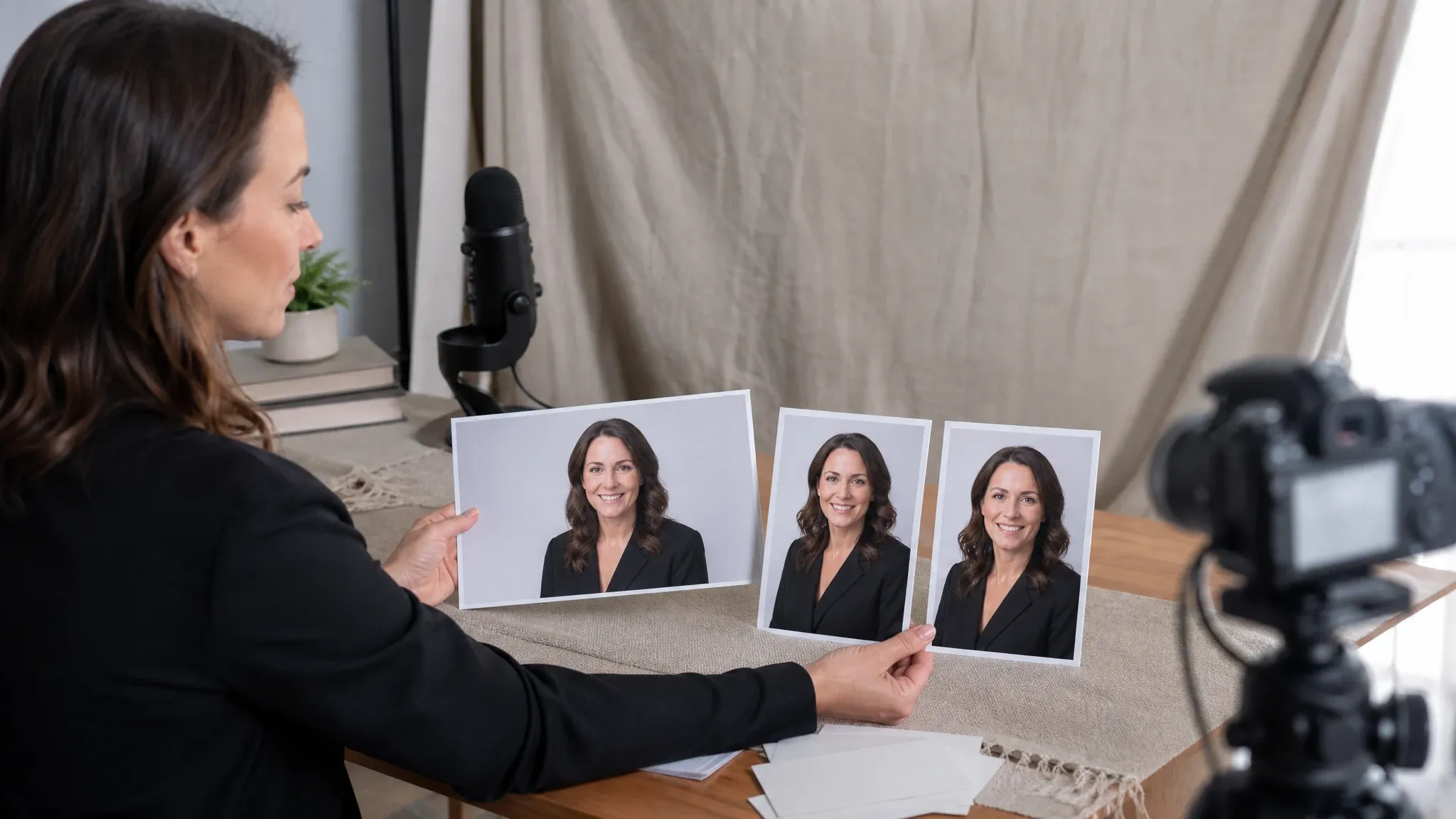
Speaker and webinar bios
Create event-ready business photos for webinars, podcast pages, conference bios, and presentation decks.
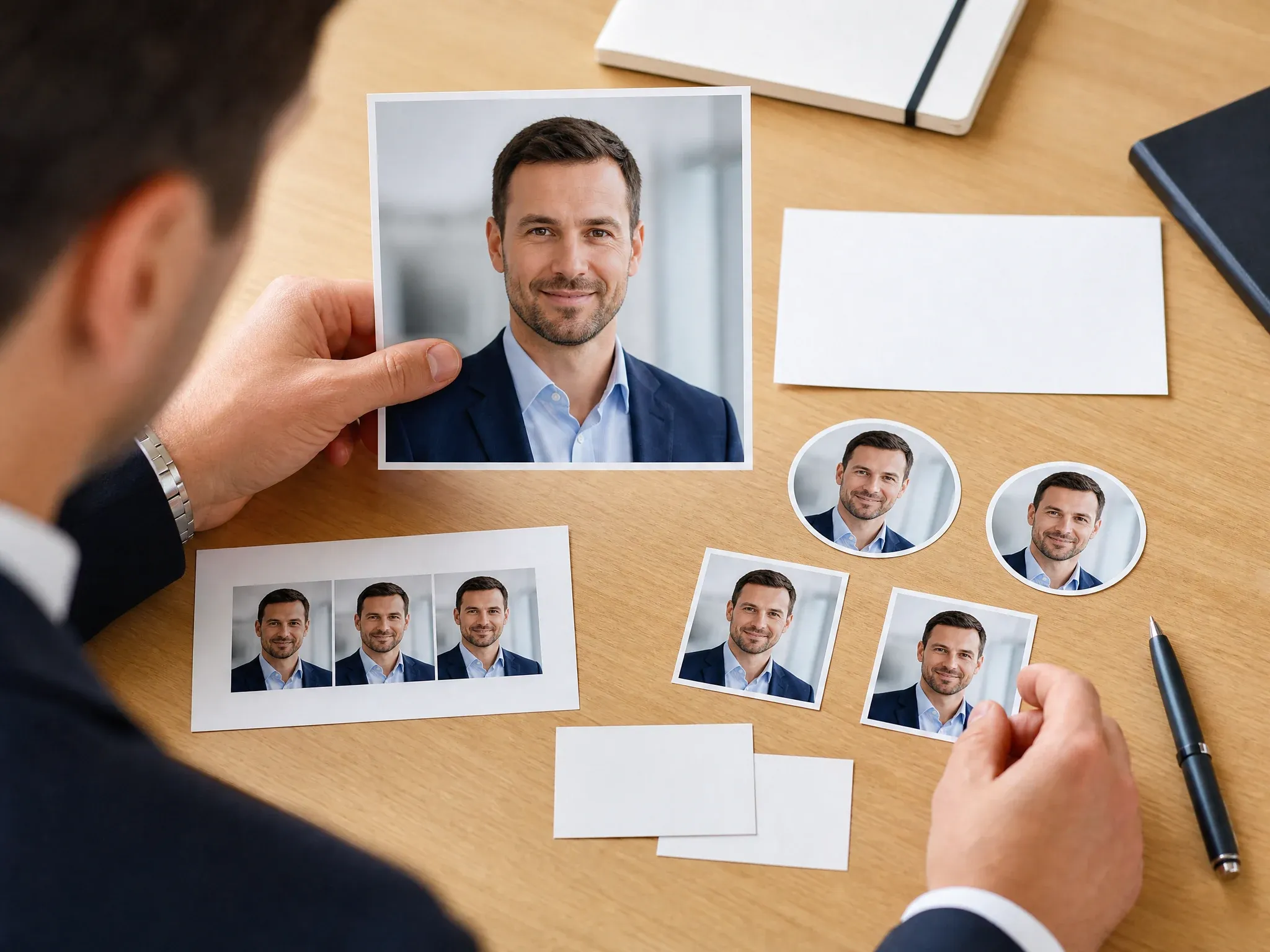
Email signatures and decks
Use cleaner crops and neutral backgrounds for email signatures, business cards, internal docs, and pitch deck author slides.
What Is an AI Business Photo Generator?
An AI business photo generator turns a regular portrait into a professional image for work profiles, company pages, resumes, decks, and business communication. It is broader than a tight headshot because the final photo may need a founder, speaker, sales, team, or email-signature context.
Business-use output
Create photos for LinkedIn, resumes, company bios, team pages, founder profiles, sales proposals, speaker decks, and email signatures.
Photo-guided generation
Upload a portrait so the result can keep useful face, hair, expression, and pose cues before changing background, outfit, crop, or lighting.
Style before prompt
Choose the use case first. A sales profile, academic bio, founder page, and resume photo should not all use the same visual tone.
Why Use FaceAI for AI Business Photos?
FaceAI keeps the business-photo workflow direct: upload your portrait, pick a professional use case, add a short note, generate, compare history, download, and keep editing only when needed.
Not just a headshot clone
Headshots are one use case. This page also covers founder bios, team pages, sales profiles, speaker photos, pitch decks, and email signatures.
Presets for real work contexts
Executive, LinkedIn, resume, founder, sales, speaker, academic, and creative styles help you choose the right tone before writing a prompt.
Free online workflow
Create and download from the browser without app installation. The shared workbench keeps history, download, share, and quota feedback in one place.
Clear next-step editing
When a result is close, use image-to-image for variants, editor for cleanup, or upscaler for sharper export instead of starting over.
How to Get a Better AI Business Photo
A believable business photo usually comes from a clear source portrait and a short, specific note. Fix the photo direction before asking for heavy style changes.
Use one visible face
Avoid group photos, sunglasses, masks, heavy beauty filters, cropped foreheads, tiny faces, and messy screenshots.
Keep lighting normal
Soft daylight or clean indoor light gives stronger face cues than dark rooms, colored event lights, or harsh overhead shadows.
Name the destination
Say LinkedIn, resume, founder bio, sales profile, speaker page, academic profile, team page, or email signature so the crop makes sense.
Change one thing per retry
If the face is close, keep the photo and style fixed. Change only background, outfit, expression, crop, or lighting in the next run.
AI Business Photo Generator vs. Studio Shoots and Headshot Tools
Use the workflow that matches the job. Business photos sit between casual selfies, formal headshots, full studio shoots, and generic image editors.
| मानदंड | Face AIहमारा FaceAI business photo workflow | Other options |
|---|---|---|
| Starting point | Upload one portrait or a small reference set, choose the business use case, and add a short correction note. | Studio shoots require booking, scheduling, wardrobe, retouching, and a longer approval loop. |
| Best use | LinkedIn, resumes, CVs, company bios, team pages, founder photos, sales profiles, speaker decks, and email signatures. | Headshot-only tools can be too narrow when the photo needs to support a broader business context. |
| Style control | Executive, LinkedIn, resume, founder, sales, speaker, academic, and creative professional presets. | Generic image tools can work, but they often make you invent every business-photo detail from scratch. |
| Friction | Free online workflow with browser upload, generation, history, share, and no-watermark download controls. | Some premium headshot services require accounts, packages, team onboarding, or delayed delivery. |
| Follow-up | Move the best result into image-to-image, editor, or upscaler for small changes and final export. | Single-purpose tools often stop at one download and leave cleanup to another app. |
| Honest limit | Strong style changes can shift exact likeness. Inspect the image before using it as an official business profile photo. | Some AI photo pages overpromise perfect studio quality from every selfie. |
Starting point
Upload one portrait or a small reference set, choose the business use case, and add a short correction note.
Studio shoots require booking, scheduling, wardrobe, retouching, and a longer approval loop.
Best use
LinkedIn, resumes, CVs, company bios, team pages, founder photos, sales profiles, speaker decks, and email signatures.
Headshot-only tools can be too narrow when the photo needs to support a broader business context.
Style control
Executive, LinkedIn, resume, founder, sales, speaker, academic, and creative professional presets.
Generic image tools can work, but they often make you invent every business-photo detail from scratch.
Friction
Free online workflow with browser upload, generation, history, share, and no-watermark download controls.
Some premium headshot services require accounts, packages, team onboarding, or delayed delivery.
Follow-up
Move the best result into image-to-image, editor, or upscaler for small changes and final export.
Single-purpose tools often stop at one download and leave cleanup to another app.
Honest limit
Strong style changes can shift exact likeness. Inspect the image before using it as an official business profile photo.
Some AI photo pages overpromise perfect studio quality from every selfie.
How People Use the AI Business Photo Generator
These comments focus on the real workflow: upload a portrait, choose the business use case, generate, compare, then download or refine the photo that fits.
"I used one casual portrait and made versions for LinkedIn, a speaker bio, and our team page. The office presets saved me from writing the whole prompt."

Oliver Bennett
Brand Strategy Lead
"The business styles are practical: executive, sales, founder, academic, creative. I can brief the photo by use case instead of guessing camera language."

Priya Sharma
Product Marketing Manager
"For company bios, I keep the background neutral and the crop consistent. History makes it easy to compare which version feels credible."

Emma Johansson
Head of Content Strategy
"I needed a photo that looked professional without feeling like a stiff studio headshot. The founder and speaker options hit that middle ground."

Aaliyah Williams
Digital Marketing Director
"The no-watermark download path matters. I can test the image in a proposal deck before asking anyone to approve a final version."

Ananya Iyer
Content Marketing Lead
"Front-facing photos work best. When I uploaded a side-angle selfie, the result was usable, but the straight portrait needed fewer retries."

James Whitfield
Creative Director
"I used one casual portrait and made versions for LinkedIn, a speaker bio, and our team page. The office presets saved me from writing the whole prompt."
Oliver Bennett
Brand Strategy Lead
"The business styles are practical: executive, sales, founder, academic, creative. I can brief the photo by use case instead of guessing camera language."
Priya Sharma
Product Marketing Manager
"For company bios, I keep the background neutral and the crop consistent. History makes it easy to compare which version feels credible."
Emma Johansson
Head of Content Strategy
"I needed a photo that looked professional without feeling like a stiff studio headshot. The founder and speaker options hit that middle ground."
Aaliyah Williams
Digital Marketing Director
"The no-watermark download path matters. I can test the image in a proposal deck before asking anyone to approve a final version."
Ananya Iyer
Content Marketing Lead
"Front-facing photos work best. When I uploaded a side-angle selfie, the result was usable, but the straight portrait needed fewer retries."
James Whitfield
Creative Director
"This is broader than a headshot tool. We used it for email signatures, team cards, sales pages, and a pitch deck author photo."

Charlotte Beaumont
Director of Content Operations
"I used one casual portrait and made versions for LinkedIn, a speaker bio, and our team page. The office presets saved me from writing the whole prompt."
Oliver Bennett
Brand Strategy Lead
"The business styles are practical: executive, sales, founder, academic, creative. I can brief the photo by use case instead of guessing camera language."
Priya Sharma
Product Marketing Manager
"For company bios, I keep the background neutral and the crop consistent. History makes it easy to compare which version feels credible."
Emma Johansson
Head of Content Strategy
"I needed a photo that looked professional without feeling like a stiff studio headshot. The founder and speaker options hit that middle ground."
Aaliyah Williams
Digital Marketing Director
"The no-watermark download path matters. I can test the image in a proposal deck before asking anyone to approve a final version."
Ananya Iyer
Content Marketing Lead
"Front-facing photos work best. When I uploaded a side-angle selfie, the result was usable, but the straight portrait needed fewer retries."
James Whitfield
Creative Director
"This is broader than a headshot tool. We used it for email signatures, team cards, sales pages, and a pitch deck author photo."
Charlotte Beaumont
Director of Content Operations
"The custom note is useful when the preset is close. I only changed background, jacket tone, and crop instead of rewriting the whole brief."

Haruka Kimura
Inbound Marketing Manager
"I like starting with the business destination first. LinkedIn, resume, founder bio, and speaker page all need slightly different framing."

Alice Cooper
Retail Marketing Director
"It will not replace a full team shoot, but it is excellent for first-pass business portraits when the deadline is tomorrow."

Victoria Lindqvist
Global CEO
"Clear face, normal light, no sunglasses. It sounds basic, but those three things made the results much more believable."

Anisha Patel
Brand Director
"I wanted a profile photo for investor updates that felt polished but still looked like me. Upload, choose executive, generate, done."

Margaret Chen
CEO
"The business-photo presets gave us a clean direction before we moved the keeper into editor and upscaler for final polish."

Carlos Mendoza
Senior Media Buyer
"For sales profiles, I use a warmer background and a direct crop. For resumes, I keep it simpler and more neutral."

Claude Beaumont
Global President
"The custom note is useful when the preset is close. I only changed background, jacket tone, and crop instead of rewriting the whole brief."
Haruka Kimura
Inbound Marketing Manager
"I like starting with the business destination first. LinkedIn, resume, founder bio, and speaker page all need slightly different framing."
Alice Cooper
Retail Marketing Director
"It will not replace a full team shoot, but it is excellent for first-pass business portraits when the deadline is tomorrow."
Victoria Lindqvist
Global CEO
"Clear face, normal light, no sunglasses. It sounds basic, but those three things made the results much more believable."
Anisha Patel
Brand Director
"I wanted a profile photo for investor updates that felt polished but still looked like me. Upload, choose executive, generate, done."
Margaret Chen
CEO
"The business-photo presets gave us a clean direction before we moved the keeper into editor and upscaler for final polish."
Carlos Mendoza
Senior Media Buyer
"For sales profiles, I use a warmer background and a direct crop. For resumes, I keep it simpler and more neutral."
Claude Beaumont
Global President
What Should You Try After Making a Business Photo?
Choose the next FaceAI tool based on the blocker: formal headshot, platform crop, closer variants, focused cleanup, or sharper final export.

AI Headshot Generator
Use this when the goal is a tighter formal headshot for resumes, hiring pages, and business profiles.
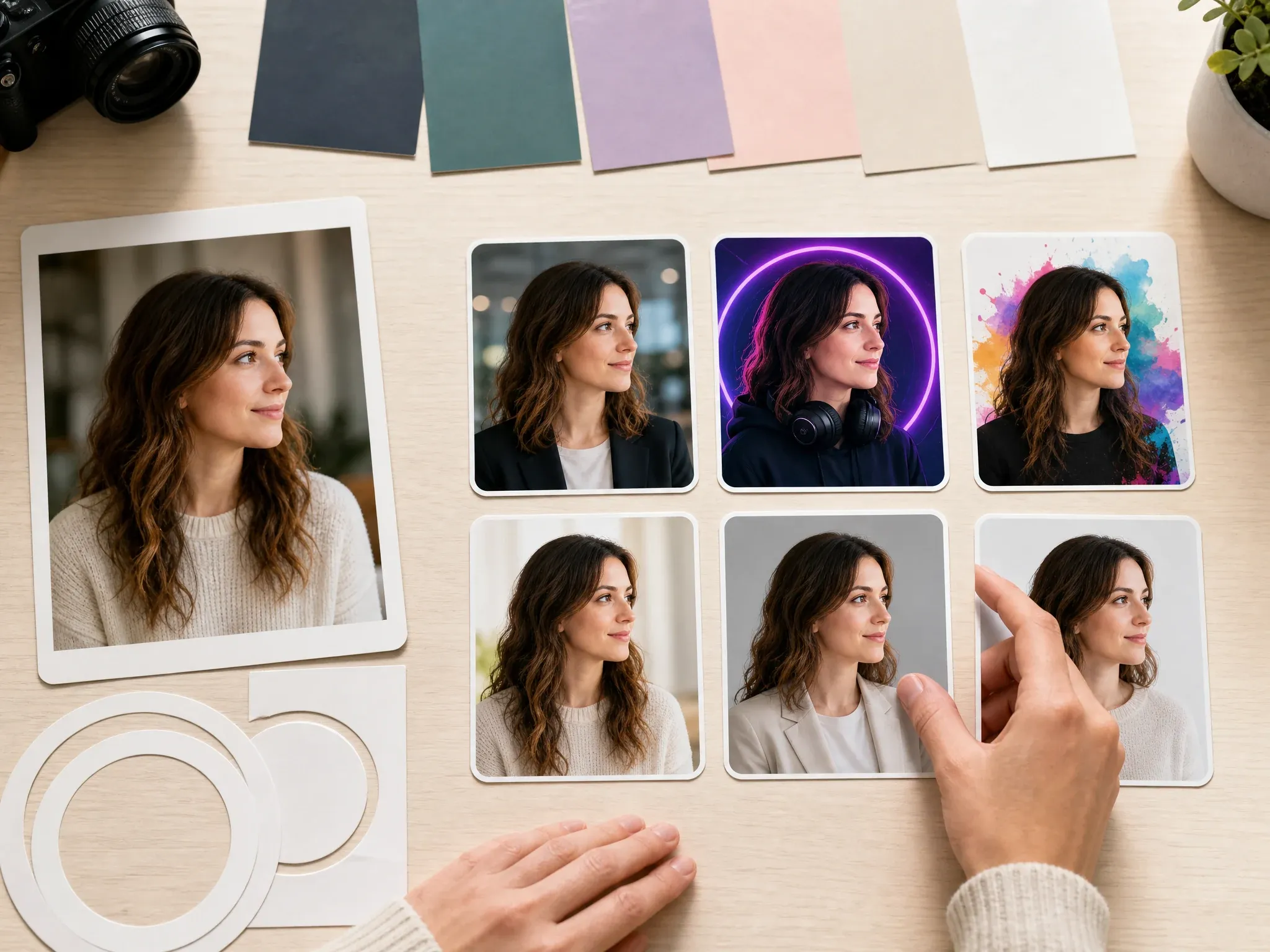
AI Profile Picture Generator
Make platform-specific crops for LinkedIn, Slack, Discord, YouTube, Instagram, email signatures, and PFP use.
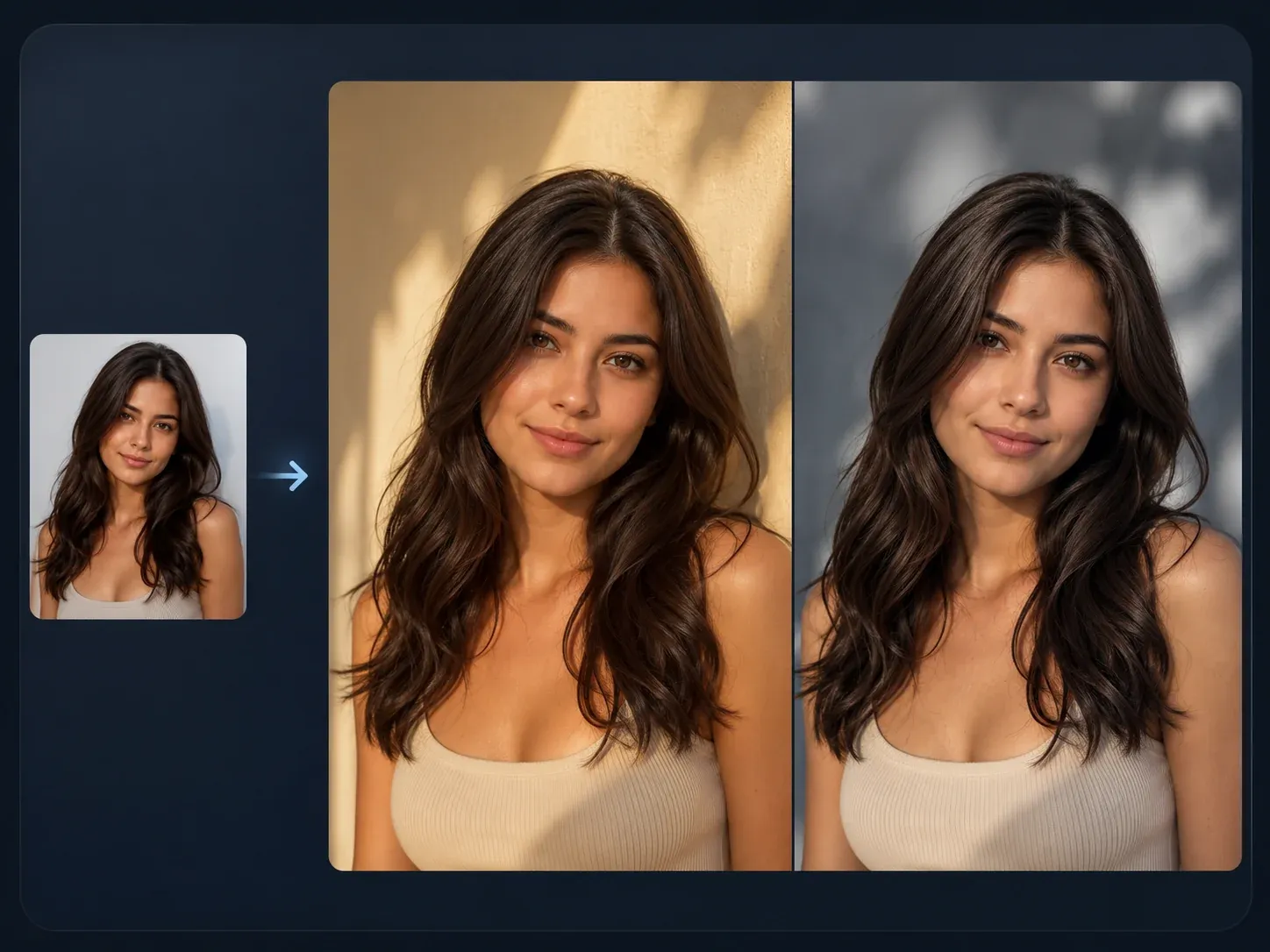
AI Image to Image
Use a keeper business photo as the source for closer variants, outfit changes, or a softer background pass.

AI Image Editor
Clean up the almost-final result: background distraction, collar edge, badge, prop, or small portrait detail.
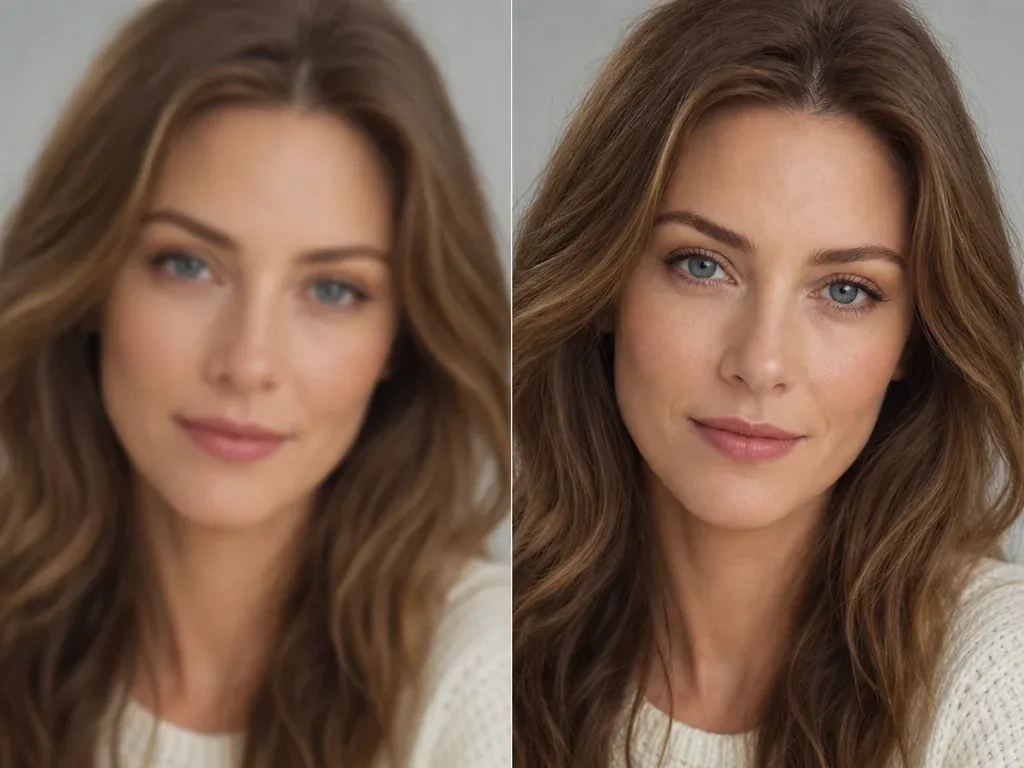
AI Image Upscaler
Sharpen the final business photo before using it on a company bio, pitch deck, proposal, or team page.
AI Business Photo Generator FAQ
Direct answers about free use, no login, source photos, business styles, LinkedIn, resumes, company bios, downloads, privacy, commercial use, and when to use a headshot tool instead.
It is an online tool that turns a regular portrait into a professional business photo. Use it for LinkedIn, resumes, company bios, team pages, founder profiles, speaker pages, sales profiles, proposals, and email signatures.
Yes. You can start generating business photos from this browser page for free. If heavier use reaches account or quota rules, FaceAI shows the current limit in the product flow.
No app download is needed. The workflow is designed for browser upload, generation, result history, share, and download.
Use a clear front-facing portrait with one visible face, normal lighting, and enough room around the head and shoulders. Avoid group shots, sunglasses, heavy filters, and low-resolution screenshots.
Yes. Choose the matching business preset, then add a short note for background, outfit, crop, expression, or destination when needed.
Yes. Business photos can cover founder bios, speaker pages, sales profiles, proposal photos, email signatures, team pages, and pitch decks, not only tight headshot crops.
The workbench supports multiple reference images where the shared upload flow allows it. Use a small, consistent set rather than unrelated photos with different lighting and expressions.
Yes. After the generated image appears, use the download control in the workbench. Keep the tab open until the final image is ready.
The workflow uses your uploaded portrait as source guidance, but exact likeness is not guaranteed. Strong background, outfit, or style changes can shift features, so inspect the result before using it professionally.
Use LinkedIn or resume for clean professional profiles, executive for leadership pages, founder for pitch decks, sales for approachable outreach, speaker for event pages, academic for faculty bios, and creative for portfolio pages.
Generate another version with a shorter note, or move the best image into AI Image to Image for variants, AI Image Editor for cleanup, or AI Image Upscaler for sharper export.
Use photos you are comfortable processing through an online tool. FaceAI uses secure upload handling for the generation flow, and you should avoid uploading sensitive images or photos you do not have permission to use.
You can use a generated business photo for profiles, bios, decks, proposals, and work pages when you own or have permission for the source photo. Avoid logos, public figures, fake endorsements, and misleading identity claims.
No. A headshot tool focuses on formal portrait crops. This page covers broader business-photo use cases such as team pages, founder bios, sales profiles, speaker decks, and email signatures.
Create Your AI Business Photo Now
Upload a clear portrait, choose the business use case, generate a professional business photo, then download or refine the version that works.