
AI वॉइस ड्राफ्ट के लिए मुफ़्त ऑनलाइन टेक्स्ट टू स्पीच
छोटा स्क्रिप्ट पेस्ट करें, समर्थित भाषा और वॉइस चुनें, वॉइस जनरेट करें, फिर विज्ञापन, ट्यूटोरियल, प्रोडक्ट नोट्स, वीडियो वॉइसओवर ड्राफ्ट और एक्सेसिबिलिटी समीक्षा के लिए MP3 ऑडियो सुनें और डाउनलोड करें।
दुनिया भर के 12,000,000+ उपयोगकर्ताओं का भरोसा।
टेक्स्ट टू स्पीच ऑनलाइन का उपयोग कैसे करें
पंक्ति उपयोग लायक है या नहीं, यह तय करने के लिए एक छोटा स्क्रिप्ट, सही वॉइस और एक प्रीव्यू पर्याप्त है।
एक केंद्रित स्क्रिप्ट लिखें
एक हुक, नैरेशन लाइन, पाठ की पंक्ति या सपोर्ट उत्तर पेस्ट करें। मौजूदा वर्कबेंच 300 अक्षरों तक के छोटे ड्राफ्ट के लिए बनाया गया है।
भाषा और वॉइस चुनें
समर्थित भाषा चुनें और काम के अनुसार वॉइस चुनें: विज्ञापन पढ़ना, ट्यूटोरियल, प्रोडक्ट अपडेट या सरल पठन समीक्षा।
जनरेट करें, तुलना करें और डाउनलोड करें
ऑडियो सुनें, हिस्ट्री रेल में हाल के प्रयासों की तुलना करें, फिर जब वॉइस और गति उचित लगे तो MP3 डाउनलोड करें।
टेक्स्ट टू स्पीच से क्या बना सकते हैं?
स्टूडियो ऑडियो, वीडियो एडिटिंग या लंबी नैरेशन वर्कफ़्लो में जाने से पहले Face AI से व्यावहारिक छोटे वॉइस ड्राफ्ट बनाएँ।
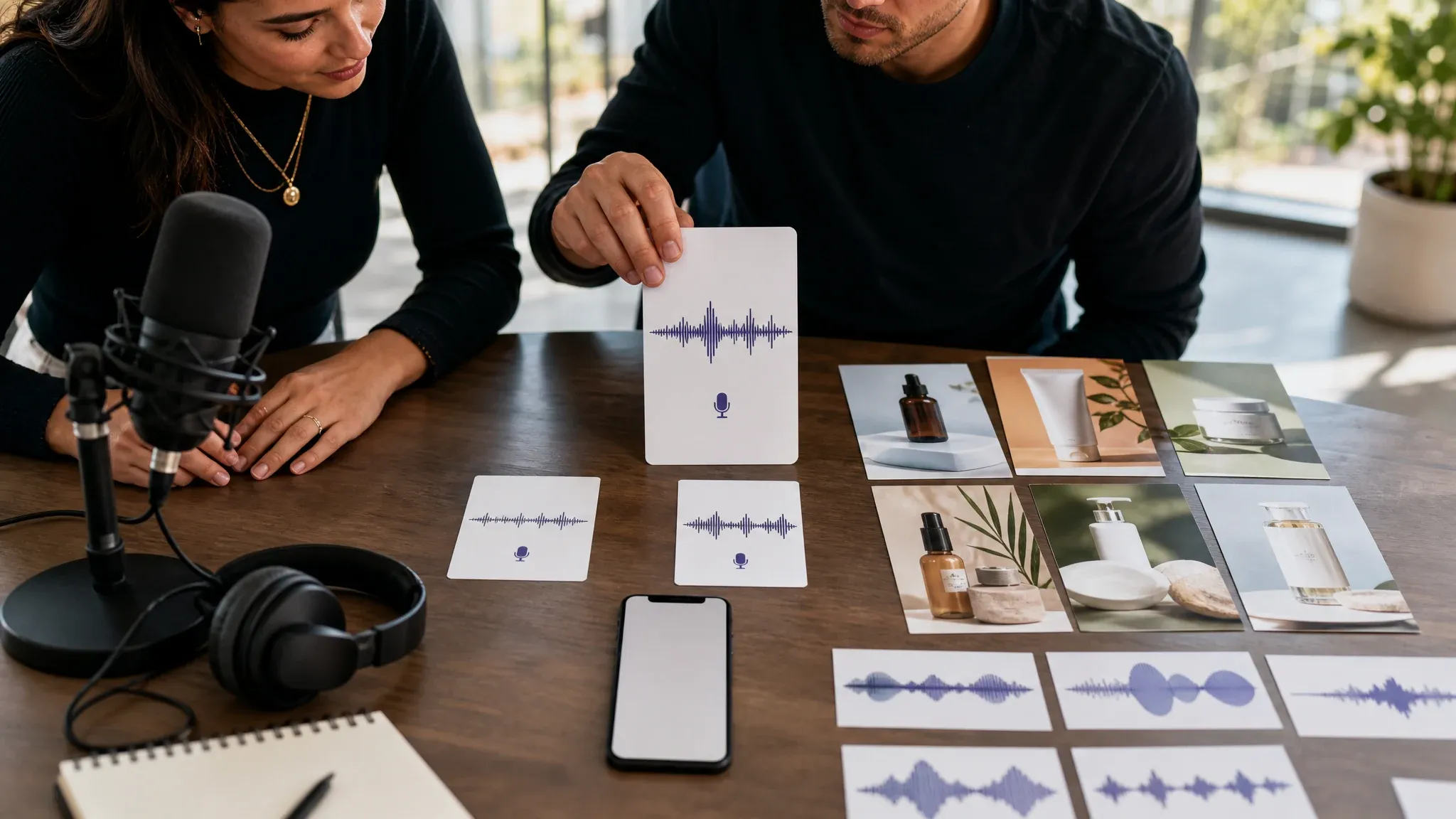
विज्ञापन हुक वॉइसओवर
वीडियो एडिटर के फ़ाइनल क्रिएटिव बनाने से पहले कुछ वॉइस के साथ पेड-सोशल ओपनिंग, प्रोमो लाइन और कैंपेन हुक आज़माएँ।
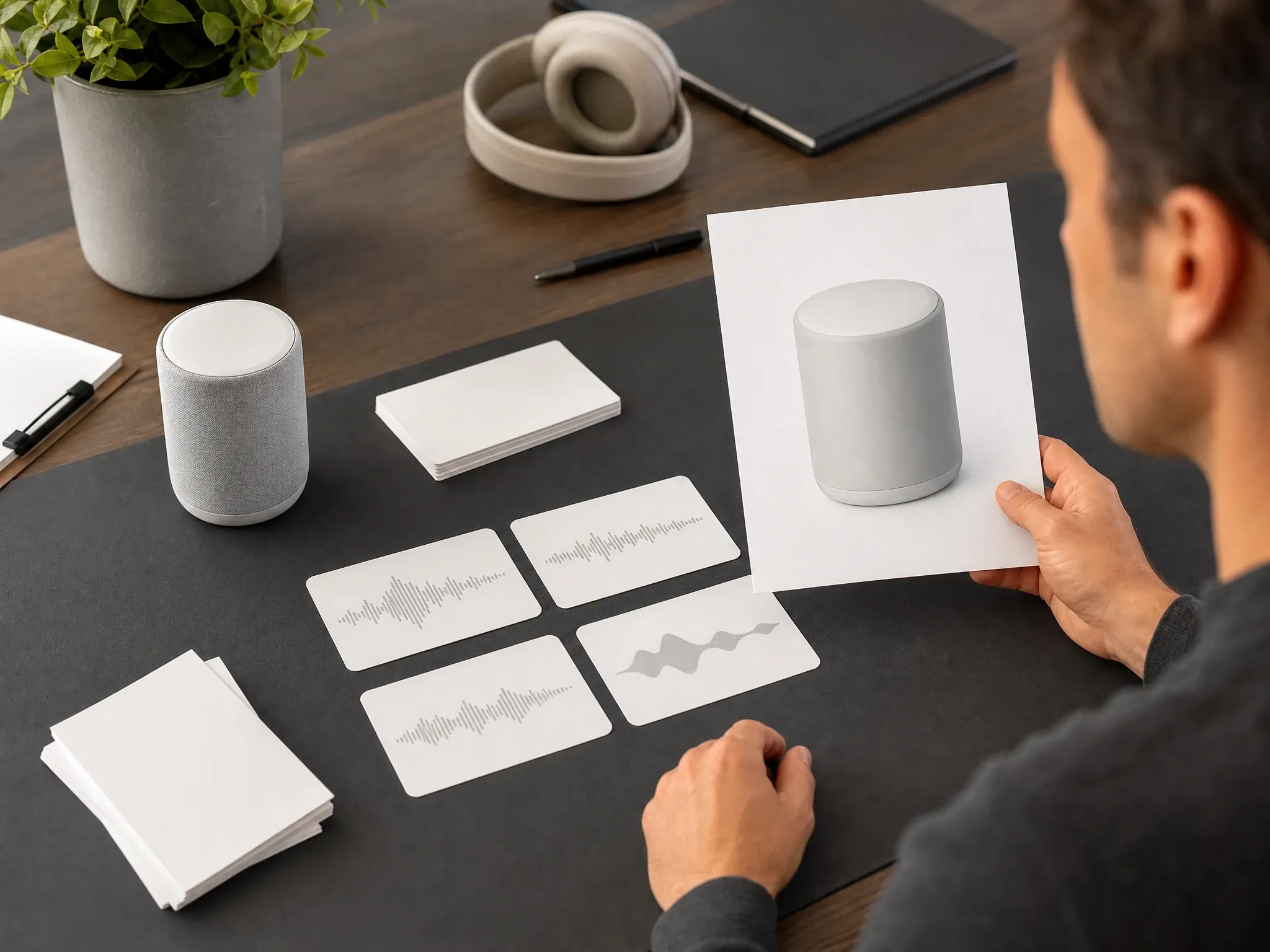
प्रोडक्ट अपडेट पढ़ना
रिलीज़ नोट, ऑनबोर्डिंग टिप या फाउंडर अपडेट को आंतरिक समीक्षा या ग्राहक शिक्षा के लिए छोटे ऑडियो ड्राफ्ट में बदलें।
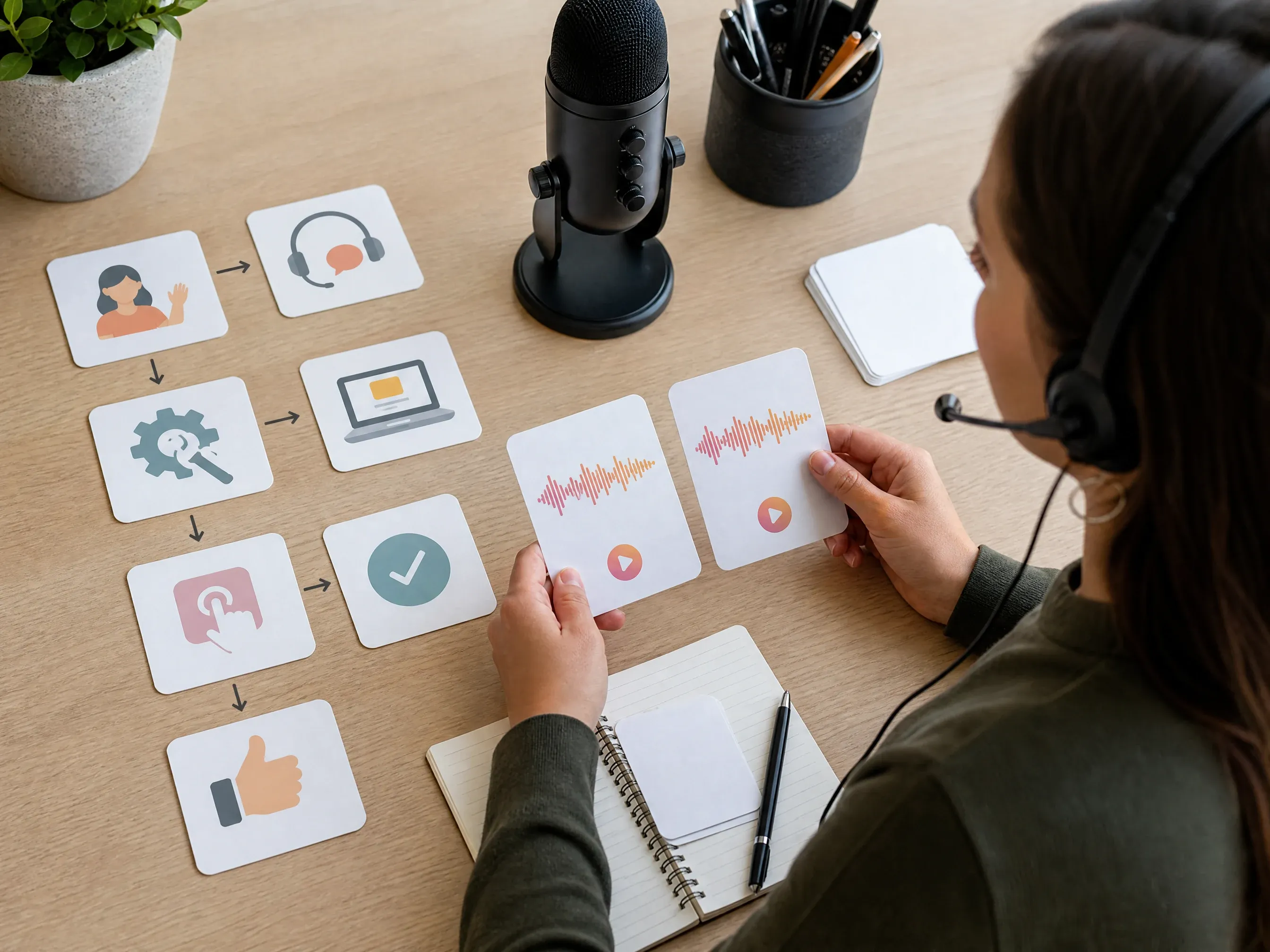
सपोर्ट और ट्यूटोरियल स्निपेट
हेल्प-सेंटर उत्तर को ऑडियो में बदलें ताकि सपोर्ट टीमें इसे स्क्रीन रिकॉर्डिंग या आर्टिकल के साथ जोड़ने से पहले स्पष्टता का आकलन कर सकें।
ई-लर्निंग माइक्रो-लेसन
एक ट्रेनिंग पंक्ति, सुरक्षा रिमाइंडर या पाठ का इंट्रो लिखें और सुनें कि क्या यह शिक्षार्थियों के लिए पर्याप्त स्पष्ट है।
YouTube और पॉडकास्ट इंट्रो
पूर्ण ऑडियो या वीडियो प्रोडक्शन में भेजने से पहले छोटा इंट्रो, सेगमेंट बंपर या स्पॉन्सर रीड सुनें।
एक्सेसिबिलिटी रीड-अलाउड जाँच
संक्षिप्त घोषणा, प्रोडक्ट नोट या आर्टिकल सारांश सुनें ताकि उपयोगकर्ताओं तक पहुँचने से पहले घनी लिखावट पकड़ी जा सके।
टेक्स्ट टू स्पीच ऑनलाइन क्या है?
टेक्स्ट टू स्पीच ऑनलाइन चुनी गई भाषा और वॉइस के साथ लिखे गए टेक्स्ट को AI-जनरेटेड बोली वाले ऑडियो में बदलता है।
टेक्स्ट से AI वॉइस
छोटे स्क्रिप्ट से शुरू करें और तुरंत समीक्षा करने योग्य प्लेएबल ऑडियो रिज़ल्ट बनाएँ।
भाषा और वॉइस चयन
भाषा और वॉइस की दिशा को संदेश के अनुसार मिलाने के लिए उपलब्ध सेलेक्टर का उपयोग करें।
ऑडियो प्रीव्यू और MP3 डाउनलोड
वर्कबेंच में सुनें, हाल के रिज़ल्ट की तुलना करें और पढ़ना उचित लगने पर MP3 डाउनलोड करें।
छोटे स्क्रिप्ट पर फ़ोकस
300 अक्षरों की मौजूदा सीमा लंबे दस्तावेज़ों के बजाय हुक, इंट्रो, नोट्स और स्निपेट के लिए बनाई गई है।
Face AI टेक्स्ट टू स्पीच का उपयोग क्यों करें?
Face AI तेज़ वॉइसओवर फैसलों के लिए बना है: पंक्ति लिखें, पढ़ाई सुनें, हाल के प्रयास दिखते रहें और अनुमोदित ऑडियो को अगले क्रिएटिव चरण में ले जाएँ।
तुरंत क्रिएट करना शुरू करें
जनरेटर पहले दिखता है, इसलिए टिप्स और उदाहरण देखने से पहले ही ऑडियो बनाकर समीक्षा कर सकते हैं।
उपयोगी वॉइस समीक्षा
हाल के रिज़ल्ट दिखते रहते हैं, जिससे छोटे ड्राफ्ट में गति, स्वर और शब्दों की तुलना आसान होती है।
छोटे फॉर्म का केंद्रित वर्कफ़्लो
यहाँ छोटे AI वॉइस ड्राफ्ट और MP3 फ़ाइलें बनाएँ; कस्टम वॉइस, एडवांस प्रोनंसिएशन नियंत्रण, दस्तावेज़ नैरेशन या लंबे प्रोडक्शन के लिए पूर्ण ऑडियो स्टूडियो उपयोग करें।
बेहतर AI वॉइस रिज़ल्ट कैसे पाएँ
छोटी और सादी लिखावट वॉइस मॉडल को स्पष्ट काम देती है और रिज़ल्ट को आसानी से परखने योग्य बनाती है।
टेक्स्ट टू स्पीच आज़माएँपहले एक ही संदेश लिखें
घना पैराग्राफ पेस्ट करने के बजाय एक पूरा हुक, वाक्य या उत्तर उपयोग करें।
गति के लिए विराम चिह्न जोड़ें
कॉमा, पीरियड और छोटे वाक्यांश वॉइस को साफ़ लय के साथ पंक्ति पढ़ने में मदद करते हैं।
मुश्किल शब्दों की वर्तनी ध्यान से लिखें
ब्रांड नाम, संक्षिप्ताक्षर और असामान्य नामों के लिए सरल वर्तनी या दोबारा लिखना पड़ सकता है।
वॉइस को गंतव्य से मिलाएँ
विज्ञापन के लिए सीधी वॉइस, ट्यूटोरियल के लिए शांत वॉइस और सपोर्ट या एक्सेसिबिलिटी समीक्षा के लिए स्पष्ट वॉइस उपयोग करें।
टेक्स्ट टू स्पीच बनाम रिकॉर्डिंग, वॉइस क्लोनिंग और टॉकिंग फोटो
अपनी ज़रूरत के अनुसार वर्कफ़्लो चुनें।
| मानदंड | Face AIहमारा Face AI टेक्स्ट टू स्पीच | अन्य वॉइस वर्कफ़्लो |
|---|---|---|
| आउटपुट | छोटे स्क्रिप्ट से डाउनलोड करने लायक MP3 वॉइस ऑडियो। | टॉकिंग फोटो वीडियो बनाता है; रिकॉर्डिंग असली वक्ता को कैप्चर करती है; वॉइस-क्लोनिंग टूल के लिए अनुमोदित वॉइस डेटा चाहिए। |
| सर्वोत्तम उपयोग | विज्ञापन, इंट्रो, प्रोडक्ट नोट्स, सपोर्ट स्निपेट, छोटे पाठ और रीड-अलाउड जाँच। | लंबे ऑडियोबुक, पॉडकास्ट और स्टूडियो नैरेशन के लिए गहन एडिटिंग और लंबे स्क्रिप्ट वाले टूल चाहिए। |
| इनपुट | टाइप किया गया टेक्स्ट, चुनी गई भाषा और चुनी गई वॉइस। | डॉक्यूमेंट रीडर फ़ाइलें इम्पोर्ट कर सकते हैं; रिकॉर्डिंग टूल को माइक्रोफ़ोन चाहिए; ऑटोमेशन प्लेटफ़ॉर्म को अलग सेटअप चाहिए। |
| समीक्षा चक्र | डाउनलोड से पहले हाल का जनरेटेड ऑडियो तुलना के लिए दिखता रहता है। | कुछ वन-टाइम डेमो पहले के प्रयास खो देते हैं या केवल एक प्रीव्यू पर फ़ोकस करते हैं। |
| सीमाएँ | मौजूदा ड्राफ्ट 300 अक्षरों तक सीमित हैं, जनरेशन से पहले वर्कबेंच में उपलब्धता दिखती है। | अन्य वॉइस टूल लंबे स्क्रिप्ट, डॉक्यूमेंट इनपुट, कस्टम प्रोनंसिएशन या वॉइस क्लोनिंग का समर्थन कर सकते हैं। |
| अगला कदम | ऑडियो डाउनलोड करें, स्टोरीबोर्ड में रखें या पंक्ति को टॉकिंग फोटो या वीडियो प्लानिंग में ले जाएँ। | पूर्ण वॉइस स्टूडियो मल्टी-स्पीकर एडिटिंग, अतिरिक्त ऑडियो फ़ॉर्मेट, लाइसेंसिंग समीक्षा और ऑटोमेटेड प्रोडक्शन वर्कफ़्लो संभालते हैं। |
आउटपुट
छोटे स्क्रिप्ट से डाउनलोड करने लायक MP3 वॉइस ऑडियो।
टॉकिंग फोटो वीडियो बनाता है; रिकॉर्डिंग असली वक्ता को कैप्चर करती है; वॉइस-क्लोनिंग टूल के लिए अनुमोदित वॉइस डेटा चाहिए।
सर्वोत्तम उपयोग
विज्ञापन, इंट्रो, प्रोडक्ट नोट्स, सपोर्ट स्निपेट, छोटे पाठ और रीड-अलाउड जाँच।
लंबे ऑडियोबुक, पॉडकास्ट और स्टूडियो नैरेशन के लिए गहन एडिटिंग और लंबे स्क्रिप्ट वाले टूल चाहिए।
इनपुट
टाइप किया गया टेक्स्ट, चुनी गई भाषा और चुनी गई वॉइस।
डॉक्यूमेंट रीडर फ़ाइलें इम्पोर्ट कर सकते हैं; रिकॉर्डिंग टूल को माइक्रोफ़ोन चाहिए; ऑटोमेशन प्लेटफ़ॉर्म को अलग सेटअप चाहिए।
समीक्षा चक्र
डाउनलोड से पहले हाल का जनरेटेड ऑडियो तुलना के लिए दिखता रहता है।
कुछ वन-टाइम डेमो पहले के प्रयास खो देते हैं या केवल एक प्रीव्यू पर फ़ोकस करते हैं।
सीमाएँ
मौजूदा ड्राफ्ट 300 अक्षरों तक सीमित हैं, जनरेशन से पहले वर्कबेंच में उपलब्धता दिखती है।
अन्य वॉइस टूल लंबे स्क्रिप्ट, डॉक्यूमेंट इनपुट, कस्टम प्रोनंसिएशन या वॉइस क्लोनिंग का समर्थन कर सकते हैं।
अगला कदम
ऑडियो डाउनलोड करें, स्टोरीबोर्ड में रखें या पंक्ति को टॉकिंग फोटो या वीडियो प्लानिंग में ले जाएँ।
पूर्ण वॉइस स्टूडियो मल्टी-स्पीकर एडिटिंग, अतिरिक्त ऑडियो फ़ॉर्मेट, लाइसेंसिंग समीक्षा और ऑटोमेटेड प्रोडक्शन वर्कफ़्लो संभालते हैं।
टीमें छोटे AI वॉइस ड्राफ्ट का उपयोग कैसे करती हैं
मार्केटर, कंटेंट टीमें, शिक्षक और सपोर्ट टीमें फ़ाइनल एसेट बनाने से पहले संदेश सुनने के लिए छोटे ऑडियो ड्राफ्ट का उपयोग करते हैं।
"विज्ञापन हुक के वीडियो स्क्रिप्ट बनने से पहले उन्हें सुनने का यह व्यावहारिक तरीका है। वॉइस रिज़ल्ट उस अजीब गति को पकड़ लेता है जो कागज़ पर ठीक लगती है।"

Ananya Iyer
Content Marketing Lead
"यह छोटे स्क्रिप्ट समीक्षा के लिए अच्छा माध्यम है। हम इसे डॉक्यूमेंट अपलोड या वॉइस क्लोनिंग के लिए उपयोग नहीं करते, इसलिए टीम यथार्थवादी दायरे में काम करती है।"

Charlotte Beaumont
Director of Content Operations
"डाउनलोड करने लायक ऑडियो रिज़ल्ट हमारे लिए मुख्य कदम है। हम इसे जनरेटर के अंदर ही नहीं, स्टोरीबोर्ड में भी समीक्षा कर सकते हैं।"

Yifan Zheng
Demand Generation Lead
"यह पेज वॉइसओवर ड्राफ्ट के लिए उपयोगी है क्योंकि यह वीडियो नहीं, स्क्रिप्ट से शुरू होता है। हम पहले शब्दों को मंज़ूर कर सकते हैं, फिर अंतिम मीडिया फ़ॉर्मेट तय कर सकते हैं।"

Sophia Wagner
Editorial Director
"पार्टनर अपडेट में अक्सर एक ही संक्षिप्त पंक्ति चाहिए होती है। टेक्स्ट टू स्पीच ऑनलाइन हमें संदेश के वेबिनार स्लाइड या वीडियो ब्रीफ में जाने से पहले स्वर सुनने देता है।"

Sakura Ito
Partner Marketing Lead
"ग्राहक शिक्षा के स्क्रिप्ट सुनने पर और मज़बूत होते हैं। अगर कोई वाक्य रोबोटिक या बहुत घना लगता है, तो हम कुछ भी रिकॉर्ड करने से पहले दोबारा लिखते हैं।"

Ren Sato
Customer Marketing Director
"विज्ञापन हुक के वीडियो स्क्रिप्ट बनने से पहले उन्हें सुनने का यह व्यावहारिक तरीका है। वॉइस रिज़ल्ट उस अजीब गति को पकड़ लेता है जो कागज़ पर ठीक लगती है।"
Ananya Iyer
Content Marketing Lead
"यह छोटे स्क्रिप्ट समीक्षा के लिए अच्छा माध्यम है। हम इसे डॉक्यूमेंट अपलोड या वॉइस क्लोनिंग के लिए उपयोग नहीं करते, इसलिए टीम यथार्थवादी दायरे में काम करती है।"
Charlotte Beaumont
Director of Content Operations
"डाउनलोड करने लायक ऑडियो रिज़ल्ट हमारे लिए मुख्य कदम है। हम इसे जनरेटर के अंदर ही नहीं, स्टोरीबोर्ड में भी समीक्षा कर सकते हैं।"
Yifan Zheng
Demand Generation Lead
"यह पेज वॉइसओवर ड्राफ्ट के लिए उपयोगी है क्योंकि यह वीडियो नहीं, स्क्रिप्ट से शुरू होता है। हम पहले शब्दों को मंज़ूर कर सकते हैं, फिर अंतिम मीडिया फ़ॉर्मेट तय कर सकते हैं।"
Sophia Wagner
Editorial Director
"पार्टनर अपडेट में अक्सर एक ही संक्षिप्त पंक्ति चाहिए होती है। टेक्स्ट टू स्पीच ऑनलाइन हमें संदेश के वेबिनार स्लाइड या वीडियो ब्रीफ में जाने से पहले स्वर सुनने देता है।"
Sakura Ito
Partner Marketing Lead
"ग्राहक शिक्षा के स्क्रिप्ट सुनने पर और मज़बूत होते हैं। अगर कोई वाक्य रोबोटिक या बहुत घना लगता है, तो हम कुछ भी रिकॉर्ड करने से पहले दोबारा लिखते हैं।"
Ren Sato
Customer Marketing Director
"हम पेड-सोशल हुक को दो-तीन वॉइस के साथ आज़माते हैं और वही रखते हैं जो सीधा लगता है। पेड क्रिएटिव टीम के आने से पहले ही समय बच जाता है।"

Jordan Kim
Growth Lead
"विज्ञापन हुक के वीडियो स्क्रिप्ट बनने से पहले उन्हें सुनने का यह व्यावहारिक तरीका है। वॉइस रिज़ल्ट उस अजीब गति को पकड़ लेता है जो कागज़ पर ठीक लगती है।"
Ananya Iyer
Content Marketing Lead
"यह छोटे स्क्रिप्ट समीक्षा के लिए अच्छा माध्यम है। हम इसे डॉक्यूमेंट अपलोड या वॉइस क्लोनिंग के लिए उपयोग नहीं करते, इसलिए टीम यथार्थवादी दायरे में काम करती है।"
Charlotte Beaumont
Director of Content Operations
"डाउनलोड करने लायक ऑडियो रिज़ल्ट हमारे लिए मुख्य कदम है। हम इसे जनरेटर के अंदर ही नहीं, स्टोरीबोर्ड में भी समीक्षा कर सकते हैं।"
Yifan Zheng
Demand Generation Lead
"यह पेज वॉइसओवर ड्राफ्ट के लिए उपयोगी है क्योंकि यह वीडियो नहीं, स्क्रिप्ट से शुरू होता है। हम पहले शब्दों को मंज़ूर कर सकते हैं, फिर अंतिम मीडिया फ़ॉर्मेट तय कर सकते हैं।"
Sophia Wagner
Editorial Director
"पार्टनर अपडेट में अक्सर एक ही संक्षिप्त पंक्ति चाहिए होती है। टेक्स्ट टू स्पीच ऑनलाइन हमें संदेश के वेबिनार स्लाइड या वीडियो ब्रीफ में जाने से पहले स्वर सुनने देता है।"
Sakura Ito
Partner Marketing Lead
"ग्राहक शिक्षा के स्क्रिप्ट सुनने पर और मज़बूत होते हैं। अगर कोई वाक्य रोबोटिक या बहुत घना लगता है, तो हम कुछ भी रिकॉर्ड करने से पहले दोबारा लिखते हैं।"
Ren Sato
Customer Marketing Director
"हम पेड-सोशल हुक को दो-तीन वॉइस के साथ आज़माते हैं और वही रखते हैं जो सीधा लगता है। पेड क्रिएटिव टीम के आने से पहले ही समय बच जाता है।"
Jordan Kim
Growth Lead
"300 अक्षरों की सीमा एक्ज़ीक्यूटिव नोट्स के लिए सहायक है। यह किसी के पूर्ण नैरेशन माँगने से पहले एक स्पष्ट संदेश लिखने को मजबूर करती है।"

Astrid Nielsen
Head of Thought Leadership
"भाषा सेलेक्टर और वॉइस पिकर वर्कफ़्लो को ठोस बनाते हैं। हम इसे पूर्ण ऑडियोबुक टूल माने बिना एक छोटी नैरेशन दिशा आज़मा सकते हैं।"

Marie Laurent
Storytelling & Brand Lead
"वॉइस का प्रीव्यू और डाउनलोड किए गए ऑडियो को ड्राफ्ट रील में डालने की सुविधा मिलने पर छोटे सोशल इंट्रो का आकलन आसान होता है।"

Priya Chen
Creative Strategy Lead
"हमारी टीम इसे कैंपेन लाइनों के लिए तेज़ AI वॉइस जनरेटर के रूप में उपयोग करती है, लंबे-फ़ॉर्म स्टूडियो के विकल्प के रूप में नहीं। यह सीमा अनुमोदन को स्पष्ट बनाती है।"

Kai Nakamura
Global Creative Director
"वॉइस पिकर क्रिएटिव समीक्षा को ठोस चीज़ देता है। पंक्ति या तो चुनी गई वॉइस के साथ फिट बैठती है, या हम प्रोडक्शन से पहले दोबारा लिखते हैं।"

Rafael Santos
VP of Creative
"ट्यूटोरियल स्निपेट के लिए, ऑडियो रिज़ल्ट यह तय करने के लिए पर्याप्त है कि वाक्य को स्क्रीन रिकॉर्डिंग, टॉकिंग फोटो या सरल शब्दों की ज़रूरत है या नहीं।"

Devon Park
Interactive Creative Director
"यह वर्कफ़्लो हमारे पूरे समीक्षा चक्र को कवर करता है: टेक्स्ट पेस्ट करें, भाषा और वॉइस चुनें, स्पीच जनरेट करें, सुनें और ऑडियो डाउनलोड करें।"

Pooja Mehta
VP of Brand Experience
"300 अक्षरों की सीमा एक्ज़ीक्यूटिव नोट्स के लिए सहायक है। यह किसी के पूर्ण नैरेशन माँगने से पहले एक स्पष्ट संदेश लिखने को मजबूर करती है।"
Astrid Nielsen
Head of Thought Leadership
"भाषा सेलेक्टर और वॉइस पिकर वर्कफ़्लो को ठोस बनाते हैं। हम इसे पूर्ण ऑडियोबुक टूल माने बिना एक छोटी नैरेशन दिशा आज़मा सकते हैं।"
Marie Laurent
Storytelling & Brand Lead
"वॉइस का प्रीव्यू और डाउनलोड किए गए ऑडियो को ड्राफ्ट रील में डालने की सुविधा मिलने पर छोटे सोशल इंट्रो का आकलन आसान होता है।"
Priya Chen
Creative Strategy Lead
"हमारी टीम इसे कैंपेन लाइनों के लिए तेज़ AI वॉइस जनरेटर के रूप में उपयोग करती है, लंबे-फ़ॉर्म स्टूडियो के विकल्प के रूप में नहीं। यह सीमा अनुमोदन को स्पष्ट बनाती है।"
Kai Nakamura
Global Creative Director
"वॉइस पिकर क्रिएटिव समीक्षा को ठोस चीज़ देता है। पंक्ति या तो चुनी गई वॉइस के साथ फिट बैठती है, या हम प्रोडक्शन से पहले दोबारा लिखते हैं।"
Rafael Santos
VP of Creative
"ट्यूटोरियल स्निपेट के लिए, ऑडियो रिज़ल्ट यह तय करने के लिए पर्याप्त है कि वाक्य को स्क्रीन रिकॉर्डिंग, टॉकिंग फोटो या सरल शब्दों की ज़रूरत है या नहीं।"
Devon Park
Interactive Creative Director
"यह वर्कफ़्लो हमारे पूरे समीक्षा चक्र को कवर करता है: टेक्स्ट पेस्ट करें, भाषा और वॉइस चुनें, स्पीच जनरेट करें, सुनें और ऑडियो डाउनलोड करें।"
Pooja Mehta
VP of Brand Experience
आगे क्या आज़माना चाहिए?
जब अनुमोदित वॉइस लाइन को बोलता हुआ चेहरा, केवल-अंग्रेज़ी माध्यम या वीडियो कॉन्सेप्ट चाहिए, तो इन टूल का उपयोग करें।
टेक्स्ट टू स्पीच सवालों के जवाब
स्क्रिप्ट, वॉइस, MP3 आउटपुट, सीमाओं और बड़े वॉइस स्टूडियो के उपयोग के बारे में सीधे जवाब।
यह एक ऑनलाइन टूल है जो टाइप किए गए टेक्स्ट को प्लेएबल AI वॉइस ऑडियो में बदलता है। Face AI इस पेज को उन छोटे स्क्रिप्ट पर केंद्रित रखता है जिन्हें आप सुन सकते हैं और MP3 के रूप में डाउनलोड कर सकते हैं।
हाँ। आप ऑनलाइन वर्कबेंच में शुरू कर सकते हैं। पेज जनरेट करने से पहले मौजूदा उपलब्धता और कोई भी उपयोग सीमा दिखाता है।
मौजूदा टेक्स्ट टू स्पीच ऑनलाइन वर्कबेंच 300 अक्षरों तक स्वीकार करता है। लंबे दस्तावेज़ों के बजाय इसे हुक, इंट्रो, नोट्स, सपोर्ट स्निपेट और छोटे पाठ की पंक्तियों के लिए उपयोग करें।
हाँ। वर्कबेंच में दिखने वाले भाषा सेलेक्टर और वॉइस पिकर का उपयोग करें। वर्कबेंच में अभी दिखाई गई भाषाओं और वॉइस में से चुनें।
नहीं। यह पेज टेक्स्ट-टू-स्पीच ड्राफ्ट के लिए उपलब्ध वॉइस लाइब्रेरी का उपयोग करता है। यह आपकी वॉइस क्लोन नहीं करता और कस्टम स्पीकर पहचान नहीं बनाता।
यह पेज वर्कफ़्लो को छोटे स्क्रिप्ट, भाषा और वॉइस चयन तक सीमित रखता है। जब आपको कस्टम प्रोनंसिएशन, एक्सप्रेसिव दिशा या प्रोडक्शन ऑटोमेशन चाहिए, तो पूर्ण वॉइस स्टूडियो उपयोग करें।
सफल रिज़ल्ट को वर्कबेंच में सुनकर MP3 ऑडियो के रूप में डाउनलोड किया जा सकता है।
नहीं। यह पेज स्क्रिप्ट फ़ील्ड में टाइप किए गए टेक्स्ट को स्वीकार करता है। PDF, ईबुक, वेबपेज या बैच कन्वर्ज़न के लिए डॉक्यूमेंट रीडर या लंबे-फ़ॉर्म TTS स्टूडियो उपयोग करें।
इसे छोटे वॉइसओवर ड्राफ्ट, इंट्रो, पाठ की पंक्तियों और स्क्रिप्ट अनुमोदन के लिए उपयोग करें। लंबे पॉडकास्ट, ऑडियोबुक और पूर्ण कोर्स के लिए इस पेज के बाहर लंबे-फ़ॉर्म ऑडियो वर्कफ़्लो की ज़रूरत होती है।
व्यावसायिक उपयोग से पहले पुष्टि करें कि स्क्रिप्ट आपके पास है और आपका इच्छित उपयोग मौजूदा Face AI शर्तों का पालन करता है।
नहीं। टेक्स्ट टू स्पीच ऑनलाइन केवल ऑडियो बनाता है। जब अनुमोदित पंक्ति को बोलता पोर्ट्रेट वीडियो बनना चाहिए, तो AI टॉकिंग फोटो उपयोग करें।
नहीं। ऑडियो ऑनलाइन जनरेट होता है, और हाल के रिज़ल्ट तुलना और डाउनलोड के लिए वर्कबेंच में उपलब्ध रहते हैं।
अपना पहला AI वॉइस ड्राफ्ट जनरेट करें
300 अक्षरों का स्क्रिप्ट लिखें, समर्थित भाषा और वॉइस चुनें, फिर MP3 ऑडियो बनाएँ जिसे आप सुन, तुलना और डाउनलोड कर सकते हैं।