
शुरुआत
हमारा
स्ट्रक्चर्ड शादी फ़ील्ड और एक जनरेटेड टेक्स्ट रेफ़रेंस स्क्रीनशॉट।
अन्य वर्कफ़्लो
सिर्फ़ प्रॉम्प्ट वाले इमेज टूल आकर्षक कार्ड बना सकते हैं लेकिन सटीक नाम, तारीख़ें और RSVP टेक्स्ट अक्सर चूक जाते हैं।
नाम, तारीख़, स्थान, लिखावट और RSVP टेक्स्ट से ऑनलाइन शादी का निमंत्रण कार्ड इमेज बनाएं। Face AI पहले आपकी जानकारी को एक साफ़ टेक्स्ट रेफ़रेंस स्क्रीनशॉट में बदलता है, फिर AI से टेक्स्ट को बनाए रखते हुए बैकग्राउंड, बॉर्डर, लेआउट का विभाजन और शादी कार्ड की स्टाइल डिजिटल रिव्यू के लिए बेहतर करता है।
दुनिया भर में 12,000,000+ यूज़र का भरोसा। यह फ्री ऑनलाइन AI निमंत्रण ड्राफ़्ट और रिव्यू लूप के लिए बनाया गया है, PDF प्रूफ़िंग, फ़ॉन्ट लाइसेंसिंग, RSVP होस्टिंग या प्रिंट-शॉप प्रोडक्शन के लिए नहीं।
उपयोगी प्रक्रिया छोटी है: शादी का निमंत्रण विवरण लिखें, टेक्स्ट रेफ़रेंस देखें, AI स्टाइल चुनें, कार्ड इमेज बनाएं, फिर डाउनलोड करें या हाल के रिज़ल्ट्स की तुलना करें।
स्ट्रक्चर्ड फ़ील्ड में जोड़े के नाम, तारीख़, समय, स्थान, छोटा निमंत्रण संदेश और RSVP लाइन जोड़ें।
मॉडर्न एलिगेंट, रोमांटिक फ्लोरल, कोस्टल लाइट, स्टाररी नाइट या लक्ज़री गोल्ड चुनें, फिर बैकग्राउंड/लेआउट विभाजन और टेक्स्ट स्केल समायोजित करें।
Face AI टेक्स्ट स्क्रीनशॉट को रेफ़रेंस के रूप में उपयोग करता है और एक बेहतर निमंत्रण इमेज देता है। लिखावट जाँचने के बाद रिज़ल्ट डाउनलोड करें।
समारोह के विवरण, सेव-द-डेट संदेश, प्लानर या परिवार की राय, डिजिटल घोषणाएं, रिसेप्शन साइनेज और आगे के डिज़ाइन के लिए व्यावहारिक AI निमंत्रण ड्राफ़्ट बनाएं।
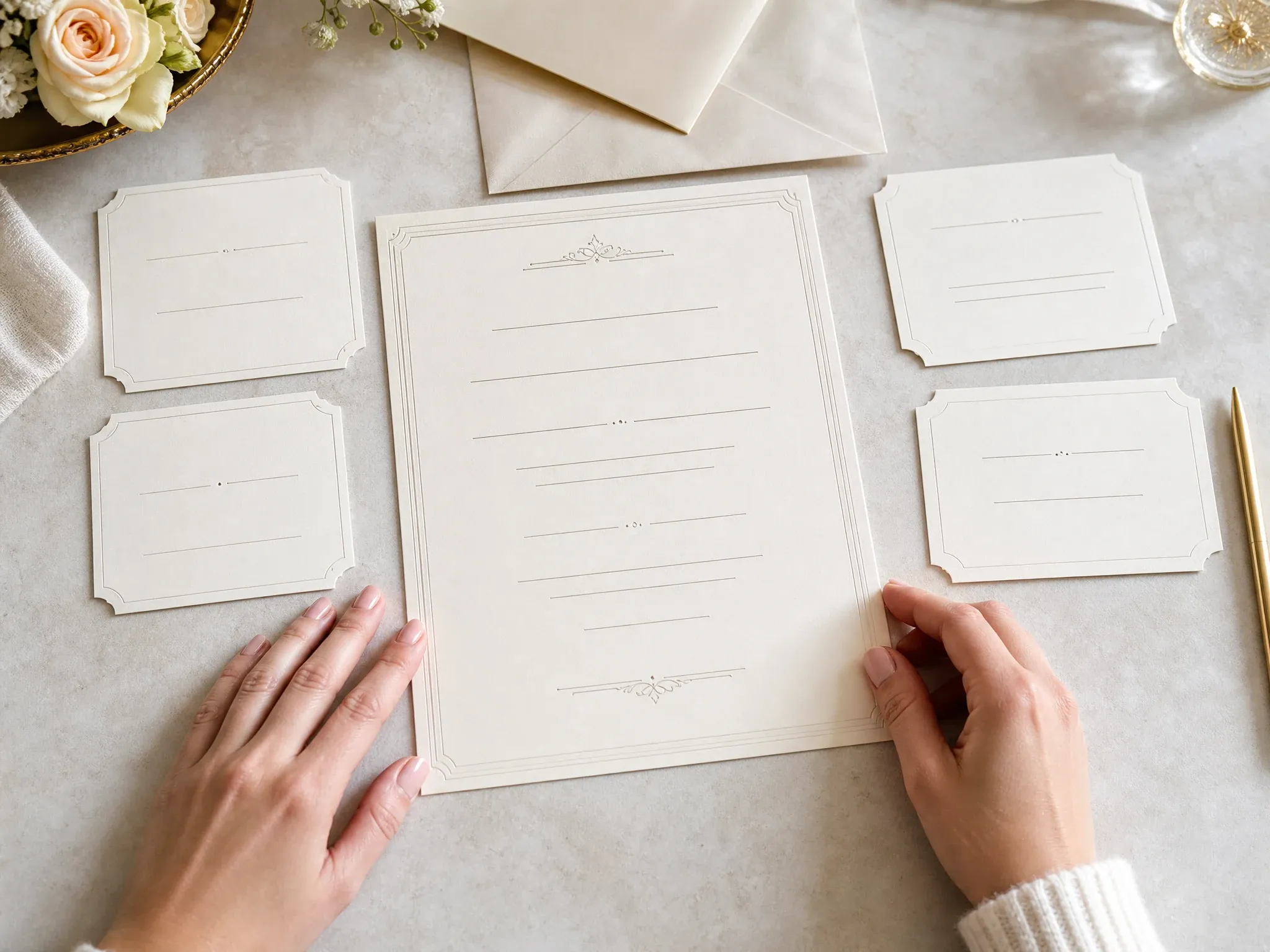
नाम, तारीख़, स्थान, संदेश और RSVP टेक्स्ट को रेफ़रेंस इमेज में दिखाएं ताकि जोड़ा AI स्टाइल पास से पहले लिखावट देख सके।
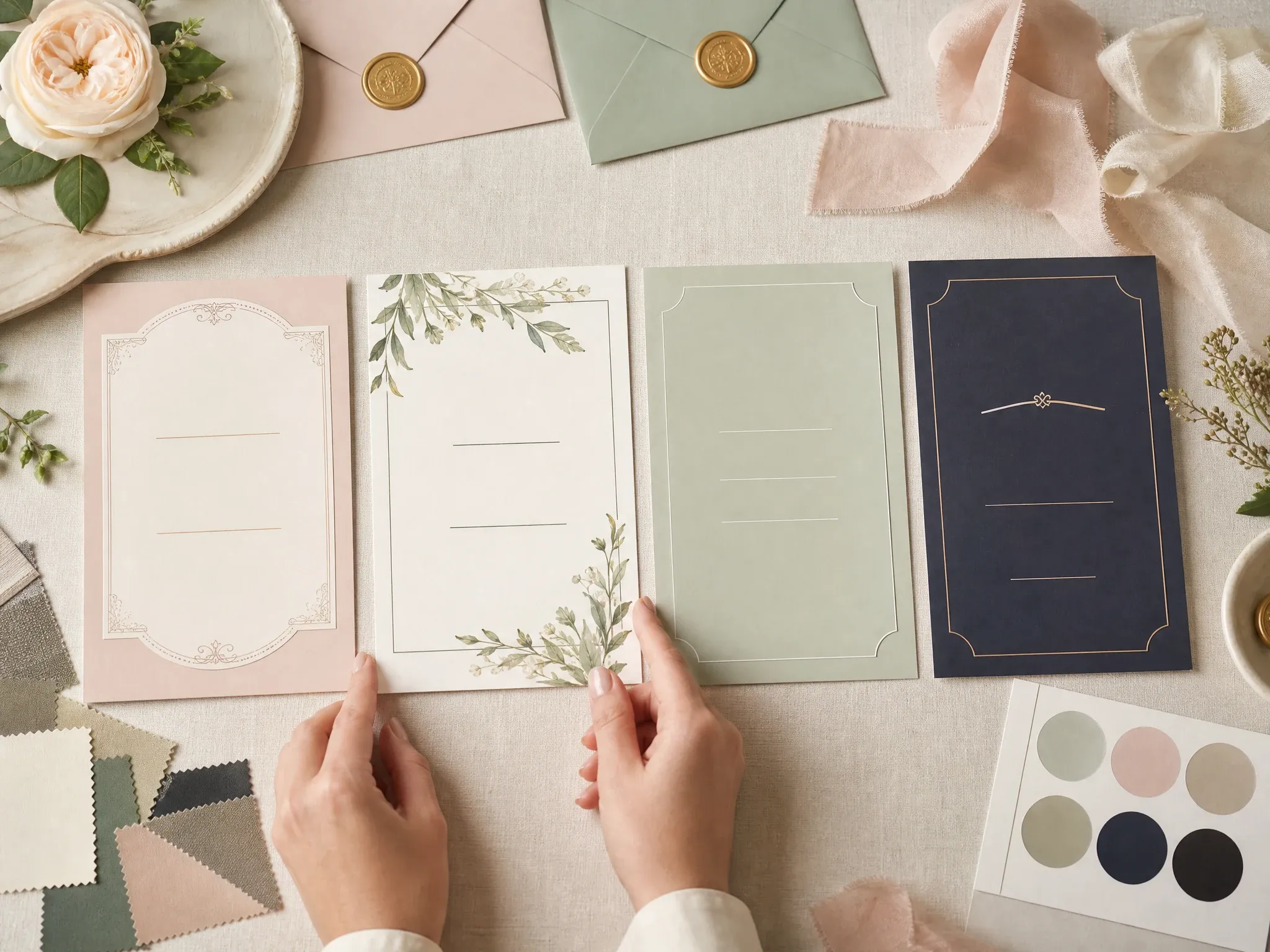
एक ही निमंत्रण टेक्स्ट रेफ़रेंस से मॉडर्न, फ्लोरल, कोस्टल, नाइट और लक्ज़री गोल्ड कार्ड दिशाएं तुलना करें।
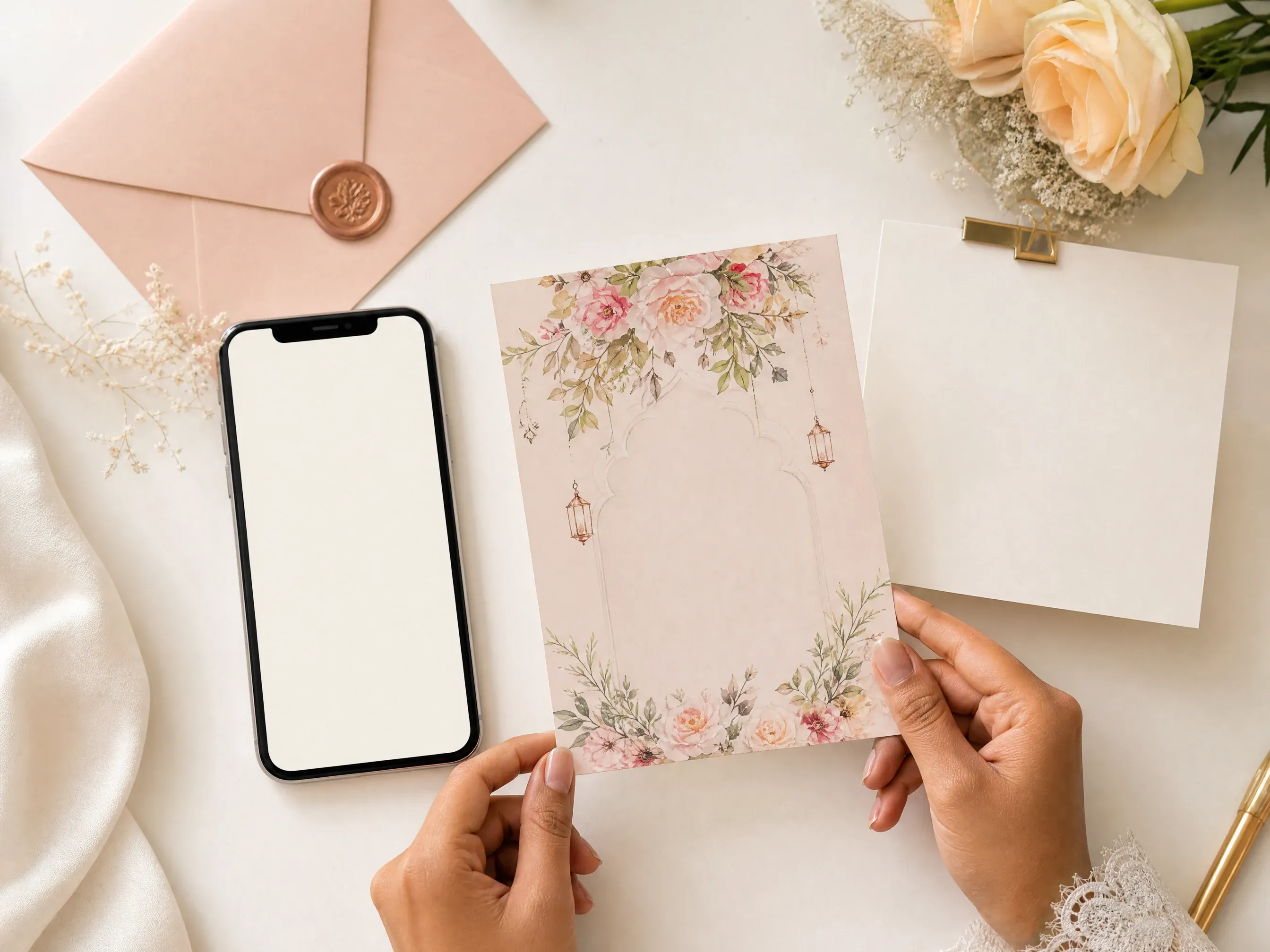
पूरी स्टेशनरी का काम शुरू होने से पहले निजी ड्राफ़्ट, मैसेज प्रीव्यू या डिजिटल घोषणा के लिए एक बेहतर इमेज बनाएं।
जाँचें कि AI द्वारा कार्ड डिज़ाइन सुधारने के बाद लंबे स्थान के नाम, डिनर नोट्स और समारोह के समय पढ़ने लायक़ रहते हैं या नहीं।
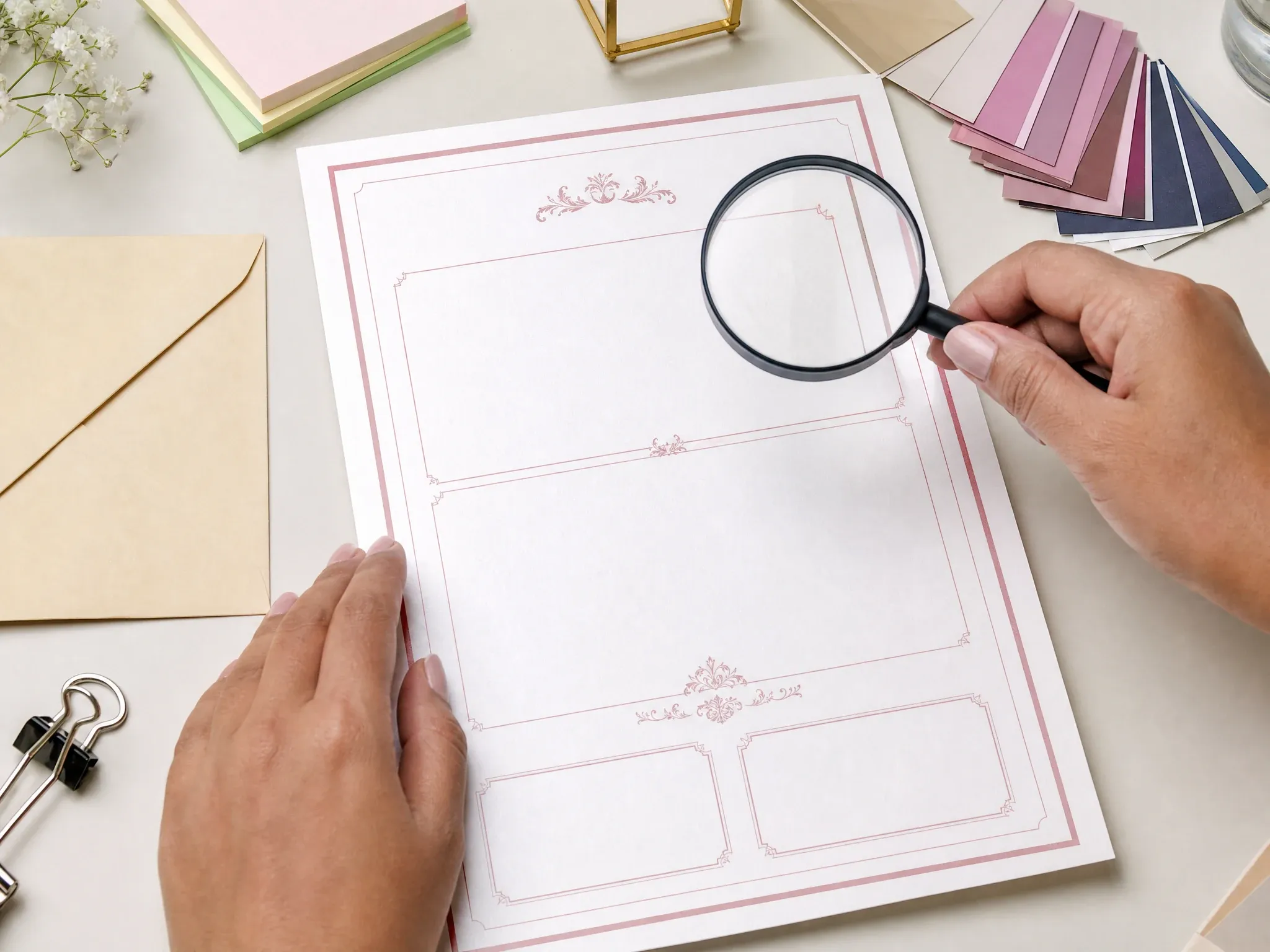
जनरेट की गई कार्ड इमेज प्लानर, परिवार या सह-मेज़बानों को भेजें ताकि लिखावट की प्रतिक्रिया अंतिम डिज़ाइन काम से पहले मिल जाए।
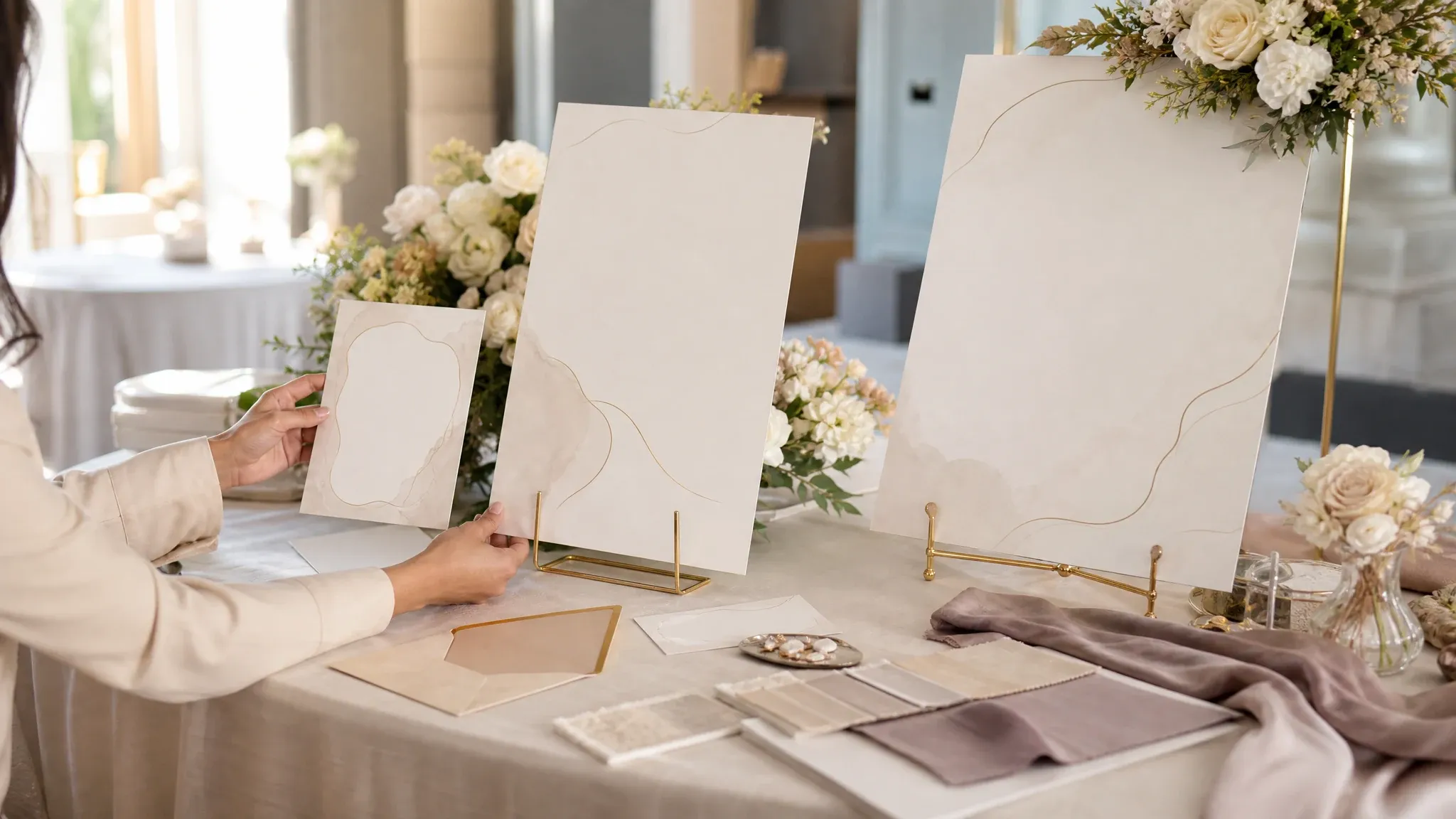
अनुमोदित कार्ड लिखावट और मूड को वेलकम बोर्ड, रिसेप्शन पोस्टर या घोषणा ग्राफ़िक्स के आधार के रूप में उपयोग करें।
इस Face AI वर्ज़न में, AI शादी कार्ड जनरेटर स्ट्रक्चर्ड निमंत्रण टेक्स्ट को रेफ़रेंस स्क्रीनशॉट में बदलता है, फिर हर चुनी गई स्टाइल के लिए एक बेहतर कार्ड इमेज बनाता है, जबकि दिखाई देने वाली लिखावट मुख्य रेफ़रेंस बनी रहती है।
नाम, तारीख़, स्थान, संदेश और RSVP जनरेशन से पहले व्यवस्थित होते हैं ताकि AI को स्पष्ट टेक्स्ट लक्ष्य मिले।
स्टाइल, अनुपात, टेक्स्ट स्केल और बैकग्राउंड/लेआउट विभाजन चुनें, फिर AI को बैकग्राउंड, बॉर्डर, सजावट और स्पेसिंग सुधारने दें।
जनरेट की गई शादी कार्ड इमेज डाउनलोड करें और तुलना के लिए हाल के रिज़ल्ट्स ब्राउज़र के लोकल हिस्ट्री में रखें।
वर्कबेंच पहले आती है और वादा सीमित रखती है: आपके टेक्स्ट रेफ़रेंस पर आधारित फ्री AI कार्ड इमेज, खाली प्रॉम्प्ट बॉक्स के पीछे छिपी पूरी स्टेशनरी सूट नहीं।
निमंत्रण टेक्स्ट फ़ील्ड और रेफ़रेंस स्क्रीनशॉट से शुरू होता है, जिससे खाली प्रॉम्प्ट की विफलता कम होती है जिसमें नाम और तारीख़ें खो जाती हैं।
टेक्स्ट फ़ील्ड, AI स्टाइल डायरेक्शन, बैकग्राउंड/लेआउट विभाजन, टेक्स्ट स्केल, अनुपात, रिज़ल्ट डाउनलोड, शेयर और हिस्ट्री सभी फ़ंक्शन एरिया का हिस्सा हैं।
Face AI एक तैयार कार्ड इमेज बनाता है। पेशेवर प्रिंटिंग के लिए, ब्लीड जोड़ें, फ़ॉन्ट सत्यापित करें, एडिटेबल वेक्टर या PDF फ़ाइलें तैयार करें और एक समर्पित डिज़ाइन या प्रिंट वर्कफ़्लो में लिफ़ाफ़े या डिलीवरी की व्यवस्था करें।
लिखावट और मूड की राय के लिए जनरेट किए गए ड्राफ़्ट का उपयोग करें, फिर एक समर्पित डिज़ाइन या स्टेशनरी वर्कफ़्लो में प्रिंट-रेडी फ़ाइलें पूरी करें।
काम के हिसाब से सही वर्कफ़्लो चुनें। Face AI टेक्स्ट रेफ़रेंस से तेज़ AI निमंत्रण इमेज के लिए सबसे मज़बूत है; पूरे सूट प्रिंट प्रोडक्शन के लिए बेहतर हैं।
| मानदंड | Face AIहमारा Face AI शादी कार्ड मेकर | अन्य वर्कफ़्लो |
|---|---|---|
| शुरुआत | स्ट्रक्चर्ड शादी फ़ील्ड और एक जनरेटेड टेक्स्ट रेफ़रेंस स्क्रीनशॉट। | सिर्फ़ प्रॉम्प्ट वाले इमेज टूल आकर्षक कार्ड बना सकते हैं लेकिन सटीक नाम, तारीख़ें और RSVP टेक्स्ट अक्सर चूक जाते हैं। |
| AI नियंत्रण | AI रेफ़रेंस से बैकग्राउंड, बॉर्डर, ऑर्नामेंट, स्पेसिंग और शादी की स्टाइल सुधारता है। | बड़े एडिटर मैनुअल डिज़ाइन काम या पेड टेम्पलेट लाइब्रेरी मांग सकते हैं। |
| आउटपुट | डिजिटल रिव्यू और प्रूफ़रीडिंग के लिए एक डाउनलोड करने लायक़ AI शादी कार्ड इमेज। | स्टेशनरी सूट PDF, ब्लीड, लिफ़ाफ़े, RSVP इंसर्ट, प्रिंट स्पेक्स और एडिटेबल सोर्स फ़ाइलें निर्यात कर सकते हैं। |
| सबसे अच्छा उपयोग | डिजिटल ड्राफ़्ट, लिखावट रिव्यू, स्टाइल डायरेक्शन, सेव-द-डेट प्रीव्यू और अंतिम डिज़ाइन को हैंडऑफ़। | पेशेवर टाइपोग्राफ़ी, प्रिंट फ़ाइलों, फ़ॉन्ट लाइसेंसिंग और प्रोडक्शन जाँच के लिए पूर्ण डिज़ाइन टूल उपयोग करें। |
| सीमा | कोई PDF नहीं, कोई RSVP होस्टिंग नहीं, कोई प्रिंट गारंटी नहीं, कोई फिज़िकल फ़ुलफ़िलमेंट नहीं, कोई क़ानूनी फ़ॉन्ट/लाइसेंस मंज़ूरी नहीं। | प्रिंट वर्कफ़्लो ट्रिम, ब्लीड, DPI, कलर प्रोफ़ाइल, पेपर और डिलीवरी प्रतिबंधों की पुष्टि करें। |
स्ट्रक्चर्ड शादी फ़ील्ड और एक जनरेटेड टेक्स्ट रेफ़रेंस स्क्रीनशॉट।
सिर्फ़ प्रॉम्प्ट वाले इमेज टूल आकर्षक कार्ड बना सकते हैं लेकिन सटीक नाम, तारीख़ें और RSVP टेक्स्ट अक्सर चूक जाते हैं।
AI रेफ़रेंस से बैकग्राउंड, बॉर्डर, ऑर्नामेंट, स्पेसिंग और शादी की स्टाइल सुधारता है।
बड़े एडिटर मैनुअल डिज़ाइन काम या पेड टेम्पलेट लाइब्रेरी मांग सकते हैं।
डिजिटल रिव्यू और प्रूफ़रीडिंग के लिए एक डाउनलोड करने लायक़ AI शादी कार्ड इमेज।
स्टेशनरी सूट PDF, ब्लीड, लिफ़ाफ़े, RSVP इंसर्ट, प्रिंट स्पेक्स और एडिटेबल सोर्स फ़ाइलें निर्यात कर सकते हैं।
डिजिटल ड्राफ़्ट, लिखावट रिव्यू, स्टाइल डायरेक्शन, सेव-द-डेट प्रीव्यू और अंतिम डिज़ाइन को हैंडऑफ़।
पेशेवर टाइपोग्राफ़ी, प्रिंट फ़ाइलों, फ़ॉन्ट लाइसेंसिंग और प्रोडक्शन जाँच के लिए पूर्ण डिज़ाइन टूल उपयोग करें।
कोई PDF नहीं, कोई RSVP होस्टिंग नहीं, कोई प्रिंट गारंटी नहीं, कोई फिज़िकल फ़ुलफ़िलमेंट नहीं, कोई क़ानूनी फ़ॉन्ट/लाइसेंस मंज़ूरी नहीं।
प्रिंट वर्कफ़्लो ट्रिम, ब्लीड, DPI, कलर प्रोफ़ाइल, पेपर और डिलीवरी प्रतिबंधों की पुष्टि करें।
ये टिप्पणियां व्यावहारिक कार्ड प्रक्रिया पर केंद्रित हैं: विवरण दर्ज करें, टेक्स्ट रेफ़रेंस बनाएं, AI स्टाइल चुनें, जनरेट करें, प्रूफ़रीड करें, डाउनलोड करें और रिज़ल्ट्स तुलना करें।
"मैंने कार्ड मेकर से समारोह के विवरण को पहले एक टेक्स्ट रेफ़रेंस में बदला, फिर AI को बैकग्राउंड और बॉर्डर सुधारने दिया — खाली प्रॉम्प्ट से शुरू किए बिना।"

Sophia Wagner
Editorial Director
"सबसे उपयोगी हिस्सा हैंडऑफ़ है: जनरेशन से पहले नाम, तारीख़, स्थान और RSVP दिखाई देते हैं, जबकि AI पास मूड, लेआउट विभाजन और स्टेशनरी की चमक पर ध्यान देता है।"

Nina Volkov
Visual Design Director
"मैं एक ही लिखावट स्क्रीनशॉट से फ्लोरल कार्ड, मॉडर्न कार्ड और शाम का संस्करण तुलना कर सकती हूं। किसी इमेज मॉडल से कार्ड शुरू से गढ़वाने से यह कहीं ज़्यादा स्पष्ट है।"

Amara Johansson
Head of Visual Identity
"पहली बार के सेव-द-डेट कॉन्सेप्ट के लिए, टेक्स्ट रेफ़रेंस लिखावट को व्यवस्थित रखता है और AI आउटपुट परिवार को समीक्षा के लिए बेहतर विज़ुअल दिशा देता है।"

Mia Torres
Design Director
"यह वर्कफ़्लो असली AI कार्ड पास जैसा लगता है: विवरण दर्ज करें, टेक्स्ट स्क्रीनशॉट रेफ़रेंस बनाएं, स्टाइल चुनें, फिर AI-रेंडर किया गया निमंत्रण इमेज डाउनलोड करें।"

Devon Park
Interactive Creative Director
"मुझे पसंद है कि पेज विज़ुअल दिशा को प्रोडक्शन की सच्चाई से अलग रखता है। इससे जोड़े RSVP होस्टिंग, PDF प्रूफ़िंग या प्रिंट फ़ुलफ़िलमेंट का वादा किए बिना निमंत्रण का मूड रिव्यू कर सकते हैं।"

Marie Laurent
Storytelling & Brand Lead
"मैंने कार्ड मेकर से समारोह के विवरण को पहले एक टेक्स्ट रेफ़रेंस में बदला, फिर AI को बैकग्राउंड और बॉर्डर सुधारने दिया — खाली प्रॉम्प्ट से शुरू किए बिना।"
Sophia Wagner
Editorial Director
"सबसे उपयोगी हिस्सा हैंडऑफ़ है: जनरेशन से पहले नाम, तारीख़, स्थान और RSVP दिखाई देते हैं, जबकि AI पास मूड, लेआउट विभाजन और स्टेशनरी की चमक पर ध्यान देता है।"
Nina Volkov
Visual Design Director
"मैं एक ही लिखावट स्क्रीनशॉट से फ्लोरल कार्ड, मॉडर्न कार्ड और शाम का संस्करण तुलना कर सकती हूं। किसी इमेज मॉडल से कार्ड शुरू से गढ़वाने से यह कहीं ज़्यादा स्पष्ट है।"
Amara Johansson
Head of Visual Identity
"पहली बार के सेव-द-डेट कॉन्सेप्ट के लिए, टेक्स्ट रेफ़रेंस लिखावट को व्यवस्थित रखता है और AI आउटपुट परिवार को समीक्षा के लिए बेहतर विज़ुअल दिशा देता है।"
Mia Torres
Design Director
"यह वर्कफ़्लो असली AI कार्ड पास जैसा लगता है: विवरण दर्ज करें, टेक्स्ट स्क्रीनशॉट रेफ़रेंस बनाएं, स्टाइल चुनें, फिर AI-रेंडर किया गया निमंत्रण इमेज डाउनलोड करें।"
Devon Park
Interactive Creative Director
"मुझे पसंद है कि पेज विज़ुअल दिशा को प्रोडक्शन की सच्चाई से अलग रखता है। इससे जोड़े RSVP होस्टिंग, PDF प्रूफ़िंग या प्रिंट फ़ुलफ़िलमेंट का वादा किए बिना निमंत्रण का मूड रिव्यू कर सकते हैं।"
Marie Laurent
Storytelling & Brand Lead
"तुलना अनुभाग उपयोगी है क्योंकि यह बताता है कि Face AI कहां रुकता है। AI कार्ड डिजिटल रिव्यू के लिए अच्छा है, ब्लीड, फ़ॉन्ट लाइसेंसिंग या प्रेस जाँच के लिए नहीं।"

Astrid Nielsen
Head of Thought Leadership
"मैंने कार्ड मेकर से समारोह के विवरण को पहले एक टेक्स्ट रेफ़रेंस में बदला, फिर AI को बैकग्राउंड और बॉर्डर सुधारने दिया — खाली प्रॉम्प्ट से शुरू किए बिना।"
Sophia Wagner
Editorial Director
"सबसे उपयोगी हिस्सा हैंडऑफ़ है: जनरेशन से पहले नाम, तारीख़, स्थान और RSVP दिखाई देते हैं, जबकि AI पास मूड, लेआउट विभाजन और स्टेशनरी की चमक पर ध्यान देता है।"
Nina Volkov
Visual Design Director
"मैं एक ही लिखावट स्क्रीनशॉट से फ्लोरल कार्ड, मॉडर्न कार्ड और शाम का संस्करण तुलना कर सकती हूं। किसी इमेज मॉडल से कार्ड शुरू से गढ़वाने से यह कहीं ज़्यादा स्पष्ट है।"
Amara Johansson
Head of Visual Identity
"पहली बार के सेव-द-डेट कॉन्सेप्ट के लिए, टेक्स्ट रेफ़रेंस लिखावट को व्यवस्थित रखता है और AI आउटपुट परिवार को समीक्षा के लिए बेहतर विज़ुअल दिशा देता है।"
Mia Torres
Design Director
"यह वर्कफ़्लो असली AI कार्ड पास जैसा लगता है: विवरण दर्ज करें, टेक्स्ट स्क्रीनशॉट रेफ़रेंस बनाएं, स्टाइल चुनें, फिर AI-रेंडर किया गया निमंत्रण इमेज डाउनलोड करें।"
Devon Park
Interactive Creative Director
"मुझे पसंद है कि पेज विज़ुअल दिशा को प्रोडक्शन की सच्चाई से अलग रखता है। इससे जोड़े RSVP होस्टिंग, PDF प्रूफ़िंग या प्रिंट फ़ुलफ़िलमेंट का वादा किए बिना निमंत्रण का मूड रिव्यू कर सकते हैं।"
Marie Laurent
Storytelling & Brand Lead
"तुलना अनुभाग उपयोगी है क्योंकि यह बताता है कि Face AI कहां रुकता है। AI कार्ड डिजिटल रिव्यू के लिए अच्छा है, ब्लीड, फ़ॉन्ट लाइसेंसिंग या प्रेस जाँच के लिए नहीं।"
Astrid Nielsen
Head of Thought Leadership
"हमारी कंटेंट टीम अंतिम टेक्स्ट स्टेशनरी डिज़ाइनर को देने से पहले निमंत्रण की लिखावट, स्थान की पंक्तियों और RSVP शब्दों को एक बेहतर AI कार्ड रिज़ल्ट में परख सकती है।"

Charlotte Beaumont
Director of Content Operations
"फ्री ऑनलाइन कार्ड का कोण स्पष्ट है। यह प्लानरों को ईमेल प्रीव्यू, सोशल संदेश या क्लाइंट कॉल के लिए तुरंत विज़ुअल देता है — बिना पूरे डिज़ाइन लॉगिन फ़्लो के।"

Yifan Zheng
Demand Generation Lead
"मैंने इसका उपयोग एक सह-आयोजित शादी इवेंट मॉकअप के लिए किया। AI स्टाइल विकल्पों ने एक ही टेक्स्ट से मॉडर्न, फ्लोरल, कोस्टल, नाइट और गोल्ड दिशाएं आज़माना आसान बना दिया।"

Sakura Ito
Partner Marketing Lead
"लोकल रिज़ल्ट हिस्ट्री रिव्यू में मदद करती है। जब कोई हल्की स्टाइल मांगता है, तो पिछला AI कार्ड वहीं रहता है और अगला संस्करण तुलना करना आसान रहता है।"

Ren Sato
Customer Marketing Director
"यह कोई बड़ा एडिटर नहीं है, और यही बात है। फ़ील्ड शादी के विवरण को व्यवस्थित रखते हैं, जबकि AI बैकग्राउंड और सजावटी ट्रीटमेंट सुधारता है।"

Anisha Patel
Brand Director
"शादी से जुड़े ब्रांड एक्टिवेशन के लिए, मैं कार्ड-शैली का निमंत्रण इमेज तैयार कर सकती हूं और लिखावट मंज़ूर होने के बाद साइनेज या पोस्टर टूल पर जा सकती हूं।"

Pooja Mehta
VP of Brand Experience
"बिना वॉटरमार्क वाला रिज़ल्ट डाउनलोड ड्राफ़्ट के लिए उपयोगी है। अंतिम प्रिंट प्रूफ़िंग हम कहीं और करते हैं, लेकिन पहली निमंत्रण दिशा जल्दी तैयार होती है।"

Nkechi Obi
Marketing & Brand Manager
"हमारी कंटेंट टीम अंतिम टेक्स्ट स्टेशनरी डिज़ाइनर को देने से पहले निमंत्रण की लिखावट, स्थान की पंक्तियों और RSVP शब्दों को एक बेहतर AI कार्ड रिज़ल्ट में परख सकती है।"
Charlotte Beaumont
Director of Content Operations
"फ्री ऑनलाइन कार्ड का कोण स्पष्ट है। यह प्लानरों को ईमेल प्रीव्यू, सोशल संदेश या क्लाइंट कॉल के लिए तुरंत विज़ुअल देता है — बिना पूरे डिज़ाइन लॉगिन फ़्लो के।"
Yifan Zheng
Demand Generation Lead
"मैंने इसका उपयोग एक सह-आयोजित शादी इवेंट मॉकअप के लिए किया। AI स्टाइल विकल्पों ने एक ही टेक्स्ट से मॉडर्न, फ्लोरल, कोस्टल, नाइट और गोल्ड दिशाएं आज़माना आसान बना दिया।"
Sakura Ito
Partner Marketing Lead
"लोकल रिज़ल्ट हिस्ट्री रिव्यू में मदद करती है। जब कोई हल्की स्टाइल मांगता है, तो पिछला AI कार्ड वहीं रहता है और अगला संस्करण तुलना करना आसान रहता है।"
Ren Sato
Customer Marketing Director
"यह कोई बड़ा एडिटर नहीं है, और यही बात है। फ़ील्ड शादी के विवरण को व्यवस्थित रखते हैं, जबकि AI बैकग्राउंड और सजावटी ट्रीटमेंट सुधारता है।"
Anisha Patel
Brand Director
"शादी से जुड़े ब्रांड एक्टिवेशन के लिए, मैं कार्ड-शैली का निमंत्रण इमेज तैयार कर सकती हूं और लिखावट मंज़ूर होने के बाद साइनेज या पोस्टर टूल पर जा सकती हूं।"
Pooja Mehta
VP of Brand Experience
"बिना वॉटरमार्क वाला रिज़ल्ट डाउनलोड ड्राफ़्ट के लिए उपयोगी है। अंतिम प्रिंट प्रूफ़िंग हम कहीं और करते हैं, लेकिन पहली निमंत्रण दिशा जल्दी तैयार होती है।"
Nkechi Obi
Marketing & Brand Manager
अगले कदम के आधार पर अगला Face AI टूल चुनें: शादी की इमेज, मेमोरी बोर्ड, इवेंट साइनेज या सहायक कटआउट।
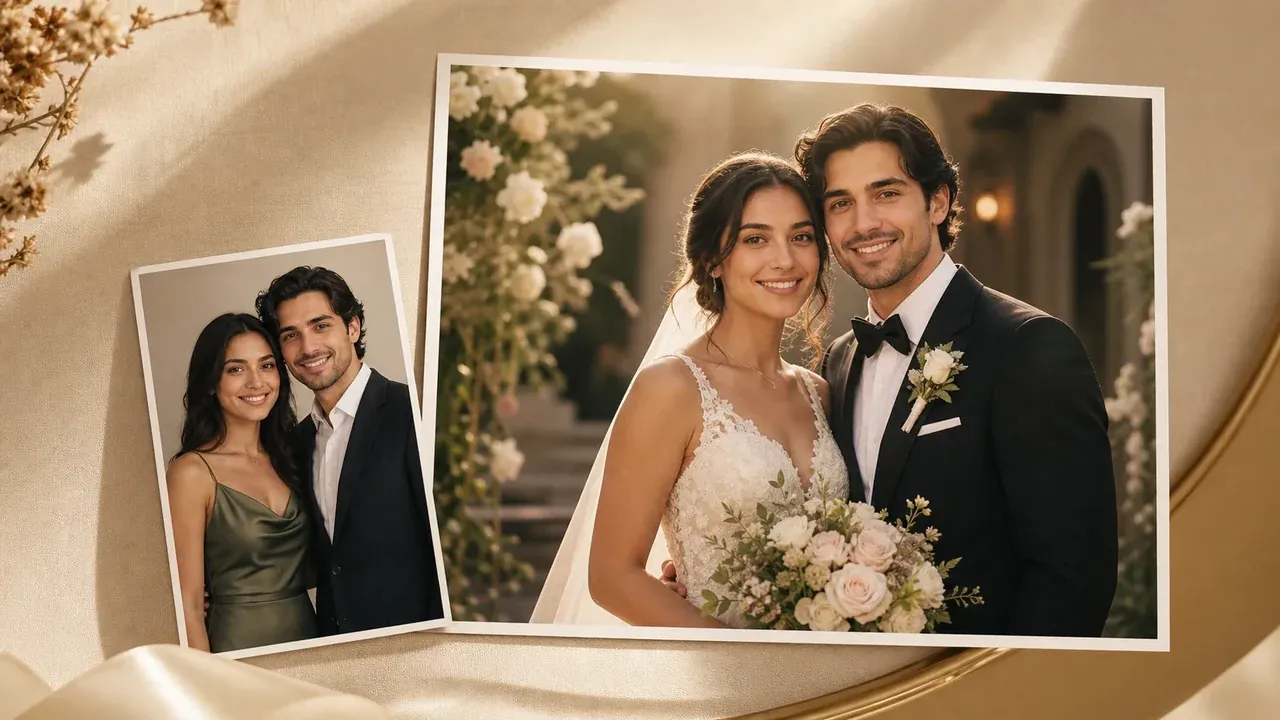
जब आपको कार्ड के बजाय निमंत्रण के आसपास इमेजरी चाहिए, तो रोमांटिक शादी-फ़ोटो विज़ुअल बनाएं।
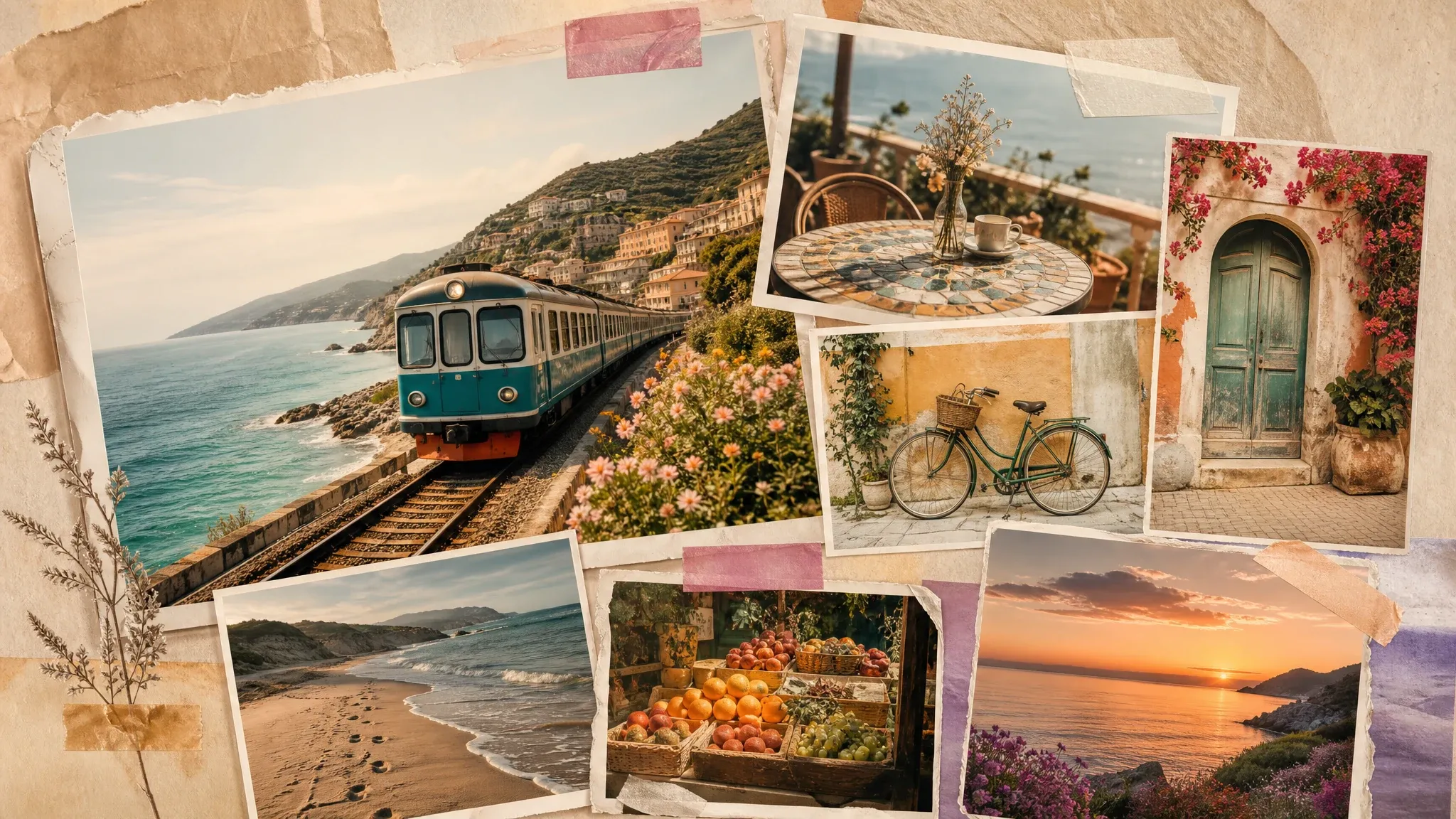
कार्ड लिखावट मंज़ूर होने के बाद एंगेजमेंट, समारोह या रिसेप्शन फ़ोटो से मेमोरी-बोर्ड कोलाज बनाएं।
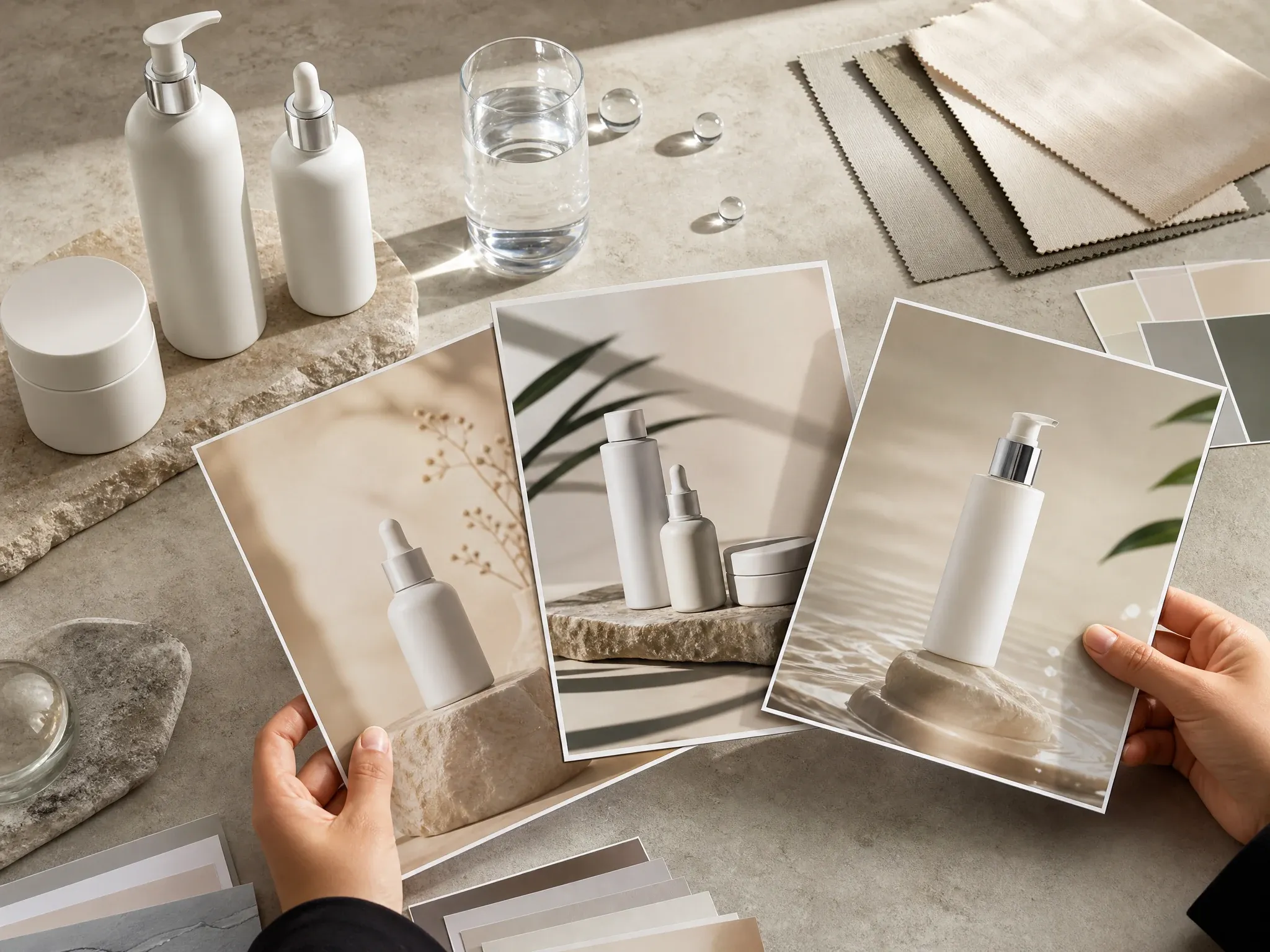
बड़े कैंपेन फील की ज़रूरत वाले इवेंट साइनेज, वेलकम बोर्ड या घोषणा विज़ुअल के लिए पोस्टर जनरेशन उपयोग करें।
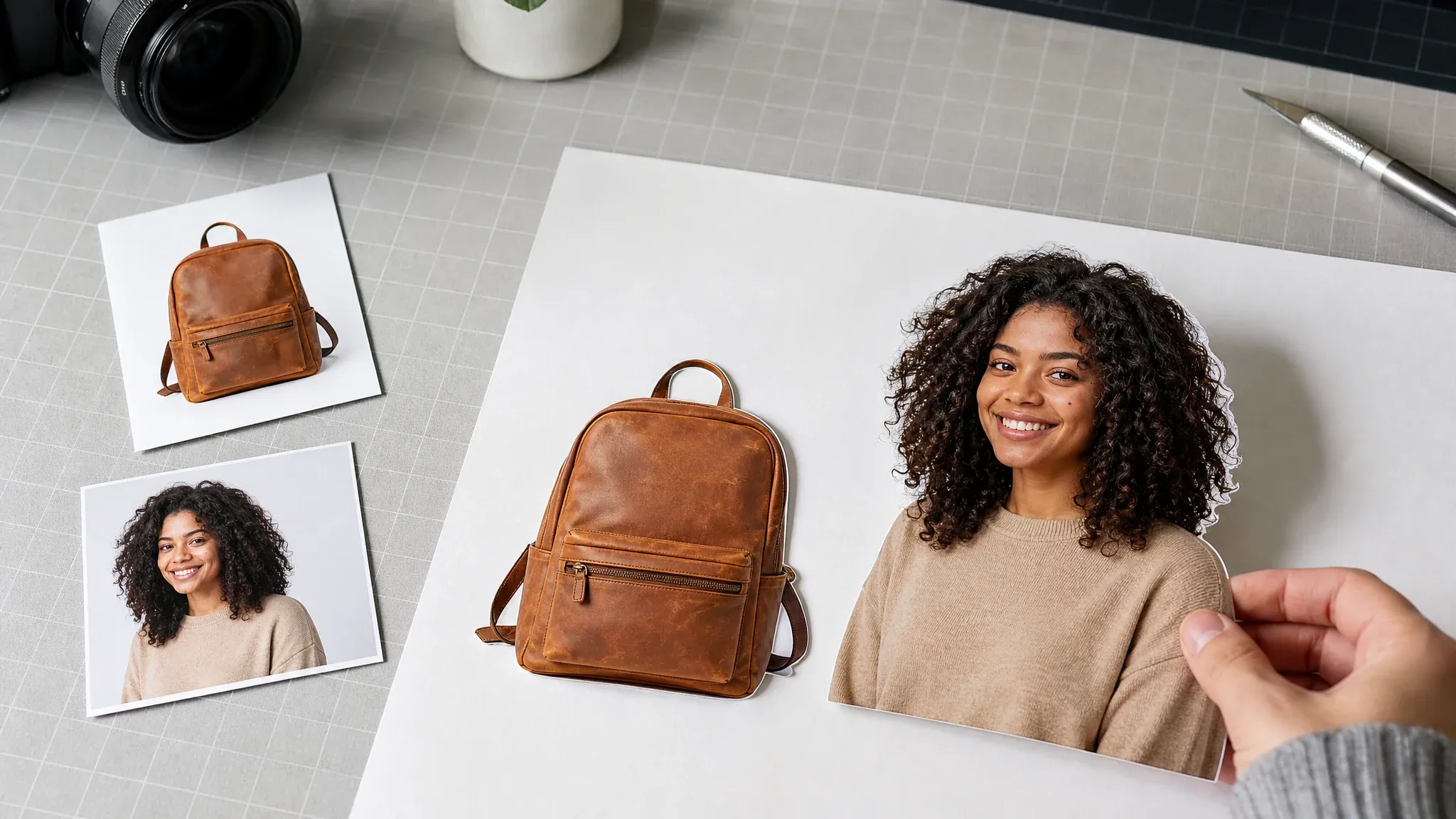
आगे की शादी ग्राफ़िक्स बनाने से पहले साफ़ जोड़े या फूलों के कटआउट तैयार करें।
फ्री ऑनलाइन AI कार्ड ड्राफ़्ट, टेक्स्ट रेफ़रेंस, डाउनलोड, वॉटरमार्क की सीमाओं, RSVP सीमाओं, प्रिंट सीमाओं, PDF, फ़ॉन्ट और पेशेवर डिज़ाइन हैंडऑफ़ के बारे में सीधे जवाब।
यह स्ट्रक्चर्ड टेक्स्ट फ़ील्ड, रेफ़रेंस स्क्रीनशॉट, बैकग्राउंड/लेआउट विभाजन, अनुपात और प्रॉम्प्ट मार्गदर्शन से हर चुनी गई स्टाइल के लिए एक AI शादी कार्ड इमेज बनाता है।
हां। आप निमंत्रण टेक्स्ट लिख सकते हैं, रेफ़रेंस स्क्रीनशॉट बना सकते हैं, AI-स्टाइल वाला कार्ड रिज़ल्ट जनरेट कर सकते हैं और इमेज ऑनलाइन डाउनलोड कर सकते हैं।
स्क्रीनशॉट बैकग्राउंड, बॉर्डर और सजावट सुधारने से पहले AI को एक ठोस टेक्स्ट और लेआउट रेफ़रेंस देता है।
Face AI मॉडल से रेफ़रेंस टेक्स्ट को बिना बदले रखने को कहता है, लेकिन जनरेट की गई इमेज टेक्स्ट को साझा करने या प्रिंट करने से पहले फिर भी प्रूफ़रीड किया जाना चाहिए।
नहीं। यह एक सरल AI कार्ड इमेज वर्कफ़्लो है, पूरा स्टेशनरी, लिफ़ाफ़ा, RSVP, सीटिंग-चार्ट या प्रिंट-ऑर्डर वर्कफ़्लो नहीं।
डाउनलोड से पहले PNG, JPG या WEBP चुनें। Face AI पूरी हुई AI कार्ड को चुने हुए फ़ाइल फ़ॉर्मेट में लोकल रूप से बदलता है; टेक्स्ट स्क्रीनशॉट जनरेशन रेफ़रेंस बना रहता है, प्राथमिक आउटपुट नहीं।
Face AI के रिज़ल्ट डाउनलोड में कोई वॉटरमार्क नहीं जुड़ता। आउटपुट फिर भी एक ड्राफ़्ट इमेज है, प्रेस-रेडी प्रोडक्शन फ़ाइल नहीं।
नहीं। PDF निर्यात, ब्लीड मार्क्स, प्रिंट प्रोफ़ाइल और प्रेस-रेडी फ़ाइलों के लिए एक अलग समीक्षित वर्कफ़्लो चाहिए।
हां। हाल के AI कार्ड रिज़ल्ट्स ब्राउज़र की लोकल हिस्ट्री में सहेजे जाते हैं ताकि आप उसी ब्राउज़र से पिछले संस्करण डाउनलोड कर सकें।
नहीं। RSVP फ़ील्ड केवल कार्ड इमेज में छपती है। लाइव RSVP संग्रह, अतिथि सूची, ईमेल रिमाइंडर और शादी की वेबसाइट के लिए दूसरा वर्कफ़्लो चाहिए।
यह कार्ड वर्कफ़्लो टेक्स्ट रेफ़रेंस से AI निमंत्रण डिज़ाइन पर केंद्रित है। निमंत्रण में फ़ोटो लेआउट चाहिए तो फ़ोटो या कोलाज टूल अलग से उपयोग करें।
जब तक आपका प्रिंटर साइज़, DPI, ब्लीड, कलर प्रोफ़ाइल, पेपर और फ़ाइल आवश्यकताओं की पुष्टि न करे, रिज़ल्ट को ड्राफ़्ट के रूप में उपयोग करें।
अंतिम फ़ॉन्ट लाइसेंसिंग, लिखावट की समीक्षा, स्थान विवरण और किसी भी व्यावसायिक या प्रिंट उपयोग की ज़िम्मेदारी आपकी है।
हां। AI कार्ड जनरेशन रेंडर किए गए कार्ड रेफ़रेंस को ऑनलाइन प्रोसेस करता है। ऐसी निजी जानकारी दर्ज न करें जिसे आप प्रोसेस कराने में सहज नहीं हैं।
शादी का विवरण दर्ज करें, टेक्स्ट रेफ़रेंस देखें, एक AI स्टाइल डायरेक्शन चुनें, फिर रिव्यू के लिए एक डिजिटल निमंत्रण इमेज जनरेट करें।