
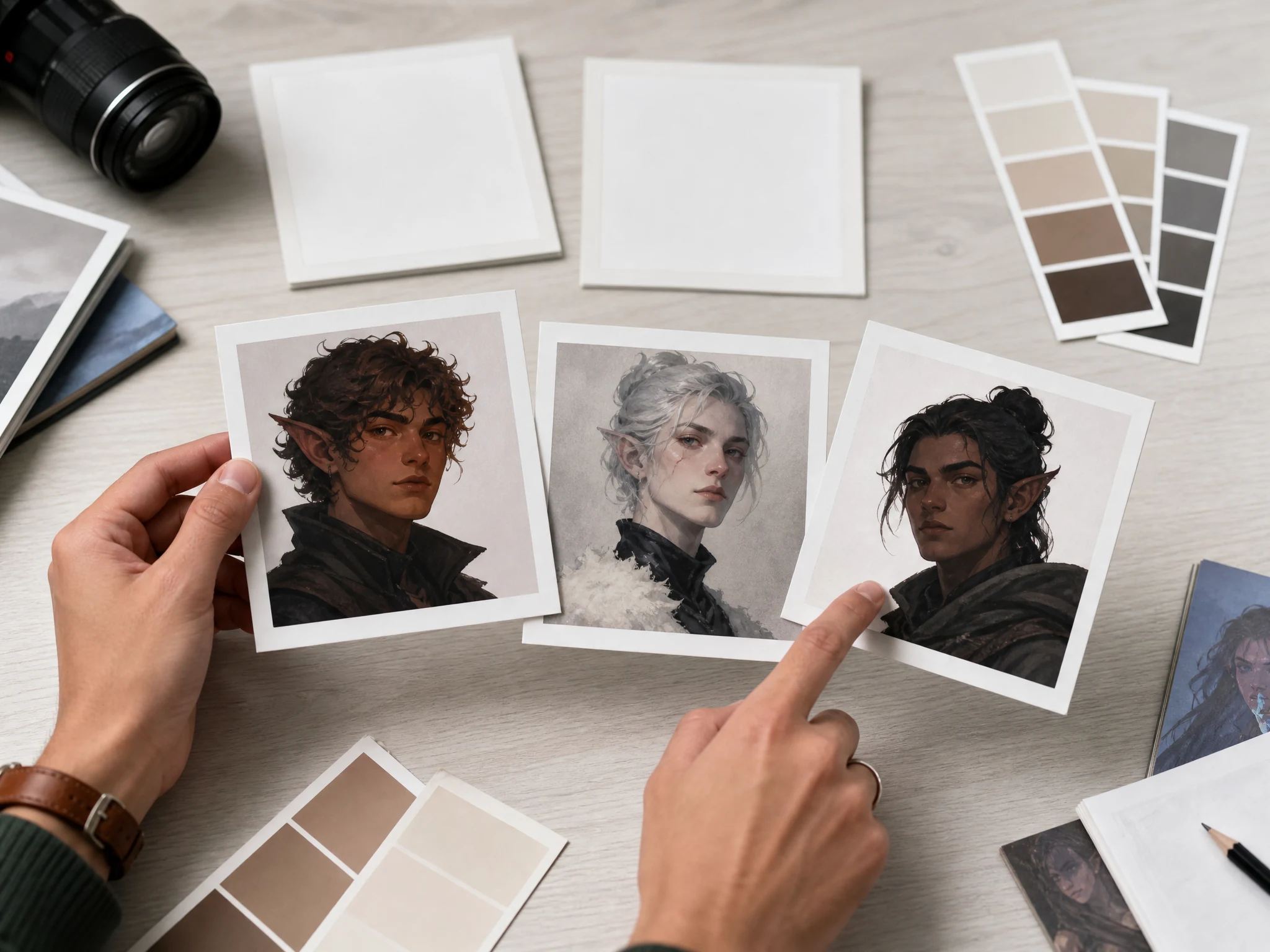
OC Maker for Original Characters, Free Online
Use the OC Maker to turn a character idea into an original portrait, RPG hero, story cast member, game NPC, outfit study, or profile-style concept. Start from one sentence, edit a trait-stack prompt, or use a keeper image in the next source-guided pass. No sign-up. No watermark.
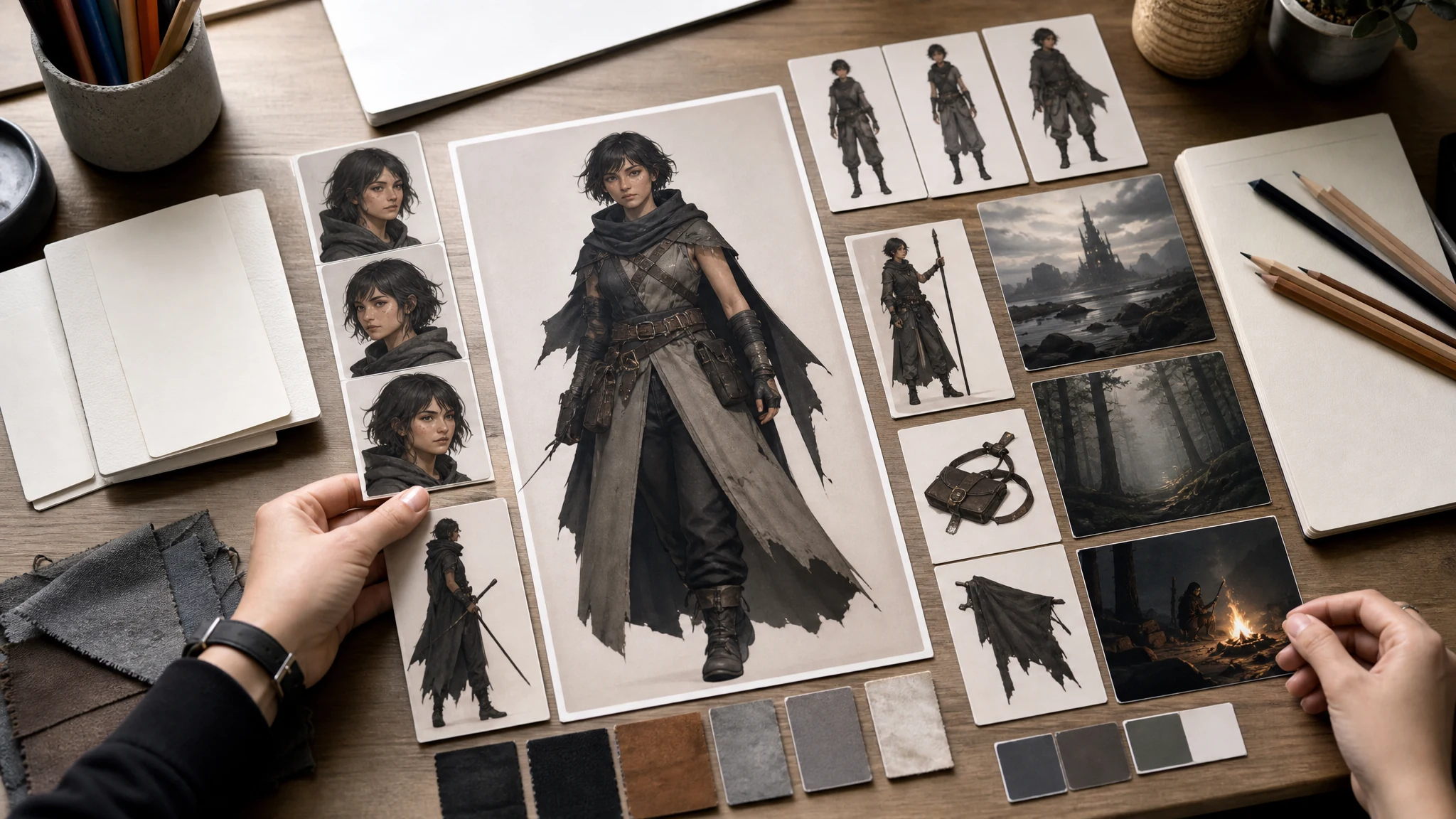
Trusted by 12,000,000+ users worldwide.
How to Use the OC Maker
Treat the prompt like a short character sheet, but only include details that should be visible in the image.
Write the OC trait stack
Describe one original character with role, species, outfit, pose, expression, world, and style.
Generate and compare
Review the newest result against the prompt and local history before changing too many traits at once.
Download or refine
Download the keeper, or use image-to-image, editor, or upscaler when the OC is close but not final.
Three Ways to Make Your Own OC
Pick the route that matches your starting point. A rough idea can start fast, a serious character benefits from visible trait groups, and an existing sketch or keeper image works best with source-guided refinement.
One-line OC prompt
Write the character in one sentence when you just need a first portrait: role, mood, outfit, setting, and style. Generate, compare, then keep or rewrite.
Trait-stack builder prompt
Use the OC builder settings. Swap race/species, gender/body type, eye shape, eye color, hairstyle, hair color, outfit, accessory, expression, and background before generating.
Prompt plus reference image
When you already have a sketch, portrait, or keeper result, move it to AI Image to Image and add the OC changes you want preserved or adjusted.
What Can You Create with an OC Maker?
Use the OC maker for five practical jobs: RPG outfits, story casts, game NPCs, style exploration, and profile-style original character portraits.
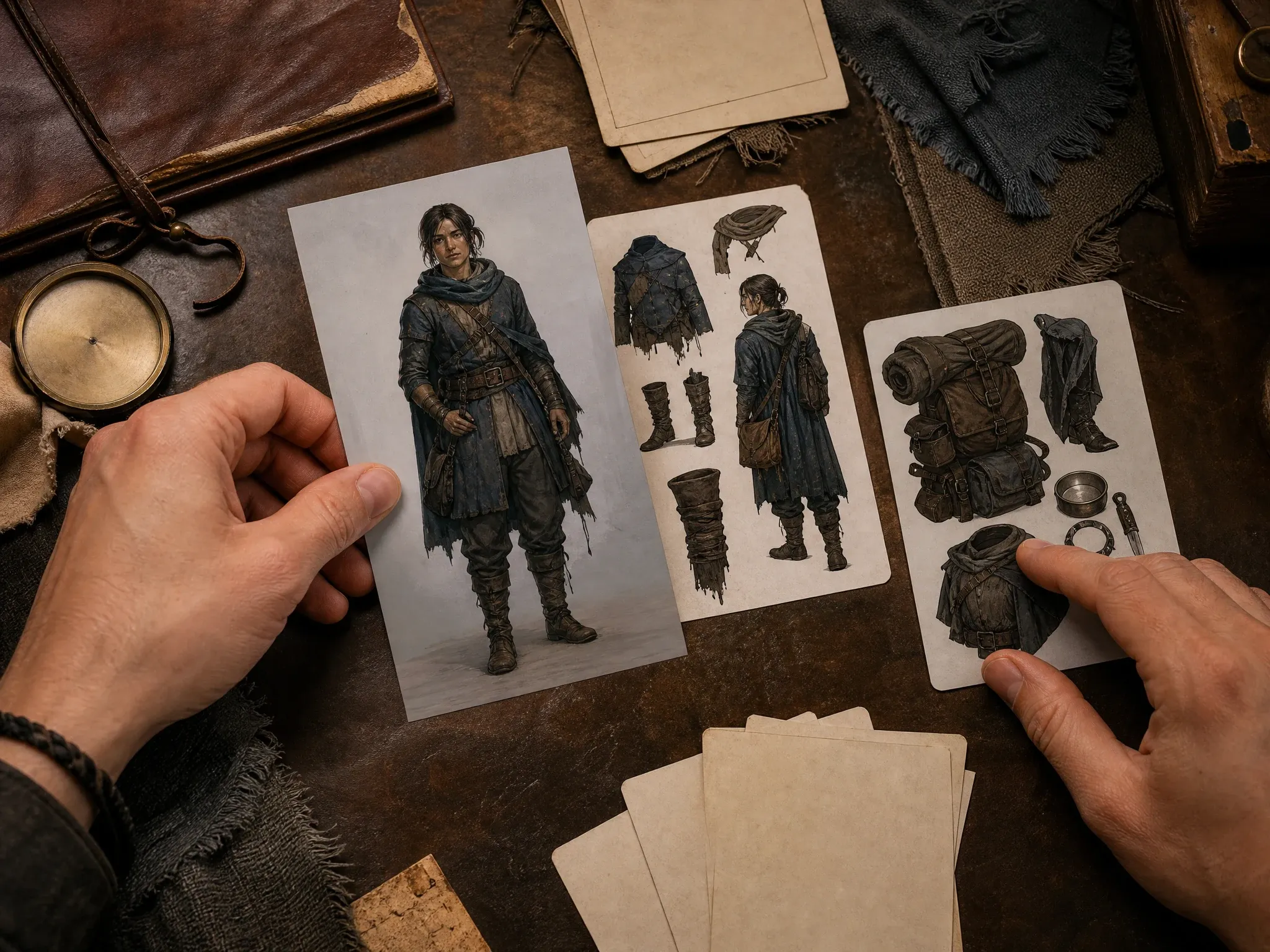
RPG adventurer OCs
Build an outfit for an RPG adventurer OC by naming materials, travel gear, weapon or tool, climate, and silhouette instead of asking for generic fantasy armor.
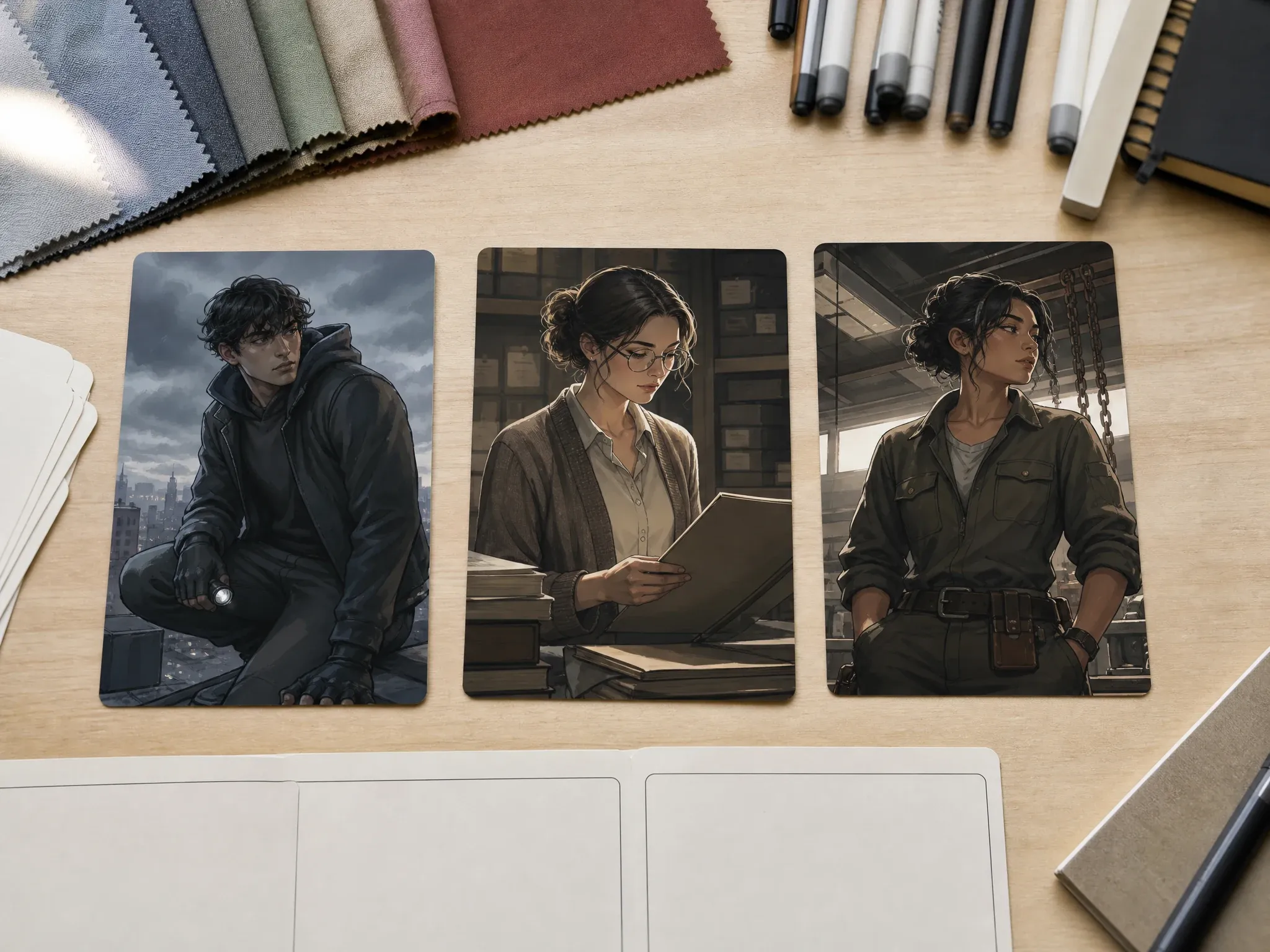
Comic and story cast members
Create a visual anchor for a novel, comic, animation pitch, or web story cast member before the full design pass starts.
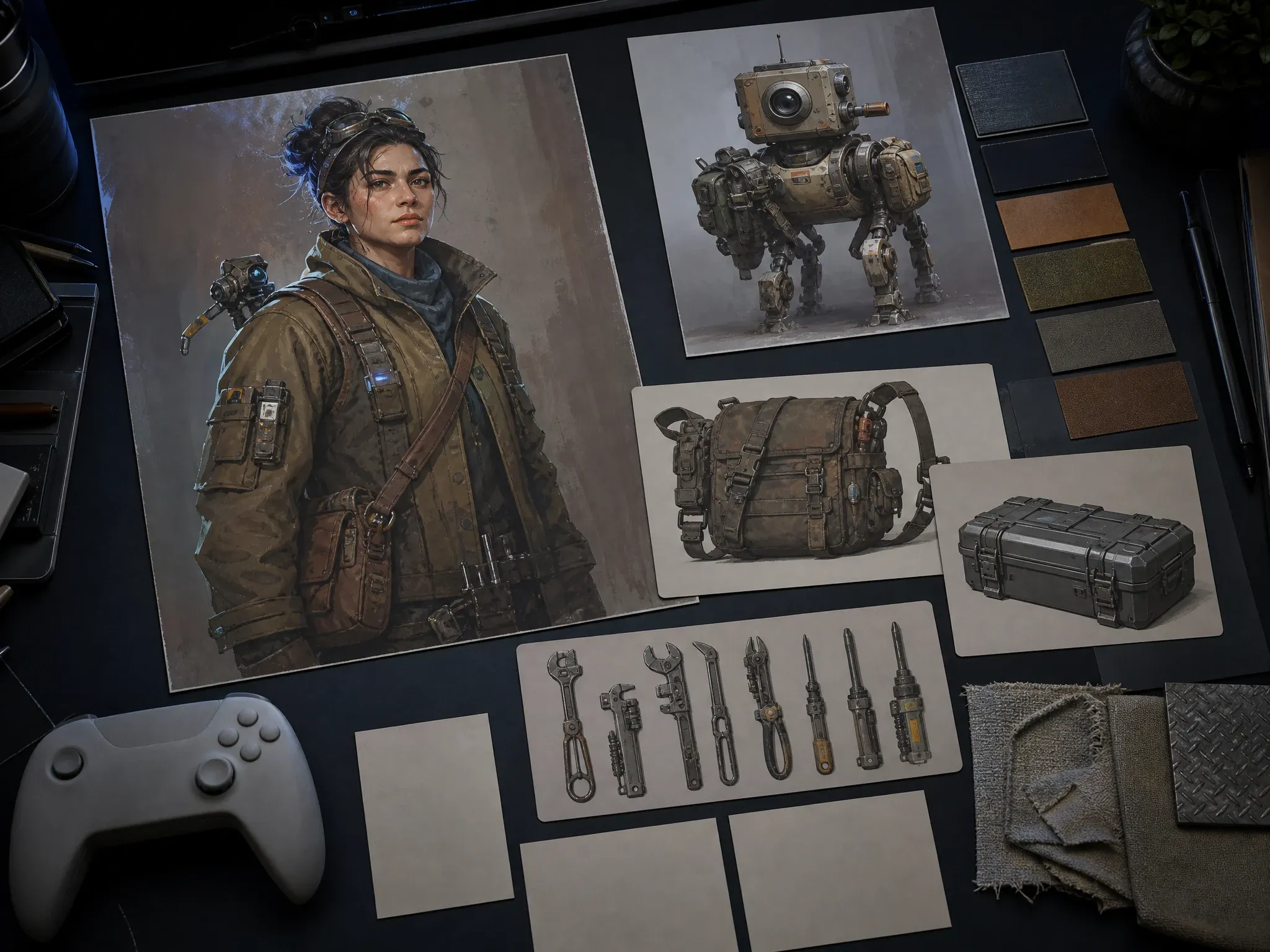
Game NPC and companion ideas
Test the face, outfit, job, posture, and world detail for an original NPC or companion without building a full model sheet.
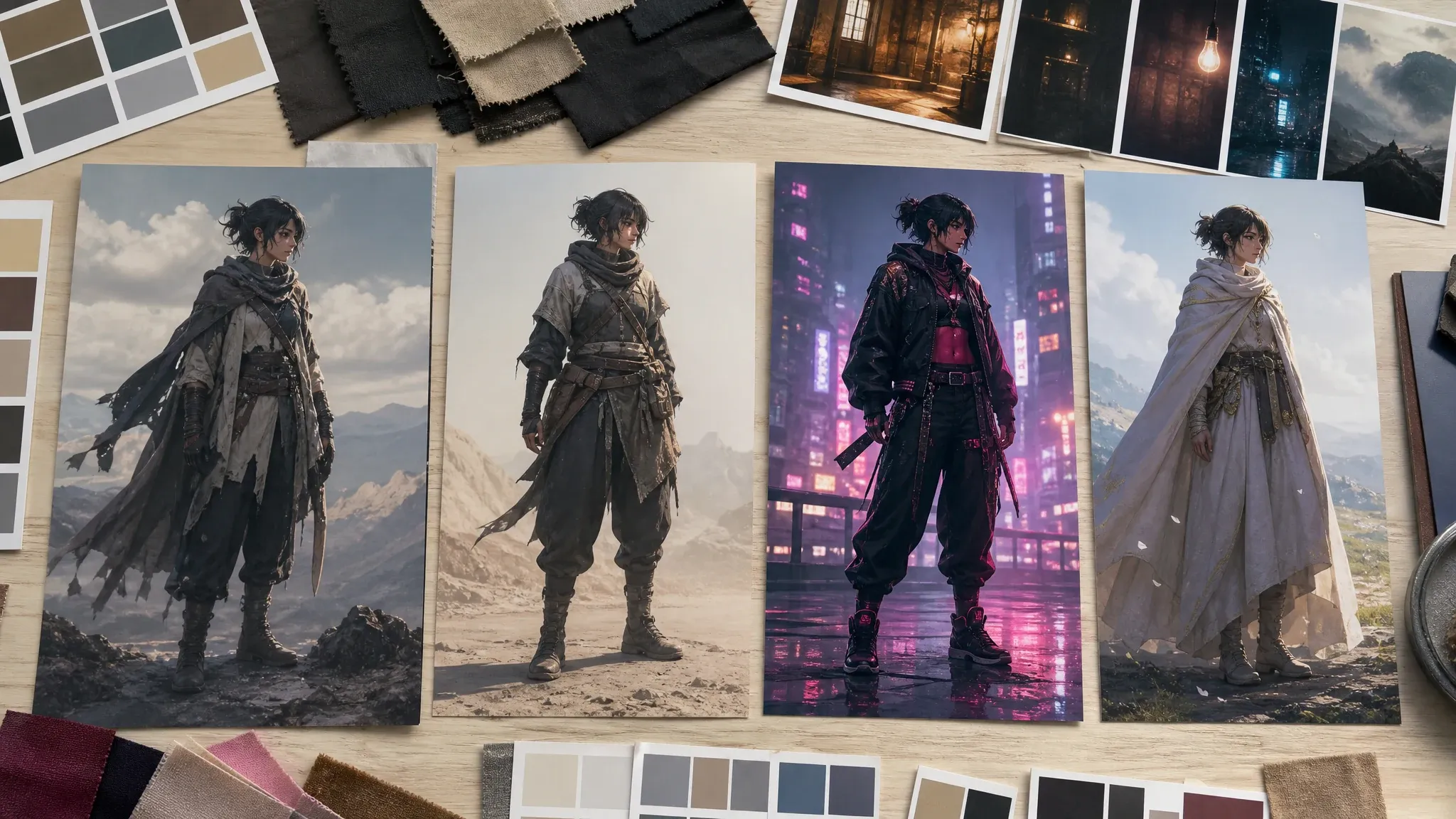
Outfit and style exploration
Try costume direction, color mood, era, species, and art style as separate prompt changes so you can see what actually improves the OC.
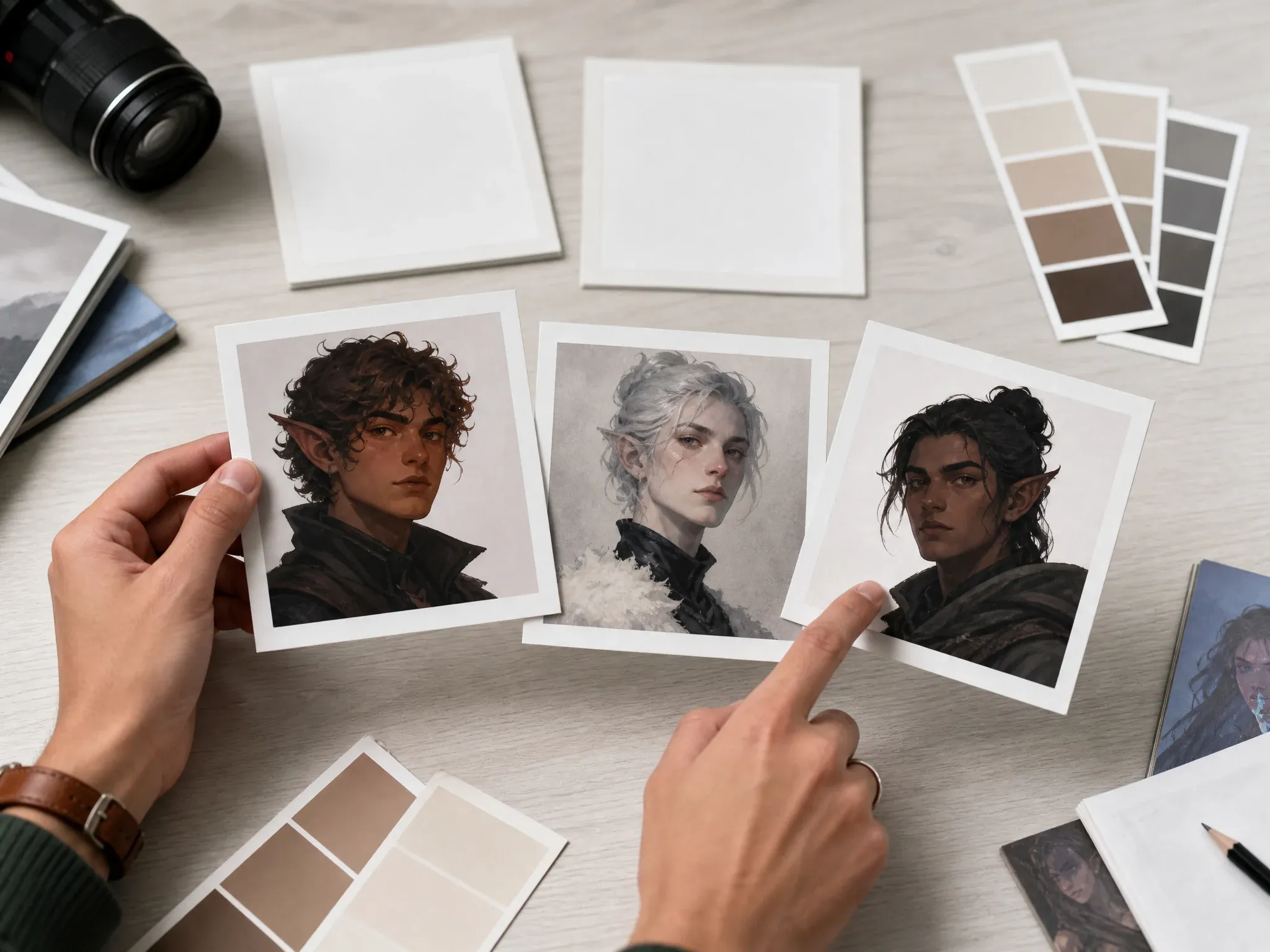
Profile-style OC portraits
Make an original character portrait for roleplay profiles, social icons, moodboards, or tabletop handouts without copying a real person or protected character.
What Is an OC Maker?
An OC maker helps you create an original character from traits you define. In FaceAI, that means a prompt-to-image workflow for OC portraits, outfits, creature ideas, story cast members, and concept art.
Original character first
The page is built for new characters you invent, not protected fandom recreations, celebrity copies, or brand mascots you do not own.
Traits become visual prompts
Role, species, age range, body shape, wardrobe, expression, pose, setting, and mood all belong in the prompt when they should appear in the image.
Visual concept, not character chat
This workflow creates still OC images. It does not create roleplay chat, voice, animation, rigging, or a 3D model.
Why Use FaceAI to Make Your Own OC?
The tool opens before the article, so you can start with the character prompt immediately. The rest of the page helps you write better OC traits, choose visible builder settings, and move reference-image work to the right follow-up tool.
Tool-first OC workflow
High-intent visitors can start creating before reading every section. The page is a working OC maker, not only an article about one.
Trait stacks instead of busy forms
Use the starter prompts as editable builder settings, then replace species, body type, hair, eyes, outfit, pose, background, and style with your own OC details.
Style and ratio control
Choose square portraits, taller character frames, wide scene concepts, and styles such as photo, illustration, anime, cinematic, or 3D render.
Clear refinement path
Use image-to-image for closer variants, editor for focused cleanup, and upscaler for sharper OC exports after the first keeper appears.
How to Get Better OC Maker Results
A strong OC prompt is specific enough to draw, but not so crowded that every detail competes for attention.
Start with role and silhouette
Write what the character does and how the body or outfit reads at a glance before adding tiny accessories.
Make personality visible
Use personality as visual direction: guarded posture, bright grin, careful eyes, messy tools, polished uniform, relaxed pose.
Change one trait group at a time
If the first result is close, change outfit, setting, style, or expression separately so you know what improved the OC.
Keep rights clean
Avoid prompts that ask for exact copyrighted characters, public figures, logos, or branded costumes unless you have permission.
OC Maker vs. Character Generators, Avatar Tools, and Manual Builders
Pick the right workflow before you generate. This page is strongest for original character visuals, multi-view character-sheet direction, and visible trait exploration, not chat profiles or protected-IP copying.
| मानदंड | Face AIहमारा FaceAI OC visual workflow | Other workflows |
|---|---|---|
| Starting point | Choose original-character traits, leave unknown fields on RANDOM, then generate a still OC character-sheet image. | Manual builders use fixed parts; generic character generators cover broader character art. |
| Best use | OC portraits, RPG outfits, story casts, game NPCs, creature ideas, and style exploration. | Avatar tools focus on profile identity; anime-only tools focus on one visual genre. |
| Trait control | Use grouped trait controls for race/species, gender/body type, eye shape, eye color, hairstyle, hair color, outfit, accessory, expression, and background. | Some builders expose many fields, but the output style can be narrow or locked. |
| Reference images | Start here from text, then use AI Image to Image when a sketch, portrait, or keeper result should guide the next version. | Some OC tools put reference upload in the same form, but still cannot guarantee exact repeatability. |
| Consistency | The prompt asks for one coherent character across multiple views, then source-guided follow-up tools can refine the keeper. | Many pages imply full design-sheet consistency that still needs manual review. |
| Rights boundary | Create original characters and avoid protected IP, public figures, logos, and branded costumes you do not own. | Fandom-heavy pages can blur inspiration with protected-character recreation. |
| Output boundary | Creates still OC images and concept art. | Backstory generators, roleplay bots, animation tools, and 3D rigs are separate products. |
Starting point
Choose original-character traits, leave unknown fields on RANDOM, then generate a still OC character-sheet image.
Manual builders use fixed parts; generic character generators cover broader character art.
Best use
OC portraits, RPG outfits, story casts, game NPCs, creature ideas, and style exploration.
Avatar tools focus on profile identity; anime-only tools focus on one visual genre.
Trait control
Use grouped trait controls for race/species, gender/body type, eye shape, eye color, hairstyle, hair color, outfit, accessory, expression, and background.
Some builders expose many fields, but the output style can be narrow or locked.
Reference images
Start here from text, then use AI Image to Image when a sketch, portrait, or keeper result should guide the next version.
Some OC tools put reference upload in the same form, but still cannot guarantee exact repeatability.
Consistency
The prompt asks for one coherent character across multiple views, then source-guided follow-up tools can refine the keeper.
Many pages imply full design-sheet consistency that still needs manual review.
Rights boundary
Create original characters and avoid protected IP, public figures, logos, and branded costumes you do not own.
Fandom-heavy pages can blur inspiration with protected-character recreation.
Output boundary
Creates still OC images and concept art.
Backstory generators, roleplay bots, animation tools, and 3D rigs are separate products.
How Creators Use the OC Maker
These comments focus on the practical loop: write the OC traits, compare the result, keep the closest version, then refine only when the character direction is worth saving.
"The best OC prompts read like a small art brief. Role, outfit, posture, mood, and world detail first. Style second."

Mia Torres
Design Director
"For game pitches, I use it to test an original NPC face and outfit before anyone starts a full character sheet."

Devon Park
Interactive Creative Director
"It helps when a cast only exists in notes. One visual pass makes the writer and artist react to the same character instead of two different mental pictures."

Marie Laurent
Storytelling & Brand Lead
"I like using the prompt examples as trait stacks. They are easier to edit than a huge builder full of fields I do not need."

Nina Volkov
Visual Design Director
"The RPG outfit prompt is useful because it asks for materials, pack, weapon or tool, and silhouette. That is what actually changes the look."

Leo Fitzgerald
Associate Creative Director
"Good for profile-style OC portraits when the character needs to feel original, not like a copy of a famous face."

Aaliyah Williams
Digital Marketing Director
"The best OC prompts read like a small art brief. Role, outfit, posture, mood, and world detail first. Style second."
Mia Torres
Design Director
"For game pitches, I use it to test an original NPC face and outfit before anyone starts a full character sheet."
Devon Park
Interactive Creative Director
"It helps when a cast only exists in notes. One visual pass makes the writer and artist react to the same character instead of two different mental pictures."
Marie Laurent
Storytelling & Brand Lead
"I like using the prompt examples as trait stacks. They are easier to edit than a huge builder full of fields I do not need."
Nina Volkov
Visual Design Director
"The RPG outfit prompt is useful because it asks for materials, pack, weapon or tool, and silhouette. That is what actually changes the look."
Leo Fitzgerald
Associate Creative Director
"Good for profile-style OC portraits when the character needs to feel original, not like a copy of a famous face."
Aaliyah Williams
Digital Marketing Director
"We use it for mascot-adjacent character ideas. No logo, no brand marks, just shape, expression, and attitude."

Priya Chen
Creative Strategy Lead
"The best OC prompts read like a small art brief. Role, outfit, posture, mood, and world detail first. Style second."
Mia Torres
Design Director
"For game pitches, I use it to test an original NPC face and outfit before anyone starts a full character sheet."
Devon Park
Interactive Creative Director
"It helps when a cast only exists in notes. One visual pass makes the writer and artist react to the same character instead of two different mental pictures."
Marie Laurent
Storytelling & Brand Lead
"I like using the prompt examples as trait stacks. They are easier to edit than a huge builder full of fields I do not need."
Nina Volkov
Visual Design Director
"The RPG outfit prompt is useful because it asks for materials, pack, weapon or tool, and silhouette. That is what actually changes the look."
Leo Fitzgerald
Associate Creative Director
"Good for profile-style OC portraits when the character needs to feel original, not like a copy of a famous face."
Aaliyah Williams
Digital Marketing Director
"We use it for mascot-adjacent character ideas. No logo, no brand marks, just shape, expression, and attitude."
Priya Chen
Creative Strategy Lead
"The first result is not final art. It is a fast decision: keep the OC direction, rewrite the traits, or move the keeper into image-to-image."

Kai Nakamura
Global Creative Director
"For story decks, a character portrait with a clear costume and world does more than a paragraph of description."

Astrid Nielsen
Head of Thought Leadership
"Small prompt changes can change the character a lot. The local history makes it easier to compare the version that still felt like the OC."

Zeke Williams
Senior Art Director
"When I need the same character again, I keep the trait list and use the strongest image as a source in the next workflow. Prompt memory alone is not enough."

Sakura Ito
Partner Marketing Lead
"This fits early creative review. Generate the OC portrait, check face, hands, outfit, and mood, then only upscale or edit the version worth keeping."

Ren Sato
Customer Marketing Director
"Most OC builders either lock you into tiny options or promise too much. This page is better for visual direction: write the character, generate, compare, refine."

Rafael Santos
VP of Creative
"The useful part is the boundary. We can make original characters and avoid protected IP, chat promises, or pretend commercial-rights guarantees."

Amara Johansson
Head of Visual Identity
"The first result is not final art. It is a fast decision: keep the OC direction, rewrite the traits, or move the keeper into image-to-image."
Kai Nakamura
Global Creative Director
"For story decks, a character portrait with a clear costume and world does more than a paragraph of description."
Astrid Nielsen
Head of Thought Leadership
"Small prompt changes can change the character a lot. The local history makes it easier to compare the version that still felt like the OC."
Zeke Williams
Senior Art Director
"When I need the same character again, I keep the trait list and use the strongest image as a source in the next workflow. Prompt memory alone is not enough."
Sakura Ito
Partner Marketing Lead
"This fits early creative review. Generate the OC portrait, check face, hands, outfit, and mood, then only upscale or edit the version worth keeping."
Ren Sato
Customer Marketing Director
"Most OC builders either lock you into tiny options or promise too much. This page is better for visual direction: write the character, generate, compare, refine."
Rafael Santos
VP of Creative
"The useful part is the boundary. We can make original characters and avoid protected IP, chat promises, or pretend commercial-rights guarantees."
Amara Johansson
Head of Visual Identity
What Should You Try After Making an OC?
Choose the next FaceAI tool based on the real blocker: a broader character concept, a closer variant, a small cleanup, a sharper export, or a non-character image.
AI Character Generator
Use the broader character generator when the brief is not specifically an OC profile and just needs character concept art.
AI Image to Image
Use a generated OC as the source when the next version needs a closer face, outfit, pose, or style variant.

AI Image Editor
Fix a distracting hand, prop, background detail, or outfit edge after the OC concept is close.
AI Image Upscaler
Sharpen the keeper OC portrait before using it in a deck, profile, tabletop card, or story moodboard.
AI Image Generator
Return to the general image generator when the next prompt is a place, product, scene, or cover instead of an original character.
OC Maker Questions, Answered
Direct answers about prompts, free use, styles, reference images, original characters, fandom boundaries, consistency, downloads, and rights.
An OC maker helps you create an original character. On this page, you describe the OC in a prompt and generate a still character image or concept art.
Yes. You can open the online workspace and start from a prompt for free. If account or quota rules apply during heavier use, the product flow will show the current limit.
No. Start with visible traits: role, outfit, body shape, pose, expression, setting, and style. The clearer the prompt, the easier it is to judge the result.
Use a compact trait stack: role, species or archetype, age range, body shape, wardrobe, prop, pose, expression, setting, and art style. Avoid packing several characters into one prompt.
Yes. Use the style control and write the genre into the prompt. The page can create anime-style OCs, realistic profile portraits, fantasy characters, sci-fi NPCs, creature ideas, and illustrated concepts.
Use personality as visual direction, such as careful eyes, guarded posture, bright grin, or messy tools. This page does not write long-form lore, roleplay chat, or character profiles.
This page starts from prompt-to-image. If you already have a sketch, portrait, or keeper OC image and want a closer variant, use AI Image to Image so the next run has a visual source.
Not as a guarantee. Repeat the same visible traits, save the closest result, and use source-guided follow-up tools when you need a more consistent second version.
The OC Maker is now tuned toward a multi-view character-sheet image with front, side or three-quarter, back, face, outfit, and prop details when the model can fit them. Exact cross-view consistency and transparent-background exports still need review or separate tools.
Do not use the tool to recreate protected characters, celebrities, logos, or branded costumes unless you have rights to use them. The safest use is creating a new original character.
The OC Maker is focused on original-character identity: traits, outfit, role, world, and profile-style concepts. A broader character generator can cover any character image prompt, even when it is not an OC workflow.
No. Avatar generators usually focus on profile identity or photo-based avatars. This page is for original character concepts and OC visual design.
You are responsible for rights around the prompt, subject, style references, and any reused assets. Avoid protected IP, public figures, logos, and characters you do not own.
Yes. After the generated result appears in the workbench, use the download control. Keep the page open until the final preview is ready.
Start with the Free OC Maker Online
Write one clear original-character prompt, generate the first OC concept, then refine only the version close enough to keep.