
शुरुआत
हमारा
एक portrait upload करें, older, younger या custom mode चुनें, फिर life-stage preset pick करें।
दूसरे flows
Prompt-only tools में user को पूरी age transformation खुद describe करनी पड़ती है।
एक साफ portrait upload करें और older-self, younger-self या custom age preview बनाएं। Direction, life-stage preset और strength चुनें, फिर identity, pose, lighting और background को review करें।
Trusted by 12,000,000+ users worldwide.
Flow focused रखें: एक clear portrait upload करें, age direction चुनें, फिर check करें कि person believable लग रहा है।
Good light और visible facial features वाला clear single-person selfie, headshot या character portrait use करें।
Age direction, life-stage preset और subtle, balanced या strong strength select करें।
Download या share से पहले identity, expression, hair, skin, eyes, pose, lighting, background और realism check करें।
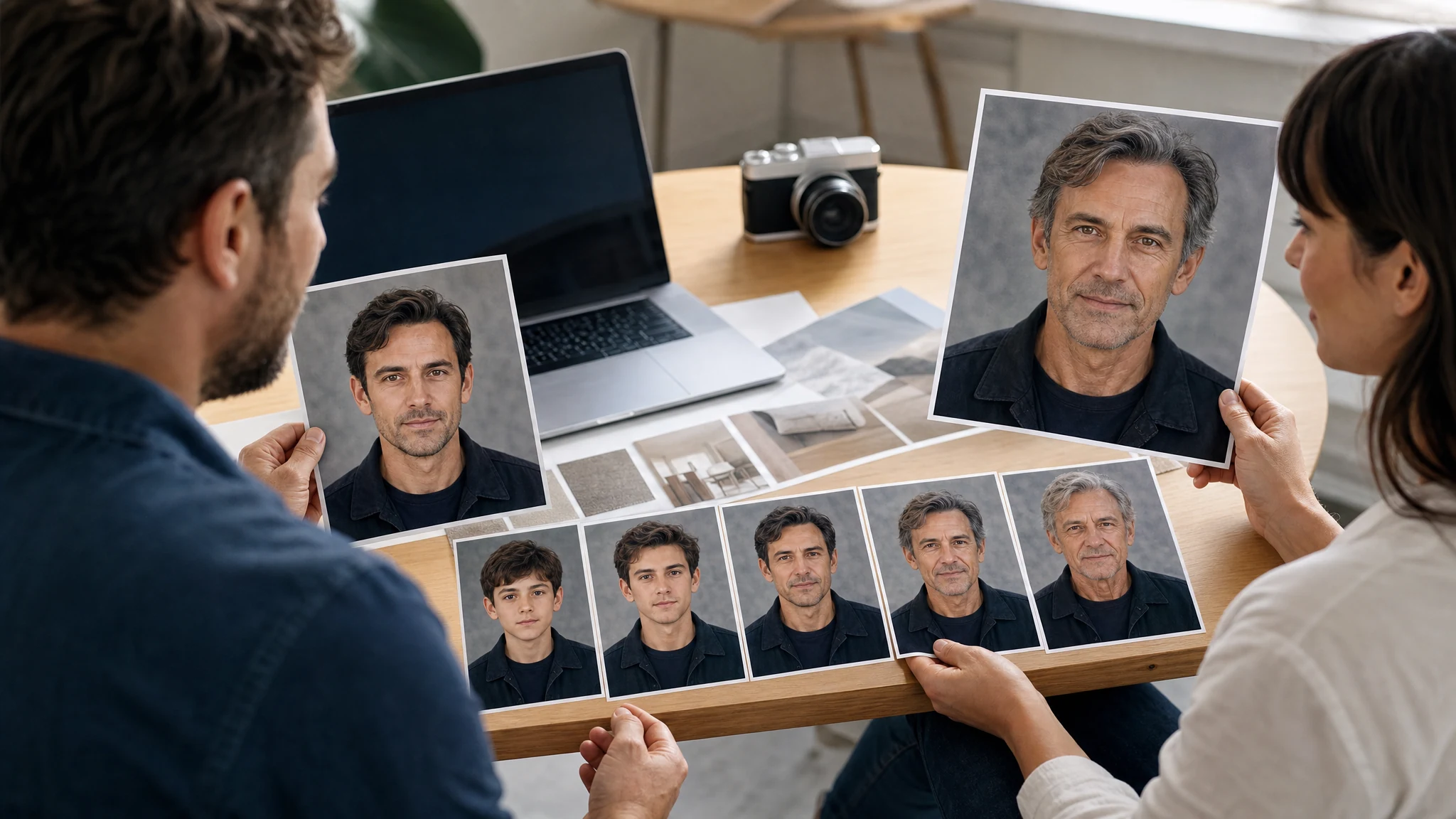
AI age filter future-self portraits, younger-self previews, family keepsakes, character timelines, social posts और creative concepts के लिए use करें।
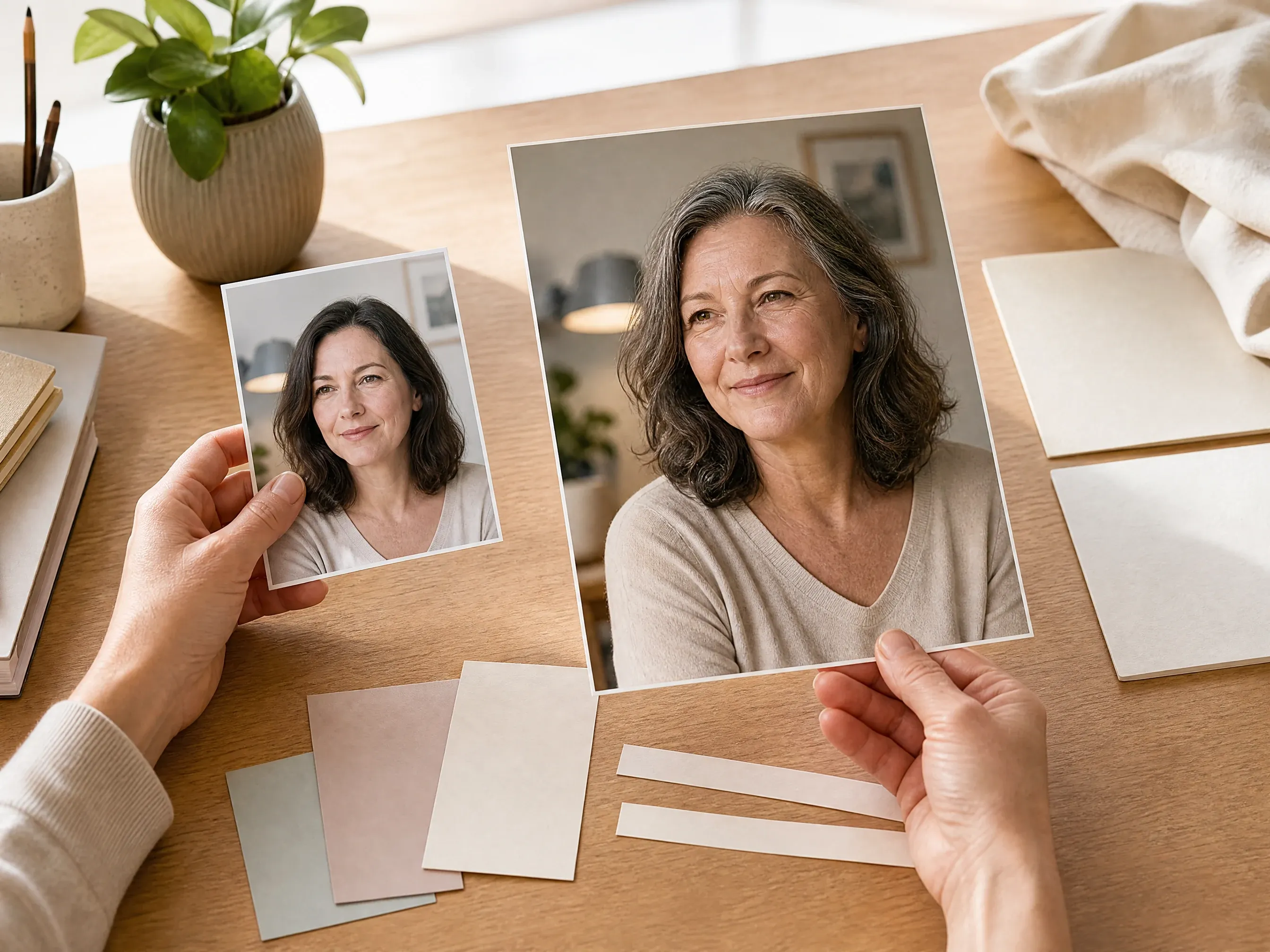
Entertainment, social trends, campaign concepts या personal curiosity के लिए older version बनाएं।
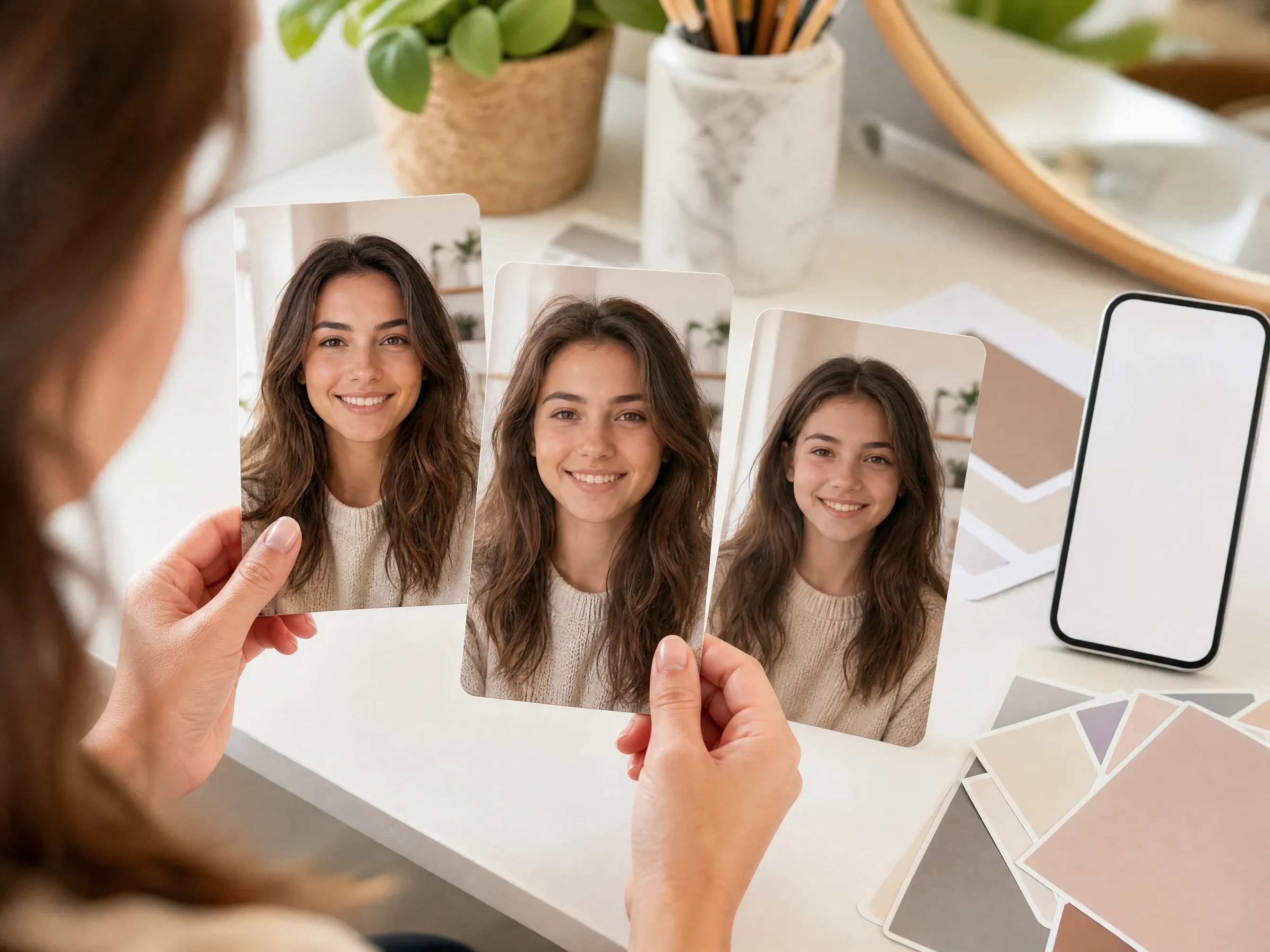
Throwback posts, storyboards या profile experiments के लिए younger adult या teen direction try करें।
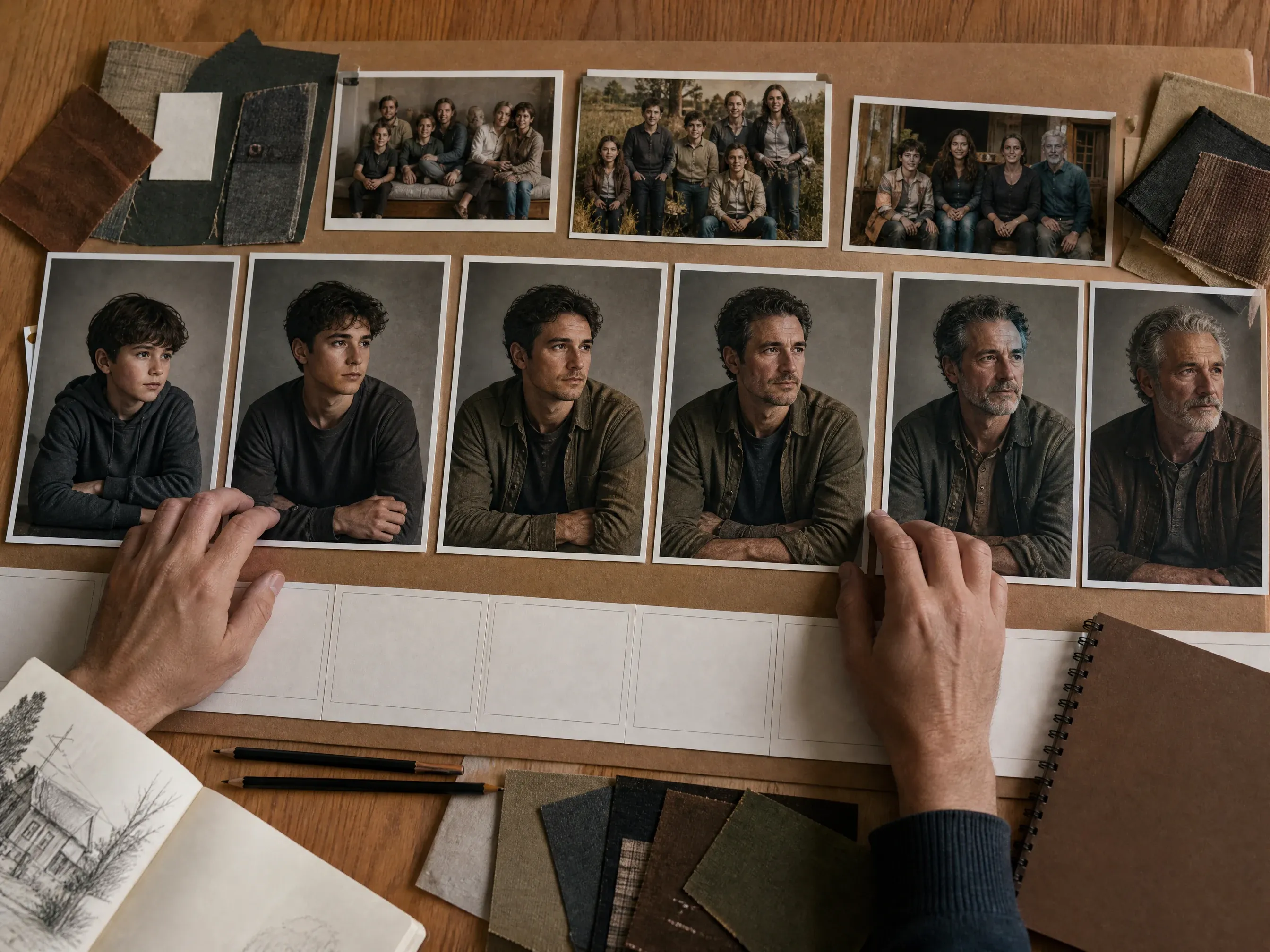
Fiction, film, games और creator mood boards के लिए age stages बनाएं।
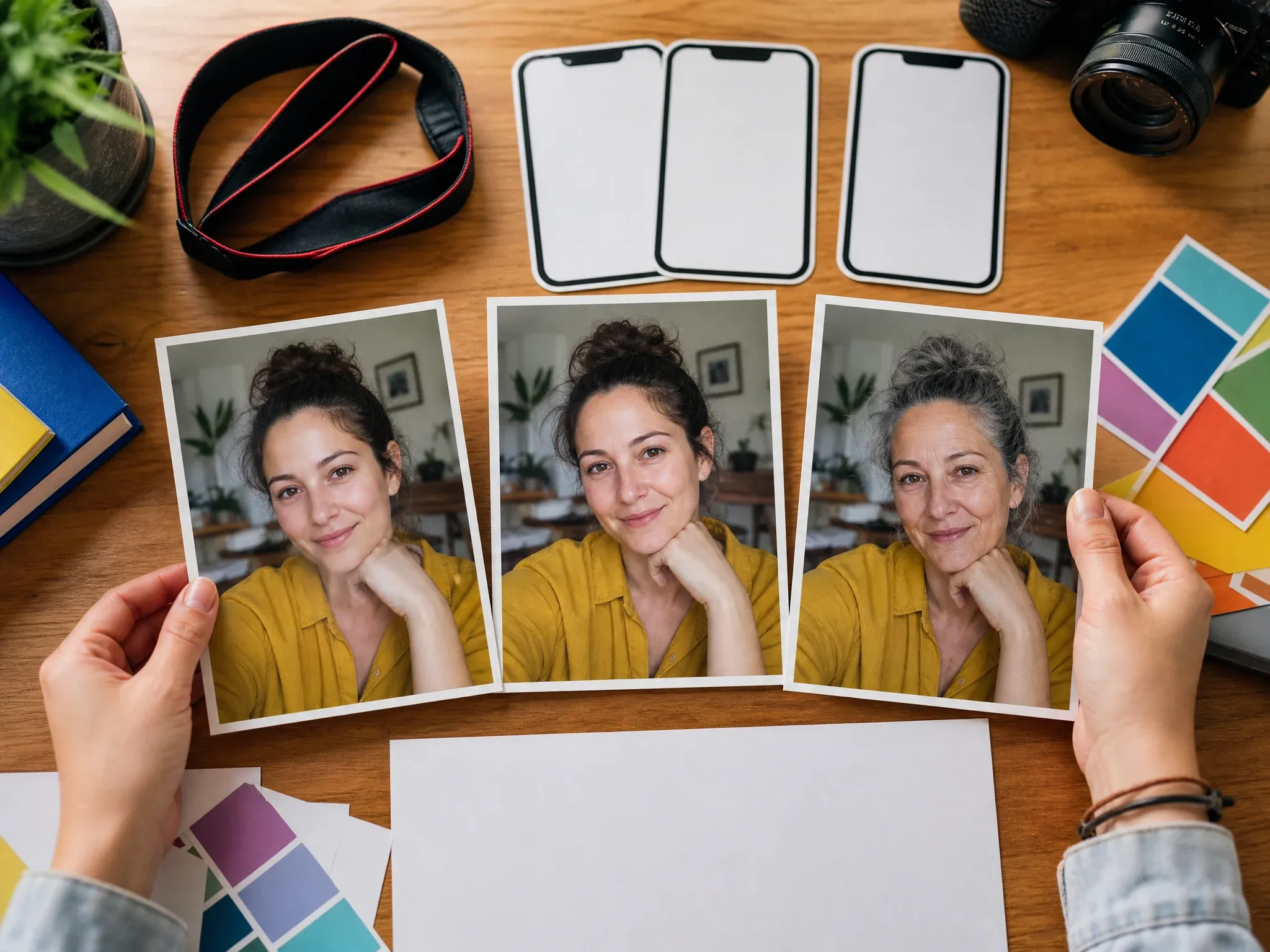
Source, older और younger looks को thumbnails या social content के लिए compare करें।
AI age filter uploaded portrait से older, younger या custom life-stage version बनाता है, ताकि age progression या de-aging को creative image edit की तरह visualize किया जा सके।
Source image face, crop, pose, lighting, clothing और background को anchor करता है।
Older, younger या custom चुनें, फिर child, teen, young adult, middle age, elderly या अपनी note से start करें।
Age edit तभी useful है जब identity cues, eyes, mouth, hairline और background believable रहें।
FaceAI practical workflow देता है: portrait upload, direction और preset, short note, generate, history compare, download, share और जरूरत पर focused editing.
Workspace में upload, direction, presets, strength, ratio, examples, history, download, share और next-step tools हैं।
Future self, younger self, child या teen timeline, middle-age preview, elderly concept और social before-after visible हैं।
यह creative age visualization है; exact age, scientific prediction, deterministic identity lock या identity score claim नहीं करता।
Result close हो तो wrinkle remover, blemish remover, hair color changer, image-to-image या upscaler में continue करें।
Clear source portrait और narrow age request अक्सर long prompt से ज्यादा important होते हैं।
Group photos, sunglasses, heavy filters, side angles, covered faces, tiny screenshots और blur avoid करें।
Older या younger से start करें, फिर nearest life stage चुनें।
Note में face shape, eyes, smile, pose, clothing, lighting, hair style और background preserve करने को लिखें।
Entertainment, story, social या creative planning के लिए use करें, real aging prediction के लिए नहीं।
Task के हिसाब से workflow चुनें। FaceAI एक source image से fast creative older या younger portraits के लिए है, exact biometric forecast के लिए नहीं।
| मानदंड | Face AIहमारा FaceAI age filter flow | दूसरे flows |
|---|---|---|
| शुरुआत | एक portrait upload करें, older, younger या custom mode चुनें, फिर life-stage preset pick करें। | Prompt-only tools में user को पूरी age transformation खुद describe करनी पड़ती है। |
| सबसे अच्छा उपयोग | Future self, younger self, family keepsakes, social trends, character timelines और creative concepts. | Mobile filter apps selfies के लिए fast हो सकती हैं पर prompt, history या editing path छिपा सकती हैं। |
| Control level | Direction, preset, strength, optional note, ratio, examples, history, download और share. | Manual editors exact wrinkles, hair या masks के लिए better होते हैं। |
| Output सीमा | Creative still-image visualization जिसे publish करने से पहले review करना चाहिए. | कुछ pages exact age control, identity matching या scientific prediction imply करते हैं पर prove नहीं करते। |
| Privacy और rights | ऐसे portraits use करें जिन्हें process करने की permission हो और sensitive या misleading edits avoid करें. | Terms, storage और deletion claims service के हिसाब से अलग होते हैं और sensitive uploads से पहले check करने चाहिए। |
| अगला step | अगर दूसरा issue बचा हो तो wrinkle remover, blemish remover, hair color changer, image-to-image या upscaler में जाएं. | Single-purpose age filters अक्सर एक result पर रुक जाते हैं और refinement paths कम होते हैं। |
एक portrait upload करें, older, younger या custom mode चुनें, फिर life-stage preset pick करें।
Prompt-only tools में user को पूरी age transformation खुद describe करनी पड़ती है।
Future self, younger self, family keepsakes, social trends, character timelines और creative concepts.
Mobile filter apps selfies के लिए fast हो सकती हैं पर prompt, history या editing path छिपा सकती हैं।
Direction, preset, strength, optional note, ratio, examples, history, download और share.
Manual editors exact wrinkles, hair या masks के लिए better होते हैं।
Creative still-image visualization जिसे publish करने से पहले review करना चाहिए.
कुछ pages exact age control, identity matching या scientific prediction imply करते हैं पर prove नहीं करते।
ऐसे portraits use करें जिन्हें process करने की permission हो और sensitive या misleading edits avoid करें.
Terms, storage और deletion claims service के हिसाब से अलग होते हैं और sensitive uploads से पहले check करने चाहिए।
अगर दूसरा issue बचा हो तो wrinkle remover, blemish remover, hair color changer, image-to-image या upscaler में जाएं.
Single-purpose age filters अक्सर एक result पर रुक जाते हैं और refinement paths कम होते हैं।
Age edits तभी useful हैं जब person recognizable रहे और image real portrait जैसी लगे।
Eyes, mouth, smile, face shape, hairline और expression drift check करें।
Skin, hair, face volume, texture और lighting believable हैं या नहीं देखें।
Source portrait और final image use करने का अधिकार confirm करें, especially public posts, work या ads में।
Comments practical loop पर focus करते हैं: direction चुनना, portrait believable रखना, history compare करना, फिर download या refine करना.
"Page age edits को magic prediction नहीं, portrait workflow की तरह handle करता है."

Kai Nakamura
Global Creative Director
"Older-self और younger pass social concepts के लिए quickly compare हो जाते हैं."

Nina Volkov
Visual Design Director
"Presets teammates को huge prompt लिखे बिना life stage choose करने में help करते हैं."

Rafael Santos
VP of Creative
"Balanced strength safest starting point होता है; फिर identity, pose और lighting check करते हैं."

Priya Chen
Creative Strategy Lead
"History compare करना creative decision को काफी easy बना देता है."

Devon Park
Interactive Creative Director
"One-portrait flow campaign mood boards के लिए fast और clear है."

Mia Torres
Design Director
"Page age edits को magic prediction नहीं, portrait workflow की तरह handle करता है."
Kai Nakamura
Global Creative Director
"Older-self और younger pass social concepts के लिए quickly compare हो जाते हैं."
Nina Volkov
Visual Design Director
"Presets teammates को huge prompt लिखे बिना life stage choose करने में help करते हैं."
Rafael Santos
VP of Creative
"Balanced strength safest starting point होता है; फिर identity, pose और lighting check करते हैं."
Priya Chen
Creative Strategy Lead
"History compare करना creative decision को काफी easy बना देता है."
Devon Park
Interactive Creative Director
"One-portrait flow campaign mood boards के लिए fast और clear है."
Mia Torres
Design Director
"Clear front-facing portraits age edits को ज्यादा predictable बनाते हैं."

Zeke Williams
Senior Art Director
"Page age edits को magic prediction नहीं, portrait workflow की तरह handle करता है."
Kai Nakamura
Global Creative Director
"Older-self और younger pass social concepts के लिए quickly compare हो जाते हैं."
Nina Volkov
Visual Design Director
"Presets teammates को huge prompt लिखे बिना life stage choose करने में help करते हैं."
Rafael Santos
VP of Creative
"Balanced strength safest starting point होता है; फिर identity, pose और lighting check करते हैं."
Priya Chen
Creative Strategy Lead
"History compare करना creative decision को काफी easy बना देता है."
Devon Park
Interactive Creative Director
"One-portrait flow campaign mood boards के लिए fast और clear है."
Mia Torres
Design Director
"Clear front-facing portraits age edits को ज्यादा predictable बनाते हैं."
Zeke Williams
Senior Art Director
"Exact age या genetics claim न करना important boundary है."

Marie Laurent
Storytelling & Brand Lead
"Examples बताते हैं कि face shape, pose, lighting और background को कैसे preserve करें."

Astrid Nielsen
Head of Thought Leadership
"Profile images के लिए subtle setting अक्सर natural enough होती है."

Charlotte Beaumont
Director of Content Operations
"Result soft हो तो next step upscaler naturally fit होता है."

Yifan Zheng
Demand Generation Lead
"Function area real decision match करता है: older, younger, custom note, strength और review."

Jordan Kim
Growth Lead
"Download से पहले eyes, mouth, hairline, age cues और background check करते हैं."

Aaliyah Williams
Digital Marketing Director
"Custom note story work में helpful है जब pose और expression preserve करने हों."

Jieun Park
Growth Marketing Lead
"Exact age या genetics claim न करना important boundary है."
Marie Laurent
Storytelling & Brand Lead
"Examples बताते हैं कि face shape, pose, lighting और background को कैसे preserve करें."
Astrid Nielsen
Head of Thought Leadership
"Profile images के लिए subtle setting अक्सर natural enough होती है."
Charlotte Beaumont
Director of Content Operations
"Result soft हो तो next step upscaler naturally fit होता है."
Yifan Zheng
Demand Generation Lead
"Function area real decision match करता है: older, younger, custom note, strength और review."
Jordan Kim
Growth Lead
"Download से पहले eyes, mouth, hairline, age cues और background check करते हैं."
Aaliyah Williams
Digital Marketing Director
"Custom note story work में helpful है जब pose और expression preserve करने हों."
Jieun Park
Growth Marketing Lead
Image को रोकने वाली real problem के हिसाब से next tool चुनें: wrinkles, skin cleanup, hair color, broader editing या sharper export.
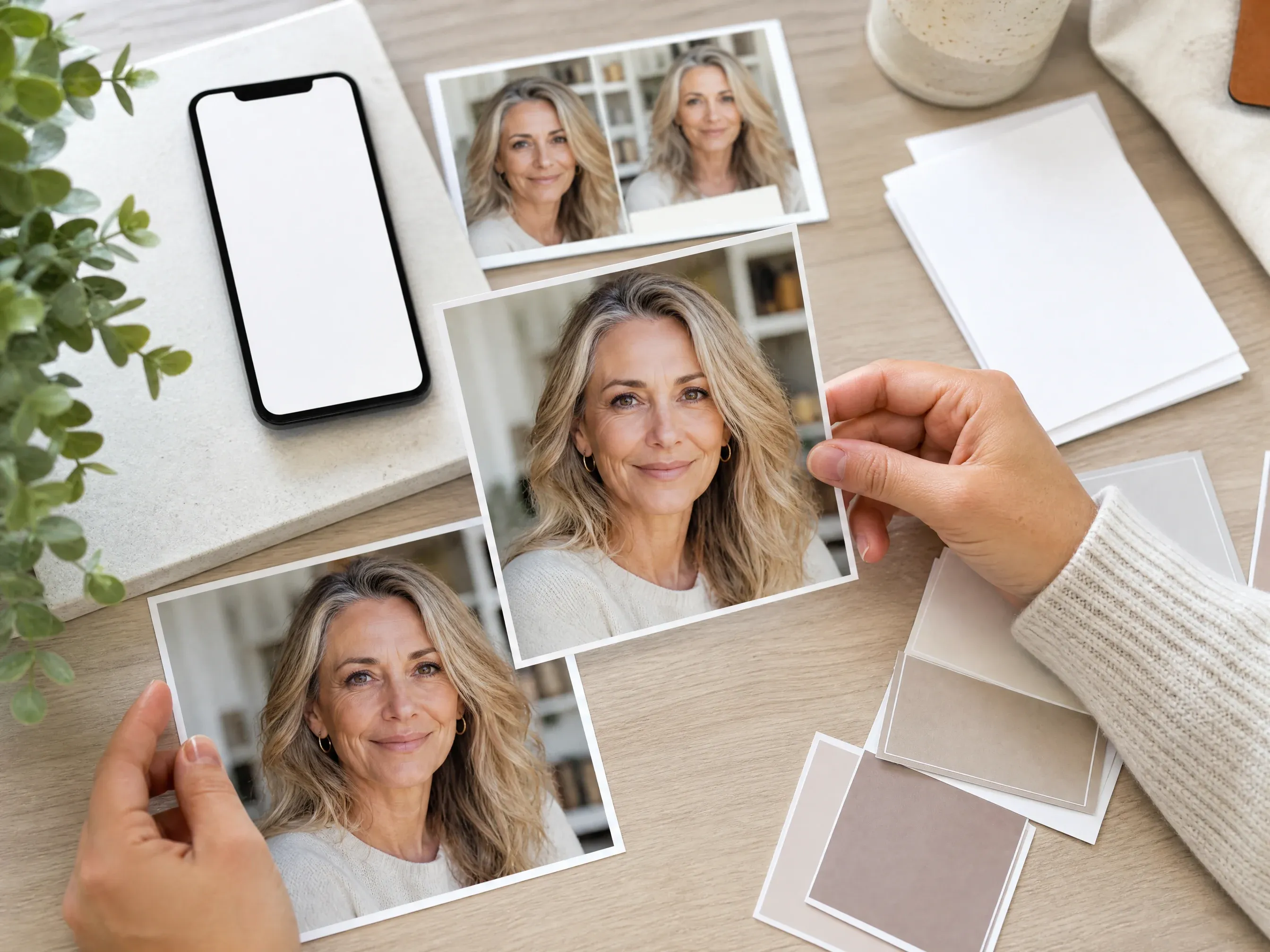
Age result close हो पर fine lines natural retouch चाहें तो use करें.
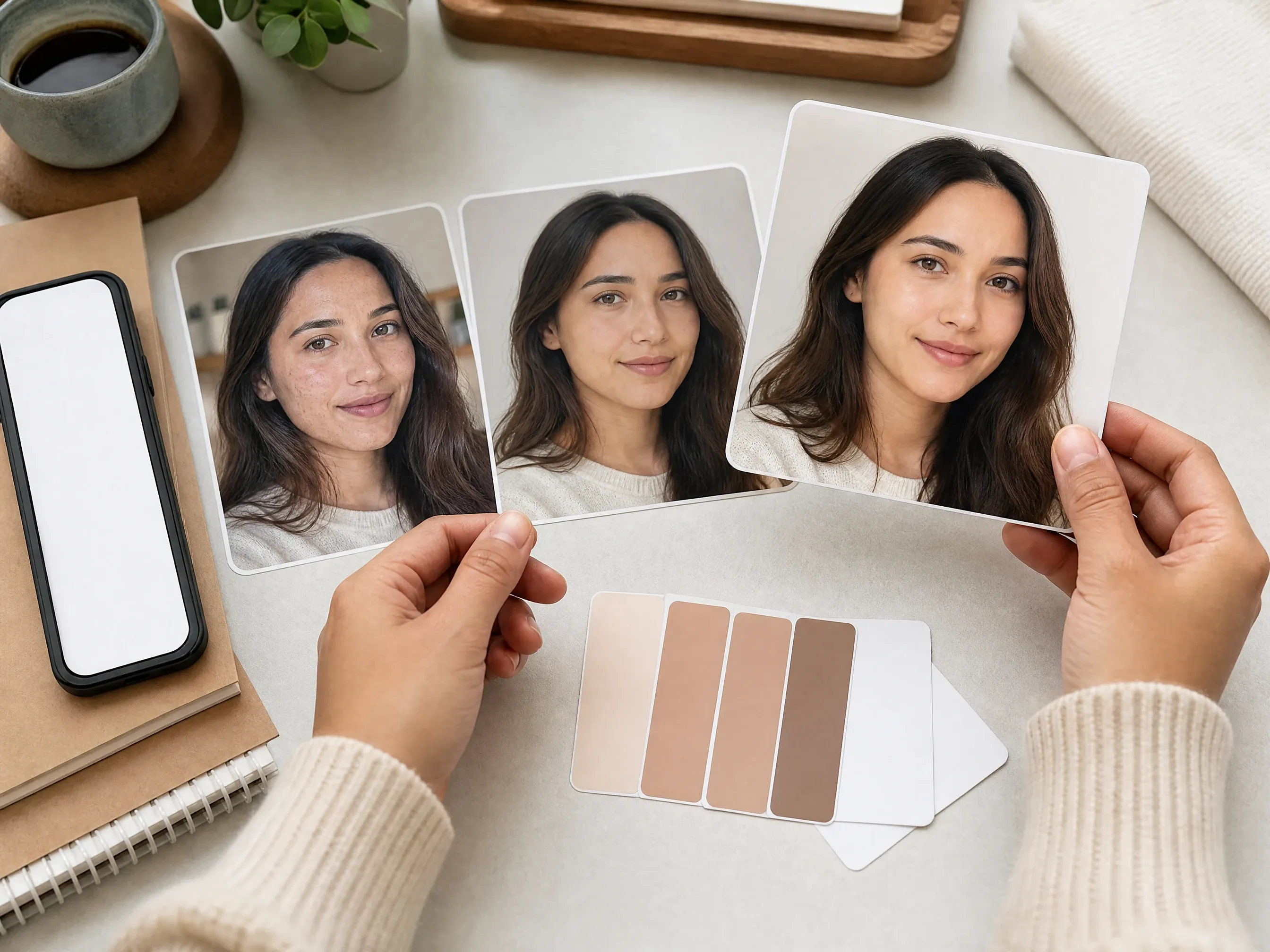
Age direction choose करने के बाद temporary marks clean करें.
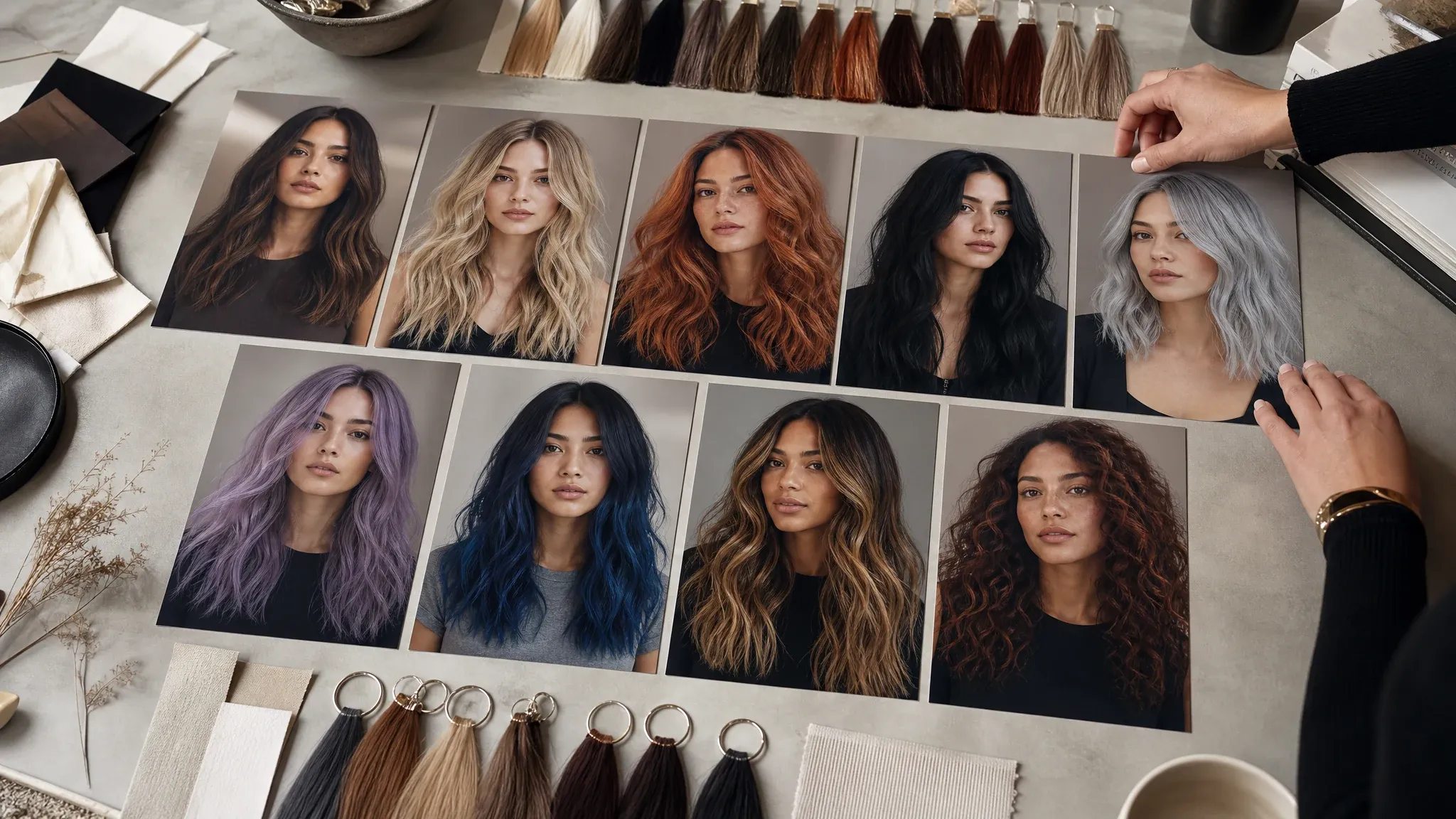
Gray hair, younger shade या character timeline color try करें.
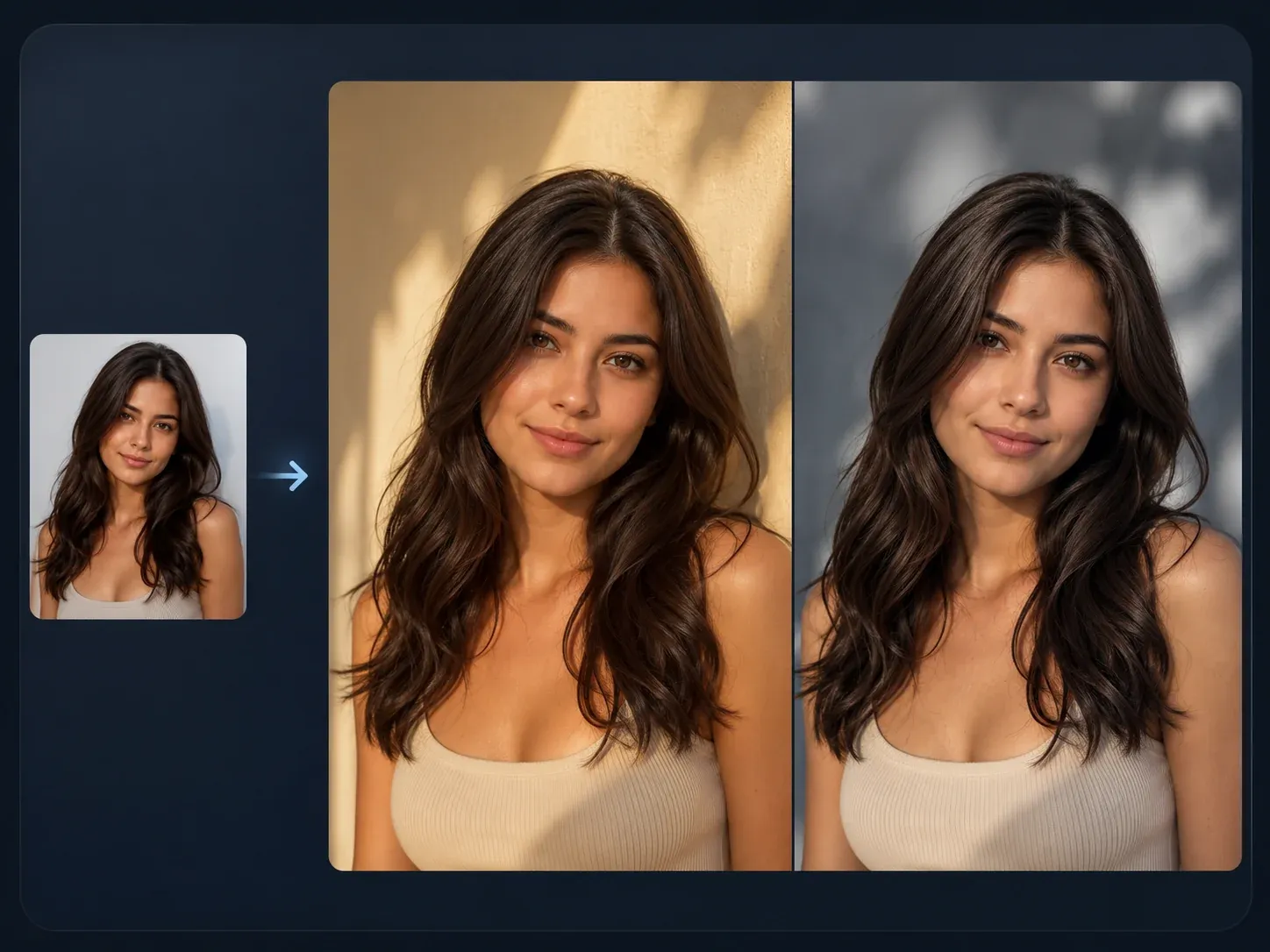
जब idea को broader source-guided editing चाहिए हो.
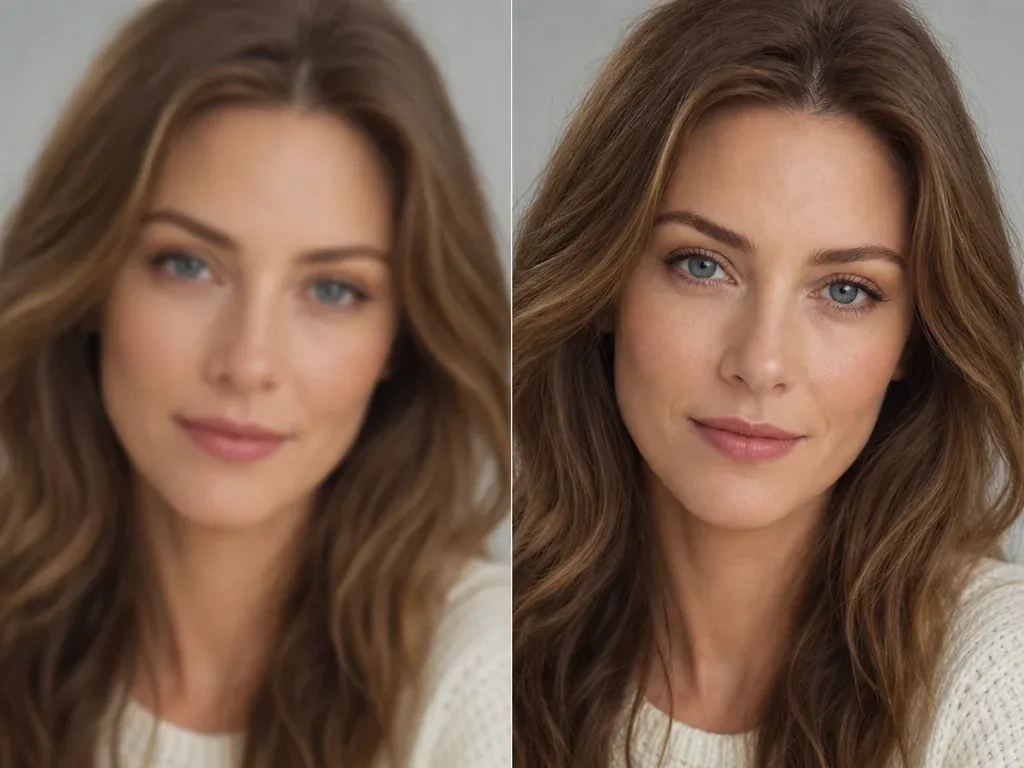
Profile, story या social post से पहले selected result sharpen करें.
Older और younger portraits, presets, exact age limits, source photos, downloads, privacy, rights और next-step editing पर direct answers.
यह online portrait tool है जो एक uploaded photo से older, younger या custom life-stage version बनाता है।
हां। एक portrait upload करें, direction और preset चुनें, generate करें, फिर result review करें।
Clear single-person portrait use करें जिसमें eyes, face shape, hairline और normal lighting दिखे। Group photos, covered faces, sunglasses, strong blur या tiny screenshots कम reliable हैं।
यह page life-stage presets और custom note support करता है। यह exact 1-100 age slider या year-by-year accuracy claim नहीं करता।
Child, teen, young adult, middle age, elderly या custom age note से start कर सकते हैं, फिर subtle, balanced या strong strength चुन सकते हैं।
Workflow identity cues, face shape, expression, pose, lighting और background preserve करने को कहता है जहां possible हो। यह deterministic identity lock या identity score claim नहीं करता।
नहीं। AI age filtering creative visualization है; real aging genetics, lifestyle, health, lighting और time पर depend करता है।
इस first public version में नहीं। Clear portrait use करें। Group-photo face targeting के लिए dedicated picker चाहिए।
Public figures, fake endorsements, impersonation, protected brands और misleading identity claims avoid करें। जिन portraits की permission हो वही process करें।
हां। Generated image ready होने पर workbench download control use करें और processing finish होने तक tab open रखें।
हां, available होने पर workbench share flow use करें। Source photo में कोई और व्यक्ति हो तो portrait पहले review करें।
Different strength या shorter note try करें, history compare करें, फिर wrinkle remover, blemish remover, image editor या upscaler में focused refinement करें।
Clear portrait upload करें, older या younger चुनें, identity cues preserve करें और download से पहले final image review करें।