FaceAI
Deutsch KI-Restaurierung alter Fotos workbench

Deutsch start with the best scan

Deutsch flat source even light visible faces and no glare matter more than promising impossible repair

Deutsch old photo source quality guidance before enhancement

KI-Restaurierung alter Fotos

Deutsch KI-Restaurierung alter Fotos for clearer family photos

Deutsch upload one old scan faded portrait or family archive photo choose a 2x or 4x clarity pass then review faces clothing background detail and original tones before downloading sharing or continuing the edit this page improves clarity and does not promise scratch repair tear repair stain removal missing-area reconstruction colorization or print-ready restoration

Deutsch free online
Deutsch one old photo upload
Deutsch 2x or 4x clarity
Deutsch download review copy
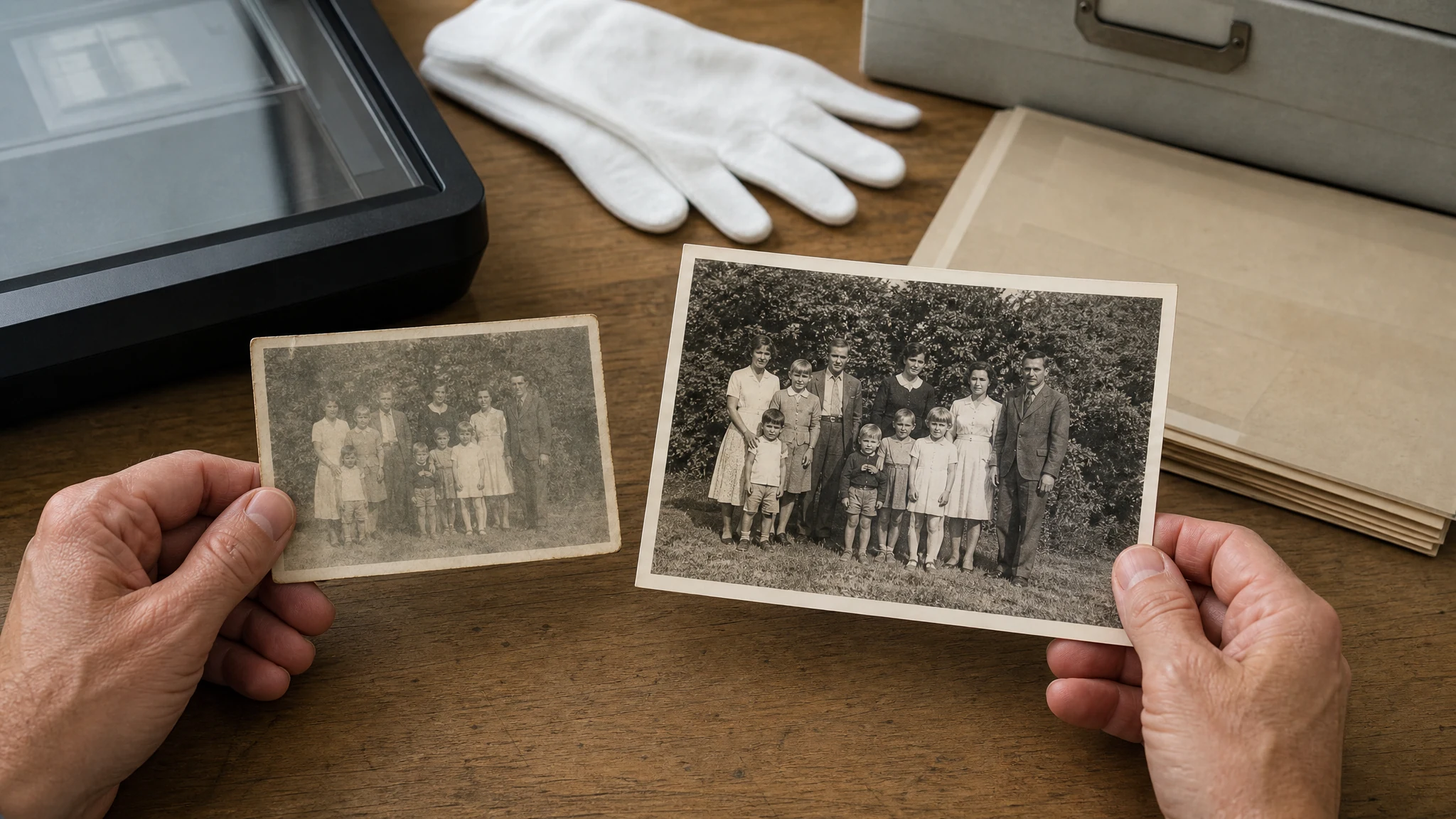
Deutsch old family photo clarity workflow showing one faded scan becoming a clearer review copy
10,000,000+Deutsch trusted users
4.9/5Deutsch rated by users
800,000,000+Deutsch creations

Deutsch used for family archives old portraits memory drafts and photo review copies

Deutsch how it works

Deutsch how to restore old photo clarity with KI-Restaurierung alter Fotos

Deutsch keep the workflow simple prepare the clearest source choose a scale then review the enhanced copy before using it

01

Deutsch prepare the source

Deutsch scan or photograph the old print flat in even light crop album borders avoid glare and use the highest-resolution source available

02

Deutsch choose 2x or 4x

Deutsch use 2x for a safer clarity pass try 4x only when the image is readable enough for a larger family archive or social review copy

03

Deutsch review and download

Deutsch check faces clothing background detail and original tones download the result or move to another FaceAI tool if a focused edit is still needed

Deutsch old photo clarity use cases for family archives and portraits

Deutsch use this bounded old-photo restoration page for clarity-first jobs family archives faded portraits social sharing memory drafts and pre-edit review

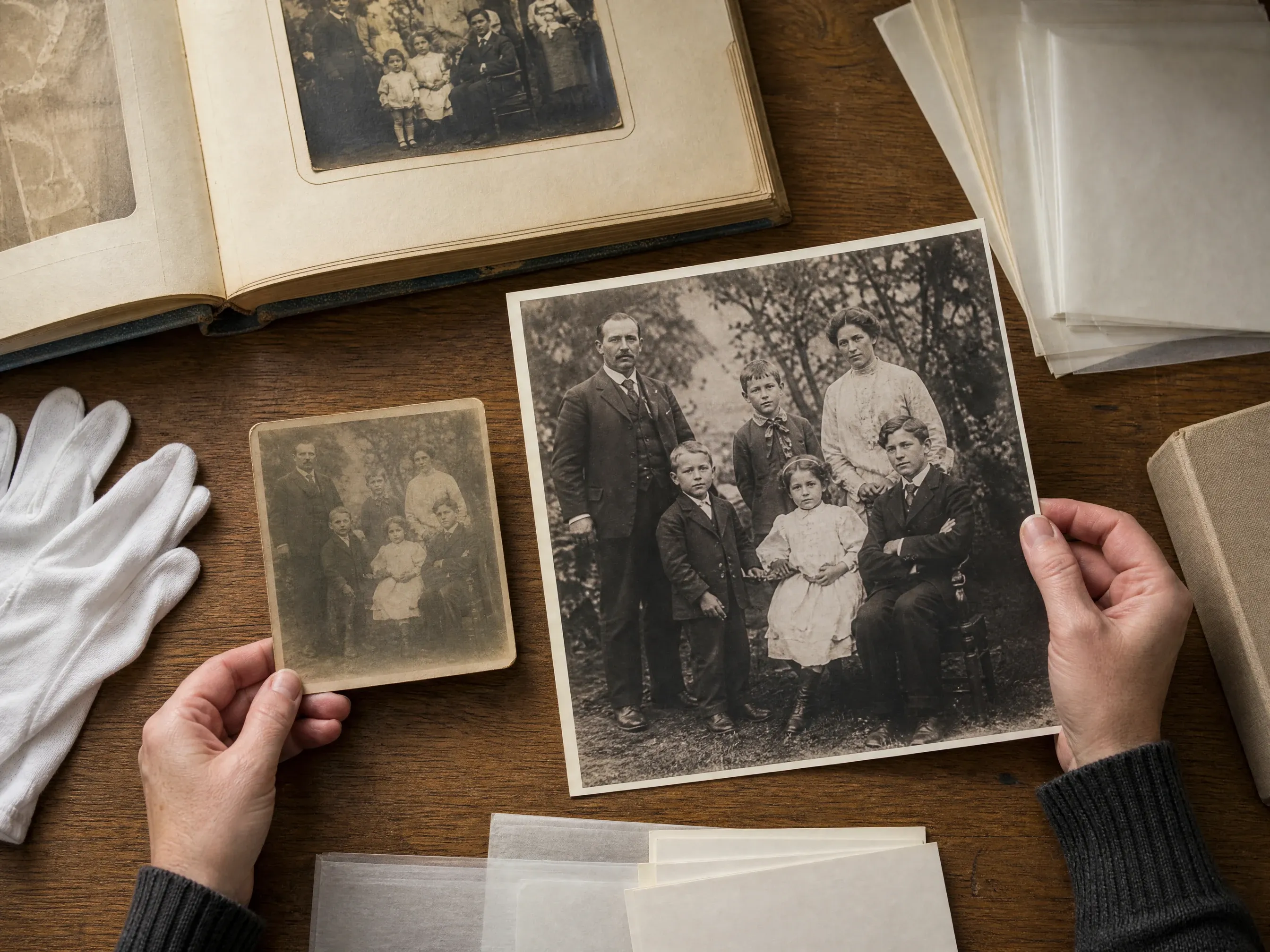
Deutsch family archive photo scan enhanced for a clearer digital copy

Deutsch family archive cleanup

Deutsch create a clearer digital copy of album photos genealogy scans and inherited prints before sharing them with relatives

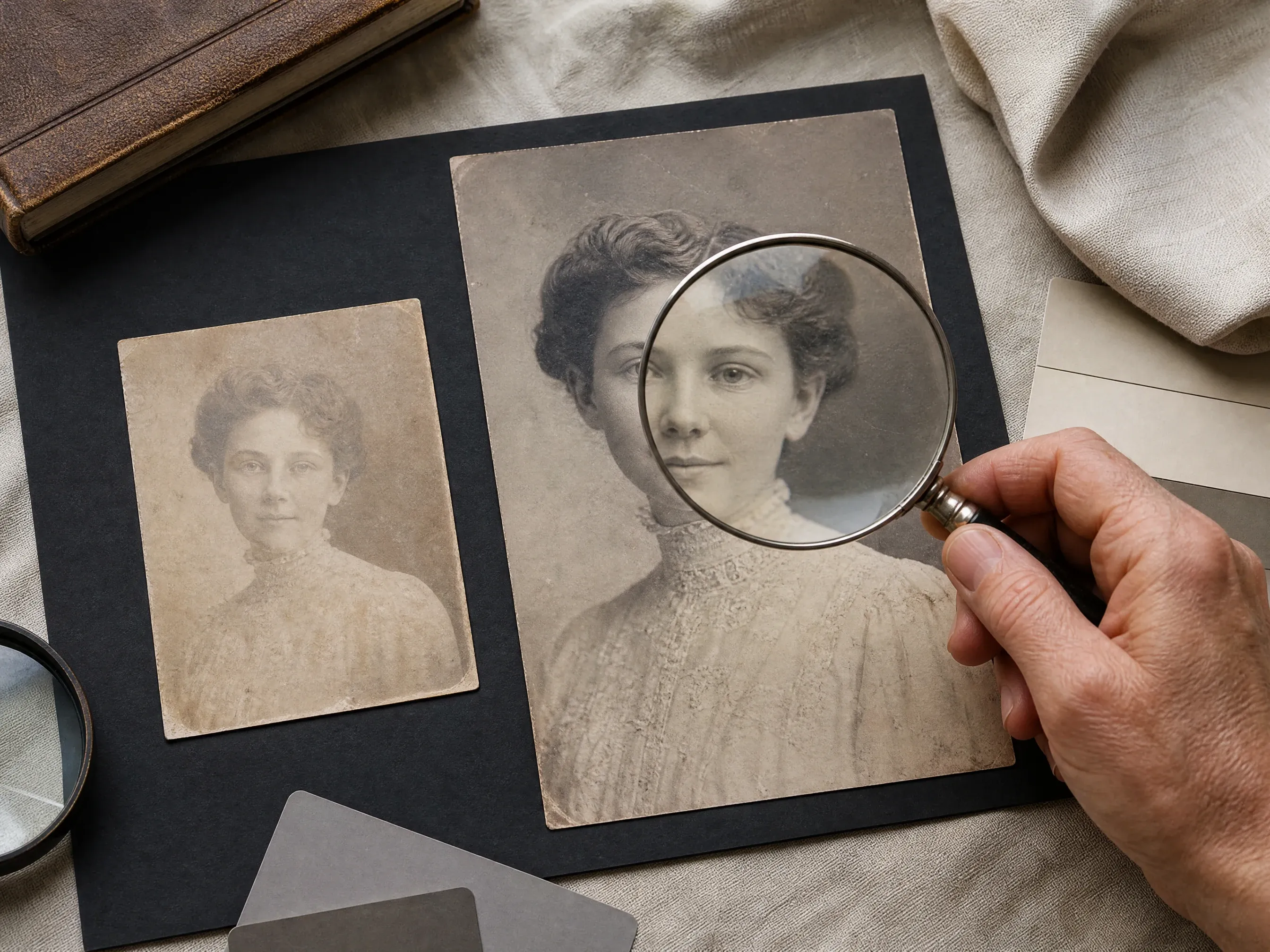
Deutsch faded old portrait reviewed after a clearer enhancement pass

Deutsch faded portrait clarity

Deutsch improve visible face detail and readability in old portraits while keeping the original black-and-white or sepia feeling

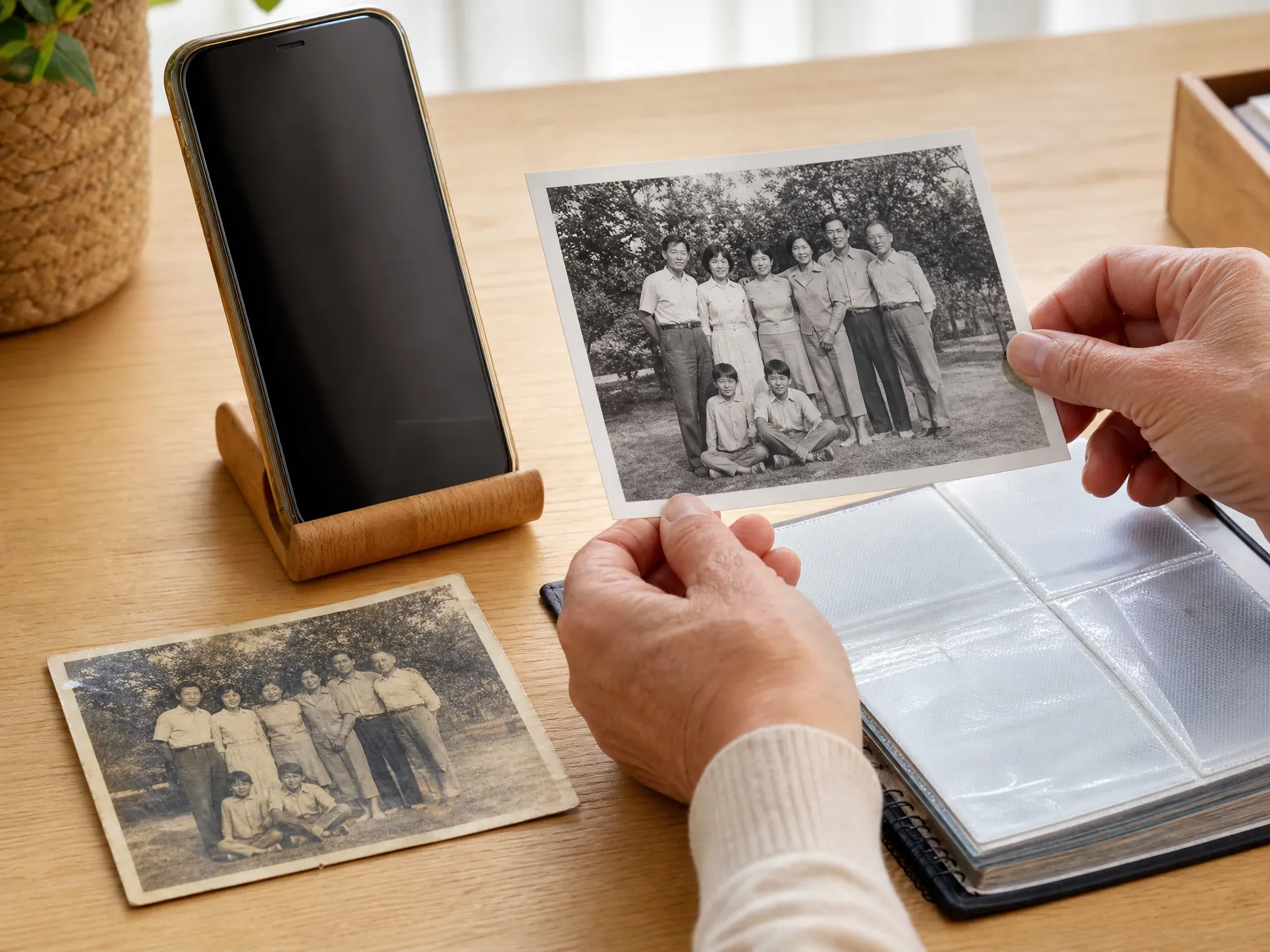
Deutsch clearer old family photo prepared for private sharing and album review

Deutsch social and album sharing

Deutsch make a meaningful old photo easier to view on phones family chats social posts and private albums

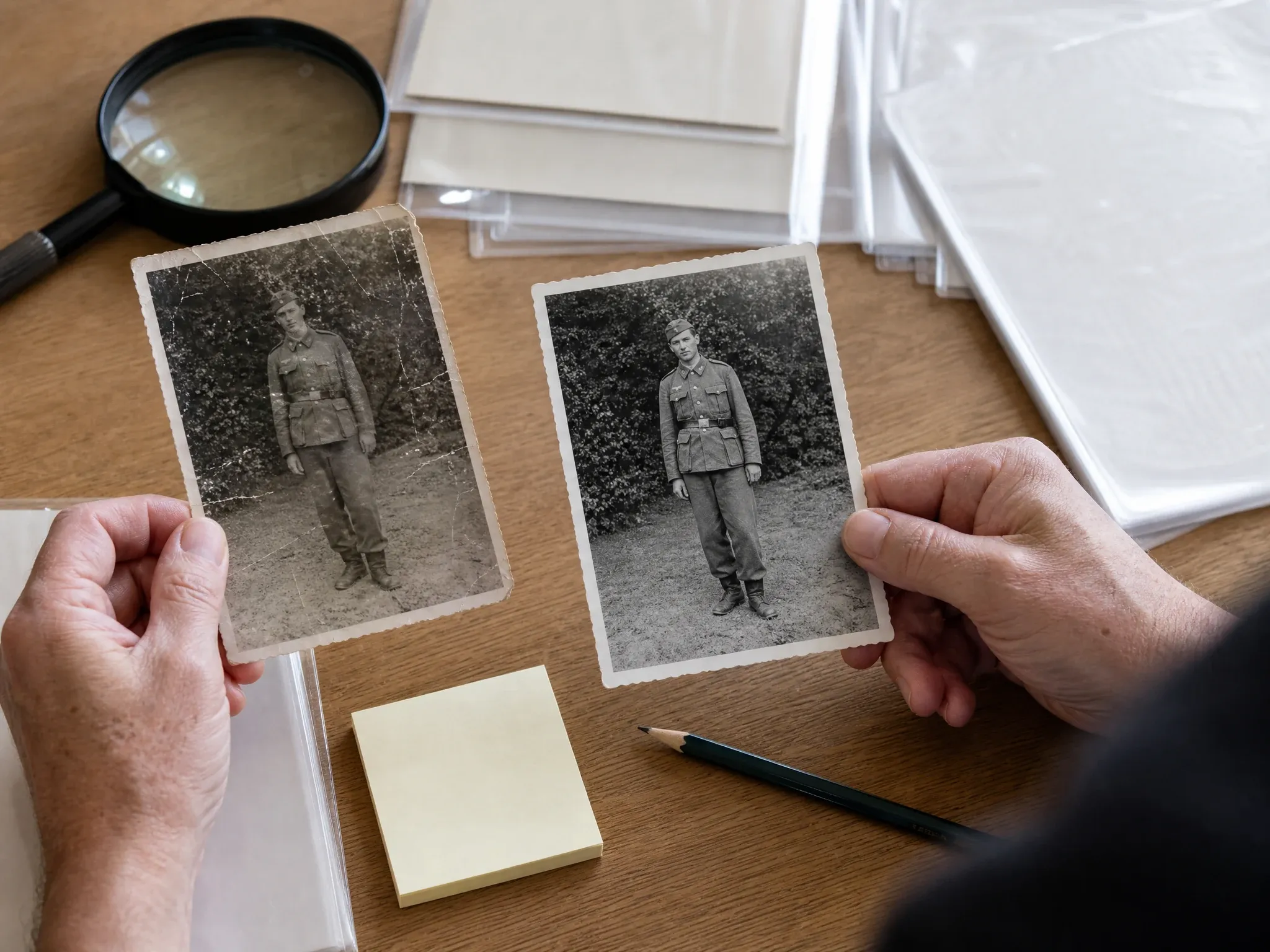
Deutsch old photo clarity result reviewed before a manual restoration decision

Deutsch memory draft review

Deutsch prepare a clearer draft before deciding whether the photo needs manual retouching a focused edit or a professional service

Deutsch quick answer

Deutsch what is AI old photo restoration on FaceAI

Deutsch on this page AI old photo restoration means a clarity-first enhancement pass for old scans and family photos it improves readable detail and resolution where the source gives enough information

Deutsch clarity not miracle repair

Deutsch the workflow can make a usable old photo easier to view but it does not guarantee torn-paper reconstruction missing-area repair or stain removal

Deutsch original tones stay the reference

Deutsch black-and-white sepia and faded color photos stay close to their original tone colorization is a separate capability and is not claimed here

Deutsch review before important use

Deutsch for memorial genealogy and family archive work inspect the result carefully and keep the original file as the source of truth

Deutsch why FaceAI

Deutsch why use KI-Restaurierung alter Fotos

Deutsch FaceAI keeps the old-photo workspace first gives practical source guidance and avoids unsupported repair claims that make restoration pages misleading

Deutsch old-photo guidance first

Deutsch the page tells you how to prepare a scan and choose a scale before you spend time reading long copy

Deutsch 2x and 4x choices

Deutsch a simple clarity scale is easier to judge than a hidden one-click filter compare results in history before keeping the file

Deutsch honest scope

Deutsch scratch repair colorization brush masking inpainting and print-ready guarantees stay out of the public promise

Deutsch fits the image workflow

Deutsch use photo enhancer image editor image-to-image or upscaler next depending on what still blocks the photo

Deutsch source tips

Deutsch how to get better old photo enhancement results

Deutsch the source photo matters a careful scan or phone capture usually beats a damaged glossy or tiny screenshot

Altes Foto klarer machen

Deutsch scan or photograph flat

Deutsch lay the print on a flat surface use even daylight hold the phone parallel and avoid shadows across faces

Deutsch remove glare and borders

Deutsch crop album pages plastic sleeves table edges and bright reflections so the model focuses on the photo itself

Deutsch start with 2x

Deutsch a lighter pass is easier to inspect move to 4x only if the enhanced detail still looks natural

Deutsch check faces manually

Deutsch review eyes hair mouths clothing background and original tones before sharing or sending the image to a print shop

Deutsch comparison

Deutsch FaceAI old photo restoration vs colorizers inpainting tools and manual services

Deutsch choose the workflow that matches the real problem this page is for clarity-first enhancement of old photos more damaged images may need a different tool or human retouching

Deutsch starting point

Unser

Deutsch starting point handled through one old photo 2x or 4x clarity history preview download share and review

Deutsch other restoration workflows

Deutsch starting point may require colorizers inpainting brushes manual retouching print proofing or professional restoration services

Deutsch best use

Unser

Deutsch best use handled through one old photo 2x or 4x clarity history preview download share and review

Deutsch other restoration workflows

Deutsch best use may require colorizers inpainting brushes manual retouching print proofing or professional restoration services

Deutsch controls

Unser

Deutsch controls handled through one old photo 2x or 4x clarity history preview download share and review

Deutsch other restoration workflows

Deutsch controls may require colorizers inpainting brushes manual retouching print proofing or professional restoration services

Deutsch color promise

Unser

Deutsch color promise handled through one old photo 2x or 4x clarity history preview download share and review

Deutsch other restoration workflows

Deutsch color promise may require colorizers inpainting brushes manual retouching print proofing or professional restoration services

Deutsch print boundary

Unser

Deutsch print boundary handled through one old photo 2x or 4x clarity history preview download share and review

Deutsch other restoration workflows

Deutsch print boundary may require colorizers inpainting brushes manual retouching print proofing or professional restoration services

Deutsch next step

Unser

Deutsch next step handled through one old photo 2x or 4x clarity history preview download share and review

Deutsch other restoration workflows

Deutsch next step may require colorizers inpainting brushes manual retouching print proofing or professional restoration services

Deutsch how people use KI-Restaurierung alter Fotos for old photo clarity

Deutsch these comments focus on the real loop prepare the scan choose 2x or 4x inspect the result then download or continue editing

Deutsch old photo clarity review 1: start with one flat scan or phone capture, choose 2x or 4x, compare history, keep the original tones, and treat severe scratches tears stains missing areas and colorization as separate repair work.

Emma Johansson

Deutsch family archive workflow lead

Deutsch old photo clarity review 2: start with one flat scan or phone capture, choose 2x or 4x, compare history, keep the original tones, and treat severe scratches tears stains missing areas and colorization as separate repair work.

Darius Brown

Deutsch family archive workflow lead

Deutsch old photo clarity review 3: start with one flat scan or phone capture, choose 2x or 4x, compare history, keep the original tones, and treat severe scratches tears stains missing areas and colorization as separate repair work.

Elena Kowalski

Deutsch family archive workflow lead

Deutsch old photo clarity review 4: start with one flat scan or phone capture, choose 2x or 4x, compare history, keep the original tones, and treat severe scratches tears stains missing areas and colorization as separate repair work.

Kai Nakamura

Deutsch family archive workflow lead

Deutsch old photo clarity review 5: start with one flat scan or phone capture, choose 2x or 4x, compare history, keep the original tones, and treat severe scratches tears stains missing areas and colorization as separate repair work.

Priya Chen

Deutsch family archive workflow lead

Deutsch old photo clarity review 6: start with one flat scan or phone capture, choose 2x or 4x, compare history, keep the original tones, and treat severe scratches tears stains missing areas and colorization as separate repair work.

Aaliyah Williams

Deutsch family archive workflow lead

Deutsch what should you try before or after old photo restoration

Deutsch choose the next FaceAI tool based on what the photo still needs broader enhancement resolution focused editing creative variation or portrait retouching

Deutsch KI-Restaurierung alter Fotos FAQ

Deutsch direct answers about old-photo enhancement source scans 2x and 4x scale colorization limits scratch repair limits sharing rights and next steps

Deutsch Basics answer 1 for one old photo clarity enhancement source quality realistic repair boundaries rights review download and next-step editing

Deutsch Basics answer 2 for one old photo clarity enhancement source quality realistic repair boundaries rights review download and next-step editing

Deutsch Basics answer 3 for one old photo clarity enhancement source quality realistic repair boundaries rights review download and next-step editing

Deutsch Quality and limits answer 1 for one old photo clarity enhancement source quality realistic repair boundaries rights review download and next-step editing

Deutsch Quality and limits answer 2 for one old photo clarity enhancement source quality realistic repair boundaries rights review download and next-step editing

Deutsch Quality and limits answer 3 for one old photo clarity enhancement source quality realistic repair boundaries rights review download and next-step editing

Deutsch Use and safety answer 1 for one old photo clarity enhancement source quality realistic repair boundaries rights review download and next-step editing

Deutsch Use and safety answer 2 for one old photo clarity enhancement source quality realistic repair boundaries rights review download and next-step editing

Deutsch Use and safety answer 3 for one old photo clarity enhancement source quality realistic repair boundaries rights review download and next-step editing

Deutsch upload one old photo and create a clearer review copy

Deutsch start with the best scan you have choose 2x or 4x then inspect and download the enhanced old photo before sharing or continuing the edit