
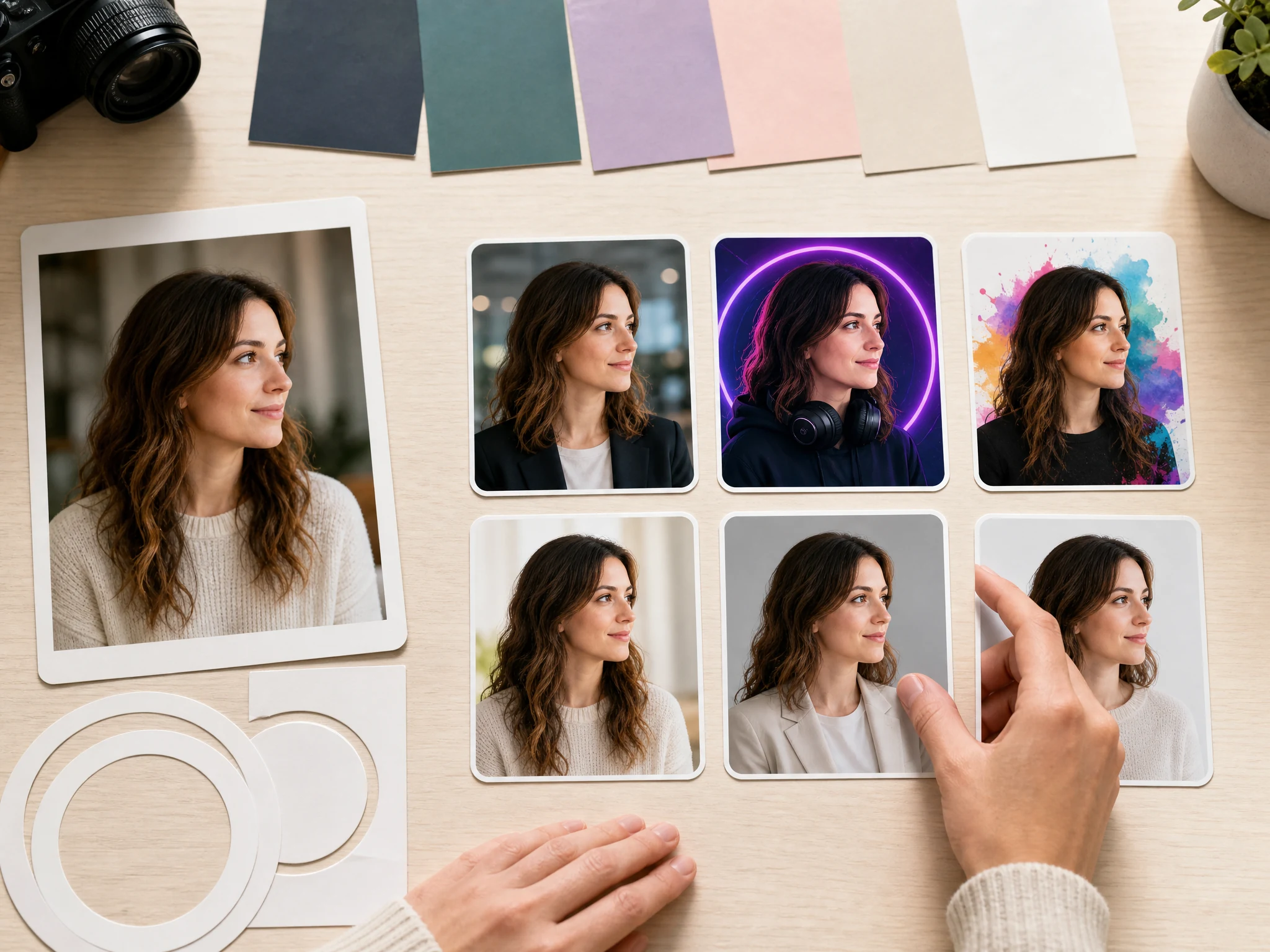
AI Profile Picture Generator for LinkedIn, Discord, and Social PFPs
Upload one clear portrait and turn it into a profile-ready picture for work, social, creator, and community accounts. Pick the destination first: LinkedIn, Discord, YouTube, Instagram, TikTok, resume, CV, email signature, team page, or business card. Free online. No login. No watermark.
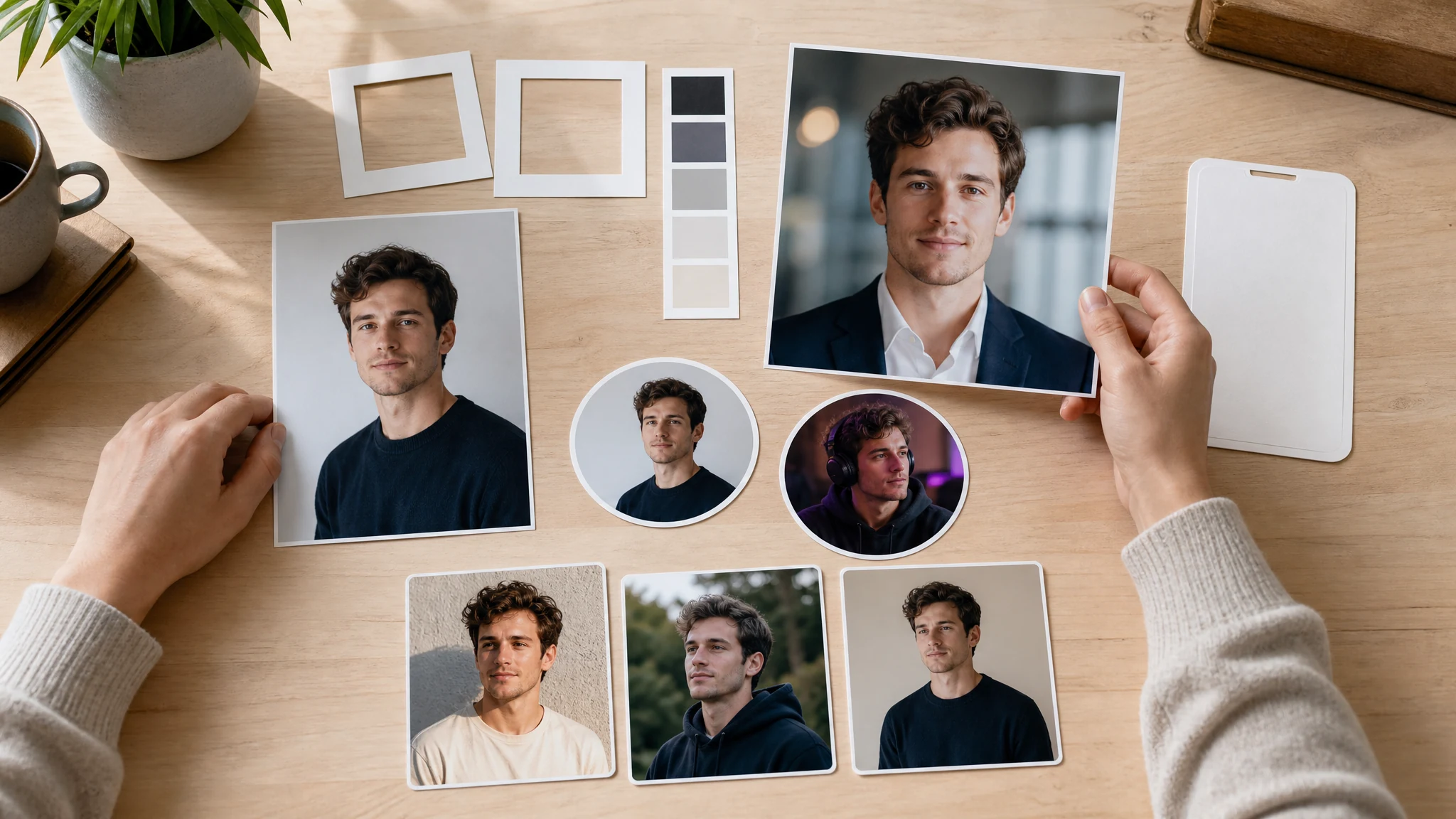
Trusted by 12,000,000+ users worldwide.
How to Make an AI Profile Picture Online
The fast path is upload, choose the platform, generate, then download the profile picture that still reads clearly as a small crop.
Upload a clear portrait
Use one front-facing photo with a visible face, normal lighting, and enough space around the head for a square or circle crop.
Choose the profile destination
Pick LinkedIn, Discord, YouTube, Instagram, resume, email signature, or casual social so the style and crop match the final use.
Download or refine
Save the best result, compare versions in history, or send the keeper to image-to-image, editor, or upscaler for the final pass.
Profile Pictures You Can Create from One Photo
Create practical PFPs for professional profiles, resumes, Discord servers, YouTube channels, Instagram bios, team pages, business cards, and email signatures.
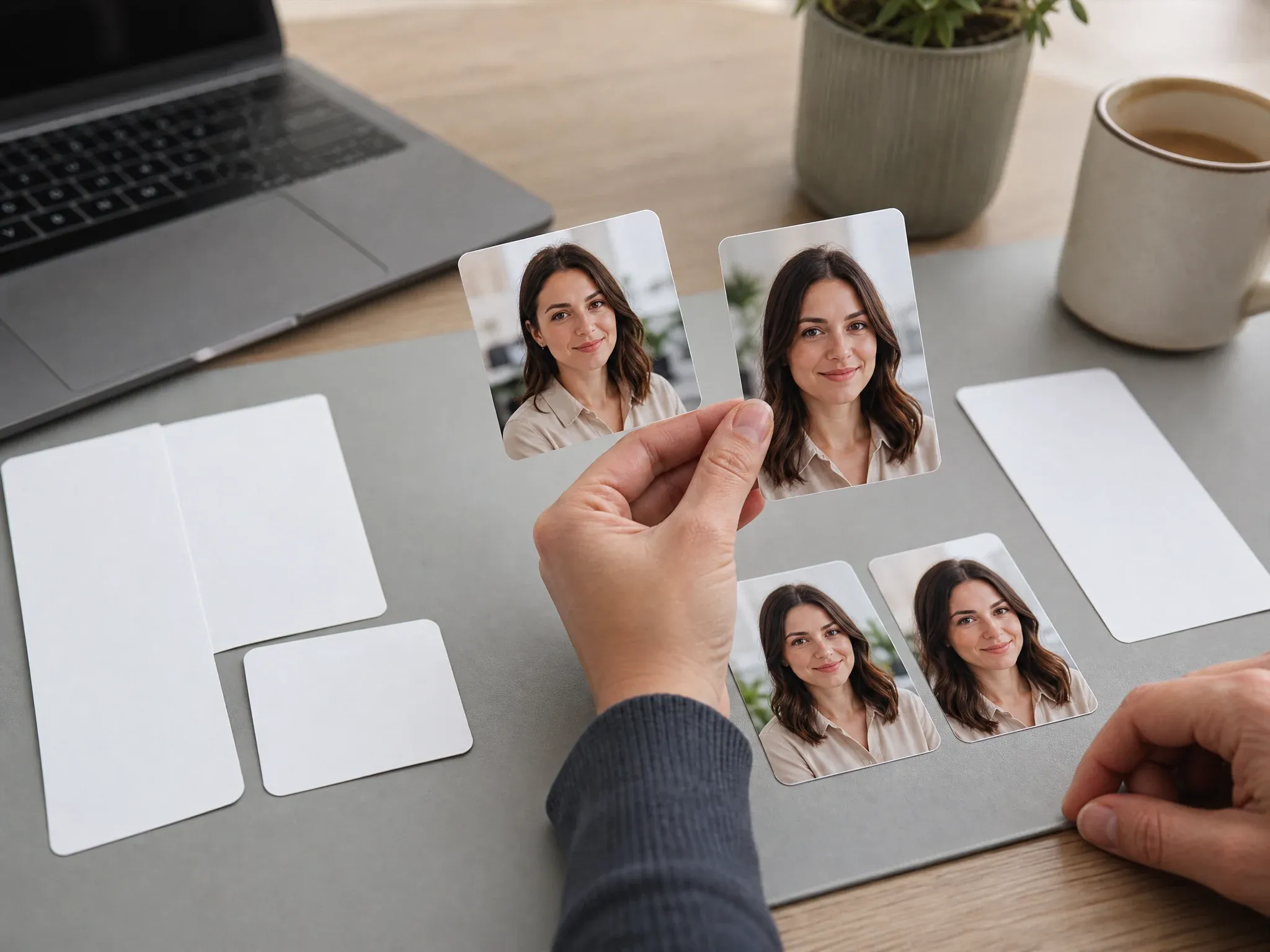
LinkedIn and work profiles
Turn a casual portrait into a clean, believable profile picture for LinkedIn, Slack, founder bios, team pages, and work apps.
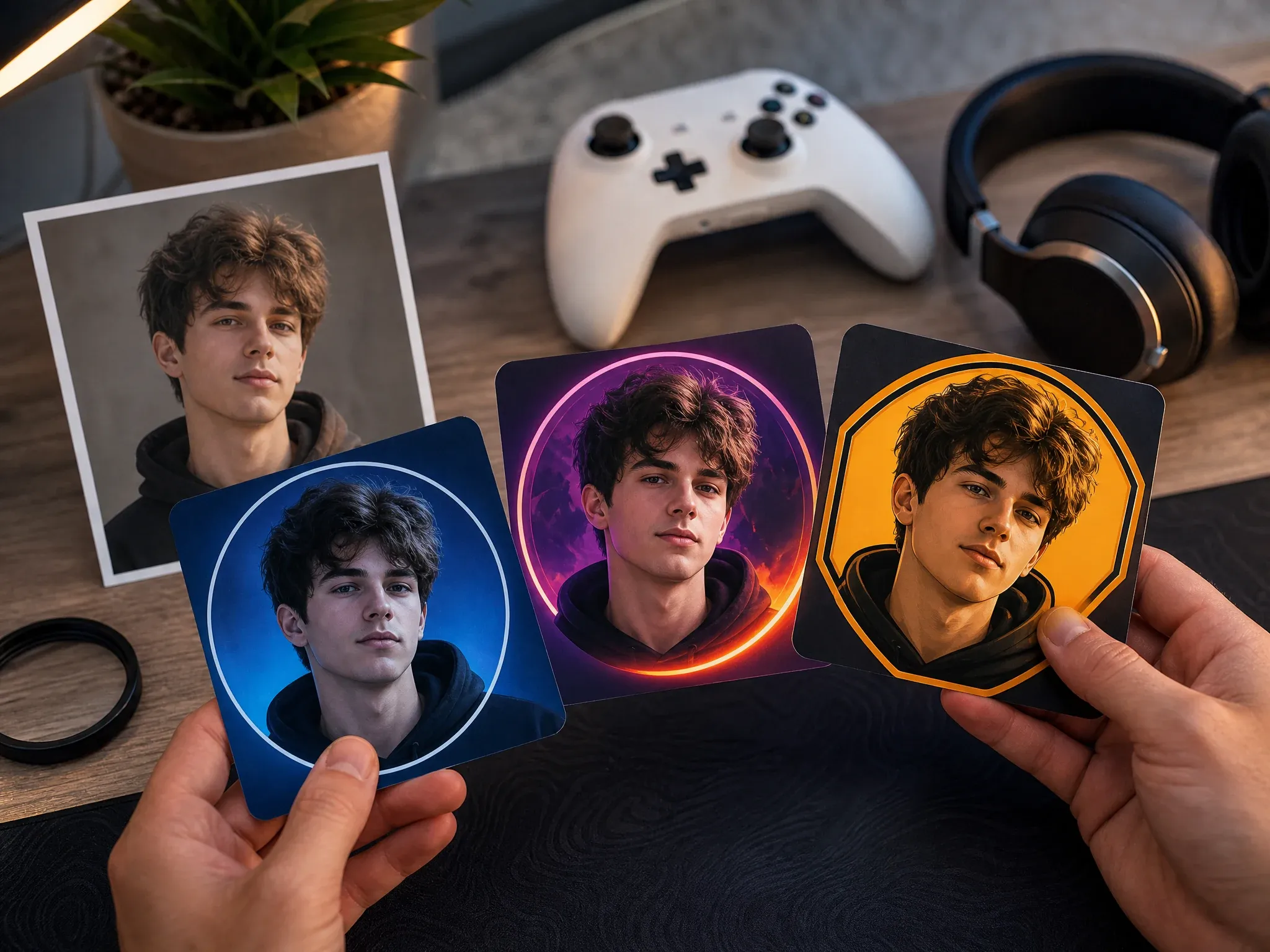
Discord and gaming PFPs
Create a bolder square profile image with stronger lighting, clean background, and a face that remains readable in a tiny circle.
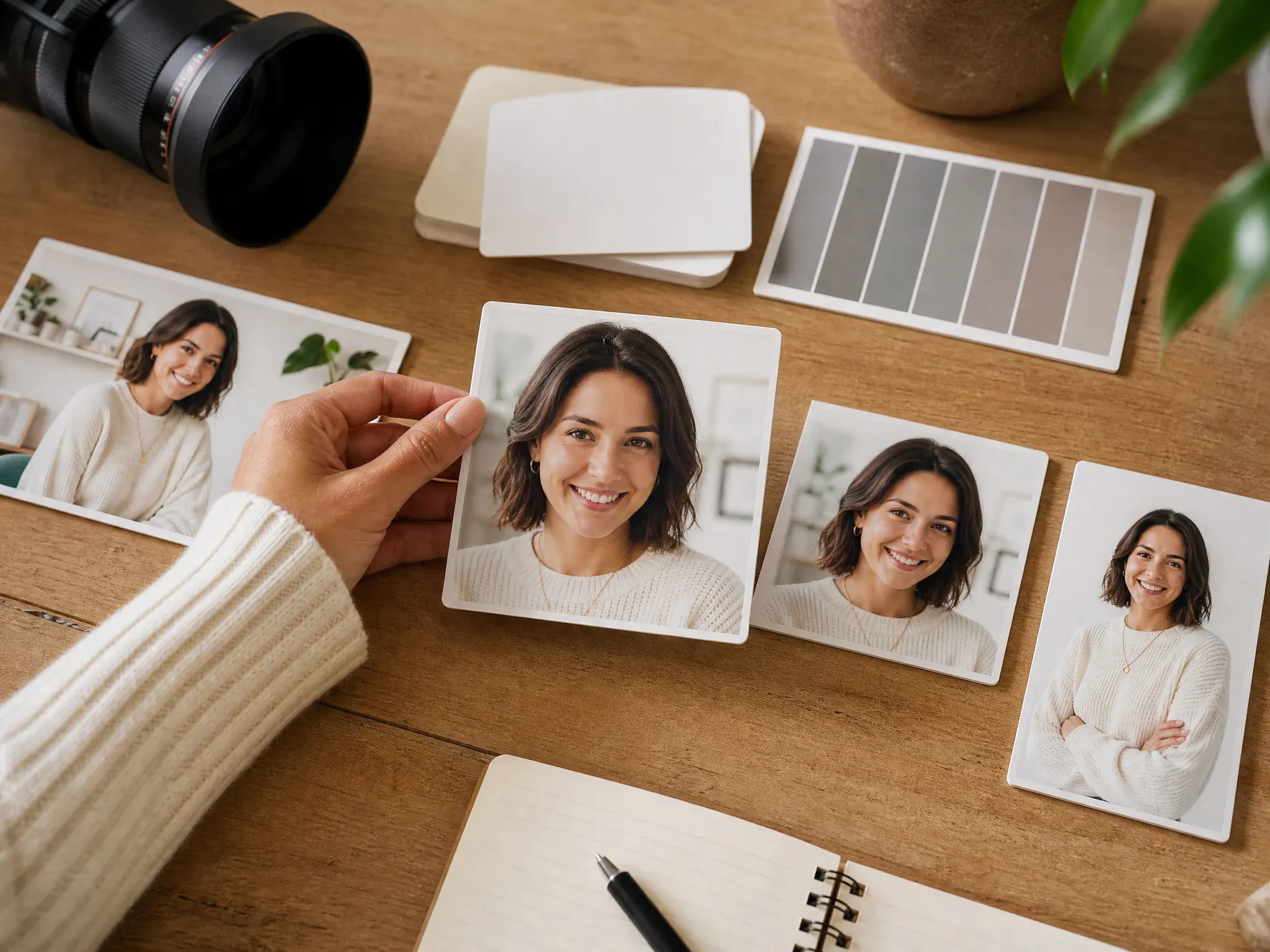
YouTube creator icons
Make a channel profile picture that feels more polished than a selfie without adding fake text, platform UI, or logos.
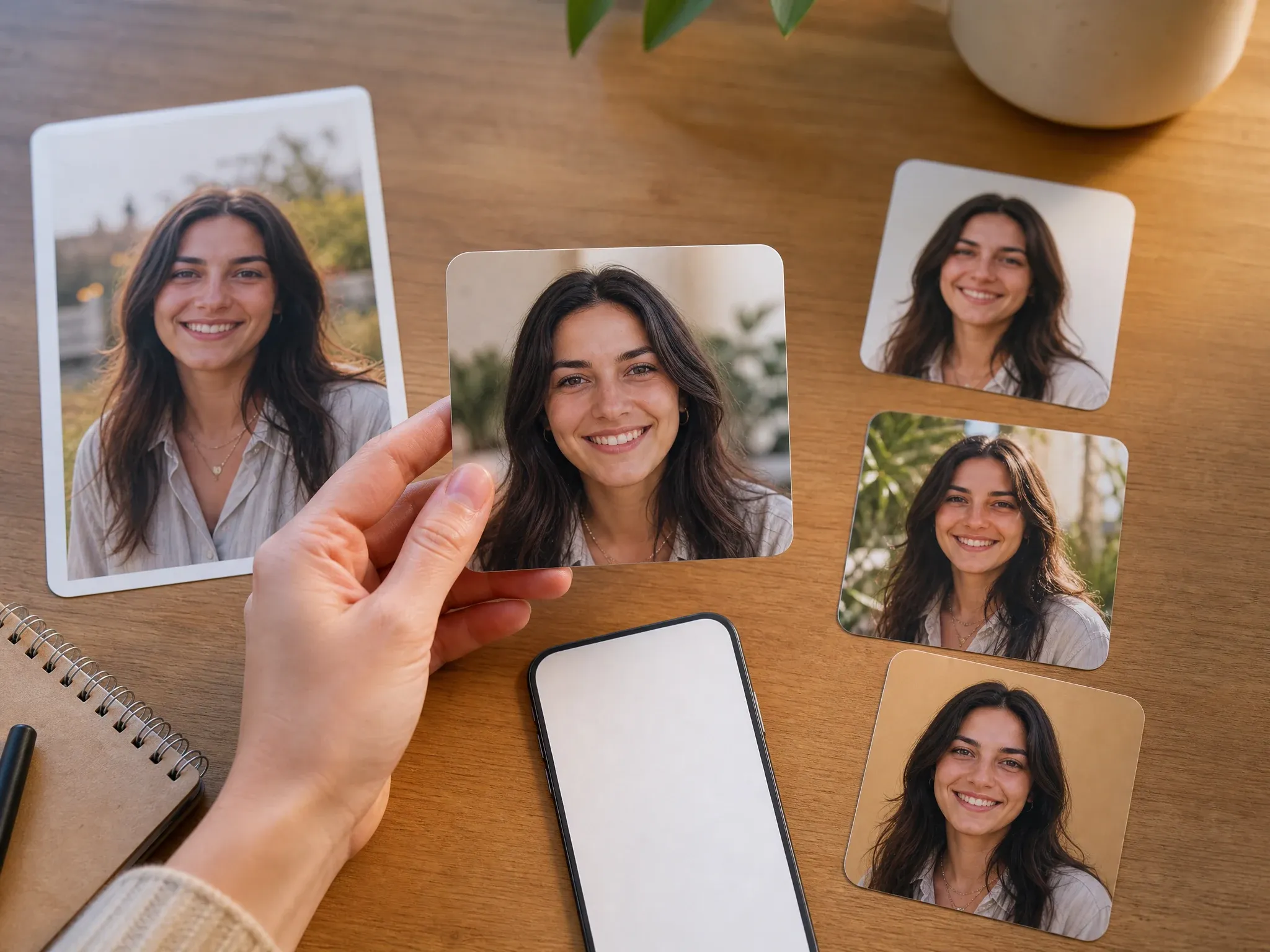
Instagram and casual social
Use natural lighting, a cleaner background, and a friendly crop for Instagram, TikTok, newsletters, personal sites, and community bios.
Resume, CV, and email signatures
Generate a simple portrait crop that stays readable in small business-card, email-signature, portfolio, and resume placements.
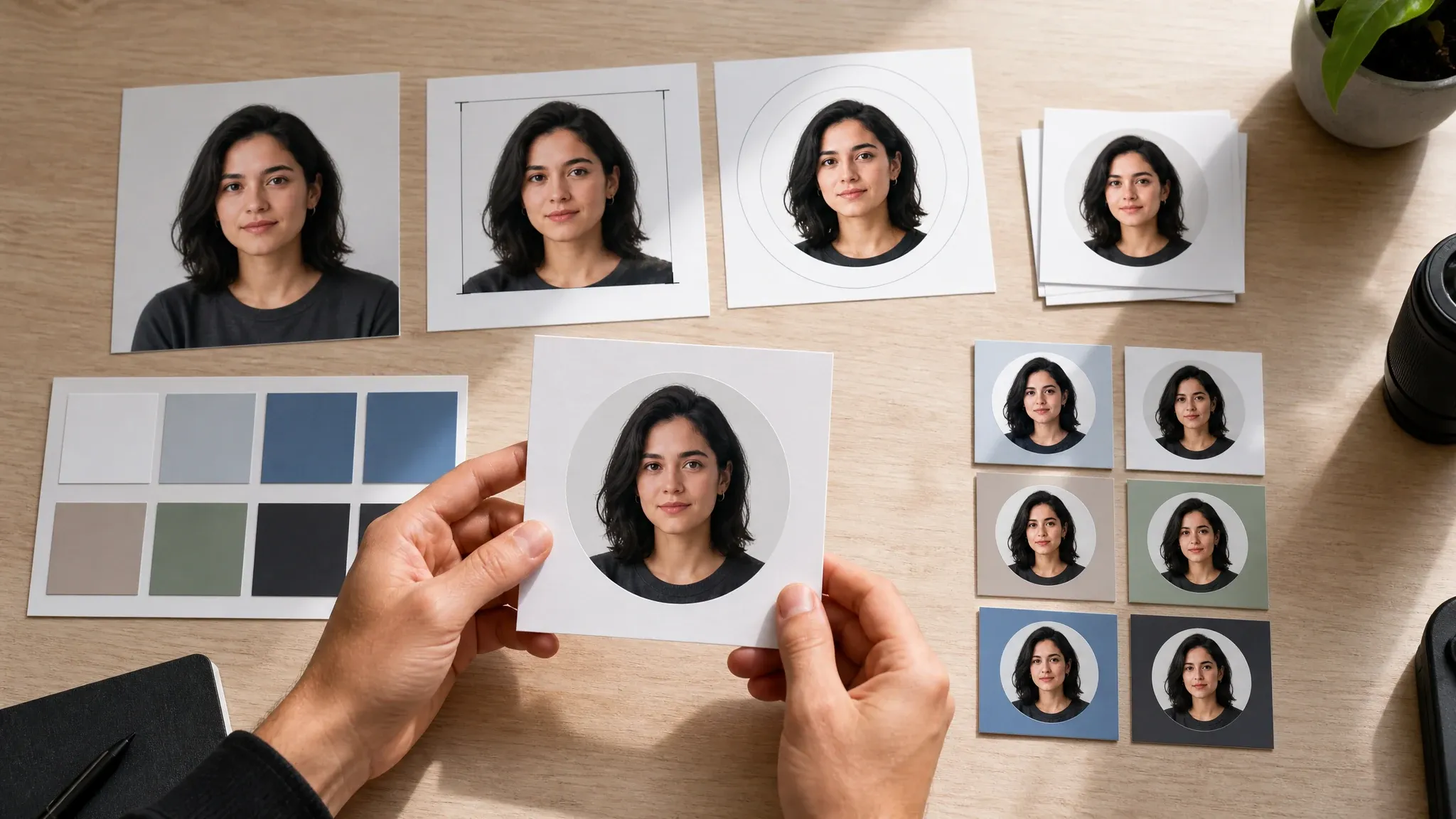
Background and crop cleanup
Use the first result to find the right face crop, then refine background, color, or sharpness before the final upload.
What Is an AI Profile Picture Generator?
An AI profile picture generator turns a portrait photo into a cleaner, platform-ready profile image. The goal is not a random avatar. The goal is a profile photo or PFP that works in the place you actually need to upload it.
Profile-first output
Create square and portrait crops for profiles, bios, teams, communities, resumes, creator kits, business cards, and email signatures.
Photo-guided result
Upload one source portrait so the result can use face shape, hair direction, expression, and lighting cues before changing the background or style.
Platform-aware style
A work profile, gaming PFP, creator icon, and resume photo need different crops. Choose the destination before generating.
Why Use FaceAI for AI Profile Pictures?
FaceAI keeps the workflow focused on the job: upload a portrait, pick the profile destination, generate, compare, download, and keep editing only when needed.
Not just a blank prompt box
Start with the destination: LinkedIn, Discord, YouTube, Instagram, resume, email signature, or casual social. The prompt becomes a small correction, not the whole job.
Built for tiny crops
Profile pictures often appear as small circles. The workbench pushes 1:1 crops, clean backgrounds, and readable faces instead of wide scene art.
Free online workflow
Upload, generate, download, share, and review history in the browser. No app download is needed for the core profile-picture loop.
Easy next steps
When the profile image is close, use image-to-image for variants, editor for cleanup, or upscaler for sharper final upload.
How to Get a Better AI Profile Picture
A better PFP usually comes from a better source photo and a shorter instruction. Give the model a face it can read, then adjust crop, background, and platform style.
Use one visible face
Avoid group shots, sunglasses, masks, heavy filters, tiny faces, and cropped foreheads. A simple portrait gives stronger profile results.
Leave crop room
Do not upload a face that already touches every edge. Circle crops need space around hair, chin, shoulders, and background.
Match the destination
Use clean neutral backgrounds for work, stronger color for creator or gaming PFPs, and 4:5 or 3:4 when the profile placement is more portrait-like.
Change one thing per retry
If the face is close, keep the photo and template fixed. Change only the background, crop, outfit, expression, or color mood in the next run.
AI Profile Picture Generator vs. Avatar and Headshot Tools
Use the right workflow for the job. Profile pictures sit between casual selfies, formal headshots, prompt avatars, and full photo editors.
| Kriterium | Face AIUnser FaceAI profile picture workflow | Other workflows |
|---|---|---|
| Starting point | Upload one portrait photo, choose the profile destination, and add a short optional note. | Prompt avatar tools may create a new identity from text instead of improving a real profile photo. |
| Best use | LinkedIn, Discord, YouTube, Instagram, resumes, CVs, email signatures, team pages, business cards, and social PFPs. | Headshot tools focus on formal business portraits; avatar tools focus on more stylized identity images. |
| Crop focus | Prioritizes 1:1 square, circle-ready framing, readable face, clean background, and small-size clarity. | Generic image tools may output wide artwork that looks good large but fails as a profile crop. |
| Style control | Platform presets cover professional, gaming, creator, casual social, resume, and email signature needs. | Manual template tools may offer borders and layers, but require more editing before the image is ready. |
| Next step | Download, share, compare history, refine with image-to-image, clean up in editor, or upscale the keeper. | One-purpose PFP makers can stop at export and make follow-up edits less clear. |
| Honest limit | Strong style changes can shift exact likeness. Inspect the result before using it as a personal or professional profile image. | Some profile tools overpromise perfect identity consistency from every source photo. |
Starting point
Upload one portrait photo, choose the profile destination, and add a short optional note.
Prompt avatar tools may create a new identity from text instead of improving a real profile photo.
Best use
LinkedIn, Discord, YouTube, Instagram, resumes, CVs, email signatures, team pages, business cards, and social PFPs.
Headshot tools focus on formal business portraits; avatar tools focus on more stylized identity images.
Crop focus
Prioritizes 1:1 square, circle-ready framing, readable face, clean background, and small-size clarity.
Generic image tools may output wide artwork that looks good large but fails as a profile crop.
Style control
Platform presets cover professional, gaming, creator, casual social, resume, and email signature needs.
Manual template tools may offer borders and layers, but require more editing before the image is ready.
Next step
Download, share, compare history, refine with image-to-image, clean up in editor, or upscale the keeper.
One-purpose PFP makers can stop at export and make follow-up edits less clear.
Honest limit
Strong style changes can shift exact likeness. Inspect the result before using it as a personal or professional profile image.
Some profile tools overpromise perfect identity consistency from every source photo.
How People Use the AI Profile Picture Generator
These comments focus on the real loop: upload a portrait, choose the platform, generate, compare the crop, then download or refine the profile picture that works.
"The platform presets are the difference. I can make one photo work for LinkedIn, Slack, and a creator bio without writing a long prompt every time."

Amara Okafor
Founder & CEO
"For hiring pages, the 1:1 profile crop is practical. Upload the portrait, choose the professional preset, download the clean version, done."

Kwesi Mensah
E-commerce Director
"I use it when a phone selfie is good enough but the background is not. A short note about crop and color usually gets the profile image close."

Fatima Traore
Head of Operations
"The gaming and creator options helped us test profile pictures for Discord and YouTube without turning the person into a random avatar."

Samuel Adeyemi
Growth Marketing Lead
"It does not try to be a full photo editor. That is fine. It gets me a profile-ready picture first, then I can refine the keeper later."

Nkechi Obi
Marketing & Brand Manager
"Front-facing photos work best. Side-lit pictures still ran, but I had to retry the background and face crop more often."

Tendai Moyo
VP of Seller Experience
"The platform presets are the difference. I can make one photo work for LinkedIn, Slack, and a creator bio without writing a long prompt every time."
Amara Okafor
Founder & CEO
"For hiring pages, the 1:1 profile crop is practical. Upload the portrait, choose the professional preset, download the clean version, done."
Kwesi Mensah
E-commerce Director
"I use it when a phone selfie is good enough but the background is not. A short note about crop and color usually gets the profile image close."
Fatima Traore
Head of Operations
"The gaming and creator options helped us test profile pictures for Discord and YouTube without turning the person into a random avatar."
Samuel Adeyemi
Growth Marketing Lead
"It does not try to be a full photo editor. That is fine. It gets me a profile-ready picture first, then I can refine the keeper later."
Nkechi Obi
Marketing & Brand Manager
"Front-facing photos work best. Side-lit pictures still ran, but I had to retry the background and face crop more often."
Tendai Moyo
VP of Seller Experience
"History is useful because profile-picture changes are subtle. Comparing the business, social, and creator versions side by side saves review time."

Ama Asante
Digital Advertising Lead
"The platform presets are the difference. I can make one photo work for LinkedIn, Slack, and a creator bio without writing a long prompt every time."
Amara Okafor
Founder & CEO
"For hiring pages, the 1:1 profile crop is practical. Upload the portrait, choose the professional preset, download the clean version, done."
Kwesi Mensah
E-commerce Director
"I use it when a phone selfie is good enough but the background is not. A short note about crop and color usually gets the profile image close."
Fatima Traore
Head of Operations
"The gaming and creator options helped us test profile pictures for Discord and YouTube without turning the person into a random avatar."
Samuel Adeyemi
Growth Marketing Lead
"It does not try to be a full photo editor. That is fine. It gets me a profile-ready picture first, then I can refine the keeper later."
Nkechi Obi
Marketing & Brand Manager
"Front-facing photos work best. Side-lit pictures still ran, but I had to retry the background and face crop more often."
Tendai Moyo
VP of Seller Experience
"History is useful because profile-picture changes are subtle. Comparing the business, social, and creator versions side by side saves review time."
Ama Asante
Digital Advertising Lead
"We use it for founder bios, email signatures, and social icons. Same source photo, different destination, cleaner result."

Chinedu Eze
Head of Customer Acquisition
"The no-watermark download matters when I am testing PFPs inside mockups. I do not want cleanup work before I even choose the direction."

Zainab Diallo
Community & Growth Manager
"It is a profile-picture tool, not a fake identity machine. That boundary makes it easier to use for real people and creator teams."

Alice Cooper
Retail Marketing Director
"For Discord, I ask for bold lighting and a square crop. For work apps, I keep the background simple and the expression natural."

Annika Svensson
Head of Retail Partnerships
"I wanted something less stiff than a headshot and sharper than a casual selfie. This sat in the middle, which was exactly the point."

Brendan Murphy
Shopper Marketing Lead
"A clean source photo changes everything: one person, visible face, no sunglasses, no heavy filter, and enough space around the head."

Margherita Conti
Visual Merchandising Lead
"Once a profile picture works, I send it to image-to-image for variants or upscaler for the final upload. The flow is fast enough for testing."

Elise Fontaine
Retail Brand Strategist
"We use it for founder bios, email signatures, and social icons. Same source photo, different destination, cleaner result."
Chinedu Eze
Head of Customer Acquisition
"The no-watermark download matters when I am testing PFPs inside mockups. I do not want cleanup work before I even choose the direction."
Zainab Diallo
Community & Growth Manager
"It is a profile-picture tool, not a fake identity machine. That boundary makes it easier to use for real people and creator teams."
Alice Cooper
Retail Marketing Director
"For Discord, I ask for bold lighting and a square crop. For work apps, I keep the background simple and the expression natural."
Annika Svensson
Head of Retail Partnerships
"I wanted something less stiff than a headshot and sharper than a casual selfie. This sat in the middle, which was exactly the point."
Brendan Murphy
Shopper Marketing Lead
"A clean source photo changes everything: one person, visible face, no sunglasses, no heavy filter, and enough space around the head."
Margherita Conti
Visual Merchandising Lead
"Once a profile picture works, I send it to image-to-image for variants or upscaler for the final upload. The flow is fast enough for testing."
Elise Fontaine
Retail Brand Strategist
What Should You Try After Making a Profile Picture?
Choose the next FaceAI tool based on the blocker: more avatar style, no source photo, formal headshot, cleanup, or sharper export.
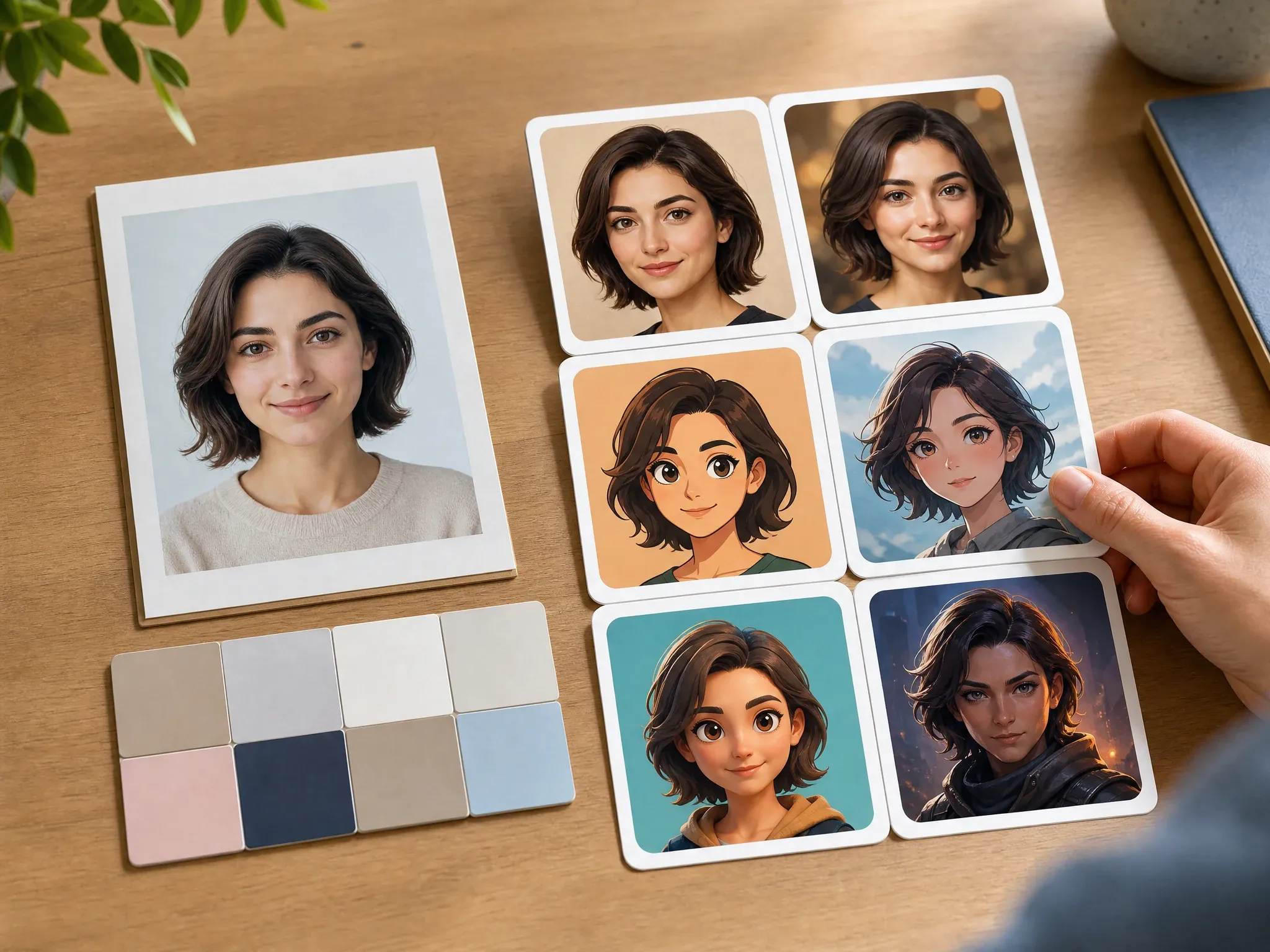
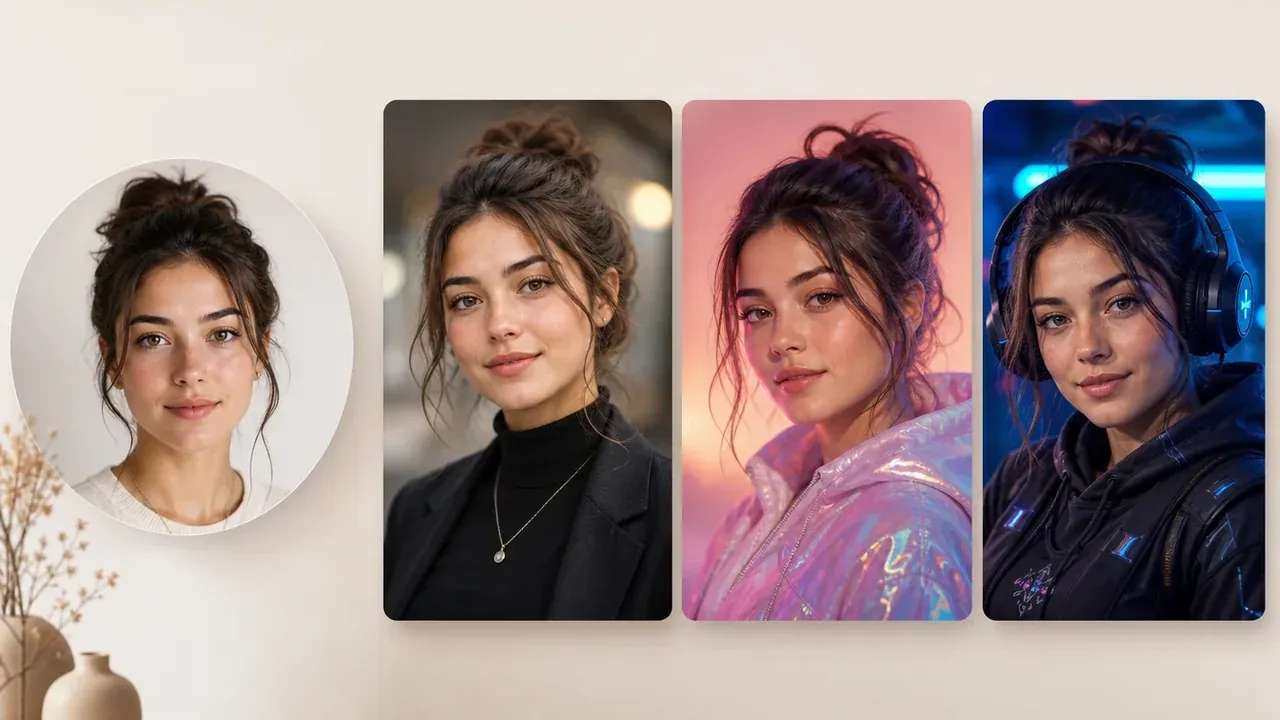
Create Avatar from Photo
Use this when the goal is a more stylized avatar from the same source portrait instead of a practical platform profile picture.
AI Avatar Generator
Start from text when you do not have a source photo and want a new avatar identity for social or creator use.
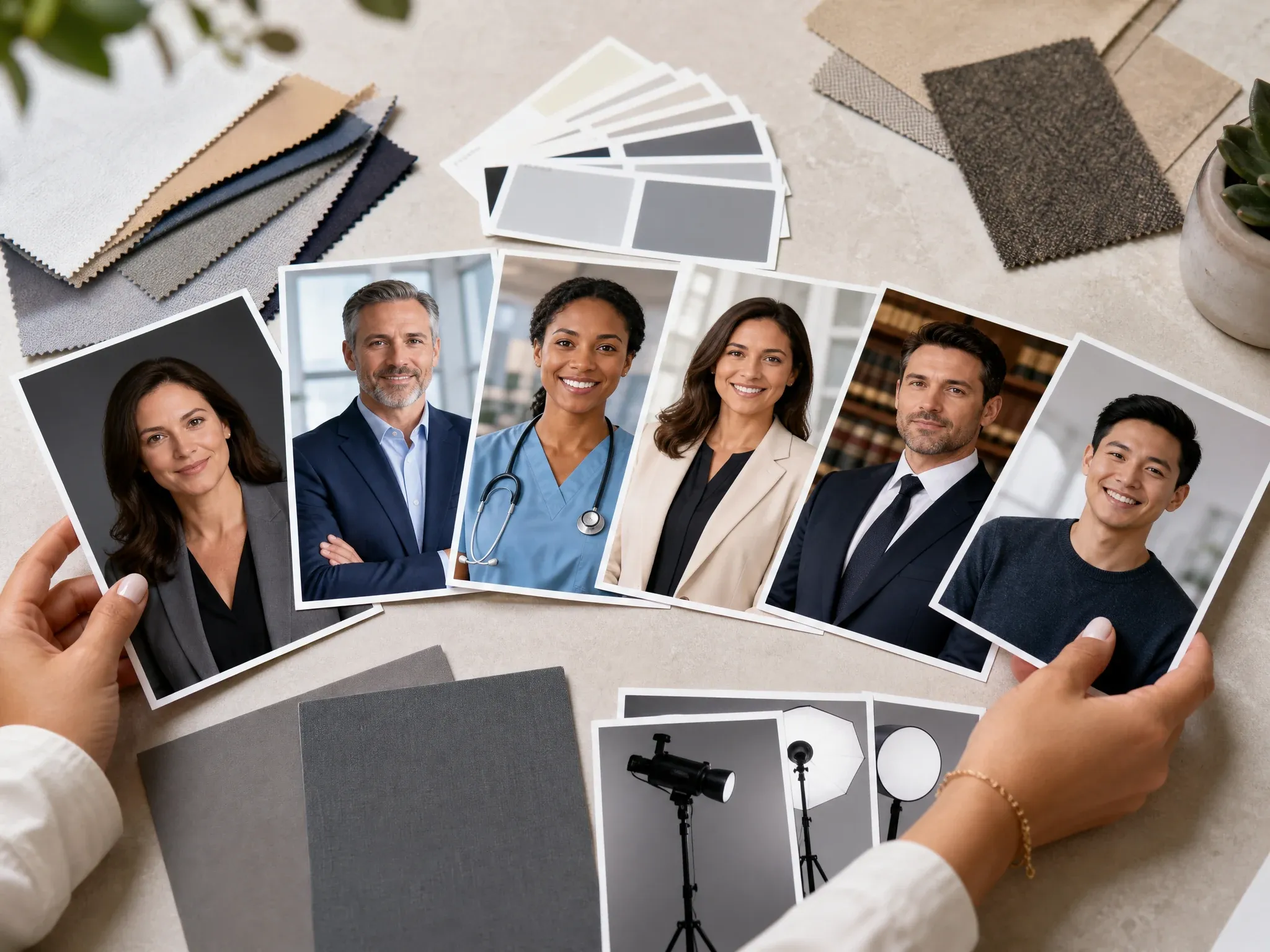
AI Headshot Generator
Choose a headshot workflow when the result needs to look more formal for hiring, resumes, or business profiles.

AI Image Editor
Clean up the almost-final profile picture: distracting edge, messy object, background issue, or small portrait detail.
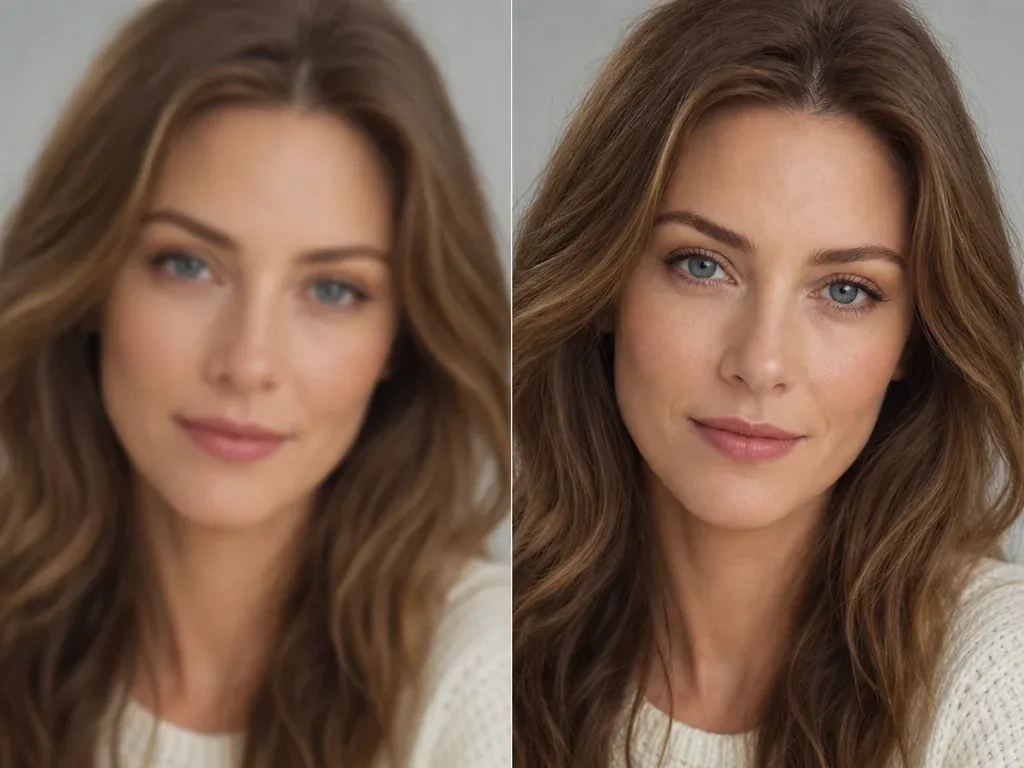
AI Image Upscaler
Sharpen the keeper before uploading it to a profile, team page, creator kit, deck, or email signature.
AI Profile Picture Generator FAQ
Direct answers about free use, no login, source photos, PFP crops, platforms, downloads, privacy, commercial use, and when to use avatar or headshot tools instead.
It is an online tool that turns a portrait photo into a profile-ready image or PFP. Use it for work profiles, social accounts, creator channels, resumes, email signatures, and community icons.
Yes. You can start generating profile pictures from this browser page for free. If heavier use reaches account or quota rules, FaceAI shows the current limit in the product flow.
No app download is needed. The page is designed for a low-friction upload, generate, download, and refine workflow in the browser.
Use one clear front-facing portrait with normal lighting, no sunglasses, no heavy filter, and enough room around the head. A readable source face gives better small-profile results.
Yes. Choose the matching platform preset, then add a short note for background, crop, outfit, expression, or color mood when needed.
Use 1:1 for most PFPs and circular profile crops. Use 4:5 or 3:4 when the destination is more portrait-like, such as resumes, portfolio cards, or profile sections.
The generator can create a cleaner profile background as part of the new image. For precise manual cleanup after generation, move the result into AI Image Editor.
Yes. After the generated image appears, use the download control in the workbench. Keep the tab open until the final image is ready.
The workflow uses the uploaded portrait as source guidance, but exact likeness is not guaranteed. Strong style changes, bad lighting, or side-angle photos can shift features, so inspect the result before using it.
Generate another version with a shorter note, or send the best result to AI Image to Image for variants, AI Image Editor for cleanup, or AI Image Upscaler for sharper export.
Use photos you are comfortable processing through an online tool. FaceAI uses secure upload handling for the generation flow, and you should avoid uploading sensitive images or photos you do not have permission to use.
You can use a generated profile picture for profiles, bios, resumes, creator kits, and work pages when you own or have permission for the source photo. Avoid protected characters, logos, public figures, and misleading identity claims.
No. This page focuses on practical profile pictures and PFP crops from a source photo. Use AI Avatar Generator for prompt-first avatars, Create Avatar from Photo for stronger stylization, or AI Headshot Generator for formal business headshots.
Create Your AI Profile Picture Now
Upload one portrait, choose the platform, generate a clean profile picture, then download or refine the version that works best.