

Free AI Headshot Generator for LinkedIn Photos, No Sign-Up
Upload a selfie or portrait, choose a professional headshot template, and create polished profile photos for LinkedIn, resumes, company bios, founder pages, and business introductions. No sign-up. No watermark. Start with the tool first, then refine the best result if it needs a cleaner edit or sharper export.
Trusted by 12,000,000+ users worldwide.
How to Generate a Professional AI Headshot
Keep the workflow simple: upload a clean portrait, choose a template, then write what the final profile photo should be used for.
Upload a clear portrait
Use a front-facing selfie or profile photo where the face is sharp, visible, and not blocked by another person.
Choose a headshot template
Pick a professional, business, LinkedIn, studio, or creative profile template as the visual reference.
Generate and download
Create the headshot, compare it with recent history, then download it or move it into editing or upscaling.
Where a Free AI Headshot Generator Helps Most
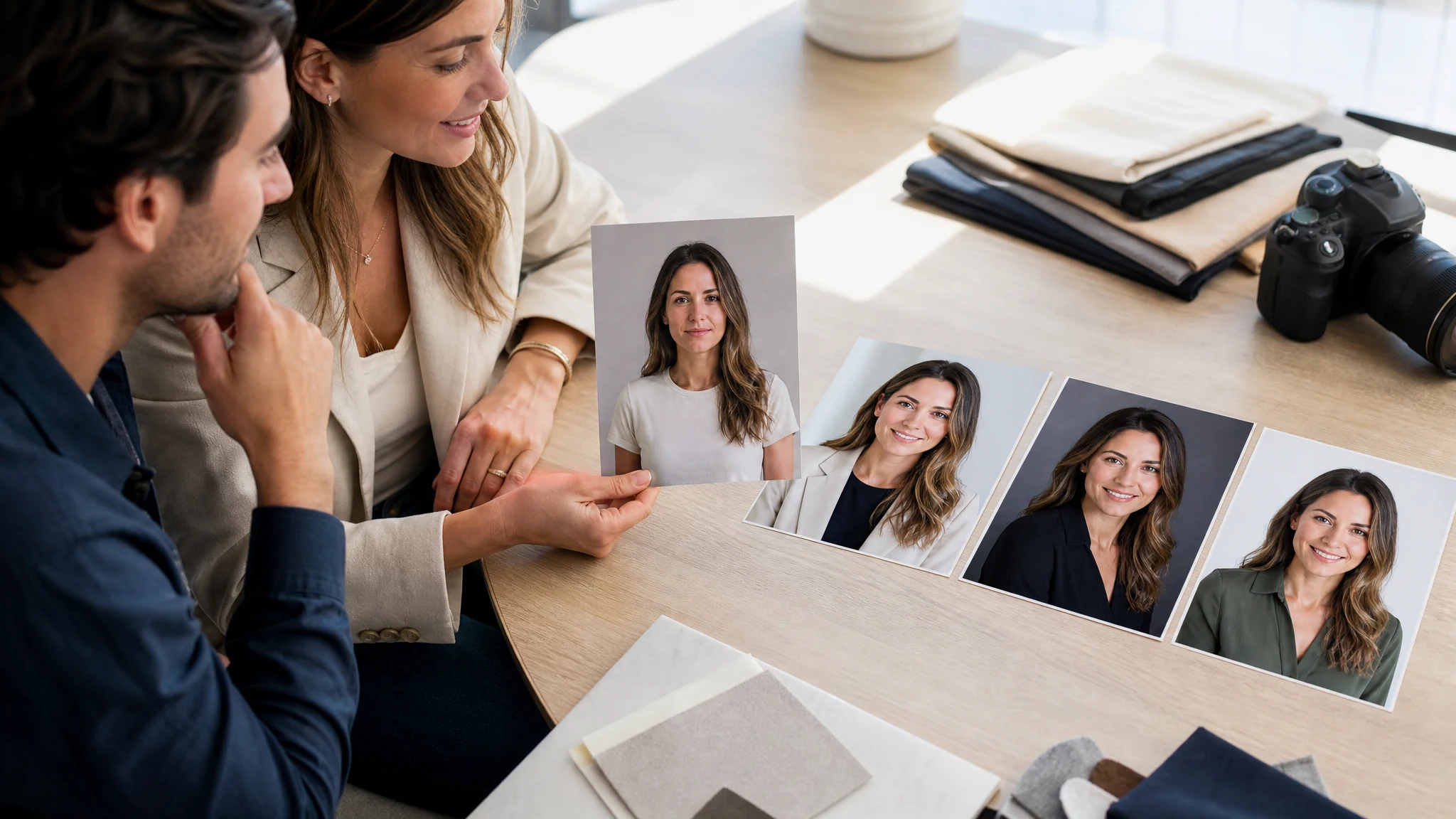
Use it for profile photos where the original picture is close, but the lighting, background, outfit direction, or business tone needs a professional pass.
LinkedIn profile photos
Turn a casual selfie into a cleaner LinkedIn headshot with a neutral background, business outfit direction, and realistic lighting.
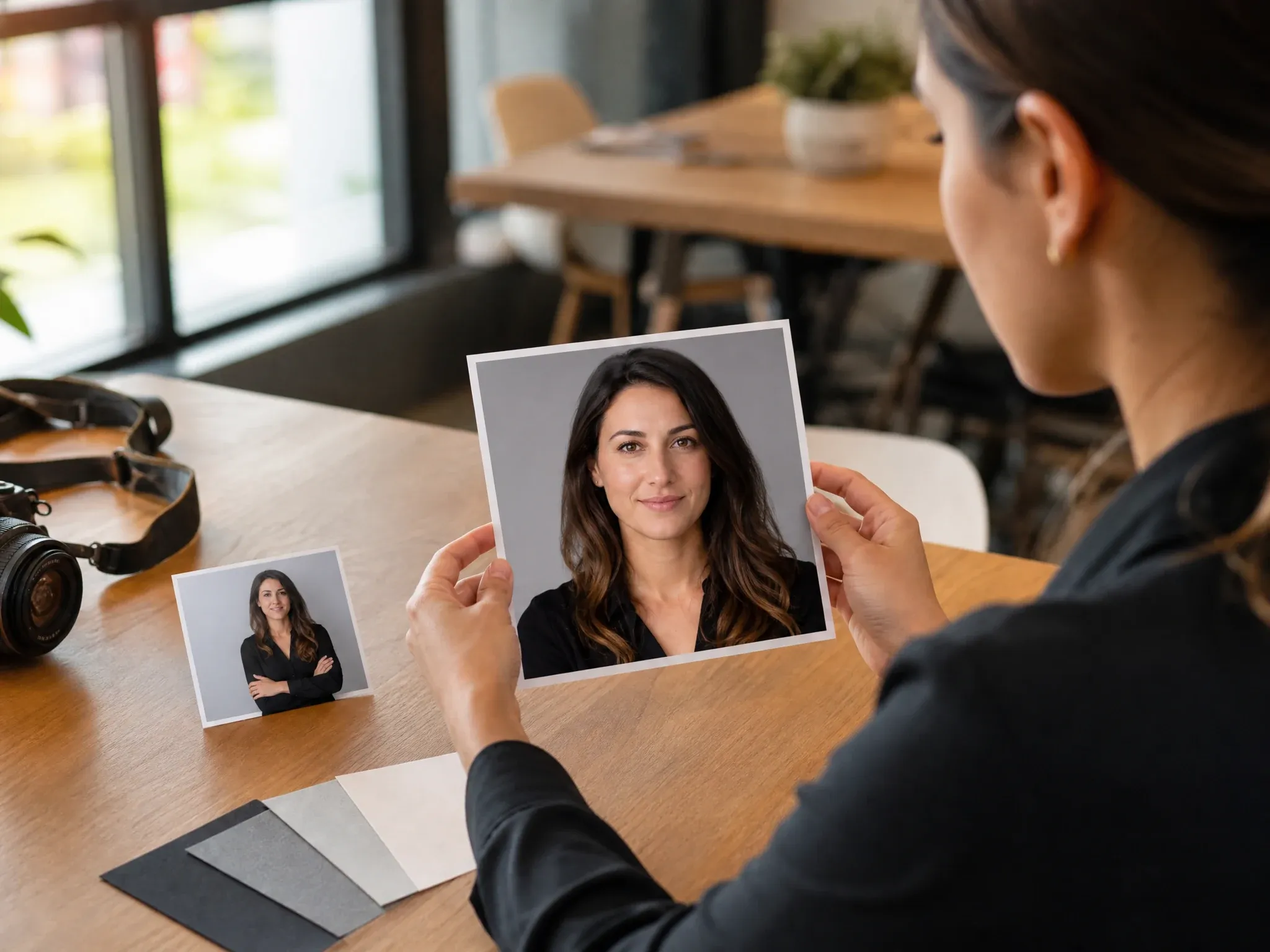
Resume and job-search photos
Create a sharper profile photo for resumes, portfolios, and job platforms when the current image looks too cropped or informal.
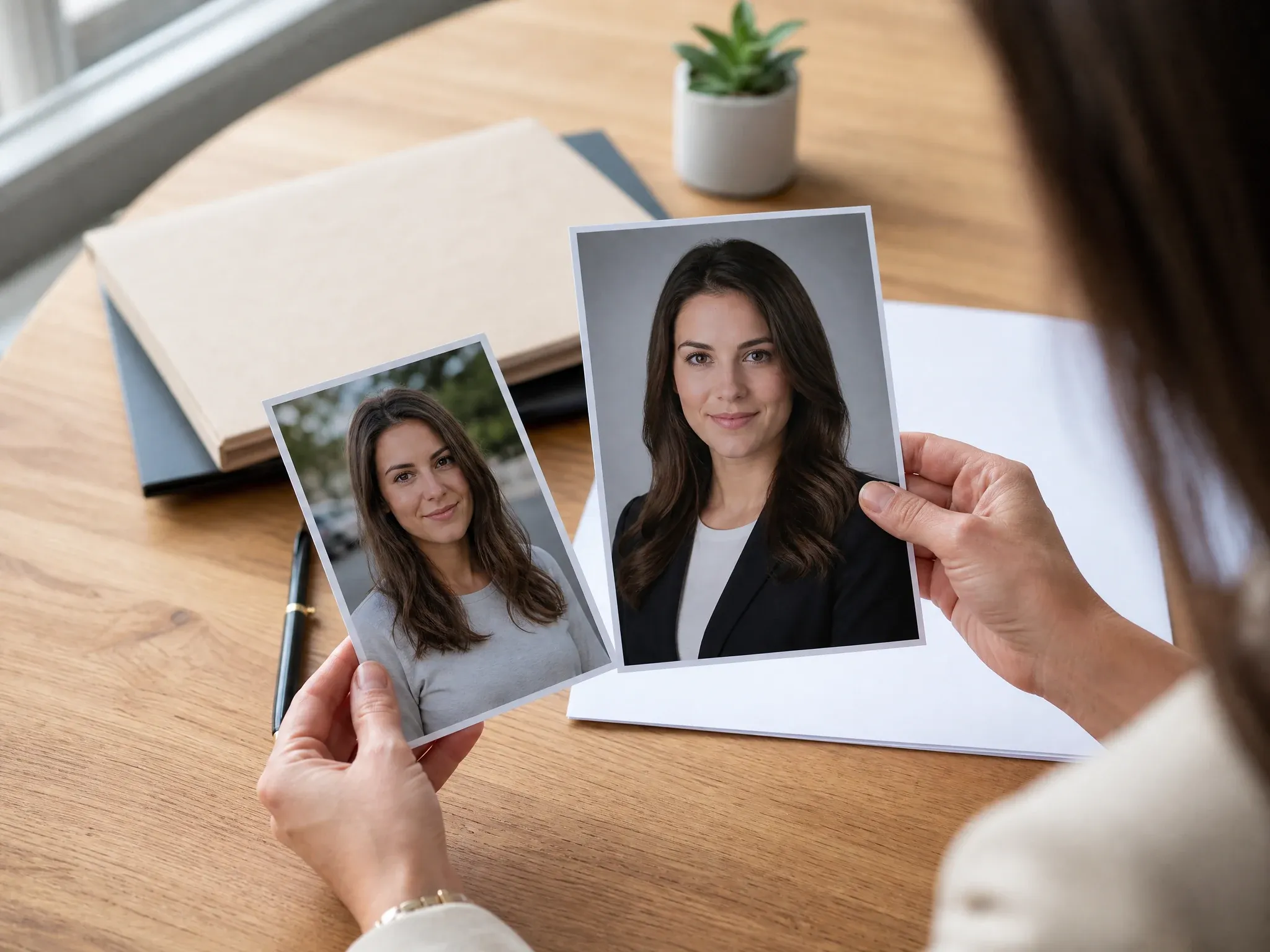
Company team bios
Give small teams a more consistent business headshot look without planning a full studio photo day.
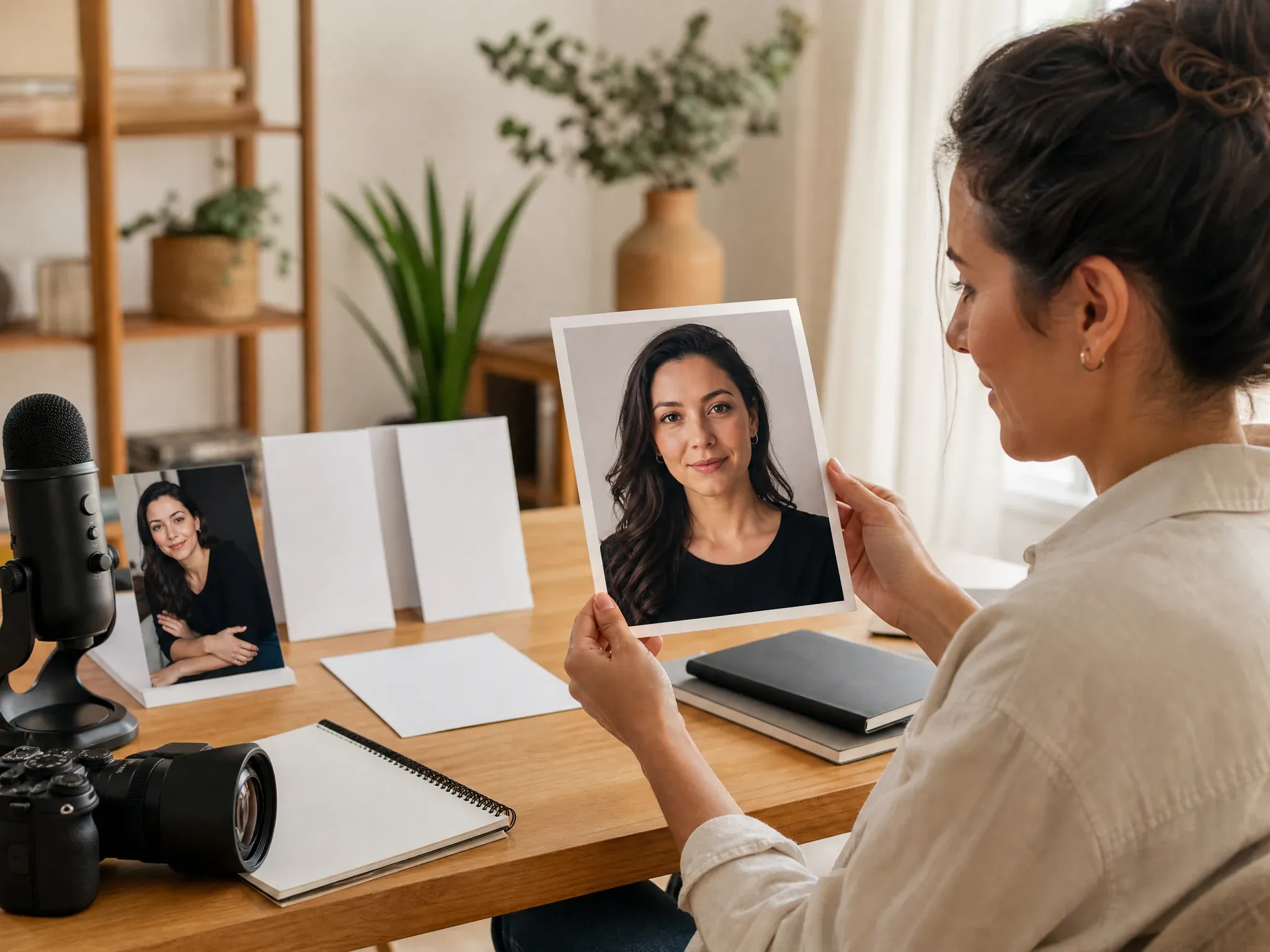
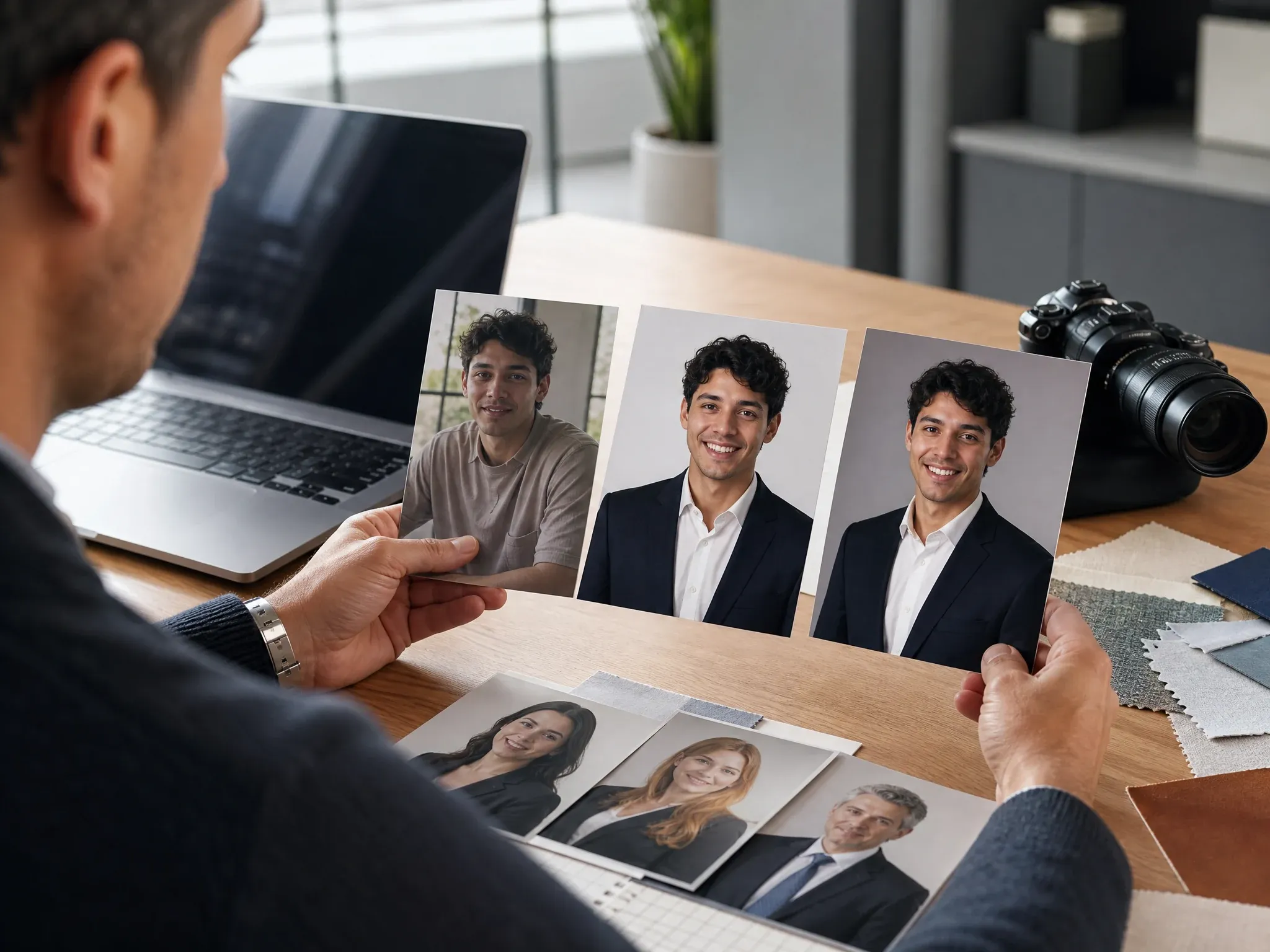
Creator, founder, and public profiles
Make a profile image that still feels human, but looks cleaner for newsletters, pitch decks, press pages, speaker bios, real estate profiles, freelance portfolios, and social bios.
What Is an AI Headshot Generator?
An AI headshot generator turns an existing selfie or portrait into a more professional profile photo. It uses the source image for identity, then follows the selected template and your description for composition, background, lighting, crop, and wardrobe direction.
Source-guided headshots
Upload a real portrait so the model has a face, crop, and pose to follow.
Professional template guidance
Start with a headshot template instead of writing every visual detail from scratch.
Business profile output
Aim the result at LinkedIn, resume, company bio, founder page, or creator profile use.
Why Use FaceAI for AI Professional Headshots?
The workflow is built around the real task: upload one source portrait first, choose a headshot template, then keep the best result inside the same FaceAI creative chain.
Free online workflow
Start in the browser with no app install, no sign-up gate before the workspace, and no watermark on the generated preview flow.
Headshot template workflow
Use a template and a direct description together so each run has a clear professional direction.
One source portrait
Use one clear selfie or profile photo with a visible face, normal lighting, and enough room around the head.
Next-step editing path
Move the keeper into editor, image-to-image, upscaler, or talking-photo workflows instead of starting over.
How to Get Better AI Headshot Results
The source photo matters more than a long prompt. One clear face, normal lighting, and a direct professional goal usually beat a crowded prompt.
Use a clean face photo
Avoid group shots, heavy filters, sunglasses, cropped heads, extreme side angles, and very low-resolution photos.
Protect identity first
Start the prompt with keep the same face, expression, and pose before asking for a new background or outfit direction.
Name the profile use
Say LinkedIn, resume, company bio, founder page, real estate profile, or creator portfolio so the composition has a target.
Do final checks before publishing
Inspect eyes, teeth, hands, collar edges, logos, and small details before using the image publicly.
AI Headshot Generator vs. Photo Shoots, Editors, and Generic Generators
Pick the right workflow for the job. AI headshots are best when you need a fast professional profile image from a usable source portrait.
| Kriterium | Face AIUnser | Andere Tools |
|---|---|---|
| Starting point | Upload one real portrait, then choose a professional headshot template. | Photo shoots need scheduling; generic generators may start from text and drift away from your face. |
| Best use | LinkedIn, resume, business headshot, company bio, founder profile, and creator profile photos. | Manual editors are better for one tiny correction; studios are better for final corporate campaigns. |
| Speed and cost | Free online workflow for quick profile drafts before you decide whether a studio shoot is worth it. | Studios cost more and take longer; many headshot services require signup before you see the full flow. |
| Visual control | Use a headshot template plus a direct description for background, lighting, outfit direction, and final profile use. | Some tools hide the visual direction behind fixed packages or make every result feel like the same corporate template. |
| Honest limit | Exact identity, logos, clothing details, and official ID requirements are not guaranteed on every image. | Many pages imply perfect studio replacement without explaining source-photo limits. |
| Next step | Continue into editor, image-to-image, upscaler, or talking photo after the keeper headshot appears. | One-purpose tools often stop at download, so cleanup and sharpening become separate work. |
Starting point
Upload one real portrait, then choose a professional headshot template.
Photo shoots need scheduling; generic generators may start from text and drift away from your face.
Best use
LinkedIn, resume, business headshot, company bio, founder profile, and creator profile photos.
Manual editors are better for one tiny correction; studios are better for final corporate campaigns.
Speed and cost
Free online workflow for quick profile drafts before you decide whether a studio shoot is worth it.
Studios cost more and take longer; many headshot services require signup before you see the full flow.
Visual control
Use a headshot template plus a direct description for background, lighting, outfit direction, and final profile use.
Some tools hide the visual direction behind fixed packages or make every result feel like the same corporate template.
Honest limit
Exact identity, logos, clothing details, and official ID requirements are not guaranteed on every image.
Many pages imply perfect studio replacement without explaining source-photo limits.
Next step
Continue into editor, image-to-image, upscaler, or talking photo after the keeper headshot appears.
One-purpose tools often stop at download, so cleanup and sharpening become separate work.
How People Use AI Headshots in Real Profile Workflows
These comments focus on the practical loop: source portrait, template choice, description, review, and final profile use.
"I use it when the profile photo is fine but the background and lighting make it look too casual."

Alice Cooper
Retail Marketing Director
"Uploading one clear selfie helps. The prompt works better when I say LinkedIn, neutral background, and clean jacket instead of just professional."

Brendan Murphy
Shopper Marketing Lead
"The useful part is speed. I can test a business headshot direction before booking a real shoot."

Priya Sharma
Product Marketing Manager
"The best results came from simple front-facing photos with decent light. Side angles were less predictable."

Margherita Conti
Visual Merchandising Lead
"Good for a fast LinkedIn refresh when the original selfie already looks like me."

Henrik Strand
Trade Marketing Manager
"I like choosing a template first, then adjusting the prompt around the job title and background."

Elise Fontaine
Retail Brand Strategist
"I use it when the profile photo is fine but the background and lighting make it look too casual."
Alice Cooper
Retail Marketing Director
"Uploading one clear selfie helps. The prompt works better when I say LinkedIn, neutral background, and clean jacket instead of just professional."
Brendan Murphy
Shopper Marketing Lead
"The useful part is speed. I can test a business headshot direction before booking a real shoot."
Priya Sharma
Product Marketing Manager
"The best results came from simple front-facing photos with decent light. Side angles were less predictable."
Margherita Conti
Visual Merchandising Lead
"Good for a fast LinkedIn refresh when the original selfie already looks like me."
Henrik Strand
Trade Marketing Manager
"I like choosing a template first, then adjusting the prompt around the job title and background."
Elise Fontaine
Retail Brand Strategist
"It is not a passport-photo machine. It is better for polished business profiles, team pages, and creator bios."

Viktor Novak
Category Marketing Manager
"I use it when the profile photo is fine but the background and lighting make it look too casual."
Alice Cooper
Retail Marketing Director
"Uploading one clear selfie helps. The prompt works better when I say LinkedIn, neutral background, and clean jacket instead of just professional."
Brendan Murphy
Shopper Marketing Lead
"The useful part is speed. I can test a business headshot direction before booking a real shoot."
Priya Sharma
Product Marketing Manager
"The best results came from simple front-facing photos with decent light. Side angles were less predictable."
Margherita Conti
Visual Merchandising Lead
"Good for a fast LinkedIn refresh when the original selfie already looks like me."
Henrik Strand
Trade Marketing Manager
"I like choosing a template first, then adjusting the prompt around the job title and background."
Elise Fontaine
Retail Brand Strategist
"It is not a passport-photo machine. It is better for polished business profiles, team pages, and creator bios."
Viktor Novak
Category Marketing Manager
"The headshot templates save time because I can start with a clear business look instead of guessing every detail from scratch."

Sneha Krishnan
Head of Product Marketing
"Fast enough for internal profile drafts, especially when the source photo is sharp and the face is not cropped."

Hao Chen
VP of Product Marketing
"I got better output after removing group photos and using one clean portrait per run."

Jihye Kim
Marketing Campaigns Lead
"Useful for partner bios where everyone needs a consistent professional look without a full shoot day."

Annika Svensson
Head of Retail Partnerships
"My flow is simple: upload the best selfie, choose a template, ask for a clean studio background, then download the version that still feels like me. It beats fighting with a generic photo editor for half an hour."

Ren Sato
Customer Marketing Director
"The prompt matters. If I ask for too many changes at once, the face drifts. If I keep the pose and only change lighting, background, and wardrobe direction, the result is much easier to review."

Sakura Ito
Partner Marketing Lead
"Good fit for author bios, LinkedIn updates, and small team pages when the source photo is already usable."

Mengmeng Xu
Content & SEO Lead
"The headshot templates save time because I can start with a clear business look instead of guessing every detail from scratch."
Sneha Krishnan
Head of Product Marketing
"Fast enough for internal profile drafts, especially when the source photo is sharp and the face is not cropped."
Hao Chen
VP of Product Marketing
"I got better output after removing group photos and using one clean portrait per run."
Jihye Kim
Marketing Campaigns Lead
"Useful for partner bios where everyone needs a consistent professional look without a full shoot day."
Annika Svensson
Head of Retail Partnerships
"My flow is simple: upload the best selfie, choose a template, ask for a clean studio background, then download the version that still feels like me. It beats fighting with a generic photo editor for half an hour."
Ren Sato
Customer Marketing Director
"The prompt matters. If I ask for too many changes at once, the face drifts. If I keep the pose and only change lighting, background, and wardrobe direction, the result is much easier to review."
Sakura Ito
Partner Marketing Lead
"Good fit for author bios, LinkedIn updates, and small team pages when the source photo is already usable."
Mengmeng Xu
Content & SEO Lead
What Should You Try After AI Headshot Generation?
Choose the next FaceAI tool based on what the headshot still needs: a targeted edit, a new variation, sharper output, or a speaking profile clip.
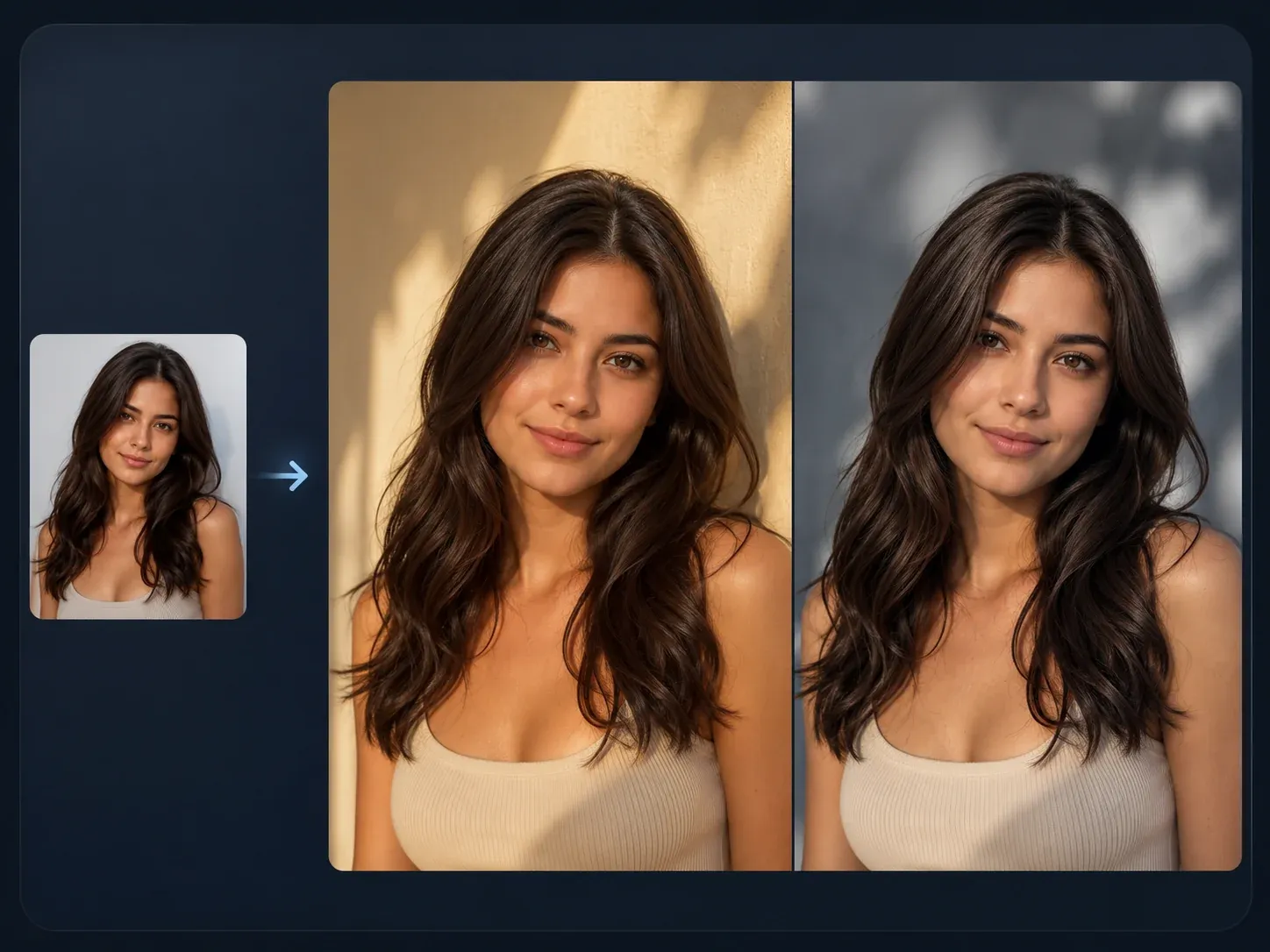
AI Image to Image
Use the same source portrait for controlled variants when one headshot direction is close but needs a different background or style.

AI Image Editor
Clean up a background, remove a distracting detail, or retouch one part after the headshot already looks close.
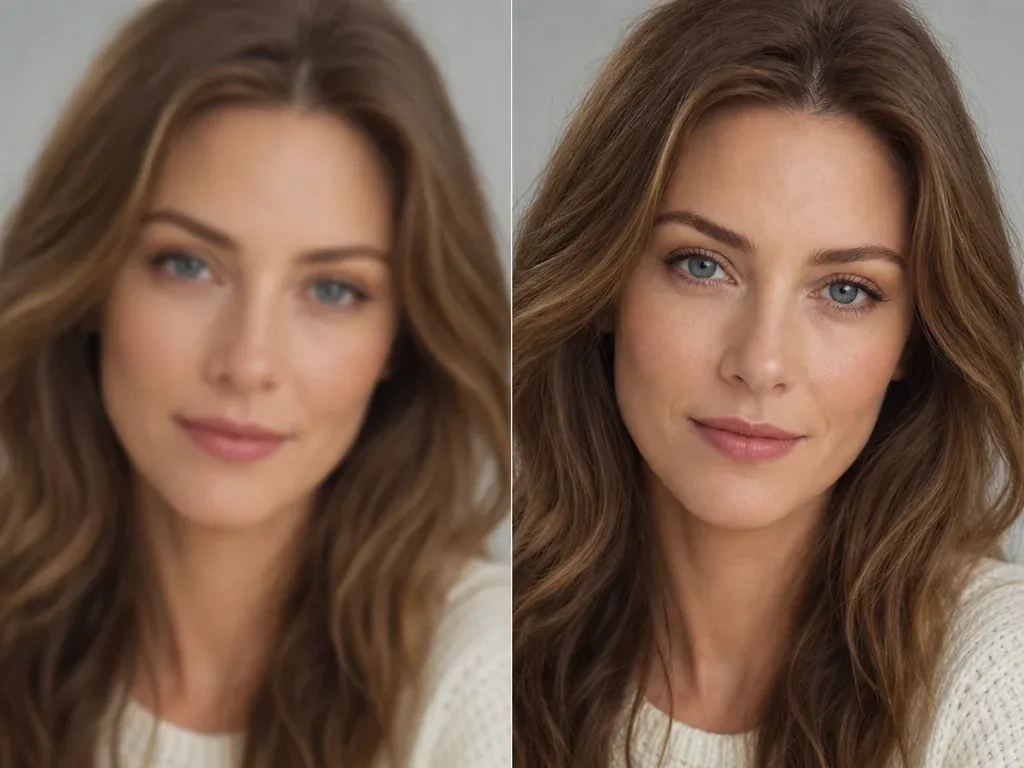
AI Image Upscaler
Upscale the keeper headshot after you pick the version that works for LinkedIn, a resume, or a team profile.
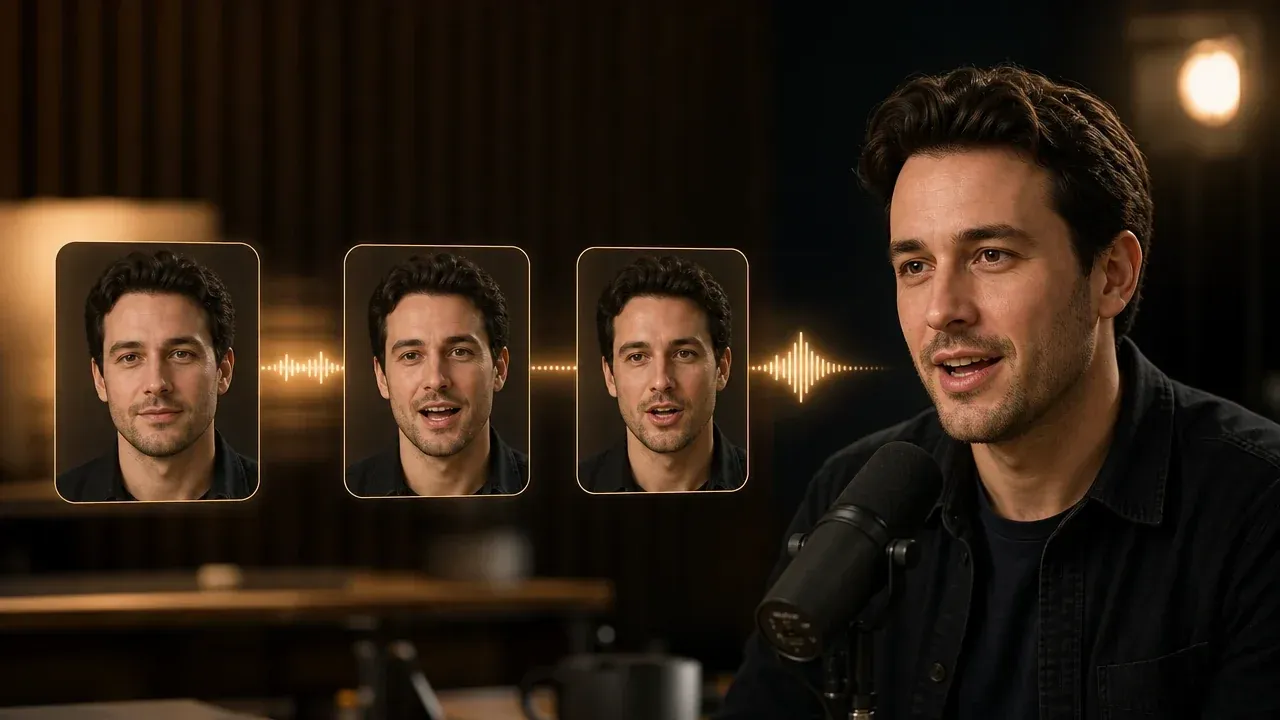
Talking Photo
Turn an approved portrait into a speaking profile clip when the next step is a short introduction or creator video.
AI Image Generator
Start from text when you need a fresh portrait concept before uploading a real reference photo for headshot restyling.
AI Headshot Generator Questions, Answered
Direct answers about source photos, LinkedIn use, business headshots, free workflow, quality limits, privacy, and downloads.
An AI headshot generator turns a selfie or portrait into a more professional profile photo. It changes the style, lighting, background, and wardrobe direction while using your uploaded face as the source.
Yes. The page is built as a free online FaceAI workflow. You can open the workspace, upload a portrait, choose a template, and create a headshot without installing an app.
No sign-up is required before opening the tool workspace. If account or quota rules apply during heavy use, the product flow will show the current limit.
Use clear front-facing photos with one visible face, normal lighting, and enough resolution around the head and shoulders. Avoid group photos, sunglasses, heavy filters, and extreme side angles.
No. This headshot workspace accepts one source portrait per run. Use a clear, front-facing photo with a visible face and normal lighting.
Not every time. The source image anchors the result, but exact identity, tiny details, clothing edges, and accessories can still drift. Review the final image before publishing it.
Yes. LinkedIn is one of the main use cases. Write LinkedIn headshot, clean background, realistic lighting, and professional outfit direction in the prompt.
Yes, when the image looks accurate and appropriate for your role. Check the face, clothing, and background carefully before adding it to a resume, company profile, or team page.
Your portraits are used to create the headshot result in the FaceAI workflow. Do not upload sensitive images you would not want processed, and review the final output before using it publicly.
No. This page is for professional profile photos, not legal ID, passport, visa, or compliance photo requirements.
Start with the template closest to your use case: LinkedIn, business, studio, resume, founder, or creative profile. Then use the description to specify background, lighting, and outfit direction.
Use a cleaner source photo, ask for fewer changes, and keep the prompt grounded: same face, natural light, realistic skin texture, clean background. If one detail is wrong, move the result into AI Image Editor.
Yes. After the generated result appears, use the download control in the workbench. Keep the page open until the final preview is ready.
Create a Free AI Headshot Online
Upload a clear portrait, choose a professional template, and generate a LinkedIn-ready business headshot without starting from a blank description.