
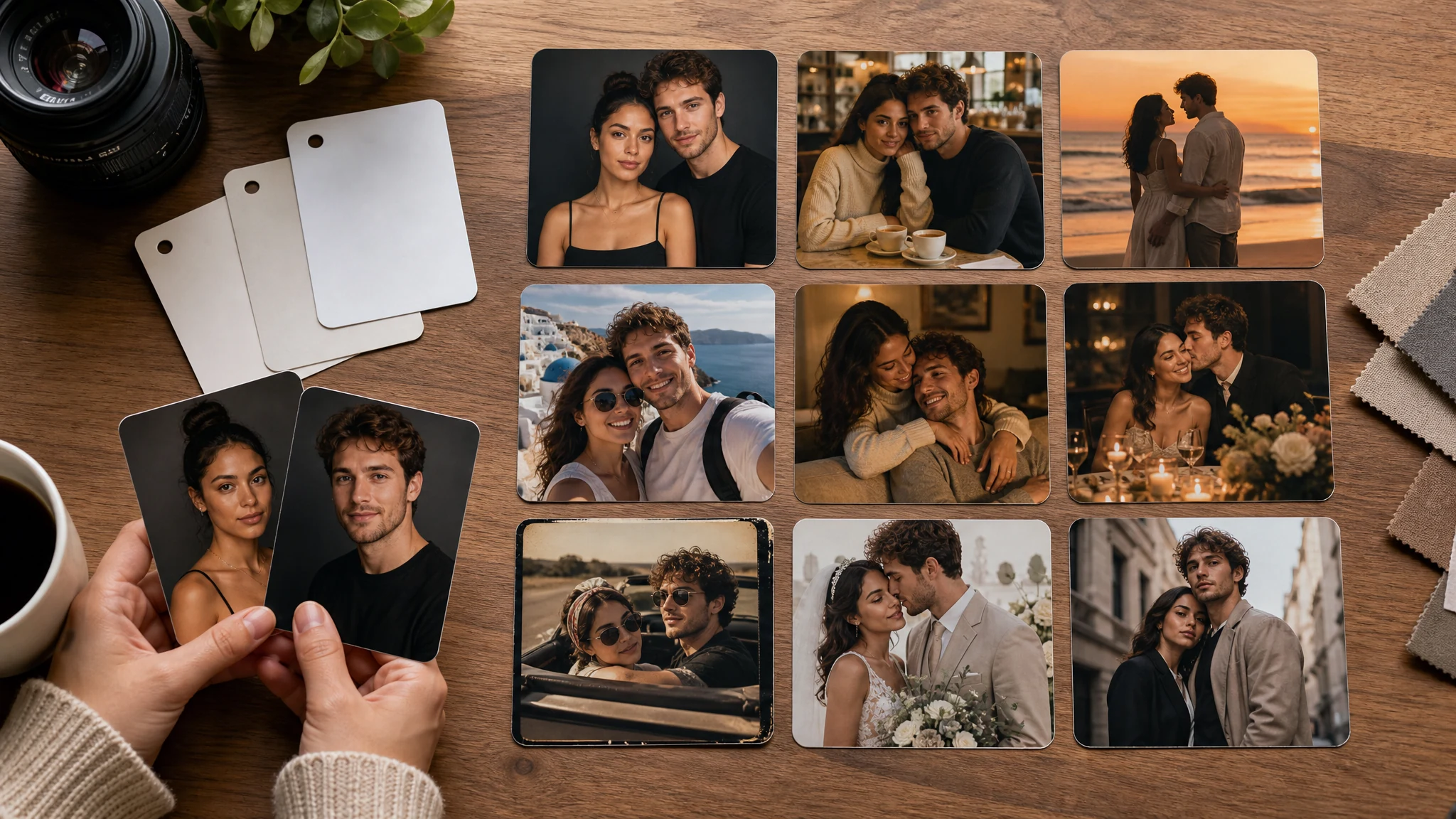
AI Couple Photo Maker from Two Photos, Free Online
Upload one couple photo or two clear partner portraits, choose a realistic shared moment, then generate a natural AI couple photo for long-distance posts, anniversaries, gifts, profiles, travel scenes, or wedding-inspired ideas. Add one short prompt for the pose, outfit, background, season, or mood. Free online. No login. No watermark on downloads.
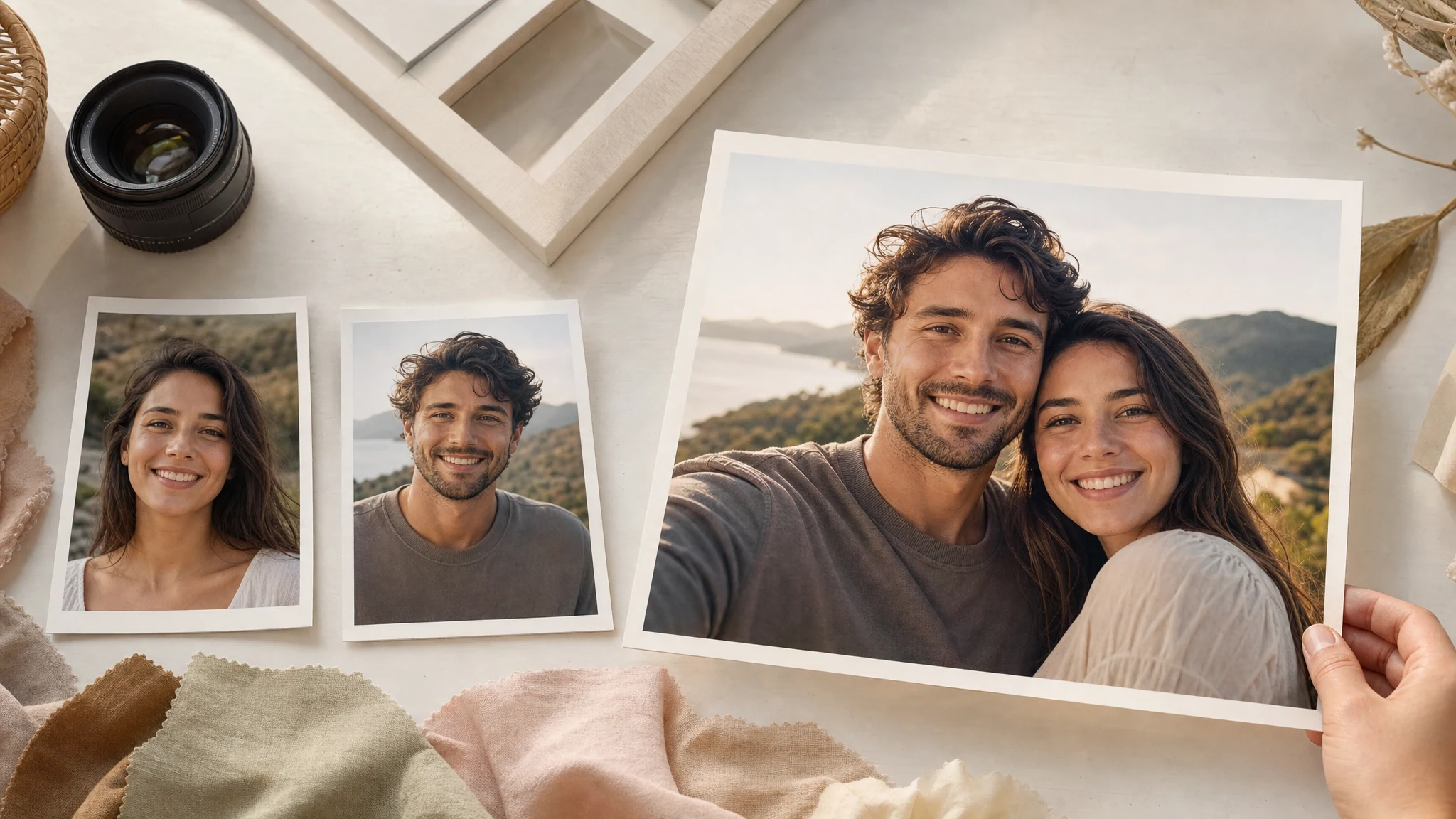
Trusted by 12,000,000+ users worldwide. Built for long-distance couples, anniversaries, gifts, profile pictures, social posts, and wedding-inspired ideas.
How to Make an AI Couple Photo Online
The fastest path is upload both people, choose the shared moment, generate, then keep or refine the version that feels natural.
Upload the couple references
Use one existing couple photo or one clear portrait of each partner. Similar lighting and visible faces help the result feel more natural.
Choose a romantic style
Pick studio, cafe, beach, travel, cozy indoor, anniversary, retro, wedding-inspired, or editorial before adding a short scene note.
Download or refine
Save the best result, compare versions in history, or send the keeper to image editor or upscaler for final cleanup and sharper export.
Couple Photos You Can Create from Two Portraits
Create realistic couple photos for long-distance relationships, anniversaries, gifts, matching profile pictures, social posts, dream trips, and wedding-inspired ideas.
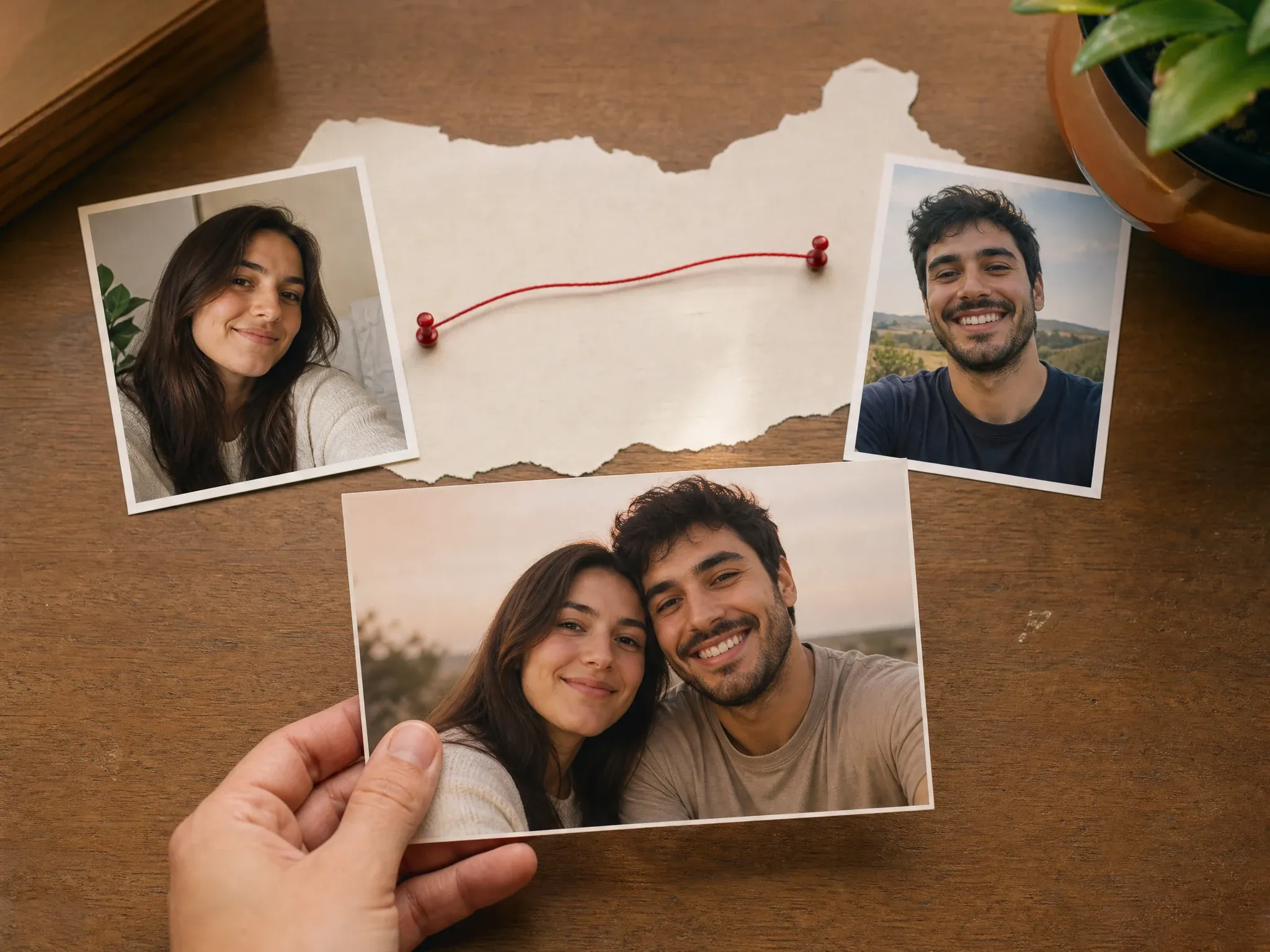
Long-distance couple photos
Turn two separate selfies into one shared scene when distance, timing, or travel makes a real photo difficult.
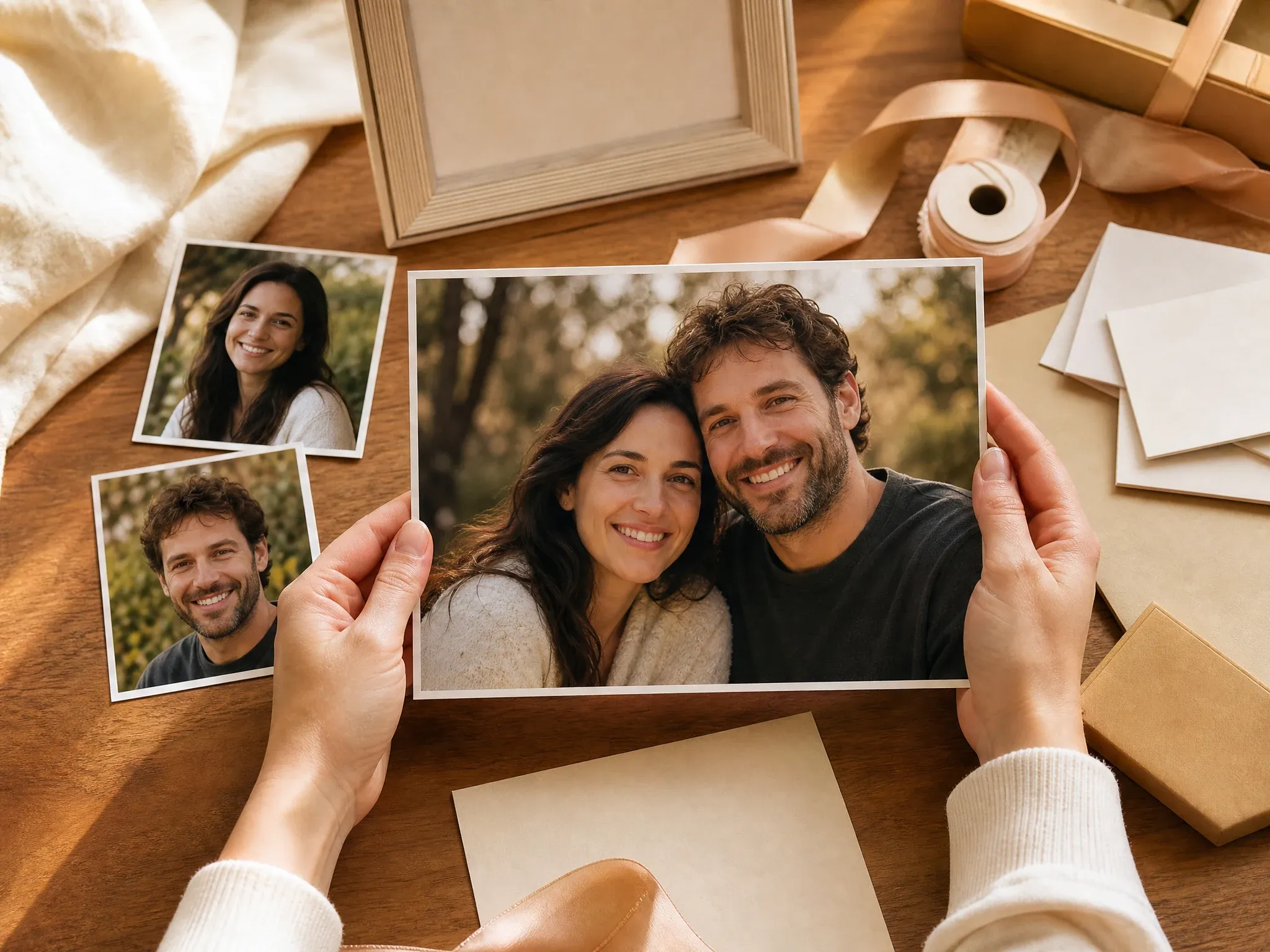
Anniversary and gift images
Create a warm photo direction for framed gifts, cards, wallpapers, keepsakes, and milestone posts.
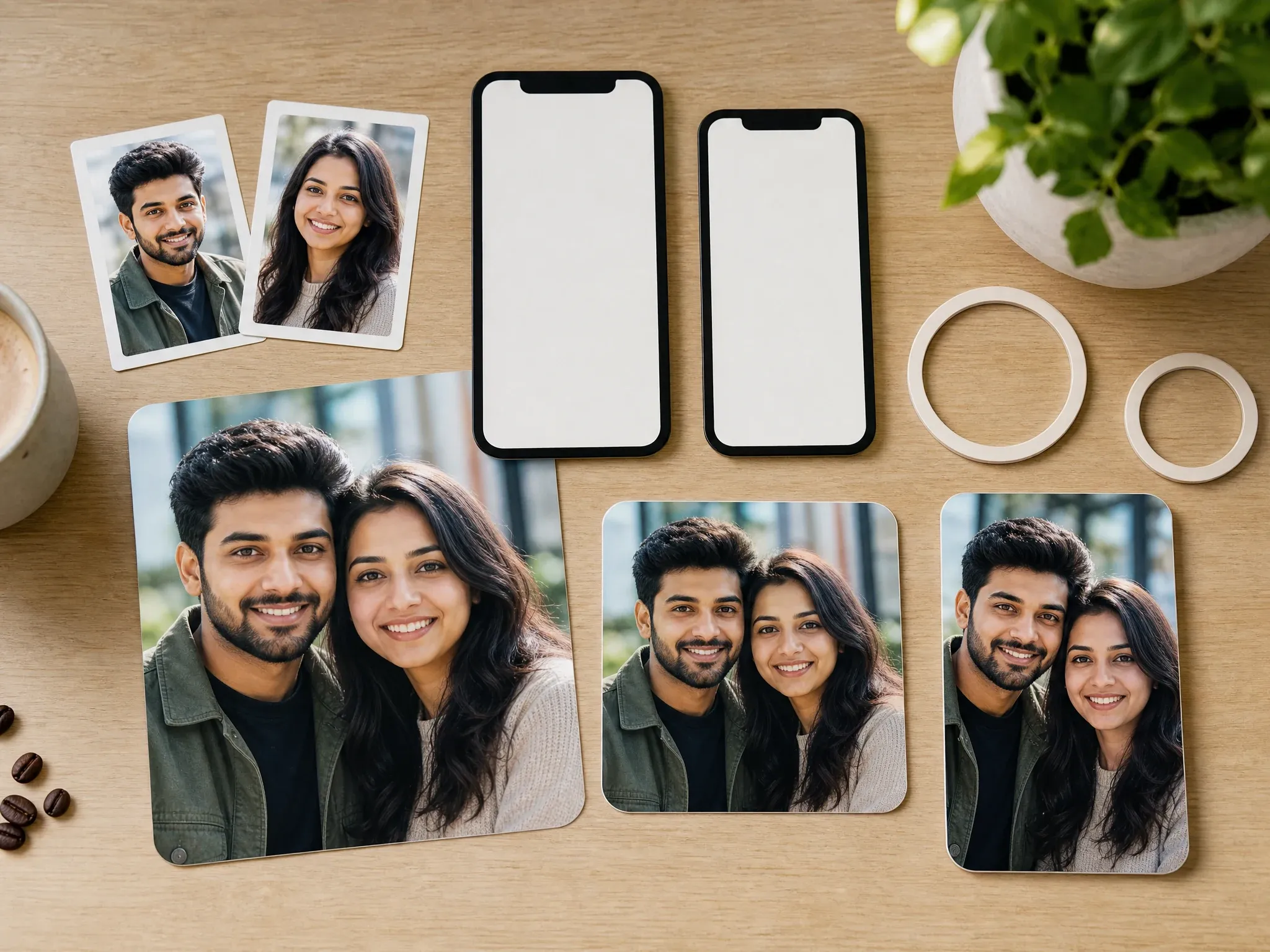
Social posts and profile pictures
Generate square or portrait couple images for profile pictures, stories, lock screens, and social feeds.
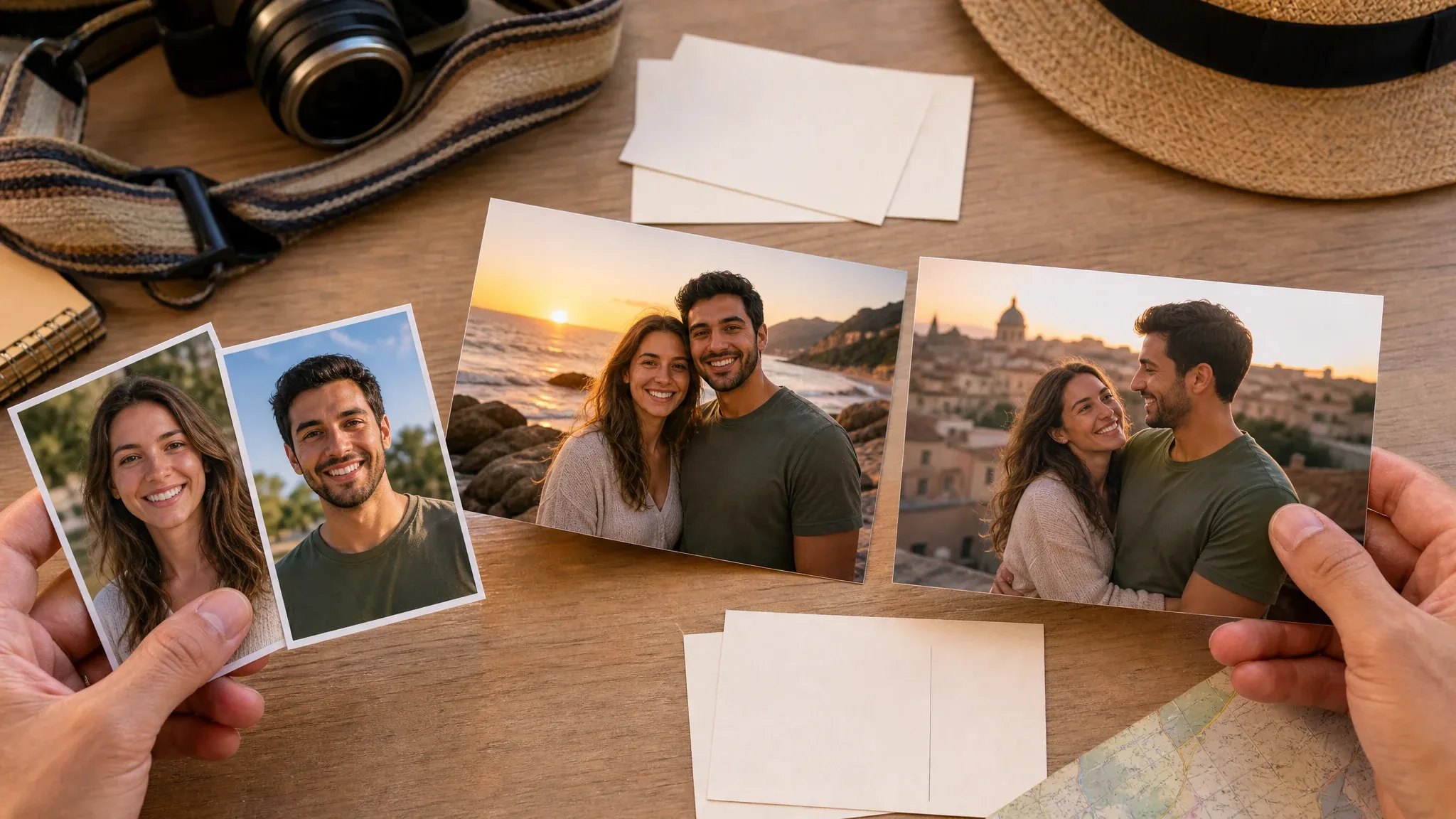
Dream travel scenes
Place both partners in a beach sunset, city landmark, cafe, rooftop, garden, or road-trip mood without organizing a shoot.
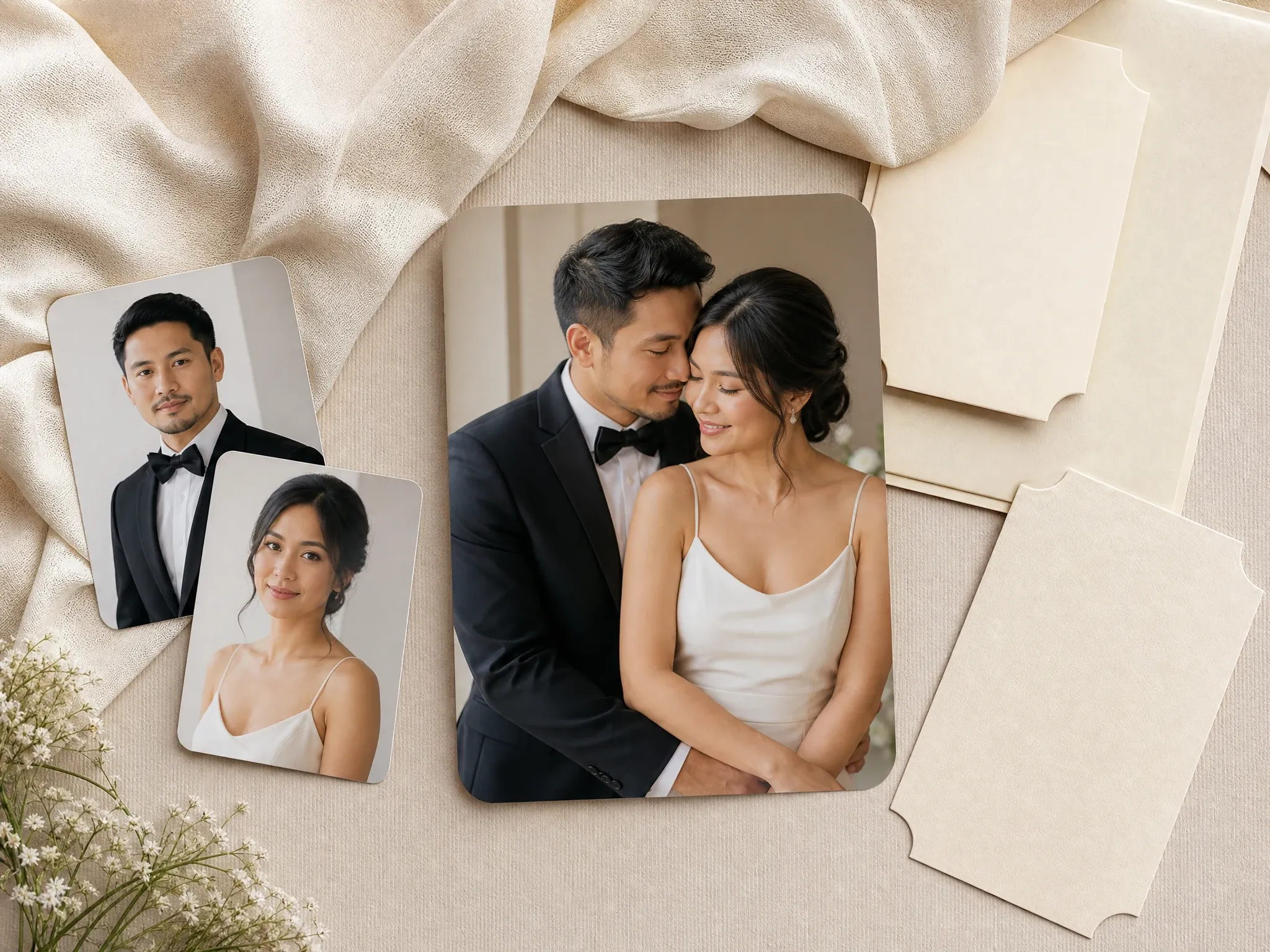
Wedding-inspired concepts
Make soft formal or save-the-date concepts while keeping full wedding-album generation separate from this page.
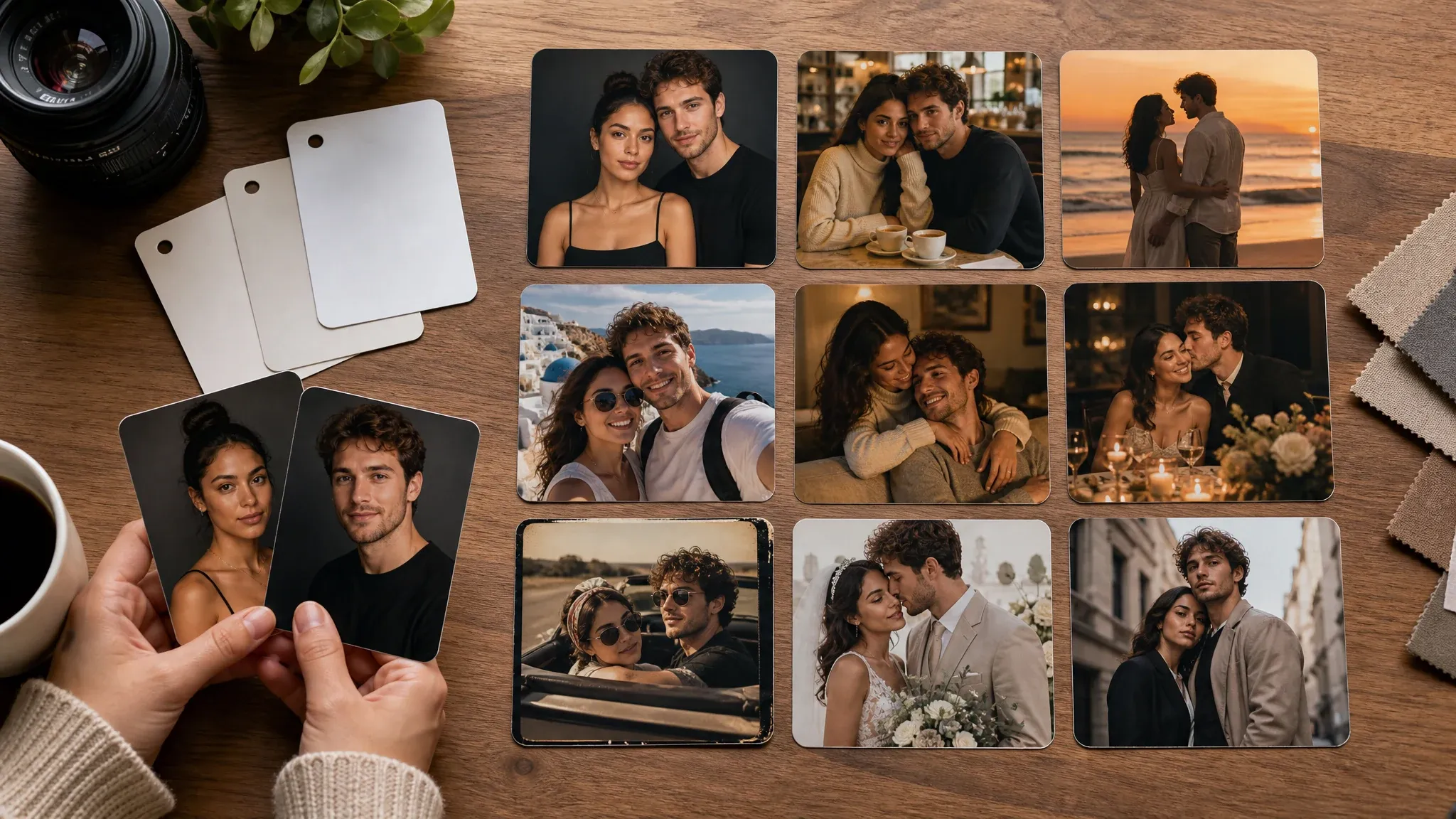
Style boards and creative prompts
Explore cafe date, retro film, fashion editorial, cozy indoor, and cinematic date directions before choosing a final look.
What Is an AI Couple Photo Maker?
An AI couple photo maker turns one couple photo or two separate partner portraits into a new shared image. It is built for realistic still photos where both people appear in the same scene with matched lighting, pose, crop, and mood.
Two-person reference workflow
Upload one image with both partners, or upload separate portraits when you do not already have a good photo together.
Style-guided scenes
Choose the shared moment first: studio, cafe, beach, travel, cozy home, anniversary, retro, wedding-inspired, or editorial.
Still image output
The result is a downloadable couple photo for social posts, gifts, profiles, wallpapers, cards, and editing workflows.
Why Use FaceAI for AI Couple Photos?
FaceAI keeps the working tool first: upload the references, pick the couple style, generate, compare history, download, share, and continue into editing or upscaling when the photo is close.
Not a one-prompt shortcut
The workflow starts with the people and the scene, so you are not asking a generic image prompt to invent both partners from scratch.
Romantic styles for real uses
Use romantic studio, cafe date, beach sunset, travel landmark, anniversary, retro polaroid, wedding-inspired, and fashion editorial presets.
Free online workflow
Create couple photos in the browser with upload, prompt, style, ratio, history, share, and no-watermark download controls in one flow.
Clear next steps
When the image is close, use image editor for cleanup or image upscaler for sharper export instead of starting over.
How to Get Better AI Couple Photos
Couple-photo quality depends on readable source faces and a focused scene. Give the model clear partner cues first, then adjust style, background, crop, and mood.
Use clear partner portraits
Front-facing or lightly angled photos with visible eyes work best. Avoid sunglasses, heavy filters, dark rooms, tiny screenshots, and cropped faces.
Keep the prompt focused
Say the scene and mood, not a paragraph. Try cafe date, beach sunset, cozy indoor, anniversary dinner, retro film, or soft formal portrait.
Pick the output shape first
Use 1:1 for matching profile pictures, 4:5 or 3:4 for social posts and gifts, 9:16 for stories, and 16:9 for wallpapers or travel scenes.
Inspect likeness before sharing
AI can shift facial details when the source photos are weak or the style is strong. Review the result before using it publicly or professionally.
AI Couple Photo Maker vs. Generic Image and Wedding Tools
Use the workflow that matches the job. Couple-photo generation sits between generic image prompts, manual photo editing, face swap, and deeper wedding-photo workflows.
| 对比项 | Face AI我们 FaceAI couple photo workflow | Other workflows |
|---|---|---|
| Starting point | Upload one couple photo or two separate partner portraits, then choose the shared scene. | Generic image generators may ask for a long prompt and can invent people who do not resemble the references. |
| Best use | Long-distance couples, anniversaries, gifts, matching profile pictures, social posts, dream travel scenes, and wedding-inspired concepts. | Wedding generators may be better for full wedding scenes, albums, ceremonies, and bridal-specific workflows. |
| Style control | Romantic studio, cinematic date, cafe, beach, travel, cozy indoor, anniversary, retro, wedding-inspired, and editorial presets. | Manual editors require masks, layers, lighting work, and compositing skill before a believable scene appears. |
| Friction | Free online workflow with browser upload, generation, history, share, and no-watermark download controls. | Some couple-photo apps require mobile installs, packages, many training photos, or account gates before the first result. |
| Follow-up | Move the best result into image editor, image-to-image, or upscaler for cleanup, variants, or sharper export. | Single-purpose generators can stop at one export and leave cleanup to another app. |
| Honest limit | Strong style changes can shift exact likeness. Inspect both faces before printing, gifting, or posting. | Some tools overpromise exact face lock, fixed speed, or unclear privacy guarantees. |
Starting point
Upload one couple photo or two separate partner portraits, then choose the shared scene.
Generic image generators may ask for a long prompt and can invent people who do not resemble the references.
Best use
Long-distance couples, anniversaries, gifts, matching profile pictures, social posts, dream travel scenes, and wedding-inspired concepts.
Wedding generators may be better for full wedding scenes, albums, ceremonies, and bridal-specific workflows.
Style control
Romantic studio, cinematic date, cafe, beach, travel, cozy indoor, anniversary, retro, wedding-inspired, and editorial presets.
Manual editors require masks, layers, lighting work, and compositing skill before a believable scene appears.
Friction
Free online workflow with browser upload, generation, history, share, and no-watermark download controls.
Some couple-photo apps require mobile installs, packages, many training photos, or account gates before the first result.
Follow-up
Move the best result into image editor, image-to-image, or upscaler for cleanup, variants, or sharper export.
Single-purpose generators can stop at one export and leave cleanup to another app.
Honest limit
Strong style changes can shift exact likeness. Inspect both faces before printing, gifting, or posting.
Some tools overpromise exact face lock, fixed speed, or unclear privacy guarantees.
How People Use the AI Couple Photo Maker
These comments focus on the real loop: upload both people, choose the couple style, generate, compare, then download or refine the version that feels right.
"We only had separate recent selfies. The studio and cafe presets gave us a shared photo that felt natural enough to use as a gift idea."

Haruka Kimura
Inbound Marketing Manager
"The two-photo upload matters. A blank prompt can make strangers; this workflow starts with both people before choosing the scene."

Hao Chen
VP of Product Marketing
"For social posts, 4:5 worked best. For matching profile pictures, I used 1:1 and kept the prompt short."

Jihye Kim
Marketing Campaigns Lead
"I used the wedding-inspired style for save-the-date concepts, then kept the real wedding album work separate. That boundary is useful."

Xiaoping Liang
Marketing Ops Manager
"The anniversary preset helped me make a warm keepsake without pretending it was a real studio shoot."

Yifan Zheng
Demand Generation Lead
"Cafe date, beach sunset, and travel landmark styles cover most couple-photo posts without needing a long prompt."

Seungwoo Park
Growth Marketing Manager
"We only had separate recent selfies. The studio and cafe presets gave us a shared photo that felt natural enough to use as a gift idea."
Haruka Kimura
Inbound Marketing Manager
"The two-photo upload matters. A blank prompt can make strangers; this workflow starts with both people before choosing the scene."
Hao Chen
VP of Product Marketing
"For social posts, 4:5 worked best. For matching profile pictures, I used 1:1 and kept the prompt short."
Jihye Kim
Marketing Campaigns Lead
"I used the wedding-inspired style for save-the-date concepts, then kept the real wedding album work separate. That boundary is useful."
Xiaoping Liang
Marketing Ops Manager
"The anniversary preset helped me make a warm keepsake without pretending it was a real studio shoot."
Yifan Zheng
Demand Generation Lead
"Cafe date, beach sunset, and travel landmark styles cover most couple-photo posts without needing a long prompt."
Seungwoo Park
Growth Marketing Manager
"The custom note is strongest when it adds one scene detail: golden hour, cozy indoor, retro film, or a clean studio crop."

Mengmeng Xu
Content & SEO Lead
"We only had separate recent selfies. The studio and cafe presets gave us a shared photo that felt natural enough to use as a gift idea."
Haruka Kimura
Inbound Marketing Manager
"The two-photo upload matters. A blank prompt can make strangers; this workflow starts with both people before choosing the scene."
Hao Chen
VP of Product Marketing
"For social posts, 4:5 worked best. For matching profile pictures, I used 1:1 and kept the prompt short."
Jihye Kim
Marketing Campaigns Lead
"I used the wedding-inspired style for save-the-date concepts, then kept the real wedding album work separate. That boundary is useful."
Xiaoping Liang
Marketing Ops Manager
"The anniversary preset helped me make a warm keepsake without pretending it was a real studio shoot."
Yifan Zheng
Demand Generation Lead
"Cafe date, beach sunset, and travel landmark styles cover most couple-photo posts without needing a long prompt."
Seungwoo Park
Growth Marketing Manager
"The custom note is strongest when it adds one scene detail: golden hour, cozy indoor, retro film, or a clean studio crop."
Mengmeng Xu
Content & SEO Lead
"I like that the page supports one couple photo or two partner portraits. It fits both real couples and long-distance concepts."

Layla Al-Farsi
AdTech Product Manager
"The quality tips are honest: clear faces, visible eyes, and similar lighting make a bigger difference than clever prompt wording."

Mostafa Kamel
Head of Ad Engineering
"It is not a full photo session, but it is fast for first-pass mood boards, gift previews, and social couple-photo concepts."

Nour Abdallah
Digital Advertising Lead
"No watermark on the downloaded result makes it easier to test a couple-photo direction before deciding whether to refine it."

Hasan Demir
Programmatic Technology Lead
"The realistic presets avoid the plastic AI look that makes many couple generators feel fake."

Reem Al-Hashimi
Ad Platform Strategist
"The style selector is practical. Romantic studio and fashion editorial gave two very different couple-photo directions from the same inputs."

Emad Rashidi
VP of Ad Technology
"For long-distance couples, the shared scene idea is the hook. The tool makes the photo feel like one moment instead of two pasted portraits."

Dina Khoury
Data & AdTech Manager
"I like that the page supports one couple photo or two partner portraits. It fits both real couples and long-distance concepts."
Layla Al-Farsi
AdTech Product Manager
"The quality tips are honest: clear faces, visible eyes, and similar lighting make a bigger difference than clever prompt wording."
Mostafa Kamel
Head of Ad Engineering
"It is not a full photo session, but it is fast for first-pass mood boards, gift previews, and social couple-photo concepts."
Nour Abdallah
Digital Advertising Lead
"No watermark on the downloaded result makes it easier to test a couple-photo direction before deciding whether to refine it."
Hasan Demir
Programmatic Technology Lead
"The realistic presets avoid the plastic AI look that makes many couple generators feel fake."
Reem Al-Hashimi
Ad Platform Strategist
"The style selector is practical. Romantic studio and fashion editorial gave two very different couple-photo directions from the same inputs."
Emad Rashidi
VP of Ad Technology
"For long-distance couples, the shared scene idea is the hook. The tool makes the photo feel like one moment instead of two pasted portraits."
Dina Khoury
Data & AdTech Manager
What Should You Try After Making a Couple Photo?
Choose the next FaceAI tool based on the blocker: single portrait, broader source-guided variants, cleanup, sharper export, or deeper wedding-photo intent.
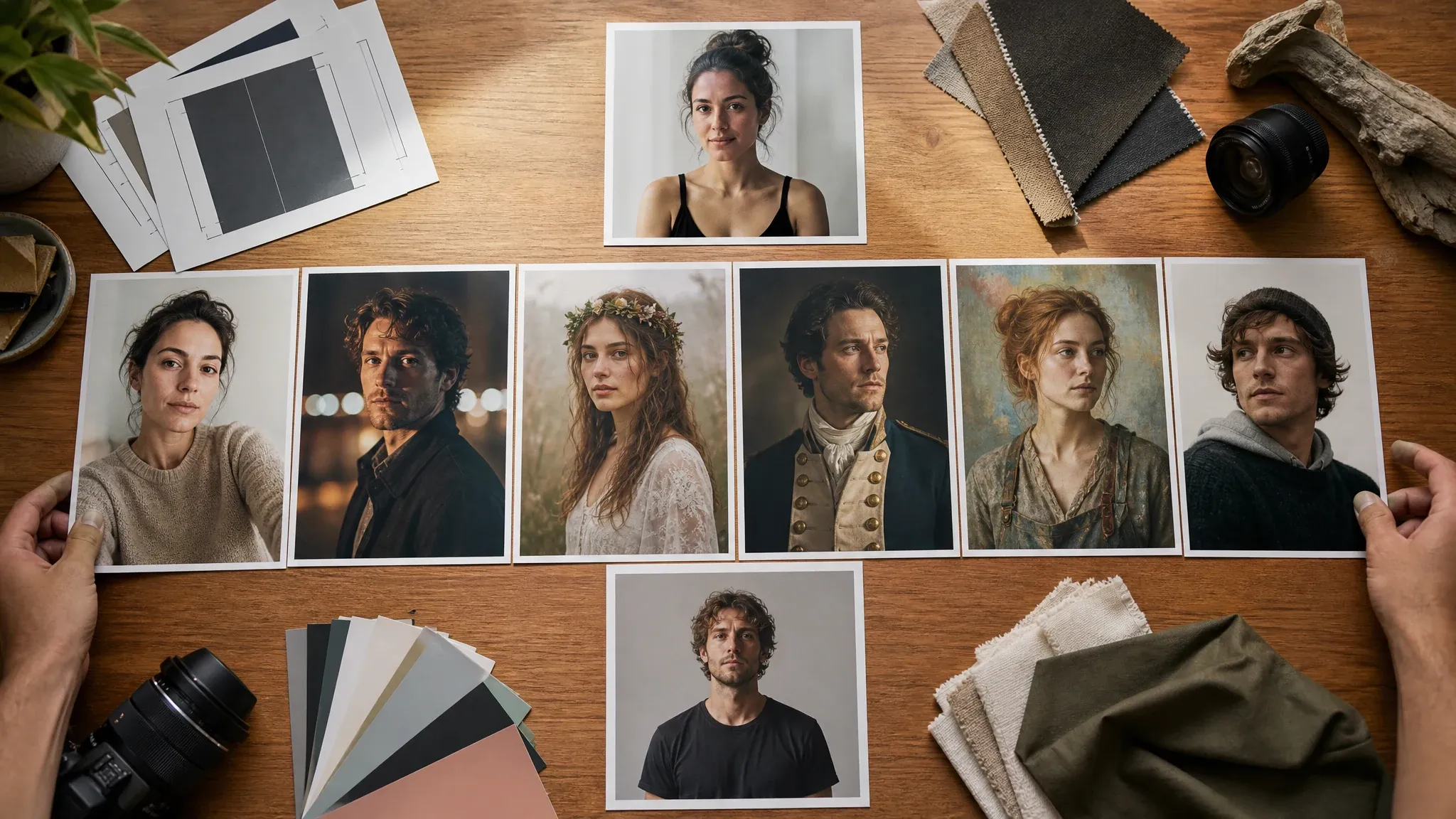
AI Portrait Generator
Create a single-person realistic or creative portrait before making a shared couple image.
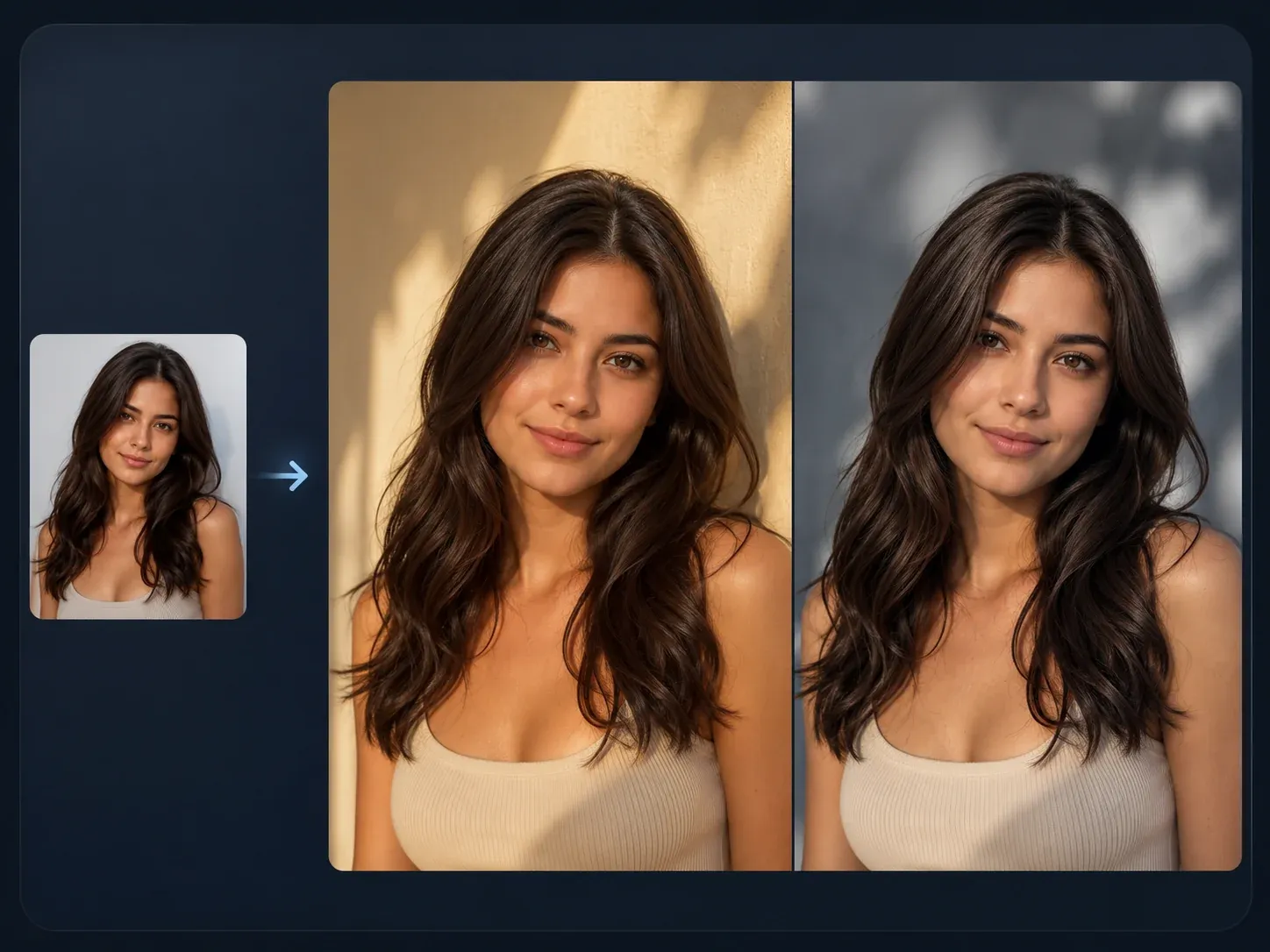
AI Image to Image
Use this when you need broader source-guided edits, style transfer, or variants from a finished couple photo.

AI Image Editor
Clean up a close couple photo result: background detail, crop edge, small object, or color issue.
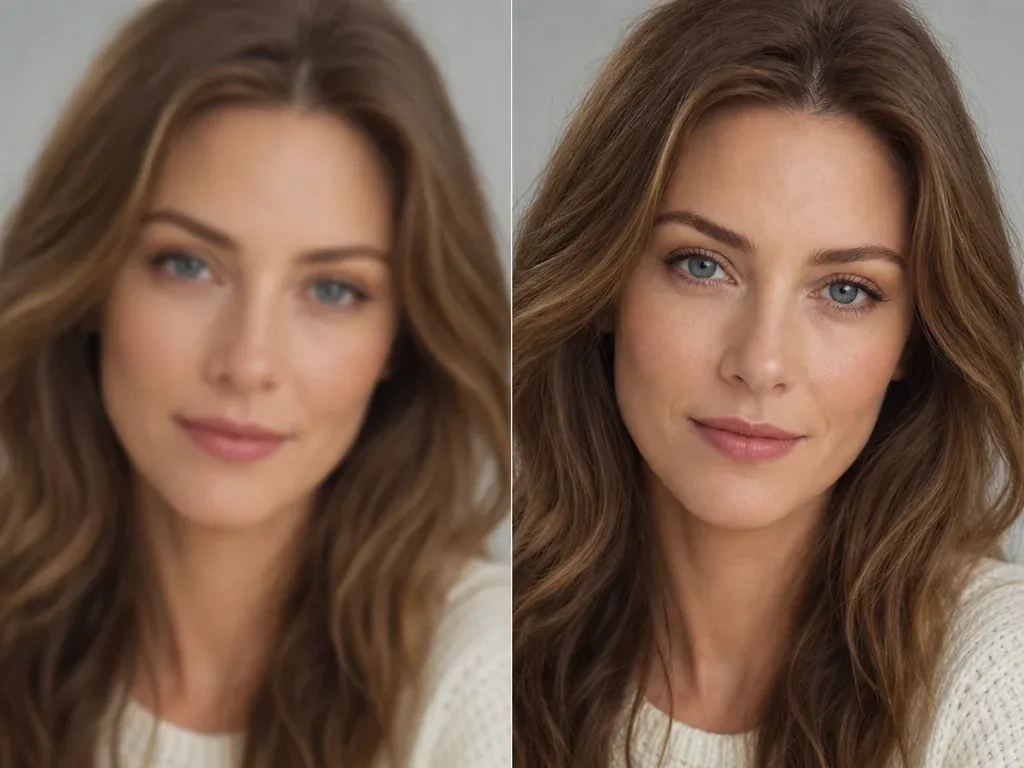
AI Image Upscaler
Sharpen the keeper before using it for a print, card, wallpaper, profile, or social post.
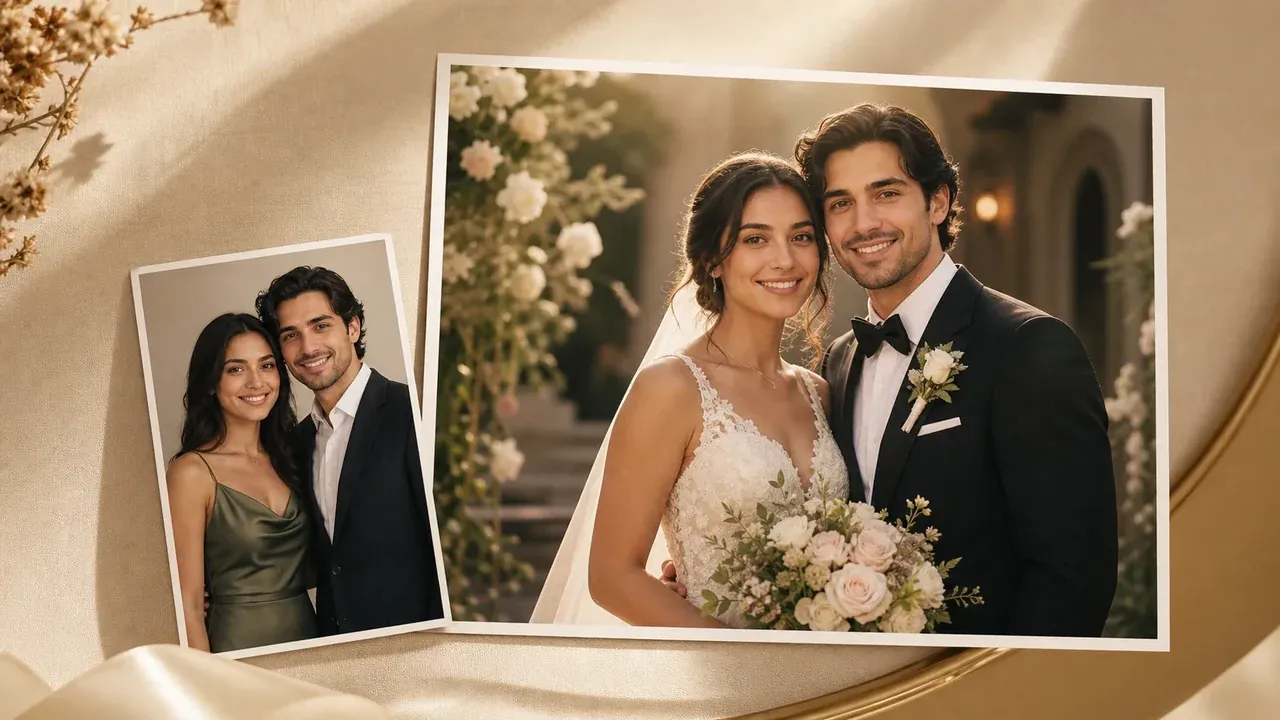
AI Wedding Photo Generator
Use the wedding page when the goal is a deeper wedding-scene workflow instead of a general couple photo.
AI Couple Photo Maker FAQ
Direct answers about two-photo uploads, free use, no login, no watermark downloads, realistic results, prompts, privacy, wedding-style boundaries, and source photo quality.
An AI couple photo maker creates a new shared couple image from one couple photo or two separate partner portraits. It is designed for realistic still photos, not video, animation, or a full wedding album.
Yes. You can start creating couple photos from this browser page for free. If heavier use reaches account or quota rules, FaceAI shows the current limit in the product flow.
No login or app download is needed for the normal browser flow. The page is designed for upload, generation, result history, share, and download.
Yes. Upload one clear portrait for each partner. The workbench caps this couple-specific flow at two source images so the scene stays focused on the pair.
Use clear, recent, front-facing or lightly angled portraits with visible eyes and normal lighting. Avoid sunglasses, masks, heavy filters, dark images, tiny faces, and photos you do not have permission to use.
You can start with romantic studio, cinematic date, cafe date, beach sunset, travel landmark, cozy indoor, anniversary keepsake, retro polaroid, wedding-inspired, and fashion editorial directions.
Yes. Use the optional prompt for the scene, pose, outfit, background, season, relationship context, or mood. Short prompts usually work better than long instructions.
Yes. After the generated image appears, use the download control in the workbench. Keep the tab open until the final image is ready.
The workflow uses your uploaded photos as source guidance, but exact likeness is not guaranteed. Strong style changes or weak source photos can shift details, so inspect both faces before sharing.
Use 1:1 for matching profile pictures, 4:5 or 3:4 for social posts and gifts, 2:3 for classic portraits, 9:16 for stories, and 16:9 for wallpapers or travel scenes.
Generate another version with a shorter note, or move the best image into AI Image Editor for cleanup, AI Image to Image for variants, or AI Image Upscaler for sharper export.
Use photos you are comfortable processing through an online tool. FaceAI uses secure upload handling for the generation flow, and you should avoid uploading sensitive images or photos you do not have permission to use.
You can use generated couple photos for personal posts, profile images, cards, gifts, concept boards, and creative projects when you own or have permission for the source photos. Avoid public figures, fake endorsements, protected brands, and misleading identity claims.
No. This page is for general couple photos: long-distance, anniversary, social, gift, profile, travel, and wedding-inspired ideas. A dedicated wedding photo page should handle deeper wedding-scene and ceremony intent.
Create Your AI Couple Photo Now
Upload one couple photo or two partner portraits, choose the shared moment, generate a realistic AI couple photo, then download or refine the version that works.