
免费在线文字转语音,快速生成 AI 语音草稿
粘贴一段简短脚本,选择支持的语言和音色,生成语音后试听并下载 MP3 音频,适用于广告、教程、产品说明、视频配音草稿与无障碍朗读检查。

全球已有超过 12,000,000 位用户信赖。
如何使用在线文字转语音
一句简短脚本、一个合适的音色,再加上一次试听,就足以判断这句话是否值得使用。
写一句聚焦的脚本
粘贴一个钩子、一句旁白、一句课程台词或一条支持答复。当前工作台面向 300 字以内的短草稿。
选择语言和音色
选择支持的语言,再挑选符合用途的音色:广告播报、教程、产品更新或简单的朗读复查。
生成、对比并下载
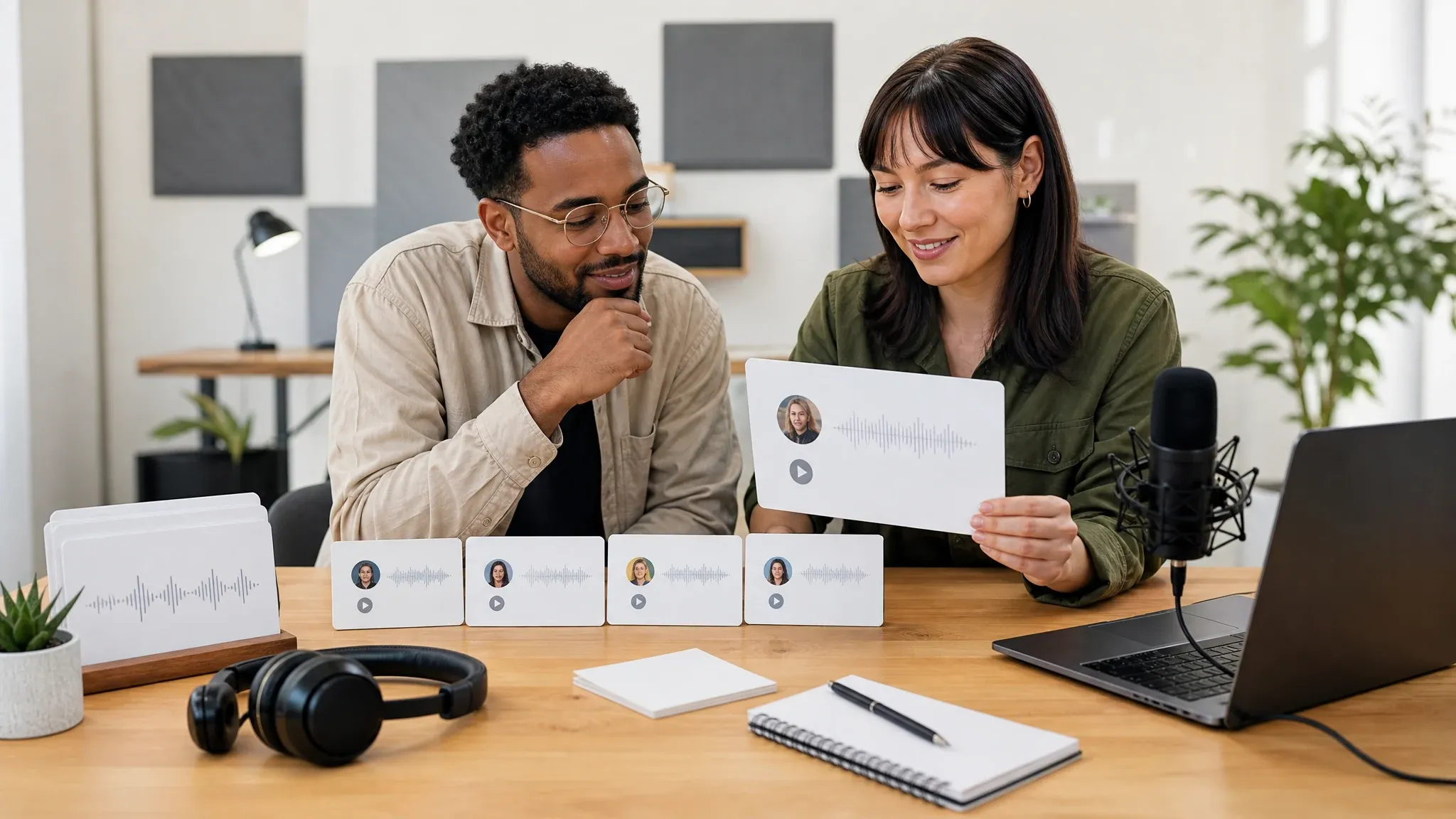
试听音频,在历史栏对比最近的尝试,当音色和节奏合适时下载 MP3。
文字转语音可以做什么?
在投入录音棚音频、视频剪辑或更长的配音流程之前,先在 Face AI 上完成实用的短篇语音草稿。
广告钩子配音
在视频编辑制作最终创意前,用几种音色测试付费社交的开场、促销语和营销钩子。
产品更新播报
把发版说明、新手引导提示或创始人更新变成简短音频草稿,供内部评审或用户教育使用。
支持与教程片段
把帮助中心的一条答复转成音频,让支持团队在配合录屏或文章之前先判断内容是否清晰。
在线微课
起草一句培训台词、安全提醒或课程开场白,先听一听对学员来说是否足够清楚。
YouTube 与播客片头
在进入完整音频或视频制作流程之前,先试听简短的片头、栏目间隔或赞助商播报。
无障碍朗读检查
听一听凝练的公告、产品说明或文章摘要,在内容触达用户之前发现拗口的措辞。
什么是在线文字转语音?
在线文字转语音把书面文字转化为 AI 生成的语音音频,并支持选择语言和音色。
文字变 AI 语音
从一段简短脚本开始,生成可立即试听播放的音频结果。
语言与音色可选
使用界面上的选择器,让语言和音色方向贴合信息本身。
音频试听与 MP3 下载
在工作台内试听,对比最近的结果,朗读满意后下载 MP3。
专注简短脚本
当前 300 字限制针对钩子、开场、说明和片段设计,而非长文档。
为什么使用 Face AI 文字转语音?
Face AI 为快速配音决策而生:写下台词、试听朗读、保留最近的尝试,并把确认好的音频带入下一步创作。
立即开始创作
生成器优先展示,你可以先创建并试听音频,再探索技巧和示例。
实用的语音复查
最近的结果会一直可见,更便于跨越草稿对比节奏、语气和措辞。
专注短篇工作流
在这里创建简短的 AI 语音草稿和 MP3 文件;自定义音色、高级发音控制、文档朗读或长篇制作请使用完整音频工作室。
先写清一件事
用一个完整的钩子、句子或答复,而不是整段粘贴密密麻麻的文字。
用标点控制节奏
逗号、句号和短从句能帮助语音以更干净的节奏朗读。
仔细拼写生僻词
品牌名、缩写和不常见的人名可能需要更简单的拼写或改写。
让音色匹配用途
广告用直接的音色,教程用沉稳的音色,帮助或无障碍朗读用清晰的音色。
文字转语音 vs 录音、声音克隆与 AI 会说话照片
根据你真正需要的素材来选择工作流。
| 对比项 | Face AI我们 Face AI 文字转语音 | 其他语音工作流 |
|---|---|---|
| 输出 | 从简短脚本生成可下载的 MP3 语音音频。 | 会说话照片会生成视频;录音捕捉真实说话人;声音克隆工具需要获得授权的语音数据。 |
| 最佳用途 | 广告、开场、产品说明、支持片段、简短课程与朗读检查。 | 长篇有声书、播客和录音棚旁白需要更深的剪辑和更长的脚本工具链。 |
| 输入 | 输入文本、选定语言和选定音色。 | 文档阅读器可导入文件;录音工具需要麦克风;自动化平台需要单独配置。 |
| 评审循环 | 下载前,最近生成的音频会持续可见以便对比。 | 一些一次性演示会丢失较早的尝试,或只聚焦单个预览。 |
| 限制 | 当前草稿上限为 300 字,生成前工作台会显示可用状态。 | 其他语音工具可能支持更长的脚本、文档输入、自定义发音或声音克隆。 |
| 下一步 | 下载音频,放进分镜脚本,或把台词带入会说话照片或视频规划。 | 完整的语音工作室负责多说话人剪辑、更多音频格式、授权评审和自动化制作流程。 |
输出
从简短脚本生成可下载的 MP3 语音音频。
会说话照片会生成视频;录音捕捉真实说话人;声音克隆工具需要获得授权的语音数据。
最佳用途
广告、开场、产品说明、支持片段、简短课程与朗读检查。
长篇有声书、播客和录音棚旁白需要更深的剪辑和更长的脚本工具链。
输入
输入文本、选定语言和选定音色。
文档阅读器可导入文件;录音工具需要麦克风;自动化平台需要单独配置。
评审循环
下载前,最近生成的音频会持续可见以便对比。
一些一次性演示会丢失较早的尝试,或只聚焦单个预览。
限制
当前草稿上限为 300 字,生成前工作台会显示可用状态。
其他语音工具可能支持更长的脚本、文档输入、自定义发音或声音克隆。
下一步
下载音频,放进分镜脚本,或把台词带入会说话照片或视频规划。
完整的语音工作室负责多说话人剪辑、更多音频格式、授权评审和自动化制作流程。
团队如何使用简短 AI 语音草稿
营销、内容、教育和支持团队通过简短音频草稿,在制作最终素材前先听一遍信息。
"在广告钩子变成视频脚本之前先听一听,是很实际的做法。纸面上看不出问题的卡顿节奏,语音结果能直接暴露出来。"

Ananya Iyer
Content Marketing Lead
"作为短脚本的评审通道很好用。我们不用它处理文档上传或声音克隆,团队能在切合实际的范围里工作。"

Charlotte Beaumont
Director of Content Operations
"可下载的音频结果对我们来说是关键一步。我们可以在分镜脚本里评审它,而不只在生成器里。"

Yifan Zheng
Demand Generation Lead
"这个页面很适合配音草稿,因为它从脚本而非视频开始。我们可以先确认措辞,再决定最终的媒体形式。"

Sophia Wagner
Editorial Director
"合作伙伴更新常常只需要一句精炼的话。在线文字转语音让我们在信息进入线上研讨会幻灯片或视频简报之前先听到语气。"

Sakura Ito
Partner Marketing Lead
"客户教育脚本在听到之后会更有说服力。如果某句话听起来机械或过于密集,我们会在录制前改写。"

Ren Sato
Customer Marketing Director
"在广告钩子变成视频脚本之前先听一听,是很实际的做法。纸面上看不出问题的卡顿节奏,语音结果能直接暴露出来。"
Ananya Iyer
Content Marketing Lead
"作为短脚本的评审通道很好用。我们不用它处理文档上传或声音克隆,团队能在切合实际的范围里工作。"
Charlotte Beaumont
Director of Content Operations
"可下载的音频结果对我们来说是关键一步。我们可以在分镜脚本里评审它,而不只在生成器里。"
Yifan Zheng
Demand Generation Lead
"这个页面很适合配音草稿,因为它从脚本而非视频开始。我们可以先确认措辞,再决定最终的媒体形式。"
Sophia Wagner
Editorial Director
"合作伙伴更新常常只需要一句精炼的话。在线文字转语音让我们在信息进入线上研讨会幻灯片或视频简报之前先听到语气。"
Sakura Ito
Partner Marketing Lead
"客户教育脚本在听到之后会更有说服力。如果某句话听起来机械或过于密集,我们会在录制前改写。"
Ren Sato
Customer Marketing Director
"我们用两三种音色测试付费社交钩子,留下最直接的那个。在付费创意团队介入前就能省下时间。"

Jordan Kim
Growth Lead
"在广告钩子变成视频脚本之前先听一听,是很实际的做法。纸面上看不出问题的卡顿节奏,语音结果能直接暴露出来。"
Ananya Iyer
Content Marketing Lead
"作为短脚本的评审通道很好用。我们不用它处理文档上传或声音克隆,团队能在切合实际的范围里工作。"
Charlotte Beaumont
Director of Content Operations
"可下载的音频结果对我们来说是关键一步。我们可以在分镜脚本里评审它,而不只在生成器里。"
Yifan Zheng
Demand Generation Lead
"这个页面很适合配音草稿,因为它从脚本而非视频开始。我们可以先确认措辞,再决定最终的媒体形式。"
Sophia Wagner
Editorial Director
"合作伙伴更新常常只需要一句精炼的话。在线文字转语音让我们在信息进入线上研讨会幻灯片或视频简报之前先听到语气。"
Sakura Ito
Partner Marketing Lead
"客户教育脚本在听到之后会更有说服力。如果某句话听起来机械或过于密集,我们会在录制前改写。"
Ren Sato
Customer Marketing Director
"我们用两三种音色测试付费社交钩子,留下最直接的那个。在付费创意团队介入前就能省下时间。"
Jordan Kim
Growth Lead
"300 字限制对高管笔记很有帮助。在有人要求完整旁白之前,它逼你先写清一条信息。"

Astrid Nielsen
Head of Thought Leadership
"语言选择器和音色挑选让流程很具体。我们可以测试一段简短的旁白方向,而不假装这是完整的有声书工具。"

Marie Laurent
Storytelling & Brand Lead
"能先试听语音,再把下载的音频拖进草稿视频里,短视频开场就更容易判断了。"

Priya Chen
Creative Strategy Lead
"我们团队把它当作快速生成活动台词的 AI 语音工具,而不是长篇工作室的替代品。这一边界让审批更清晰。"

Kai Nakamura
Global Creative Director
"音色挑选给了创意评审具体的东西。一句台词要么与所选音色契合,要么我们就在制作前改写。"

Rafael Santos
VP of Creative
"对于教程片段,音频结果足以判断这句话需要录屏、会说话照片还是更简单的措辞。"

Devon Park
Interactive Creative Director
"这个流程覆盖了我们需要的完整评审循环:粘贴文本、选择语言和音色、生成语音、试听并下载音频。"

Pooja Mehta
VP of Brand Experience
"300 字限制对高管笔记很有帮助。在有人要求完整旁白之前,它逼你先写清一条信息。"
Astrid Nielsen
Head of Thought Leadership
"语言选择器和音色挑选让流程很具体。我们可以测试一段简短的旁白方向,而不假装这是完整的有声书工具。"
Marie Laurent
Storytelling & Brand Lead
"能先试听语音,再把下载的音频拖进草稿视频里,短视频开场就更容易判断了。"
Priya Chen
Creative Strategy Lead
"我们团队把它当作快速生成活动台词的 AI 语音工具,而不是长篇工作室的替代品。这一边界让审批更清晰。"
Kai Nakamura
Global Creative Director
"音色挑选给了创意评审具体的东西。一句台词要么与所选音色契合,要么我们就在制作前改写。"
Rafael Santos
VP of Creative
"对于教程片段,音频结果足以判断这句话需要录屏、会说话照片还是更简单的措辞。"
Devon Park
Interactive Creative Director
"这个流程覆盖了我们需要的完整评审循环:粘贴文本、选择语言和音色、生成语音、试听并下载音频。"
Pooja Mehta
VP of Brand Experience
接下来试试什么?
当确认好的语音台词需要一张会说话的脸、一个纯英语入口或一个视频创意时,使用这些工具。
文字转语音常见问题解答
关于脚本、音色、MP3 输出、限制,以及何时使用更完整的语音工作室的直接回答。
它是一种把输入文本变成可播放 AI 语音音频的在线工具。Face AI 将该页面定位为简短脚本,可试听并作为 MP3 下载。
可以。你可以在在线工作台直接开始。页面会在生成前显示当前可用状态和任何用量限制。
当前在线文字转语音工作台最多接受 300 字。请用于钩子、开场、说明、支持片段和简短课程台词,而非长文档。
可以。使用工作台中显示的语言选择器和音色挑选器,从当前可用的语言和音色中选择。
不支持。这个页面使用现有音色库生成文字转语音草稿,不会克隆你自己的声音,也不会创建自定义说话人身份。
这个页面保持简短的脚本、语言和音色选择流程。当需要自定义发音、表现力方向或制作自动化时,请使用完整的语音工作室。
成功的结果可以在工作台内试听,并作为 MP3 音频下载。
不可以。这个页面只接受在脚本输入框中输入文本。如果需要 PDF、电子书、网页或批量转换,请使用文档阅读器或长篇 TTS 工作室。
适合用于简短配音草稿、片头、课程台词和脚本确认。长播客、有声书和完整课程需要此页面之外的更长音频工作流。
商用之前,请确认你拥有脚本版权,并且预期用途符合当前 Face AI 服务条款。
不一样。在线文字转语音只生成音频。当确认好的台词应该变成会说话的人像视频时,请使用 AI 会说话照片。
不是。音频在线生成,最近的结果会保留在工作台中,供对比和下载。
生成你的第一条 AI 语音草稿
写一段 300 字的脚本,选择支持的语言和音色,再生成可以试听、对比并下载的 MP3 音频。