
AI Music Generator: Make a Full Song from a Prompt — Free to Start
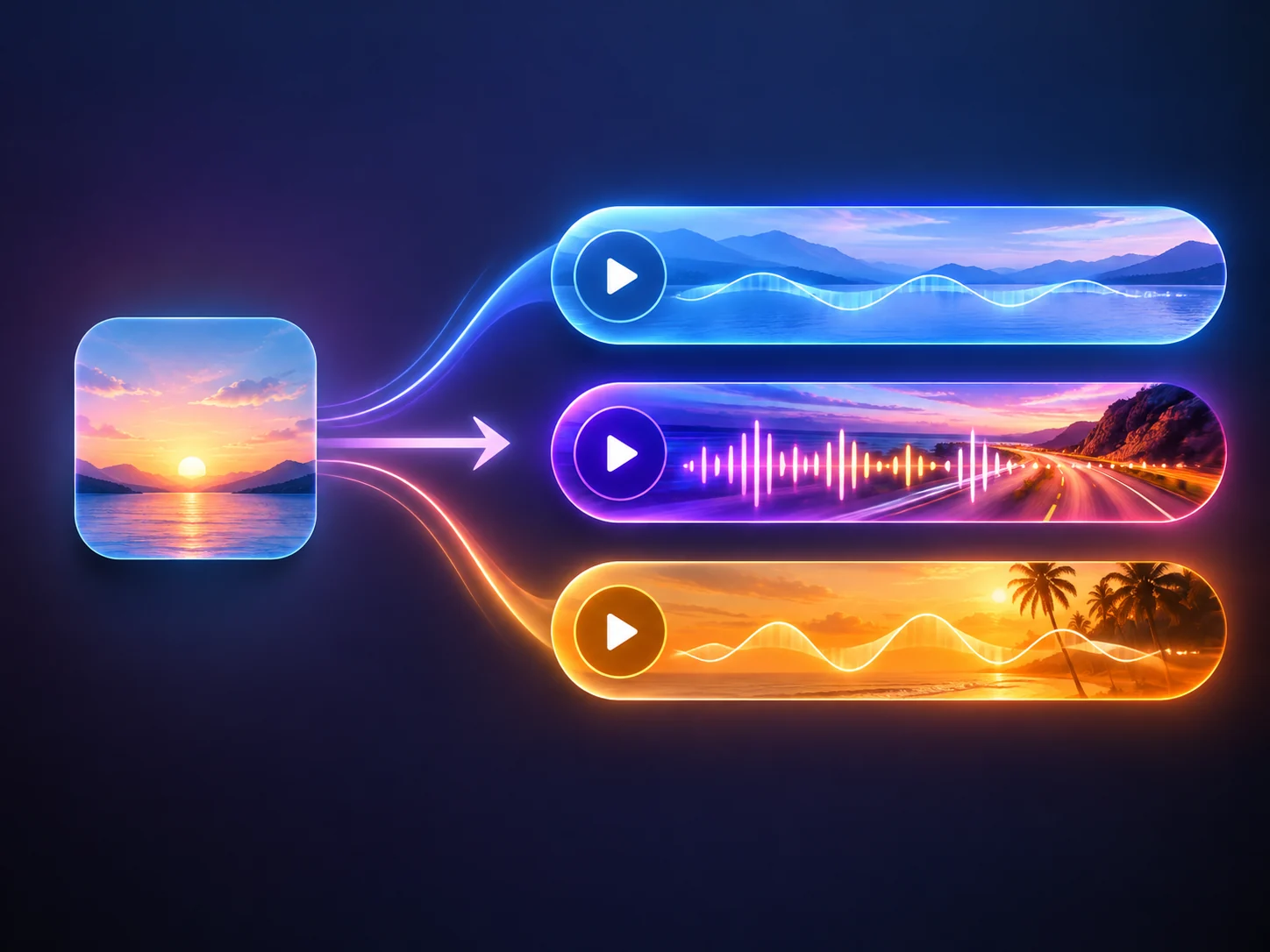
Type the song you want to hear — a mood, a genre, the moment it is for — or switch to Custom mode and paste lyrics you already wrote. The workbench turns that into full tracks with vocals, or an instrumental version, and you keep the take that fits. Free quota gives you a 10-second preview in Custom mode; credits runs use the length you pick, 10 to 360 seconds. The quote appears in the workbench before anything is generated, and the track you select downloads as MP3.
Trusted by 12,000,000+ users worldwide.
How Do You Make AI Music? Three Steps
Pick the amount of control the song needs, then review what comes back.
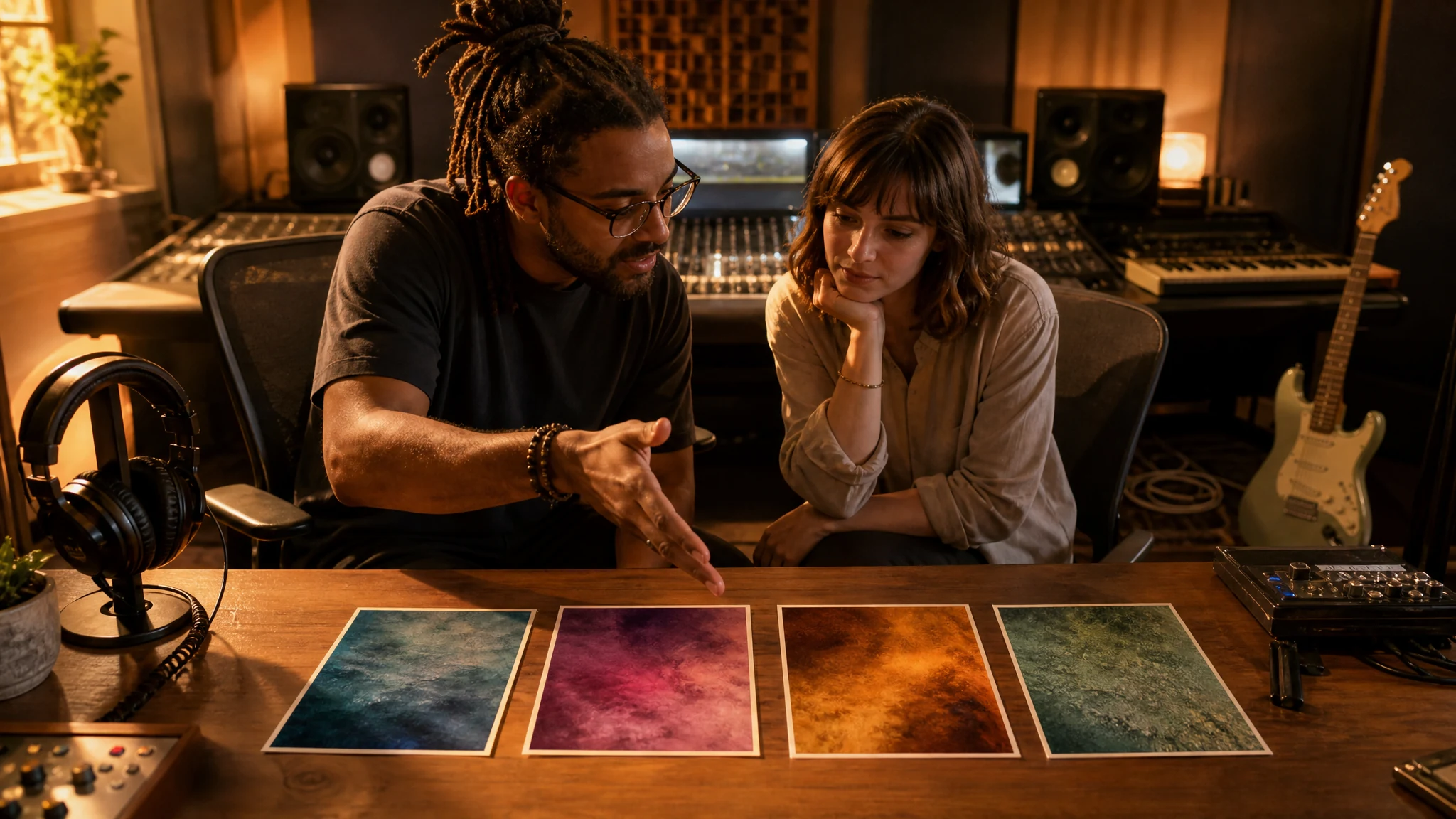
Describe the song
Say the mood, the genre, the instruments, and where the track will play — one clear line is enough in Simple mode.
Choose your control level
Stay in Simple for a quick full track, or open Custom for lyrics, title, style, vocal gender, and a length from 10 to 360 seconds.
Generate and keep a take
Play the returned tracks one by one, pick the strongest, then download it as MP3 or share the result page.
What Can You Create with an AI Music Generator?
Four jobs the generator handles well — each one ends with a finished track you can download.
Background music for your videos
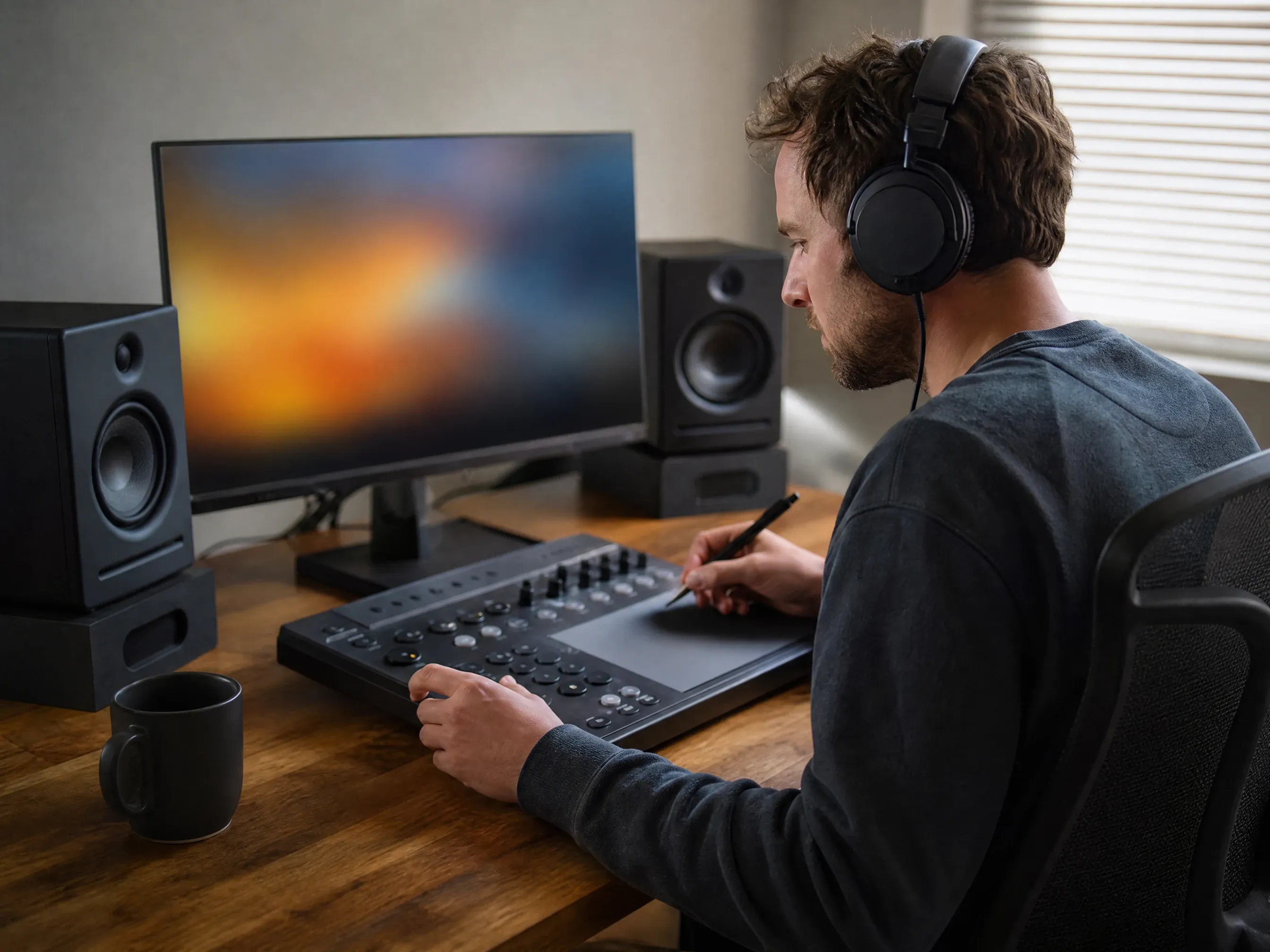
Cut product clips, tutorials, and social edits to a track that matches the mood instead of another stock loop. Generate it, preview it, download it, and drop it into the timeline.
A first draft of your lyrics
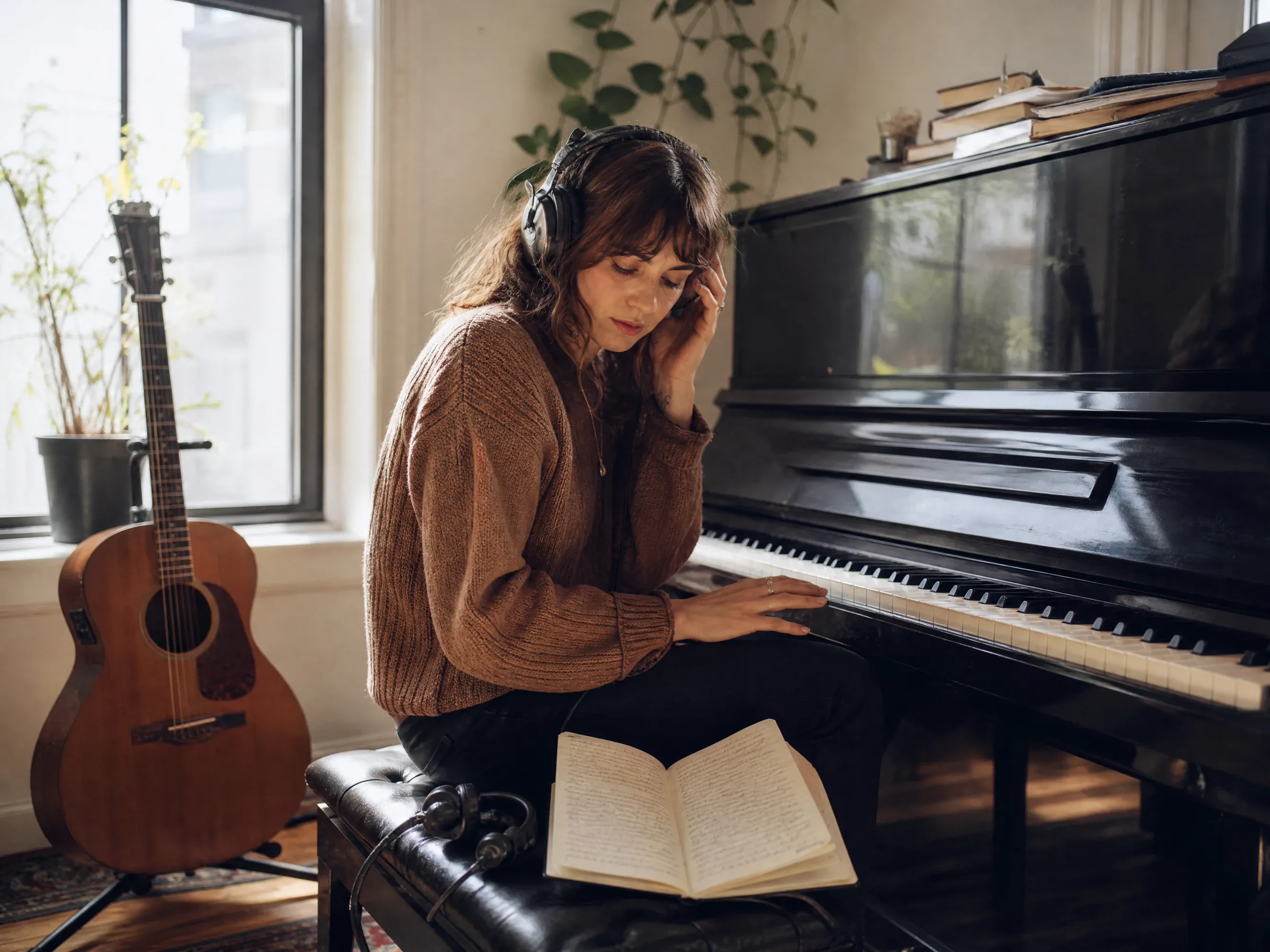
Paste lyrics you already wrote and hear them over different styles, tempos, and vocal directions. Keep the version that carries the line the way you meant it.
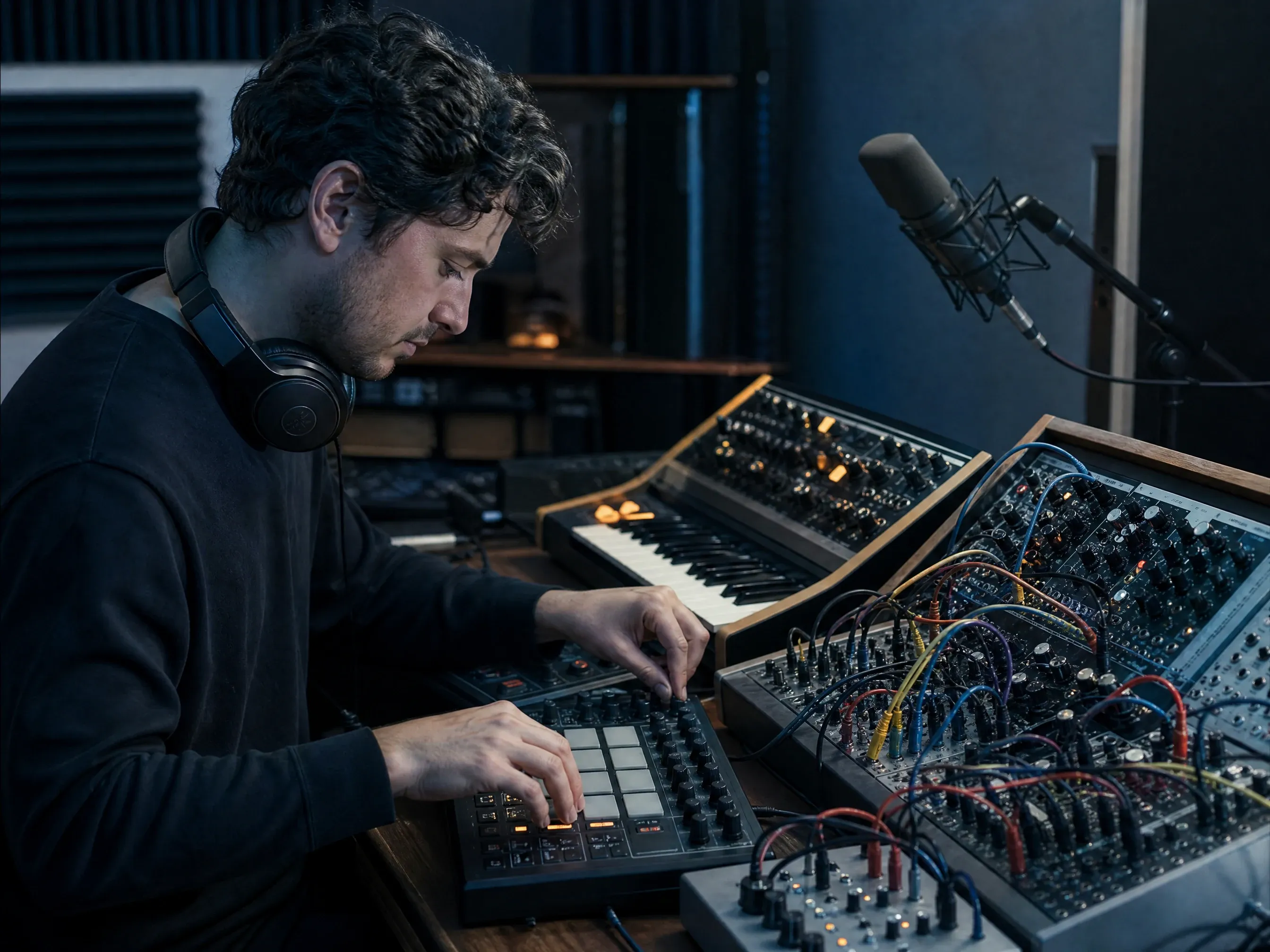
Instrumental beds for podcasts and games
Turn on Instrumental for intros, menu loops, and beds that never fight with a host talking over them. Set the length you need, up to 360 seconds.

A theme for a launch or event
Describe the campaign feel, generate a few directions, and play them for the team. Pick one, download it, and move it into the edit or the presentation.
What Is an AI Music Generator?
An AI music generator turns a written description into finished audio. You type what you want — genre, mood, tempo, voices — and the workbench returns full tracks with vocals or an instrumental version. No instrument, no mixing desk, no studio time.
Start from a sentence, not a studio
Describe the track in plain words. You do not need a DAW, plugins, or recording gear to hear a finished idea.
Choose how much control you want
Simple takes one description. Custom adds lyrics, title, style, vocal gender, negative tags, and a length from 10 to 360 seconds.
Compare several takes, then decide
A run can return more than one track. Each one plays on its own, so you can judge the direction before you commit to it.
Keep every version in History
Finished runs stay in your History with playback, share, and MP3 download for the track you selected.
How to Get Better AI Music Results
Small changes to the input change the track a lot. These are the ones that matter most.
Create AI musicSay where the music will play
A 15-second product clip needs a faster start than a podcast intro. Example: "warm lo-fi beat for a product demo, mellow, no vocals".
Name the genre and the feeling
Pair one genre with one emotion instead of five adjectives. "Dreamy synthwave" lands better than "nice modern pleasant music".
Describe instruments and tempo
Name two or three instruments and rough speed: "fingerpicked guitar, soft kick, slow". The arrangement follows.
Decide on vocals early
Vocals or instrumental changes everything else. Set vocal gender, or switch Instrumental on, before you generate — not after.
AI Music Generator or AI Music Extender?
Both tools share one workbench. Pick by what you already have in hand.
| 对比项 | Face AI我们 AI Music Generator | AI Music Extender |
|---|---|---|
| What you have | A description, or lyrics you wrote yourself. | An audio file you want to continue. |
| Best for | Starting a track from scratch. | Making an existing track longer or finished. |
| Input | Text only — no upload required. | One audio file: MP3, WAV, M4A, AAC, or OGG, up to 20 MB and 8 minutes. |
| Controls | Simple or Custom, three models, 10–360 seconds, vocal gender. | Original or Custom, a continue point you choose, style, lyrics, and a variety slider. |
| Free quota | Custom mode returns a fixed 10-second preview. | Free quota changes queue priority, not the track length. |
| Download | MP3 of the track you selected, no watermark. | MP3 of the selected continuation, no watermark. |
| Limitation | Free runs ignore the requested length and return 10 seconds. | History restores your settings, not the uploaded file — re-attach it before another run. |
What you have
A description, or lyrics you wrote yourself.
An audio file you want to continue.
Best for
Starting a track from scratch.
Making an existing track longer or finished.
Input
Text only — no upload required.
One audio file: MP3, WAV, M4A, AAC, or OGG, up to 20 MB and 8 minutes.
Controls
Simple or Custom, three models, 10–360 seconds, vocal gender.
Original or Custom, a continue point you choose, style, lyrics, and a variety slider.
Free quota
Custom mode returns a fixed 10-second preview.
Free quota changes queue priority, not the track length.
Download
MP3 of the track you selected, no watermark.
MP3 of the selected continuation, no watermark.
Limitation
Free runs ignore the requested length and return 10 seconds.
History restores your settings, not the uploaded file — re-attach it before another run.
Creators Using the AI Music Generator
Product, brand, and content teams describing what they actually generated.
"Three lines of a brief, four tracks back. The second one went straight into the edit."

Zara Davis
Social Media Director
"The instrumental switch does the whole job. No vocals fighting my voice-over."

Ananya Iyer
Content Marketing Lead
"Our own track instead of the same stock loop everyone else uses."

Sofia Martinez
Head of Brand Social
"The take I pick is the take I download. No wrong-variant surprises."

Leo Fitzgerald
Associate Creative Director
"I brief music the way I brief visuals now — one sentence, plain words."

Mia Torres
Design Director
"No corporate-video vibe this time. It sounds like our product."

Phuong Le
Retention Marketing Lead
"Three lines of a brief, four tracks back. The second one went straight into the edit."
Zara Davis
Social Media Director
"The instrumental switch does the whole job. No vocals fighting my voice-over."
Ananya Iyer
Content Marketing Lead
"Our own track instead of the same stock loop everyone else uses."
Sofia Martinez
Head of Brand Social
"The take I pick is the take I download. No wrong-variant surprises."
Leo Fitzgerald
Associate Creative Director
"I brief music the way I brief visuals now — one sentence, plain words."
Mia Torres
Design Director
"No corporate-video vibe this time. It sounds like our product."
Phuong Le
Retention Marketing Lead
"Free preview first, then a clear price for the full track."

Nkechi Obi
Marketing & Brand Manager
"Three lines of a brief, four tracks back. The second one went straight into the edit."
Zara Davis
Social Media Director
"The instrumental switch does the whole job. No vocals fighting my voice-over."
Ananya Iyer
Content Marketing Lead
"Our own track instead of the same stock loop everyone else uses."
Sofia Martinez
Head of Brand Social
"The take I pick is the take I download. No wrong-variant surprises."
Leo Fitzgerald
Associate Creative Director
"I brief music the way I brief visuals now — one sentence, plain words."
Mia Torres
Design Director
"No corporate-video vibe this time. It sounds like our product."
Phuong Le
Retention Marketing Lead
"Free preview first, then a clear price for the full track."
Nkechi Obi
Marketing & Brand Manager
"I write the lyrics first and use the generator to hear them. Three styles in one afternoon, and the team chose the direction in the room instead of guessing."

Emma Johansson
Head of Content Strategy
"Went in expecting a demo-quality toy. The 60-second ad bed came back clean enough for a client review, and the MP3 had no watermark."

Mateo Gutierrez
Advertising Operations Manager
"Same brief across three models, then we pick with our ears and stop arguing about adjectives."

Chiara Bianchi
Content Marketing VP
"I kept History open and generated alternates while the client was on the call, then swapped the track on the spot."

Devon Park
Interactive Creative Director
"No studio, no composer, no session booking. Two sentences about the brand, three tracks to choose from."

Amara Okafor
Founder & CEO
"What sold me was the honesty about the free run — it returns a short preview, not the full song. I knew exactly what I was getting, then paid for the length we needed, and the credits version matched the brief we wrote."

Marie Laurent
Storytelling & Brand Lead
"I have a folder of half-written lyrics and no way to hear them. Now each one gets a demo in a few minutes: I paste the words, set the mood and the tempo, and pick the take that keeps the line the way I meant it. The old way was paying a session singer for a scratch track I might throw away."

Kendra Clark
Founder & Creative Director
"I write the lyrics first and use the generator to hear them. Three styles in one afternoon, and the team chose the direction in the room instead of guessing."
Emma Johansson
Head of Content Strategy
"Went in expecting a demo-quality toy. The 60-second ad bed came back clean enough for a client review, and the MP3 had no watermark."
Mateo Gutierrez
Advertising Operations Manager
"Same brief across three models, then we pick with our ears and stop arguing about adjectives."
Chiara Bianchi
Content Marketing VP
"I kept History open and generated alternates while the client was on the call, then swapped the track on the spot."
Devon Park
Interactive Creative Director
"No studio, no composer, no session booking. Two sentences about the brand, three tracks to choose from."
Amara Okafor
Founder & CEO
"What sold me was the honesty about the free run — it returns a short preview, not the full song. I knew exactly what I was getting, then paid for the length we needed, and the credits version matched the brief we wrote."
Marie Laurent
Storytelling & Brand Lead
"I have a folder of half-written lyrics and no way to hear them. Now each one gets a demo in a few minutes: I paste the words, set the mood and the tempo, and pick the take that keeps the line the way I meant it. The old way was paying a session singer for a scratch track I might throw away."
Kendra Clark
Founder & Creative Director
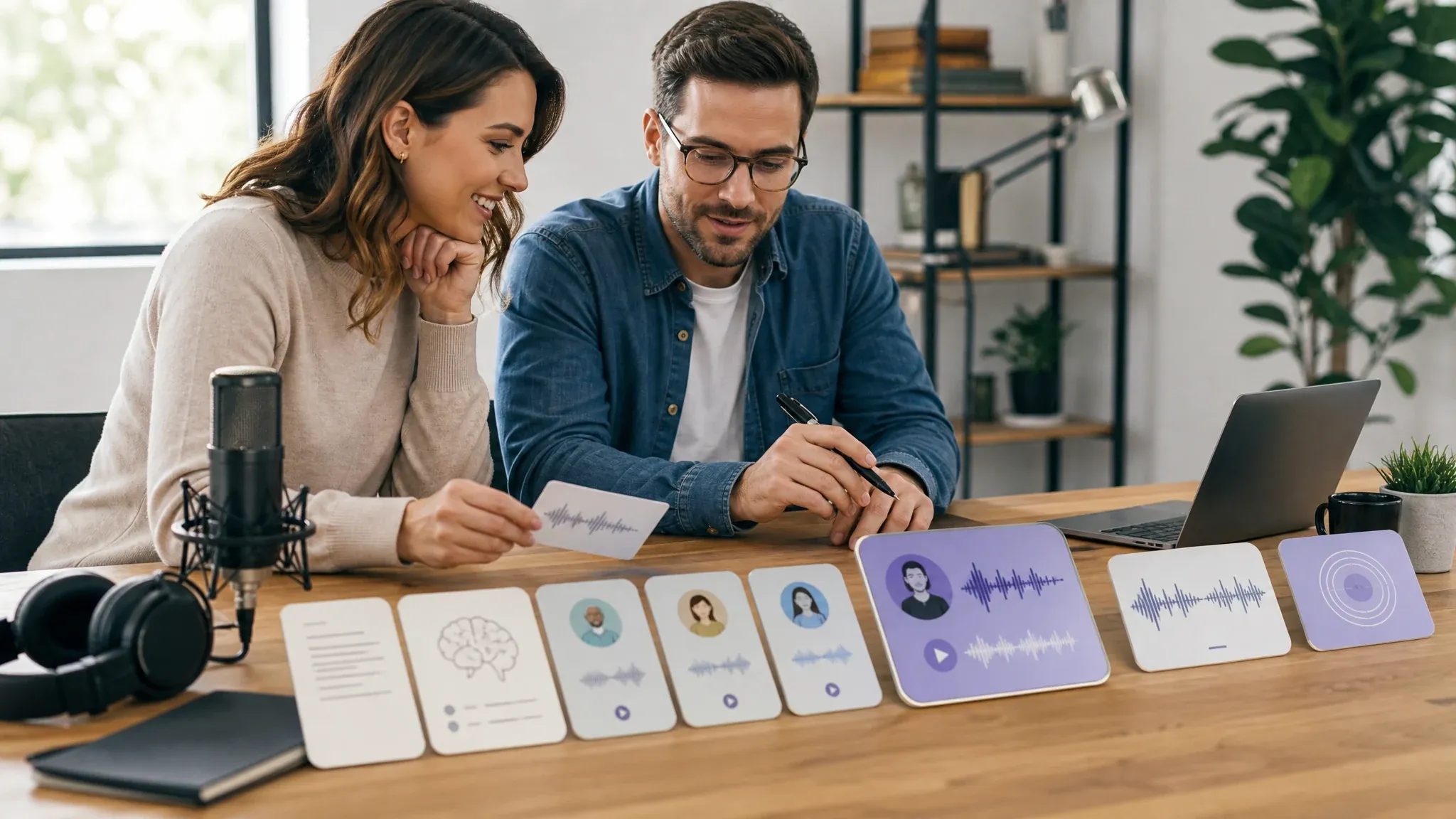
Take the Track Further
Three places to go next, depending on what the project needs.

AI Music Generator Questions
Answers about prompts, lyrics, models, length, free quota, and downloads.
Type one clear sentence in Simple mode — mood, genre, and where the track will play — then generate. The workbench returns full tracks you can play one by one and download.
Yes. Switch to Custom mode and paste your lyrics into the lyrics field. Add a title and a style direction, then generate; the lyrics are sung or skipped depending on the Instrumental setting.
No. Everything starts from written descriptions, so you do not need an instrument, mixing knowledge, or recording software.
Yes. Turn on Instrumental before you generate and the track comes back without vocals. If you switch it off later, your lyrics draft is still in the field.
Standard is the default and the safest starting point. Wild pushes further from the obvious version of your prompt, and Mini is the lightest of the three. All three cost the same per run, so switching is free.
Credits runs use the length you set, from 10 to 360 seconds. Free quota runs in Custom mode return a fixed 10-second preview and ignore the requested length. Simple mode has no length setting.
A run can return several tracks. They stay selectable in the workbench, and the one you select is the one used for playback, sharing, and download.
You can start for free. Free quota runs and credits runs are both offered, and the workbench shows the current quote — including any free-quota option — before you generate.
No app download is needed, and you can start the browser workflow without installing anything. If guest usage reaches a product limit, the page shows the next step in the flow.
No. Use the download control in the workbench and the selected audio saves as MP3 without a watermark overlay.
You can download the track and keep it in your History. How generated audio may be used commercially follows FaceAI terms of service — this page does not promise royalty-free or commercial licensing.
Ready to Generate AI Music?
Describe the track, generate, and download the take you like. Free quota is available, and the workbench shows the quote before anything runs.