目标
我们
上传一张图片,去除你被允许编辑的可见测试标记、水印、日期戳、Logo 或叠加。
其他清理工作流
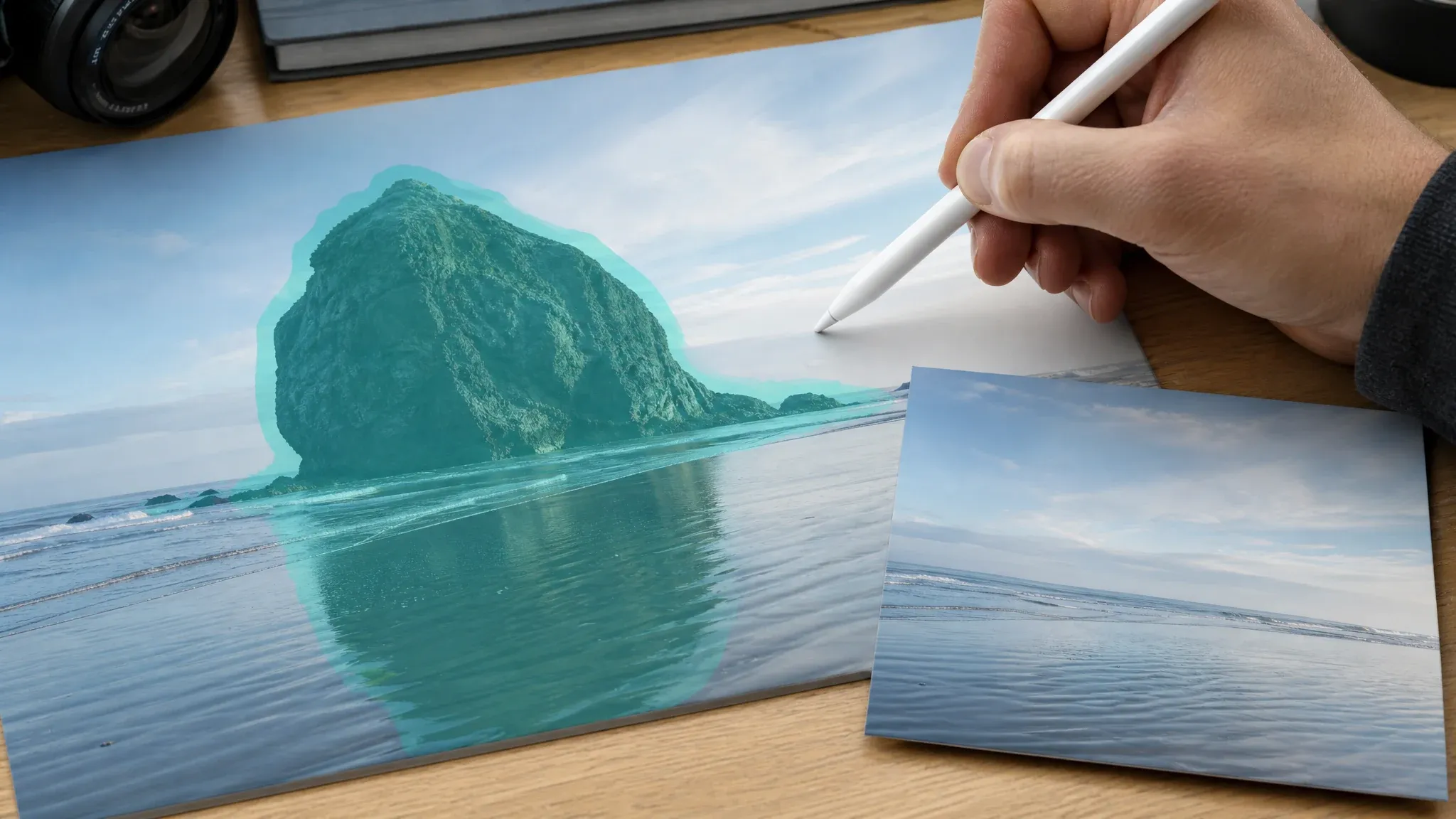
物体移除工具让用户手动涂抹指定区域;手动编辑器提供仿制画笔、图层、羽化与精确修饰控制。
上传一张你拥有或有权修改的图片,用 AI 去除可见的水印、日期戳、Logo 或测试标记,下载前先检查重建区域。本页面提供静态图片的自动清理,不授予使用权限,也不支持视频水印去除。
全球已有超过 12,000,000 位用户信赖。
保持流程简单而负责:确认你可以编辑该图片,生成清理副本,然后在使用前检查重建的像素。
选择一张 JPG、PNG 或 WebP 图片,然后确认你拥有它或有明确修改许可。
启动水印去除清理,在 Face AI 生成清理图期间保持页面打开。
下载或分享前,检查边缘、纹理、人脸、产品细节以及涉及版权的内容。
当标记可见、且周围图像能给模型足够的上下文做自然重建时,使用 Face AI 进行允许范围内的图片清理。
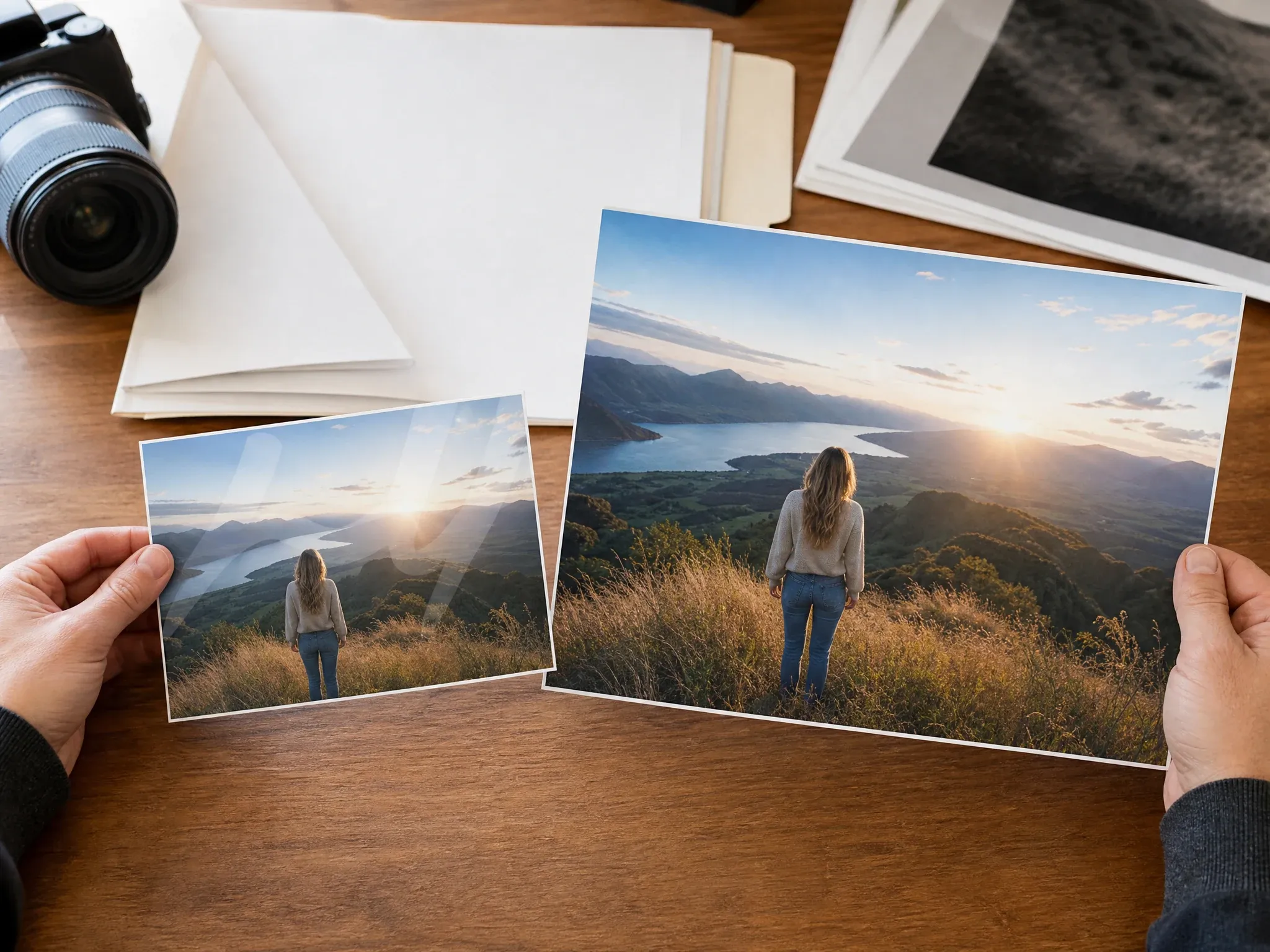
在获得去掉可见标记后使用该素材的许可时,清理测试图或复查图。
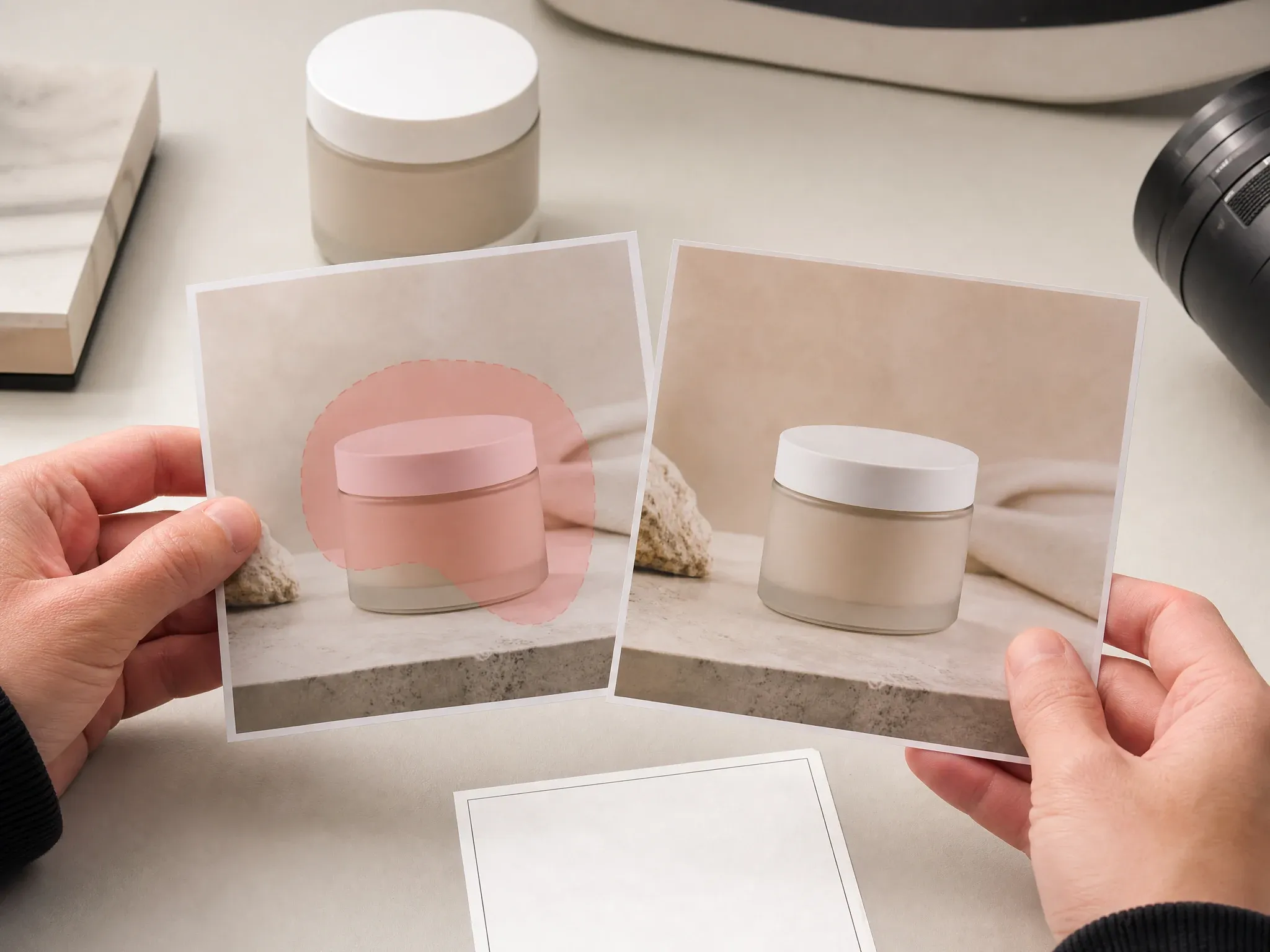
从你掌握的产品视觉中移除测试标签、内部测试标记或小叠加。
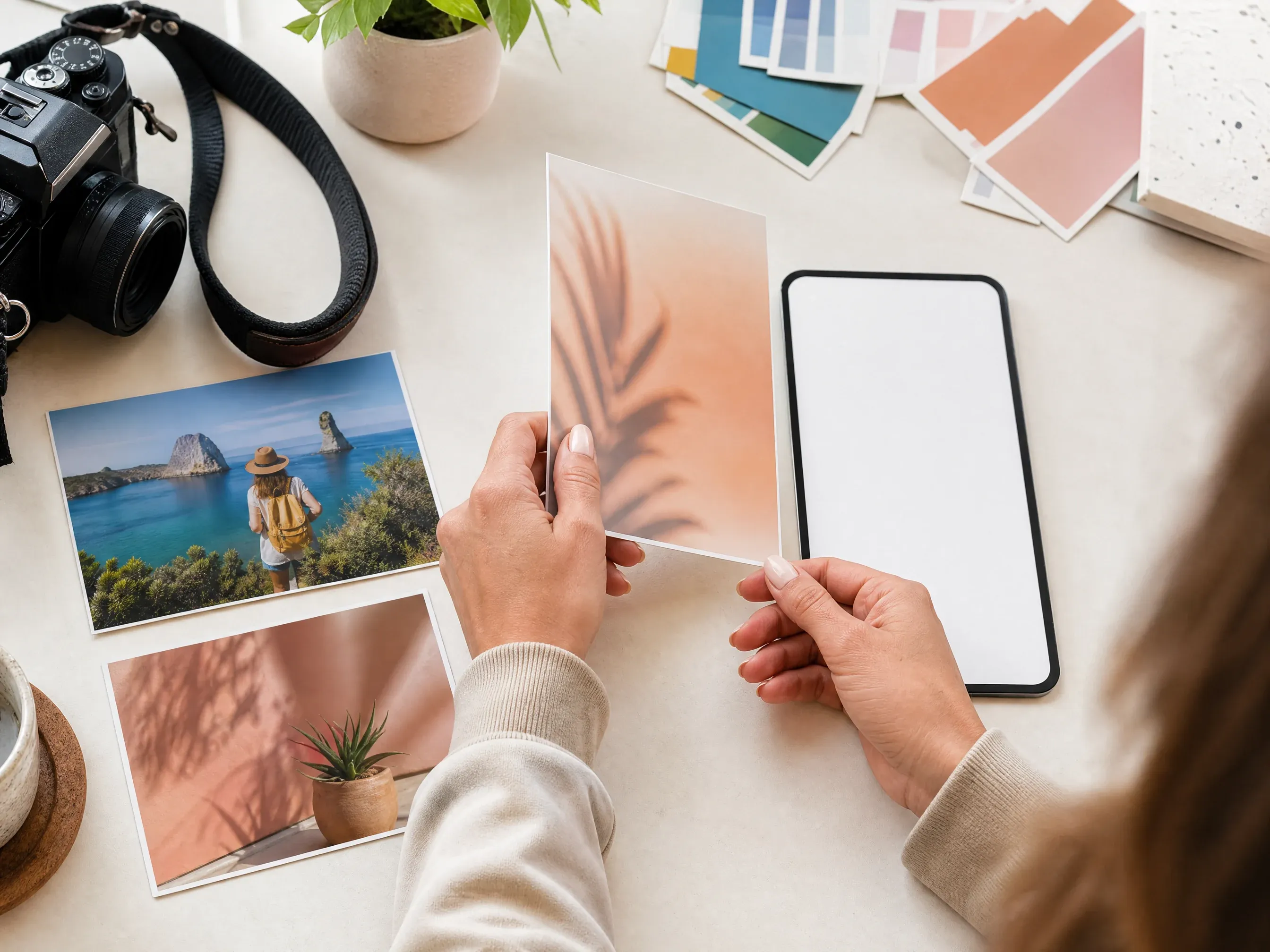
为自有的创作者视觉、活动草稿或社交缩略图生成更干净的复查副本。
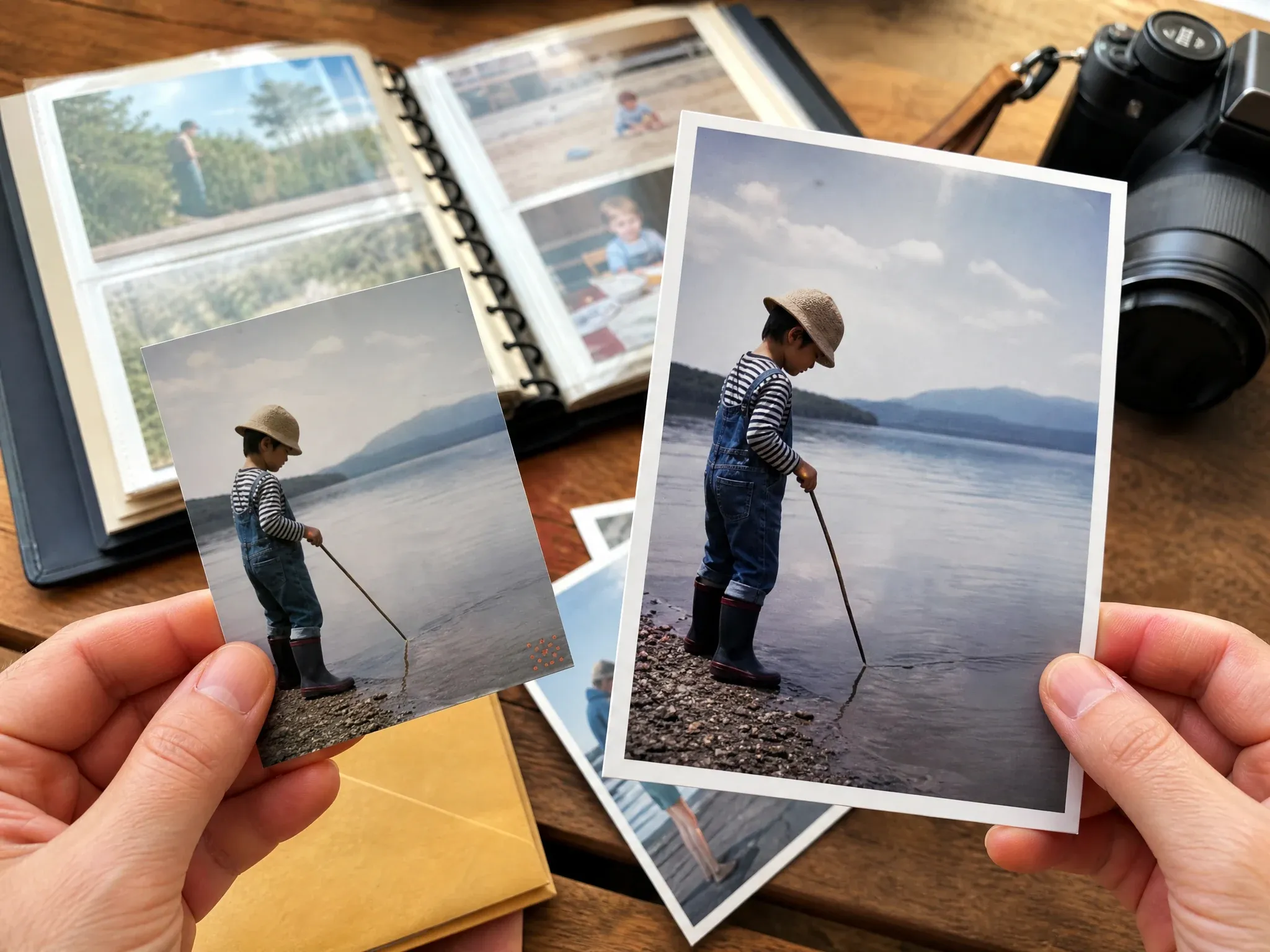
当周围像素可读时,从个人照片中移除相机日期戳或角落小标记。
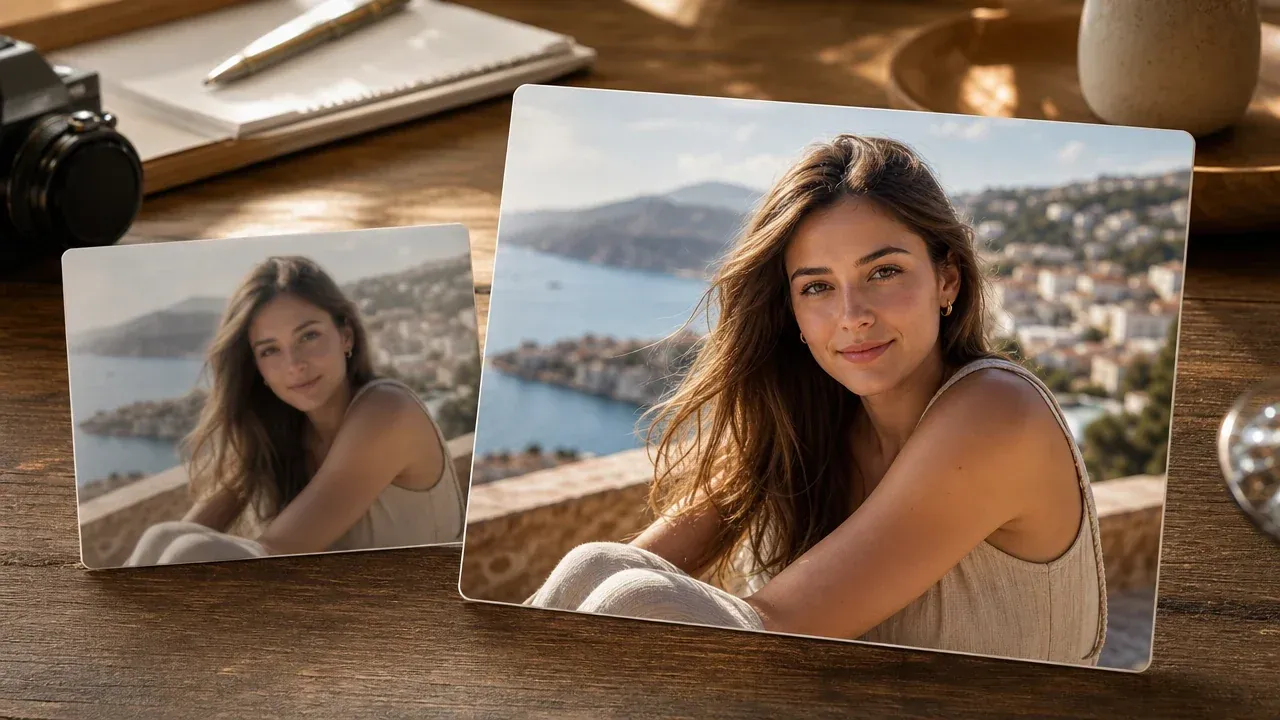
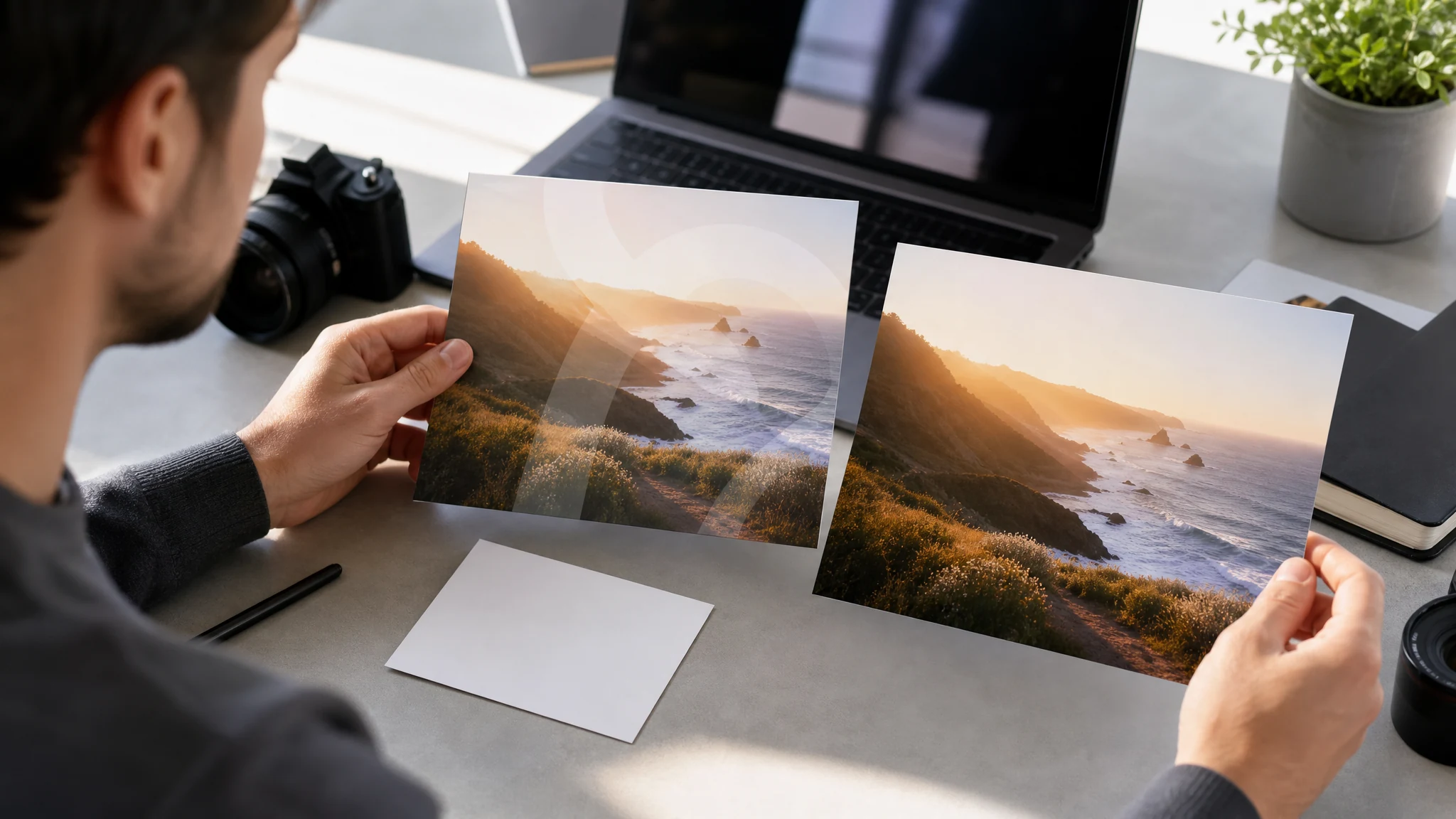
AI 水印去除工具会检测或定位图片中的可见标记,并利用周围的纹理、颜色、光线与透视重建标记后的区域。
针对单张上传图片自动完成清理。需要手动涂抹特定区域时,请使用 AI 物体移除工具。
简单背景上的小标记通常比覆盖人脸、产品标签、手部或精细纹理的大面积叠加效果更好。
去除标记并不等于获得使用权限。只能处理你拥有、已授权、已生成或有修改许可的图片。
Face AI 让工作流聚焦于一张允许使用的图片、明确的复查步骤,以及在自动清理不够时切实可行的下一步操作。
水印去除结果稍后易于识别,最近的清理图与下载项都有清晰标签。
上传一张图片,生成、检查、下载或分享。任务就是自动图片清理时,无需在各种模式间来回切换。
页面明确说明清理是尽力而为、一次只处理一张静态图片,并且仍需要权限与最终画质检查。
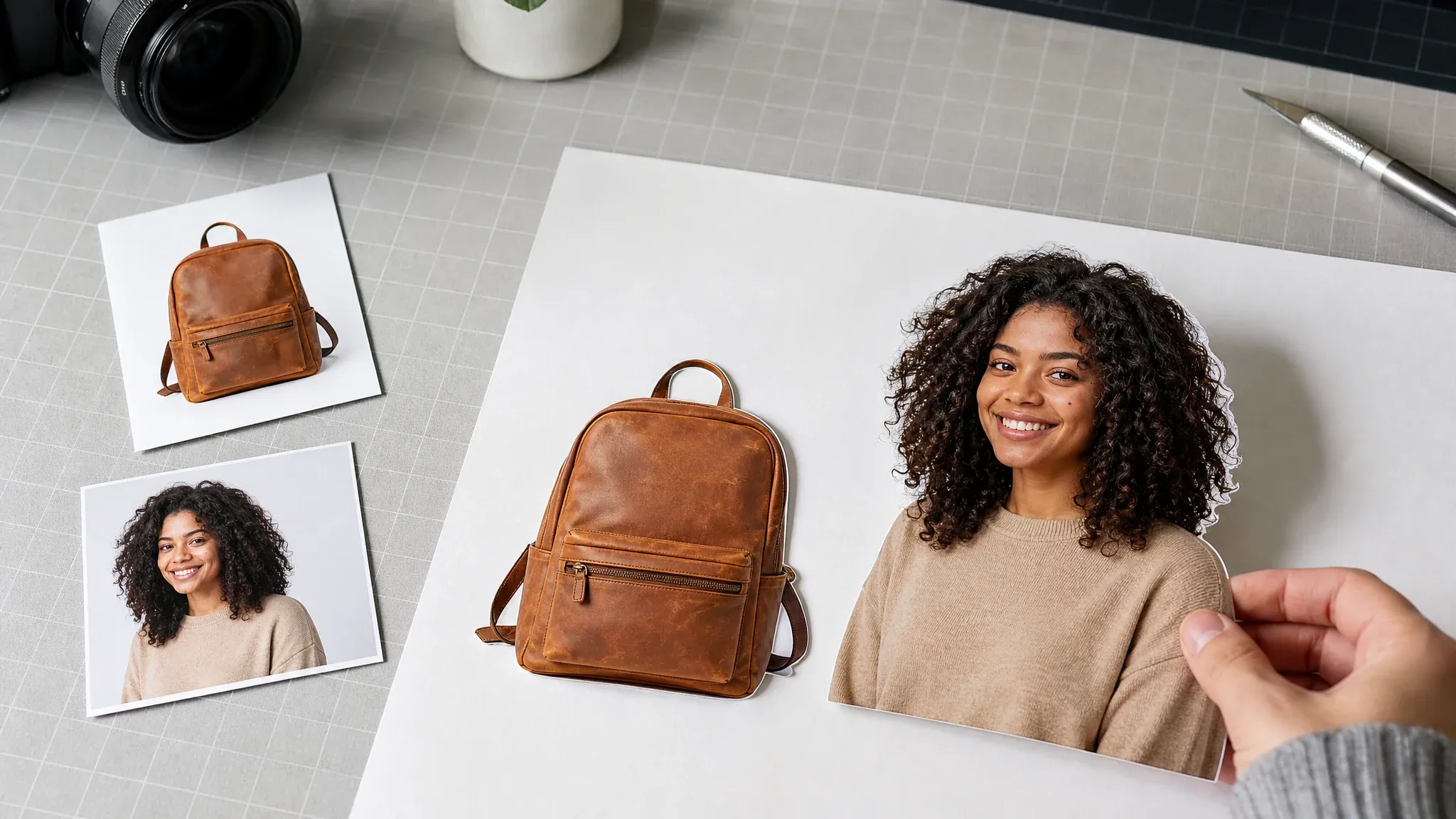
当图片需要不同类型的清理时,可前往物体移除、图片编辑、照片增强或背景去除。
源图画质与权限决定结果。使用干净的输入、避免版权敏感的错误用法,并在发布前检查每一个结果。
使用自有、已授权、已购买、已生成或已获许可的图片。不要用它绕过版权、署名或隐私信息。
角落 Logo、日期戳、测试叠加和孤立的小标记,比覆盖人脸、产品或精细纹理的标记更安全。
使用清理文件前,放大检查边缘、重复纹理、手部、人脸、产品标签与反光。
需要手动定点时用 AI 物体移除;需要更大幅编辑时用 AI 图片编辑器。
选择与实际问题匹配的工作流。水印去除是自动图片清理,物体移除与手动编辑解决的是不同的问题。
| 对比项 | Face AI我们 Face AI 水印去除工作流 | 其他清理工作流 |
|---|---|---|
| 目标 | 上传一张图片,去除你被允许编辑的可见测试标记、水印、日期戳、Logo 或叠加。 | 物体移除工具让用户手动涂抹指定区域;手动编辑器提供仿制画笔、图层、羽化与精确修饰控制。 |
| 最佳用途 | 对自有草稿、获授权测试图、个人日期戳与简单角落标记进行允许范围内的清理。 | 对高风险的品牌图片、大面积叠加、人脸、产品标签或复杂纹理,手动修图更合适。 |
| 控制项 | 源图上传、必需的权限确认、自动清理、原图/结果对比、重试、历史、分享与下载。 | 高级工具可能提供手动画笔控制、批量处理、视频清理或自动化生产流程。 |
| 预期 | 尽力的 AI 重建,带有明确的版权与画质检查边界。 | 有些页面暗示无模糊、全分辨率或法律安全的去除效果,但这些仍需要人工检查与权限。 |
| 下一步 | 需要手动定点时用物体移除,需要更广编辑时用图片编辑器,或单独用照片增强器做一次清晰度处理。 | 一次性清理页面可能忽略结果是否还需要一次复查。 |
上传一张图片,去除你被允许编辑的可见测试标记、水印、日期戳、Logo 或叠加。
物体移除工具让用户手动涂抹指定区域;手动编辑器提供仿制画笔、图层、羽化与精确修饰控制。
对自有草稿、获授权测试图、个人日期戳与简单角落标记进行允许范围内的清理。
对高风险的品牌图片、大面积叠加、人脸、产品标签或复杂纹理,手动修图更合适。
源图上传、必需的权限确认、自动清理、原图/结果对比、重试、历史、分享与下载。
高级工具可能提供手动画笔控制、批量处理、视频清理或自动化生产流程。
尽力的 AI 重建,带有明确的版权与画质检查边界。
有些页面暗示无模糊、全分辨率或法律安全的去除效果,但这些仍需要人工检查与权限。
需要手动定点时用物体移除,需要更广编辑时用图片编辑器,或单独用照片增强器做一次清晰度处理。
一次性清理页面可能忽略结果是否还需要一次复查。
这些评价聚焦于负责任的图片清理:确认权限、生成干净副本、检查重建区域,然后下载或继续编辑。
"页面明确说明只能用我们可以编辑的图片。这让它适用于创作者草稿、测试标记和日期戳,而不暗示我们没有的版权许可。"

Camila Lopez
Influencer Partnerships Lead
"我喜欢简单的流程:上传一张图片、生成更干净的复查副本、检查重建区域,然后决定是否适合发布。"

Sofia Martinez
Head of Brand Social
"对活动草稿来说,最有价值的是版权提醒。它让水印清理保持为一次负责任的编辑,而不是绕过所有权的捷径。"

Anya Ramos
Influencer Partnerships Director
"角落小标记和时间戳是我们最实际的用例。页面没有假装每个 Logo 或厚重叠加都能完美消失。"

Putri Handayani
KOL Marketing Manager
"示例对应真实的创作者流程:已授权测试图、社交缩略图和个人日期戳。这比通用图片编辑器页面好解释得多。"

Linh Nguyen
Head of Creator Relations
"复查这一步很重要。把清理图发给客户前,我仍会放大检查头发、手部、产品标签和重复纹理。"

Nhi Pham
Influencer Marketing Manager
"页面明确说明只能用我们可以编辑的图片。这让它适用于创作者草稿、测试标记和日期戳,而不暗示我们没有的版权许可。"
Camila Lopez
Influencer Partnerships Lead
"我喜欢简单的流程:上传一张图片、生成更干净的复查副本、检查重建区域,然后决定是否适合发布。"
Sofia Martinez
Head of Brand Social
"对活动草稿来说,最有价值的是版权提醒。它让水印清理保持为一次负责任的编辑,而不是绕过所有权的捷径。"
Anya Ramos
Influencer Partnerships Director
"角落小标记和时间戳是我们最实际的用例。页面没有假装每个 Logo 或厚重叠加都能完美消失。"
Putri Handayani
KOL Marketing Manager
"示例对应真实的创作者流程:已授权测试图、社交缩略图和个人日期戳。这比通用图片编辑器页面好解释得多。"
Linh Nguyen
Head of Creator Relations
"复查这一步很重要。把清理图发给客户前,我仍会放大检查头发、手部、产品标签和重复纹理。"
Nhi Pham
Influencer Marketing Manager
"它很适合快速的内部检查,因为页面始终聚焦单张图片,而不是把上传流程埋进一堆高级编辑控件里。"

Sebastian Cruz
Viral Content Manager
"页面明确说明只能用我们可以编辑的图片。这让它适用于创作者草稿、测试标记和日期戳,而不暗示我们没有的版权许可。"
Camila Lopez
Influencer Partnerships Lead
"我喜欢简单的流程:上传一张图片、生成更干净的复查副本、检查重建区域,然后决定是否适合发布。"
Sofia Martinez
Head of Brand Social
"对活动草稿来说,最有价值的是版权提醒。它让水印清理保持为一次负责任的编辑,而不是绕过所有权的捷径。"
Anya Ramos
Influencer Partnerships Director
"角落小标记和时间戳是我们最实际的用例。页面没有假装每个 Logo 或厚重叠加都能完美消失。"
Putri Handayani
KOL Marketing Manager
"示例对应真实的创作者流程:已授权测试图、社交缩略图和个人日期戳。这比通用图片编辑器页面好解释得多。"
Linh Nguyen
Head of Creator Relations
"复查这一步很重要。把清理图发给客户前,我仍会放大检查头发、手部、产品标签和重复纹理。"
Nhi Pham
Influencer Marketing Manager
"它很适合快速的内部检查,因为页面始终聚焦单张图片,而不是把上传流程埋进一堆高级编辑控件里。"
Sebastian Cruz
Viral Content Manager
"文案给用户划出了清晰边界:清理允许使用的图片、检查结果,标记需要手动定时处理时就换别的工具。"

Talia Hassan
Community-Led Growth Manager
"我很欣赏 Face AI 不过度承诺无模糊、高清或法律免责。干净的复查副本在发布前仍需要人工判断。"

Kai Nakamura
Global Creative Director
"相关工具很有用,因为水印去除往往只是第一步。有时之后还需要物体移除、增强或更大幅的编辑。"

Nina Volkov
Visual Design Director
"对已授权测试图,页面给出了恰到好处的信心与谨慎。它具体到可以直接使用,同时又对版权保持克制。"

Rafael Santos
VP of Creative
"这些用例对营销团队很有意义:测试叠加、产品草稿、社交复用副本和日期戳清理。没有一个是凑数的。"

Priya Chen
Creative Strategy Lead
"自动清理路径很容易教给非设计同事。上传允许的图片、生成、检查、下载,并保留原件留作参考。"

Devon Park
Interactive Creative Director
"页面向用户点明了预期。覆盖人脸、标签或纹理的复杂标记可能仍需要手动编辑,这正是诚实的回答。"

Mia Torres
Design Director
"文案给用户划出了清晰边界:清理允许使用的图片、检查结果,标记需要手动定时处理时就换别的工具。"
Talia Hassan
Community-Led Growth Manager
"我很欣赏 Face AI 不过度承诺无模糊、高清或法律免责。干净的复查副本在发布前仍需要人工判断。"
Kai Nakamura
Global Creative Director
"相关工具很有用,因为水印去除往往只是第一步。有时之后还需要物体移除、增强或更大幅的编辑。"
Nina Volkov
Visual Design Director
"对已授权测试图,页面给出了恰到好处的信心与谨慎。它具体到可以直接使用,同时又对版权保持克制。"
Rafael Santos
VP of Creative
"这些用例对营销团队很有意义:测试叠加、产品草稿、社交复用副本和日期戳清理。没有一个是凑数的。"
Priya Chen
Creative Strategy Lead
"自动清理路径很容易教给非设计同事。上传允许的图片、生成、检查、下载,并保留原件留作参考。"
Devon Park
Interactive Creative Director
"页面向用户点明了预期。覆盖人脸、标签或纹理的复杂标记可能仍需要手动编辑,这正是诚实的回答。"
Mia Torres
Design Director
选择匹配下一个实际问题的 Face AI 相邻工具:手动清理、更广的编辑、增强或背景去除。
关于允许使用、图片格式、当前控件、结果质量、视频支持、下载与后续步骤的直接回答。
上传一张允许使用的图片,确认你拥有它或有明确修改许可,然后启动清理。Face AI 处理源图并返回一张清理图,你可以与原图对比,必要时重试。
不需要。本页面使用自动图片清理。需要手动涂抹特定区域时,请使用 AI 物体移除。
使用 JPG、PNG 或 WebP 图片。标记周边像素清晰可见的干净源图,通常能产生更好的重建区域。
取决于你对图片的权利。只对你拥有、已授权、已生成、已购买或有修改许可的图片使用此工具。本工具不授予法律许可。
不会。水印去除是尽力而为。大面积标记、人脸、产品标签、复杂图案与重复叠加仍可能出现瑕疵。
不可以。本页面一次只处理一张静态图片。相关任务请使用专门的视频或批量编辑工作流。
可以。结果出现后,与保留的原图对比,若重建需要再来一遍就重试,然后使用下载或分享操作。如果日后需要证明版权,请保留原件。
尝试更清晰的源图、围绕相关图像区域裁切,或使用 AI 物体移除手动定点。复杂修图可能仍需要手动编辑器。
不同。水印去除是对单张图片可见标记的自动清理;物体移除是基于遮罩、由你精确涂出待移除区域的清理。
生成干净的复查副本,检查重建区域,然后仅在你拥有结果使用权时下载或分享。