
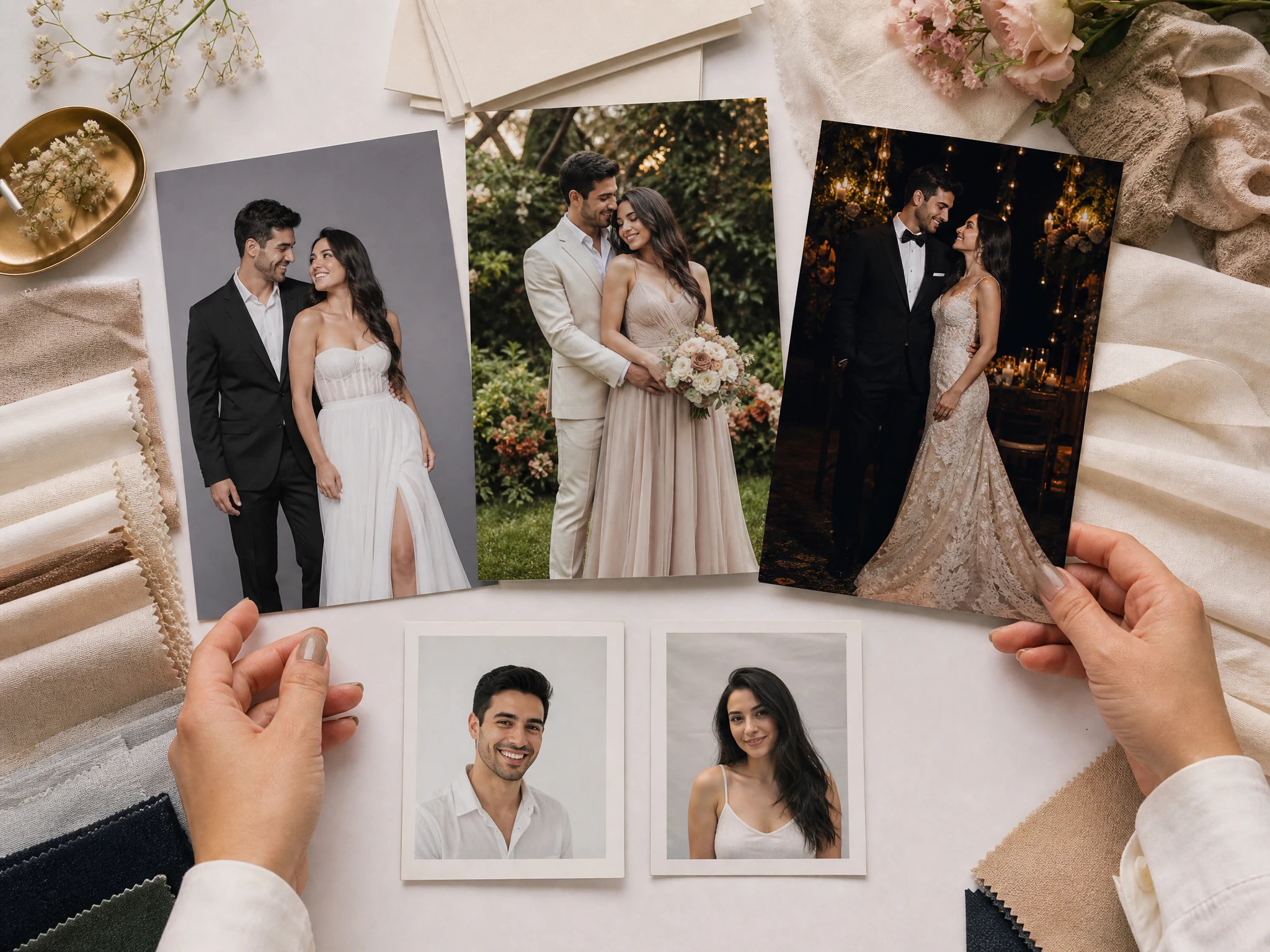
AI Wedding Photo Generator from Two Selfies, Free Online
Upload one couple photo or two separate partner portraits, choose a wedding style, then create a realistic wedding or prewedding-inspired photo for save-the-dates, invitations, announcements, social posts, keepsakes, and planning boards. Add a short note for venue, attire, pose, season, or mood. Free online. No login. No watermark on downloads.
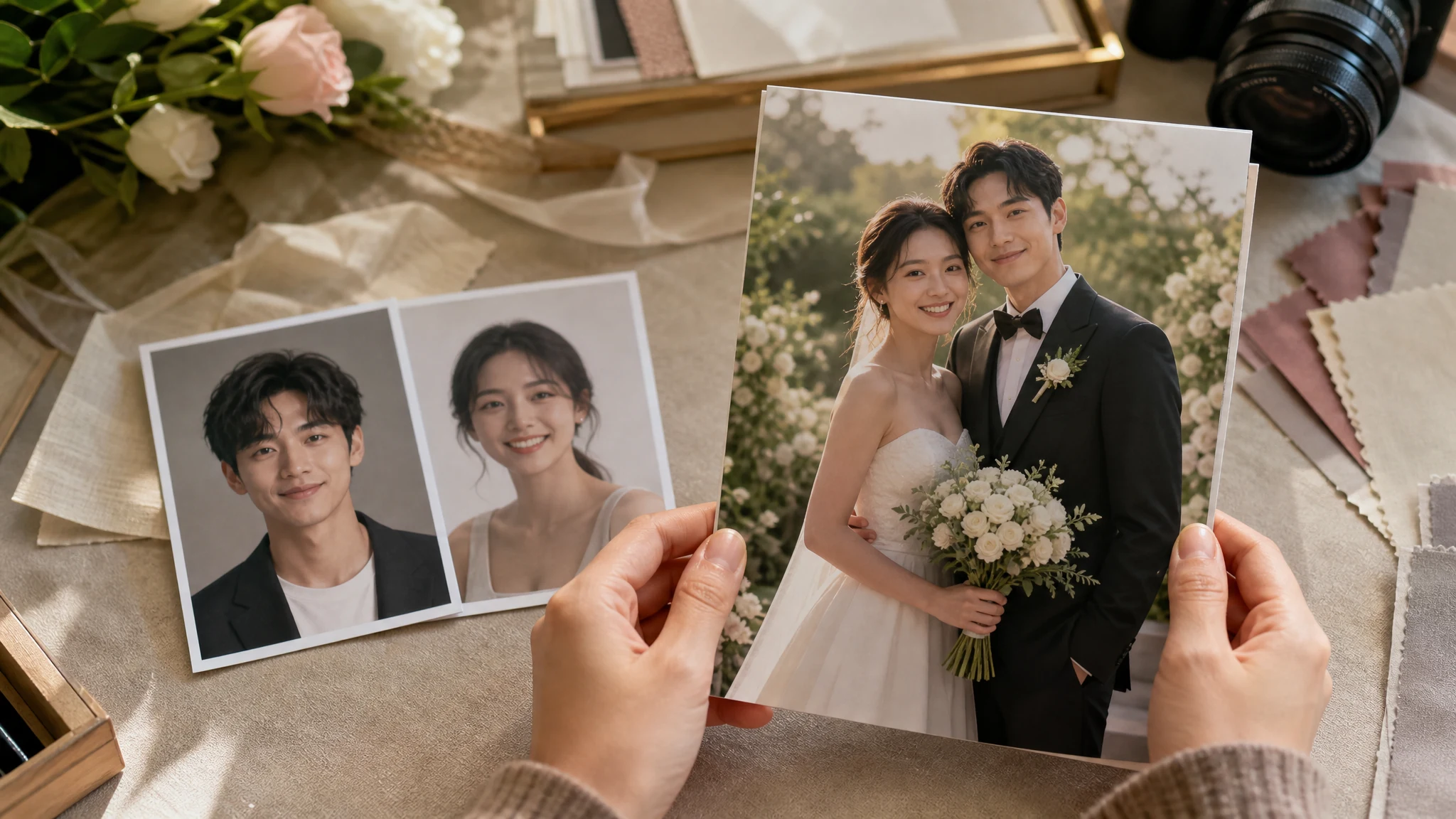
Trusted by 12,000,000+ users worldwide. Built for save-the-date photos, prewedding previews, invitation covers, destination concepts, and wedding keepsake ideas.
How to Make an AI Wedding Photo Online
The fastest path is upload both people, choose the wedding style, generate, then keep or refine the version that feels natural enough for your planning use.
Upload the couple references
Use one existing couple photo or one clear portrait of each partner. Similar lighting, visible eyes, and uncropped faces help the final wedding photo feel more natural.
Choose a wedding style
Pick classic studio, cathedral, beach, garden, editorial, ballroom, vintage, Korean studio, cultural attire, midnight cinematic, or save-the-date before adding a short note.
Download or refine
Save the best result, compare versions in history, share it, or send the keeper to image editor or upscaler for final cleanup and sharper export.
Wedding Photos You Can Create from Two Selfies
Create realistic AI wedding photos for save-the-dates, prewedding previews, invitation covers, announcements, destination concepts, cultural attire ideas, keepsakes, and first album drafts.
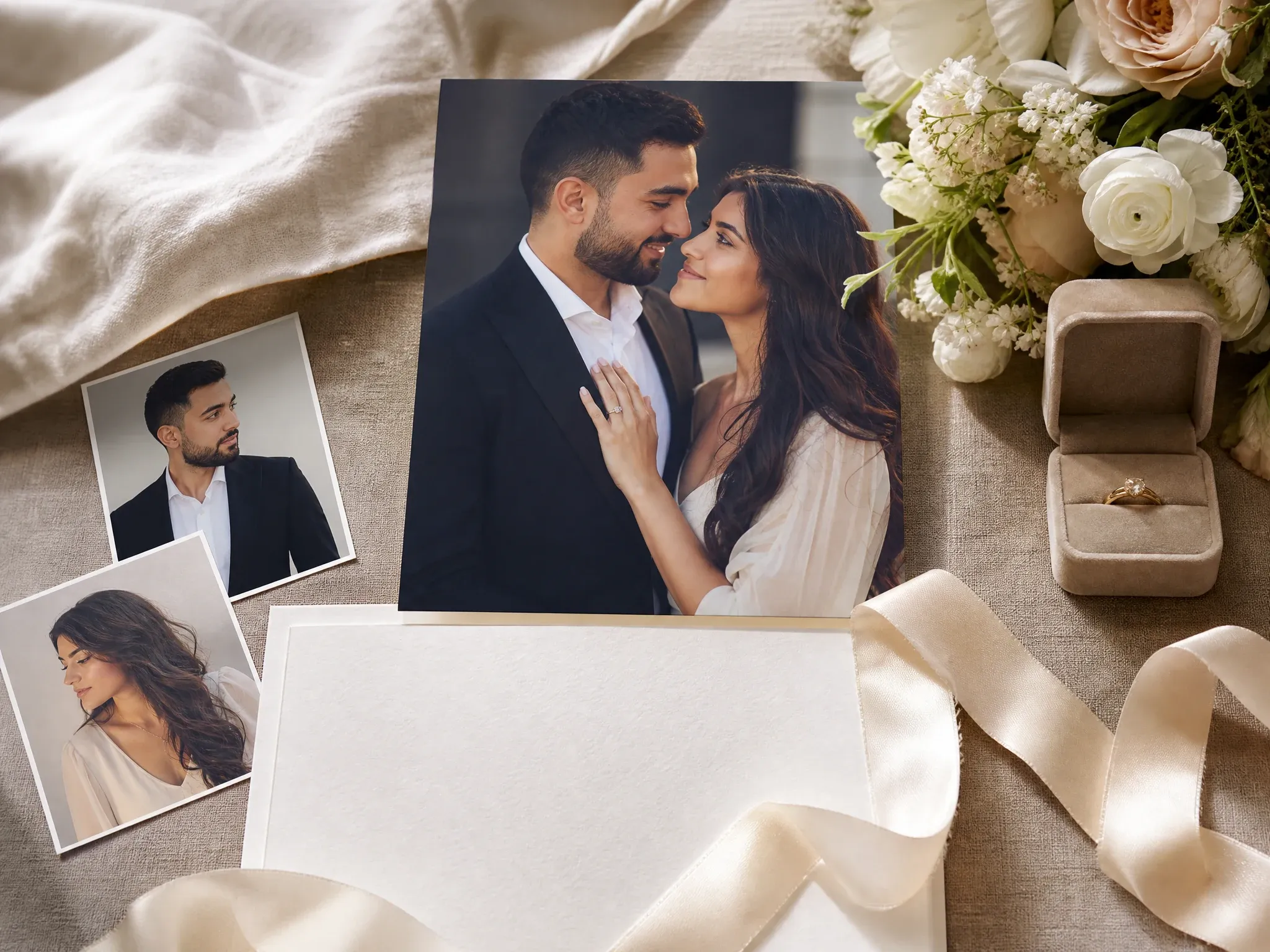
Save-the-date photos
Turn two separate selfies into one clean wedding-inspired image for announcements, cards, stories, and first planning drafts.
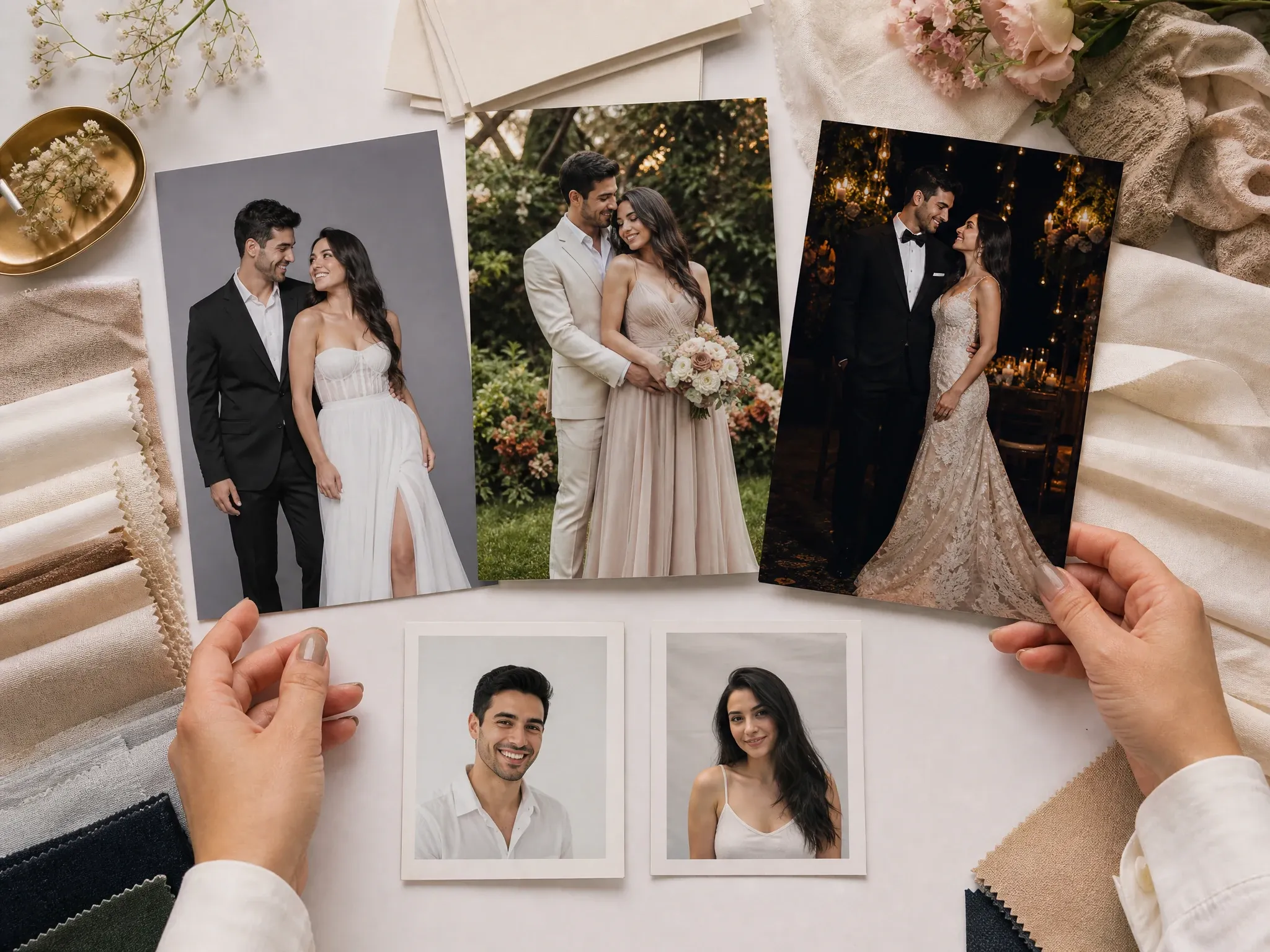
Prewedding style previews
Compare studio, garden, evening, editorial, and formal directions before deciding what mood you want from a real shoot.
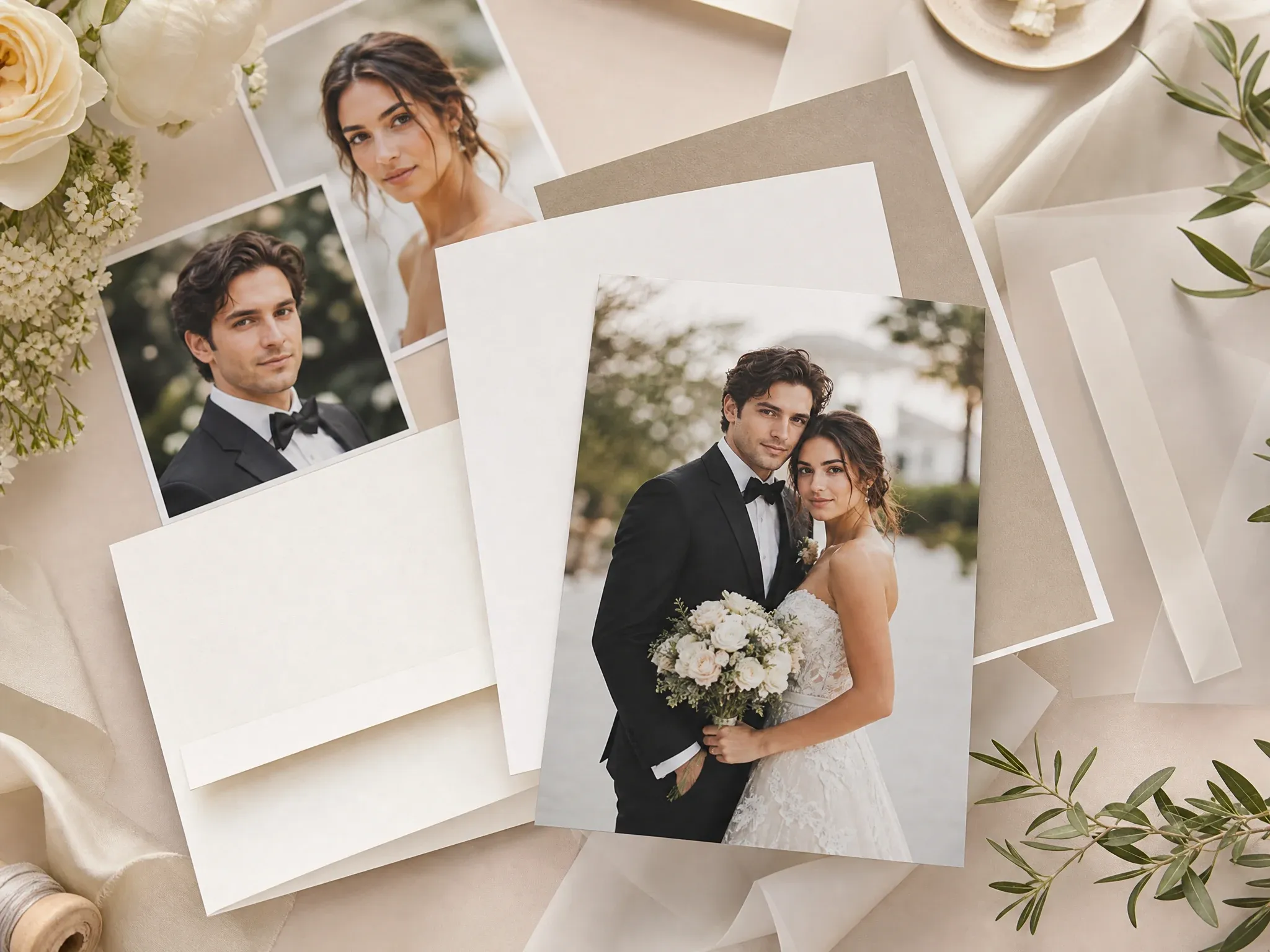
Invitation cover images
Create an image-only wedding portrait that can inspire an invitation, announcement, or wedding website cover.
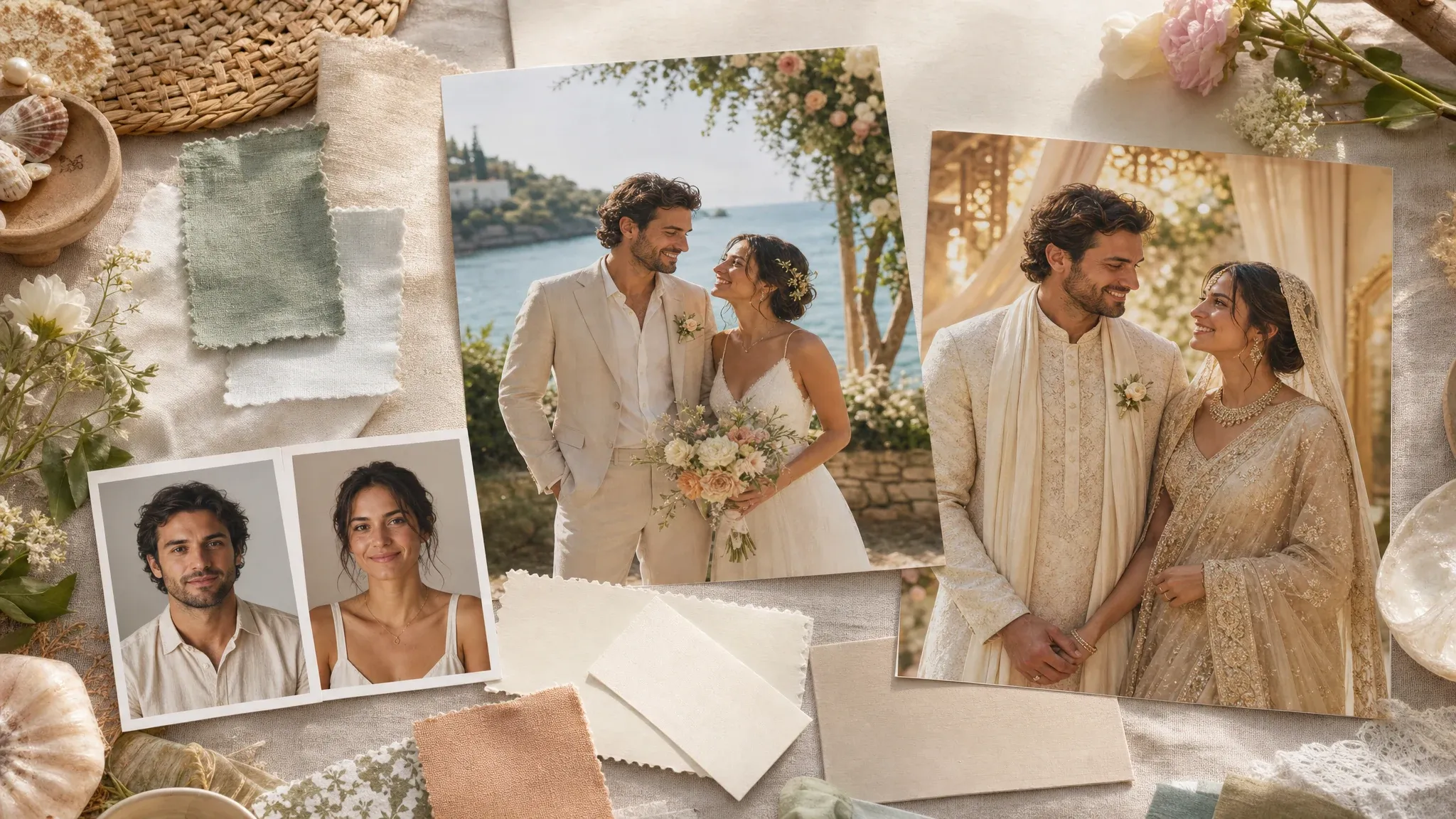
Destination and cultural concepts
Preview beach, garden, travel, and respectful cultural-attire-inspired directions without claiming a finished styled shoot.
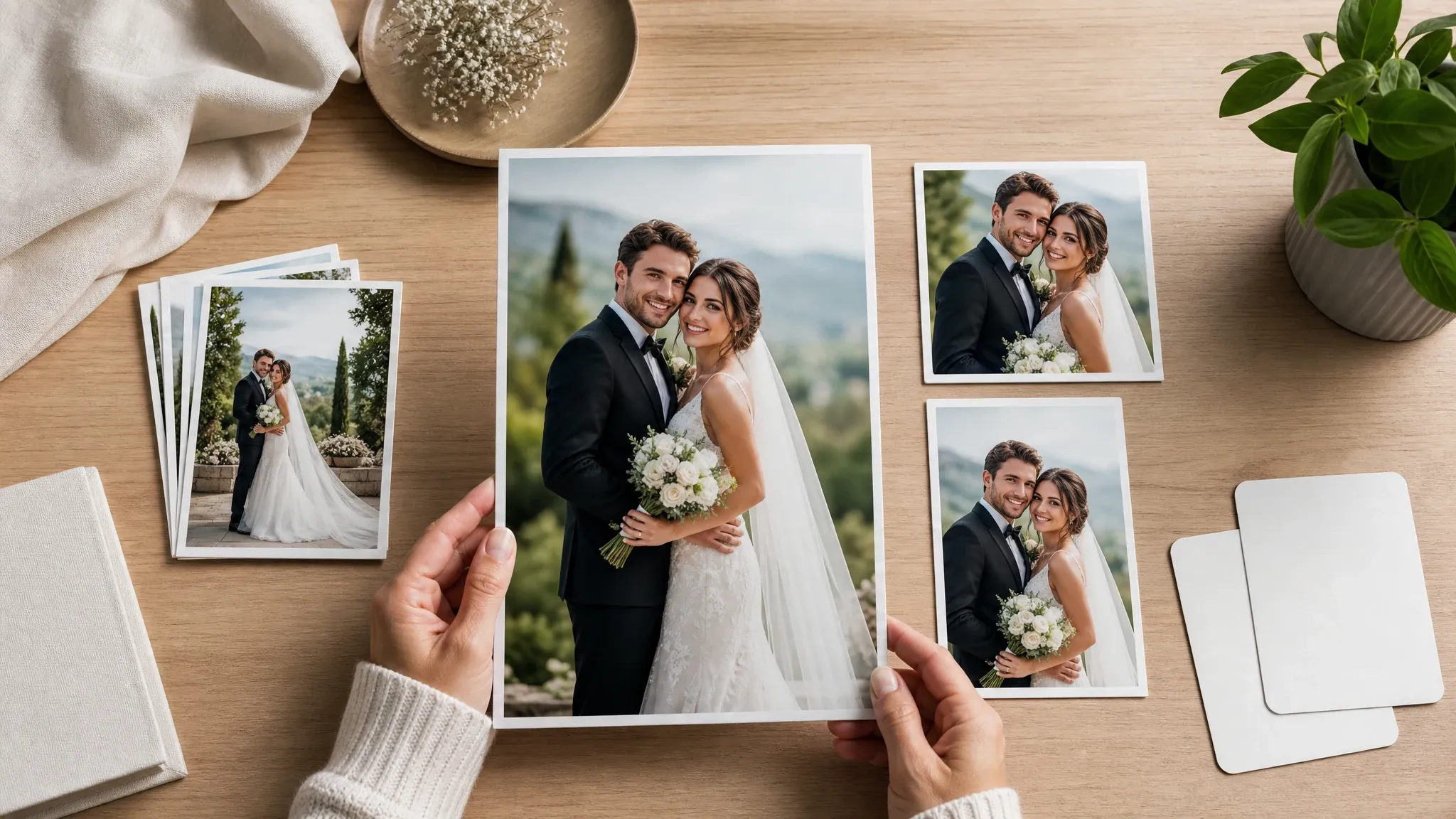
Refine and export
When one result is close, crop, sharpen, edit, or upscale it for social posts, planning boards, small prints, and keepsakes.
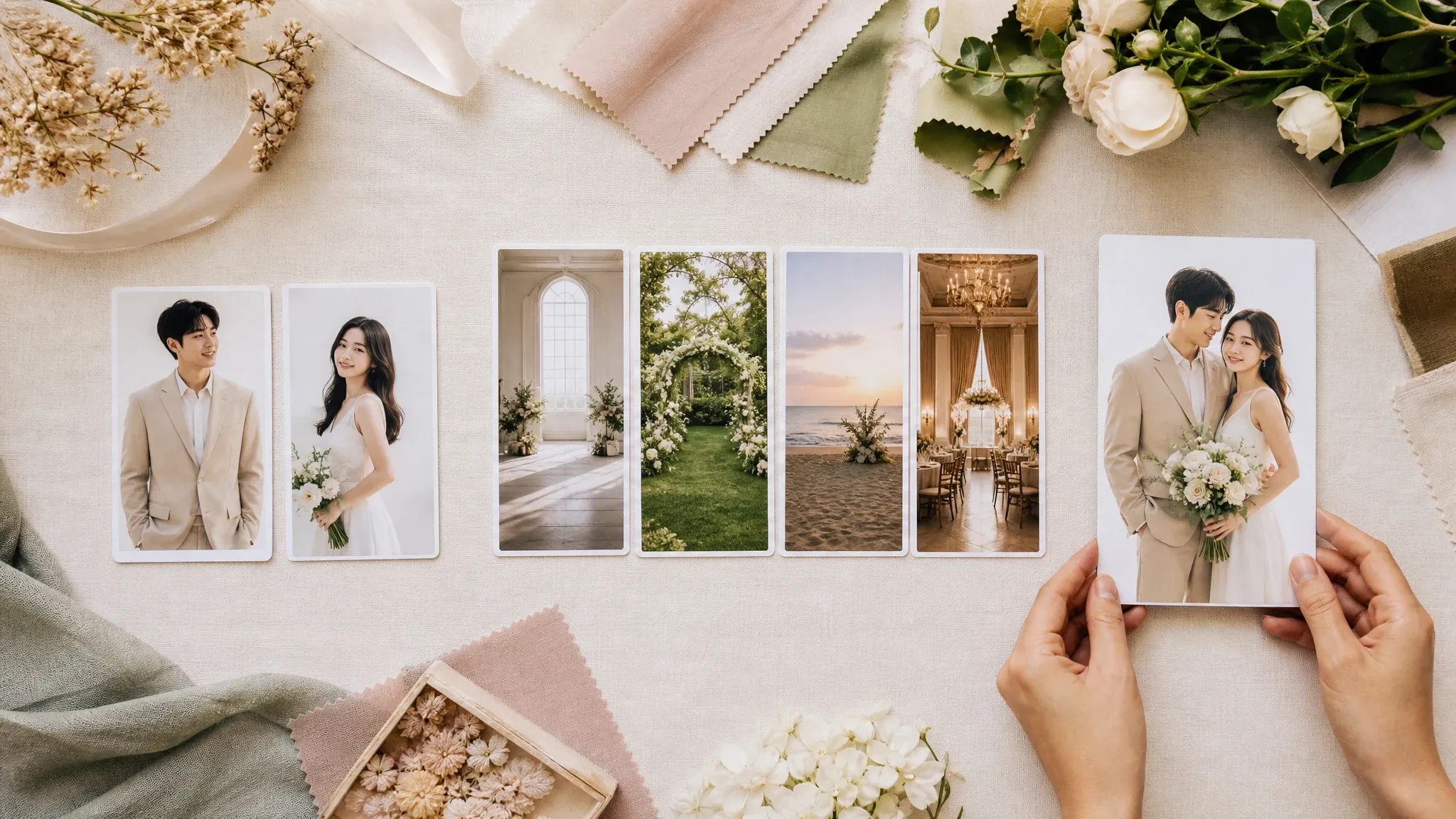
Style workflow
Use the page like a fast style board: upload, choose the scene, generate, compare, then keep the direction worth refining.
What Is an AI Wedding Photo Generator?
An AI wedding photo generator turns one couple photo or two separate portraits into a realistic wedding or prewedding-inspired still image. It helps couples test style, attire, venue mood, crop, and announcement ideas before a real shoot or design pass.
Two-person reference workflow
Upload one image with both partners, or upload separate portraits when you do not already have a wedding-style photo together.
Wedding-specific styles
Choose the ceremony, studio, destination, garden, editorial, ballroom, film, cultural, or save-the-date direction before generating.
Still photo output
The result is a downloadable wedding photo concept for announcements, covers, mood boards, social posts, keepsakes, and editing workflows.
Why Use FaceAI for AI Wedding Photos?
FaceAI keeps the wedding-photo tool first: upload the references, pick the style, generate, compare history, download without a watermark, share, and continue into editing or upscaling when the photo is close.
Not just a blank prompt box
The workflow starts with the people and the wedding style, so you are not asking a generic image prompt to invent both partners from scratch.
Built around wedding intent
Save-the-date, invitation cover, prewedding preview, destination, garden, ballroom, editorial, and cultural concept use cases are built into the page.
Free online workflow
Create wedding photos in the browser with upload, prompt, style, ratio, history, share, and no-watermark download controls in one flow.
Clear next steps
When the image is close, use image editor for cleanup or image upscaler for sharper export instead of starting over.
How to Get Better AI Wedding Photos
Wedding-photo quality depends on readable source faces and a focused style. Give the generator clear partner references, then guide one wedding direction at a time.
Use clear source photos
Avoid tiny screenshots, sunglasses, heavy filters, extreme side angles, cropped faces, and harsh shadows. Clear eyes and normal lighting improve the result.
Pick the wedding style first
Choose studio, garden, beach, ballroom, editorial, cultural attire, or save-the-date before adding a prompt. The style gives the model a cleaner target.
Keep prompts specific
Add one or two details: venue mood, outfit direction, crop, season, flowers, or lighting. Long prompts can fight the source photo.
Treat it as a concept photo
Use the output for planning, announcements, covers, and inspiration. A real ceremony photographer still captures the actual event.
AI Wedding Photo Generator vs. Couple Photo, Invitation, and Video Tools
Use the right workflow for the job. A wedding photo generator is narrower than a general couple photo maker and different from a card editor, video tool, or full photographer package.
| 对比项 | Face AI我们 FaceAI wedding photo workflow | Other workflows |
|---|---|---|
| Starting point | Upload one couple photo or two partner portraits, choose a wedding style, and add a short optional note. | Generic image tools may require every wedding, pose, outfit, and venue detail from scratch. |
| Best use | Save-the-date photos, prewedding previews, invitation cover images, destination concepts, announcements, social posts, and keepsakes. | Couple photo tools cover romance and travel more broadly; card tools handle layout and text. |
| Style control | Classic studio, cathedral, beach, garden, editorial, ballroom, vintage, Korean studio, cultural attire, midnight cinematic, and save-the-date styles. | Some wedding suites offer full albums, card builders, or many template packs, but may require account gates or paid packages. |
| Output | One realistic still wedding photo result at a time with ratio, 1K/2K, history, share, and no-watermark download controls. | Wedding video, invitation editors, and album generators are separate workflows with different output contracts. |
| Next step | Download, share, compare history, refine in image editor, or sharpen the keeper in upscaler. | A full studio shoot or wedding album service is still the right choice for final ceremony coverage. |
| Honest limit | Strong style changes can shift exact likeness. Inspect the result before using it publicly or printing. | Some tools overpromise perfect identity consistency, exact speed, 4K, or full album coverage from every source photo. |
Starting point
Upload one couple photo or two partner portraits, choose a wedding style, and add a short optional note.
Generic image tools may require every wedding, pose, outfit, and venue detail from scratch.
Best use
Save-the-date photos, prewedding previews, invitation cover images, destination concepts, announcements, social posts, and keepsakes.
Couple photo tools cover romance and travel more broadly; card tools handle layout and text.
Style control
Classic studio, cathedral, beach, garden, editorial, ballroom, vintage, Korean studio, cultural attire, midnight cinematic, and save-the-date styles.
Some wedding suites offer full albums, card builders, or many template packs, but may require account gates or paid packages.
Output
One realistic still wedding photo result at a time with ratio, 1K/2K, history, share, and no-watermark download controls.
Wedding video, invitation editors, and album generators are separate workflows with different output contracts.
Next step
Download, share, compare history, refine in image editor, or sharpen the keeper in upscaler.
A full studio shoot or wedding album service is still the right choice for final ceremony coverage.
Honest limit
Strong style changes can shift exact likeness. Inspect the result before using it publicly or printing.
Some tools overpromise perfect identity consistency, exact speed, 4K, or full album coverage from every source photo.
How People Use the AI Wedding Photo Generator
These comments focus on the real loop: upload one couple photo or two selfies, choose the wedding style, generate, compare, then download or refine the image that fits the plan.
"The strongest part is the two-photo start. Couples can test a save-the-date look before booking a full prewedding shoot."

Jordan Kim
Growth Lead
"Classic studio, garden, beach, and editorial styles give a real planning range without turning the page into a generic prompt box."

Aiden Okonkwo
Head of Viral Marketing
"We used separate selfies and kept the prompt short. The 4:5 result was the easiest crop for announcements and mood boards."

Maya Patel
Product-Led Growth Manager
"The output works well as image-only cover inspiration. I still build the card layout separately, but the photo direction is fast."

Finn Johansson
Acquisition Channel Lead
"For destination concepts, the page is useful because it shows the couple in the scene instead of only listing venue ideas."

Zuri Campbell
Gen-Z Marketing Specialist
"The no-watermark download and history flow make it easy to compare wedding styles before sending the keeper to cleanup or upscaling."

Lucas Andrade
Mobile Growth Manager
"The strongest part is the two-photo start. Couples can test a save-the-date look before booking a full prewedding shoot."
Jordan Kim
Growth Lead
"Classic studio, garden, beach, and editorial styles give a real planning range without turning the page into a generic prompt box."
Aiden Okonkwo
Head of Viral Marketing
"We used separate selfies and kept the prompt short. The 4:5 result was the easiest crop for announcements and mood boards."
Maya Patel
Product-Led Growth Manager
"The output works well as image-only cover inspiration. I still build the card layout separately, but the photo direction is fast."
Finn Johansson
Acquisition Channel Lead
"For destination concepts, the page is useful because it shows the couple in the scene instead of only listing venue ideas."
Zuri Campbell
Gen-Z Marketing Specialist
"The no-watermark download and history flow make it easy to compare wedding styles before sending the keeper to cleanup or upscaling."
Lucas Andrade
Mobile Growth Manager
"The cultural attire option is framed as a concept, which is the right boundary. I can guide the look without pretending it replaces a real stylist."

Rina Watanabe
Startup Marketing Lead
"The strongest part is the two-photo start. Couples can test a save-the-date look before booking a full prewedding shoot."
Jordan Kim
Growth Lead
"Classic studio, garden, beach, and editorial styles give a real planning range without turning the page into a generic prompt box."
Aiden Okonkwo
Head of Viral Marketing
"We used separate selfies and kept the prompt short. The 4:5 result was the easiest crop for announcements and mood boards."
Maya Patel
Product-Led Growth Manager
"The output works well as image-only cover inspiration. I still build the card layout separately, but the photo direction is fast."
Finn Johansson
Acquisition Channel Lead
"For destination concepts, the page is useful because it shows the couple in the scene instead of only listing venue ideas."
Zuri Campbell
Gen-Z Marketing Specialist
"The no-watermark download and history flow make it easy to compare wedding styles before sending the keeper to cleanup or upscaling."
Lucas Andrade
Mobile Growth Manager
"The cultural attire option is framed as a concept, which is the right boundary. I can guide the look without pretending it replaces a real stylist."
Rina Watanabe
Startup Marketing Lead
"Uploading two portraits was clearer than writing a long prompt. The result felt like one shared prewedding photo, not a collage."

Sebastian Cruz
Viral Content Manager
"Save-the-date, announcement, and profile crops are the practical use cases. The tool stays focused on still wedding photos."

Talia Hassan
Community-Led Growth Manager
"Clear source photos mattered more than a complicated prompt. Similar lighting and visible eyes gave the best couple results."

Carlos Mendoza
Senior Media Buyer
"The page is commercial enough for search but still honest about not replacing a real ceremony photographer."

Diego Ramirez
Head of Programmatic
"The workbench feels like a real generator: upload, choose style, generate, compare, download, and share from one place."

Mateo Gutierrez
Advertising Operations Manager
"The magazine editorial and luxury ballroom presets help couples test a premium direction before deciding what to shoot in real life."

Santiago Herrera
Director of Media Investment
"I like that wedding photos, couple photos, cards, and video are separated. This page owns one realistic wedding-photo result at a time."

Pablo Reyes
Media Planning Lead
"Uploading two portraits was clearer than writing a long prompt. The result felt like one shared prewedding photo, not a collage."
Sebastian Cruz
Viral Content Manager
"Save-the-date, announcement, and profile crops are the practical use cases. The tool stays focused on still wedding photos."
Talia Hassan
Community-Led Growth Manager
"Clear source photos mattered more than a complicated prompt. Similar lighting and visible eyes gave the best couple results."
Carlos Mendoza
Senior Media Buyer
"The page is commercial enough for search but still honest about not replacing a real ceremony photographer."
Diego Ramirez
Head of Programmatic
"The workbench feels like a real generator: upload, choose style, generate, compare, download, and share from one place."
Mateo Gutierrez
Advertising Operations Manager
"The magazine editorial and luxury ballroom presets help couples test a premium direction before deciding what to shoot in real life."
Santiago Herrera
Director of Media Investment
"I like that wedding photos, couple photos, cards, and video are separated. This page owns one realistic wedding-photo result at a time."
Pablo Reyes
Media Planning Lead
What Should You Try After Making a Wedding Photo?
Choose the next FaceAI tool based on the blocker: broader couple photos, cleaner portraits, cleanup, sharper export, or optional motion from a finished still image.
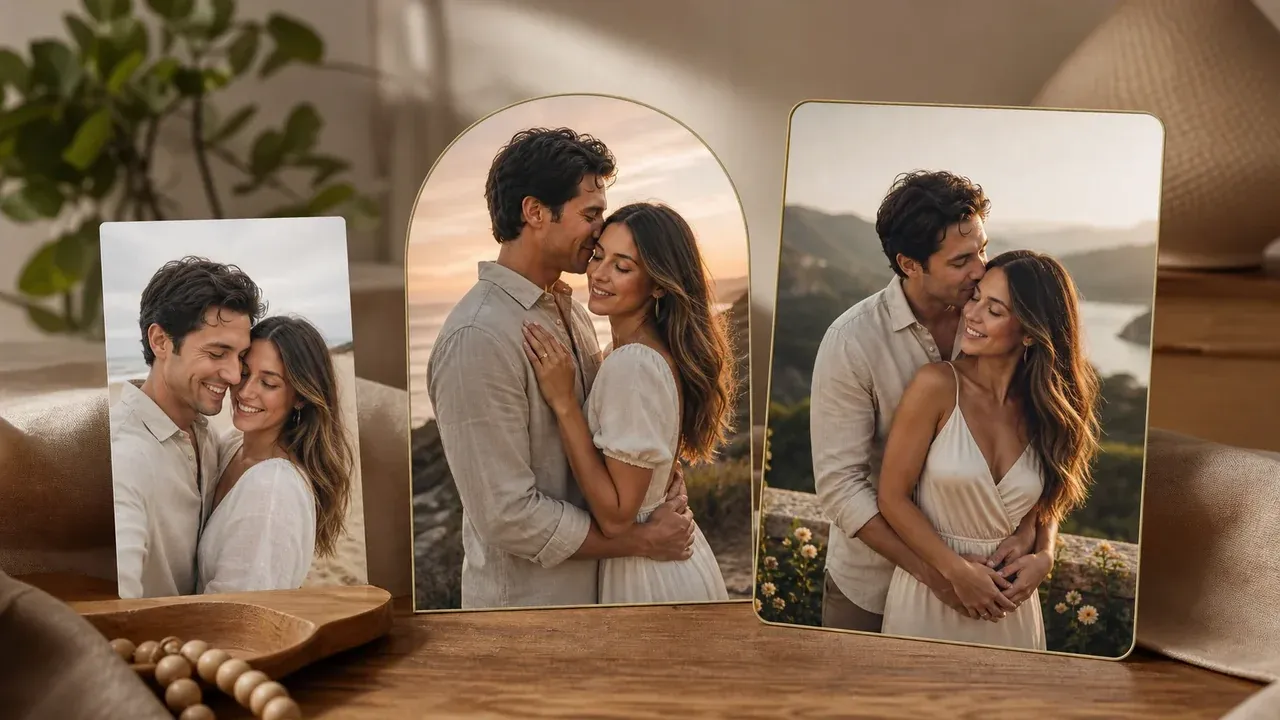
AI Couple Photo Maker
Use this when you want romantic, travel, anniversary, or social couple photos outside a wedding-specific style.
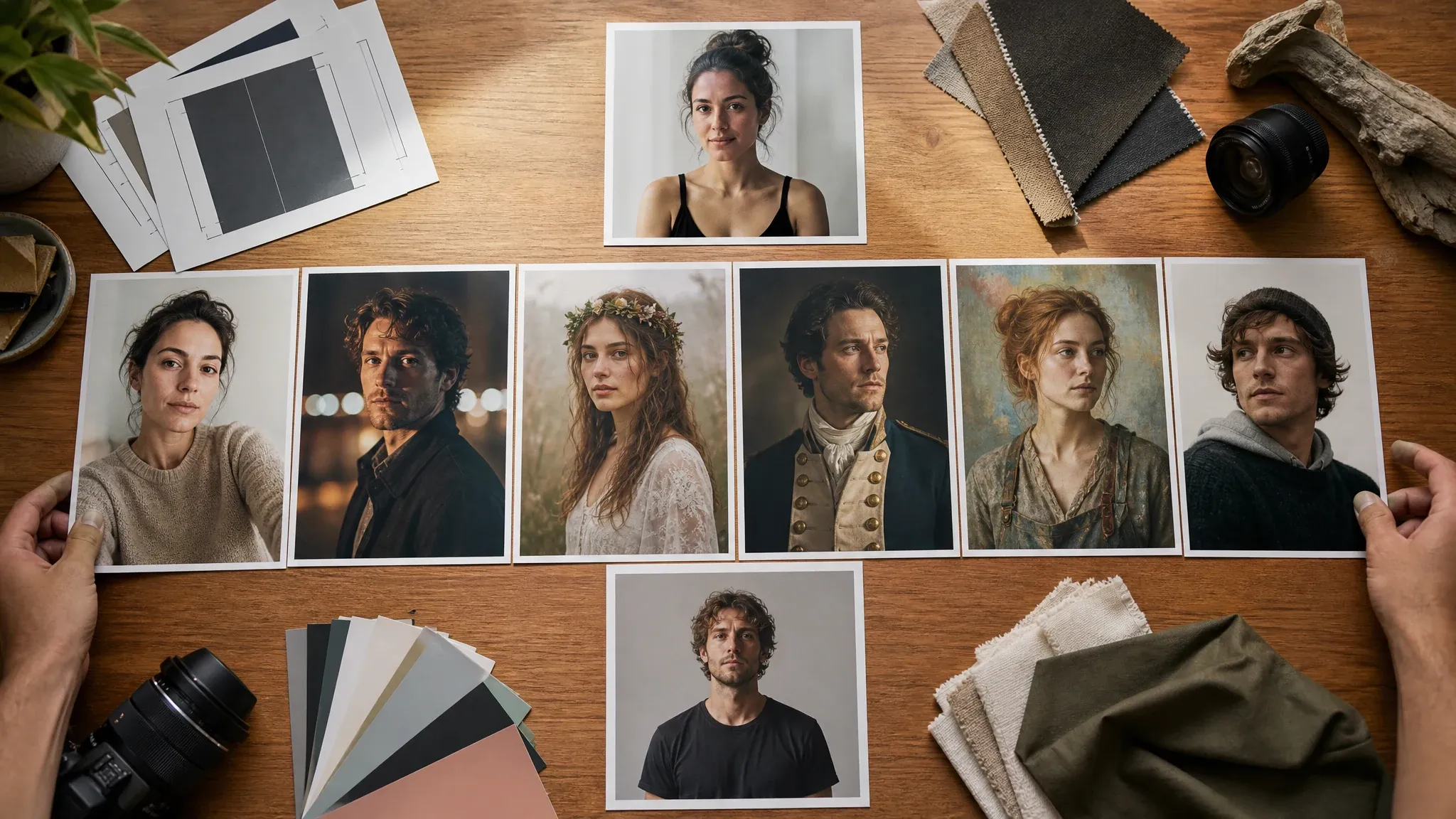
AI Portrait Generator
Create or refine one person portrait first when a source selfie needs a cleaner crop before the wedding workflow.

AI Image Editor
Clean up a finished wedding photo: small background distractions, crop edge, color tone, or object details.
AI Image Upscaler
Sharpen the keeper before using it for a print, invitation cover, announcement image, or album concept.
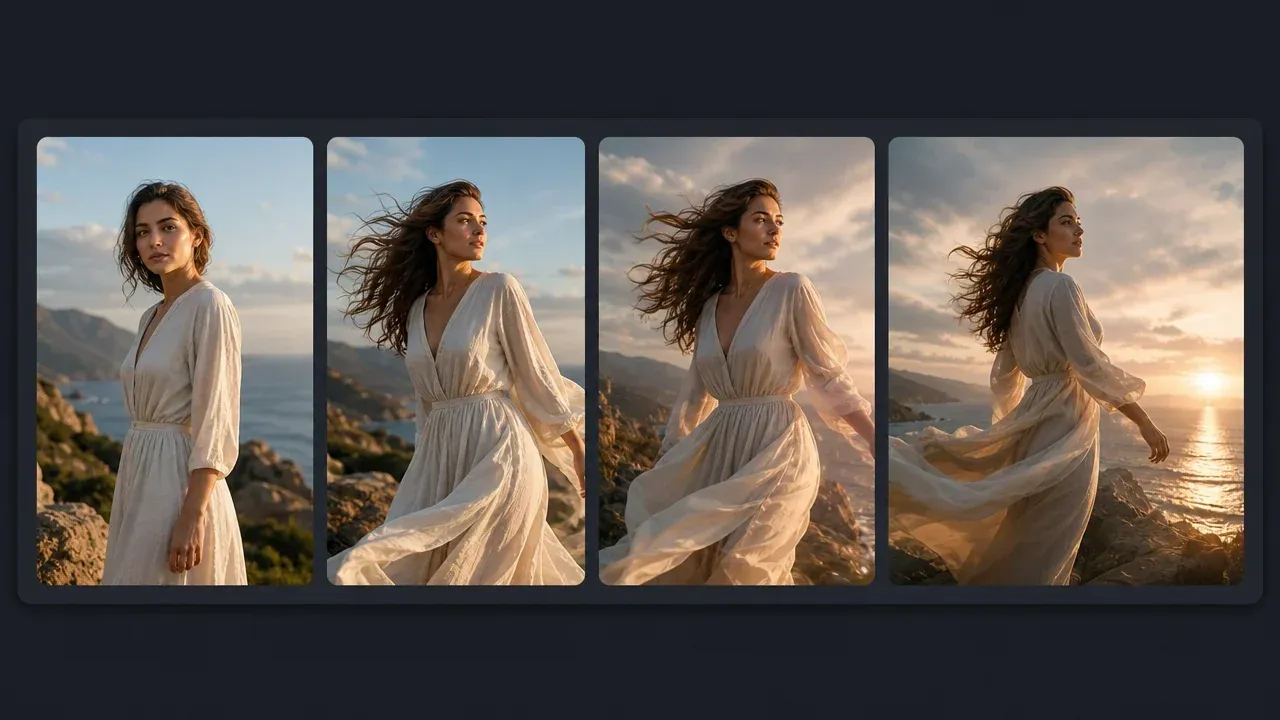
AI Image to Video Generator
Turn a finished wedding image into a short motion idea only after the still photo direction is ready.
AI Wedding Photo Generator FAQ
Direct answers about free use, no login, no watermark downloads, two selfies, wedding styles, HD/2K output, privacy, invitations, and realistic limitations.
It is an online tool that turns one couple photo or two separate partner portraits into a new wedding or prewedding-inspired still image. Use it for save-the-dates, announcements, invitation covers, social posts, style boards, and keepsake ideas.
Yes. You can start generating wedding photos from this browser page for free. If heavier use reaches account or quota rules, FaceAI shows the current limit in the product flow.
No login or app download is needed for the normal browser flow. The page is designed for upload, generate, download, share, and refine workflow in the browser.
Yes. Upload one clear portrait for each partner, or upload one existing couple photo. Two separate selfies are useful when you do not already have a photo together.
Use clear, recent portraits with visible eyes, normal lighting, and enough face detail. Avoid sunglasses, heavy filters, tiny screenshots, extreme side angles, and photos you do not have permission to use.
The workbench includes classic studio, cathedral ceremony, beach destination, garden romance, magazine editorial, luxury ballroom, vintage film, Korean studio, cultural wedding attire, midnight cinematic, save-the-date portrait, and custom prompt directions.
Yes. One couple photo can be used as the source when both faces are readable. Two separate portraits are useful when the couple does not have a good shared photo.
Yes. After the generated image appears, use the download control in the workbench. Keep the tab open until the final image is ready.
Yes. The page creates image-only wedding photo concepts that can be used as inspiration or cover images. It is not a full invitation card editor with text layout.
No. This page creates still wedding photos one generation at a time. Use related tools for image-to-video, editing, or upscaling when the still image is ready.
The workflow uses your uploaded photos as source guidance, but exact biometric likeness is not guaranteed. Strong style changes, poor lighting, or side-angle photos can shift features, so inspect the result before using it publicly.
Use photos you are comfortable processing through an online tool. FaceAI uses secure upload handling for the generation flow, and you should avoid uploading sensitive images or photos you do not have permission to use.
You can use generated wedding photo concepts when you own or have permission for the source photos. Avoid logos, public figures, fake endorsements, protected brands, and misleading identity claims.
Yes. AI Couple Photo Maker is broader for romantic, travel, anniversary, and social couple photos. This page is wedding-specific: styles, copy, use cases, and prompts focus on wedding and prewedding images.
Create Your AI Wedding Photo Now
Upload one couple photo or two selfies, choose the wedding style, generate a realistic wedding photo, then download or refine the version that fits your plan.