
Starting point
हमारा
Upload one real selfie or headshot, then choose an avatar style.
Other workflows
Prompt avatar generators start from text and may not preserve a real person.
Upload a real selfie or headshot and turn it into a profile-ready avatar. Choose professional, realistic, cartoon, anime, 3D, gaming, or creator-brand styles, then download a still avatar for social profiles, work apps, Discord, Twitch, creator bios, and personal brands. No sign-up. No watermark. No app download.
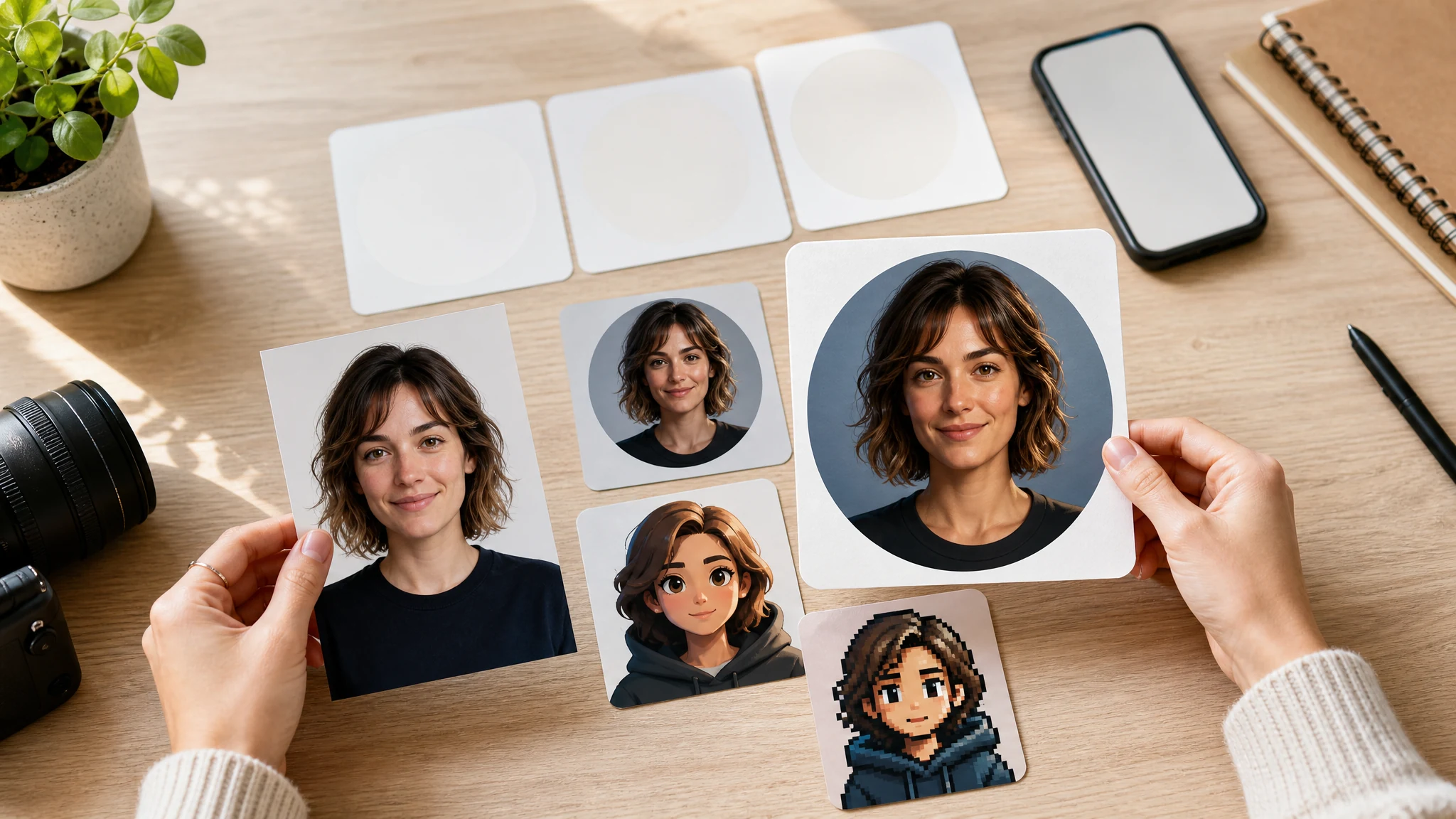
Trusted by 12,000,000+ users worldwide.
The fastest path is simple: upload a clear portrait, choose the avatar style, then download or refine the still image that looks closest.
Use a front-facing selfie or headshot with one visible face, normal light, and no sunglasses or heavy filter.
Choose professional, realistic, cartoon, anime, 3D, gaming, or creator-brand style, then add a short note only if needed.
Download the avatar, compare results in history, or send the keeper to image-to-image, editor, or upscaler for the next pass.
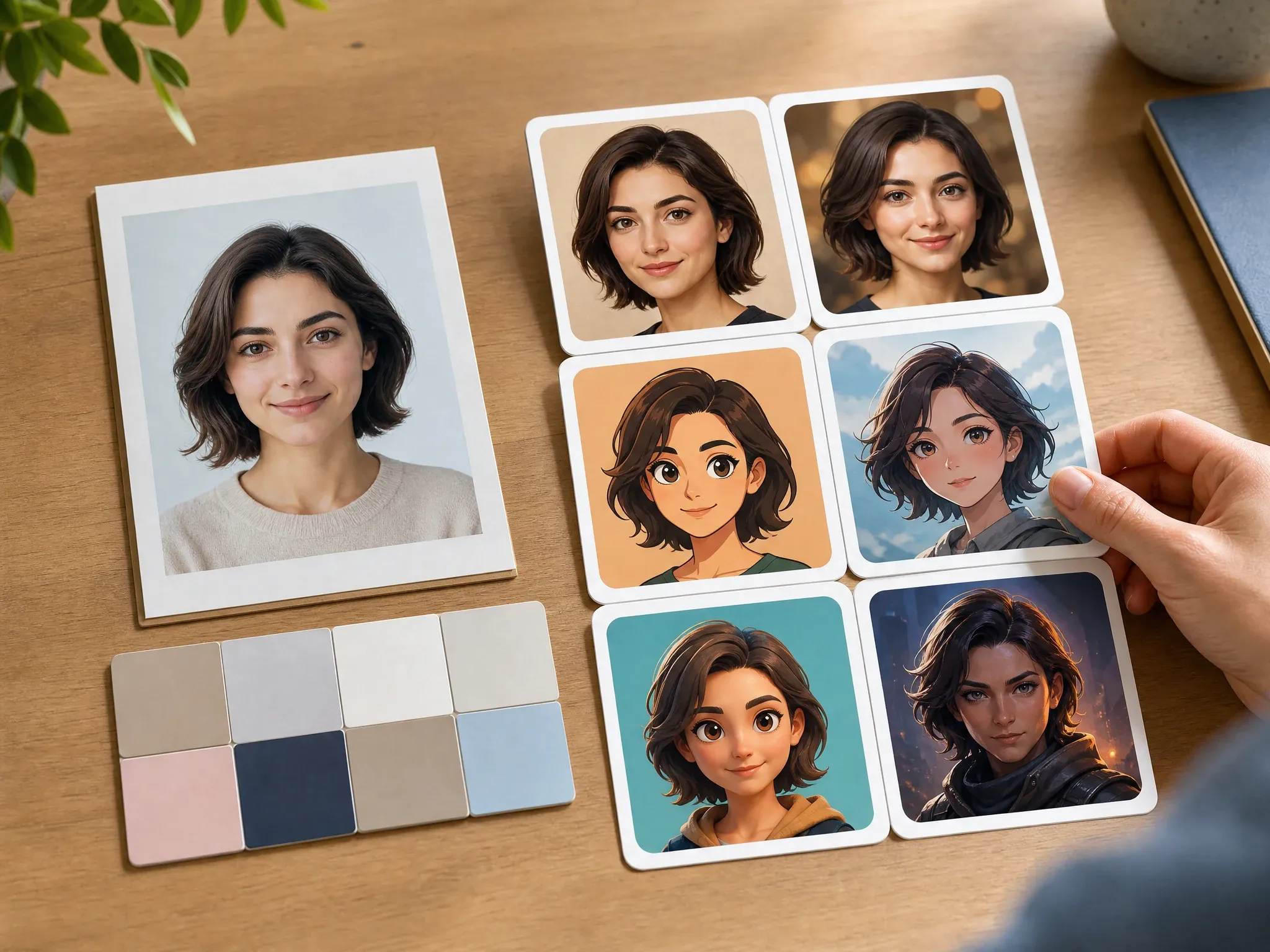
Create practical still avatars for profile pictures, work accounts, gaming communities, creator channels, cartoon identities, anime icons, and 3D-style profile images.
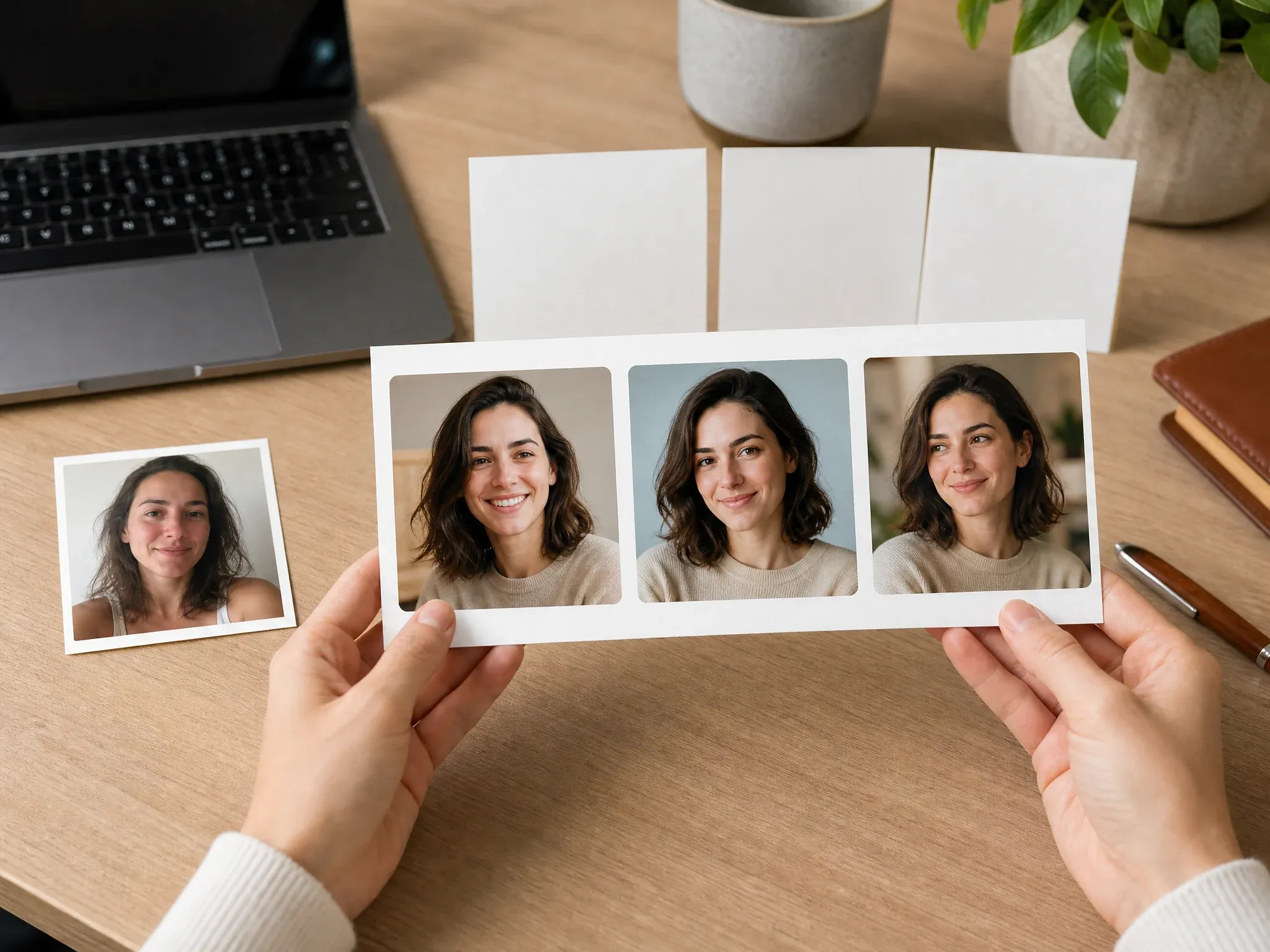
Turn a casual selfie into a cleaner work-app or team-page avatar without making it as formal as a business headshot.
Make a profile-ready avatar for Instagram, TikTok, YouTube, newsletters, creator bios, personal sites, and community pages.
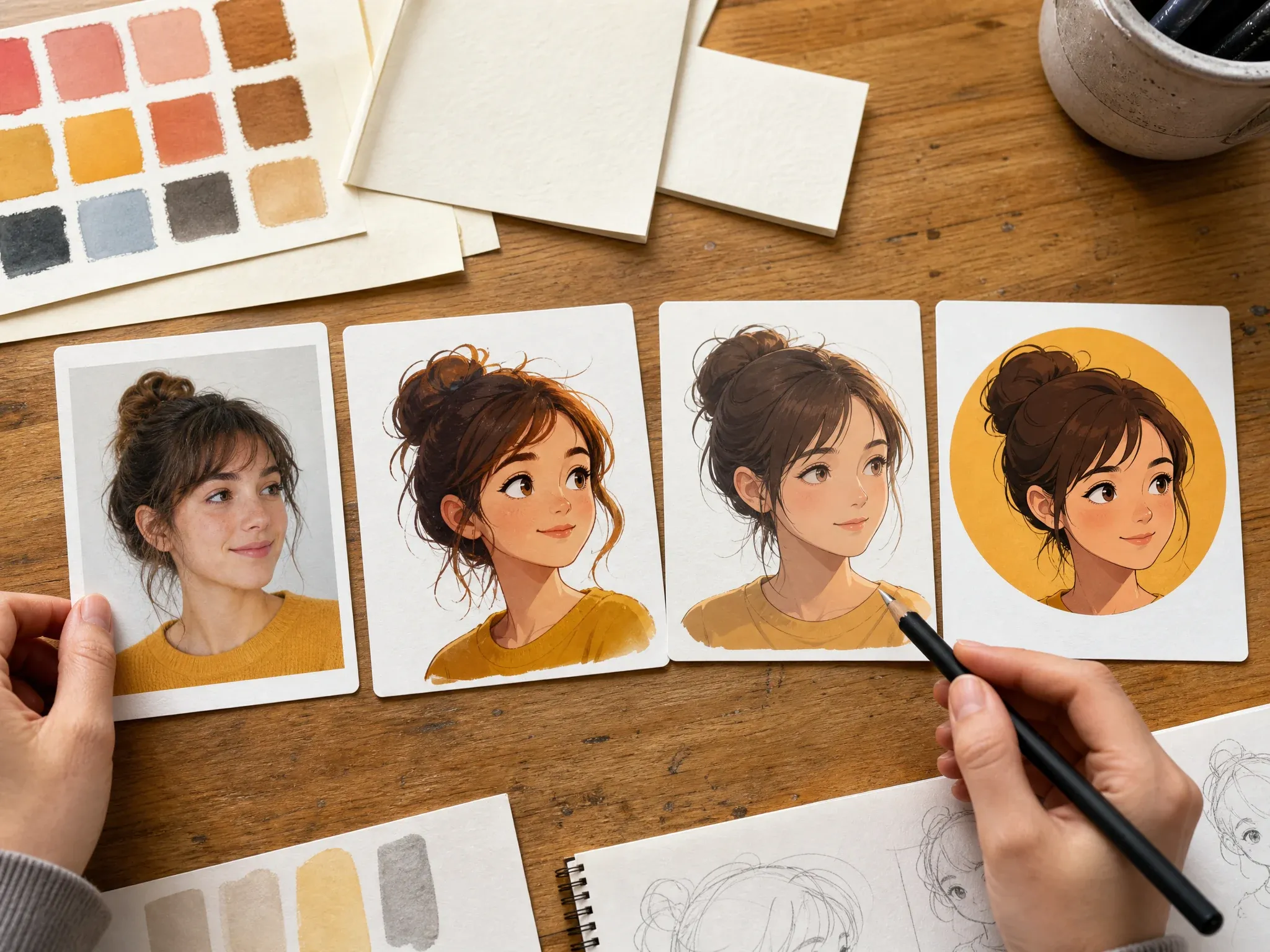
Create a stylized still avatar from your photo while keeping the prompt focused on one expression, one crop, and one clean background.
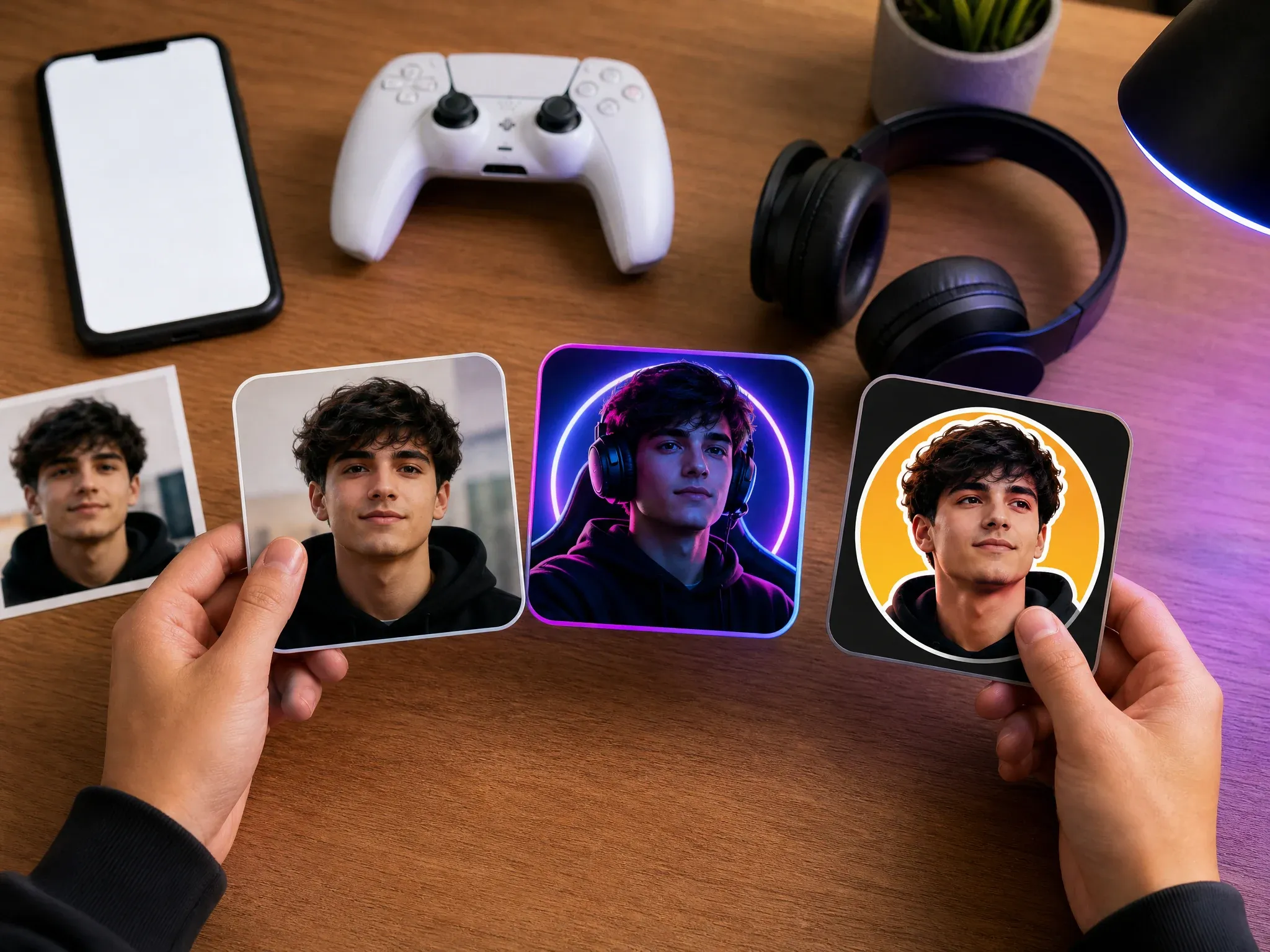
Use stronger lighting, cyberpunk mood, or 3D icon styling for Discord, Twitch, guild profiles, and gaming communities.
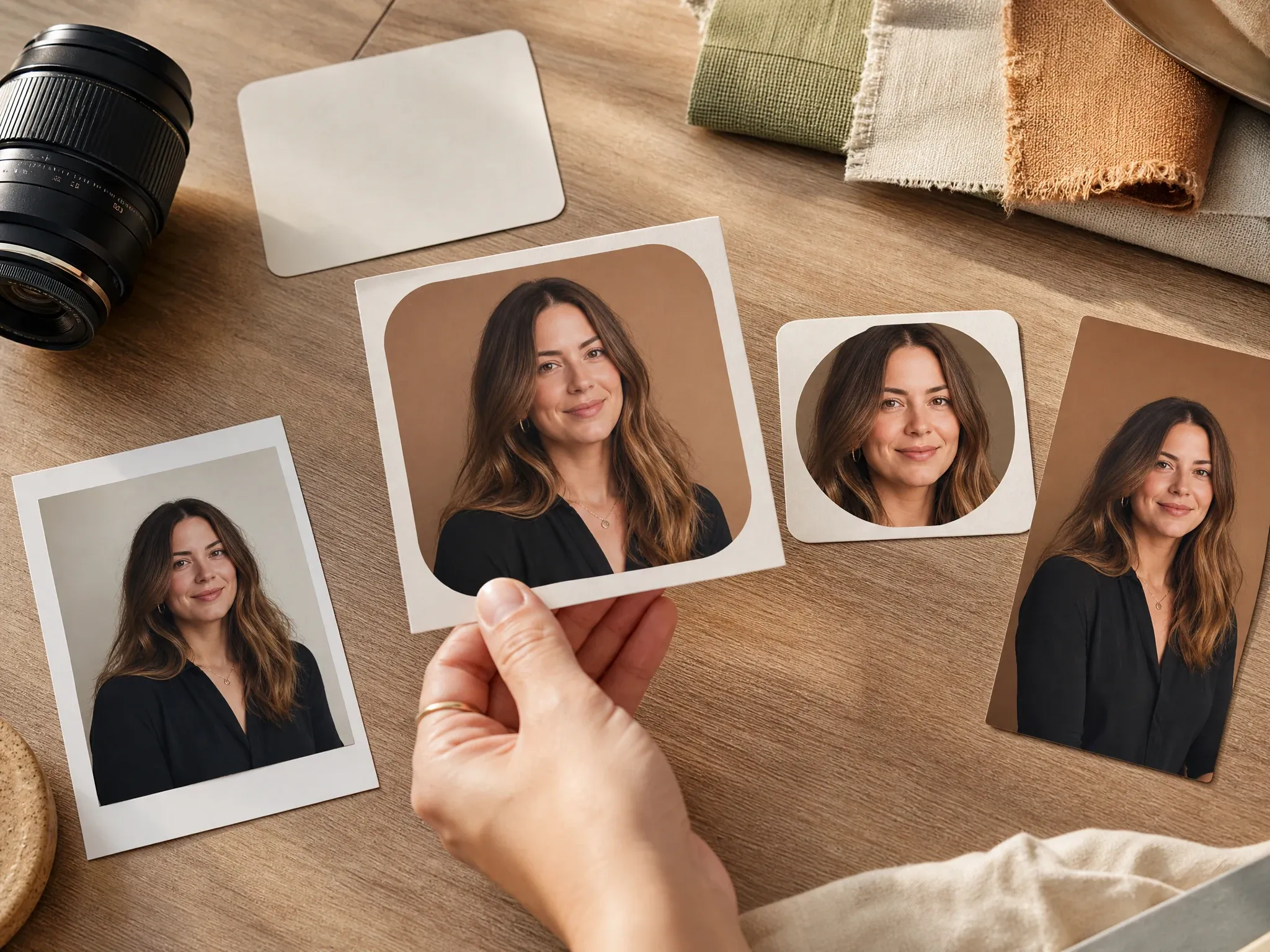
Build a profile image direction for a podcast, newsletter, channel, founder page, or campaign board before polishing the final export.
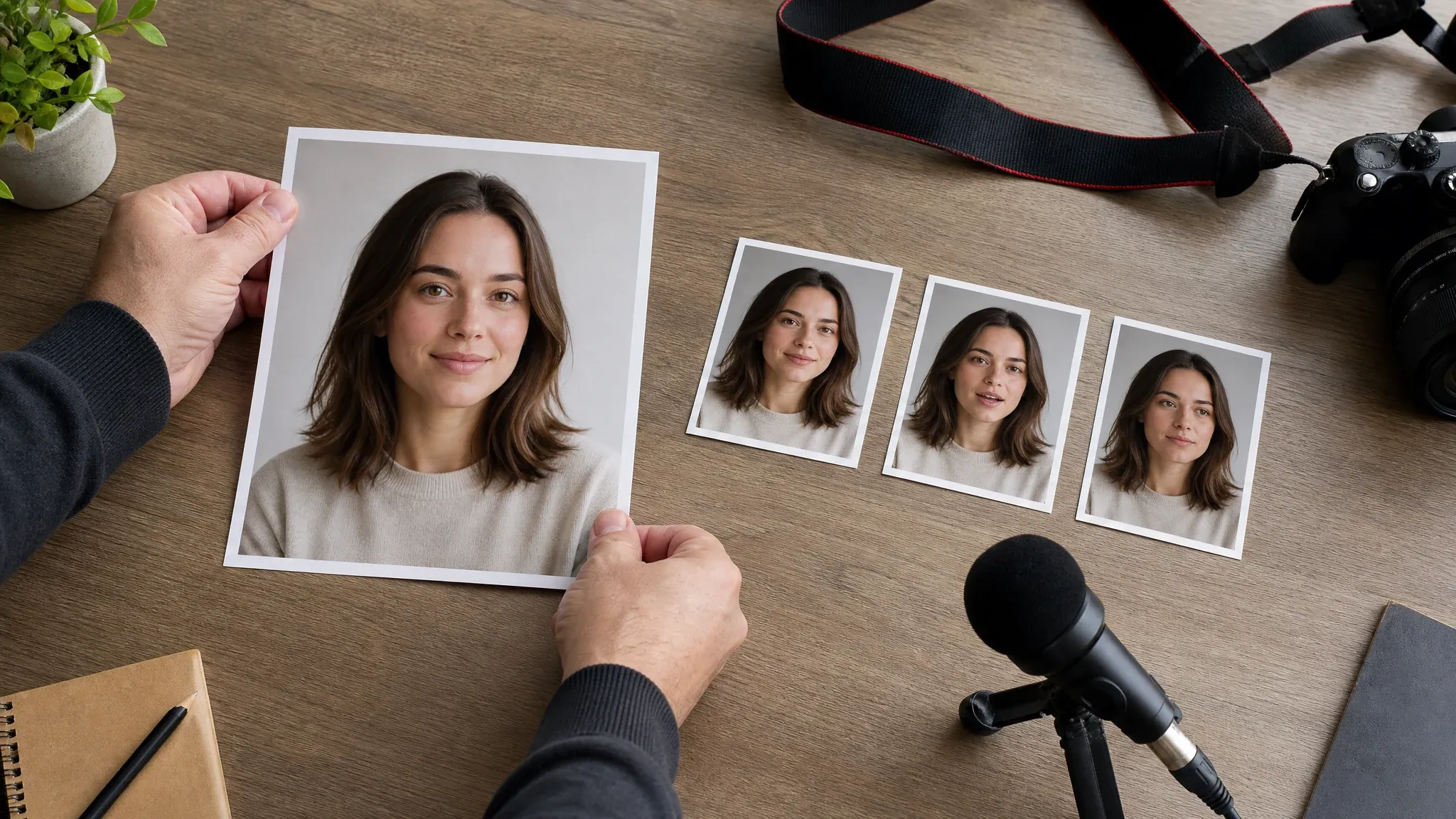
Create the still image first, then move the keeper into talking or video tools only when the portrait is worth animating.
Create avatar from photo means you start with a real portrait and generate a stylized still avatar from it. It is different from prompt-only avatars, professional headshots, and talking video avatars.
Upload a selfie or headshot so the result can use source-photo cues before style changes begin.
The result is a downloadable image for profiles, bios, communities, decks, and creator kits, not a video, voice, or live avatar.
Clear photos help preserve useful features, but strong styles can change likeness. Use simple prompts and regenerate when identity drifts.
FaceAI puts the upload box first, keeps the page free online, gives you useful avatar styles, and keeps download, share, history, and follow-up tools in the same workflow.
This page starts from your source photo. The prompt is optional guidance, not the whole identity.
Pick professional, realistic, cartoon, anime, 3D, gaming, or creator-brand directions without building the prompt from scratch.
Compare versions before changing too much. If one result is close, save it and refine from that image.
Create, preview, download, share, and continue into editing or upscaling from the browser.
Photo quality matters more than long prompts. Give the model a face it can read, then use style and ratio controls to shape the final profile image.
Front-facing portraits work best. Avoid group shots, cropped faces, sunglasses, masks, heavy blur, and tiny faces in the frame.
Soft daylight or even indoor light gives better face cues than harsh shadows, colored club lights, or overprocessed filters.
Use 1:1 for most profile pictures, 4:5 or 3:4 for portrait cards, and 9:16 when the avatar needs story-style space.
If the face drifts, keep the same photo and style, then adjust only background, crop, outfit, or expression in the next run.
Avatar tools often mix several jobs. Use this comparison to pick the workflow that matches your starting point and final output.
| मानदंड | Face AIहमारा FaceAI photo avatar workflow | Other workflows |
|---|---|---|
| Starting point | Upload one real selfie or headshot, then choose an avatar style. | Prompt avatar generators start from text and may not preserve a real person. |
| Best use | Profile pictures, social icons, work-app avatars, creator bios, gaming profiles, and personal brands. | Headshot tools focus on formal business photos, resumes, and hiring profiles. |
| Style control | Professional, realistic, cartoon, anime, 3D, gaming, and creator-brand presets. | Generic image-to-image tools can work, but they often need you to invent the whole style brief. |
| Output type | Creates still avatar images that you can download, share, refine, edit, or upscale. | Talking avatar and video avatar tools add motion or speech and should start after the still portrait works. |
| Photo requirements | Clear, front-facing, one-person photos give the strongest likeness cues. | App-only avatar makers may require account setup, multiple uploads, or longer onboarding before generation. |
| Honest limit | Strong styles can change exact likeness, so inspect the result before using it as a personal profile image. | Some tools overpromise perfect identity consistency across every style. |
Upload one real selfie or headshot, then choose an avatar style.
Prompt avatar generators start from text and may not preserve a real person.
Profile pictures, social icons, work-app avatars, creator bios, gaming profiles, and personal brands.
Headshot tools focus on formal business photos, resumes, and hiring profiles.
Professional, realistic, cartoon, anime, 3D, gaming, and creator-brand presets.
Generic image-to-image tools can work, but they often need you to invent the whole style brief.
Creates still avatar images that you can download, share, refine, edit, or upscale.
Talking avatar and video avatar tools add motion or speech and should start after the still portrait works.
Clear, front-facing, one-person photos give the strongest likeness cues.
App-only avatar makers may require account setup, multiple uploads, or longer onboarding before generation.
Strong styles can change exact likeness, so inspect the result before using it as a personal profile image.
Some tools overpromise perfect identity consistency across every style.
These comments focus on the real loop: upload a clear portrait, pick a style, generate, compare likeness, then refine or download the version that works.
"The upload-first flow is what I needed. I can start with a real headshot, pick a profile style, and get an avatar direction without rebuilding the face from text."

Priya Chen
Creative Strategy Lead
"For team profile concepts, the professional preset gives us a cleaner first pass than a blank prompt. We still check likeness, but the workflow is fast."

Devon Park
Interactive Creative Director
"I use one clear portrait, then write only the crop and mood. Too many words usually make photo avatars drift."

Nina Volkov
Visual Design Director
"The gaming and creator-brand presets help us test Discord, Twitch, and channel profile looks before asking design to polish one."

Camila Lopez
Influencer Partnerships Lead
"I like that it separates photo avatars from talking avatars. We make the still profile image first, then decide if it deserves motion."

Sakura Ito
Partner Marketing Lead
"The best results came from a front-facing photo with normal light. Side-angle selfies worked, but I had to regenerate more often."

Jordan Kim
Growth Lead
"The upload-first flow is what I needed. I can start with a real headshot, pick a profile style, and get an avatar direction without rebuilding the face from text."
Priya Chen
Creative Strategy Lead
"For team profile concepts, the professional preset gives us a cleaner first pass than a blank prompt. We still check likeness, but the workflow is fast."
Devon Park
Interactive Creative Director
"I use one clear portrait, then write only the crop and mood. Too many words usually make photo avatars drift."
Nina Volkov
Visual Design Director
"The gaming and creator-brand presets help us test Discord, Twitch, and channel profile looks before asking design to polish one."
Camila Lopez
Influencer Partnerships Lead
"I like that it separates photo avatars from talking avatars. We make the still profile image first, then decide if it deserves motion."
Sakura Ito
Partner Marketing Lead
"The best results came from a front-facing photo with normal light. Side-angle selfies worked, but I had to regenerate more often."
Jordan Kim
Growth Lead
"History matters here. Small style changes can shift the face, so comparing professional, cartoon, and 3D versions side by side saves time."

Mia Torres
Design Director
"The upload-first flow is what I needed. I can start with a real headshot, pick a profile style, and get an avatar direction without rebuilding the face from text."
Priya Chen
Creative Strategy Lead
"For team profile concepts, the professional preset gives us a cleaner first pass than a blank prompt. We still check likeness, but the workflow is fast."
Devon Park
Interactive Creative Director
"I use one clear portrait, then write only the crop and mood. Too many words usually make photo avatars drift."
Nina Volkov
Visual Design Director
"The gaming and creator-brand presets help us test Discord, Twitch, and channel profile looks before asking design to polish one."
Camila Lopez
Influencer Partnerships Lead
"I like that it separates photo avatars from talking avatars. We make the still profile image first, then decide if it deserves motion."
Sakura Ito
Partner Marketing Lead
"The best results came from a front-facing photo with normal light. Side-angle selfies worked, but I had to regenerate more often."
Jordan Kim
Growth Lead
"History matters here. Small style changes can shift the face, so comparing professional, cartoon, and 3D versions side by side saves time."
Mia Torres
Design Director
"It is useful for quick creator identities: upload a selfie, choose the social avatar style, download the version that still feels like the person."

Aiden Okonkwo
Head of Viral Marketing
"The no-watermark download path is practical. I can test profile images in mockups without extra cleanup."

Isabella Rodriguez
Social Media Director
"We use it for profile-picture directions, not final biometric identity. That honest boundary keeps the review realistic."

Rafael Santos
VP of Creative
"Cartoon and anime styles work best when I keep the prompt simple: friendly expression, clean background, square crop."

Zuri Campbell
Gen-Z Marketing Specialist
"I needed a profile avatar that looked more polished than my phone selfie but less formal than a headshot. This was the right middle ground."

Jasmine Harris
Founder & CEO
"The source photo guidance is helpful. Clear face, one person, no sunglasses, no messy background. It sounds basic, but it changes the result."

Kai Nakamura
Global Creative Director
"After I get one keeper avatar, I send it to image-to-image for closer variants or upscaler for the final profile export."

Sebastian Cruz
Viral Content Manager
"It is useful for quick creator identities: upload a selfie, choose the social avatar style, download the version that still feels like the person."
Aiden Okonkwo
Head of Viral Marketing
"The no-watermark download path is practical. I can test profile images in mockups without extra cleanup."
Isabella Rodriguez
Social Media Director
"We use it for profile-picture directions, not final biometric identity. That honest boundary keeps the review realistic."
Rafael Santos
VP of Creative
"Cartoon and anime styles work best when I keep the prompt simple: friendly expression, clean background, square crop."
Zuri Campbell
Gen-Z Marketing Specialist
"I needed a profile avatar that looked more polished than my phone selfie but less formal than a headshot. This was the right middle ground."
Jasmine Harris
Founder & CEO
"The source photo guidance is helpful. Clear face, one person, no sunglasses, no messy background. It sounds basic, but it changes the result."
Kai Nakamura
Global Creative Director
"After I get one keeper avatar, I send it to image-to-image for closer variants or upscaler for the final profile export."
Sebastian Cruz
Viral Content Manager
Choose the next FaceAI tool based on the blocker: no source photo, closer variants, cleanup, sharper export, or a talking follow-up.
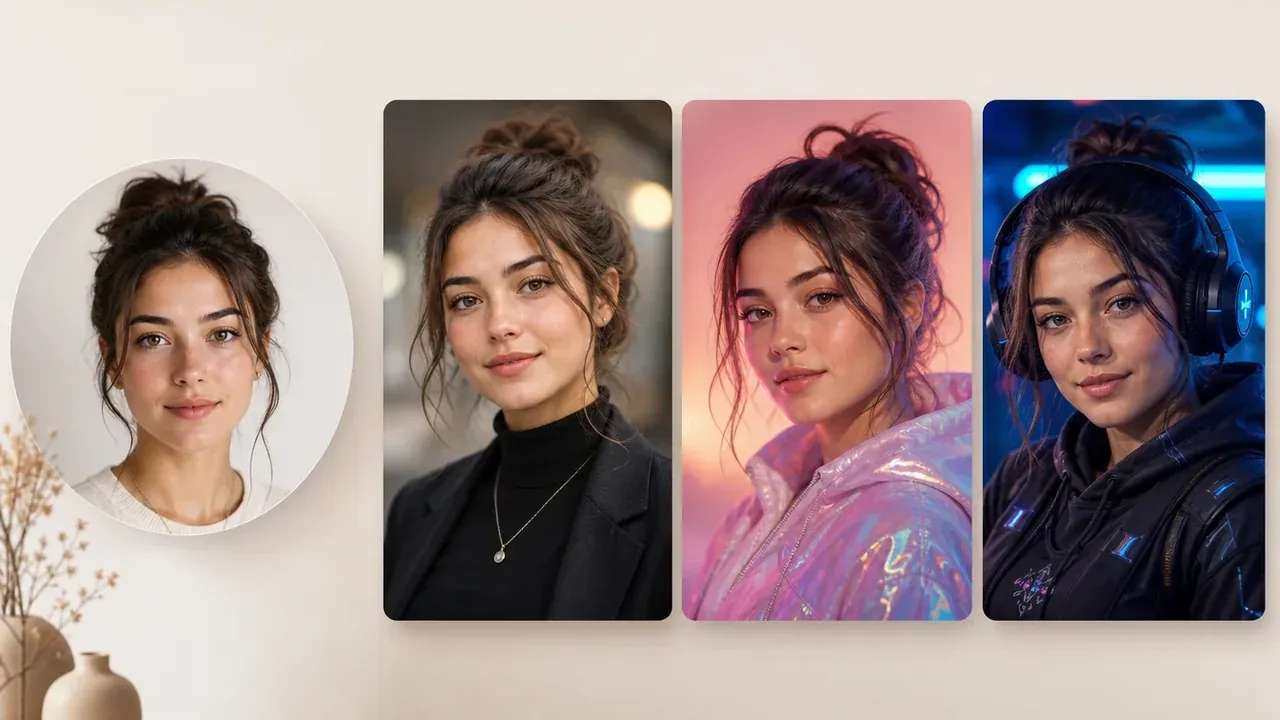
Start from a prompt when there is no source photo yet and you want a new profile avatar identity from text.
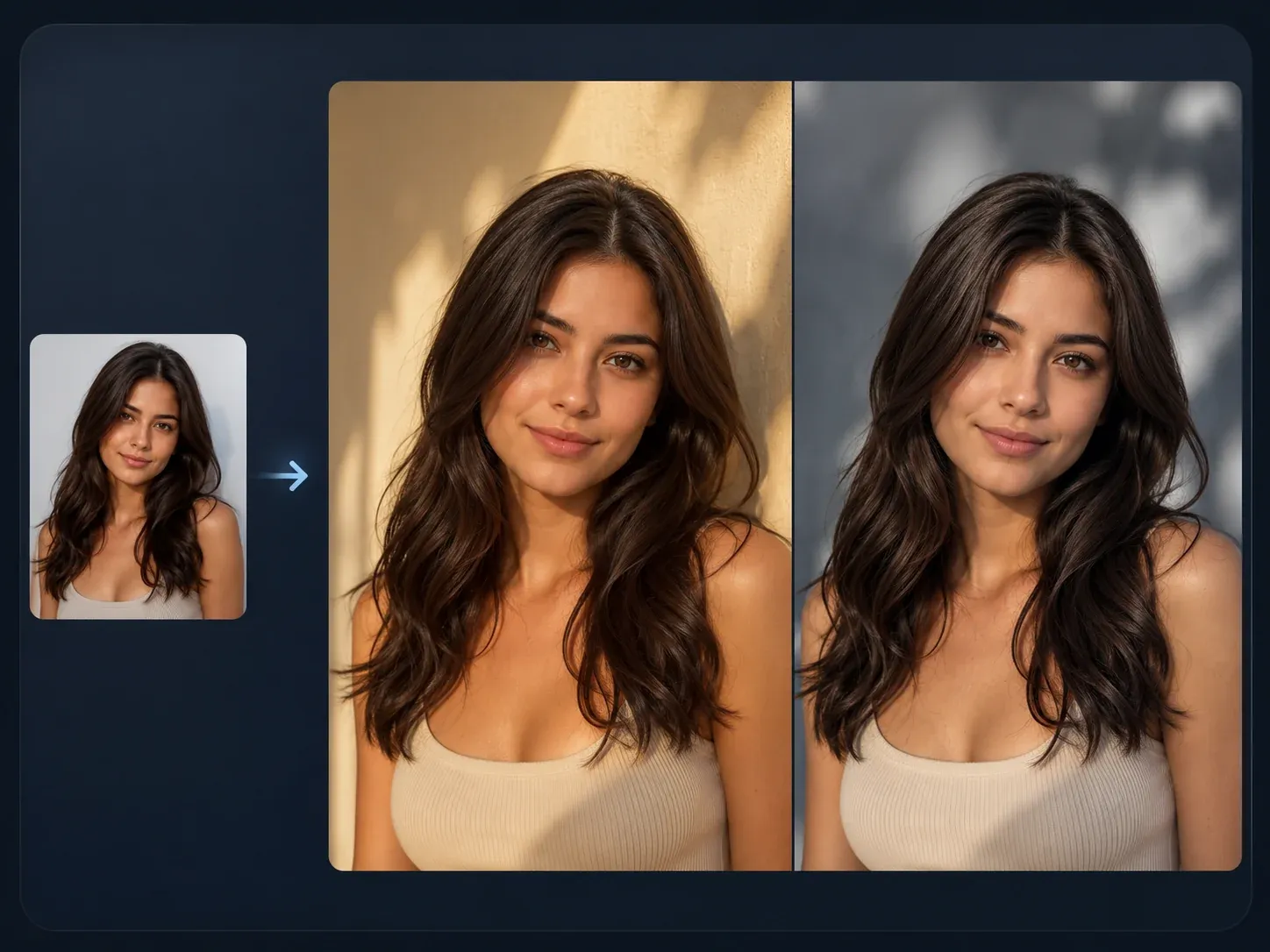
Use a keeper avatar or source photo for tighter variants, smaller style changes, or a closer second pass.

Clean up a distracting background, edge artifact, accessory, or small portrait detail after the avatar looks close.
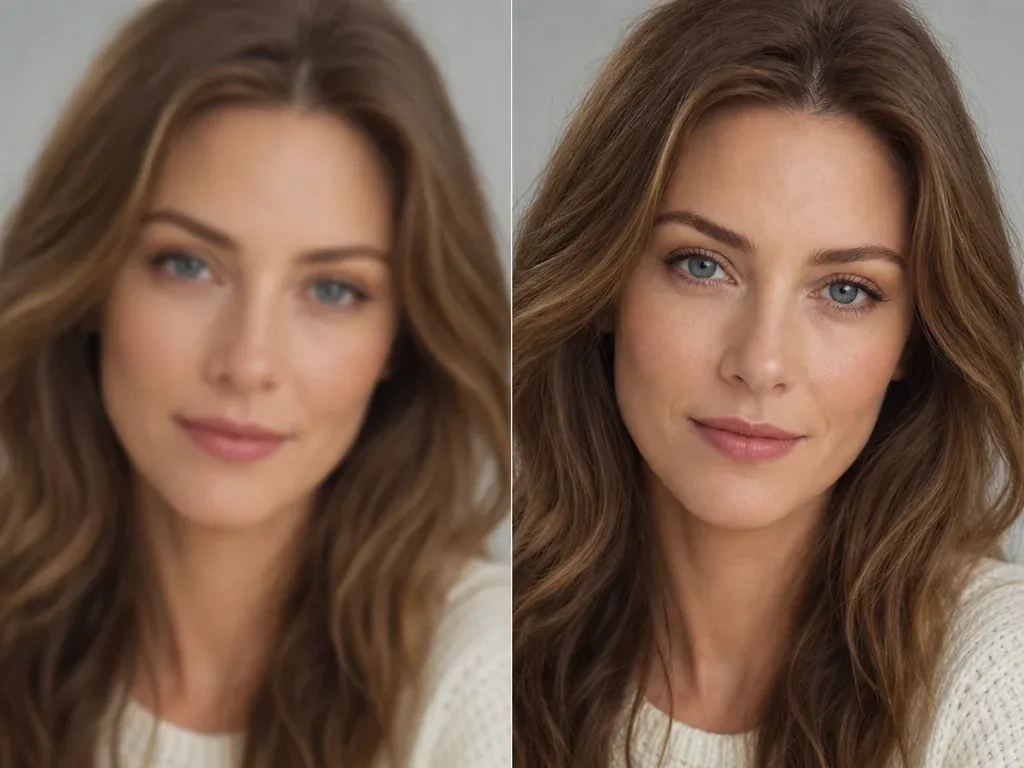
Sharpen the finished avatar before uploading it to a profile, creator kit, deck, or community page.
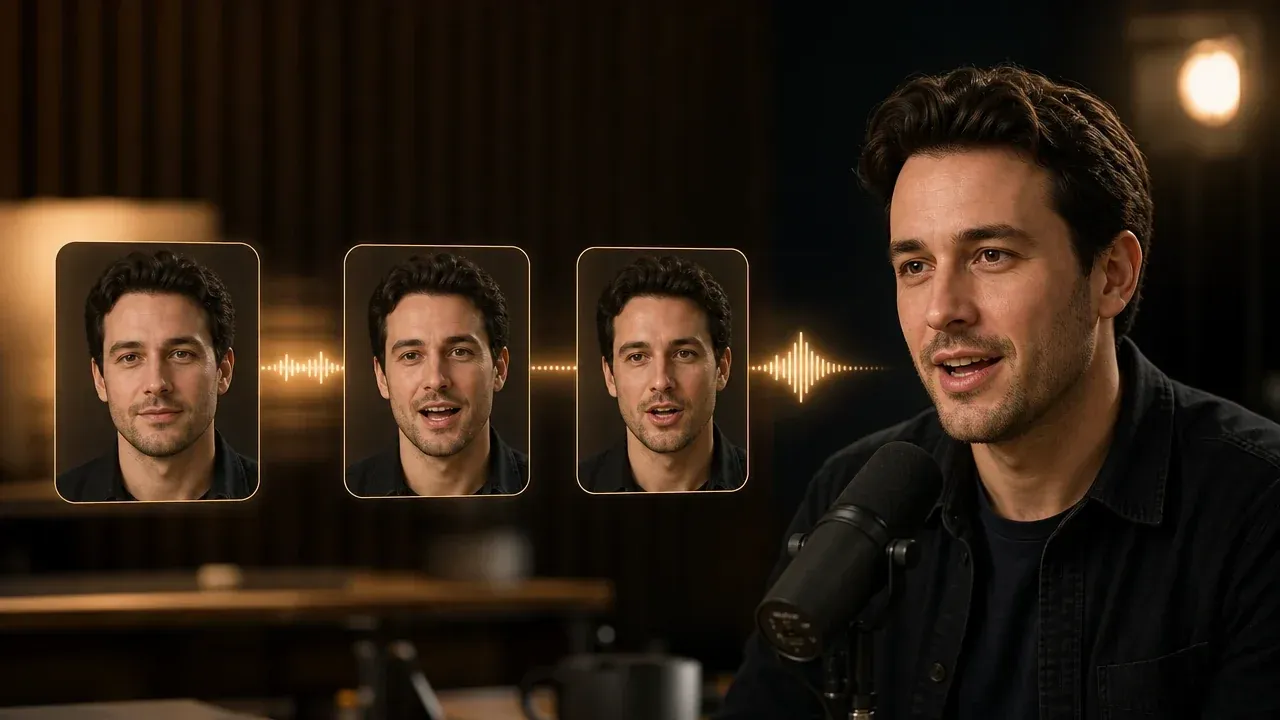
Use a finished portrait only when the next job is a speaking clip. This page creates still avatars from photos.
Direct answers about free use, no login, source photos, styles, likeness, downloads, privacy, commercial use, and the difference between still and video avatars.
Upload one clear selfie or headshot, choose an avatar style, add an optional note, then generate. Use the result controls to download, share, or refine the still avatar.
Yes. You can start from this browser page for free. If heavier use reaches account or quota rules, FaceAI shows the current limit in the product flow.
No app download is needed. The workbench runs in the browser, and the page is designed for low-friction photo-to-avatar creation.
Use a clear front-facing photo with one visible face, normal lighting, and minimal obstruction. Avoid sunglasses, masks, heavy blur, group shots, and extreme side angles.
You can create professional profile, realistic social avatar, cartoon illustration, anime portrait, 3D profile icon, gaming cyberpunk, and creator-brand styles.
The workflow aims to keep useful face cues from the source photo, but exact likeness is not guaranteed. Strong cartoon, anime, or 3D styles can change features, so inspect the result before using it.
This workflow is designed around one strong portrait so the avatar keeps a clean face anchor. Use a sharp, well-lit photo for the cleanest first result.
Yes. After the generated image appears, use the download control in the workbench. Keep the tab open until the final result is ready.
This page creates still avatars from photos. Use Talking Photo or video tools only after you have a keeper portrait that should speak or move.
Use AI Image to Image for closer variants, AI Image Editor for focused cleanup, or AI Image Upscaler when the final profile image needs a sharper export.
Use photos you are comfortable processing through an online tool. FaceAI uses secure upload handling for the generation flow, and you should avoid uploading sensitive images or photos you do not have permission to use.
You can use it for profiles, bios, creator kits, and work pages when you own or have permission for the source photo. Avoid protected characters, logos, public figures, and misleading identity claims.
No. This page creates stylized profile avatars from photos. Use a headshot-specific workflow when the goal is a formal business headshot for resumes, LinkedIn, or hiring profiles.
Upload one clear photo, choose the style, generate a still profile avatar, then download or refine the version that looks closest.