
Starting point
Unser
Upload one portrait, choose a shade preset, add a short note, then generate a realistic still-image preview.
Other options
Prompt-only editors can work, but they often make you describe the whole color change from scratch.
Upload a selfie and try a new hair color before dyeing. Preview brown, blonde, black, copper, red, silver, pastel, vivid, highlights, balayage, and ombre-inspired looks while keeping your hairstyle, face, skin tone, outfit, pose, and background stable. Free online. No login to start. No watermark on downloads.
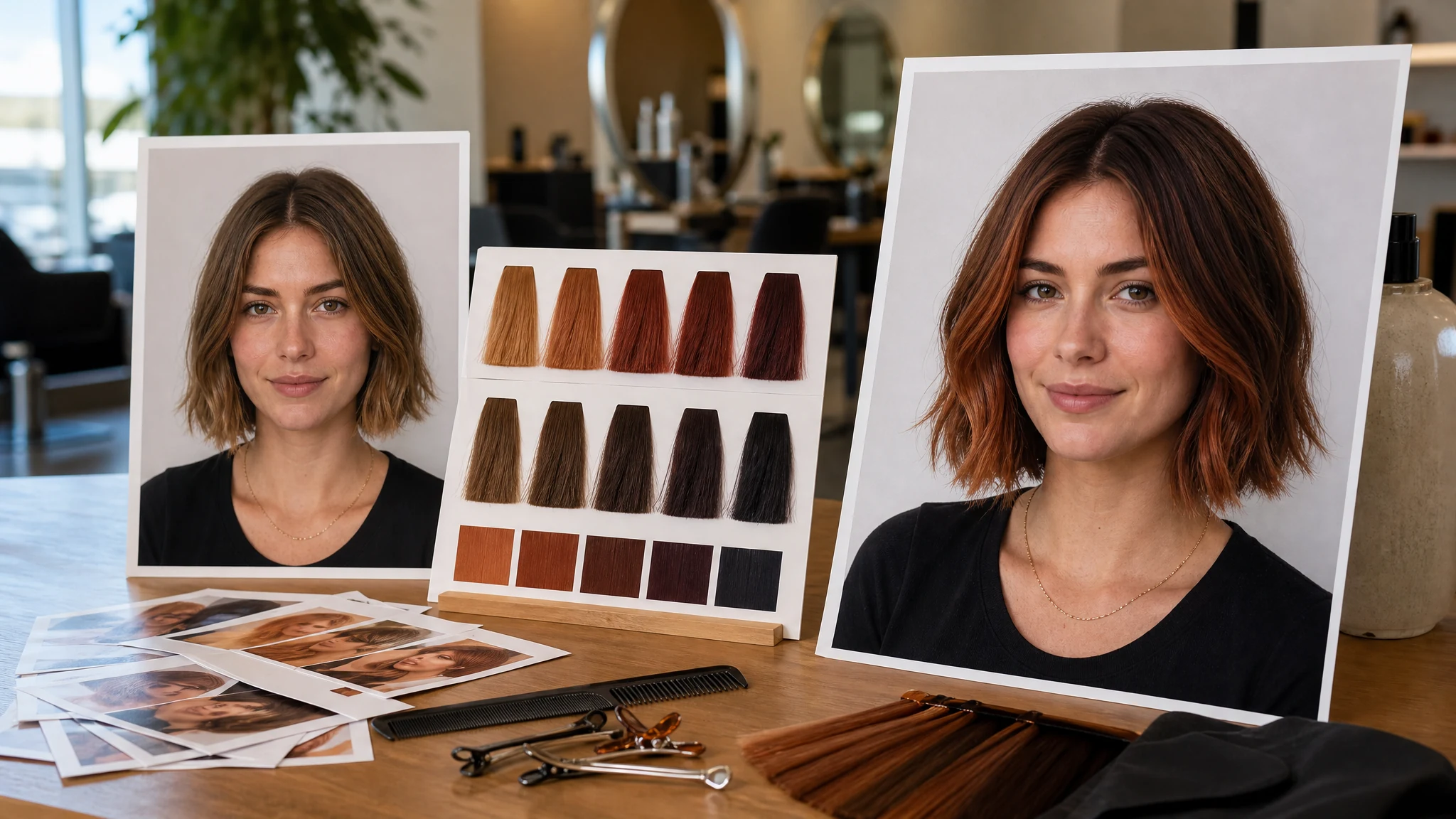
Trusted by 12,000,000+ users worldwide.
The fastest path is photo first, shade preset second, short note third, then generate and compare the result.
Use one single-person photo with visible hair edges, normal lighting, and enough space around the head and shoulders.
Choose natural, blonde, black, red, copper, pastel, vivid, balayage, highlights, ombre, or a custom shade note.
Save the keeper, compare versions in history, or send the result to editor, profile picture, hairstyle changer, or upscaler.
Use the AI hair color changer for before-salon decisions, natural shade comparison, bold creator colors, balayage planning, stylist references, and profile refreshes.
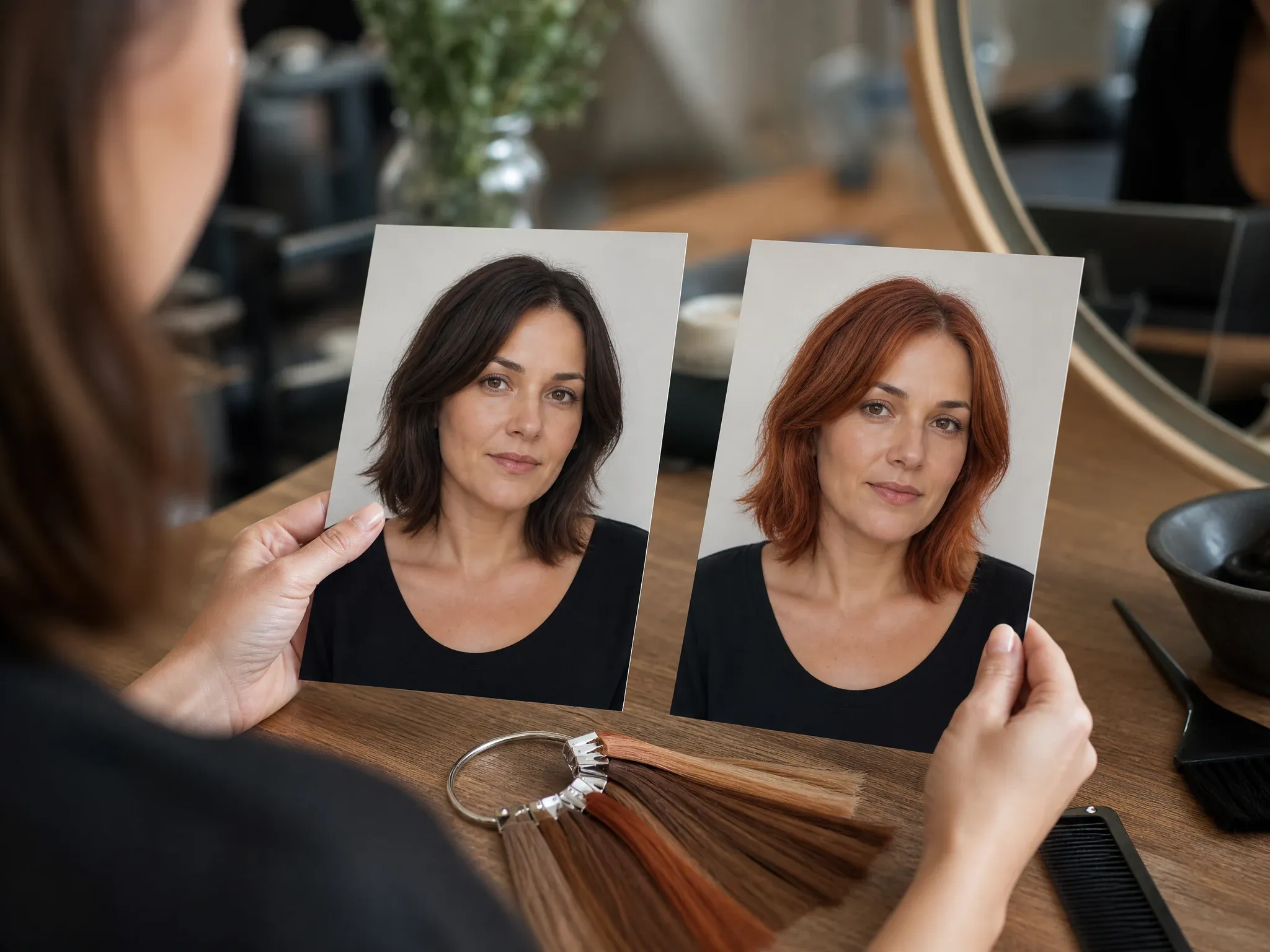
Try a hair color on your own photo before booking a stylist, buying box dye, bleaching, or committing to a stronger shade.
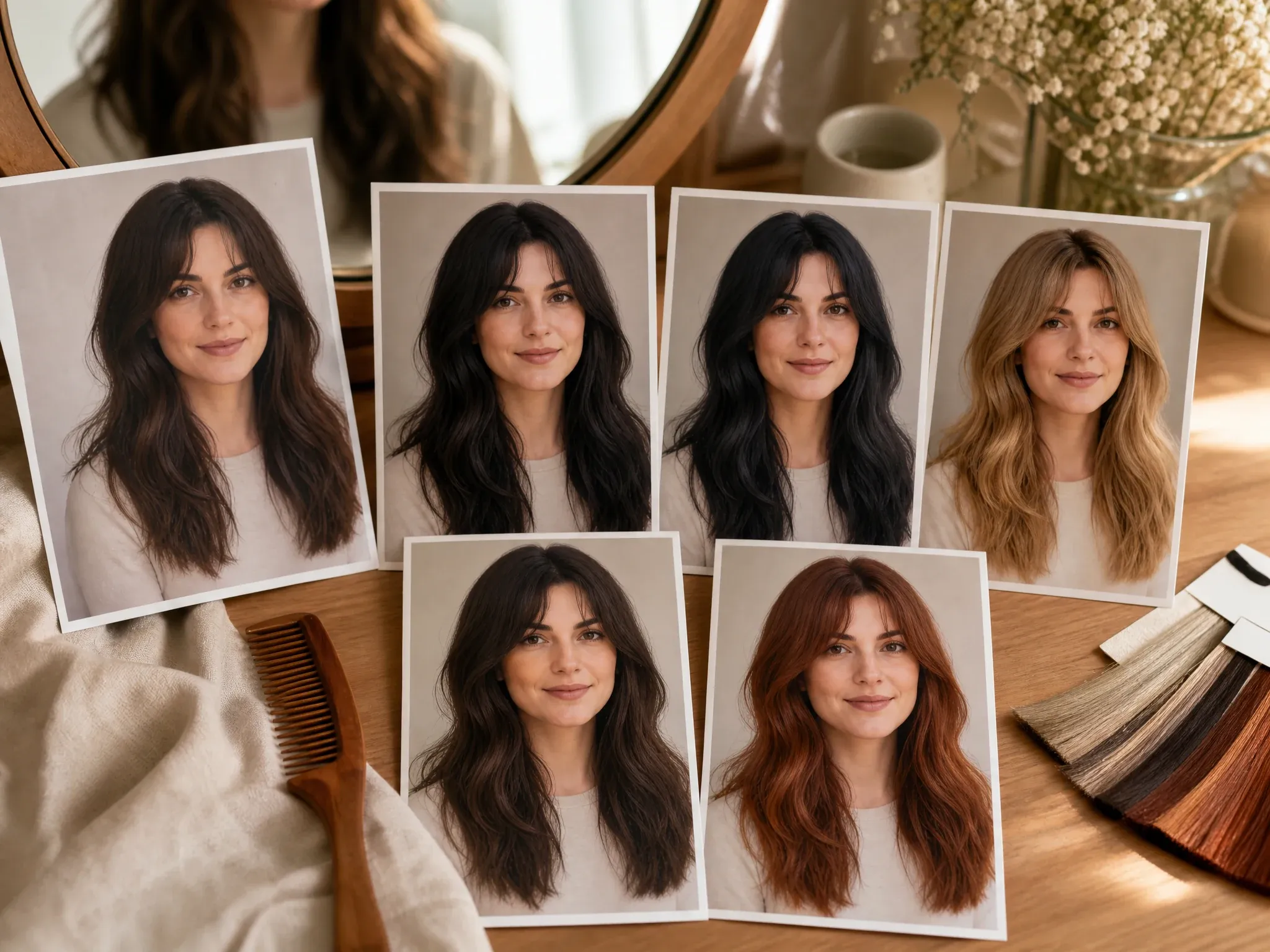
Compare brunette, espresso, raven black, golden blonde, platinum, copper, and auburn directions on the same portrait.
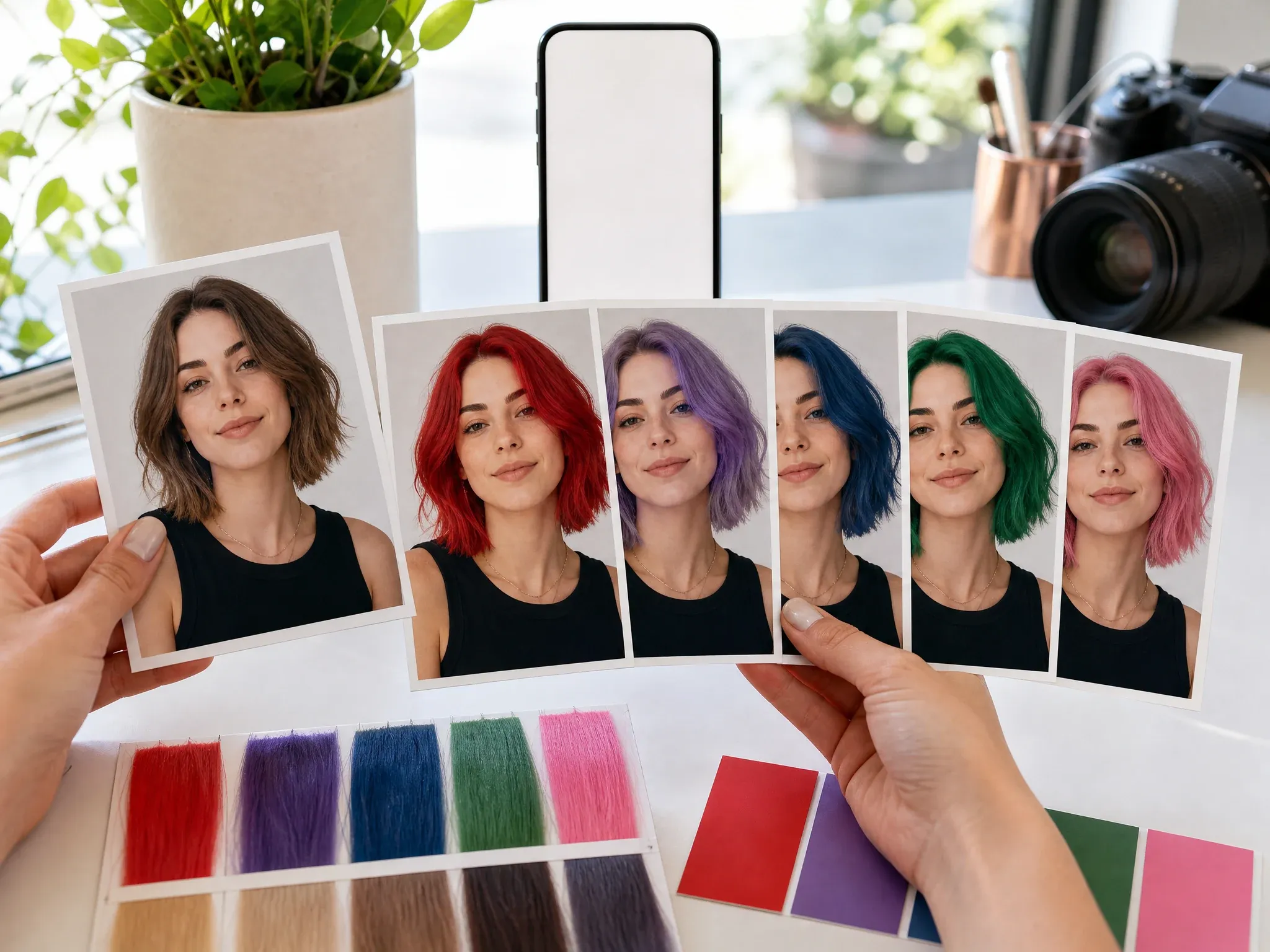
Preview red, lavender, blue, green, pink, or purple hair for thumbnails, profile photos, campaign drafts, and social posts.
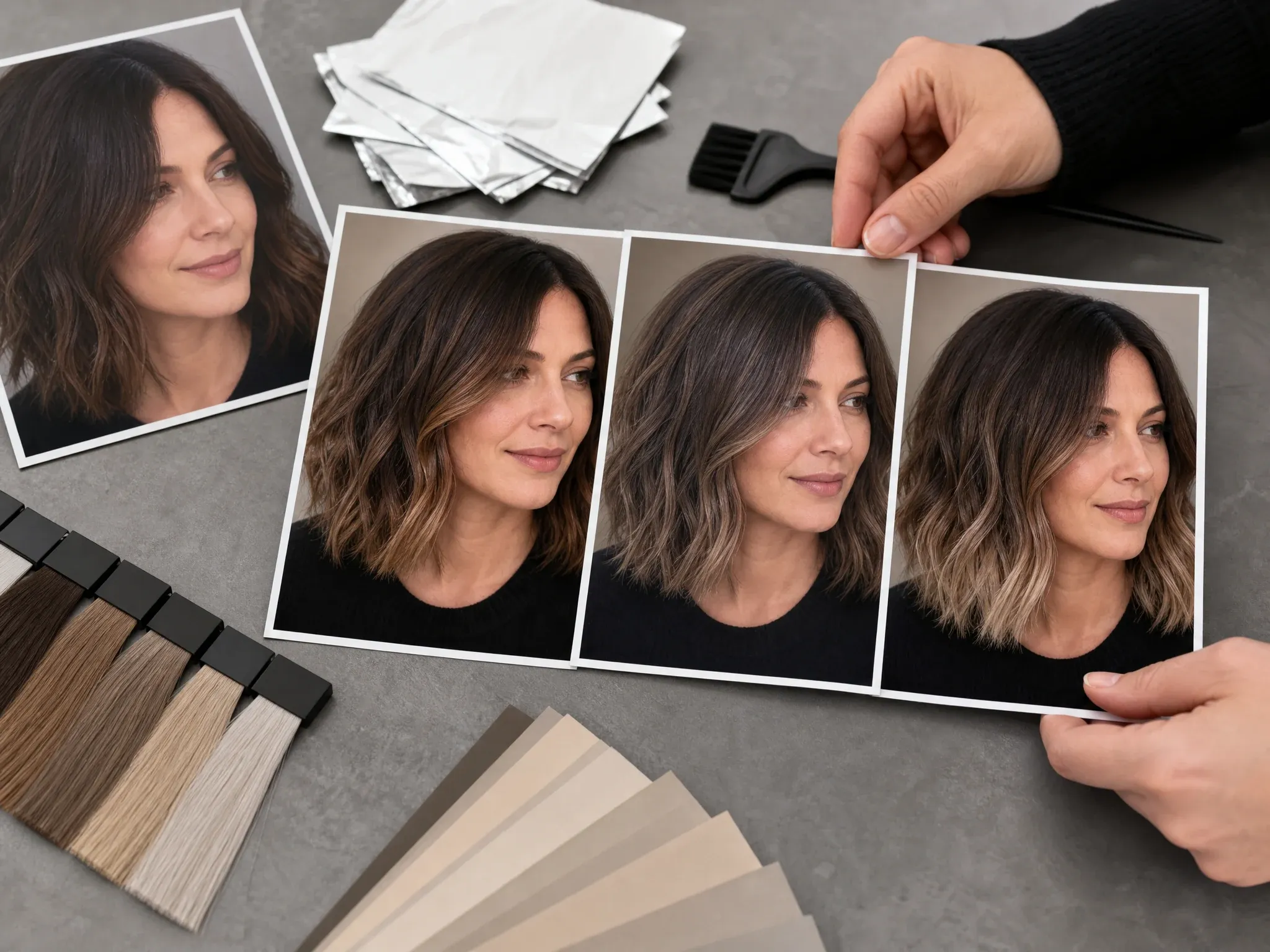
Test balayage, ombre, warmer ends, cool ribbons, or subtle highlights without changing the haircut first.
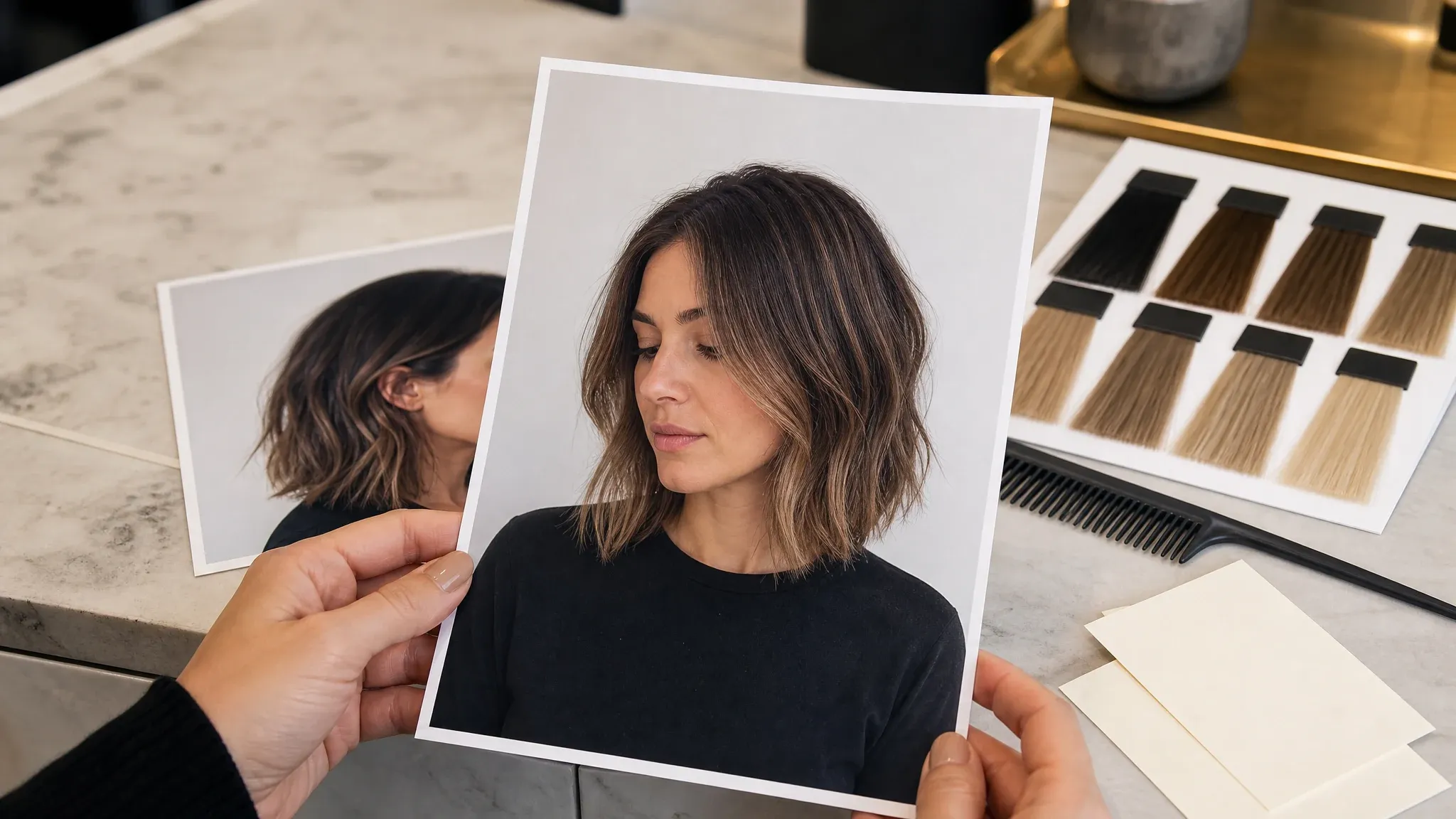
Save a realistic still-image reference that shows your face, hairline, hair length, and color direction in one frame.
An AI hair color changer edits the hair color in your uploaded photo so you can preview a shade before dyeing. It is built for virtual hair color try-on: keep the same face, haircut, lighting, and portrait context, then test a new color direction.
Start with your own picture so the preview can use your real crop, hairline, head angle, skin tone, and lighting context.
Choose a known shade first, then use the prompt for warmth, depth, balayage, highlights, ombre, or what should stay unchanged.
This page focuses on still-image hair color change. Haircut try-on, product shade matching, live AR, and video color changes are separate workflows.
FaceAI keeps the workflow practical: upload your portrait, choose a shade, add a short note, generate, compare history, download without a watermark, and keep editing only when the preview is close.
Try hair colors in the browser without installing an app. Upload, generation, history, share, and download stay in one place.
Brown, espresso, black, blonde, copper, cherry red, lavender, blue, green, pink, purple, balayage, and custom notes help you start faster.
The generation prompt asks to preserve hairstyle, face, skin tone, expression, pose, clothing, background, and lighting while changing the hair color.
When the shade is close, move the result into hairstyle changer, image editor, profile picture, or upscaler instead of restarting from a blank tool.
The best AI hair color change results come from a portrait where the hair boundary is readable and the shade request is specific. Ask for one color job at a time.
Avoid hats, heavy shadows, dark mirror selfies, and crops that hide the hairline or ends.
Group photos, sunglasses, strong filters, celebrity requests, and tiny screenshots make the color preview less useful.
Say warm copper, cool blonde, espresso brunette, cherry red, smoky lavender, balayage, or subtle highlights instead of only writing new color.
Show the result to a stylist as direction, not a formula. Real lift, bleach, toner, hair health, and starting color still matter.
Use the workflow that matches the decision. A hair color preview should be quick, visual, and honest about what a still photo can prove.
| Kriterium | Face AIUnser FaceAI hair color try-on workflow | Other options |
|---|---|---|
| Starting point | Upload one portrait, choose a shade preset, add a short note, then generate a realistic still-image preview. | Prompt-only editors can work, but they often make you describe the whole color change from scratch. |
| Best use | Before-dye decisions, natural shade comparison, bold creator color, highlights, balayage, stylist references, and profile refreshes. | Salon catalogs and product pages show shades on someone else, so fit can be hard to judge on your own face. |
| Friction | Free online workflow with no app install, no login to start, browser history, share, and no-watermark download controls. | Some try-on apps push installs, sign-up gates, brand funnels, paid exports, or watermarked previews. |
| Control | Choose named shades, custom notes, ratio, and output resolution while keeping the haircut and portrait scene stable. | Live AR and brand tools can be useful for product shopping, but may offer less creative control for creator images. |
| Follow-up | Send a keeper to hairstyle changer, image editor, profile picture, image-to-image, or upscaler when it is close. | Single-purpose color tools often stop at one preview and leave cleanup to another app. |
| Honest limit | This is a still-image color preview. It does not guarantee dark-hair lift, salon formula, product shade match, live camera AR, or same-page video hair color change. | Some pages overpromise exact realism, instant speed, product match, or perfect dye outcomes without proving the workflow. |
Upload one portrait, choose a shade preset, add a short note, then generate a realistic still-image preview.
Prompt-only editors can work, but they often make you describe the whole color change from scratch.
Before-dye decisions, natural shade comparison, bold creator color, highlights, balayage, stylist references, and profile refreshes.
Salon catalogs and product pages show shades on someone else, so fit can be hard to judge on your own face.
Free online workflow with no app install, no login to start, browser history, share, and no-watermark download controls.
Some try-on apps push installs, sign-up gates, brand funnels, paid exports, or watermarked previews.
Choose named shades, custom notes, ratio, and output resolution while keeping the haircut and portrait scene stable.
Live AR and brand tools can be useful for product shopping, but may offer less creative control for creator images.
Send a keeper to hairstyle changer, image editor, profile picture, image-to-image, or upscaler when it is close.
Single-purpose color tools often stop at one preview and leave cleanup to another app.
This is a still-image color preview. It does not guarantee dark-hair lift, salon formula, product shade match, live camera AR, or same-page video hair color change.
Some pages overpromise exact realism, instant speed, product match, or perfect dye outcomes without proving the workflow.
These comments focus on the real loop: upload a portrait, choose a shade, generate, compare, then download or refine the color preview.
"I used it before going copper. One clear selfie, one shade preset, and a short note gave me a reference I could actually show my stylist."

Anisha Patel
Brand Director
"The shade presets make the page feel faster than a blank editor. Brown, copper, blonde, red, blue, and balayage directions are enough to start."

Sneha Krishnan
Head of Product Marketing
"For clients, I explain that real dye depends on their starting color, but the preview helps them compare warm, cool, and vivid choices without panic."

Pooja Mehta
VP of Brand Experience
"I wanted a bold color for profile photos, not a haircut change. The prompt kept the same style and just tested the shade."

Divya Chakraborty
Marketing Director
"The no-watermark download is useful for a salon mood board. I save the result, mark the shade direction, and bring it to the appointment."

Swati Joshi
Brand Manager
"It works best when the hair edges are visible. Hats, heavy shadows, and messy group photos made the color less convincing."

Ishita Banerjee
Head of Growth Marketing
"I used it before going copper. One clear selfie, one shade preset, and a short note gave me a reference I could actually show my stylist."
Anisha Patel
Brand Director
"The shade presets make the page feel faster than a blank editor. Brown, copper, blonde, red, blue, and balayage directions are enough to start."
Sneha Krishnan
Head of Product Marketing
"For clients, I explain that real dye depends on their starting color, but the preview helps them compare warm, cool, and vivid choices without panic."
Pooja Mehta
VP of Brand Experience
"I wanted a bold color for profile photos, not a haircut change. The prompt kept the same style and just tested the shade."
Divya Chakraborty
Marketing Director
"The no-watermark download is useful for a salon mood board. I save the result, mark the shade direction, and bring it to the appointment."
Swati Joshi
Brand Manager
"It works best when the hair edges are visible. Hats, heavy shadows, and messy group photos made the color less convincing."
Ishita Banerjee
Head of Growth Marketing
"I like that it separates hair color from hairstyle. I can keep the cut, face, outfit, and background while testing a shade family."

Isabella Rodriguez
Social Media Director
"I used it before going copper. One clear selfie, one shade preset, and a short note gave me a reference I could actually show my stylist."
Anisha Patel
Brand Director
"The shade presets make the page feel faster than a blank editor. Brown, copper, blonde, red, blue, and balayage directions are enough to start."
Sneha Krishnan
Head of Product Marketing
"For clients, I explain that real dye depends on their starting color, but the preview helps them compare warm, cool, and vivid choices without panic."
Pooja Mehta
VP of Brand Experience
"I wanted a bold color for profile photos, not a haircut change. The prompt kept the same style and just tested the shade."
Divya Chakraborty
Marketing Director
"The no-watermark download is useful for a salon mood board. I save the result, mark the shade direction, and bring it to the appointment."
Swati Joshi
Brand Manager
"It works best when the hair edges are visible. Hats, heavy shadows, and messy group photos made the color less convincing."
Ishita Banerjee
Head of Growth Marketing
"I like that it separates hair color from hairstyle. I can keep the cut, face, outfit, and background while testing a shade family."
Isabella Rodriguez
Social Media Director
"History makes the comparison useful. I can run espresso, cherry red, platinum, and smoky lavender from the same source photo."

Adriana Torres
Paid Social Director
"For TikTok covers and thumbnails, the vivid shades are helpful. I keep the ratio vertical, pick the keeper, then finish small cleanup in editor."

Gabriela Diaz
Digital Content Director
"This is not a salon formula. It is a strong visual direction before someone commits to dye."

Rose de Guzman
Creator Marketing Lead
"The practical detail is lighting. A daylight portrait with visible hairline gave a much more believable blonde preview than a dark mirror selfie."

Kanya Siriwan
KOL Strategy Director
"I used it for gray and raven black profile tests. The face stayed stable, which is what I needed for a work photo decision."

Maya Patel
Product-Led Growth Manager
"Balayage and highlights were the useful presets for our mood board. They look like color direction, not a random paint overlay."

Talia Hassan
Community-Led Growth Manager
"For ad concepts, we test the character with natural hair, then a vivid creator color, then send the keeper into upscaler."

Mali Songsak
Social Creator Strategist
"History makes the comparison useful. I can run espresso, cherry red, platinum, and smoky lavender from the same source photo."
Adriana Torres
Paid Social Director
"For TikTok covers and thumbnails, the vivid shades are helpful. I keep the ratio vertical, pick the keeper, then finish small cleanup in editor."
Gabriela Diaz
Digital Content Director
"This is not a salon formula. It is a strong visual direction before someone commits to dye."
Rose de Guzman
Creator Marketing Lead
"The practical detail is lighting. A daylight portrait with visible hairline gave a much more believable blonde preview than a dark mirror selfie."
Kanya Siriwan
KOL Strategy Director
"I used it for gray and raven black profile tests. The face stayed stable, which is what I needed for a work photo decision."
Maya Patel
Product-Led Growth Manager
"Balayage and highlights were the useful presets for our mood board. They look like color direction, not a random paint overlay."
Talia Hassan
Community-Led Growth Manager
"For ad concepts, we test the character with natural hair, then a vivid creator color, then send the keeper into upscaler."
Mali Songsak
Social Creator Strategist
Choose the next FaceAI tool based on the blocker: haircut shape, broader source edits, profile crop, cleanup, or sharper final export.
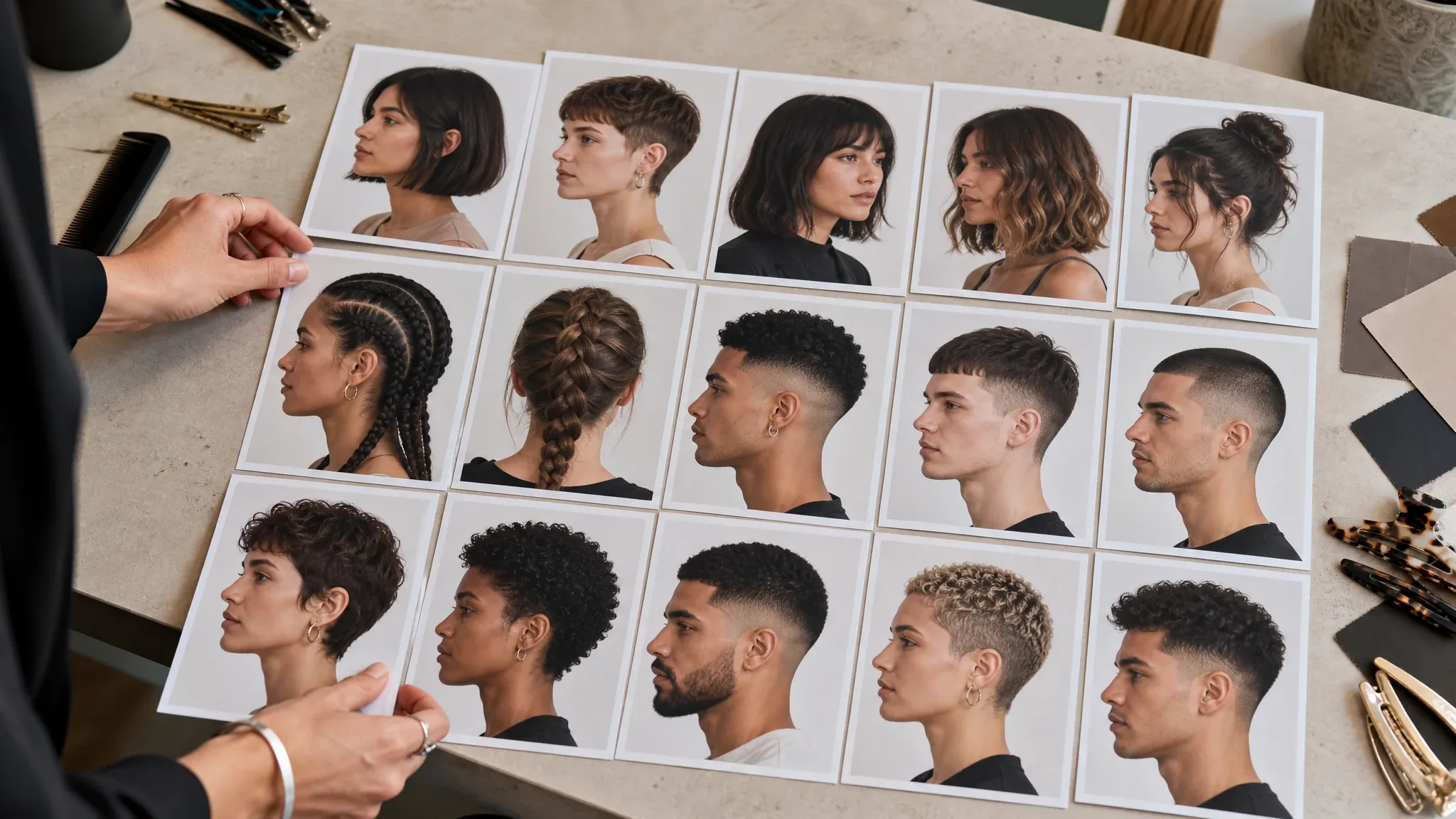
Try the haircut or hair shape first when the color decision depends on bangs, layers, curls, fades, or a shorter cut.
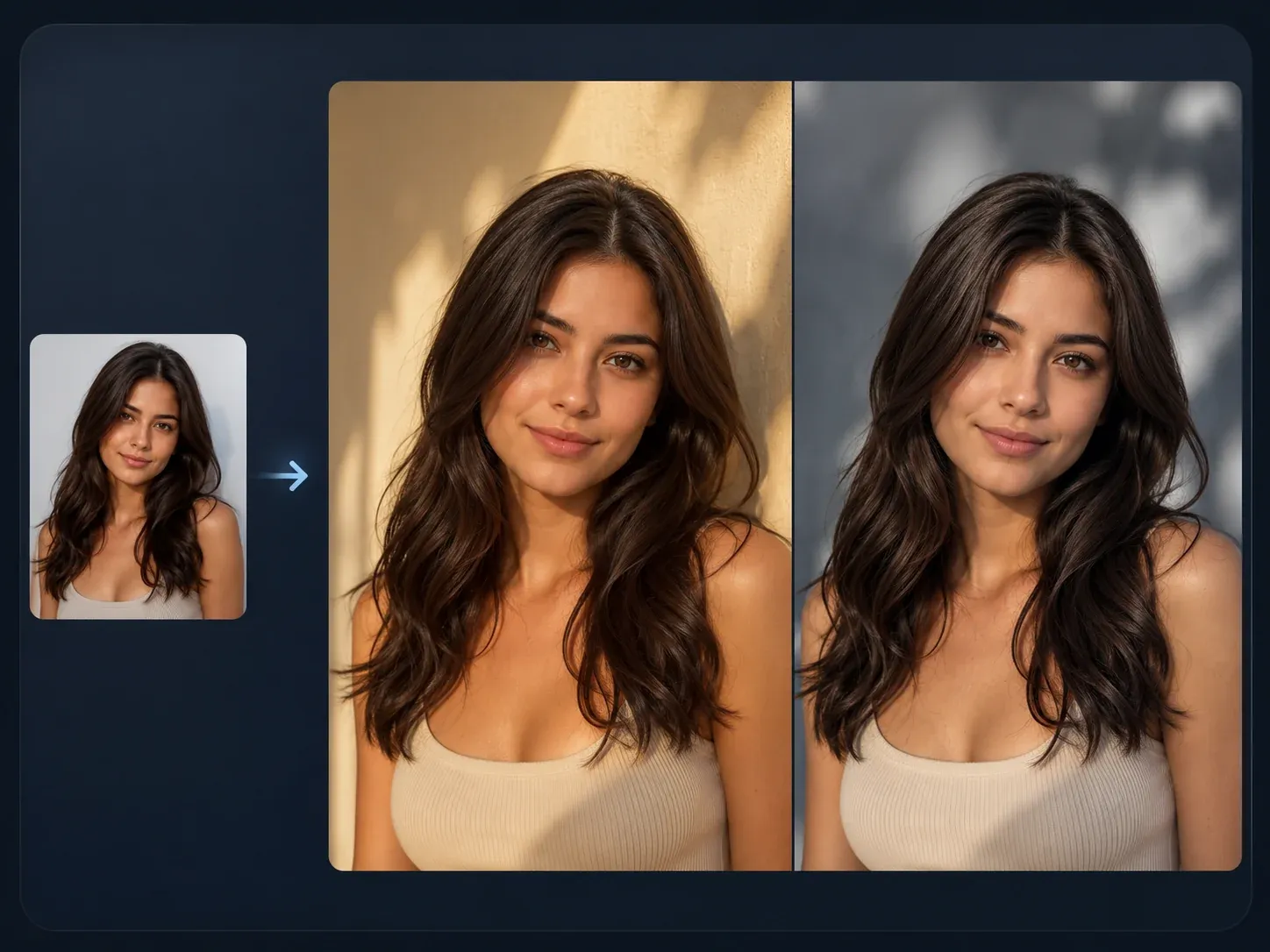
Use this for broader source-guided edits after you choose the hair color direction and want a controlled follow-up image.
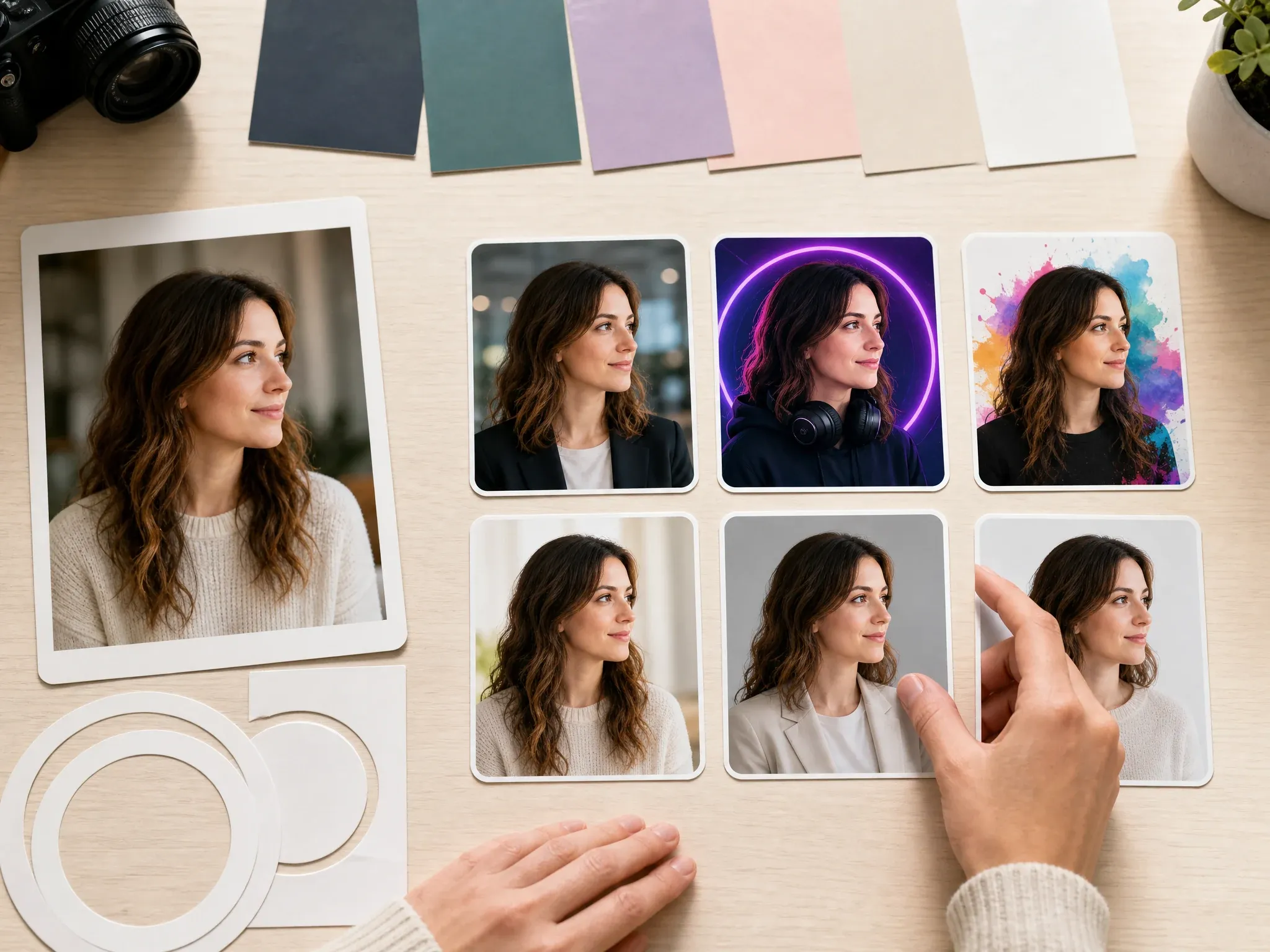
Turn the best shade preview into a cleaner profile photo for social bios, creator pages, or work apps.

Clean up a nearly finished hair color result: flyaways, background clutter, collar edge, or tiny color artifacts.
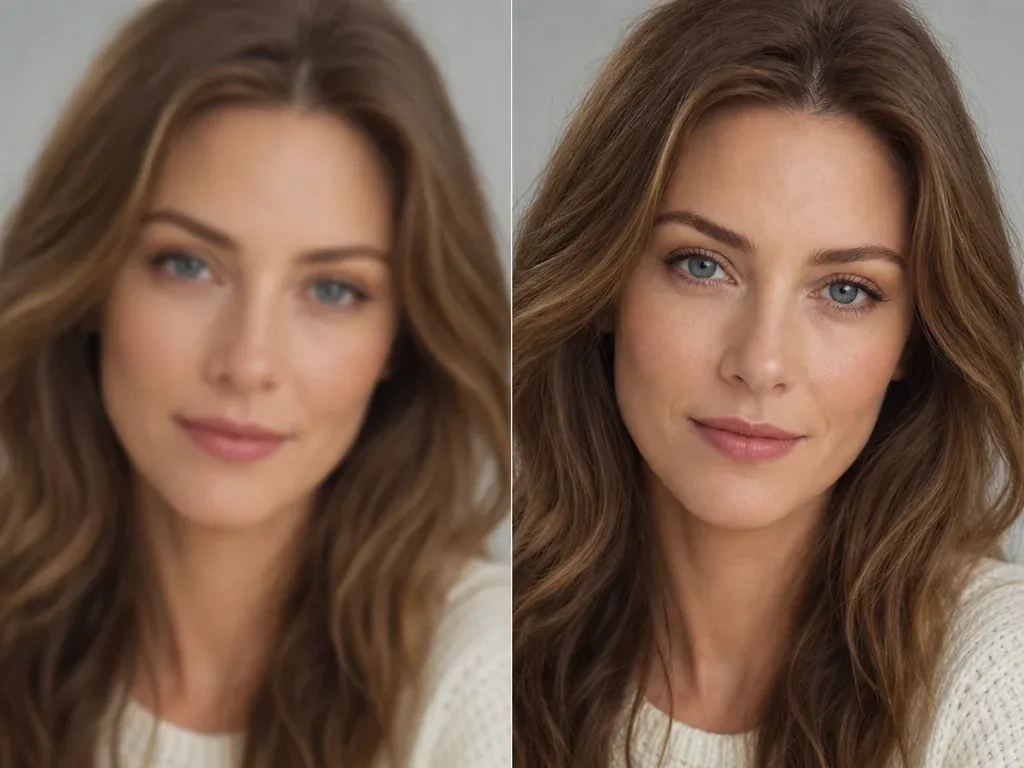
Sharpen the keeper before saving it for a stylist reference, mood board, profile photo, or social post.
Direct answers about free use, no login, upload photos, realistic color, dark hair, highlights, balayage, privacy, downloads, stylist use, product shades, AR, and video limits.
It is an online tool that lets you try a new hair color on your own photo. Upload a portrait, choose a shade direction, add a short note if needed, and generate a realistic still-image preview.
Yes. You can start using the AI hair color changer online for free. If heavier use reaches account or quota rules, FaceAI shows the current limit in the product flow.
No app download is needed, and the browser workflow is built for low-friction try-on. If guest usage reaches a product limit, the page will show the next step in the flow.
You can start with brown, espresso, raven black, golden blonde, platinum, apricot blonde, copper, cherry red, auburn, purple, lavender, pink, blue, green, balayage, and custom shade notes.
Yes, use the shade preset or prompt note to ask for balayage, ombre, warmer ends, cooler ribbons, or subtle highlights. Keep the request focused on color so the haircut stays stable.
Use a clear single-person portrait with visible hairline, visible hair ends, normal lighting, and enough room around the head. Avoid hats, dark shadows, group shots, heavy filters, and extreme side angles.
Yes. Men can test natural black, brown, gray, silver, platinum, copper, vivid, or custom shade ideas as long as the hair region is visible in the source photo.
The workflow is designed for realistic still-image previews, but exact salon replication is not guaranteed. Real starting color, hair health, bleach, toner, and stylist technique still matter.
It can preview a visual direction, but it cannot promise real-world lift or dye behavior on dark hair. Use the result as a reference to discuss with a stylist.
This page supports named shade presets and custom shade notes. It does not publicly claim exact HEX matching, brand product shade matching, or a salon formula.
No. This page is for still-image hair color try-on. It does not claim live AR, camera mode, or same-page video hair color changes.
Yes. After the generated image appears, use the download control in the workbench. Keep the tab open until the final image is ready.
FaceAI uses secure upload handling for the generation flow. Use photos you are comfortable processing through an online tool, and avoid sensitive images or photos you do not have permission to use.
Yes. Use the result as a visual reference for shade family, warmth, depth, highlights, balayage, or overall direction so the color conversation starts clearer.
You can use generated images when you own or have permission for the source photo. Avoid public figures, fake endorsements, protected brands, readable logos, and misleading identity claims.
Upload a portrait, choose the shade direction, generate a realistic AI hair color changer preview, then download or refine the result.