FaceAI
中文 AI 照片拼贴工具 workbench

中文 AI 照片拼贴工具 workbench

上传素材、调整设置并生成结果。

AI 照片拼贴工具

中文 AI 照片拼贴工具 for fast template collages

中文 upload several photos pick a fixed collage template choose square story landscape portrait hero-left scrapbook magazine moodboard polaroid or contact sheet layouts tune spacing borders corners background color and fit mode then export one finished image for social posts product highlights family boards travel recaps campaign drafts and creative review

中文 multi-photo upload
中文 collage templates
中文 ratio controls
中文 browser export
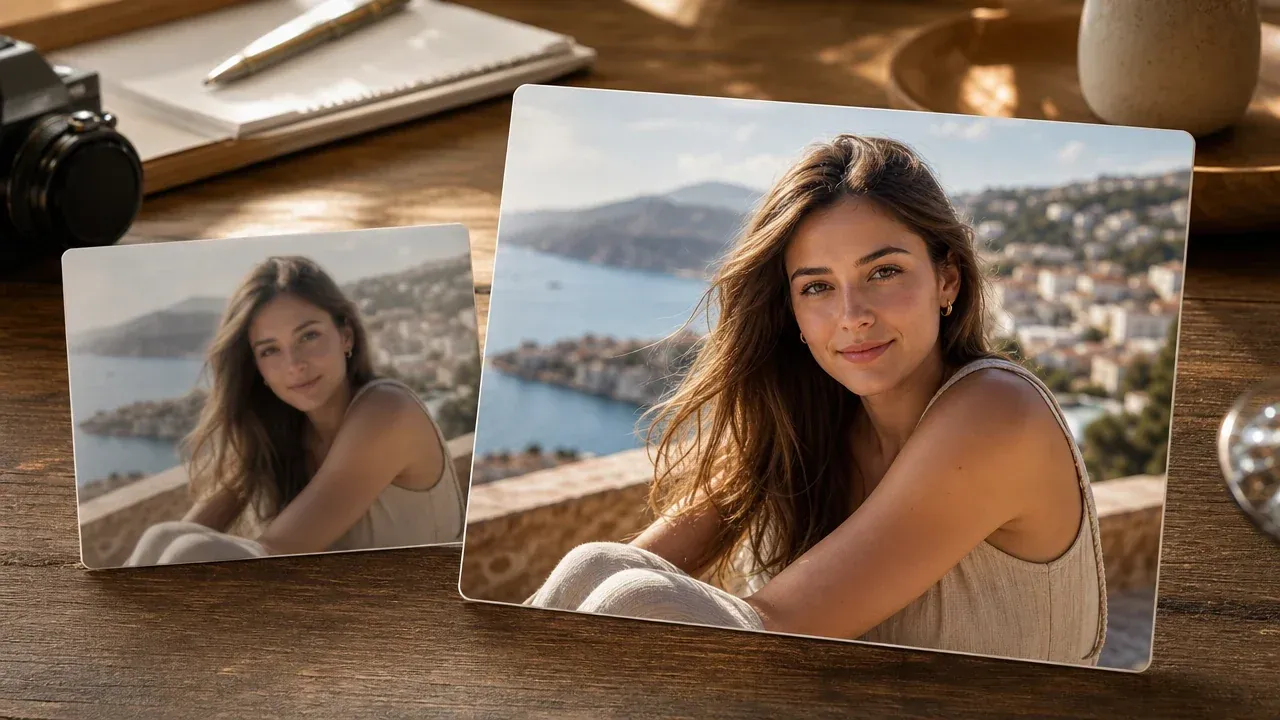
中文 photo collage maker arranging multiple photos into a finished template collage
10,000,000+中文 trusted users
4.9/5中文 rated by users
800,000,000+中文 creations

中文 built for deterministic browser-side template collage export not AI agent layout print proofing PDF output or cloud workspaces

中文 how it works

中文 how to make a photo collage with AI 照片拼贴工具

中文 the useful loop is short choose photos select a template tune the visual frame then export a single image for posting review or sharing

01

中文 upload your photos

中文 add multiple JPG PNG or WEBP files and keep the set under the visible 12-photo cap

02

中文 choose a collage template

中文 start from square story hero-left scrapbook magazine moodboard polaroid or contact sheet templates based on the final job

03

中文 export and compare

中文 adjust ratio spacing borders corners background fit mode and format then download the collage and keep recent exports in local history

中文 photo collages you can create

中文 create practical collages for social posts product details family memories moodboards story recaps creator drafts ecommerce review and campaign planning

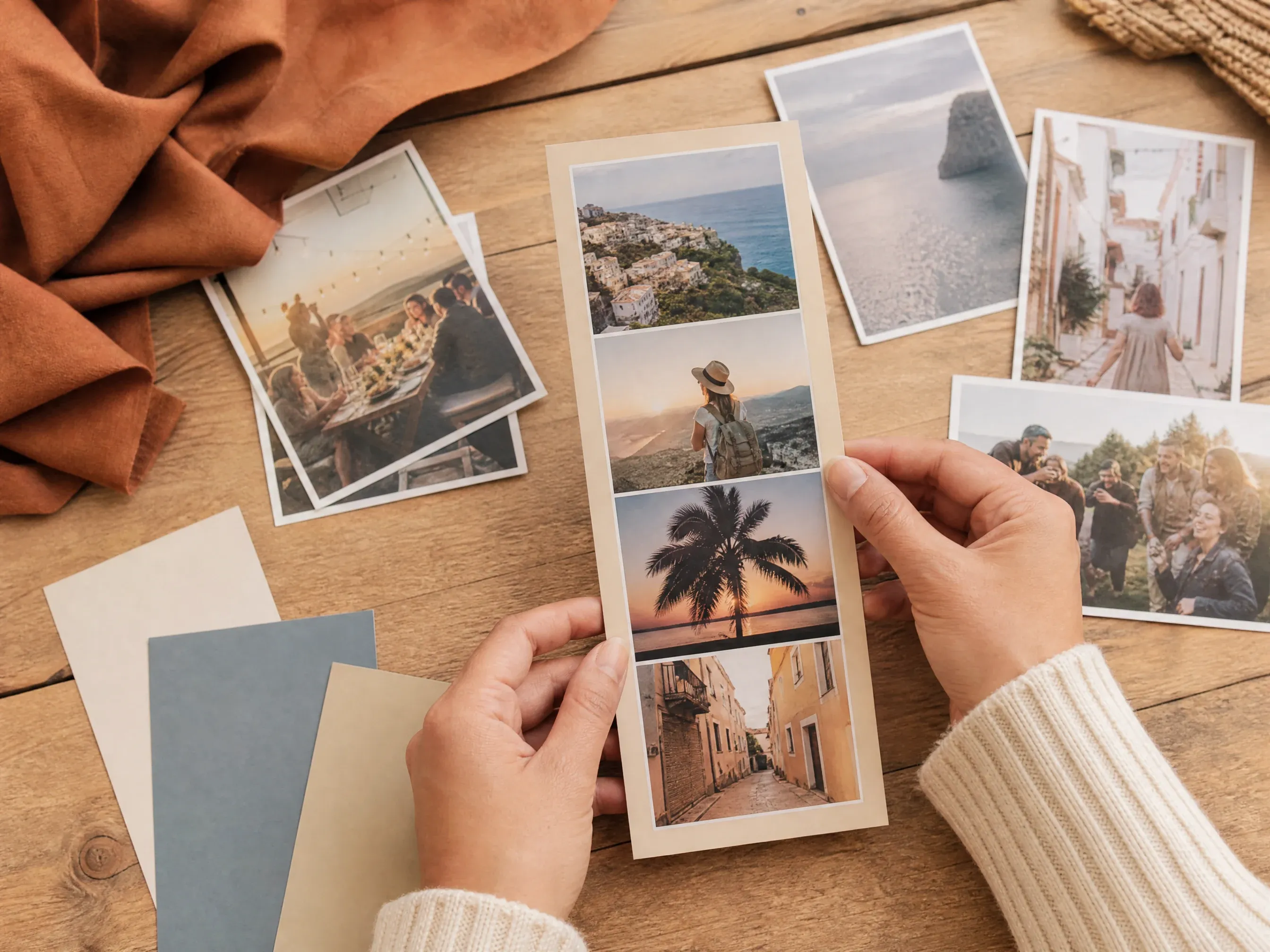
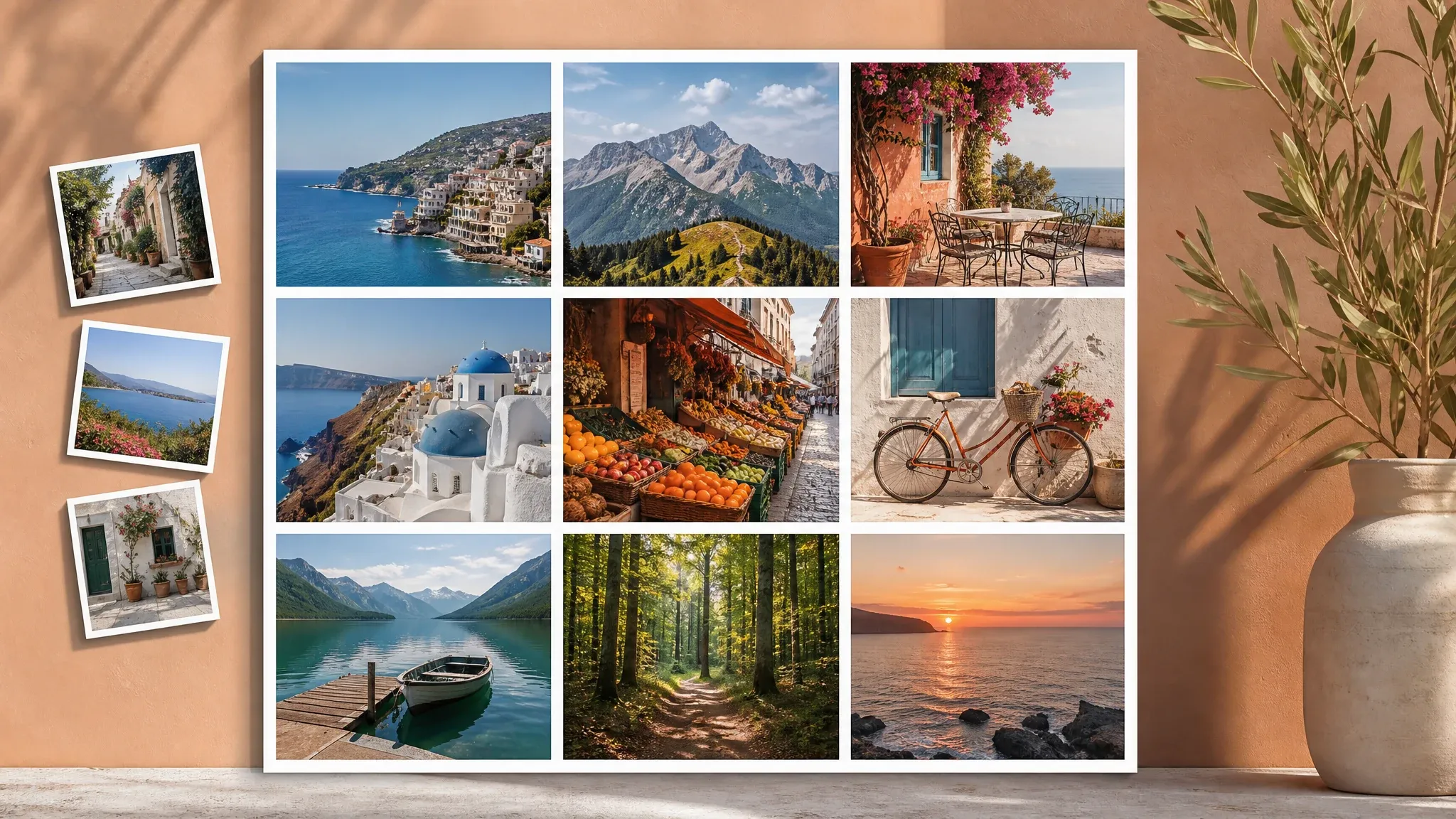
中文 vertical story photo collage made from travel and event photos

中文 story and travel collages

中文 turn trip event or creator photos into a vertical collage that feels ready for mobile-first sharing

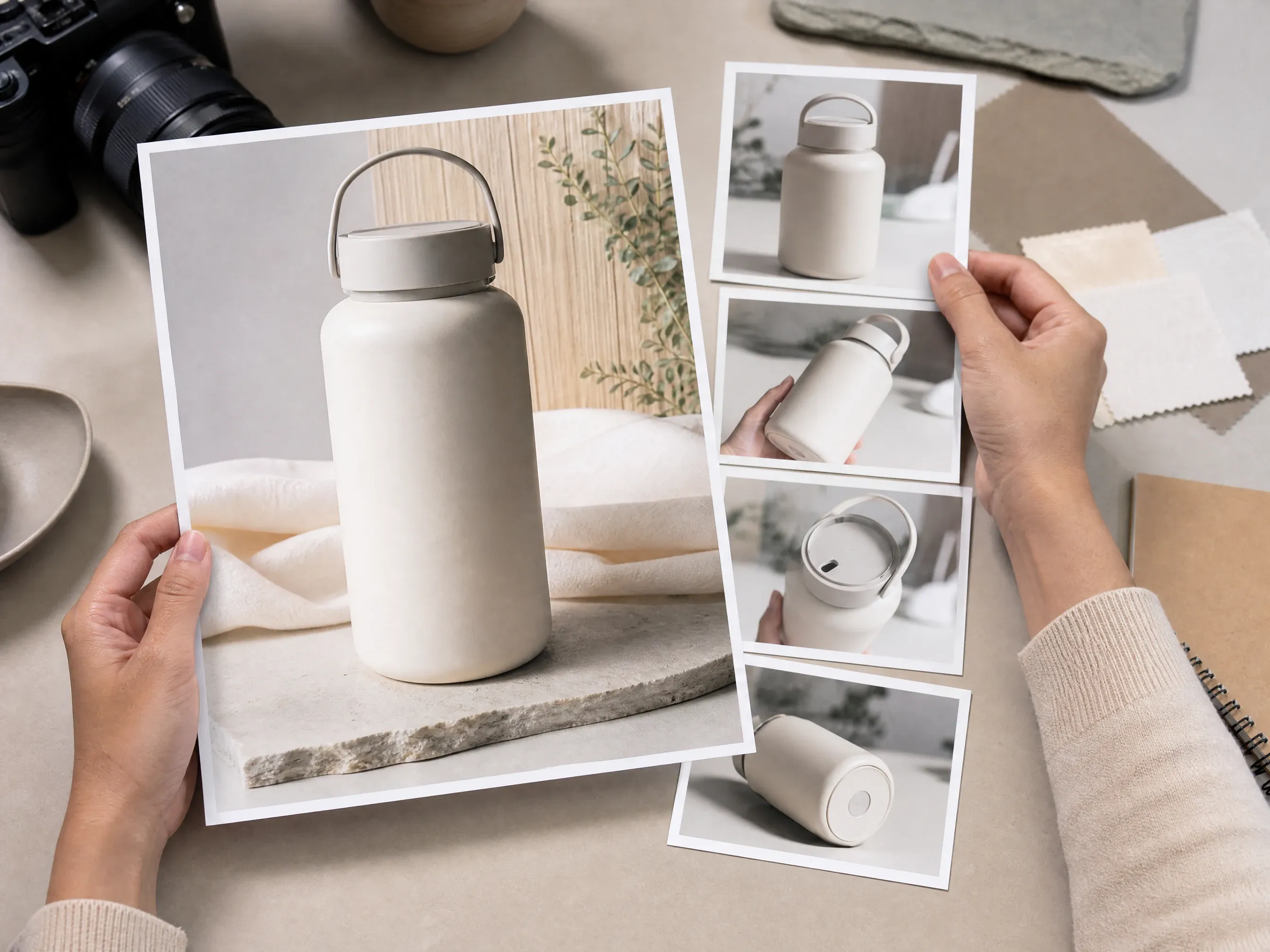
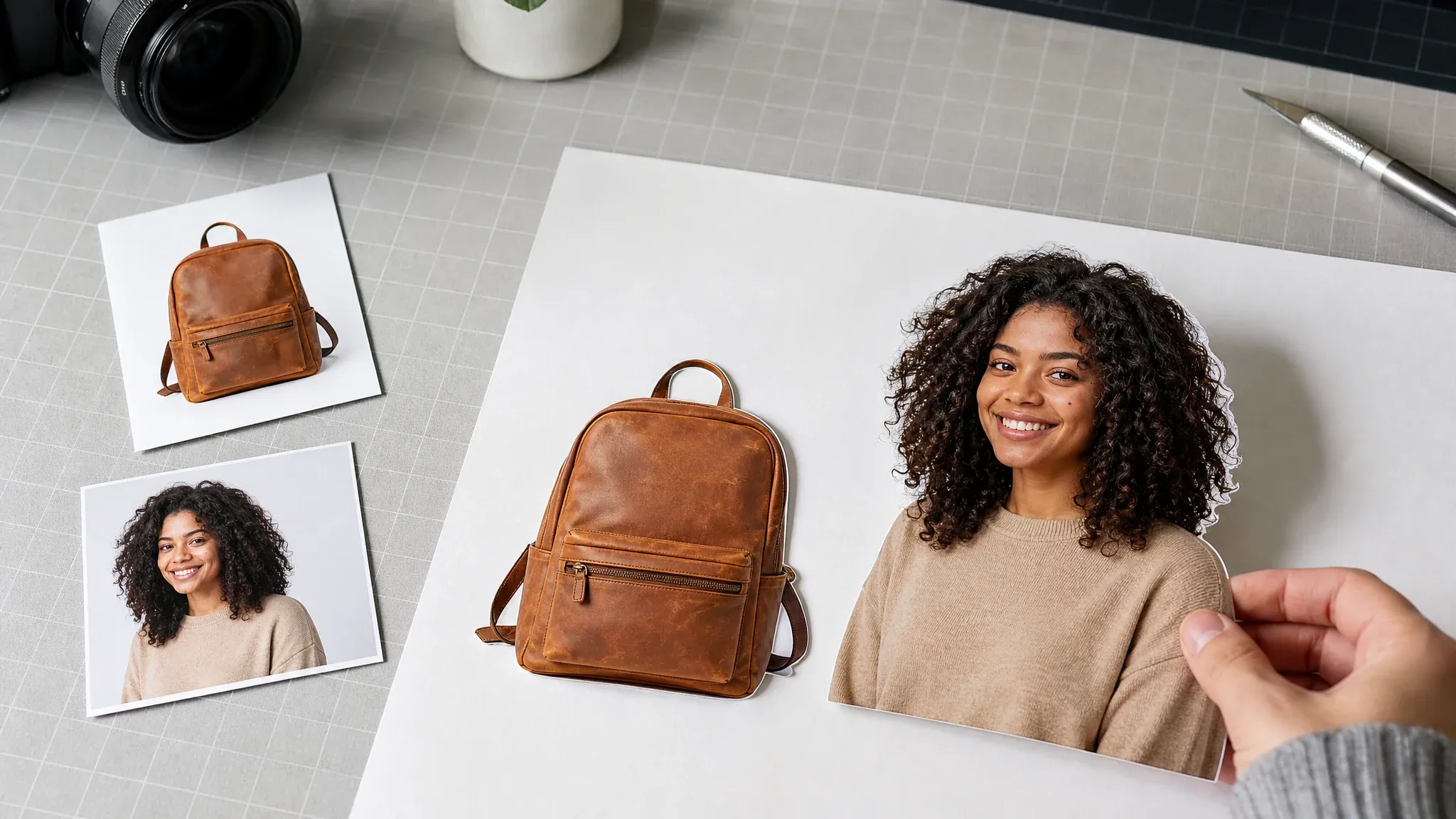
中文 product hero-left photo collage with detail image cards

中文 product hero collages

中文 place one hero product shot beside supporting detail images for ecommerce review launch pages or ads

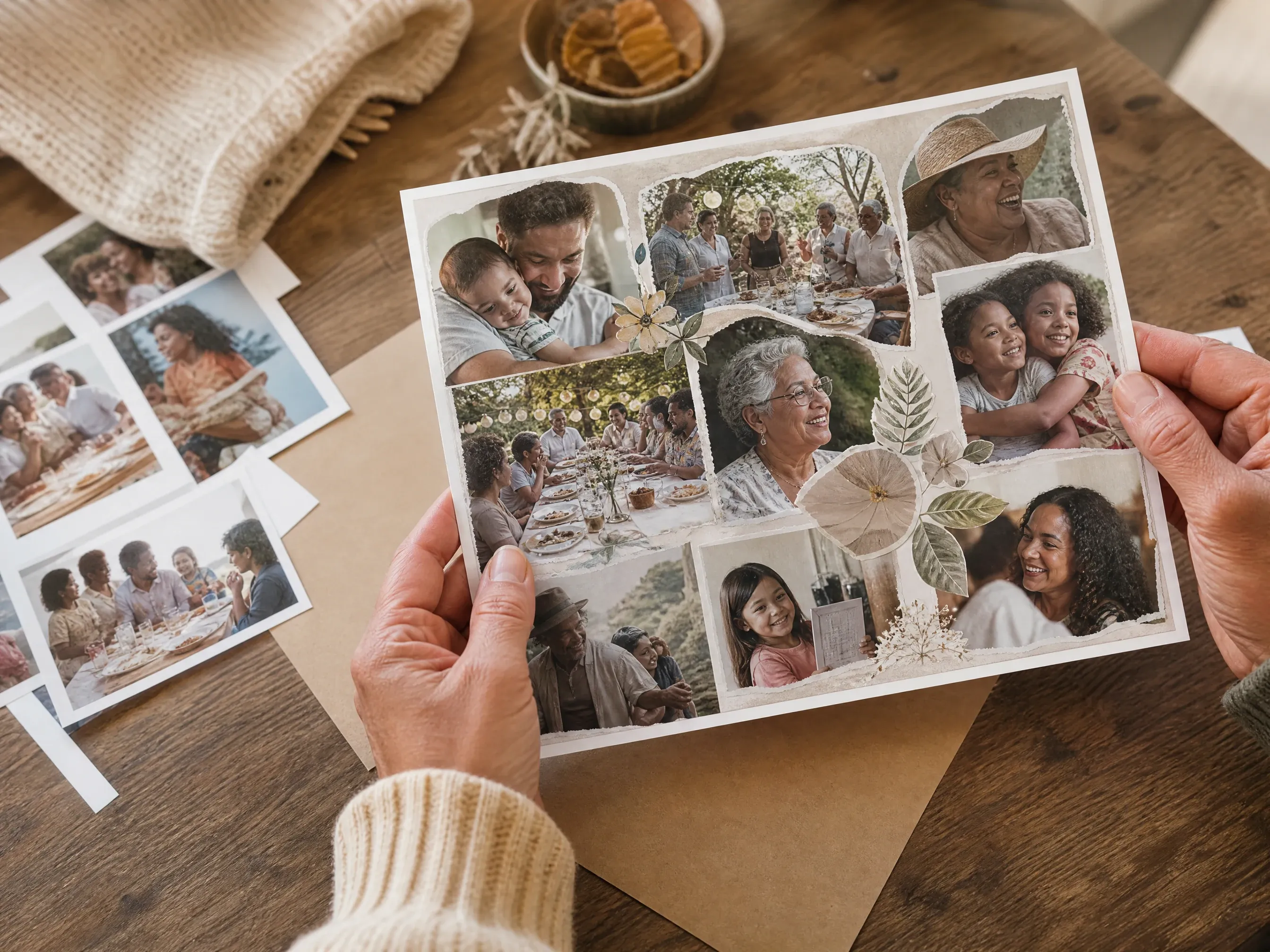
中文 family scrapbook photo collage with overlapping printed photos

中文 family scrapbook boards

中文 combine birthday wedding graduation class or family photos into a warm scrapbook-style board

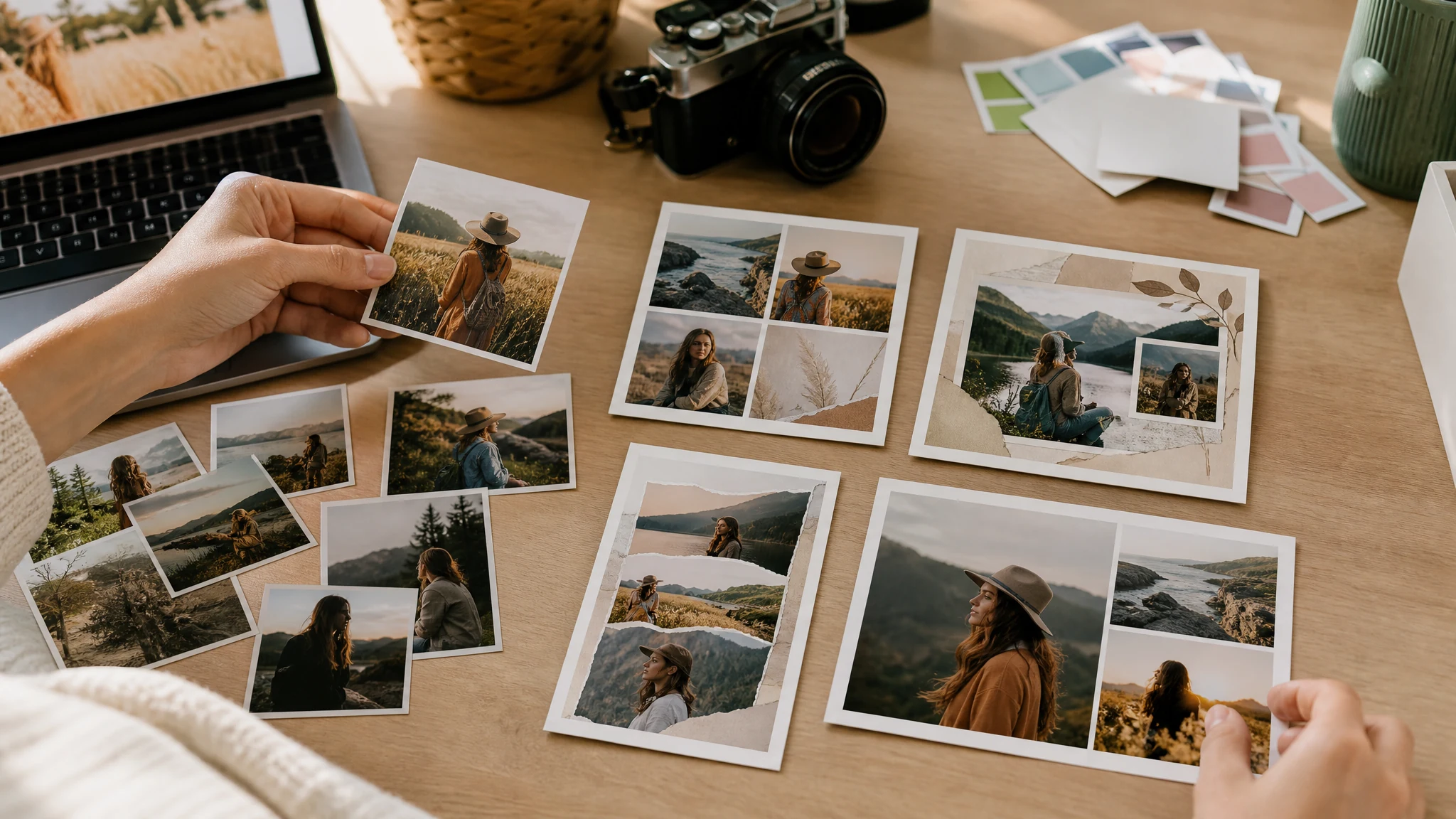
中文 moodboard photo collage for campaign planning

中文 moodboards and campaign drafts

中文 collect visual references product angles lifestyle shots and color cues into one image for review

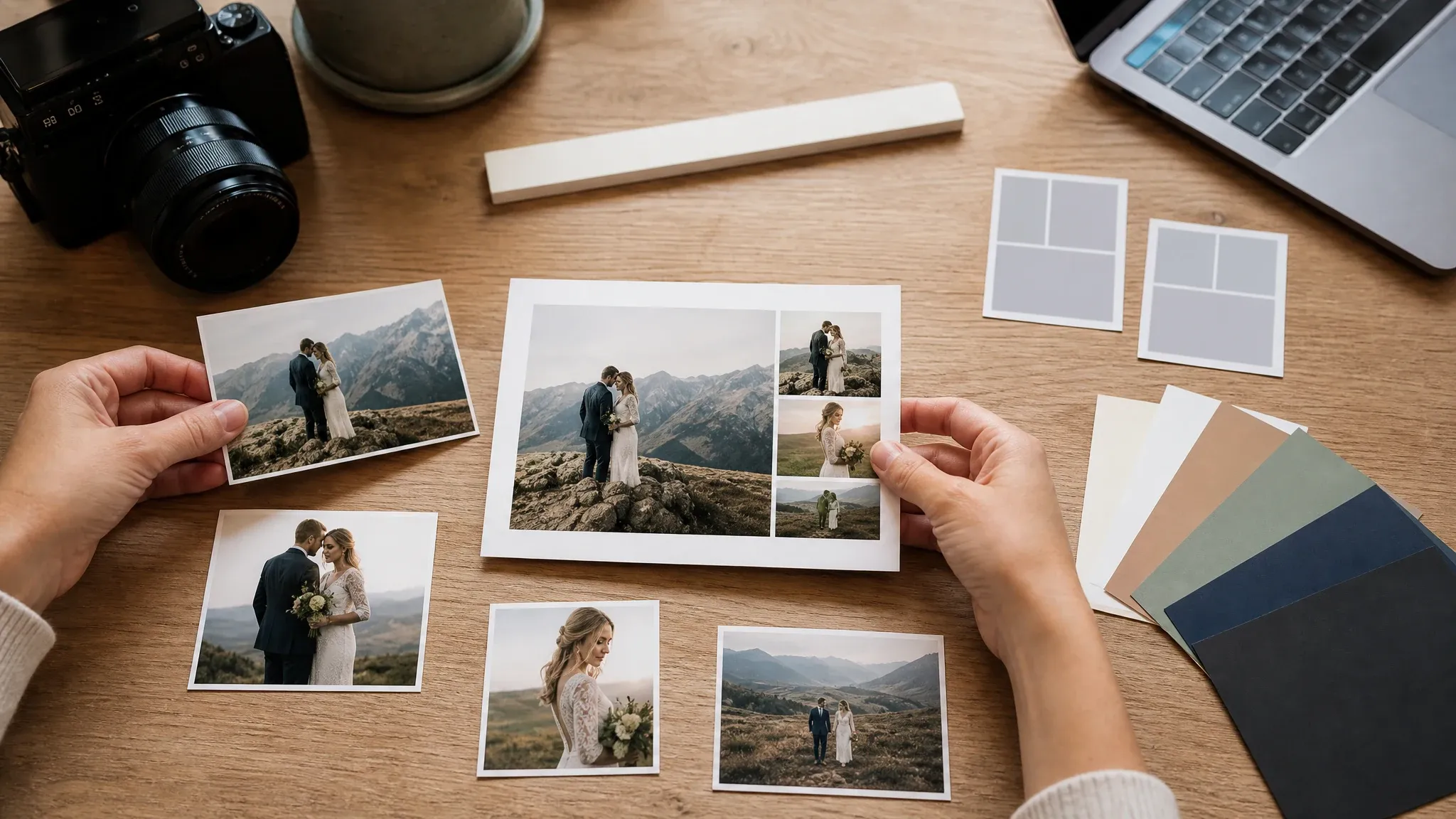
中文 photo collage template quality review with source cards and final export

中文 template quality review

中文 check source crop ratio photo count spacing background and fit mode before exporting the keeper

中文 quick answer

中文 what is an AI photo collage maker

中文 a photo collage maker arranges several images into one visual board this FaceAI page focuses on deterministic template composition upload photos choose a collage layout tune the frame and export the finished image

中文 multiple photo input

中文 add several local photos and see the exact count before the collage is exported

中文 template layouts

中文 choose collage forms such as hero-left scrapbook moodboard story magazine polaroid and contact sheet

中文 single image export

中文 download one finished PNG JPG or WEBP image and keep recent exports in browser history

中文 why FaceAI

中文 why use AI 照片拼贴工具

中文 FaceAI keeps this workflow focused on the everyday collage job enough template and export controls to make a clean result without unsupported AI agent PDF print DPI or cloud workspace promises

中文 tool-first workflow

中文 the collage workspace appears at the top of the page so visitors can upload photos and start arranging immediately

中文 real collage controls

中文 template ratio spacing border corner radius background fit mode format preview export history and page share are part of the function area

中文 honest scope

中文 this page does not claim prompt layout voice control editable layers sticker marketplaces PDF export print proofing or team collaboration

中文 clear next steps

中文 use grid maker editor enhancer remover or poster tools when a source photo or follow-up creative needs a different workflow

中文 collage tips

中文 tips for better photo collage exports

中文 a clean collage depends on source quality photo count and restraint start with the final channel then tune the template around that use

制作照片拼贴

中文 match the final ratio

中文 use 1:1 for square posts 9:16 for stories 16:9 for banners and 4:5 for portrait-friendly social images

中文 pick the template by job

中文 hero-left works for products scrapbook works for memories moodboard works for planning and contact sheet works for review

中文 use fill or fit intentionally

中文 fill creates stronger frames fit protects the full photo when crop loss would cut out a face product edge or key detail

中文 export a few versions

中文 try different background and spacing values then compare recent local exports before sending or posting

中文 comparison

中文 FaceAI photo collage maker vs AI agents and design suites

中文 choose the workflow that matches the job this page is best for fast template collages heavier design suites are better for layered editing and team projects

中文 starting point

我们

中文 starting point handled through multiple photo upload fixed collage template ratio spacing border corner background fit format preview export history and page share

中文 other collage workflows

中文 starting point may require AI agents prompt layout text layers stickers PDF export carousel slicing cloud projects print proofing or team design suites

中文 controls

我们

中文 controls handled through multiple photo upload fixed collage template ratio spacing border corner background fit format preview export history and page share

中文 other collage workflows

中文 controls may require AI agents prompt layout text layers stickers PDF export carousel slicing cloud projects print proofing or team design suites

中文 output

我们

中文 output handled through multiple photo upload fixed collage template ratio spacing border corner background fit format preview export history and page share

中文 other collage workflows

中文 output may require AI agents prompt layout text layers stickers PDF export carousel slicing cloud projects print proofing or team design suites

中文 best use

我们

中文 best use handled through multiple photo upload fixed collage template ratio spacing border corner background fit format preview export history and page share

中文 other collage workflows

中文 best use may require AI agents prompt layout text layers stickers PDF export carousel slicing cloud projects print proofing or team design suites

中文 how creators use AI 照片拼贴工具

中文 these comments focus on the practical collage loop upload choose template adjust controls export download and compare recent local versions

中文 photo collage review 1: upload several permitted JPG PNG or WEBP photos, choose a fixed collage template, tune ratio spacing border corners background and fit mode, export one image, and use another editor when text layers stickers PDF print proofing cloud projects or collaboration are needed.

Mei Chen

中文 photo collage workflow lead

中文 photo collage review 2: upload several permitted JPG PNG or WEBP photos, choose a fixed collage template, tune ratio spacing border corners background and fit mode, export one image, and use another editor when text layers stickers PDF print proofing cloud projects or collaboration are needed.

Yuki Tanaka

中文 photo collage workflow lead

中文 photo collage review 3: upload several permitted JPG PNG or WEBP photos, choose a fixed collage template, tune ratio spacing border corners background and fit mode, export one image, and use another editor when text layers stickers PDF print proofing cloud projects or collaboration are needed.

Priya Sharma

中文 photo collage workflow lead

中文 photo collage review 4: upload several permitted JPG PNG or WEBP photos, choose a fixed collage template, tune ratio spacing border corners background and fit mode, export one image, and use another editor when text layers stickers PDF print proofing cloud projects or collaboration are needed.

Sofia Martinez

中文 photo collage workflow lead

中文 photo collage review 5: upload several permitted JPG PNG or WEBP photos, choose a fixed collage template, tune ratio spacing border corners background and fit mode, export one image, and use another editor when text layers stickers PDF print proofing cloud projects or collaboration are needed.

Marco Rossi

中文 photo collage workflow lead

中文 photo collage review 6: upload several permitted JPG PNG or WEBP photos, choose a fixed collage template, tune ratio spacing border corners background and fit mode, export one image, and use another editor when text layers stickers PDF print proofing cloud projects or collaboration are needed.

Luna Hernandez

中文 photo collage workflow lead

中文 what should you try after making a photo collage

中文 choose the next FaceAI tool based on what blocks the collage strict grids source cleanup sharper photos background removal or a designed poster

中文 AI 照片拼贴工具 FAQ

中文 direct answers about uploads templates ratio controls export formats local history privacy wording and deterministic templates versus AI auto-layout

中文 Basics answer 1 for multi-photo upload fixed collage templates ratio spacing border background fit mode browser export local history rights review and realistic product boundaries

中文 Basics answer 2 for multi-photo upload fixed collage templates ratio spacing border background fit mode browser export local history rights review and realistic product boundaries

中文 Basics answer 3 for multi-photo upload fixed collage templates ratio spacing border background fit mode browser export local history rights review and realistic product boundaries

中文 Templates and controls answer 1 for multi-photo upload fixed collage templates ratio spacing border background fit mode browser export local history rights review and realistic product boundaries

中文 Templates and controls answer 2 for multi-photo upload fixed collage templates ratio spacing border background fit mode browser export local history rights review and realistic product boundaries

中文 Templates and controls answer 3 for multi-photo upload fixed collage templates ratio spacing border background fit mode browser export local history rights review and realistic product boundaries

中文 Export and history answer 1 for multi-photo upload fixed collage templates ratio spacing border background fit mode browser export local history rights review and realistic product boundaries

中文 Export and history answer 2 for multi-photo upload fixed collage templates ratio spacing border background fit mode browser export local history rights review and realistic product boundaries

中文 Export and history answer 3 for multi-photo upload fixed collage templates ratio spacing border background fit mode browser export local history rights review and realistic product boundaries

中文 Privacy and scope answer 1 for multi-photo upload fixed collage templates ratio spacing border background fit mode browser export local history rights review and realistic product boundaries

中文 Privacy and scope answer 2 for multi-photo upload fixed collage templates ratio spacing border background fit mode browser export local history rights review and realistic product boundaries

中文 Privacy and scope answer 3 for multi-photo upload fixed collage templates ratio spacing border background fit mode browser export local history rights review and realistic product boundaries

中文 create your photo collage now

中文 upload several photos choose a collage template tune the ratio and frame controls then export one finished image for social product memory or review workflows