FaceAI
中文 AI 照片九宫格工具 workbench

中文 AI 照片九宫格工具 workbench

上传素材、调整设置并生成结果。

AI 照片九宫格工具

中文 AI 照片九宫格工具 for clean collage layouts

中文 upload multiple photos pick a fixed grid preset tune spacing borders corners background color and fit mode then export one finished image for social posts product contact sheets event recaps story stacks family collages or creative review

中文 multi-photo upload
中文 grid presets
中文 spacing controls
中文 browser export
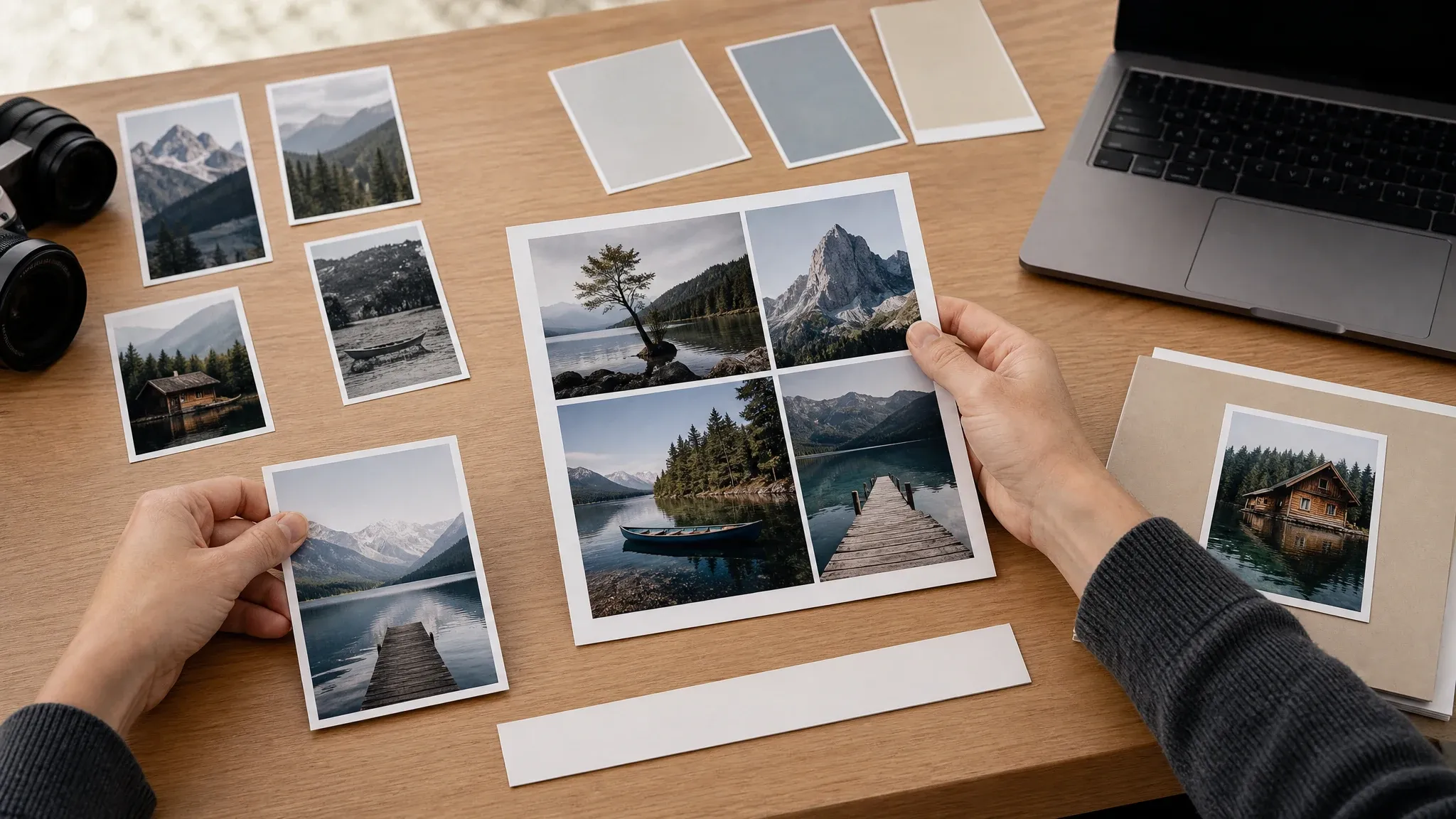
中文 photo grid maker arranging multiple photos into a clean collage layout
10,000,000+中文 trusted users
4.9/5中文 rated by users
800,000,000+中文 creations

中文 built for deterministic browser-side photo grid export not AI auto-layout cloud project storage or PDF production

中文 how it works

中文 how to make a photo grid with AI 照片九宫格工具

中文 the useful loop is short choose source photos select a layout tune the grid then export a single image for review or sharing

01

中文 upload your photos

中文 add multiple JPG PNG or WEBP files and keep the set under the visible 12-photo cap

02

中文 pick a layout preset

中文 use square grids portrait 2x3 story stack horizontal strip or contact sheet based on the final use

03

中文 export and compare

中文 adjust spacing borders corner radius background fit mode and format then download the grid and keep recent exports in local history

中文 photo grid layouts you can create

中文 create practical collages for social posts product review event recaps story images contact sheets family albums and campaign drafts

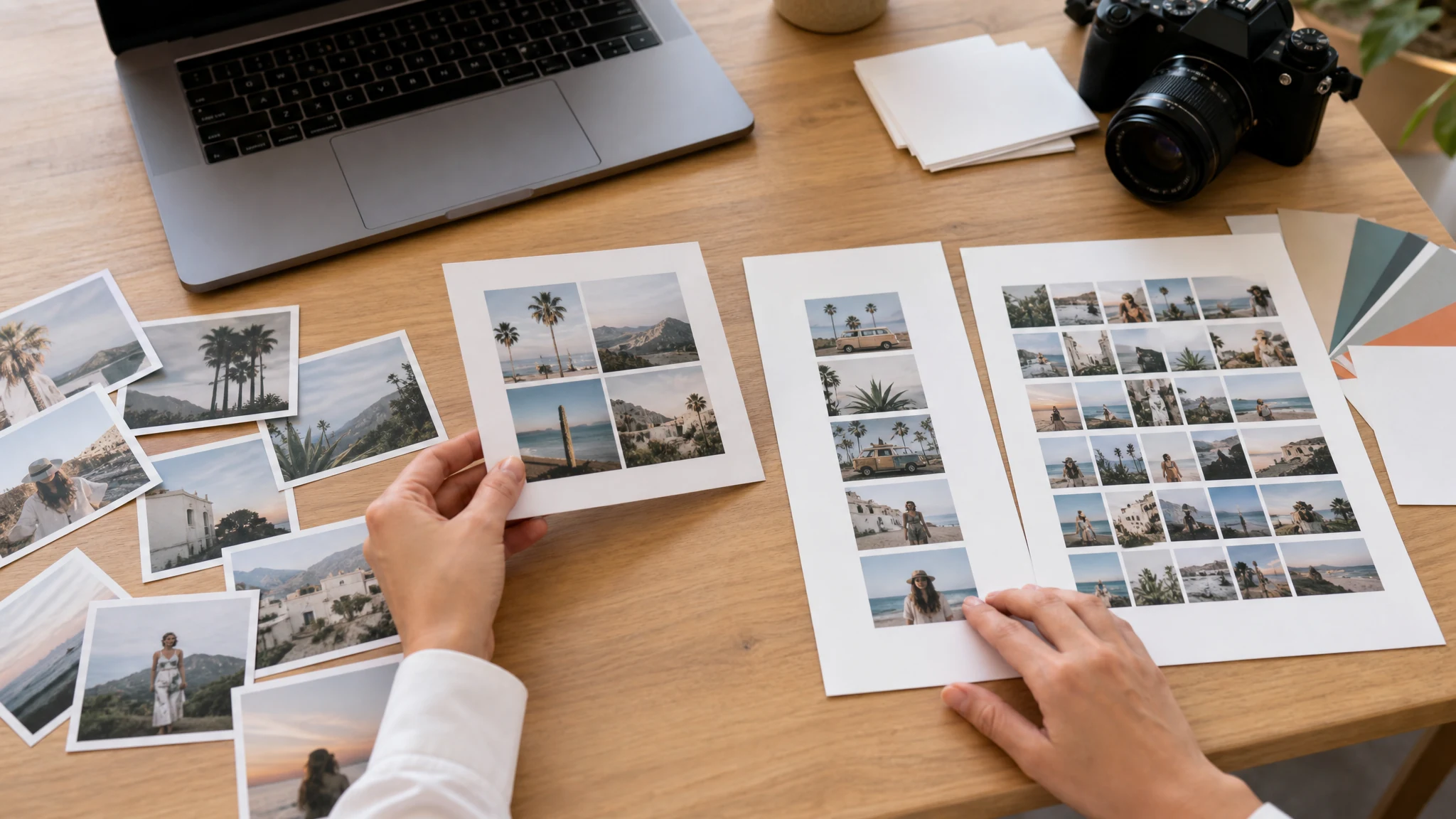
中文 square Instagram-style photo grid layout with clean spacing

中文 Instagram-style square grids

中文 build 2x2 or 3x3 square collages with even spacing clean borders and controlled background color

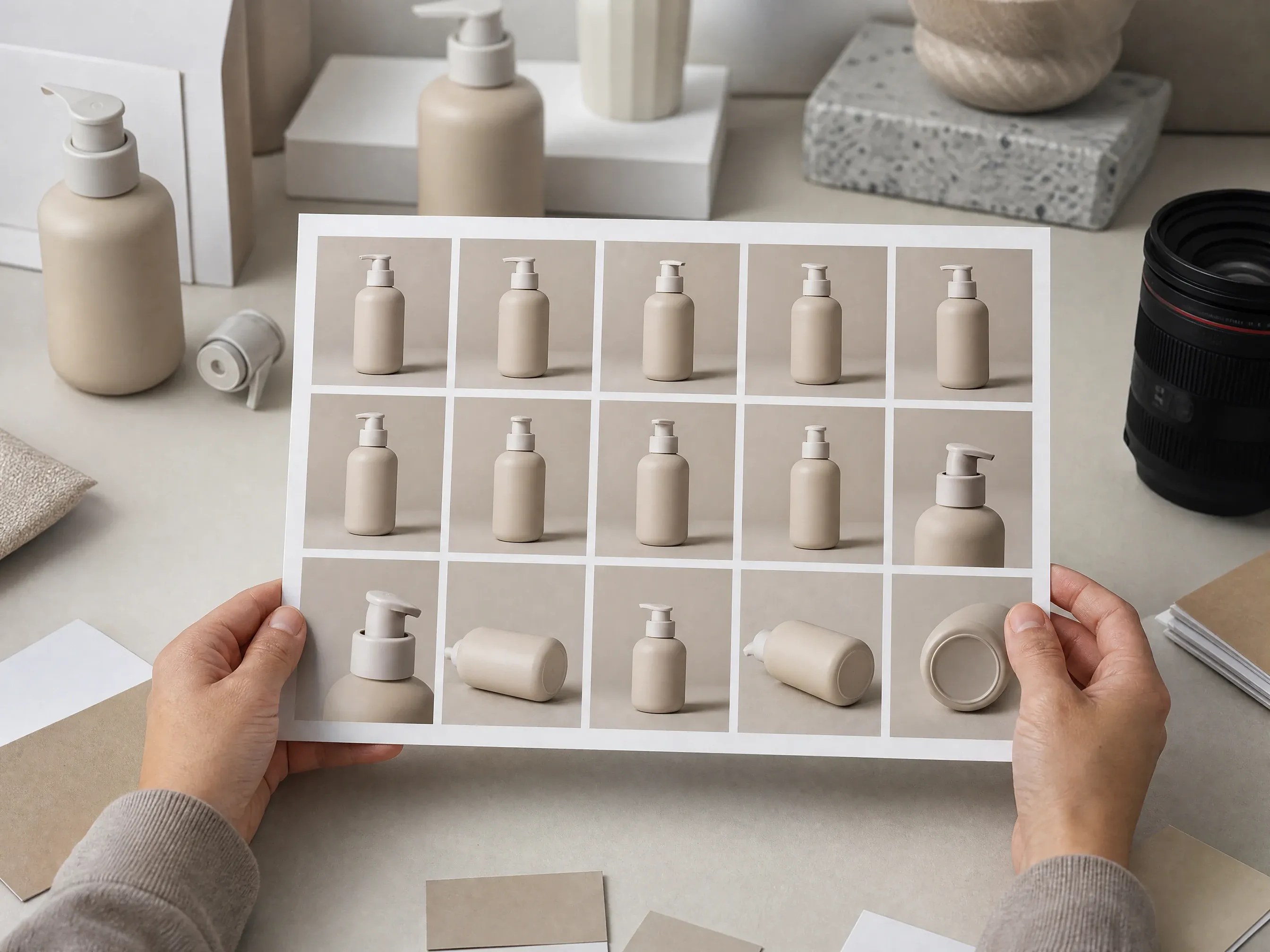
中文 product photo contact sheet grid for ecommerce review

中文 product contact sheets

中文 arrange product angles variants and detail shots into one review image before choosing final campaign assets

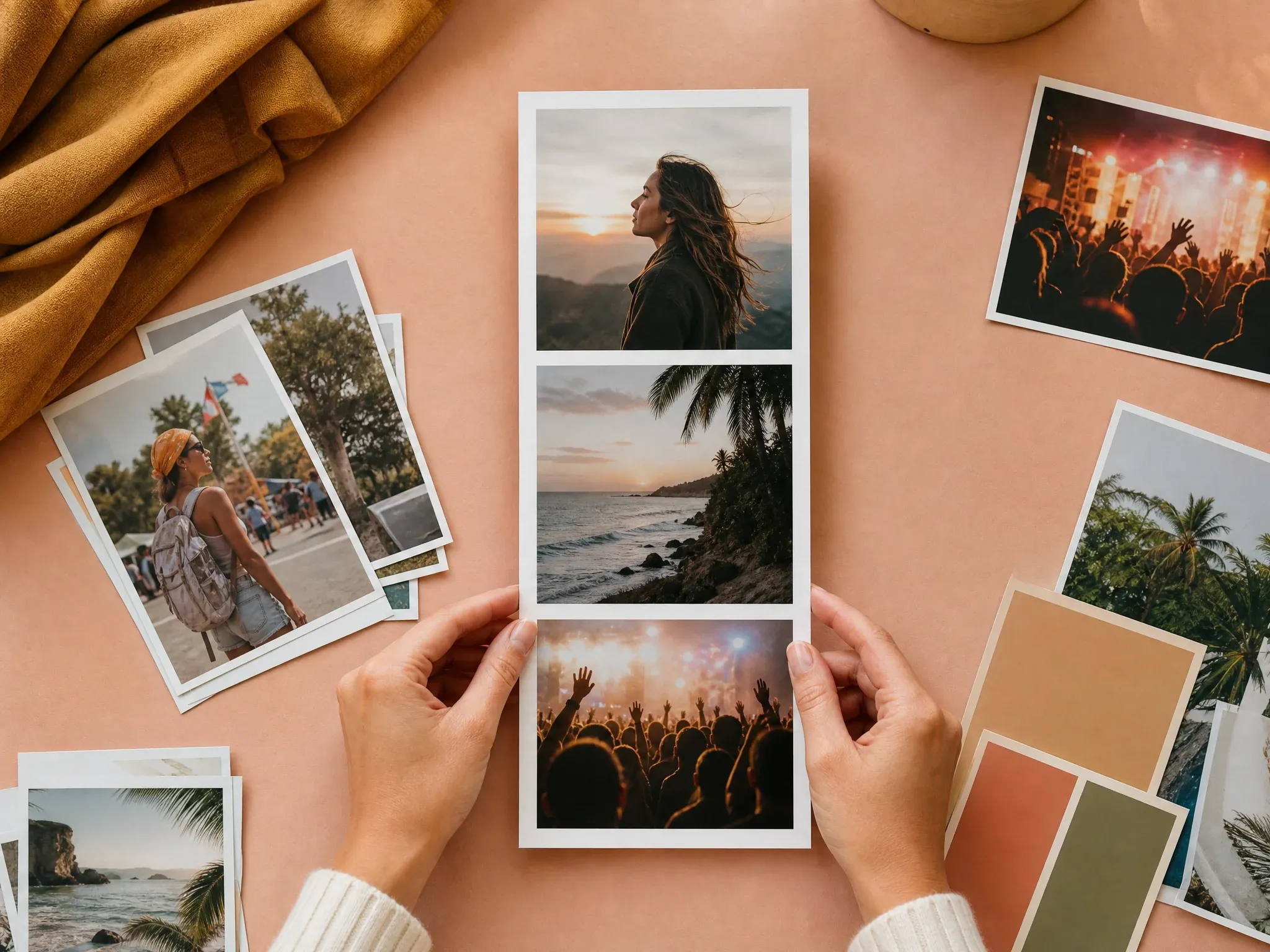
中文 vertical story stack photo grid for social recap

中文 story stacks and vertical recaps

中文 use a tall stack when a sequence needs to fit story pin or mobile-first creative review

中文 family event photo grid with multiple recap images

中文 family and event grids

中文 combine birthday trip wedding class or community photos into one balanced recap image

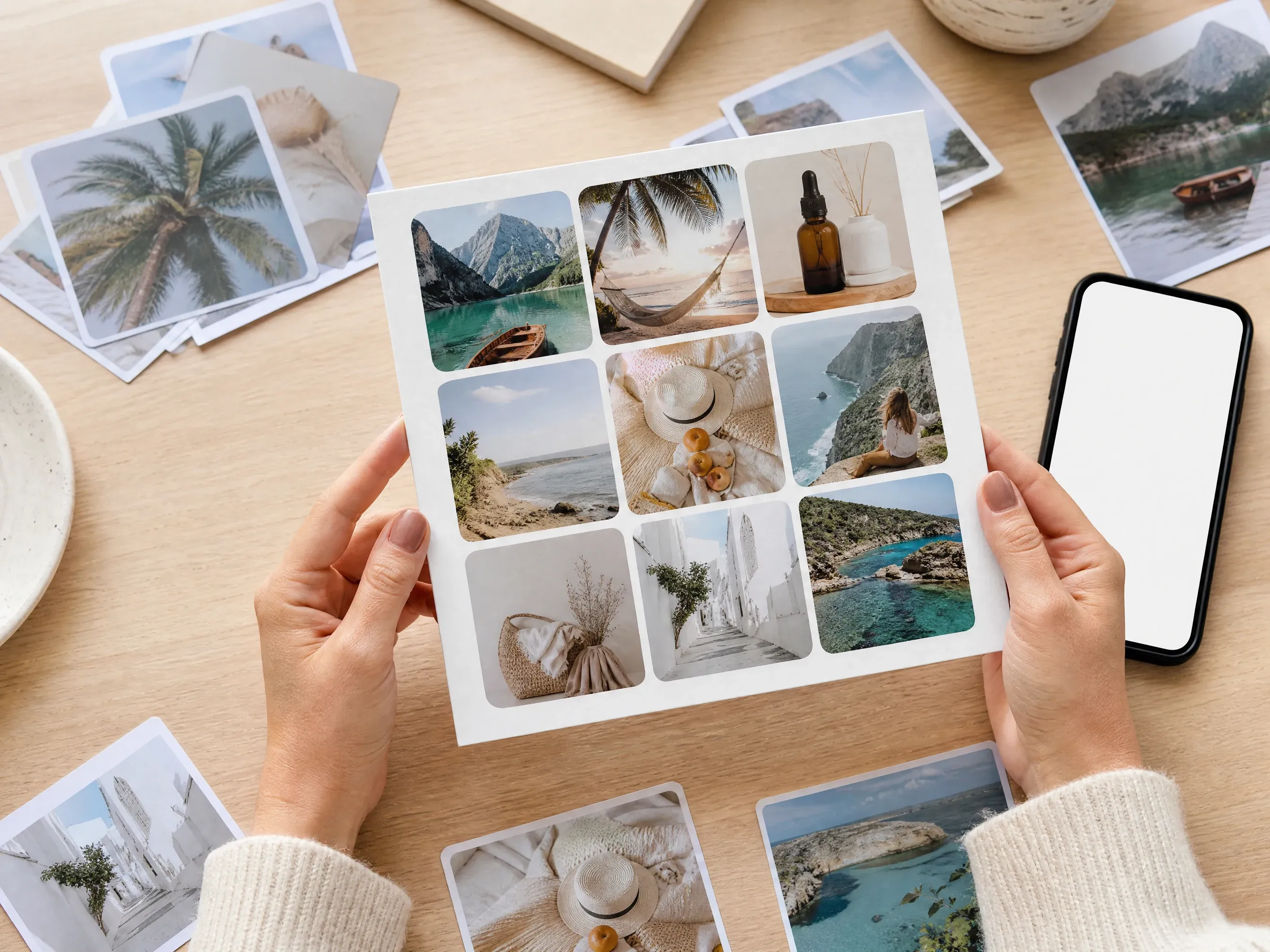
中文 photo grid layout quality review with source cards and final export

中文 layout quality review

中文 check crop aspect ratio spacing and background choices before exporting the keeper

中文 quick answer

中文 what is an AI photo grid maker

中文 a photo grid maker arranges several images into one clean collage this FaceAI page focuses on browser-side deterministic grid composition upload photos choose a preset tune the layout and export the result

中文 multiple photo input

中文 add several local photos and see the exact count before the grid is exported

中文 preset layouts

中文 choose common grid forms such as square portrait horizontal strip story stack and contact sheet

中文 single image export

中文 download one finished PNG JPG or WEBP image and keep recent exports in browser history

中文 why FaceAI

中文 why use AI 照片九宫格工具

中文 FaceAI keeps the first version focused on everyday collage work enough controls to make a clean grid without unsupported AI auto-layout PDF carousel or cloud collaboration promises

中文 tool-first workflow

中文 the grid maker appears at the top of the page so visitors can upload photos and start arranging immediately

中文 real layout controls

中文 photo order replacement cell framing spacing border corner radius background fit mode format preview export history and file share are part of the function area

中文 honest scope

中文 this page does not claim prompt layout voice control per-cell filters drag reordering PDF export or cloud project storage

中文 clear next steps

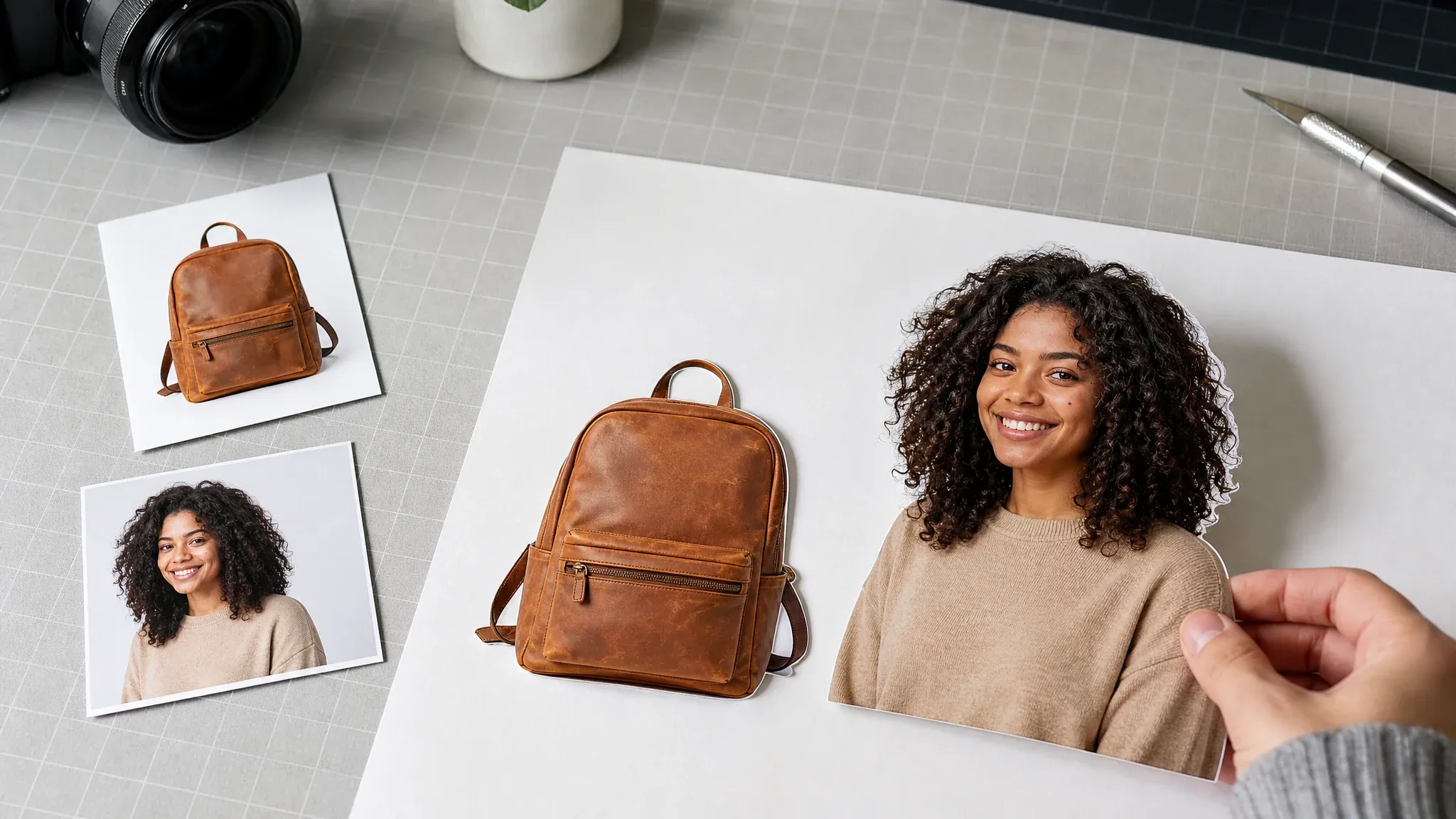
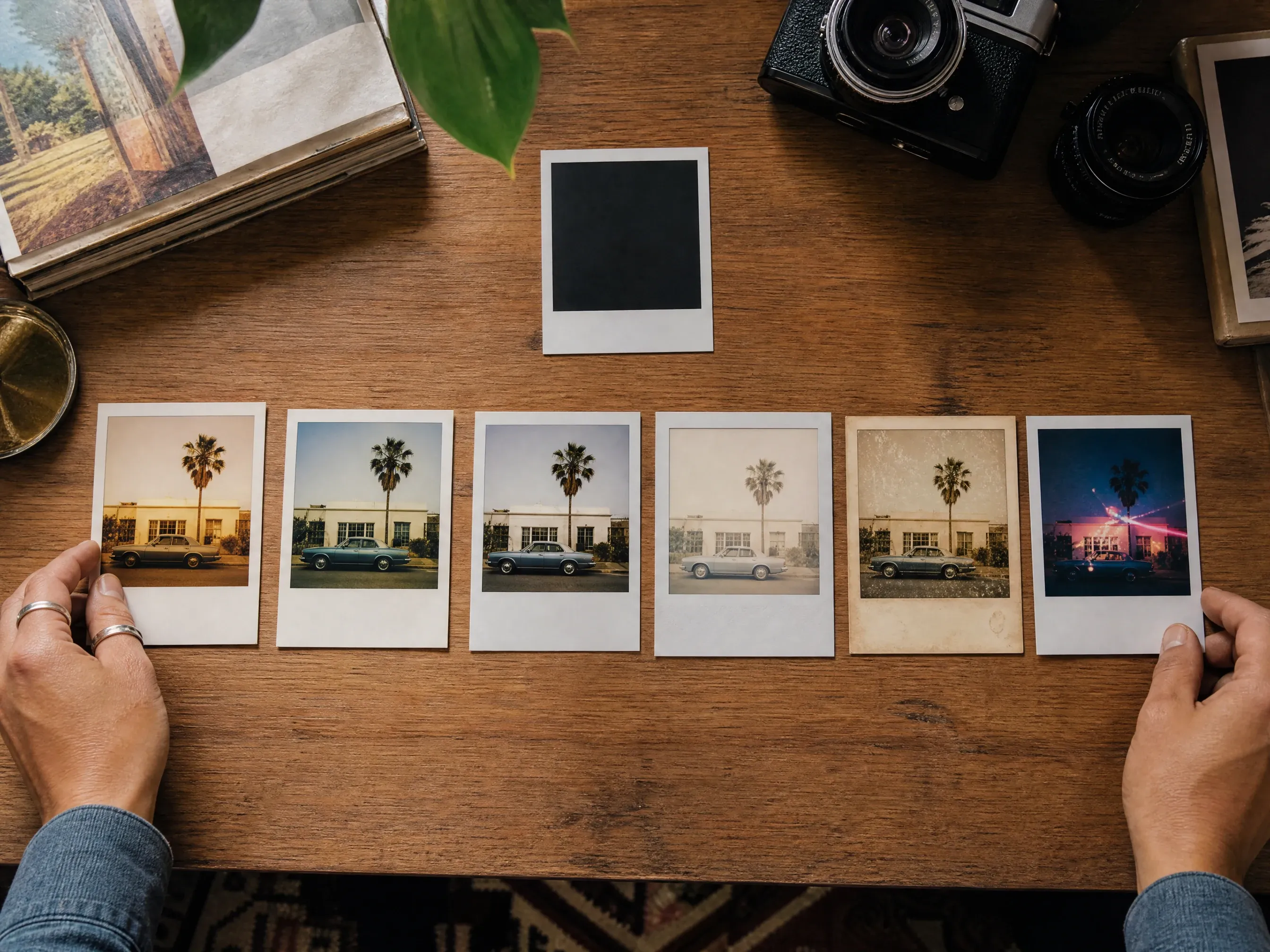
中文 use editor enhancer remover poster or Polaroid tools when a source photo or follow-up creative needs a different workflow

中文 layout tips

中文 tips for better photo grid exports

中文 a clean collage depends on consistent source photos and restrained layout choices start with the final use then tune the grid around that format

制作照片网格

中文 match the final channel

中文 use 3x3 for square social grids story stack for vertical posts horizontal strip for sequences and contact sheet for review

中文 keep spacing deliberate

中文 small gaps feel like a single collage wider gaps help separate product angles event moments or mood-board images

中文 use fill or fit intentionally

中文 fill creates strong equal cells fit protects full image content when crop loss would change the meaning

中文 export a few versions

中文 try different background and spacing values then compare recent local exports before sending or posting

中文 comparison

中文 FaceAI photo grid maker vs AI auto-layout and design editors

中文 choose the workflow that matches the job this page is best for deterministic photo grids while heavier design suites are better for layered editing and team projects

中文 starting point

我们

中文 starting point handled through multiple photo upload fixed grid preset spacing border corner background fit format preview export history and page share

中文 other collage workflows

中文 starting point may require prompt auto-layout template editors text layers PDF carousel slicing cloud projects or manual design suites

中文 controls

我们

中文 controls handled through multiple photo upload fixed grid preset spacing border corner background fit format preview export history and page share

中文 other collage workflows

中文 controls may require prompt auto-layout template editors text layers PDF carousel slicing cloud projects or manual design suites

中文 output

我们

中文 output handled through multiple photo upload fixed grid preset spacing border corner background fit format preview export history and page share

中文 other collage workflows

中文 output may require prompt auto-layout template editors text layers PDF carousel slicing cloud projects or manual design suites

中文 best use

我们

中文 best use handled through multiple photo upload fixed grid preset spacing border corner background fit format preview export history and page share

中文 other collage workflows

中文 best use may require prompt auto-layout template editors text layers PDF carousel slicing cloud projects or manual design suites

中文 how creators use AI 照片九宫格工具

中文 these comments focus on the practical grid loop upload choose layout adjust controls export download and compare recent local versions

中文 photo grid review 1: upload several permitted JPG PNG or WEBP photos, choose a fixed grid preset, tune photo order replacement framing spacing border corners background and fit mode, then export one image. Use another editor when text PDF carousel cloud collaboration or per-cell filters are needed.

Kai Nakamura

中文 photo grid workflow lead

中文 photo grid review 2: upload several permitted JPG PNG or WEBP photos, choose a fixed grid preset, tune photo order replacement framing spacing border corners background and fit mode, then export one image. Use another editor when text PDF carousel cloud collaboration or per-cell filters are needed.

Nina Volkov

中文 photo grid workflow lead

中文 photo grid review 3: upload several permitted JPG PNG or WEBP photos, choose a fixed grid preset, tune photo order replacement framing spacing border corners background and fit mode, then export one image. Use another editor when text PDF carousel cloud collaboration or per-cell filters are needed.

Rafael Santos

中文 photo grid workflow lead

中文 photo grid review 4: upload several permitted JPG PNG or WEBP photos, choose a fixed grid preset, tune photo order replacement framing spacing border corners background and fit mode, then export one image. Use another editor when text PDF carousel cloud collaboration or per-cell filters are needed.

Priya Chen

中文 photo grid workflow lead

中文 photo grid review 5: upload several permitted JPG PNG or WEBP photos, choose a fixed grid preset, tune photo order replacement framing spacing border corners background and fit mode, then export one image. Use another editor when text PDF carousel cloud collaboration or per-cell filters are needed.

Devon Park

中文 photo grid workflow lead

中文 photo grid review 6: upload several permitted JPG PNG or WEBP photos, choose a fixed grid preset, tune photo order replacement framing spacing border corners background and fit mode, then export one image. Use another editor when text PDF carousel cloud collaboration or per-cell filters are needed.

Mia Torres

中文 photo grid workflow lead

中文 what should you try after making a photo grid

中文 choose the next FaceAI tool based on what blocks the grid source cleanup sharper photos background removal poster design or single-photo styling

中文 AI 照片九宫格工具 FAQ

中文 direct answers about uploads layout presets export formats local history privacy wording and deterministic grids versus AI auto-layout

中文 Basics answer 1 for multi-photo upload fixed presets spacing border background fit mode browser export local history rights review and realistic product boundaries

中文 Basics answer 2 for multi-photo upload fixed presets spacing border background fit mode browser export local history rights review and realistic product boundaries

中文 Basics answer 3 for multi-photo upload fixed presets spacing border background fit mode browser export local history rights review and realistic product boundaries

中文 Layouts and controls answer 1 for multi-photo upload fixed presets spacing border background fit mode browser export local history rights review and realistic product boundaries

中文 Layouts and controls answer 2 for multi-photo upload fixed presets spacing border background fit mode browser export local history rights review and realistic product boundaries

中文 Layouts and controls answer 3 for multi-photo upload fixed presets spacing border background fit mode browser export local history rights review and realistic product boundaries

中文 Export and history answer 1 for multi-photo upload fixed presets spacing border background fit mode browser export local history rights review and realistic product boundaries

中文 Export and history answer 2 for multi-photo upload fixed presets spacing border background fit mode browser export local history rights review and realistic product boundaries

中文 Export and history answer 3 for multi-photo upload fixed presets spacing border background fit mode browser export local history rights review and realistic product boundaries

中文 Privacy and scope answer 1 for multi-photo upload fixed presets spacing border background fit mode browser export local history rights review and realistic product boundaries

中文 Privacy and scope answer 2 for multi-photo upload fixed presets spacing border background fit mode browser export local history rights review and realistic product boundaries

中文 Privacy and scope answer 3 for multi-photo upload fixed presets spacing border background fit mode browser export local history rights review and realistic product boundaries

中文 create your photo grid now

中文 upload several photos choose a fixed layout tune the grid controls then export one finished image for social product event or review workflows