
Output choice
我们
Create a transition video or one blended face image from the same two-photo workspace.
Other approaches
Many tools focus on one still image or a direct replacement flow.
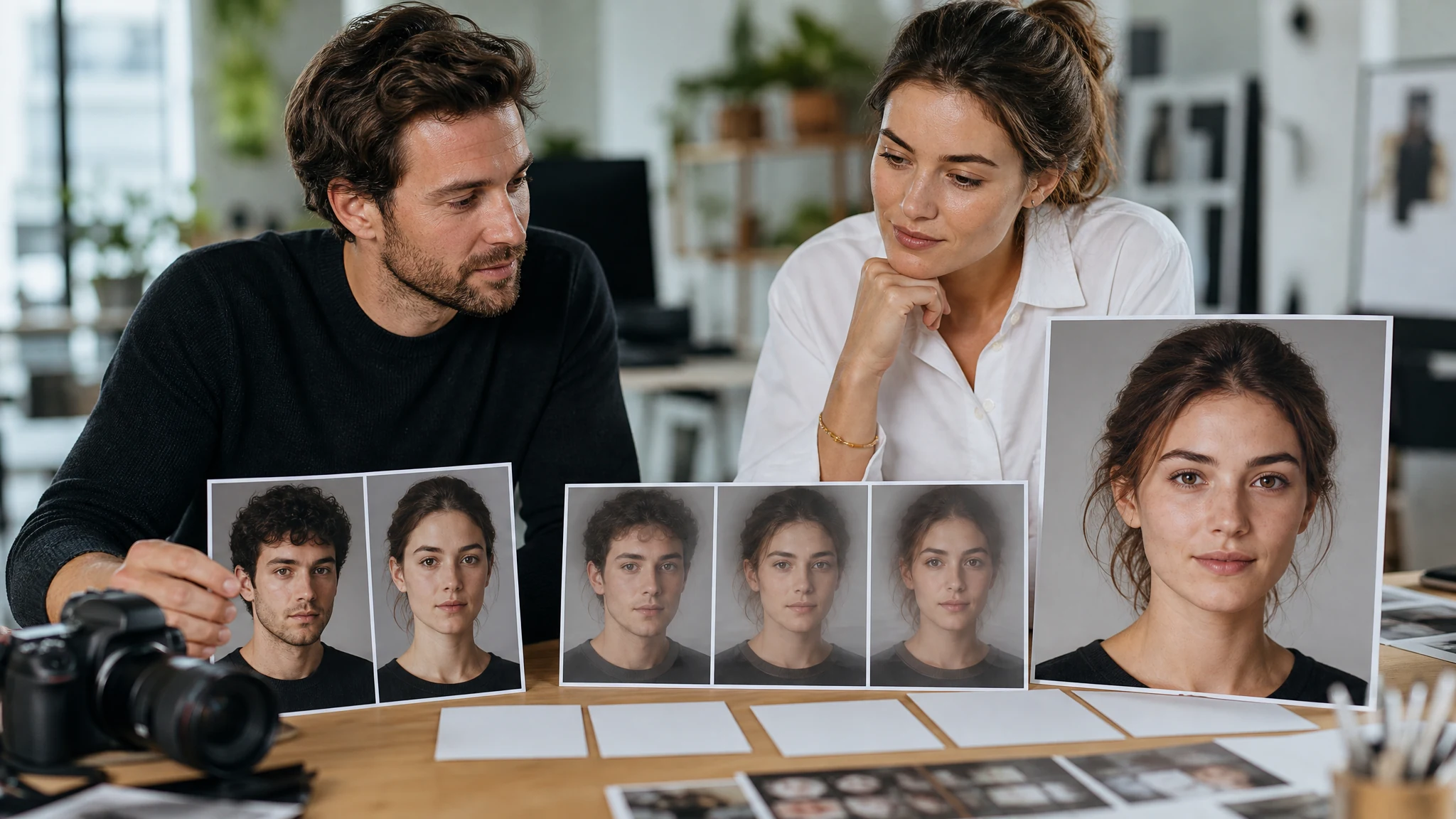
Upload two clear portraits, then choose the result you actually need: a face morph video that moves from one portrait to the other, or one blended face image for concept review. Use the AI Face Morph workspace for avatar tests, character direction, social reveal loops, and early creative decisions without a login.
Trusted by 12,000,000+ users worldwide.
The workflow is simple: add two portraits, choose the output mode, then inspect the result before continuing to the next FaceAI tool.
Use one face per image when possible. Similar angle, crop, and lighting give the model a cleaner path to compare facial structure.
Pick Morph video when the transition itself matters. Pick Mixed image when you need one new hybrid portrait for review.
Review the newest result against local history, download the keeper, or move the idea into editor, video, talking photo, or enhancer.
Use the workspace for five practical jobs: morph transitions, mixed portrait stills, character concepts, social reveal loops, and avatar exploration.
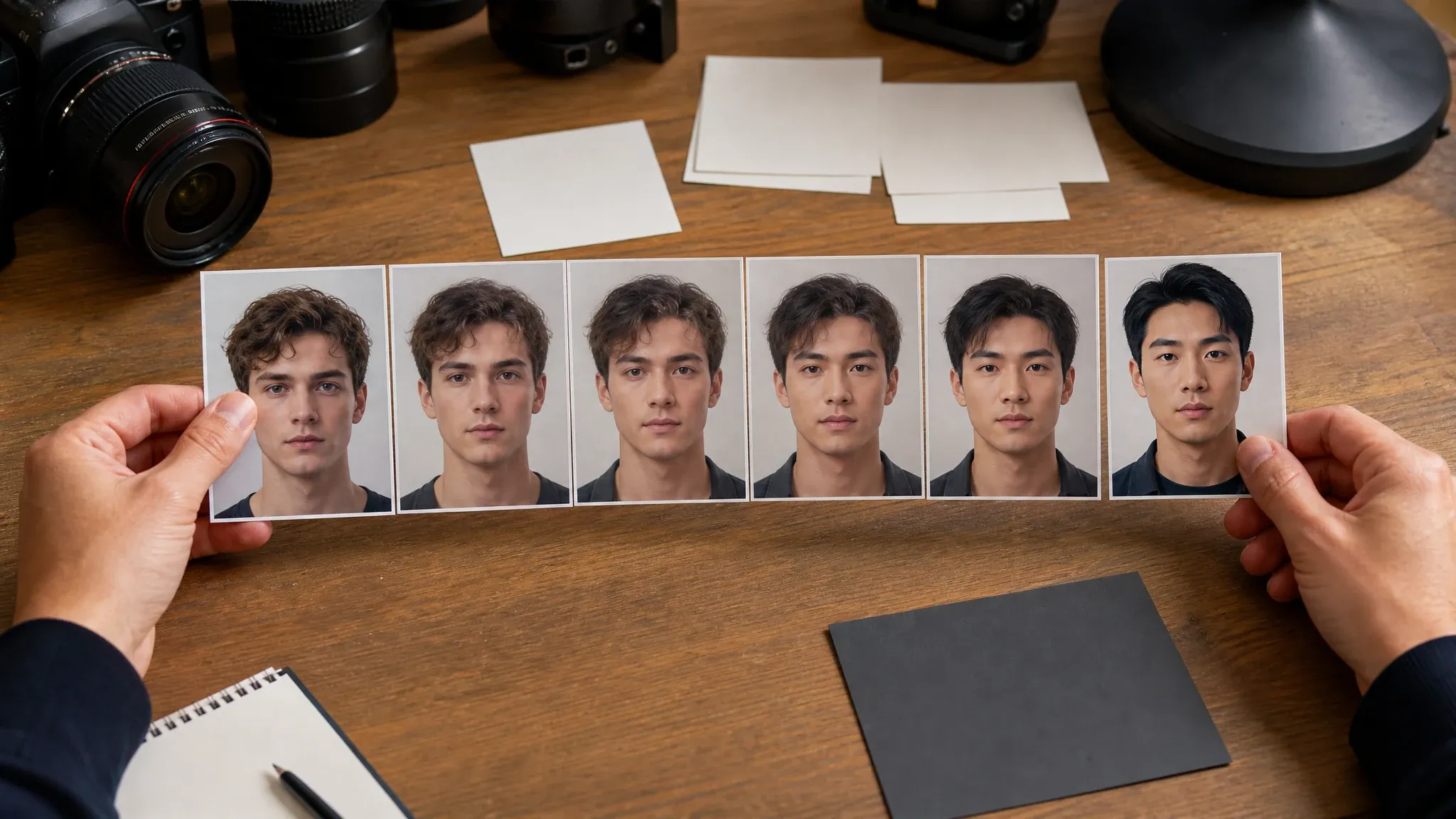
Create a short transition from one portrait to another when the movement is the point of the idea. Use it for reveal moments, transformation boards, or early motion review.
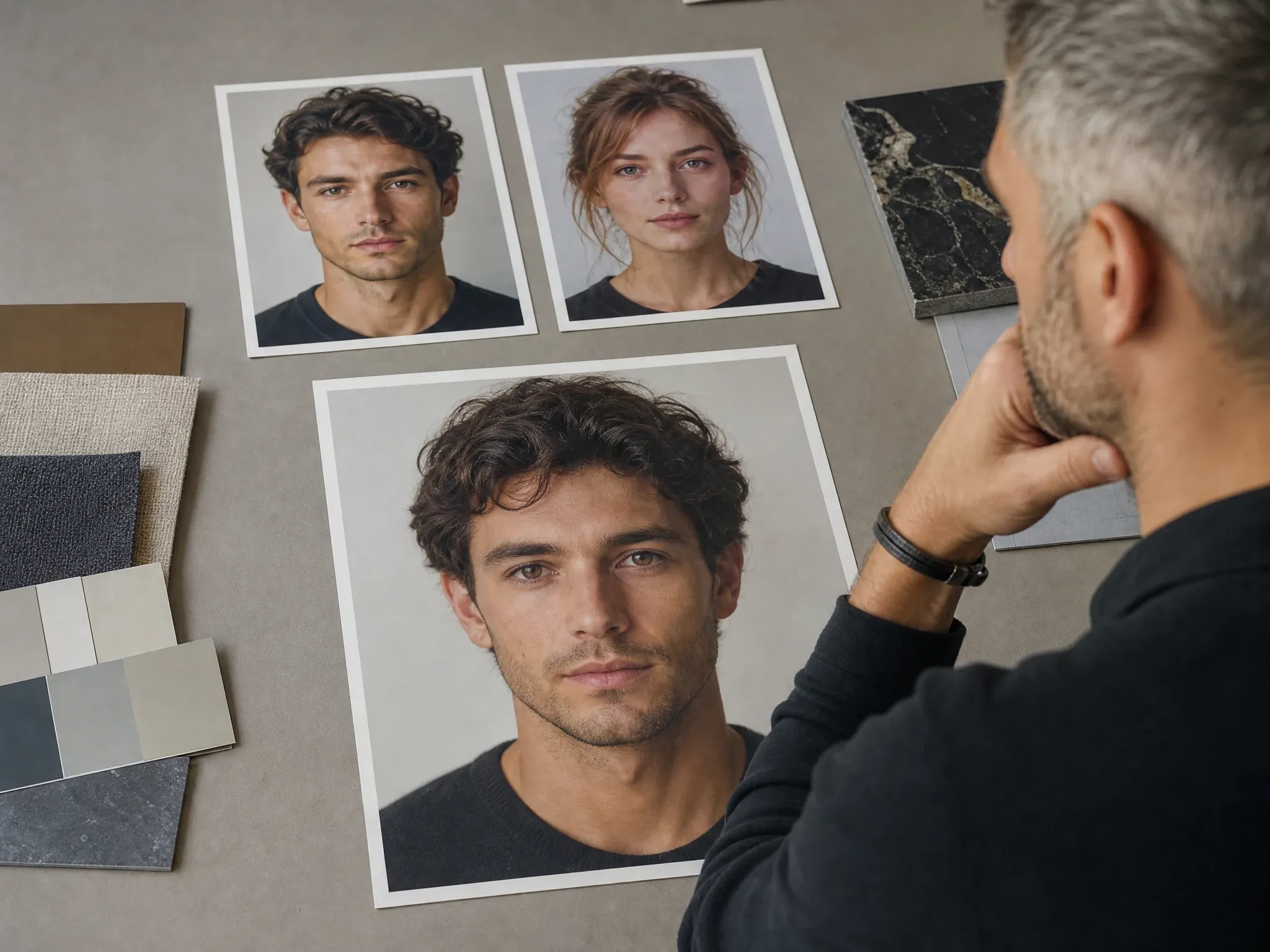
Generate one blended face image when you need a new hybrid portrait direction, not a full motion clip. This is the faster path for concept boards.
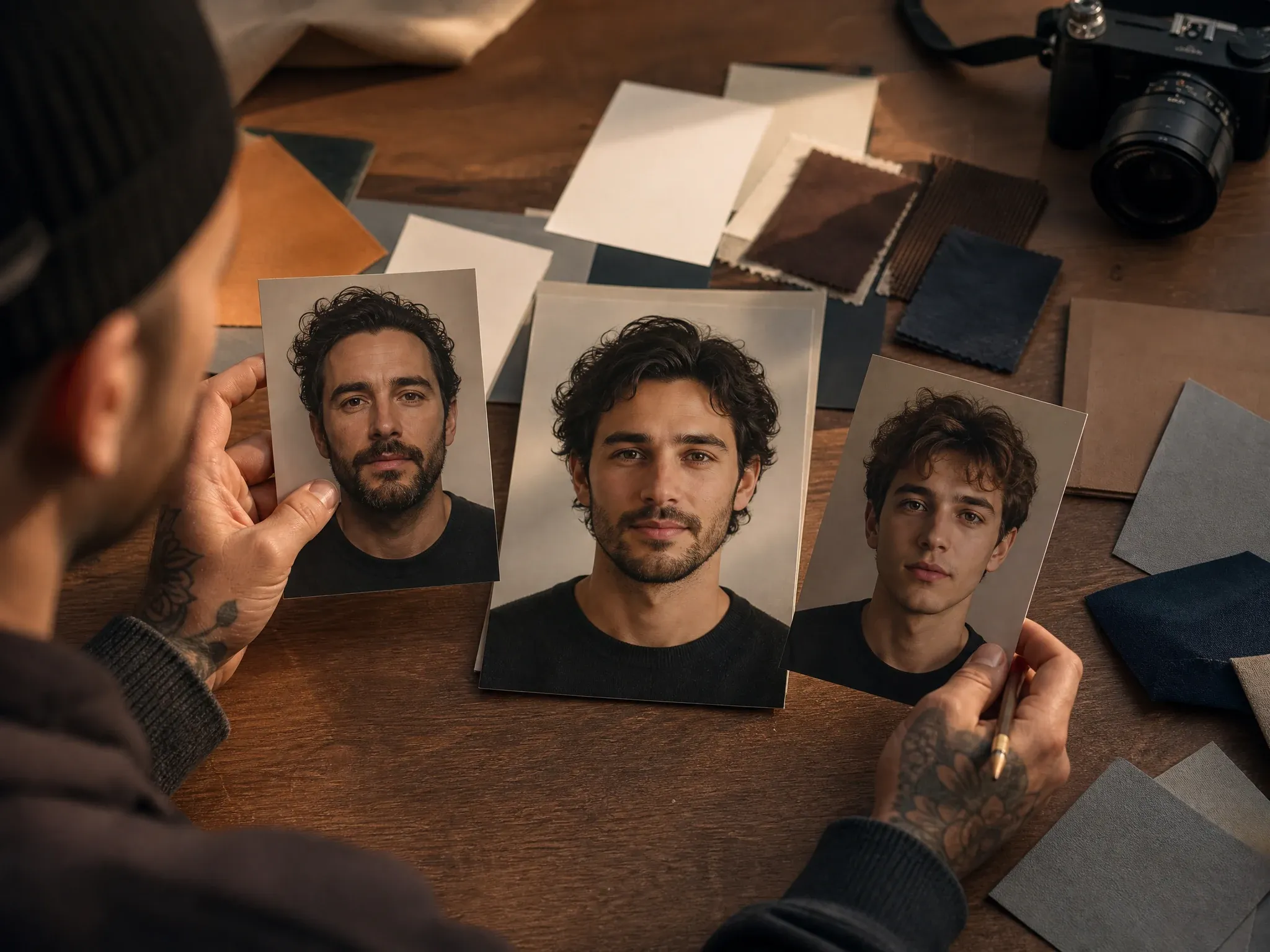
Blend two reference faces when a character, avatar, or mascot still needs the right facial structure before final art direction.
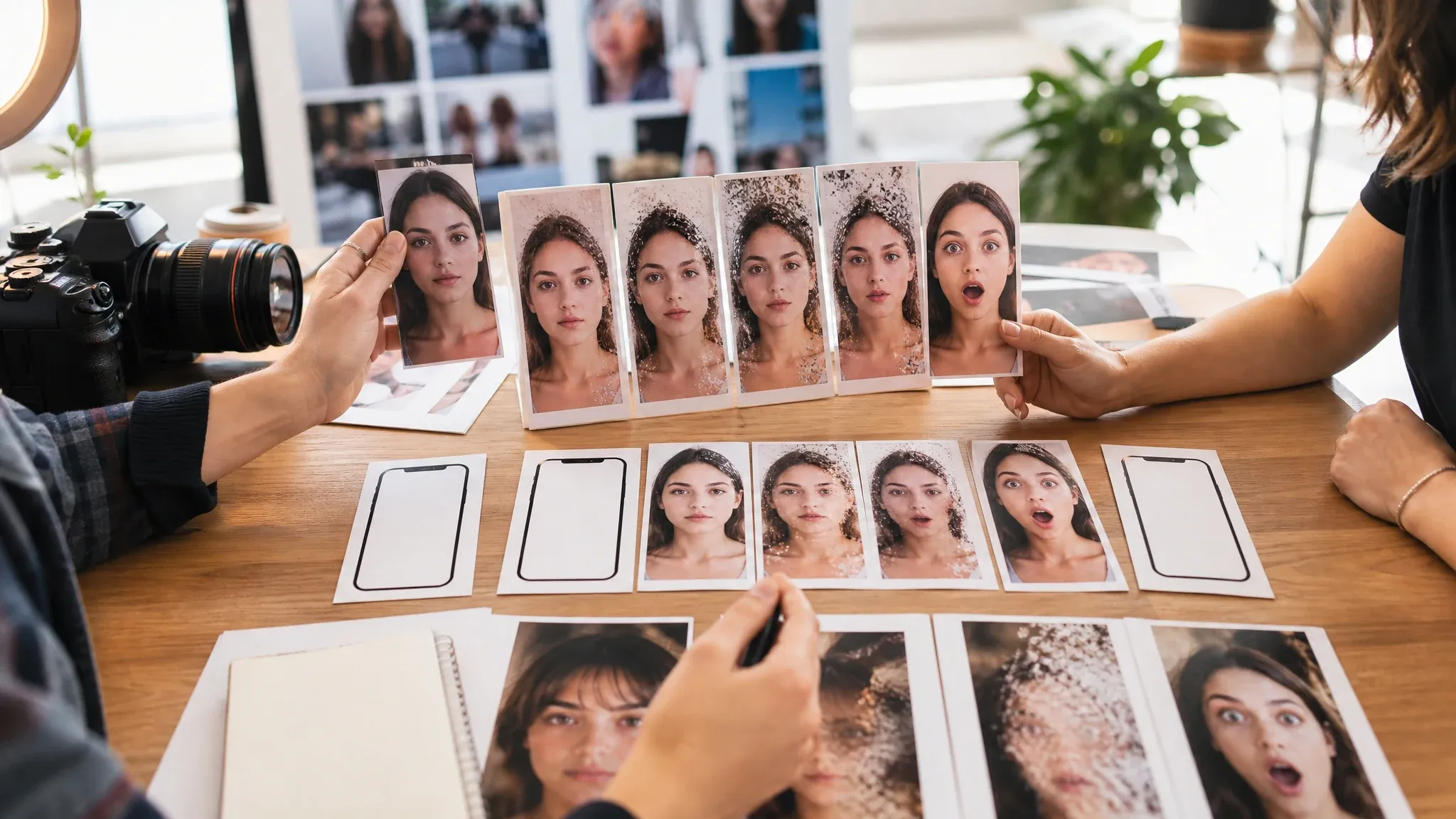
Plan a short visual hook where the face changes over time. Keep exact captions, logos, and platform text for a later editor.
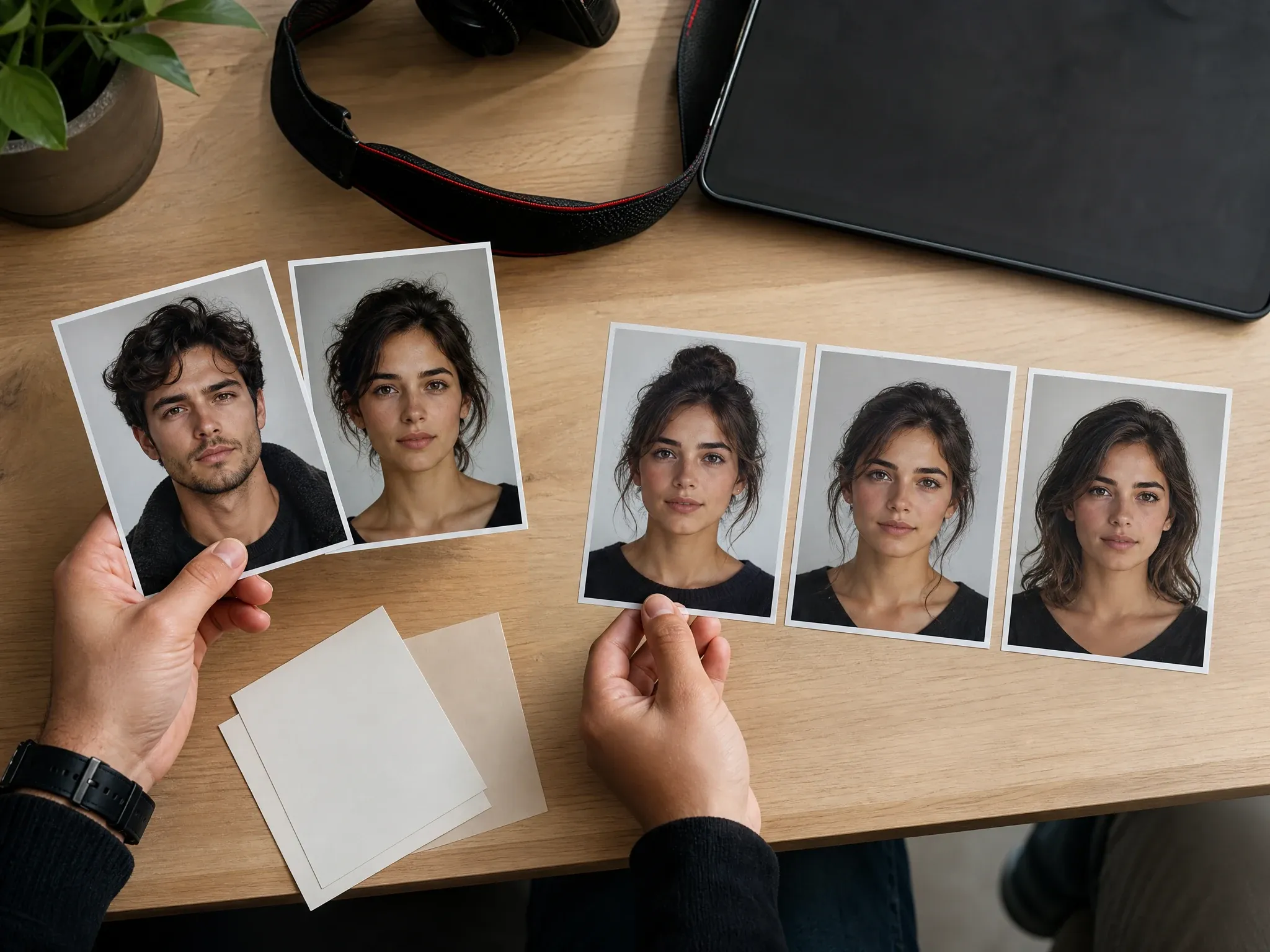
Compare several blended portrait directions before choosing the one that feels right for a profile, campaign mockup, or creative deck.
AI Face Morph uses two portraits to create either a face-to-face transition video or a single blended face still.
Use this when the change between two faces is the creative moment.
Use this when you need one blended portrait for fast visual review.
Both modes depend on clear, visible face photos with similar framing.
The page puts the real workspace first, then explains how to choose the mode, improve inputs, and continue the creative chain.
You do not have to guess whether the page makes a video or a still. Pick morph for transition, mixer for one blended portrait.
The result is useful before final editing, when the team only needs to see whether the identity direction has promise.
Start the first creative pass without turning a quick concept check into a heavy setup flow.
A keeper can move into Talking Photo, AI Video Generator, Image Editor, Image to Image, or Video Enhancer based on what it needs next.
Small input choices matter. Treat the portraits like references for the same review board, not random screenshots.
Try AI Face MorphTwo front-facing portraits with similar head size usually blend better than one close-up and one distant shot.
Open eyes, visible jawline, and uncovered face details give the morph more structure to work with.
If you only need a hybrid portrait, skip the motion test and generate a mixed image directly.
Review eyes, teeth, hairline, edges, and skin texture before sharing or moving into another production step.
Choose the right workflow before you upload. FaceAI is strongest when you need transformation or blending, not a finished one-to-one replacement.
| 对比项 | Face AI我们 FaceAI morph and mixer workflow | Other approaches |
|---|---|---|
| Output choice | Create a transition video or one blended face image from the same two-photo workspace. | Many tools focus on one still image or a direct replacement flow. |
| Best use | Concept review, avatar exploration, creative transitions, and identity blend tests. | Manual editing is better for final retouching, exact brand layout, and pixel-level cleanup. |
| Mode logic | Morph mode is motion. Mixer mode is one hybrid portrait still. | Generic pages often use morph, mix, merge, and swap as if they mean the same thing. |
| Input control | Two clear portraits shape the result. Similar lighting and crop make a visible difference. | Poor inputs still weaken any automated tool, even when the page promises simple blending. |
| Review speed | Use the first result to decide whether the face direction deserves more editing. | Design tools give more control, but they take longer before the first idea is visible. |
| Rights boundary | You are responsible for the people, portraits, and creative materials you upload or publish. | Broad commercial wording still depends on the actual source material and permissions. |
| Known limit | Side angles, blocked facial features, heavy shadows, and mismatched crops can make the blend less stable. | Manual cleanup can fix more detail, but it requires skill and time. |
Create a transition video or one blended face image from the same two-photo workspace.
Many tools focus on one still image or a direct replacement flow.
Concept review, avatar exploration, creative transitions, and identity blend tests.
Manual editing is better for final retouching, exact brand layout, and pixel-level cleanup.
Morph mode is motion. Mixer mode is one hybrid portrait still.
Generic pages often use morph, mix, merge, and swap as if they mean the same thing.
Two clear portraits shape the result. Similar lighting and crop make a visible difference.
Poor inputs still weaken any automated tool, even when the page promises simple blending.
Use the first result to decide whether the face direction deserves more editing.
Design tools give more control, but they take longer before the first idea is visible.
You are responsible for the people, portraits, and creative materials you upload or publish.
Broad commercial wording still depends on the actual source material and permissions.
Side angles, blocked facial features, heavy shadows, and mismatched crops can make the blend less stable.
Manual cleanup can fix more detail, but it requires skill and time.
These comments focus on the real loop: upload two portraits, choose the output, inspect the result, and decide what deserves the next pass.
"Mixer mode helps when one face direction is close, but not solved. We can test the blend before the team argues over tiny details."

Daniela Flores
Brand Marketing Lead
"We use the still mixer more than people expect. One blended portrait is easier to review when the character direction is still open."

Valentina Garcia
Content Strategy Manager
"The useful part is having both outcomes in one workspace. Sometimes the transition matters. Sometimes the hybrid still is enough."

James Whitfield
Creative Director
"It works better when both portraits are framed like they belong together. That one input detail changes the whole result."

Lars Andersson
Art Director
"We tested it on rough casting concepts. Front-facing images with clean light gave the team something they could actually judge."

Erik Lindqvist
Executive Creative Director
"Mixer mode is the faster review path when we only need one new portrait direction."

Oliver Bennett
Brand Strategy Lead
"Mixer mode helps when one face direction is close, but not solved. We can test the blend before the team argues over tiny details."
Daniela Flores
Brand Marketing Lead
"We use the still mixer more than people expect. One blended portrait is easier to review when the character direction is still open."
Valentina Garcia
Content Strategy Manager
"The useful part is having both outcomes in one workspace. Sometimes the transition matters. Sometimes the hybrid still is enough."
James Whitfield
Creative Director
"It works better when both portraits are framed like they belong together. That one input detail changes the whole result."
Lars Andersson
Art Director
"We tested it on rough casting concepts. Front-facing images with clean light gave the team something they could actually judge."
Erik Lindqvist
Executive Creative Director
"Mixer mode is the faster review path when we only need one new portrait direction."
Oliver Bennett
Brand Strategy Lead
"I do not treat this like a prank filter. We use it early, when two reference faces each have half of what the concept needs."

Luca Moretti
VP of Creative Services
"Mixer mode helps when one face direction is close, but not solved. We can test the blend before the team argues over tiny details."
Daniela Flores
Brand Marketing Lead
"We use the still mixer more than people expect. One blended portrait is easier to review when the character direction is still open."
Valentina Garcia
Content Strategy Manager
"The useful part is having both outcomes in one workspace. Sometimes the transition matters. Sometimes the hybrid still is enough."
James Whitfield
Creative Director
"It works better when both portraits are framed like they belong together. That one input detail changes the whole result."
Lars Andersson
Art Director
"We tested it on rough casting concepts. Front-facing images with clean light gave the team something they could actually judge."
Erik Lindqvist
Executive Creative Director
"Mixer mode is the faster review path when we only need one new portrait direction."
Oliver Bennett
Brand Strategy Lead
"I do not treat this like a prank filter. We use it early, when two reference faces each have half of what the concept needs."
Luca Moretti
VP of Creative Services
"Clear portraits in. Cleaner morph out. The limitation is simple enough for the team to understand."

Thomas Berg
Director of Innovation
"The page makes the two modes easy to separate. A transition video and one blended portrait are different creative jobs."

Ahmed Al-Rashid
Chief Brand Officer
"Useful for concept boards, not final asset replacement. That is exactly why we like it."

Omar Khalil
Brand Strategy Director
"Most face morph tools drift into novelty. This became useful once we used it as an identity blend test before moving into production."

Devon Park
Interactive Creative Director
"We use it when a brand mascot face is close, but still missing the right expression or structure."

Kendra Clark
Founder & Creative Director
"My team used to stitch reference faces together in moodboards and argue from there. This is faster because the blend is visible in seconds, and morph mode also tells us whether the transition has any creative value. The next review round gets sharper."

Leo Fitzgerald
Associate Creative Director
"The output improves a lot when the two portraits share similar angle and crop. We ran one test with mismatched lighting and it looked off, then reran with cleaner sources and got a face mix the team actually kept in the deck. That kind of practical limit is useful early."

Zeke Williams
Senior Art Director
"Clear portraits in. Cleaner morph out. The limitation is simple enough for the team to understand."
Thomas Berg
Director of Innovation
"The page makes the two modes easy to separate. A transition video and one blended portrait are different creative jobs."
Ahmed Al-Rashid
Chief Brand Officer
"Useful for concept boards, not final asset replacement. That is exactly why we like it."
Omar Khalil
Brand Strategy Director
"Most face morph tools drift into novelty. This became useful once we used it as an identity blend test before moving into production."
Devon Park
Interactive Creative Director
"We use it when a brand mascot face is close, but still missing the right expression or structure."
Kendra Clark
Founder & Creative Director
"My team used to stitch reference faces together in moodboards and argue from there. This is faster because the blend is visible in seconds, and morph mode also tells us whether the transition has any creative value. The next review round gets sharper."
Leo Fitzgerald
Associate Creative Director
"The output improves a lot when the two portraits share similar angle and crop. We ran one test with mismatched lighting and it looked off, then reran with cleaner sources and got a face mix the team actually kept in the deck. That kind of practical limit is useful early."
Zeke Williams
Senior Art Director
Choose the next FaceAI tool based on what the morph video or mixed portrait needs next: voice, motion, cleanup, restyle, or video-quality polish.
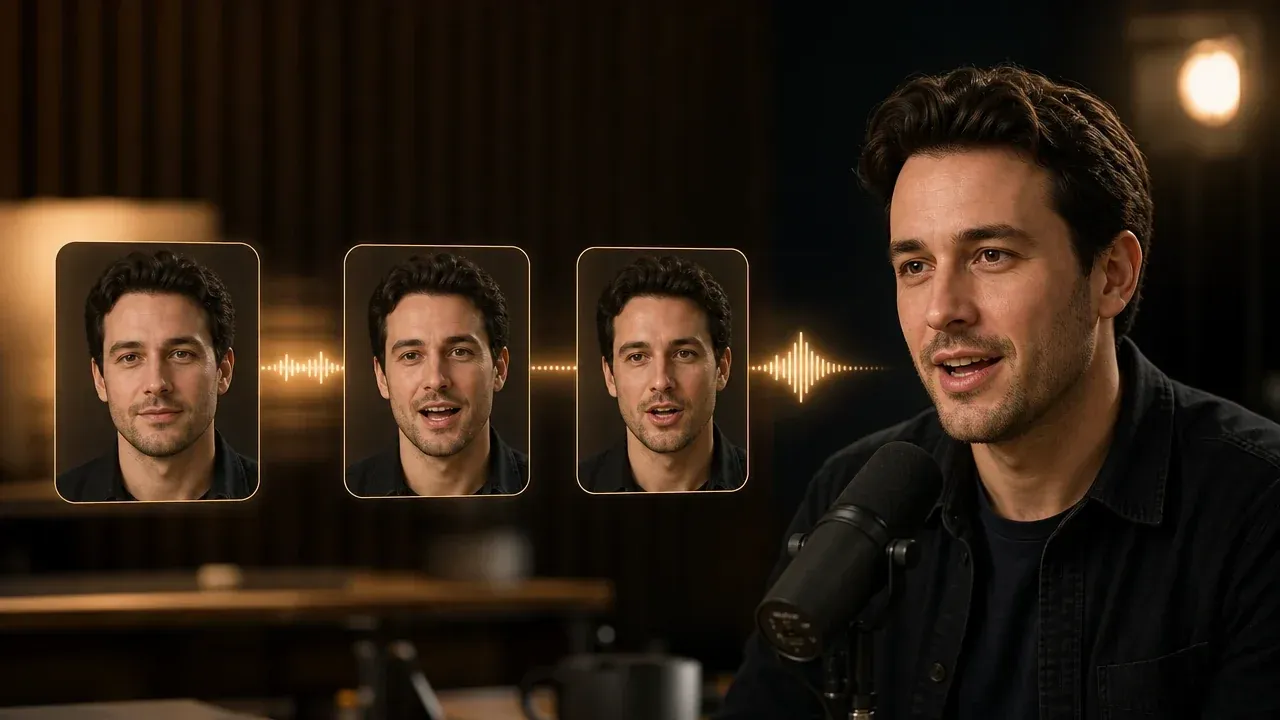
Use it after a mixed portrait is approved and needs a short speaking clip instead of another still image.
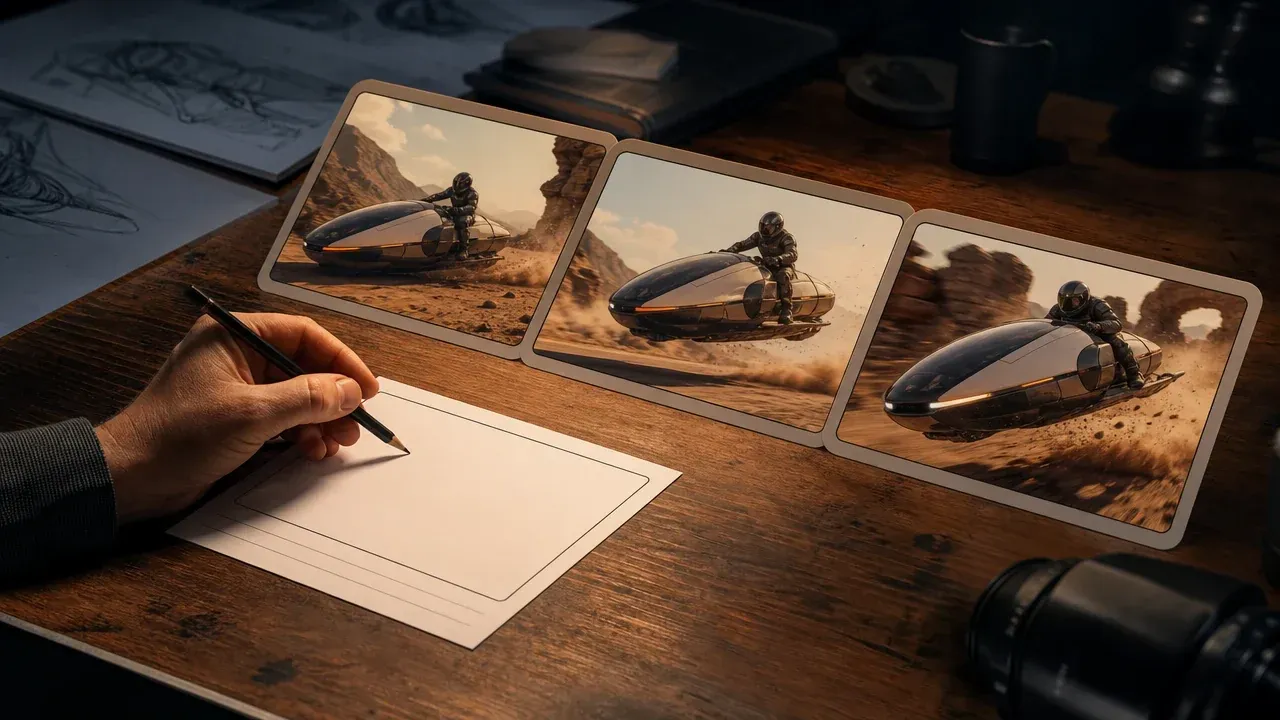
Use it when the face concept is part of a broader motion scene, product shot, or storyboard test.

Use it to clean a portrait, remove a distraction, or adjust the scene before running another face mix.
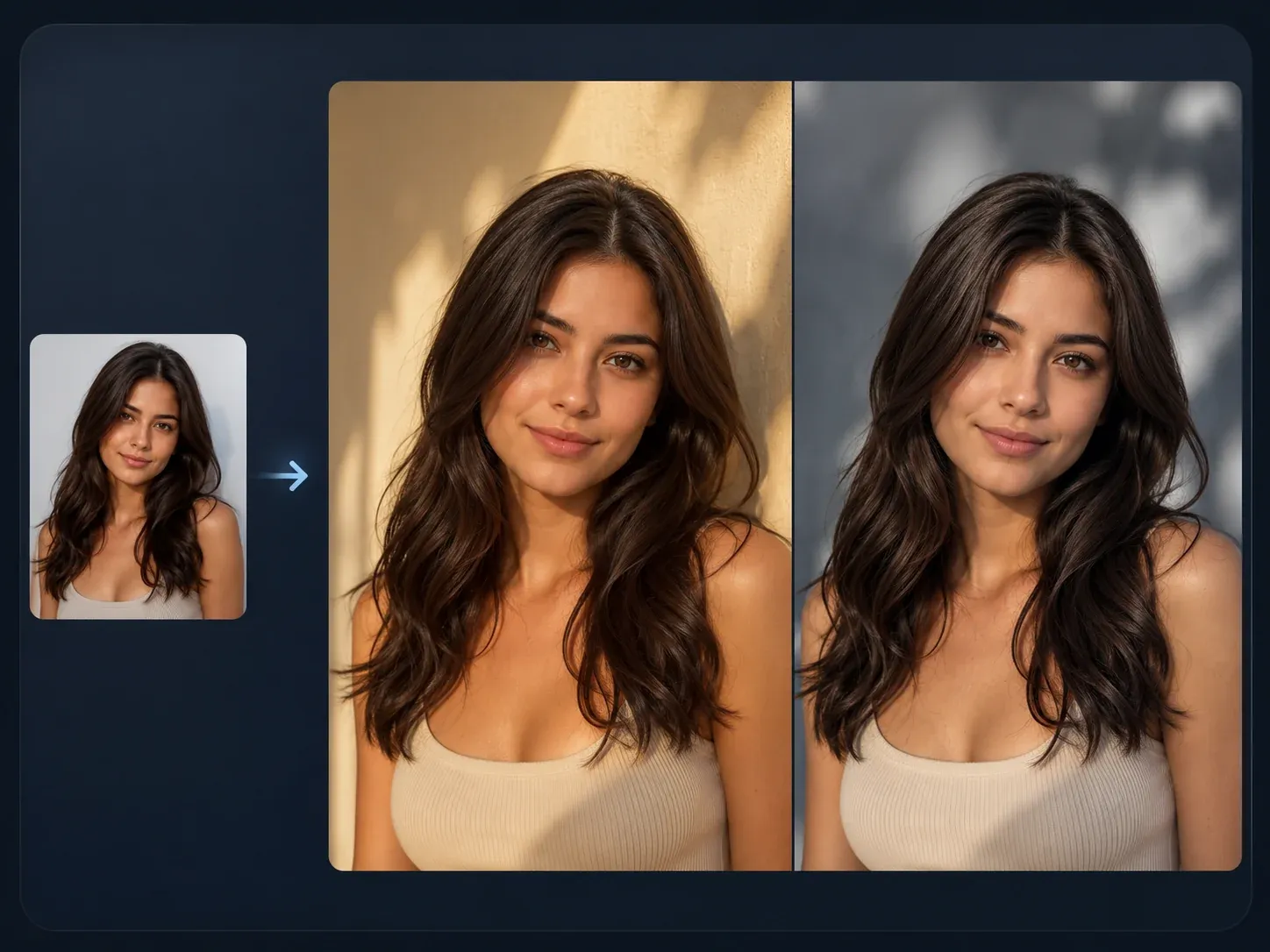
Use it when the blended portrait is close but needs a controlled restyle, background shift, or art-direction pass.
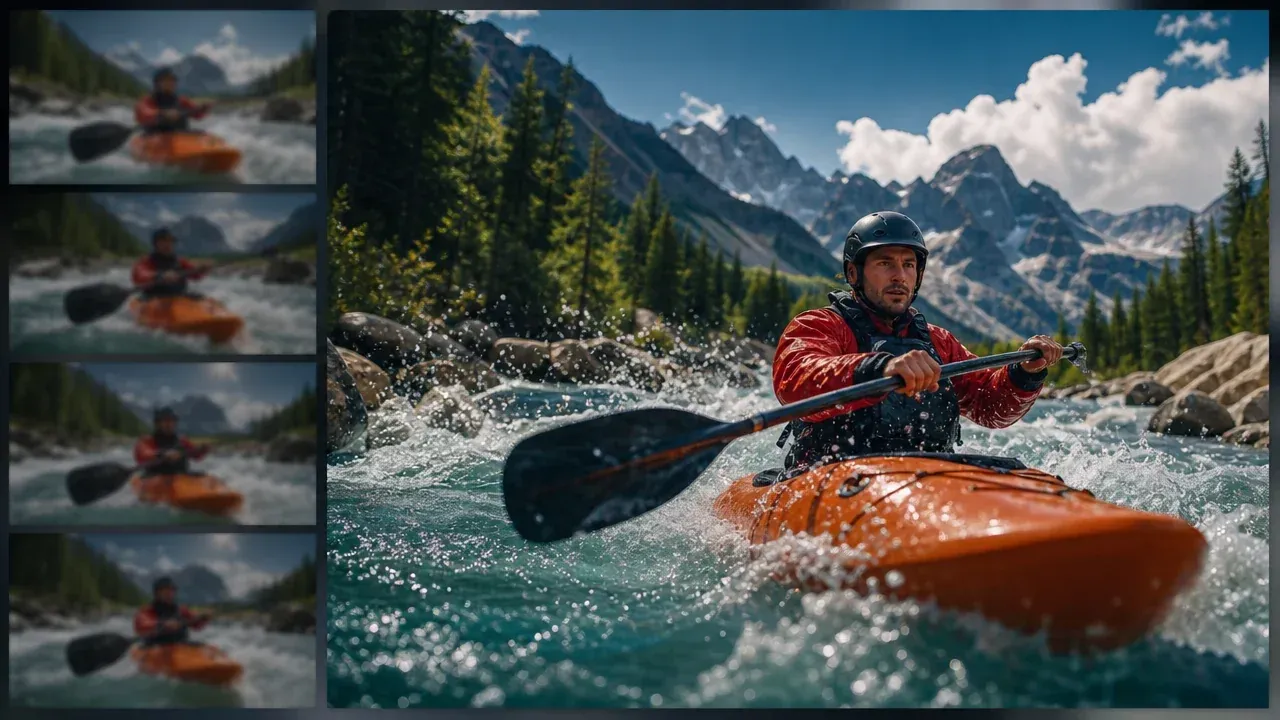
Use it after a morph video has the right movement but needs a cleaner video-quality pass before review.
Direct answers about morph mode, mixer mode, source photos, rights, privacy, and the best next step after generation.
AI Face Morph uses two portraits to create a transformation result. In this workspace, Morph mode creates a transition video and Mixer mode creates one blended face image.
Face Morph is motion: it returns a video that moves from one portrait toward the other. Face Mixer is still-image blending: it returns one hybrid portrait.
It can generate either one. Choose Morph mode for a video. Choose Mixer mode for one blended image.
No. Face swap is usually a direct replacement workflow. Face morph and face mixer are about transformation, blending, and concept exploration from two portrait references.
Use two clear portraits with one visible face in each image. Similar angle, lighting, crop, and head size usually produce a cleaner result.
You can try, but side angles are less predictable. Front-facing portraits with visible eyes, nose, mouth, and jawline are easier to blend.
Common causes are mismatched crop, uneven lighting, covered facial features, low-detail uploads, or two portraits taken from very different angles.
Choose morph video when the transition is part of the idea. Choose mixed image when you only need one new portrait concept.
Yes. The page is built for a no-login first run so you can test a concept quickly before deciding what to do next.
You are responsible for rights to the portraits and any related material you upload or publish. Use only people and images you are allowed to use.
Use the same care you would with any online creative tool. Avoid uploading private, sensitive, or unauthorized portraits, and review the result before sharing.
If the portrait direction works, send it to AI Image Editor for cleanup, AI Image to Image for a controlled restyle, or Talking Photo if it needs to speak.
If the movement works, continue with AI Video Enhancer for a cleaner pass or AI Video Generator when the face concept needs a broader scene.
Do not rely on face morph generation for exact typography or brand marks. Add precise text, captions, and logos later in an editor.
Upload two portraits, choose morph video or mixed image, and make the first face concept real enough to judge.